Creating Company Logo


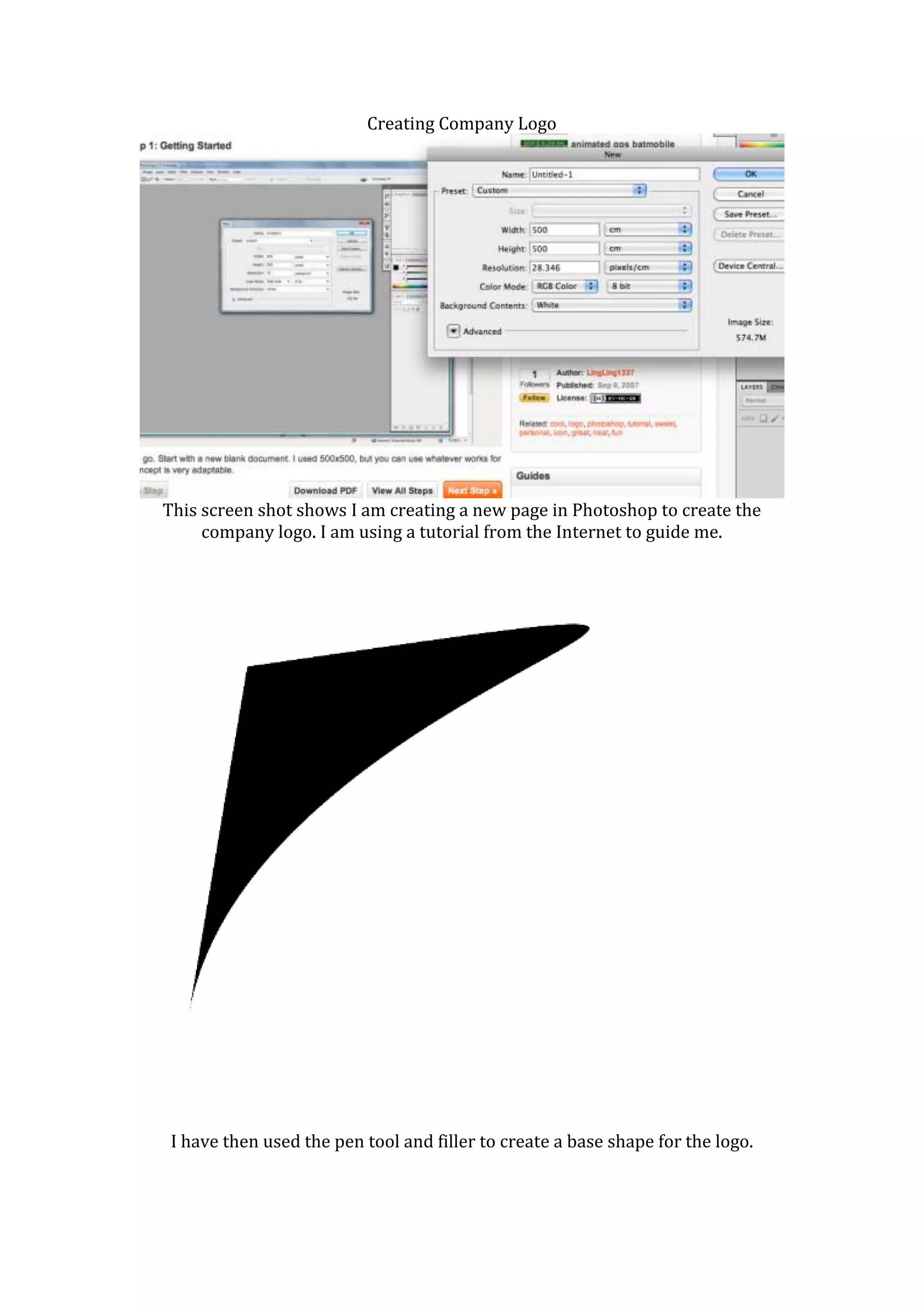
This screen shot shows I am creating a new page in Photoshop to create the
     company logo. I am using a tutorial from the Internet to guide me.


 I have then used the pen tool and filler to create a base shape for the logo.
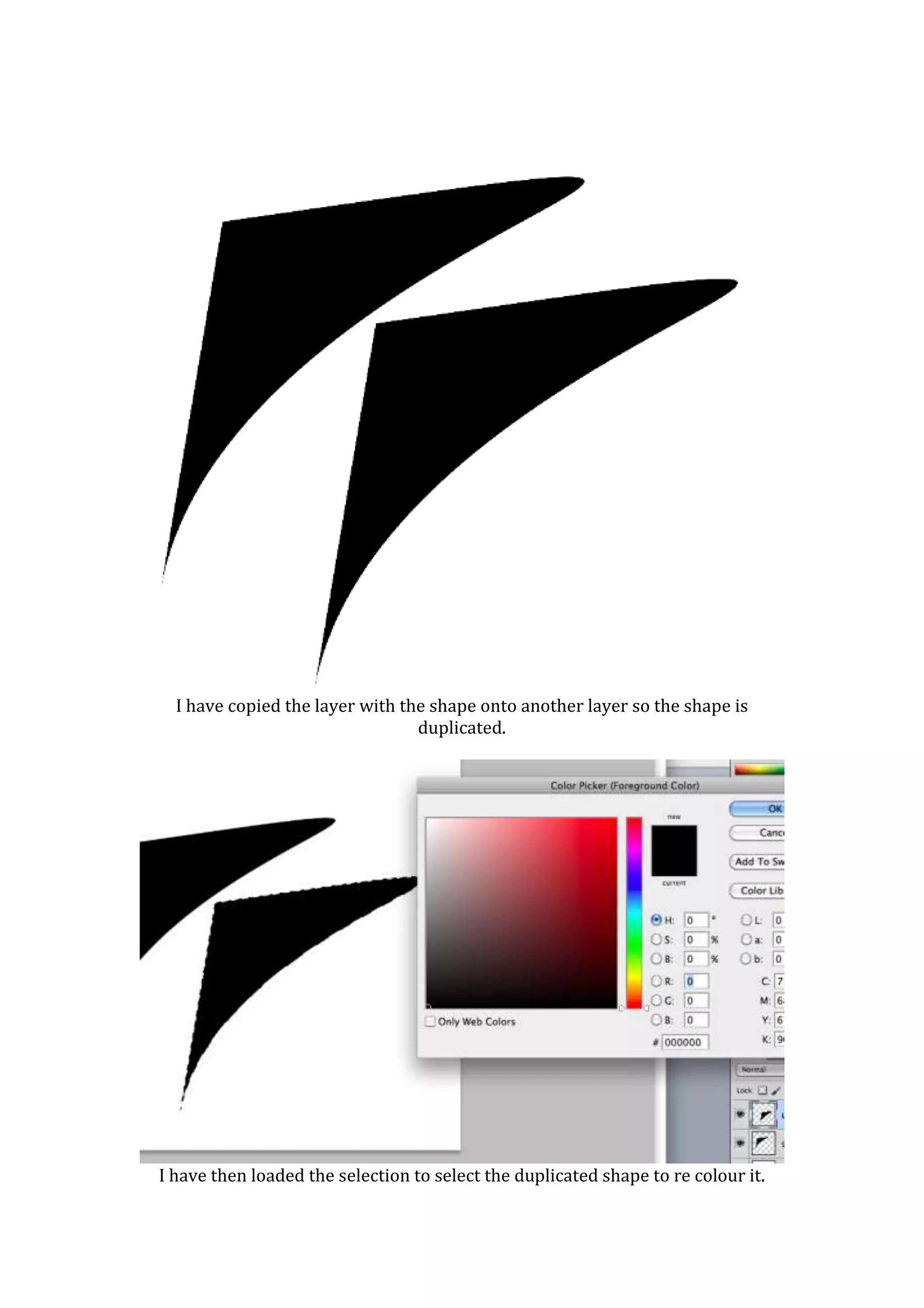
I have copied the layer with the shape onto another layer so the shape is
                                 duplicated.


I have then loaded the selection to select the duplicated shape to re colour it.
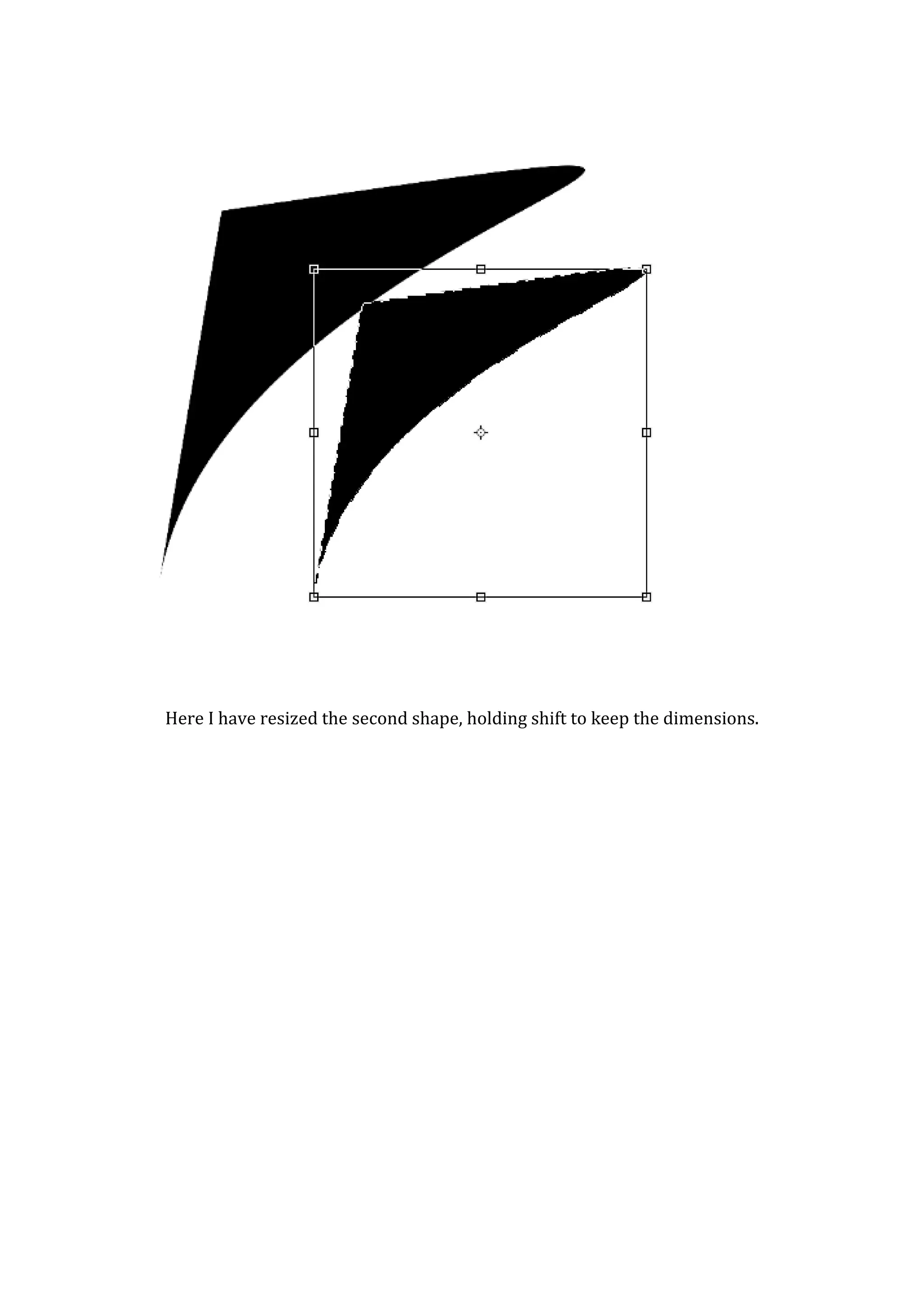
Here I have resized the second shape, holding shift to keep the dimensions.
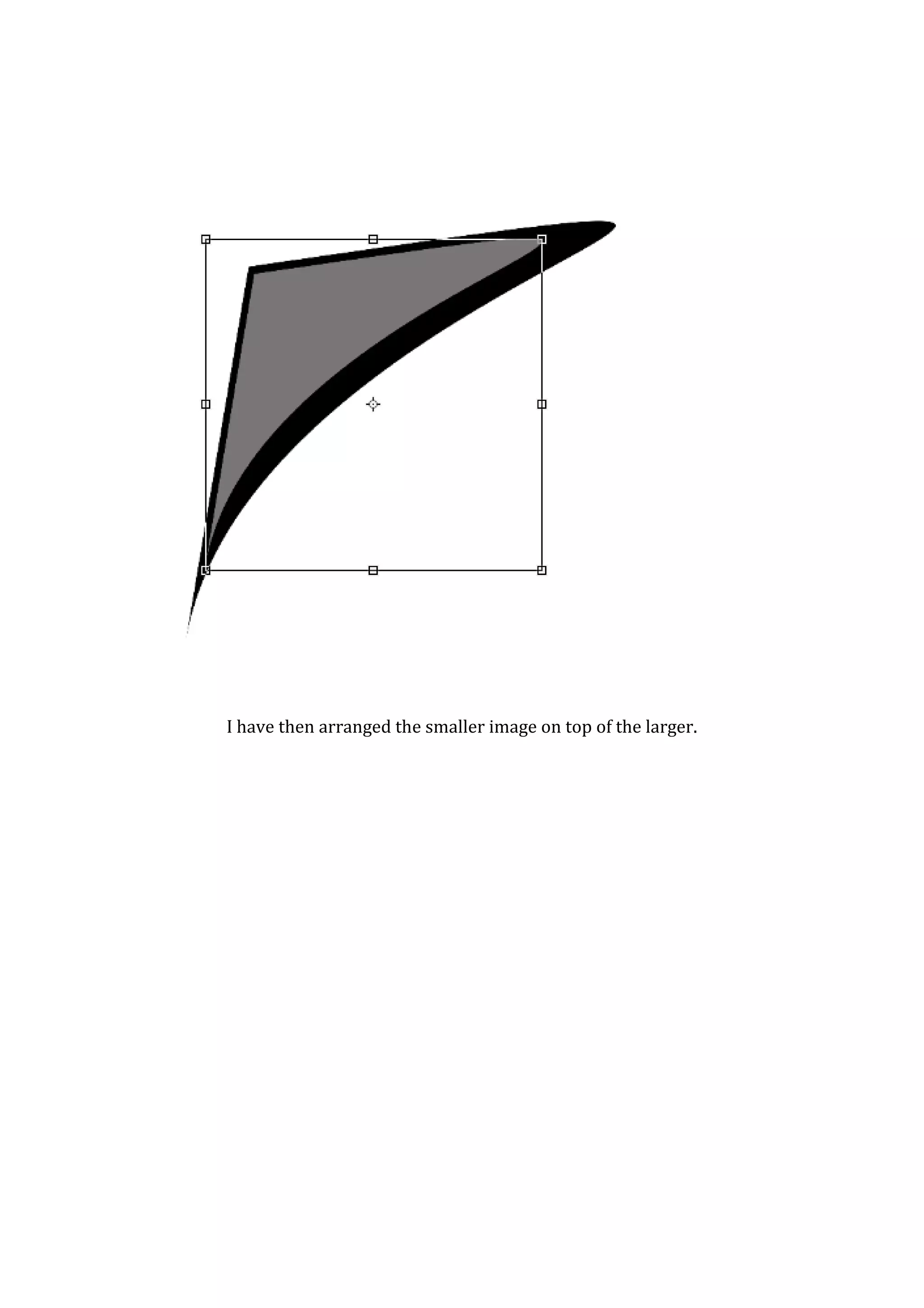
I have then arranged the smaller image on top of the larger.
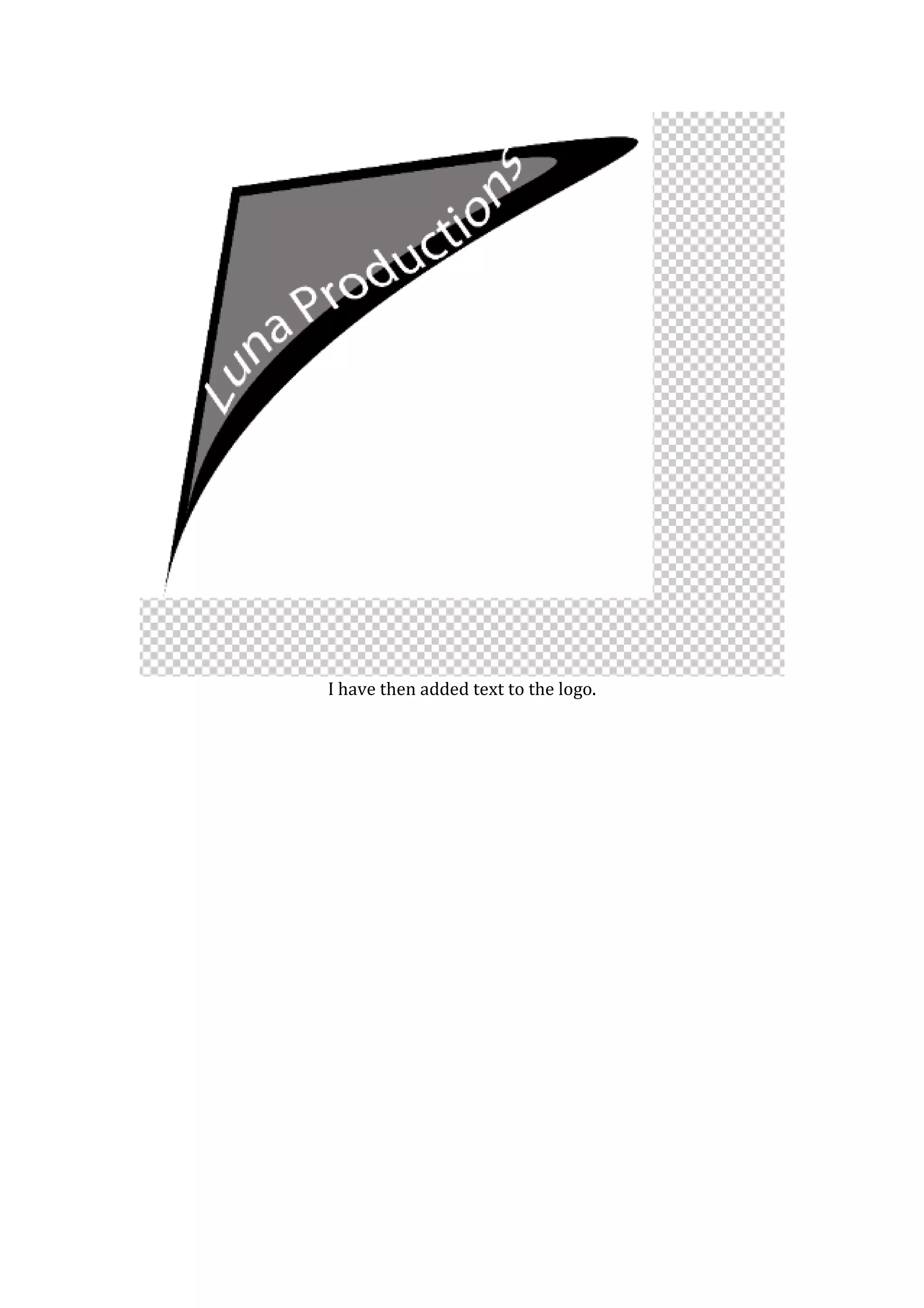
I have then added text to the logo.
I
have then added a lens flare to give the “lunar” production something
                    appropriate to represent it.
I have then added a lens flare to fit in with the “lunar” theme.

Creating Company Logo

  • 1.
    Creating Company Logo Thisscreen shot shows I am creating a new page in Photoshop to create the company logo. I am using a tutorial from the Internet to guide me. I have then used the pen tool and filler to create a base shape for the logo.
  • 2.
    I have copiedthe layer with the shape onto another layer so the shape is duplicated. I have then loaded the selection to select the duplicated shape to re colour it.
  • 3.
    Here I haveresized the second shape, holding shift to keep the dimensions.
  • 4.
    I have thenarranged the smaller image on top of the larger.
  • 5.
    I have thenadded text to the logo.
  • 6.
    I have then addeda lens flare to give the “lunar” production something appropriate to represent it.
  • 7.
    I have thenadded a lens flare to fit in with the “lunar” theme.