BY: Prabesh Shrestha
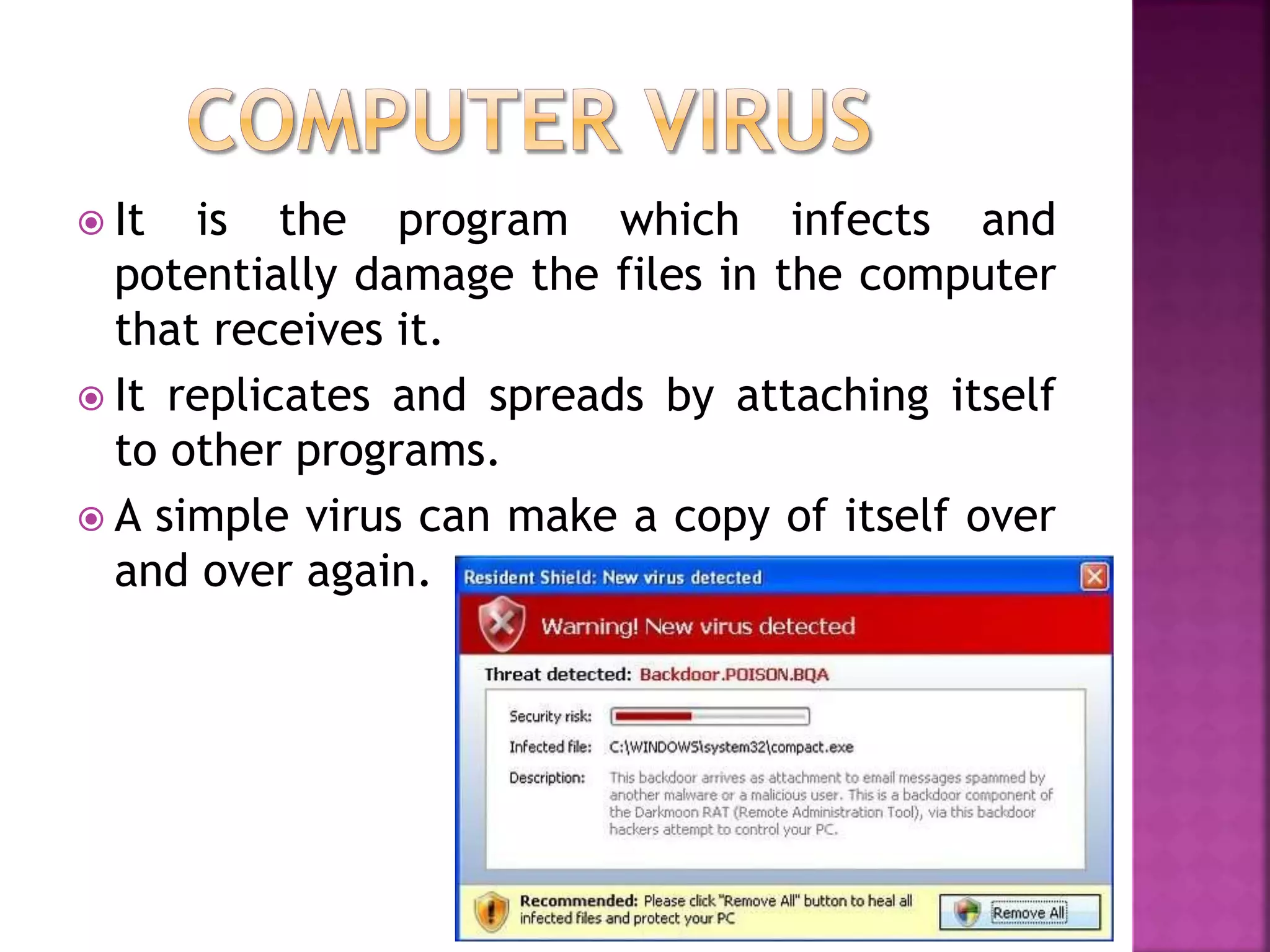
 It is the program which infects and
potentially damage the files in the computer
that receives it.
 It replicates and spreads by attaching itself
to other programs.
 A simple virus can make a copy of itself over
and over again.
 To take control of a computer and use it for
specific tasks
 To steal sensitive information (credit card
numbers, passwords, personal details, data
etc.)
 To prove that it can be done, to prove ones
skill
 For revenge purposes
 To cripple a computer or network
 For fun
 To earn fast money using malware
 From infected email attachments
 Downloading infected program from the
internet
 Using infected pen drives, CD, DVD etc.
 Transferring infected program over the
network and running it.
 Using pirated and illegal programs and
installing it into the computer
 Not having any updated antivirus programs to
control the virus infection
 Applications take longer time to load or may not
work at all
 Getting unusual error messages like Write Protect
Error
 Computer gets slow, freezes and crash some times.
 Important files or folders get changed or deleted
for no reason
 File size changes
 An increase in the number of files on the system
when nothing has been added
 Reformatting the hard disk
 Strange movements or patterns are seen on the
computer screen
 Use software from original CD or DVD.
 Do not use any pirated software as they may
contain virus.
 Use updated antivirus program.
 Always scan the downloaded files before
using them.
 Scan e-mail attachments before executing
them
 Do not use the removable disk such as pen
drives, floppy before scanning for virus
 Do not open any unknown and suspicious
websites or links.
1) Boot Sector Virus
 It infects the first sector i.e. boot sector of the
hard disk or floppy disk.
 It can also infect MBR (Master Boot Record)
 It changes the instructions stored in the boot
sector
 It prevents the computer to turn on
 It works when we turn on or restart the
computer
 Eg: Disk Killer, Michelangelo, Stoned, Bouncing
Ball
2) File Infecting Virus
 It infects the executable files having .exe,
.com, .drv, .sys, .ovl, .dll as extension name.
 It changes the contents of executable files.
 It replicates itself and infects files on the disk.
 It is spread by removable disks, through
network etc.
 It is easy to be detected because it changes the
size of the file.
 Eg: Friday the 13th, Enigma, Nemesis, Cascade
etc.
 It is a program designed to detect and
remove viruses from the computer system.
 It scans hard disk, removable disks, CD, DVD
etc.
 It needs to be updated regularly or from time
to time to ensure the smooth running of the
computer system.
 Eg: Norton antivirus, AVG, Kaspersky, Avast,
Avira, NOD32, Panda etc.
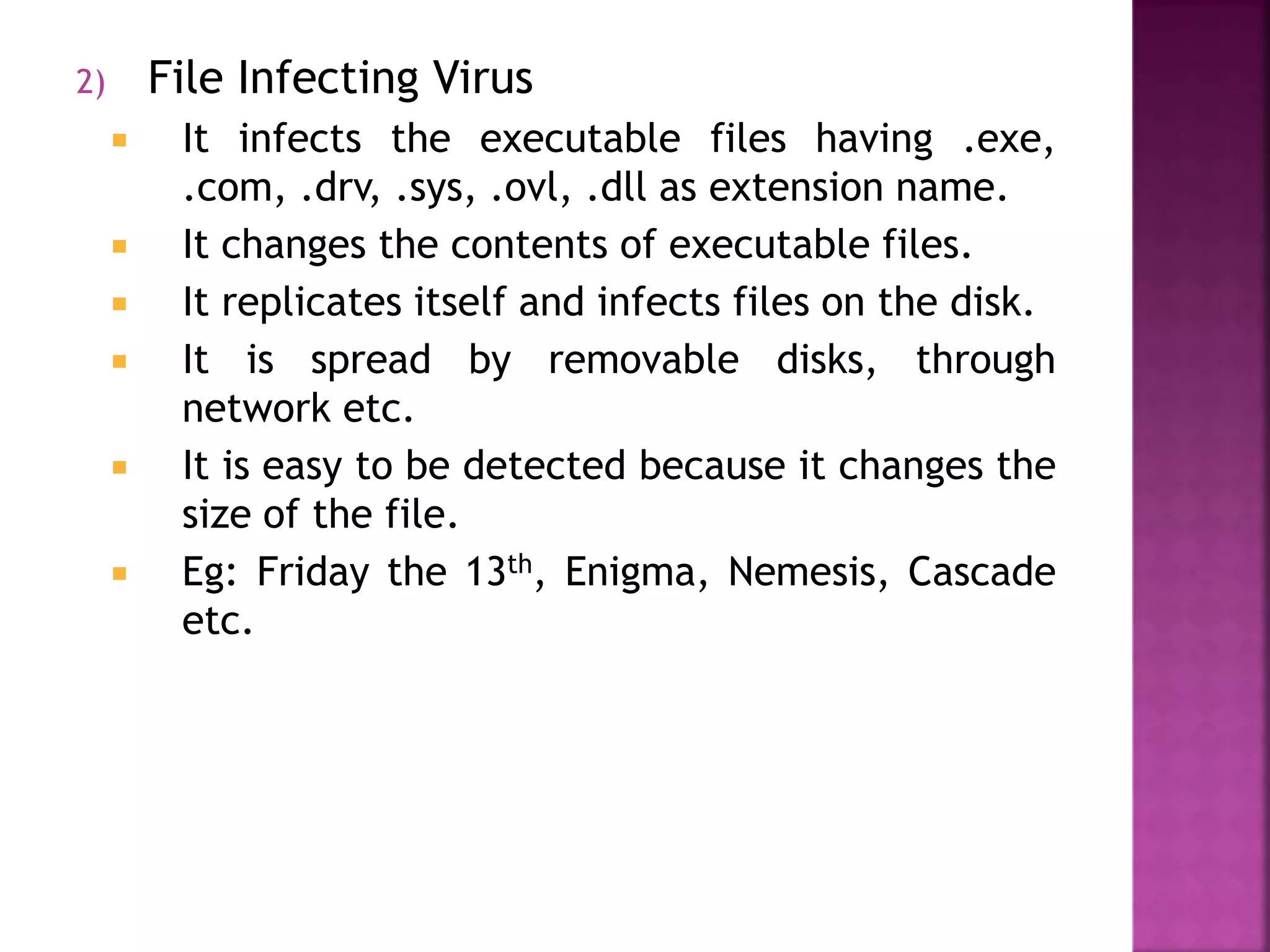
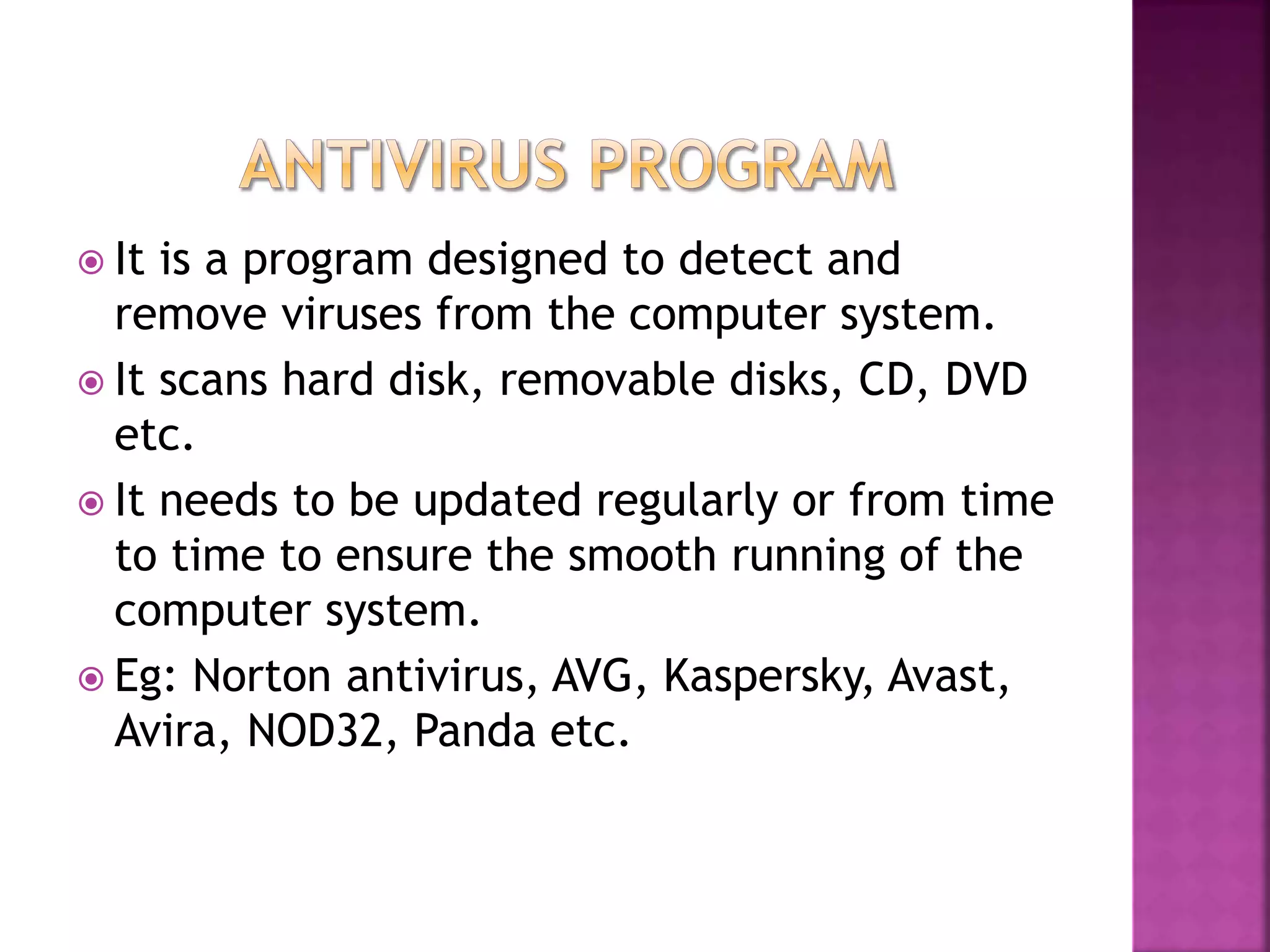
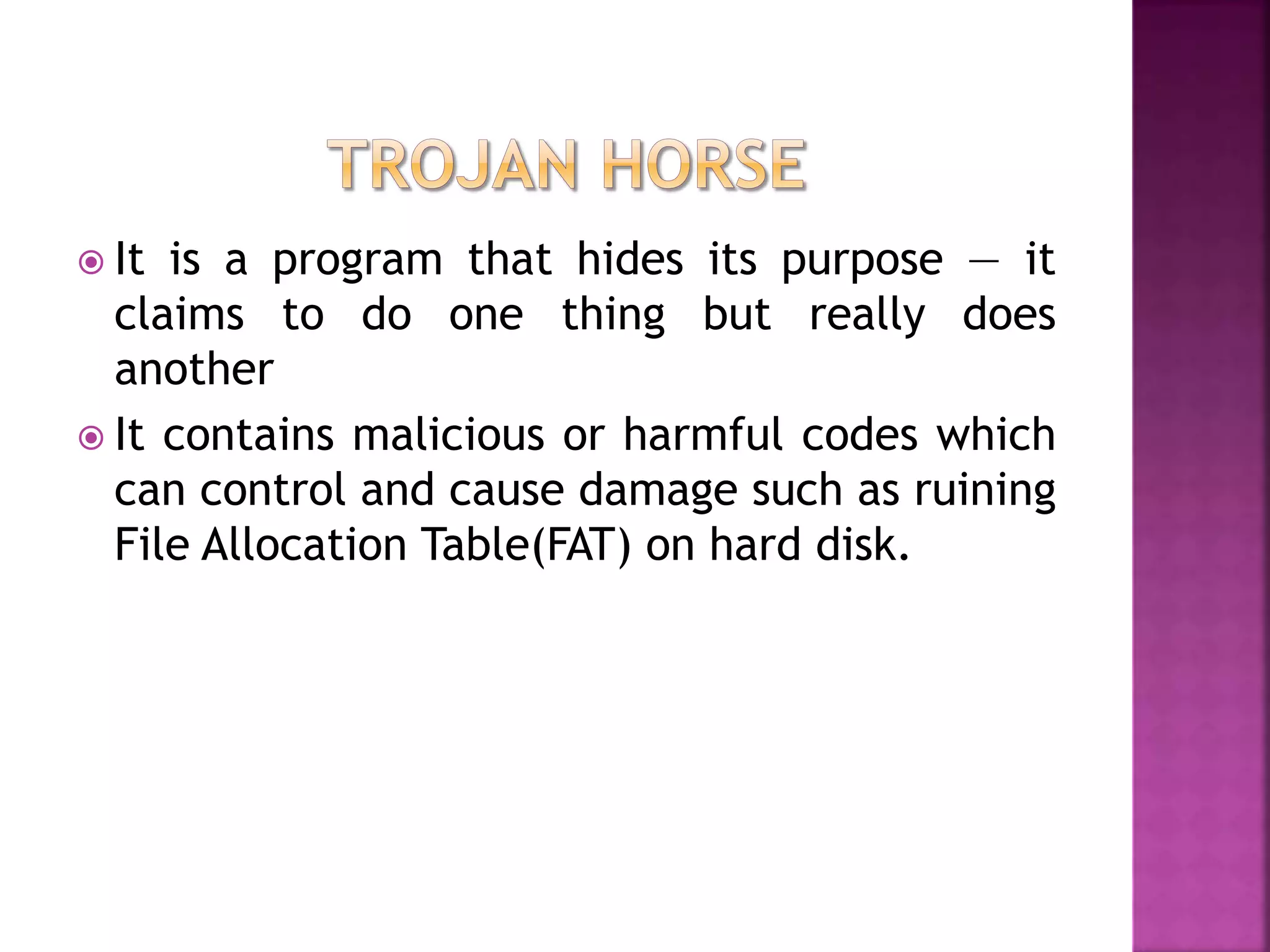
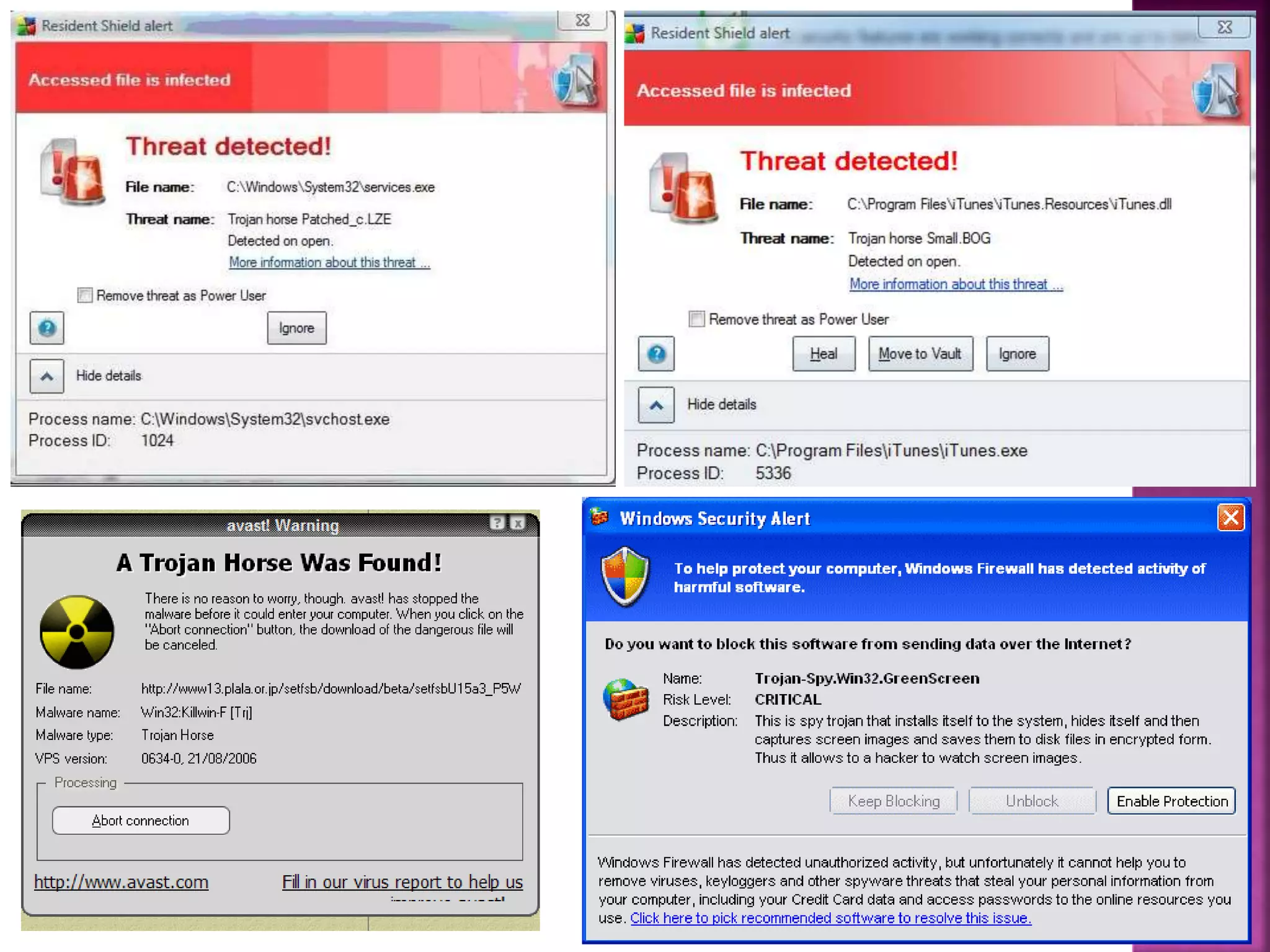
 It is a program that hides its purpose — it
claims to do one thing but really does
another
 It contains malicious or harmful codes which
can control and cause damage such as ruining
File Allocation Table(FAT) on hard disk.
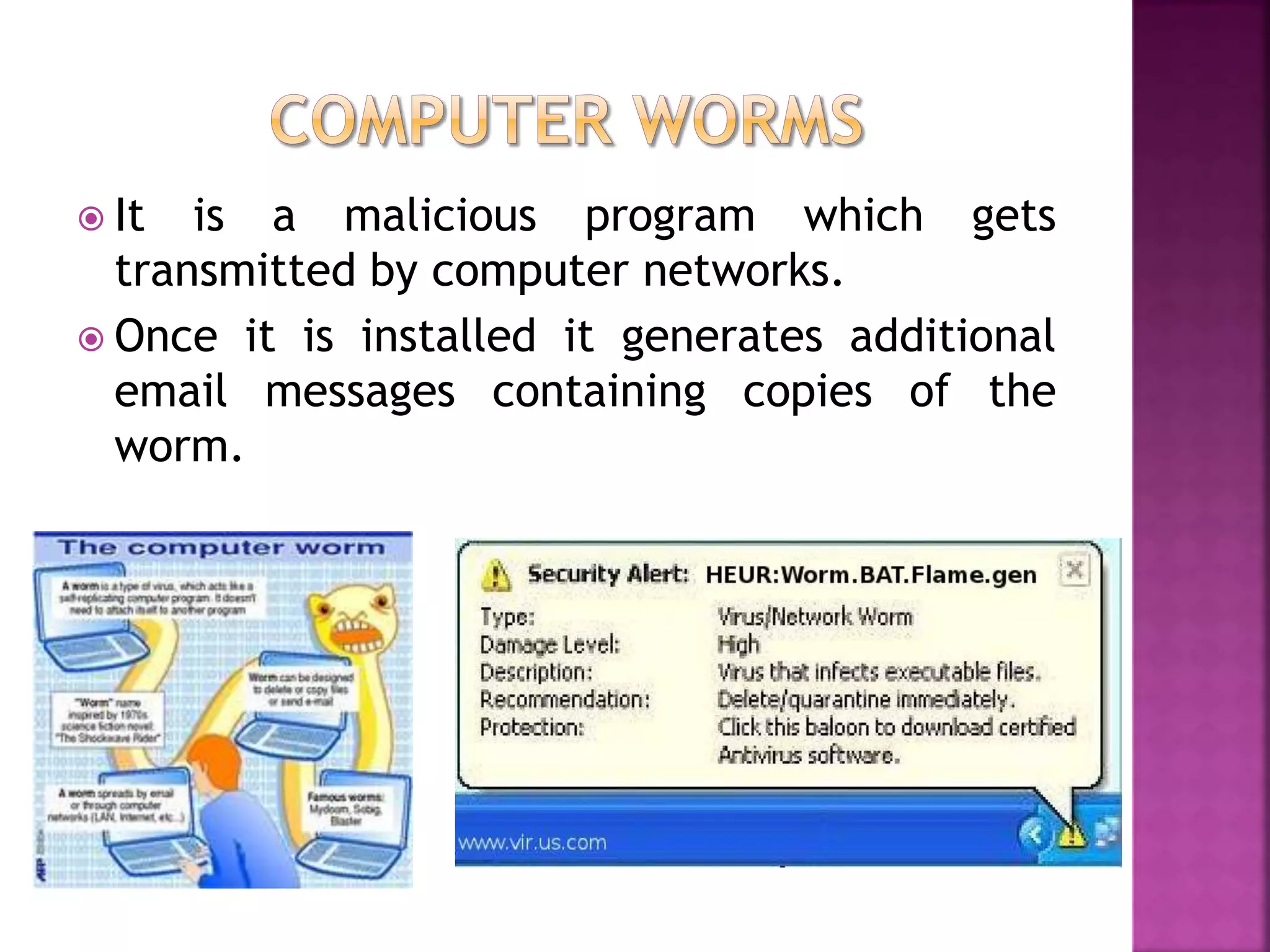
 It is a malicious program which gets
transmitted by computer networks.
 Once it is installed it generates additional
email messages containing copies of the
worm.

Computer viruses

  • 1.
  • 3.
     It isthe program which infects and potentially damage the files in the computer that receives it.  It replicates and spreads by attaching itself to other programs.  A simple virus can make a copy of itself over and over again.
  • 4.
     To takecontrol of a computer and use it for specific tasks  To steal sensitive information (credit card numbers, passwords, personal details, data etc.)  To prove that it can be done, to prove ones skill  For revenge purposes  To cripple a computer or network  For fun  To earn fast money using malware
  • 5.
     From infectedemail attachments  Downloading infected program from the internet  Using infected pen drives, CD, DVD etc.  Transferring infected program over the network and running it.  Using pirated and illegal programs and installing it into the computer  Not having any updated antivirus programs to control the virus infection
  • 6.
     Applications takelonger time to load or may not work at all  Getting unusual error messages like Write Protect Error  Computer gets slow, freezes and crash some times.  Important files or folders get changed or deleted for no reason  File size changes  An increase in the number of files on the system when nothing has been added  Reformatting the hard disk  Strange movements or patterns are seen on the computer screen
  • 7.
     Use softwarefrom original CD or DVD.  Do not use any pirated software as they may contain virus.  Use updated antivirus program.  Always scan the downloaded files before using them.  Scan e-mail attachments before executing them  Do not use the removable disk such as pen drives, floppy before scanning for virus  Do not open any unknown and suspicious websites or links.
  • 8.
    1) Boot SectorVirus  It infects the first sector i.e. boot sector of the hard disk or floppy disk.  It can also infect MBR (Master Boot Record)  It changes the instructions stored in the boot sector  It prevents the computer to turn on  It works when we turn on or restart the computer  Eg: Disk Killer, Michelangelo, Stoned, Bouncing Ball
  • 9.
    2) File InfectingVirus  It infects the executable files having .exe, .com, .drv, .sys, .ovl, .dll as extension name.  It changes the contents of executable files.  It replicates itself and infects files on the disk.  It is spread by removable disks, through network etc.  It is easy to be detected because it changes the size of the file.  Eg: Friday the 13th, Enigma, Nemesis, Cascade etc.
  • 10.
     It isa program designed to detect and remove viruses from the computer system.  It scans hard disk, removable disks, CD, DVD etc.  It needs to be updated regularly or from time to time to ensure the smooth running of the computer system.  Eg: Norton antivirus, AVG, Kaspersky, Avast, Avira, NOD32, Panda etc.
  • 11.
     It isa program that hides its purpose — it claims to do one thing but really does another  It contains malicious or harmful codes which can control and cause damage such as ruining File Allocation Table(FAT) on hard disk.
  • 13.
     It isa malicious program which gets transmitted by computer networks.  Once it is installed it generates additional email messages containing copies of the worm.