Computer viruses and related threats were presented. Malware is defined as software designed to harm computers without the owner's consent. Common malware types were discussed including viruses, trojans, spyware, and worms. Viruses can replicate and spread, infecting files and corrupting data. Antivirus software uses signature detection, behavior monitoring, and heuristic analysis to identify and remove viruses and prevent infection. Regular antivirus updates and safe computing practices were recommended to protect against evolving malware threats.
Overview of computer viruses and malware presented by Dharmesh Kumar Sharma.
Definition and types of malware including viruses, trojans, spyware, and worms.
Introduction to viruses, their characteristics, symptoms of infection, and how they spread.
Mechanism of virus spread and classification into boot sector, file infector, and macro viruses.
Details on trojans, worms, logical bombs, trapdoors, spyware, and a specific example of Dexter.
Recommendations for antivirus software installation and safe practices to avoid malware.
Definition, function, and importance of antivirus and anti-spyware software.
Methods and strategies used by antivirus software to detect and manage viruses.
Steps to take when a virus is suspected or detected on a computer.
Emphasis on the need for regular antivirus updates for protection against evolving malware.Summary of malware prevalence, importance of antivirus, and references for further reading.
Flow of Presentation
●
Whatis Malware?
●
Types of Malwares
●
Virus Introduction
●
Symptoms
●
How does virus spread?
●
Types of Computer Viruses
●
Prevention and Cure
●
Antivirus Software
●
How antivirus works?
●
Conclusion
●
References
5.
What Is Malware?
●
Malwareis a software designed to harm or secretly
access a computer system without the owner's
informed consent.
●
●
Malware, short for malicious software,also known
as pestware.
●
●
In general term used by computer professionals to
mean a variety of forms of hostile, intrusive, or
annoying software or program code.
VIRUS:
●
Computer viruses area type of
software program that, like a
biological virus, reproduces and
spreads itself.
●
Some virus may display only a
message on the screen, others
may slow down the Pc
●
They can also erase files or even
format your floppy or hard disk and
crash the system
●
●
●
●
10.
VIRUS:
● A computervirus is a small program written to alter the way
a computer operates, without the permission or knowledge
of the user. With an ability to replicate itself, thus
continuing to spread. Also, known as Malicious Software, a
program that can cause damage to a computer.
● The computer viruses can damage or corrupt data, modify
existing data, or degrade the performance of the system by
utilizing resources such as memory or disk space. It may
spread over a network (internet), carried it on a removable
medium such as a Floppy disk, CD/DVD Drive, USB Drive.
11.
Why termed asVirus?
They are called viruses because they share some of the
traits of biological Viruses. A computer virus passed from
computer to computer like a biological virus Passes from
person to person
●
●
• Need a host for residence.
• Capable of self-replicate.
• Cause damage to host.
12.
●
Symptoms:
●
●
The hard diskruns out of space.
●
●
The computer does not boot.
●
●
The computer system becomes slow.
●
●
Display unwanted messages.
●
●
●
13.
How does Virusspread?
● Computer viruses spread by attaching themselves to other computer
program files
●
● When you exchange a file or pen drive with a virus, the virus spreads
from one computer to the another
●
Ø Downloadable Programs
Ø Cracked Software
Ø Email Attachments
Ø Internet
Ø Booting From CD
●
●
●
14.
The virus waitsuntil user transmits the infected
object to another computer
User transmits an infected object to another
computer
The virus locates and infects suitable objects on the
new computer
A typical lifecycle of a computer virusA typical lifecycle of a computer virus
15.
Classification of Computerviruses:
•Boot sector virus
•
•Master Boot Record (MBR) virus
•
•File infector virus
•Macro virus
16.
BOOT SECTOR VIRUS:
•
Bootsector viruses generally hide in the boot sector, either
in the bootable disk or the hard drive.
•
It attaches itself to the primary active partition of the hard
disk that is read by the computer upon boot up.
MASTER BOOT RECORD VIRUS:
●
MBR viruses are memory-resident viruses that infect disks
in the same manner as boot sector viruses. However it,
infects the MBR of the system, gets activated when the
BIOS activates the Master boot code.
●
MBR infectors normally save a legitimate copy of the
master boot record in an different location.
17.
File Infector Virus:
•File Infector viruses infect program files.
• Normally infect executable code, such as .com, .sys, .bat
and .exe files.
• They can infect other files when an infected program is run
from floppy, hard drive, or from the network.
• Many of these viruses are memory resident. After memory
becomes infected, any uninfected executable file that
runs becomes infected.
E.g. Snow.A, Jerusalem, Cascade.
18.
Macro Virus:
• Macroare mini-programs which make it possible to
automate series of operations so that they are
performed as a single action, thereby saving the
user from having to carry them out one by one.
• Macro viruses infect files that are created using
certain applications or programs that contain
macros.
• They are platform-independent since the virus itself
are written in language of the application and not
the operating system.
• They infect documents created from Microsoft Office
Word, Excel, PowerPoint and Access files.
E.g.W97M.Melissa,Bablas,WM.NiceDay,W97M.Groov.
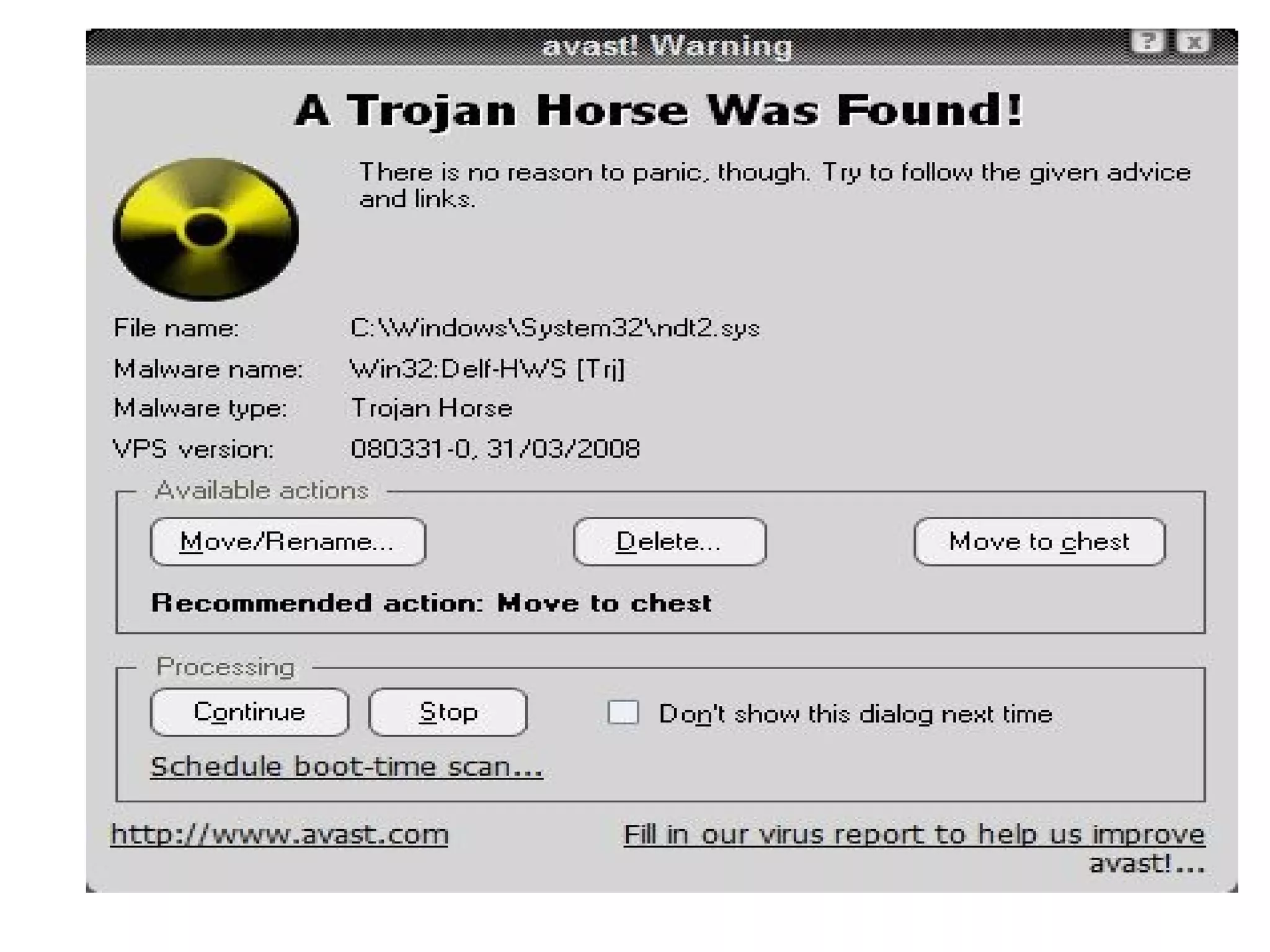
Trojan Horse:
●
●
● Trojanhorses are impostors that claim to be something desirable but,
in fact, are malicious. Trojan horse programs do not replicate
themselves. Trojan horses contain malicious code that when
triggered cause loss, or even theft, of data.
E.g. Trojan.Vundo
● Retrieving user’s critical information. i.e. name, password.
● Erasing or overwriting data on a computer.
● Spying on a user to gather his information like browsing habits, sites
visited etc.
22.
WORMS:
● Worms areprograms that replicate themselves from
system to system without the use of a host file. The
worms are spread through networks like LAN, WAN and
also through Internet. There are various ways by which
a worm spreads, through Internet like E-mails,
Messaging and Chats.
● Worms almost always cause harm to the network, like
consuming network bandwidth.
E.g.W32.Mydoom.AX@mm
23.
Logical Bomb:
●
● Alogical bomb is a destructive program that
performs an activity when a certain action has
occurred.
● Examples of conditions that can be used as
triggers for a logic bomb are the presence or
absence of certain files, a particular day of the
week or date or a particular user running the
application.
● Once triggered, a bomb may alter or delete data
or entire files, cause a machine halt or some
other damage.
24.
Trapdoor:
● A Trapdooror Backdoor is a secret means of
access to a computer program that bypasses
security mechanisms.
● Sometimes these entries are left by system
designers or maintenance staff for
troubleshooting or other purposes.
● Whether installed as an administrative tool or a
means of attack, a trapdoor is a security risk
when unscrupulous programmers use them
to gain unauthorized access.
25.
SPYWARE:
It is atype of malware that can be installed on computers, and
which collects small pieces of information about users without
their knowledge. The presence of spyware is typically hidden
from the user, and can be difficult to detect. Typically, spyware
is secretly installed on the user's personal computer.
ADWARE:
It is any software package which automatically plays, displays,
or downloads advertisements to a computer. It is a type of
malware which steals information. Example Bonzi Buddy, an
application marketed as an "Intelligent Software Agent",
corrupted many of the user's system files, forcing the display of
many obscene advertisements.
26.
Dexter:
● It iscomputer virus or Point of Sale (PoS)
malware which infects computers running
MS-Windows and was discovered by IT
security from Seculert in DEC 2012.
● It infects PoS systems worldwide and steals
sensitive information such as credit card and
debit card information.
27.
Prevention and Cure:
●Install an Antivirus software
● Regularly update the program
● Open email attachment files only if you are expecting the
attached files, or the sender is known and has confirmed
sending the file
● Try to avoid downloading and installing software from the
Internet
● Install only registered copies of software on the system
●
●
●
●
●
We Are TheAngels Of Your Computer System. We Protect Your System Round The
Clock
30.
What is AntivirusSoftware?
●
Computer programs
intended to Identify and
Eliminate Computer
Viruses.
●
●
●
Antivirus program runs in
the Random Accesses
Memory of a computer.
●
●
31.
ANTIVIRUS
An antivirus softwareis a computer program that identify
and remove computer viruses, and other malicious
software like Worms and Trojans from an infected
computer. Not only this, an antivirus software also protects
the computer from further virus attacks.
We should regularly run an antivirus program to scan
and remove any possible virus attacks from a
computer.
32.
Anti-spyware
• They canprovide real time protection against the
installation of spywares on the computer. This type
of spyware protection works the same way as that
of anti-virus protection. It scans and blocks all
incoming network threats as it comes across.
•
• It can be used solely for detection and removal of
spyware that has already been installed into the
computer. Anti-spyware scans the contents of the
windows registry, operating system files, and
installed programs on the computer and will
provide a list of any threats found.
33.
How An AntivirusWorks...
Using dictionary Approach:
•The antivirus software examines each and every file in a
computer and examines its content with the virus
definitions stored in its virus dictionary.
•A virus dictionary is an inbuilt file belonging to an antivirus
software that contains code identified as a virus by the
antivirus authors.
34.
METHODS OF DETECTINGTHE VIRUSMETHODS OF DETECTING THE VIRUS
BY ANTI-VIRUS:BY ANTI-VIRUS:
Signature-Based Detection-Compare the contents
of a file to a dictionary of virus.
v
35.
Using Suspicious BehaviorApproach:
•Antivirus software will constantly monitors the activity of
all the programs.
•
•If any program tries to write data on an executable file, the
antivirus software will flag the program having a suspicious
behavior, means the suspected program will be marked as
a virus.
•
•The advantage of this approach is that it can safeguard
the computer against unknown viruses also.
•
•The disadvantage is that it may create several false alerts
too.
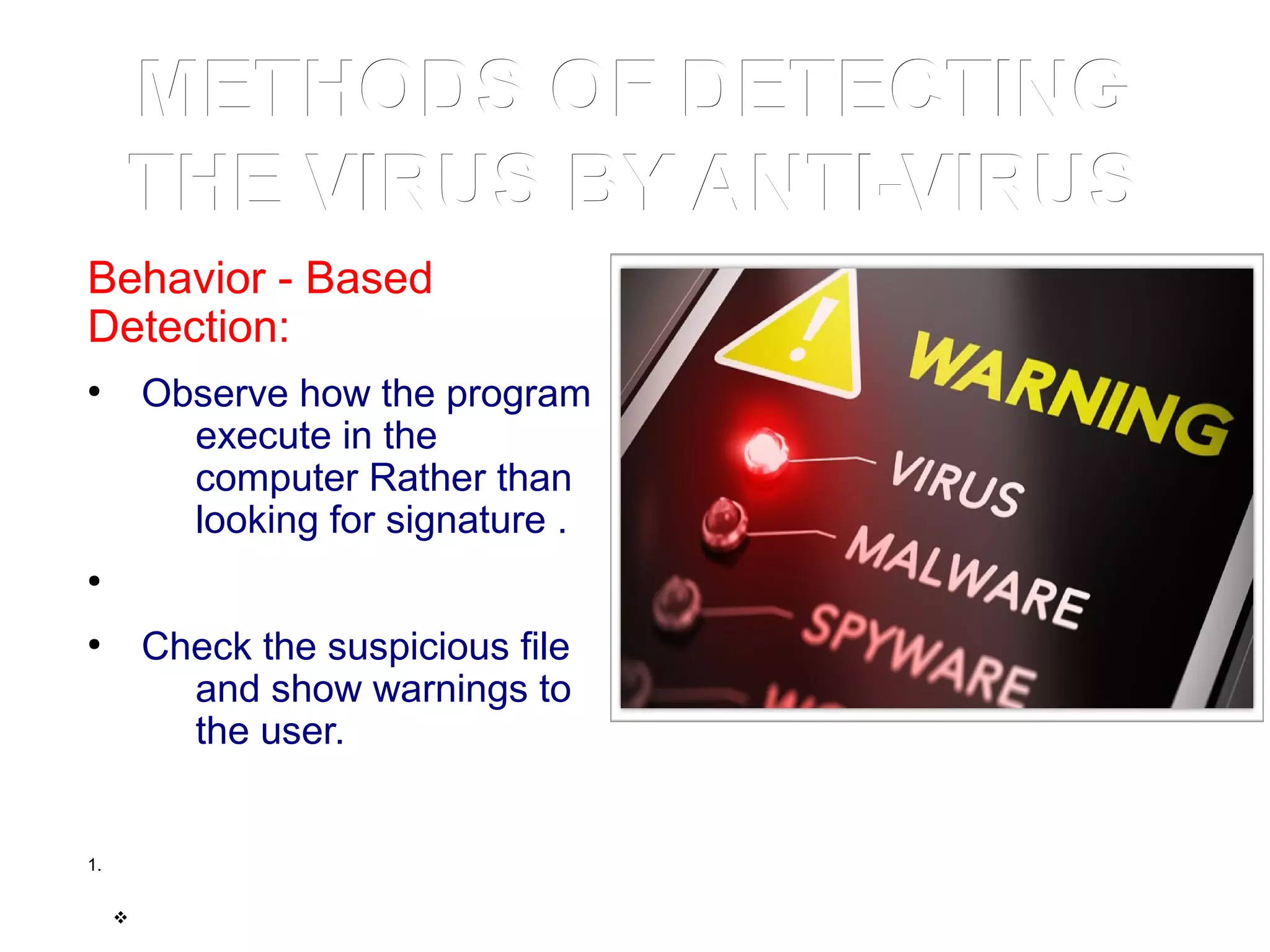
36.
METHODS OF DETECTINGMETHODSOF DETECTING
THE VIRUS BY ANTI-VIRUSTHE VIRUS BY ANTI-VIRUS
Behavior - Based
Detection:
●
Observe how the program
execute in the
computer Rather than
looking for signature .
●
●
Check the suspicious file
and show warnings to
the user.
1.
v
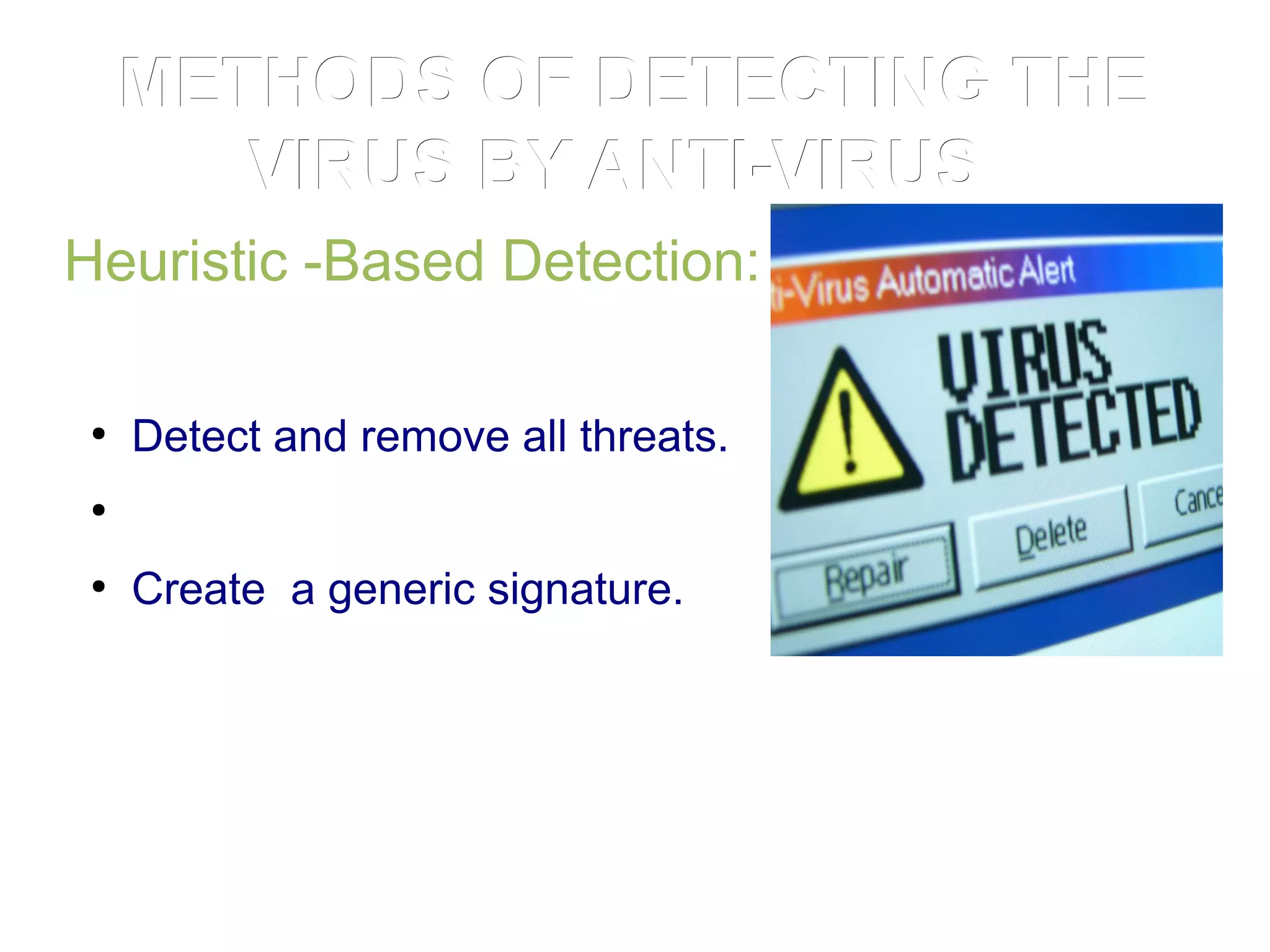
37.
METHODS OF DETECTINGTHEMETHODS OF DETECTING THE
VIRUS BY ANTI-VIRUSVIRUS BY ANTI-VIRUS
Heuristic -Based Detection:
●
Detect and remove all threats.
●
●
Create a generic signature.
38.
Virus Updates
Providing regularupdates for the virus dictionary.
An antivirus program should provide free virus updates on
a periodic basis.
With the current outburst in macro and script-based
viruses, virus updates that address the latest threats are
essential.
Most commercial antivirus software in today’s scenario
provide virus updates on daily basis.
39.
What to doon Suspecting Virus attack?
•Disconnect the suspected computer system from the
Internet as well as from the Local Network.
•
•Start the system in Safe Mode or from the Windows boot
disk, if it displays any problem in starting.
•
•Take backup of all crucial data to an external drive.
•
•Install antivirus software if you do not have it installed.
•
•Now, download the latest virus definitions updates from
the internet.
•
•Perform a full system scan.
Conclusion
●
There are lotsof viruses in the world and new viruses are
coming everyday. There are new antivirus programs and
techniques developed too. It is good to be aware of viruses
and other malwares and it is cheaper to protect your
environment from rather being sorry.
●
For better and safe computation anti-virus software should be
installed and be help full for global network system freely.
●
●
●
●
●
●