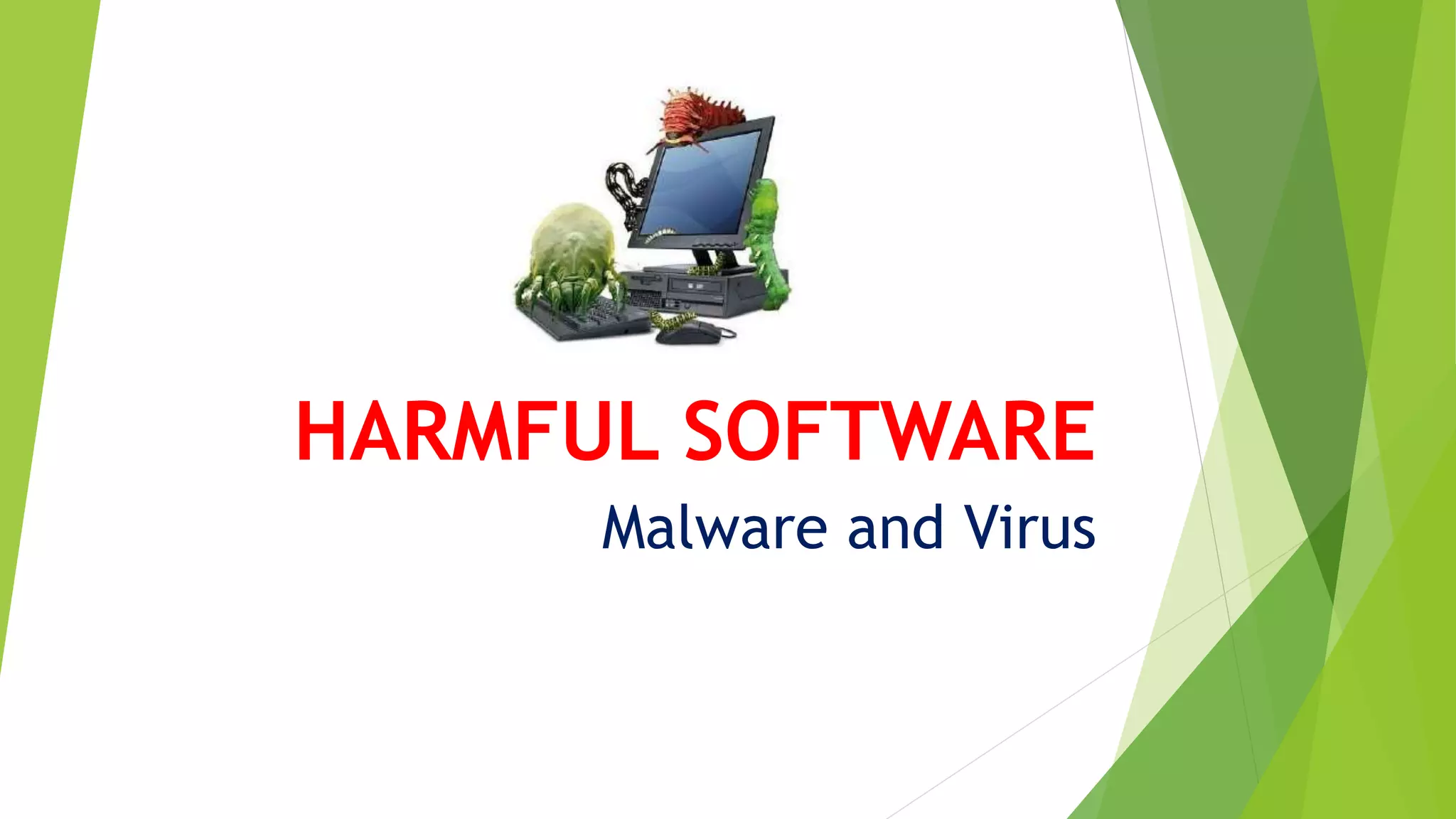
HARMFUL SOFTWARE
Malware and Virus
Software and Computer
 Software is an inseparable component of the computer
 Different types of software have made our work easy
BUT…
Some software that are very harmful for our system and data
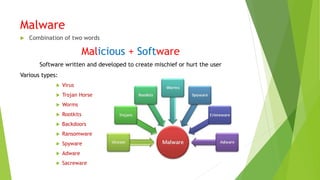
Malware
 Combination of two words
Malicious + Software
Software written and developed to create mischief or hurt the user
Various types:
 Virus
 Trojan Horse
 Worms
 Rootkits
 Backdoors
 Ransomware
 Spyware
 Adware
 Sacreware
Purpose of Malware
 In the beginning Malware was written for purpose of
experiments.
 Sometimes, it was also written as a joke.
 With advancement in technology, it is being used with
more intensions:
 Steal Personal informations
 Obtain bank account details and credit card details.
 Disturb activities
 Take control of users computer for illegal activities
 Send email spams
 Advertise products
Symptoms of presence of Malware
 Unexplained messages start appearing on the screen
 Some files deleted on their own.
 Keyboard does not work properly
 Unexplained problems occur while printing files
 Making system unusable/ crashing of the system
 Slowing down of your system
 Automatic rebooting/restarting
 Data on the system becomes inaccessible
 Random playing of strange sounds
Types of Malware
1. Virus
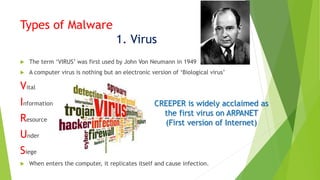
 The term ‘VIRUS’ was first used by John Von Neumann in 1949
 A computer virus is nothing but an electronic version of ‘Biological virus’
Vital
Information
Resource
Under
Siege
 When enters the computer, it replicates itself and cause infection.
CREEPER is widely acclaimed as
the first virus on ARPANET
(First version of Internet)
Types of Viruses
 File Infector Virus: This virus attacks executable files of the computer.
 This virus either deletes or damages files.
 Eg: Sunday, Invader, Cascade
 Boot Sector Virus: Infects the boot sector of hard disk
 Either copies boot sector instructions present in hard disk to some other
location or overwrites these instructions
 Eg: Disk Killer, stone Virus
 Macro Virus: Infects the macro files of MS Office files
 Difficult to detect(They enter the system as a part of office file and appear
non-suspesious)
 Eg: Nuclear, DMV
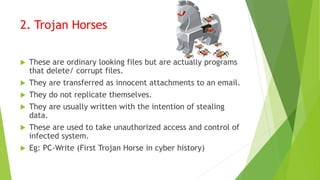
2. Trojan Horses
 These are ordinary looking files but are actually programs
that delete/ corrupt files.
 They are transferred as innocent attachments to an email.
 They do not replicate themselves.
 They are usually written with the intention of stealing
data.
 These are used to take unauthorized access and control of
infected system.
 Eg: PC-Write (First Trojan Horse in cyber history)
The Trojan Horse can:
 Crash the computer
 Corrupt user data
 Format HD
 Make unauthorized transfer of data/electronic money
 Modify/delete data
 Unnecessary download or upload files
 Control computer remotely
3. Worms
 Viruses are transferred from one system to another as an
attachment to a file or a program.
 Worms can spread on their own. (Do not need the support
of another file)
 Worms are designed only to spread from one computer to
another.
 NOT TO CAUSE CHANGES IN DATA OF THE SYSTEMS.
 Some worms cause problem of increased network traffic.
 Eg: Red Code, Slammer worm, Storm
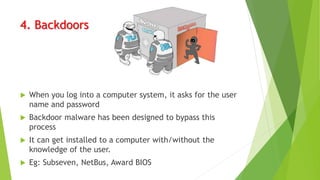
4. Backdoors
 When you log into a computer system, it asks for the user
name and password
 Backdoor malware has been designed to bypass this
process
 It can get installed to a computer with/without the
knowledge of the user.
 Eg: Subseven, NetBus, Award BIOS
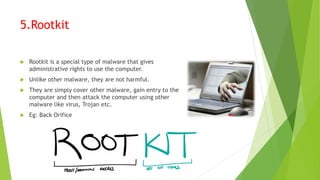
5.Rootkit
 Rootkit is a special type of malware that gives
administrative rights to use the computer.
 Unlike other malware, they are not harmful.
 They are simply cover other malware, gain entry to the
computer and then attack the computer using other
malware like virus, Trojan etc.
 Eg: Back Orifice
6.Spyware
 Spyware is a type of malware that does not
corrupt the computer
 It is designed to collect personal information
about an individual/ organization.
 It is designed to collect informations like web
visiting history of the user
 advertisement start appearing according to
the web visiting history
 Some spyware designed to download unwanted
softwares/files form internet.
 It does not multiply
Symptoms of spyware infected systems:
 Performance of the computer has started
decreasing.
 The free space in the computer HD has
decreased on its own.
 Huge network traffic
 Applications installed on the computer
started closing in their own.
 User has started facing difficulty in
connecting to the computer.
Check your knowledge:
 Macros present in ……………………….. File.
 Ans: Office file
 Malware is written and developed to
create…………… or ………………….. The user.
 Ans: Mischief or Hurt
 ………………… collects information about an
individual or an organization.
 Ans:Spyware
 ………………………. Is considered as the first Trojan
Horse in cyber history
 Ans:PC-write
 …………………….. Is widely acclaimed as the first
virus on ARPANET
 Creeper

Harmful software

  • 1.
  • 2.
    Software and Computer Software is an inseparable component of the computer  Different types of software have made our work easy BUT… Some software that are very harmful for our system and data
  • 3.
    Malware  Combination oftwo words Malicious + Software Software written and developed to create mischief or hurt the user Various types:  Virus  Trojan Horse  Worms  Rootkits  Backdoors  Ransomware  Spyware  Adware  Sacreware
  • 4.
    Purpose of Malware In the beginning Malware was written for purpose of experiments.  Sometimes, it was also written as a joke.  With advancement in technology, it is being used with more intensions:  Steal Personal informations  Obtain bank account details and credit card details.  Disturb activities  Take control of users computer for illegal activities  Send email spams  Advertise products
  • 5.
    Symptoms of presenceof Malware  Unexplained messages start appearing on the screen  Some files deleted on their own.  Keyboard does not work properly  Unexplained problems occur while printing files  Making system unusable/ crashing of the system  Slowing down of your system  Automatic rebooting/restarting  Data on the system becomes inaccessible  Random playing of strange sounds
  • 6.
    Types of Malware 1.Virus  The term ‘VIRUS’ was first used by John Von Neumann in 1949  A computer virus is nothing but an electronic version of ‘Biological virus’ Vital Information Resource Under Siege  When enters the computer, it replicates itself and cause infection. CREEPER is widely acclaimed as the first virus on ARPANET (First version of Internet)
  • 7.
    Types of Viruses File Infector Virus: This virus attacks executable files of the computer.  This virus either deletes or damages files.  Eg: Sunday, Invader, Cascade  Boot Sector Virus: Infects the boot sector of hard disk  Either copies boot sector instructions present in hard disk to some other location or overwrites these instructions  Eg: Disk Killer, stone Virus  Macro Virus: Infects the macro files of MS Office files  Difficult to detect(They enter the system as a part of office file and appear non-suspesious)  Eg: Nuclear, DMV
  • 8.
    2. Trojan Horses These are ordinary looking files but are actually programs that delete/ corrupt files.  They are transferred as innocent attachments to an email.  They do not replicate themselves.  They are usually written with the intention of stealing data.  These are used to take unauthorized access and control of infected system.  Eg: PC-Write (First Trojan Horse in cyber history)
  • 9.
    The Trojan Horsecan:  Crash the computer  Corrupt user data  Format HD  Make unauthorized transfer of data/electronic money  Modify/delete data  Unnecessary download or upload files  Control computer remotely
  • 10.
    3. Worms  Virusesare transferred from one system to another as an attachment to a file or a program.  Worms can spread on their own. (Do not need the support of another file)  Worms are designed only to spread from one computer to another.  NOT TO CAUSE CHANGES IN DATA OF THE SYSTEMS.  Some worms cause problem of increased network traffic.  Eg: Red Code, Slammer worm, Storm
  • 11.
    4. Backdoors  Whenyou log into a computer system, it asks for the user name and password  Backdoor malware has been designed to bypass this process  It can get installed to a computer with/without the knowledge of the user.  Eg: Subseven, NetBus, Award BIOS
  • 12.
    5.Rootkit  Rootkit isa special type of malware that gives administrative rights to use the computer.  Unlike other malware, they are not harmful.  They are simply cover other malware, gain entry to the computer and then attack the computer using other malware like virus, Trojan etc.  Eg: Back Orifice
  • 13.
    6.Spyware  Spyware isa type of malware that does not corrupt the computer  It is designed to collect personal information about an individual/ organization.  It is designed to collect informations like web visiting history of the user  advertisement start appearing according to the web visiting history  Some spyware designed to download unwanted softwares/files form internet.  It does not multiply
  • 14.
    Symptoms of spywareinfected systems:  Performance of the computer has started decreasing.  The free space in the computer HD has decreased on its own.  Huge network traffic  Applications installed on the computer started closing in their own.  User has started facing difficulty in connecting to the computer.
  • 15.
    Check your knowledge: Macros present in ……………………….. File.  Ans: Office file  Malware is written and developed to create…………… or ………………….. The user.  Ans: Mischief or Hurt  ………………… collects information about an individual or an organization.  Ans:Spyware  ………………………. Is considered as the first Trojan Horse in cyber history  Ans:PC-write  …………………….. Is widely acclaimed as the first virus on ARPANET  Creeper