Computer Virus
Malware
 Malware is used to describe any malicious program on a computer or mobile device
installed without the consent of the user and can cause a number of annoying effect such
as hard disk has more files; computer tends to run slower; computer start rebooting;
application takes time to load; computer hangs and restart its own.
 A malware may enter your computer system through the Internet or through an infected
pen drive, a DVD, a CD. For examle
 Sharing files- photos, audio or video
 Visiting malicious website
 Downloading free games, media players and other system utilities.
 Installing software without reading license agreements.
Computer Virus
 Malware is used to describe any malicious program
on a computer or mobile device installed without the
consent of the user and can cause a number of
annoying effect such as hard disk has more files;
computer tends to run slower; computer start
rebooting; application takes time to load; computer
hangs and restart its own.
 A malware may enter your computer system through
the Internet or through an infected pen drive, a DVD,
a CD. For examle
 Sharing files- photos, audio or video
 Visiting malicious website
 Downloading free games, media players and other
system utilities.
 Installing software without reading license
agreements.
Worms
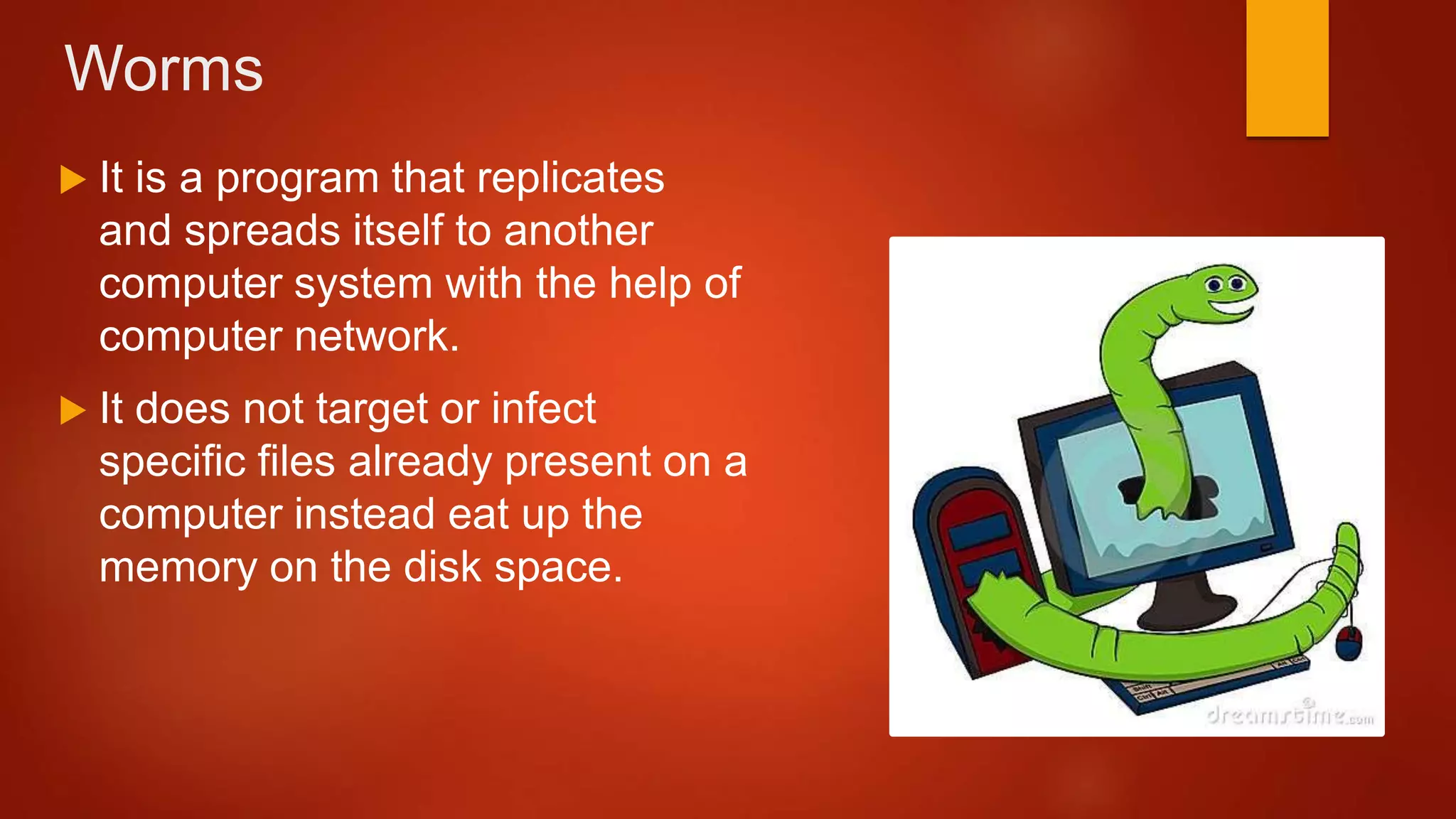
 It is a program that replicates
and spreads itself to another
computer system with the help of
computer network.
 It does not target or infect
specific files already present on a
computer instead eat up the
memory on the disk space.
Trojan Horse
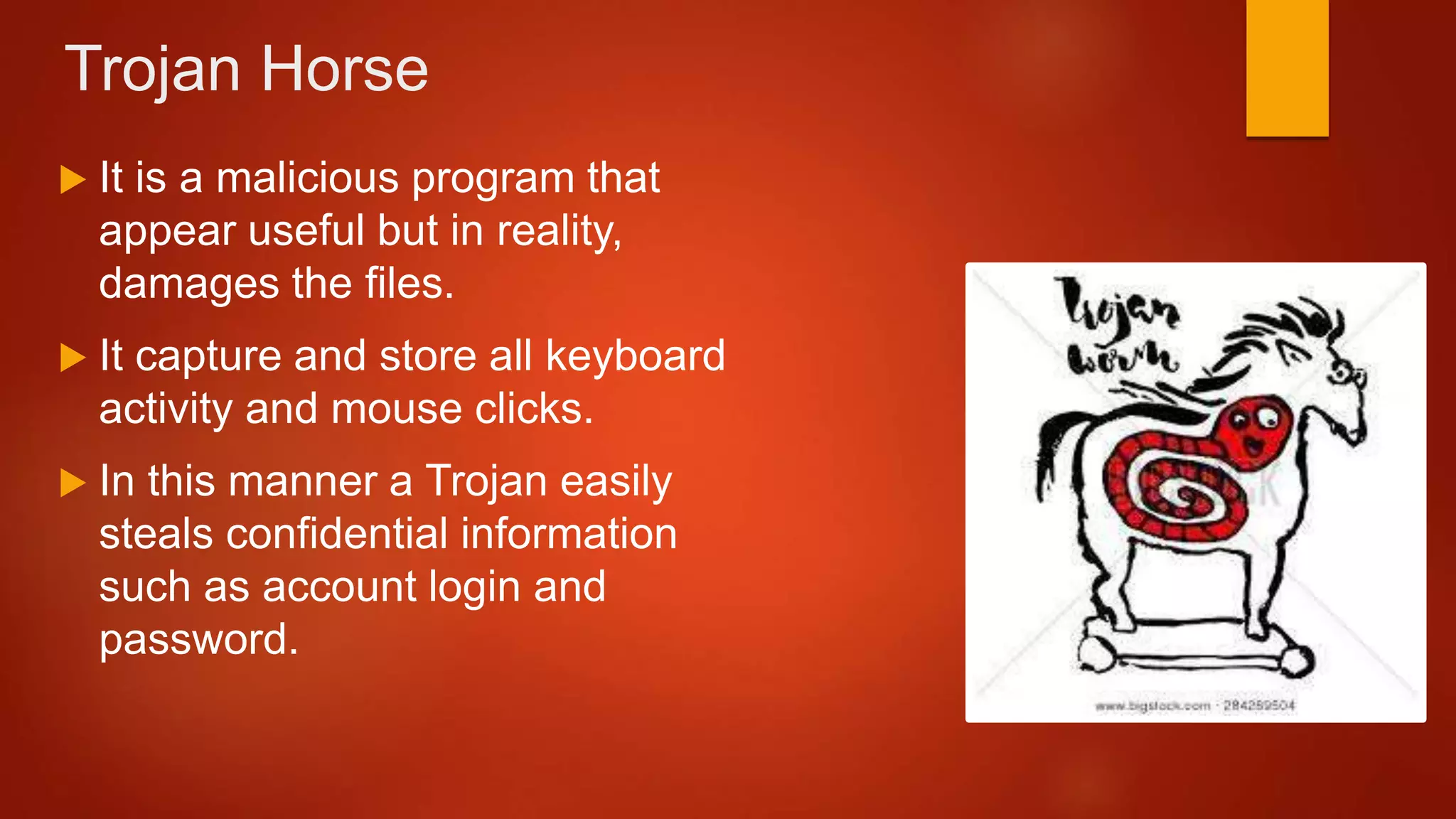
 It is a malicious program that
appear useful but in reality,
damages the files.
 It capture and store all keyboard
activity and mouse clicks.
 In this manner a Trojan easily
steals confidential information
such as account login and
password.
Spyware
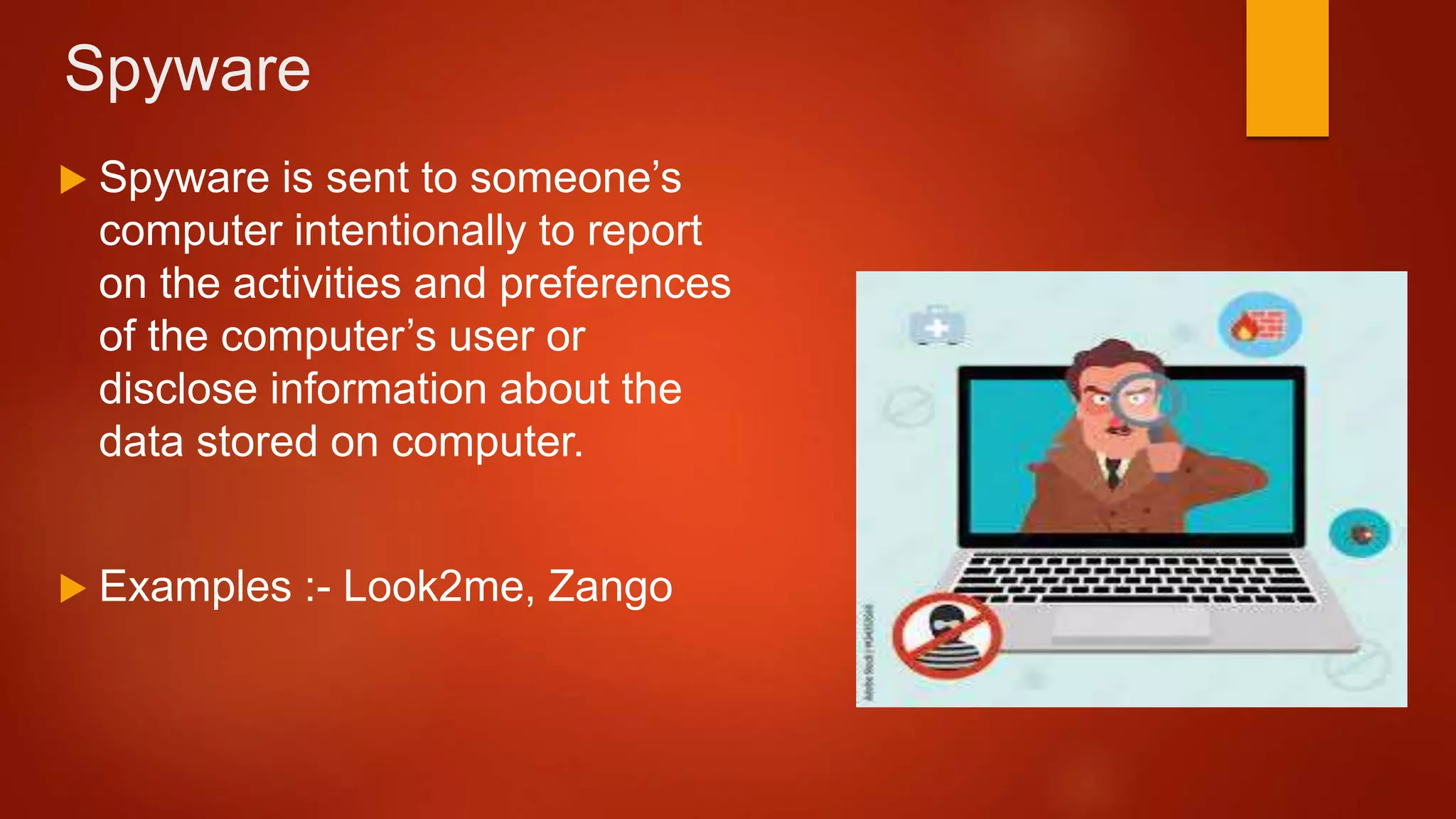
 Spyware is sent to someone’s
computer intentionally to report
on the activities and preferences
of the computer’s user or
disclose information about the
data stored on computer.
 Examples :- Look2me, Zango
Adware
 It is an advertising-supported
software that generates revenue
for its developer by automatically
generating online advertisement
such as pop up ads.
Ransomware
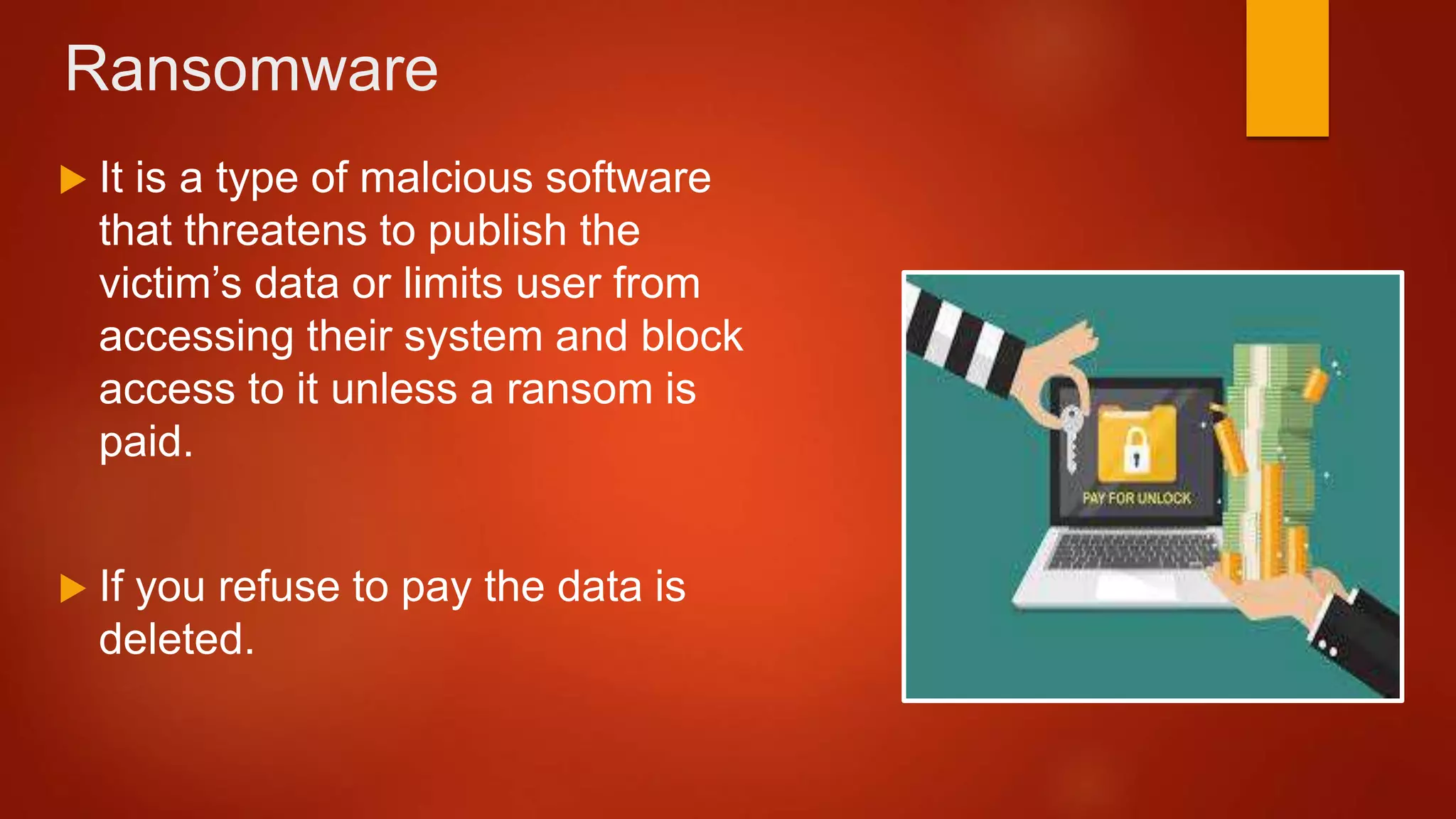
 It is a type of malcious software
that threatens to publish the
victim’s data or limits user from
accessing their system and block
access to it unless a ransom is
paid.
 If you refuse to pay the data is
deleted.
Types of Computer Virus
 Macro virus infect certain types of data
files. Most macro viruses infect Microsoft
Office files.
 Examples. Relax, Melissa. A.
Macro Virus Boot Sector Virus
 Boot sector virus infect the boot record
on hard disks and also on CD’s and
DVD’s.
 A boot sector does not need to be able to
successfully boot the victim’s computer to
infect it.
 The boot sector virus stays in memory
and infects other storage medic such as
hard disk or any type of bootable media.
 Examples. Brain Virus, disk killer.
Memory
Resident Virus
 These viruses act when the
operating system starts running,
after which any open files can
get infected.
 Example . Randex, CMJ
 File infector viruses infect files
which contain executable code
such as .EXE .COM Files.
 This virus will stay in memory
and continue to infect other
programs or files when they
are executed.
File Infector
Virus Multipartite Virus
 The boot sector virus stays
in memory and infects
other storage medic such
as hard disk or any type of
bootable media.
 File infector viruses infect
files which contain
executable code such as
.EXE .COM Files.
Questions?

Computer Virus ICT 402.pptx

  • 1.
  • 2.
    Malware  Malware isused to describe any malicious program on a computer or mobile device installed without the consent of the user and can cause a number of annoying effect such as hard disk has more files; computer tends to run slower; computer start rebooting; application takes time to load; computer hangs and restart its own.  A malware may enter your computer system through the Internet or through an infected pen drive, a DVD, a CD. For examle  Sharing files- photos, audio or video  Visiting malicious website  Downloading free games, media players and other system utilities.  Installing software without reading license agreements.
  • 3.
    Computer Virus  Malwareis used to describe any malicious program on a computer or mobile device installed without the consent of the user and can cause a number of annoying effect such as hard disk has more files; computer tends to run slower; computer start rebooting; application takes time to load; computer hangs and restart its own.  A malware may enter your computer system through the Internet or through an infected pen drive, a DVD, a CD. For examle  Sharing files- photos, audio or video  Visiting malicious website  Downloading free games, media players and other system utilities.  Installing software without reading license agreements.
  • 4.
    Worms  It isa program that replicates and spreads itself to another computer system with the help of computer network.  It does not target or infect specific files already present on a computer instead eat up the memory on the disk space.
  • 5.
    Trojan Horse  Itis a malicious program that appear useful but in reality, damages the files.  It capture and store all keyboard activity and mouse clicks.  In this manner a Trojan easily steals confidential information such as account login and password.
  • 6.
    Spyware  Spyware issent to someone’s computer intentionally to report on the activities and preferences of the computer’s user or disclose information about the data stored on computer.  Examples :- Look2me, Zango
  • 7.
    Adware  It isan advertising-supported software that generates revenue for its developer by automatically generating online advertisement such as pop up ads.
  • 8.
    Ransomware  It isa type of malcious software that threatens to publish the victim’s data or limits user from accessing their system and block access to it unless a ransom is paid.  If you refuse to pay the data is deleted.
  • 9.
    Types of ComputerVirus  Macro virus infect certain types of data files. Most macro viruses infect Microsoft Office files.  Examples. Relax, Melissa. A. Macro Virus Boot Sector Virus  Boot sector virus infect the boot record on hard disks and also on CD’s and DVD’s.  A boot sector does not need to be able to successfully boot the victim’s computer to infect it.  The boot sector virus stays in memory and infects other storage medic such as hard disk or any type of bootable media.  Examples. Brain Virus, disk killer.
  • 10.
    Memory Resident Virus  Theseviruses act when the operating system starts running, after which any open files can get infected.  Example . Randex, CMJ  File infector viruses infect files which contain executable code such as .EXE .COM Files.  This virus will stay in memory and continue to infect other programs or files when they are executed. File Infector Virus Multipartite Virus  The boot sector virus stays in memory and infects other storage medic such as hard disk or any type of bootable media.  File infector viruses infect files which contain executable code such as .EXE .COM Files.
  • 11.