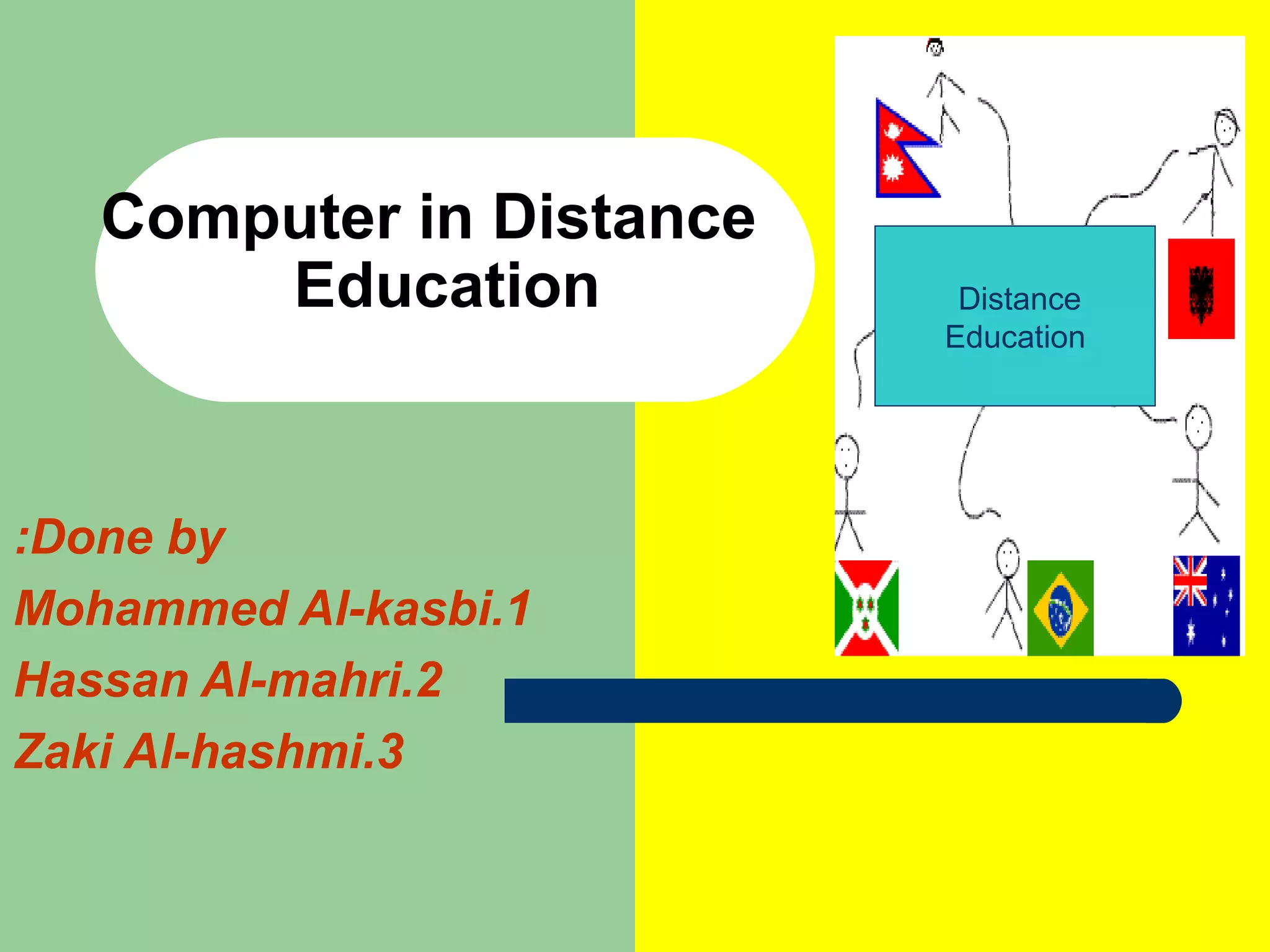
Computer in Distance    Education Done by: 1.Mohammed Al-kasbi 2.Hassan Al-mahri 3.Zaki Al-hashmi Distance  Education
Main Concepts: 1.Why Computer in Distance Education. 2.Advantage of computers. 3.Limitations of Computers. 4.The Internet and Distance Education. 5.Instructional Possibilities. 6.Teaching considerations.
1.Why computer in Distance Education? Computer applications for distance education fall into four broad categories: Computer Assisted Instruction (CAI). Computer Managed Instruction (CMI). Computer Mediated Communication (CMC). Computer-Based Multimedia .
2.Advantage of computers. 1. Computers can facilitate self-paced learning. 2. Computers are a multimedia tool. 3. Computers are interactive. 4. Computer technology is rapidly advancing. 5. Computers increase access.
3. Limitations of Computers: Computer networks are costly to develop. The technology is changing rapidly. Widespread computer illiteracy still exists. Students must be highly motivated and proficient in computer operation before they can successfully function in a computer-based distance learning environment.
4.The Internet and Distance Education. With access to the internet, distance educators and their students can use: - Electronic mail (e-mail) for exchange messages and information with people. - Bulletin boards include two types: USENET: is   a collection of organized newsgroups. LISTSERV: provides discussion forums.  - Word-wide web (www) is wide-area hypermedia information  and variety of resources  .
5. Instructional Possibilities of the Internet: Some instructional possibilities of the Internet include: - Using e-mail for informal one-to-one correspondence. - Establishing a classroom bulletin board. - Engaging students in dialogue with other students, faculty, and researchers by encouraging them to join a bulletin boards on topics related to the class. - Developing a classroom home page.
6. Teaching consideration: When incorporating the Internet into a distance delivered course, remember that: - All students in a course must have Internet and WWW access to ensure equal opportunities for computer interaction and feedback. - Students may face the concurrent  challenges of learning basic computer skills, new software, and appropriate online communication skills.
Cont, - Some students might hesitate to contribute to computer conferences or to send e-mail because of lack of familiarity with the proper protocols.  -  Using e-mail can help the instructor provide feedback more quickly than surface mail or telephone. - Prompt responses might not always be appropriate. - Becoming familiar with the resources available on the Internet and the most effective ways to use them will be part of the instructional challenge.
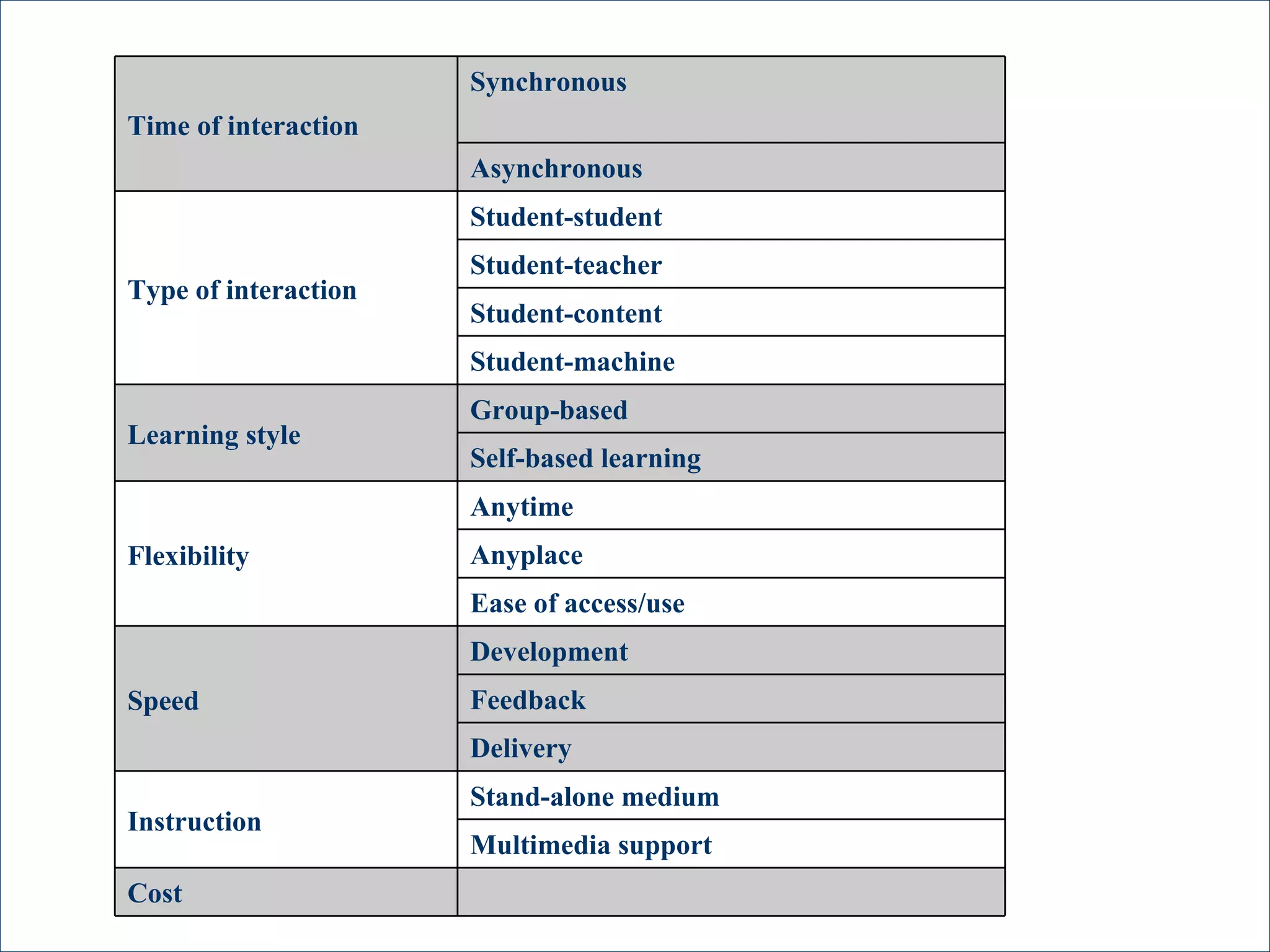
Cost Multimedia support Stand-alone medium Instruction Delivery Feedback Development Speed Ease of access/use Anyplace Anytime Flexibility Self-based learning Group-based Learning style Student-machine Student-content Student-teacher Student-student Type of interaction Asynchronous Synchronous Time of interaction
Thanks for your attention

Computer in Distance Education

  • 1.
    Computer in Distance Education Done by: 1.Mohammed Al-kasbi 2.Hassan Al-mahri 3.Zaki Al-hashmi Distance Education
  • 2.
    Main Concepts: 1.WhyComputer in Distance Education. 2.Advantage of computers. 3.Limitations of Computers. 4.The Internet and Distance Education. 5.Instructional Possibilities. 6.Teaching considerations.
  • 3.
    1.Why computer inDistance Education? Computer applications for distance education fall into four broad categories: Computer Assisted Instruction (CAI). Computer Managed Instruction (CMI). Computer Mediated Communication (CMC). Computer-Based Multimedia .
  • 4.
    2.Advantage of computers.1. Computers can facilitate self-paced learning. 2. Computers are a multimedia tool. 3. Computers are interactive. 4. Computer technology is rapidly advancing. 5. Computers increase access.
  • 5.
    3. Limitations ofComputers: Computer networks are costly to develop. The technology is changing rapidly. Widespread computer illiteracy still exists. Students must be highly motivated and proficient in computer operation before they can successfully function in a computer-based distance learning environment.
  • 6.
    4.The Internet andDistance Education. With access to the internet, distance educators and their students can use: - Electronic mail (e-mail) for exchange messages and information with people. - Bulletin boards include two types: USENET: is a collection of organized newsgroups. LISTSERV: provides discussion forums. - Word-wide web (www) is wide-area hypermedia information and variety of resources .
  • 7.
    5. Instructional Possibilitiesof the Internet: Some instructional possibilities of the Internet include: - Using e-mail for informal one-to-one correspondence. - Establishing a classroom bulletin board. - Engaging students in dialogue with other students, faculty, and researchers by encouraging them to join a bulletin boards on topics related to the class. - Developing a classroom home page.
  • 8.
    6. Teaching consideration:When incorporating the Internet into a distance delivered course, remember that: - All students in a course must have Internet and WWW access to ensure equal opportunities for computer interaction and feedback. - Students may face the concurrent challenges of learning basic computer skills, new software, and appropriate online communication skills.
  • 9.
    Cont, - Somestudents might hesitate to contribute to computer conferences or to send e-mail because of lack of familiarity with the proper protocols. - Using e-mail can help the instructor provide feedback more quickly than surface mail or telephone. - Prompt responses might not always be appropriate. - Becoming familiar with the resources available on the Internet and the most effective ways to use them will be part of the instructional challenge.
  • 10.
    Cost Multimedia supportStand-alone medium Instruction Delivery Feedback Development Speed Ease of access/use Anyplace Anytime Flexibility Self-based learning Group-based Learning style Student-machine Student-content Student-teacher Student-student Type of interaction Asynchronous Synchronous Time of interaction
  • 11.
    Thanks for yourattention