C E D R I C D . M U R R Y
A P T 5 0 2
Distance Education
Technologies
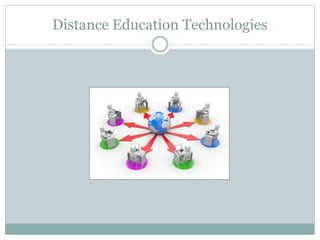
Distance Education Technologies
What is Distance Education Technologies
 Distance Education Technologies consists of using
resources to implement learning. There are many
devices available to help facilitate learning using
technology.
There are 4 basic components to facilitate
learning.
 Print
 Voice/Audio
 Computer
 Video
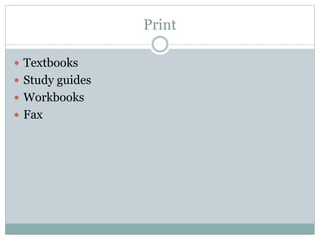
Print
 Textbooks
 Study guides
 Workbooks
 Fax
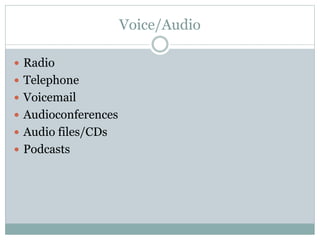
Voice/Audio
 Radio
 Telephone
 Voicemail
 Audioconferences
 Audio files/CDs
 Podcasts
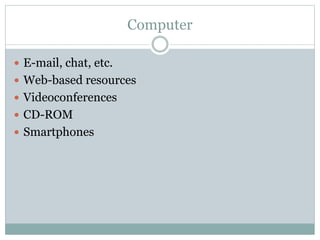
Computer
 E-mail, chat, etc.
 Web-based resources
 Videoconferences
 CD-ROM
 Smartphones
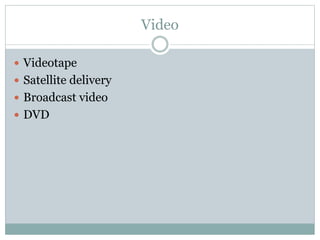
Video
 Videotape
 Satellite delivery
 Broadcast video
 DVD
Print Medium
 Print is the most common medium used in distance
education. Forms of print are textbooks, manuals,
course notes, and study guides. Print materials are
relatively inexpensive to develop or distribute
(Moore, p78). Print is used in some form by almost
all distance education courses, regardless of what
other media they employ.
Voice Audio
 Materials is generally expensive and involves
specialized skills (recording, editing, directing).
Some distance learning provide what's called "video-
based instruction". In such program, video tapes are
the main medium of delivery of information to the
learner. The site below provides a definition for
video-based instruction and lists a success story
about a man who completed a degree in clinical
calculations by video tapes.
Computer
 Computer Conferencing allows students and
instructors to interact via a computer network. This
interaction can be through e-mail messages, file
transfer, chat rooms, real audio and video, and
others. With the fast progress in computer
technology, computer conferencing is taking its place
in educational technology. Computer conferencing
provides good quality, easy to use, and cost-efficient
way of interaction.
Video
 Videoconferencing allows learners and instructors to
interact face-to-face. The site below is a site for a
class that is being taught by videoconferencing. The
site answers questions about videoconferencing
technology, why, when, and how to use it. Using
high-quality compressed video and audio
technology, this videoconference/distance education
classroom is networked with all the University of
California and California State campuses. This
videoconference/distance education classroom is
also capable of connecting with other sites across the
state, the nation and the world.
C E D R I C M U R R Y
C E D R I C M U R R Y 8 6 @ G M A I L . C O M
Contact Information

Distance Education Technologies

  • 1.
    C E DR I C D . M U R R Y A P T 5 0 2 Distance Education Technologies
  • 2.
  • 3.
    What is DistanceEducation Technologies  Distance Education Technologies consists of using resources to implement learning. There are many devices available to help facilitate learning using technology.
  • 4.
    There are 4basic components to facilitate learning.  Print  Voice/Audio  Computer  Video
  • 5.
    Print  Textbooks  Studyguides  Workbooks  Fax
  • 6.
    Voice/Audio  Radio  Telephone Voicemail  Audioconferences  Audio files/CDs  Podcasts
  • 7.
    Computer  E-mail, chat,etc.  Web-based resources  Videoconferences  CD-ROM  Smartphones
  • 8.
    Video  Videotape  Satellitedelivery  Broadcast video  DVD
  • 9.
    Print Medium  Printis the most common medium used in distance education. Forms of print are textbooks, manuals, course notes, and study guides. Print materials are relatively inexpensive to develop or distribute (Moore, p78). Print is used in some form by almost all distance education courses, regardless of what other media they employ.
  • 10.
    Voice Audio  Materialsis generally expensive and involves specialized skills (recording, editing, directing). Some distance learning provide what's called "video- based instruction". In such program, video tapes are the main medium of delivery of information to the learner. The site below provides a definition for video-based instruction and lists a success story about a man who completed a degree in clinical calculations by video tapes.
  • 11.
    Computer  Computer Conferencingallows students and instructors to interact via a computer network. This interaction can be through e-mail messages, file transfer, chat rooms, real audio and video, and others. With the fast progress in computer technology, computer conferencing is taking its place in educational technology. Computer conferencing provides good quality, easy to use, and cost-efficient way of interaction.
  • 12.
    Video  Videoconferencing allowslearners and instructors to interact face-to-face. The site below is a site for a class that is being taught by videoconferencing. The site answers questions about videoconferencing technology, why, when, and how to use it. Using high-quality compressed video and audio technology, this videoconference/distance education classroom is networked with all the University of California and California State campuses. This videoconference/distance education classroom is also capable of connecting with other sites across the state, the nation and the world.
  • 13.
    C E DR I C M U R R Y C E D R I C M U R R Y 8 6 @ G M A I L . C O M Contact Information