 Help us perform tasks efficiently and
  quickly
 Are used in almost every field/industry
 Made of various parts
    › Input devices
    › Output devices
    › Processing devices
    › Storage devices
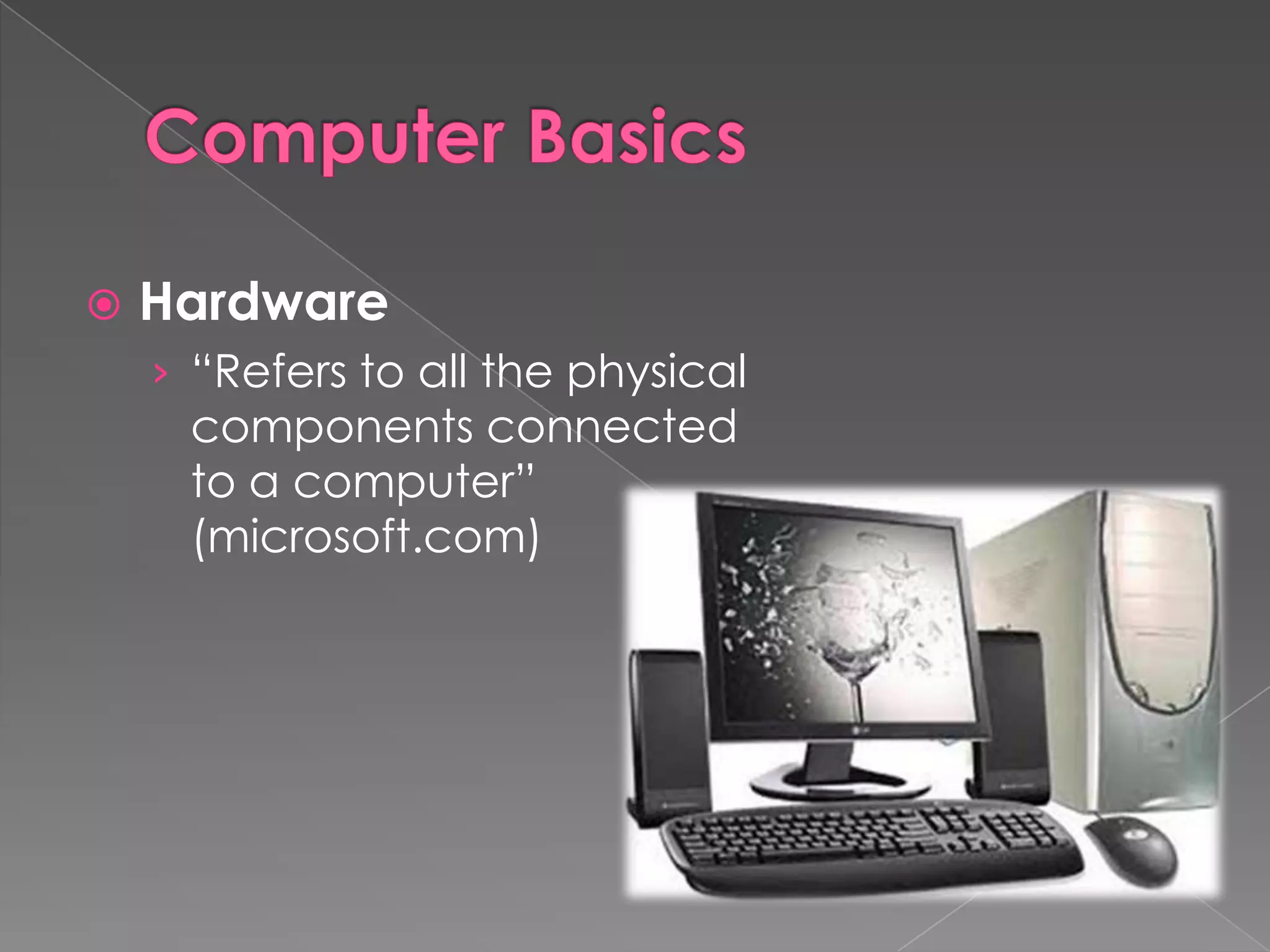
   Hardware
    › “Refers to all the physical
     components connected
     to a computer”
     (microsoft.com)
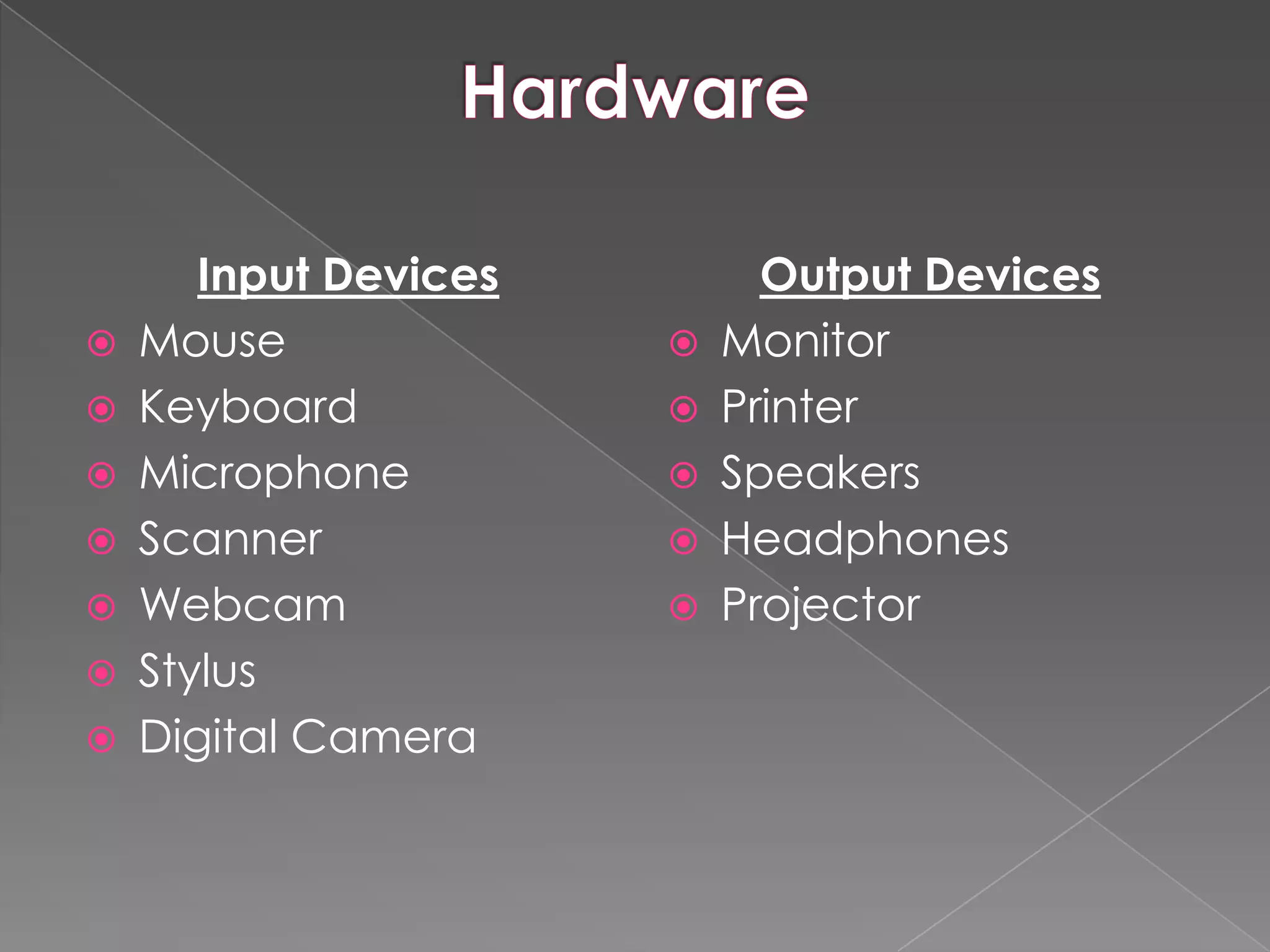
Input Devices         Output Devices
   Mouse                 Monitor
   Keyboard              Printer
   Microphone            Speakers
   Scanner               Headphones
   Webcam                Projector
   Stylus
   Digital Camera
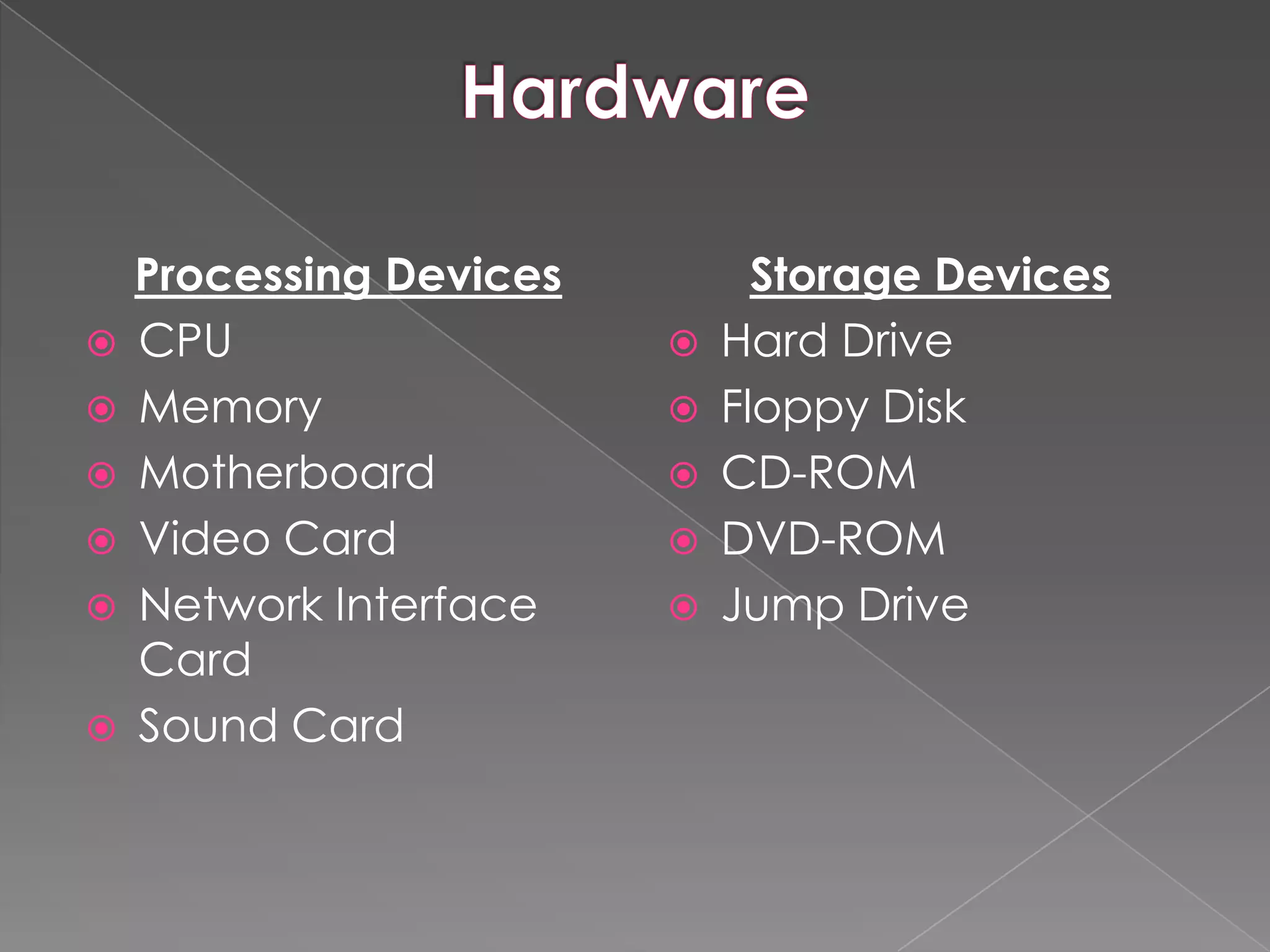
Processing Devices         Storage Devices
   CPU                     Hard Drive
   Memory                  Floppy Disk
   Motherboard             CD-ROM
   Video Card              DVD-ROM
   Network Interface       Jump Drive
    Card
   Sound Card
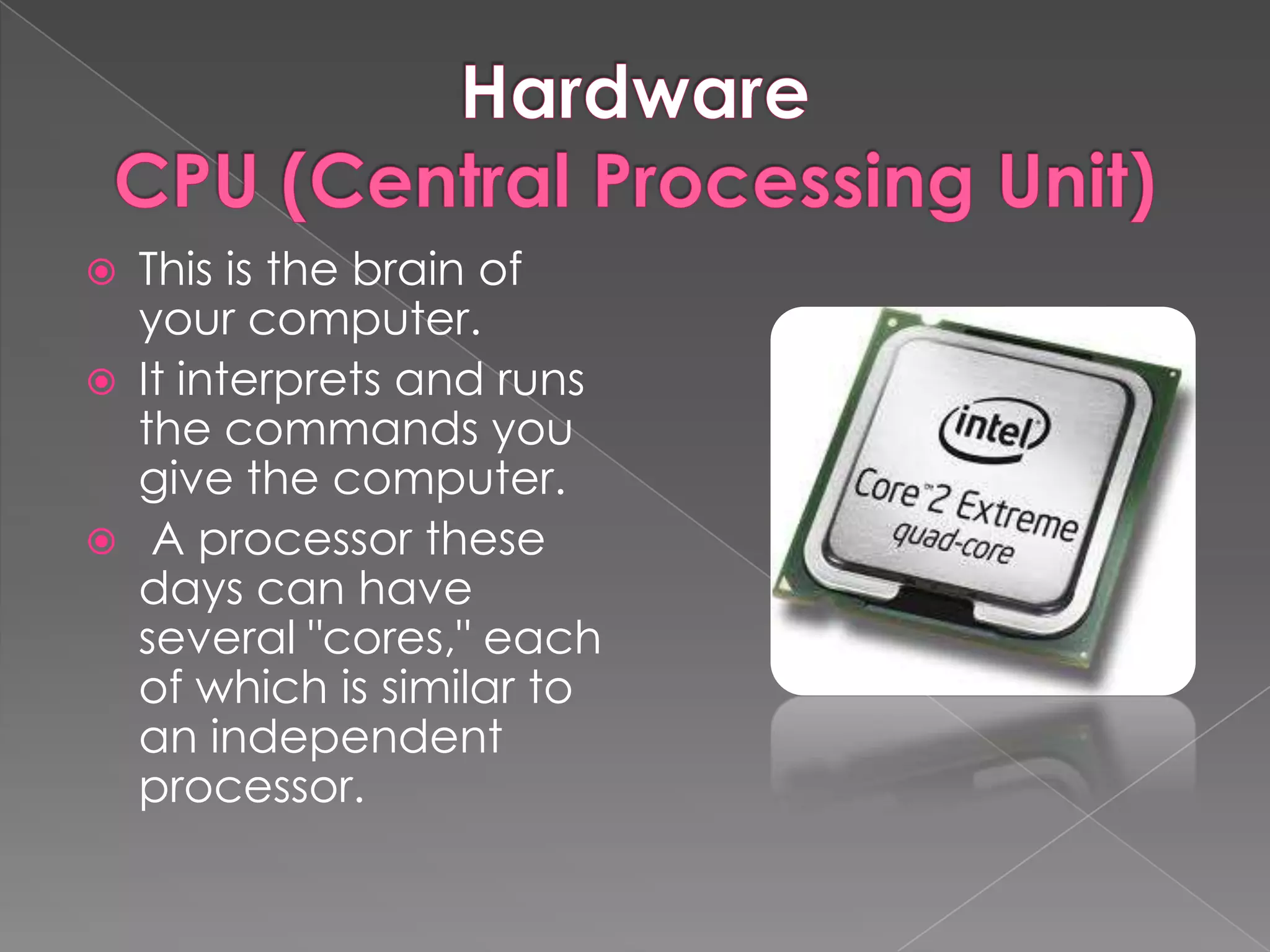
   This is the brain of
    your computer.
   It interprets and runs
    the commands you
    give the computer.
    A processor these
    days can have
    several "cores," each
    of which is similar to
    an independent
    processor.
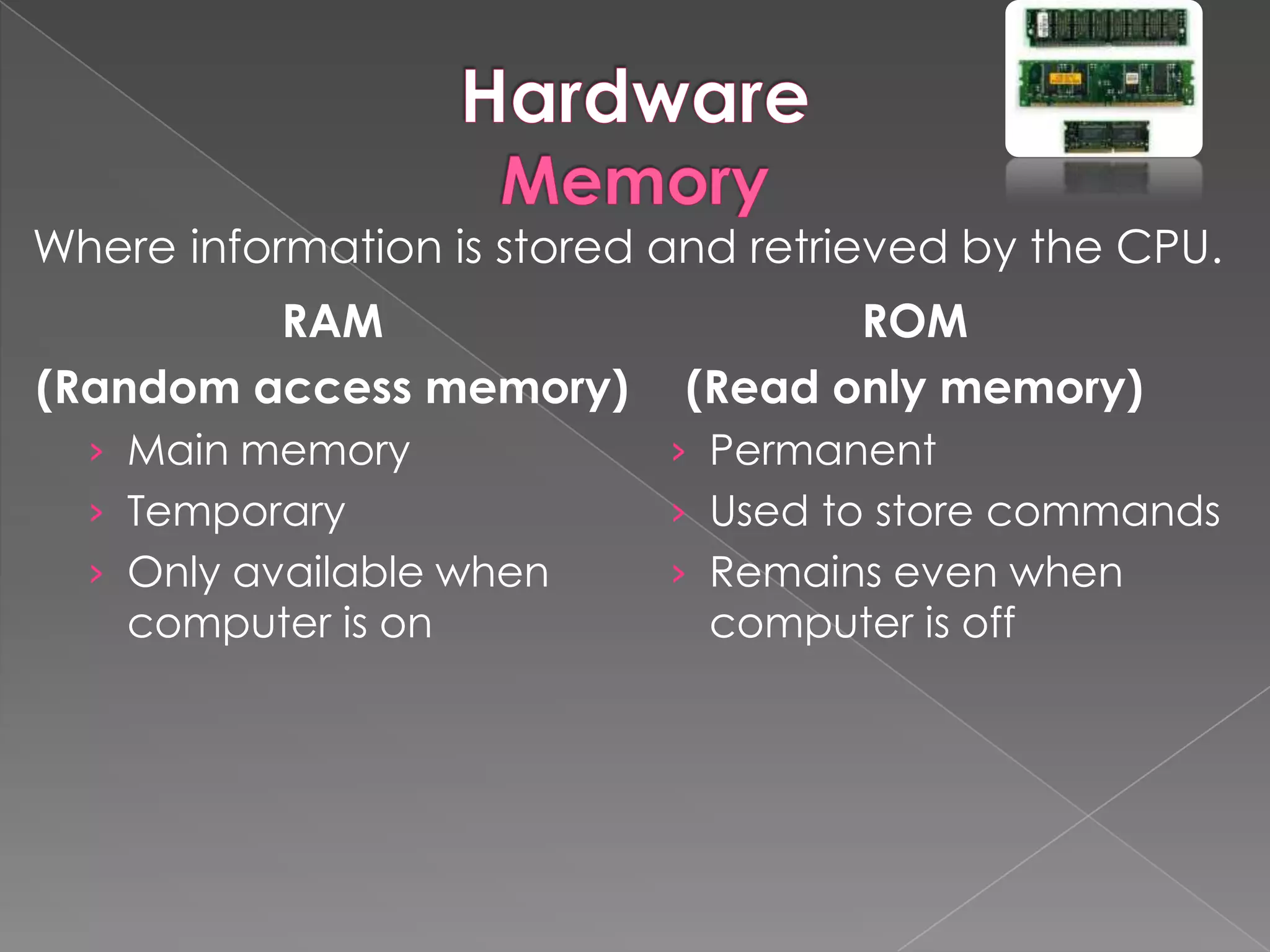
Where information is stored and retrieved by the CPU.
         RAM                        ROM
(Random access memory)       (Read only memory)
  › Main memory             › Permanent
  › Temporary               › Used to store commands
  › Only available when     › Remains even when
    computer is on            computer is off
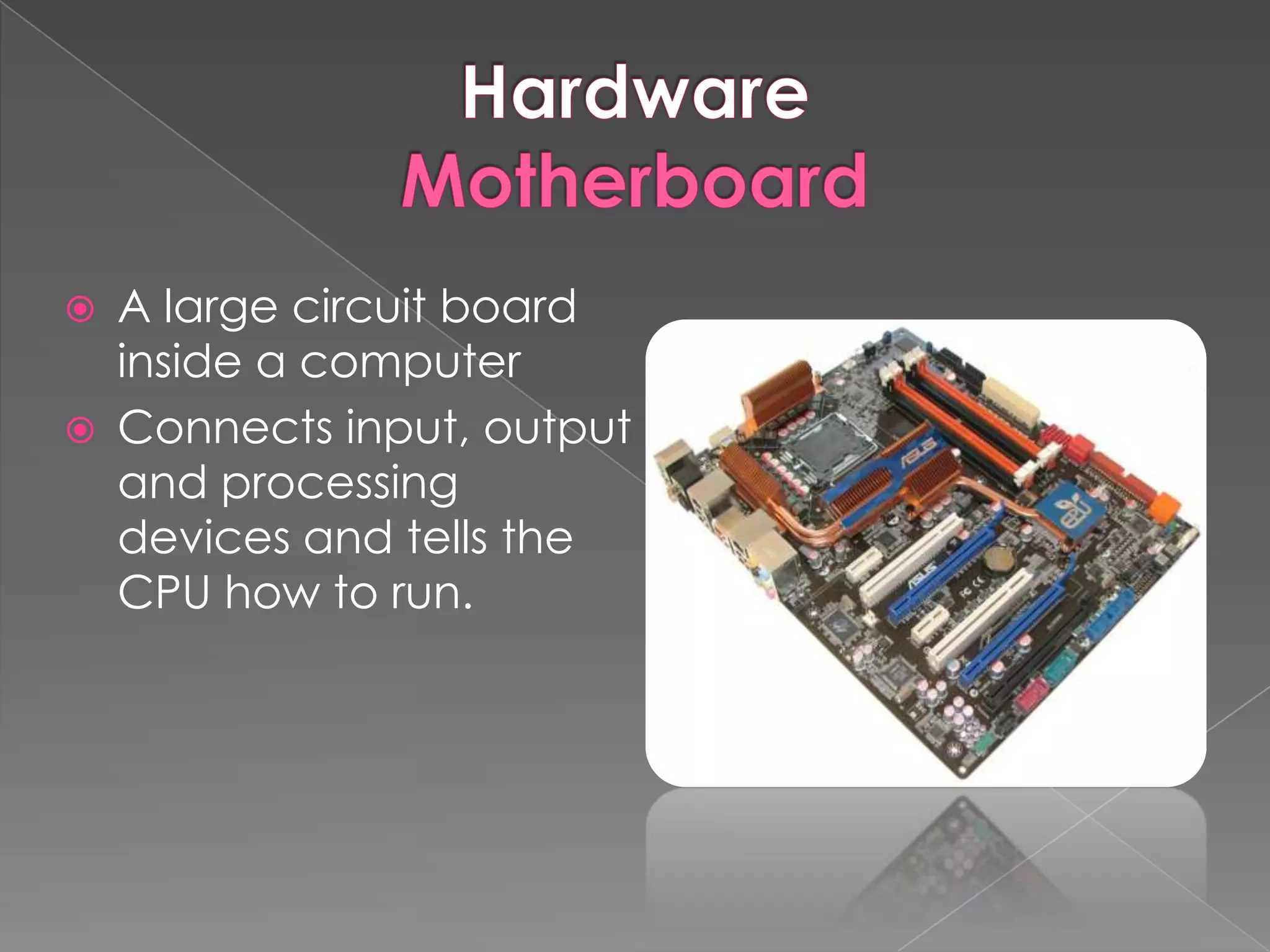
   A large circuit board
    inside a computer
   Connects input, output
    and processing
    devices and tells the
    CPU how to run.
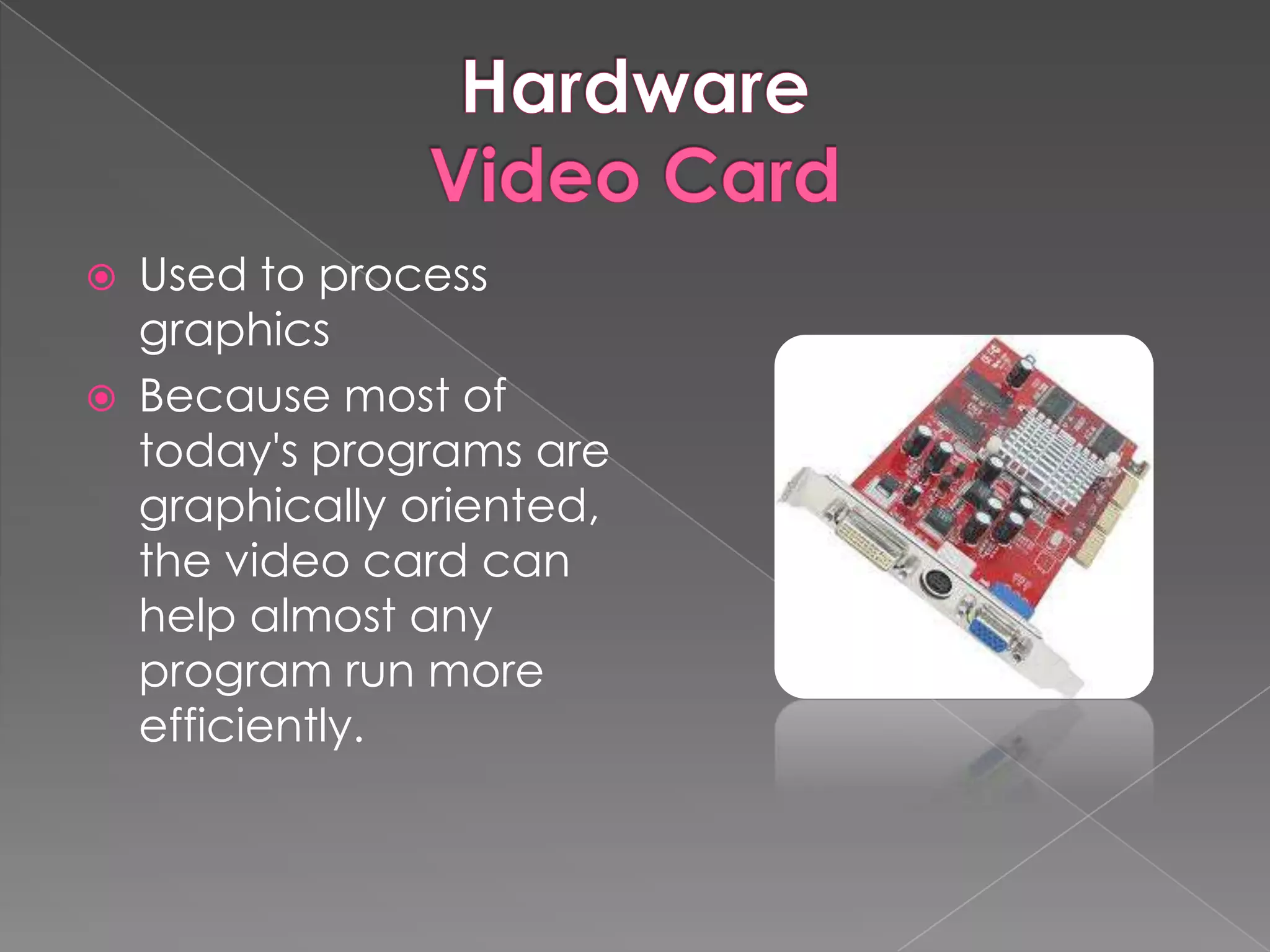
   Used to process
    graphics
   Because most of
    today's programs are
    graphically oriented,
    the video card can
    help almost any
    program run more
    efficiently.
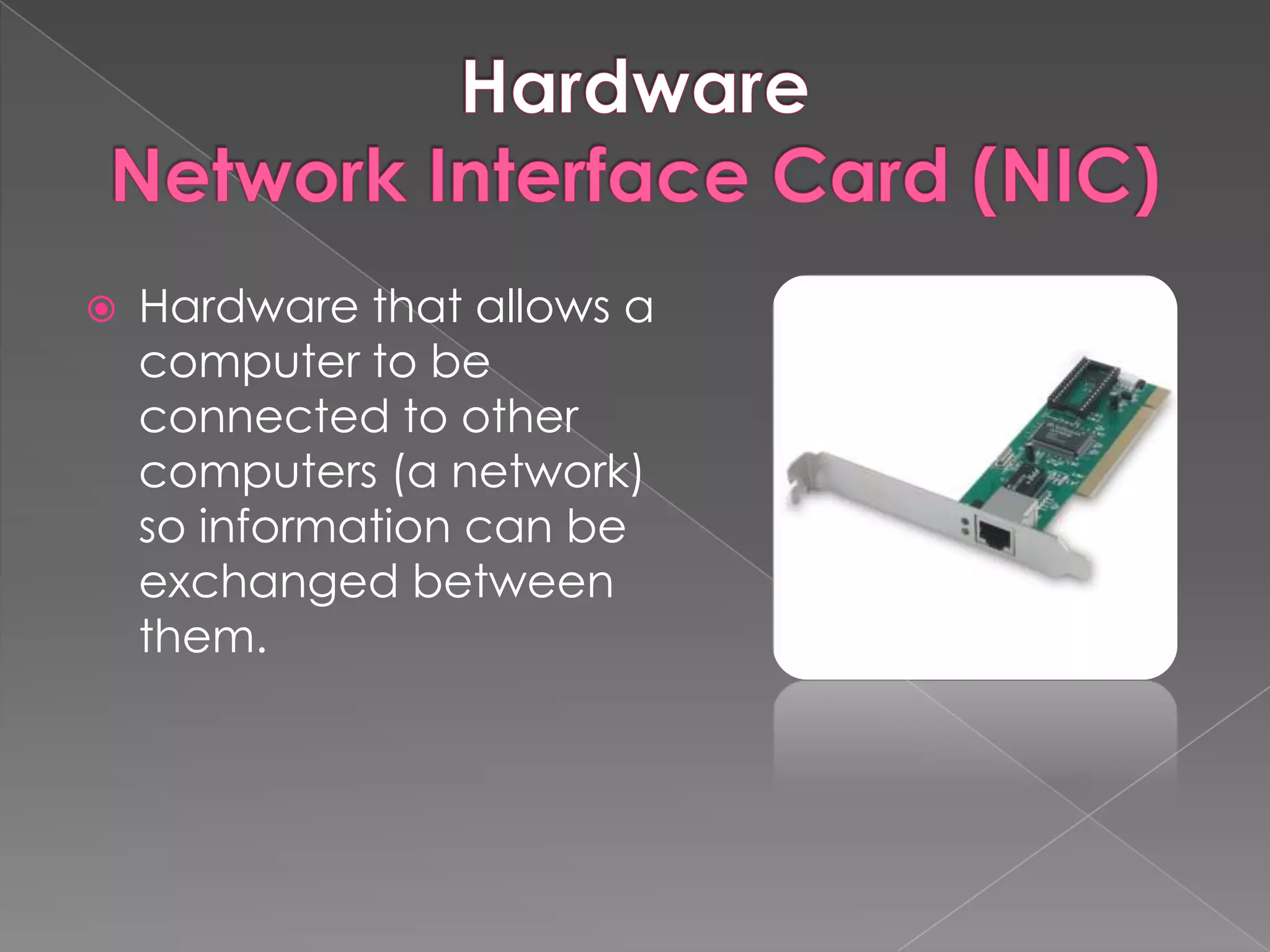
   Hardware that allows a
    computer to be
    connected to other
    computers (a network)
    so information can be
    exchanged between
    them.
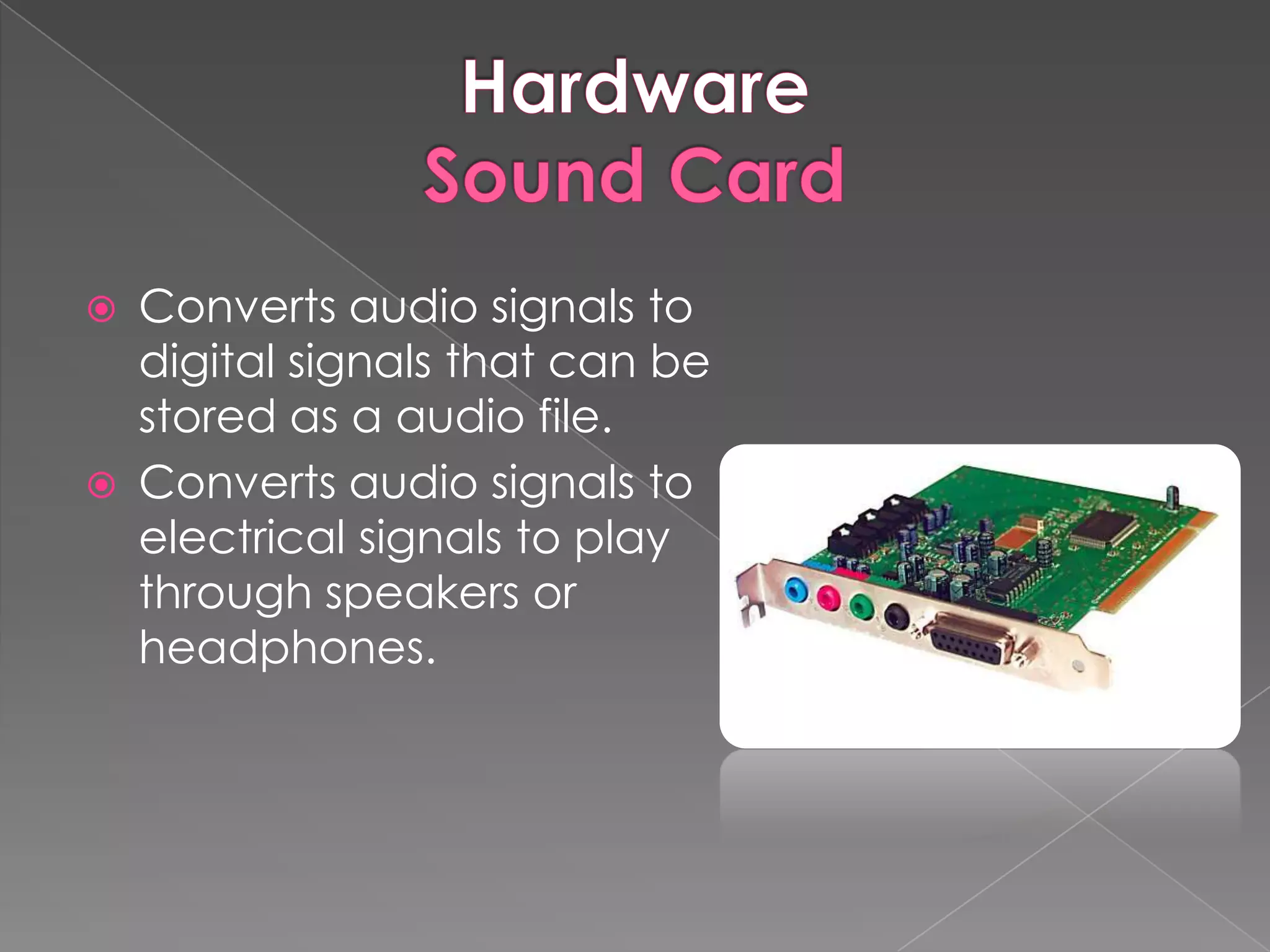
   Converts audio signals to
    digital signals that can be
    stored as a audio file.
   Converts audio signals to
    electrical signals to play
    through speakers or
    headphones.
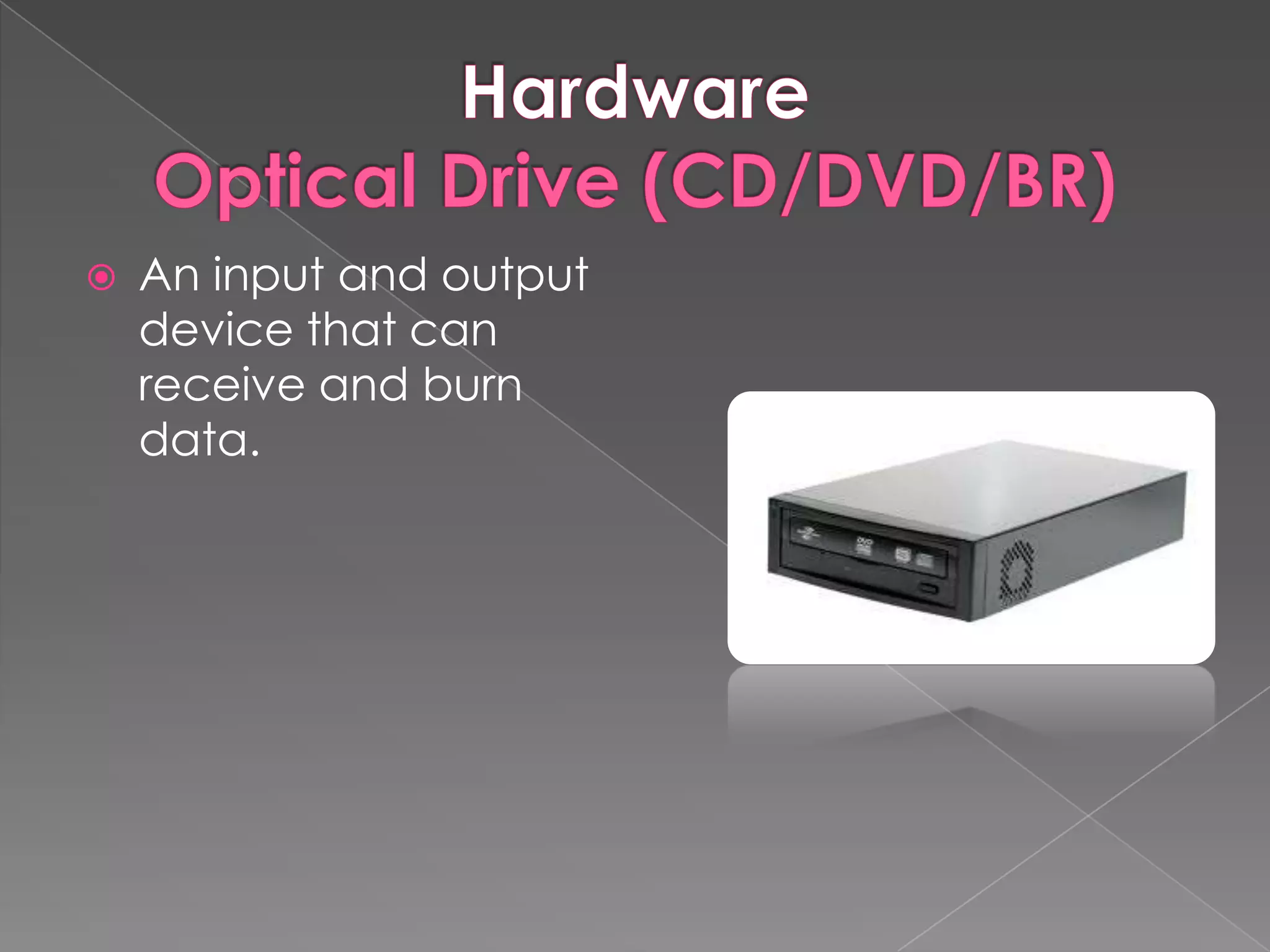
   An input and output
    device that can
    receive and burn
    data.
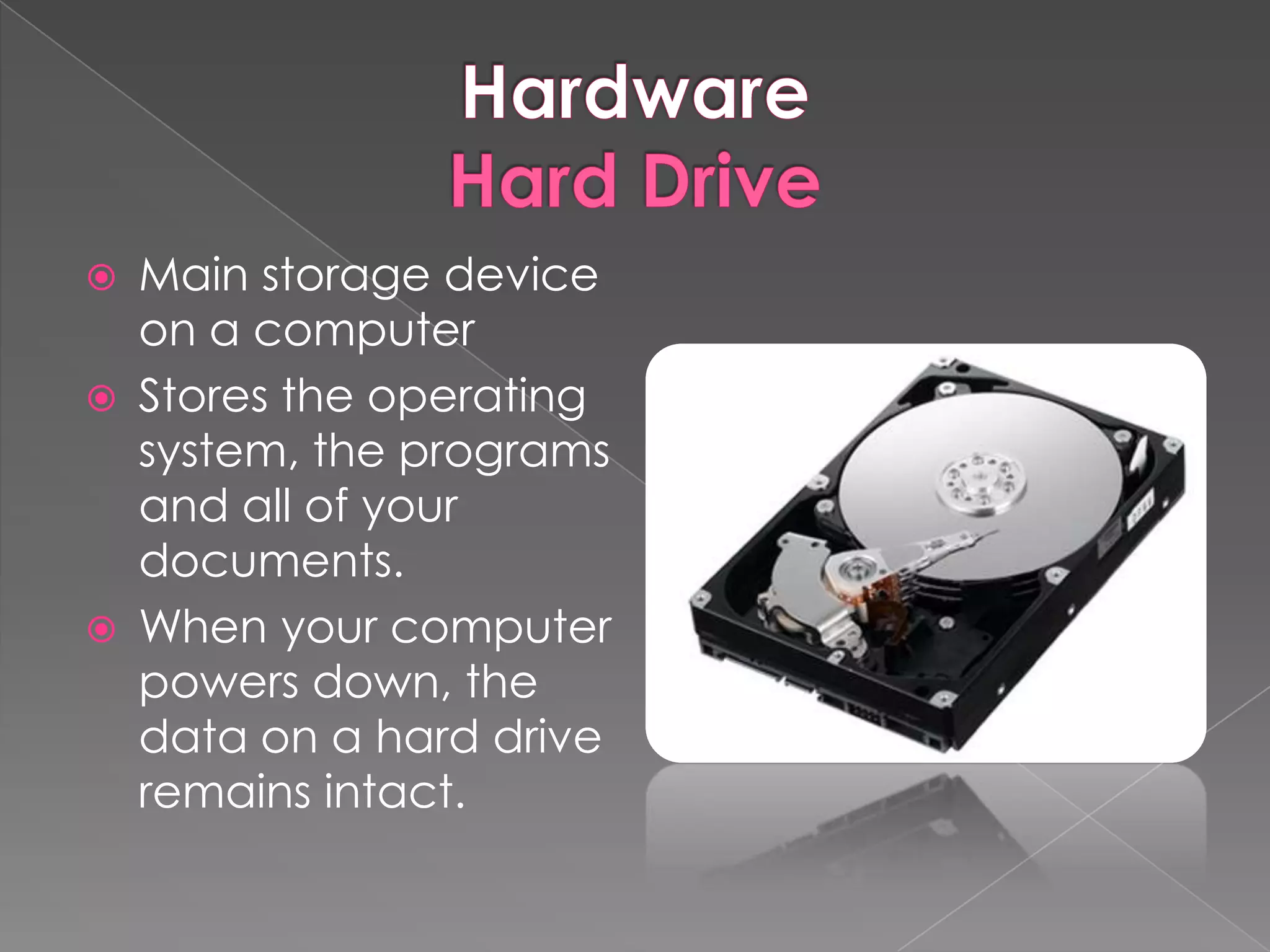
   Main storage device
    on a computer
   Stores the operating
    system, the programs
    and all of your
    documents.
   When your computer
    powers down, the
    data on a hard drive
    remains intact.
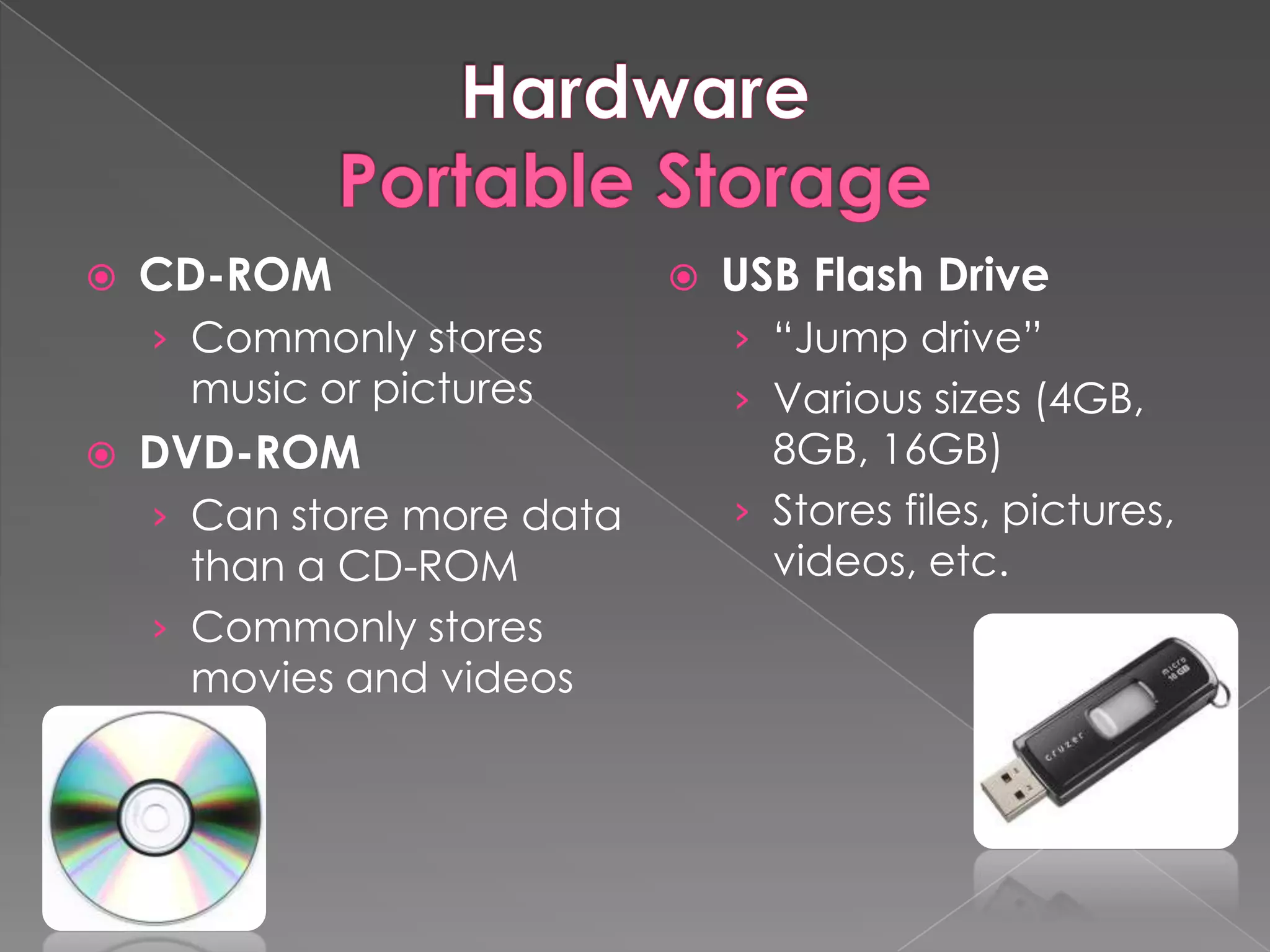
   CD-ROM                     USB Flash Drive
    › Commonly stores           › “Jump drive”
     music or pictures          › Various sizes (4GB,
   DVD-ROM                       8GB, 16GB)
    › Can store more data       › Stores files, pictures,
      than a CD-ROM               videos, etc.
    › Commonly stores
      movies and videos
   Software
    › A collection of computer
     programs and related
     data that provide the
     instructions for telling a
     computer what to do and
     how to do it.
   Provides the basic functions for computer
    usage and helps run the computer
    hardware and system.
    › Device drivers
    › Operating systems
    › Servers
    › Utilities
    › Window systems
   Provides tools to assist a programmer in
    writing computer programs, and software
    using different programming languages in a
    more convenient way.
    › Compilers
    › Debuggers
    › Interpreters
    › Linkers
    › Text Editors
   Developed to aid in any task that benefits
    from computation. It is a broad category,
    and encompasses software of many kinds,
    including:
    › Business Software (QuickBooks, etc.)
    › Databases
    › Spreadsheets
    › Video Games
    › Productivity Programs (Word, PowerPoint,
      Excel, etc.)
 The most important software on
  the computer.
 Every computer must have an
  operating system to run other programs.
 Controls and manages the hardware
  connected to the computer.
 Helps organize and manage files and
  folders.
Open (free)   Closed ($$$)
 Ubuntu       Windows 7
 Linex        Windows XP
               Windows Vista
               Snow Leopard
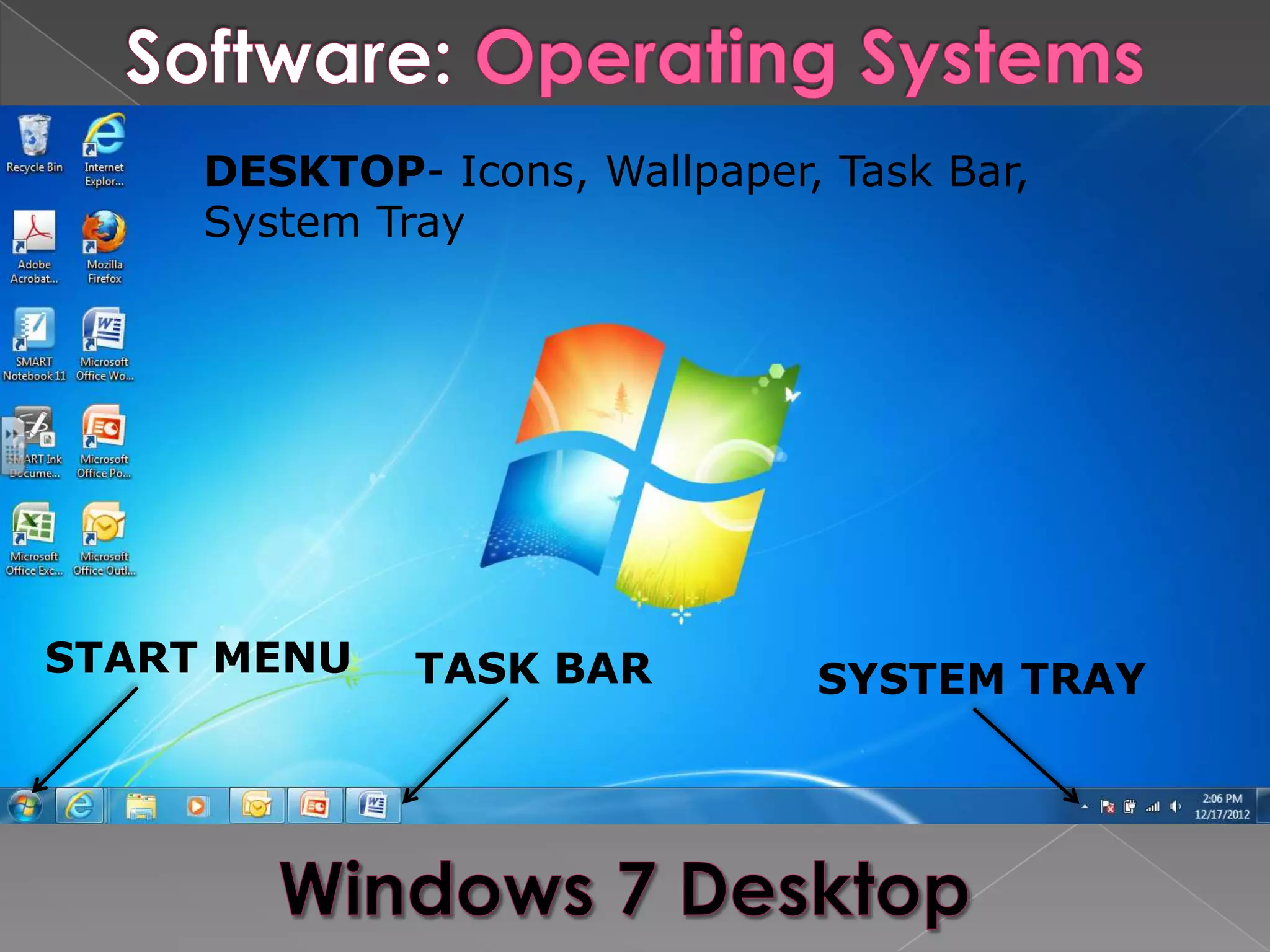
DESKTOP- Icons, Wallpaper, Task Bar,
     System Tray


START MENU    TASK BAR         SYSTEM TRAY
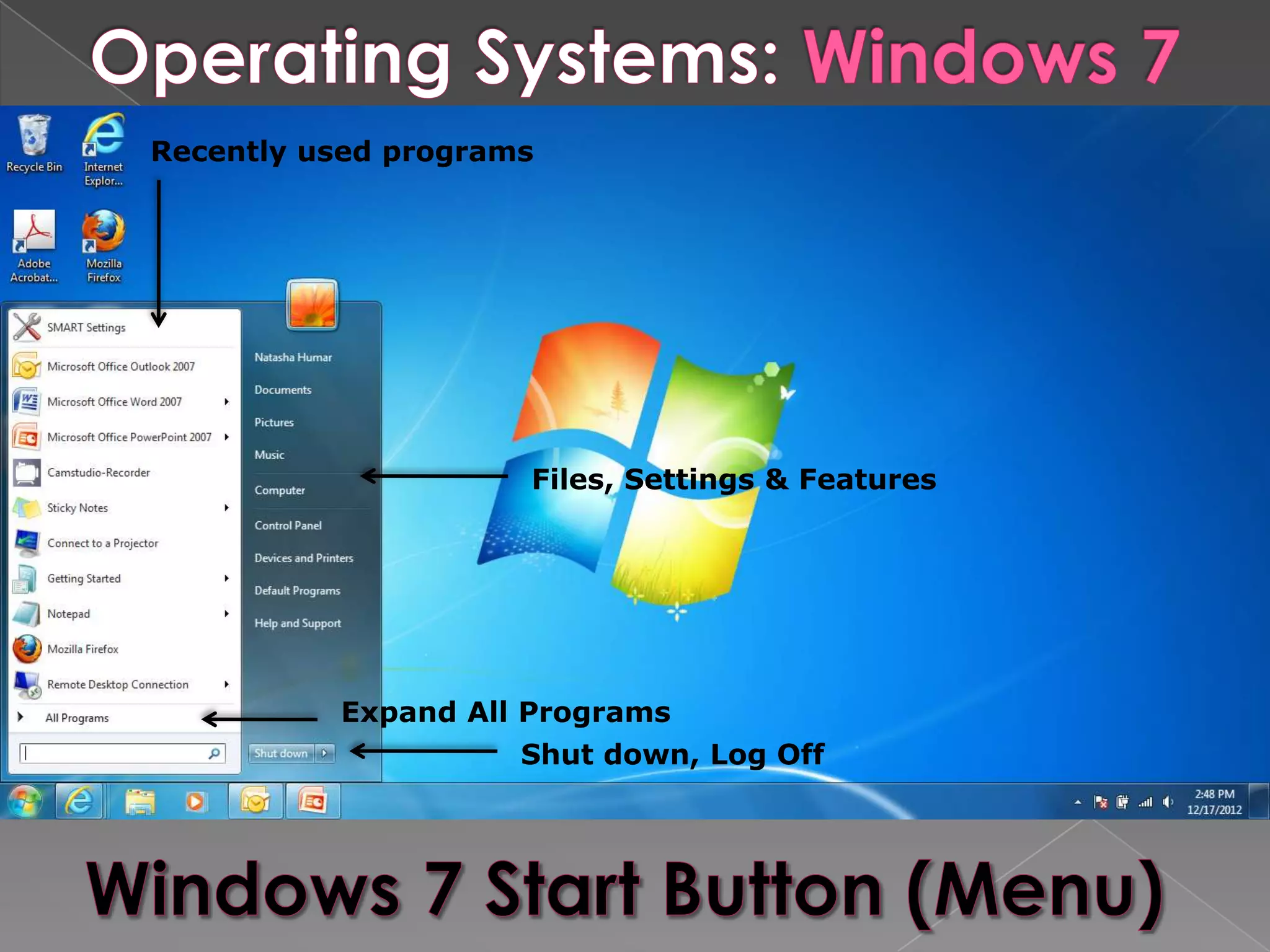
Recently used programs


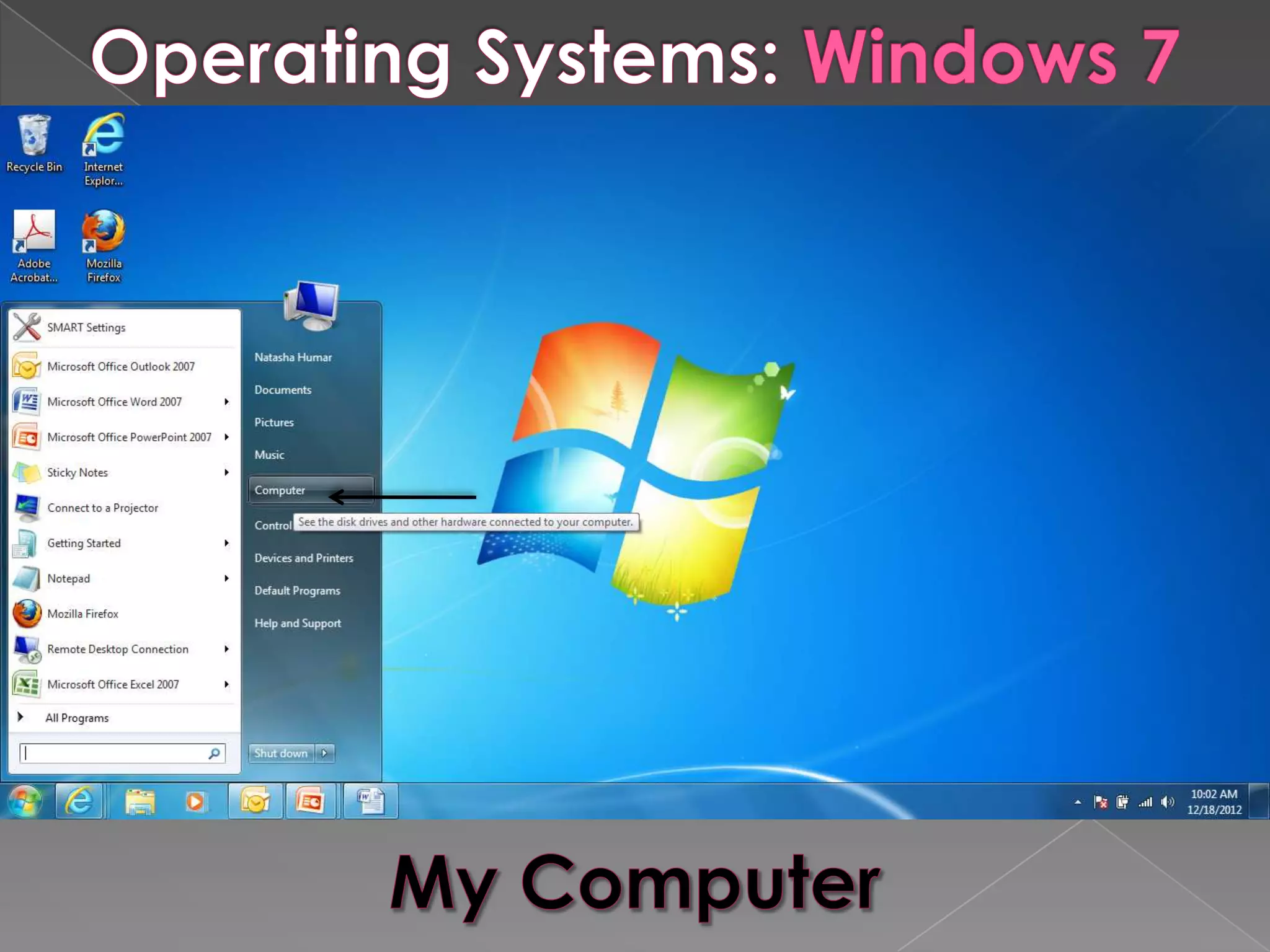
                     Files, Settings & Features


          Expand All Programs
                     Shut down, Log Off
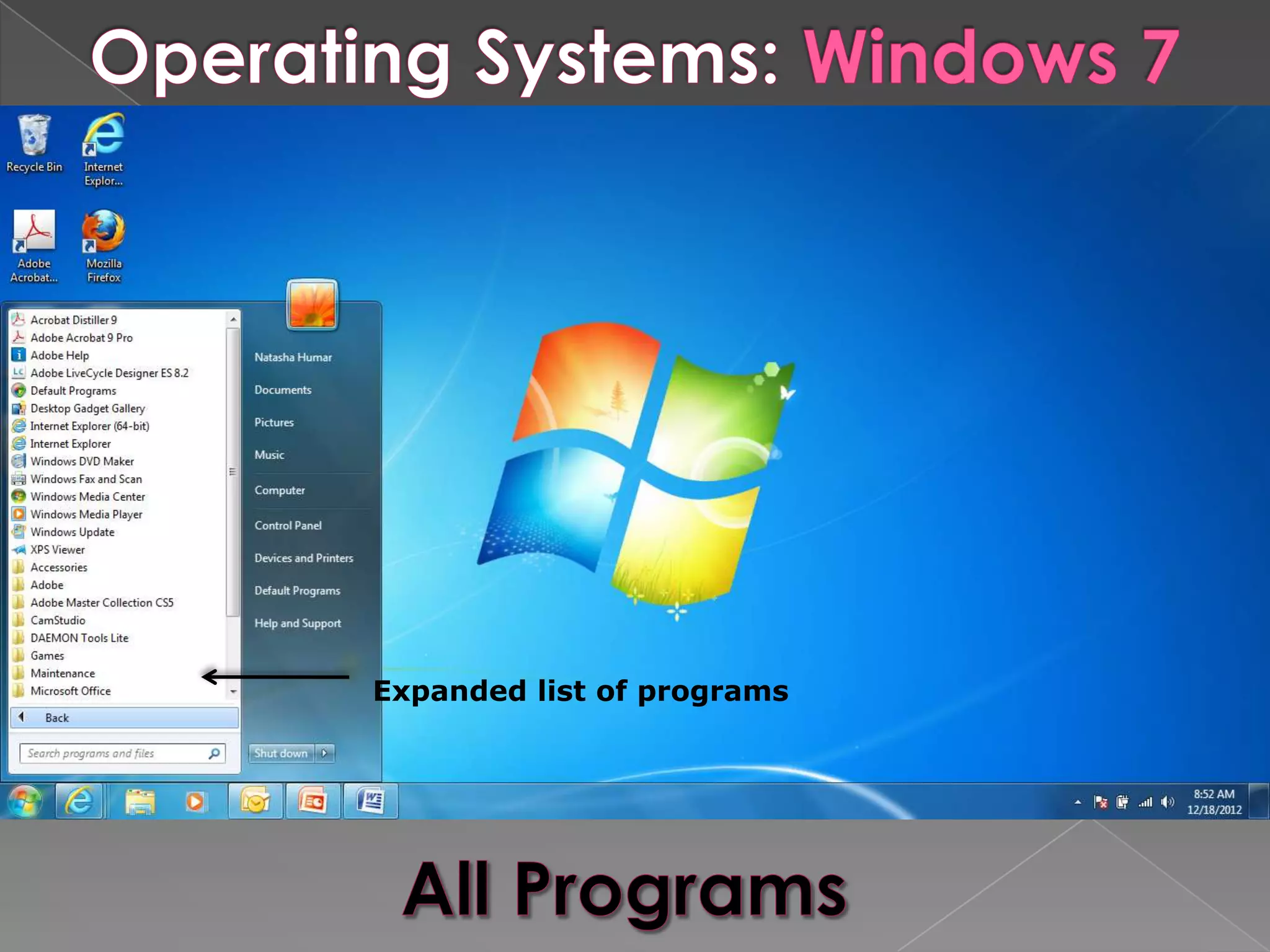
Expanded list of programs
Computer Basics
Computer Basics
Computer Basics
Computer Basics

Computer Basics

  • 2.
     Help usperform tasks efficiently and quickly  Are used in almost every field/industry  Made of various parts › Input devices › Output devices › Processing devices › Storage devices
  • 3.
    Hardware › “Refers to all the physical components connected to a computer” (microsoft.com)
  • 4.
    Input Devices Output Devices  Mouse  Monitor  Keyboard  Printer  Microphone  Speakers  Scanner  Headphones  Webcam  Projector  Stylus  Digital Camera
  • 5.
    Processing Devices Storage Devices  CPU  Hard Drive  Memory  Floppy Disk  Motherboard  CD-ROM  Video Card  DVD-ROM  Network Interface  Jump Drive Card  Sound Card
  • 6.
    This is the brain of your computer.  It interprets and runs the commands you give the computer.  A processor these days can have several "cores," each of which is similar to an independent processor.
  • 7.
    Where information isstored and retrieved by the CPU. RAM ROM (Random access memory) (Read only memory) › Main memory › Permanent › Temporary › Used to store commands › Only available when › Remains even when computer is on computer is off
  • 8.
    A large circuit board inside a computer  Connects input, output and processing devices and tells the CPU how to run.
  • 9.
    Used to process graphics  Because most of today's programs are graphically oriented, the video card can help almost any program run more efficiently.
  • 10.
    Hardware that allows a computer to be connected to other computers (a network) so information can be exchanged between them.
  • 11.
    Converts audio signals to digital signals that can be stored as a audio file.  Converts audio signals to electrical signals to play through speakers or headphones.
  • 12.
    An input and output device that can receive and burn data.
  • 13.
    Main storage device on a computer  Stores the operating system, the programs and all of your documents.  When your computer powers down, the data on a hard drive remains intact.
  • 14.
    CD-ROM  USB Flash Drive › Commonly stores › “Jump drive” music or pictures › Various sizes (4GB,  DVD-ROM 8GB, 16GB) › Can store more data › Stores files, pictures, than a CD-ROM videos, etc. › Commonly stores movies and videos
  • 15.
    Software › A collection of computer programs and related data that provide the instructions for telling a computer what to do and how to do it.
  • 16.
    Provides the basic functions for computer usage and helps run the computer hardware and system. › Device drivers › Operating systems › Servers › Utilities › Window systems
  • 17.
    Provides tools to assist a programmer in writing computer programs, and software using different programming languages in a more convenient way. › Compilers › Debuggers › Interpreters › Linkers › Text Editors
  • 18.
    Developed to aid in any task that benefits from computation. It is a broad category, and encompasses software of many kinds, including: › Business Software (QuickBooks, etc.) › Databases › Spreadsheets › Video Games › Productivity Programs (Word, PowerPoint, Excel, etc.)
  • 19.
     The mostimportant software on the computer.  Every computer must have an operating system to run other programs.  Controls and manages the hardware connected to the computer.  Helps organize and manage files and folders.
  • 20.
    Open (free) Closed ($$$)  Ubuntu  Windows 7  Linex  Windows XP  Windows Vista  Snow Leopard
  • 21.
    DESKTOP- Icons, Wallpaper,Task Bar, System Tray START MENU TASK BAR SYSTEM TRAY
  • 22.
    Recently used programs Files, Settings & Features Expand All Programs Shut down, Log Off
  • 23.