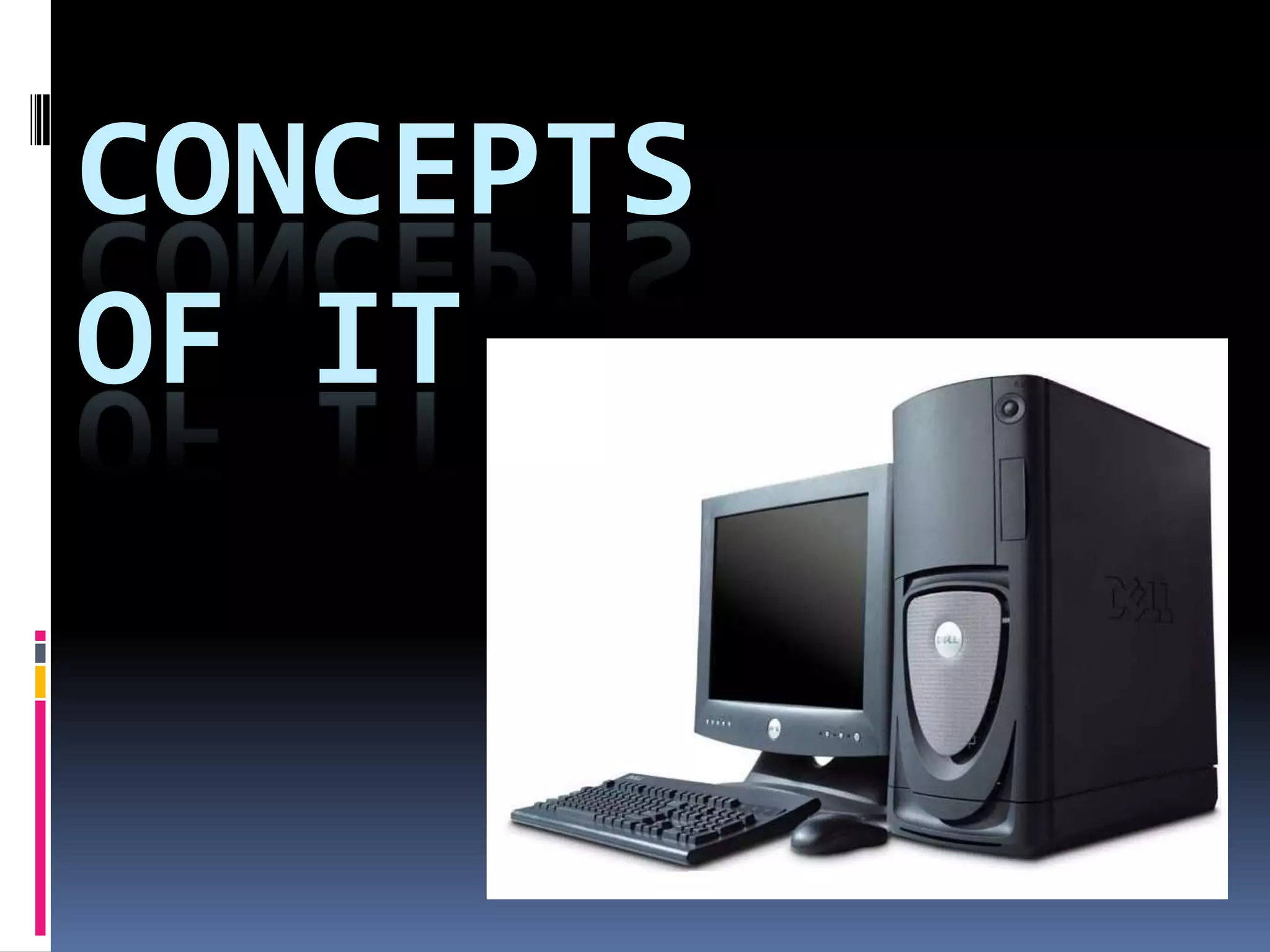
Concepts of IT
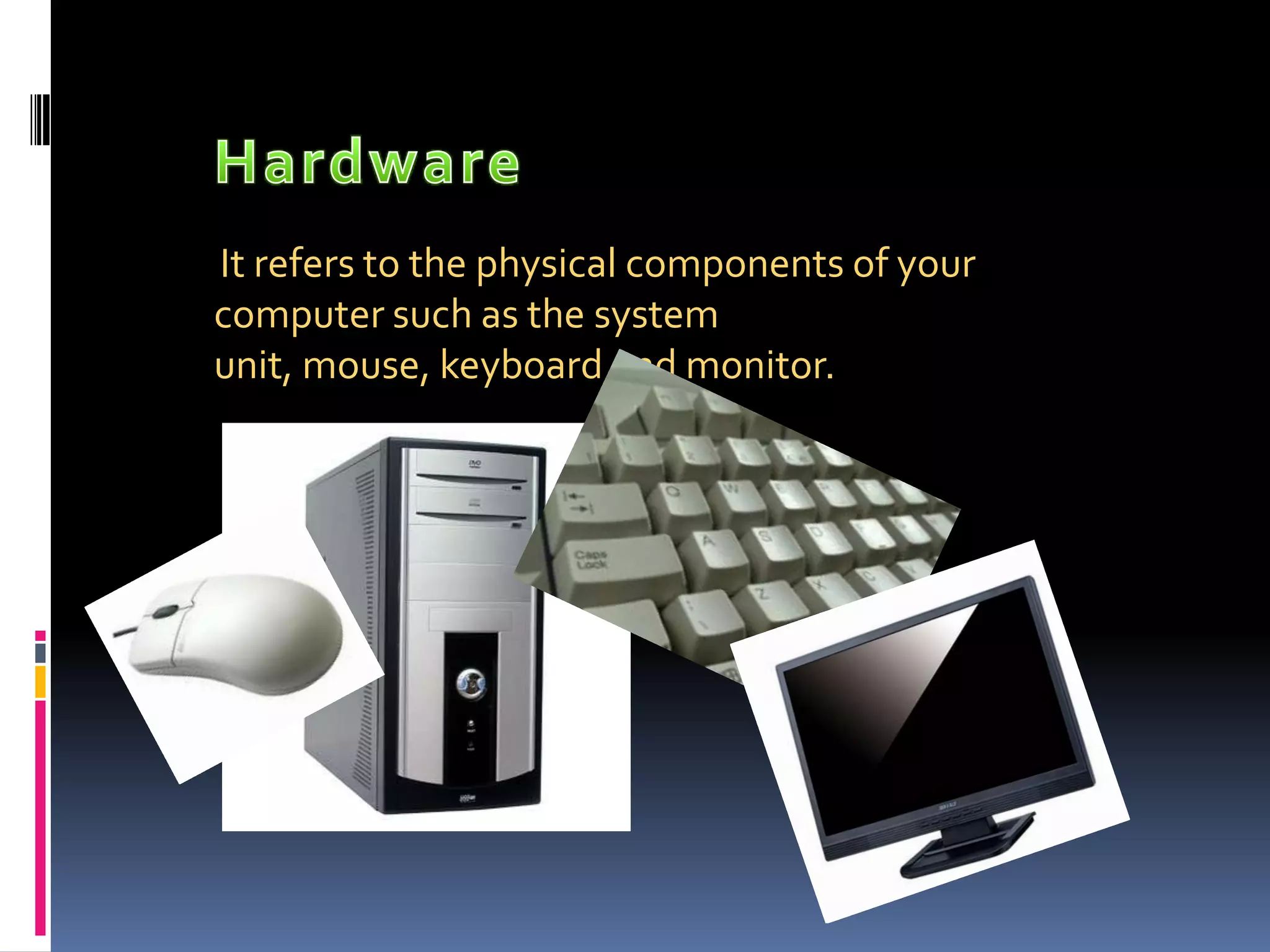
HardwareIt refers to the physical components of your computer such as the system unit, mouse, keyboard and monitor.
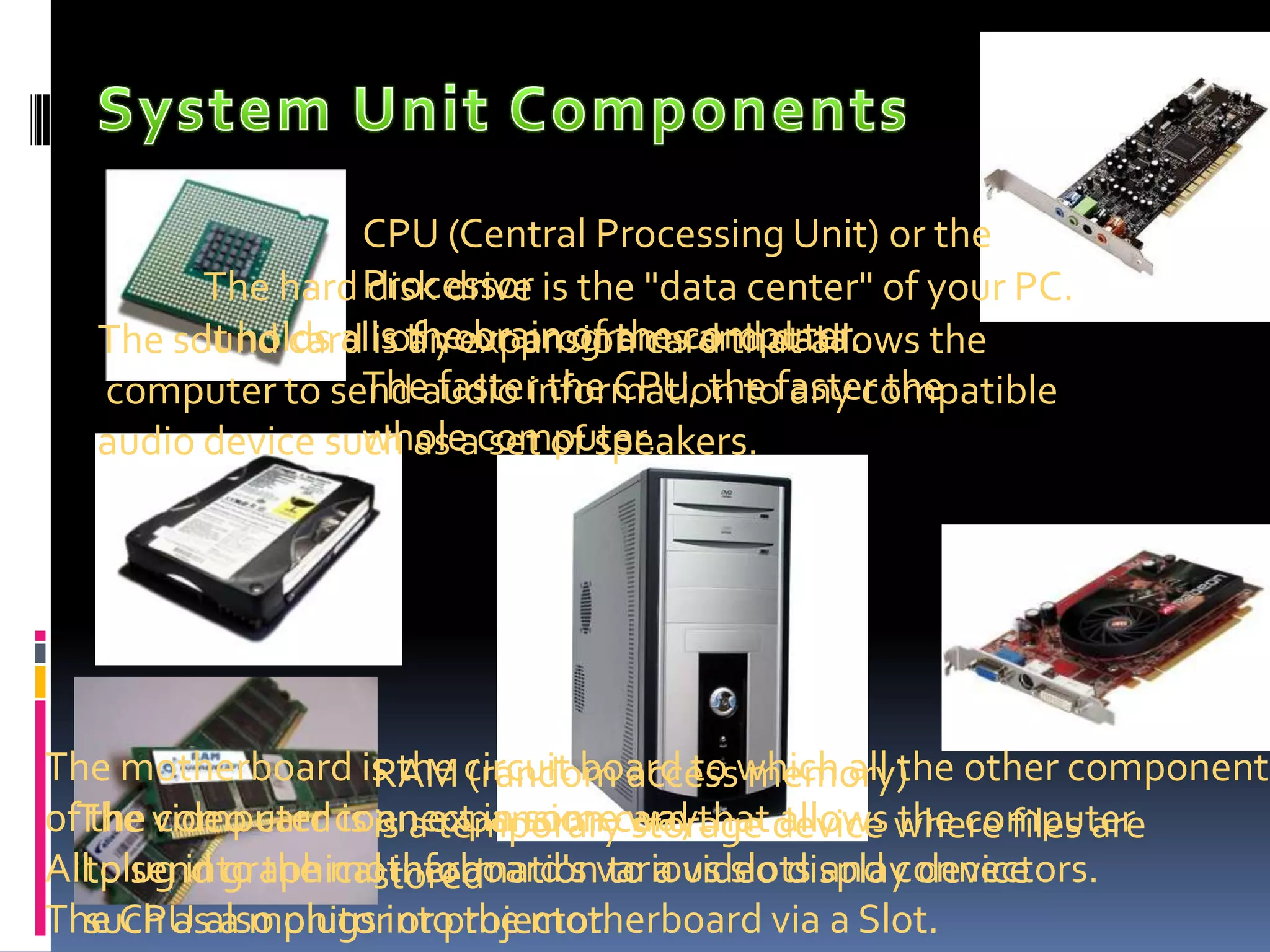
System Unit Components CPU (Central Processing Unit) or the Processoris the brain of the computer.The faster the CPU, the faster the whole computer. The hard disk drive is the "data center" of your PC. It holds all of your programs and data.The sound card is an expansion card that allows the computer to send audio information to any compatible audio device such as a set of speakers.The motherboard is the circuit board to which all the other components of the computer connect in some way. All plug into the motherboard's various slots and connectors.  The CPU also plugs into the motherboard via a Slot.RAM (random access memory) is a temporary storage device where files are storedThe video card is an expansion card that allows the computer to send graphical information to a video display device such as a monitor or projector.
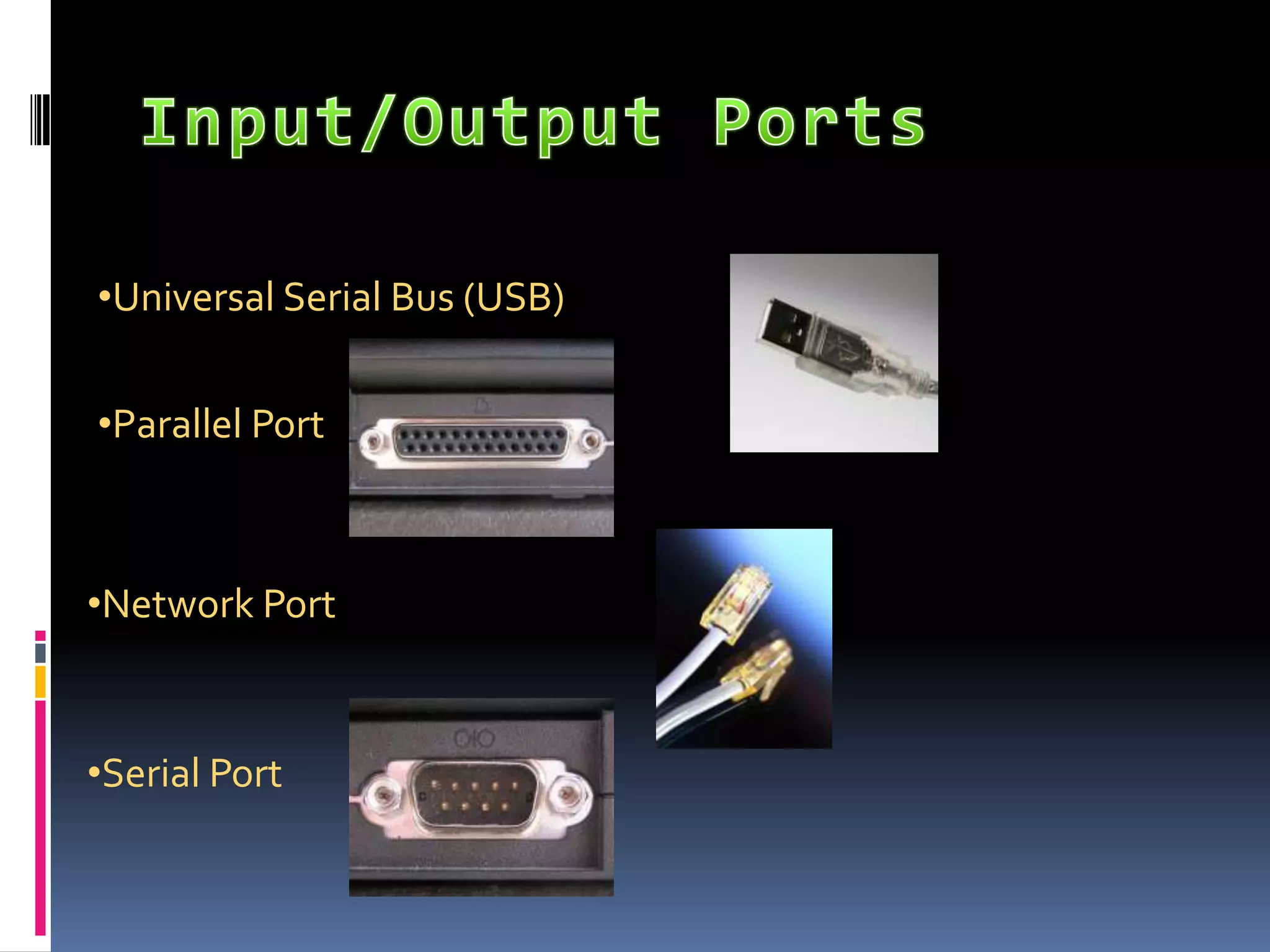
Input/Output PortsUniversal Serial Bus (USB)
Parallel Port
Network Port
Serial PortComputer PerformanceMemory
Storage
Multitasking

Concepts

  • 1.
  • 2.
    HardwareIt refers tothe physical components of your computer such as the system unit, mouse, keyboard and monitor.
  • 3.
    System Unit ComponentsCPU (Central Processing Unit) or the Processoris the brain of the computer.The faster the CPU, the faster the whole computer. The hard disk drive is the "data center" of your PC. It holds all of your programs and data.The sound card is an expansion card that allows the computer to send audio information to any compatible audio device such as a set of speakers.The motherboard is the circuit board to which all the other components of the computer connect in some way. All plug into the motherboard's various slots and connectors.  The CPU also plugs into the motherboard via a Slot.RAM (random access memory) is a temporary storage device where files are storedThe video card is an expansion card that allows the computer to send graphical information to a video display device such as a monitor or projector.
  • 4.
  • 5.
  • 6.
  • 7.
  • 8.
  • 9.
  • 10.
  • 11.
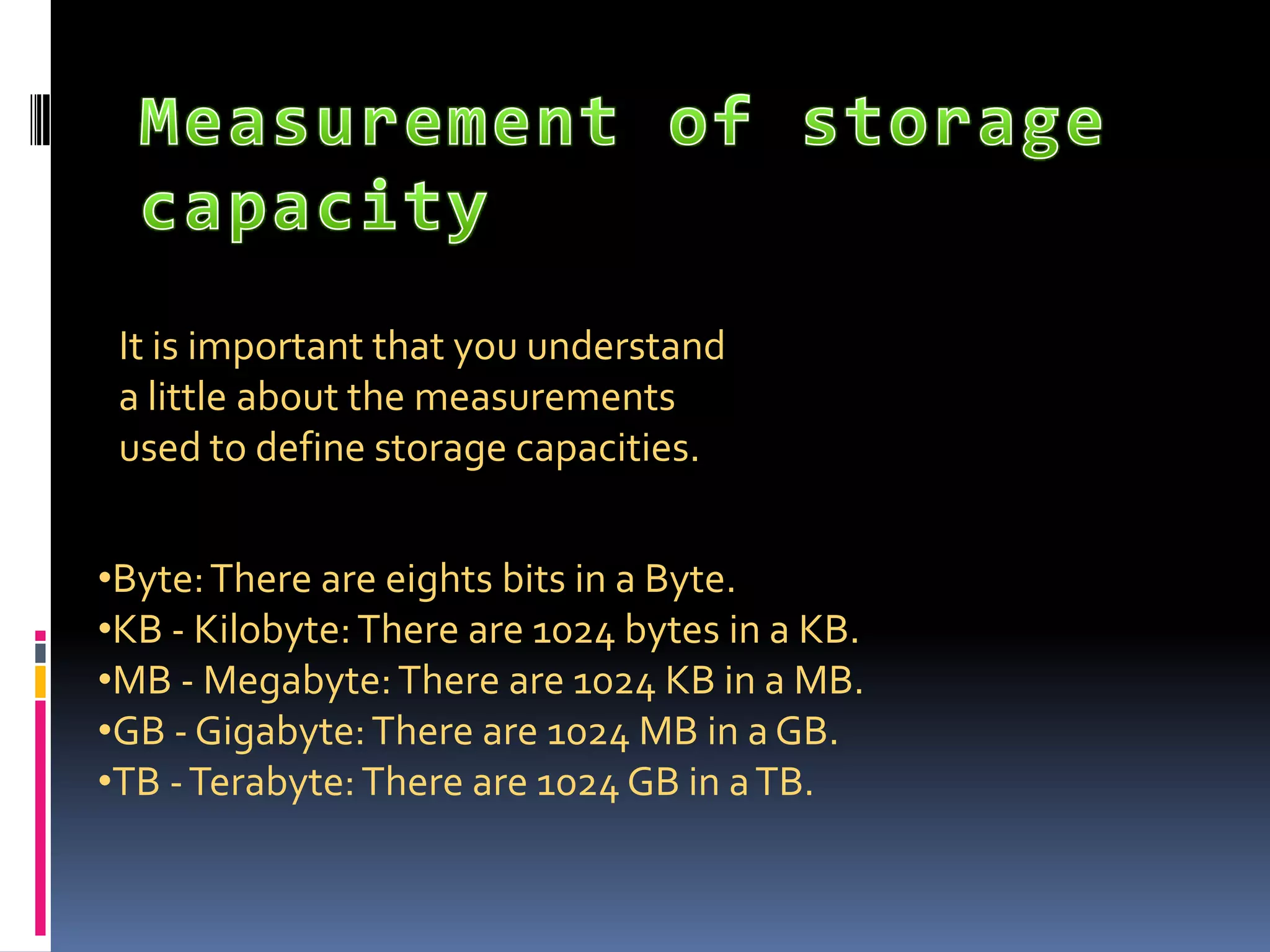
    CDs , DVDs,Flash memory, Memory Card, Hard Disk Drive (Permanent )Measurement of storage capacity It is important that you understand a little about the measurements used to define storage capacities.Byte: There are eights bits in a Byte.
  • 12.
    KB - Kilobyte:There are 1024 bytes in a KB.
  • 13.
    MB - Megabyte:There are 1024 KB in a MB.
  • 14.
    GB - Gigabyte:There are 1024 MB in a GB.
  • 15.
    TB - Terabyte:There are 1024 GB in a TB.Input Devices Keyboard, Mouse, Scanners, Web Cam, MicrophonesOutput Devices Screens, Projectors, Printers, Speakers and headphones
  • 16.
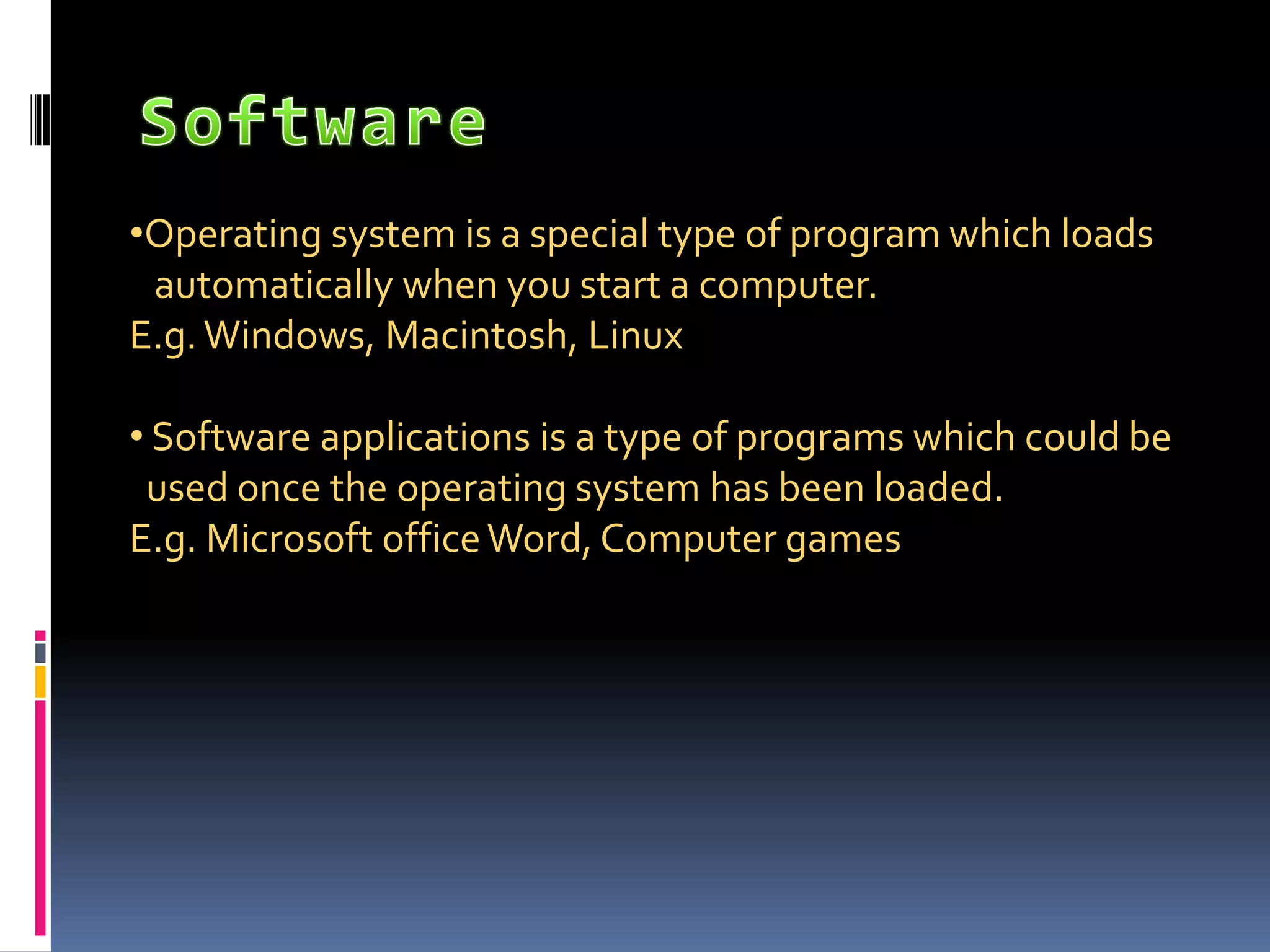
    SoftwareOperating system isa special type of program which loads automatically when you start a computer.E.g. Windows, Macintosh, Linux Software applications is a type of programs which could be used once the operating system has been loaded.E.g. Microsoft office Word, Computer games