Download to read offline

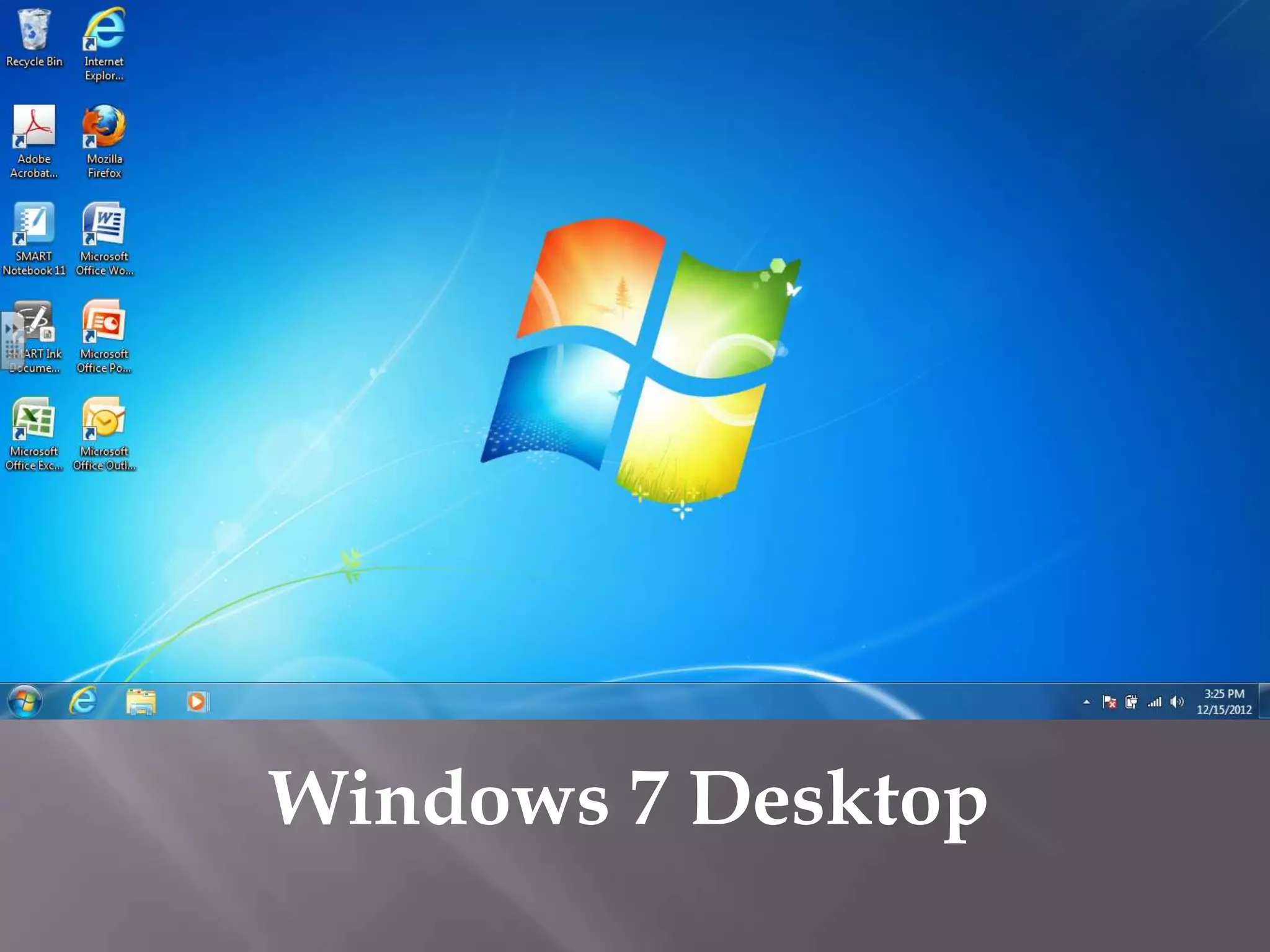


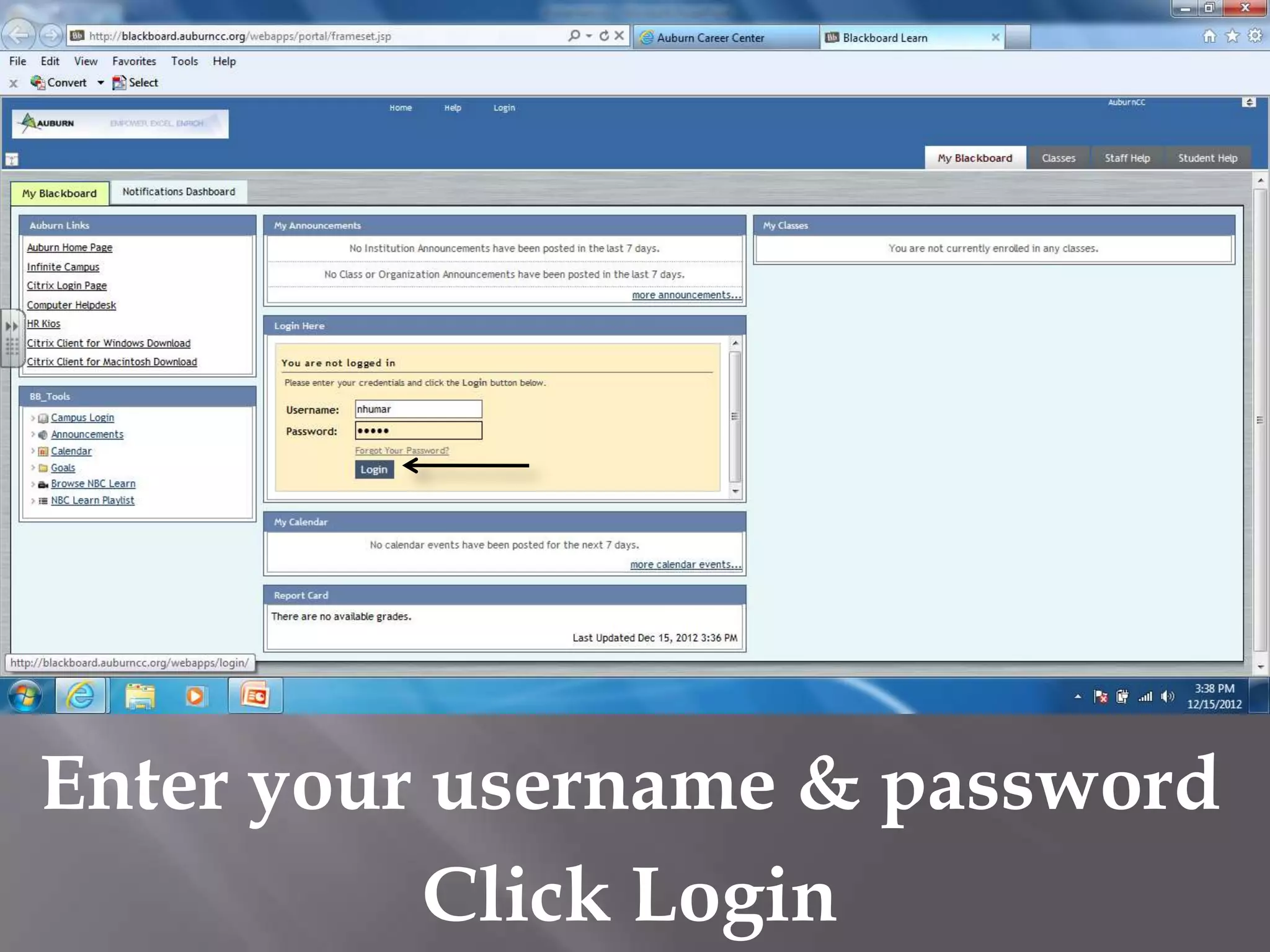

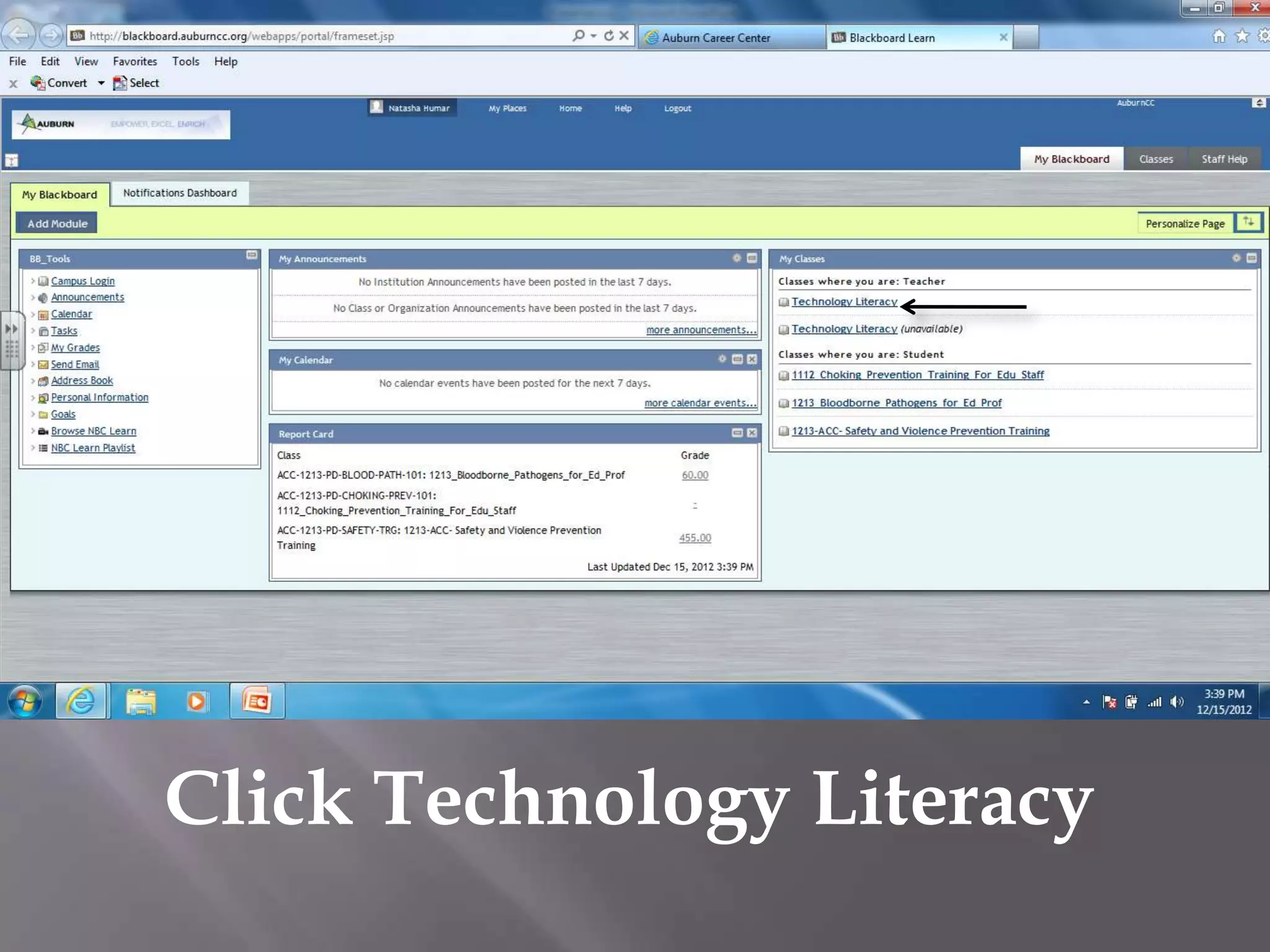


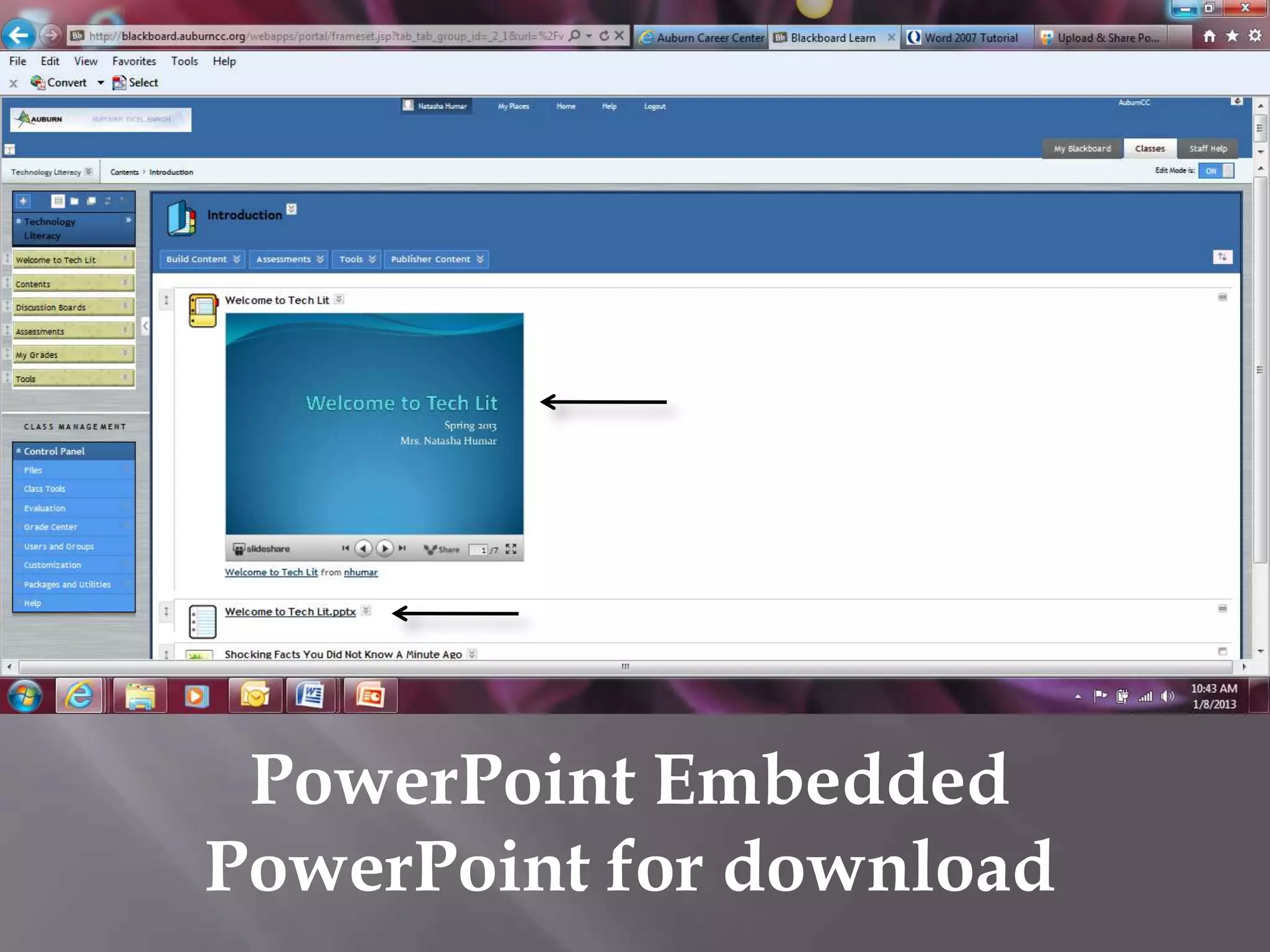
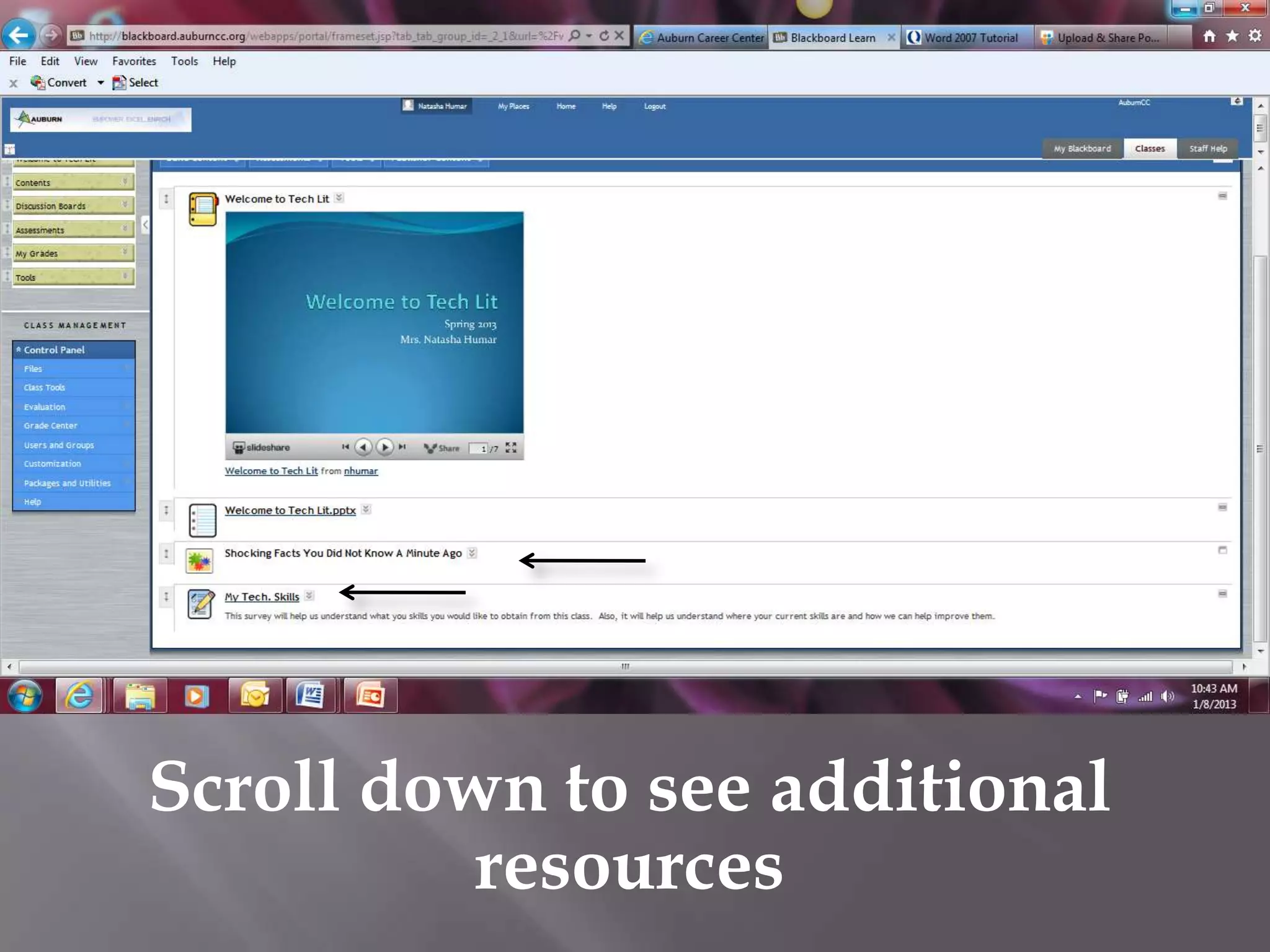

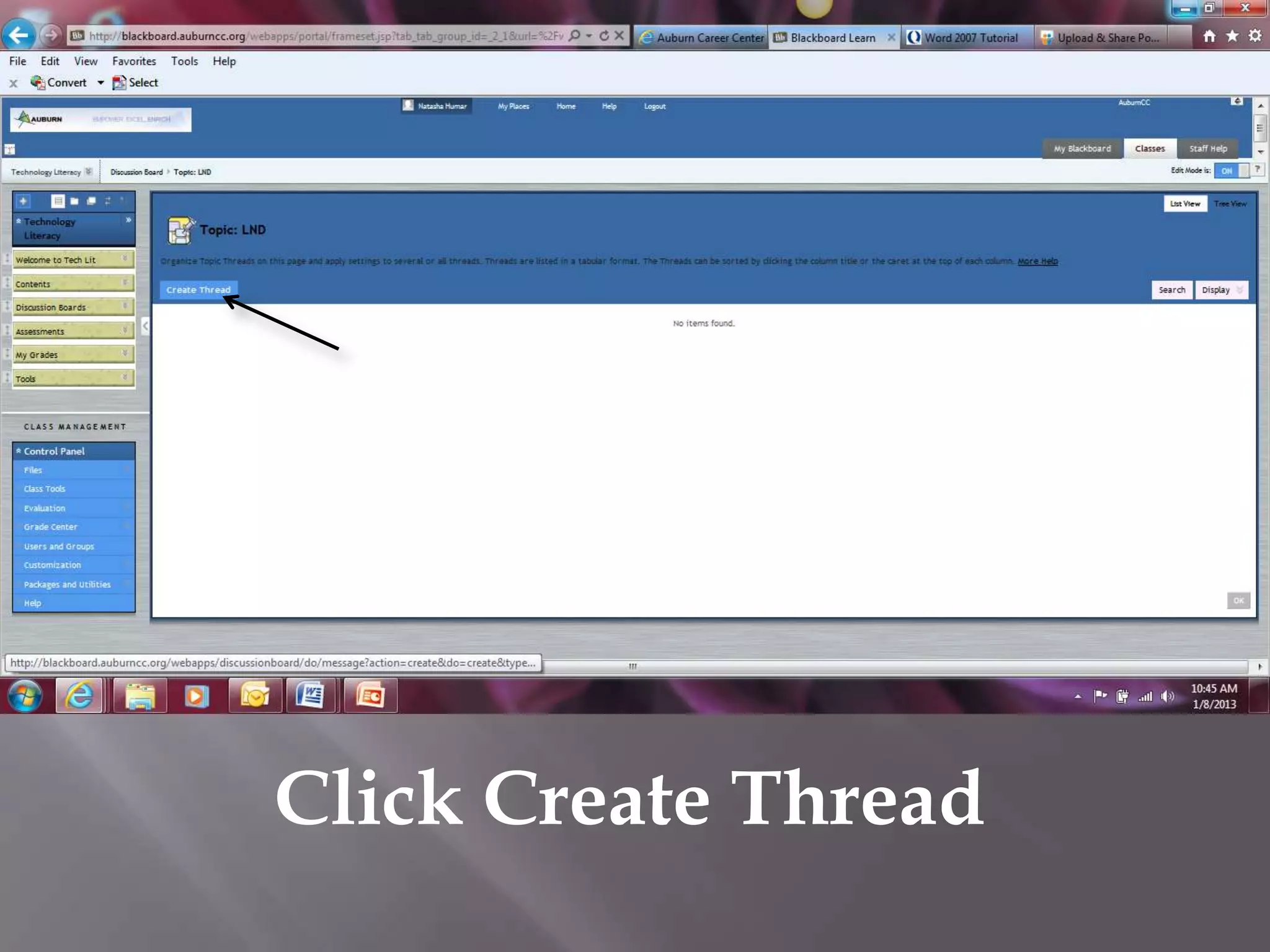

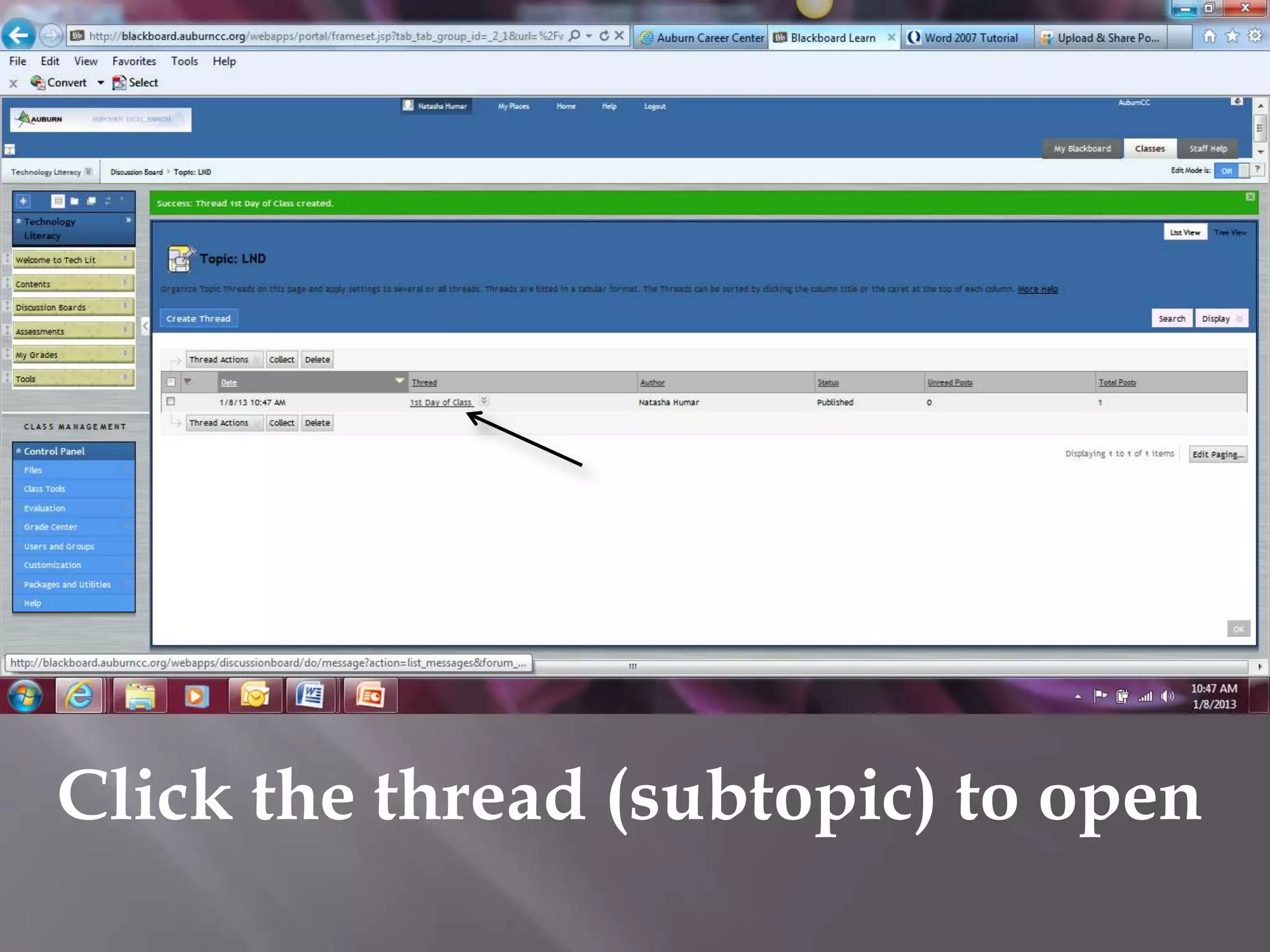
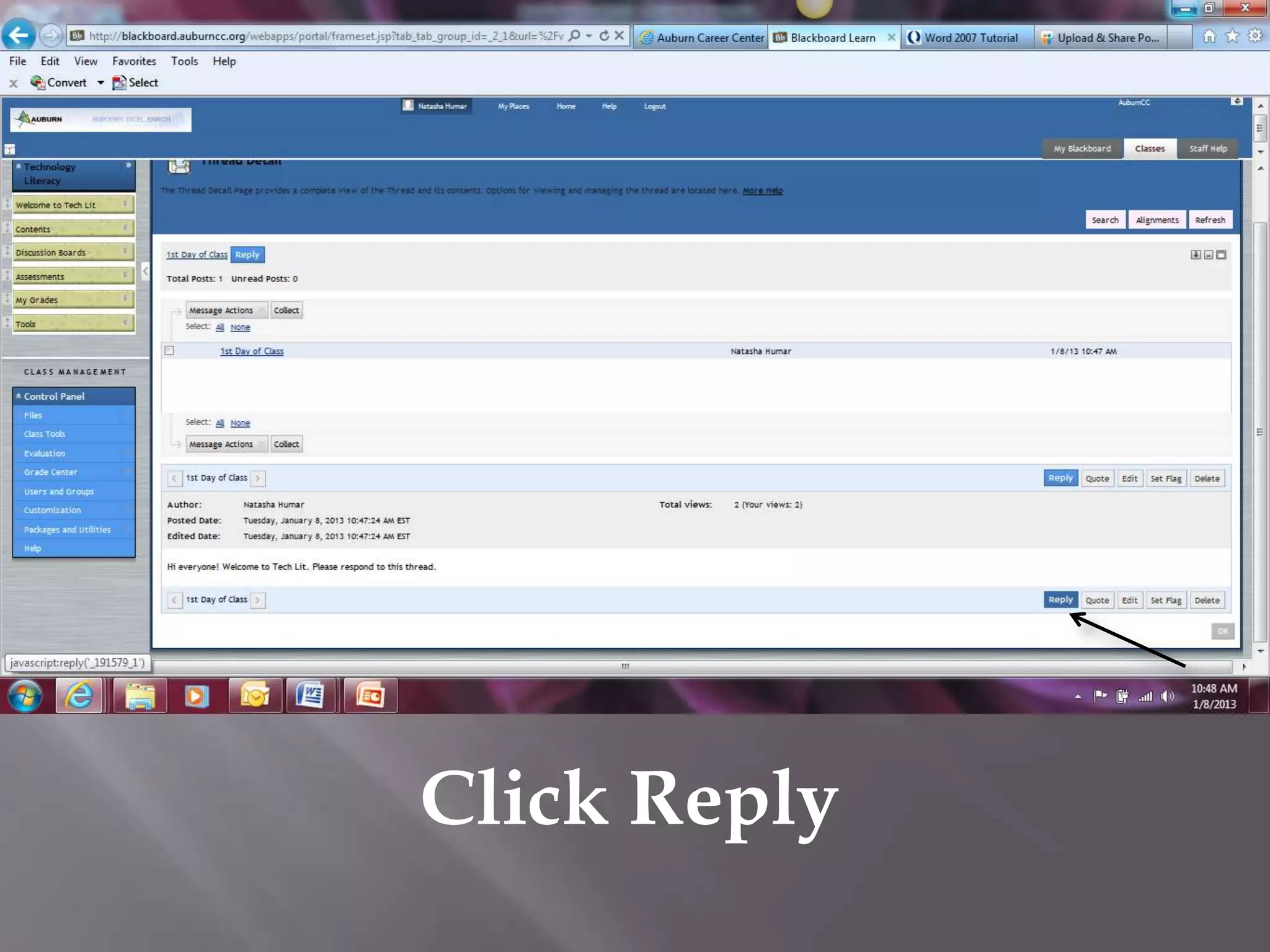

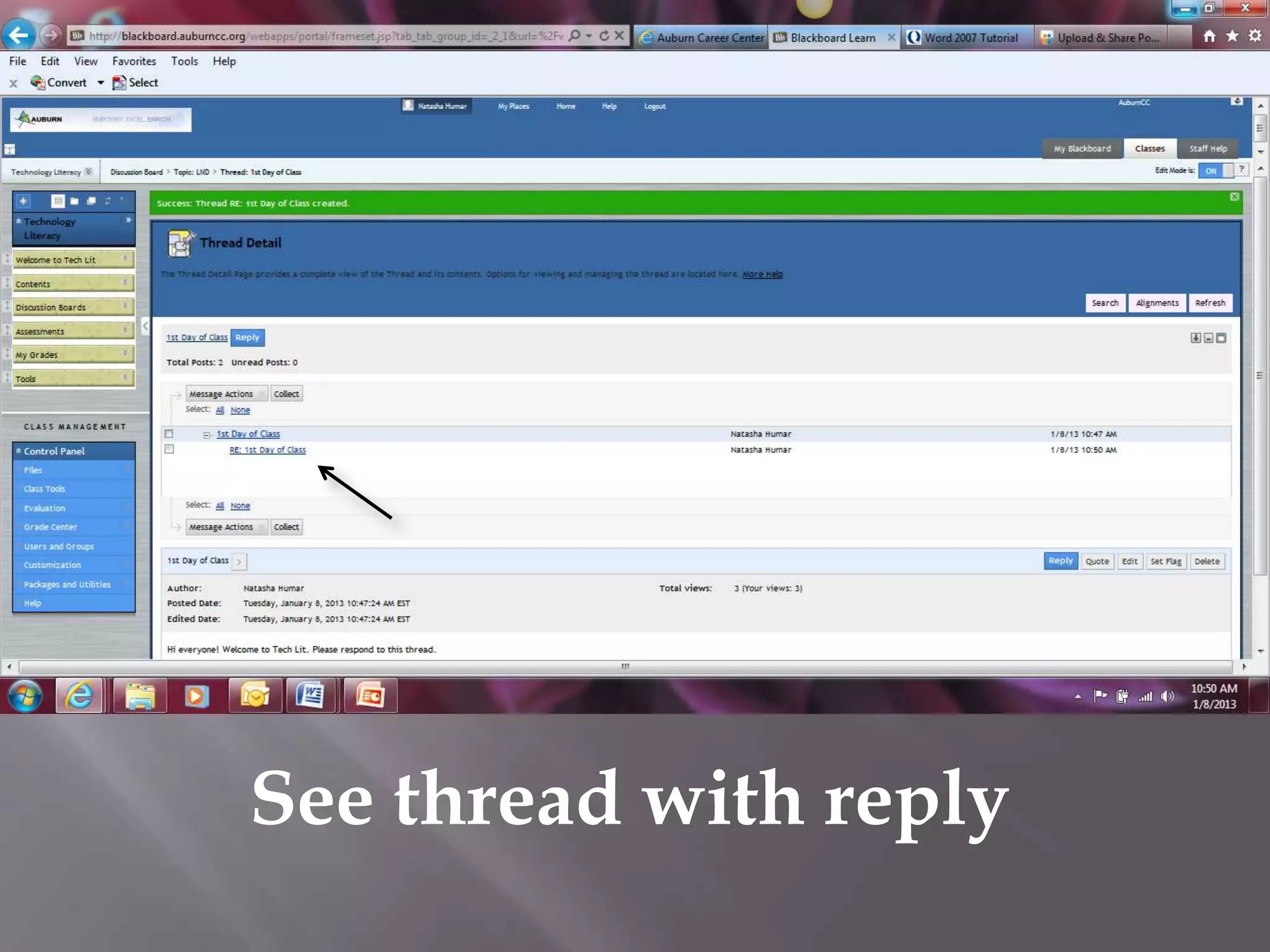

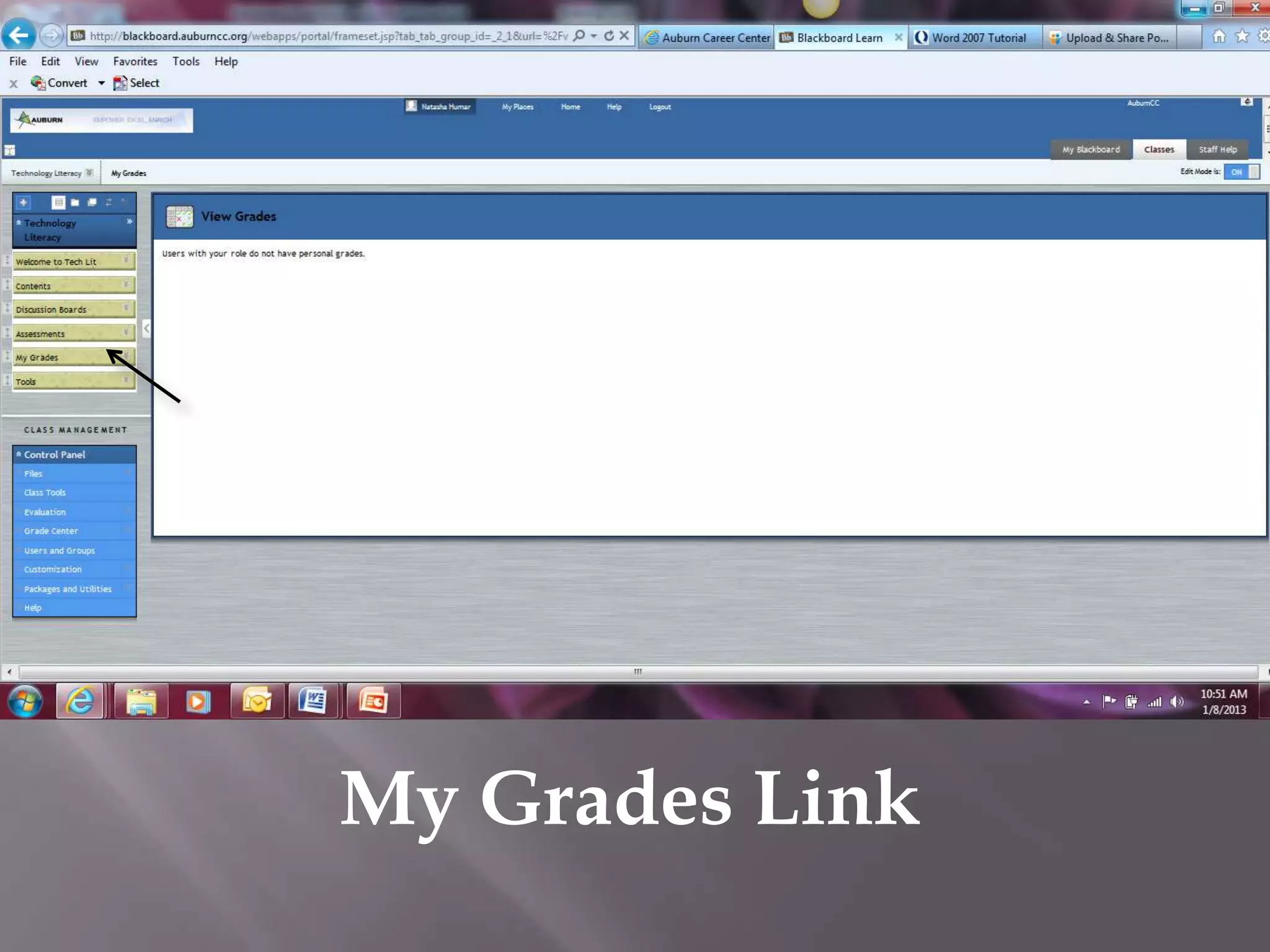

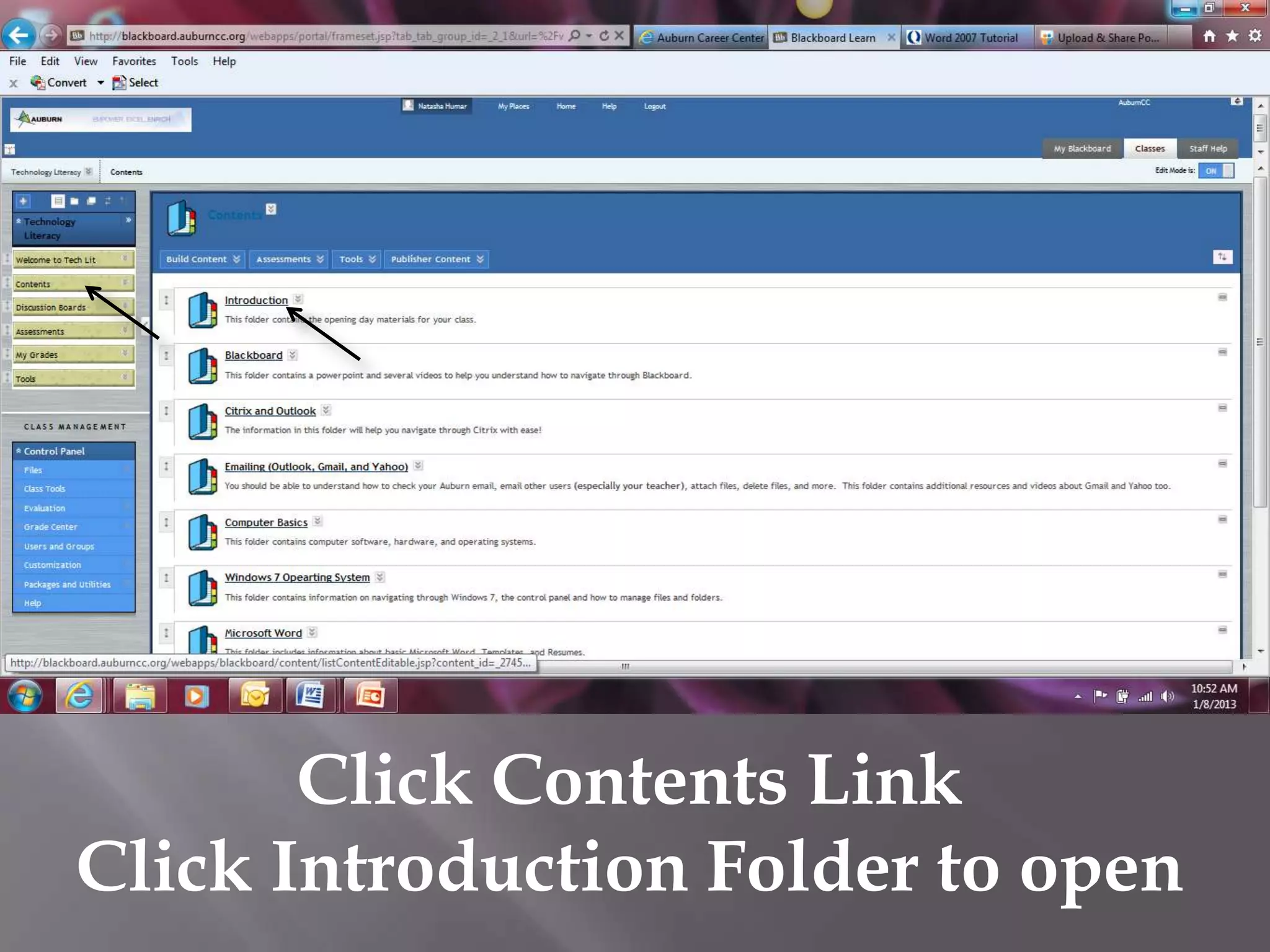


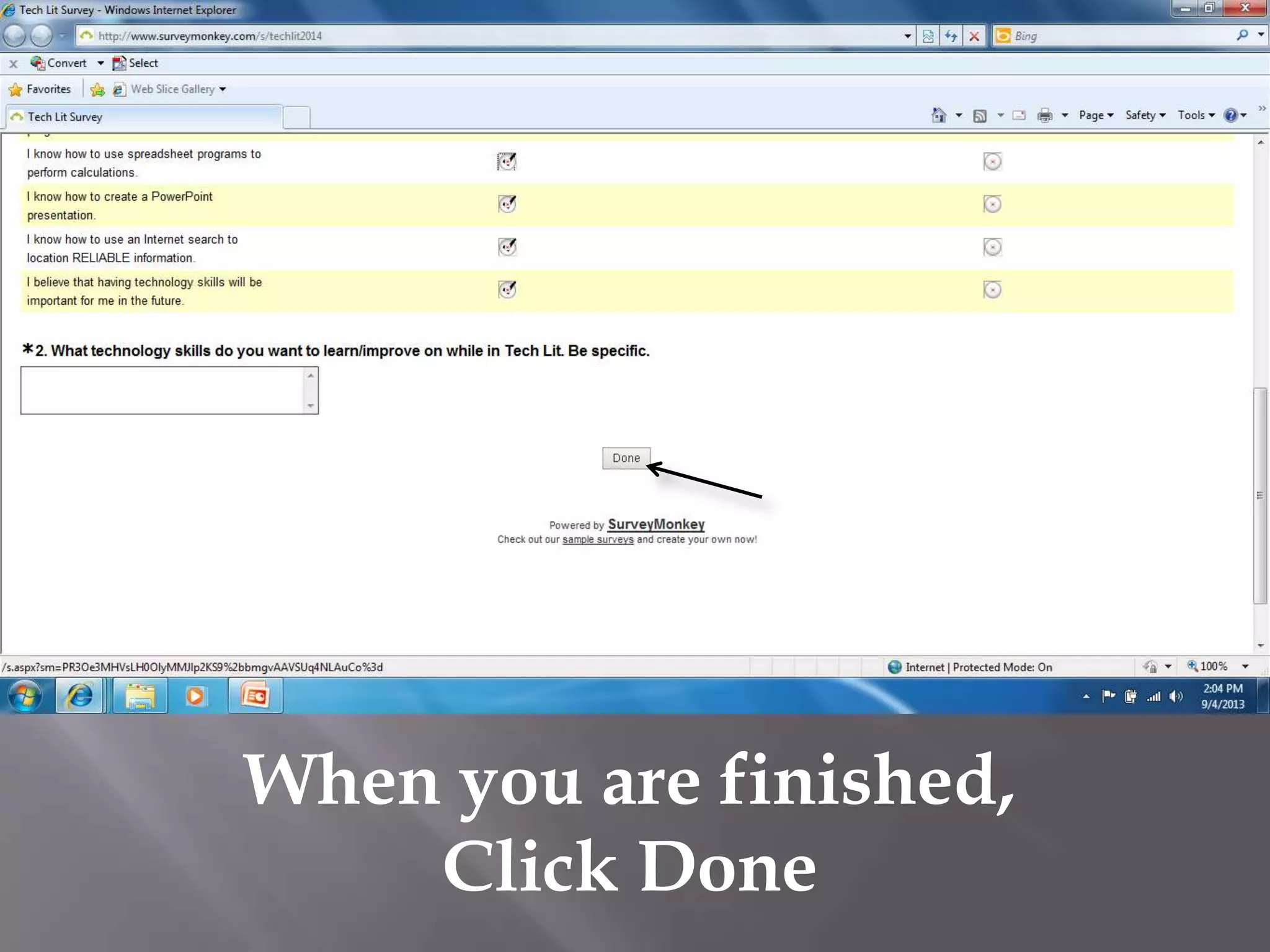
This document provides instructions for accessing the Technology Literacy course on Blackboard at Auburn University. It outlines how to log into Blackboard via Internet Explorer, navigate to the Tech Lit course home page, access topics and resources like PowerPoint presentations, participate in discussion boards by creating threads and replies, view assessments and grades, and take the initial skills survey.


