COMPUTER BASIC
OPERATIONS


           Hotimah, SPd.Si
           September, 2012/2013
CONCEPT MAP

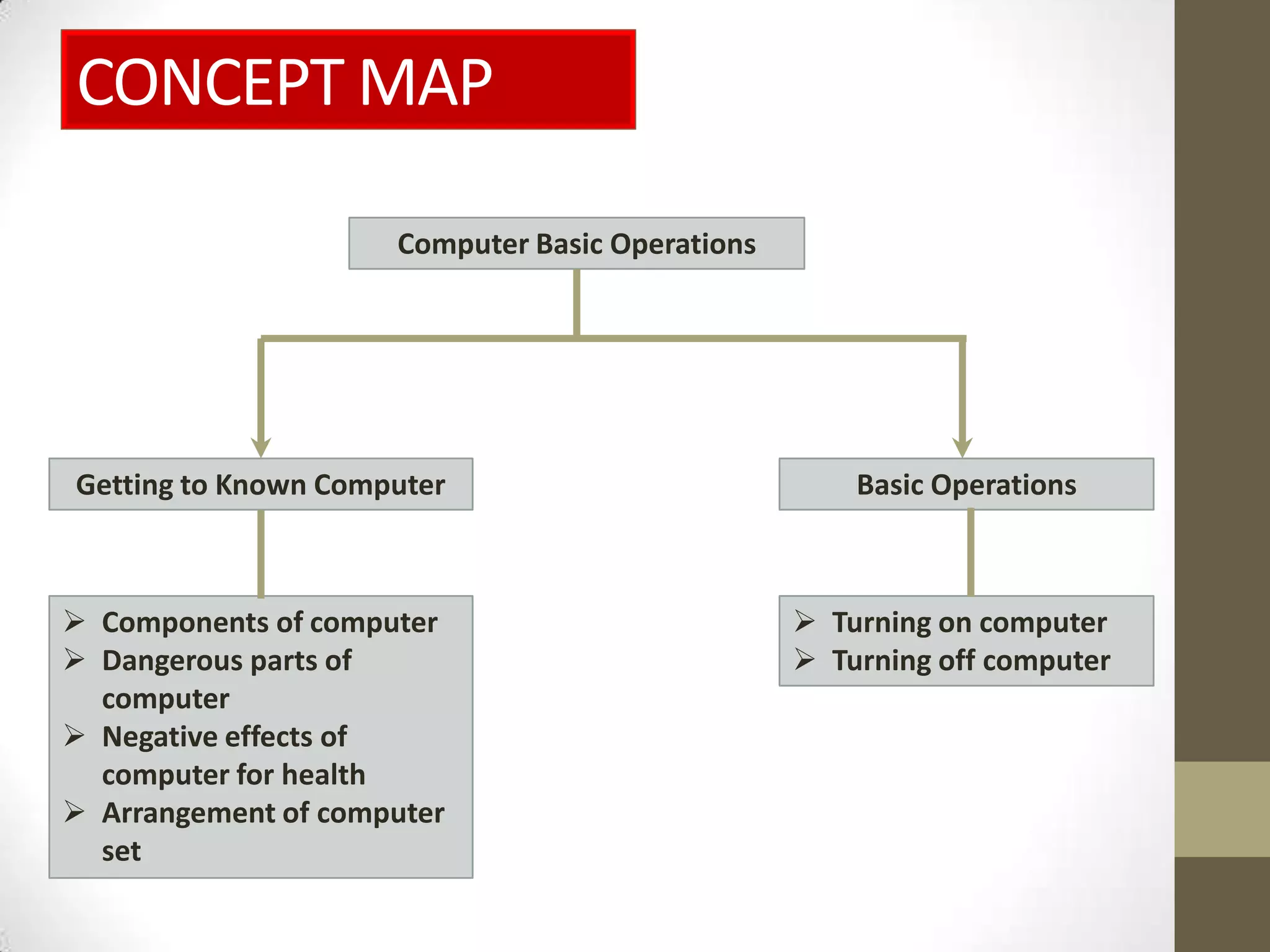
                     Computer Basic Operations


Getting to Known Computer                            Basic Operations


 Components of computer                          Turning on computer
 Dangerous parts of                              Turning off computer
  computer
 Negative effects of
  computer for health
 Arrangement of computer
  set
Introduction
• Definition of computer:
  • A set of electronic devices that work together. (Supriyanto &
    Fauziah, 2010: 79)

• Computer characteristics:
  1. Having a quick and precise accessing ability.
  2. Producing information from the previous data.
  3. Having the ability to process a large data into information.
  4. Having the ability to store a mass of data (up to giga byte).
  5. Having the ability to import and export data that is
     specially design.
QUESTIONS

Why is computer
categorized as an
electronic device?

   Find out the
disadvantages of a
    computer?
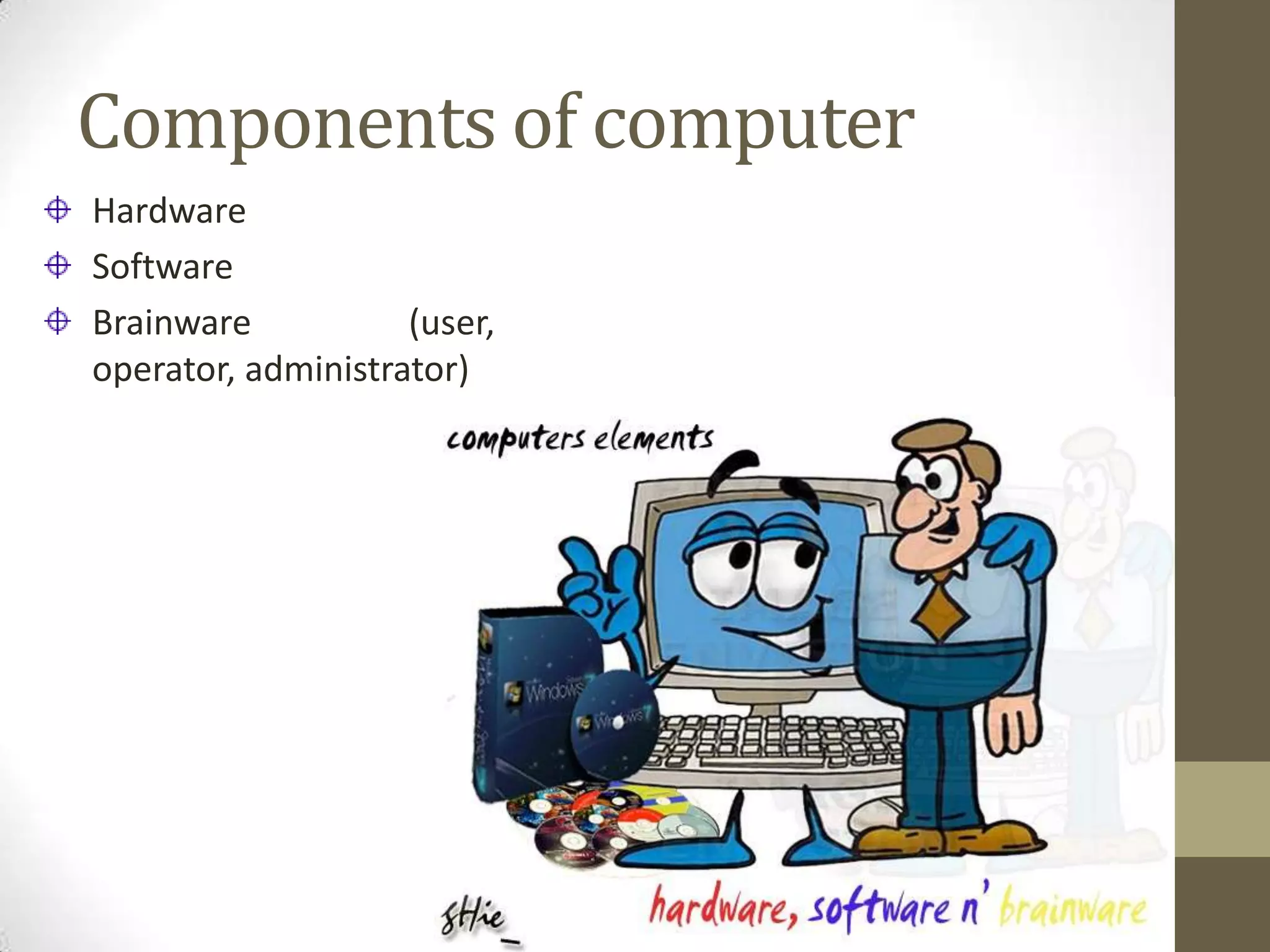
Components of computer
Hardware
Software
Brainware           (user,
operator, administrator)
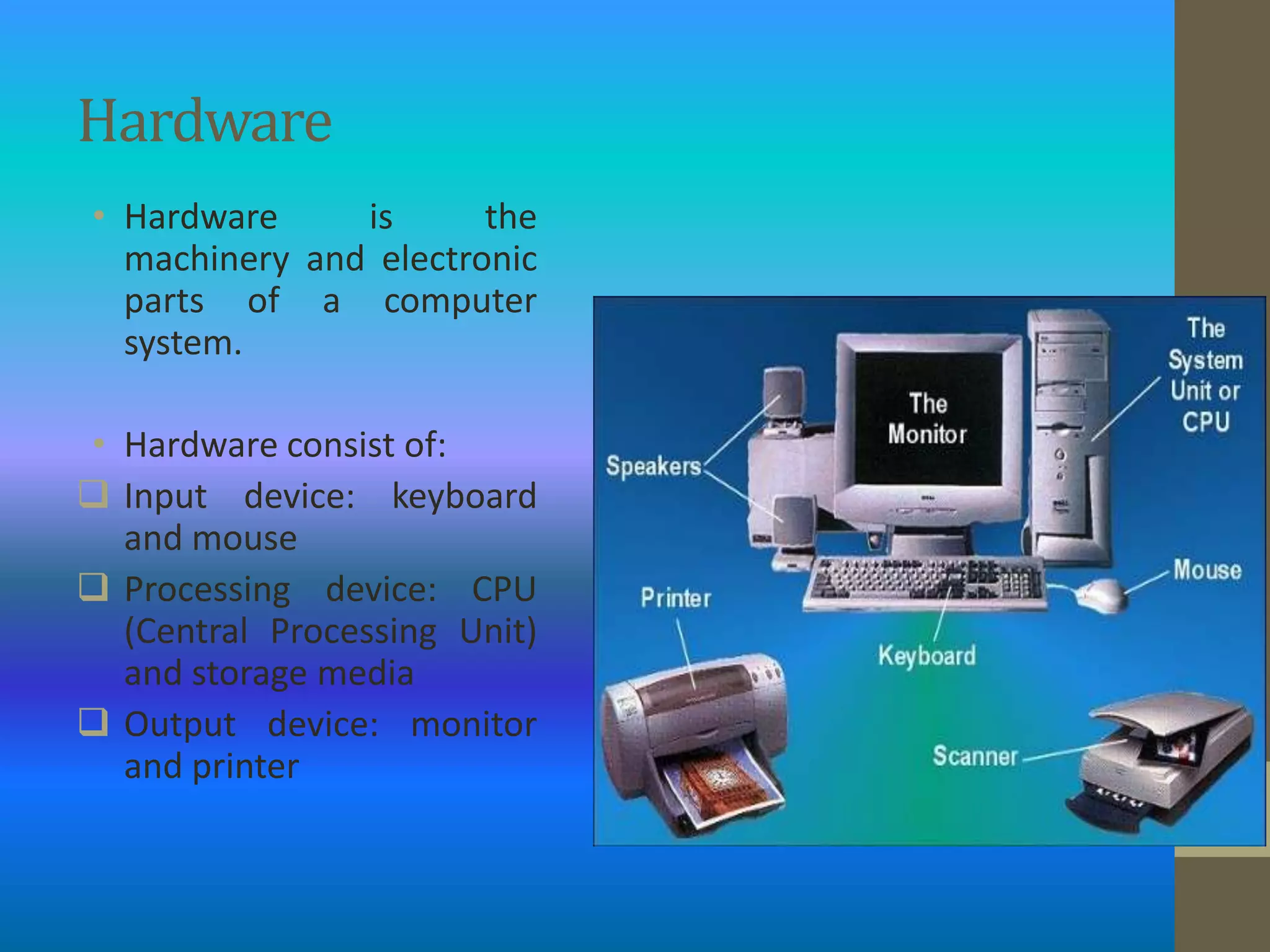
Hardware
• Hardware     is      the
  machinery and electronic
  parts of a computer
  system.

• Hardware consist of:
 Input device: keyboard
  and mouse
 Processing device: CPU
  (Central Processing Unit)
  and storage media
 Output device: monitor
  and printer
Software

• Software is a program containing instructions written in
  computer language comprehended by computer hardware.

• Kinds of software:
• 1. Operating system software
 • Used as:
   a. Interpreter
   b. Hardware configuration
   c. File management
Software

2. Application software
   • Used to process electronic data.

   Based on the function, application software can divide into
   a. Software for word processing
   b. Software for spreadsheet processing
   c. Software for statistic data processing
   d. Software for database processing
   e. Software for cad (computer-aided design)
   f. Software for image processing
   g. Programming language software to make personal
      application
BRAINWARE

• Brainware is a term used to refer to the people
  who work in computer fields.
• Its consist of:
   1. User / Operator  a person who operates a
       computer
   2. Administrator          a     person   who
       organizes/design the work system, work
       sequence, data processing, and output
DANGEROUS PARTS OF
COMPUTER
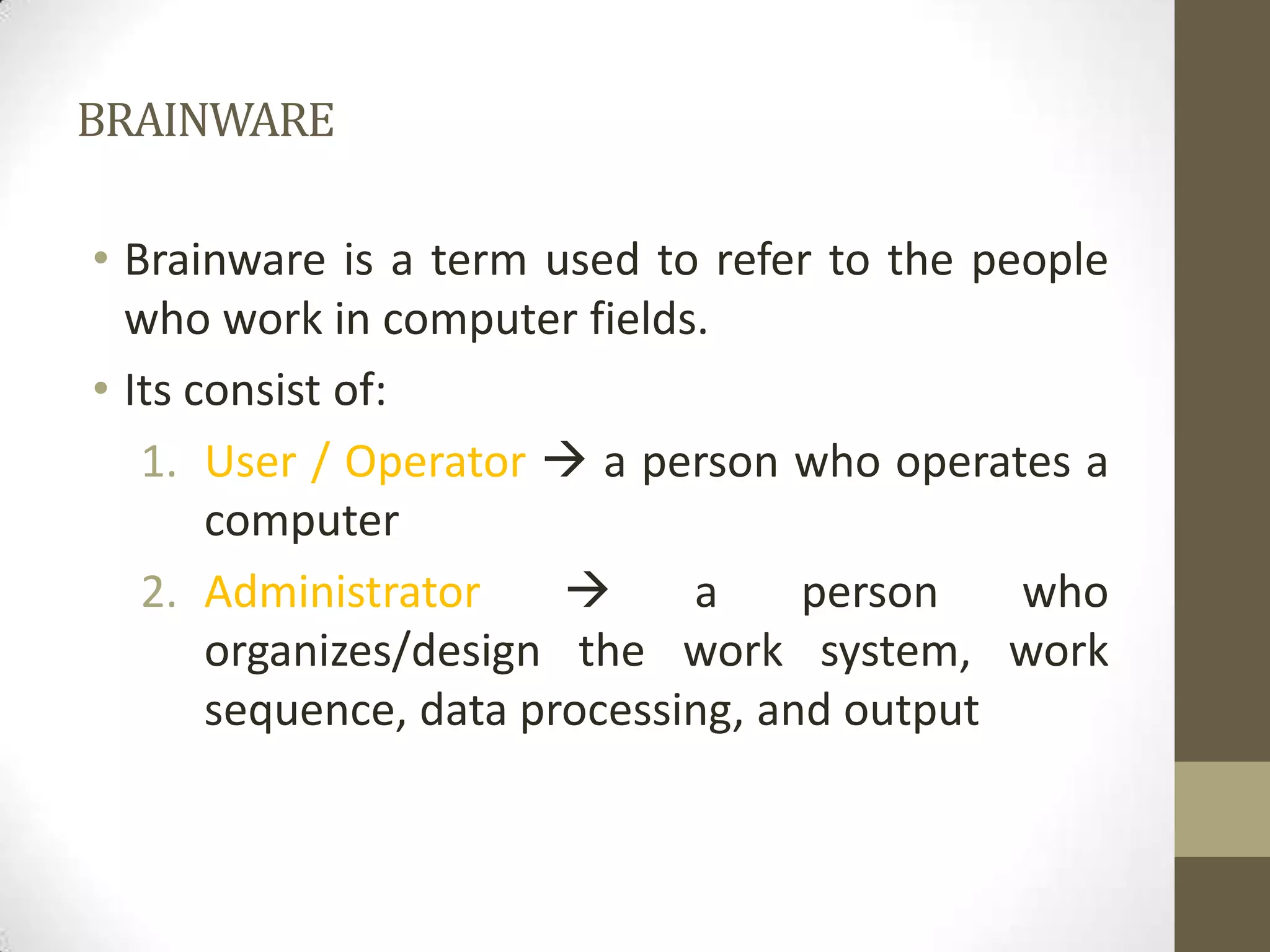
1. Monitor
    Produce      a   highly
     intense light.
    A screen filter has to
     be placed to avoid
     damage on our eyes
     due to the light
     radiation
DANGEROUS PARTS OF
COMPUTER
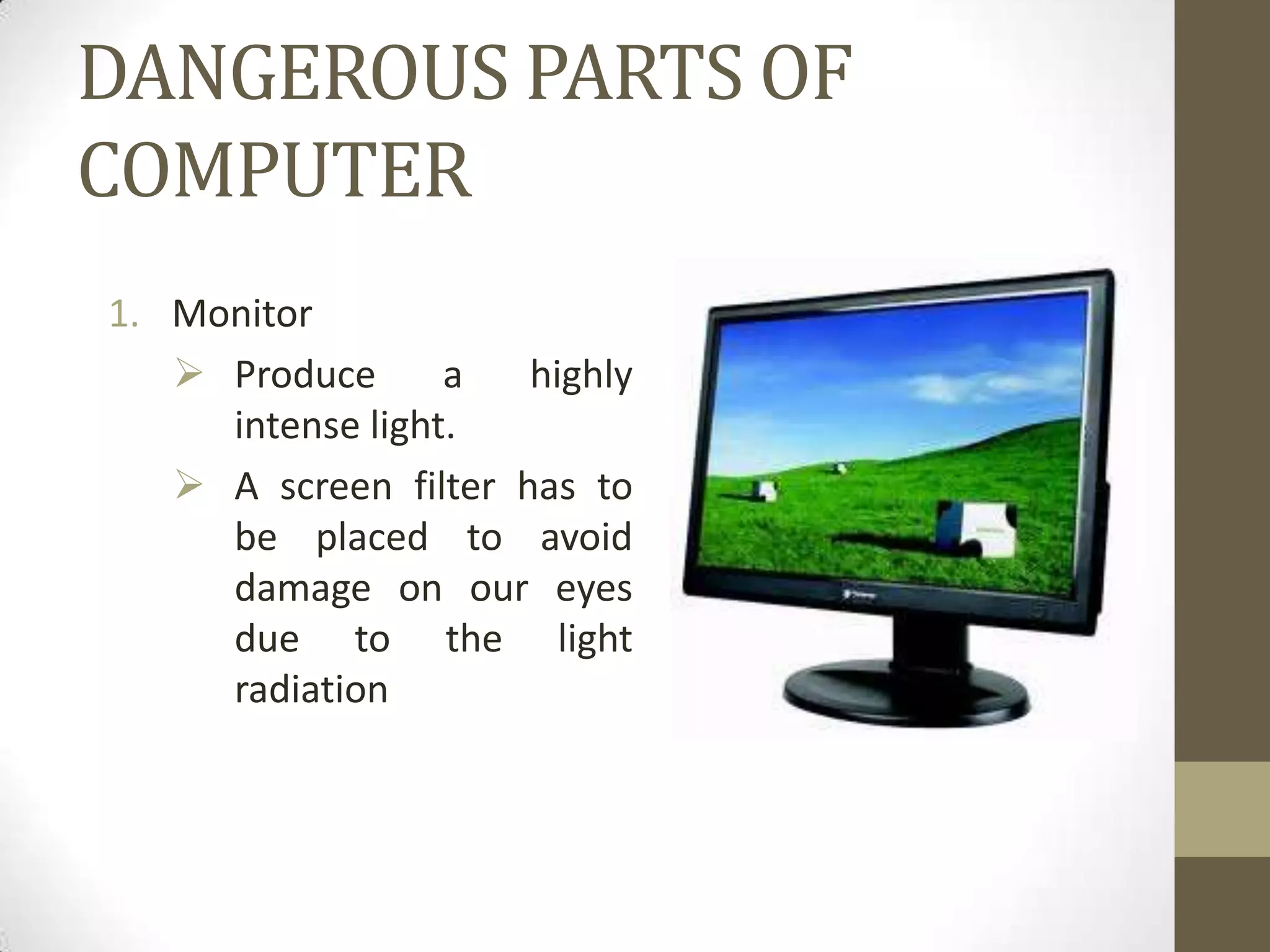
2. CPU             (Central
    Processing Unit)
  • do not touch directly
    with      wet    hands
    because we can be
    electrified by electric
    current in it.
DANGEROUS PARTS OF
COMPUTER
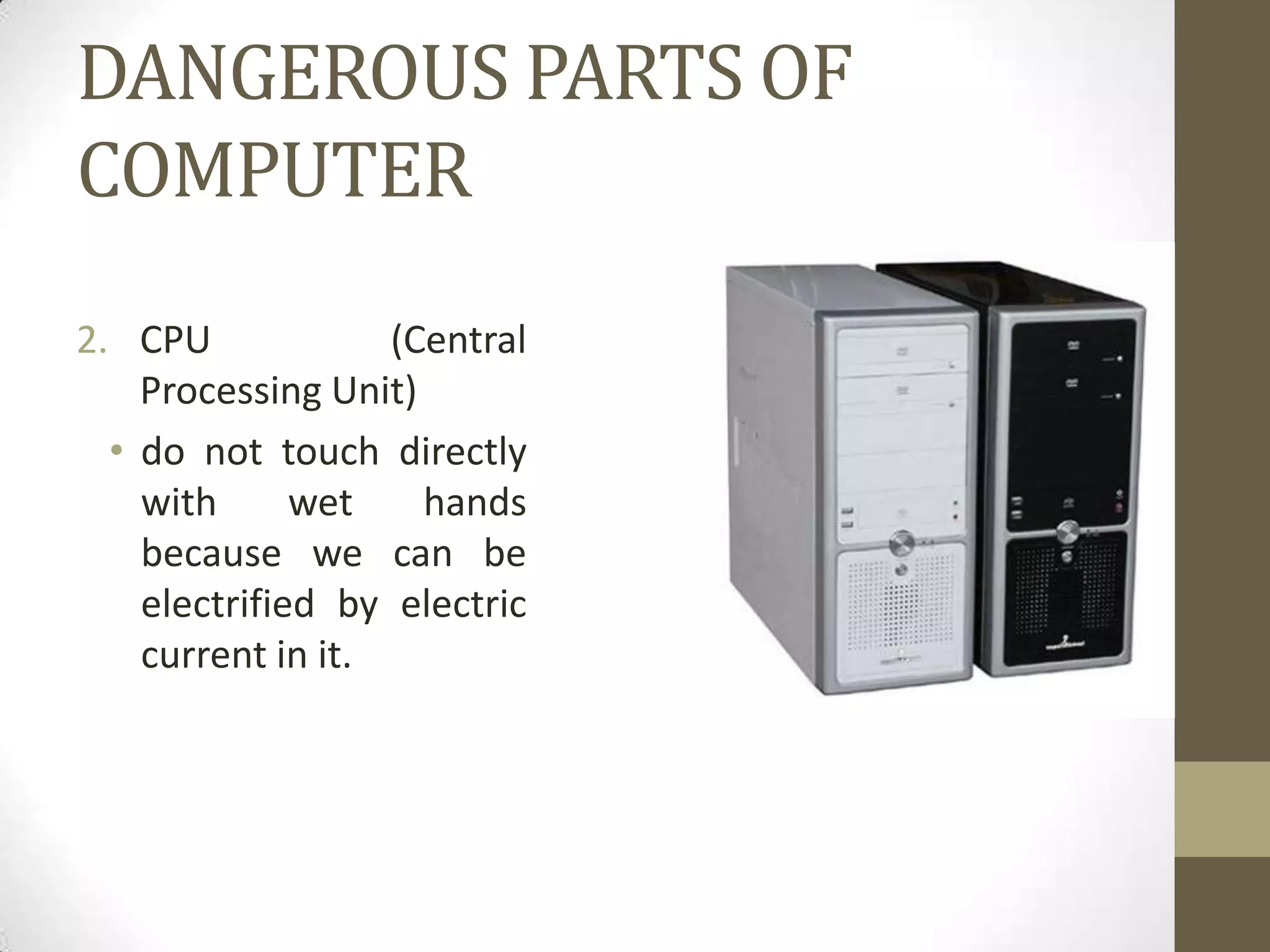
3. Computer’s cables
  • Must placed far from
    water because it can
    cause short-circuit. The
    short-circuit. Can cause
    fire.

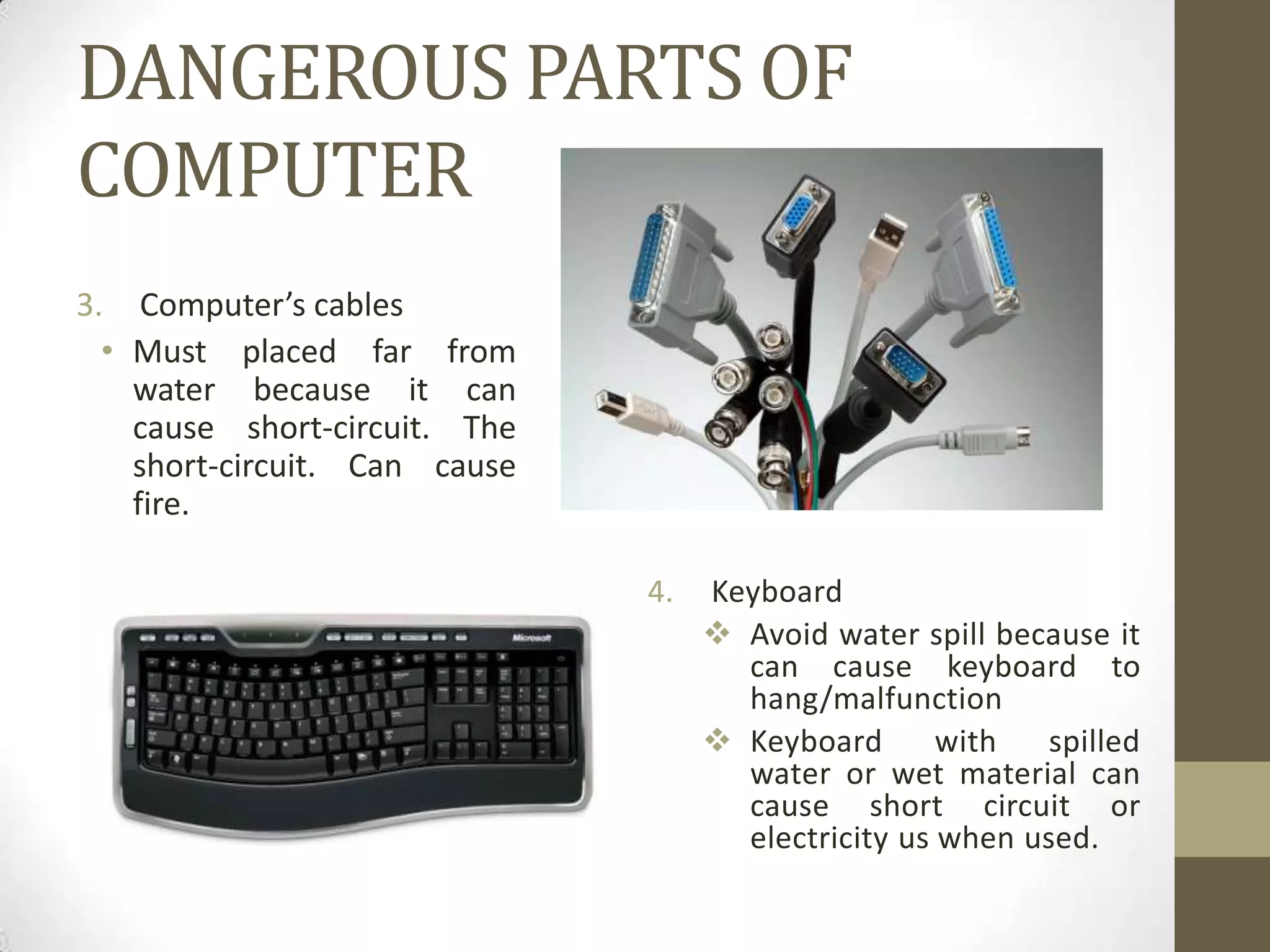
                               4.   Keyboard
                                     Avoid water spill because it
                                      can cause keyboard to
                                      hang/malfunction
                                     Keyboard       with   spilled
                                      water or wet material can
                                      cause short circuit or
                                      electricity us when used.
NEGATIVE EFFECTS OF
       COMPUTER FOR HEALTH
1. Disturbance on eyes and head (computer vision syndrome).
   Such as: pain or headache, dry eyes and irritation, tired eyes,
   a weak ability of eyes focus, blurry vision (astigmatism,
   myopia, presbyopia), double vision, color disorientation.
2. Disturbance on arms and hands. Such as: ache on the wrist
   resulted from tendon disturbance, elbow pain, Carpal Tunnel
   Syndrome.
3. Disturbance on neck, shoulder, back, and waist.
ARRANGEMENT OF COMPUTER SET
AND THE CORRECT BODY POSITION
 • The right and correct arrangement is the best way in avoiding
   discomfort and health disturbances.
1. Work place
     Arrange the most comfortable position of computer and
       other device.
     Arrange desk with consideration of how the device would
       be used.
     Arrange the lighting of your work place optimally.
     Put book, report, or other printed material used while
       working near the monitor. You can put under or next to it.
2. Chair and body position
     Choose a comfortable, adjustable, and back-supported
       chair.
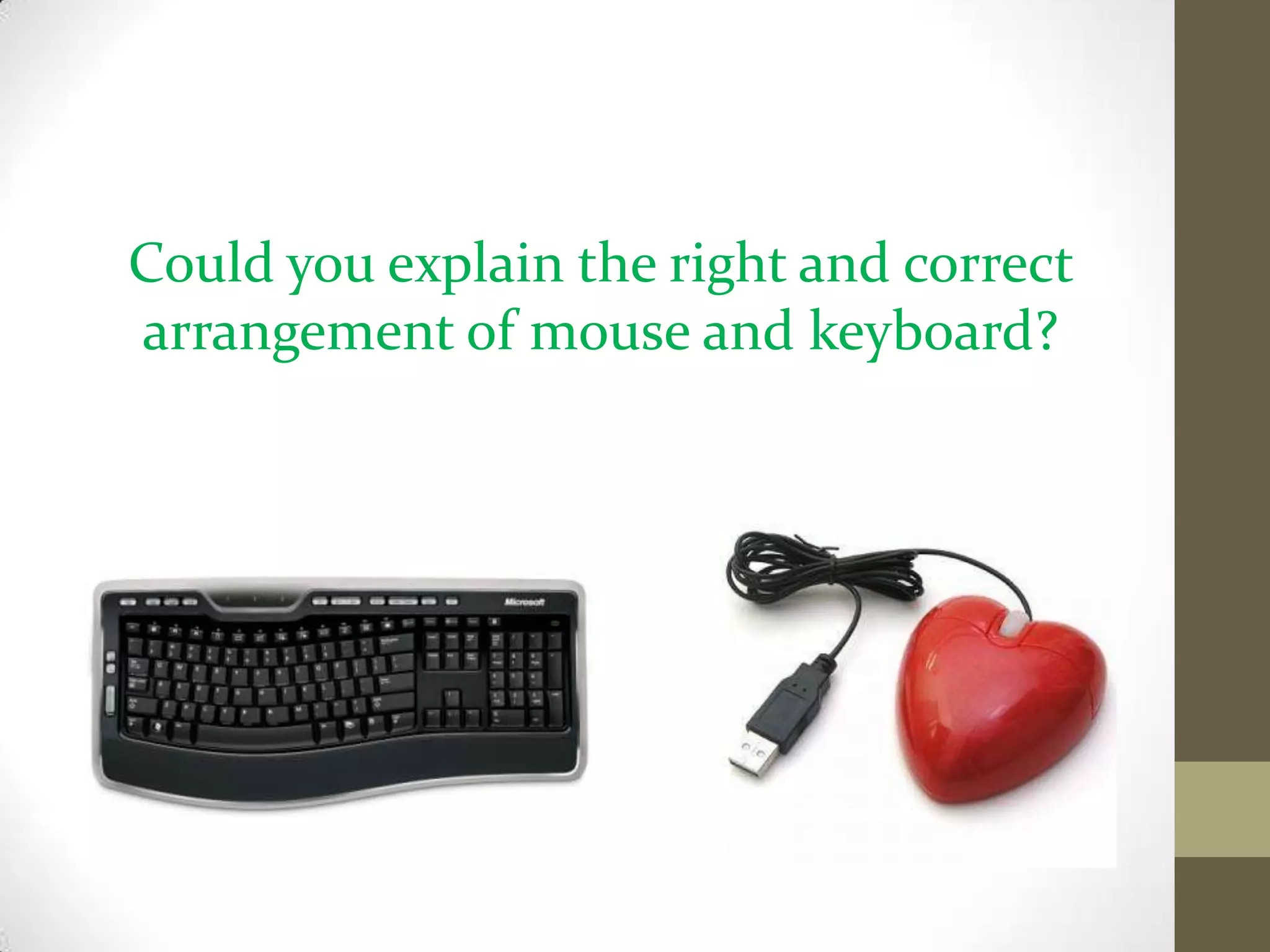
Could you explain the right and correct
arrangement of mouse and keyboard?

Computer basic operations

  • 1.
    COMPUTER BASIC OPERATIONS Hotimah, SPd.Si September, 2012/2013
  • 2.
    CONCEPT MAP Computer Basic Operations Getting to Known Computer Basic Operations  Components of computer  Turning on computer  Dangerous parts of  Turning off computer computer  Negative effects of computer for health  Arrangement of computer set
  • 3.
    Introduction • Definition ofcomputer: • A set of electronic devices that work together. (Supriyanto & Fauziah, 2010: 79) • Computer characteristics: 1. Having a quick and precise accessing ability. 2. Producing information from the previous data. 3. Having the ability to process a large data into information. 4. Having the ability to store a mass of data (up to giga byte). 5. Having the ability to import and export data that is specially design.
  • 4.
    QUESTIONS Why is computer categorizedas an electronic device? Find out the disadvantages of a computer?
  • 5.
  • 6.
    Hardware • Hardware is the machinery and electronic parts of a computer system. • Hardware consist of:  Input device: keyboard and mouse  Processing device: CPU (Central Processing Unit) and storage media  Output device: monitor and printer
  • 7.
    Software • Software isa program containing instructions written in computer language comprehended by computer hardware. • Kinds of software: • 1. Operating system software • Used as: a. Interpreter b. Hardware configuration c. File management
  • 8.
    Software 2. Application software • Used to process electronic data. Based on the function, application software can divide into a. Software for word processing b. Software for spreadsheet processing c. Software for statistic data processing d. Software for database processing e. Software for cad (computer-aided design) f. Software for image processing g. Programming language software to make personal application
  • 9.
    BRAINWARE • Brainware isa term used to refer to the people who work in computer fields. • Its consist of: 1. User / Operator  a person who operates a computer 2. Administrator  a person who organizes/design the work system, work sequence, data processing, and output
  • 10.
    DANGEROUS PARTS OF COMPUTER 1.Monitor  Produce a highly intense light.  A screen filter has to be placed to avoid damage on our eyes due to the light radiation
  • 11.
    DANGEROUS PARTS OF COMPUTER 2.CPU (Central Processing Unit) • do not touch directly with wet hands because we can be electrified by electric current in it.
  • 12.
    DANGEROUS PARTS OF COMPUTER 3.Computer’s cables • Must placed far from water because it can cause short-circuit. The short-circuit. Can cause fire. 4. Keyboard  Avoid water spill because it can cause keyboard to hang/malfunction  Keyboard with spilled water or wet material can cause short circuit or electricity us when used.
  • 13.
    NEGATIVE EFFECTS OF COMPUTER FOR HEALTH 1. Disturbance on eyes and head (computer vision syndrome). Such as: pain or headache, dry eyes and irritation, tired eyes, a weak ability of eyes focus, blurry vision (astigmatism, myopia, presbyopia), double vision, color disorientation. 2. Disturbance on arms and hands. Such as: ache on the wrist resulted from tendon disturbance, elbow pain, Carpal Tunnel Syndrome. 3. Disturbance on neck, shoulder, back, and waist.
  • 14.
    ARRANGEMENT OF COMPUTERSET AND THE CORRECT BODY POSITION • The right and correct arrangement is the best way in avoiding discomfort and health disturbances. 1. Work place  Arrange the most comfortable position of computer and other device.  Arrange desk with consideration of how the device would be used.  Arrange the lighting of your work place optimally.  Put book, report, or other printed material used while working near the monitor. You can put under or next to it. 2. Chair and body position  Choose a comfortable, adjustable, and back-supported chair.
  • 15.
    Could you explainthe right and correct arrangement of mouse and keyboard?