PREPARED BY/
A H M E D M O H A M M E D Z I N H O M
M D I N N U R S I N G A D M I N I S T R A T I O N
Clinical Decision Support
Systems
objectives
 Define decision support system
 List Categories of CDSS
 Recognize System Architecture
 Identify the Need for CDSS
 Identify Applications Areas of DSS
 List the Disadvantages of CDSS
 Discuss Issues for success or failure
 Discuss challenges to implement it.
 Explain how to overcome challenges.
Clinical Decision Support Systems
Outlines:
 Definition
 Categories of CDSS
 System Architecture
 Need for CDSS
 Applications Areas
 Disadvantages
 Issues for success or failure
 Challenges for implementation.
Definition
 A clinical decision-support system is a computer
program designed to help health professionals make
clinical decisions.
 Is a computer system that deals with clinical data or
medical knowledge is intended to provide decision
support.
Definition:
 an interactive Expert system Computer Software, which is
designed to assist physicians and other health professionals
with decision making tasks such as diagnosing and
designing the treatment plan for a disease
 active knowledge systems in which they use two or more
items of patient data to generate case specific advice
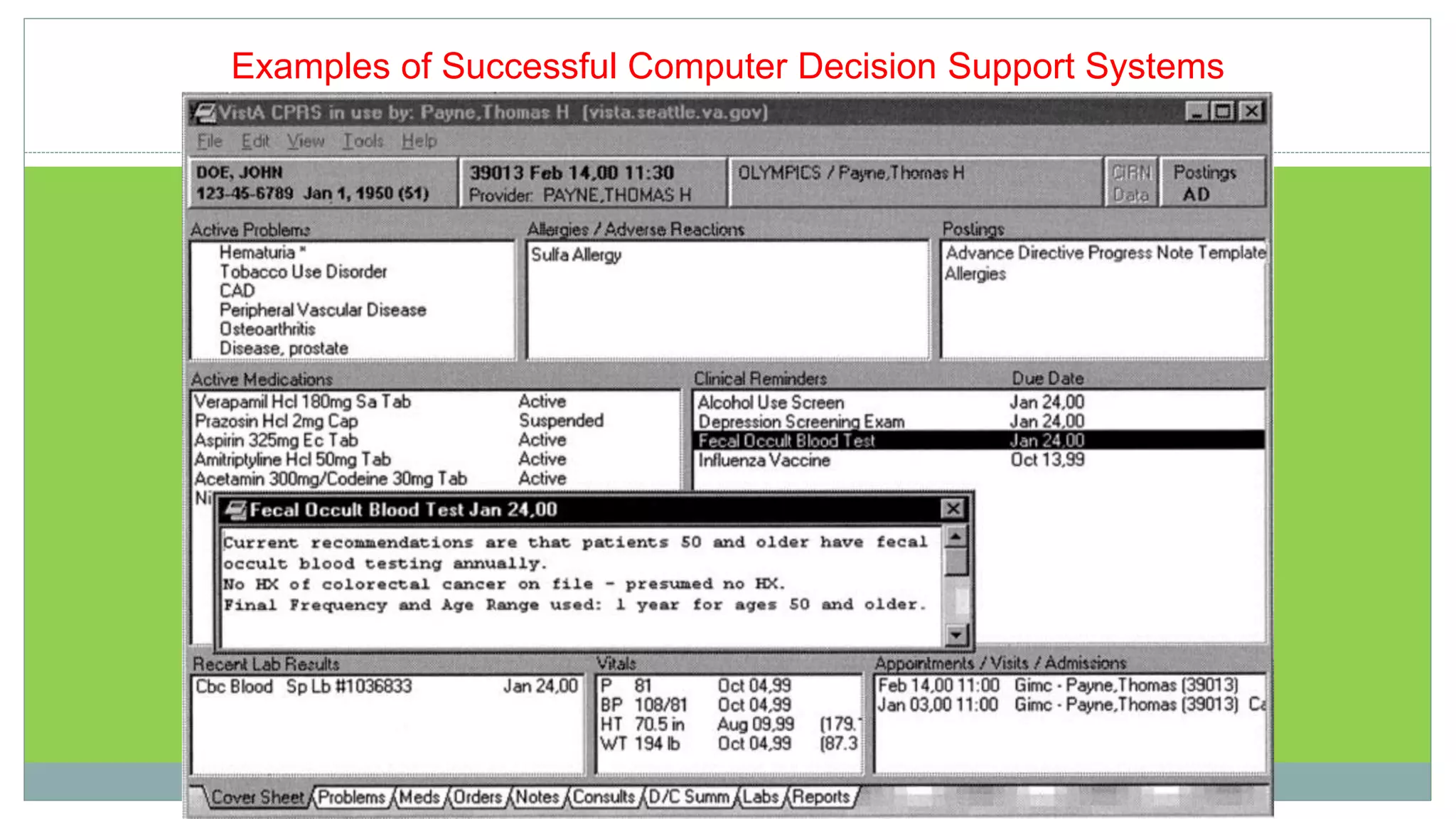
Examples of Successful Computer Decision Support Systems
Categories
 Diagnostic assistance
 Therapy critiquing and planning
 Image recognition and interpretation
System architecture
 Tools for information management
 Tools for focusing attention
 Patient specific consultation
1- Tools for Information Management
 Examples:
 Hospital information systems
 Bibliographic retrieval systems (PubMed)
 Specialized knowledge-management workstations (e.g. electronic
textbooks, …)
 These tools provide the data and knowledge needed, but they
do not help to apply that information to a particular decision
task (particular patient)
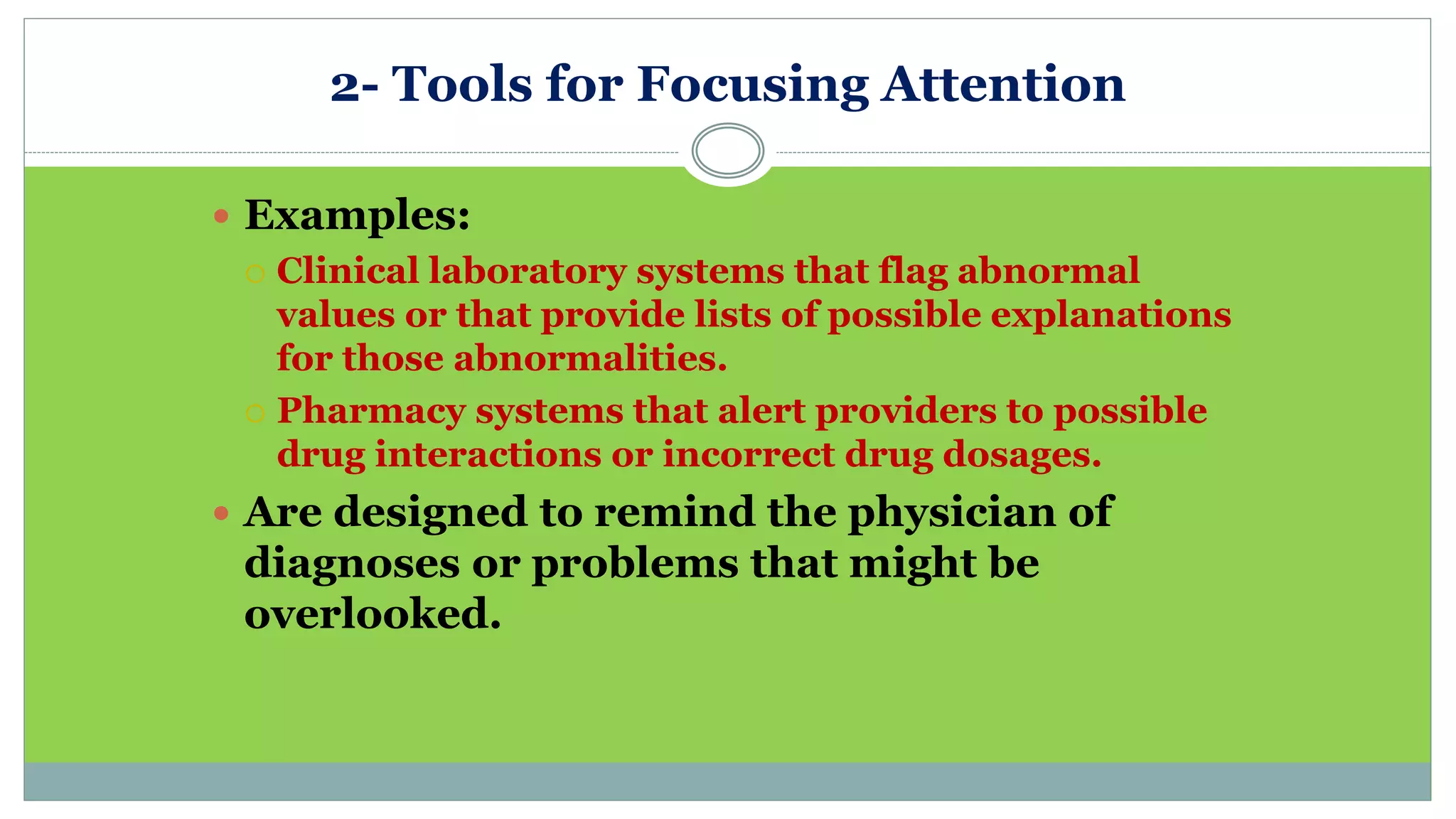
2- Tools for Focusing Attention
 Examples:
 Clinical laboratory systems that flag abnormal
values or that provide lists of possible explanations
for those abnormalities.
 Pharmacy systems that alert providers to possible
drug interactions or incorrect drug dosages.
 Are designed to remind the physician of
diagnoses or problems that might be
overlooked.
3- Tools for Patient-Specific Consultation
 Provide customized assessments or advice based on
sets of patient-specific data:
 Suggest differential diagnoses
 Advice about additional tests and examinations
 Treatment advice (therapy, surgery, …)
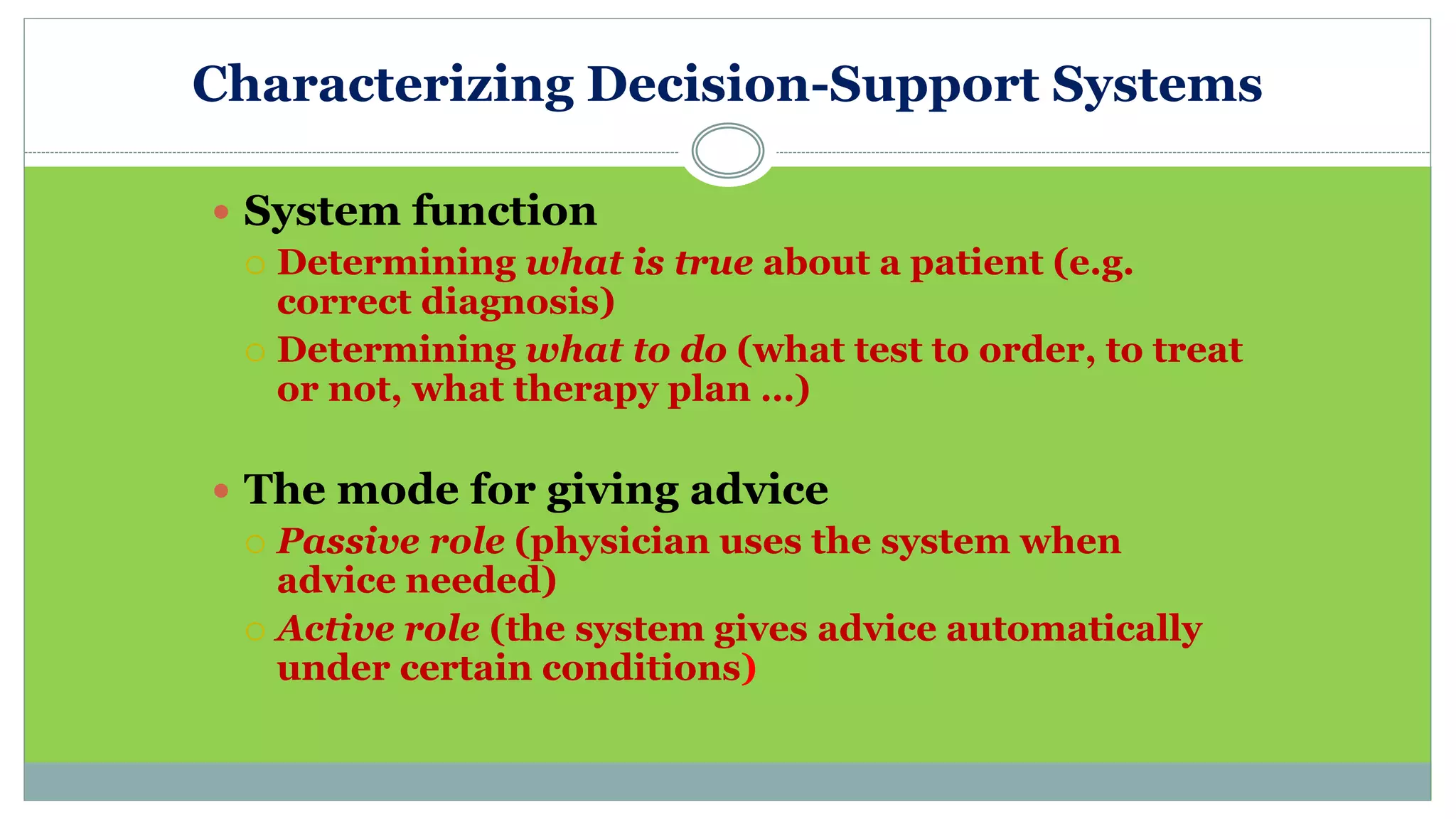
Characterizing Decision-Support Systems
 System function
 Determining what is true about a patient (e.g.
correct diagnosis)
 Determining what to do (what test to order, to treat
or not, what therapy plan …)
 The mode for giving advice
 Passive role (physician uses the system when
advice needed)
 Active role (the system gives advice automatically
under certain conditions)
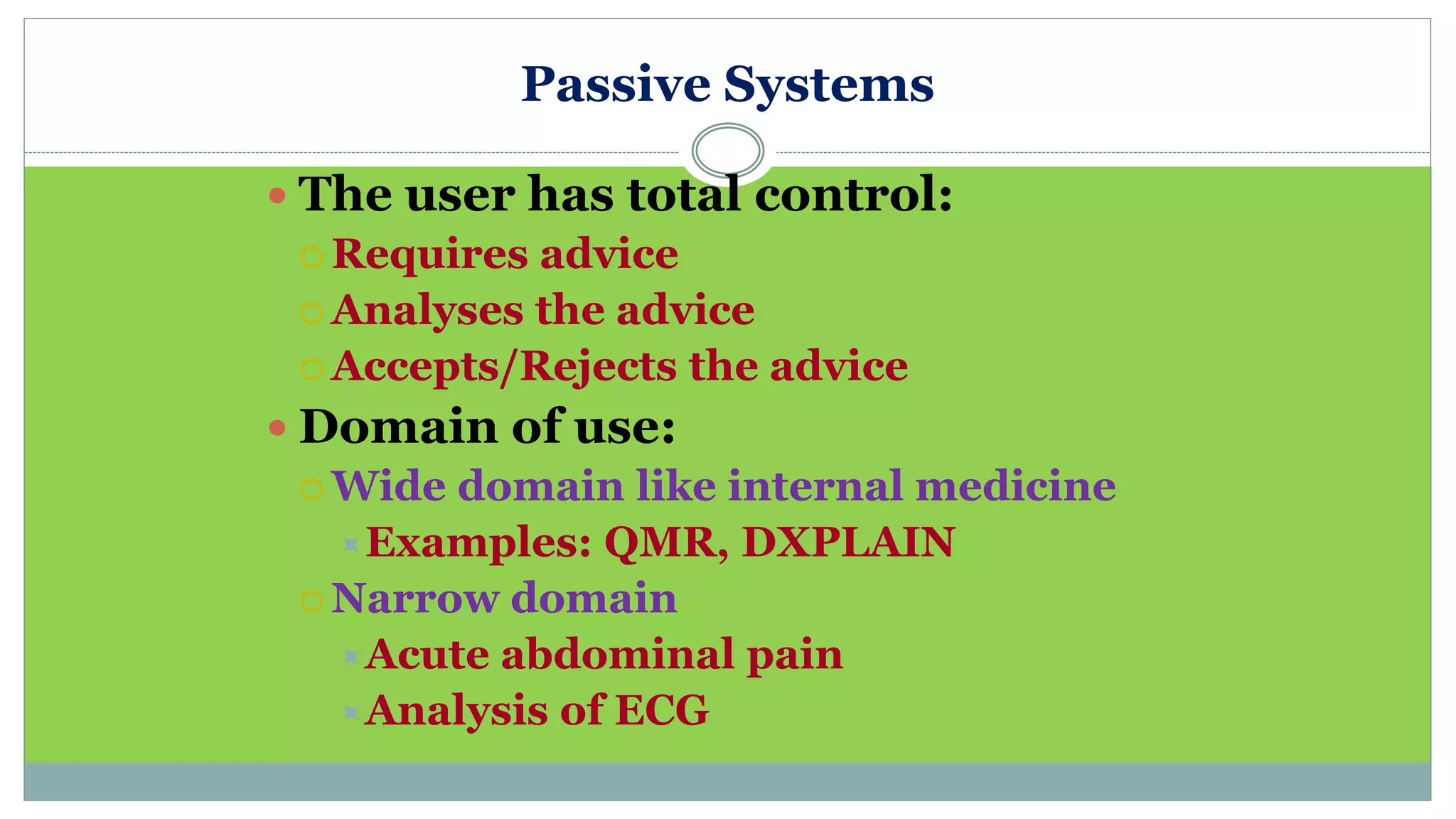
Passive Systems
 The user has total control:
 Requires advice
 Analyses the advice
 Accepts/Rejects the advice
 Domain of use:
 Wide domain like internal medicine
Examples: QMR, DXPLAIN
 Narrow domain
Acute abdominal pain
Analysis of ECG
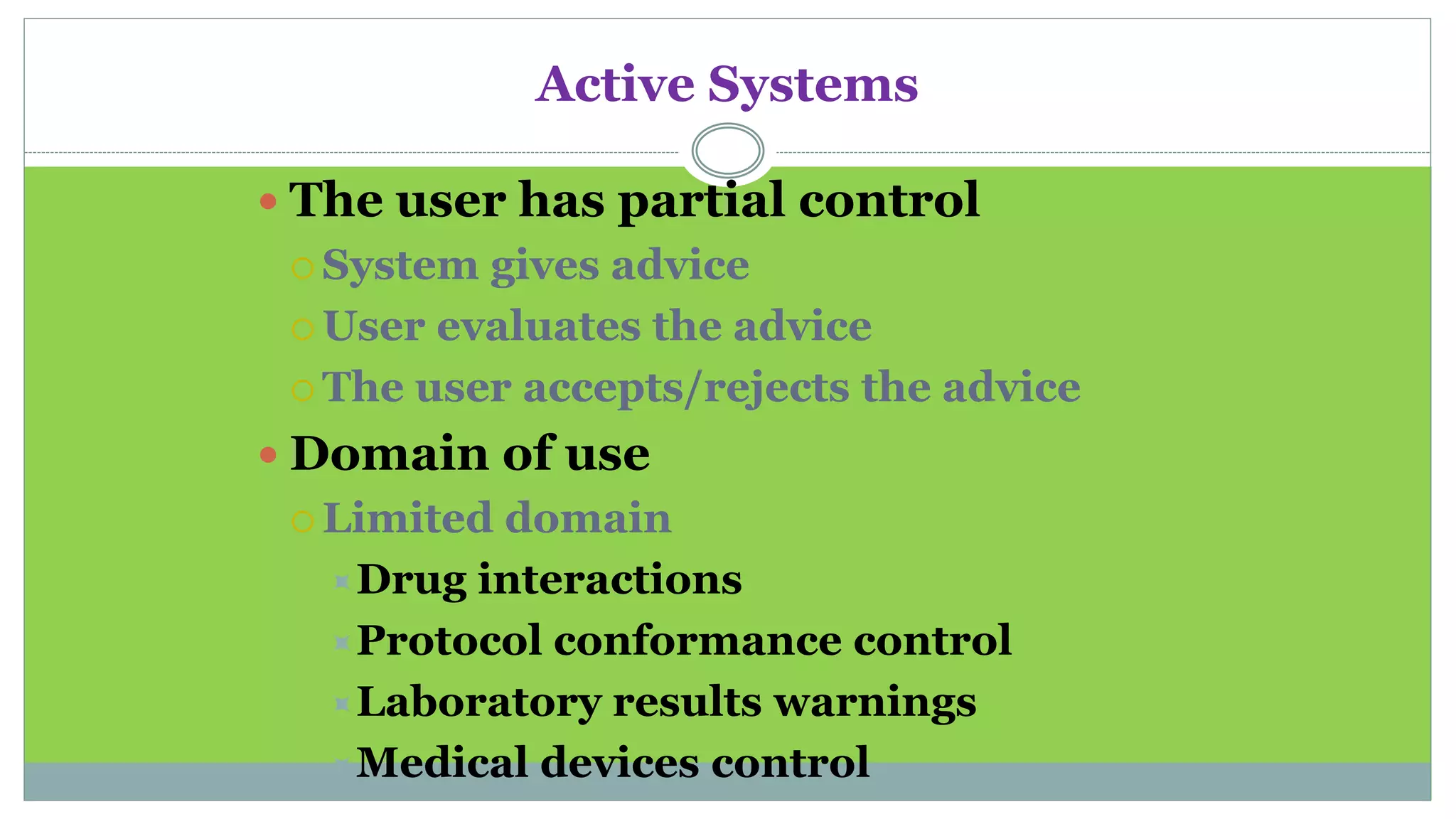
Active Systems
 The user has partial control
 System gives advice
 User evaluates the advice
 The user accepts/rejects the advice
 Domain of use
 Limited domain
Drug interactions
Protocol conformance control
Laboratory results warnings
Medical devices control
Need for CDSS
 Limited resources - increased demand,
Physicians are overwhelmed.
Insufficient time available for diagnosis and
treatment.
 Need for systems that can improve health care
processes.
Possible Disadvantages of CDSS
 Changing relation between patient and the
physician
 Limiting professionals’ possibilities for
independent problem solving
 Legal implications - with whom does the
responsibility lie?
Challenges to Implementation of CDSS
1. Clinical challenges:
 No clinical database stores all information that is self
sufficient or complete
 Computers can assist but can’t replace human
 Lack in integration of components of CDSS
 Deficiency in planning for how the clinician will actually
use the product in situation
 CDSSs that are aimed at the diagnostic tasks have
found success but are often very limited in utilization
and scope
17
2. Technical challenges:
difficulty in incorporating the extensive
quantity of clinical research being published
on an ongoing basis
Biological systems are complicated, and a
clinical decision may utilize an enormous
data
3. Cost and Evaluation:
Different CDSSs serve for different
purposes, there is no common method
which applies to all such systems
18
4. Alert fatigue:
 When clinicians are exposed to too many
clinical decision support alerts they may
eventually stop responding to them.
 The alert was not serious, was irrelevant, or
was shown repeatedly
19
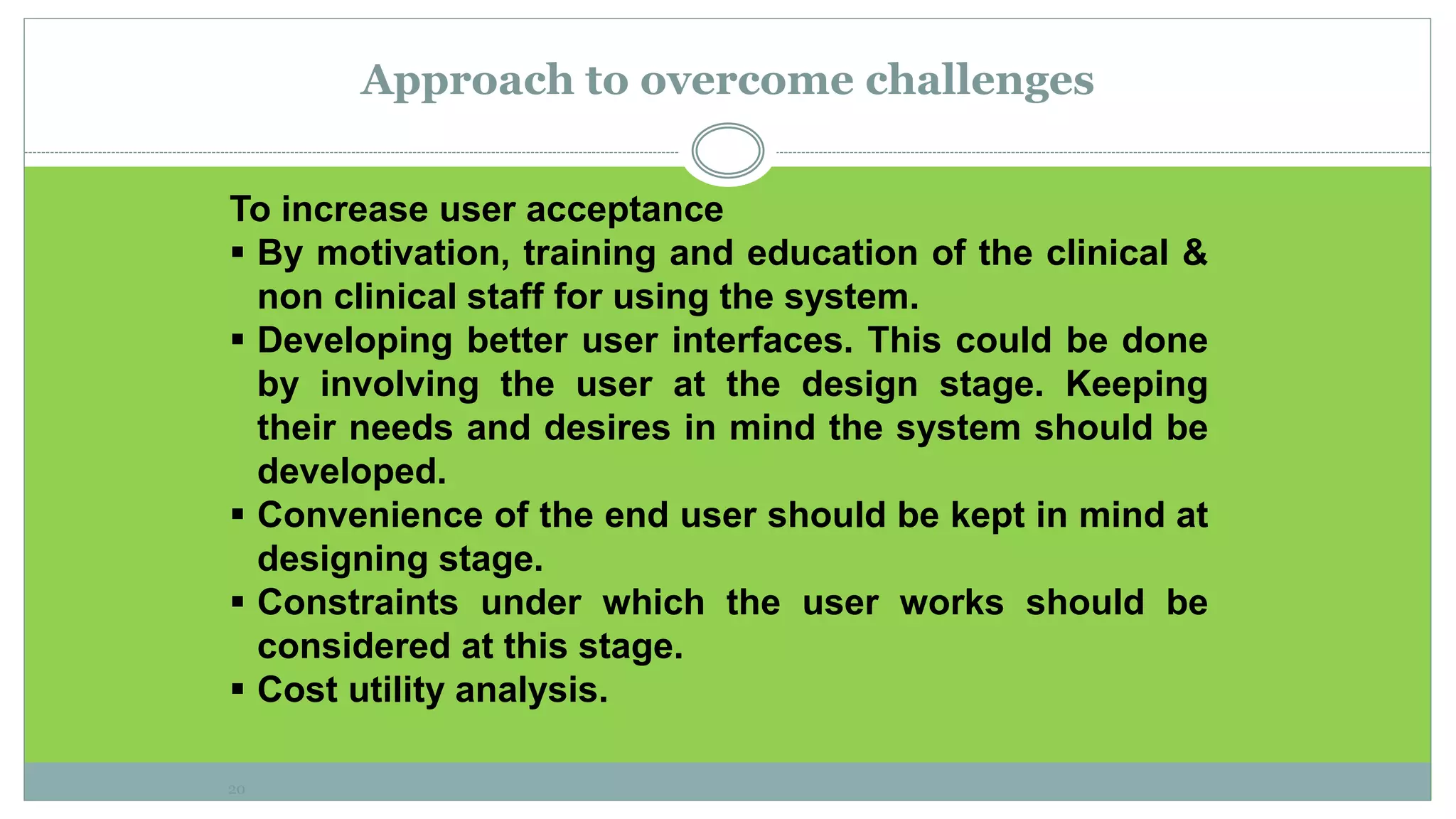
Approach to overcome challenges
To increase user acceptance
 By motivation, training and education of the clinical &
non clinical staff for using the system.
 Developing better user interfaces. This could be done
by involving the user at the design stage. Keeping
their needs and desires in mind the system should be
developed.
 Convenience of the end user should be kept in mind at
designing stage.
 Constraints under which the user works should be
considered at this stage.
 Cost utility analysis.
20
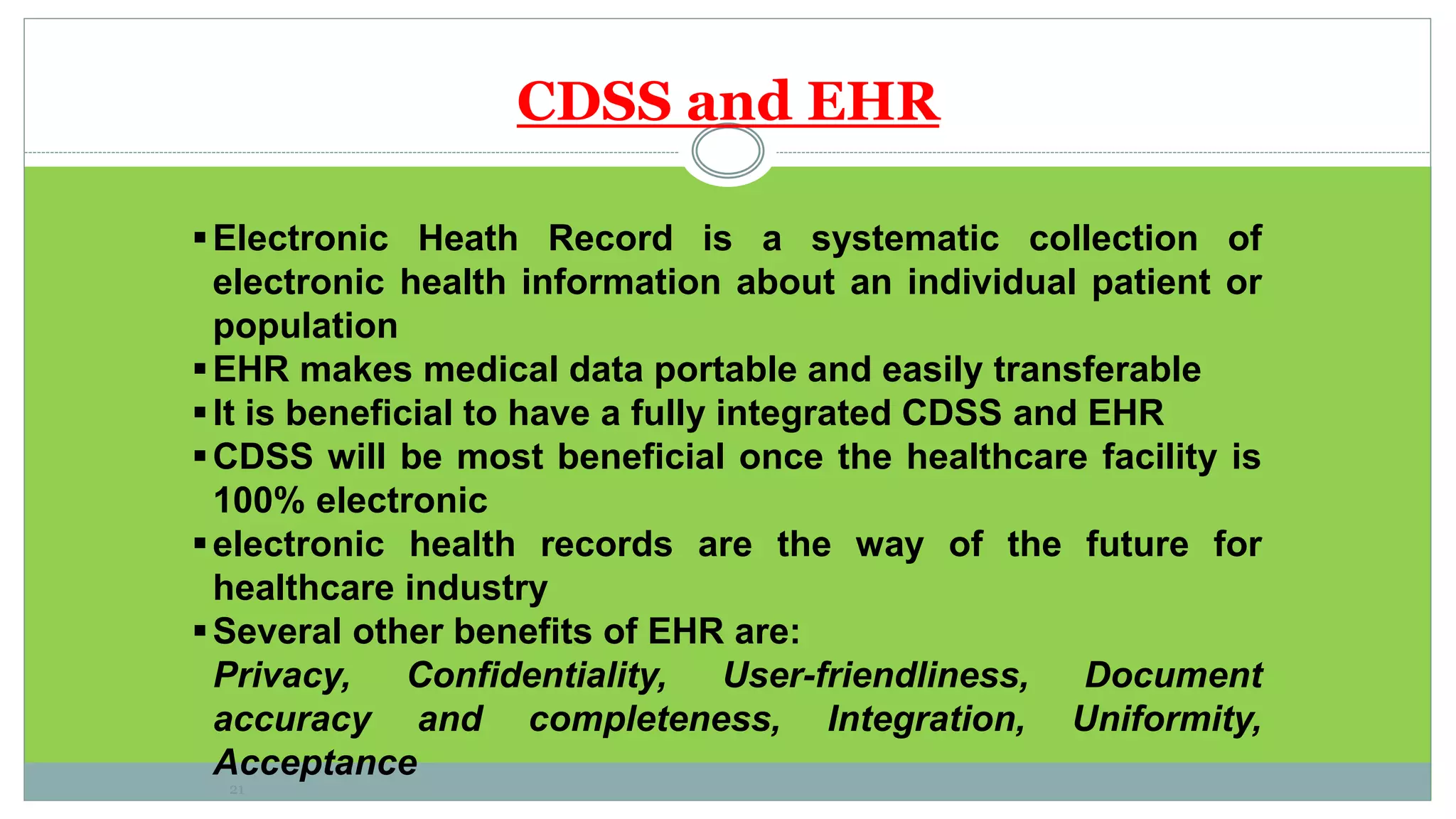
CDSS and EHR
Electronic Heath Record is a systematic collection of
electronic health information about an individual patient or
population
EHR makes medical data portable and easily transferable
It is beneficial to have a fully integrated CDSS and EHR
CDSS will be most beneficial once the healthcare facility is
100% electronic
electronic health records are the way of the future for
healthcare industry
Several other benefits of EHR are:
Privacy, Confidentiality, User-friendliness, Document
accuracy and completeness, Integration, Uniformity,
Acceptance
21
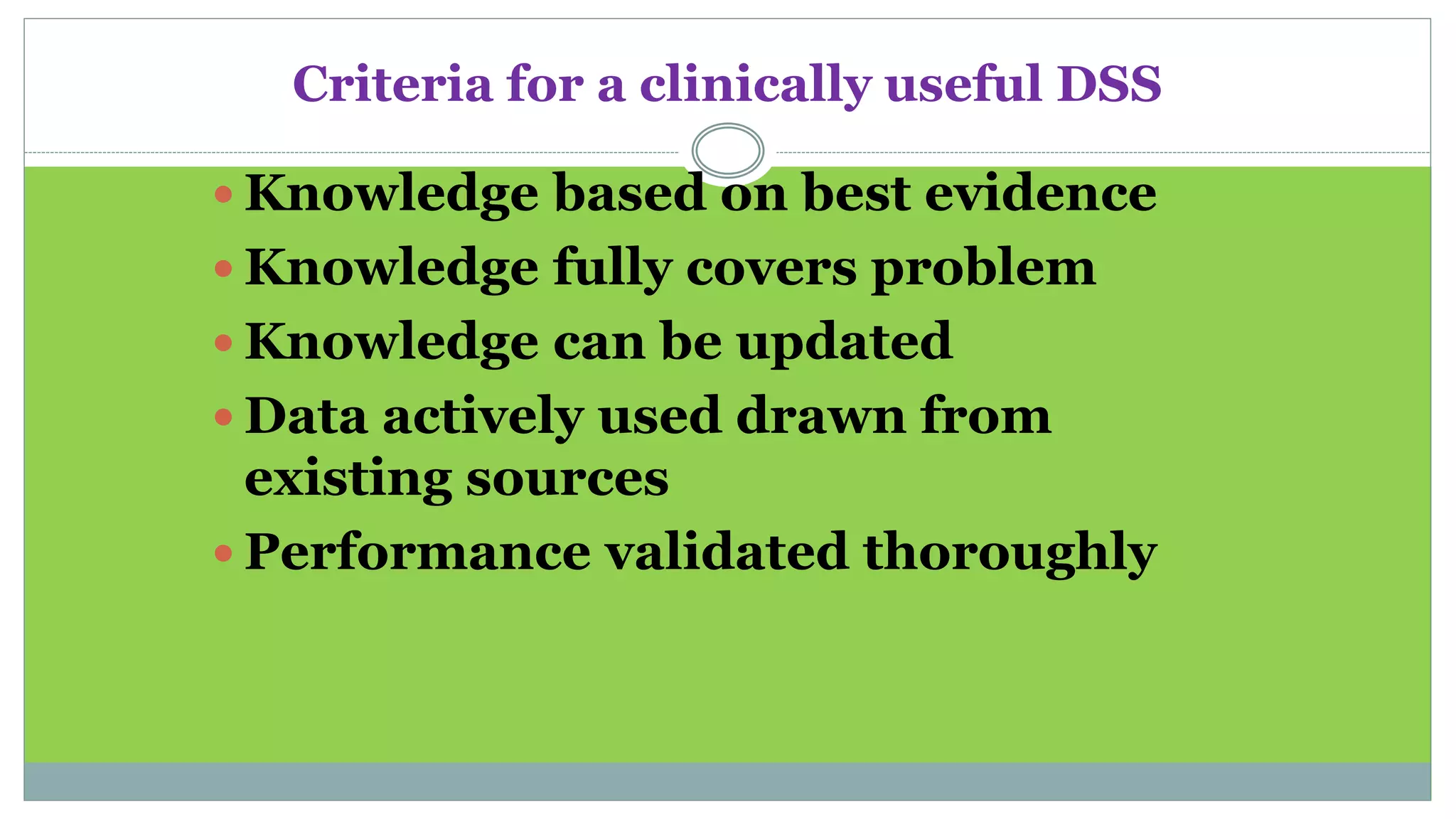
Criteria for a clinically useful DSS
 Knowledge based on best evidence
 Knowledge fully covers problem
 Knowledge can be updated
 Data actively used drawn from
existing sources
 Performance validated thoroughly
Criteria for a clinically useful DSS (cont.)
System improves clinical
practice.
The system is easy to use.
The decisions made are
transparent.
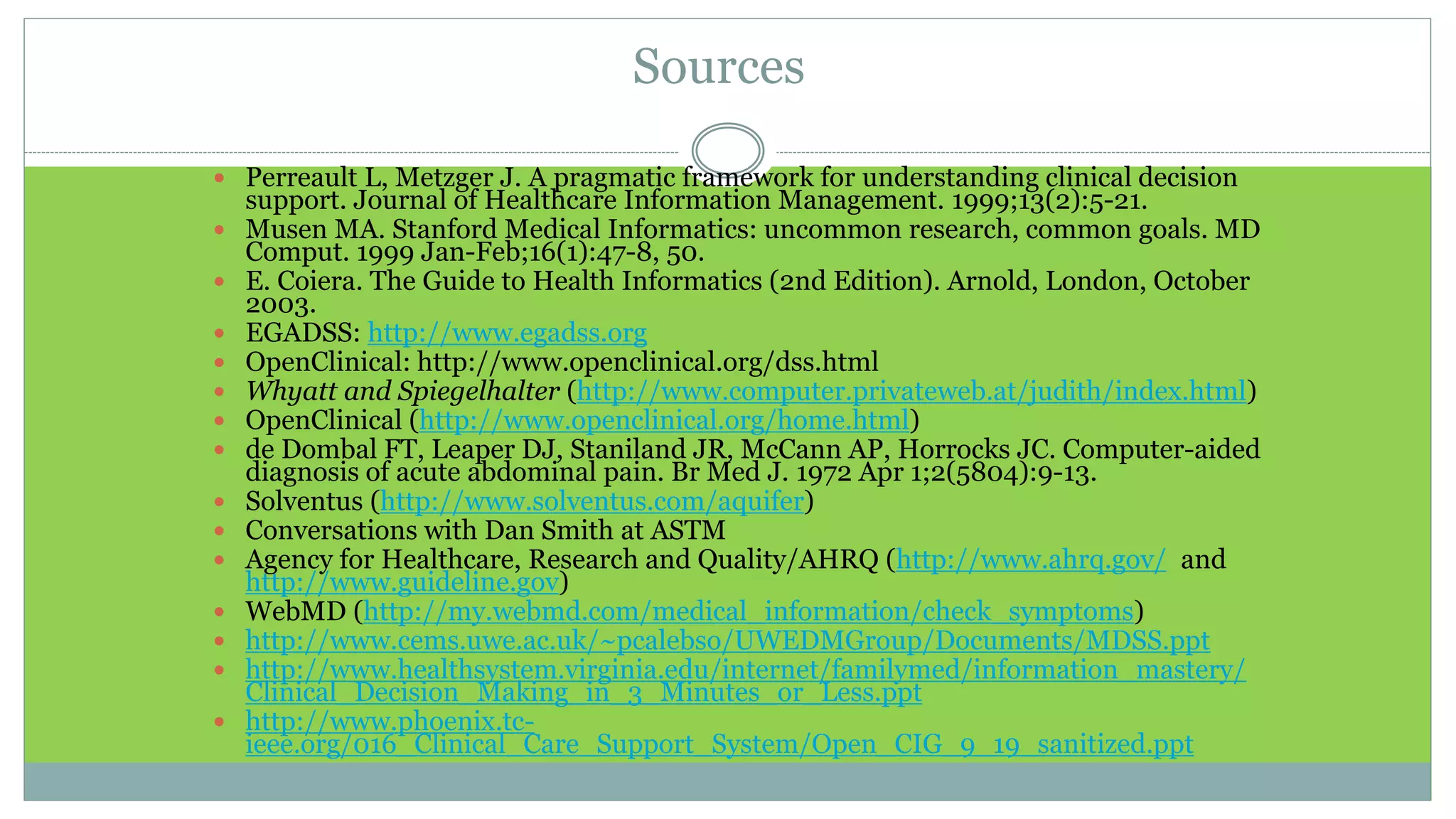
Sources
 Perreault L, Metzger J. A pragmatic framework for understanding clinical decision
support. Journal of Healthcare Information Management. 1999;13(2):5-21.
 Musen MA. Stanford Medical Informatics: uncommon research, common goals. MD
Comput. 1999 Jan-Feb;16(1):47-8, 50.
 E. Coiera. The Guide to Health Informatics (2nd Edition). Arnold, London, October
2003.
 EGADSS: http://www.egadss.org
 OpenClinical: http://www.openclinical.org/dss.html
 Whyatt and Spiegelhalter (http://www.computer.privateweb.at/judith/index.html)
 OpenClinical (http://www.openclinical.org/home.html)
 de Dombal FT, Leaper DJ, Staniland JR, McCann AP, Horrocks JC. Computer-aided
diagnosis of acute abdominal pain. Br Med J. 1972 Apr 1;2(5804):9-13.
 Solventus (http://www.solventus.com/aquifer)
 Conversations with Dan Smith at ASTM
 Agency for Healthcare, Research and Quality/AHRQ (http://www.ahrq.gov/ and
http://www.guideline.gov)
 WebMD (http://my.webmd.com/medical_information/check_symptoms)
 http://www.cems.uwe.ac.uk/~pcalebso/UWEDMGroup/Documents/MDSS.ppt
 http://www.healthsystem.virginia.edu/internet/familymed/information_mastery/
Clinical_Decision_Making_in_3_Minutes_or_Less.ppt
 http://www.phoenix.tc-
ieee.org/016_Clinical_Care_Support_System/Open_CIG_9_19_sanitized.ppt

Clinical decision support systems

  • 1.
    PREPARED BY/ A HM E D M O H A M M E D Z I N H O M M D I N N U R S I N G A D M I N I S T R A T I O N Clinical Decision Support Systems
  • 2.
    objectives  Define decisionsupport system  List Categories of CDSS  Recognize System Architecture  Identify the Need for CDSS  Identify Applications Areas of DSS  List the Disadvantages of CDSS  Discuss Issues for success or failure  Discuss challenges to implement it.  Explain how to overcome challenges.
  • 3.
    Clinical Decision SupportSystems Outlines:  Definition  Categories of CDSS  System Architecture  Need for CDSS  Applications Areas  Disadvantages  Issues for success or failure  Challenges for implementation.
  • 4.
    Definition  A clinicaldecision-support system is a computer program designed to help health professionals make clinical decisions.  Is a computer system that deals with clinical data or medical knowledge is intended to provide decision support.
  • 5.
    Definition:  an interactiveExpert system Computer Software, which is designed to assist physicians and other health professionals with decision making tasks such as diagnosing and designing the treatment plan for a disease  active knowledge systems in which they use two or more items of patient data to generate case specific advice
  • 6.
    Examples of SuccessfulComputer Decision Support Systems
  • 7.
    Categories  Diagnostic assistance Therapy critiquing and planning  Image recognition and interpretation
  • 8.
    System architecture  Toolsfor information management  Tools for focusing attention  Patient specific consultation
  • 9.
    1- Tools forInformation Management  Examples:  Hospital information systems  Bibliographic retrieval systems (PubMed)  Specialized knowledge-management workstations (e.g. electronic textbooks, …)  These tools provide the data and knowledge needed, but they do not help to apply that information to a particular decision task (particular patient)
  • 10.
    2- Tools forFocusing Attention  Examples:  Clinical laboratory systems that flag abnormal values or that provide lists of possible explanations for those abnormalities.  Pharmacy systems that alert providers to possible drug interactions or incorrect drug dosages.  Are designed to remind the physician of diagnoses or problems that might be overlooked.
  • 11.
    3- Tools forPatient-Specific Consultation  Provide customized assessments or advice based on sets of patient-specific data:  Suggest differential diagnoses  Advice about additional tests and examinations  Treatment advice (therapy, surgery, …)
  • 12.
    Characterizing Decision-Support Systems System function  Determining what is true about a patient (e.g. correct diagnosis)  Determining what to do (what test to order, to treat or not, what therapy plan …)  The mode for giving advice  Passive role (physician uses the system when advice needed)  Active role (the system gives advice automatically under certain conditions)
  • 13.
    Passive Systems  Theuser has total control:  Requires advice  Analyses the advice  Accepts/Rejects the advice  Domain of use:  Wide domain like internal medicine Examples: QMR, DXPLAIN  Narrow domain Acute abdominal pain Analysis of ECG
  • 14.
    Active Systems  Theuser has partial control  System gives advice  User evaluates the advice  The user accepts/rejects the advice  Domain of use  Limited domain Drug interactions Protocol conformance control Laboratory results warnings Medical devices control
  • 15.
    Need for CDSS Limited resources - increased demand, Physicians are overwhelmed. Insufficient time available for diagnosis and treatment.  Need for systems that can improve health care processes.
  • 16.
    Possible Disadvantages ofCDSS  Changing relation between patient and the physician  Limiting professionals’ possibilities for independent problem solving  Legal implications - with whom does the responsibility lie?
  • 17.
    Challenges to Implementationof CDSS 1. Clinical challenges:  No clinical database stores all information that is self sufficient or complete  Computers can assist but can’t replace human  Lack in integration of components of CDSS  Deficiency in planning for how the clinician will actually use the product in situation  CDSSs that are aimed at the diagnostic tasks have found success but are often very limited in utilization and scope 17
  • 18.
    2. Technical challenges: difficultyin incorporating the extensive quantity of clinical research being published on an ongoing basis Biological systems are complicated, and a clinical decision may utilize an enormous data 3. Cost and Evaluation: Different CDSSs serve for different purposes, there is no common method which applies to all such systems 18
  • 19.
    4. Alert fatigue: When clinicians are exposed to too many clinical decision support alerts they may eventually stop responding to them.  The alert was not serious, was irrelevant, or was shown repeatedly 19
  • 20.
    Approach to overcomechallenges To increase user acceptance  By motivation, training and education of the clinical & non clinical staff for using the system.  Developing better user interfaces. This could be done by involving the user at the design stage. Keeping their needs and desires in mind the system should be developed.  Convenience of the end user should be kept in mind at designing stage.  Constraints under which the user works should be considered at this stage.  Cost utility analysis. 20
  • 21.
    CDSS and EHR ElectronicHeath Record is a systematic collection of electronic health information about an individual patient or population EHR makes medical data portable and easily transferable It is beneficial to have a fully integrated CDSS and EHR CDSS will be most beneficial once the healthcare facility is 100% electronic electronic health records are the way of the future for healthcare industry Several other benefits of EHR are: Privacy, Confidentiality, User-friendliness, Document accuracy and completeness, Integration, Uniformity, Acceptance 21
  • 22.
    Criteria for aclinically useful DSS  Knowledge based on best evidence  Knowledge fully covers problem  Knowledge can be updated  Data actively used drawn from existing sources  Performance validated thoroughly
  • 23.
    Criteria for aclinically useful DSS (cont.) System improves clinical practice. The system is easy to use. The decisions made are transparent.
  • 24.
    Sources  Perreault L,Metzger J. A pragmatic framework for understanding clinical decision support. Journal of Healthcare Information Management. 1999;13(2):5-21.  Musen MA. Stanford Medical Informatics: uncommon research, common goals. MD Comput. 1999 Jan-Feb;16(1):47-8, 50.  E. Coiera. The Guide to Health Informatics (2nd Edition). Arnold, London, October 2003.  EGADSS: http://www.egadss.org  OpenClinical: http://www.openclinical.org/dss.html  Whyatt and Spiegelhalter (http://www.computer.privateweb.at/judith/index.html)  OpenClinical (http://www.openclinical.org/home.html)  de Dombal FT, Leaper DJ, Staniland JR, McCann AP, Horrocks JC. Computer-aided diagnosis of acute abdominal pain. Br Med J. 1972 Apr 1;2(5804):9-13.  Solventus (http://www.solventus.com/aquifer)  Conversations with Dan Smith at ASTM  Agency for Healthcare, Research and Quality/AHRQ (http://www.ahrq.gov/ and http://www.guideline.gov)  WebMD (http://my.webmd.com/medical_information/check_symptoms)  http://www.cems.uwe.ac.uk/~pcalebso/UWEDMGroup/Documents/MDSS.ppt  http://www.healthsystem.virginia.edu/internet/familymed/information_mastery/ Clinical_Decision_Making_in_3_Minutes_or_Less.ppt  http://www.phoenix.tc- ieee.org/016_Clinical_Care_Support_System/Open_CIG_9_19_sanitized.ppt