Download to read offline
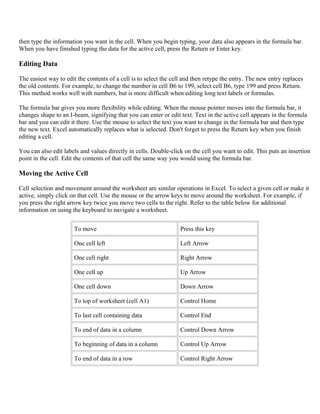
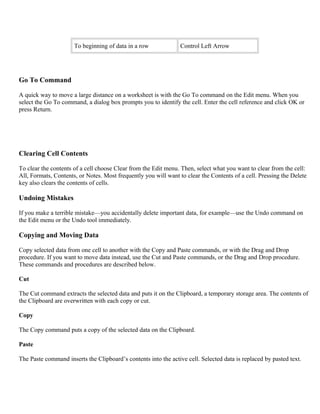
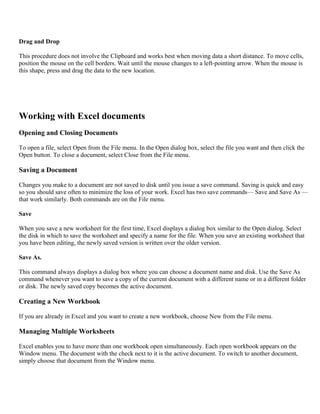
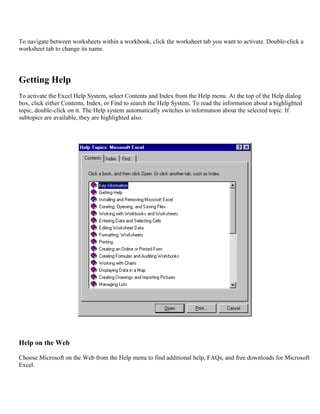
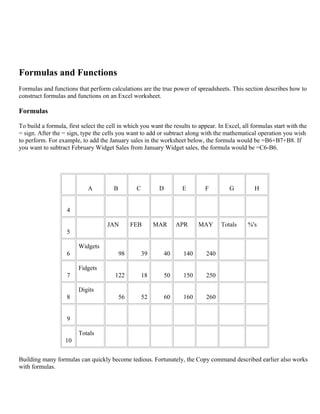
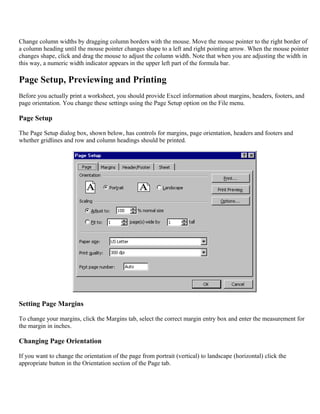
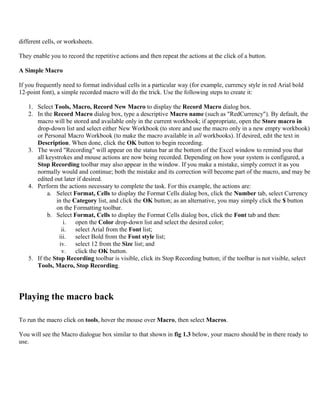
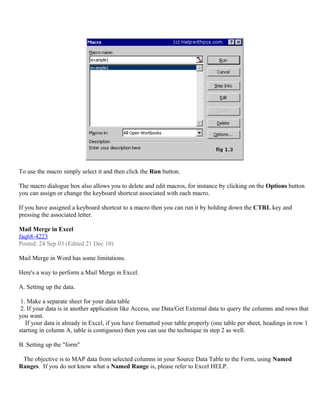
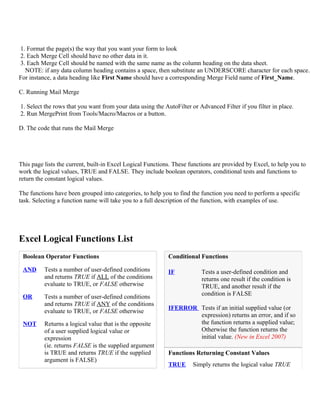
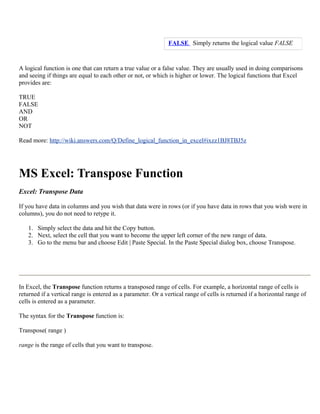
![While such data can contain a lot of information, it can be difficult to get summarized information. A pivot table
can help quickly summarize the data and highlight the desired information. The usage of a pivot table is extremely
broad and depends on the situation. The first question to ask is, "What am I looking for?" In the example here, let us
ask, "How many Units did we sell in each Region for every Ship Date?":
A pivot table usually consists of row, column, and data (or fact) fields. In this case, the column is Ship Date, the
row is Region, and the data we would like to see is Units. These fields allow several kinds of aggregations
including: sum, average, standard deviation, count, etc. In this case, the total number of units shipped is displayed
here using a sum aggregation.
[edit] How a pivot table works
Using the example above, software will find all distinct records for Region. In this case, they are: North, South,
East, West. Furthermore, it will find all distinct records for Ship Date. Based on the aggregation type, sum, it will
summarize the fact, and display them in a multidimensional chart. In the example above, the first data point is 66.
This number was obtained by finding all records where both Region was East and Ship Date was 1/31/2005, and
adding the Units of that collection of records together to get a final result.
Macro
This tutorial will take you through how to use the microsoft excel macro recorder, it is a built-in feature of Excel
and is very simple to use.
Macros are a very useful feature of Excel, especially if you find yourself constantly repeating the same tasks on](https://image.slidesharecdn.com/gettingstartedwithmicrosoftexcel-160825172539/85/Getting-started-with_microsoft_excel-24-320.jpg)

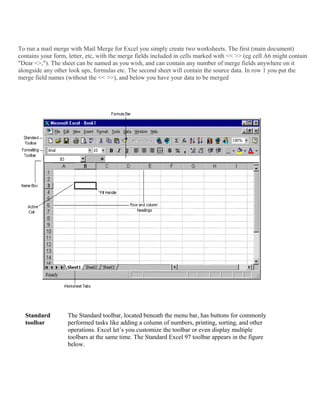
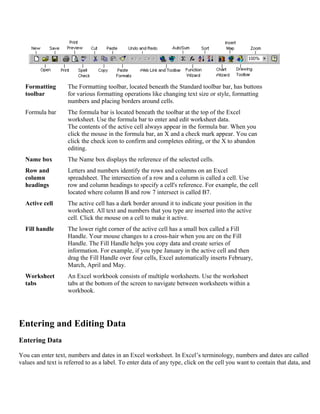
This document provides an introduction to Microsoft Excel by covering the Excel interface, opening and saving worksheets, entering and editing data, building formulas and functions, and formatting and printing data. It explores the components of the Excel window including the standard toolbar, formatting toolbar, formula bar, name box, row and column headings, active cell, and fill handle. It also describes how to enter and edit data, move around the worksheet, copy and move data, and work with Excel documents by opening, saving, and creating new workbooks.


