Chapter 17Chapter 17
Advanced File SystemAdvanced File System
RAID Storage SystemRAID Storage System
●
Redundant Array of Inexpensive DisksRedundant Array of Inexpensive Disks
– Combine multiple small, inexpensive disk drivesCombine multiple small, inexpensive disk drives
to perform faster than a single physical diskto perform faster than a single physical disk
– Appear to the computer as a single virtual driveAppear to the computer as a single virtual drive
– Support fault-tolerance by redundantly storingSupport fault-tolerance by redundantly storing
information in various waysinformation in various ways
RAID TypesRAID Types
●
Many types of array architectures, RAID 1 ~ 6Many types of array architectures, RAID 1 ~ 6
– Different disk fault-toleranceDifferent disk fault-tolerance
– Different trade-offs in features and performanceDifferent trade-offs in features and performance
●
A non-redundant array of disk drives is oftenA non-redundant array of disk drives is often
referred to as RAID 0referred to as RAID 0
●
Only RAID 0, 1, 3 and 5 are commonly usedOnly RAID 0, 1, 3 and 5 are commonly used
– RAID 2 and 4 do not offer any significant advantages overRAID 2 and 4 do not offer any significant advantages over
these other typesthese other types
●
Certain combination is possible (10, 35 etc)Certain combination is possible (10, 35 etc)
– RAID 10 = RAID 1 + RAID 0RAID 10 = RAID 1 + RAID 0
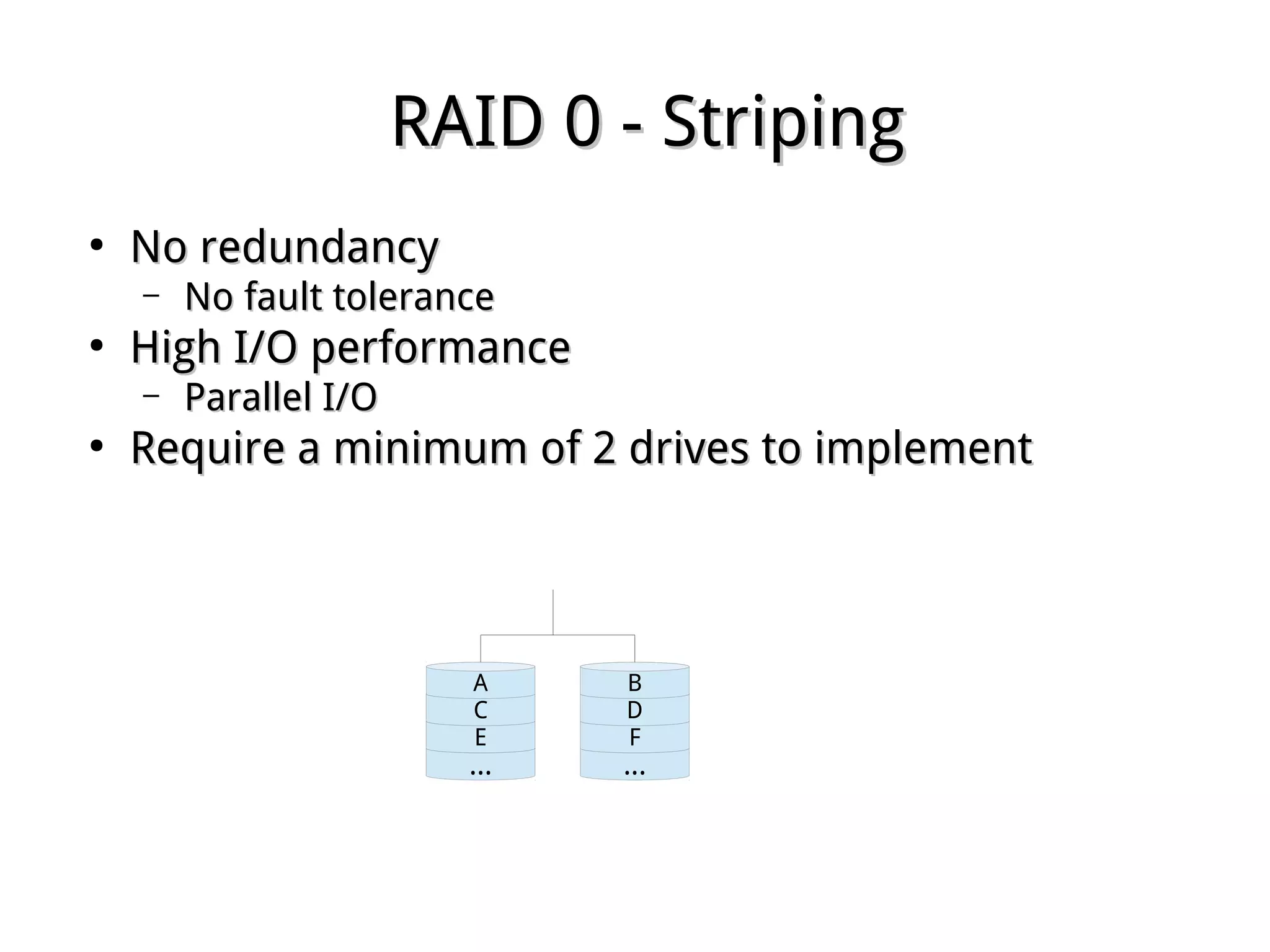
RAID 0 - StripingRAID 0 - Striping
●
No redundancyNo redundancy
– No fault toleranceNo fault tolerance
●
High I/O performanceHigh I/O performance
– Parallel I/OParallel I/O
●
Require a minimum of 2 drives to implementRequire a minimum of 2 drives to implement
...
E
C
A
...
F
D
B
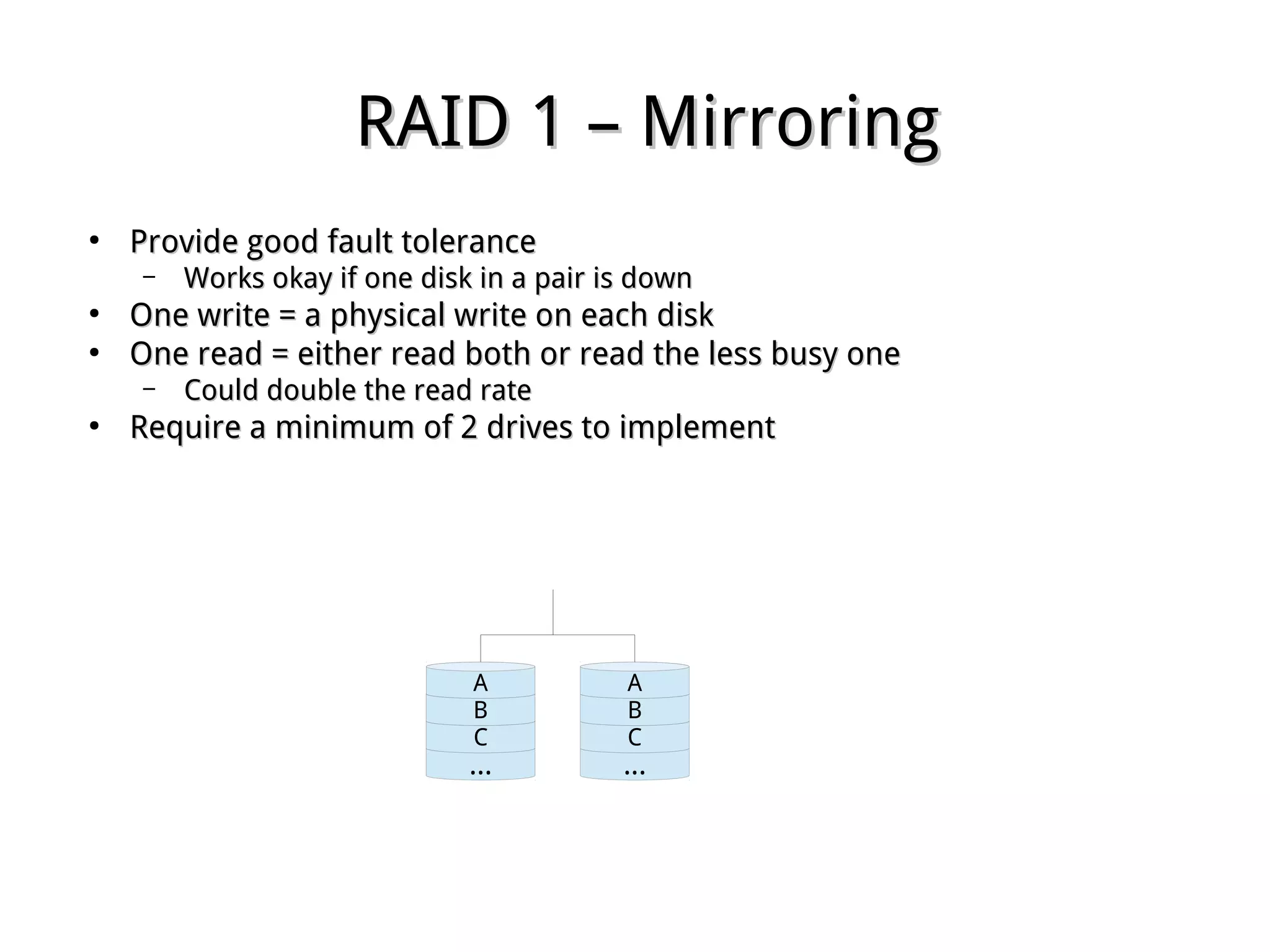
RAID 1 – MirroringRAID 1 – Mirroring
●
Provide good fault toleranceProvide good fault tolerance
– Works okay if one disk in a pair is downWorks okay if one disk in a pair is down
●
One write = a physical write on each diskOne write = a physical write on each disk
●
One read = either read both or read the less busy oneOne read = either read both or read the less busy one
– Could double the read rateCould double the read rate
●
Require a minimum of 2 drives to implementRequire a minimum of 2 drives to implement
...
C
B
A
...
C
B
A
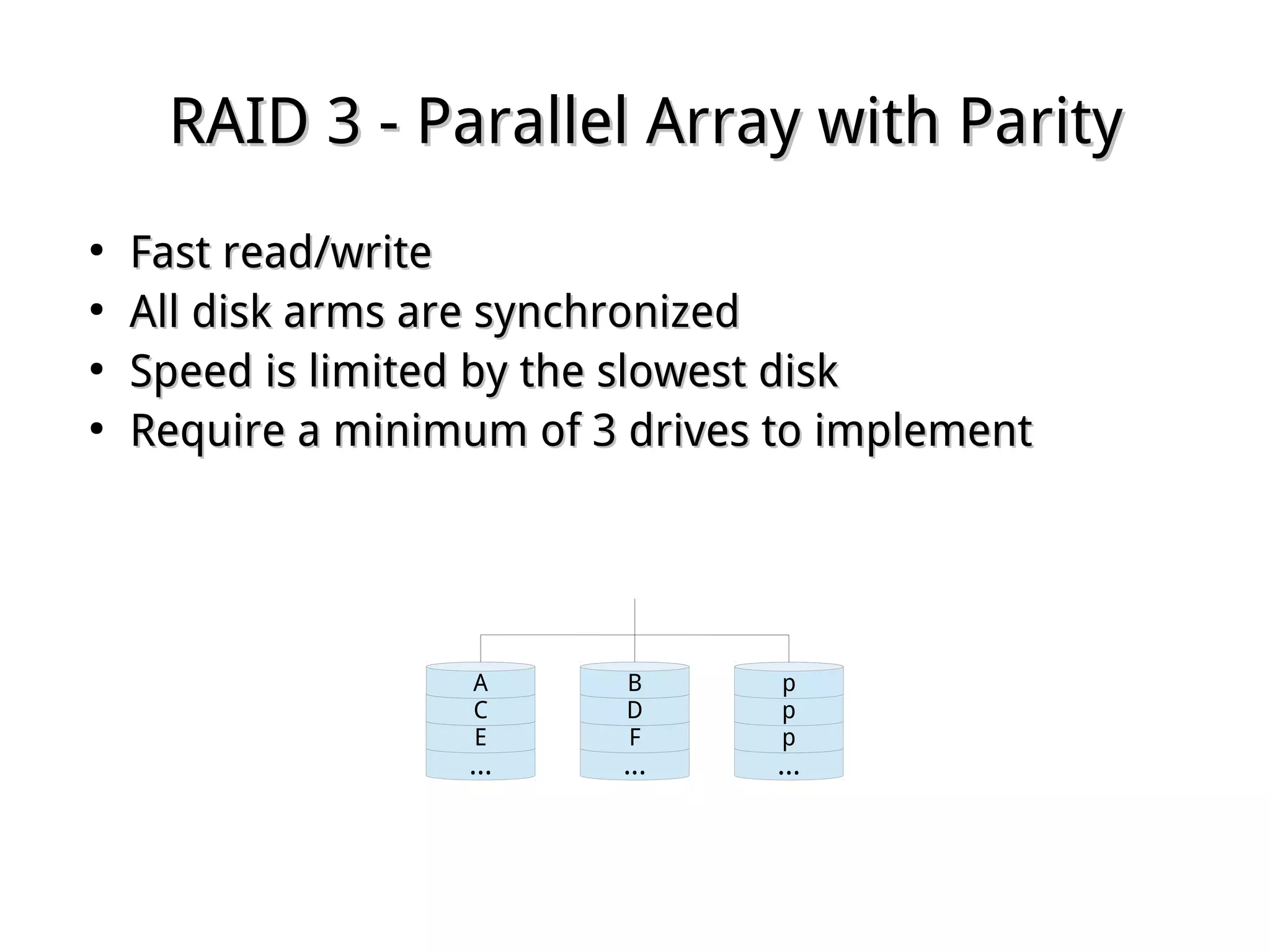
RAID 3 - Parallel Array with ParityRAID 3 - Parallel Array with Parity
●
Fast read/writeFast read/write
●
All disk arms are synchronizedAll disk arms are synchronized
●
Speed is limited by the slowest diskSpeed is limited by the slowest disk
●
Require a minimum of 3 drives to implementRequire a minimum of 3 drives to implement
...
E
C
A
...
F
D
B
...
p
p
p
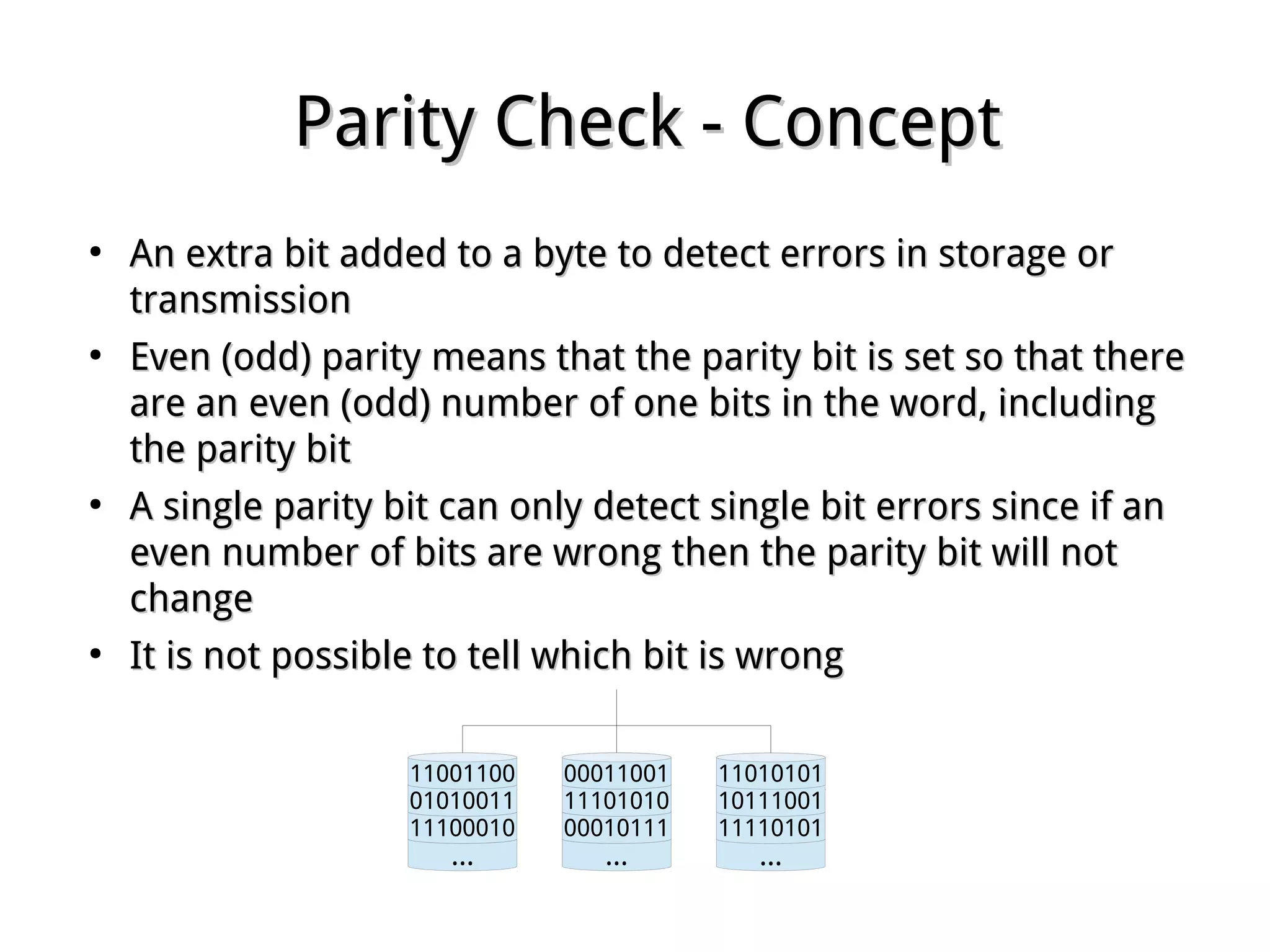
Parity Check - ConceptParity Check - Concept
●
An extra bit added to a byte to detect errors in storage orAn extra bit added to a byte to detect errors in storage or
transmissiontransmission
●
Even (odd) parity means that the parity bit is set so that thereEven (odd) parity means that the parity bit is set so that there
are an even (odd) number of one bits in the word, includingare an even (odd) number of one bits in the word, including
the parity bitthe parity bit
●
A single parity bit can only detect single bit errors since if anA single parity bit can only detect single bit errors since if an
even number of bits are wrong then the parity bit will noteven number of bits are wrong then the parity bit will not
changechange
●
It is not possible to tell which bit is wrongIt is not possible to tell which bit is wrong
...
11100010
01010011
11001100
...
00010111
11101010
00011001
...
11110101
10111001
11010101
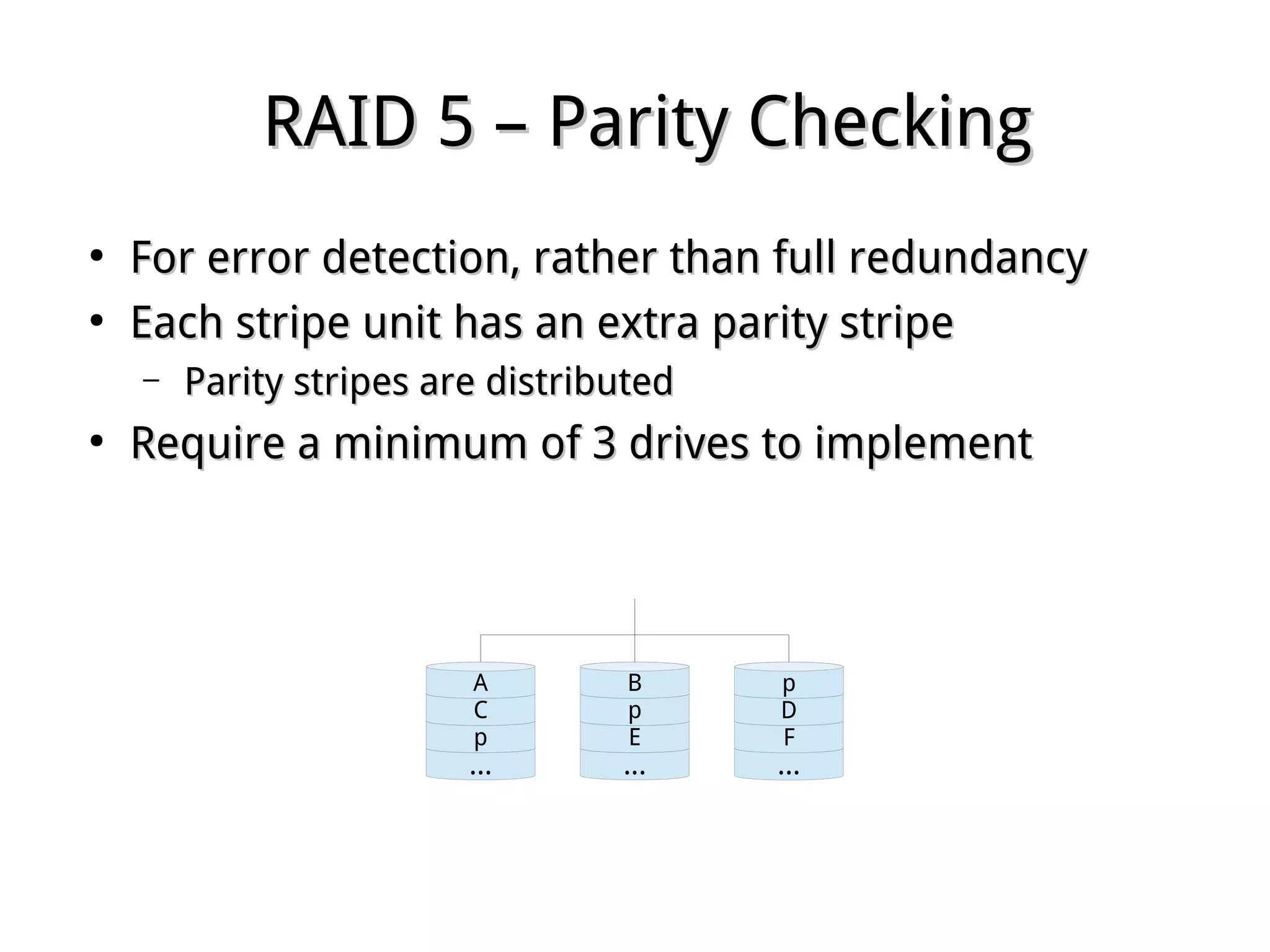
RAID 5 – Parity CheckingRAID 5 – Parity Checking
●
For error detection, rather than full redundancyFor error detection, rather than full redundancy
●
Each stripe unit has an extra parity stripeEach stripe unit has an extra parity stripe
– Parity stripes are distributedParity stripes are distributed
●
Require a minimum of 3 drives to implementRequire a minimum of 3 drives to implement
...
p
C
A
...
E
p
B
...
F
D
p
Hardware vs. Software RAIDHardware vs. Software RAID
●
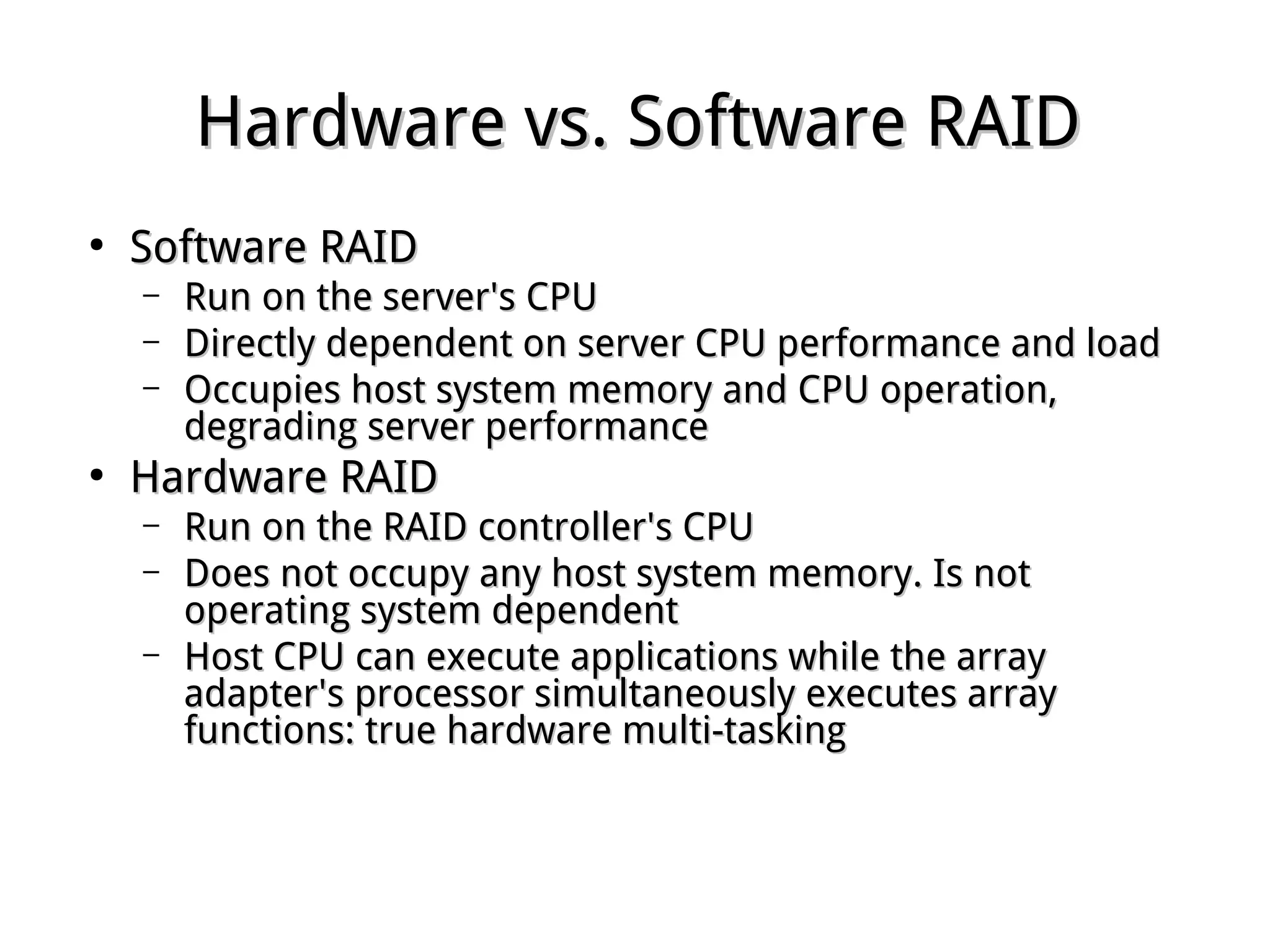
Software RAIDSoftware RAID
– Run on the server's CPURun on the server's CPU
– Directly dependent on server CPU performance and loadDirectly dependent on server CPU performance and load
– Occupies host system memory and CPU operation,Occupies host system memory and CPU operation,
degrading server performancedegrading server performance
●
Hardware RAIDHardware RAID
– Run on the RAID controller's CPURun on the RAID controller's CPU
– Does not occupy any host system memory. Is notDoes not occupy any host system memory. Is not
operating system dependentoperating system dependent
– Host CPU can execute applications while the arrayHost CPU can execute applications while the array
adapter's processor simultaneously executes arrayadapter's processor simultaneously executes array
functions: true hardware multi-taskingfunctions: true hardware multi-tasking
Array Creation withArray Creation with mdadmmdadm
●
mdadm ­h | ­­helpmdadm ­h | ­­help
●
An array can be created at install timeAn array can be created at install time
●
Create partitions with type FD (usingCreate partitions with type FD (using fdiskfdisk, or other, or other
partitioning software)partitioning software)
●
mdadm ­­create ­­helpmdadm ­­create ­­help
­C | ­­create /dev/mdX­C | ­­create /dev/mdX
­l | ­­level 0 | 1 | 4 | 5 | 6 | 10­l | ­­level 0 | 1 | 4 | 5 | 6 | 10
­n | ­­raid­devices # device [...]­n | ­­raid­devices # device [...]
­x | ­­spare­devices # device [...] ­x | ­­spare­devices # device [...] 
mdadm ­C /dev/md0 ­l 5 ­n 3 /dev/sdd1 /dev/sde1 mdadm ­C /dev/md0 ­l 5 ­n 3 /dev/sdd1 /dev/sde1 
/dev/sdf1 ­x 1 /dev/sdg1/dev/sdf1 ­x 1 /dev/sdg1
●
Create filesystemCreate filesystem
Software RAID MonitoringSoftware RAID Monitoring
●
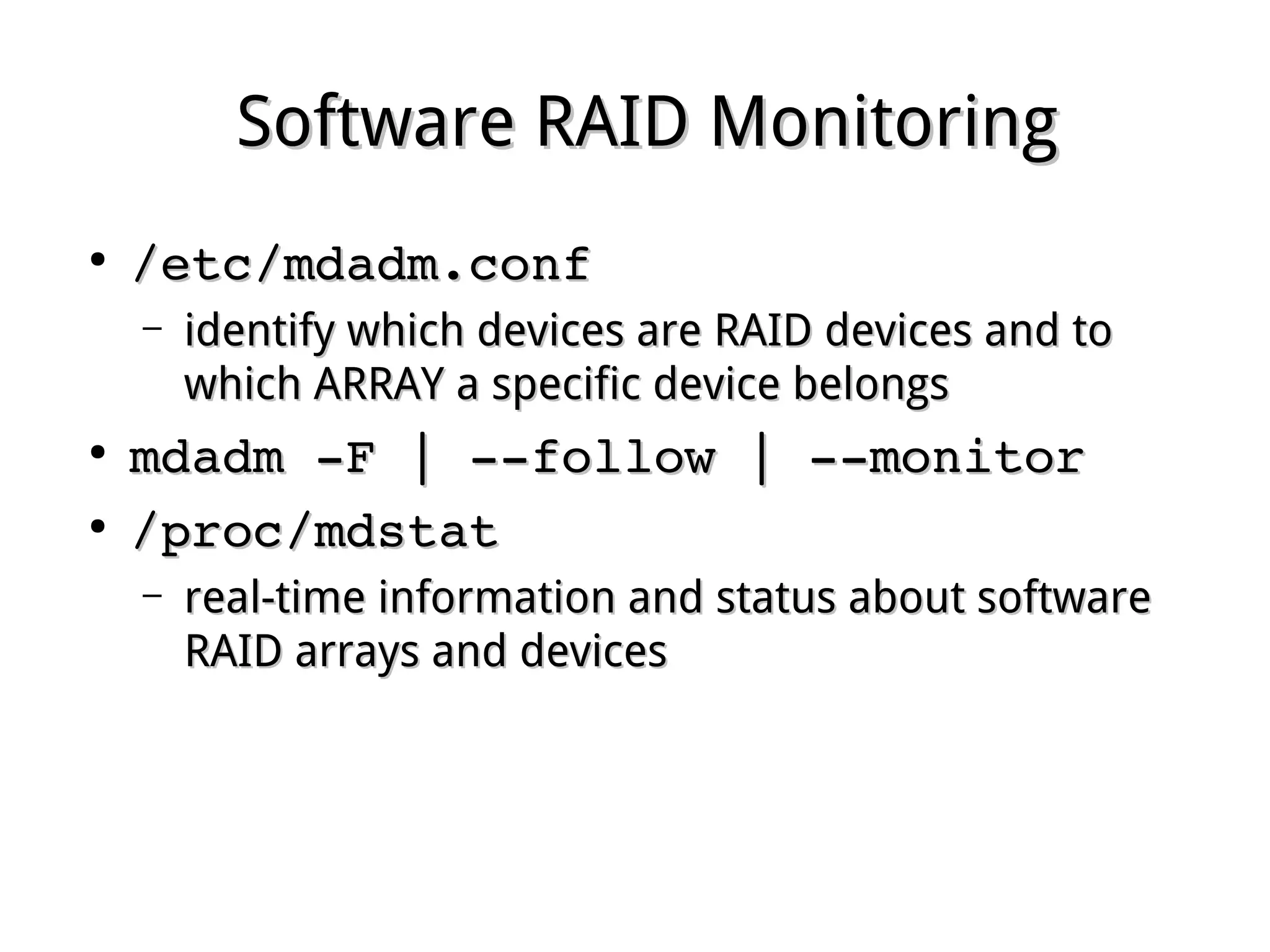
/etc/mdadm.conf /etc/mdadm.conf 
– identify which devices are RAID devices and toidentify which devices are RAID devices and to
which ARRAY a specific device belongswhich ARRAY a specific device belongs
●
mdadm ­F | ­­follow | ­­monitormdadm ­F | ­­follow | ­­monitor
●
/proc/mdstat /proc/mdstat 
– real-time information and status about softwarereal-time information and status about software
RAID arrays and devicesRAID arrays and devices
Software RAID Control and DisplaySoftware RAID Control and Display
●
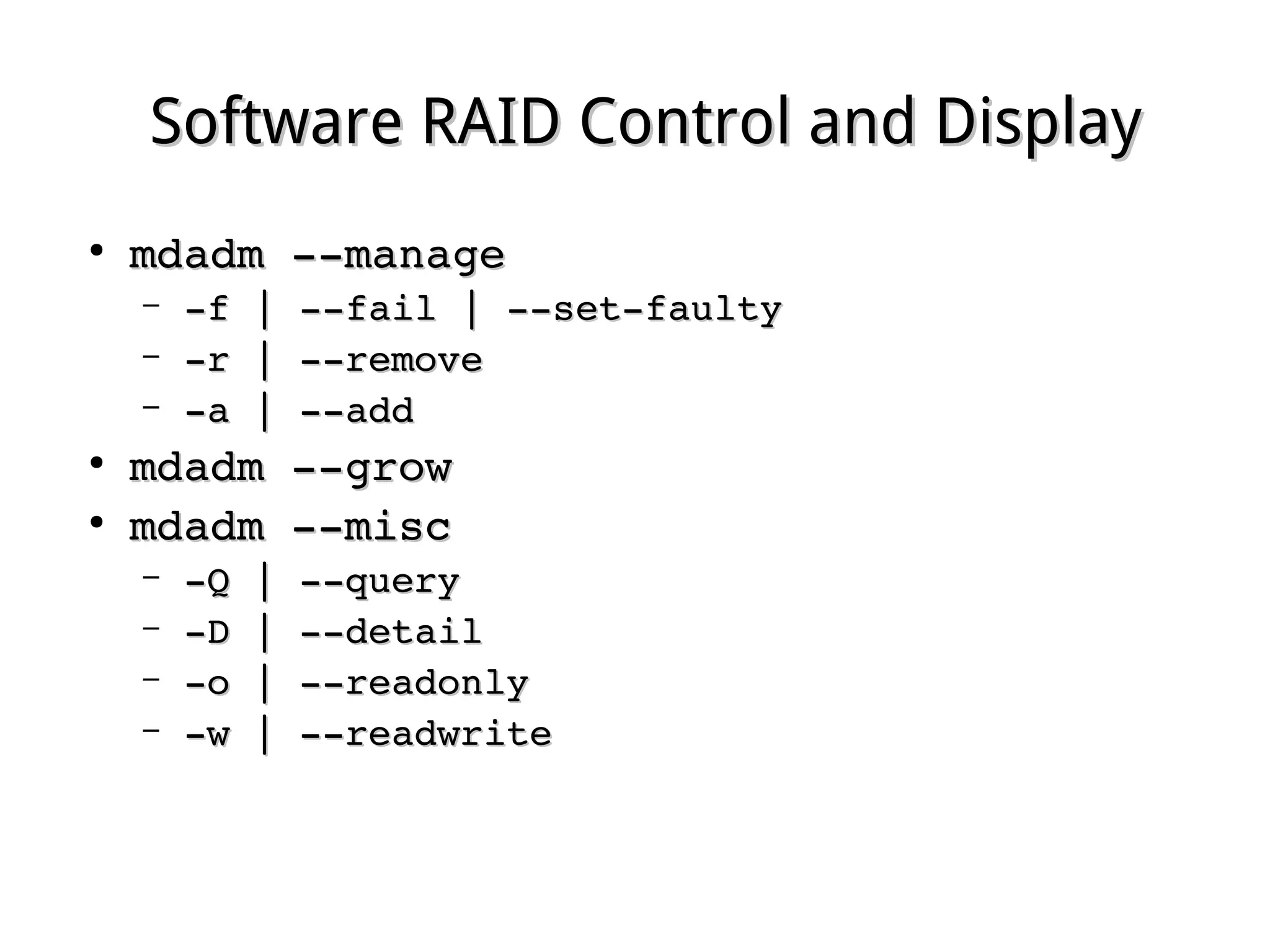
mdadm ­­managemdadm ­­manage
– ­f | ­­fail | ­­set­faulty­f | ­­fail | ­­set­faulty
– ­r | ­­remove­r | ­­remove
– ­a | ­­add­a | ­­add
●
mdadm ­­growmdadm ­­grow
●
mdadm ­­miscmdadm ­­misc
– ­Q | ­­query­Q | ­­query
– ­D | ­­detail­D | ­­detail
– ­o | ­­readonly­o | ­­readonly
– ­w | ­­readwrite­w | ­­readwrite
Failed Drive ReplacementFailed Drive Replacement
●
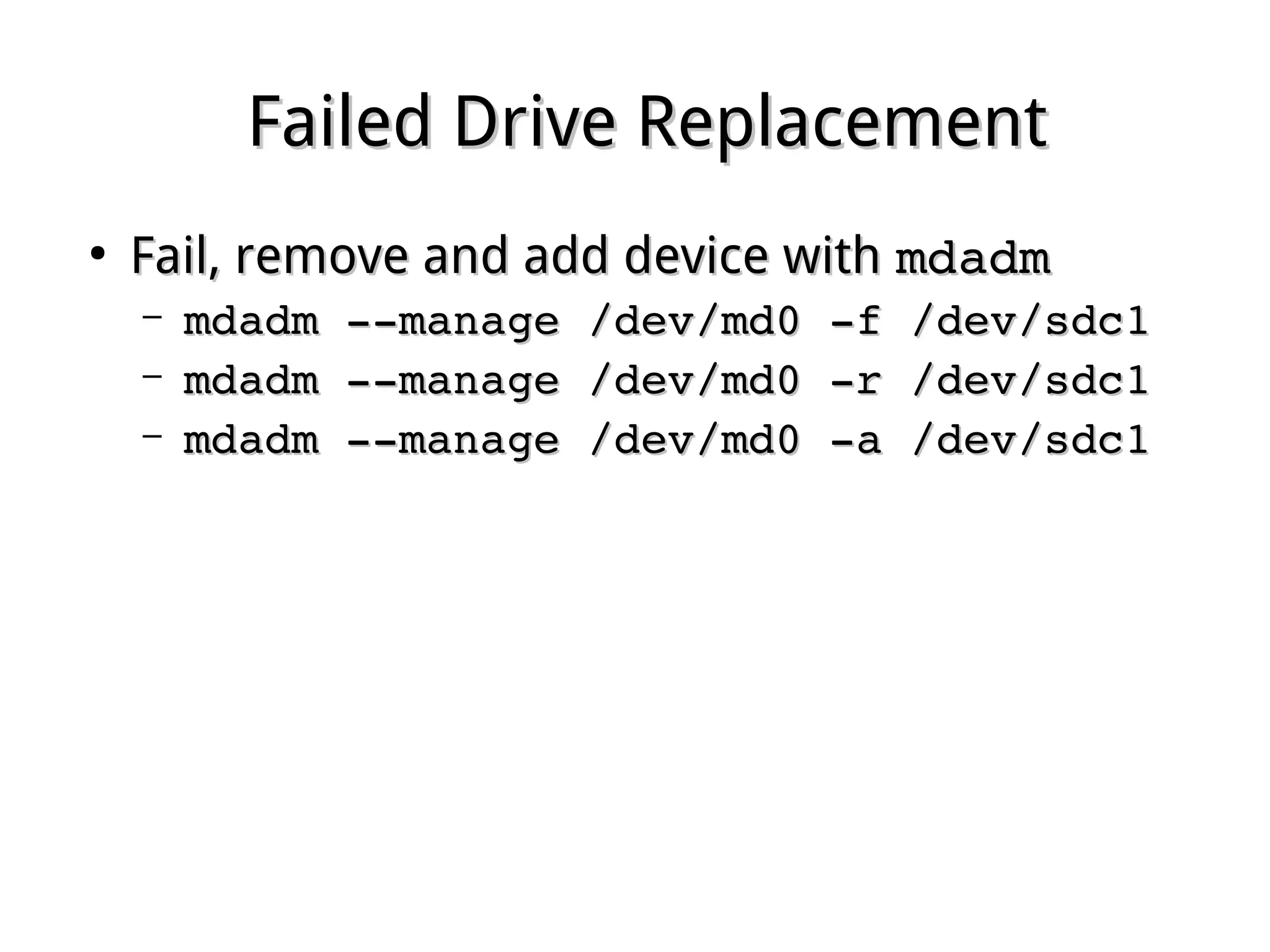
Fail, remove and add device withFail, remove and add device with mdadmmdadm
– mdadm ­­manage /dev/md0 ­f /dev/sdc1mdadm ­­manage /dev/md0 ­f /dev/sdc1
– mdadm ­­manage /dev/md0 ­r /dev/sdc1mdadm ­­manage /dev/md0 ­r /dev/sdc1
– mdadm ­­manage /dev/md0 ­a /dev/sdc1mdadm ­­manage /dev/md0 ­a /dev/sdc1
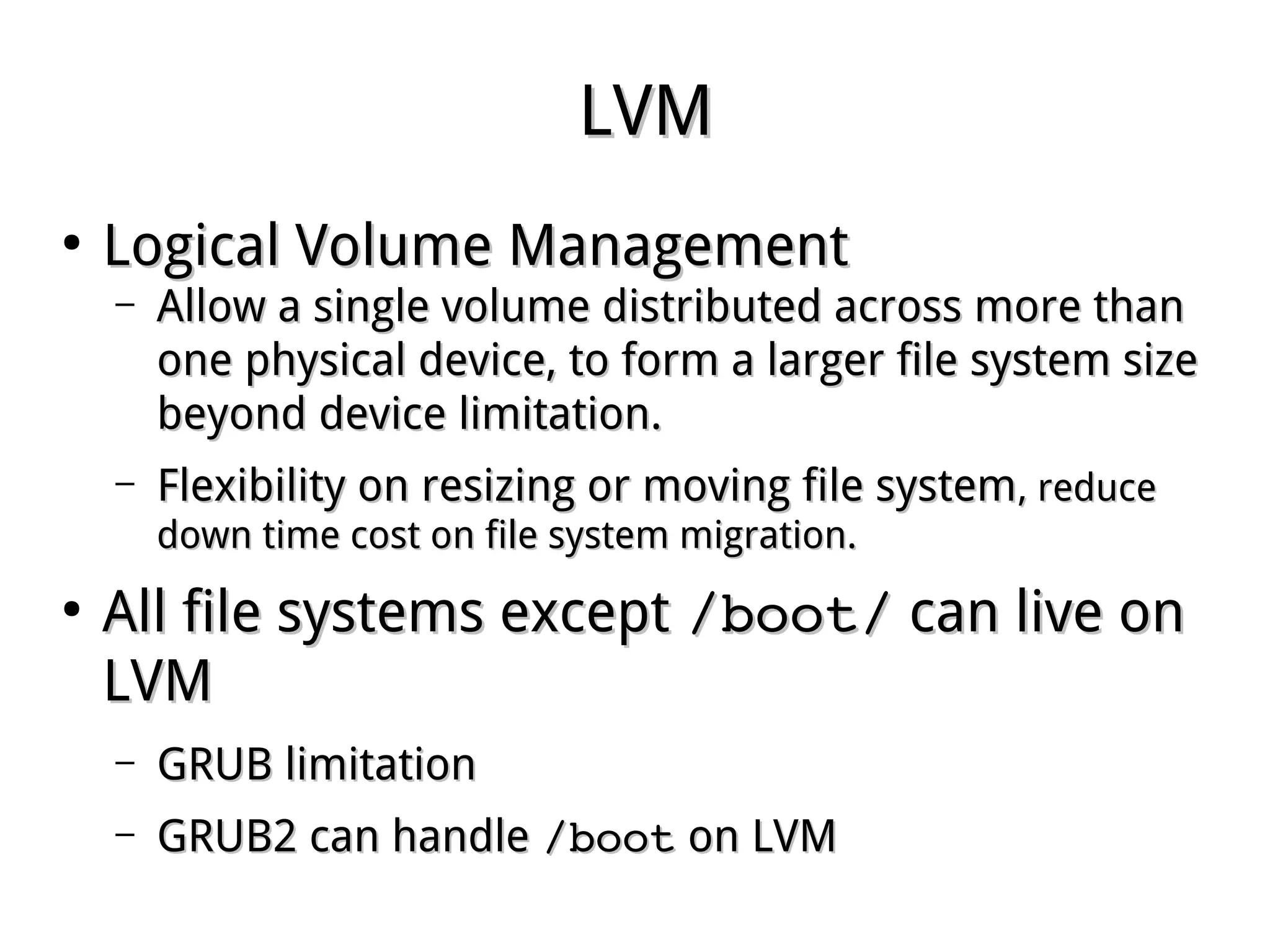
LVMLVM
●
Logical Volume ManagementLogical Volume Management
– Allow a single volume distributed across more thanAllow a single volume distributed across more than
one physical device, to form a larger file system sizeone physical device, to form a larger file system size
beyond device limitation.beyond device limitation.
– Flexibility on resizing or moving file systemFlexibility on resizing or moving file system, reduce, reduce
down time cost on file system migration.down time cost on file system migration.
●
All file systems exceptAll file systems except /boot//boot/ can live oncan live on
LVMLVM
– GRUB limitationGRUB limitation
– GRUB2 can handleGRUB2 can handle /boot/boot on LVMon LVM
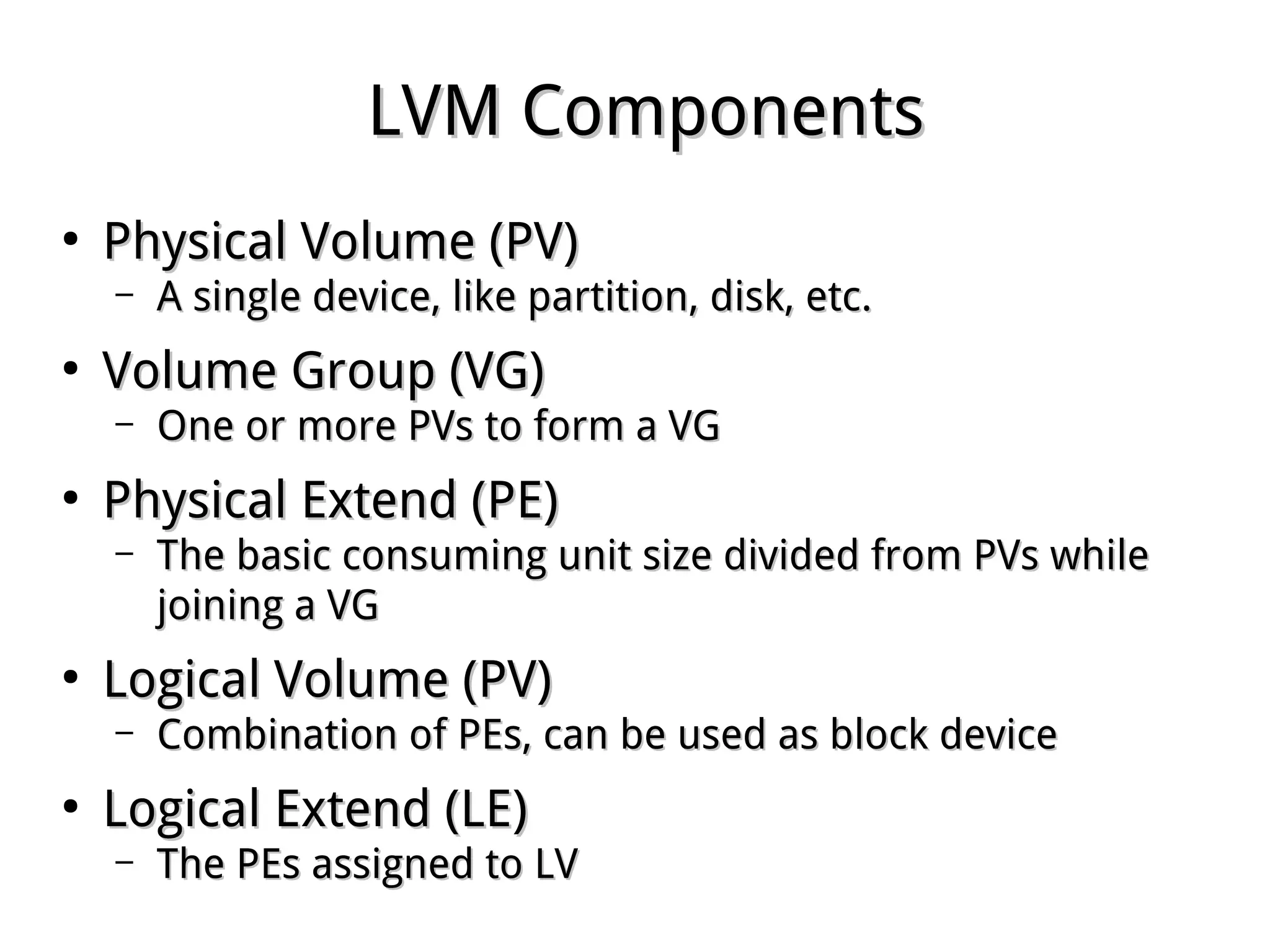
LVM ComponentsLVM Components
●
Physical Volume (PV)Physical Volume (PV)
– A single device, like partition, disk, etc.A single device, like partition, disk, etc.
●
Volume Group (VG)Volume Group (VG)
– One or more PVs to form a VGOne or more PVs to form a VG
●
Physical Extend (PE)Physical Extend (PE)
– The basic consuming unit size divided from PVs whileThe basic consuming unit size divided from PVs while
joining a VGjoining a VG
●
Logical Volume (PV)Logical Volume (PV)
– Combination of PEs, can be used as block deviceCombination of PEs, can be used as block device
●
Logical Extend (LE)Logical Extend (LE)
– The PEs assigned to LVThe PEs assigned to LV
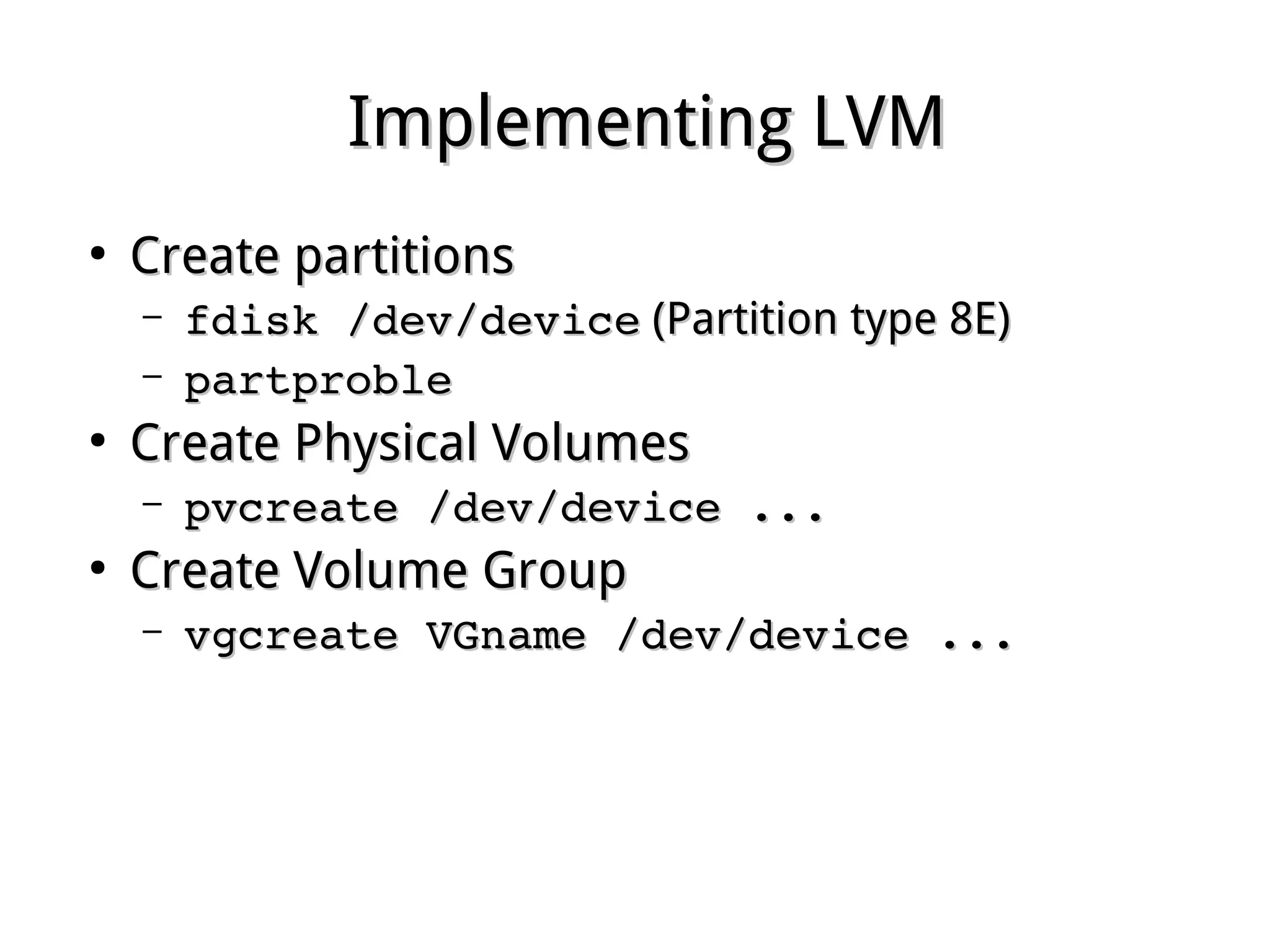
Implementing LVMImplementing LVM
●
Create partitionsCreate partitions
– fdisk /dev/devicefdisk /dev/device (Partition type 8E)(Partition type 8E)
– partproblepartproble
●
Create Physical VolumesCreate Physical Volumes
– pvcreate /dev/device ...pvcreate /dev/device ...
●
Create Volume GroupCreate Volume Group
– vgcreate VGname /dev/device ...vgcreate VGname /dev/device ...
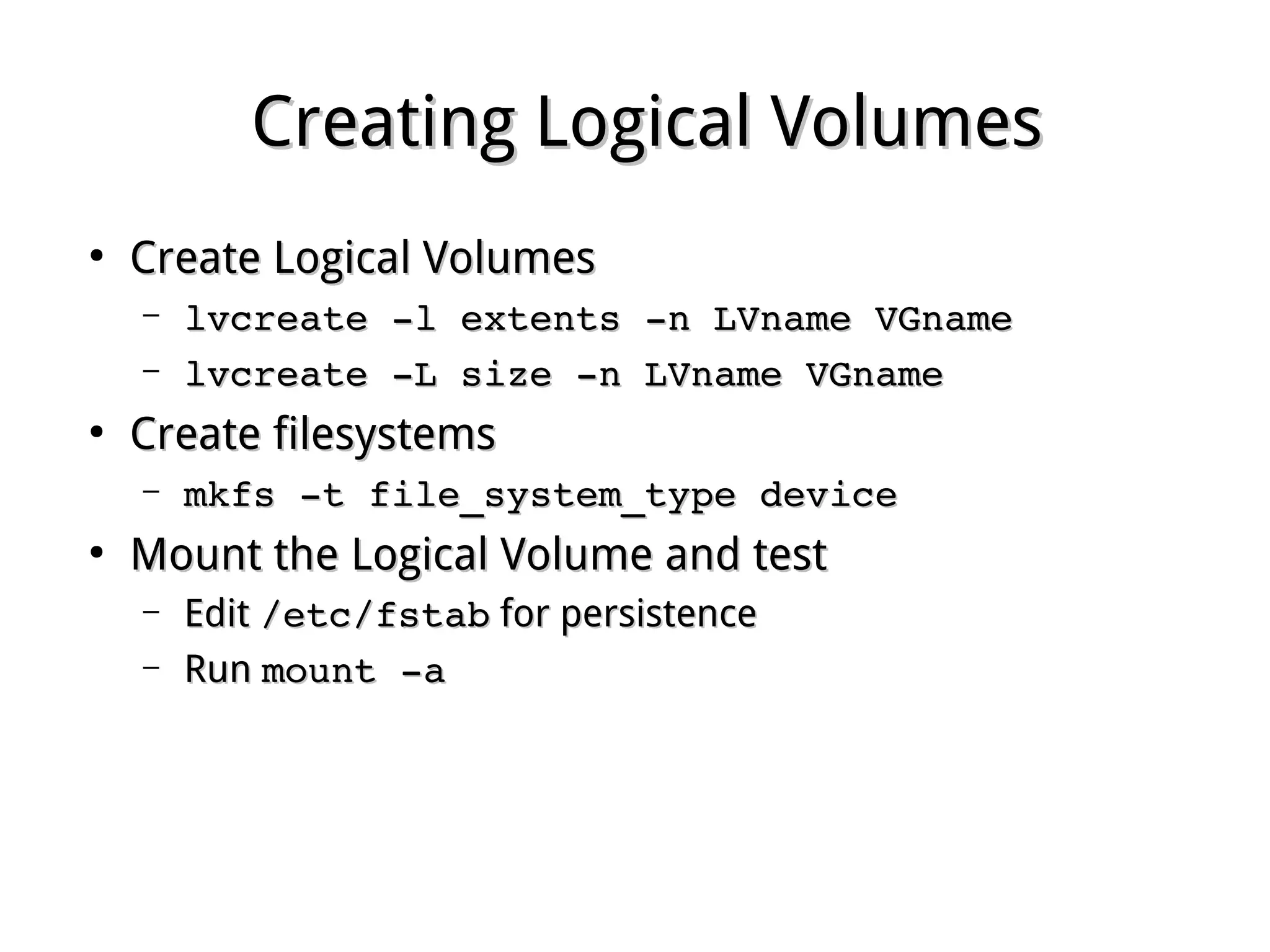
Creating Logical VolumesCreating Logical Volumes
●
Create Logical VolumesCreate Logical Volumes
– lvcreate ­l extents ­n LVname VGnamelvcreate ­l extents ­n LVname VGname
– lvcreate ­L size ­n LVname VGnamelvcreate ­L size ­n LVname VGname
●
Create filesystemsCreate filesystems
– mkfs ­t file_system_type devicemkfs ­t file_system_type device
●
Mount the Logical Volume and testMount the Logical Volume and test
– EditEdit /etc/fstab/etc/fstab for persistencefor persistence
– RunRun mount ­amount ­a
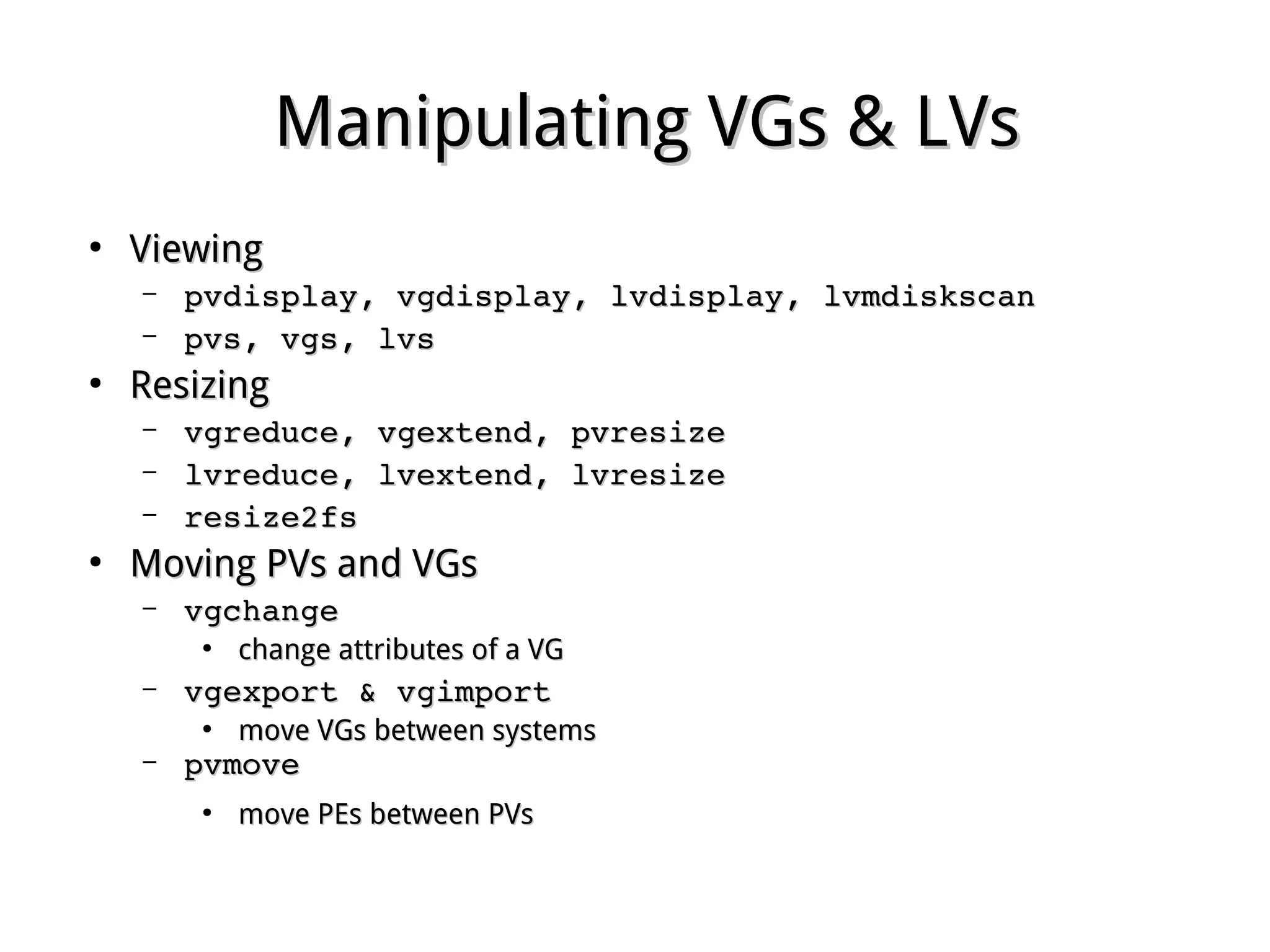
Manipulating VGs & LVsManipulating VGs & LVs
●
ViewingViewing
– pvdisplay, vgdisplay, lvdisplay, lvmdiskscanpvdisplay, vgdisplay, lvdisplay, lvmdiskscan
– pvs, vgs, lvspvs, vgs, lvs
●
ResizingResizing
– vgreduce, vgextend, pvresizevgreduce, vgextend, pvresize
– lvreduce, lvextend, lvresizelvreduce, lvextend, lvresize
– resize2fsresize2fs
●
Moving PVs and VGsMoving PVs and VGs
– vgchange vgchange 
●
change attributes of a VGchange attributes of a VG
– vgexport & vgimport vgexport & vgimport 
●
move VGs between systemsmove VGs between systems
– pvmove pvmove 
●
move PEs between PVsmove PEs between PVs
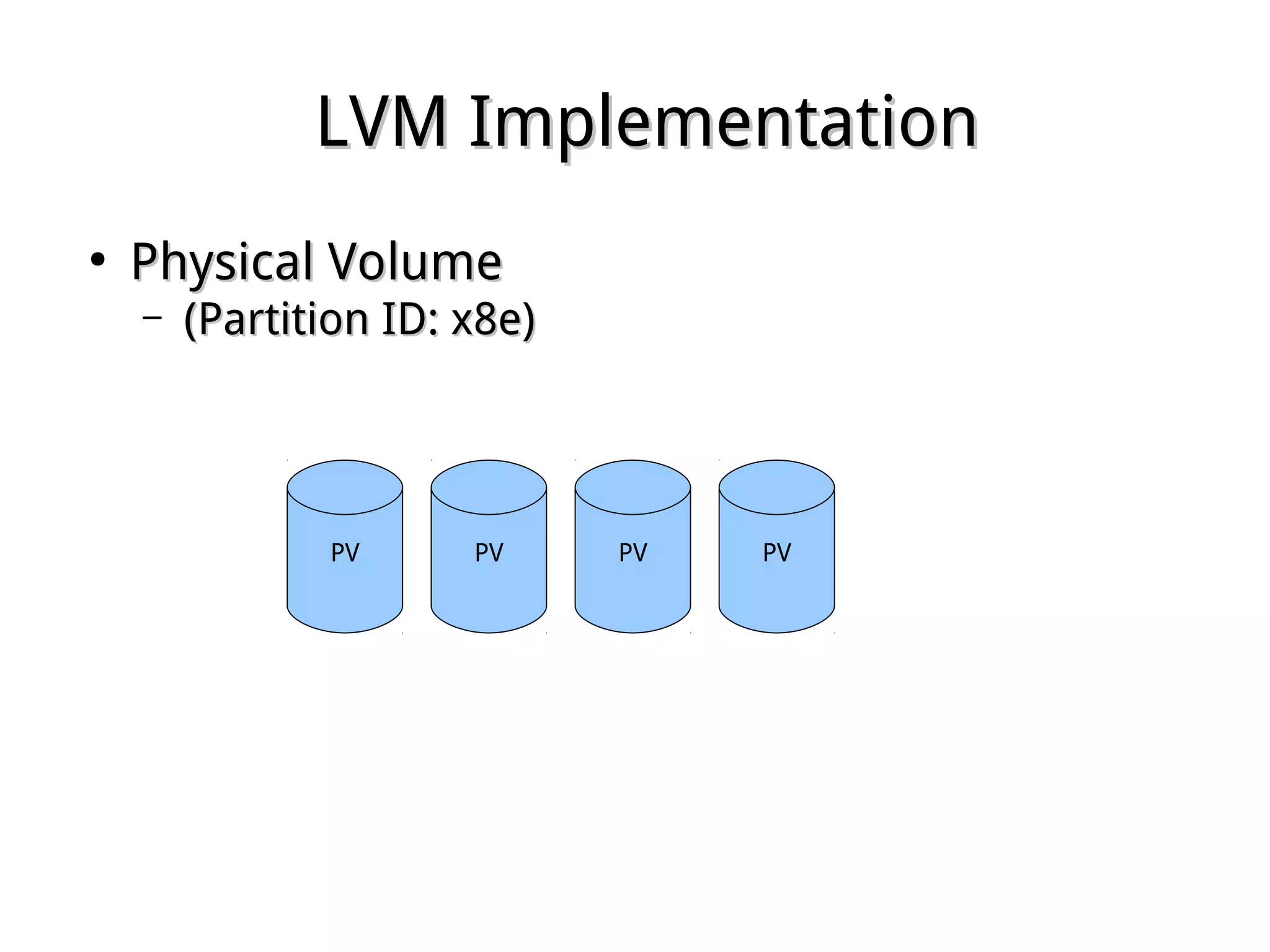
LVM ImplementationLVM Implementation
●
Physical VolumePhysical Volume
– (Partition ID: x8e)(Partition ID: x8e)
PV PVPVPV
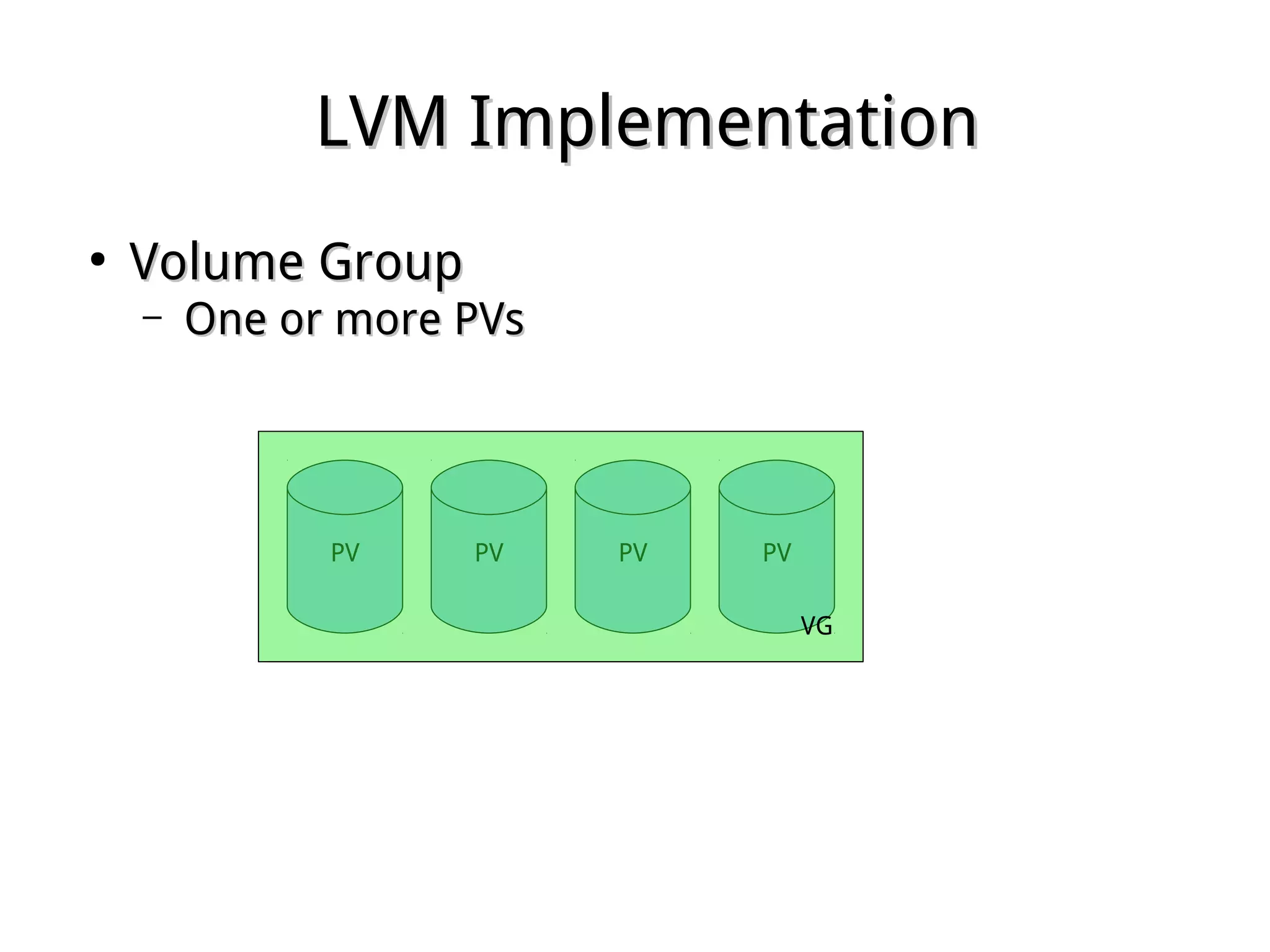
LVM ImplementationLVM Implementation
●
Volume GroupVolume Group
– One or more PVsOne or more PVs
PV PVPVPV
VG
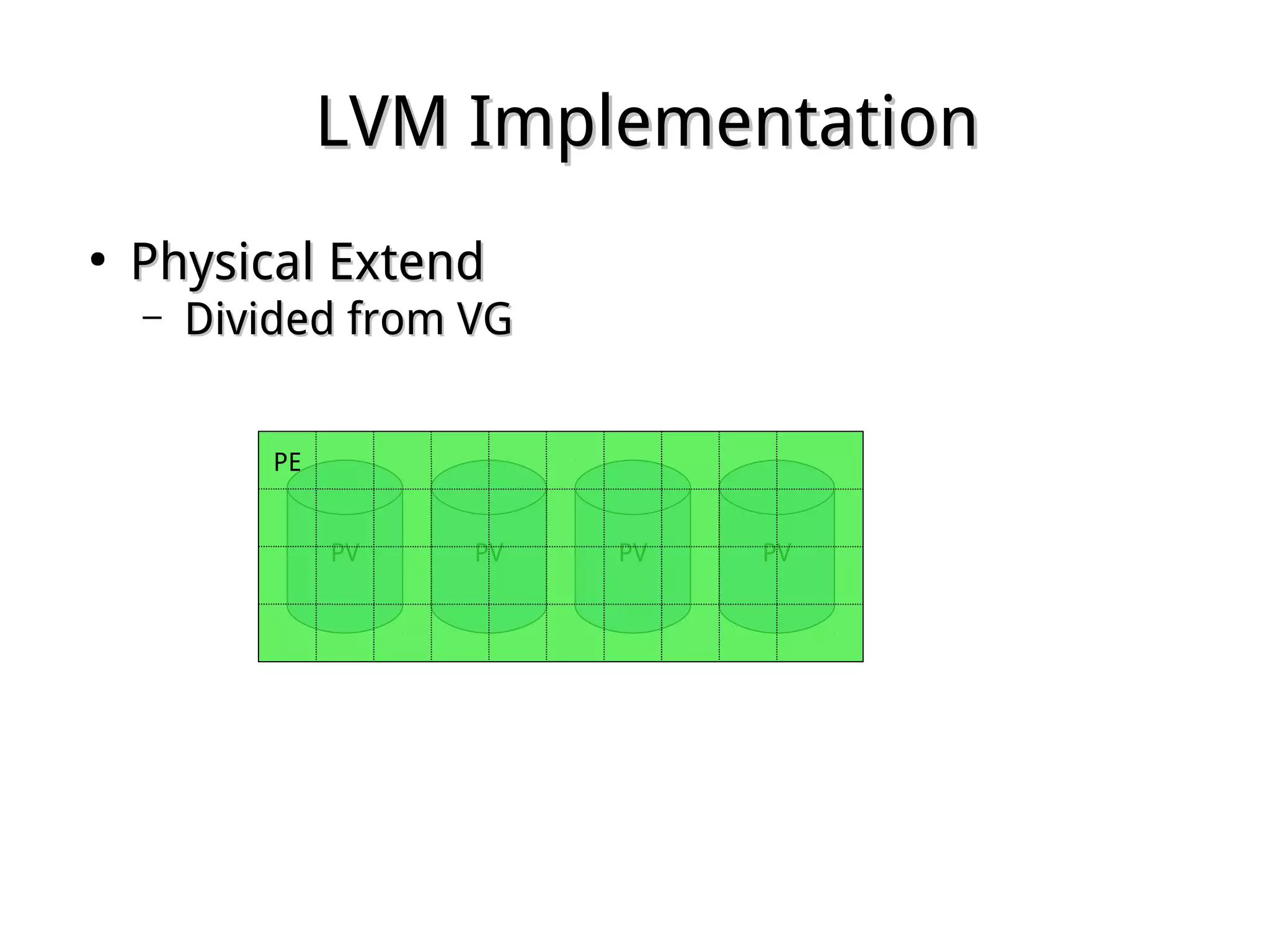
LVM ImplementationLVM Implementation
●
Physical ExtendPhysical Extend
– Divided from VGDivided from VG
PV PVPVPV
PE
LVM ImplementationLVM Implementation
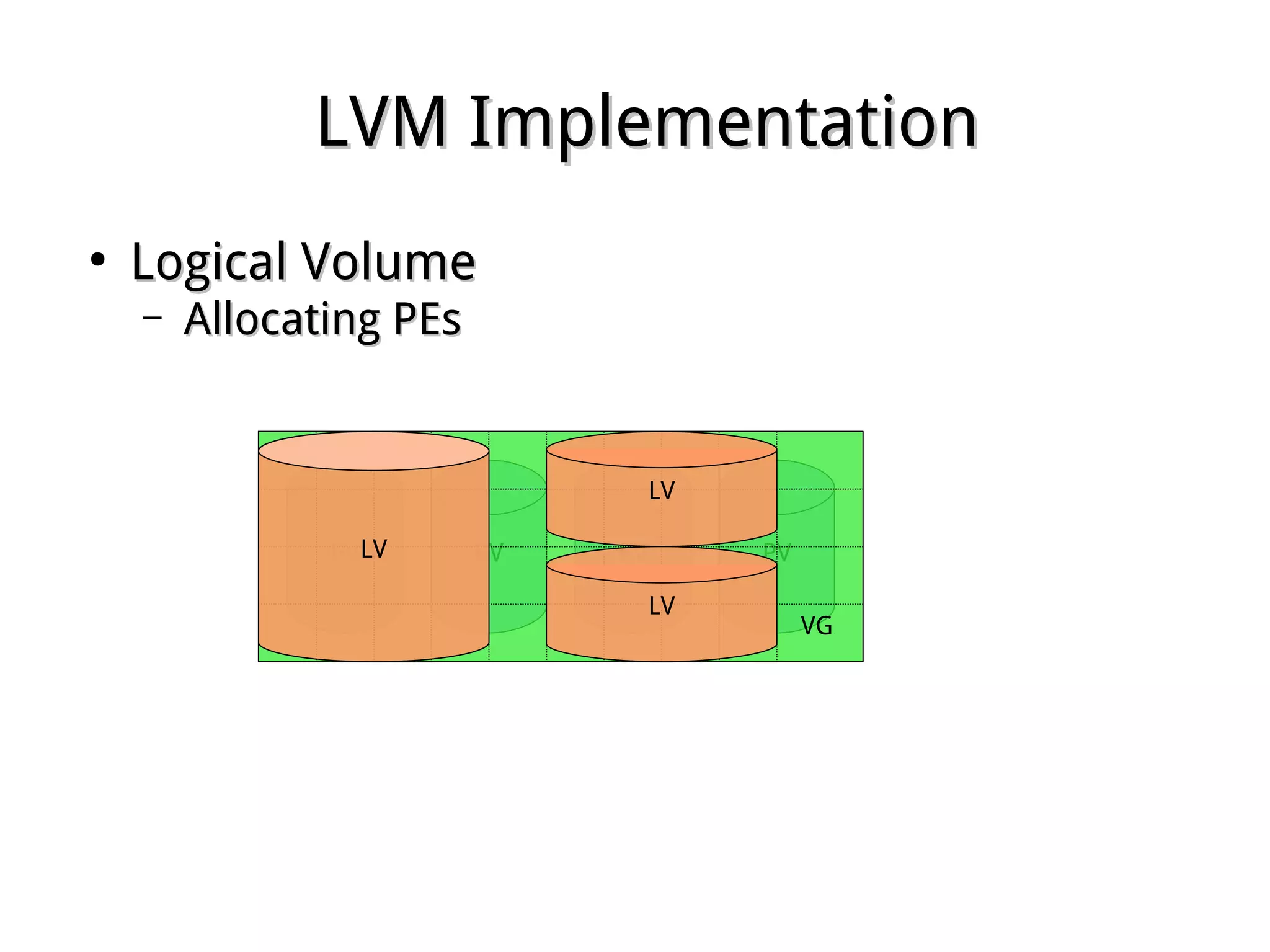
●
Logical VolumeLogical Volume
– Allocating PEsAllocating PEs
PV PVPVPV
VG
LV
LV
LV
LVM ImplementationLVM Implementation
●
lvreducelvreduce
– Releasing PEsReleasing PEs
PV PVPVPV
VG
LV
LVLV
LVM ImplementationLVM Implementation
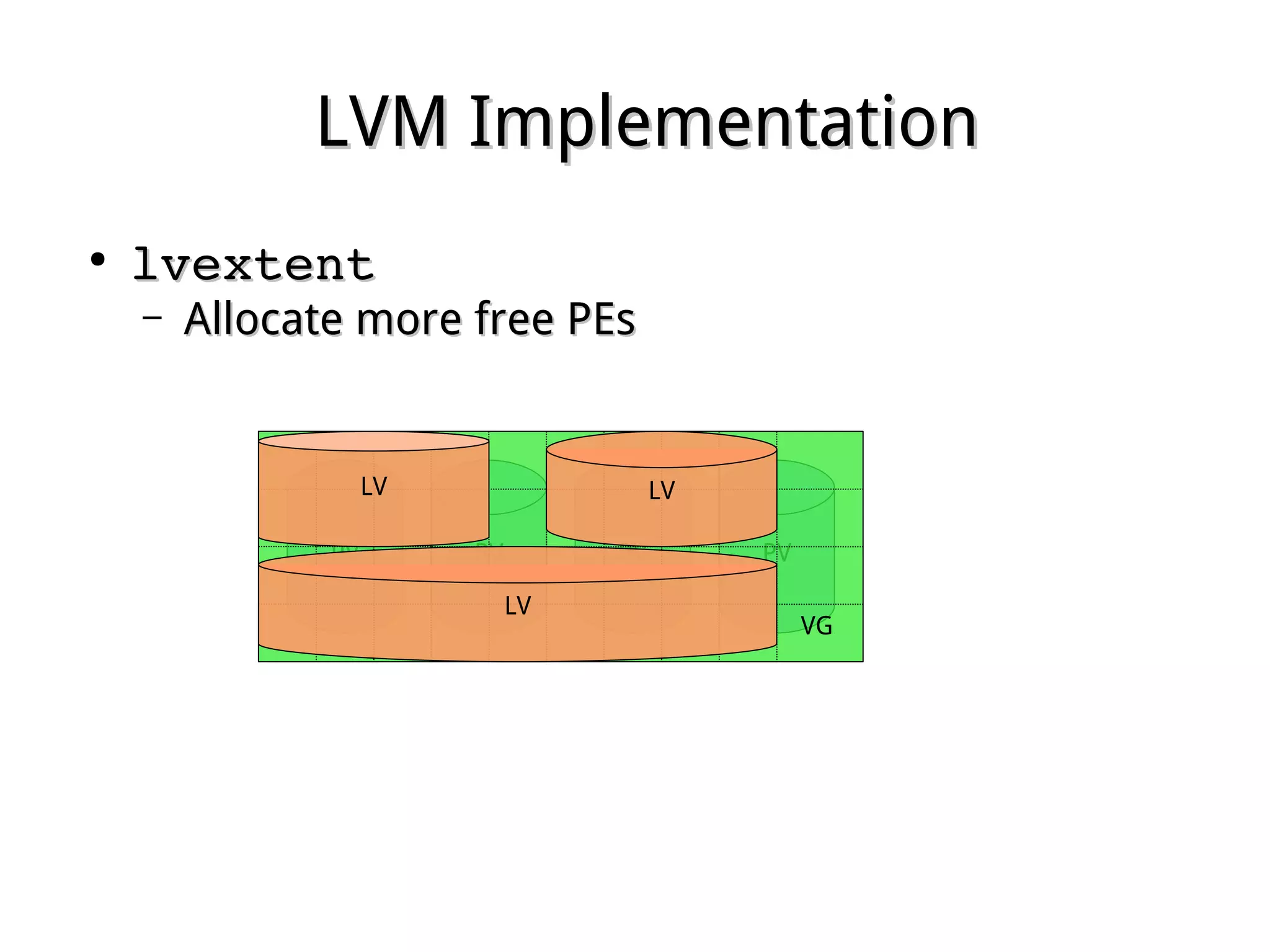
●
lvextentlvextent
– Allocate more free PEsAllocate more free PEs
PV PVPVPV
VG
LV
LVLV
LVM ImplementationLVM Implementation
●
vgextentvgextent
– Joining new PV to make more PEsJoining new PV to make more PEs
PVPV PVPVPV
VG
LV
LVLV
LVM ImplementationLVM Implementation
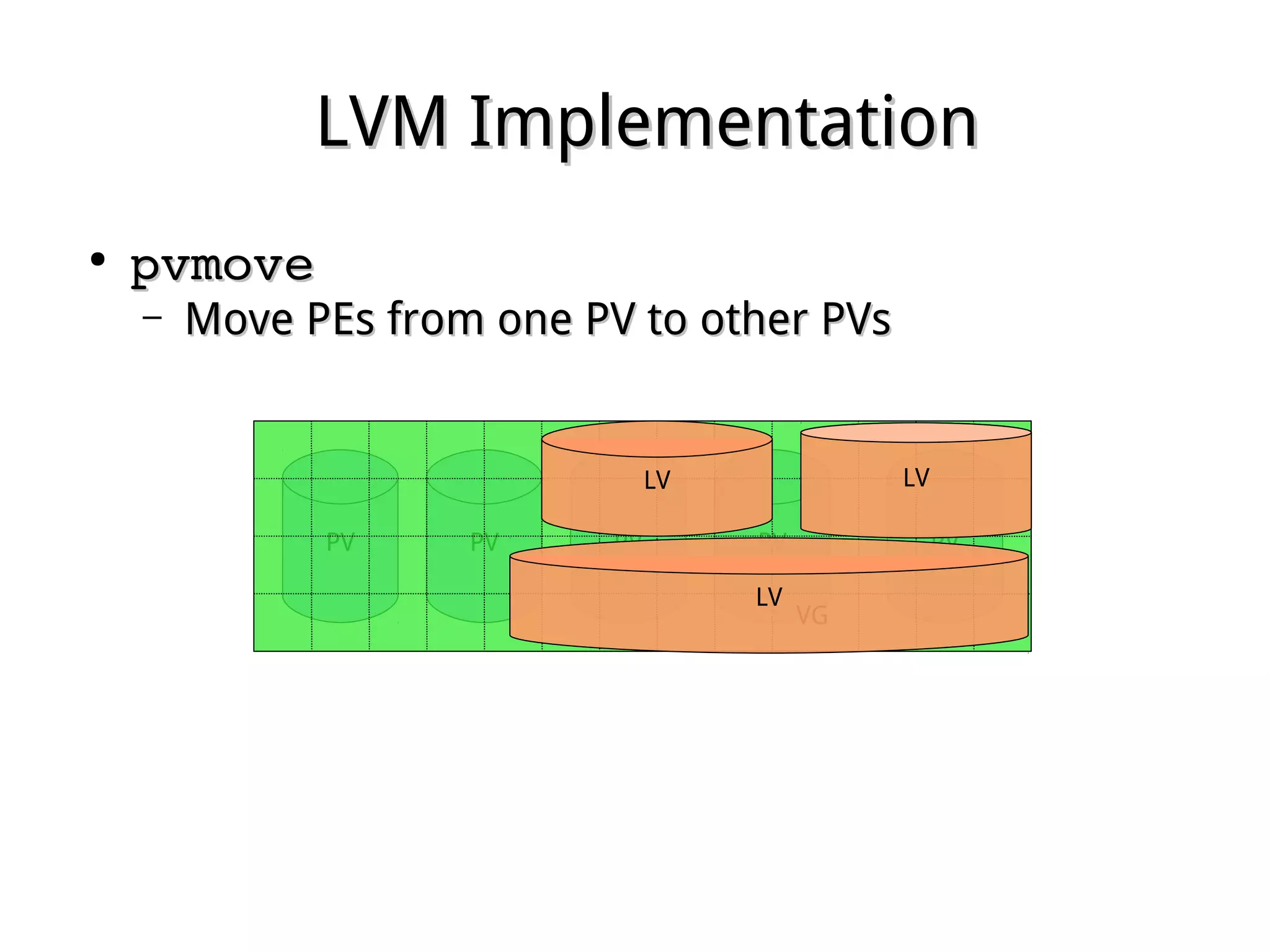
●
pvmovepvmove
– Move PEs from one PV to other PVsMove PEs from one PV to other PVs
PVPV PVPVPV
VG
LV LV
LV
LVM ImplementationLVM Implementation
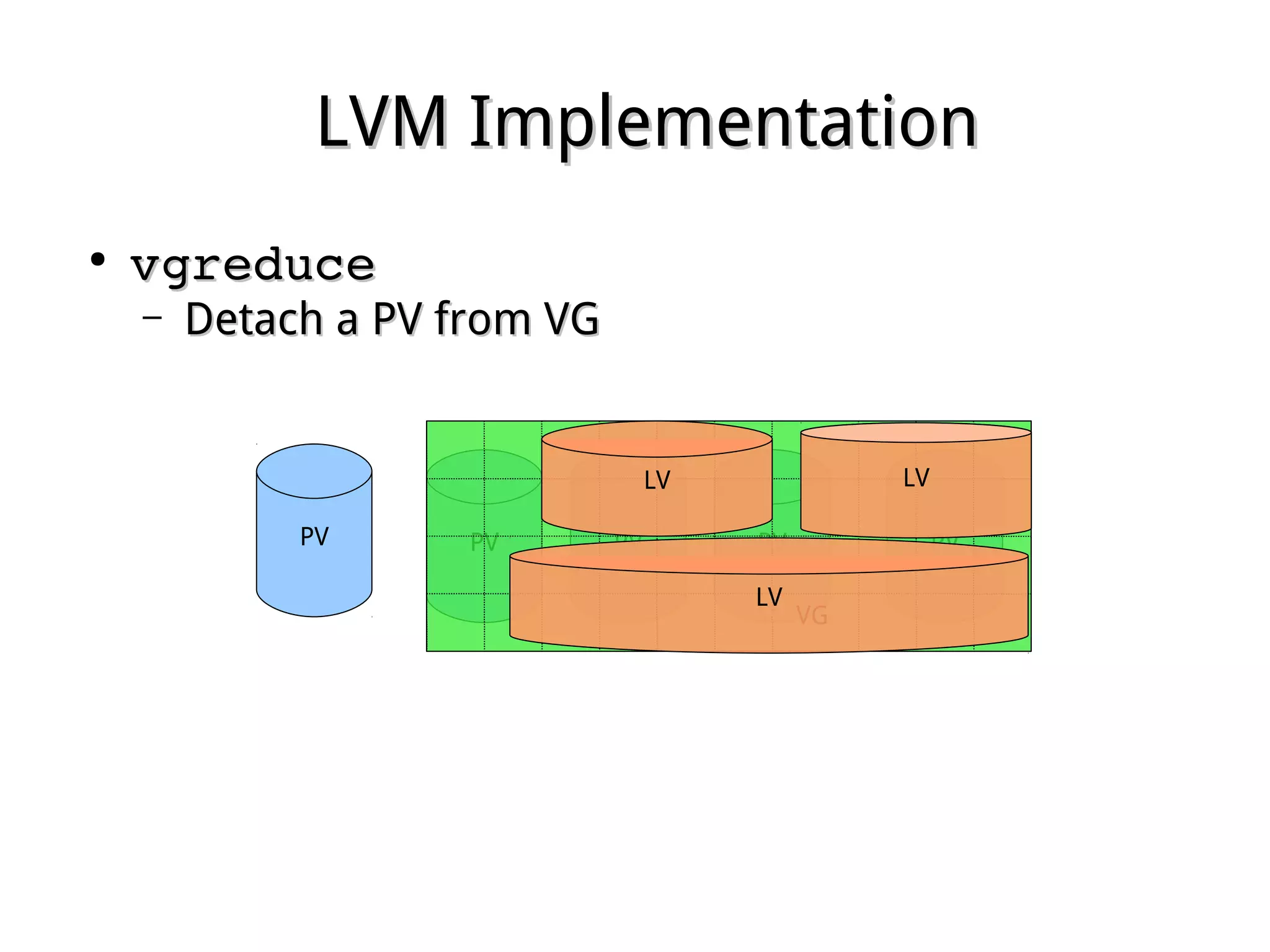
●
vgreducevgreduce
– Detach a PV from VGDetach a PV from VG
PVPV PVPVPV
VG
LV LV
LV
Device MapperDevice Mapper
●
In the Linux Kernel 2.6, the LVM2 is implemented inIn the Linux Kernel 2.6, the LVM2 is implemented in
terms of the device mapperterms of the device mapper
●
A simple block-level scheme for creating virtualA simple block-level scheme for creating virtual
block devices and mapping their contents onto otherblock devices and mapping their contents onto other
block devicesblock devices
●
Allows its I/O redirection services to be shared withAllows its I/O redirection services to be shared with
other volume managers (such as EVMS)other volume managers (such as EVMS)
●
SAN multipathing provides redundancy andSAN multipathing provides redundancy and
increased throughput, device-mapper providesincreased throughput, device-mapper provides
vendor-neutral multipathing configurationvendor-neutral multipathing configuration
●
Device files are located in /dev/mapperDevice files are located in /dev/mapper

Chap 17 advfs

  • 1.
    Chapter 17Chapter 17 AdvancedFile SystemAdvanced File System
  • 2.
    RAID Storage SystemRAIDStorage System ● Redundant Array of Inexpensive DisksRedundant Array of Inexpensive Disks – Combine multiple small, inexpensive disk drivesCombine multiple small, inexpensive disk drives to perform faster than a single physical diskto perform faster than a single physical disk – Appear to the computer as a single virtual driveAppear to the computer as a single virtual drive – Support fault-tolerance by redundantly storingSupport fault-tolerance by redundantly storing information in various waysinformation in various ways
  • 3.
    RAID TypesRAID Types ● Manytypes of array architectures, RAID 1 ~ 6Many types of array architectures, RAID 1 ~ 6 – Different disk fault-toleranceDifferent disk fault-tolerance – Different trade-offs in features and performanceDifferent trade-offs in features and performance ● A non-redundant array of disk drives is oftenA non-redundant array of disk drives is often referred to as RAID 0referred to as RAID 0 ● Only RAID 0, 1, 3 and 5 are commonly usedOnly RAID 0, 1, 3 and 5 are commonly used – RAID 2 and 4 do not offer any significant advantages overRAID 2 and 4 do not offer any significant advantages over these other typesthese other types ● Certain combination is possible (10, 35 etc)Certain combination is possible (10, 35 etc) – RAID 10 = RAID 1 + RAID 0RAID 10 = RAID 1 + RAID 0
  • 4.
    RAID 0 -StripingRAID 0 - Striping ● No redundancyNo redundancy – No fault toleranceNo fault tolerance ● High I/O performanceHigh I/O performance – Parallel I/OParallel I/O ● Require a minimum of 2 drives to implementRequire a minimum of 2 drives to implement ... E C A ... F D B
  • 5.
    RAID 1 –MirroringRAID 1 – Mirroring ● Provide good fault toleranceProvide good fault tolerance – Works okay if one disk in a pair is downWorks okay if one disk in a pair is down ● One write = a physical write on each diskOne write = a physical write on each disk ● One read = either read both or read the less busy oneOne read = either read both or read the less busy one – Could double the read rateCould double the read rate ● Require a minimum of 2 drives to implementRequire a minimum of 2 drives to implement ... C B A ... C B A
  • 6.
    RAID 3 -Parallel Array with ParityRAID 3 - Parallel Array with Parity ● Fast read/writeFast read/write ● All disk arms are synchronizedAll disk arms are synchronized ● Speed is limited by the slowest diskSpeed is limited by the slowest disk ● Require a minimum of 3 drives to implementRequire a minimum of 3 drives to implement ... E C A ... F D B ... p p p
  • 7.
    Parity Check -ConceptParity Check - Concept ● An extra bit added to a byte to detect errors in storage orAn extra bit added to a byte to detect errors in storage or transmissiontransmission ● Even (odd) parity means that the parity bit is set so that thereEven (odd) parity means that the parity bit is set so that there are an even (odd) number of one bits in the word, includingare an even (odd) number of one bits in the word, including the parity bitthe parity bit ● A single parity bit can only detect single bit errors since if anA single parity bit can only detect single bit errors since if an even number of bits are wrong then the parity bit will noteven number of bits are wrong then the parity bit will not changechange ● It is not possible to tell which bit is wrongIt is not possible to tell which bit is wrong ... 11100010 01010011 11001100 ... 00010111 11101010 00011001 ... 11110101 10111001 11010101
  • 8.
    RAID 5 –Parity CheckingRAID 5 – Parity Checking ● For error detection, rather than full redundancyFor error detection, rather than full redundancy ● Each stripe unit has an extra parity stripeEach stripe unit has an extra parity stripe – Parity stripes are distributedParity stripes are distributed ● Require a minimum of 3 drives to implementRequire a minimum of 3 drives to implement ... p C A ... E p B ... F D p
  • 9.
    Hardware vs. SoftwareRAIDHardware vs. Software RAID ● Software RAIDSoftware RAID – Run on the server's CPURun on the server's CPU – Directly dependent on server CPU performance and loadDirectly dependent on server CPU performance and load – Occupies host system memory and CPU operation,Occupies host system memory and CPU operation, degrading server performancedegrading server performance ● Hardware RAIDHardware RAID – Run on the RAID controller's CPURun on the RAID controller's CPU – Does not occupy any host system memory. Is notDoes not occupy any host system memory. Is not operating system dependentoperating system dependent – Host CPU can execute applications while the arrayHost CPU can execute applications while the array adapter's processor simultaneously executes arrayadapter's processor simultaneously executes array functions: true hardware multi-taskingfunctions: true hardware multi-tasking
  • 10.
    Array Creation withArrayCreation with mdadmmdadm ● mdadm ­h | ­­helpmdadm ­h | ­­help ● An array can be created at install timeAn array can be created at install time ● Create partitions with type FD (usingCreate partitions with type FD (using fdiskfdisk, or other, or other partitioning software)partitioning software) ● mdadm ­­create ­­helpmdadm ­­create ­­help ­C | ­­create /dev/mdX­C | ­­create /dev/mdX ­l | ­­level 0 | 1 | 4 | 5 | 6 | 10­l | ­­level 0 | 1 | 4 | 5 | 6 | 10 ­n | ­­raid­devices # device [...]­n | ­­raid­devices # device [...] ­x | ­­spare­devices # device [...] ­x | ­­spare­devices # device [...]  mdadm ­C /dev/md0 ­l 5 ­n 3 /dev/sdd1 /dev/sde1 mdadm ­C /dev/md0 ­l 5 ­n 3 /dev/sdd1 /dev/sde1  /dev/sdf1 ­x 1 /dev/sdg1/dev/sdf1 ­x 1 /dev/sdg1 ● Create filesystemCreate filesystem
  • 11.
    Software RAID MonitoringSoftwareRAID Monitoring ● /etc/mdadm.conf /etc/mdadm.conf  – identify which devices are RAID devices and toidentify which devices are RAID devices and to which ARRAY a specific device belongswhich ARRAY a specific device belongs ● mdadm ­F | ­­follow | ­­monitormdadm ­F | ­­follow | ­­monitor ● /proc/mdstat /proc/mdstat  – real-time information and status about softwarereal-time information and status about software RAID arrays and devicesRAID arrays and devices
  • 12.
    Software RAID Controland DisplaySoftware RAID Control and Display ● mdadm ­­managemdadm ­­manage – ­f | ­­fail | ­­set­faulty­f | ­­fail | ­­set­faulty – ­r | ­­remove­r | ­­remove – ­a | ­­add­a | ­­add ● mdadm ­­growmdadm ­­grow ● mdadm ­­miscmdadm ­­misc – ­Q | ­­query­Q | ­­query – ­D | ­­detail­D | ­­detail – ­o | ­­readonly­o | ­­readonly – ­w | ­­readwrite­w | ­­readwrite
  • 13.
    Failed Drive ReplacementFailedDrive Replacement ● Fail, remove and add device withFail, remove and add device with mdadmmdadm – mdadm ­­manage /dev/md0 ­f /dev/sdc1mdadm ­­manage /dev/md0 ­f /dev/sdc1 – mdadm ­­manage /dev/md0 ­r /dev/sdc1mdadm ­­manage /dev/md0 ­r /dev/sdc1 – mdadm ­­manage /dev/md0 ­a /dev/sdc1mdadm ­­manage /dev/md0 ­a /dev/sdc1
  • 14.
    LVMLVM ● Logical Volume ManagementLogicalVolume Management – Allow a single volume distributed across more thanAllow a single volume distributed across more than one physical device, to form a larger file system sizeone physical device, to form a larger file system size beyond device limitation.beyond device limitation. – Flexibility on resizing or moving file systemFlexibility on resizing or moving file system, reduce, reduce down time cost on file system migration.down time cost on file system migration. ● All file systems exceptAll file systems except /boot//boot/ can live oncan live on LVMLVM – GRUB limitationGRUB limitation – GRUB2 can handleGRUB2 can handle /boot/boot on LVMon LVM
  • 15.
    LVM ComponentsLVM Components ● PhysicalVolume (PV)Physical Volume (PV) – A single device, like partition, disk, etc.A single device, like partition, disk, etc. ● Volume Group (VG)Volume Group (VG) – One or more PVs to form a VGOne or more PVs to form a VG ● Physical Extend (PE)Physical Extend (PE) – The basic consuming unit size divided from PVs whileThe basic consuming unit size divided from PVs while joining a VGjoining a VG ● Logical Volume (PV)Logical Volume (PV) – Combination of PEs, can be used as block deviceCombination of PEs, can be used as block device ● Logical Extend (LE)Logical Extend (LE) – The PEs assigned to LVThe PEs assigned to LV
  • 16.
    Implementing LVMImplementing LVM ● CreatepartitionsCreate partitions – fdisk /dev/devicefdisk /dev/device (Partition type 8E)(Partition type 8E) – partproblepartproble ● Create Physical VolumesCreate Physical Volumes – pvcreate /dev/device ...pvcreate /dev/device ... ● Create Volume GroupCreate Volume Group – vgcreate VGname /dev/device ...vgcreate VGname /dev/device ...
  • 17.
    Creating Logical VolumesCreatingLogical Volumes ● Create Logical VolumesCreate Logical Volumes – lvcreate ­l extents ­n LVname VGnamelvcreate ­l extents ­n LVname VGname – lvcreate ­L size ­n LVname VGnamelvcreate ­L size ­n LVname VGname ● Create filesystemsCreate filesystems – mkfs ­t file_system_type devicemkfs ­t file_system_type device ● Mount the Logical Volume and testMount the Logical Volume and test – EditEdit /etc/fstab/etc/fstab for persistencefor persistence – RunRun mount ­amount ­a
  • 18.
    Manipulating VGs &LVsManipulating VGs & LVs ● ViewingViewing – pvdisplay, vgdisplay, lvdisplay, lvmdiskscanpvdisplay, vgdisplay, lvdisplay, lvmdiskscan – pvs, vgs, lvspvs, vgs, lvs ● ResizingResizing – vgreduce, vgextend, pvresizevgreduce, vgextend, pvresize – lvreduce, lvextend, lvresizelvreduce, lvextend, lvresize – resize2fsresize2fs ● Moving PVs and VGsMoving PVs and VGs – vgchange vgchange  ● change attributes of a VGchange attributes of a VG – vgexport & vgimport vgexport & vgimport  ● move VGs between systemsmove VGs between systems – pvmove pvmove  ● move PEs between PVsmove PEs between PVs
  • 19.
    LVM ImplementationLVM Implementation ● PhysicalVolumePhysical Volume – (Partition ID: x8e)(Partition ID: x8e) PV PVPVPV
  • 20.
    LVM ImplementationLVM Implementation ● VolumeGroupVolume Group – One or more PVsOne or more PVs PV PVPVPV VG
  • 21.
    LVM ImplementationLVM Implementation ● PhysicalExtendPhysical Extend – Divided from VGDivided from VG PV PVPVPV PE
  • 22.
    LVM ImplementationLVM Implementation ● LogicalVolumeLogical Volume – Allocating PEsAllocating PEs PV PVPVPV VG LV LV LV
  • 23.
    LVM ImplementationLVM Implementation ● lvreducelvreduce –Releasing PEsReleasing PEs PV PVPVPV VG LV LVLV
  • 24.
    LVM ImplementationLVM Implementation ● lvextentlvextent –Allocate more free PEsAllocate more free PEs PV PVPVPV VG LV LVLV
  • 25.
    LVM ImplementationLVM Implementation ● vgextentvgextent –Joining new PV to make more PEsJoining new PV to make more PEs PVPV PVPVPV VG LV LVLV
  • 26.
    LVM ImplementationLVM Implementation ● pvmovepvmove –Move PEs from one PV to other PVsMove PEs from one PV to other PVs PVPV PVPVPV VG LV LV LV
  • 27.
    LVM ImplementationLVM Implementation ● vgreducevgreduce –Detach a PV from VGDetach a PV from VG PVPV PVPVPV VG LV LV LV
  • 28.
    Device MapperDevice Mapper ● Inthe Linux Kernel 2.6, the LVM2 is implemented inIn the Linux Kernel 2.6, the LVM2 is implemented in terms of the device mapperterms of the device mapper ● A simple block-level scheme for creating virtualA simple block-level scheme for creating virtual block devices and mapping their contents onto otherblock devices and mapping their contents onto other block devicesblock devices ● Allows its I/O redirection services to be shared withAllows its I/O redirection services to be shared with other volume managers (such as EVMS)other volume managers (such as EVMS) ● SAN multipathing provides redundancy andSAN multipathing provides redundancy and increased throughput, device-mapper providesincreased throughput, device-mapper provides vendor-neutral multipathing configurationvendor-neutral multipathing configuration ● Device files are located in /dev/mapperDevice files are located in /dev/mapper