Chapter 12Chapter 12
Hardware ManagementHardware Management
Ref. Pge. 105
Linux DeviceLinux Device
●
Managed by kernelManaged by kernel
●
Represented by a fileRepresented by a file
●
Identified by two IDs:Identified by two IDs:
– Major Number: associated driverMajor Number: associated driver
– Minor Number: the exact deviceMinor Number: the exact device
●
Classified by two types:Classified by two types:
– Block deviceBlock device
– Character deviceCharacter device
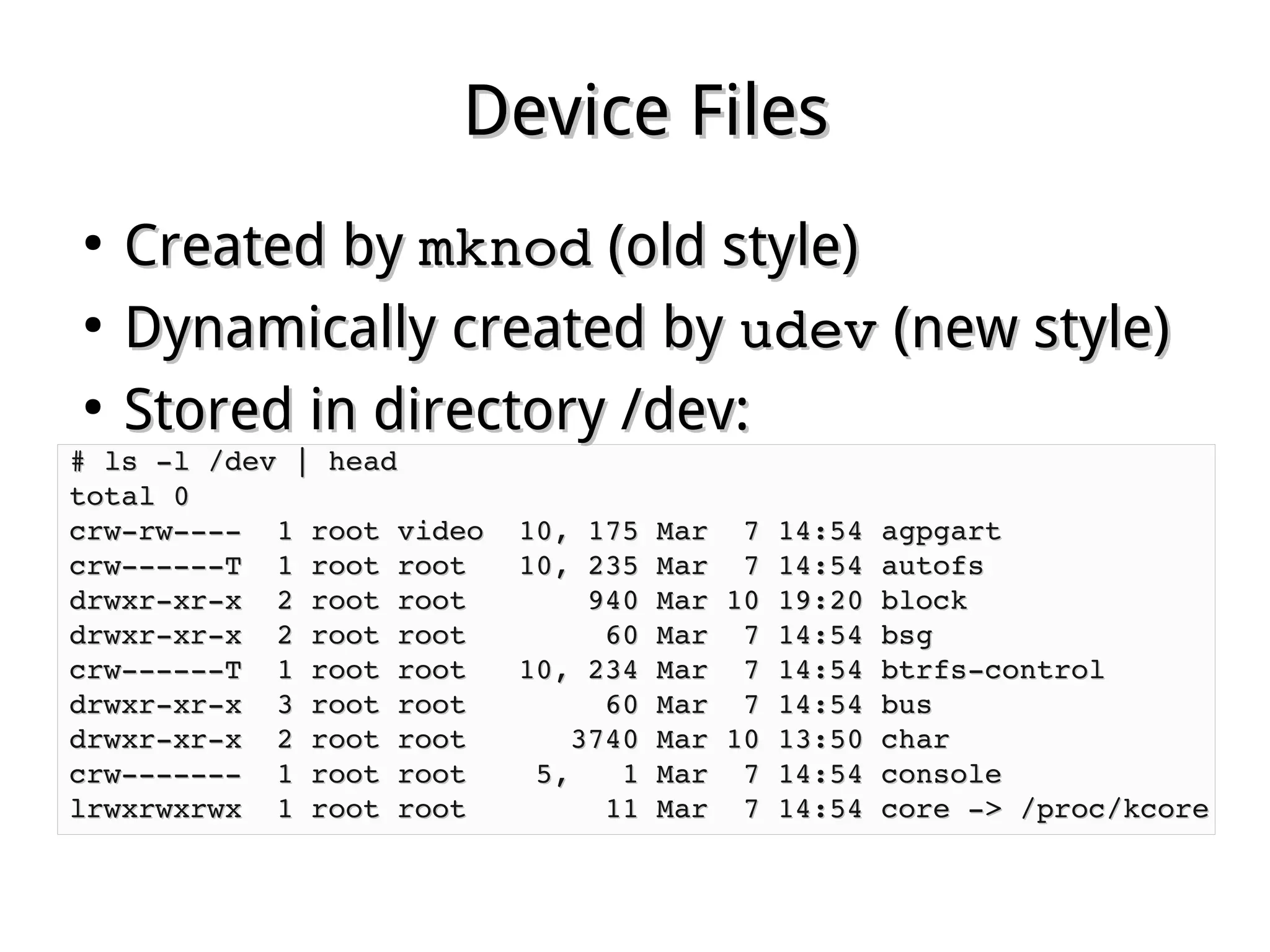
Device FilesDevice Files
●
Created byCreated by mknodmknod (old style)(old style)
●
Dynamically created byDynamically created by udevudev (new style)(new style)
●
Stored in directory /dev:Stored in directory /dev:
# ls ­l /dev | head# ls ­l /dev | head
total 0total 0
crw­rw­­­­  1 root video  10, 175 Mar  7 14:54 agpgartcrw­rw­­­­  1 root video  10, 175 Mar  7 14:54 agpgart
crw­­­­­­T  1 root root   10, 235 Mar  7 14:54 autofscrw­­­­­­T  1 root root   10, 235 Mar  7 14:54 autofs
drwxr­xr­x  2 root root       940 Mar 10 19:20 blockdrwxr­xr­x  2 root root       940 Mar 10 19:20 block
drwxr­xr­x  2 root root        60 Mar  7 14:54 bsgdrwxr­xr­x  2 root root        60 Mar  7 14:54 bsg
crw­­­­­­T  1 root root   10, 234 Mar  7 14:54 btrfs­controlcrw­­­­­­T  1 root root   10, 234 Mar  7 14:54 btrfs­control
drwxr­xr­x  3 root root        60 Mar  7 14:54 busdrwxr­xr­x  3 root root        60 Mar  7 14:54 bus
drwxr­xr­x  2 root root      3740 Mar 10 13:50 chardrwxr­xr­x  2 root root      3740 Mar 10 13:50 char
crw­­­­­­­  1 root root    5,   1 Mar  7 14:54 consolecrw­­­­­­­  1 root root    5,   1 Mar  7 14:54 console
lrwxrwxrwx  1 root root        11 Mar  7 14:54 core ­> /proc/kcorelrwxrwxrwx  1 root root        11 Mar  7 14:54 core ­> /proc/kcore
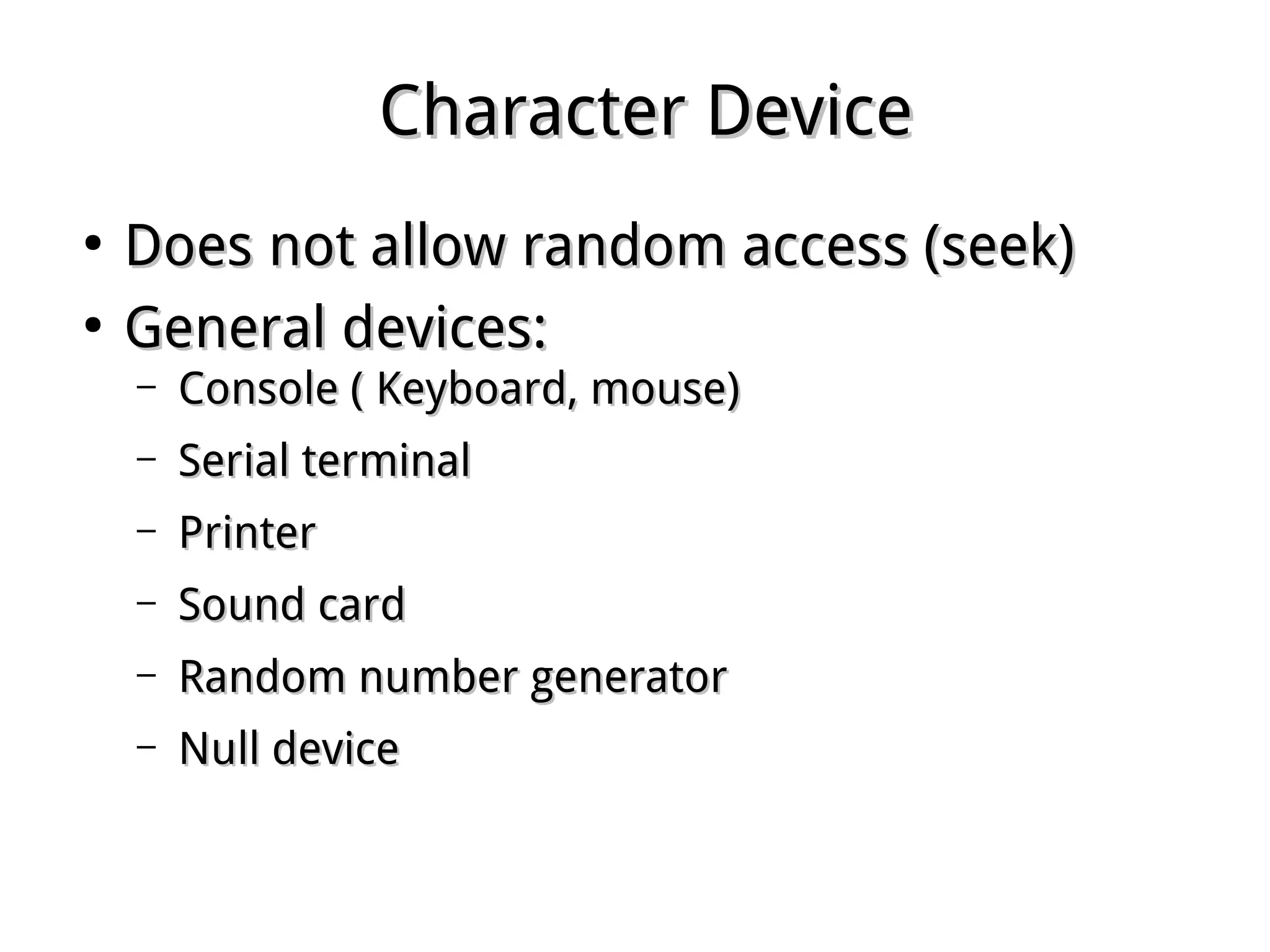
Character DeviceCharacter Device
●
Does not allow random access (seek)Does not allow random access (seek)
●
General devices:General devices:
– Console ( Keyboard, mouse)Console ( Keyboard, mouse)
– Serial terminalSerial terminal
– PrinterPrinter
– Sound cardSound card
– Random number generatorRandom number generator
– Null deviceNull device
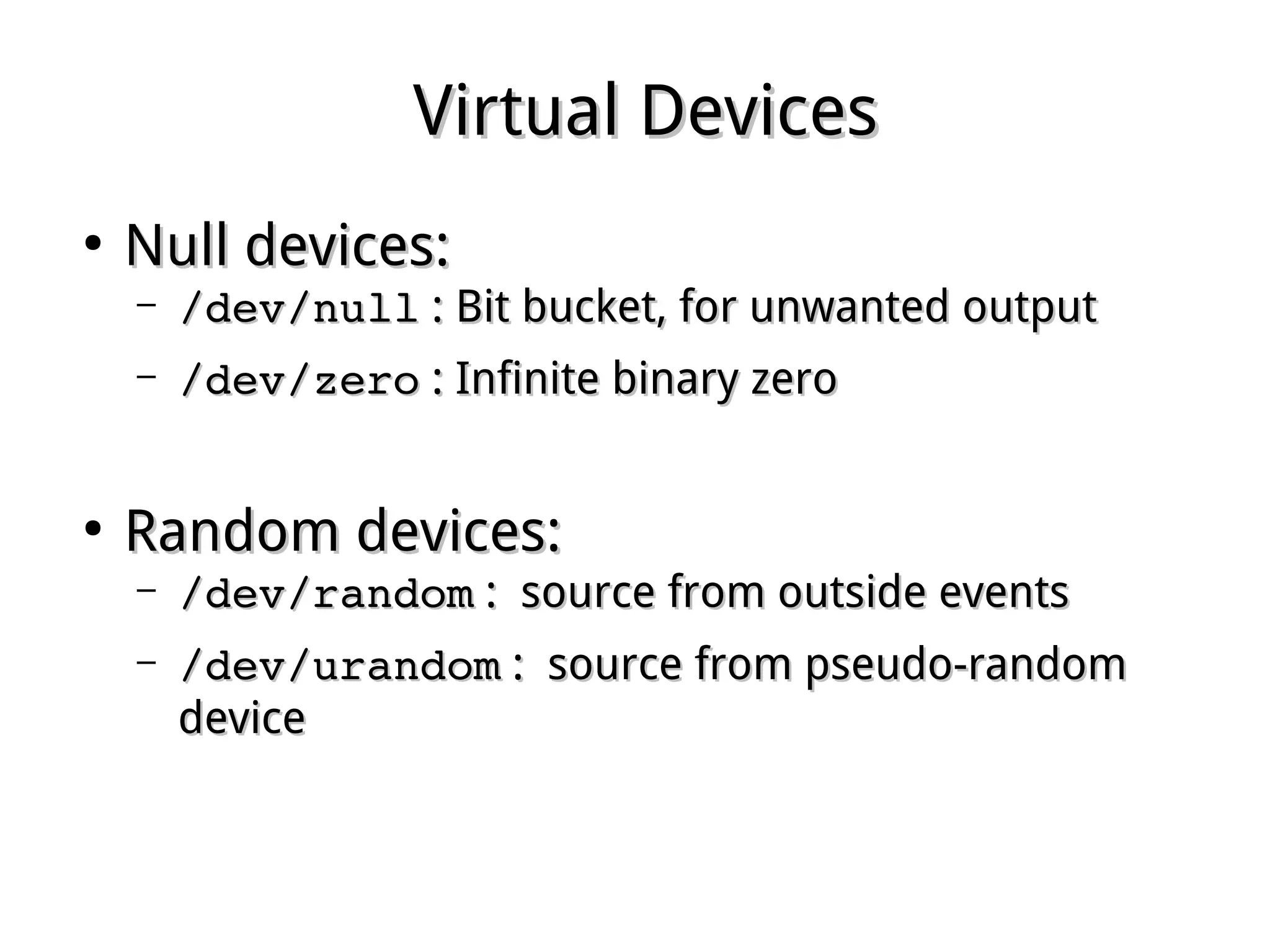
Virtual DevicesVirtual Devices
●
Null devices:Null devices:
– /dev/null/dev/null : Bit bucket, for unwanted output: Bit bucket, for unwanted output
– /dev/zero/dev/zero : Infinite binary zero: Infinite binary zero
●
Random devices:Random devices:
– /dev/random/dev/random : source from outside events: source from outside events
– /dev/urandom/dev/urandom : source from pseudo-random: source from pseudo-random
devicedevice
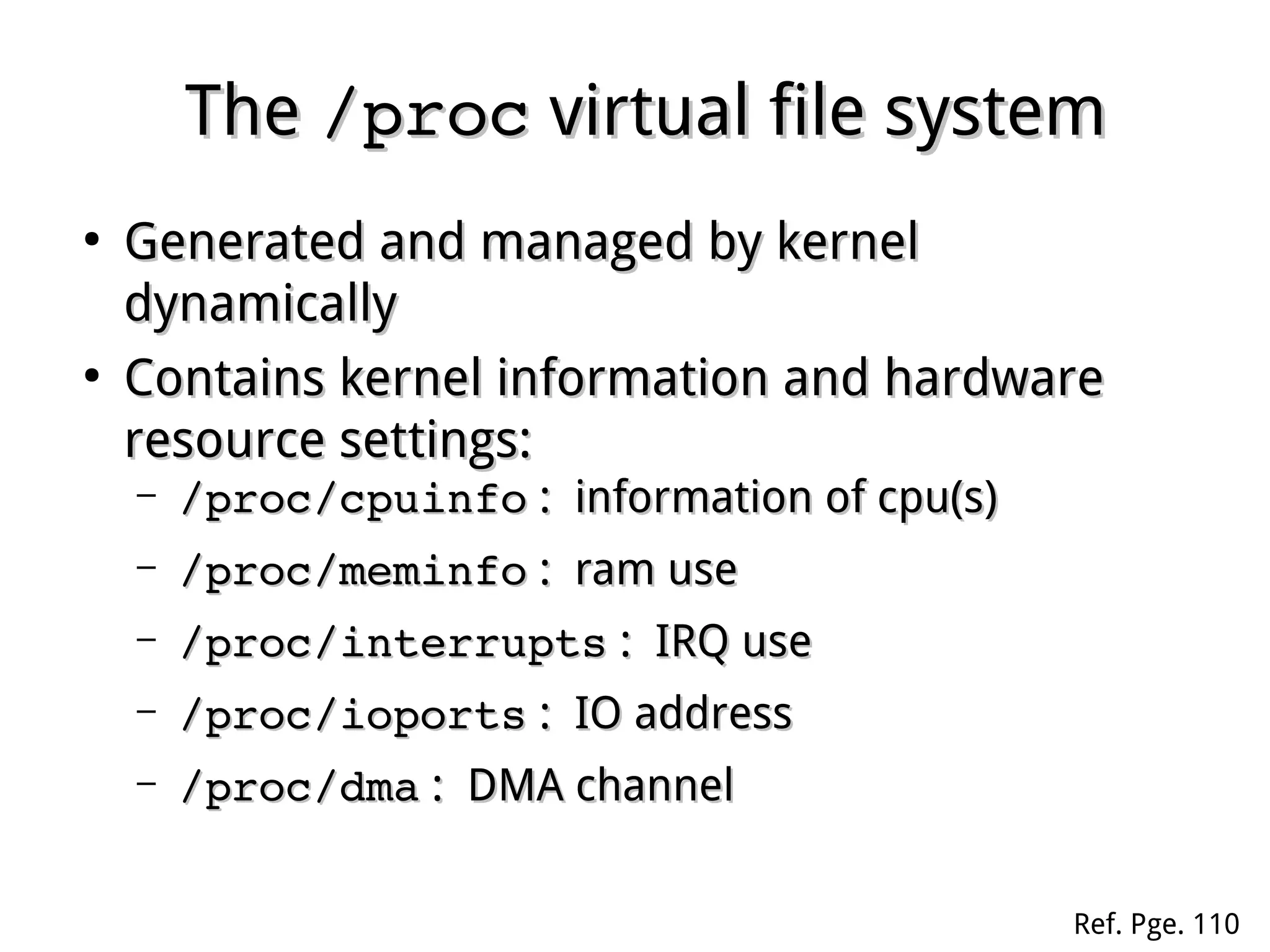
TheThe /proc/proc virtual file systemvirtual file system
●
Generated and managed by kernelGenerated and managed by kernel
dynamicallydynamically
●
Contains kernel information and hardwareContains kernel information and hardware
resource settings:resource settings:
– /proc/cpuinfo/proc/cpuinfo : information of cpu(s): information of cpu(s)
– /proc/meminfo/proc/meminfo : ram use: ram use
– /proc/interrupts/proc/interrupts : IRQ use: IRQ use
– /proc/ioports/proc/ioports : IO address: IO address
– /proc/dma/proc/dma : DMA channel: DMA channel
Ref. Pge. 110
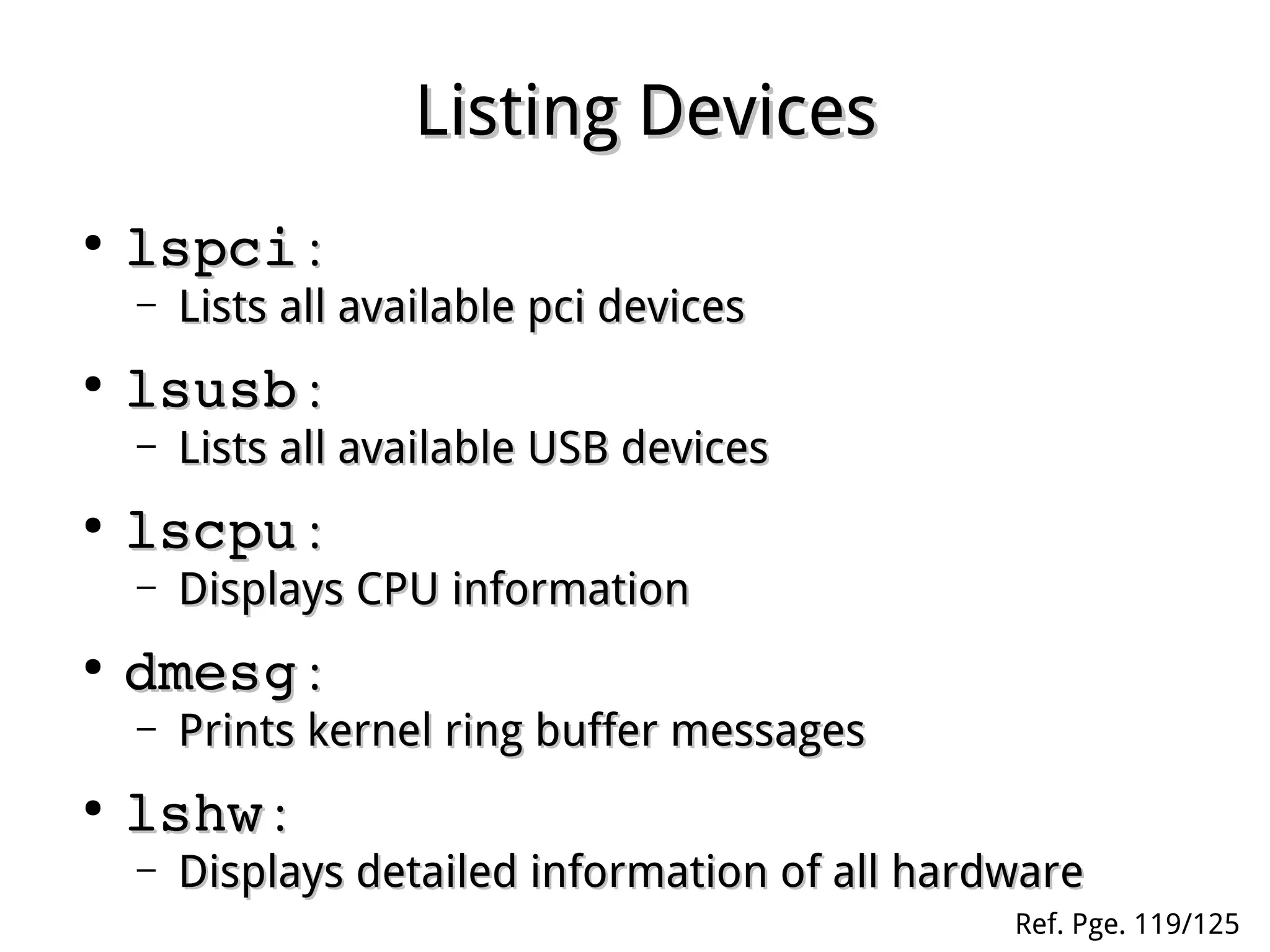
Listing DevicesListing Devices
●
lspcilspci ::
– Lists all available pci devicesLists all available pci devices
●
lsusblsusb ::
– Lists all available USB devicesLists all available USB devices
●
lscpulscpu ::
– Displays CPU informationDisplays CPU information
●
dmesgdmesg ::
– Prints kernel ring buffer messagesPrints kernel ring buffer messages
●
lshwlshw ::
– Displays detailed information of all hardwareDisplays detailed information of all hardware
Ref. Pge. 119/125
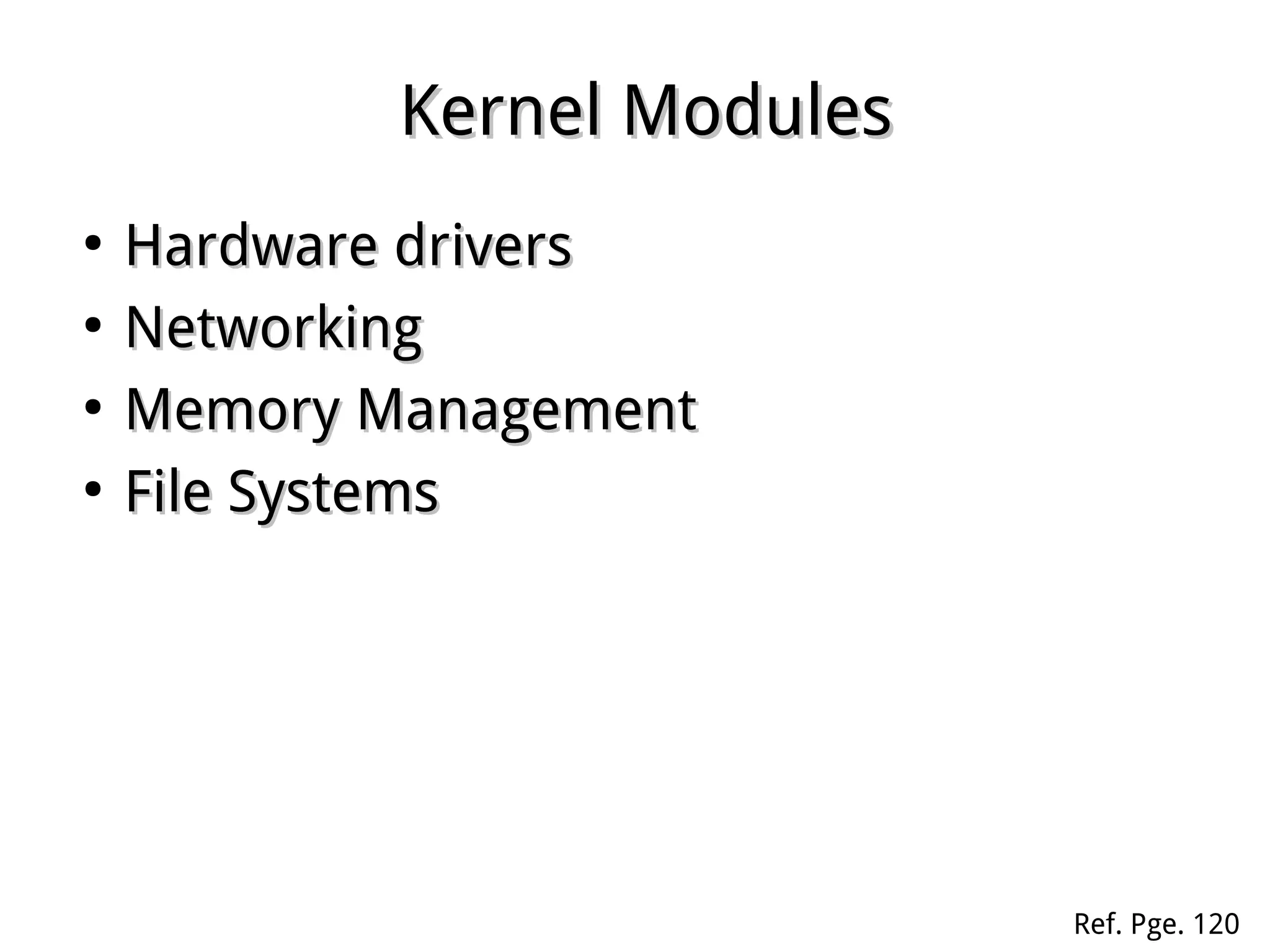
Kernel ModulesKernel Modules
●
Hardware driversHardware drivers
●
NetworkingNetworking
●
Memory ManagementMemory Management
●
File SystemsFile Systems
Ref. Pge. 120
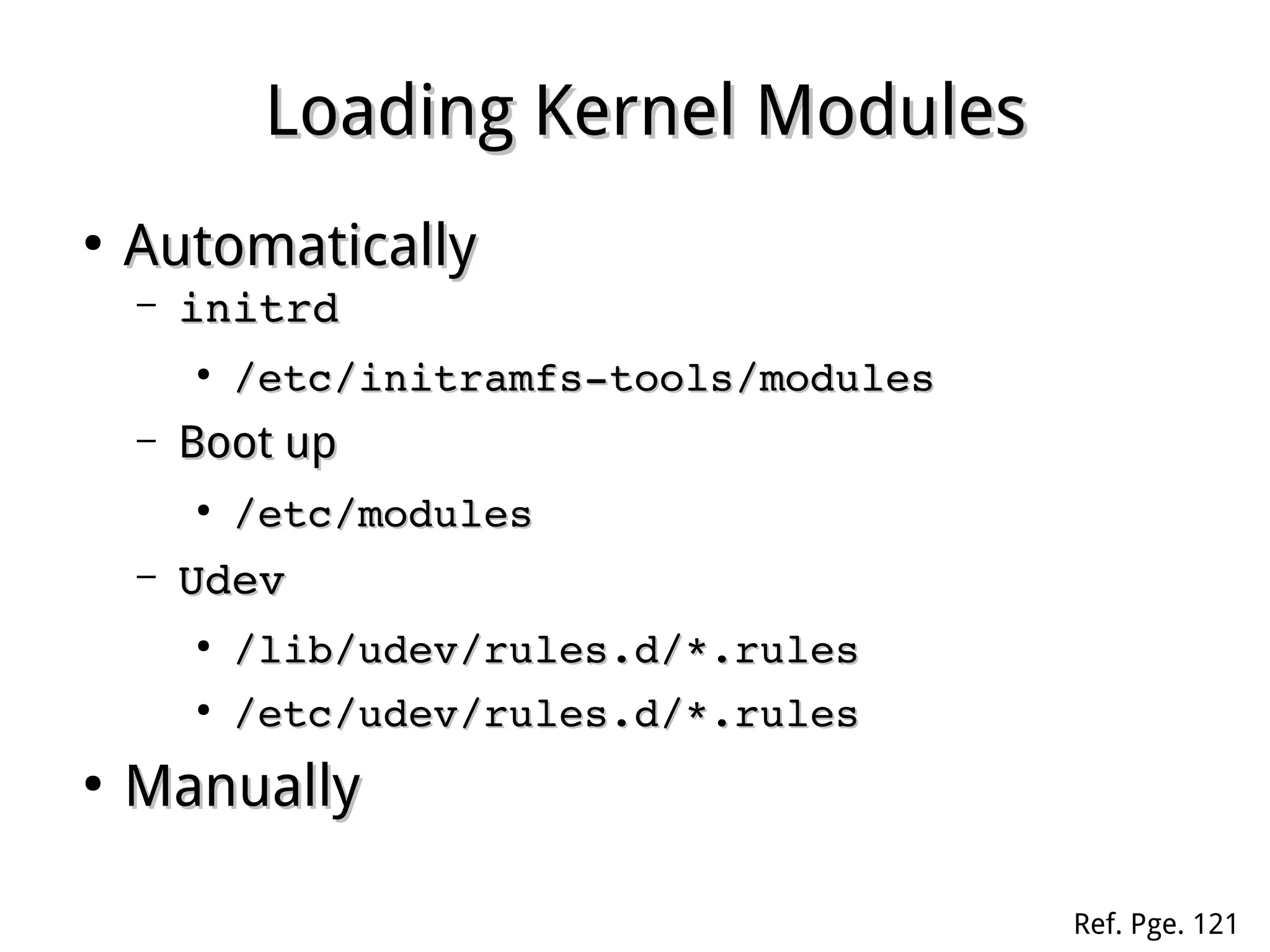
Loading Kernel ModulesLoading Kernel Modules
●
AutomaticallyAutomatically
– initrdinitrd
●
/etc/initramfs­tools/modules/etc/initramfs­tools/modules
– Boot upBoot up
●
/etc/modules/etc/modules
– UdevUdev
●
/lib/udev/rules.d/*.rules/lib/udev/rules.d/*.rules
●
/etc/udev/rules.d/*.rules/etc/udev/rules.d/*.rules
●
ManuallyManually
Ref. Pge. 121
Loading Modules ManuallyLoading Modules Manually
●
lsmodlsmod
– Displays all loaded modulesDisplays all loaded modules
●
modprobemodprobe
– Loads modules, automatically load dependencesLoads modules, automatically load dependences
●
insmodinsmod
– Loads specific module filesLoads specific module files
●
rmmod / modprobe ­rrmmod / modprobe ­r
– Removes modulesRemoves modules
Loading Modules ManuallyLoading Modules Manually
●
modinfomodinfo
– Displays module informationDisplays module information
●
depmoddepmod
– Updates module dependency fileUpdates module dependency file
((modules.depmodules.dep))
TheThe sysfssysfs FilesystemFilesystem
●
Mounted atMounted at /sys/sys by kernel on bootby kernel on boot
●
Keeps information about devices andKeeps information about devices and
driversdrivers
●
Finds information in different waysFinds information in different ways
TheThe udevudev
●
Automatically load hardware driversAutomatically load hardware drivers
and create device filesand create device files
●
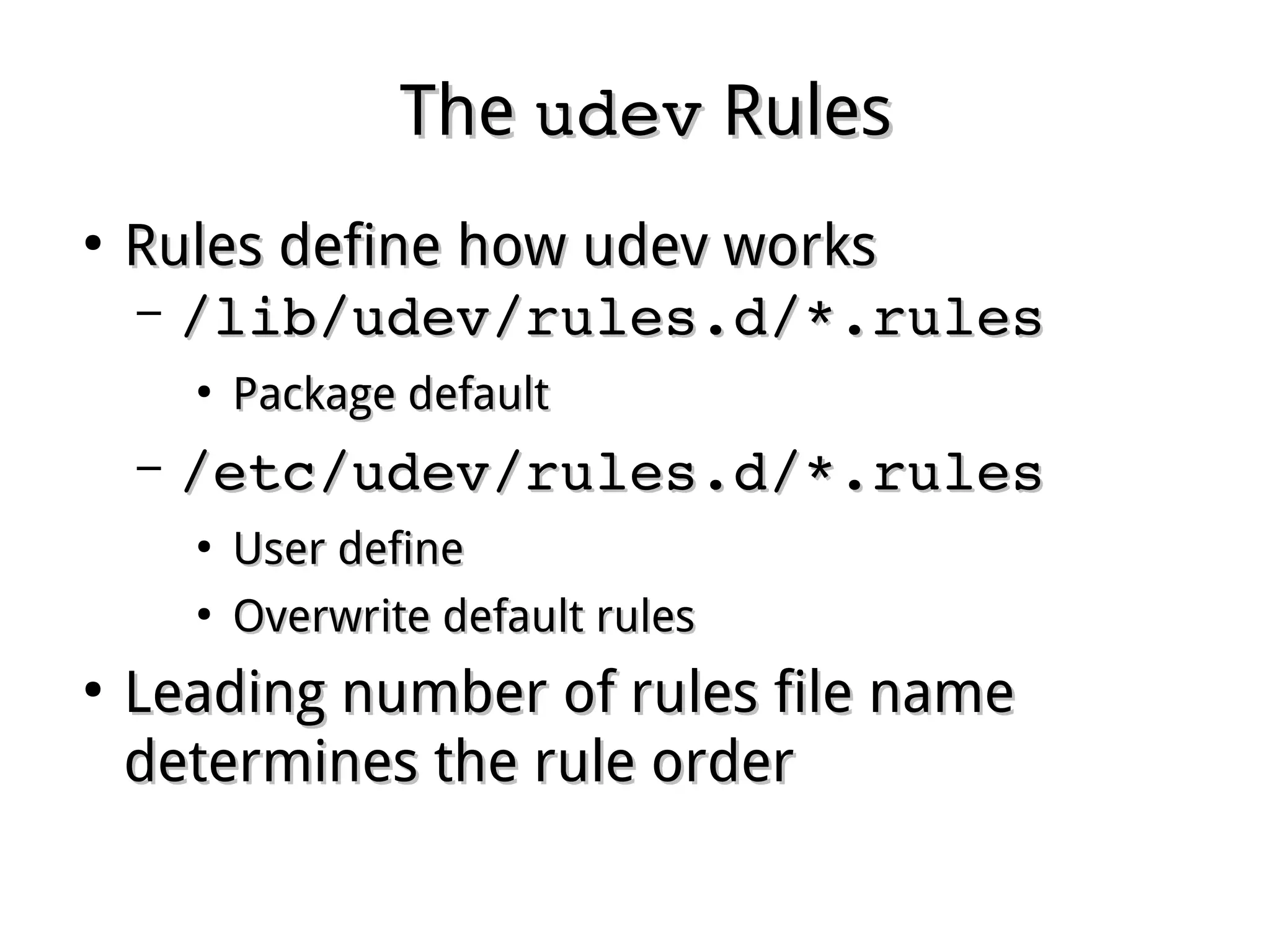
Rules define howRules define how udevudev worksworks
Ref. Pge. 118
TheThe udevudev RulesRules
●
Rules define how udev worksRules define how udev works
– /lib/udev/rules.d/*.rules/lib/udev/rules.d/*.rules
●
Package defaultPackage default
– /etc/udev/rules.d/*.rules/etc/udev/rules.d/*.rules
●
User defineUser define
●
Overwrite default rulesOverwrite default rules
●
Leading number of rules file nameLeading number of rules file name
determines the rule orderdetermines the rule order
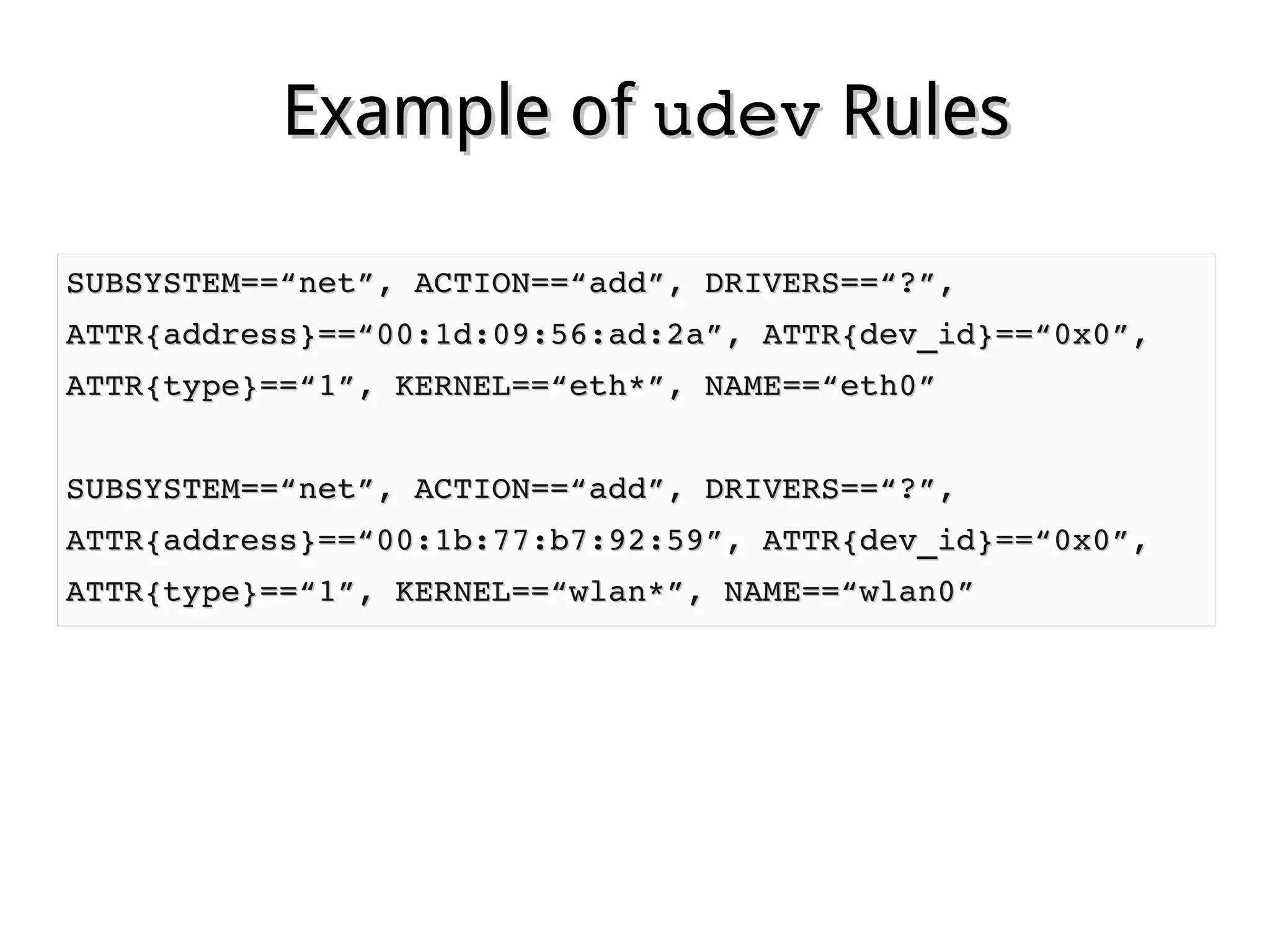
Example ofExample of udevudev RulesRules
SUBSYSTEM==“net”, ACTION==“add”, DRIVERS==“?”,SUBSYSTEM==“net”, ACTION==“add”, DRIVERS==“?”,
ATTR{address}==“00:1d:09:56:ad:2a”, ATTR{dev_id}==“0x0”,ATTR{address}==“00:1d:09:56:ad:2a”, ATTR{dev_id}==“0x0”,
ATTR{type}==“1”, KERNEL==“eth*”, NAME==“eth0”ATTR{type}==“1”, KERNEL==“eth*”, NAME==“eth0”
SUBSYSTEM==“net”, ACTION==“add”, DRIVERS==“?”,SUBSYSTEM==“net”, ACTION==“add”, DRIVERS==“?”,
ATTR{address}==“00:1b:77:b7:92:59”, ATTR{dev_id}==“0x0”,ATTR{address}==“00:1b:77:b7:92:59”, ATTR{dev_id}==“0x0”,
ATTR{type}==“1”, KERNEL==“wlan*”, NAME==“wlan0”ATTR{type}==“1”, KERNEL==“wlan*”, NAME==“wlan0”
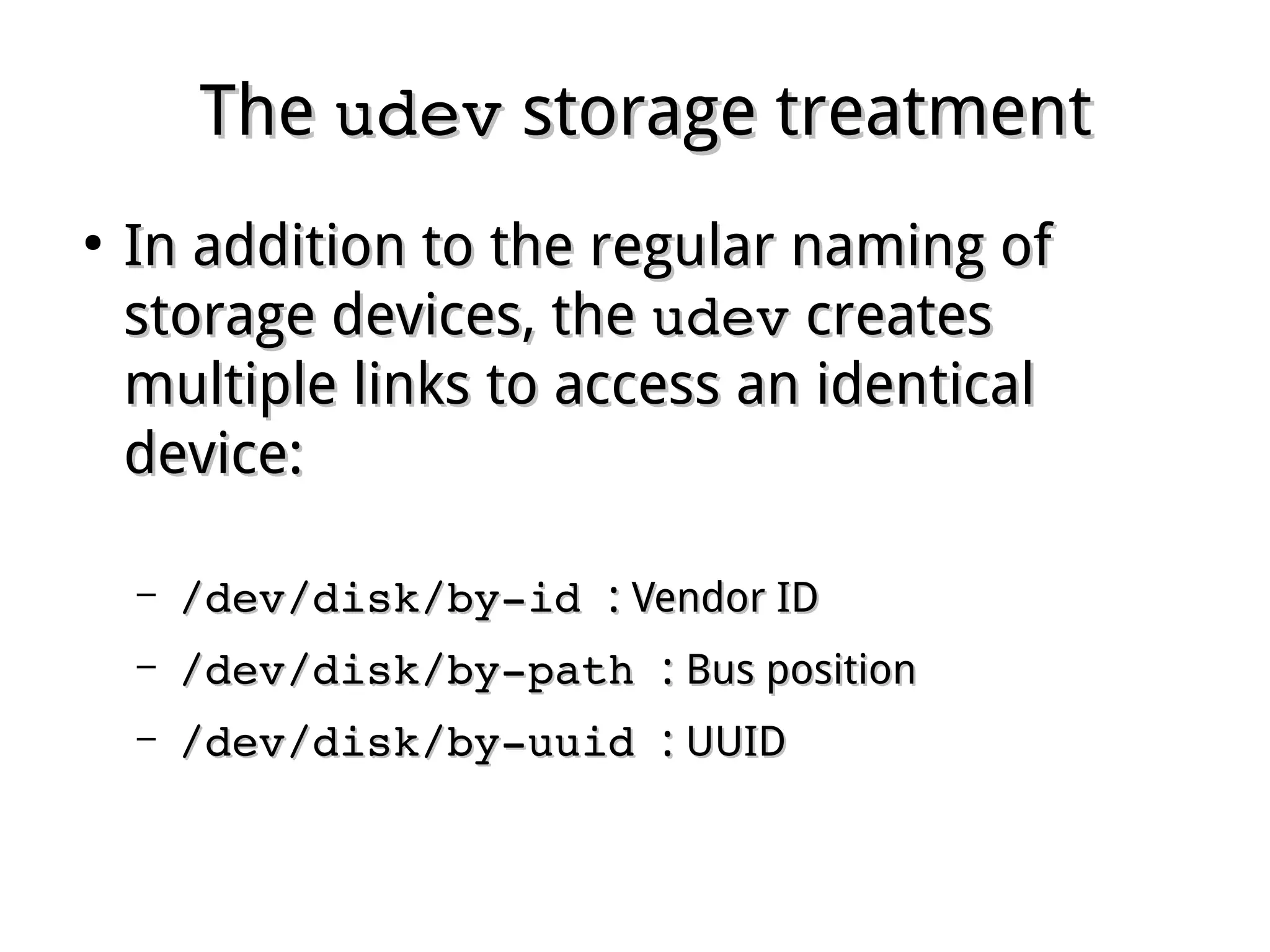
TheThe udevudev storage treatmentstorage treatment
●
In addition to the regular naming ofIn addition to the regular naming of
storage devices, thestorage devices, the udevudev createscreates
multiple links to access an identicalmultiple links to access an identical
device:device:
– /dev/disk/by­id /dev/disk/by­id :: Vendor IDVendor ID
– /dev/disk/by­path /dev/disk/by­path :: Bus positionBus position
– /dev/disk/by­uuid /dev/disk/by­uuid :: UUIDUUID
TheThe hdparmhdparm commandcommand
●
Views and sets had disk parametersViews and sets had disk parameters
– hdparm <disk>hdparm <disk>
●
Views disk parameterViews disk parameter
– hdparm ­a [nnn] <disk>hdparm ­a [nnn] <disk>
●
Views [or set] read ahead valueViews [or set] read ahead value
– hdparm ­B [nnn] <disk>hdparm ­B [nnn] <disk>
●
Views [or set] APMViews [or set] APM
– hdparm ­f <disk>hdparm ­f <disk>
●
Forces synchronizationForces synchronization
– hdparm ­r <disk>hdparm ­r <disk>
●
Sets disk to read only immediatelySets disk to read only immediately
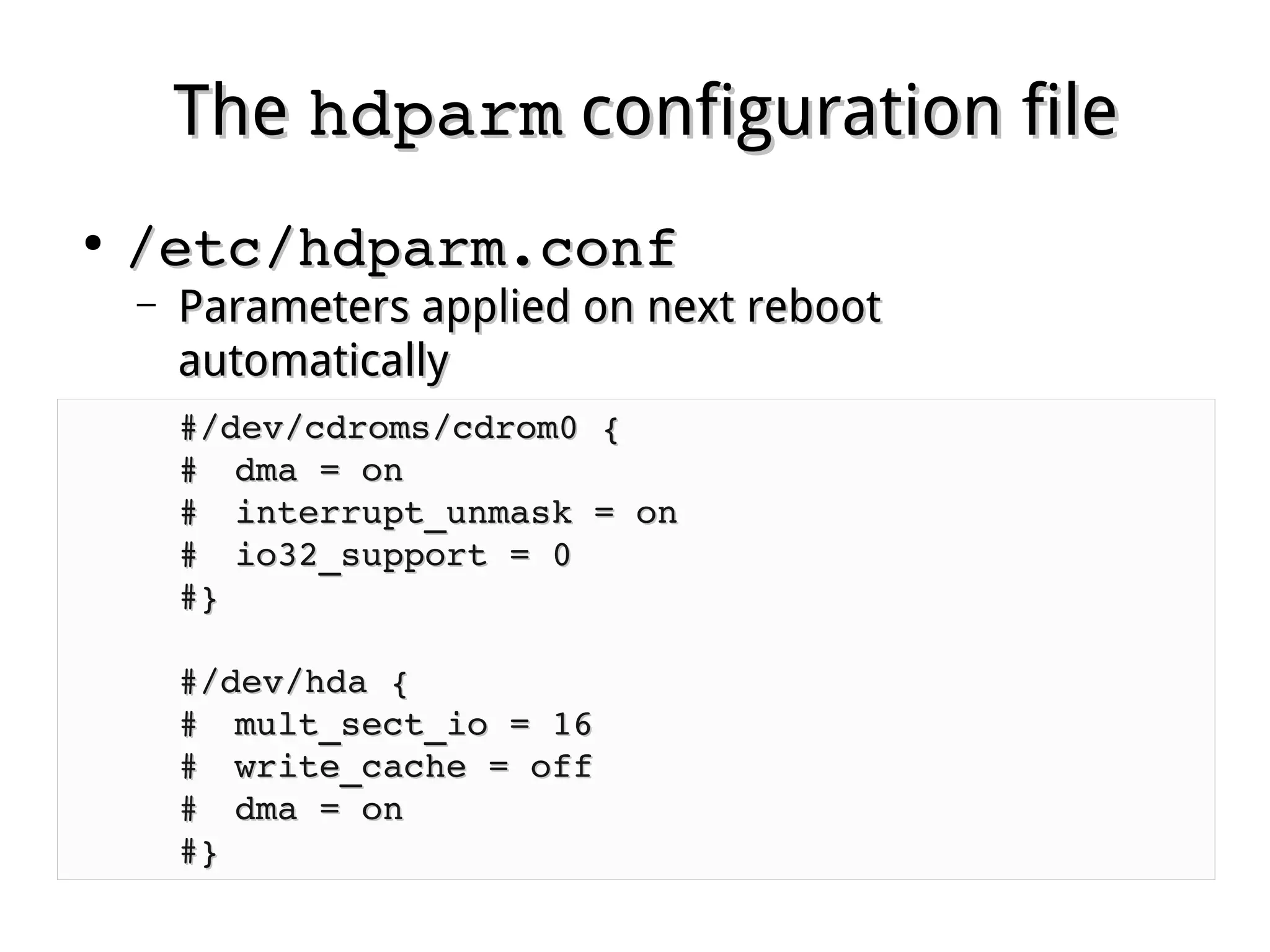
TheThe hdparmhdparm configuration fileconfiguration file
●
/etc/hdparm.conf/etc/hdparm.conf
– Parameters applied on next rebootParameters applied on next reboot
automaticallyautomatically
#/dev/cdroms/cdrom0 {#/dev/cdroms/cdrom0 {
## dma = ondma = on       
## interrupt_unmask = oninterrupt_unmask = on
## io32_support = 0io32_support = 0
#}#}
#/dev/hda {#/dev/hda {
## mult_sect_io = 16mult_sect_io = 16
## write_cache = offwrite_cache = off
## dma = ondma = on
#}#}

Linux fundamental - Chap 12 Hardware Management

  • 1.
    Chapter 12Chapter 12 HardwareManagementHardware Management Ref. Pge. 105
  • 2.
    Linux DeviceLinux Device ● Managedby kernelManaged by kernel ● Represented by a fileRepresented by a file ● Identified by two IDs:Identified by two IDs: – Major Number: associated driverMajor Number: associated driver – Minor Number: the exact deviceMinor Number: the exact device ● Classified by two types:Classified by two types: – Block deviceBlock device – Character deviceCharacter device
  • 3.
    Device FilesDevice Files ● CreatedbyCreated by mknodmknod (old style)(old style) ● Dynamically created byDynamically created by udevudev (new style)(new style) ● Stored in directory /dev:Stored in directory /dev: # ls ­l /dev | head# ls ­l /dev | head total 0total 0 crw­rw­­­­  1 root video  10, 175 Mar  7 14:54 agpgartcrw­rw­­­­  1 root video  10, 175 Mar  7 14:54 agpgart crw­­­­­­T  1 root root   10, 235 Mar  7 14:54 autofscrw­­­­­­T  1 root root   10, 235 Mar  7 14:54 autofs drwxr­xr­x  2 root root       940 Mar 10 19:20 blockdrwxr­xr­x  2 root root       940 Mar 10 19:20 block drwxr­xr­x  2 root root        60 Mar  7 14:54 bsgdrwxr­xr­x  2 root root        60 Mar  7 14:54 bsg crw­­­­­­T  1 root root   10, 234 Mar  7 14:54 btrfs­controlcrw­­­­­­T  1 root root   10, 234 Mar  7 14:54 btrfs­control drwxr­xr­x  3 root root        60 Mar  7 14:54 busdrwxr­xr­x  3 root root        60 Mar  7 14:54 bus drwxr­xr­x  2 root root      3740 Mar 10 13:50 chardrwxr­xr­x  2 root root      3740 Mar 10 13:50 char crw­­­­­­­  1 root root    5,   1 Mar  7 14:54 consolecrw­­­­­­­  1 root root    5,   1 Mar  7 14:54 console lrwxrwxrwx  1 root root        11 Mar  7 14:54 core ­> /proc/kcorelrwxrwxrwx  1 root root        11 Mar  7 14:54 core ­> /proc/kcore
  • 4.
    Character DeviceCharacter Device ● Doesnot allow random access (seek)Does not allow random access (seek) ● General devices:General devices: – Console ( Keyboard, mouse)Console ( Keyboard, mouse) – Serial terminalSerial terminal – PrinterPrinter – Sound cardSound card – Random number generatorRandom number generator – Null deviceNull device
  • 5.
    Virtual DevicesVirtual Devices ● Nulldevices:Null devices: – /dev/null/dev/null : Bit bucket, for unwanted output: Bit bucket, for unwanted output – /dev/zero/dev/zero : Infinite binary zero: Infinite binary zero ● Random devices:Random devices: – /dev/random/dev/random : source from outside events: source from outside events – /dev/urandom/dev/urandom : source from pseudo-random: source from pseudo-random devicedevice
  • 6.
    TheThe /proc/proc virtualfile systemvirtual file system ● Generated and managed by kernelGenerated and managed by kernel dynamicallydynamically ● Contains kernel information and hardwareContains kernel information and hardware resource settings:resource settings: – /proc/cpuinfo/proc/cpuinfo : information of cpu(s): information of cpu(s) – /proc/meminfo/proc/meminfo : ram use: ram use – /proc/interrupts/proc/interrupts : IRQ use: IRQ use – /proc/ioports/proc/ioports : IO address: IO address – /proc/dma/proc/dma : DMA channel: DMA channel Ref. Pge. 110
  • 7.
    Listing DevicesListing Devices ● lspcilspci:: – Lists all available pci devicesLists all available pci devices ● lsusblsusb :: – Lists all available USB devicesLists all available USB devices ● lscpulscpu :: – Displays CPU informationDisplays CPU information ● dmesgdmesg :: – Prints kernel ring buffer messagesPrints kernel ring buffer messages ● lshwlshw :: – Displays detailed information of all hardwareDisplays detailed information of all hardware Ref. Pge. 119/125
  • 8.
    Kernel ModulesKernel Modules ● HardwaredriversHardware drivers ● NetworkingNetworking ● Memory ManagementMemory Management ● File SystemsFile Systems Ref. Pge. 120
  • 9.
    Loading Kernel ModulesLoadingKernel Modules ● AutomaticallyAutomatically – initrdinitrd ● /etc/initramfs­tools/modules/etc/initramfs­tools/modules – Boot upBoot up ● /etc/modules/etc/modules – UdevUdev ● /lib/udev/rules.d/*.rules/lib/udev/rules.d/*.rules ● /etc/udev/rules.d/*.rules/etc/udev/rules.d/*.rules ● ManuallyManually Ref. Pge. 121
  • 10.
    Loading Modules ManuallyLoadingModules Manually ● lsmodlsmod – Displays all loaded modulesDisplays all loaded modules ● modprobemodprobe – Loads modules, automatically load dependencesLoads modules, automatically load dependences ● insmodinsmod – Loads specific module filesLoads specific module files ● rmmod / modprobe ­rrmmod / modprobe ­r – Removes modulesRemoves modules
  • 11.
    Loading Modules ManuallyLoadingModules Manually ● modinfomodinfo – Displays module informationDisplays module information ● depmoddepmod – Updates module dependency fileUpdates module dependency file ((modules.depmodules.dep))
  • 12.
    TheThe sysfssysfs FilesystemFilesystem ● MountedatMounted at /sys/sys by kernel on bootby kernel on boot ● Keeps information about devices andKeeps information about devices and driversdrivers ● Finds information in different waysFinds information in different ways
  • 13.
    TheThe udevudev ● Automatically loadhardware driversAutomatically load hardware drivers and create device filesand create device files ● Rules define howRules define how udevudev worksworks Ref. Pge. 118
  • 14.
    TheThe udevudev RulesRules ● Rulesdefine how udev worksRules define how udev works – /lib/udev/rules.d/*.rules/lib/udev/rules.d/*.rules ● Package defaultPackage default – /etc/udev/rules.d/*.rules/etc/udev/rules.d/*.rules ● User defineUser define ● Overwrite default rulesOverwrite default rules ● Leading number of rules file nameLeading number of rules file name determines the rule orderdetermines the rule order
  • 15.
    Example ofExample ofudevudev RulesRules SUBSYSTEM==“net”, ACTION==“add”, DRIVERS==“?”,SUBSYSTEM==“net”, ACTION==“add”, DRIVERS==“?”, ATTR{address}==“00:1d:09:56:ad:2a”, ATTR{dev_id}==“0x0”,ATTR{address}==“00:1d:09:56:ad:2a”, ATTR{dev_id}==“0x0”, ATTR{type}==“1”, KERNEL==“eth*”, NAME==“eth0”ATTR{type}==“1”, KERNEL==“eth*”, NAME==“eth0” SUBSYSTEM==“net”, ACTION==“add”, DRIVERS==“?”,SUBSYSTEM==“net”, ACTION==“add”, DRIVERS==“?”, ATTR{address}==“00:1b:77:b7:92:59”, ATTR{dev_id}==“0x0”,ATTR{address}==“00:1b:77:b7:92:59”, ATTR{dev_id}==“0x0”, ATTR{type}==“1”, KERNEL==“wlan*”, NAME==“wlan0”ATTR{type}==“1”, KERNEL==“wlan*”, NAME==“wlan0”
  • 16.
    TheThe udevudev storagetreatmentstorage treatment ● In addition to the regular naming ofIn addition to the regular naming of storage devices, thestorage devices, the udevudev createscreates multiple links to access an identicalmultiple links to access an identical device:device: – /dev/disk/by­id /dev/disk/by­id :: Vendor IDVendor ID – /dev/disk/by­path /dev/disk/by­path :: Bus positionBus position – /dev/disk/by­uuid /dev/disk/by­uuid :: UUIDUUID
  • 17.
    TheThe hdparmhdparm commandcommand ● Viewsand sets had disk parametersViews and sets had disk parameters – hdparm <disk>hdparm <disk> ● Views disk parameterViews disk parameter – hdparm ­a [nnn] <disk>hdparm ­a [nnn] <disk> ● Views [or set] read ahead valueViews [or set] read ahead value – hdparm ­B [nnn] <disk>hdparm ­B [nnn] <disk> ● Views [or set] APMViews [or set] APM – hdparm ­f <disk>hdparm ­f <disk> ● Forces synchronizationForces synchronization – hdparm ­r <disk>hdparm ­r <disk> ● Sets disk to read only immediatelySets disk to read only immediately
  • 18.
    TheThe hdparmhdparm configurationfileconfiguration file ● /etc/hdparm.conf/etc/hdparm.conf – Parameters applied on next rebootParameters applied on next reboot automaticallyautomatically #/dev/cdroms/cdrom0 {#/dev/cdroms/cdrom0 { ## dma = ondma = on        ## interrupt_unmask = oninterrupt_unmask = on ## io32_support = 0io32_support = 0 #}#} #/dev/hda {#/dev/hda { ## mult_sect_io = 16mult_sect_io = 16 ## write_cache = offwrite_cache = off ## dma = ondma = on #}#}