Chapter 5Chapter 5
Text FilteringText Filtering
Ref. Pge. 19
Text FilteringText Filtering
●
Process text file onlyProcess text file only
●
No modification to origin by defaultNo modification to origin by default
●
Usually used in pipe lineUsually used in pipe line
●
Many tools and various waysMany tools and various ways
●
Set locale toSet locale to LANG=POSIXLANG=POSIX
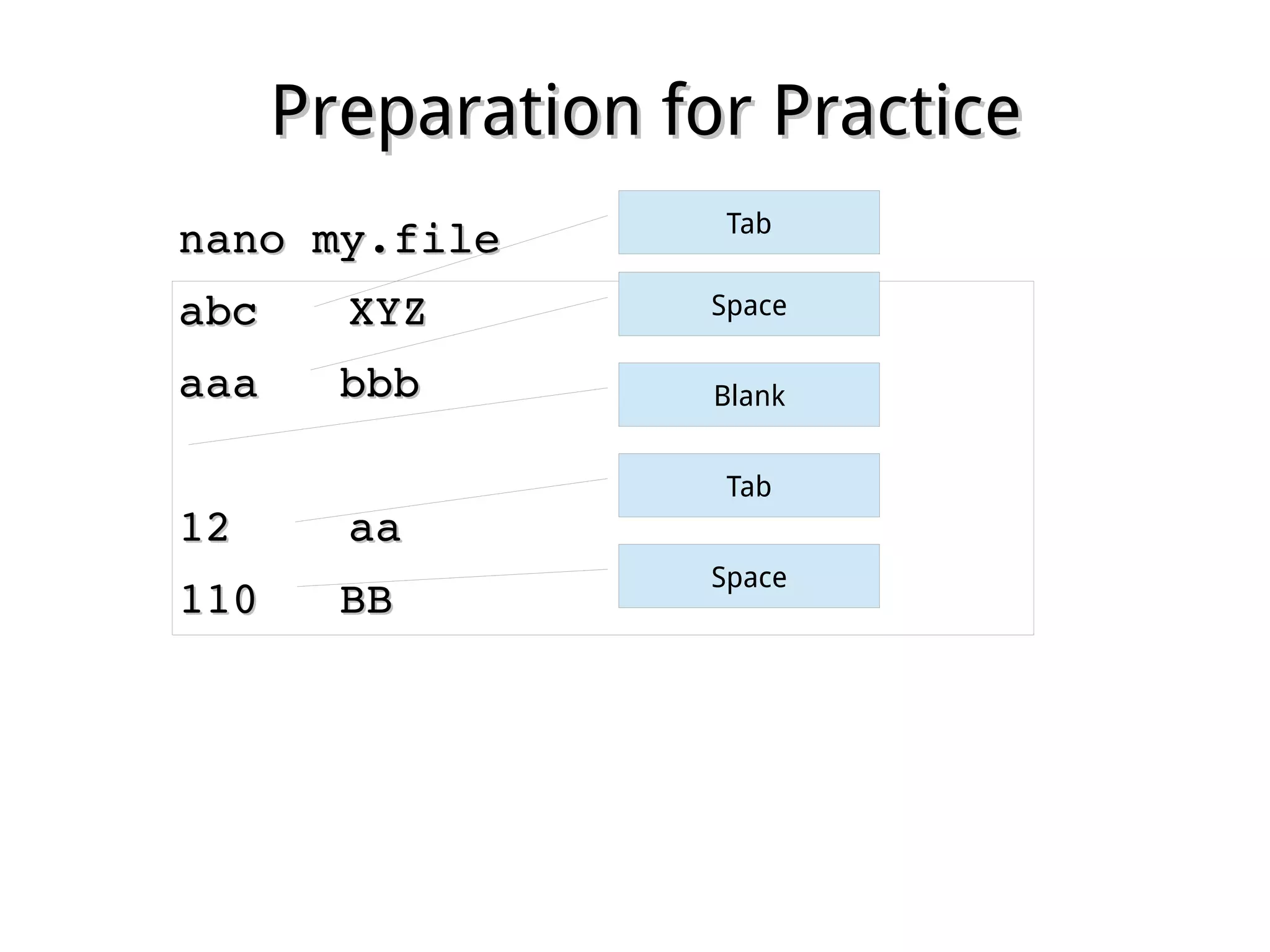
Preparation for PracticePreparation for Practice
nano my.filenano my.file
abcabc XYZXYZ
aaa   bbbaaa   bbb
1212 aaaa
110   BB110   BB
Tab
Space
Blank
Tab
Space
UsingUsing catcat
●
cat <text_file>cat <text_file>
– Display the content of an ASCII text file inDisplay the content of an ASCII text file in
onceonce
●
tac <text_file>tac <text_file>
– Same as cat, but in revers line orderSame as cat, but in revers line order
Ref. Pge. 19
UsingUsing joinjoin
●
join file1 file2join file1 file2
– Combine lines on a common fieldCombine lines on a common field
– Common optionsCommon options
●
­­1 1 nn ­2  ­2 mm : specify common field: the field: specify common field: the field nn inin
file1 and the filefile1 and the file mm in file2in file2
Ref. Pge. 20
UsingUsing pastepaste
●
paste file1 file2paste file1 file2
– Combine lines without common fieldCombine lines without common field
Ref. Pge. 21
UsingUsing odod
●
od <text_file>od <text_file>
– Display in octal formatDisplay in octal format
– Common optionsCommon options
●
­­aa : display unprintable characters in name: display unprintable characters in name
●
­­cc : display unprintable characters in escape: display unprintable characters in escape
Ref. Pge. 22
UsingUsing sortsort
●
sort <text_file>sort <text_file>
– Resort lines according to ASCII orderResort lines according to ASCII order
– Common optionsCommon options
●
­k ­k nn : start sorting from field: start sorting from field nn
●
­t ­t ss : specify field separator: specify field separator
●
­r­r : revers order: revers order
●
­u­u : suppress duplicate lines: suppress duplicate lines
●
­n­n : sorted by numbers first: sorted by numbers first
Ref. Pge. 22
UsingUsing trtr
●
tr set1 set2 <text_file>tr set1 set2 <text_file>
– Translate characters in set1 to set2Translate characters in set1 to set2
– According to positionAccording to position
– Common optionsCommon options
●
­­s sets set : suppress duplicate characters in set: suppress duplicate characters in set
●
­­d setd set : delete all characters in set: delete all characters in set
Ref. Pge. 23
UsingUsing expandexpand andand unexpandunexpand
●
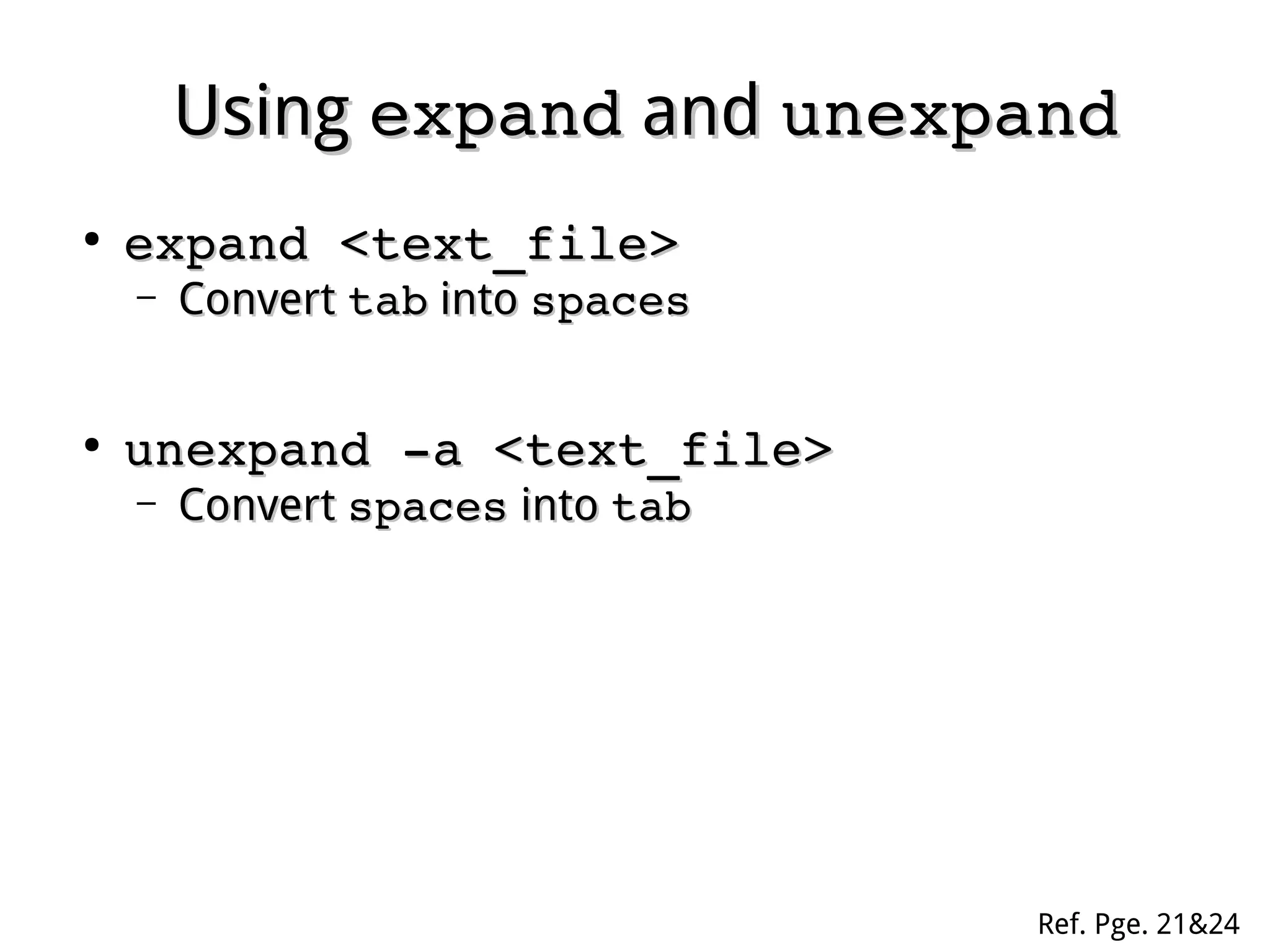
expand <text_file>expand <text_file>
– ConvertConvert tabtab intointo spacesspaces
●
unexpand ­a <text_file>unexpand ­a <text_file>
– ConvertConvert spacesspaces intointo tabtab
Ref. Pge. 21&24
UsingUsing moremore andand lessless
●
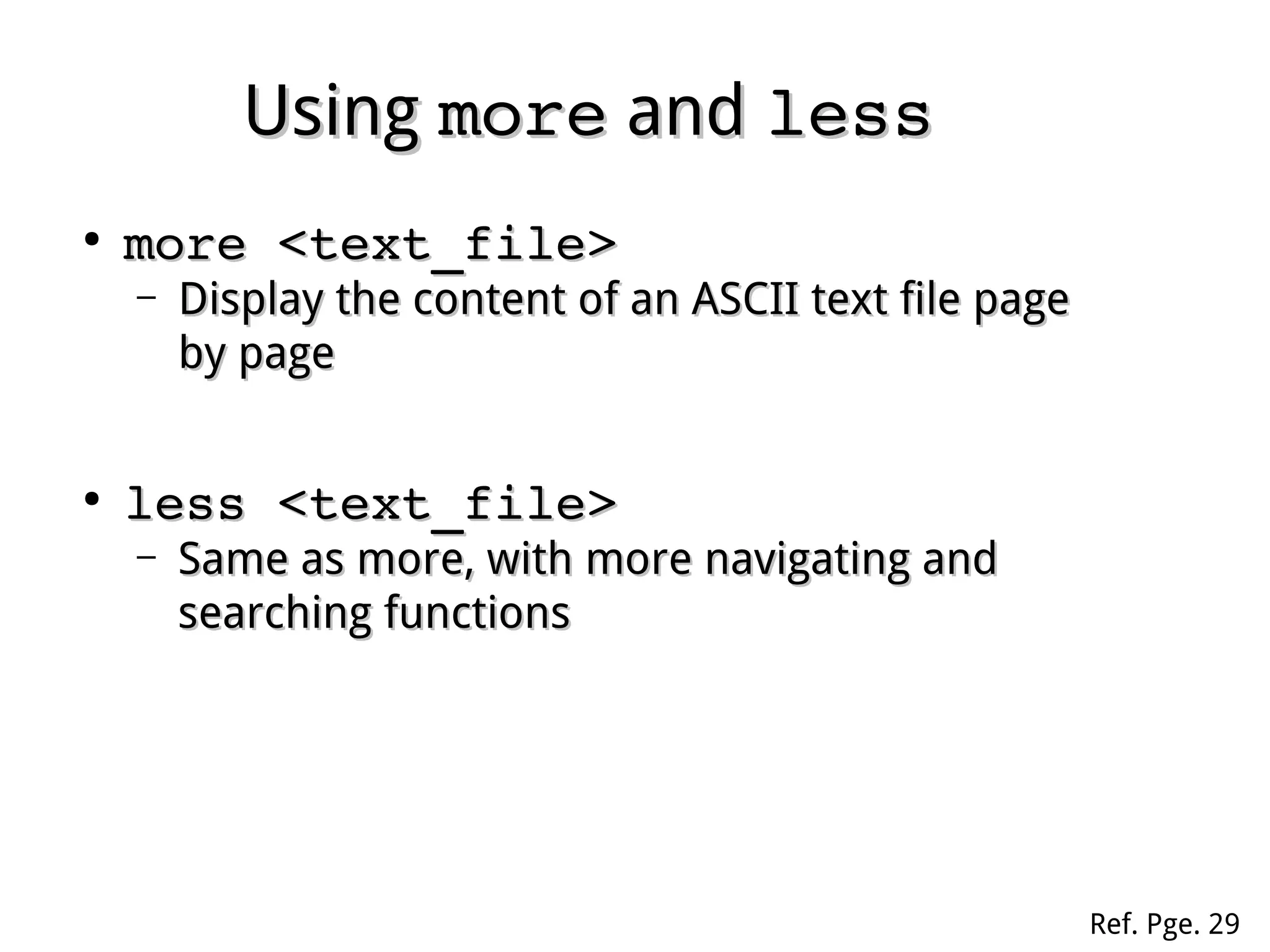
more <text_file>more <text_file>
– Display the content of an ASCII text file pageDisplay the content of an ASCII text file page
by pageby page
●
less <text_file>less <text_file>
– Same as more, with more navigating andSame as more, with more navigating and
searching functionssearching functions
Ref. Pge. 29
UsingUsing uniquniq
●
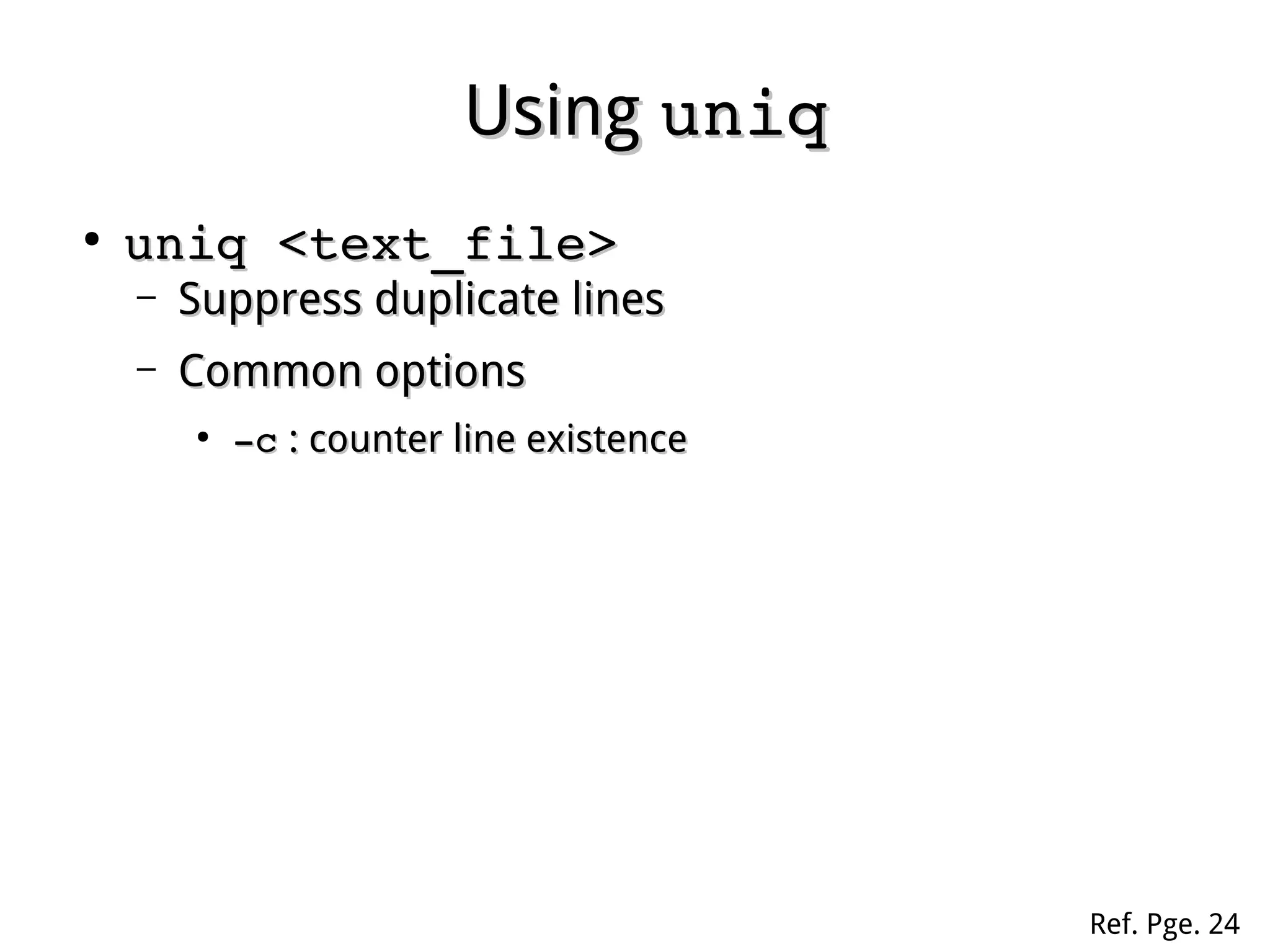
uniq <text_file>uniq <text_file>
– Suppress duplicate linesSuppress duplicate lines
– Common optionsCommon options
●
­c­c : counter line existence: counter line existence
Ref. Pge. 24
UsingUsing fmtfmt
●
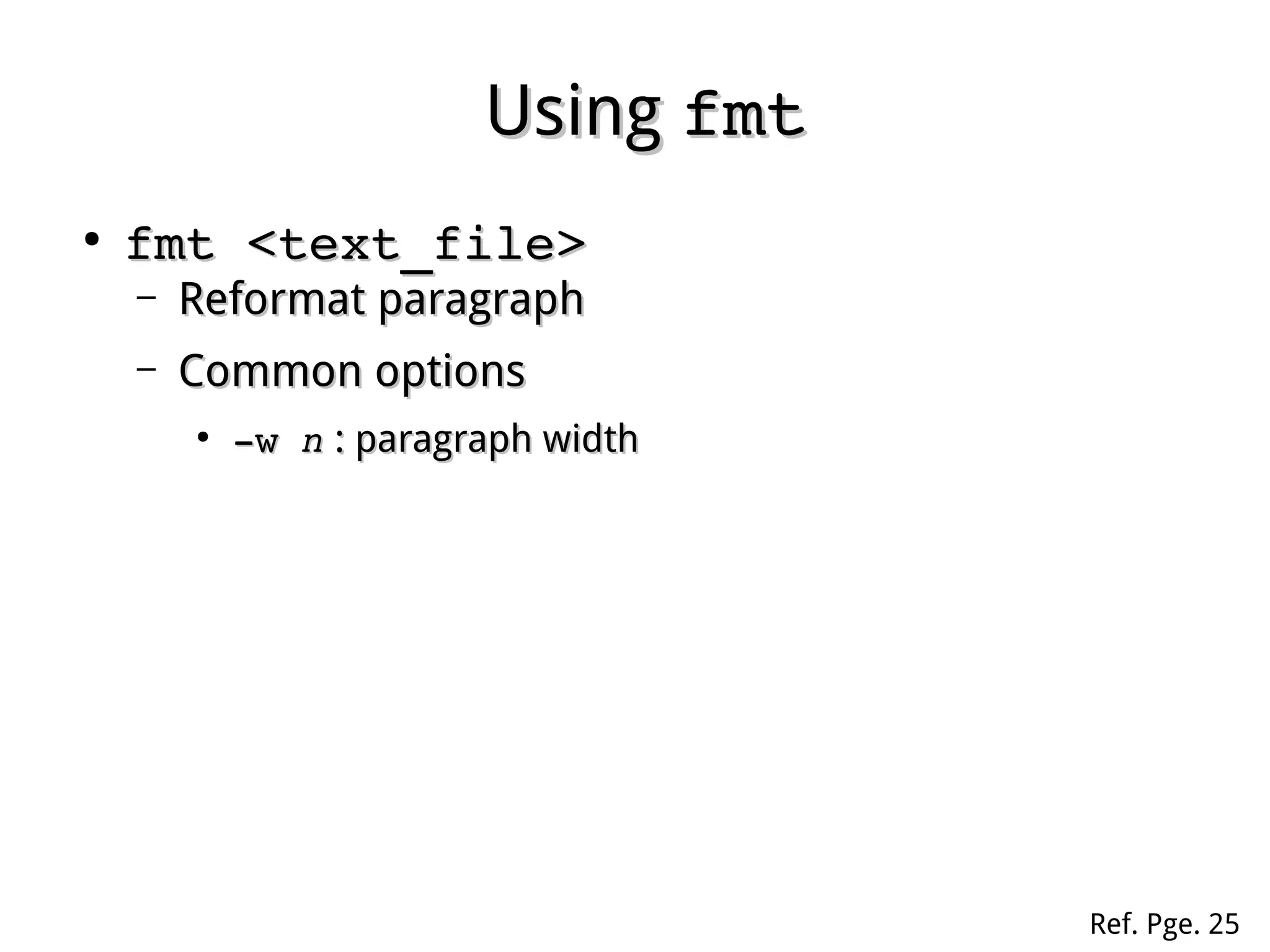
fmt <text_file>fmt <text_file>
– Reformat paragraphReformat paragraph
– Common optionsCommon options
●
­w ­w nn : paragraph width: paragraph width
Ref. Pge. 25
UsingUsing nlnl
●
nl <text_file>nl <text_file>
– Numbering each line except blanksNumbering each line except blanks
– Common optionsCommon options
●
­ba­ba : numbering blank lines as well: numbering blank lines as well
Ref. Pge. 25
UsingUsing prpr
●
pr <text_file>pr <text_file>
– Display in printing formatDisplay in printing format
Ref. Pge. 27
UsingUsing headhead andand tailtail
●
head <text_file>head <text_file>
– Display the top 10 lines of a text fileDisplay the top 10 lines of a text file
– Common options:Common options:
●
­­nn : top: top nn lineslines
●
tail <text_file>tail <text_file>
– Display the bottom 10 lines of a text fileDisplay the bottom 10 lines of a text file
– Common options:Common options:
●
­­n n  : bottom: bottom nn lineslines
●
­n +­n +nn  : from the: from the nn to bottom linesto bottom lines
●
­f ­f : stay in displaying until press: stay in displaying until press ctrl­cctrl­c
Ref. Pge. 28
UsingUsing cutcut
●
cut <option> <text_file>cut <option> <text_file>
– Cut out sections from each line of fileCut out sections from each line of file
– Common options:Common options:
●
­c­c  nn­­mm : cut characters from: cut characters from nn toto mm
●
­f­f  nn­­mm : cut fields from: cut fields from nn toto mm
●
­d­d  ss : specify field separator (default:: specify field separator (default: tabtab))
Ref. Pge. 30
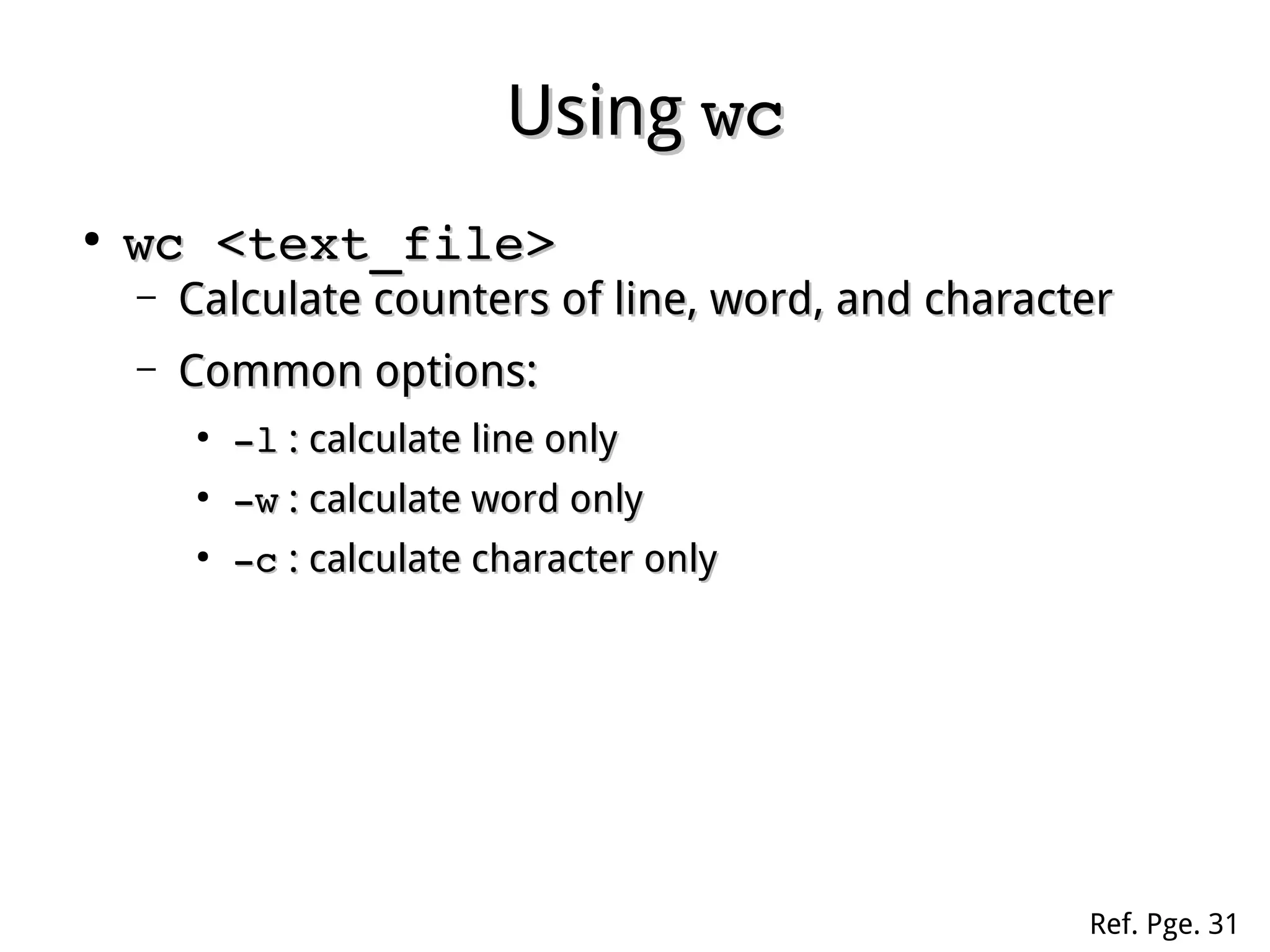
UsingUsing wcwc
●
wc <text_file>wc <text_file>
– Calculate counters of line, word, and characterCalculate counters of line, word, and character
– Common options:Common options:
●
­l­l : calculate line only: calculate line only
●
­w­w : calculate word only: calculate word only
●
­c­c : calculate character only: calculate character only
Ref. Pge. 31
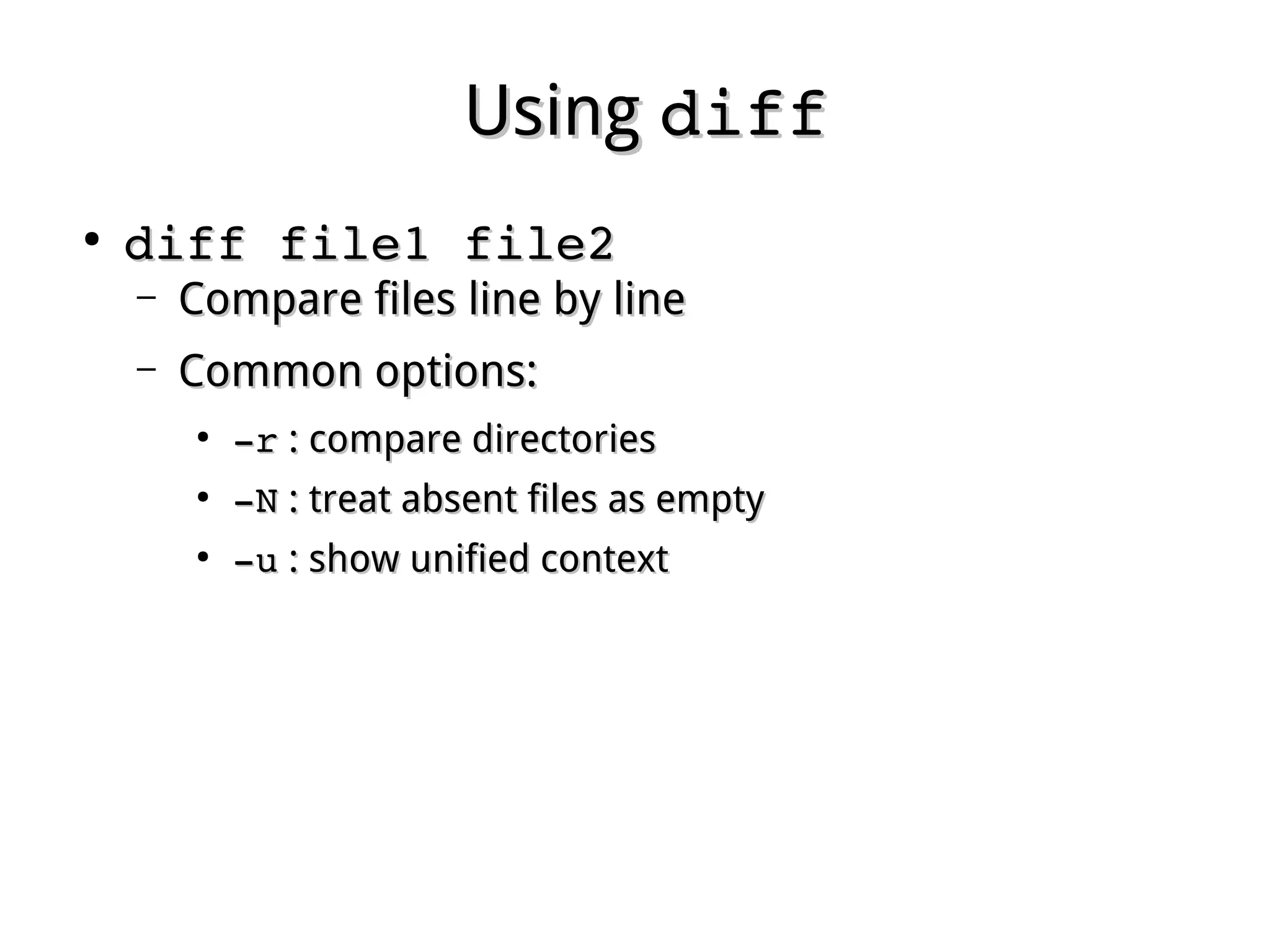
UsingUsing diffdiff
●
diff file1 file2diff file1 file2
– Compare files line by lineCompare files line by line
– Common options:Common options:
●
­­rr : compare directories: compare directories
●
­­NN : treat absent files as empty: treat absent files as empty
●
­­uu : show unified context: show unified context
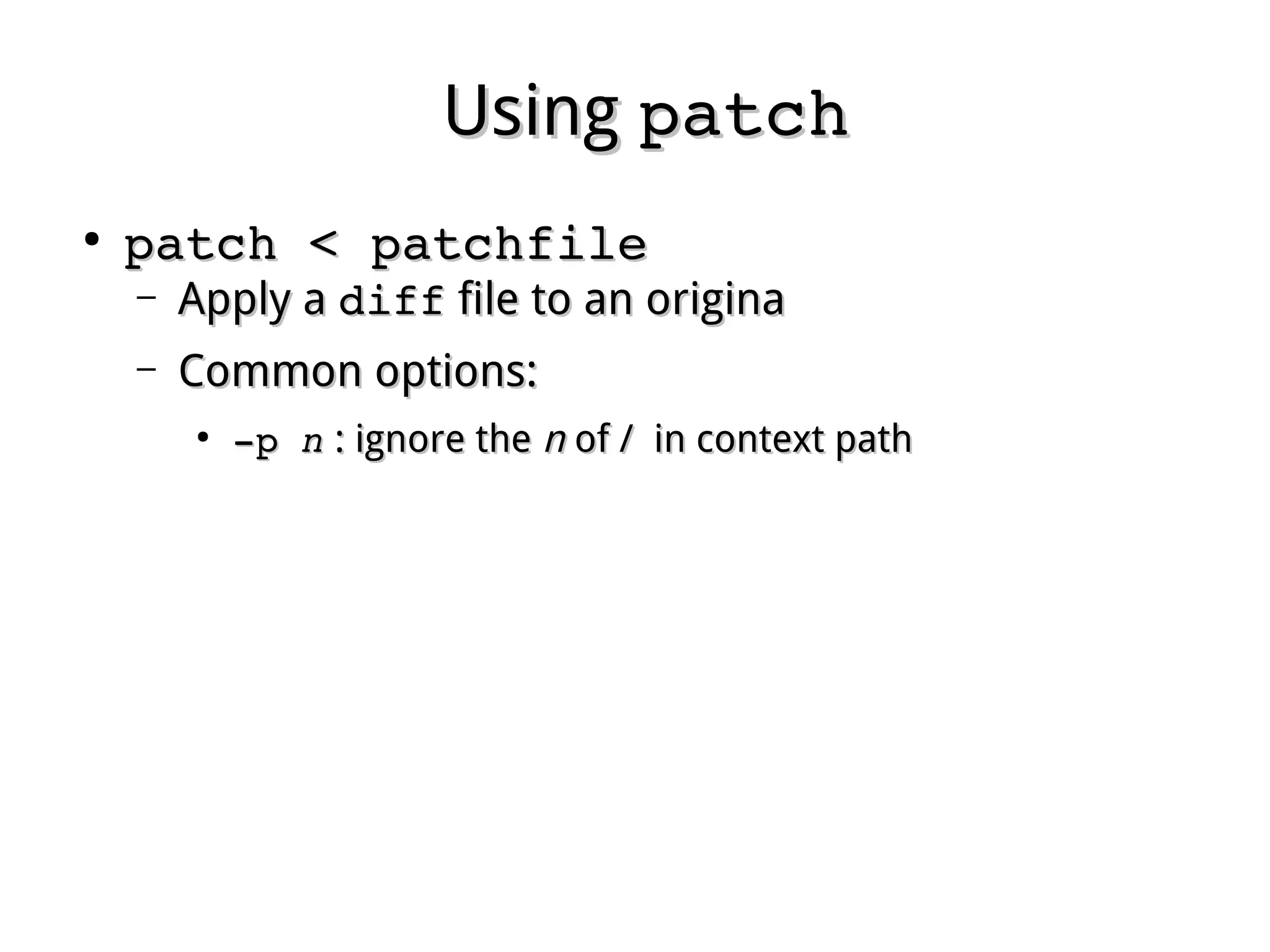
UsingUsing patchpatch
●
patch < patchfilepatch < patchfile
– Apply aApply a diffdiff file to an originafile to an origina
– Common options:Common options:
●
­­p p nn : ignore the: ignore the nn of / in context pathof / in context path

Linux fundamental - Chap 05 filter

  • 1.
    Chapter 5Chapter 5 TextFilteringText Filtering Ref. Pge. 19
  • 2.
    Text FilteringText Filtering ● Processtext file onlyProcess text file only ● No modification to origin by defaultNo modification to origin by default ● Usually used in pipe lineUsually used in pipe line ● Many tools and various waysMany tools and various ways ● Set locale toSet locale to LANG=POSIXLANG=POSIX
  • 3.
    Preparation for PracticePreparationfor Practice nano my.filenano my.file abcabc XYZXYZ aaa   bbbaaa   bbb 1212 aaaa 110   BB110   BB Tab Space Blank Tab Space
  • 4.
    UsingUsing catcat ● cat <text_file>cat <text_file> – Displaythe content of an ASCII text file inDisplay the content of an ASCII text file in onceonce ● tac <text_file>tac <text_file> – Same as cat, but in revers line orderSame as cat, but in revers line order Ref. Pge. 19
  • 5.
    UsingUsing joinjoin ● join file1 file2join file1 file2 – Combinelines on a common fieldCombine lines on a common field – Common optionsCommon options ● ­­1 1 nn ­2  ­2 mm : specify common field: the field: specify common field: the field nn inin file1 and the filefile1 and the file mm in file2in file2 Ref. Pge. 20
  • 6.
    UsingUsing pastepaste ● paste file1 file2paste file1 file2 – Combinelines without common fieldCombine lines without common field Ref. Pge. 21
  • 7.
    UsingUsing odod ● od <text_file>od <text_file> – Displayin octal formatDisplay in octal format – Common optionsCommon options ● ­­aa : display unprintable characters in name: display unprintable characters in name ● ­­cc : display unprintable characters in escape: display unprintable characters in escape Ref. Pge. 22
  • 8.
    UsingUsing sortsort ● sort <text_file>sort <text_file> – Resortlines according to ASCII orderResort lines according to ASCII order – Common optionsCommon options ● ­k ­k nn : start sorting from field: start sorting from field nn ● ­t ­t ss : specify field separator: specify field separator ● ­r­r : revers order: revers order ● ­u­u : suppress duplicate lines: suppress duplicate lines ● ­n­n : sorted by numbers first: sorted by numbers first Ref. Pge. 22
  • 9.
    UsingUsing trtr ● tr set1 set2 <text_file>tr set1 set2 <text_file> – Translatecharacters in set1 to set2Translate characters in set1 to set2 – According to positionAccording to position – Common optionsCommon options ● ­­s sets set : suppress duplicate characters in set: suppress duplicate characters in set ● ­­d setd set : delete all characters in set: delete all characters in set Ref. Pge. 23
  • 10.
    UsingUsing expandexpand andandunexpandunexpand ● expand <text_file>expand <text_file> – ConvertConvert tabtab intointo spacesspaces ● unexpand ­a <text_file>unexpand ­a <text_file> – ConvertConvert spacesspaces intointo tabtab Ref. Pge. 21&24
  • 11.
    UsingUsing moremore andandlessless ● more <text_file>more <text_file> – Display the content of an ASCII text file pageDisplay the content of an ASCII text file page by pageby page ● less <text_file>less <text_file> – Same as more, with more navigating andSame as more, with more navigating and searching functionssearching functions Ref. Pge. 29
  • 12.
    UsingUsing uniquniq ● uniq <text_file>uniq <text_file> – Suppressduplicate linesSuppress duplicate lines – Common optionsCommon options ● ­c­c : counter line existence: counter line existence Ref. Pge. 24
  • 13.
    UsingUsing fmtfmt ● fmt <text_file>fmt <text_file> – ReformatparagraphReformat paragraph – Common optionsCommon options ● ­w ­w nn : paragraph width: paragraph width Ref. Pge. 25
  • 14.
    UsingUsing nlnl ● nl <text_file>nl <text_file> – Numberingeach line except blanksNumbering each line except blanks – Common optionsCommon options ● ­ba­ba : numbering blank lines as well: numbering blank lines as well Ref. Pge. 25
  • 15.
    UsingUsing prpr ● pr <text_file>pr <text_file> – Displayin printing formatDisplay in printing format Ref. Pge. 27
  • 16.
    UsingUsing headhead andandtailtail ● head <text_file>head <text_file> – Display the top 10 lines of a text fileDisplay the top 10 lines of a text file – Common options:Common options: ● ­­nn : top: top nn lineslines ● tail <text_file>tail <text_file> – Display the bottom 10 lines of a text fileDisplay the bottom 10 lines of a text file – Common options:Common options: ● ­­n n  : bottom: bottom nn lineslines ● ­n +­n +nn  : from the: from the nn to bottom linesto bottom lines ● ­f ­f : stay in displaying until press: stay in displaying until press ctrl­cctrl­c Ref. Pge. 28
  • 17.
    UsingUsing cutcut ● cut <option> <text_file>cut <option> <text_file> – Cutout sections from each line of fileCut out sections from each line of file – Common options:Common options: ● ­c­c  nn­­mm : cut characters from: cut characters from nn toto mm ● ­f­f  nn­­mm : cut fields from: cut fields from nn toto mm ● ­d­d  ss : specify field separator (default:: specify field separator (default: tabtab)) Ref. Pge. 30
  • 18.
    UsingUsing wcwc ● wc <text_file>wc <text_file> – Calculatecounters of line, word, and characterCalculate counters of line, word, and character – Common options:Common options: ● ­l­l : calculate line only: calculate line only ● ­w­w : calculate word only: calculate word only ● ­c­c : calculate character only: calculate character only Ref. Pge. 31
  • 19.
    UsingUsing diffdiff ● diff file1 file2diff file1 file2 – Comparefiles line by lineCompare files line by line – Common options:Common options: ● ­­rr : compare directories: compare directories ● ­­NN : treat absent files as empty: treat absent files as empty ● ­­uu : show unified context: show unified context
  • 20.
    UsingUsing patchpatch ● patch < patchfilepatch < patchfile – ApplyaApply a diffdiff file to an originafile to an origina – Common options:Common options: ● ­­p p nn : ignore the: ignore the nn of / in context pathof / in context path