Chapter 4Chapter 4
File ArchiveFile Archive
Ref. Pge. 184
UsingUsing zipzip
●
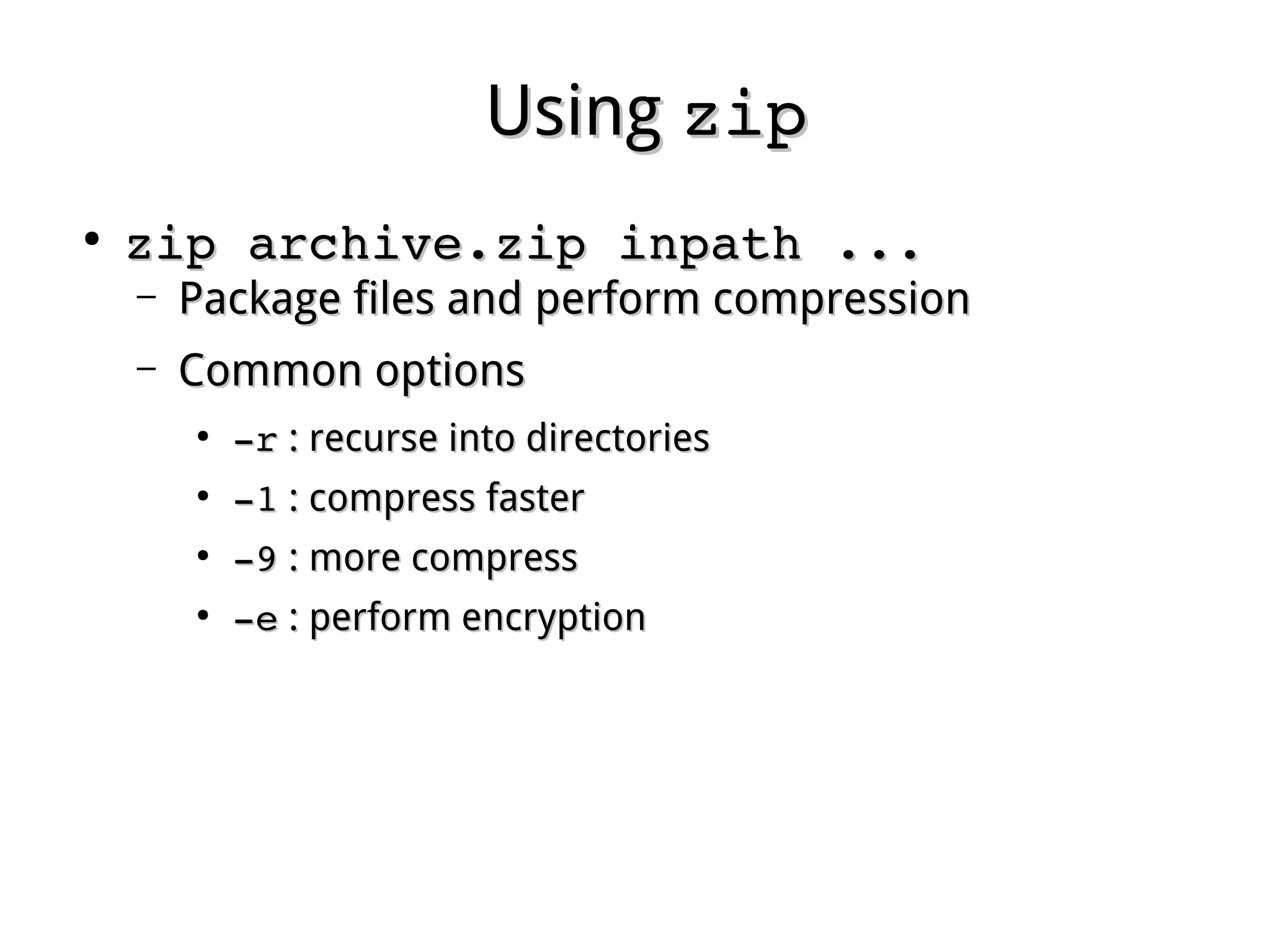
zip archive.zip inpath ...zip archive.zip inpath ...
– Package files and perform compressionPackage files and perform compression
– Common optionsCommon options
●
­r­r : recurse into directories: recurse into directories
●
­1­1 : compress faster: compress faster
●
­9­9 : more compress: more compress
●
­e­e : perform encryption: perform encryption
UsingUsing unzipunzip
●
unzip archive.zip [list ...]unzip archive.zip [list ...]
– Extract files in list from a zipped file.Extract files in list from a zipped file.
– All files will be extracted without list.All files will be extracted without list.
– Common optionsCommon options
●
­l­l : list files in archive: list files in archive
●
­t­t : test only: test only
●
­n­n : never overwrite existing files: never overwrite existing files
●
­o­o : overwrite existing files without prompting: overwrite existing files without prompting
UsingUsing gzipgzip
●
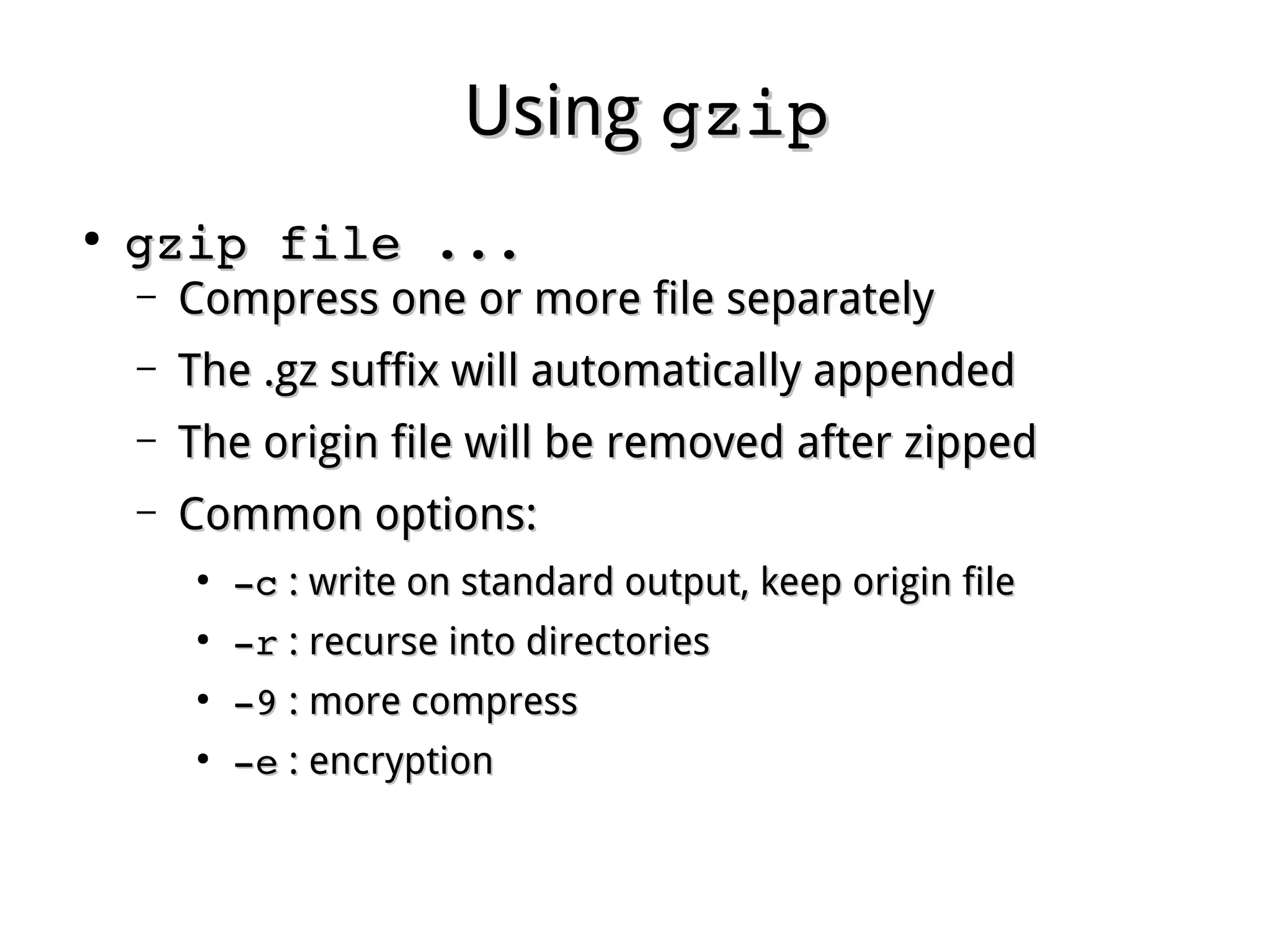
gzip file ...gzip file ...
– Compress one or more file separatelyCompress one or more file separately
– The .gz suffix will automatically appendedThe .gz suffix will automatically appended
– The origin file will be removed after zippedThe origin file will be removed after zipped
– Common options:Common options:
●
­c­c : write on standard output, keep origin file: write on standard output, keep origin file
●
­r­r : recurse into directories: recurse into directories
●
­9­9 : more compress: more compress
●
­e­e : encryption: encryption
UsingUsing gunzipgunzip
●
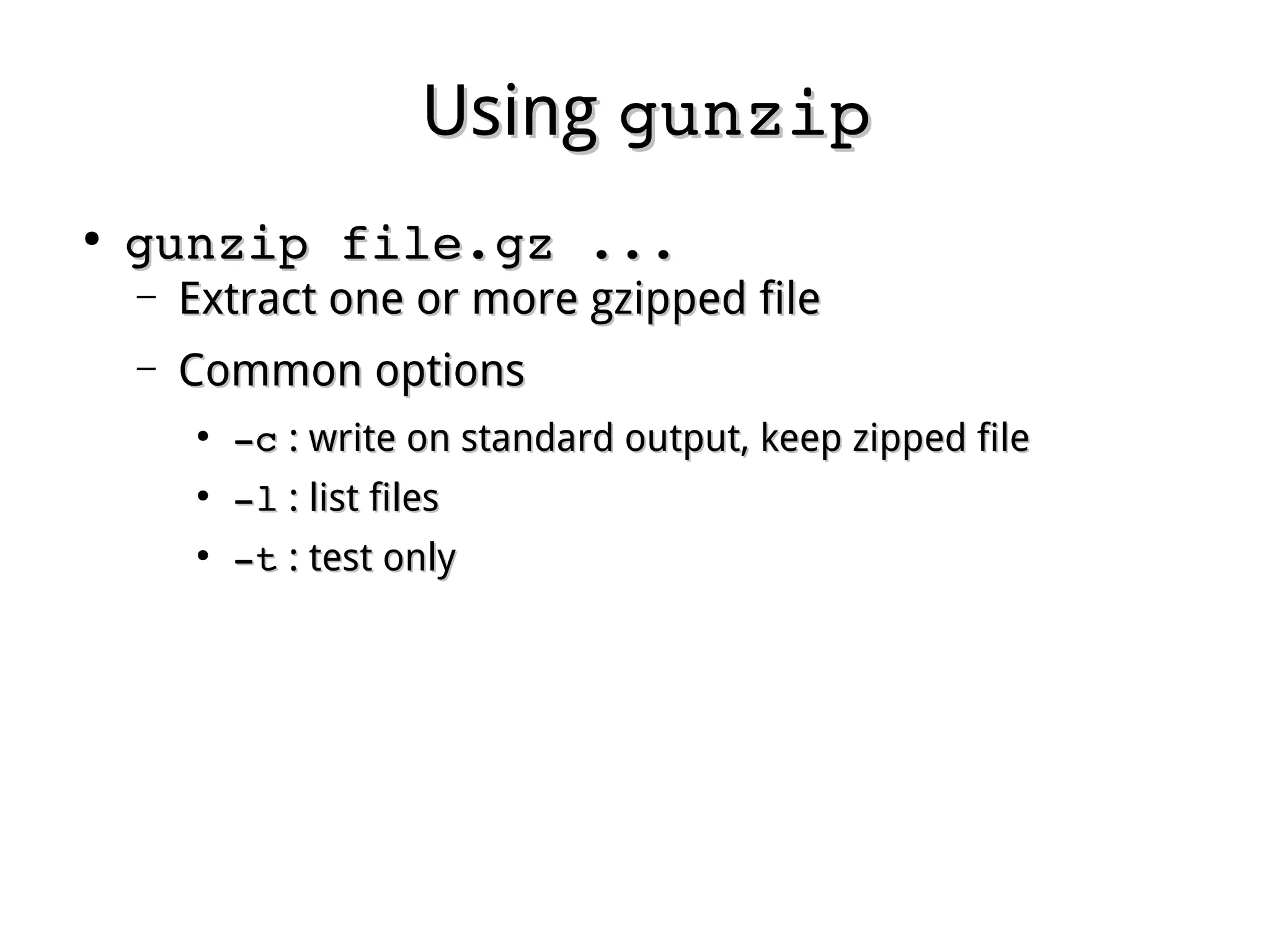
gunzip file.gz ...gunzip file.gz ...
– Extract one or more gzipped fileExtract one or more gzipped file
– Common optionsCommon options
●
­c­c : write on standard output, keep zipped file: write on standard output, keep zipped file
●
­l­l : list files: list files
●
­t­t : test only: test only
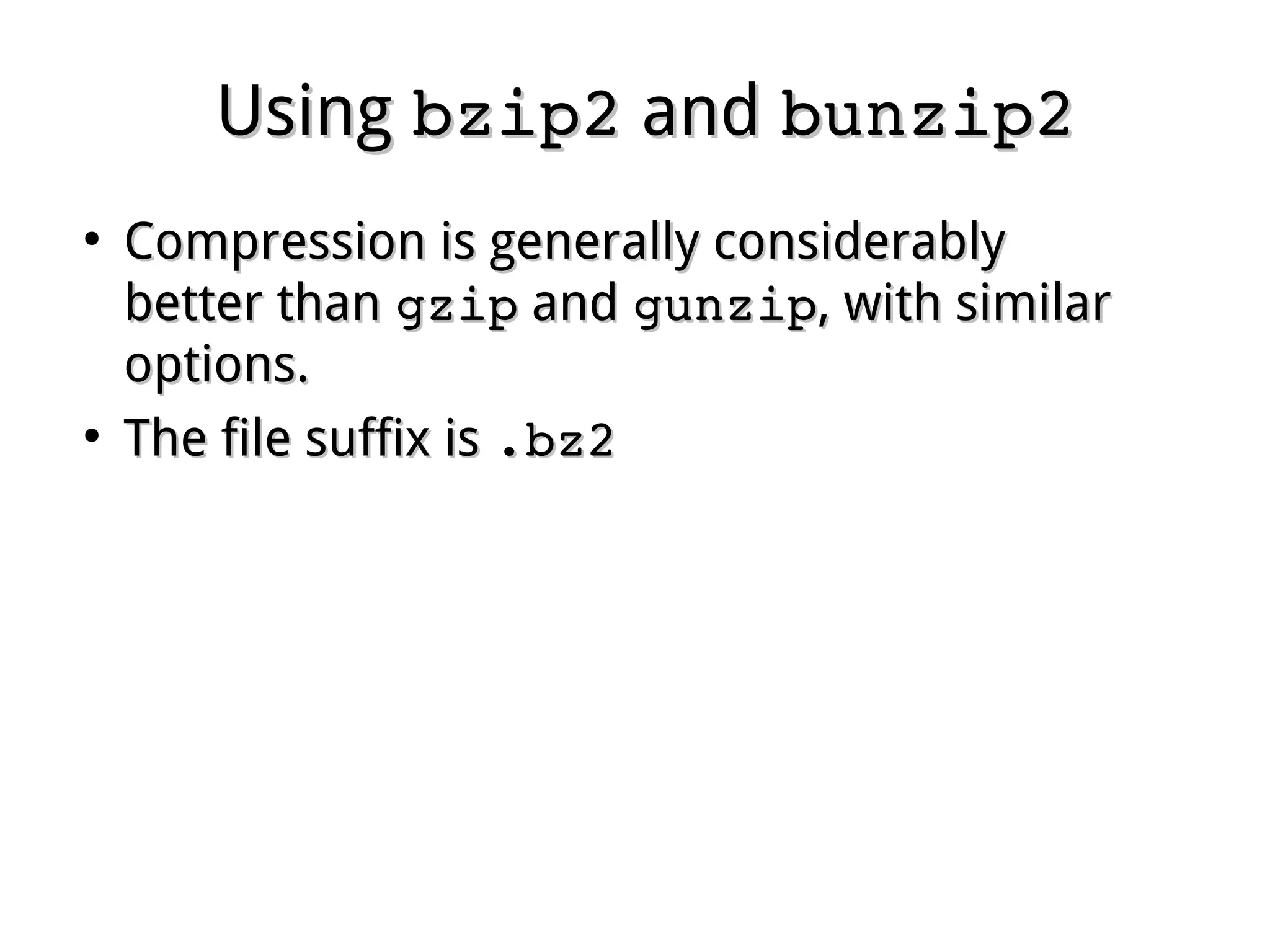
UsingUsing bzip2bzip2 andand bunzip2bunzip2
●
Compression is generally considerablyCompression is generally considerably
better thanbetter than gzipgzip andand gunzipgunzip, with similar, with similar
options.options.
●
The file suffix isThe file suffix is .bz2.bz2
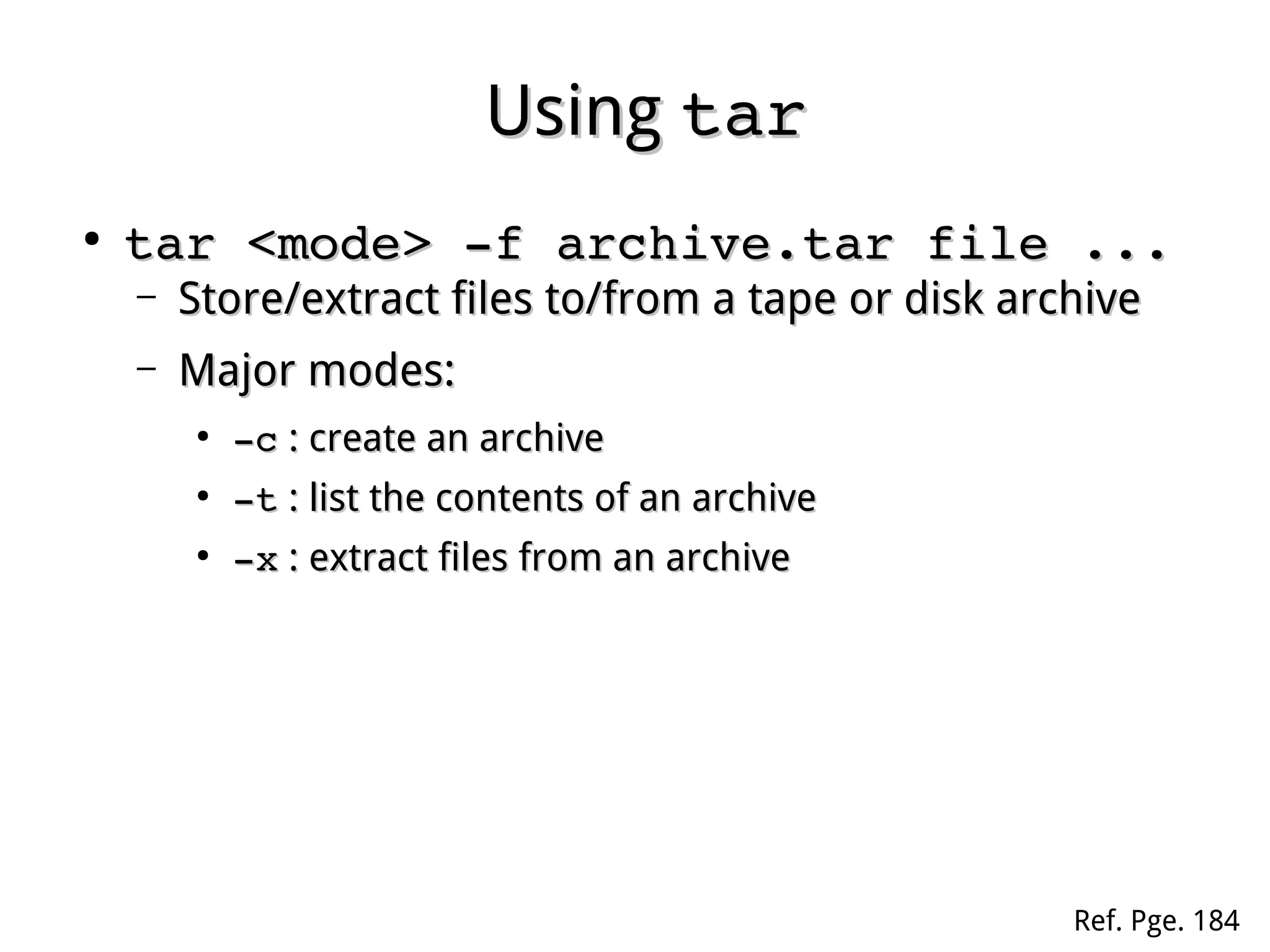
UsingUsing tartar
●
tar <mode> ­f archive.tar file ...tar <mode> ­f archive.tar file ...
– Store/extract files to/from a tape or disk archiveStore/extract files to/from a tape or disk archive
– Major modes:Major modes:
●
­c­c : create an archive: create an archive
●
­t­t : list the contents of an archive: list the contents of an archive
●
­x­x : extract files from an archive: extract files from an archive
Ref. Pge. 184
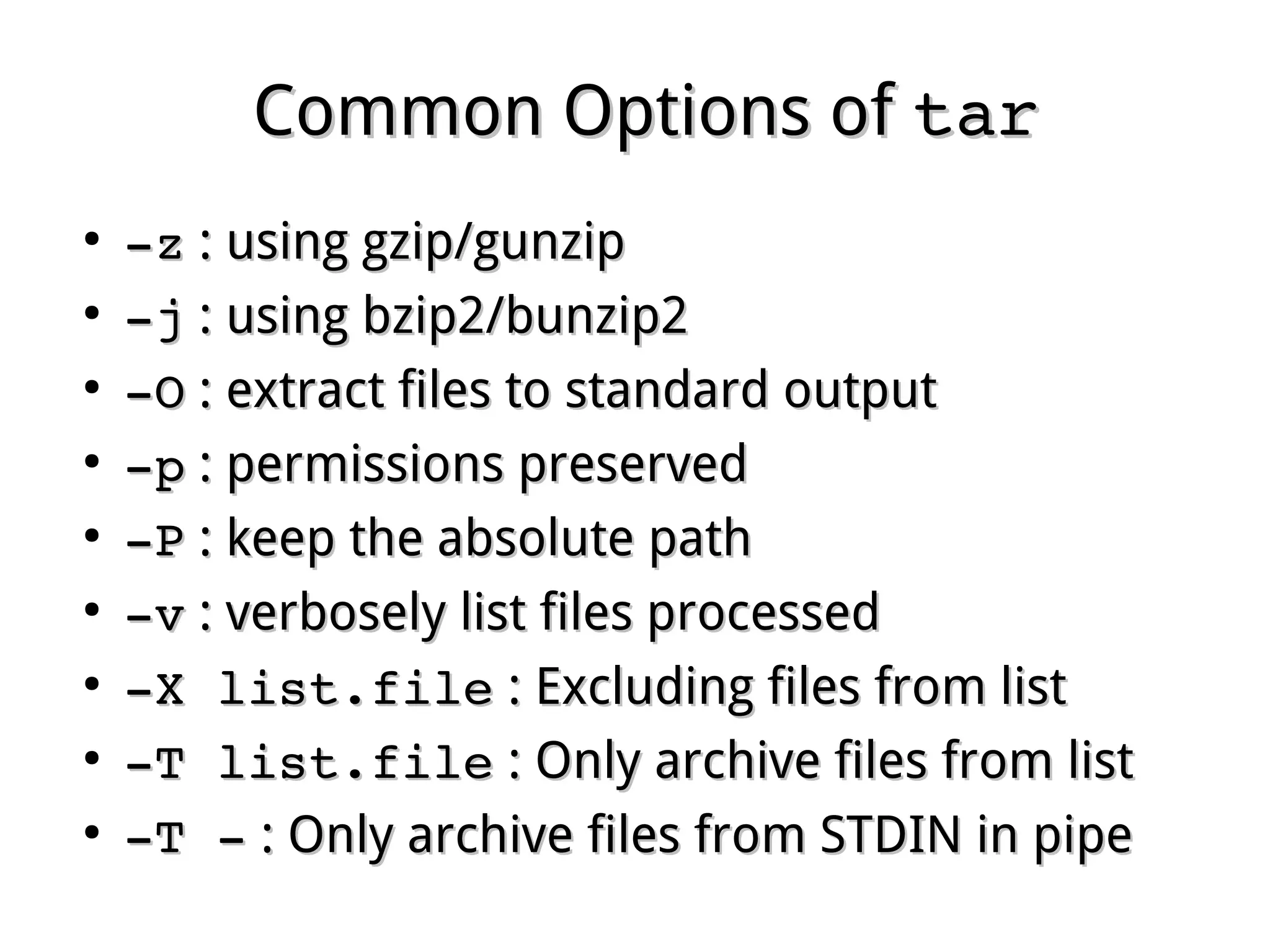
Common Options ofCommon Options of tartar
●
­z­z : using gzip/gunzip: using gzip/gunzip
●
­j­j : using bzip2/bunzip2: using bzip2/bunzip2
●
­O­O : extract files to standard output: extract files to standard output
●
­p­p : permissions preserved: permissions preserved
●
­P­P : keep the absolute path: keep the absolute path
●
­v­v : verbosely list files processed: verbosely list files processed
●
­X list.file­X list.file : Excluding files from list: Excluding files from list
●
­T list.file­T list.file : Only archive files from list: Only archive files from list
●
­T ­­T ­ : Only archive files from STDIN in pipe: Only archive files from STDIN in pipe
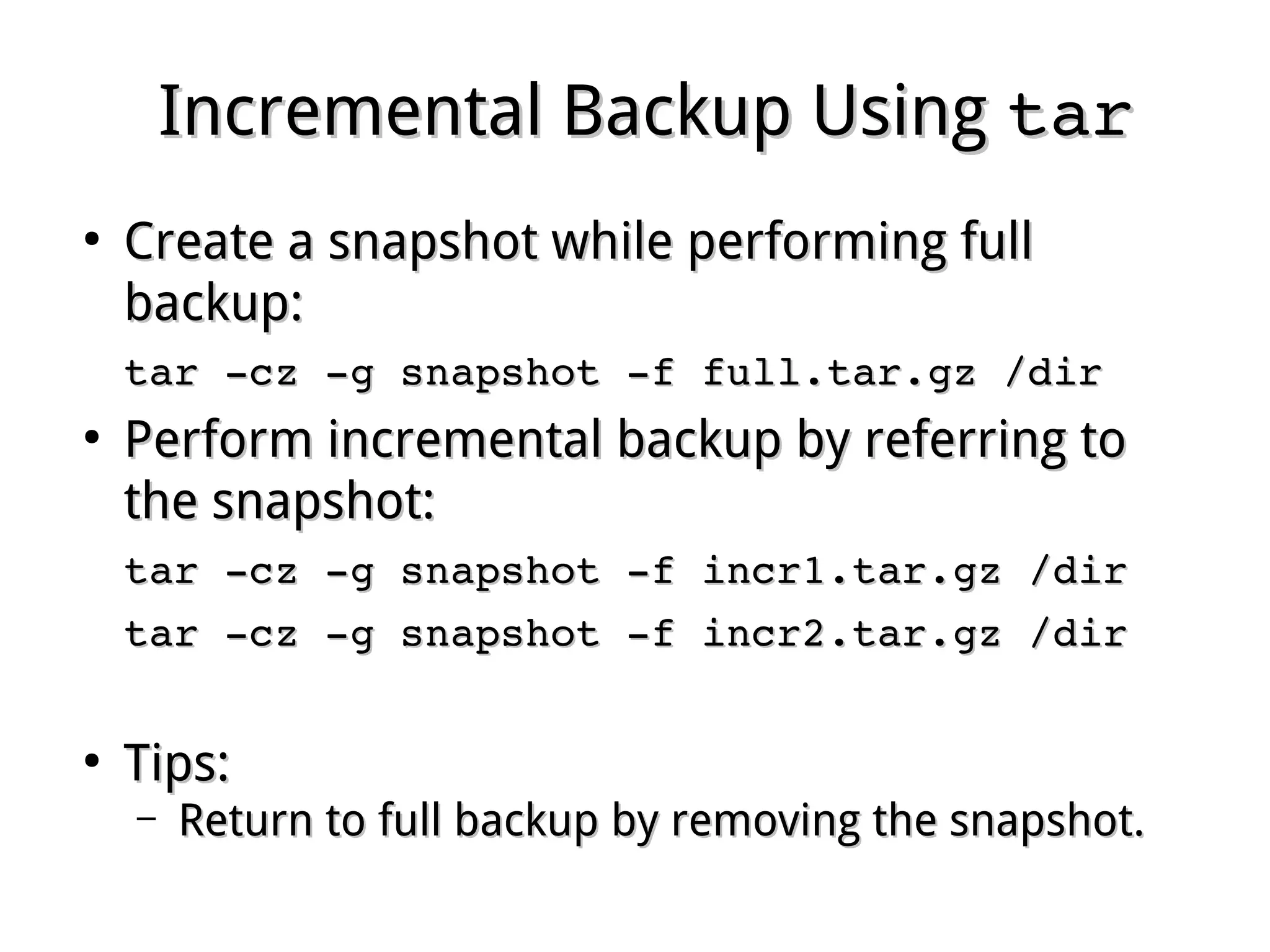
Incremental Backup UsingIncremental Backup Using tartar
●
Create a snapshot while performing fullCreate a snapshot while performing full
backup:backup:
tar ­cz ­g snapshot ­f full.tar.gz /dirtar ­cz ­g snapshot ­f full.tar.gz /dir
●
Perform incremental backup by referring toPerform incremental backup by referring to
the snapshot:the snapshot:
tar ­cz ­g snapshot ­f incr1.tar.gz /dirtar ­cz ­g snapshot ­f incr1.tar.gz /dir
tar ­cz ­g snapshot ­f incr2.tar.gz /dirtar ­cz ­g snapshot ­f incr2.tar.gz /dir
●
Tips:Tips:
– Return to full backup by removing the snapshot.Return to full backup by removing the snapshot.
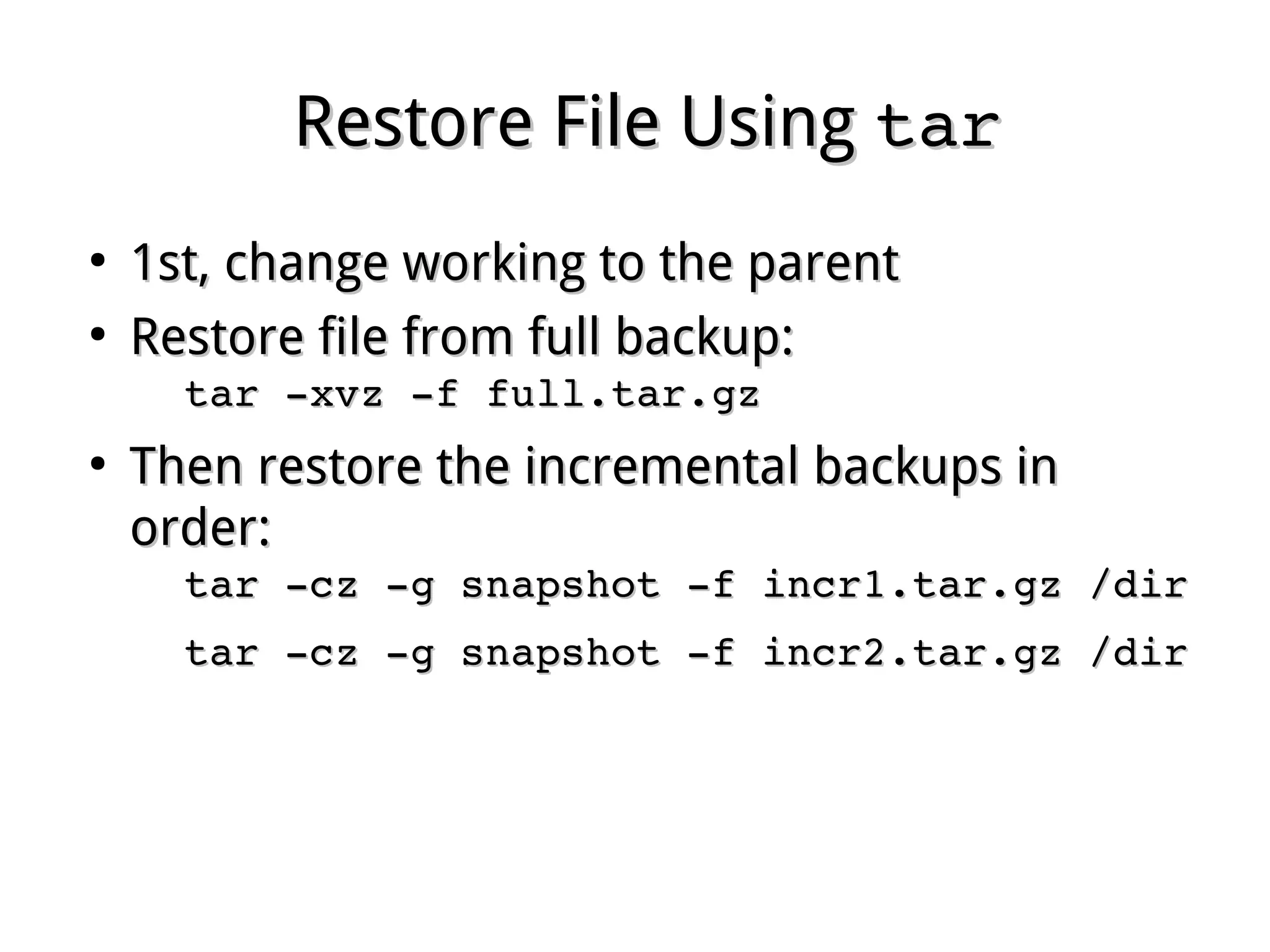
Restore File UsingRestore File Using tartar
●
1st, change working to the parent1st, change working to the parent
●
Restore file from full backup:Restore file from full backup:
tar ­xvz ­f full.tar.gz tar ­xvz ­f full.tar.gz 
●
Then restore the incremental backups in order:Then restore the incremental backups in order:
tar ­xz ­g snapshot ­f incr1.tar.gz /dirtar ­xz ­g snapshot ­f incr1.tar.gz /dir
tar ­xz ­g snapshot ­f incr2.tar.gz /dirtar ­xz ­g snapshot ­f incr2.tar.gz /dir
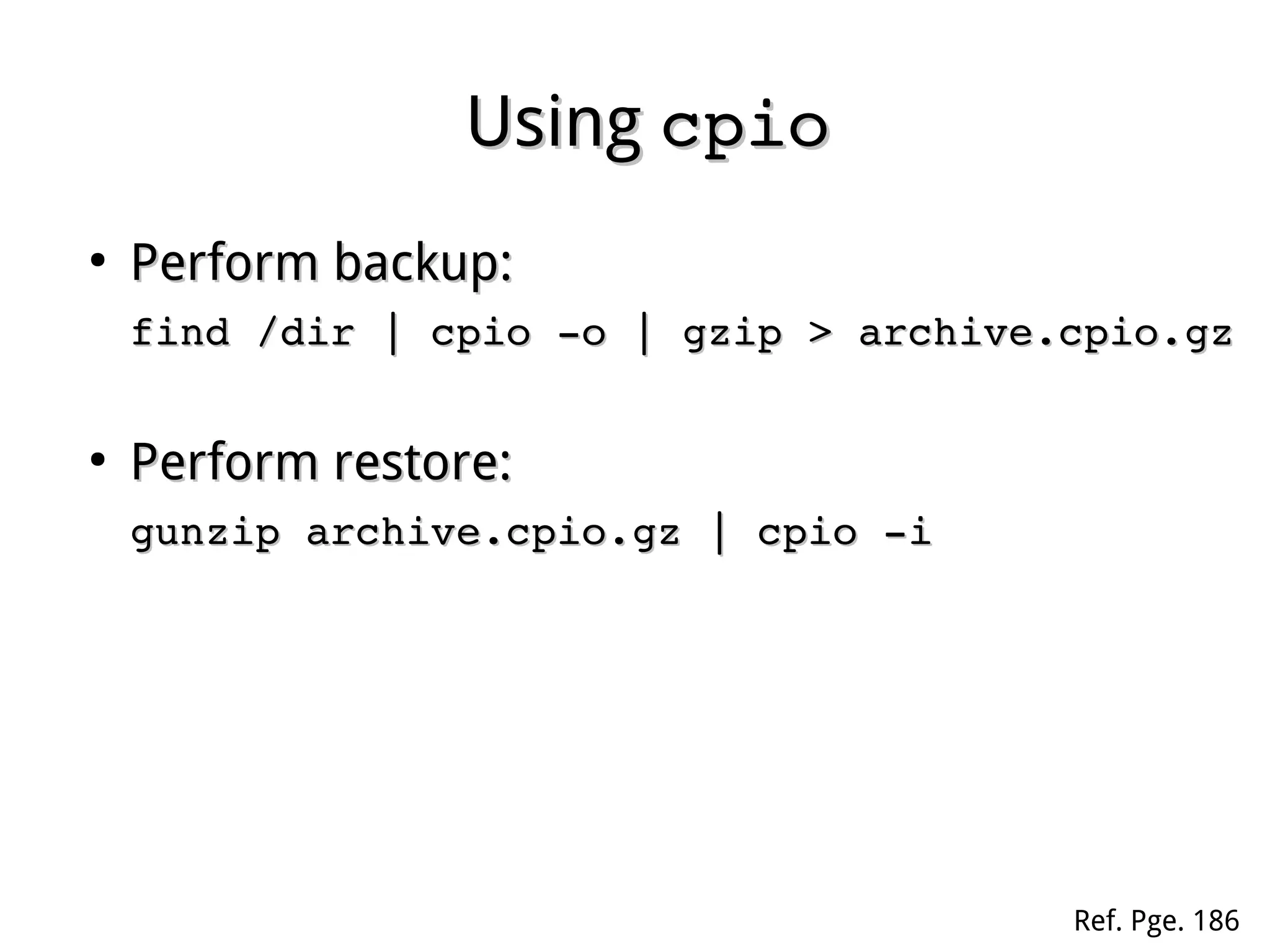
UsingUsing cpiocpio
●
Perform backup:Perform backup:
cd /dircd /dir
find | cpio ­o | gzip > archive.cpio.gz find | cpio ­o | gzip > archive.cpio.gz 
●
Perform restore:Perform restore:
gunzip ­c archive.cpio.gz | cpio ­igunzip ­c archive.cpio.gz | cpio ­i
Ref. Pge. 186
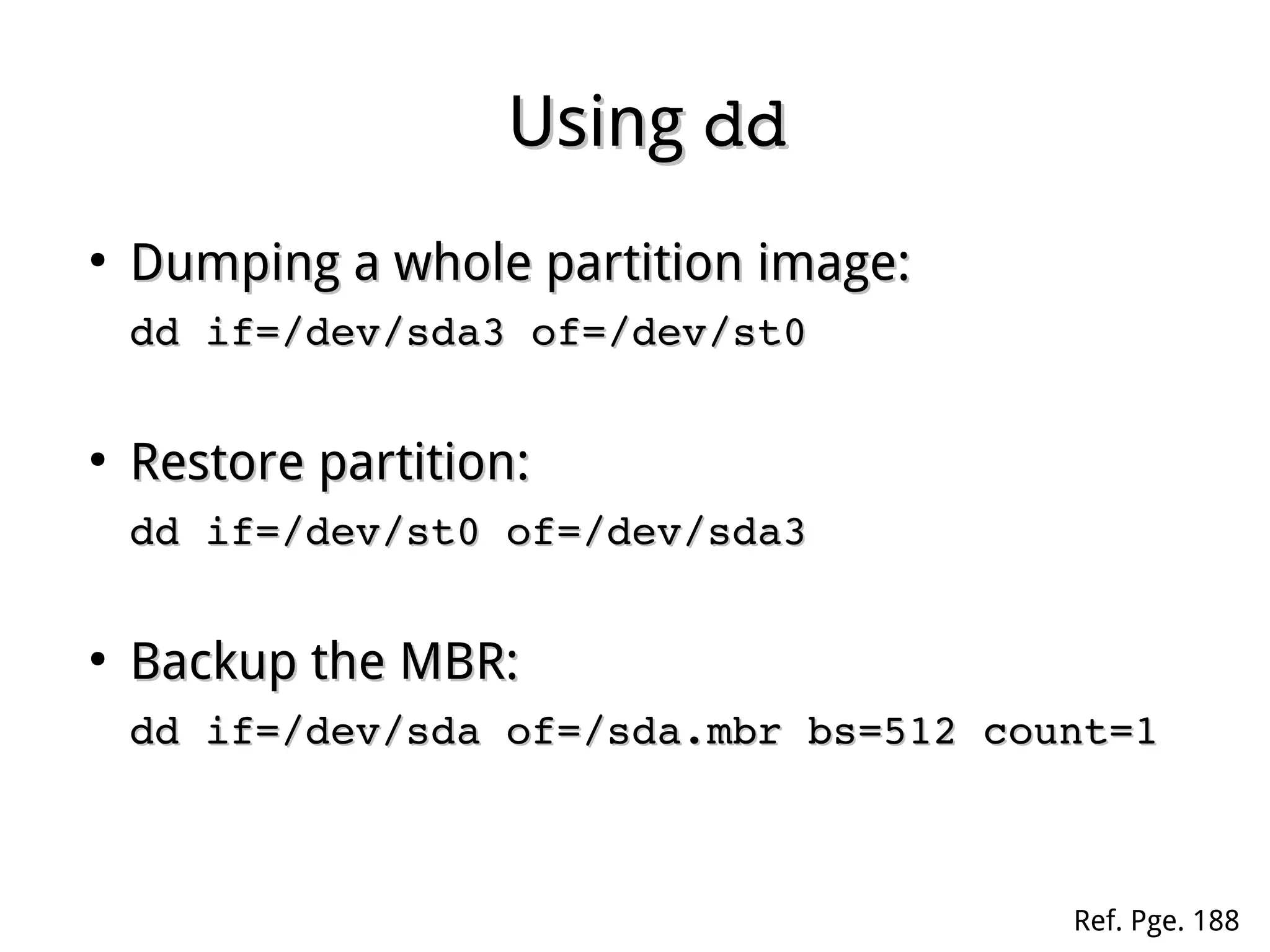
UsingUsing dddd
●
Dumping a whole partition image:Dumping a whole partition image:
dd if=/dev/sda3 of=/dev/st0dd if=/dev/sda3 of=/dev/st0
●
Restore partition:Restore partition:
dd if=/dev/st0 of=/dev/sda3dd if=/dev/st0 of=/dev/sda3
●
Backup the MBR:Backup the MBR:
dd if=/dev/sda of=/sda.mbr bs=512 count=1dd if=/dev/sda of=/sda.mbr bs=512 count=1
Ref. Pge. 188

Linux fundamental - Chap 04 archive

  • 1.
    Chapter 4Chapter 4 FileArchiveFile Archive Ref. Pge. 184
  • 2.
    UsingUsing zipzip ● zip archive.zip inpath ...zip archive.zip inpath ... – Packagefiles and perform compressionPackage files and perform compression – Common optionsCommon options ● ­r­r : recurse into directories: recurse into directories ● ­1­1 : compress faster: compress faster ● ­9­9 : more compress: more compress ● ­e­e : perform encryption: perform encryption
  • 3.
    UsingUsing unzipunzip ● unzip archive.zip [list ...]unzip archive.zip [list ...] – Extractfiles in list from a zipped file.Extract files in list from a zipped file. – All files will be extracted without list.All files will be extracted without list. – Common optionsCommon options ● ­l­l : list files in archive: list files in archive ● ­t­t : test only: test only ● ­n­n : never overwrite existing files: never overwrite existing files ● ­o­o : overwrite existing files without prompting: overwrite existing files without prompting
  • 4.
    UsingUsing gzipgzip ● gzip file ...gzip file ... – Compressone or more file separatelyCompress one or more file separately – The .gz suffix will automatically appendedThe .gz suffix will automatically appended – The origin file will be removed after zippedThe origin file will be removed after zipped – Common options:Common options: ● ­c­c : write on standard output, keep origin file: write on standard output, keep origin file ● ­r­r : recurse into directories: recurse into directories ● ­9­9 : more compress: more compress ● ­e­e : encryption: encryption
  • 5.
    UsingUsing gunzipgunzip ● gunzip file.gz ...gunzip file.gz ... – Extractone or more gzipped fileExtract one or more gzipped file – Common optionsCommon options ● ­c­c : write on standard output, keep zipped file: write on standard output, keep zipped file ● ­l­l : list files: list files ● ­t­t : test only: test only
  • 6.
    UsingUsing bzip2bzip2 andandbunzip2bunzip2 ● Compression is generally considerablyCompression is generally considerably better thanbetter than gzipgzip andand gunzipgunzip, with similar, with similar options.options. ● The file suffix isThe file suffix is .bz2.bz2
  • 7.
    UsingUsing tartar ● tar <mode> ­f archive.tar file ...tar <mode> ­f archive.tar file ... – Store/extractfiles to/from a tape or disk archiveStore/extract files to/from a tape or disk archive – Major modes:Major modes: ● ­c­c : create an archive: create an archive ● ­t­t : list the contents of an archive: list the contents of an archive ● ­x­x : extract files from an archive: extract files from an archive Ref. Pge. 184
  • 8.
    Common Options ofCommonOptions of tartar ● ­z­z : using gzip/gunzip: using gzip/gunzip ● ­j­j : using bzip2/bunzip2: using bzip2/bunzip2 ● ­O­O : extract files to standard output: extract files to standard output ● ­p­p : permissions preserved: permissions preserved ● ­P­P : keep the absolute path: keep the absolute path ● ­v­v : verbosely list files processed: verbosely list files processed ● ­X list.file­X list.file : Excluding files from list: Excluding files from list ● ­T list.file­T list.file : Only archive files from list: Only archive files from list ● ­T ­­T ­ : Only archive files from STDIN in pipe: Only archive files from STDIN in pipe
  • 9.
    Incremental Backup UsingIncrementalBackup Using tartar ● Create a snapshot while performing fullCreate a snapshot while performing full backup:backup: tar ­cz ­g snapshot ­f full.tar.gz /dirtar ­cz ­g snapshot ­f full.tar.gz /dir ● Perform incremental backup by referring toPerform incremental backup by referring to the snapshot:the snapshot: tar ­cz ­g snapshot ­f incr1.tar.gz /dirtar ­cz ­g snapshot ­f incr1.tar.gz /dir tar ­cz ­g snapshot ­f incr2.tar.gz /dirtar ­cz ­g snapshot ­f incr2.tar.gz /dir ● Tips:Tips: – Return to full backup by removing the snapshot.Return to full backup by removing the snapshot.
  • 10.
    Restore File UsingRestoreFile Using tartar ● 1st, change working to the parent1st, change working to the parent ● Restore file from full backup:Restore file from full backup: tar ­xvz ­f full.tar.gz tar ­xvz ­f full.tar.gz  ● Then restore the incremental backups in order:Then restore the incremental backups in order: tar ­xz ­g snapshot ­f incr1.tar.gz /dirtar ­xz ­g snapshot ­f incr1.tar.gz /dir tar ­xz ­g snapshot ­f incr2.tar.gz /dirtar ­xz ­g snapshot ­f incr2.tar.gz /dir
  • 11.
    UsingUsing cpiocpio ● Perform backup:Performbackup: cd /dircd /dir find | cpio ­o | gzip > archive.cpio.gz find | cpio ­o | gzip > archive.cpio.gz  ● Perform restore:Perform restore: gunzip ­c archive.cpio.gz | cpio ­igunzip ­c archive.cpio.gz | cpio ­i Ref. Pge. 186
  • 12.
    UsingUsing dddd ● Dumping awhole partition image:Dumping a whole partition image: dd if=/dev/sda3 of=/dev/st0dd if=/dev/sda3 of=/dev/st0 ● Restore partition:Restore partition: dd if=/dev/st0 of=/dev/sda3dd if=/dev/st0 of=/dev/sda3 ● Backup the MBR:Backup the MBR: dd if=/dev/sda of=/sda.mbr bs=512 count=1dd if=/dev/sda of=/sda.mbr bs=512 count=1 Ref. Pge. 188