Chapter 13Chapter 13
Account ManagementAccount Management
Ref. Pge. 330
Account TypeAccount Type
●
User AccountUser Account
– Each user has an unique user nameEach user has an unique user name
– Identified by UIDIdentified by UID
– Must login to use systemMust login to use system
●
Group AccountGroup Account
– Consists of one or more usersConsists of one or more users
– Each group has an unique group nameEach group has an unique group name
– Identified by GIDIdentified by GID
Ref. Pge. 330
Group TypeGroup Type
●
Primary GroupPrimary Group
– Each user must join at least one groupEach user must join at least one group
– Inherited by process and new fileInherited by process and new file
●
Secondary Group(s)Secondary Group(s)
– More group(s) to joinMore group(s) to join
●
Private GroupPrivate Group
– Same name as user, only one memberSame name as user, only one member
●
Public GroupPublic Group
– Consists of many membersConsists of many members
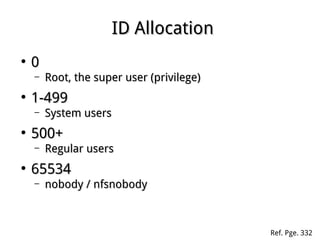
ID AllocationID Allocation
●
00
– Root, the super user (privilege)Root, the super user (privilege)
●
1-4991-499
– System usersSystem users
●
500+500+
– Regular usersRegular users
●
6553465534
– nobody / nfsnobodynobody / nfsnobody
Ref. Pge. 332
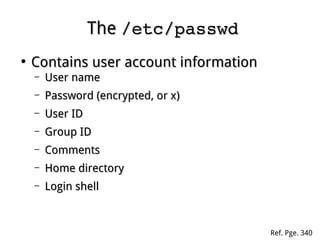
TheThe /etc/passwd/etc/passwd
●
Contains user account informationContains user account information
– User nameUser name
– Password (encrypted, or x)Password (encrypted, or x)
– User IDUser ID
– Group IDGroup ID
– CommentsComments
– Home directoryHome directory
– Login shellLogin shell
Ref. Pge. 340
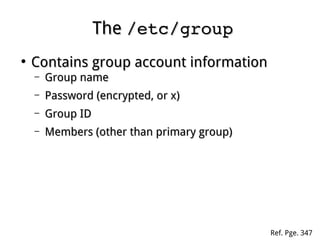
TheThe /etc/group/etc/group
●
Contains group account informationContains group account information
– Group nameGroup name
– Password (encrypted, or x)Password (encrypted, or x)
– Group IDGroup ID
– Members (other than primary group)Members (other than primary group)
Ref. Pge. 347
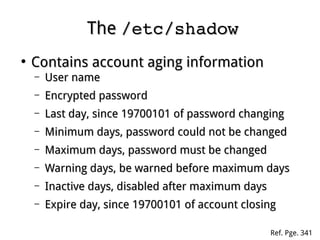
TheThe /etc/shadow/etc/shadow
●
Contains account aging informationContains account aging information
– User nameUser name
– Encrypted passwordEncrypted password
– Last day, since 19700101 of password changingLast day, since 19700101 of password changing
– Minimum days, password could not be changedMinimum days, password could not be changed
– Maximum days, password must be changedMaximum days, password must be changed
– Warning days, be warned before maximum daysWarning days, be warned before maximum days
– Inactive days, disabled after maximum daysInactive days, disabled after maximum days
– Expire day, since 19700101 of account closingExpire day, since 19700101 of account closing
Ref. Pge. 341
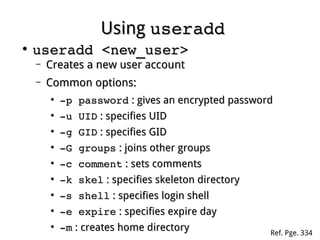
UsingUsing useradduseradd
●
useradd <new_user>useradd <new_user>
– Creates a new user accountCreates a new user account
– Common options:Common options:
●
­p password­p password : gives an encrypted password: gives an encrypted password
●
­u UID­u UID : specifies UID: specifies UID
●
­g GID­g GID : specifies GID: specifies GID
●
­G groups­G groups : joins other groups: joins other groups
●
­c comment­c comment : sets comments: sets comments
●
­k skel­k skel : specifies skeleton directory: specifies skeleton directory
●
­s shell­s shell : specifies login shell: specifies login shell
●
­e expire­e expire : specifies expire day: specifies expire day
●
­m­m : creates home directory: creates home directory Ref. Pge. 334
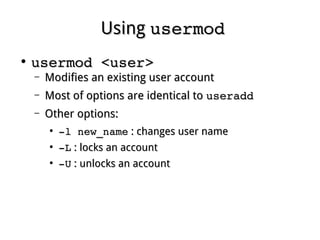
UsingUsing usermodusermod
●
usermod <user>usermod <user>
– Modifies an existing user accountModifies an existing user account
– Most of options are identical toMost of options are identical to useradduseradd
– Other options:Other options:
●
­l new_name­l new_name : changes user name: changes user name
●
­L­L : locks an account: locks an account
●
­U­U : unlocks an account: unlocks an account
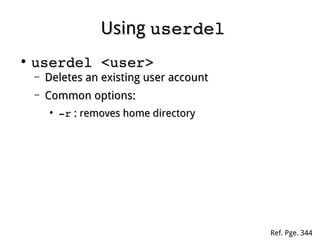
UsingUsing userdeluserdel
●
userdel <user>userdel <user>
– Deletes an existing user accountDeletes an existing user account
– Common options:Common options:
●
­r­r : removes home directory: removes home directory
Ref. Pge. 344
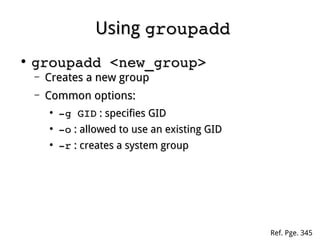
UsingUsing groupaddgroupadd
●
groupadd <new_group>groupadd <new_group>
– Creates a new groupCreates a new group
– Common options:Common options:
●
­g GID­g GID : specifies GID: specifies GID
●
­o­o : allowed to use an existing GID: allowed to use an existing GID
●
­r­r : creates a system group: creates a system group
Ref. Pge. 345
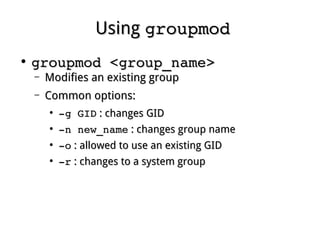
UsingUsing groupmodgroupmod
●
groupmod <group_name>groupmod <group_name>
– Modifies an existing groupModifies an existing group
– Common options:Common options:
●
­g GID­g GID : changes GID: changes GID
●
­n new_name­n new_name : changes group name: changes group name
●
­o­o : allowed to use an existing GID: allowed to use an existing GID
●
­r­r : changes to a system group: changes to a system group
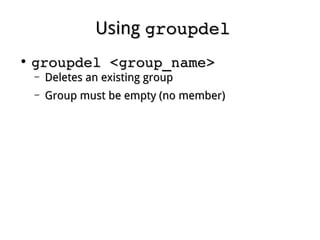
UsingUsing groupdelgroupdel
●
groupdel <group_name>groupdel <group_name>
– Deletes an existing groupDeletes an existing group
– Group must be empty (no member)Group must be empty (no member)
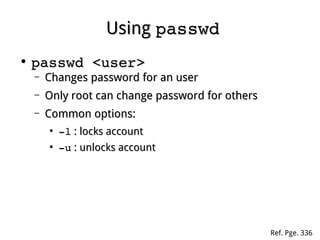
UsingUsing passwdpasswd
●
passwd <user>passwd <user>
– Changes password for an userChanges password for an user
– Only root can change password for othersOnly root can change password for others
– Common options:Common options:
●
­l­l : locks account: locks account
●
­u­u : unlocks account: unlocks account
Ref. Pge. 336
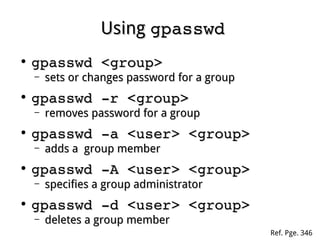
UsingUsing gpasswdgpasswd
●
gpasswd <group>gpasswd <group>
– sets or changes password for a groupsets or changes password for a group
●
gpasswd ­r <group>gpasswd ­r <group>
– removes password for a groupremoves password for a group
●
gpasswd ­a <user> <group>gpasswd ­a <user> <group>
– adds a group memberadds a group member
●
gpasswd ­A <user> <group>gpasswd ­A <user> <group>
– specifies a group administratorspecifies a group administrator
●
gpasswd ­d <user> <group>gpasswd ­d <user> <group>
– deletes a group memberdeletes a group member
Ref. Pge. 346
UsingUsing newgrpnewgrp
●
newgrp <group>newgrp <group>
– Temporally changes primary groupTemporally changes primary group
– Must be a member of target group, or providesMust be a member of target group, or provides
the group passwordthe group password
Ref. Pge. 332
UsingUsing chagechage
●
chage <user>chage <user>
– Changes aging information for a userChanges aging information for a user
– Common options:Common options:
●
­l­l : lists aging status: lists aging status
●
­d­d : changes last day: changes last day
●
­m­m : changes minimum day: changes minimum day
●
­M­M : changes maximum day: changes maximum day
●
­W­W : changes warning day: changes warning day
●
­I­I : changes inactive day: changes inactive day
●
­E­E : changes expire day: changes expire day
Ref. Pge. 339
UsingUsing chshchsh
●
chshchsh
– Allows a user to change the login shellAllows a user to change the login shell
– Common options:Common options:
●
­l­l : lists all available shells: lists all available shells
●
­s shell­s shell : specifies a new shell: specifies a new shell
UsingUsing fingerfinger
●
fingerfinger
– Displays information of the current loginDisplays information of the current login
●
finger <user>finger <user>
– Displays information of a specific userDisplays information of a specific user
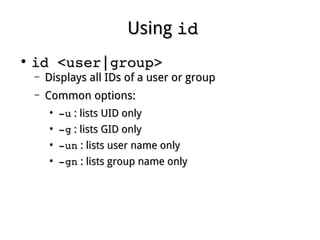
UsingUsing idid
●
id <user|group>id <user|group>
– Displays all IDs of a user or groupDisplays all IDs of a user or group
– Common options:Common options:
●
­u­u : lists UID only: lists UID only
●
­g­g : lists GID only: lists GID only
●
­un­un : lists user name only: lists user name only
●
­gn­gn : lists group name only: lists group name only
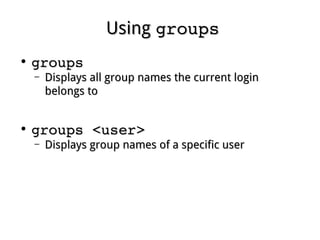
UsingUsing groupsgroups
●
groupsgroups
– Displays all group names the current loginDisplays all group names the current login
belongs tobelongs to
●
groups <user>groups <user>
– Displays group names of a specific userDisplays group names of a specific user

Linux fundamental - Chap 13 account management

  • 1.
    Chapter 13Chapter 13 AccountManagementAccount Management Ref. Pge. 330
  • 2.
    Account TypeAccount Type ● UserAccountUser Account – Each user has an unique user nameEach user has an unique user name – Identified by UIDIdentified by UID – Must login to use systemMust login to use system ● Group AccountGroup Account – Consists of one or more usersConsists of one or more users – Each group has an unique group nameEach group has an unique group name – Identified by GIDIdentified by GID Ref. Pge. 330
  • 3.
    Group TypeGroup Type ● PrimaryGroupPrimary Group – Each user must join at least one groupEach user must join at least one group – Inherited by process and new fileInherited by process and new file ● Secondary Group(s)Secondary Group(s) – More group(s) to joinMore group(s) to join ● Private GroupPrivate Group – Same name as user, only one memberSame name as user, only one member ● Public GroupPublic Group – Consists of many membersConsists of many members
  • 4.
    ID AllocationID Allocation ● 00 –Root, the super user (privilege)Root, the super user (privilege) ● 1-4991-499 – System usersSystem users ● 500+500+ – Regular usersRegular users ● 6553465534 – nobody / nfsnobodynobody / nfsnobody Ref. Pge. 332
  • 5.
    TheThe /etc/passwd/etc/passwd ● Contains useraccount informationContains user account information – User nameUser name – Password (encrypted, or x)Password (encrypted, or x) – User IDUser ID – Group IDGroup ID – CommentsComments – Home directoryHome directory – Login shellLogin shell Ref. Pge. 340
  • 6.
    TheThe /etc/group/etc/group ● Contains groupaccount informationContains group account information – Group nameGroup name – Password (encrypted, or x)Password (encrypted, or x) – Group IDGroup ID – Members (other than primary group)Members (other than primary group) Ref. Pge. 347
  • 7.
    TheThe /etc/shadow/etc/shadow ● Contains accountaging informationContains account aging information – User nameUser name – Encrypted passwordEncrypted password – Last day, since 19700101 of password changingLast day, since 19700101 of password changing – Minimum days, password could not be changedMinimum days, password could not be changed – Maximum days, password must be changedMaximum days, password must be changed – Warning days, be warned before maximum daysWarning days, be warned before maximum days – Inactive days, disabled after maximum daysInactive days, disabled after maximum days – Expire day, since 19700101 of account closingExpire day, since 19700101 of account closing Ref. Pge. 341
  • 8.
    UsingUsing useradduseradd ● useradd <new_user>useradd <new_user> – Createsa new user accountCreates a new user account – Common options:Common options: ● ­p password­p password : gives an encrypted password: gives an encrypted password ● ­u UID­u UID : specifies UID: specifies UID ● ­g GID­g GID : specifies GID: specifies GID ● ­G groups­G groups : joins other groups: joins other groups ● ­c comment­c comment : sets comments: sets comments ● ­k skel­k skel : specifies skeleton directory: specifies skeleton directory ● ­s shell­s shell : specifies login shell: specifies login shell ● ­e expire­e expire : specifies expire day: specifies expire day ● ­m­m : creates home directory: creates home directory Ref. Pge. 334
  • 9.
    UsingUsing usermodusermod ● usermod <user>usermod <user> – Modifiesan existing user accountModifies an existing user account – Most of options are identical toMost of options are identical to useradduseradd – Other options:Other options: ● ­l new_name­l new_name : changes user name: changes user name ● ­L­L : locks an account: locks an account ● ­U­U : unlocks an account: unlocks an account
  • 10.
    UsingUsing userdeluserdel ● userdel <user>userdel <user> – Deletesan existing user accountDeletes an existing user account – Common options:Common options: ● ­r­r : removes home directory: removes home directory Ref. Pge. 344
  • 11.
    UsingUsing groupaddgroupadd ● groupadd <new_group>groupadd <new_group> – Createsa new groupCreates a new group – Common options:Common options: ● ­g GID­g GID : specifies GID: specifies GID ● ­o­o : allowed to use an existing GID: allowed to use an existing GID ● ­r­r : creates a system group: creates a system group Ref. Pge. 345
  • 12.
    UsingUsing groupmodgroupmod ● groupmod <group_name>groupmod <group_name> – Modifiesan existing groupModifies an existing group – Common options:Common options: ● ­g GID­g GID : changes GID: changes GID ● ­n new_name­n new_name : changes group name: changes group name ● ­o­o : allowed to use an existing GID: allowed to use an existing GID ● ­r­r : changes to a system group: changes to a system group
  • 13.
    UsingUsing groupdelgroupdel ● groupdel <group_name>groupdel <group_name> – Deletesan existing groupDeletes an existing group – Group must be empty (no member)Group must be empty (no member)
  • 14.
    UsingUsing passwdpasswd ● passwd <user>passwd <user> – Changespassword for an userChanges password for an user – Only root can change password for othersOnly root can change password for others – Common options:Common options: ● ­l­l : locks account: locks account ● ­u­u : unlocks account: unlocks account Ref. Pge. 336
  • 15.
    UsingUsing gpasswdgpasswd ● gpasswd <group>gpasswd <group> – setsor changes password for a groupsets or changes password for a group ● gpasswd ­r <group>gpasswd ­r <group> – removes password for a groupremoves password for a group ● gpasswd ­a <user> <group>gpasswd ­a <user> <group> – adds a group memberadds a group member ● gpasswd ­A <user> <group>gpasswd ­A <user> <group> – specifies a group administratorspecifies a group administrator ● gpasswd ­d <user> <group>gpasswd ­d <user> <group> – deletes a group memberdeletes a group member Ref. Pge. 346
  • 16.
    UsingUsing newgrpnewgrp ● newgrp <group>newgrp <group> – Temporallychanges primary groupTemporally changes primary group – Must be a member of target group, or providesMust be a member of target group, or provides the group passwordthe group password Ref. Pge. 332
  • 17.
    UsingUsing chagechage ● chage <user>chage <user> – Changesaging information for a userChanges aging information for a user – Common options:Common options: ● ­l­l : lists aging status: lists aging status ● ­d­d : changes last day: changes last day ● ­m­m : changes minimum day: changes minimum day ● ­M­M : changes maximum day: changes maximum day ● ­W­W : changes warning day: changes warning day ● ­I­I : changes inactive day: changes inactive day ● ­E­E : changes expire day: changes expire day Ref. Pge. 339
  • 18.
    UsingUsing chshchsh ● chshchsh – Allowsa user to change the login shellAllows a user to change the login shell – Common options:Common options: ● ­l­l : lists all available shells: lists all available shells ● ­s shell­s shell : specifies a new shell: specifies a new shell
  • 19.
    UsingUsing fingerfinger ● fingerfinger – Displaysinformation of the current loginDisplays information of the current login ● finger <user>finger <user> – Displays information of a specific userDisplays information of a specific user
  • 20.
    UsingUsing idid ● id <user|group>id <user|group> – Displaysall IDs of a user or groupDisplays all IDs of a user or group – Common options:Common options: ● ­u­u : lists UID only: lists UID only ● ­g­g : lists GID only: lists GID only ● ­un­un : lists user name only: lists user name only ● ­gn­gn : lists group name only: lists group name only
  • 21.
    UsingUsing groupsgroups ● groupsgroups – Displaysall group names the current loginDisplays all group names the current login belongs tobelongs to ● groups <user>groups <user> – Displays group names of a specific userDisplays group names of a specific user