CoreLinuxforRedHatandFedoralearningunderGNUFreeDocumentationLicense-Copyleft(c)AcácioOliveira2012
Everyoneispermittedtocopyanddistributeverbatimcopiesofthislicensedocument,changingisallowed
System Administration
CoreLinuxforRedHatandFedoralearningunderGNUFreeDocumentationLicense-Copyleft(c)AcácioOliveira2012
Everyoneispermittedtocopyanddistributeverbatimcopiesofthislicensedocument,changingisallowed
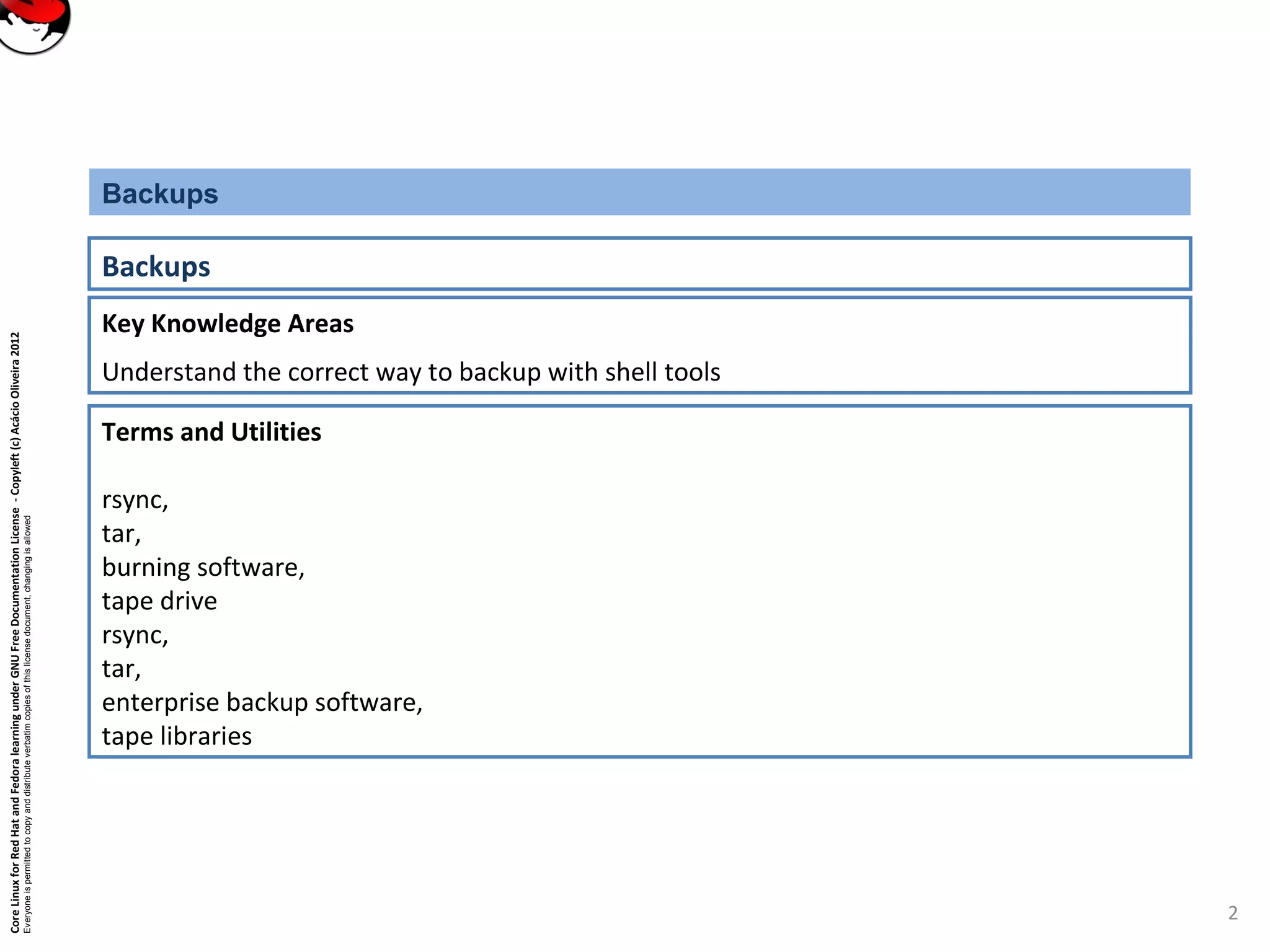
Key Knowledge Areas
Understand the correct way to backup with shell tools
Backups
Backups
Terms and Utilities
rsync,
tar,
burning software,
tape drive
rsync,
tar,
enterprise backup software,
tape libraries
2
CoreLinuxforRedHatandFedoralearningunderGNUFreeDocumentationLicense-Copyleft(c)AcácioOliveira2012
Everyoneispermittedtocopyanddistributeverbatimcopiesofthislicensedocument,changingisallowed
What to backup
3
Backup for:
•Hardware failures
•Software failures
•[Epic] User failures
•Disasters
Backups
What to backup:
•At minimum, all user data and intellectual property
•At maximum, entire systems, OS and all
Factors for what gets backed up:
•budget
•time
•resources
•need
CoreLinuxforRedHatandFedoralearningunderGNUFreeDocumentationLicense-Copyleft(c)AcácioOliveira2012
Everyoneispermittedtocopyanddistributeverbatimcopiesofthislicensedocument,changingisallowed
Where to backup and How
4
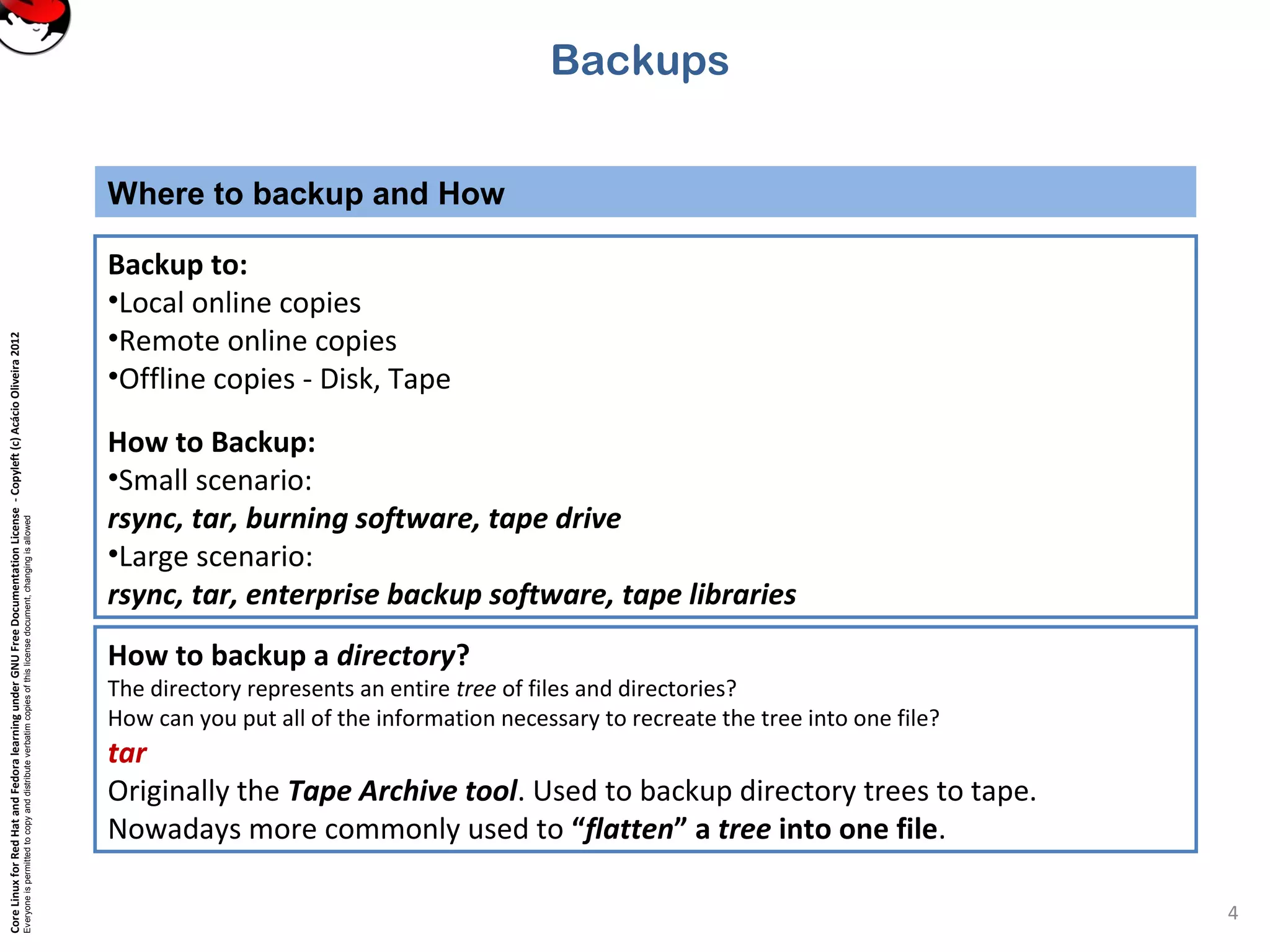
Backup to:
•Local online copies
•Remote online copies
•Offline copies - Disk, Tape
How to Backup:
•Small scenario:
rsync, tar, burning software, tape drive
•Large scenario:
rsync, tar, enterprise backup software, tape libraries
Backups
How to backup a directory?
The directory represents an entire tree of files and directories?
How can you put all of the information necessary to recreate the tree into one file?
tar
Originally the Tape Archive tool. Used to backup directory trees to tape.
Nowadays more commonly used to “flatten” a tree into one file.
CoreLinuxforRedHatandFedoralearningunderGNUFreeDocumentationLicense-Copyleft(c)AcácioOliveira2012
Everyoneispermittedtocopyanddistributeverbatimcopiesofthislicensedocument,changingisallowed
Create and view tar archives
5
To create a tar archive: tar cf <tarfile.tar> <file> [file]...
•The c option tells tar to create an archive.
•The f option is critical - tells tar to put archive in a file on disk, rather than on tape device.
•You can add the v option (tar cvf) to get verbose output.
Tar will report every file added to the archive.
Backups
To view a tar archive (a table of contents): tar tf tarfile.tar
•The t option asks tar to print a table of contents of the archive.
•add the verbose flag (tvf), tar will report detailed info on each file, similar to ls –l cmd.
CoreLinuxforRedHatandFedoralearningunderGNUFreeDocumentationLicense-Copyleft(c)AcácioOliveira2012
Everyoneispermittedtocopyanddistributeverbatimcopiesofthislicensedocument,changingisallowed
extract tar archives
6
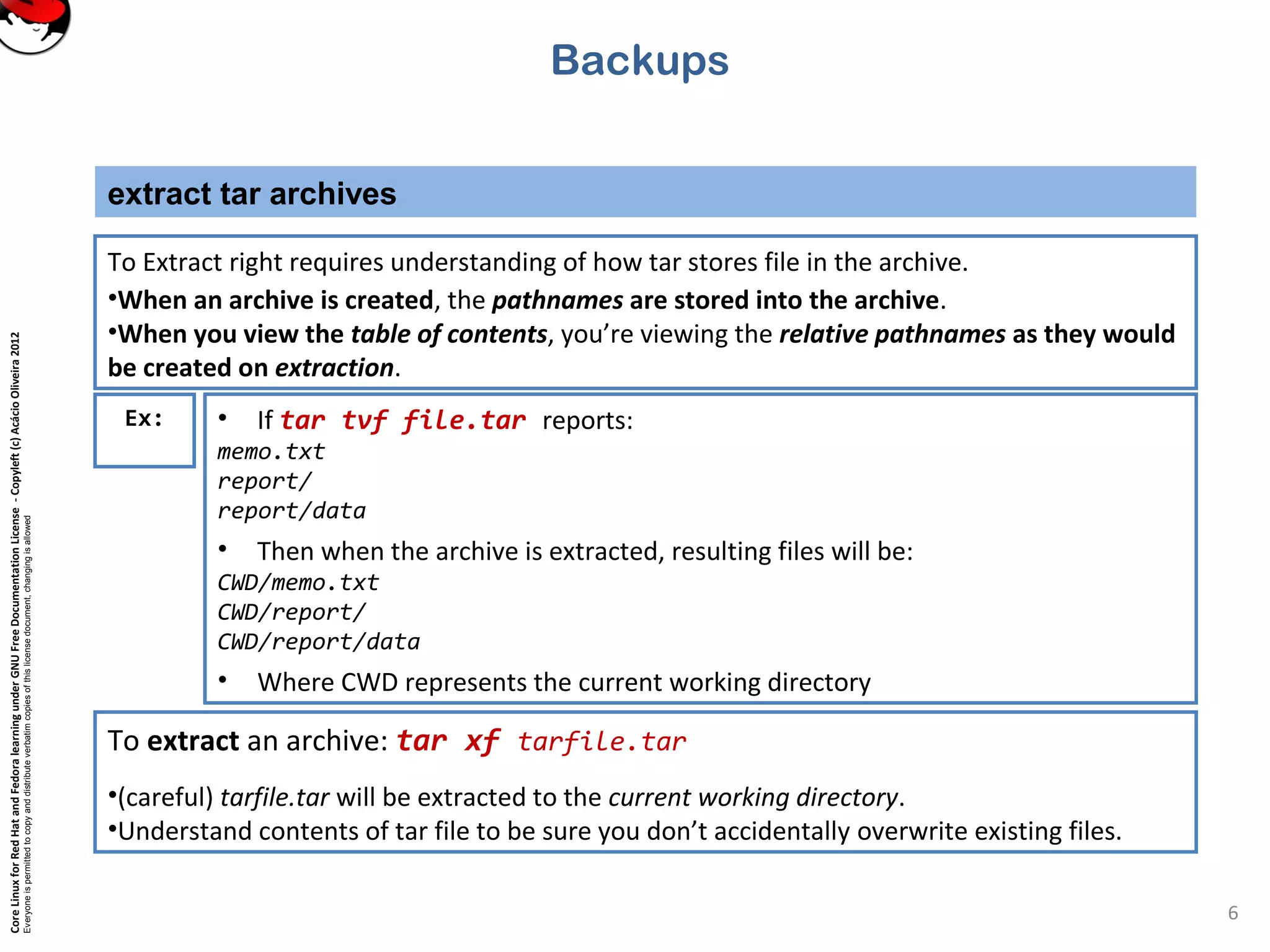
To Extract right requires understanding of how tar stores file in the archive.
•When an archive is created, the pathnames are stored into the archive.
•When you view the table of contents, you’re viewing the relative pathnames as they would
be created on extraction.
Backups
Ex: • If tar tvf file.tar reports:
memo.txt
report/
report/data
• Then when the archive is extracted, resulting files will be:
CWD/memo.txt
CWD/report/
CWD/report/data
• Where CWD represents the current working directory
To extract an archive: tar xf tarfile.tar
•(careful) tarfile.tar will be extracted to the current working directory.
•Understand contents of tar file to be sure you don’t accidentally overwrite existing files.
CoreLinuxforRedHatandFedoralearningunderGNUFreeDocumentationLicense-Copyleft(c)AcácioOliveira2012
Everyoneispermittedtocopyanddistributeverbatimcopiesofthislicensedocument,changingisallowed
compress arquives
7
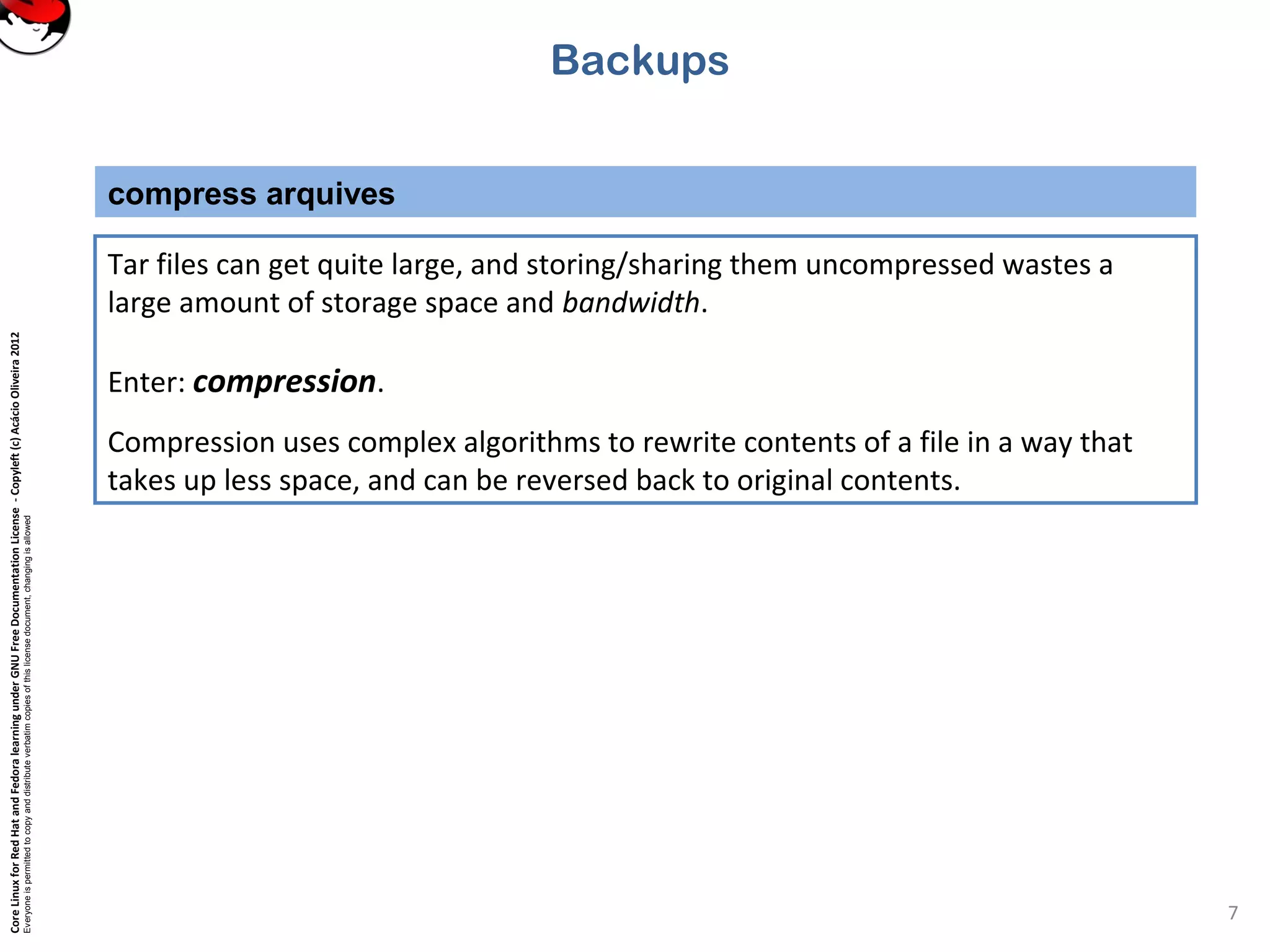
Tar files can get quite large, and storing/sharing them uncompressed wastes a
large amount of storage space and bandwidth.
Enter: compression.
Compression uses complex algorithms to rewrite contents of a file in a way that
takes up less space, and can be reversed back to original contents.
Backups
CoreLinuxforRedHatandFedoralearningunderGNUFreeDocumentationLicense-Copyleft(c)AcácioOliveira2012
Everyoneispermittedtocopyanddistributeverbatimcopiesofthislicensedocument,changingisallowed
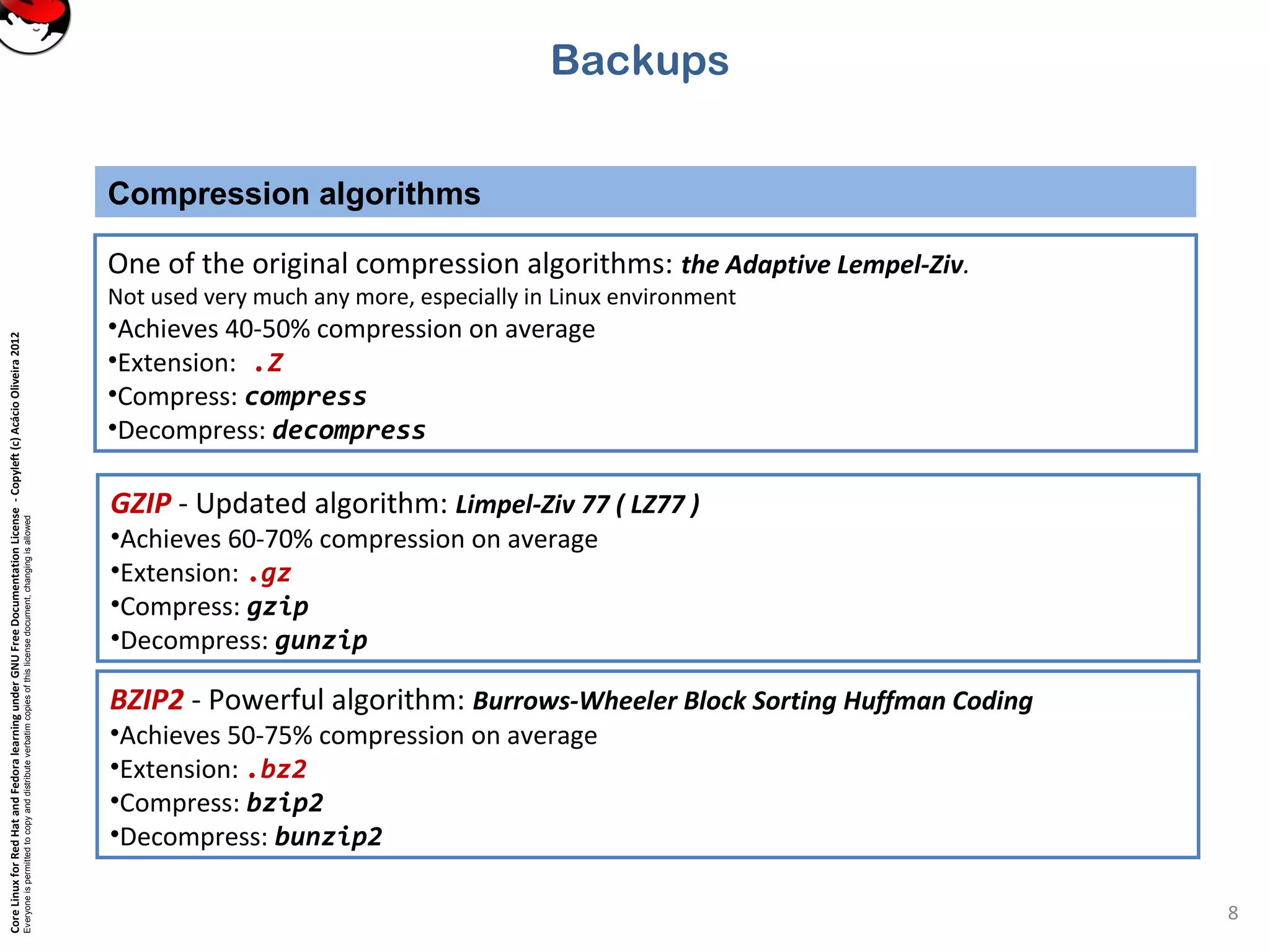
Compression algorithms
8
BZIP2 - Powerful algorithm: Burrows-Wheeler Block Sorting Huffman Coding
•Achieves 50-75% compression on average
•Extension: .bz2
•Compress: bzip2
•Decompress: bunzip2
Backups
One of the original compression algorithms: the Adaptive Lempel-Ziv.
Not used very much any more, especially in Linux environment
•Achieves 40-50% compression on average
•Extension: .Z
•Compress: compress
•Decompress: decompress
GZIP - Updated algorithm: Limpel-Ziv 77 ( LZ77 )
•Achieves 60-70% compression on average
•Extension: .gz
•Compress: gzip
•Decompress: gunzip
CoreLinuxforRedHatandFedoralearningunderGNUFreeDocumentationLicense-Copyleft(c)AcácioOliveira2012
Everyoneispermittedtocopyanddistributeverbatimcopiesofthislicensedocument,changingisallowed
tar + compression
9
Backups
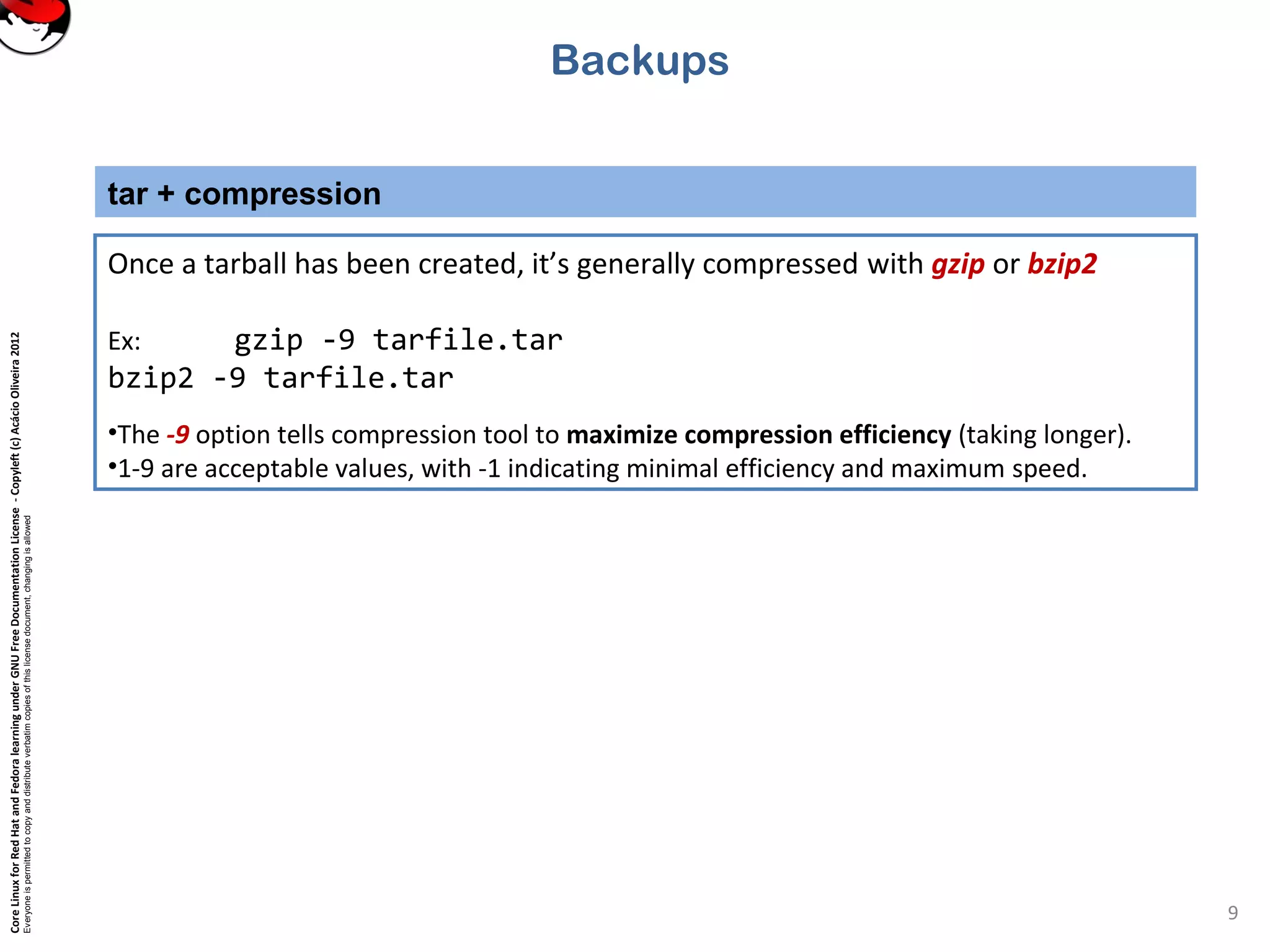
Once a tarball has been created, it’s generally compressed with gzip or bzip2
Ex: gzip -9 tarfile.tar
bzip2 -9 tarfile.tar
•The -9 option tells compression tool to maximize compression efficiency (taking longer).
•1-9 are acceptable values, with -1 indicating minimal efficiency and maximum speed.
CoreLinuxforRedHatandFedoralearningunderGNUFreeDocumentationLicense-Copyleft(c)AcácioOliveira2012
Everyoneispermittedtocopyanddistributeverbatimcopiesofthislicensedocument,changingisallowed
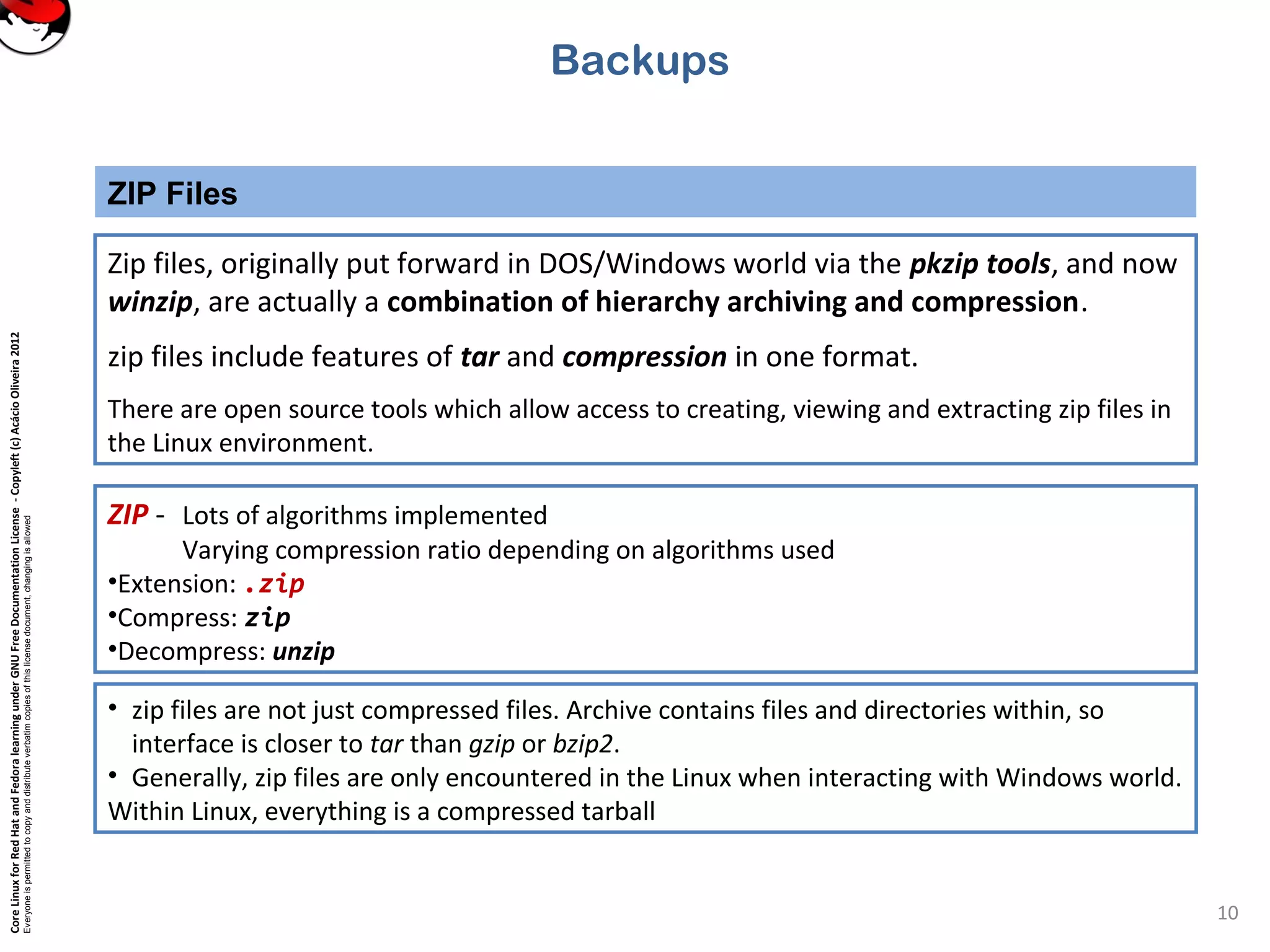
ZIP Files
10
Backups
Zip files, originally put forward in DOS/Windows world via the pkzip tools, and now
winzip, are actually a combination of hierarchy archiving and compression.
zip files include features of tar and compression in one format.
There are open source tools which allow access to creating, viewing and extracting zip files in
the Linux environment.
ZIP - Lots of algorithms implemented
Varying compression ratio depending on algorithms used
•Extension: .zip
•Compress: zip
•Decompress: unzip
• zip files are not just compressed files. Archive contains files and directories within, so
interface is closer to tar than gzip or bzip2.
• Generally, zip files are only encountered in the Linux when interacting with Windows world.
Within Linux, everything is a compressed tarball
CoreLinuxforRedHatandFedoralearningunderGNUFreeDocumentationLicense-Copyleft(c)AcácioOliveira2012
Everyoneispermittedtocopyanddistributeverbatimcopiesofthislicensedocument,changingisallowed
Fim de sessão
11

4.8 apend backups