Chapter2 Presenting the Internet
Outline The Internet’s Major Services: Understanding the World Wide Web. How the Web Works. Web Browsers and HTML Tags. URLs . Ways to Access a URL. Terminology used the Internet. Search Techniques
The Internet’s Major Services The World Wide Web Electronic mail News File Transfer Protocol Chat Instant messaging Online services Peer-to-peer services
The Internet’s Major Services Electronic mail Instantaneous transmission of documents File Transfer Protocol (FTP) Sends and receives files Chat Public real time conversation Instant messaging Private real time conversation
The Internet’s Major Services Internet service provider (ISP): a company that provides local or regional access to the Internet backbone.
Connections Dialup Connects to Internet through phone line Modem connects to the phone line Slow connection High-speed access Connect through a special line 2 – 25 times faster than dialup DSL, Cable, T1 are common
Understanding the WWW Enables users to view specially formatted documents, called  Web pages , on the Internet, also called  WWW . There is a different between the  web  and the  internet : The Web is a service ( a system for  accessing documents ) that is supported by the Internet.
How the Web Works Web documents can be linked together because they are created in a format known as hypertext. Hypertext :  systems provide an easy way  to manage large collections of data, which can include text files, pictures, sounds, movies, and more. The Web uses a special protocol, called the  hypertext transfer protocol, or HTTP.
How the Web Works HyperText Markup Language (HTML). This language allows a document’s author to insert  hypertext links , also called  hyperlinks   or just  links  in the document. HTTP and hypertext links are the foundations of the World Wide Web .
How the Web Works Hypertext document more commonly called a  Web . Web site :  is a collection of related Web pages.  Publishing the page  :Copying a page onto a server and, also is called  posting   or  uploading .
Web Browsers and HTML Tags A browser  :Software program that enables you to access hypertext documents on the Web and then open the documents on the user’s computer. Two most popular Web browsers: Microsoft Internet Explorer Netscape Navigator
Using a Browser And The WWW Browser starts on the  home page Navigating the web Enter a URL in the browser Click a link Links are typically blue underlined words Image maps are picture links When finished, close the browser
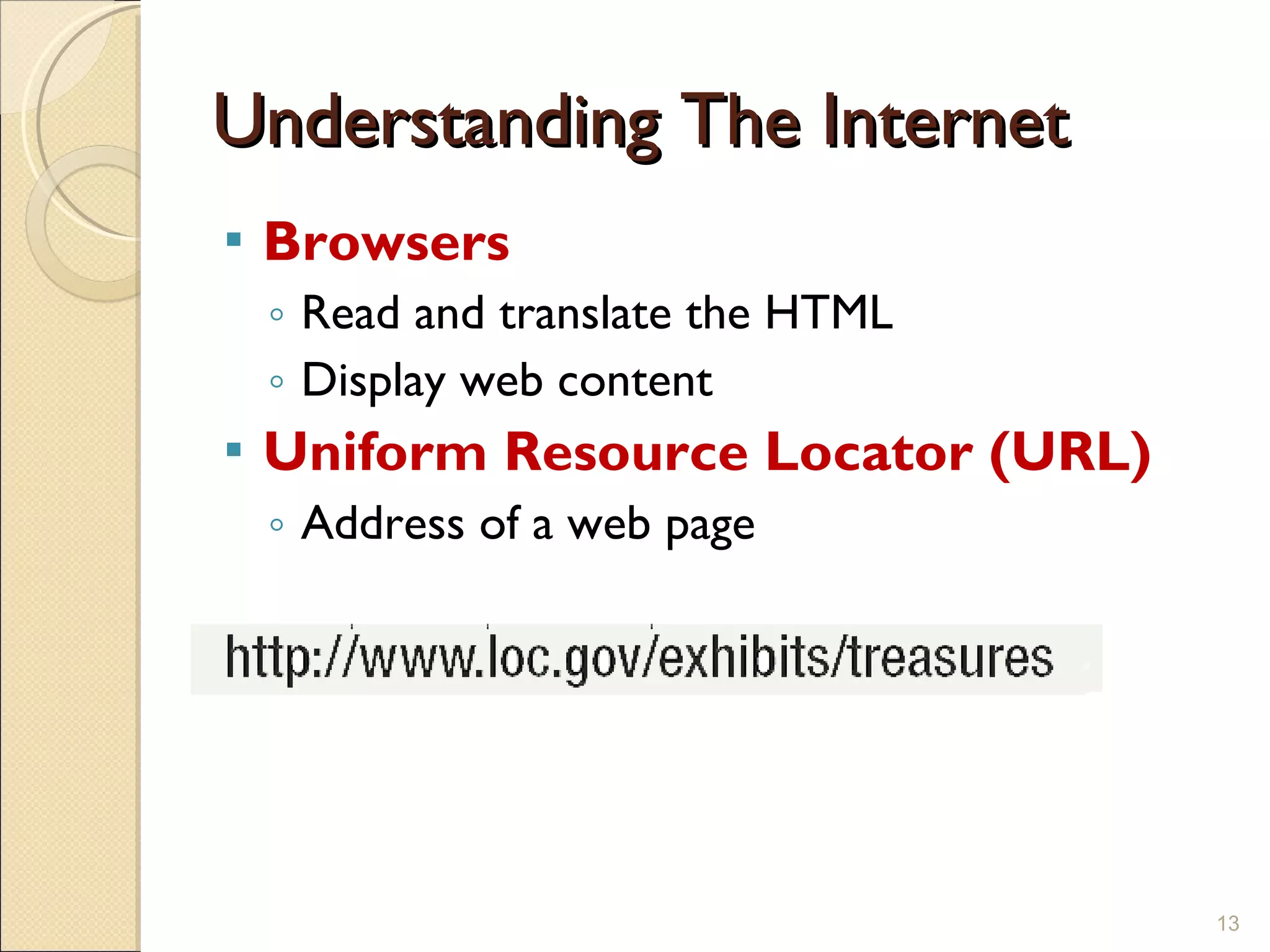
Understanding The Internet Browsers Read and translate the HTML Display web content Uniform Resource Locator (URL) Address of a web page
Ways to Access a URL Type the URL in a browser’s address box. Click a hyperlink that is linked to that URL. Choose a URL stored in your browser’s Favorites or Bookmarks list.
Terminology used the Internet Bookmark   Frequently visited Web  page saved in a browser. Search tools: Directories Search Engines Keyword search:  Searching for  information by typing one or more  words.
Searching the Web The Web is unorganized Directories Categorize the Internet Search engines Find sites by keyword
Search Techniques Quote the  exact phrase Use the  Boolean operators Avoid  common words Use the site’s  advanced tools
Boolean operators Four  Boolean operators  that are sometimes used in Web searches are AND OR NOT NEAR
Chapter 2A End of Chapter

Ch2 presenting the internet.

  • 1.
  • 2.
    Outline The Internet’sMajor Services: Understanding the World Wide Web. How the Web Works. Web Browsers and HTML Tags. URLs . Ways to Access a URL. Terminology used the Internet. Search Techniques
  • 3.
    The Internet’s MajorServices The World Wide Web Electronic mail News File Transfer Protocol Chat Instant messaging Online services Peer-to-peer services
  • 4.
    The Internet’s MajorServices Electronic mail Instantaneous transmission of documents File Transfer Protocol (FTP) Sends and receives files Chat Public real time conversation Instant messaging Private real time conversation
  • 5.
    The Internet’s MajorServices Internet service provider (ISP): a company that provides local or regional access to the Internet backbone.
  • 6.
    Connections Dialup Connectsto Internet through phone line Modem connects to the phone line Slow connection High-speed access Connect through a special line 2 – 25 times faster than dialup DSL, Cable, T1 are common
  • 7.
    Understanding the WWWEnables users to view specially formatted documents, called Web pages , on the Internet, also called WWW . There is a different between the web and the internet : The Web is a service ( a system for accessing documents ) that is supported by the Internet.
  • 8.
    How the WebWorks Web documents can be linked together because they are created in a format known as hypertext. Hypertext : systems provide an easy way to manage large collections of data, which can include text files, pictures, sounds, movies, and more. The Web uses a special protocol, called the hypertext transfer protocol, or HTTP.
  • 9.
    How the WebWorks HyperText Markup Language (HTML). This language allows a document’s author to insert hypertext links , also called hyperlinks or just links in the document. HTTP and hypertext links are the foundations of the World Wide Web .
  • 10.
    How the WebWorks Hypertext document more commonly called a Web . Web site : is a collection of related Web pages. Publishing the page :Copying a page onto a server and, also is called posting or uploading .
  • 11.
    Web Browsers andHTML Tags A browser :Software program that enables you to access hypertext documents on the Web and then open the documents on the user’s computer. Two most popular Web browsers: Microsoft Internet Explorer Netscape Navigator
  • 12.
    Using a BrowserAnd The WWW Browser starts on the home page Navigating the web Enter a URL in the browser Click a link Links are typically blue underlined words Image maps are picture links When finished, close the browser
  • 13.
    Understanding The InternetBrowsers Read and translate the HTML Display web content Uniform Resource Locator (URL) Address of a web page
  • 14.
    Ways to Accessa URL Type the URL in a browser’s address box. Click a hyperlink that is linked to that URL. Choose a URL stored in your browser’s Favorites or Bookmarks list.
  • 15.
    Terminology used theInternet Bookmark Frequently visited Web page saved in a browser. Search tools: Directories Search Engines Keyword search: Searching for information by typing one or more words.
  • 16.
    Searching the WebThe Web is unorganized Directories Categorize the Internet Search engines Find sites by keyword
  • 17.
    Search Techniques Quotethe exact phrase Use the Boolean operators Avoid common words Use the site’s advanced tools
  • 18.
    Boolean operators Four Boolean operators that are sometimes used in Web searches are AND OR NOT NEAR
  • 19.
    Chapter 2A Endof Chapter

Editor's Notes

  • #14 Teaching Tip Dissect the URL provided.
  • #17 Insider information The search engine www.google.com has become one of the hottest search engines on the planet. It is so popular, it’s name has become a verb. For example, “I googled the answer last night” is a phrase uttered on college campuses the world over.