Download to read offline
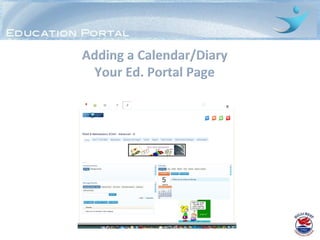
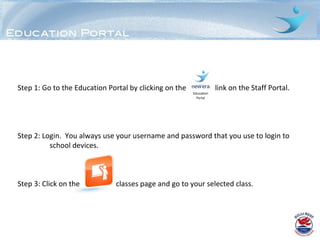
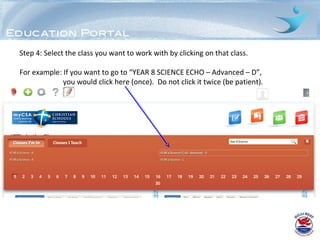
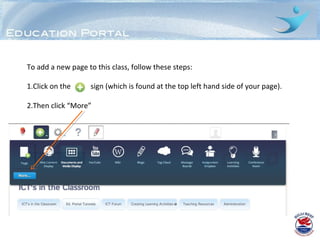
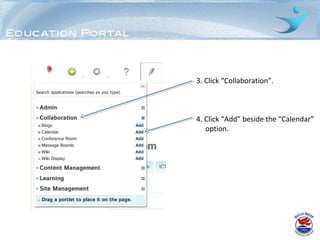

To add a calendar page to a class on the Education Portal, a teacher must first log in to the Staff Portal and select the desired class. They then click the plus sign and "More", followed by "Collaboration" and "Add" next to the "Calendar" option. While the calendar can be used like a digital diary, entries will only be visible in that subject's calendar for now. The main current use is to display the date for students to write in their books.


