Dive into Linux Introduction Distributions Installation BITS/VIB Bioinformatics Training – 3 oktober, 2011 – Joachim Jacob  (archive: Luc Ducazu <luc@daphnia.com>) http://www.bits.vib.be/training
Who has used Linux?
What is Linux? In a strict sense,  Linux is a freely distributable, Unix-like operating system kernel (Linux kernel) In a broader sense,  Linux is a freely distributable, Unix-like operating system that includes a kernel, system tools, applications and a complete development environment (GNU/Linux distribution)
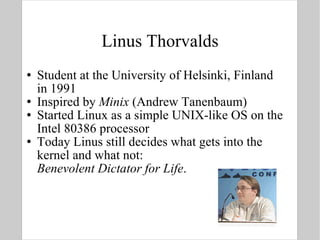
Linus Thorvalds Student at the University of Helsinki, Finland  in 1991 Inspired by  Minix  (Andrew Tanenbaum) Started Linux as a simple UNIX-like OS on the Intel 80386 processor Today Linus still decides what gets into the kernel and what not: Benevolent Dictator for Life .
Why should I bother? Since Linux is free (as in beer) open (as in science) user-friendly (depending on the definition) it gets a lot of attention in academic circles Linux is the preferred software development platform for eg NCBI Linux drives innovation
Linux Distributions A Linux Distribution ( Distro ) bundles: the OS kernel (Linux) tools and applications software package manager initialization & configuration scripts commercial support There are many distributions (600+), but only a few that really matter http://www.distrowatch.com
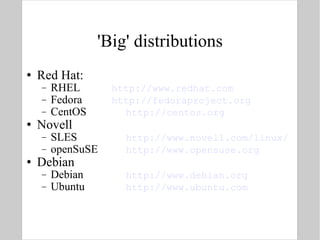
'Big' distributions Red Hat: RHEL http://www.redhat.com Fedora http://fedoraproject.org CentOS http://centos.org Novell SLES http://www.novell.com/linux/ openSuSE http://www.opensuse.org Debian Debian http://www.debian.org Ubuntu  http://www.ubuntu.com
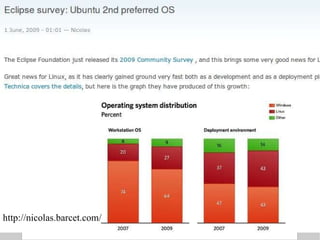
http://nicolas.barcet.com/
 
Mini-distros Live CD / DVDs: burn an .iso image to a CD and Linux starts from the CD without changing your system http://www.livecdlist.com Recovery: SystemRescueCD http://www.sysresccd.org/ Bio-informatics: bioknoppix http://bioknoppix.hpcf.upr.edu/ biolinux http://nebc.nerc.ac.uk/nebc/tools/bio-linux
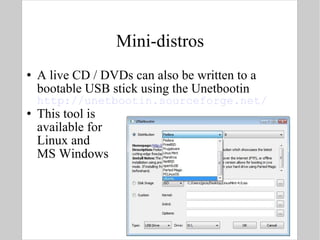
Mini-distros A live CD / DVDs can also be written to a bootable USB stick using the Unetbootin  http://unetbootin.sourceforge.net/ This tool is  available for  Linux and  MS Windows
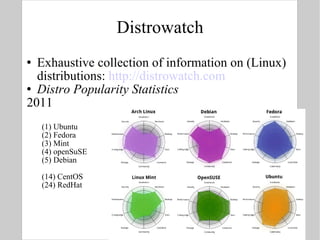
Distrowatch Exhaustive collection of information on (Linux) distributions:  http://distrowatch.com Distro Popularity Statistics 2011 (1) Ubuntu (2) Fedora (3) Mint (4) openSuSE (5) Debian (14) CentOS (24) RedHat
Linux Installation Goal: desktop vs. server Desktop: check whether your hardware  meets the system requirements  is supported Obtain installation media on website of distro Make sure you have some free disk space. (See later about installing next to or in Windows)
Supported Hardware Do your home work Hardware Compatibility List  http://fedoraproject.org/wiki/HCL Fedora 15 is in itself available as a live CD, this is a quick way to check what hardware is supported
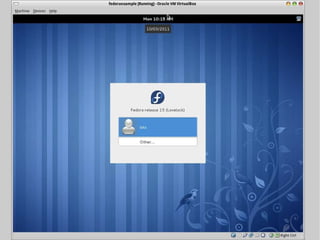
Fedora 15 “ Bleeding Edge” distribution. Popular with Bioinformatics developers, latest, but potentially unstable. http://fedoraproject.org
Fedora 15 “ Bleeding Edge” distribution. Popular with Bioinformatics developers, latest, but potentially unstable.
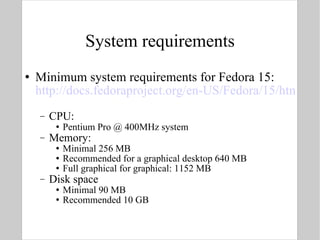
System requirements Minimum system requirements for Fedora 15: http://docs.fedoraproject.org/en-US/Fedora/15/html/Release_Notes/sect-Release_Notes-Welcome_to_Fedora_15.html   CPU: Pentium Pro @ 400MHz system Memory: Minimal 256 MB Recommended for a graphical desktop 640 MB Full graphical for graphical: 1152 MB Disk space Minimal 90 MB Recommended 10 GB
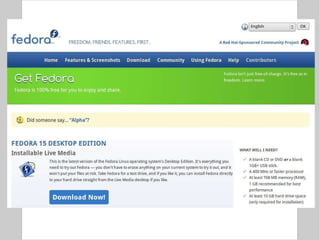
Obtaining installation media The most comprehensive page to start from is http://fedoraproject.org/en/get-fedora-all Download CD or DVD iso-images using HTTP Download torrent files for bittorrent downloads Once the iso-images are downloaded burn the images on CD or DVD put the image on a USB stick ( UNetbootin )
Windows If you want to install Linux next to MS Windows, there are a few alternatives: Dual-boot : Windows and Linux on separate disk partitions Run Linux in a  virtual machine  under MS Windows Run Windows as a  virtual machine  under Linux Virtual Box http://www.virtualbox.org/ For this session, we will run linux as a virtual machine on Windows.
Windows/Linux dual boot With dual boot, upon start-up of your computer, you have the choice to start up linux OR windows Windows occupies all disk space, you need to free up disk space You should be aware that changing disk partitions is risky and can result in data loss – take a backup first In Windows, defragment the drive(s) Reduce the Windows partition – a handy tool is  gparted , which can be launched from a live CD http://gparted.sourceforge.net/ For a Windows/Linux dual-boot installation you should install Windows first
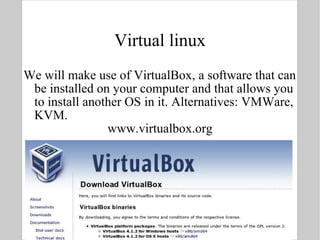
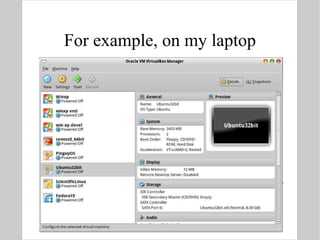
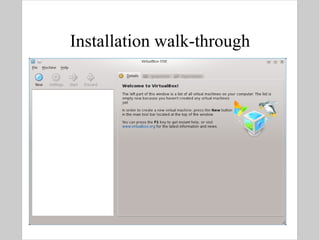
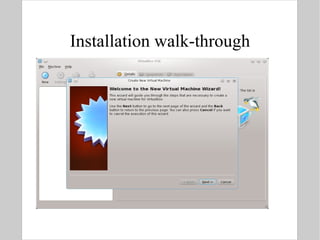
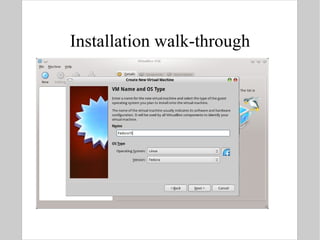
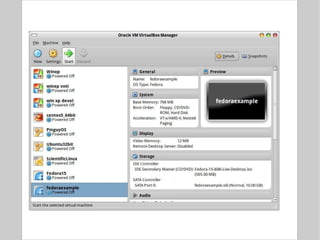
Virtual linux We will make use of VirtualBox, a software that can be installed on your computer and that allows you to install another OS in it. Alternatives: VMWare, KVM. www.virtualbox.org
For example, on my laptop
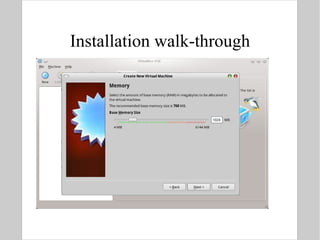
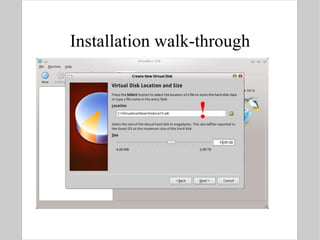
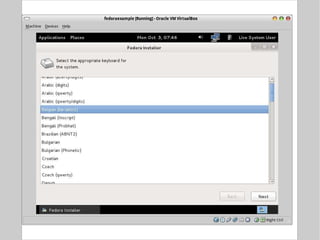
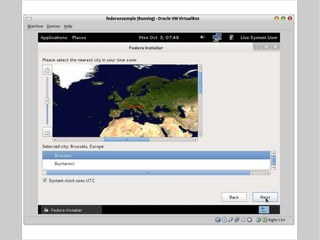
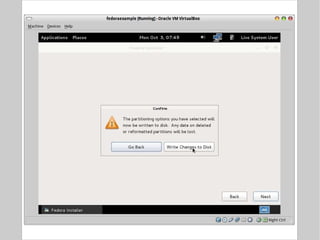
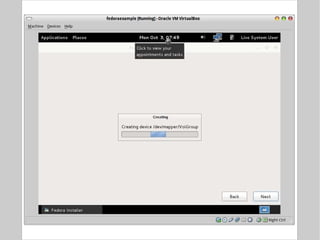
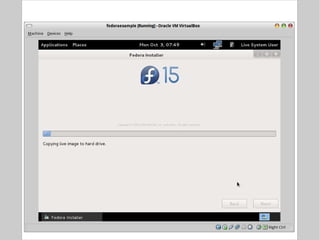
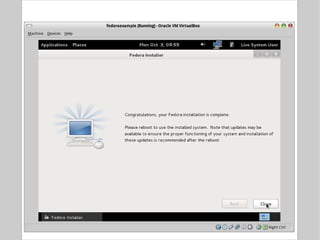
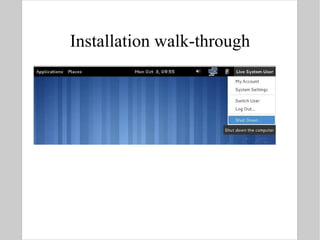
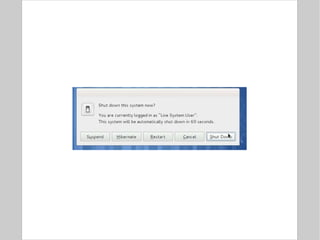
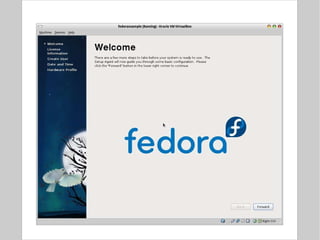
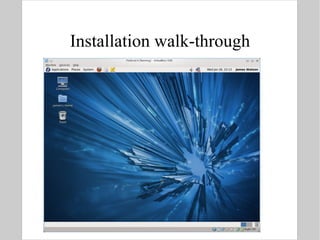
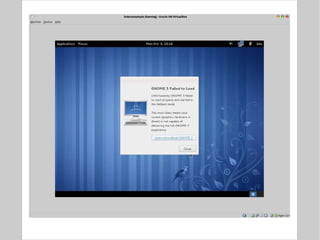
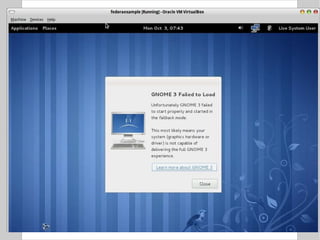
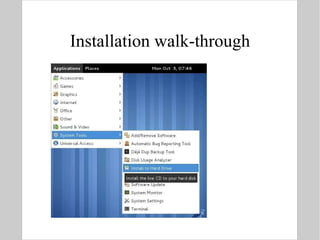
Installation walk-through
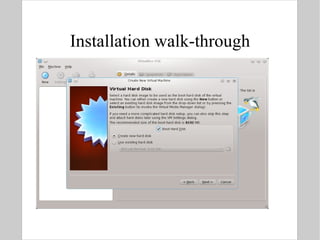
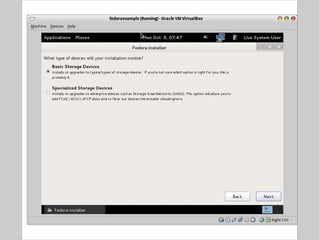
Installation walk-through !
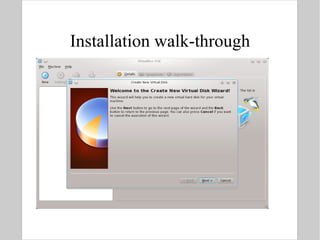
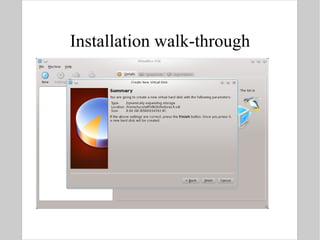
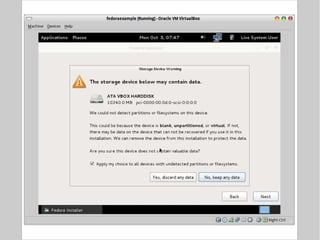
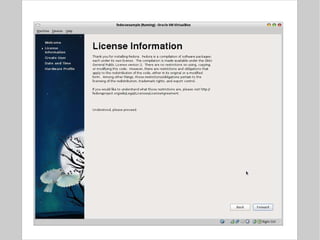
Installation walk-through
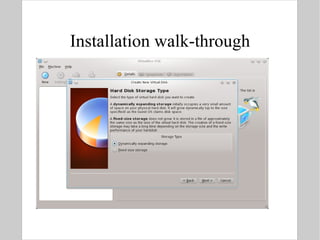
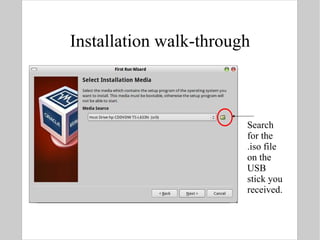
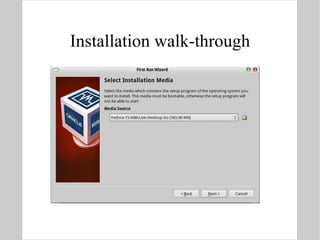
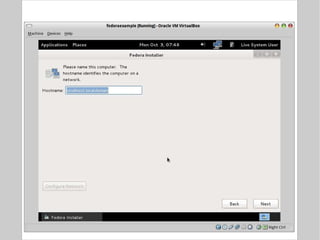
Installation walk-through Search for the .iso file on the USB stick you received.
Installation walk-through
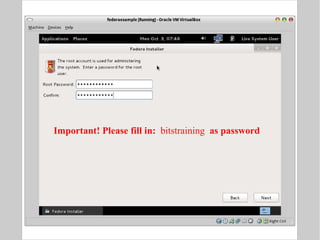
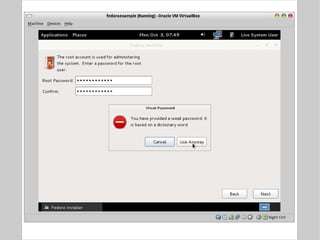
Installation walk-through Important! Please fill in:  bitstraining  as password
Installation walk-through
 
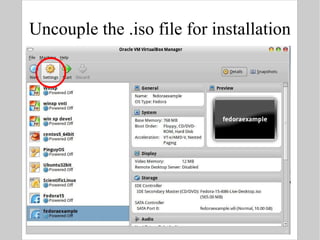
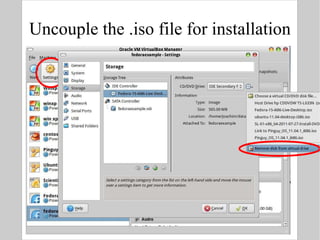
Uncouple the .iso file for installation PRESS SPACE
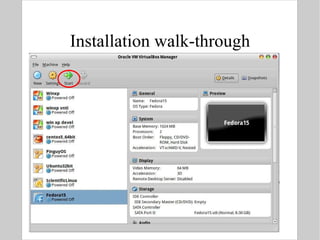
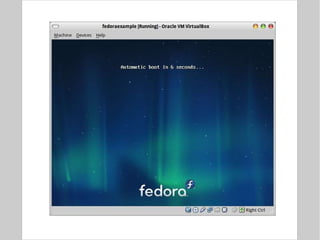
Start the virtual machine
 
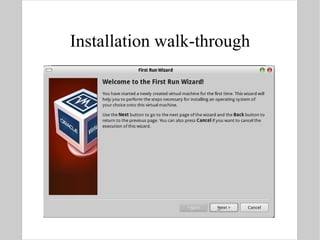
Installation walk-through
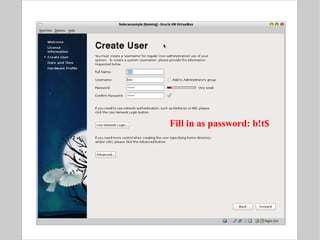
Installation walk-through Fill in as password: b!t$
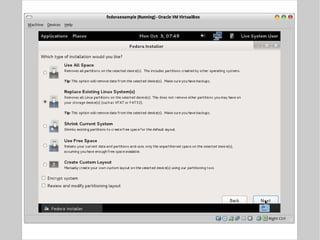
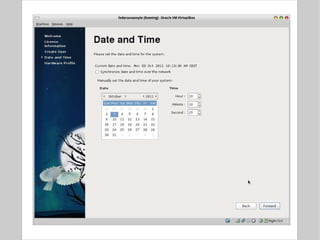
Installation walk-through
 
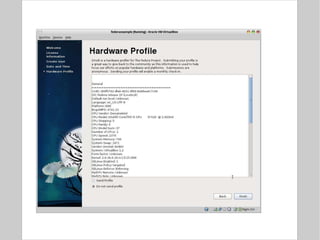
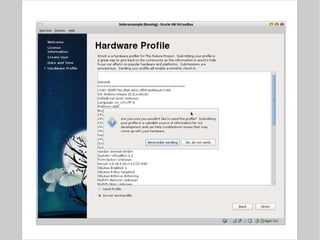
Installation walk-through
 
Linux Put the fun back into computing

BITS: Introduction to linux, distributions and installation