SAY HELLO TO LINUX !
Linux
●   Refers to the family of Unix-
    like computer operating
    systems using the Linux kernel.
●   Linux is the leading server OS,
    accounting for more than 50% of
    installations
●   Desktop use of Linux has
    increased in recent years, partly
    owing to the
    popular Ubuntu, Fedora,
    and openSUSE distributions and
    the emergence
    of netbooks and smartphones.
Unix
●   The Unix operating system was
    conceived and implemented in
    1969 at AT&T's Bell Laboratories
    Ken Thompson, Dennis
    Ritchie,Douglas McIlroy, and Joe
    Ossanna.
●   It was first released in 1971 and
    was initially entirely written
    in assembly language.
●   Later, in a key pioneering
    approach in 1973, Unix was re-
    written in the programming
    language C by Dennis Ritchie. 
GNU
The GNU Project, started in 1983
by Richard Stallman, had the goal of
creating a "complete Unix-compatible
software system" composed entirely
of free software.
Work began in 1984. Later, in 1985,
Stallman started the Free Software
Foundation and wrote the GNU General
Public License (GNU GPL) in 1989.
By the early 1990s, many of the
programs required in an operating
system (such as
libraries,compilers, text editors, a Unix
shell, and a windowing system) were
completed.
MINIX
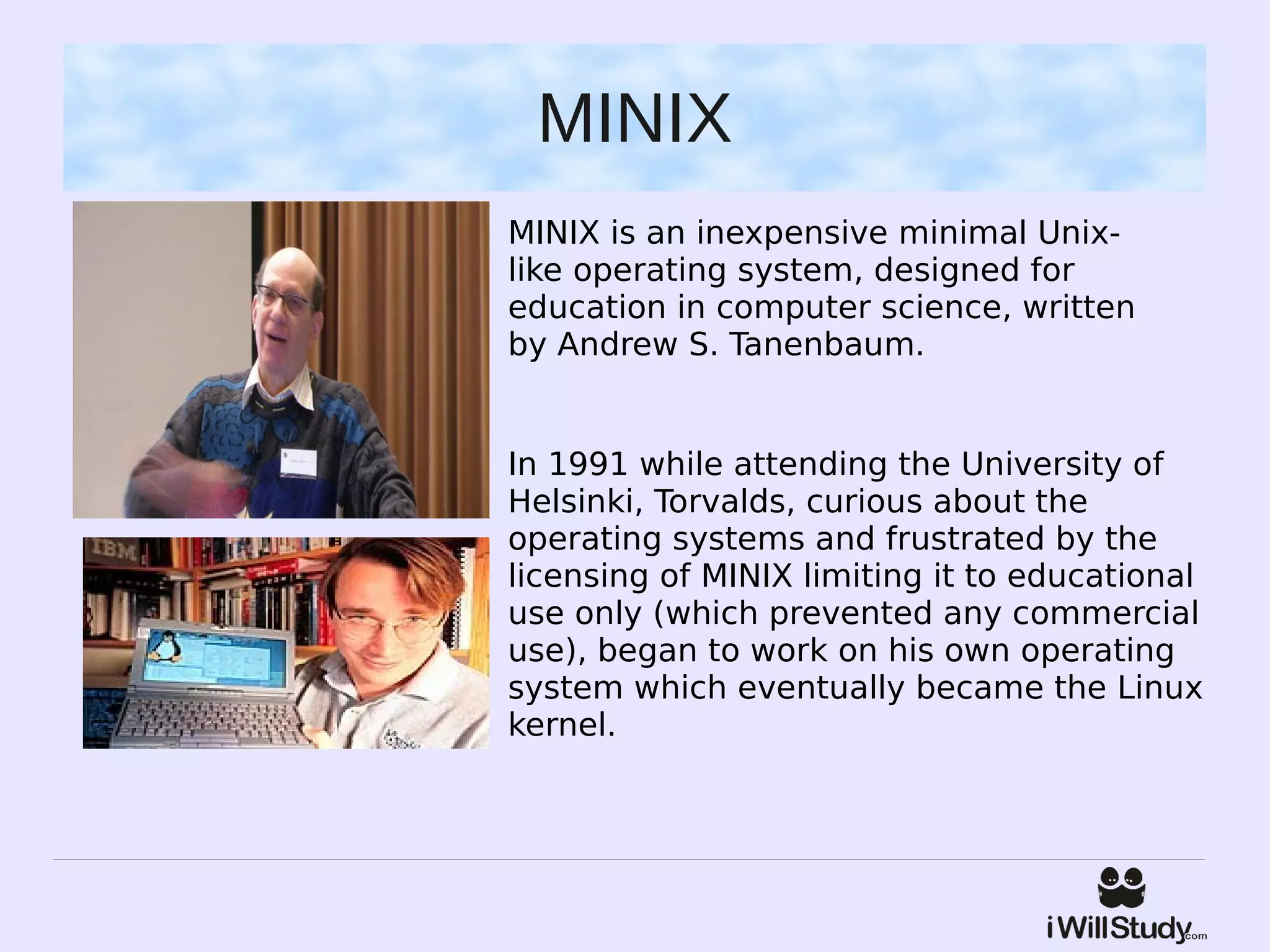
MINIX is an inexpensive minimal Unix-
like operating system, designed for
education in computer science, written
by Andrew S. Tanenbaum.


In 1991 while attending the University of
Helsinki, Torvalds, curious about the
operating systems and frustrated by the
licensing of MINIX limiting it to educational
use only (which prevented any commercial
use), began to work on his own operating
system which eventually became the Linux
kernel.
Current Development
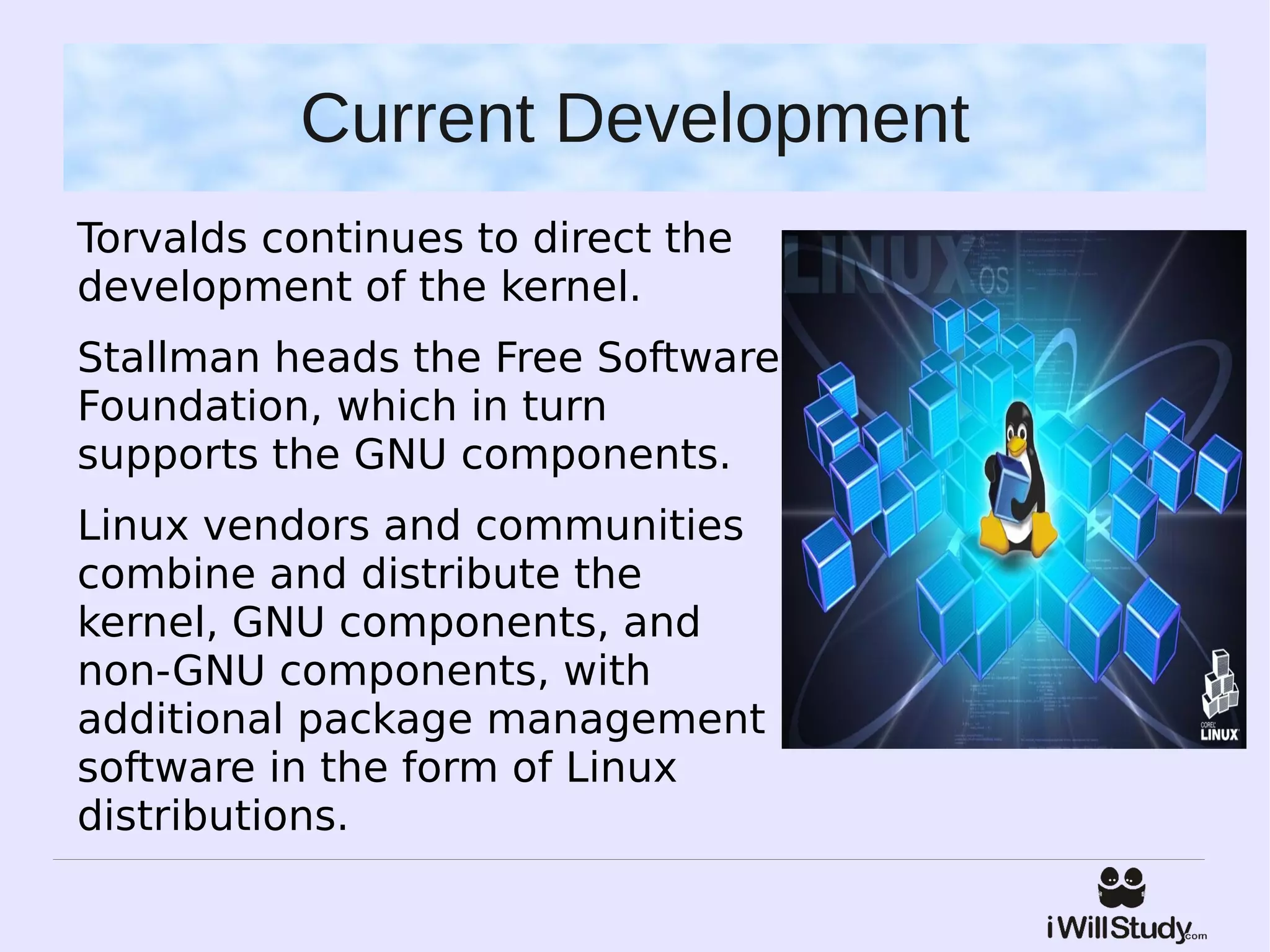
Torvalds continues to direct the
development of the kernel.
Stallman heads the Free Software
Foundation, which in turn
supports the GNU components.
Linux vendors and communities
combine and distribute the
kernel, GNU components, and
non-GNU components, with
additional package management
software in the form of Linux
distributions.
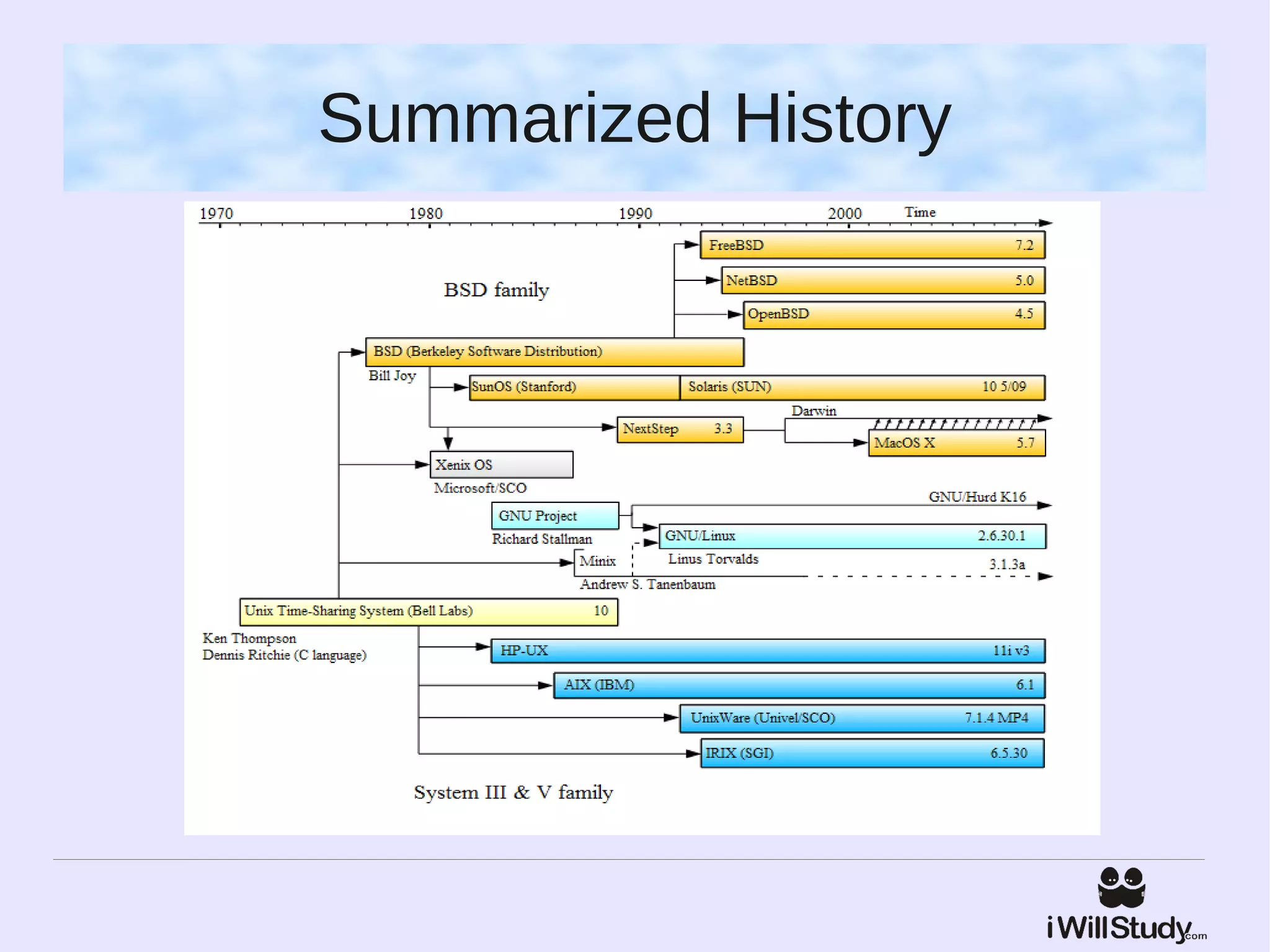
Summarized History
Community
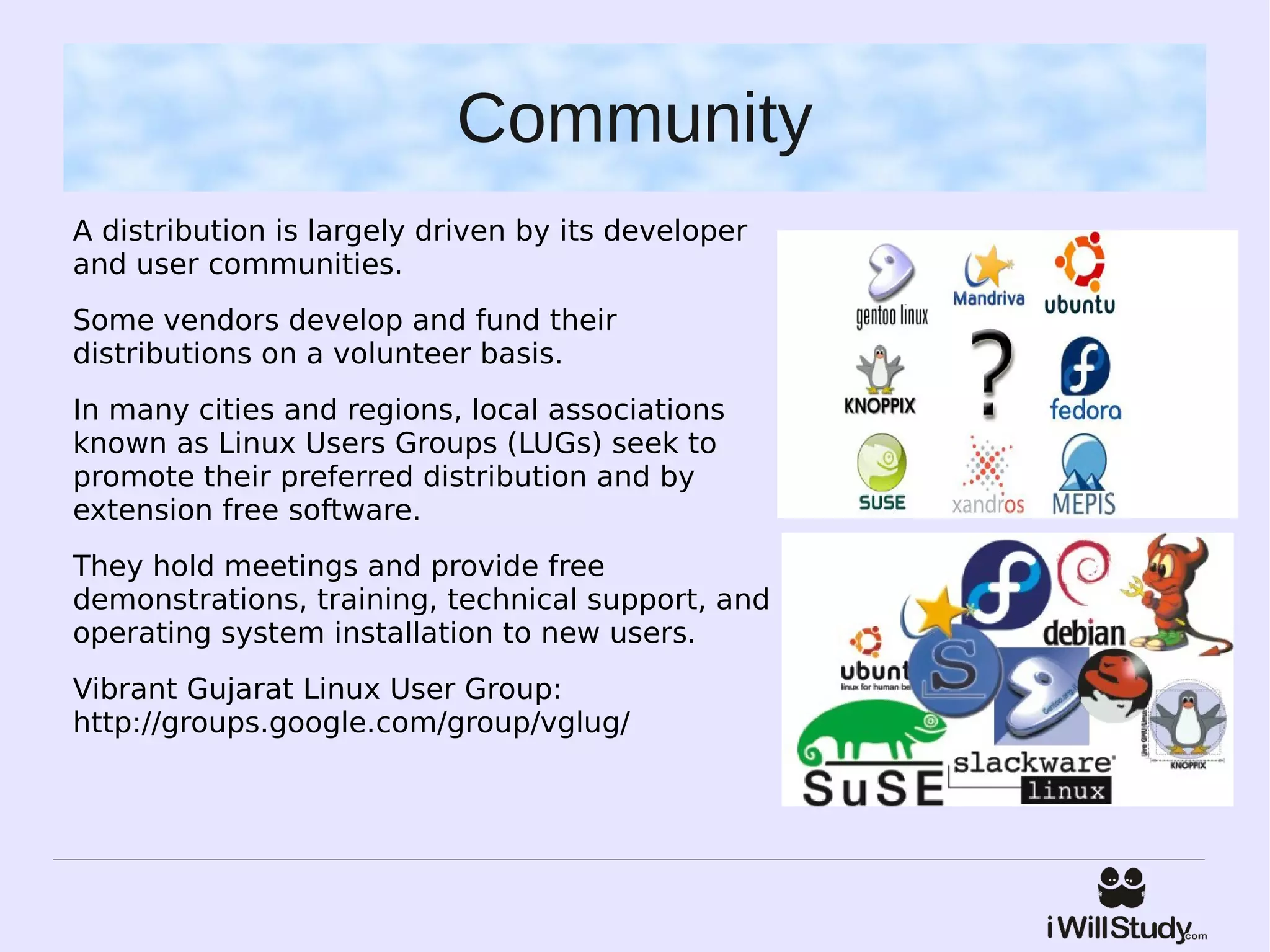
A distribution is largely driven by its developer
and user communities.
Some vendors develop and fund their
distributions on a volunteer basis.
In many cities and regions, local associations
known as Linux Users Groups (LUGs) seek to
promote their preferred distribution and by
extension free software.
They hold meetings and provide free
demonstrations, training, technical support, and
operating system installation to new users.
Vibrant Gujarat Linux User Group:
http://groups.google.com/group/vglug/
Programming on Linux
For building both Linux applications and operating system programs is found within the 
GNU toolchain, which includes the GNU Compiler Collection (GCC) and the 
GNU build system.

Amongst others, GCC provides compilers for Ada, C, C++, Java, and Fortran. Proprietary
 compilers for Linux include the Intel C++ Compiler, Sun Studio, and IBM XL C/C++
 Compiler. 

Most distributions also include support for PHP, Perl, Ruby, Python and other 
dynamic languages.

A number of Java Virtual Machines and development kits run on Linux, including the
original Sun Microsystems JVM (HotSpot).

The two main frameworks for developing graphical applications are those of GNOME
 and KDE.

There are a number of Integrated development environments available including Anjuta
, Code::Blocks, Eclipse, Geany,KDevelop, Lazarus, MonoDevelop, NetBeans, Qt Creator
 and Omnis Studio while the long-established editors Vim and Emacs remain popular.
Advantages of Linux
●   Low Cost: You don’t need to spend time and money to obtain licenses
    since Linux and much of its software come with the GNU General Public
    License.
●   Stability: Linux doesn’t need to be rebooted periodically to maintain
    performance levels.
●   Performance: Linux provides persistent high performance on
    workstations and on networks.
●   Network Friendliness: Linux was developed by a group of programmers
    over the Internet and has therefore strong support for network
    functionality; client and server systems can be easily set up on any
    computer running Linux.
●   Flexibility: Linux can be used for high performance server applications,
    desktop applications, and embedded systems.
●   Compatibility: It runs all common Unix software packages and can
    process all common file formats.
Advantages of Linux
●   Choice: The large number of Linux distributions gives you a choice.
●   Fast and easy installation: Most Linux distributions come with user-
    friendly installation and setup programs.
●   Full use of Hardisk: Linux continues work well even when the hard disk
    is almost full.
●   Multitasking: Linux is designed to do many things at the same time;
    e.g., a large printing job in the background won’t slow down your other
    work.
●   Security: Linux is one of the most secure operating systems. “Walls” and
    flexible file access permission systems prevent access by unwanted
    visitors or viruses.
●   Open Source: If you develop software that requires knowledge or
    modification of the operating system code, Linux’s source code is at your
    fingertips.
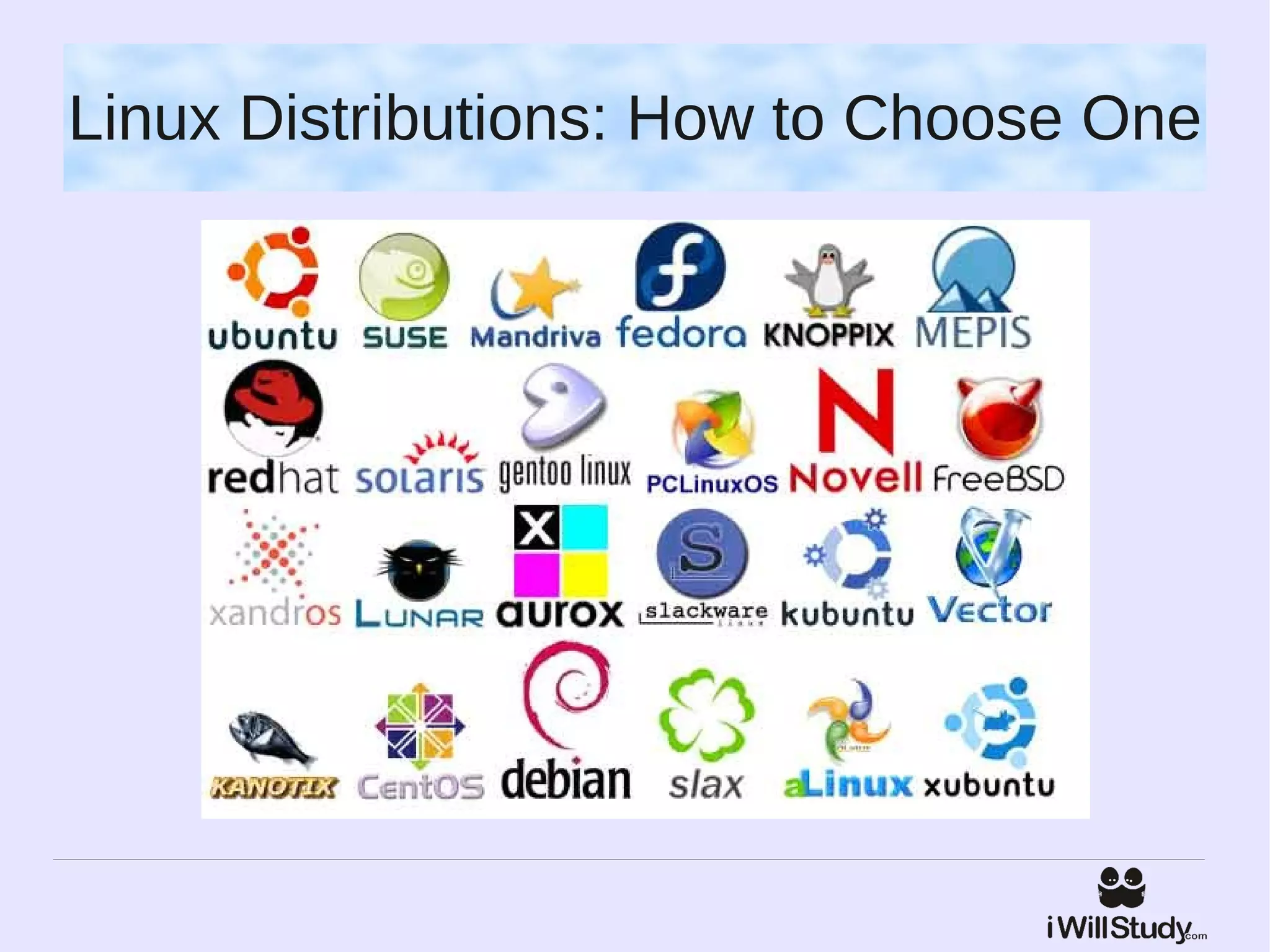
Linux Distributions: How to Choose One
Ubuntu
Ubuntu Linux is now perhaps
the best-known and most
popular distribution of Linux.


It is well designed, easy-to-use
and has advanced the use of
Linux as a desktop operating
system more than any other
distribution.
Red Hat
Red Hat Linux has been around
for a while and has acquired a
reputation for consistency and
reliability.
It may not be the easiest to
use or the most cutting-edge
distribution, but it provides the
type of high-quality support
that is valued by companies,
which made it the de-facto
standard in corporate America.
Fedora
Fedora Core is a Linux
distribution sponsored by Red
Hat.


The objectives of Fedora Linux
differ from those of Red Hat in
that Fedora engages the Open
Source community and is more
experimental in nature.
Mandriva
Mandriva Linux has been very
popular among new and home
users.


Installation is particularly user-
friendly, and it runs by default
the KDE Windows-like
graphical desktop
environment.
SuSE
SuSE Linux is a serious
alternative for Windows users,
with solid, user-friendly
installation and configuration
tools.
Its popularity is held back a
little only by somewhat “un-
Linux like” business practices,
such as not providing ISO
installation images for free
download.
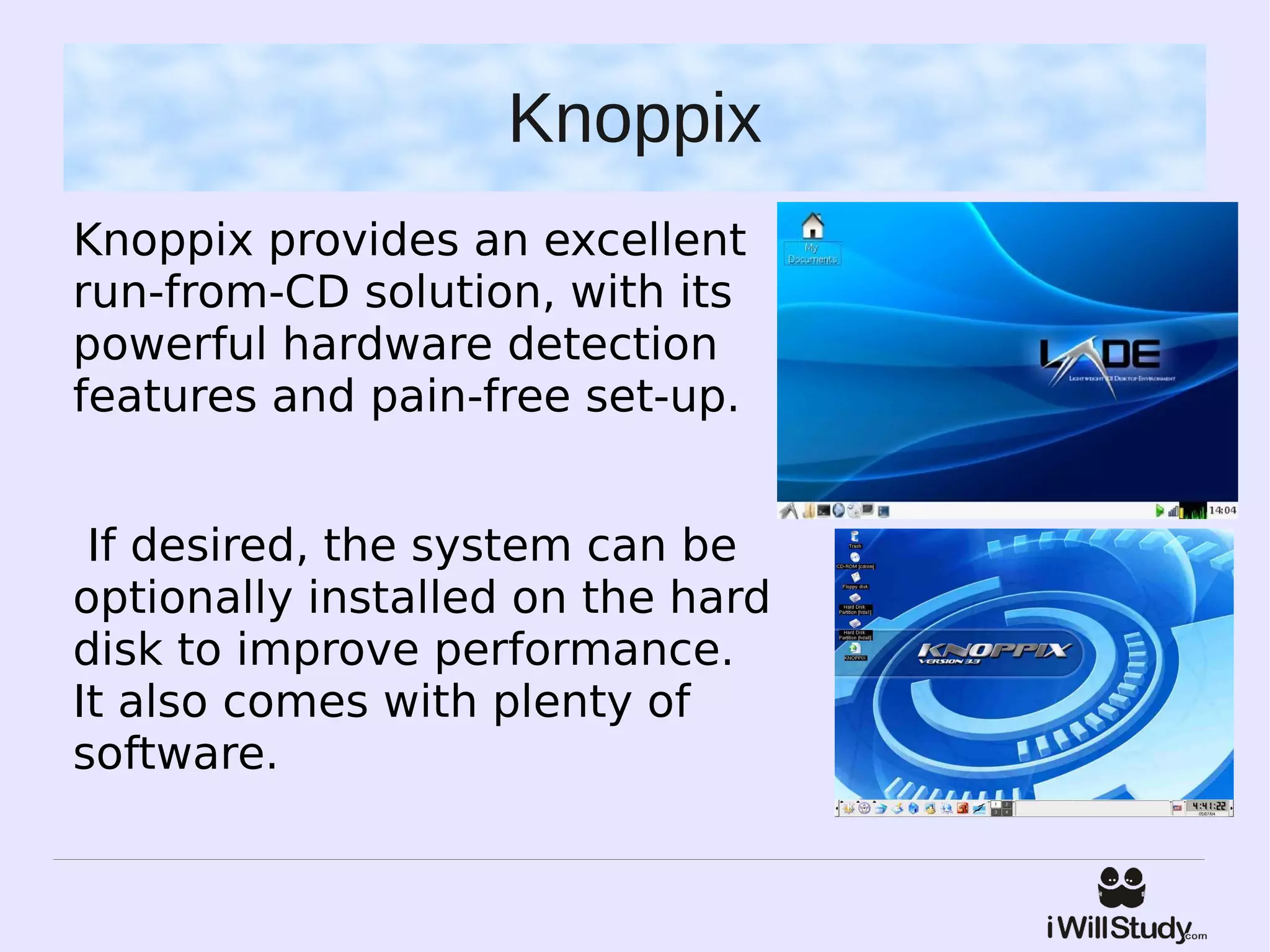
Knoppix
Knoppix provides an excellent
run-from-CD solution, with its
powerful hardware detection
features and pain-free set-up.


 If desired, the system can be
optionally installed on the hard
disk to improve performance.
It also comes with plenty of
software.
Questions?
Ask at www.iwillstudy.com/forum

Linux basics

  • 1.
    SAY HELLO TOLINUX !
  • 2.
    Linux ● Refers to the family of Unix- like computer operating systems using the Linux kernel. ● Linux is the leading server OS, accounting for more than 50% of installations ● Desktop use of Linux has increased in recent years, partly owing to the popular Ubuntu, Fedora, and openSUSE distributions and the emergence of netbooks and smartphones.
  • 3.
    Unix ● The Unix operating system was conceived and implemented in 1969 at AT&T's Bell Laboratories Ken Thompson, Dennis Ritchie,Douglas McIlroy, and Joe Ossanna. ● It was first released in 1971 and was initially entirely written in assembly language. ● Later, in a key pioneering approach in 1973, Unix was re- written in the programming language C by Dennis Ritchie. 
  • 4.
    GNU The GNU Project, startedin 1983 by Richard Stallman, had the goal of creating a "complete Unix-compatible software system" composed entirely of free software. Work began in 1984. Later, in 1985, Stallman started the Free Software Foundation and wrote the GNU General Public License (GNU GPL) in 1989. By the early 1990s, many of the programs required in an operating system (such as libraries,compilers, text editors, a Unix shell, and a windowing system) were completed.
  • 5.
    MINIX MINIX is an inexpensiveminimal Unix- like operating system, designed for education in computer science, written by Andrew S. Tanenbaum. In 1991 while attending the University of Helsinki, Torvalds, curious about the operating systems and frustrated by the licensing of MINIX limiting it to educational use only (which prevented any commercial use), began to work on his own operating system which eventually became the Linux kernel.
  • 6.
    Current Development Torvalds continuesto direct the development of the kernel. Stallman heads the Free Software Foundation, which in turn supports the GNU components. Linux vendors and communities combine and distribute the kernel, GNU components, and non-GNU components, with additional package management software in the form of Linux distributions.
  • 7.
  • 8.
    Community A distribution islargely driven by its developer and user communities. Some vendors develop and fund their distributions on a volunteer basis. In many cities and regions, local associations known as Linux Users Groups (LUGs) seek to promote their preferred distribution and by extension free software. They hold meetings and provide free demonstrations, training, technical support, and operating system installation to new users. Vibrant Gujarat Linux User Group: http://groups.google.com/group/vglug/
  • 9.
    Programming on Linux Forbuilding both Linux applications and operating system programs is found within the  GNU toolchain, which includes the GNU Compiler Collection (GCC) and the  GNU build system. Amongst others, GCC provides compilers for Ada, C, C++, Java, and Fortran. Proprietary  compilers for Linux include the Intel C++ Compiler, Sun Studio, and IBM XL C/C++  Compiler.  Most distributions also include support for PHP, Perl, Ruby, Python and other  dynamic languages. A number of Java Virtual Machines and development kits run on Linux, including the original Sun Microsystems JVM (HotSpot). The two main frameworks for developing graphical applications are those of GNOME  and KDE. There are a number of Integrated development environments available including Anjuta , Code::Blocks, Eclipse, Geany,KDevelop, Lazarus, MonoDevelop, NetBeans, Qt Creator  and Omnis Studio while the long-established editors Vim and Emacs remain popular.
  • 10.
    Advantages of Linux ● Low Cost: You don’t need to spend time and money to obtain licenses since Linux and much of its software come with the GNU General Public License. ● Stability: Linux doesn’t need to be rebooted periodically to maintain performance levels. ● Performance: Linux provides persistent high performance on workstations and on networks. ● Network Friendliness: Linux was developed by a group of programmers over the Internet and has therefore strong support for network functionality; client and server systems can be easily set up on any computer running Linux. ● Flexibility: Linux can be used for high performance server applications, desktop applications, and embedded systems. ● Compatibility: It runs all common Unix software packages and can process all common file formats.
  • 11.
    Advantages of Linux ● Choice: The large number of Linux distributions gives you a choice. ● Fast and easy installation: Most Linux distributions come with user- friendly installation and setup programs. ● Full use of Hardisk: Linux continues work well even when the hard disk is almost full. ● Multitasking: Linux is designed to do many things at the same time; e.g., a large printing job in the background won’t slow down your other work. ● Security: Linux is one of the most secure operating systems. “Walls” and flexible file access permission systems prevent access by unwanted visitors or viruses. ● Open Source: If you develop software that requires knowledge or modification of the operating system code, Linux’s source code is at your fingertips.
  • 12.
  • 13.
    Ubuntu Ubuntu Linux isnow perhaps the best-known and most popular distribution of Linux. It is well designed, easy-to-use and has advanced the use of Linux as a desktop operating system more than any other distribution.
  • 14.
    Red Hat Red HatLinux has been around for a while and has acquired a reputation for consistency and reliability. It may not be the easiest to use or the most cutting-edge distribution, but it provides the type of high-quality support that is valued by companies, which made it the de-facto standard in corporate America.
  • 15.
    Fedora Fedora Core isa Linux distribution sponsored by Red Hat. The objectives of Fedora Linux differ from those of Red Hat in that Fedora engages the Open Source community and is more experimental in nature.
  • 16.
    Mandriva Mandriva Linux hasbeen very popular among new and home users. Installation is particularly user- friendly, and it runs by default the KDE Windows-like graphical desktop environment.
  • 17.
    SuSE SuSE Linux isa serious alternative for Windows users, with solid, user-friendly installation and configuration tools. Its popularity is held back a little only by somewhat “un- Linux like” business practices, such as not providing ISO installation images for free download.
  • 18.
    Knoppix Knoppix provides anexcellent run-from-CD solution, with its powerful hardware detection features and pain-free set-up. If desired, the system can be optionally installed on the hard disk to improve performance. It also comes with plenty of software.
  • 19.