PRESENTED BY,

RED HAT
LINCY JOSE
JINI VARGHESE
LIJIN TOM JOHN
OVERVIEW

What is Linux?
History of Linux
Features Supported Under Linux
The features of Linux
WHAT IS LINUX ?

Linux is a generic term referring to Unix-like
graphical user interface (GUI) based
computer operating systems.
It is Multi-user, Multitasking, Multiprocessor
Coexists with other Operating Systems
Runs on multiple platforms
BEFORE LINUX

 In 80’s, Microsoft’s DOS was the dominated OS for
PC
 Apple MAC was better, but expensive
 UNIX was much better, but much, much more
expensive. Only for minicomputer for commercial
applications
 People was looking for a UNIX based system, which
is cheaper and can run on PC
GNU PROJECT

Established in 1984 by Richard Stallman
GNU is a recursive acronym for “GNU's Not
Unix”
Aim at developing a complete Unix-like
operating system which is free for copying
and modification
Stallman built the first free GNU C Compiler
in 1991. But still, an OS was yet to be
developed
BEGINNING OF LINUX

 A famous professor Andrew Tanenbaum developed
Minix, a simplified version of UNIX that runs on PC
 Minix is for class teaching only. No intention for
commercial use
 In Sept 1991, Linus Torvalds, a second year student
of Computer Science at the University of Helsinki,
developed the preliminary kernel of Linux, known
as Linux version 0.0.1
LINUX TODAY
 computing platforms
 Linux has been used for many
 PC, Supercomputer
 Commercial vendors moved in Linux itself to
provide freely distributed code. They make their
money by compiling up various software and
gathering them in a distributable format
 Red Hat, Slackware, etc
 About 29 million people use Linux worldwide
LINUX-FREE SOFTWARE

 Free software, as defined by the FSF (Free Software
Foundation), is a "matter of liberty, not price." To
qualify as free software by FSF standards, you must
be able to:
 Run the program for any purpose you want to,
rather than be restricted in what you can use it for.
 Share the program with others.
 Improve the program and release those
improvements so that others can use them.
LINUX SOFTWARES

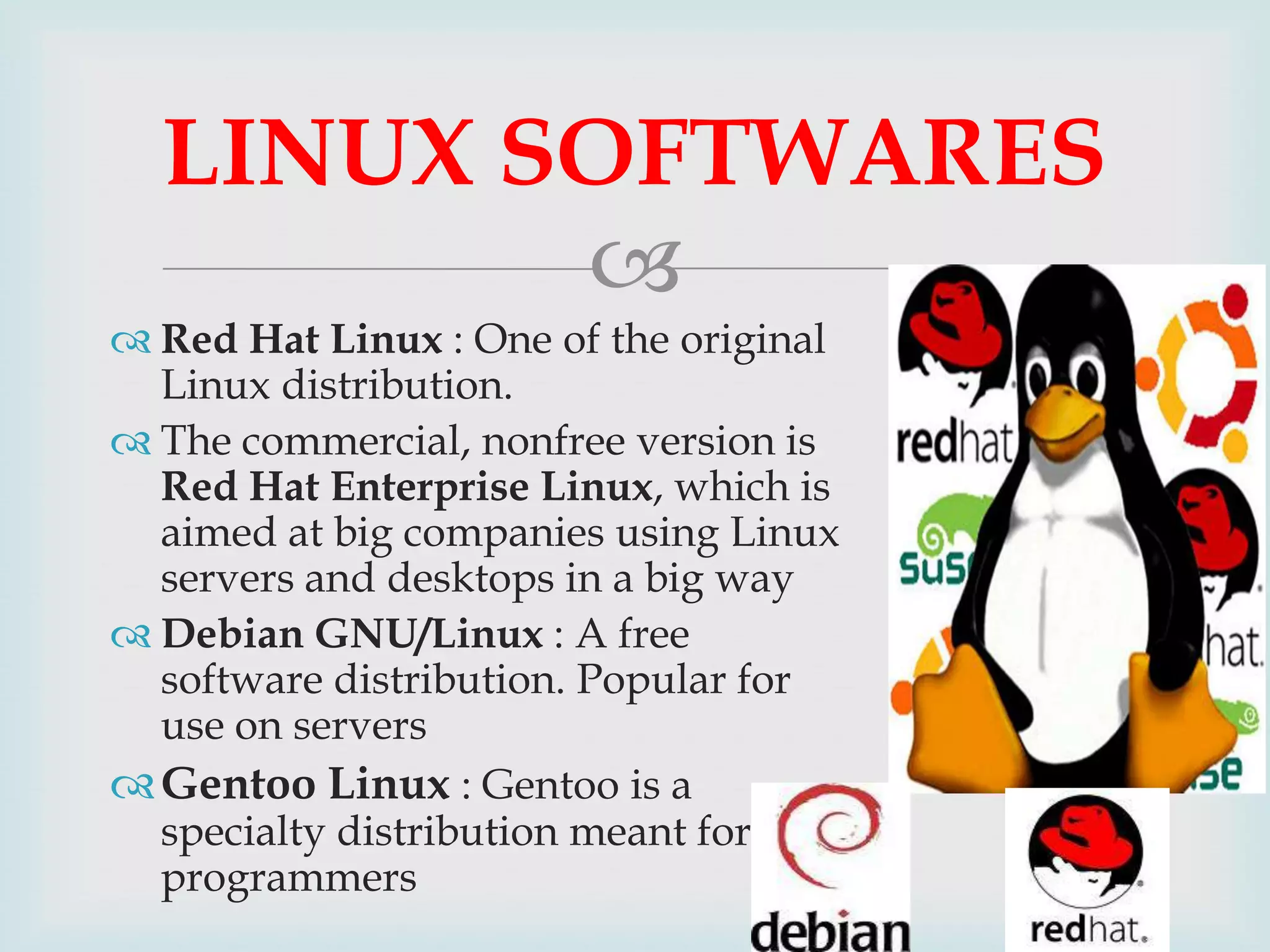
 Red Hat Linux : One of the original
Linux distribution.
 The commercial, nonfree version is
Red Hat Enterprise Linux, which is
aimed at big companies using Linux
servers and desktops in a big way
 Debian GNU/Linux : A free
software distribution. Popular for
use on servers
 Gentoo Linux : Gentoo is a
specialty distribution meant for
programmers
UBUNTU

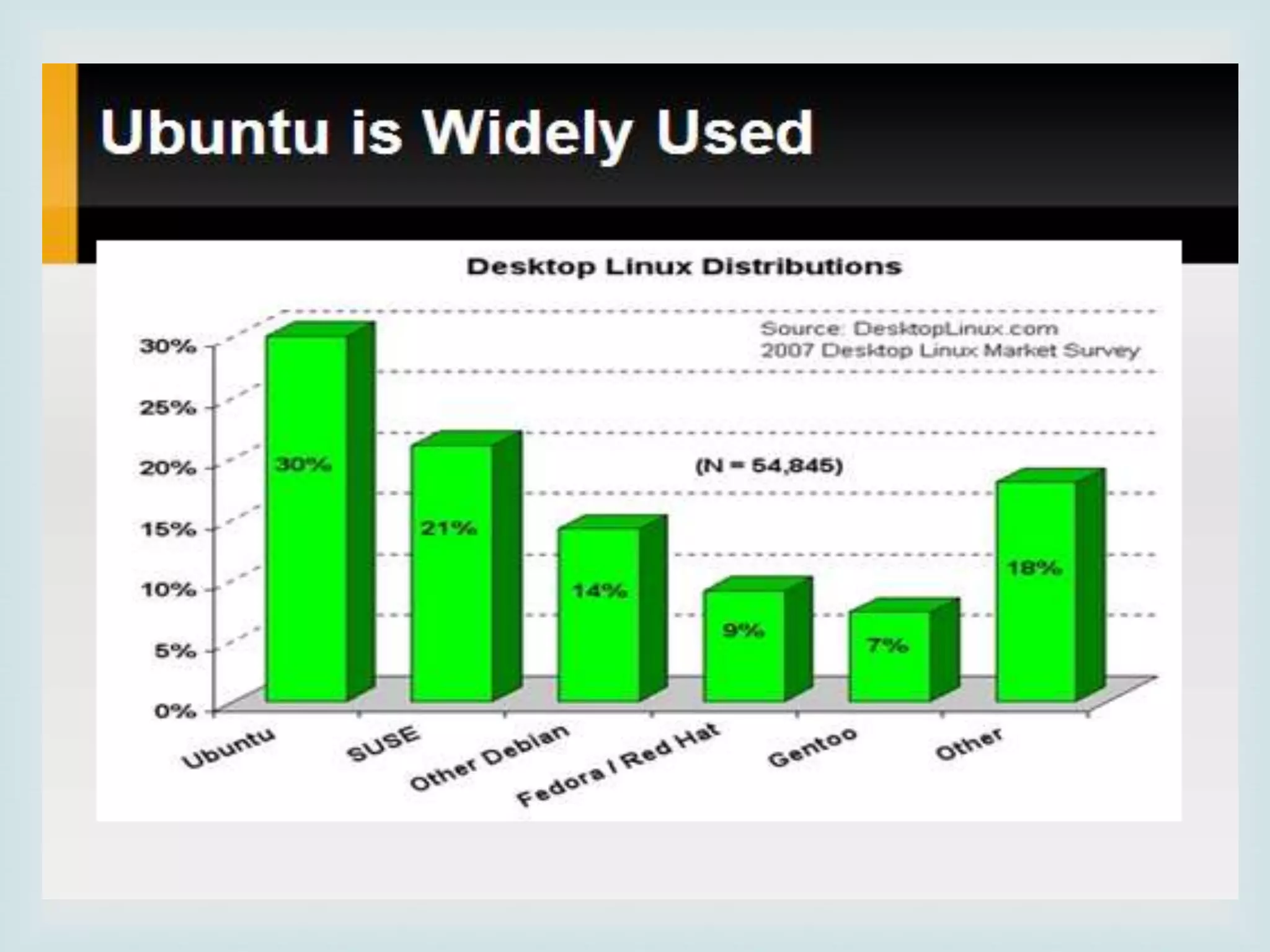
 Ubuntu is a free Linux distros
 Ubuntu is reliable and stable.
 Ubuntu is the distribution with the biggest software
repositories.
 Ubuntu has a good hardware support for most
available companies.
 Ubuntu have a lot of variants (Kubuntu, Xubuntu,
Edubuntu, Goubuntu, MIDI Ubuntu).

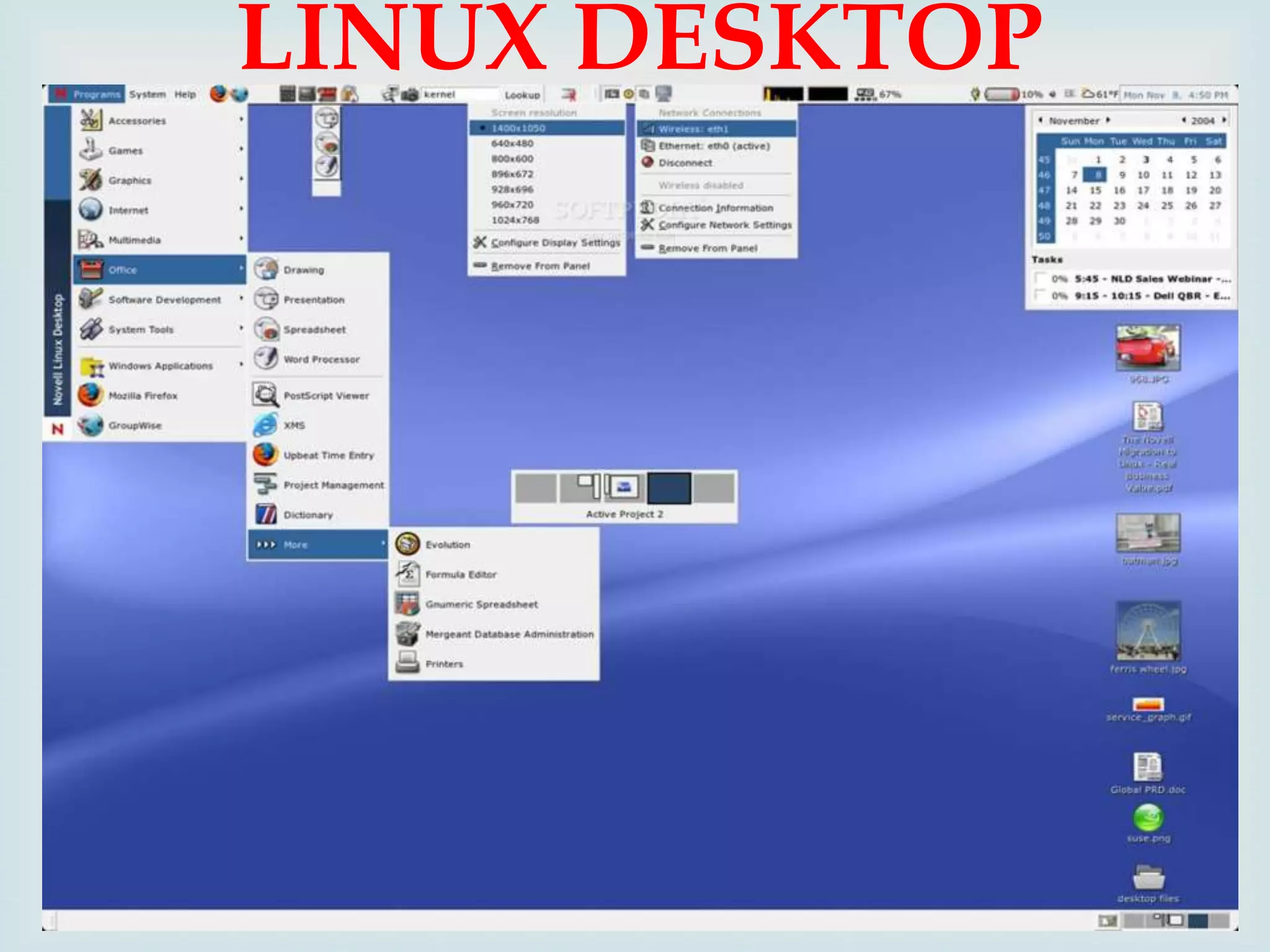
LINUX DESKTOP

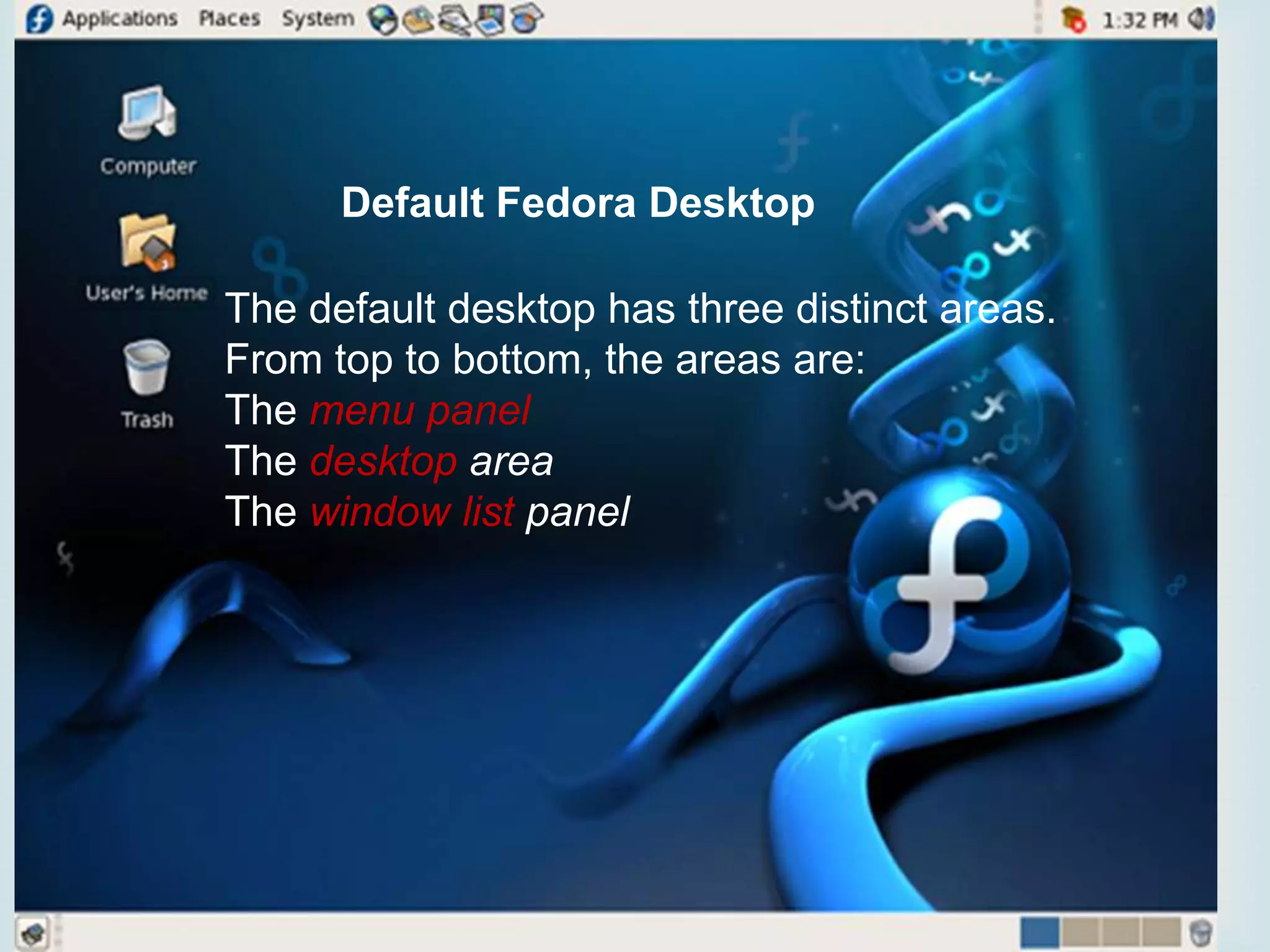
Default Fedora Desktop

 three distinct areas.
The default desktop has
From top to bottom, the areas are:
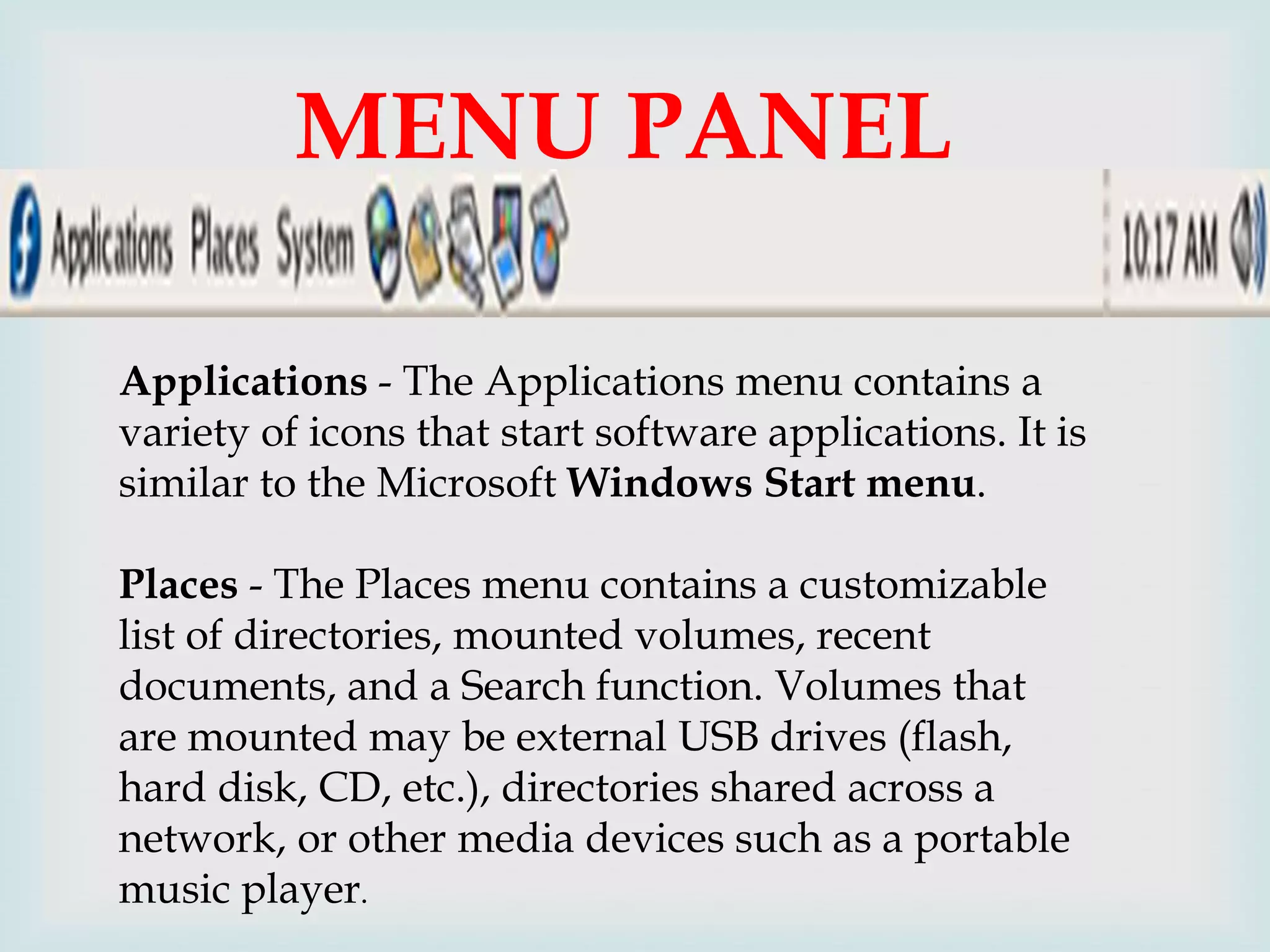
The menu panel
The desktop area
The window list panel
MENU PANEL

Applications - The Applications menu contains a
variety of icons that start software applications. It is
similar to the Microsoft Windows Start menu.
Places - The Places menu contains a customizable
list of directories, mounted volumes, recent
documents, and a Search function. Volumes that
are mounted may be external USB drives (flash,
hard disk, CD, etc.), directories shared across a
network, or other media devices such as a portable
music player.
SYSTEM MENU


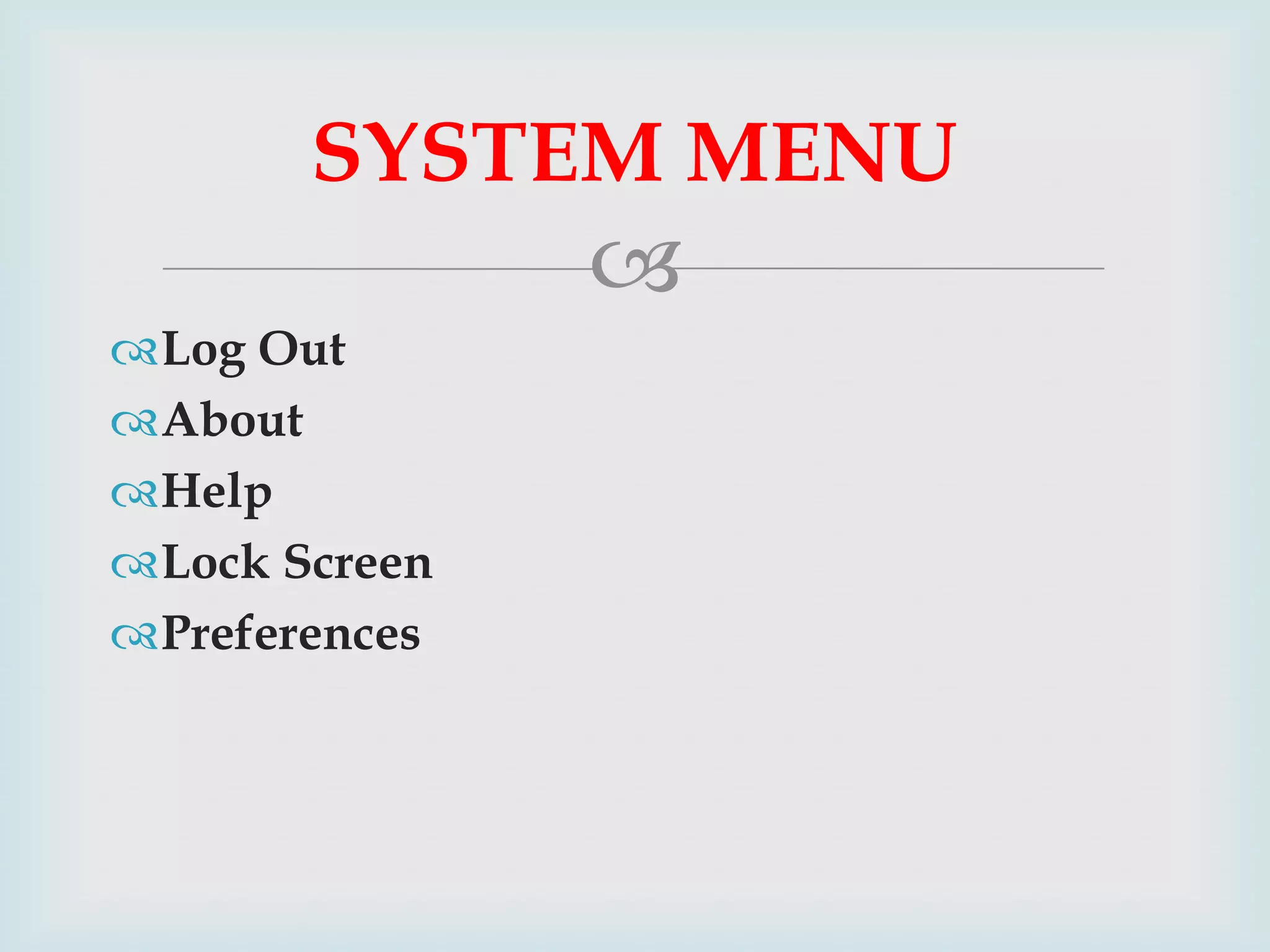
Log Out
About
Help
Lock Screen
Preferences
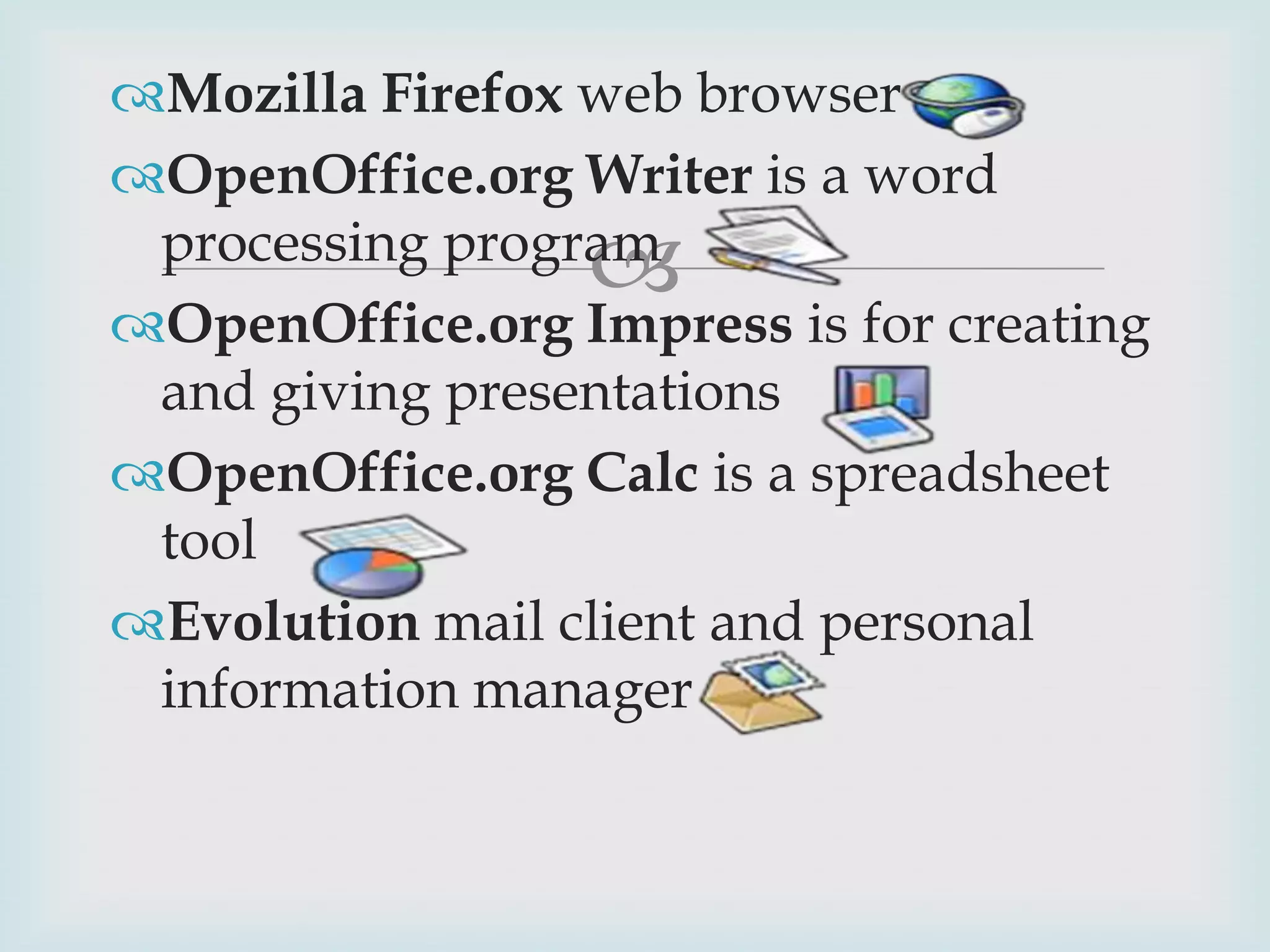
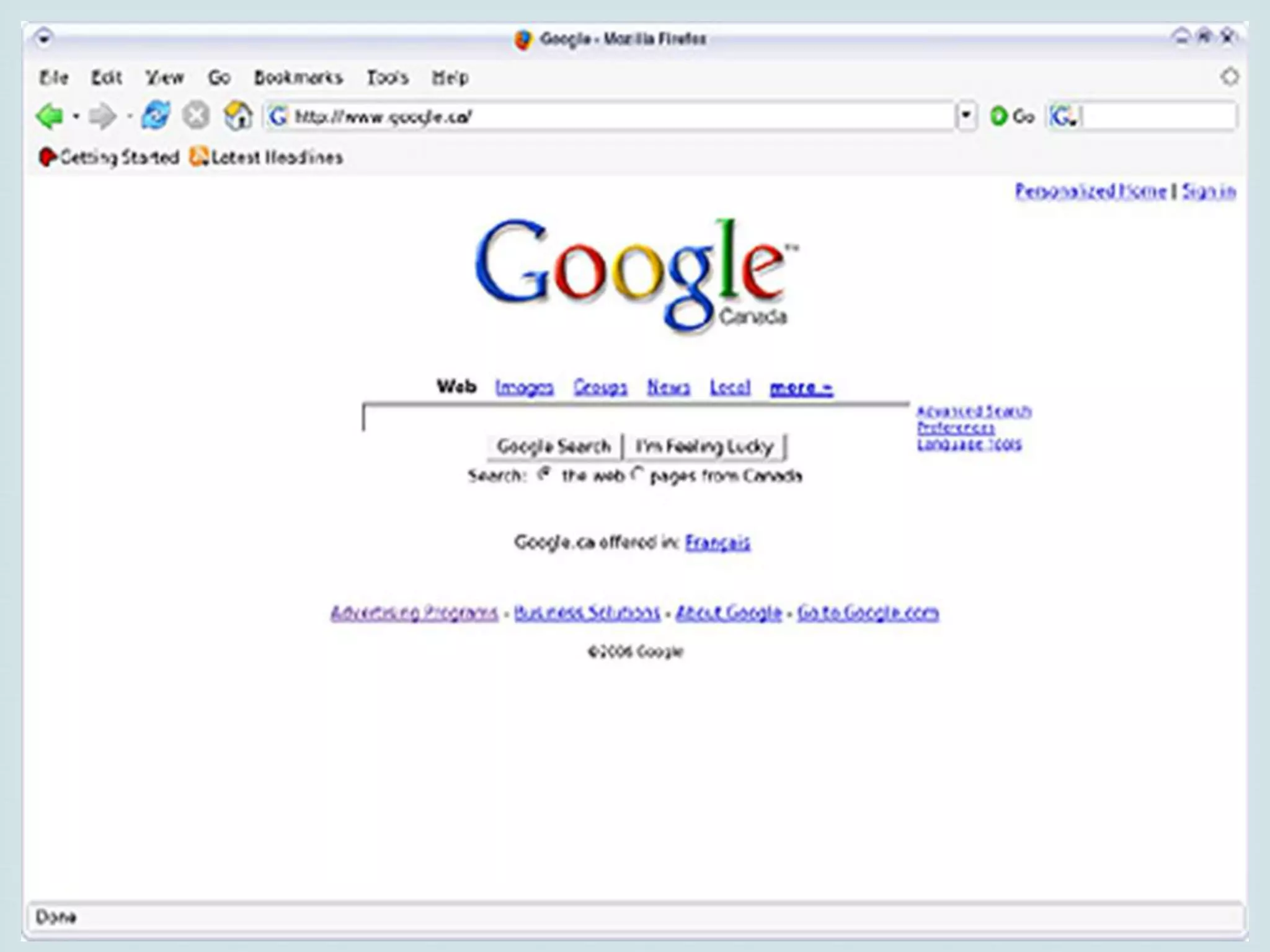
Mozilla Firefox web browser
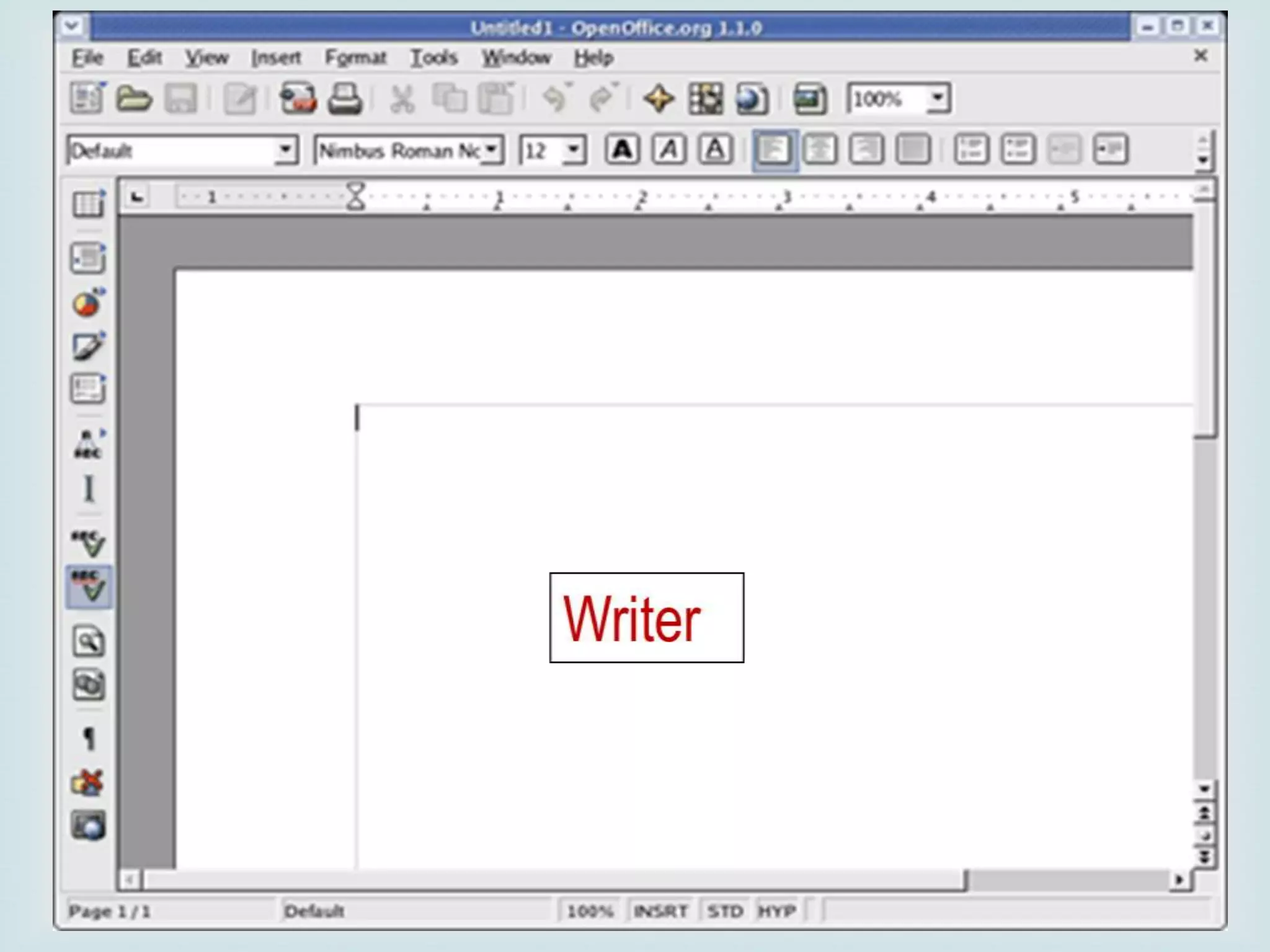
OpenOffice.org Writer is a word
processing program
OpenOffice.org Impress is for creating
and giving presentations
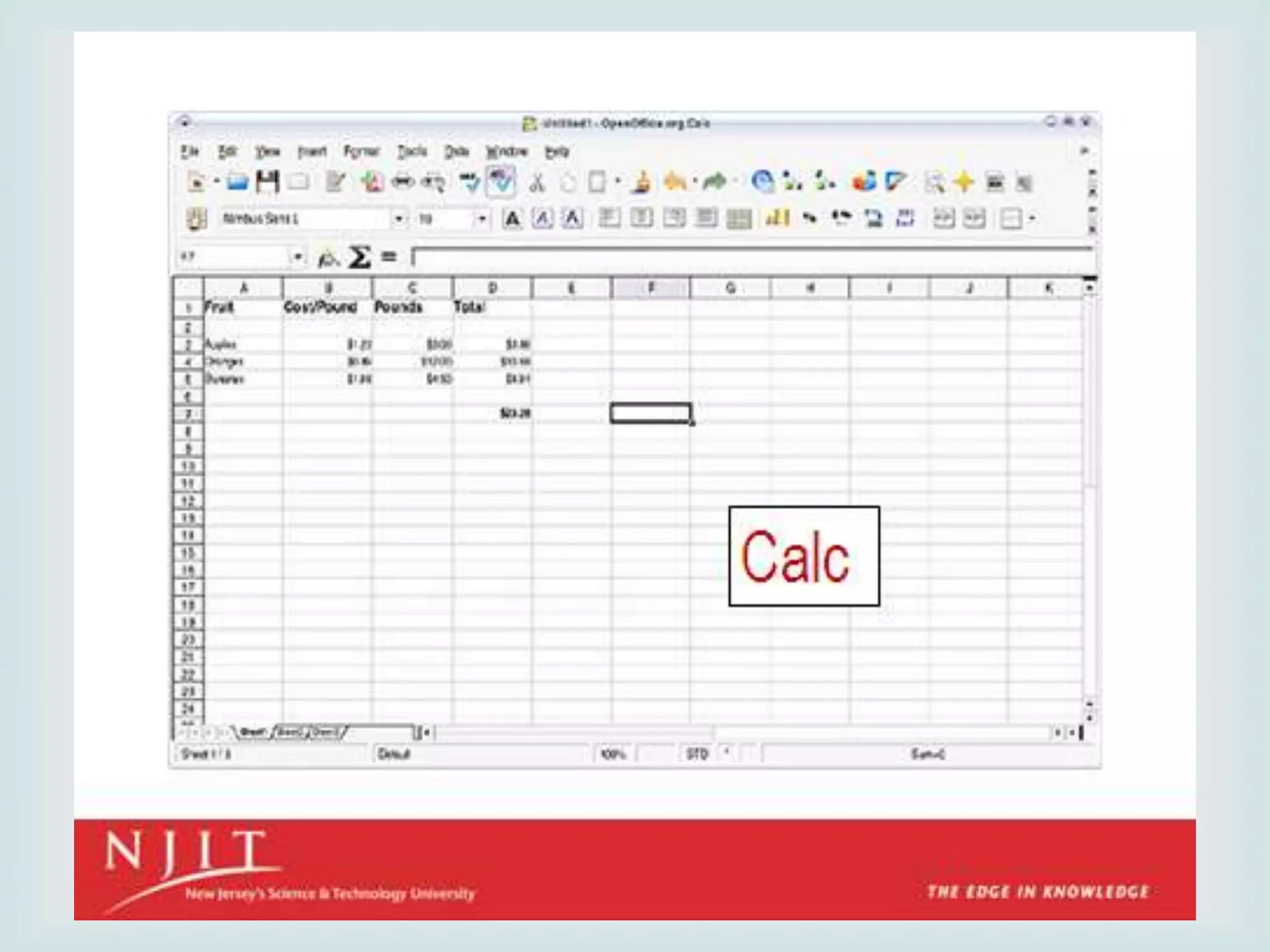
OpenOffice.org Calc is a spreadsheet
tool
Evolution mail client and personal
information manager


THE DESKTOP AREA
 (or disks) mounted
 Computer - This contains all volumes

on the computer. These are also listed in the Places menu.
Computer is equivalent to My Computer on Microsoft
Windows.
 Home - This is where the logged-in user stores all files by
default, such as music, movies, and documents. There is a
different home directory for each user, and by default
users cannot access each others' home directories. Home
is equivalent to My Documents on Microsoft Windows.
 Trash - Deleted files are moved to Trash. Empty Trash by
right-clicking the icon and clicking Empty Trash
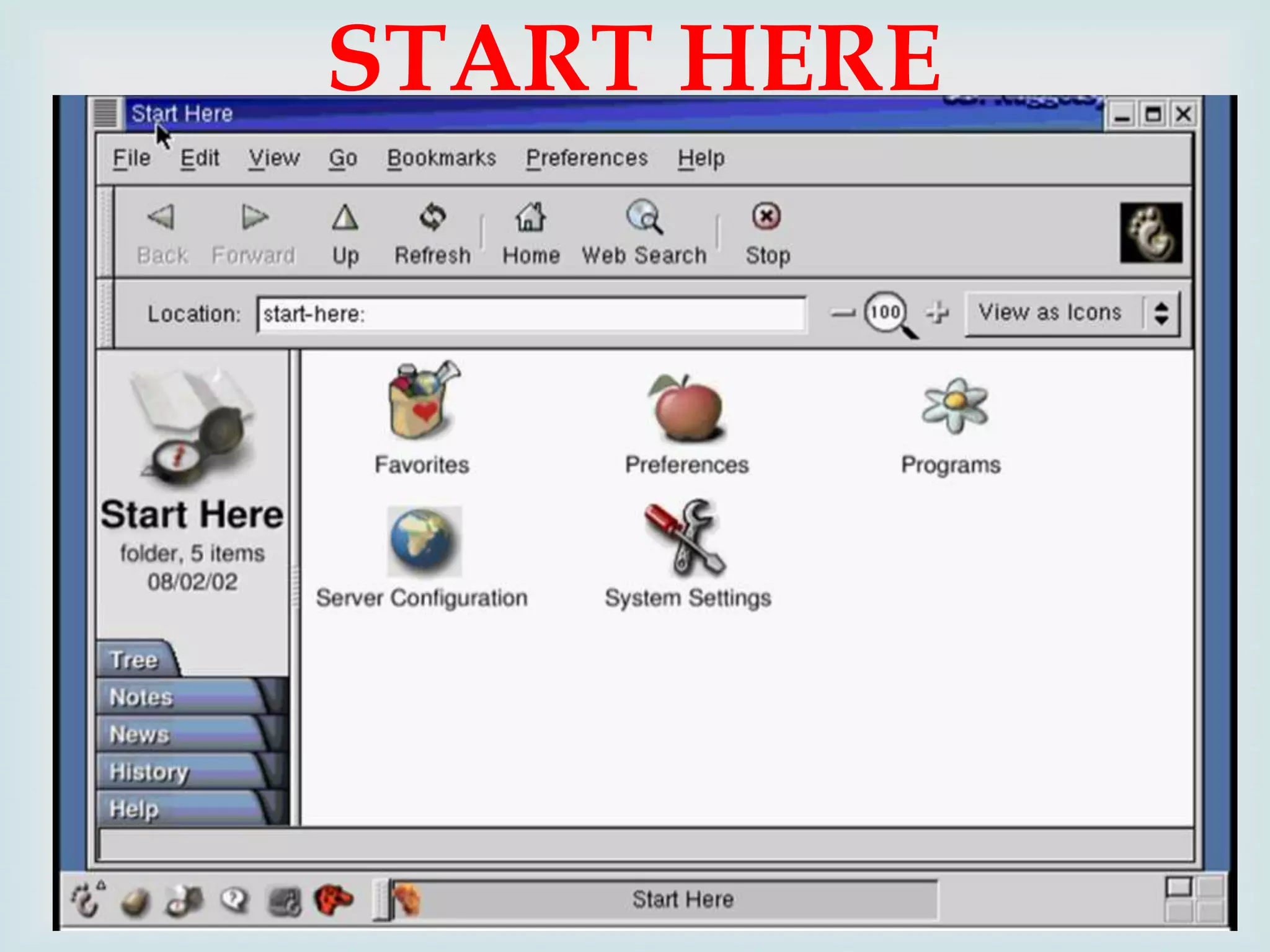
START HERE

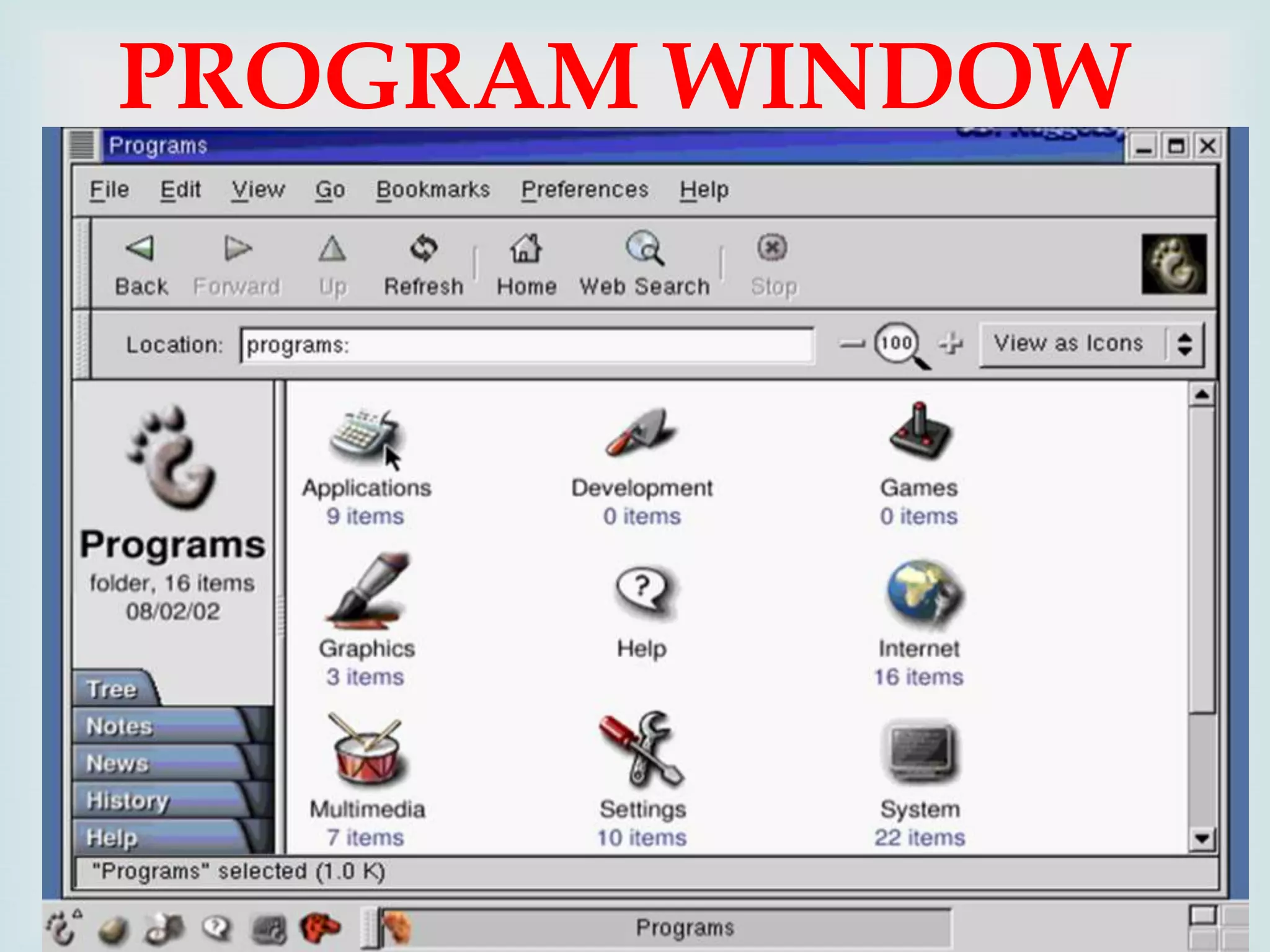
PROGRAM WINDOW

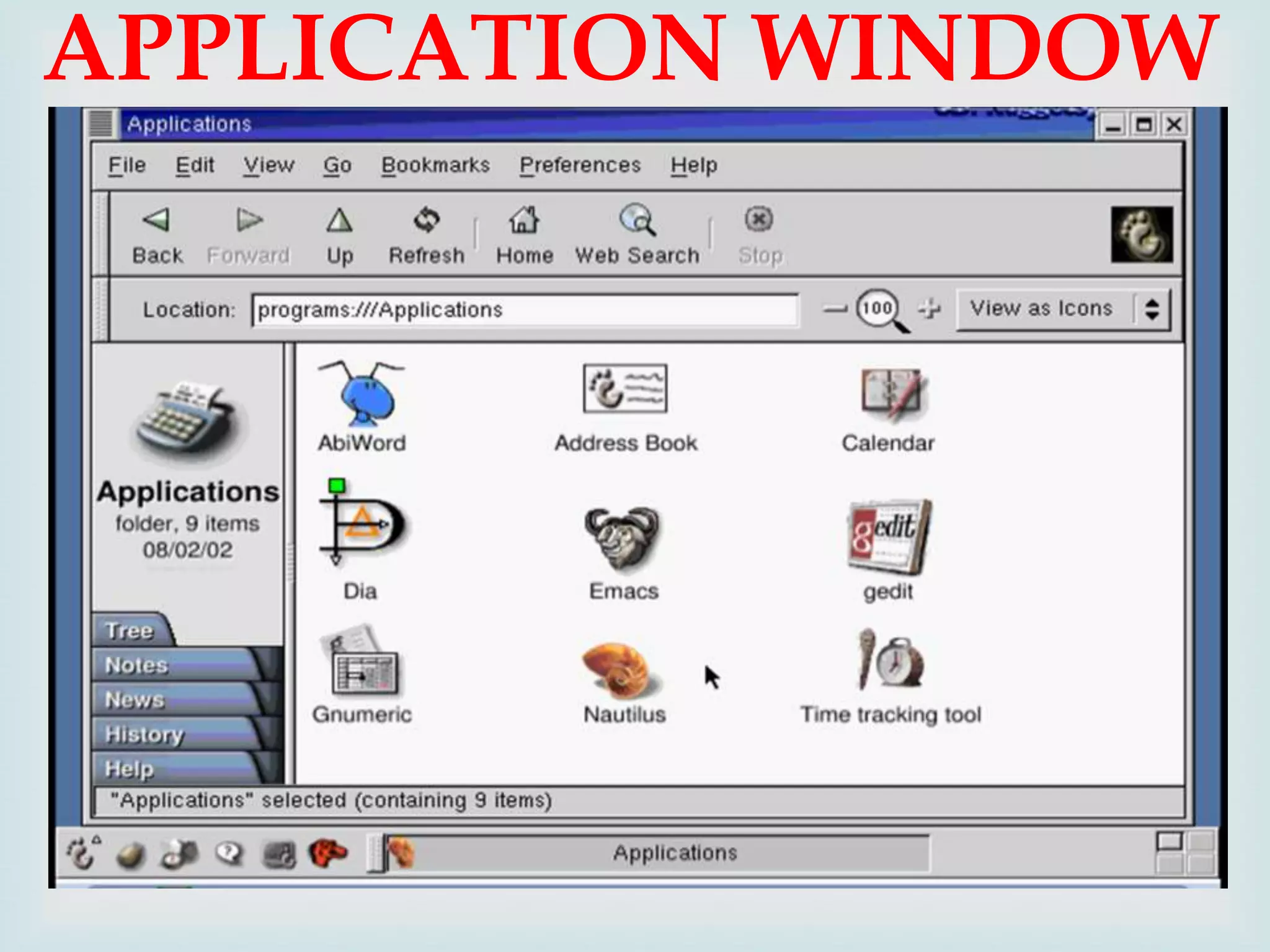
APPLICATION WINDOW

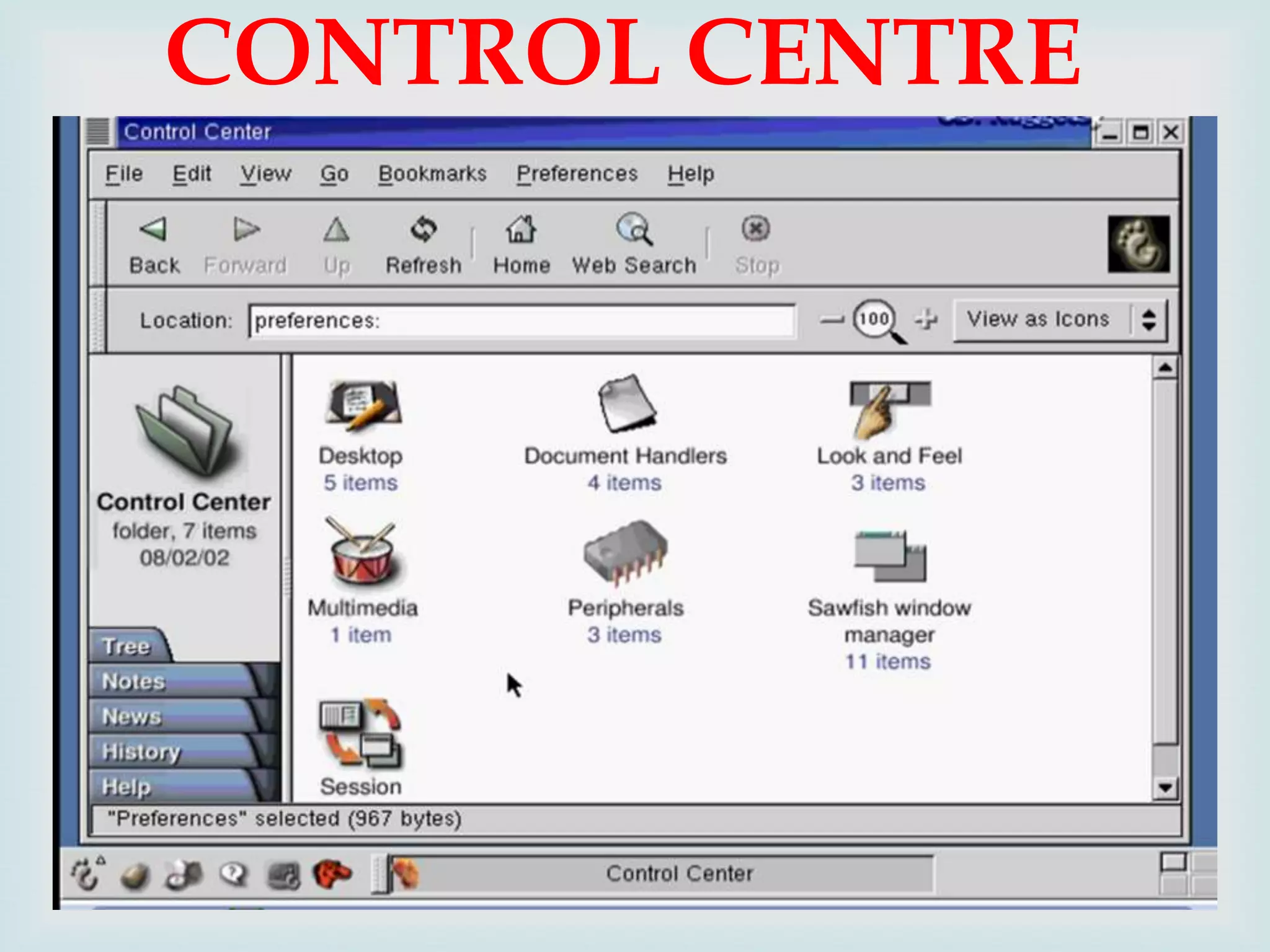
CONTROL CENTRE

OFFICE SOFTWARE

Word processor
Spreadsheet
Presentation
Database application


WEB BROWSER

Firefox

OTHER SOFTWARES


Audio Player: The XMMS (X Multimedia
System), which is used to play digital sound
files
CD Player: The default CD player
Sound Juicer CD Ripper: Burn your own
CDs
Messaging Client: GAIM supports AIM,
MSN, ICQ, and many other popular IM
networks
gFTP: Useful for grabbing files through FTP
(File Transfer Protocol)
WHY LINUX?

Powerful
 Runs on multiple hardware platforms
 Users like its speed and stability
 No requirement for latest hardware

It’s “free”
 Licensed under GPL
 Vendors are distributors who package Linux

Multi-user
 A multi-user operating system allows for multiple
users to use the same computer at the same time
and/or different times.

Multiprocessing
 An operating system capable of supporting and
utilizing more than one computer processor

Multitasking
 An operating system that is capable of allowing
multiple software processes to run at the same time

Multithreading
 Operating systems that allow different parts of a
software program to run concurrently.
Open Source Software


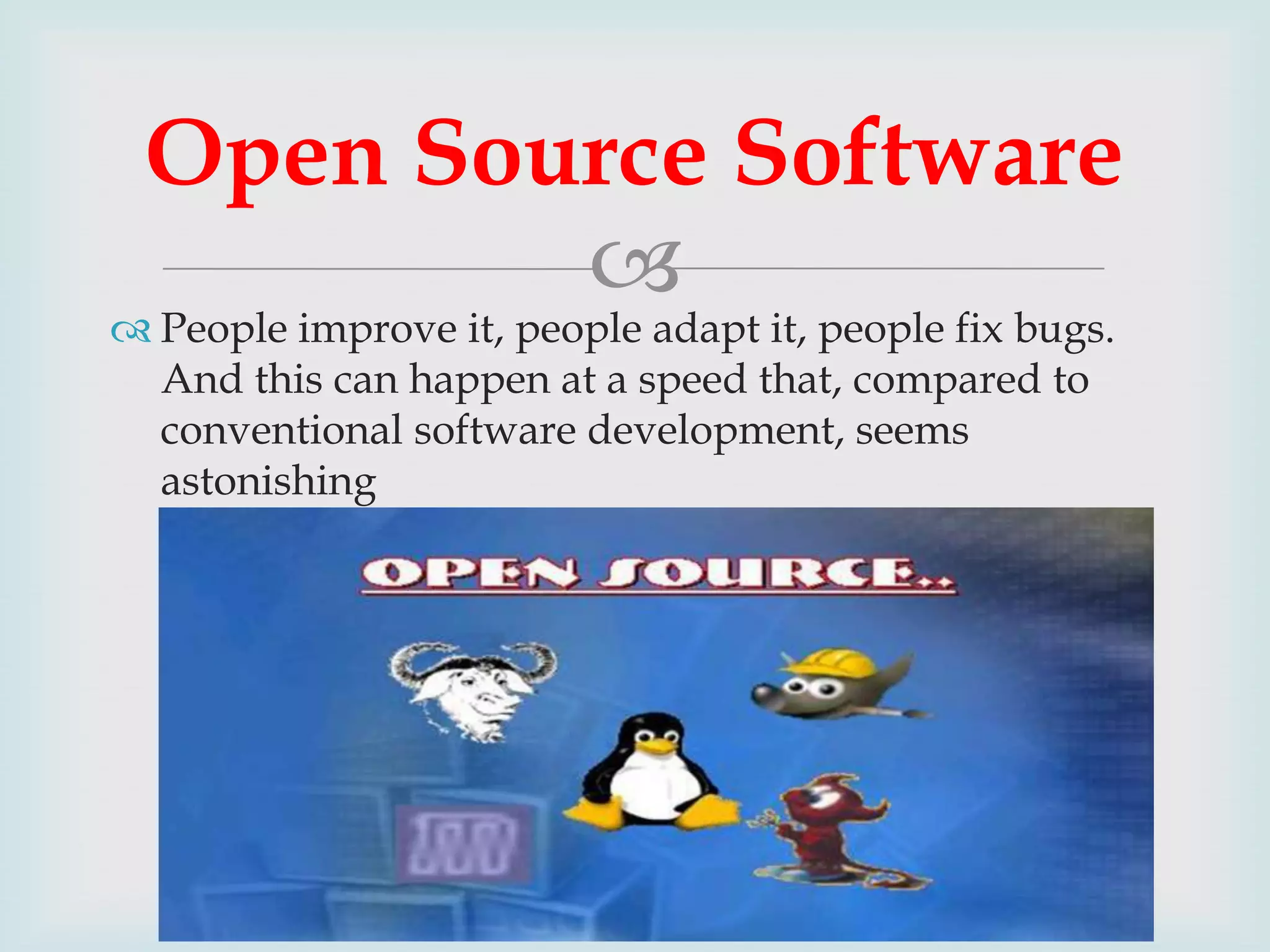
 People improve it, people adapt it, people fix bugs.
And this can happen at a speed that, compared to
conventional software development, seems
astonishing
Linux Provide Security


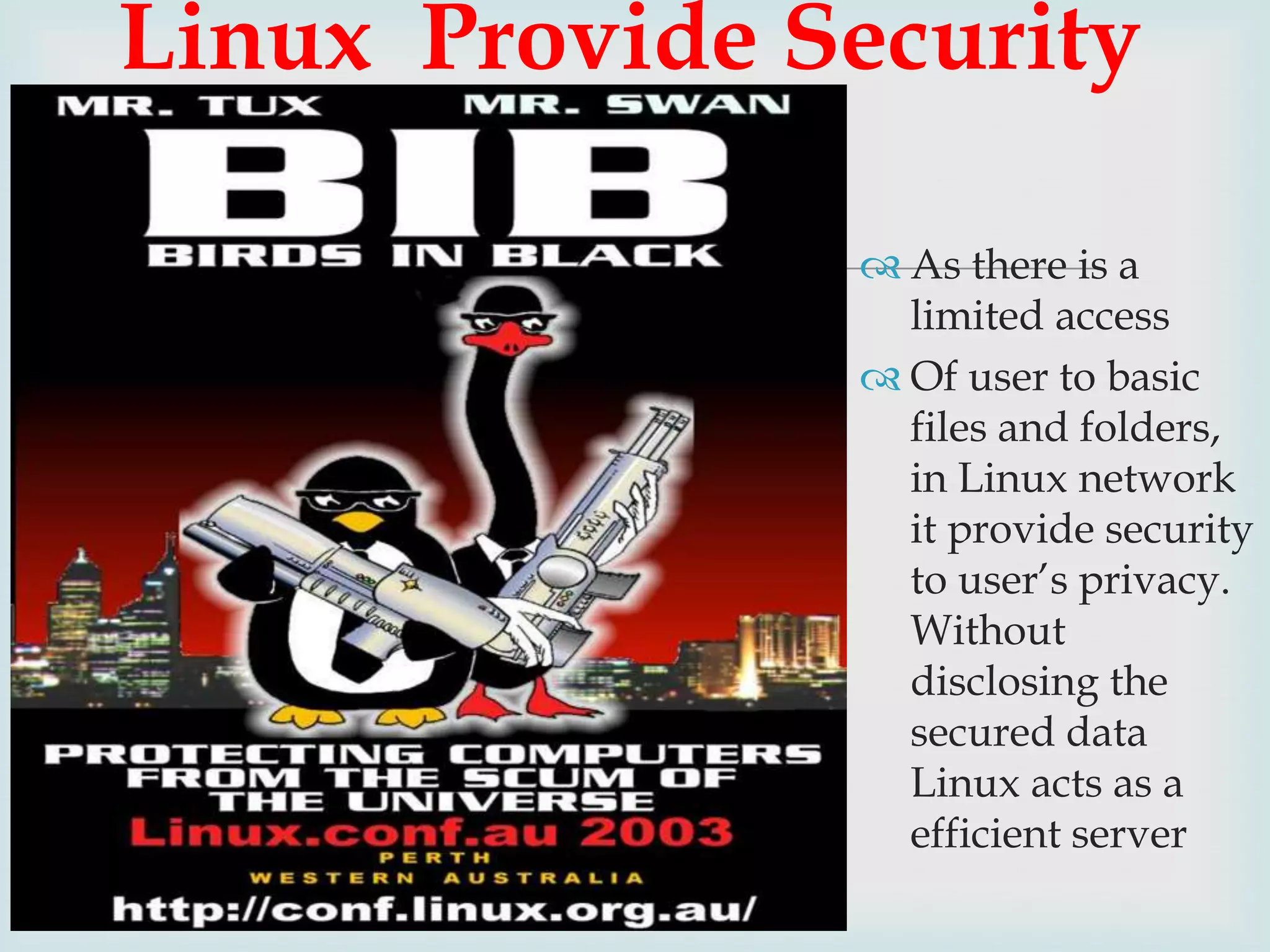
 As there is a
limited access
 Of user to basic
files and folders,
in Linux network
it provide security
to user’s privacy.
Without
disclosing the
secured data
Linux acts as a
efficient server
Linux is Virus Free!!

Linux is "virus-free" in
that there are
essentially no viruses
for Linux in the wild,
although research
viruses certainly do
exist.
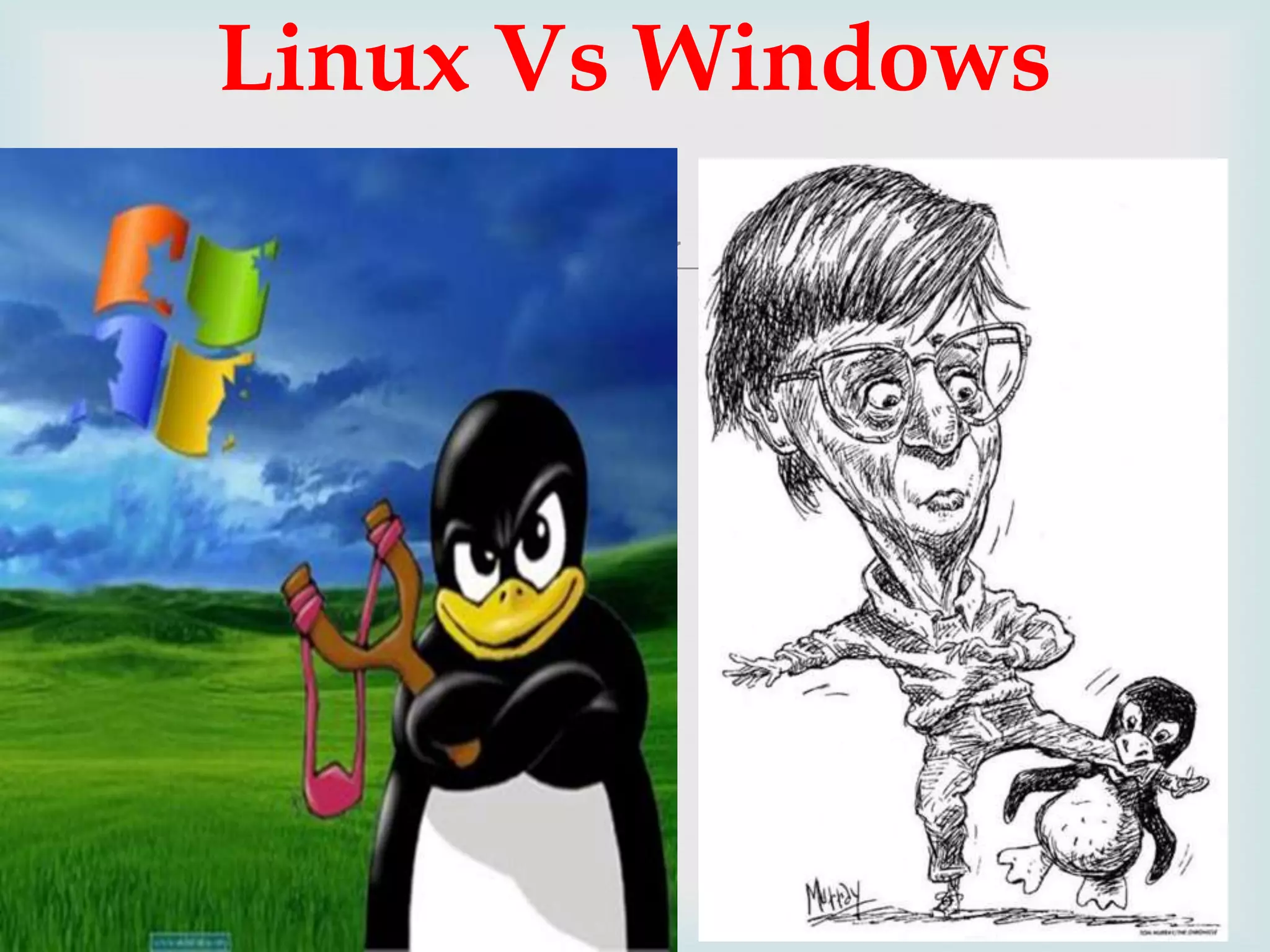
Linux Vs Windows

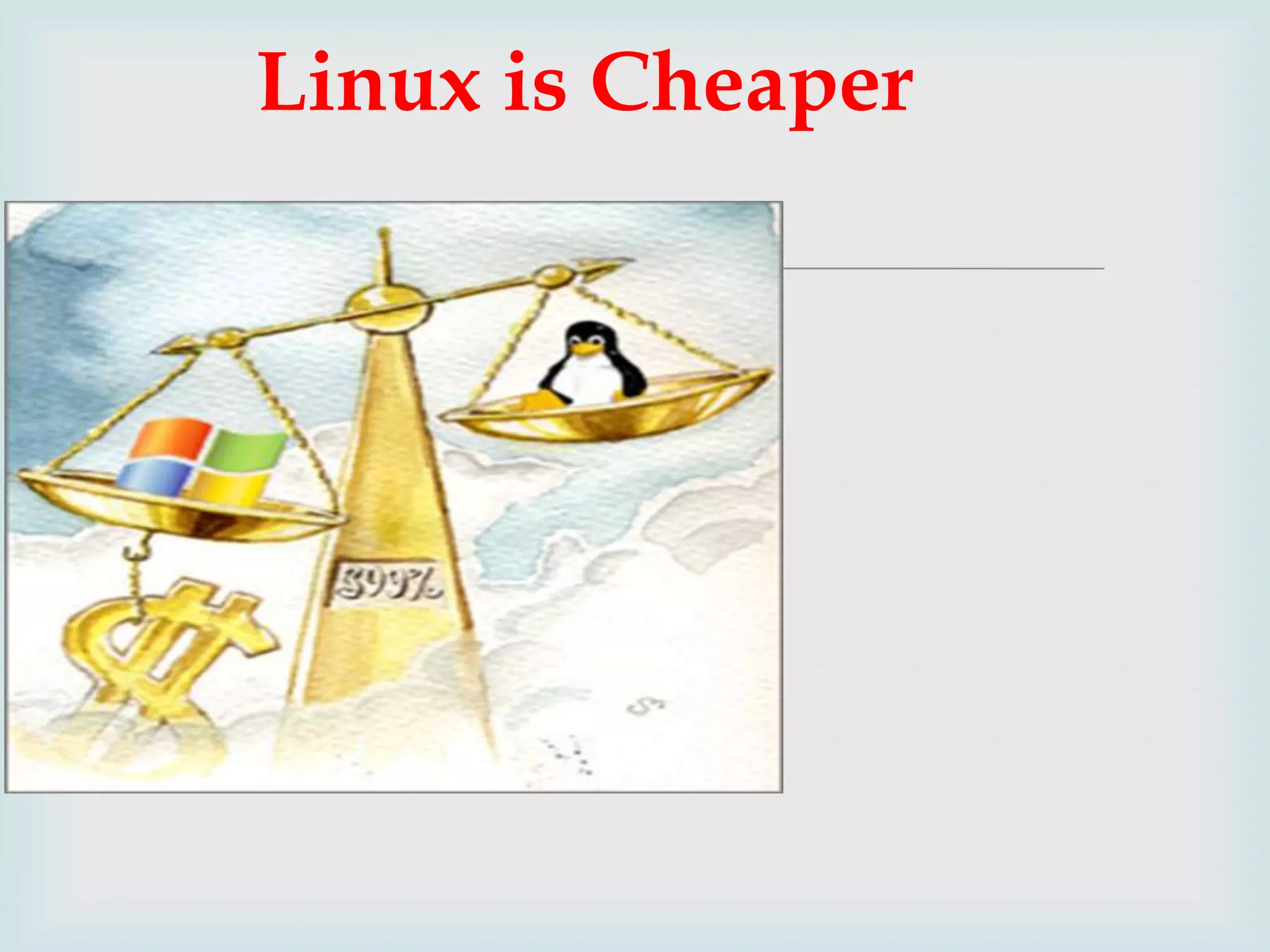
Linux is Cheaper



Keeping up to date
By Upgrading
Linux upgrades faster than Windows




Compatibility


Windows

Linux is Backward Compatible unlike
ADVANTAGES OF
LINUX

stable
 Linux systems are extremely

 Linux is Free
 No threat of viruses
 Linux comes with most of the required software preinstalled
 Update all your software with minimum fuss
 Linux never gets slow
 Linux does not need defragmentation
 Linux can even run on oldest hardware
 Adding more software is a matter of a few clicks
 Most Windows-only apps have their either their native
version or alternatives for Linux
 With Linux, you get the highest degree of possible
customizability


Linux ppt

  • 1.
    PRESENTED BY, RED HAT LINCYJOSE JINI VARGHESE LIJIN TOM JOHN
  • 2.
    OVERVIEW  What is Linux? Historyof Linux Features Supported Under Linux The features of Linux
  • 3.
    WHAT IS LINUX?  Linux is a generic term referring to Unix-like graphical user interface (GUI) based computer operating systems. It is Multi-user, Multitasking, Multiprocessor Coexists with other Operating Systems Runs on multiple platforms
  • 4.
    BEFORE LINUX   In80’s, Microsoft’s DOS was the dominated OS for PC  Apple MAC was better, but expensive  UNIX was much better, but much, much more expensive. Only for minicomputer for commercial applications  People was looking for a UNIX based system, which is cheaper and can run on PC
  • 5.
    GNU PROJECT  Established in1984 by Richard Stallman GNU is a recursive acronym for “GNU's Not Unix” Aim at developing a complete Unix-like operating system which is free for copying and modification Stallman built the first free GNU C Compiler in 1991. But still, an OS was yet to be developed
  • 6.
    BEGINNING OF LINUX  A famous professor Andrew Tanenbaum developed Minix, a simplified version of UNIX that runs on PC  Minix is for class teaching only. No intention for commercial use  In Sept 1991, Linus Torvalds, a second year student of Computer Science at the University of Helsinki, developed the preliminary kernel of Linux, known as Linux version 0.0.1
  • 7.
    LINUX TODAY  computingplatforms  Linux has been used for many  PC, Supercomputer  Commercial vendors moved in Linux itself to provide freely distributed code. They make their money by compiling up various software and gathering them in a distributable format  Red Hat, Slackware, etc  About 29 million people use Linux worldwide
  • 8.
    LINUX-FREE SOFTWARE   Freesoftware, as defined by the FSF (Free Software Foundation), is a "matter of liberty, not price." To qualify as free software by FSF standards, you must be able to:  Run the program for any purpose you want to, rather than be restricted in what you can use it for.  Share the program with others.  Improve the program and release those improvements so that others can use them.
  • 9.
    LINUX SOFTWARES   RedHat Linux : One of the original Linux distribution.  The commercial, nonfree version is Red Hat Enterprise Linux, which is aimed at big companies using Linux servers and desktops in a big way  Debian GNU/Linux : A free software distribution. Popular for use on servers  Gentoo Linux : Gentoo is a specialty distribution meant for programmers
  • 10.
    UBUNTU   Ubuntu isa free Linux distros  Ubuntu is reliable and stable.  Ubuntu is the distribution with the biggest software repositories.  Ubuntu has a good hardware support for most available companies.  Ubuntu have a lot of variants (Kubuntu, Xubuntu, Edubuntu, Goubuntu, MIDI Ubuntu).
  • 11.
  • 12.
  • 13.
    Default Fedora Desktop three distinct areas. The default desktop has From top to bottom, the areas are: The menu panel The desktop area The window list panel
  • 14.
    MENU PANEL  Applications -The Applications menu contains a variety of icons that start software applications. It is similar to the Microsoft Windows Start menu. Places - The Places menu contains a customizable list of directories, mounted volumes, recent documents, and a Search function. Volumes that are mounted may be external USB drives (flash, hard disk, CD, etc.), directories shared across a network, or other media devices such as a portable music player.
  • 15.
  • 16.
    Mozilla Firefox webbrowser OpenOffice.org Writer is a word processing program OpenOffice.org Impress is for creating and giving presentations OpenOffice.org Calc is a spreadsheet tool Evolution mail client and personal information manager 
  • 17.
    THE DESKTOP AREA (or disks) mounted  Computer - This contains all volumes on the computer. These are also listed in the Places menu. Computer is equivalent to My Computer on Microsoft Windows.  Home - This is where the logged-in user stores all files by default, such as music, movies, and documents. There is a different home directory for each user, and by default users cannot access each others' home directories. Home is equivalent to My Documents on Microsoft Windows.  Trash - Deleted files are moved to Trash. Empty Trash by right-clicking the icon and clicking Empty Trash
  • 18.
  • 19.
  • 20.
  • 21.
  • 22.
  • 23.
  • 24.
  • 25.
  • 26.
  • 27.
    OTHER SOFTWARES  Audio Player:The XMMS (X Multimedia System), which is used to play digital sound files CD Player: The default CD player Sound Juicer CD Ripper: Burn your own CDs Messaging Client: GAIM supports AIM, MSN, ICQ, and many other popular IM networks gFTP: Useful for grabbing files through FTP (File Transfer Protocol)
  • 28.
    WHY LINUX?  Powerful  Runson multiple hardware platforms  Users like its speed and stability  No requirement for latest hardware It’s “free”  Licensed under GPL  Vendors are distributors who package Linux
  • 29.
     Multi-user  A multi-useroperating system allows for multiple users to use the same computer at the same time and/or different times. Multiprocessing  An operating system capable of supporting and utilizing more than one computer processor
  • 30.
     Multitasking  An operatingsystem that is capable of allowing multiple software processes to run at the same time Multithreading  Operating systems that allow different parts of a software program to run concurrently.
  • 31.
    Open Source Software  People improve it, people adapt it, people fix bugs. And this can happen at a speed that, compared to conventional software development, seems astonishing
  • 32.
    Linux Provide Security  As there is a limited access  Of user to basic files and folders, in Linux network it provide security to user’s privacy. Without disclosing the secured data Linux acts as a efficient server
  • 33.
    Linux is VirusFree!!  Linux is "virus-free" in that there are essentially no viruses for Linux in the wild, although research viruses certainly do exist.
  • 34.
  • 35.
  • 36.
     Keeping up todate By Upgrading Linux upgrades faster than Windows   Compatibility  Windows Linux is Backward Compatible unlike
  • 37.
    ADVANTAGES OF LINUX stable  Linuxsystems are extremely  Linux is Free  No threat of viruses  Linux comes with most of the required software preinstalled  Update all your software with minimum fuss  Linux never gets slow  Linux does not need defragmentation  Linux can even run on oldest hardware  Adding more software is a matter of a few clicks  Most Windows-only apps have their either their native version or alternatives for Linux  With Linux, you get the highest degree of possible customizability
  • 38.