Applet
An applet is a Java program that runs in a Web browser.
There are some important differences between an applet and a standalone Java
application.
 An applet is a Java class that extends the java.applet.Applet class.
 A main() method is not invoked on an applet, and an applet class will not
define main().
 Applets are designed to be embedded within an HTML page.
 When a user views an HTML page that contains an applet, the code for the
applet is downloaded to the user's machine.
 A JVM is required to view an applet.
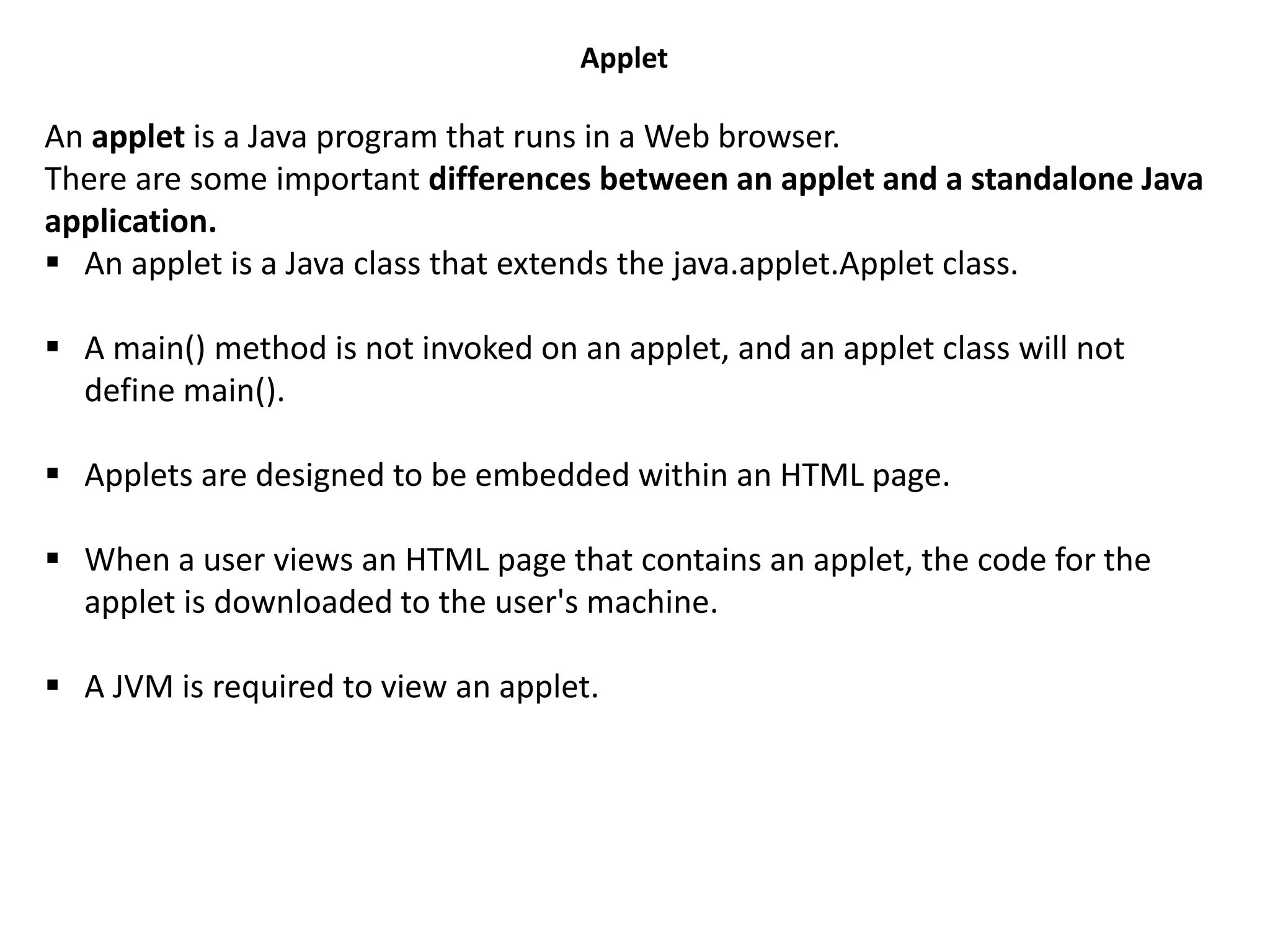
Lifecycle of Java Applet
• Applet is initialized.
• Applet is started.
• Applet is painted.
• Applet is stopped.
• Applet is destroyed.
java.applet.Applet class
For creating any applet java.applet.Applet class must be inherited. It provides 4 life
cycle methods of applet.
public void init(): is used to initialized the Applet. It is invoked only once.
public void start(): is invoked after the init() method or browser is maximized. It is
used to start the Applet.
public void stop(): is used to stop the Applet. It is invoked when Applet is stop or
browser is minimized.
public void destroy(): is used to destroy the Applet. It is invoked only once.
java.awt.Component class
The Component class provides 1 life cycle method of applet.
public void paint(Graphics g): is used to paint the Applet. It provides Graphics class
object that can be used for drawing oval, rectangle, arc etc.
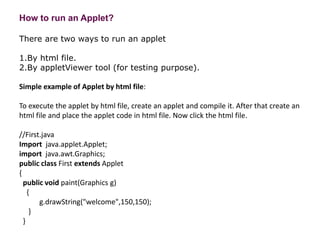
How to run an Applet?
There are two ways to run an applet
1.By html file.
2.By appletViewer tool (for testing purpose).
Simple example of Applet by html file:
To execute the applet by html file, create an applet and compile it. After that create an
html file and place the applet code in html file. Now click the html file.
//First.java
Import java.applet.Applet;
import java.awt.Graphics;
public class First extends Applet
{
public void paint(Graphics g)
{
g.drawString("welcome",150,150);
}
}
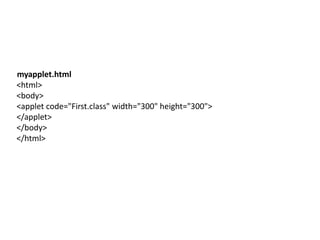
myapplet.html
<html>
<body>
<applet code="First.class" width="300" height="300">
</applet>
</body>
</html>
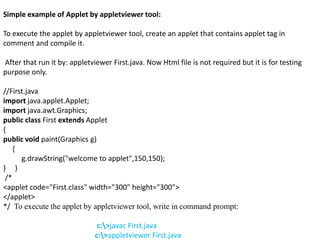
Simple example of Applet by appletviewer tool:
To execute the applet by appletviewer tool, create an applet that contains applet tag in
comment and compile it.
After that run it by: appletviewer First.java. Now Html file is not required but it is for testing
purpose only.
//First.java
import java.applet.Applet;
import java.awt.Graphics;
public class First extends Applet
{
public void paint(Graphics g)
{
g.drawString("welcome to applet",150,150);
} }
/*
<applet code="First.class" width="300" height="300">
</applet>
*/ To execute the applet by appletviewer tool, write in command prompt:
c:>javac First.java
c:>appletviewer First.java
Parameter in Applet
We can get any information from the HTML file as a parameter. For this purpose,
Applet class provides a method named getParameter().
Syntax:
1. public String getParameter(String parameterName)
Example of using parameter in Applet:
import java.applet.Applet;
import java.awt.Graphics;
public class UseParam extends Applet
{
public void paint(Graphics g)
{
String str=getParameter("msg");
g.drawString(str,50, 50);
} }
myapplet.html
<html>
<body>
<applet code="UseParam.class" width="300" height="300">
<param name="msg" value="Welcome to applet">
</applet>
</body>
</html>
• JApplet
• As we prefer Swing to AWT. Now we can use JApplet that can have all the controls of swing. The
JApplet class extends the JApplet class.
Example of EventHandling in JApplet:
import java.applet.*;
import javax.swing.*;
import java.awt.event.*;
public class EventJApplet extends JApplet implements ActionListener
{
JButton b;
JTextField tf;
public void init()
{
tf=new JTextField();
tf.setBounds(30,40,150,20);
b=new JButton("Click");
b.setBounds(80,150,70,40);
add(b);
add(tf);
b.addActionListener(this);
setLayout(null);
}
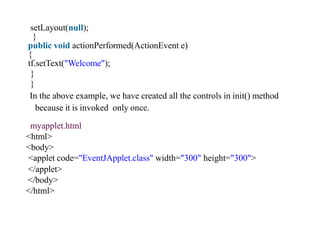
public void actionPerformed(ActionEvent e)
{
tf.setText("Welcome");
}
}
In the above example, we have created all the controls in init() method
because it is invoked only once.
myapplet.html
<html>
<body>
<applet code="EventJApplet.class" width="300" height="300">
</applet>
</body>
</html>

Applet

  • 1.
    Applet An applet isa Java program that runs in a Web browser. There are some important differences between an applet and a standalone Java application.  An applet is a Java class that extends the java.applet.Applet class.  A main() method is not invoked on an applet, and an applet class will not define main().  Applets are designed to be embedded within an HTML page.  When a user views an HTML page that contains an applet, the code for the applet is downloaded to the user's machine.  A JVM is required to view an applet.
  • 2.
    Lifecycle of JavaApplet • Applet is initialized. • Applet is started. • Applet is painted. • Applet is stopped. • Applet is destroyed.
  • 3.
    java.applet.Applet class For creatingany applet java.applet.Applet class must be inherited. It provides 4 life cycle methods of applet. public void init(): is used to initialized the Applet. It is invoked only once. public void start(): is invoked after the init() method or browser is maximized. It is used to start the Applet. public void stop(): is used to stop the Applet. It is invoked when Applet is stop or browser is minimized. public void destroy(): is used to destroy the Applet. It is invoked only once. java.awt.Component class The Component class provides 1 life cycle method of applet. public void paint(Graphics g): is used to paint the Applet. It provides Graphics class object that can be used for drawing oval, rectangle, arc etc.
  • 4.
    How to runan Applet? There are two ways to run an applet 1.By html file. 2.By appletViewer tool (for testing purpose). Simple example of Applet by html file: To execute the applet by html file, create an applet and compile it. After that create an html file and place the applet code in html file. Now click the html file. //First.java Import java.applet.Applet; import java.awt.Graphics; public class First extends Applet { public void paint(Graphics g) { g.drawString("welcome",150,150); } }
  • 5.
  • 6.
    Simple example ofApplet by appletviewer tool: To execute the applet by appletviewer tool, create an applet that contains applet tag in comment and compile it. After that run it by: appletviewer First.java. Now Html file is not required but it is for testing purpose only. //First.java import java.applet.Applet; import java.awt.Graphics; public class First extends Applet { public void paint(Graphics g) { g.drawString("welcome to applet",150,150); } } /* <applet code="First.class" width="300" height="300"> </applet> */ To execute the applet by appletviewer tool, write in command prompt: c:>javac First.java c:>appletviewer First.java
  • 8.
    Parameter in Applet Wecan get any information from the HTML file as a parameter. For this purpose, Applet class provides a method named getParameter(). Syntax: 1. public String getParameter(String parameterName) Example of using parameter in Applet: import java.applet.Applet; import java.awt.Graphics; public class UseParam extends Applet { public void paint(Graphics g) { String str=getParameter("msg"); g.drawString(str,50, 50); } } myapplet.html <html> <body> <applet code="UseParam.class" width="300" height="300"> <param name="msg" value="Welcome to applet"> </applet> </body> </html>
  • 9.
    • JApplet • Aswe prefer Swing to AWT. Now we can use JApplet that can have all the controls of swing. The JApplet class extends the JApplet class. Example of EventHandling in JApplet: import java.applet.*; import javax.swing.*; import java.awt.event.*; public class EventJApplet extends JApplet implements ActionListener { JButton b; JTextField tf; public void init() { tf=new JTextField(); tf.setBounds(30,40,150,20); b=new JButton("Click"); b.setBounds(80,150,70,40); add(b); add(tf); b.addActionListener(this);
  • 10.
    setLayout(null); } public void actionPerformed(ActionEvente) { tf.setText("Welcome"); } } In the above example, we have created all the controls in init() method because it is invoked only once. myapplet.html <html> <body> <applet code="EventJApplet.class" width="300" height="300"> </applet> </body> </html>