Objectives


On completion of this period, you would be
able to learn
• Access protection
• Access modifiers
• Applying access protection


                                             1
Recap

Packages
• Name provide to a group of classes
• A collection of related classes and interfaces
• A name space management tool provided by
  Java


                                                   2
Access Protection
• What is access protection
  • In objects, certain members have to be
    protected from unauthorized access
  • In C++, we learnt how to do such
    protection
  • We used private, public, and protected
    keywords for this purpose
  • Java also has such features


                                             3
Access Protection
• Access Protection
  • To protect the access of members of an
    object
  • Done with the help of access modifiers
  • Keywords are – private, public and
    protected
  • Access modifiers are also known as
    Visibility Modifiers


                                             4
Access Protection
• Purpose of Access Protection
  • Enforces
     • information hiding
     • encapsulation


                                  5
Access Modifiers
• Types of Access Modifiers
 • public
 • private
 • protected
 • default (no special keyword)


                                  6
Access Modifiers        Contd..
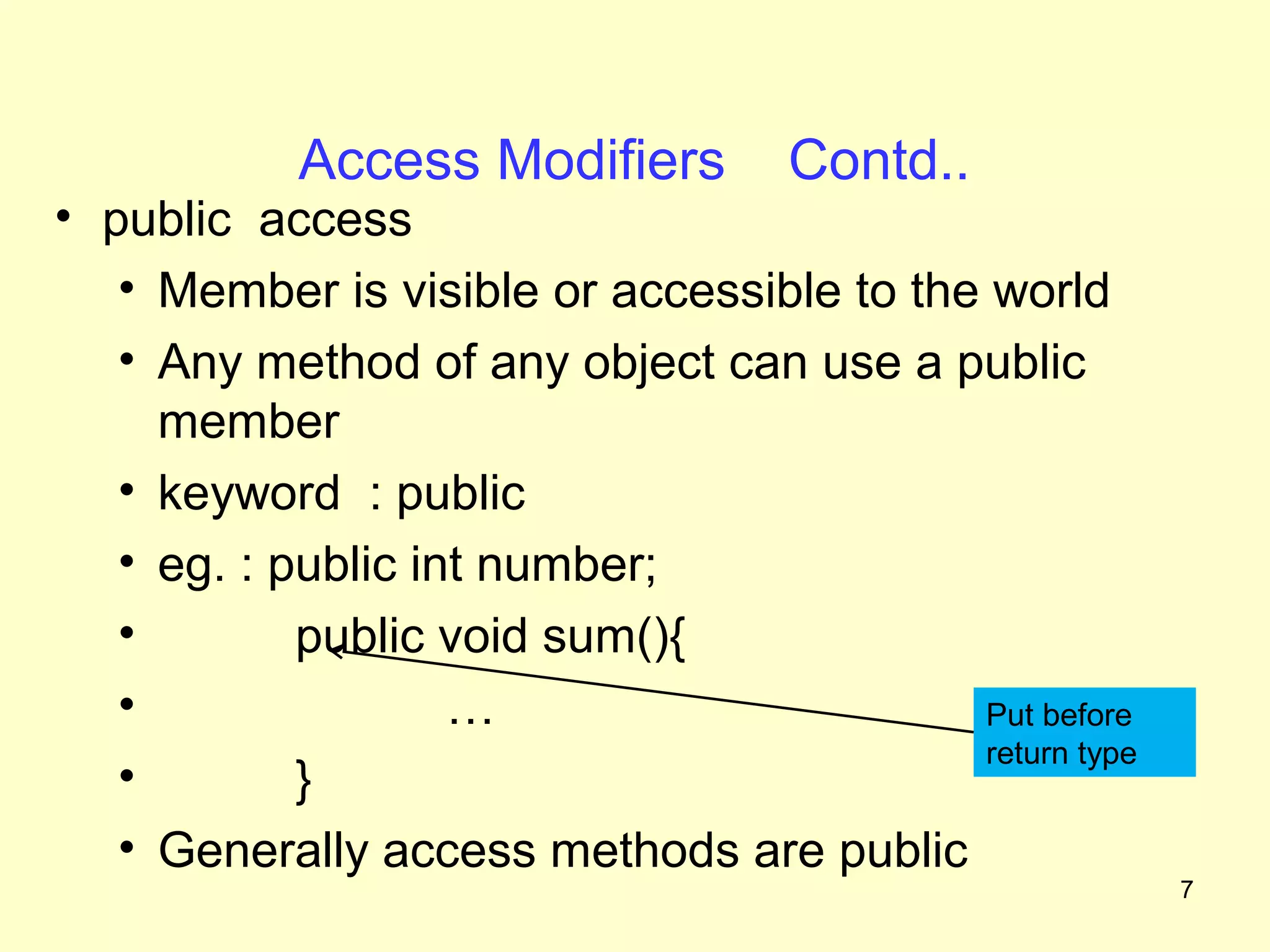
• public access
   • Member is visible or accessible to the world
   • Any method of any object can use a public
     member
   • keyword : public
   • eg. : public int number;
   •        public void sum(){
   •                …                      Put before
                                           return type
   •        }
   • Generally access methods are public
                                                         7
Access Modifiers Contd..
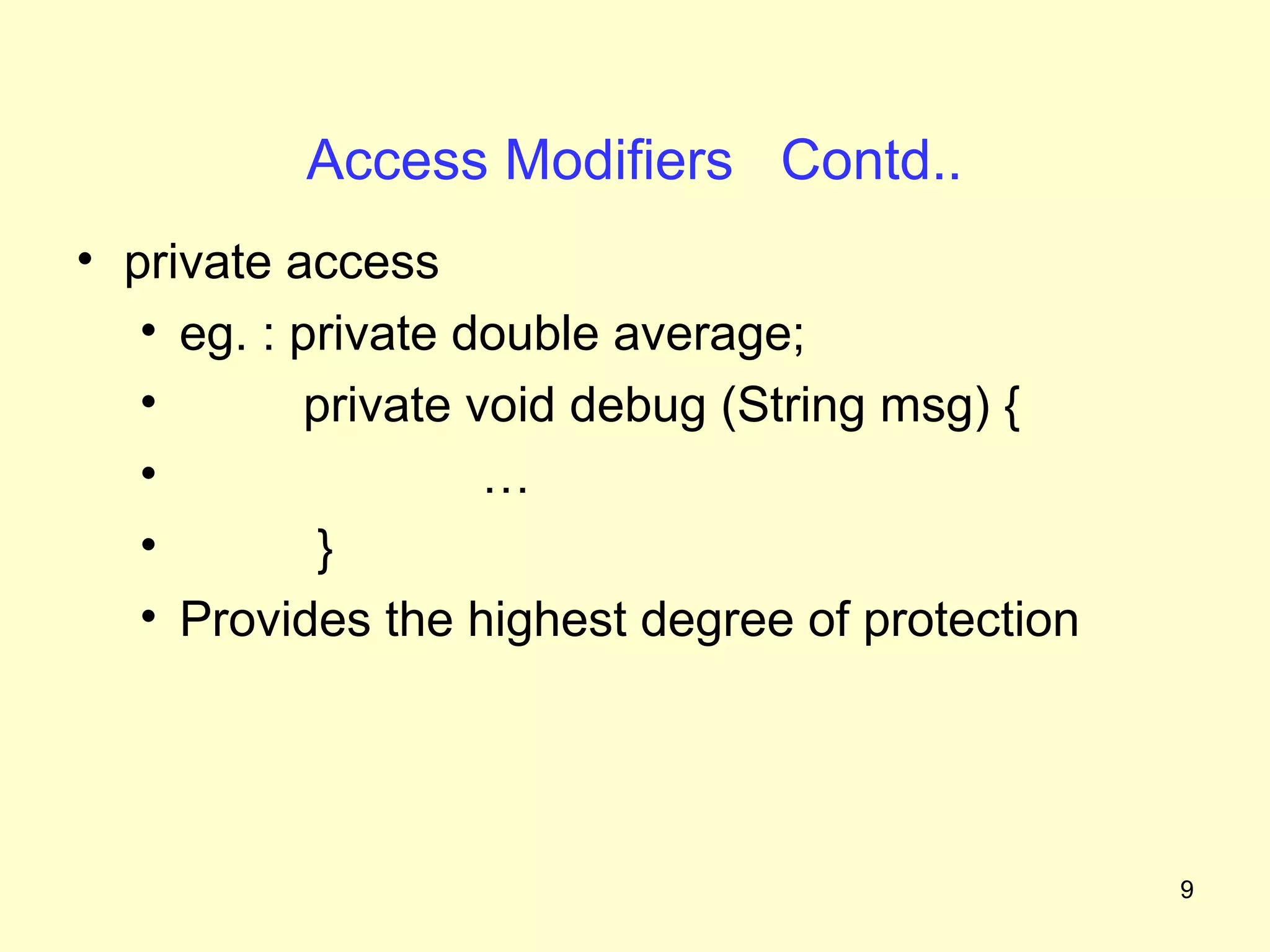
• private access
   • Member is visible or accessible only within its
     own class
   • Members cannot be inherited by subclasses
   • Members cannot be accessible in subclasses
   • Keyword : private


                                                       8
Access Modifiers Contd..
• private access
   • eg. : private double average;
   •        private void debug (String msg) {
   •                 …
   •         }
   • Provides the highest degree of protection


                                                 9
Access Modifiers       Contd..
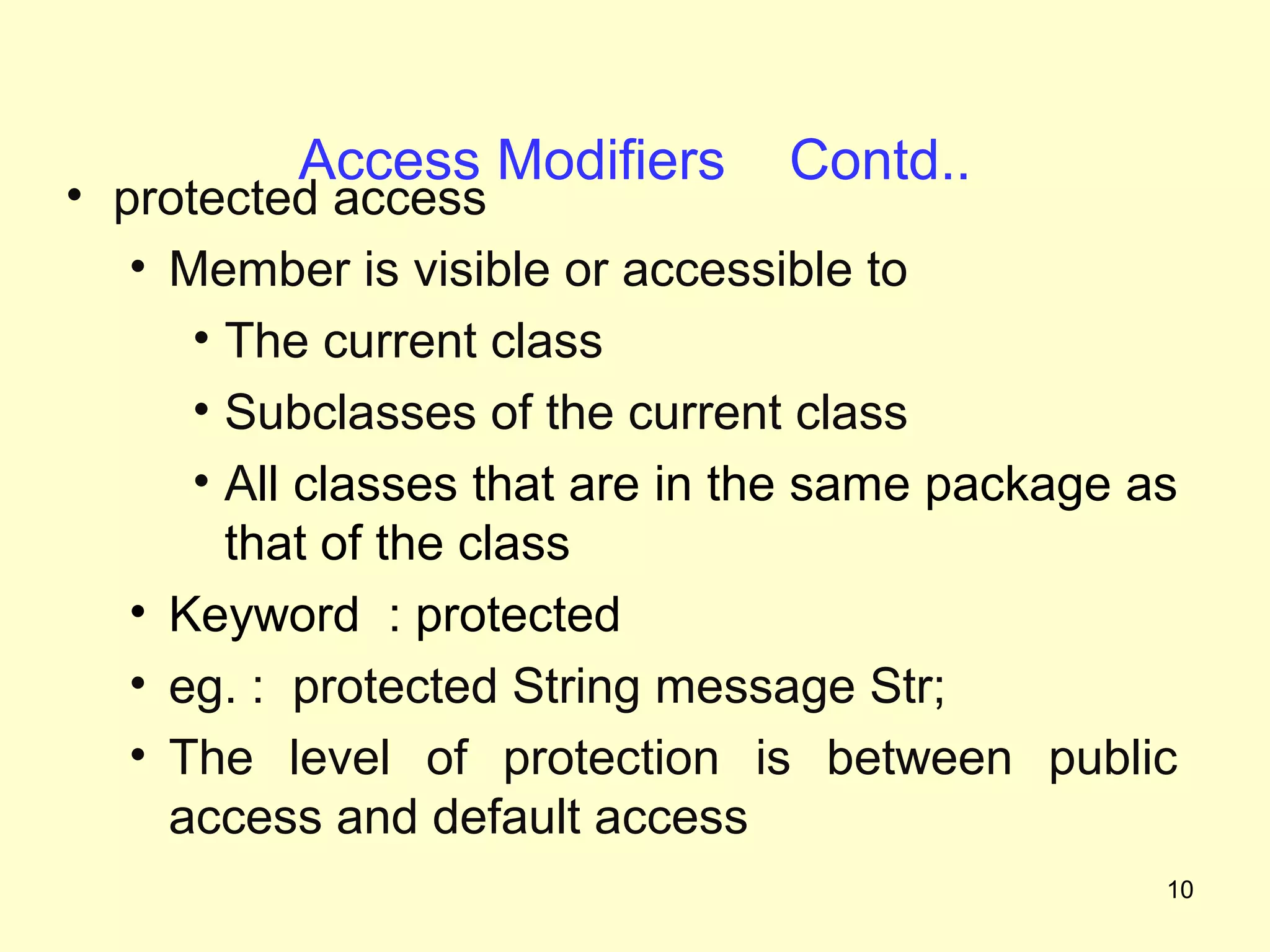
• protected access
   • Member is visible or accessible to
      • The current class
      • Subclasses of the current class
      • All classes that are in the same package as
        that of the class
   • Keyword : protected
   • eg. : protected String message Str;
   • The level of protection is between public
     access and default access
                                                  10
Access Modifiers       Contd..
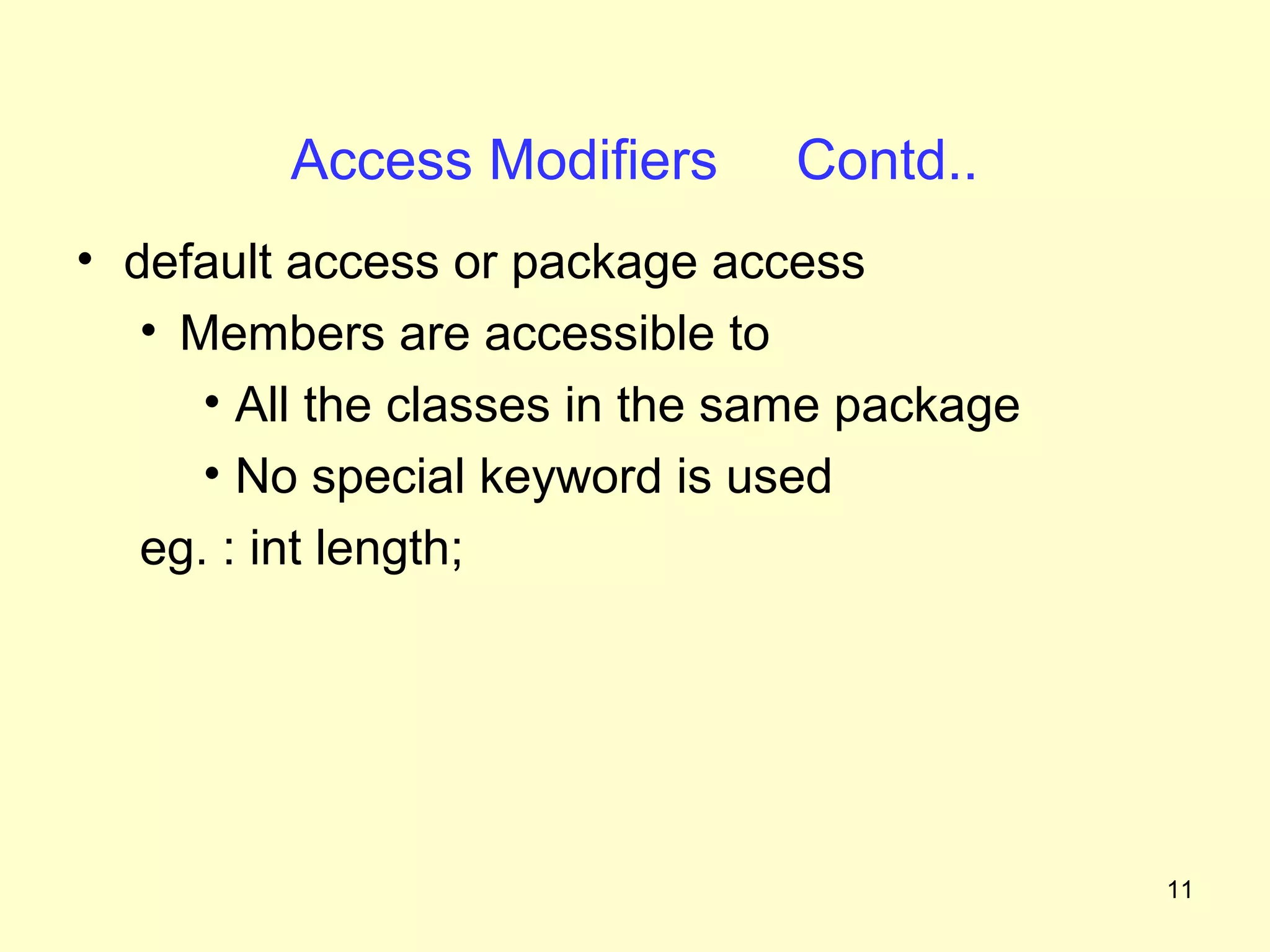
• default access or package access
   • Members are accessible to
      • All the classes in the same package
      • No special keyword is used
   eg. : int length;


                                              11
Access Modifiers              Contd..


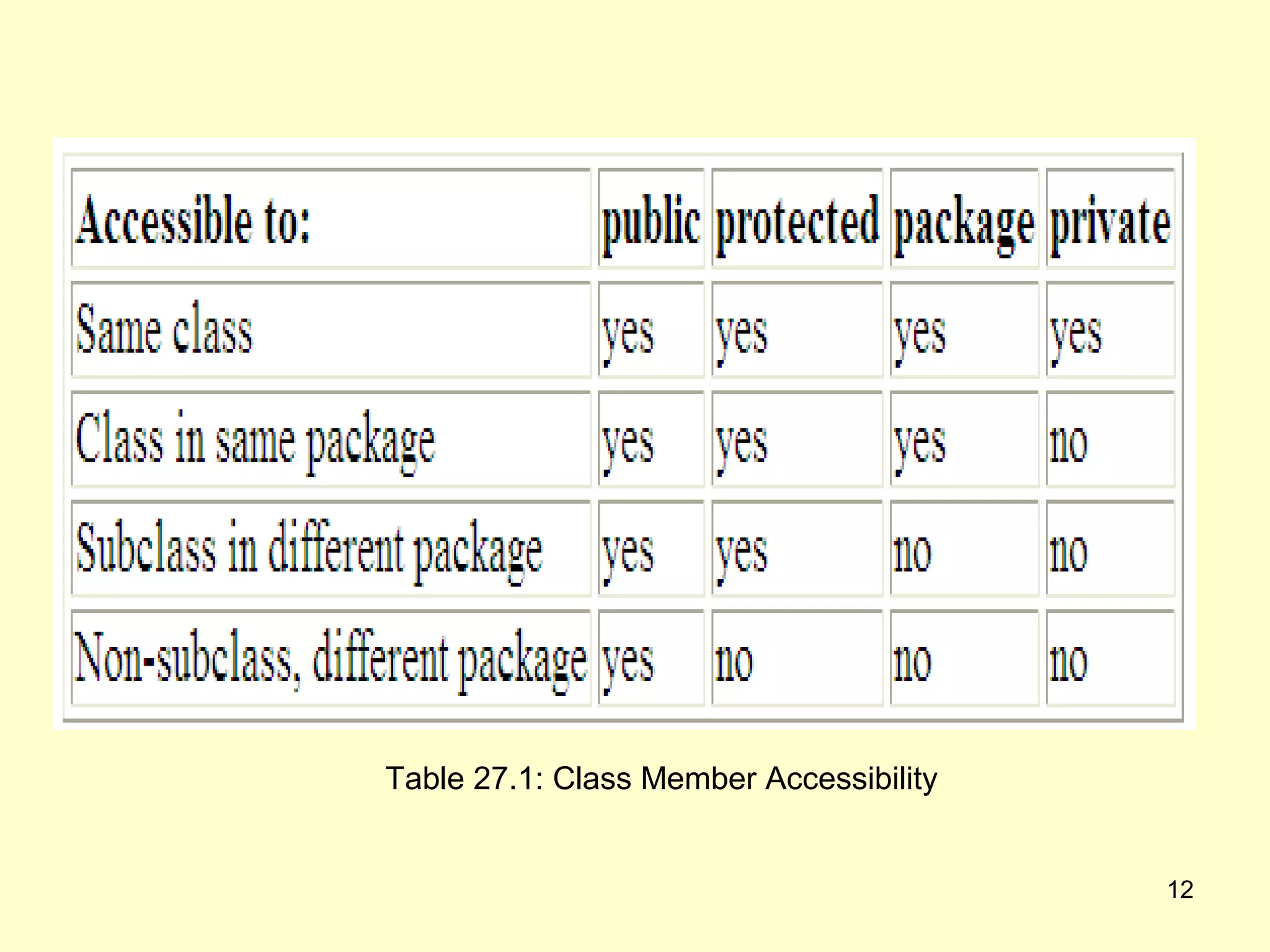
   Table 27.1: Class Member Accessibility


                                            12
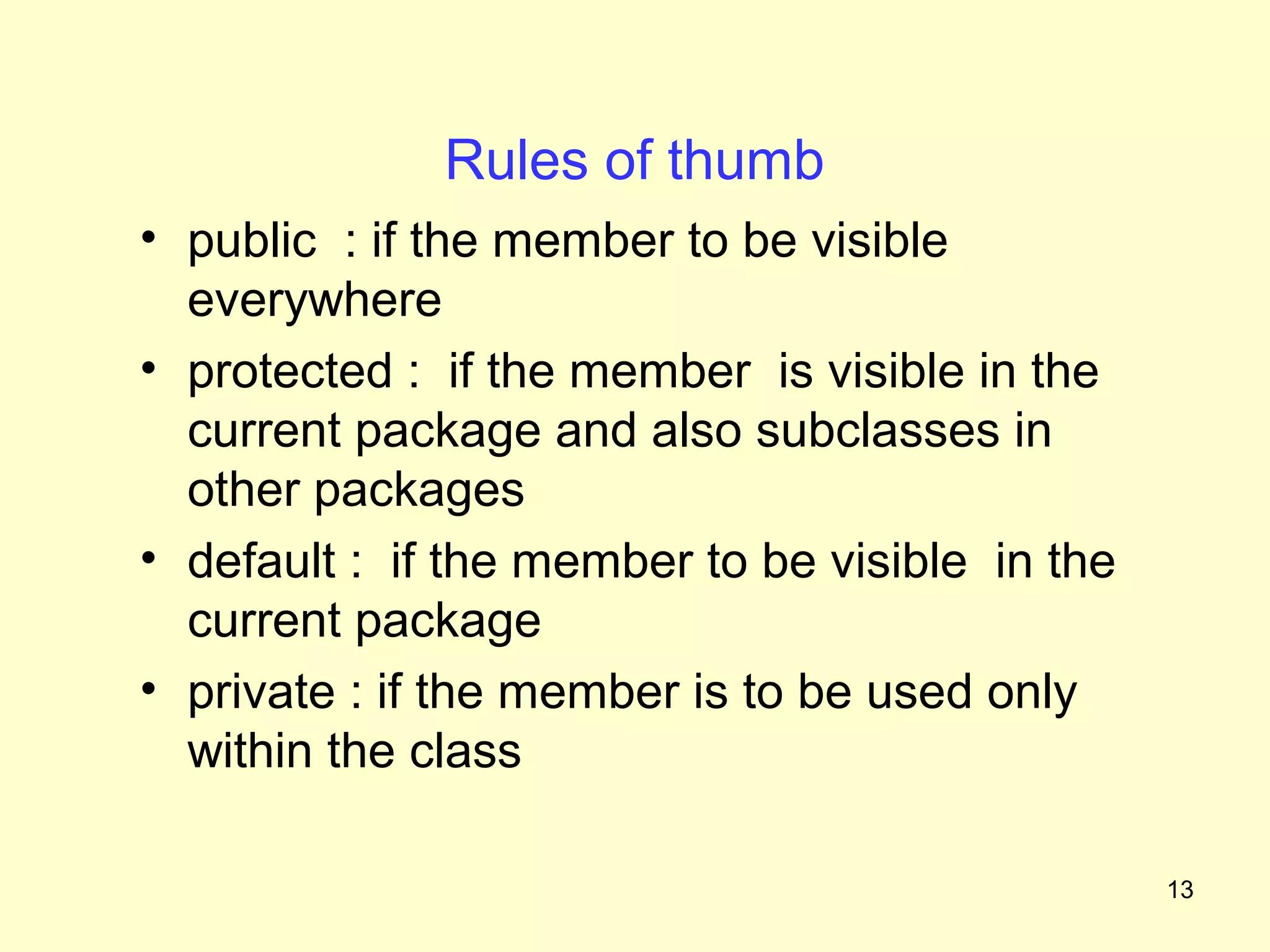
Rules of thumb
• public : if the member to be visible
  everywhere
• protected : if the member is visible in the
  current package and also subclasses in
  other packages
• default : if the member to be visible in the
  current package
• private : if the member is to be used only
  within the class

                                                 13
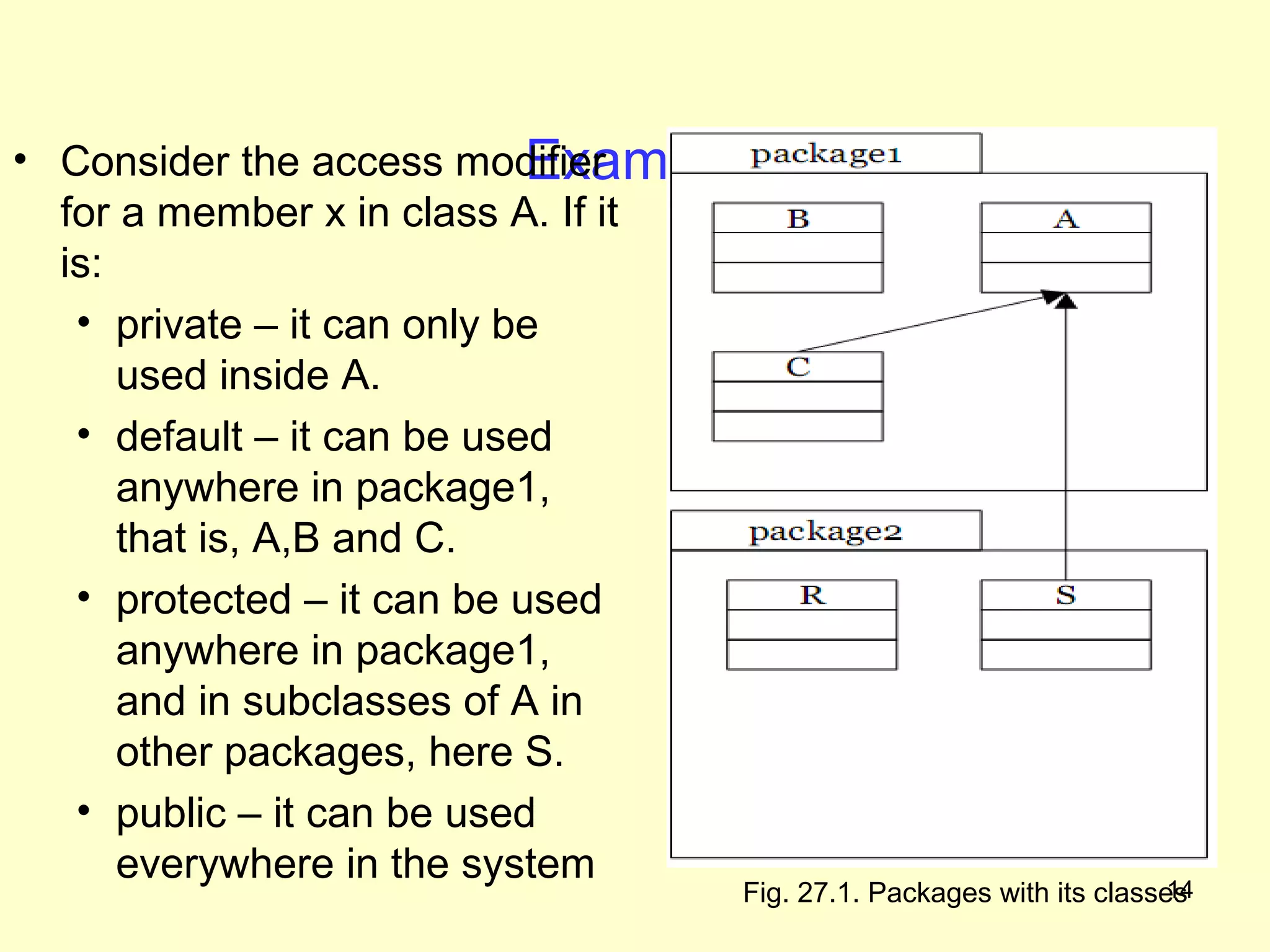
Example
• Consider the access modifier
  for a member x in class A. If it
  is:
   • private – it can only be
      used inside A.
   • default – it can be used
      anywhere in package1,
      that is, A,B and C.
   • protected – it can be used
      anywhere in package1,
      and in subclasses of A in
      other packages, here S.
   • public – it can be used
      everywhere in the system                                       14
                                  Fig. 27.1. Packages with its classes
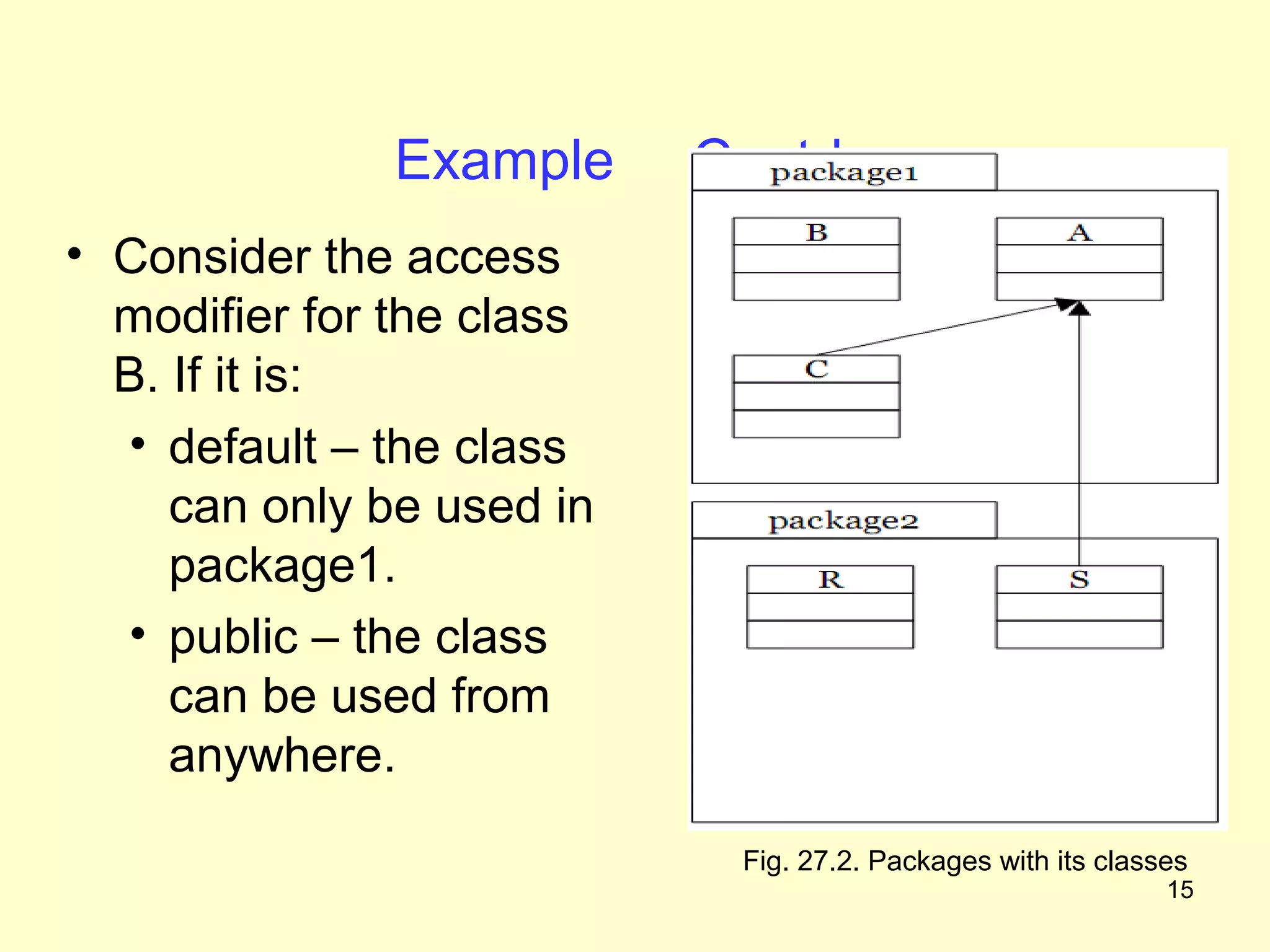
Example      Contd..
• Consider the access
  modifier for the class
  B. If it is:
  • default – the class
     can only be used in
     package1.
  • public – the class
     can be used from
     anywhere.

                            Fig. 27.2. Packages with its classes
                                                              15
Using Access Modifiers
• Guidelines :
  • Make all data members private
  • Create public getter and setter methods for data
    members as necessary
  • If possible, make a method private, else make it
    default, or make it public


                                                  16
Example Program
• With the help of the following program, we
  will try to analyze the access protection
  features


                                               17
Example Program
• Consider the Person class

• What access modifiers should be used, and
  which access should define?


                                              18
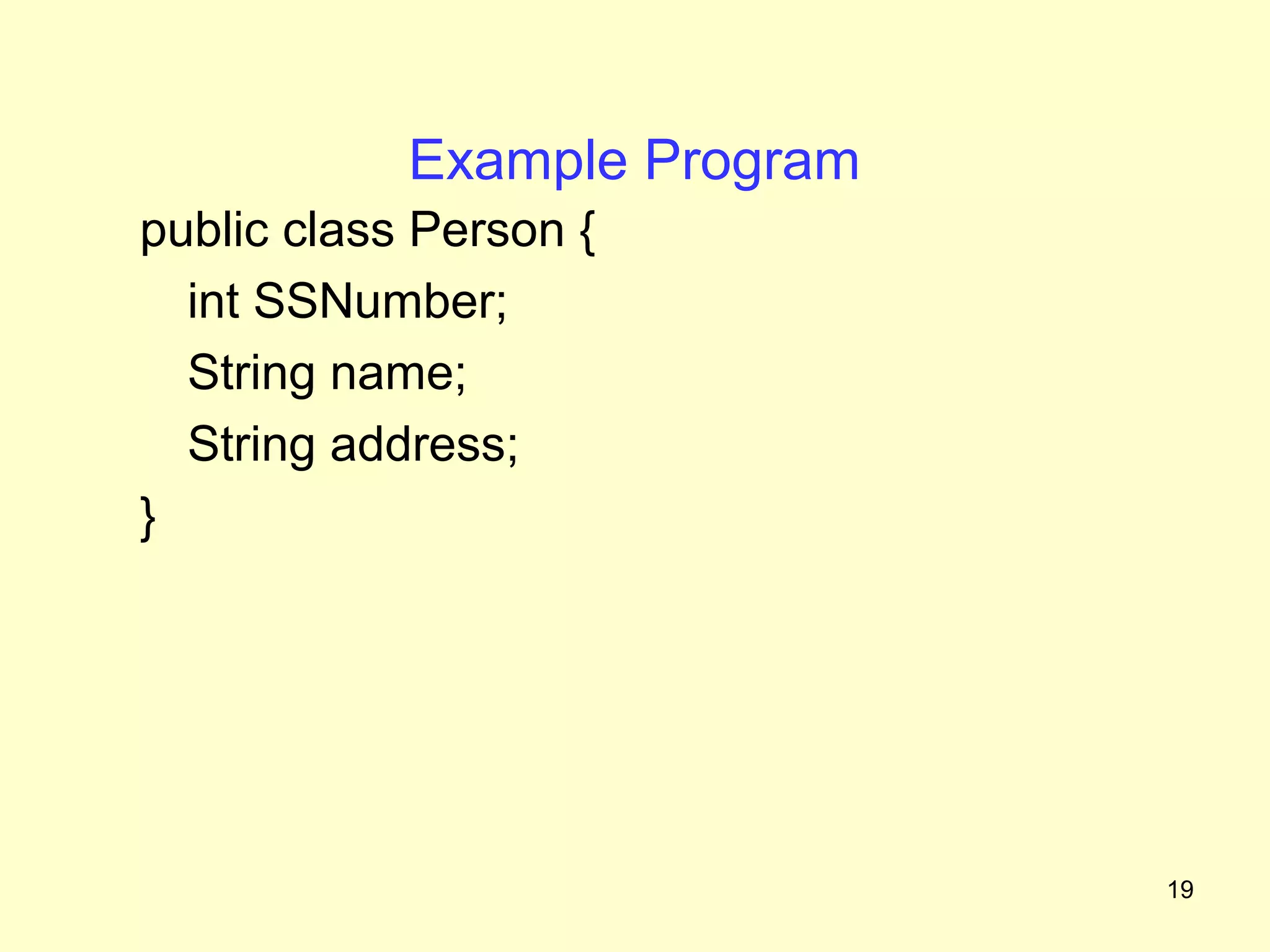
Example Program
public class Person {
  int SSNumber;
  String name;
  String address;
}


                              19
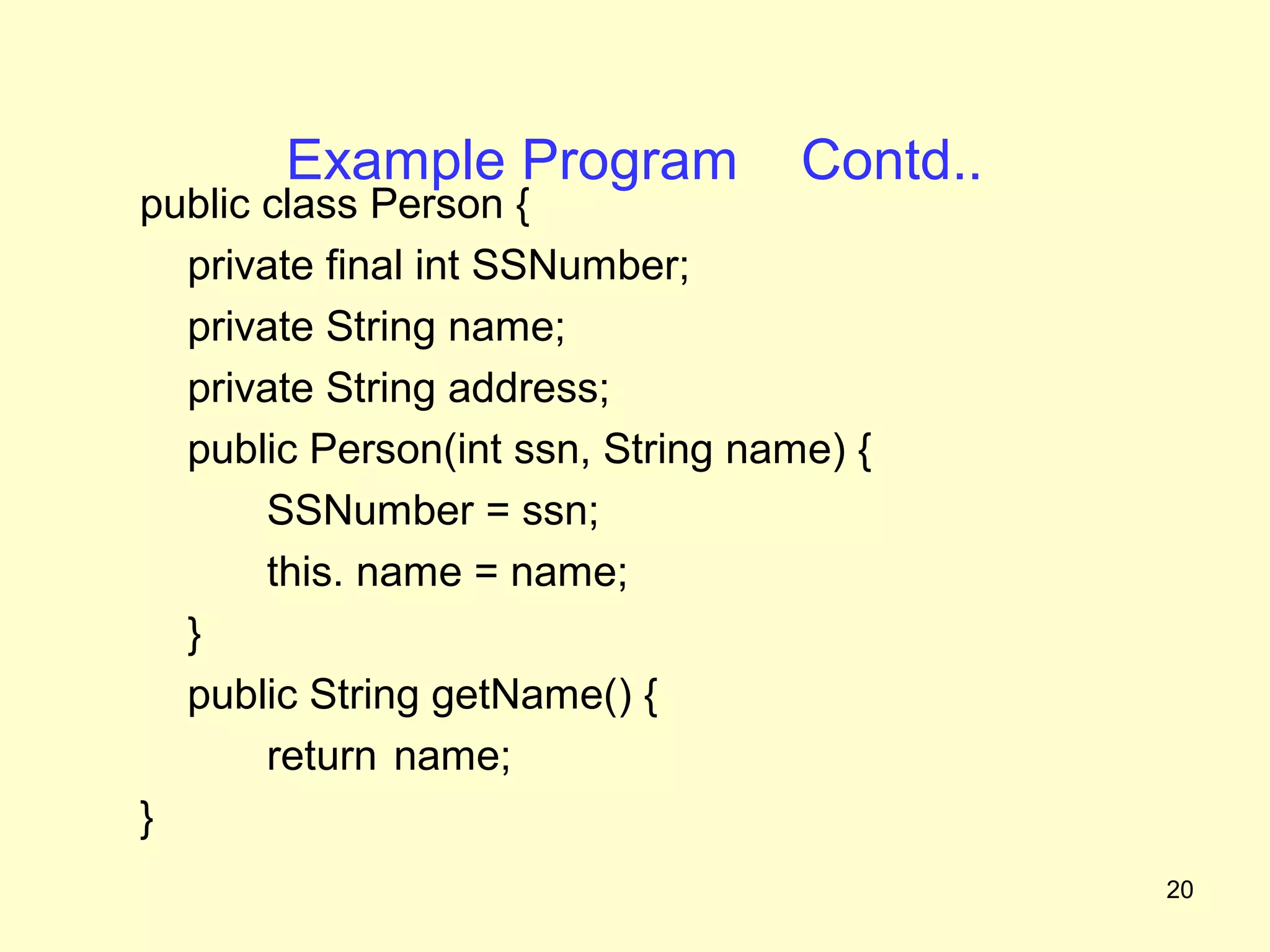
Example Program             Contd..
public class Person {
  private final int SSNumber;
  private String name;
  private String address;
  public Person(int ssn, String name) {
       SSNumber = ssn;
       this. name = name;
  }
  public String getName() {
       return name;
}
                                             20
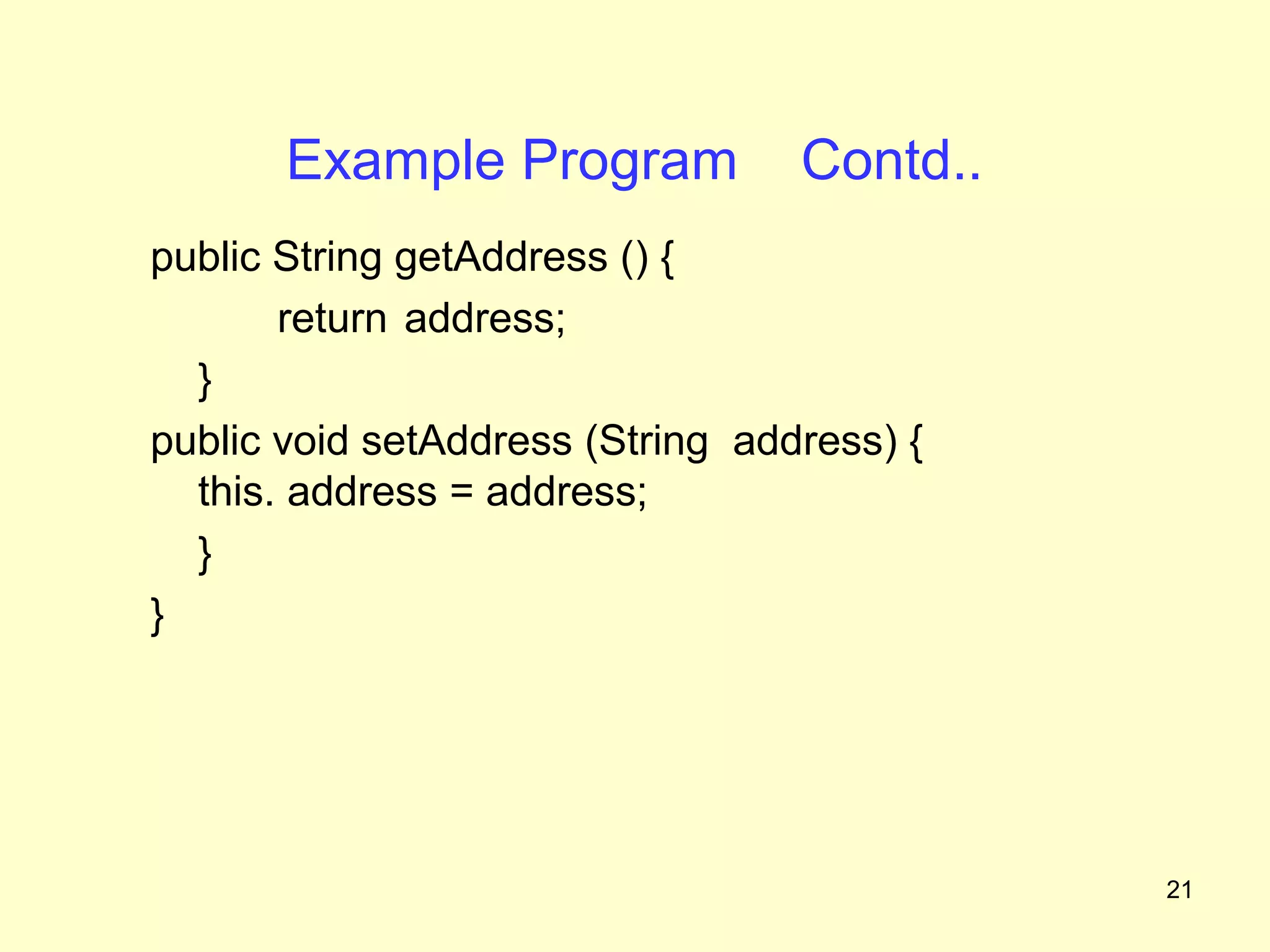
Example Program            Contd..
public String getAddress () {
       return address;
  }
public void setAddress (String address) {
  this. address = address;
  }
}


                                            21
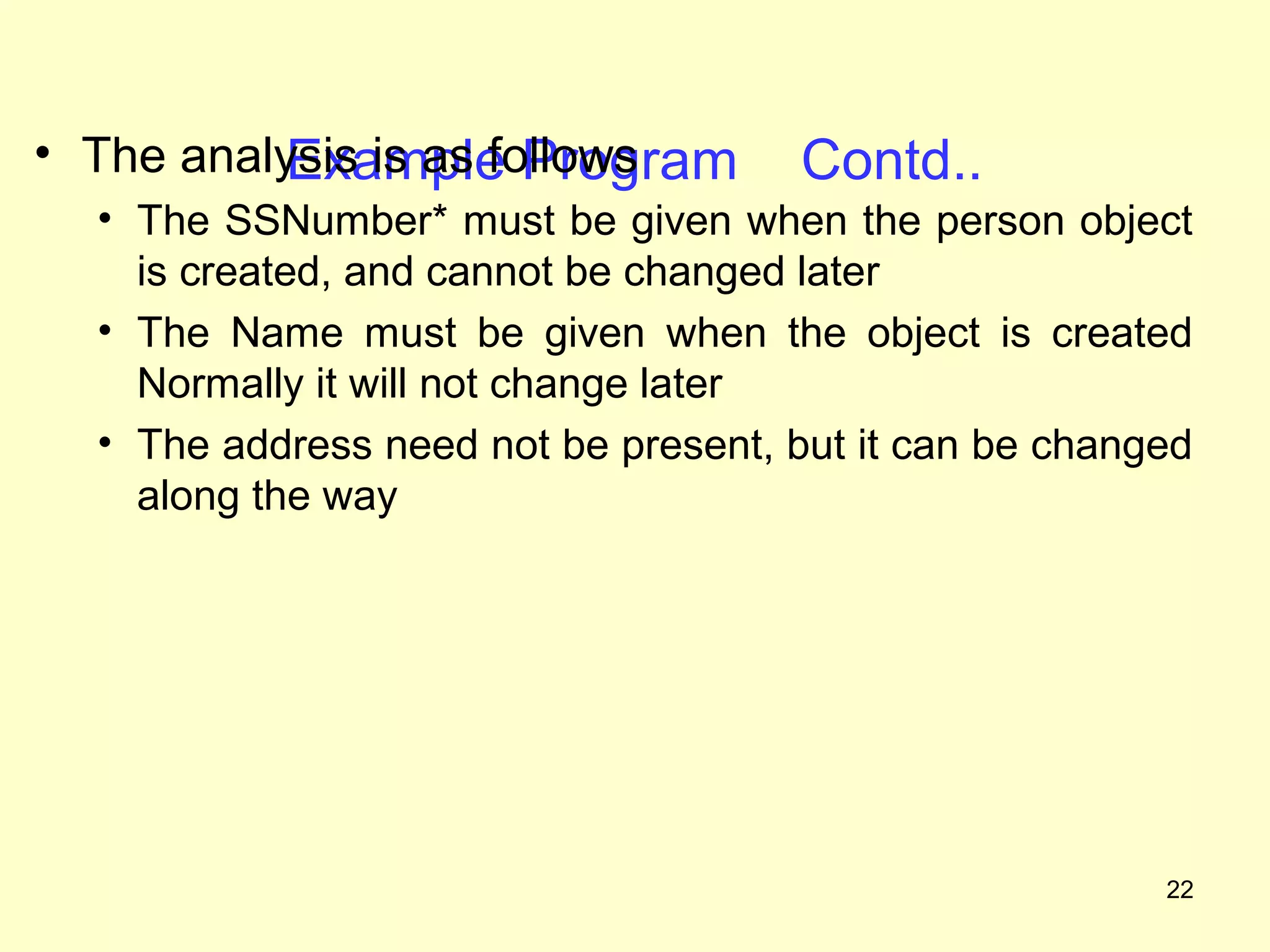
• The analysis is as follows
           Example Program           Contd..
  • The SSNumber* must be given when the person object
    is created, and cannot be changed later
  • The Name must be given when the object is created
    Normally it will not change later
  • The address need not be present, but it can be changed
    along the way


                                                        22
Summary
• In this class we have discussed
   • Access protection
   • Access modifiers
      • public, private, protected
   • How to use access modifiers


                                     23
Frequently Asked Questions
1. List the access modifiers in Java ?

2. What is the difference between default and
   protected modifiers ?

3. Explain how to use access modifiers


                                                24
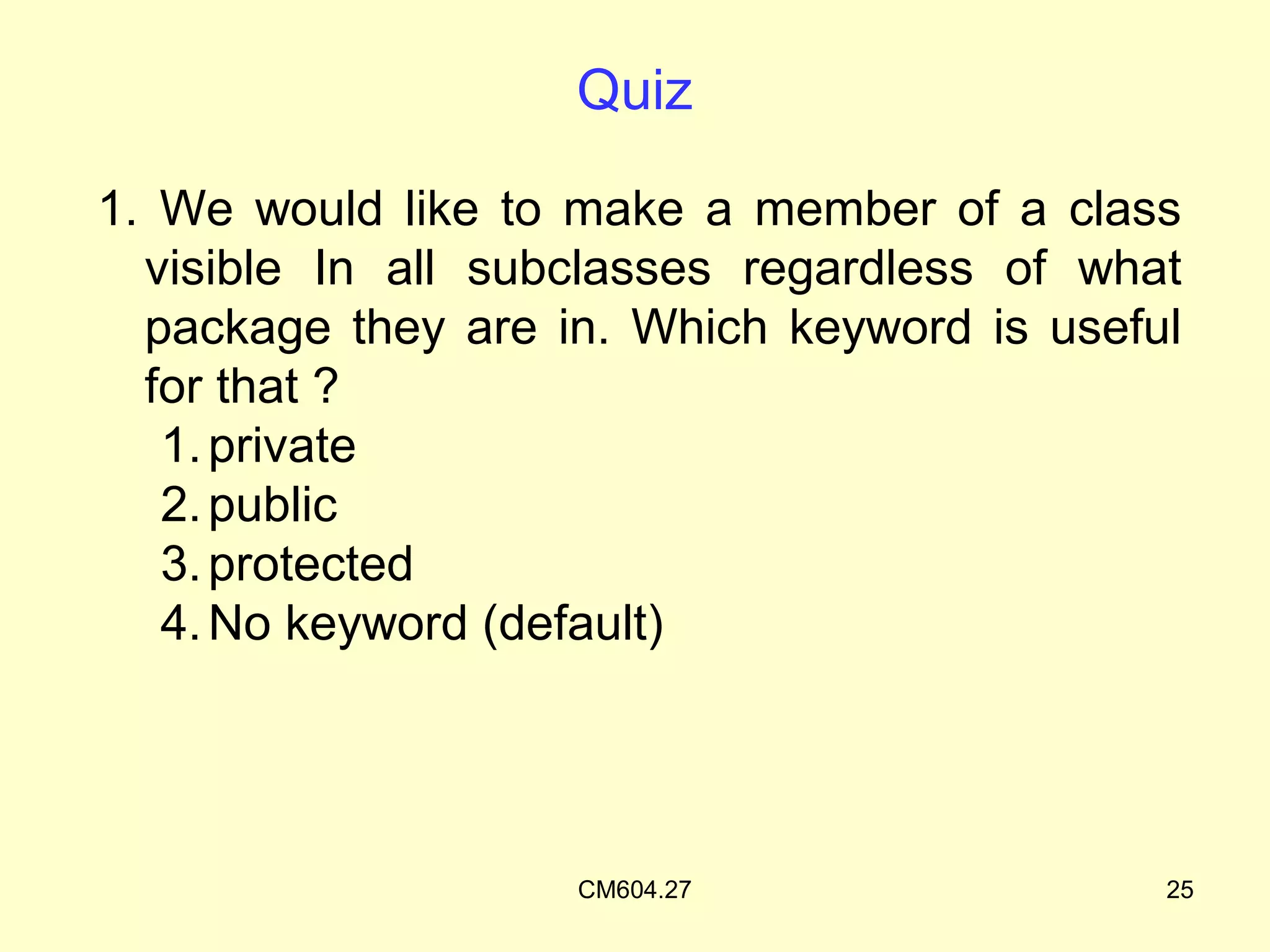
Quiz

1. We would like to make a member of a class
  visible In all subclasses regardless of what
  package they are in. Which keyword is useful
  for that ?
   1. private
   2. public
   3. protected
   4. No keyword (default)


                    CM604.27                 25
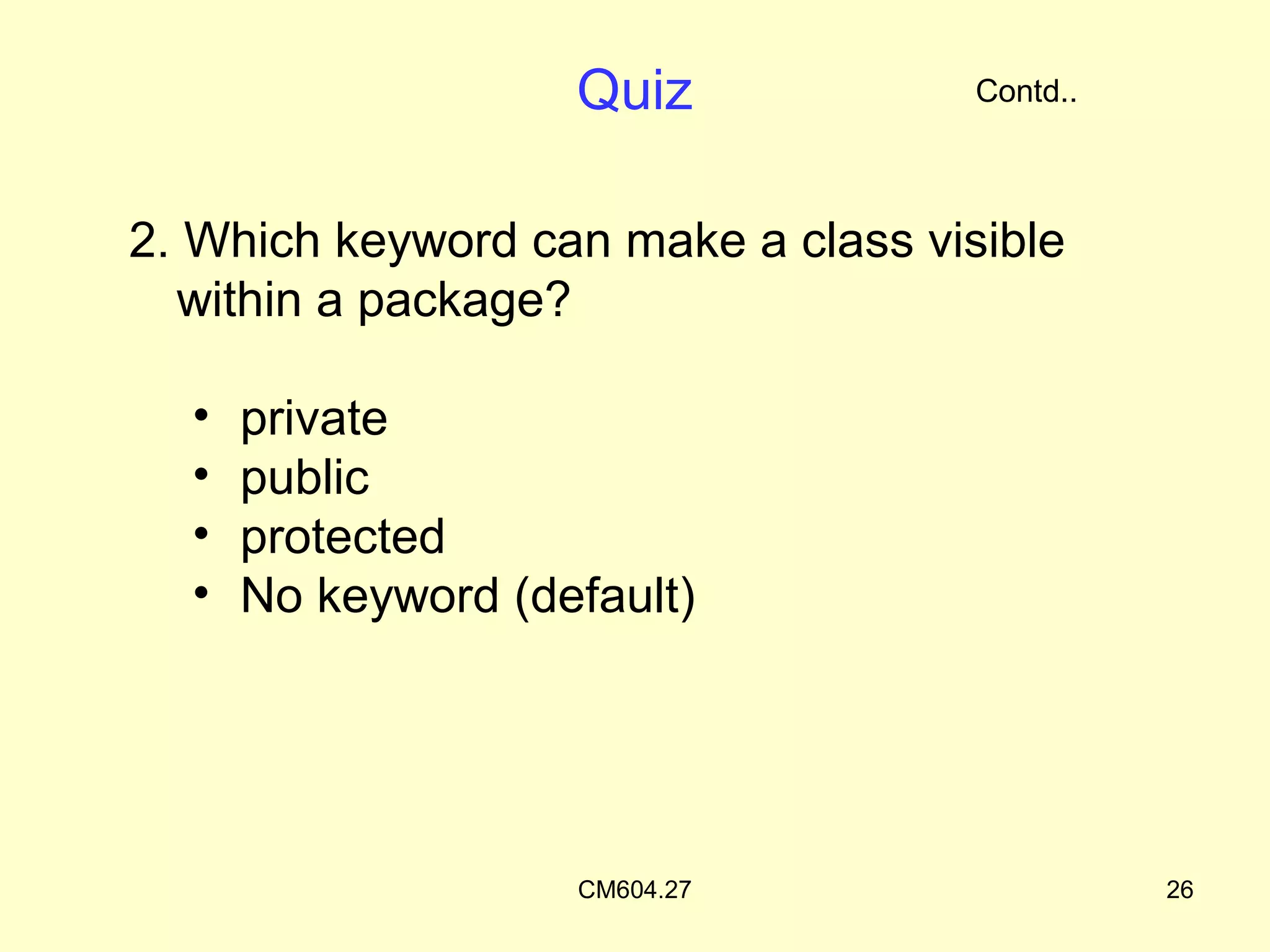
Quiz             Contd..


2. Which keyword can make a class visible
  within a package?

  •   private
  •   public
  •   protected
  •   No keyword (default)


                    CM604.27                   26
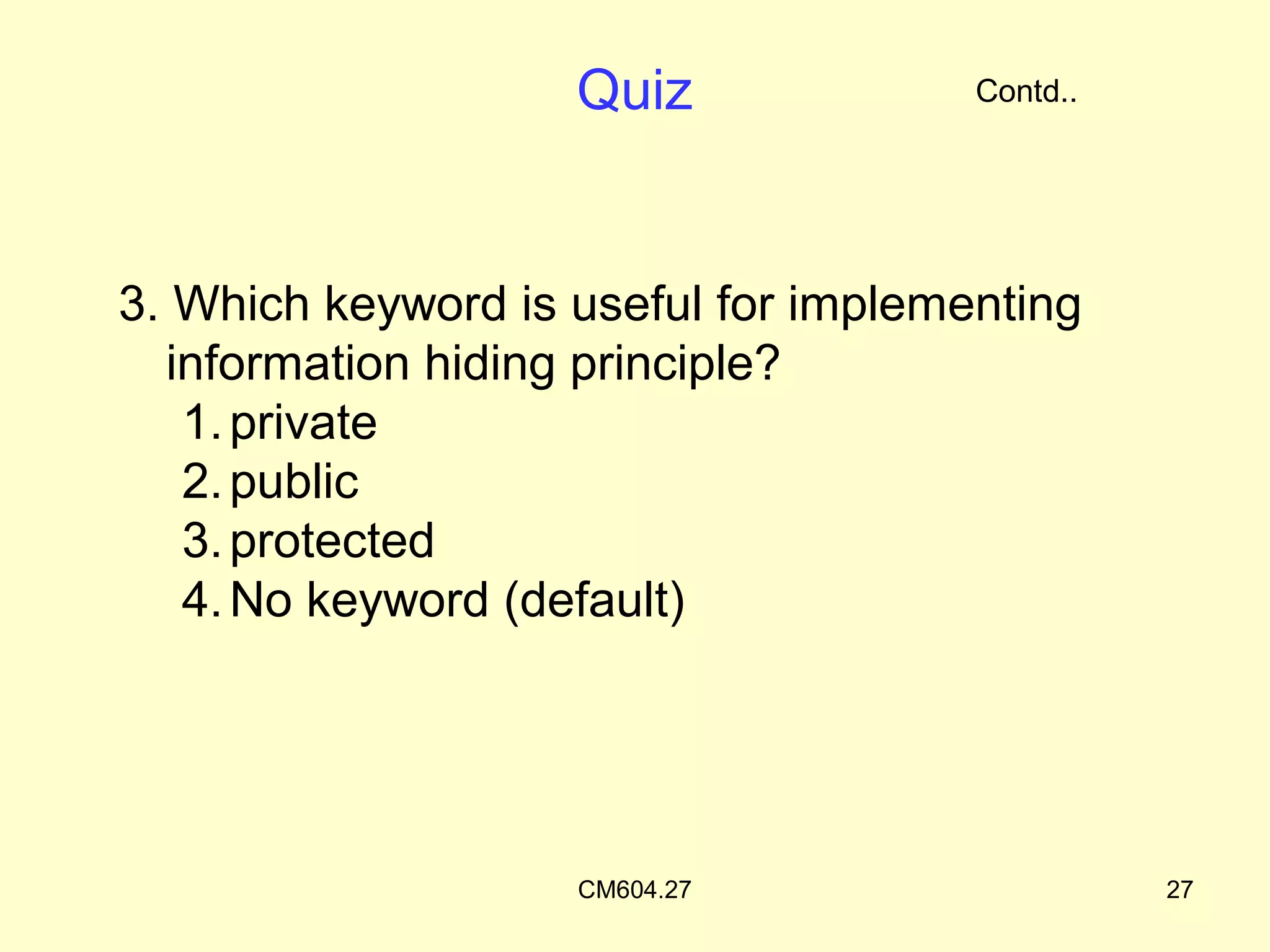
Quiz              Contd..


3. Which keyword is useful for implementing
  information hiding principle?
   1. private
   2. public
   3. protected
   4. No keyword (default)


                    CM604.27                    27
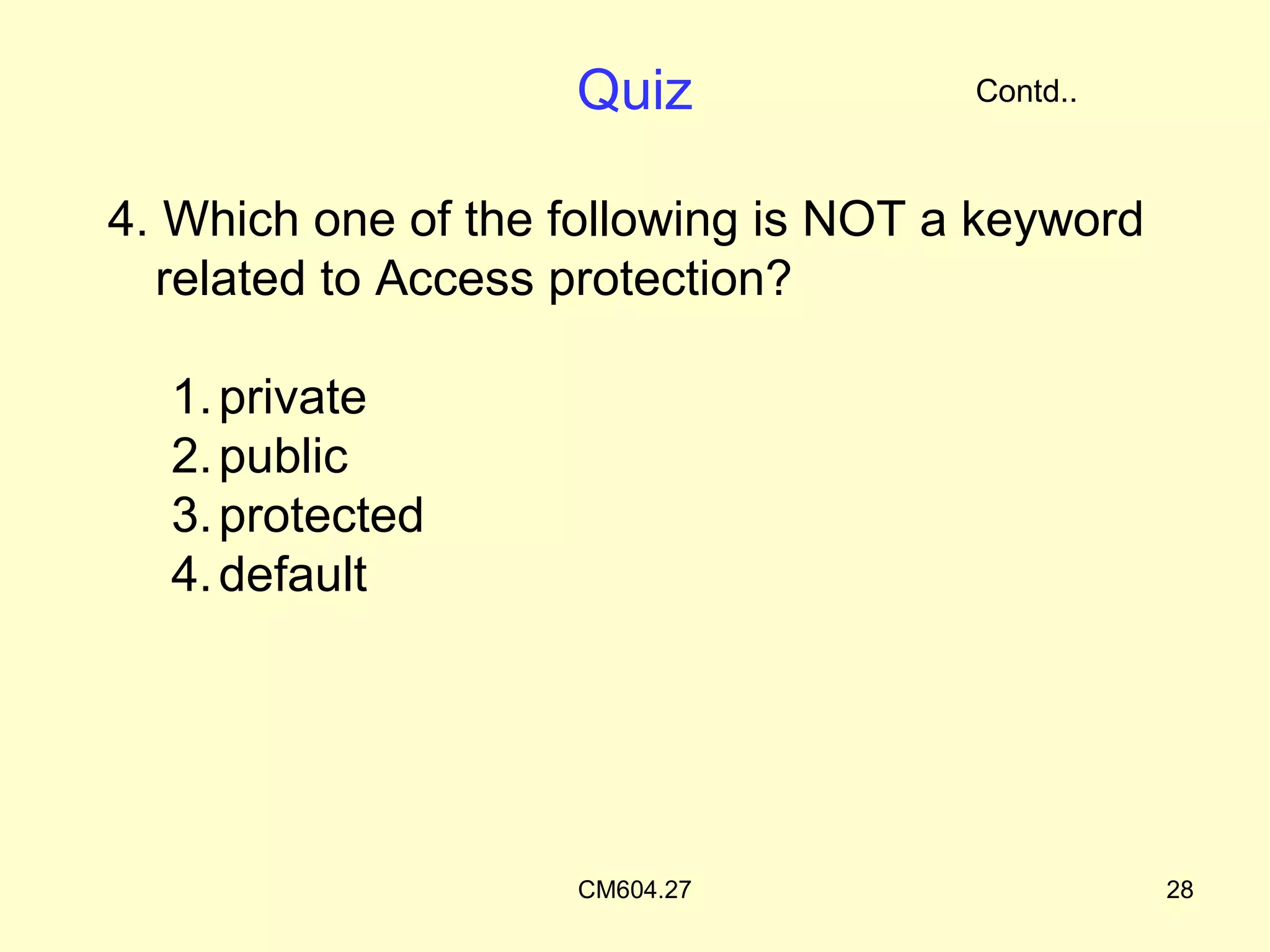
Quiz              Contd..


4. Which one of the following is NOT a keyword
  related to Access protection?

  1. private
  2. public
  3. protected
  4. default


                    CM604.27                     28

Access Protection

  • 1.
    Objectives On completion ofthis period, you would be able to learn • Access protection • Access modifiers • Applying access protection 1
  • 2.
    Recap Packages • Name provideto a group of classes • A collection of related classes and interfaces • A name space management tool provided by Java 2
  • 3.
    Access Protection • Whatis access protection • In objects, certain members have to be protected from unauthorized access • In C++, we learnt how to do such protection • We used private, public, and protected keywords for this purpose • Java also has such features 3
  • 4.
    Access Protection • AccessProtection • To protect the access of members of an object • Done with the help of access modifiers • Keywords are – private, public and protected • Access modifiers are also known as Visibility Modifiers 4
  • 5.
    Access Protection • Purposeof Access Protection • Enforces • information hiding • encapsulation 5
  • 6.
    Access Modifiers • Typesof Access Modifiers • public • private • protected • default (no special keyword) 6
  • 7.
    Access Modifiers Contd.. • public access • Member is visible or accessible to the world • Any method of any object can use a public member • keyword : public • eg. : public int number; • public void sum(){ • … Put before return type • } • Generally access methods are public 7
  • 8.
    Access Modifiers Contd.. •private access • Member is visible or accessible only within its own class • Members cannot be inherited by subclasses • Members cannot be accessible in subclasses • Keyword : private 8
  • 9.
    Access Modifiers Contd.. •private access • eg. : private double average; • private void debug (String msg) { • … • } • Provides the highest degree of protection 9
  • 10.
    Access Modifiers Contd.. • protected access • Member is visible or accessible to • The current class • Subclasses of the current class • All classes that are in the same package as that of the class • Keyword : protected • eg. : protected String message Str; • The level of protection is between public access and default access 10
  • 11.
    Access Modifiers Contd.. • default access or package access • Members are accessible to • All the classes in the same package • No special keyword is used eg. : int length; 11
  • 12.
    Access Modifiers Contd.. Table 27.1: Class Member Accessibility 12
  • 13.
    Rules of thumb •public : if the member to be visible everywhere • protected : if the member is visible in the current package and also subclasses in other packages • default : if the member to be visible in the current package • private : if the member is to be used only within the class 13
  • 14.
    Example • Consider theaccess modifier for a member x in class A. If it is: • private – it can only be used inside A. • default – it can be used anywhere in package1, that is, A,B and C. • protected – it can be used anywhere in package1, and in subclasses of A in other packages, here S. • public – it can be used everywhere in the system 14 Fig. 27.1. Packages with its classes
  • 15.
    Example Contd.. • Consider the access modifier for the class B. If it is: • default – the class can only be used in package1. • public – the class can be used from anywhere. Fig. 27.2. Packages with its classes 15
  • 16.
    Using Access Modifiers •Guidelines : • Make all data members private • Create public getter and setter methods for data members as necessary • If possible, make a method private, else make it default, or make it public 16
  • 17.
    Example Program • Withthe help of the following program, we will try to analyze the access protection features 17
  • 18.
    Example Program • Considerthe Person class • What access modifiers should be used, and which access should define? 18
  • 19.
    Example Program public classPerson { int SSNumber; String name; String address; } 19
  • 20.
    Example Program Contd.. public class Person { private final int SSNumber; private String name; private String address; public Person(int ssn, String name) { SSNumber = ssn; this. name = name; } public String getName() { return name; } 20
  • 21.
    Example Program Contd.. public String getAddress () { return address; } public void setAddress (String address) { this. address = address; } } 21
  • 22.
    • The analysisis as follows Example Program Contd.. • The SSNumber* must be given when the person object is created, and cannot be changed later • The Name must be given when the object is created Normally it will not change later • The address need not be present, but it can be changed along the way 22
  • 23.
    Summary • In thisclass we have discussed • Access protection • Access modifiers • public, private, protected • How to use access modifiers 23
  • 24.
    Frequently Asked Questions 1.List the access modifiers in Java ? 2. What is the difference between default and protected modifiers ? 3. Explain how to use access modifiers 24
  • 25.
    Quiz 1. We wouldlike to make a member of a class visible In all subclasses regardless of what package they are in. Which keyword is useful for that ? 1. private 2. public 3. protected 4. No keyword (default) CM604.27 25
  • 26.
    Quiz Contd.. 2. Which keyword can make a class visible within a package? • private • public • protected • No keyword (default) CM604.27 26
  • 27.
    Quiz Contd.. 3. Which keyword is useful for implementing information hiding principle? 1. private 2. public 3. protected 4. No keyword (default) CM604.27 27
  • 28.
    Quiz Contd.. 4. Which one of the following is NOT a keyword related to Access protection? 1. private 2. public 3. protected 4. default CM604.27 28