A Pixar Twist on
Presenting Data
Amanda Makulec
with invaluable input from
Michelle Samplin-Salgado
Amanda Makulec, MPH
Visual Analytics Advisor
John Snow, Inc.
Introduction
Methods
Results
Discussion
Recommendations
We can do better.
take your
audience on
a journey
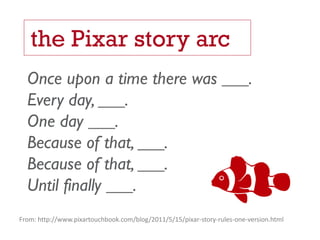
the Pixar story arc
Once upon a time there was ___.
Every day, ___.
One day ___.
Because of that, ___.
Until finally ___.
From: http://www.pixartouchbook.com/blog/2011/5/15/pixar-story-rules-one-version.html
today’s design sprint
Task #1
Pick an idea
you want to
work with
for the next
hour.
Let’s talk about
the science
behind stories.
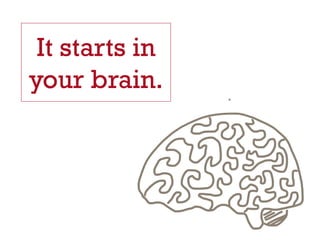
It starts in
your brain.
Stories 
Hormones
Who’s your audience?
Interests?
Motivations?
Action?
Task #2
Who will
you share
that idea
with?
Name your
audience
What kinds of stories would resonate?
What questions would they ask?
What action do you want them to take?
Let’s talk about
great stories.
What stories do
you remember?
Exposition
Rising Action
Climax
Falling Action
Denoument
Freitag’s Dramatic Arc
Themes from Great Stories
COMING OF AGE
You have arrived.
Shows experience and demonstrates strengths
CONSTANT EVOLUTION
You’re always changing and growing.
Shows adapatibility.
TRUE AS IT EVER WAS
You remain true to yourself and your core values.
Shows steadiness and helps to reinforce trust.
OVERCOME OBSTACLES
There were challenges but you came out ahead
Shows resilience
REBIRTH
You’ve grown, changed, reinvented yourself.
Shows new hope, direction, and promise.
THE QUEST
It’s been quite the journey.You’ve remained true to you.
Shows commitment and dedication.
the
characters
the point
of view
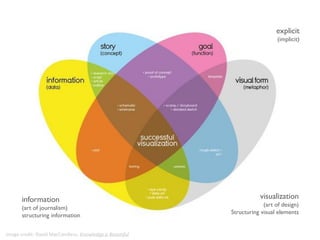
Image credit: David MacCandless, Knowledge is Beautiful
explicit
(implicit)
visualization
(art of design)
Structuring visual elements
information
(art of journalism)
structuring information
focus
Task #3
Map out your key
story points: data
stories,
characters, a
point of view
(if you like).
Designing your
visualizations
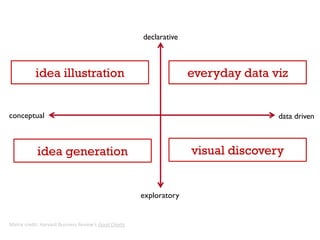
conceptual data driven
declarative
exploratory
idea illustration everyday data viz
idea generation visual discovery
Matrix credit: Harvard Business Review’s Good Charts
make data sticky
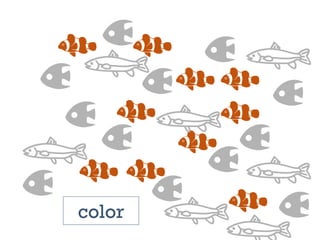
color
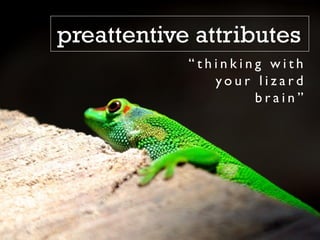
“ t h i n k i n g w i t h
y o u r l i z a r d
b r a i n ”
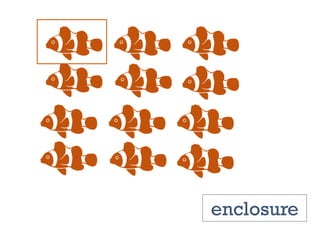
preattentive attributes
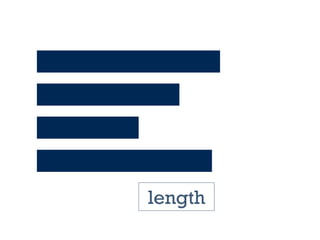
length
width
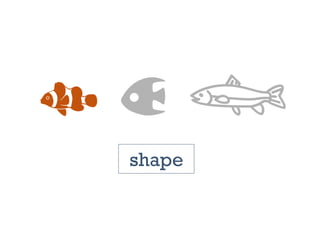
shape
size
enclosure
preattentive attributes
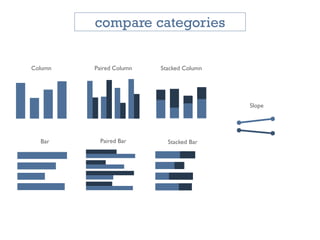
strategic chart selection
Paired ColumnColumn
Bar Paired Bar Stacked Bar
Stacked Column
Slope
compare categories
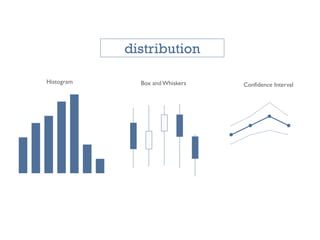
Histogram Box and Whiskers Confidence Interval
distribution
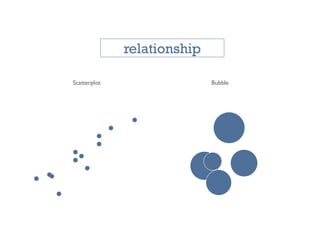
Scatterplot Bubble
relationship
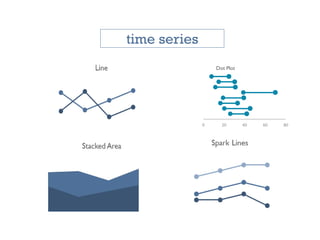
Dot Plot
time series
0 20 40 60 80
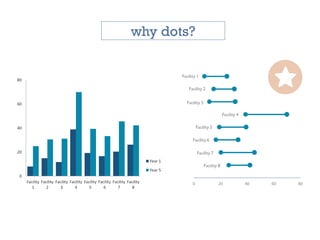
why dots?
0
20
40
60
80
Facility
1
Facility
2
Facility
3
Facility
4
Facility
5
Facility
6
Facility
7
Facility
8
Year 1
Year 5
0 20 40 60 80
Facility 1
Facility 2
Facility 3
Facility 4
Facility 5
Facility 6
Facility 7
Facility 8
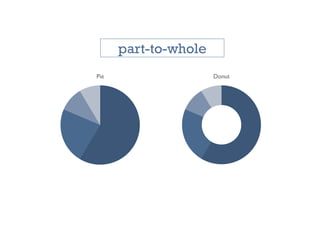
Pie Donut
part-to-whole
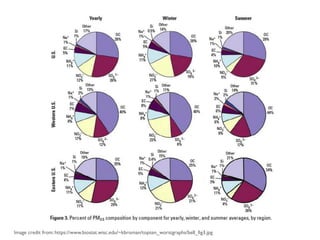
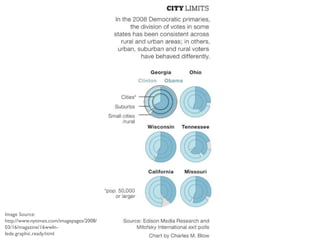
a cautionary tale
Image credit from:https://www.biostat.wisc.edu/~kbroman/topten_worstgraphs/bell_fig3.jpg
Image Source:
http://www.nytimes.com/imagepages/2008/
03/16/magazine/16wwln-
lede.graphic.ready.html
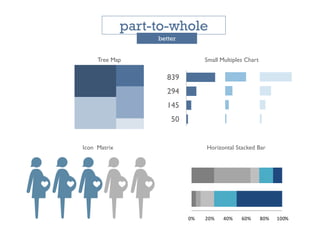
Tree Map
0% 20% 40% 60% 80% 100%
Icon Matrix
part-to-whole
better
839
294
145
50
Small Multiples Chart
Horizontal Stacked Bar
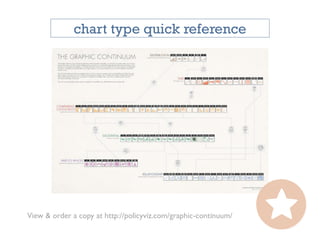
View & order a copy at http://policyviz.com/graphic-continuum/
chart type quick reference
three things
to improve every chart
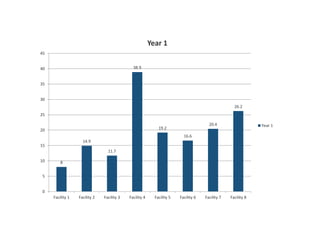
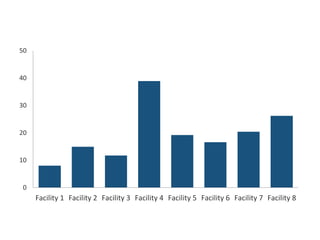
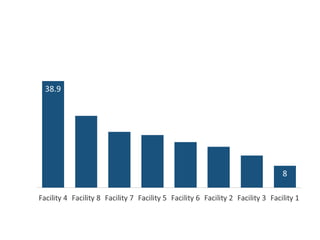
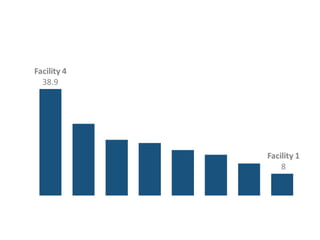
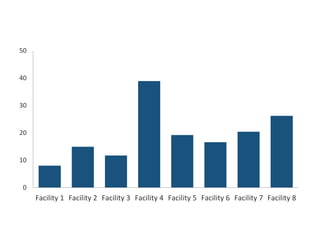
1: declutter
“Erase non-data-ink,
within reason.”
8
14.9
11.7
38.9
19.2
16.6
20.4
26.2
0
5
10
15
20
25
30
35
40
45
Facility 1 Facility 2 Facility 3 Facility 4 Facility 5 Facility 6 Facility 7 Facility 8
Year 1
Year 1
0
10
20
30
40
50
Facility 1 Facility 2 Facility 3 Facility 4 Facility 5 Facility 6 Facility 7 Facility 8
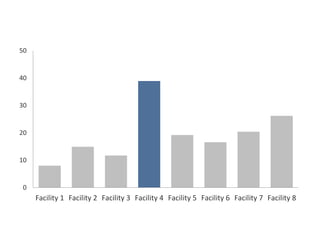
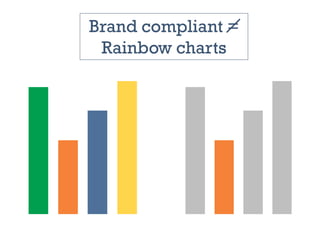
2: color sparingly
0
10
20
30
40
50
Facility 1 Facility 2 Facility 3 Facility 4 Facility 5 Facility 6 Facility 7 Facility 8
0
10
20
30
40
50
Facility 1 Facility 2 Facility 3 Facility 4 Facility 5 Facility 6 Facility 7 Facility 8
Brand compliant =
Rainbow charts
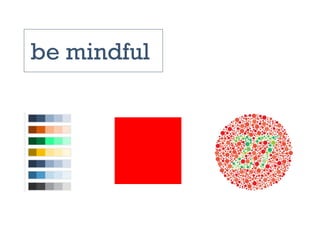
be mindful
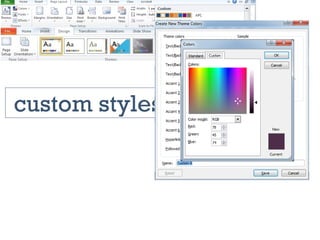
custom styles
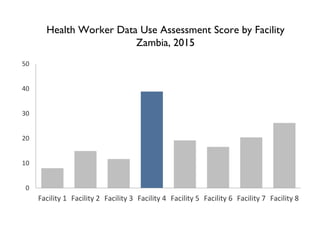
3: purposeful title
0
10
20
30
40
50
Facility 1 Facility 2 Facility 3 Facility 4 Facility 5 Facility 6 Facility 7 Facility 8
Health Worker Data Use Assessment Score by Facility
Zambia, 2015
0
10
20
30
40
50
Facility 1 Facility 2 Facility 3 Facility 4 Facility 5 Facility 6 Facility 7 Facility 8
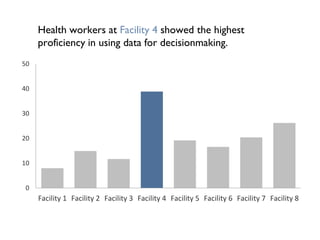
Health workers at Facility 4 showed the highest
proficiency in using data for decisionmaking.
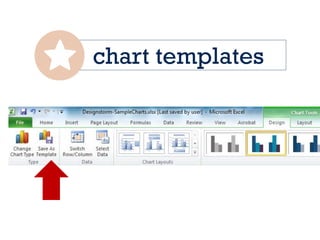
chart templates
Illustrate
your story.
Harness your inner child
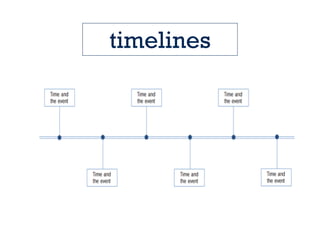
timelines
use icons
icon matrix
pick your icon
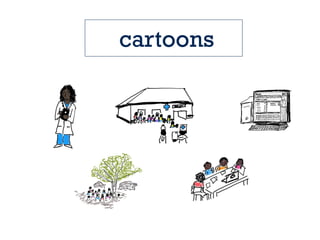
cartoons
combine visuals
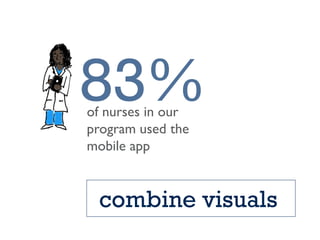
83%of nurses in our
program used the
mobile app
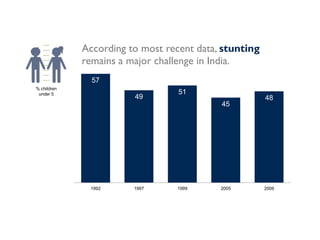
57
49
51
45
48
1992 1997 1999 2005 2006
According to most recent data, stunting
remains a major challenge in India.
% children
under 5
for social share &
infographics
Task #4
Storyboard
with stickies
And consider…
Think like a
designer
Simple
LESS IS MORE
white space is nice
Strategic use of
color
no more than 2
fonts
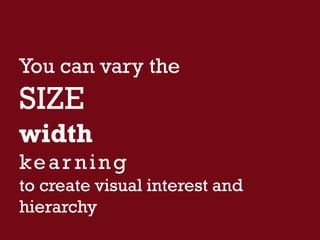
You can vary the
SIZE
width
kear ning
to create visual interest and
hierarchy
images
for high res images…
slidedocs
favorite things
Graphic Continuum
Dot plots
Icon matrix
Canva
Piktochart
Noun Project
Pexels
Slidedocs
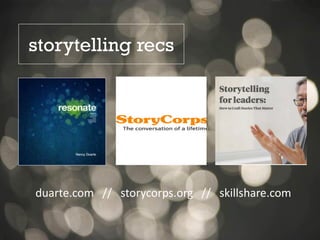
duarte.com // storycorps.org // skillshare.com
storytelling recs
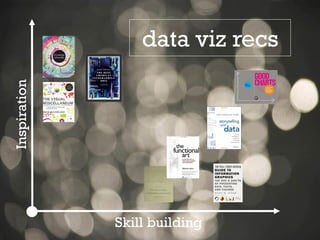
Inspiration
Skill building
data viz recs
For more information about JSI’s
work in visual analytics and data use,
contact the JSI Center for Health
Information,Monitoring & Evaluation
CHIME@jsi.com
Follow
@jsihealth
Amanda Makulec
John Snow Inc.
amanda_makulec@jsi.com
@abmakulec

A Pixar Twist on Presenting Data