The OSI(Open Systems Interconnection) Model is a standardised model
which we use to demonstrate the theory behind computer networking. In
practice, it's actually the more compactTCP/IP model that real-world
networking is based off; however the OSI model, in many ways, is easier
to get an initial understanding from.
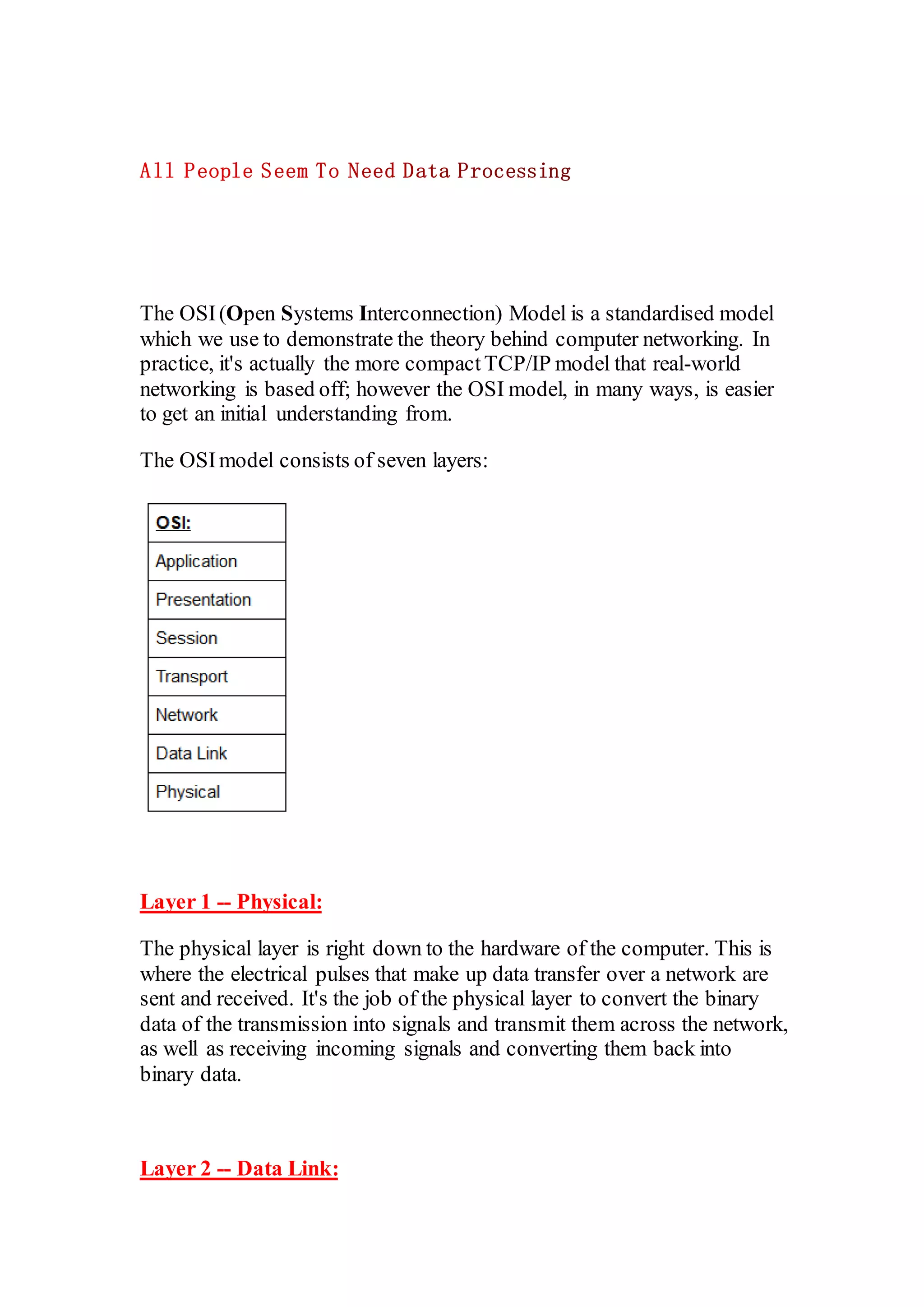
The OSImodel consists of seven layers:
Layer 1 -- Physical:
The physical layer is right down to the hardware of the computer. This is
where the electrical pulses that make up data transfer over a network are
sent and received. It's the job of the physical layer to convert the binary
data of the transmission into signals and transmit them across the network,
as well as receiving incoming signals and converting them back into
binary data.
Layer 2 -- Data Link:
The data link layer focuses on the physical addressing of the transmission.
It receives a packet from the network layer (that includes the IP address
for the remote computer) and adds in the physical (MAC) address of the
receiving endpoint. Inside every network enabled computer is
a Network Interface Card (NIC) which comes with a unique MAC
(Media Access Control) address to identify it.
MAC addresses are set by the manufacturer and literally burnt into the
card; they can't be changed -- although they can be spoofed. When
information is sent across a network, it's actually the physical address that
is used to identify where exactly to send the information.
Additionally, it's also the job of the data link layer to present the data in a
format suitable for transmission.
The data link layer also serves an important function when it receives
data, as it checks the received information to make sure that it hasn't been
corrupted during transmission, which could well happen when the data is
transmitted by layer 1: the physical layer.
Layer 3 -- Network:
The network layer is responsible for locating the destination of your
request. For example, the Internet is a huge network; when you want to
request information from a webpage, it's the network layer that takes the
IP address for the page and figures out the best route to take. At this stage
we're working with what is referred to as Logical addressing (i.e. IP
addresses)which are still software controlled. Logical addresses are used
to provide order to networks, categorising them and allowing us to
properly sort them. Currently the most common form of logical
addressing is the IPV4 format, which you'll likely already be familiar
with (i.e 192.168.1.1 is a common address for a home router).
Layer 4 -- Transport:
The transport layer is a very interesting layer that serves numerous
important functions. Its first purposeis to choosethe protocolover which
the data is to be transmitted. The two most common protocols in the
transport layer are TCP (Transmission Control Protocol)and UDP (User
Datagram Protocol); with TCP the transmission is connection-based
which means that a connection between the computers is established and
maintained for the duration of the request. This allows for a reliable
transmission, as the connection can be used to ensure that the packets
all get to the right place. A TCP connection allows the two computers to
remain in constant communication to ensure that the data is sent at an
acceptable speed, and that any lost data is re-sent. With UDP, the
oppositeis true; packets of data are essentially thrown at the receiving
computer -- if it can't keep up then that's its problem (this is why a video
transmission over something like Skype can be pixelated if the
connection is bad). What this means is that TCP would usually be chosen
for situations where accuracy is favoured over speed (e.g. file transfer, or
loading a webpage), and UDP would be used in situations where speed is
more important (e.g. video streaming).
With a protocolselected, the transport layer then divides the transmission
up into bite-sized pieces (over TCP these are called segments, over UDP
they're called datagrams), which makes it easier to transmit the message
successfully.
Layer 5 -- Session:
When the sessionlayer receives the correctly formatted data from the
presentation layer, it looks to see if it can set up a connection with the
other computer across the network. If it can't then it sends back an error
and the process goes no further. If a session can be established then it's
the job of the sessionlayer to maintain it, as well as co-operatewith the
session layer of the remote computer in order to synchronise
communications. The session layer is particularly important as the session
that it creates is unique to the communication in question. This is what
allows you to make multiple requests to different endpoints
simultaneously without all the data getting mixed up (think about opening
two tabs in a web browser at the same time)! When the session layer has
successfully logged a connection between the host and remote computer
the data is passed down to Layer 4: the transport Layer.
Layer 6 -- Presentation:
The presentation layer receives data from the application layer. This data
tends to be in a format that the application understands, but it's not
necessarily in a standardised format that could be understood by the
application layer in the receiving computer. The presentation layer
translates the data into a standardised format, as well as handling any
encryption, compressionor other transformations to the data. With this
complete, the data is passed down to the session layer.
Layer 7 -- Application:
The application layer of the OSI model essentially provides networking
options to programs running on a computer. It works almost exclusively
with applications, providing an interface for them to use in order to
transmit data. When data is given to the application layer, it is passed
down into the presentation layer.
TCP/IP Model:
The TCP/IP model is, in many ways, very similar to the OSI model. It's a few years
older, and serves as the basis for real-world networking. The TCP/IP model consists
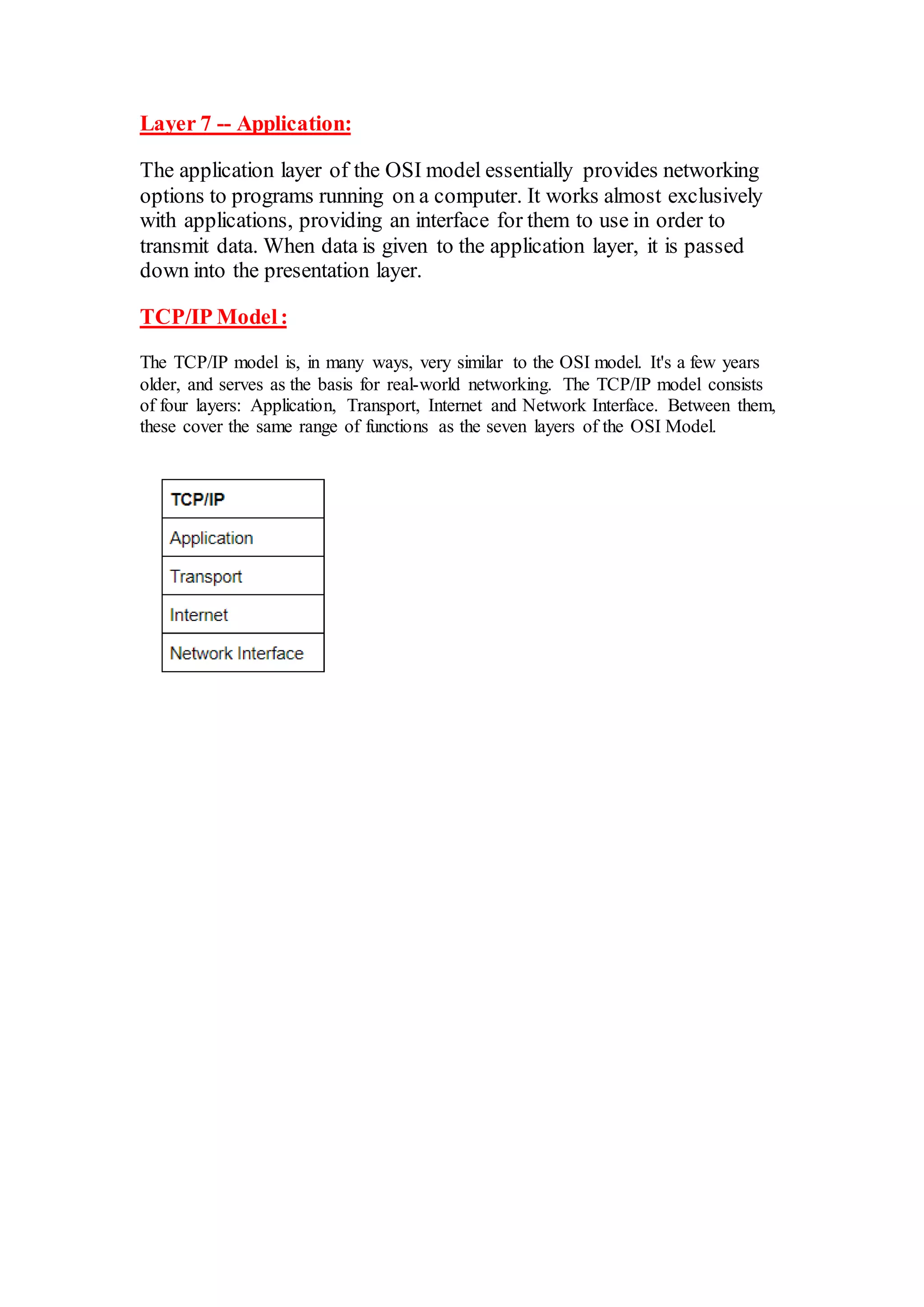
of four layers: Application, Transport, Internet and Network Interface. Between them,
these cover the same range of functions as the seven layers of the OSI Model.

7 layer OSI model

  • 1.
    The OSI(Open SystemsInterconnection) Model is a standardised model which we use to demonstrate the theory behind computer networking. In practice, it's actually the more compactTCP/IP model that real-world networking is based off; however the OSI model, in many ways, is easier to get an initial understanding from. The OSImodel consists of seven layers: Layer 1 -- Physical: The physical layer is right down to the hardware of the computer. This is where the electrical pulses that make up data transfer over a network are sent and received. It's the job of the physical layer to convert the binary data of the transmission into signals and transmit them across the network, as well as receiving incoming signals and converting them back into binary data. Layer 2 -- Data Link:
  • 2.
    The data linklayer focuses on the physical addressing of the transmission. It receives a packet from the network layer (that includes the IP address for the remote computer) and adds in the physical (MAC) address of the receiving endpoint. Inside every network enabled computer is a Network Interface Card (NIC) which comes with a unique MAC (Media Access Control) address to identify it. MAC addresses are set by the manufacturer and literally burnt into the card; they can't be changed -- although they can be spoofed. When information is sent across a network, it's actually the physical address that is used to identify where exactly to send the information. Additionally, it's also the job of the data link layer to present the data in a format suitable for transmission. The data link layer also serves an important function when it receives data, as it checks the received information to make sure that it hasn't been corrupted during transmission, which could well happen when the data is transmitted by layer 1: the physical layer. Layer 3 -- Network: The network layer is responsible for locating the destination of your request. For example, the Internet is a huge network; when you want to request information from a webpage, it's the network layer that takes the IP address for the page and figures out the best route to take. At this stage we're working with what is referred to as Logical addressing (i.e. IP addresses)which are still software controlled. Logical addresses are used to provide order to networks, categorising them and allowing us to properly sort them. Currently the most common form of logical addressing is the IPV4 format, which you'll likely already be familiar with (i.e 192.168.1.1 is a common address for a home router). Layer 4 -- Transport: The transport layer is a very interesting layer that serves numerous important functions. Its first purposeis to choosethe protocolover which the data is to be transmitted. The two most common protocols in the transport layer are TCP (Transmission Control Protocol)and UDP (User Datagram Protocol); with TCP the transmission is connection-based
  • 3.
    which means thata connection between the computers is established and maintained for the duration of the request. This allows for a reliable transmission, as the connection can be used to ensure that the packets all get to the right place. A TCP connection allows the two computers to remain in constant communication to ensure that the data is sent at an acceptable speed, and that any lost data is re-sent. With UDP, the oppositeis true; packets of data are essentially thrown at the receiving computer -- if it can't keep up then that's its problem (this is why a video transmission over something like Skype can be pixelated if the connection is bad). What this means is that TCP would usually be chosen for situations where accuracy is favoured over speed (e.g. file transfer, or loading a webpage), and UDP would be used in situations where speed is more important (e.g. video streaming). With a protocolselected, the transport layer then divides the transmission up into bite-sized pieces (over TCP these are called segments, over UDP they're called datagrams), which makes it easier to transmit the message successfully. Layer 5 -- Session: When the sessionlayer receives the correctly formatted data from the presentation layer, it looks to see if it can set up a connection with the other computer across the network. If it can't then it sends back an error and the process goes no further. If a session can be established then it's the job of the sessionlayer to maintain it, as well as co-operatewith the session layer of the remote computer in order to synchronise communications. The session layer is particularly important as the session that it creates is unique to the communication in question. This is what allows you to make multiple requests to different endpoints simultaneously without all the data getting mixed up (think about opening two tabs in a web browser at the same time)! When the session layer has successfully logged a connection between the host and remote computer the data is passed down to Layer 4: the transport Layer. Layer 6 -- Presentation: The presentation layer receives data from the application layer. This data tends to be in a format that the application understands, but it's not necessarily in a standardised format that could be understood by the application layer in the receiving computer. The presentation layer translates the data into a standardised format, as well as handling any encryption, compressionor other transformations to the data. With this complete, the data is passed down to the session layer.
  • 4.
    Layer 7 --Application: The application layer of the OSI model essentially provides networking options to programs running on a computer. It works almost exclusively with applications, providing an interface for them to use in order to transmit data. When data is given to the application layer, it is passed down into the presentation layer. TCP/IP Model: The TCP/IP model is, in many ways, very similar to the OSI model. It's a few years older, and serves as the basis for real-world networking. The TCP/IP model consists of four layers: Application, Transport, Internet and Network Interface. Between them, these cover the same range of functions as the seven layers of the OSI Model.