OPERATING SYSTEMS
        Operating Systems
Basics of Operating Systems
Definition of Operating Systems


                                  1
Recap

In the last class, you have learnt about

  • History of Operating System

  • Types of Computers

  • Different types of Operating Systems


                                           2
Objectives
 On completion of this period, you would be able
 to know
• System Resources

• Types of Software

• Operating System viewed from User and System
  perspective
• Goals of Operating System

• Definition of Operating System
                                                 3
System Resources

What is a resource?
• A resource, or system resource, is any physical or
  virtual component of limited availability within a
  computer system
• System resources include
   – Hardware
   – Software


                                                       4
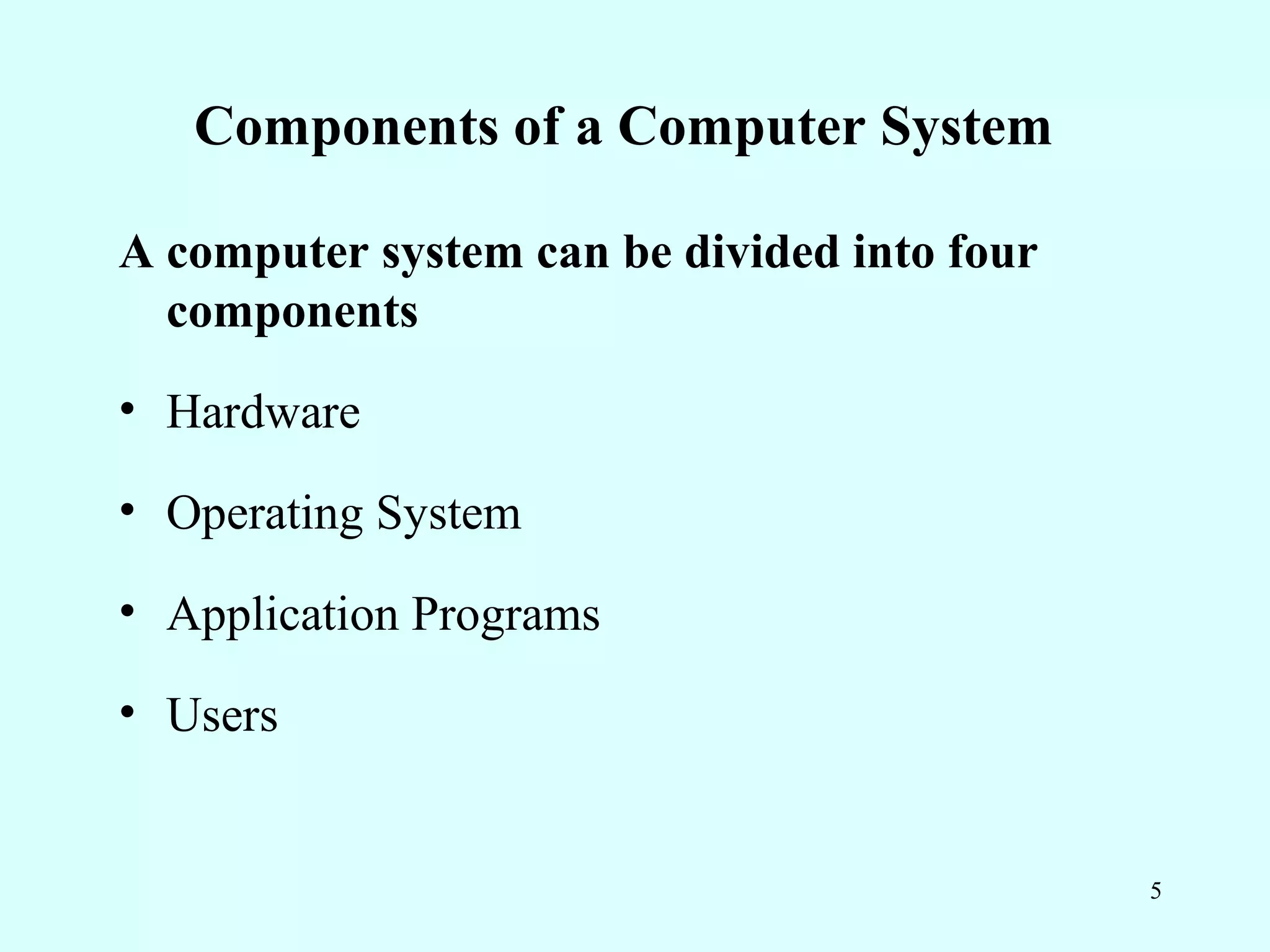
Components of a Computer System

A computer system can be divided into four
  components
• Hardware

• Operating System

• Application Programs

• Users


                                             5
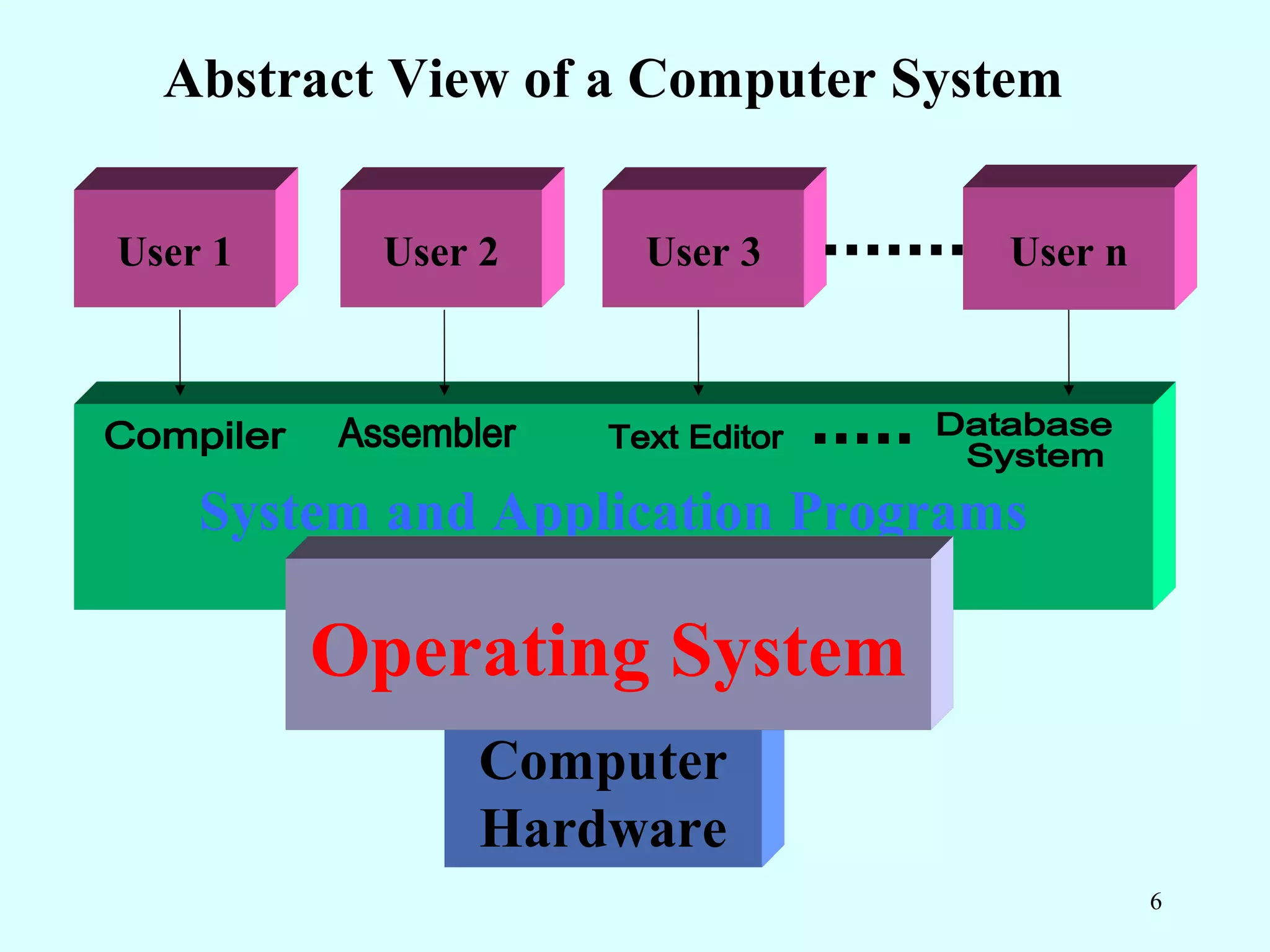
Abstract View of a Computer System

User 1    User 2    User 3        User n


    System and Application Programs

         Operating System
              Computer
              Hardware
                                           6
Hardware

• Physical components of a computer system

    Ex: - I/O devices, Memory devices, CPU etc.,


                                                   7
Software


• Set of programs

Program: - A finite set of sequence of instructions


                                                      8
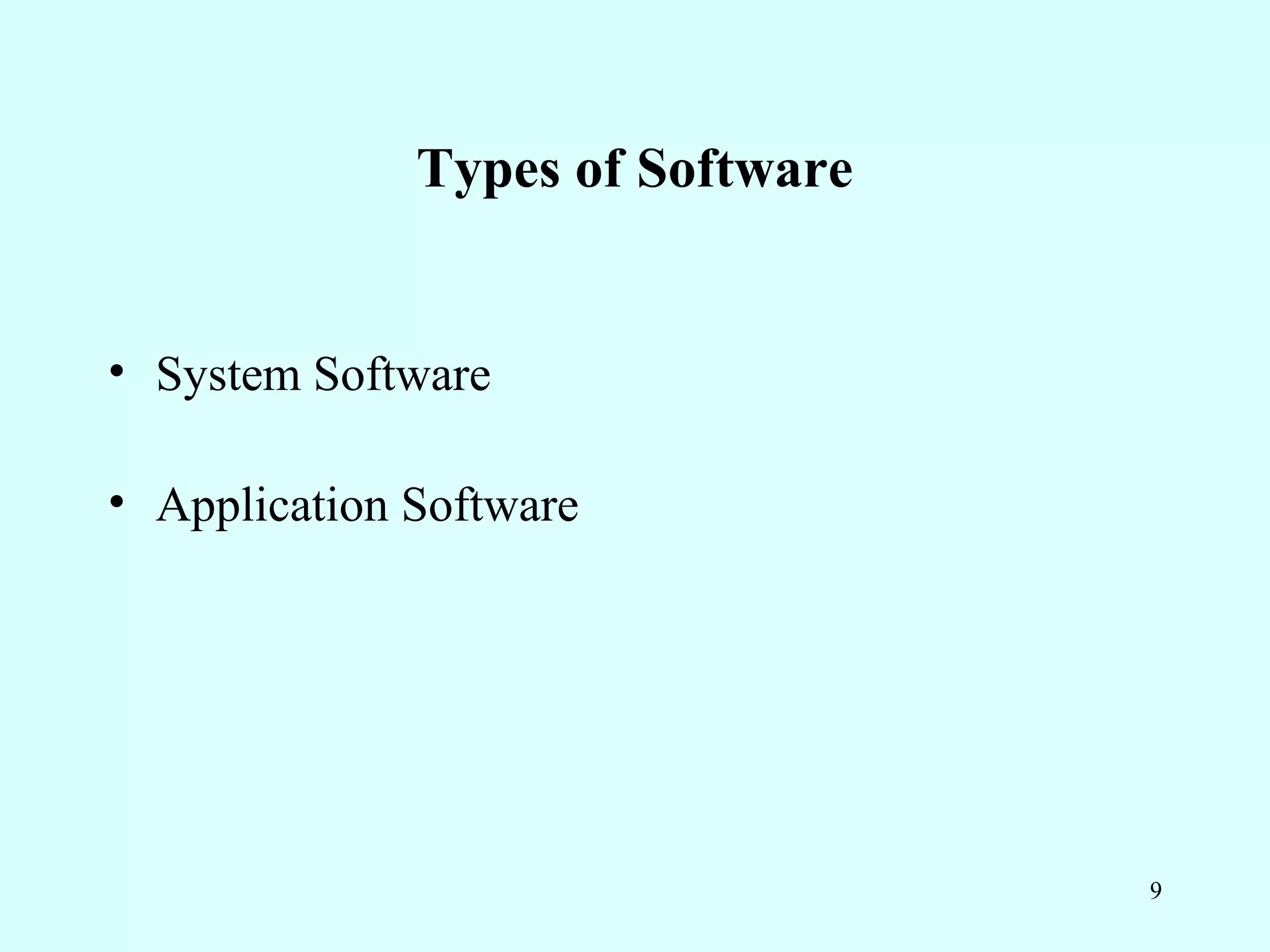
Types of Software


• System Software

• Application Software


                                  9
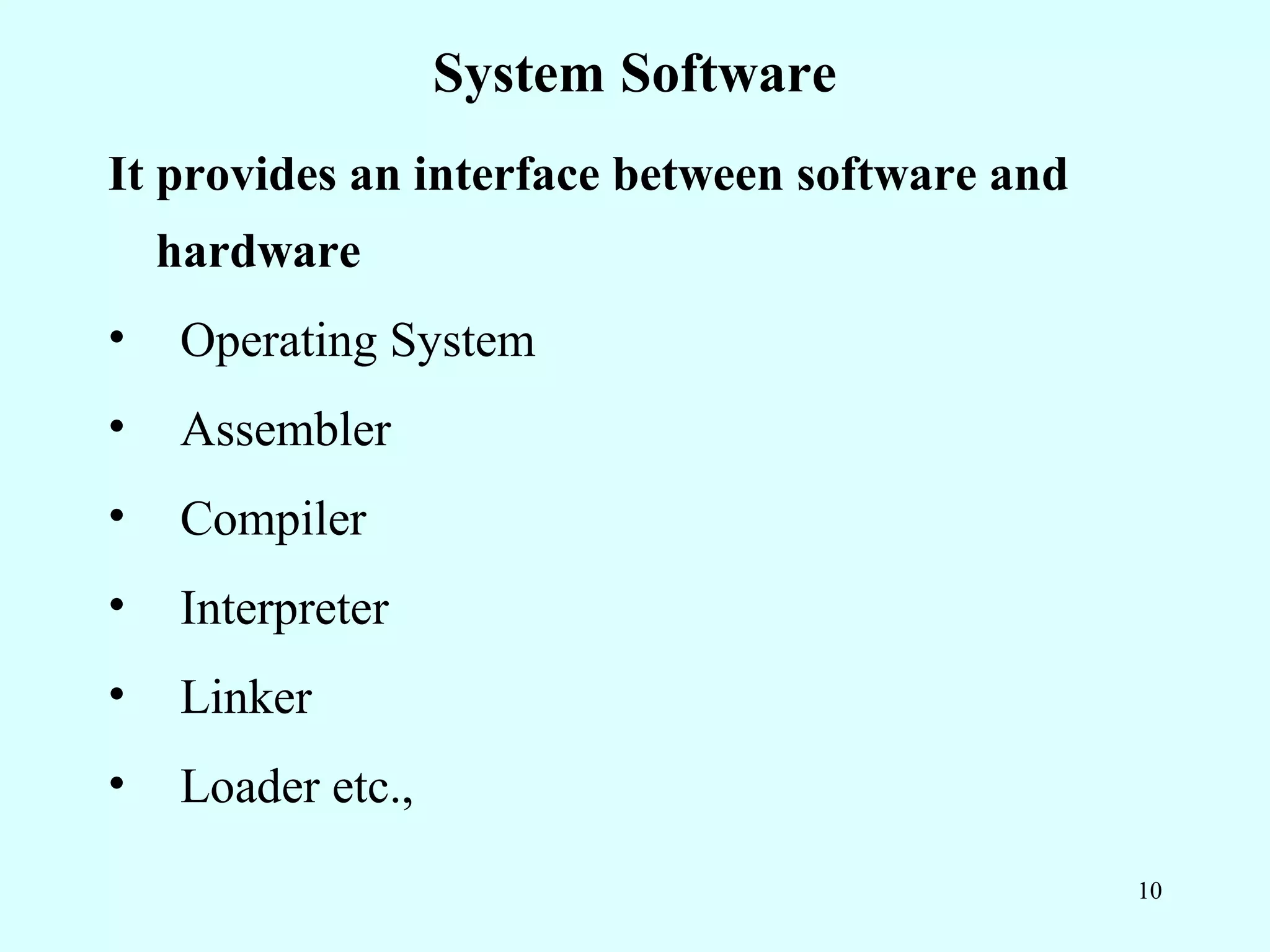
System Software
It provides an interface between software and
    hardware
•   Operating System
•   Assembler
•   Compiler
•   Interpreter
•   Linker
•   Loader etc.,
                                                10
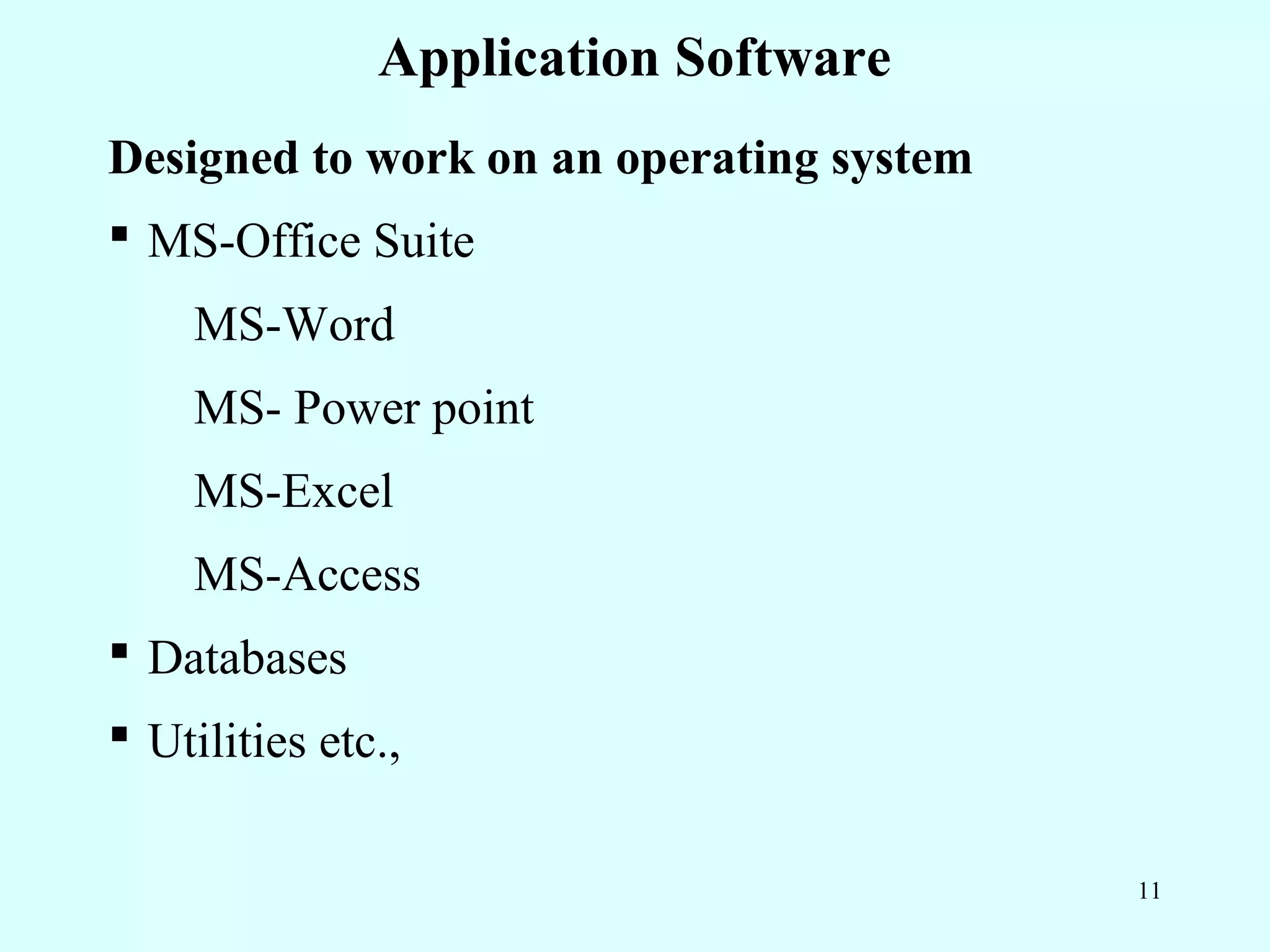
Application Software
Designed to work on an operating system
ď‚§ MS-Office Suite
    MS-Word
    MS- Power point
    MS-Excel
    MS-Access
ď‚§ Databases
ď‚§ Utilities etc.,

                                          11
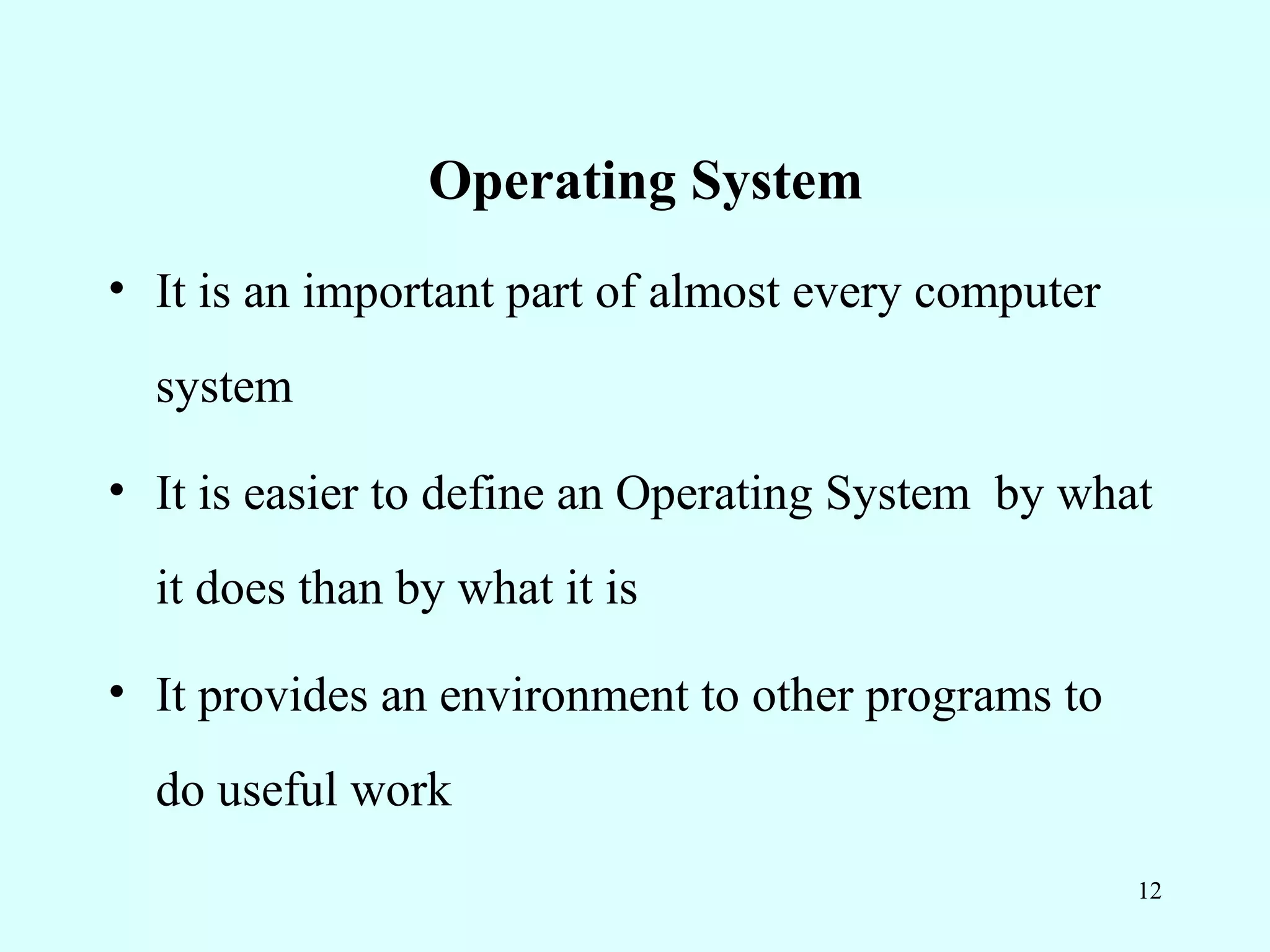
Operating System
• It is an important part of almost every computer
  system

• It is easier to define an Operating System by what
  it does than by what it is

• It provides an environment to other programs to
  do useful work
                                                     12
Design of Operating System


• User Point of View

• Computer System Point of View


                                     13
OS - User Point of View


• For ease of use

• To maximize resource utilization

• To compromise between usability and resource

  utilization

                                                 14
OS - System Point of View

• OS as a resource allocator
• OS as a manager of these resources
• OS as a controller of I/O devices and user
  programs
• Operating system as a control program, which
  manages the execution of user programs

                                                 15
Goals of Operating System


• To provide
   – convenience for the user

   – Efficient operation of the computer system

• Operating system is a way to solve the problem
  by providing a usable computing system

                                                   16
Definition

• Operating system is a system software

• It coordinates between hardware and software

• It is an interface between hardware and software

• It controls and manages resources

• It executes programs on behalf of users


                                                     17
Summary

• Components of computer system
   – Hardware, Software, Users
• Hardware : Physical components
• Software : Set of programs
• Operating System goals: Ease of use, efficient
  operation of the computer system
• OS is a system software, which coordinates, manages
  and controls resources on behalf of users
                                                   18
Frequently Asked Questions

1. List the components of a computer system
2. What should be the Operating System from user
   and system point of view?
3. Define Operating System


                                               19
Quiz

1. Which is the System Software?
     a. MS-WORD
     b. MS-EXCEL
     c. WINDOWS
     d. MS-ACCESS


                                   20
Quiz
2) Which one is not a system software?
     a) Databases
     b) Interpreter
     c) Compiler
      d) Assembler


                                         21
Other subject materials
•   Web designing
•   Micro processors
•   C++ tutorials
•   java

home

                                  22

3 definition of operating systems

  • 1.
    OPERATING SYSTEMS Operating Systems Basics of Operating Systems Definition of Operating Systems 1
  • 2.
    Recap In the lastclass, you have learnt about • History of Operating System • Types of Computers • Different types of Operating Systems 2
  • 3.
    Objectives On completionof this period, you would be able to know • System Resources • Types of Software • Operating System viewed from User and System perspective • Goals of Operating System • Definition of Operating System 3
  • 4.
    System Resources What isa resource? • A resource, or system resource, is any physical or virtual component of limited availability within a computer system • System resources include – Hardware – Software 4
  • 5.
    Components of aComputer System A computer system can be divided into four components • Hardware • Operating System • Application Programs • Users 5
  • 6.
    Abstract View ofa Computer System User 1 User 2 User 3 User n System and Application Programs Operating System Computer Hardware 6
  • 7.
    Hardware • Physical componentsof a computer system Ex: - I/O devices, Memory devices, CPU etc., 7
  • 8.
    Software • Set ofprograms Program: - A finite set of sequence of instructions 8
  • 9.
    Types of Software •System Software • Application Software 9
  • 10.
    System Software It providesan interface between software and hardware • Operating System • Assembler • Compiler • Interpreter • Linker • Loader etc., 10
  • 11.
    Application Software Designed towork on an operating system ď‚§ MS-Office Suite MS-Word MS- Power point MS-Excel MS-Access ď‚§ Databases ď‚§ Utilities etc., 11
  • 12.
    Operating System • Itis an important part of almost every computer system • It is easier to define an Operating System by what it does than by what it is • It provides an environment to other programs to do useful work 12
  • 13.
    Design of OperatingSystem • User Point of View • Computer System Point of View 13
  • 14.
    OS - UserPoint of View • For ease of use • To maximize resource utilization • To compromise between usability and resource utilization 14
  • 15.
    OS - SystemPoint of View • OS as a resource allocator • OS as a manager of these resources • OS as a controller of I/O devices and user programs • Operating system as a control program, which manages the execution of user programs 15
  • 16.
    Goals of OperatingSystem • To provide – convenience for the user – Efficient operation of the computer system • Operating system is a way to solve the problem by providing a usable computing system 16
  • 17.
    Definition • Operating systemis a system software • It coordinates between hardware and software • It is an interface between hardware and software • It controls and manages resources • It executes programs on behalf of users 17
  • 18.
    Summary • Components ofcomputer system – Hardware, Software, Users • Hardware : Physical components • Software : Set of programs • Operating System goals: Ease of use, efficient operation of the computer system • OS is a system software, which coordinates, manages and controls resources on behalf of users 18
  • 19.
    Frequently Asked Questions 1.List the components of a computer system 2. What should be the Operating System from user and system point of view? 3. Define Operating System 19
  • 20.
    Quiz 1. Which isthe System Software? a. MS-WORD b. MS-EXCEL c. WINDOWS d. MS-ACCESS 20
  • 21.
    Quiz 2) Which oneis not a system software? a) Databases b) Interpreter c) Compiler d) Assembler 21
  • 22.
    Other subject materials • Web designing • Micro processors • C++ tutorials • java home 22