Inter-process Audio
CocoaHeads Stockholm 2016-04-11
Who is giving this talk?
2
About me
• Previously developed music games in Japan
• Joined Propellerhead 2013
• Worked on ReBirth, Thor, Figure, Take
• Manager of Mobile Group
• Amateur photographer and musician
• 💓 creative tools
3
About our group
• Four developers
• One tester
• One product owner
• One product designer
• Four iOS apps
• One Windows app
• All built on Reason technology
4
Inter-process audio
5
Why is this cool?
• Apps need not be islands
• Specialization of your app
• Work with what you know
• Lots of possibilities
• audio generation
• control message (MIDI) generation
• recording
• sequencing
6
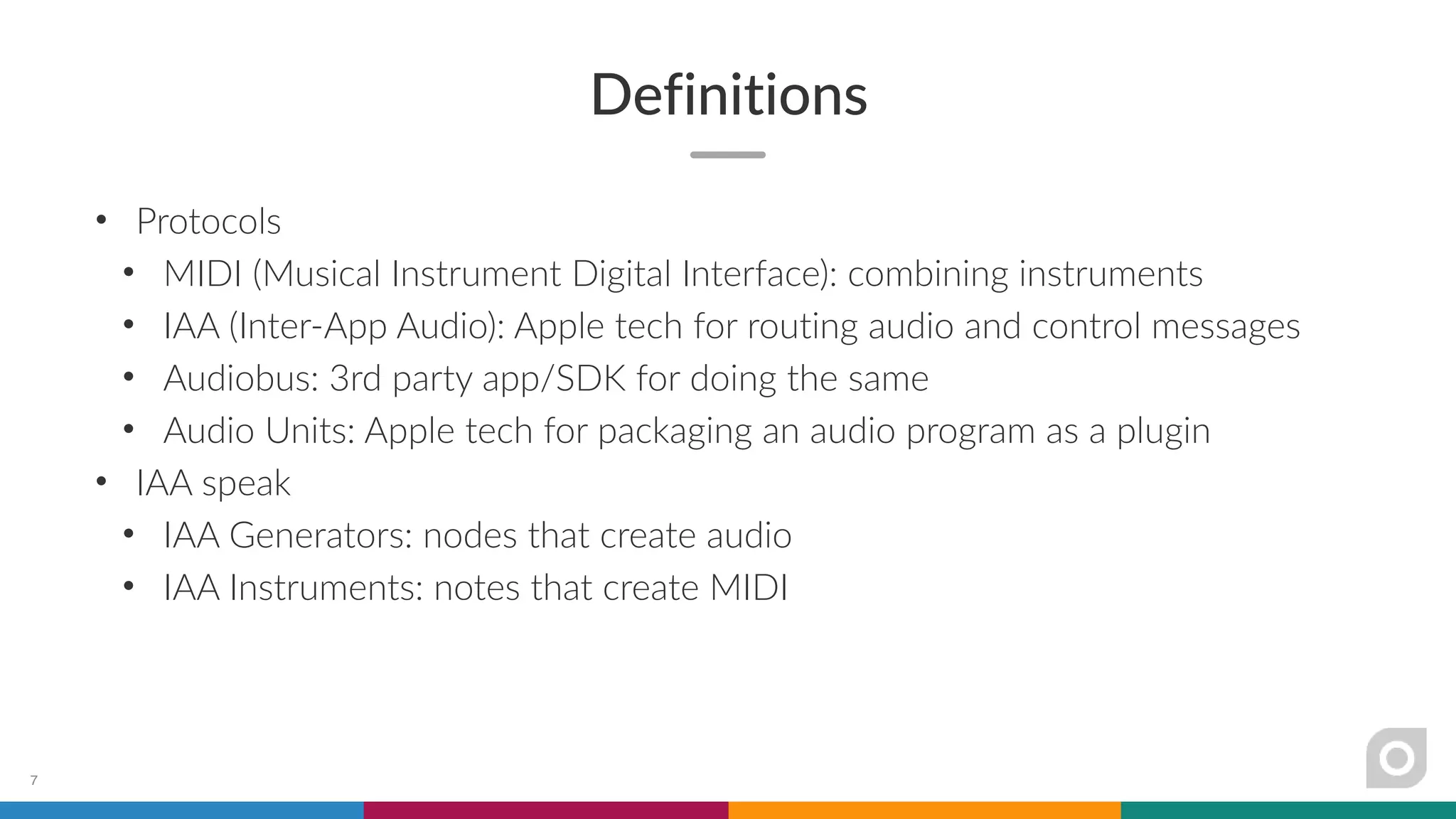
Definitions
• Protocols
• MIDI (Musical Instrument Digital Interface): combining instruments
• IAA (Inter-App Audio): Apple tech for routing audio and control messages
• Audiobus: 3rd party app/SDK for doing the same
• Audio Units: Apple tech for packaging an audio program as a plugin
• IAA speak
• IAA Generators: nodes that create audio
• IAA Instruments: notes that create MIDI
7
Options
• Realtime or offline?
• Realtime if you want to perform, or record audio on the fly
• Offline if you want to take pieces of audio and sequence them later
8
Realtime audio processing
9
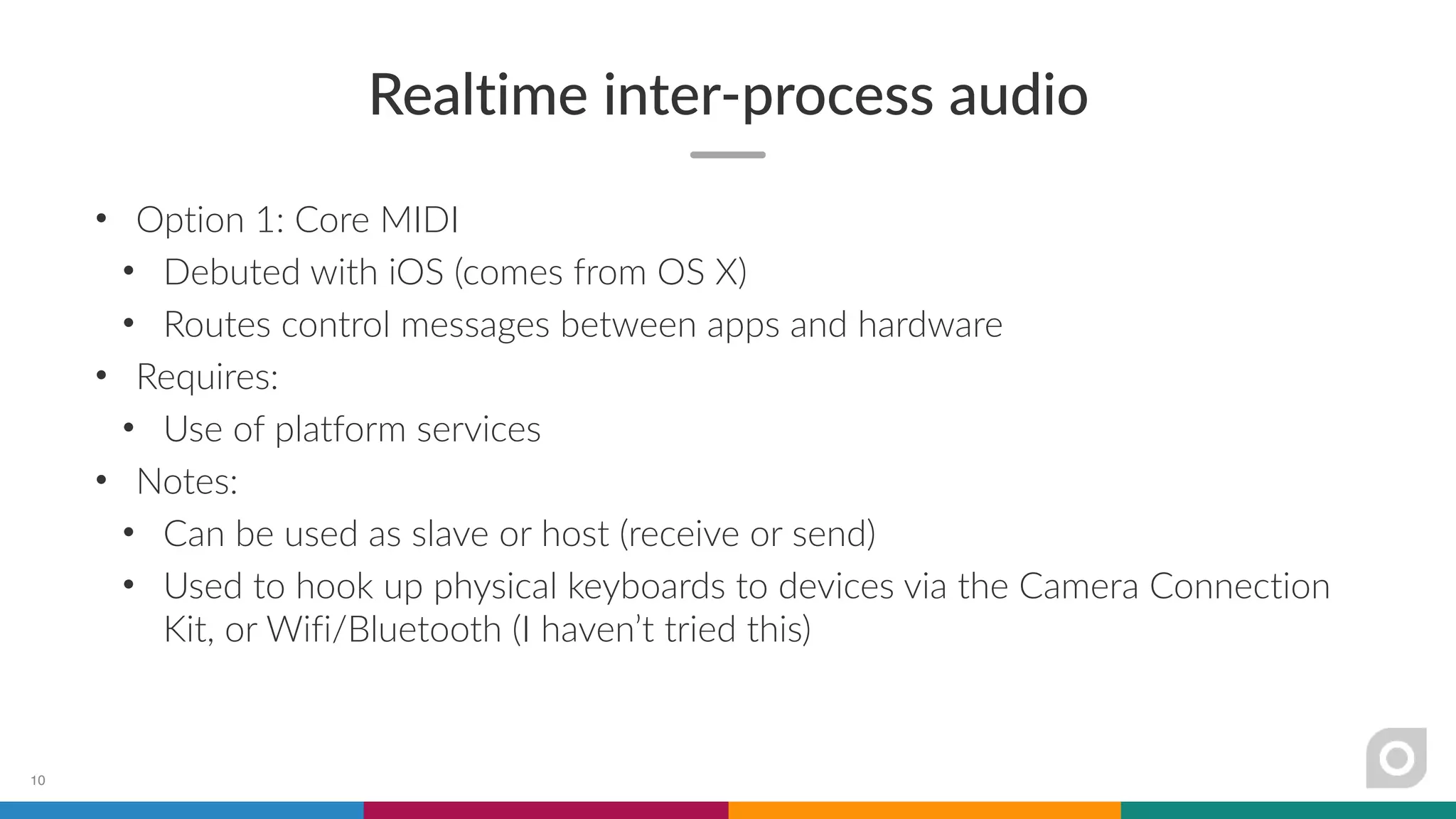
Realtime inter-process audio
• Option 1: Core MIDI
• Debuted with iOS (comes from OS X)
• Routes control messages between apps and hardware
• Requires:
• Use of platform services
• Notes:
• Can be used as slave or host (receive or send)
• Used to hook up physical keyboards to devices via the Camera Connection
Kit, or Wifi/Bluetooth (I haven’t tried this)
10
Realtime inter-process audio
• Option 2: Audiobus
• Debuted 2/2012 (iOS 5), developed by Audanika + A Tasty Pixel
• Routes audio between senders, filters, and receiver apps via ports
• Adapted to IAA as Audiobus 2 with iOS 7
• Requires:
• SDK + integration with render callbacks
• Background audio entitlement, URLSchemes for app launching
• AudioComponent definition
• Notes:
• Gives you IAA generator support for “free”
• Multiple ports can be defined for a single app
11
Demo: Generator + recording
12
Realtime inter-process audio
• Option 3: IAA
• Debuted 6/2013 (iOS 7)
• Routes audio between generators, instrument, effect, and host apps
• Requires:
• Background audio entitlement
• AudioComponent definition
• Integration with render callbacks
• Notes:
• Also allows sync
• Multiple ports can be defined for a single app
13
Realtime inter-process audio
• Option 4: Audio Units
• Debuted 6/2015 (iOS 9)
• Run the code as an app extension, not an app itself
• Requires:
• Background audio entitlement
• Info.plist modification for extension
• Integration with host requests
• Notes:
• Very new, not many apps support this yet but initial reaction is positive
14
Realtime inter-process audio
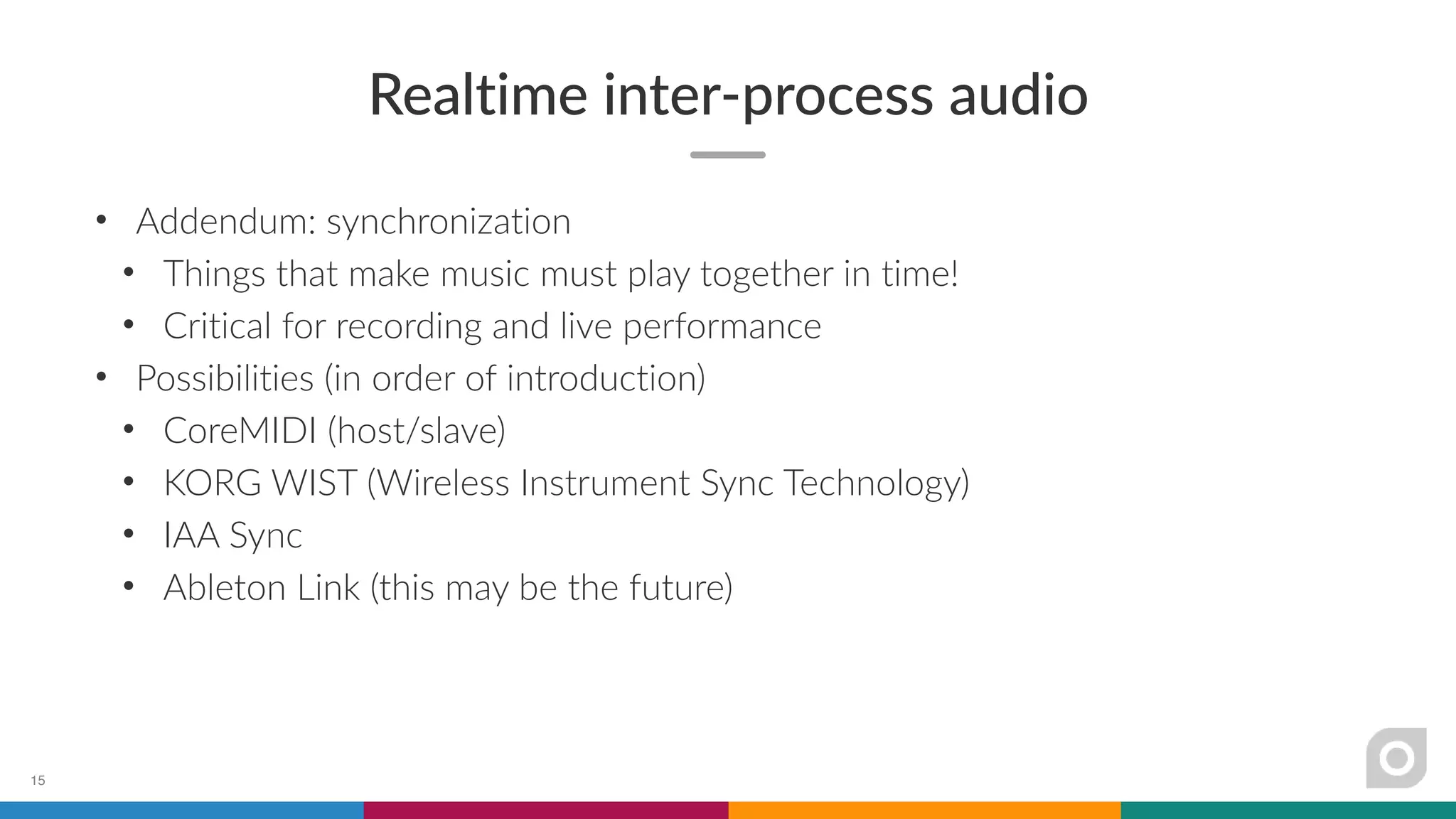
• Addendum: synchronization
• Things that make music must play together in time!
• Critical for recording and live performance
• Possibilities (in order of introduction)
• CoreMIDI (host/slave)
• KORG WIST (Wireless Instrument Sync Technology)
• IAA Sync
• Ableton Link (this may be the future)
15
Demo: Multiple generators, effect
16
Offline audio processing
17
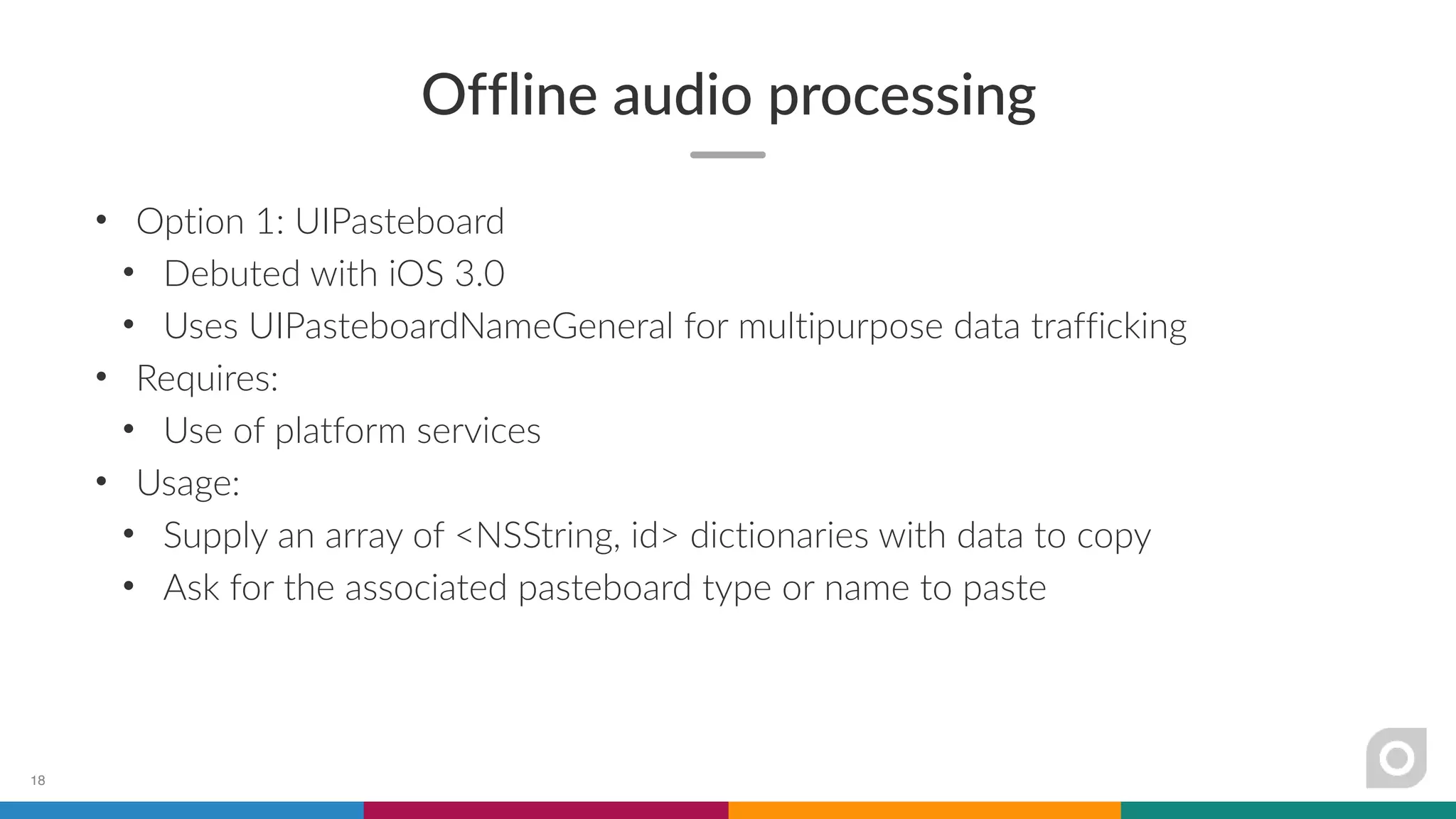
Offline audio processing
• Option 1: UIPasteboard
• Debuted with iOS 3.0
• Uses UIPasteboardNameGeneral for multipurpose data trafficking
• Requires:
• Use of platform services
• Usage:
• Supply an array of <NSString, id> dictionaries with data to copy
• Ask for the associated pasteboard type or name to paste
18
Offline audio processing
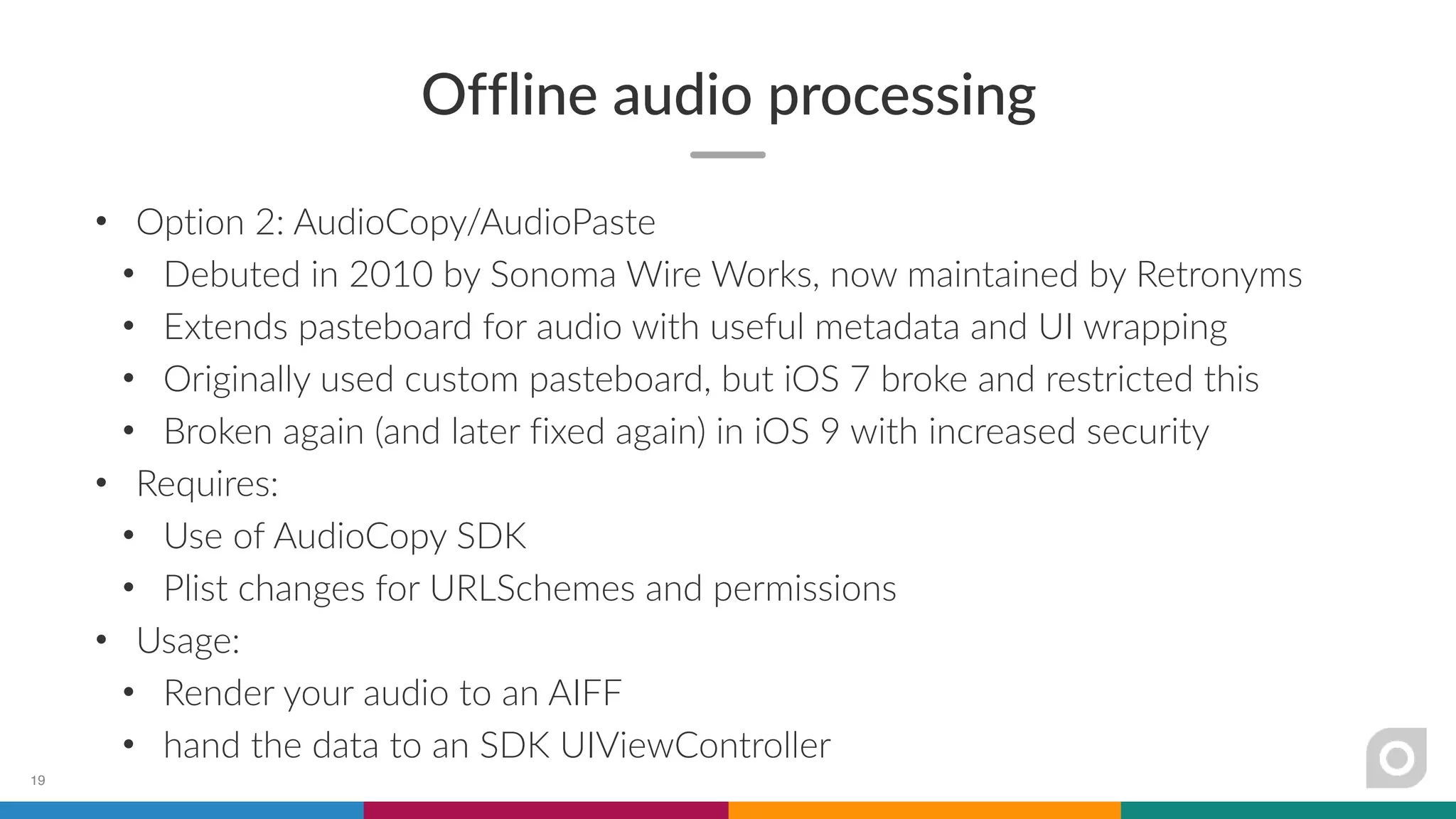
• Option 2: AudioCopy/AudioPaste
• Debuted in 2010 by Sonoma Wire Works, now maintained by Retronyms
• Extends pasteboard for audio with useful metadata and UI wrapping
• Originally used custom pasteboard, but iOS 7 broke and restricted this
• Broken again (and later fixed again) in iOS 9 with increased security
• Requires:
• Use of AudioCopy SDK
• Plist changes for URLSchemes and permissions
• Usage:
• Render your audio to an AIFF
• hand the data to an SDK UIViewController
19
Offline audio processing
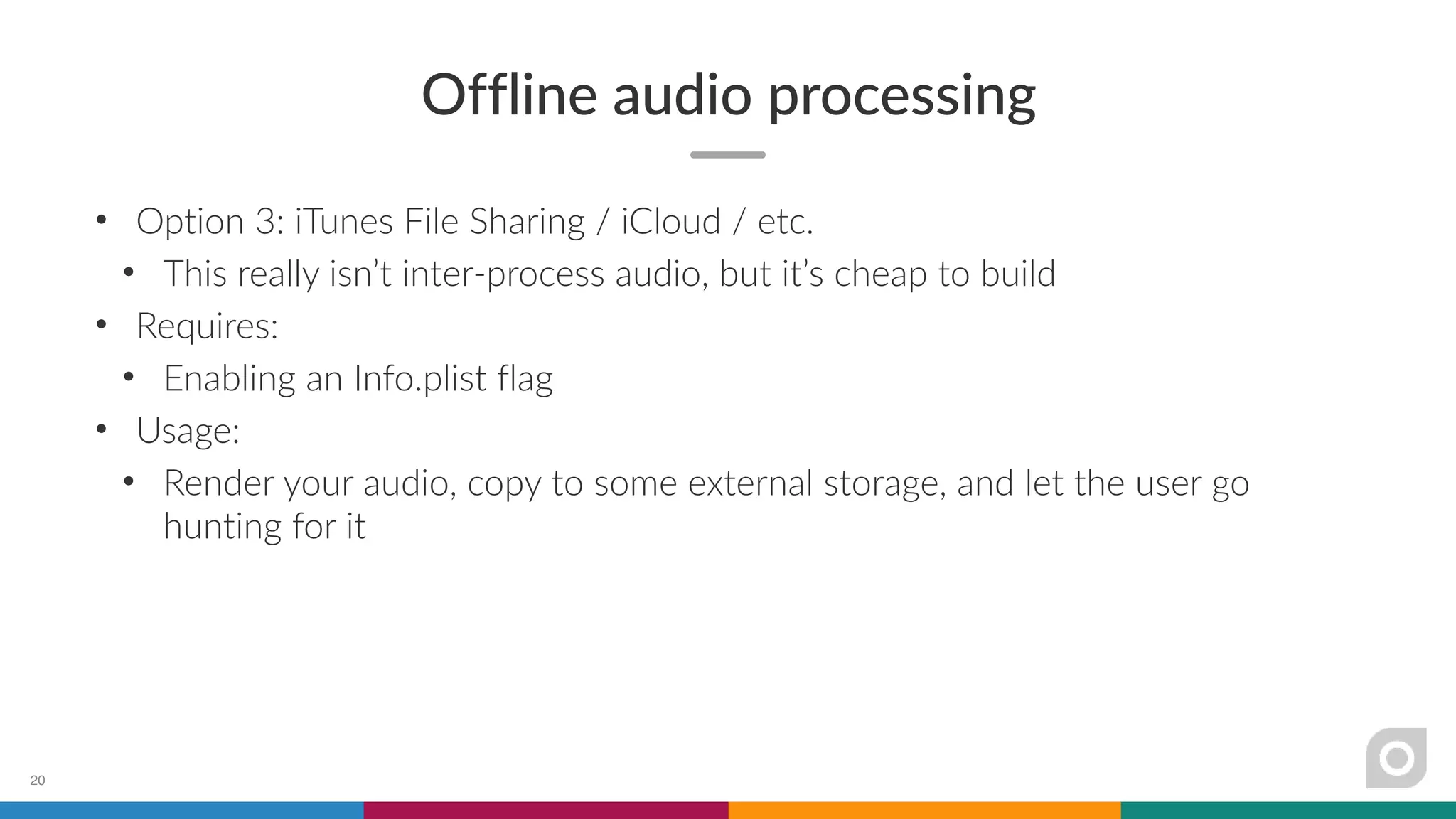
• Option 3: iTunes File Sharing / iCloud / etc.
• This really isn’t inter-process audio, but it’s cheap to build
• Requires:
• Enabling an Info.plist flag
• Usage:
• Render your audio, copy to some external storage, and let the user go
hunting for it
20
21
Tradeoffs
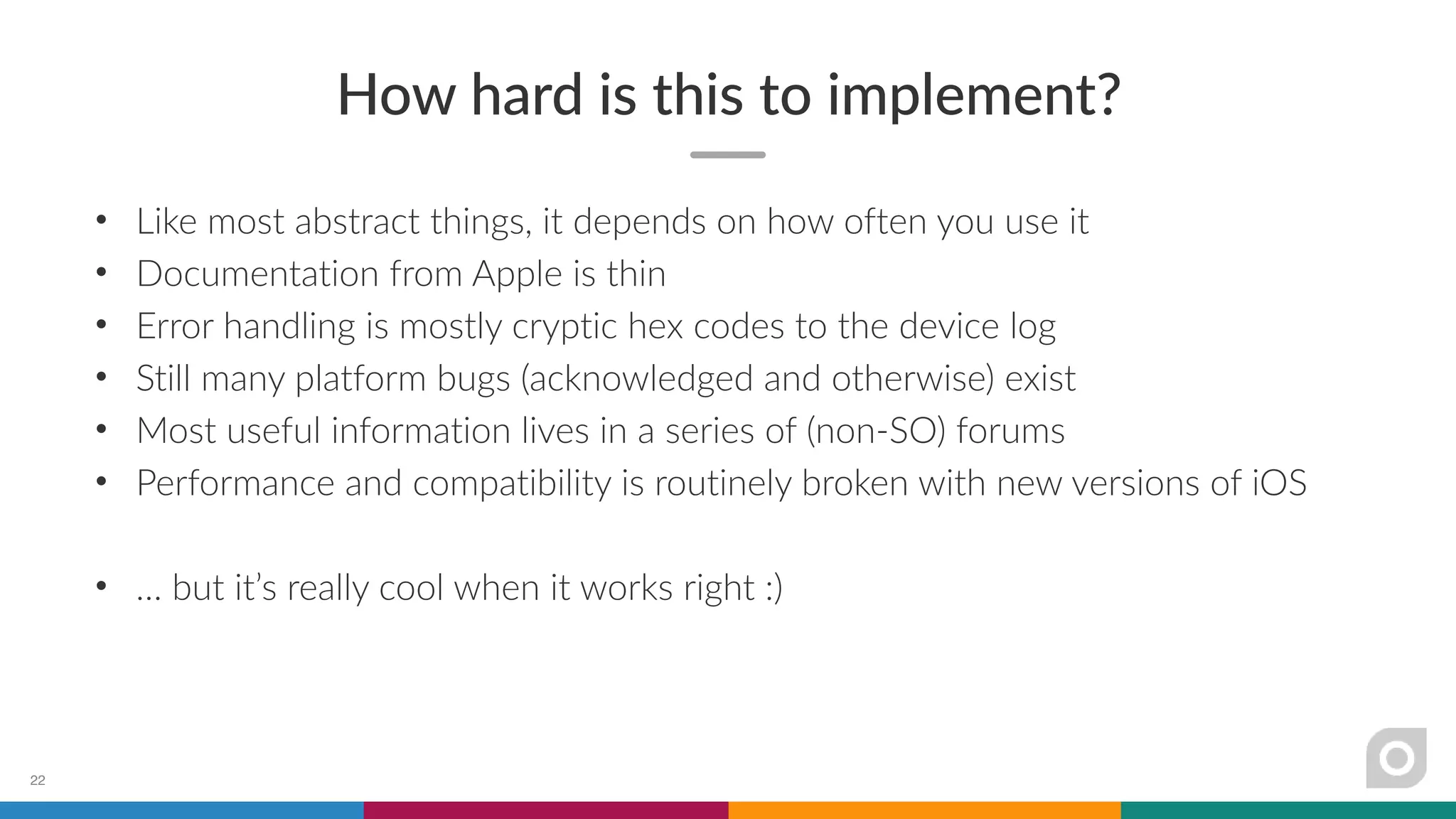
How hard is this to implement?
• Like most abstract things, it depends on how often you use it
• Documentation from Apple is thin
• Error handling is mostly cryptic hex codes to the device log
• Still many platform bugs (acknowledged and otherwise) exist
• Most useful information lives in a series of (non-SO) forums
• Performance and compatibility is routinely broken with new versions of iOS
• … but it’s really cool when it works right :)
22
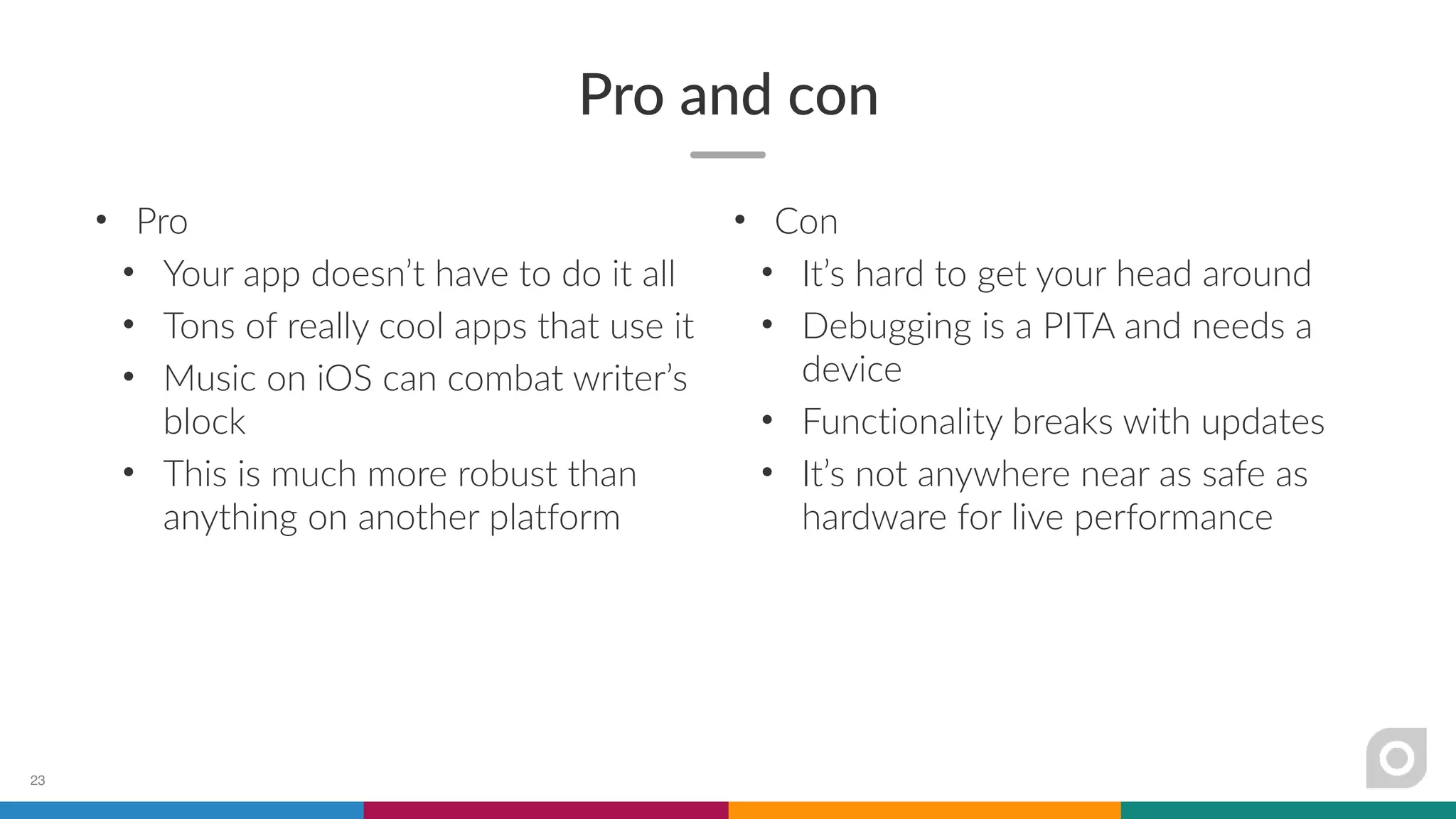
Pro and con
• Pro
• Your app doesn’t have to do it all
• Tons of really cool apps that use it
• Music on iOS can combat writer’s
block
• This is much more robust than
anything on another platform
23
• Con
• It’s hard to get your head around
• Debugging is a PITA and needs a
device
• Functionality breaks with updates
• It’s not anywhere near as safe as
hardware for live performance
Thanks for listening!
• Lots of great conceptual and reference resources
• http://lijon.github.io/
• https://developer.audiob.us/
• Come find me
• @gamedeventura (also on CH Slack)
• http://allihoopa.com/pango
• http://propellerheads.se
Yes, we’re hiring! :)
24

Inter-process audio options on iOS

  • 1.
  • 2.
    Who is givingthis talk? 2
  • 3.
    About me • Previouslydeveloped music games in Japan • Joined Propellerhead 2013 • Worked on ReBirth, Thor, Figure, Take • Manager of Mobile Group • Amateur photographer and musician • 💓 creative tools 3
  • 4.
    About our group •Four developers • One tester • One product owner • One product designer • Four iOS apps • One Windows app • All built on Reason technology 4
  • 5.
  • 6.
    Why is thiscool? • Apps need not be islands • Specialization of your app • Work with what you know • Lots of possibilities • audio generation • control message (MIDI) generation • recording • sequencing 6
  • 7.
    Definitions • Protocols • MIDI(Musical Instrument Digital Interface): combining instruments • IAA (Inter-App Audio): Apple tech for routing audio and control messages • Audiobus: 3rd party app/SDK for doing the same • Audio Units: Apple tech for packaging an audio program as a plugin • IAA speak • IAA Generators: nodes that create audio • IAA Instruments: notes that create MIDI 7
  • 8.
    Options • Realtime oroffline? • Realtime if you want to perform, or record audio on the fly • Offline if you want to take pieces of audio and sequence them later 8
  • 9.
  • 10.
    Realtime inter-process audio •Option 1: Core MIDI • Debuted with iOS (comes from OS X) • Routes control messages between apps and hardware • Requires: • Use of platform services • Notes: • Can be used as slave or host (receive or send) • Used to hook up physical keyboards to devices via the Camera Connection Kit, or Wifi/Bluetooth (I haven’t tried this) 10
  • 11.
    Realtime inter-process audio •Option 2: Audiobus • Debuted 2/2012 (iOS 5), developed by Audanika + A Tasty Pixel • Routes audio between senders, filters, and receiver apps via ports • Adapted to IAA as Audiobus 2 with iOS 7 • Requires: • SDK + integration with render callbacks • Background audio entitlement, URLSchemes for app launching • AudioComponent definition • Notes: • Gives you IAA generator support for “free” • Multiple ports can be defined for a single app 11
  • 12.
    Demo: Generator +recording 12
  • 13.
    Realtime inter-process audio •Option 3: IAA • Debuted 6/2013 (iOS 7) • Routes audio between generators, instrument, effect, and host apps • Requires: • Background audio entitlement • AudioComponent definition • Integration with render callbacks • Notes: • Also allows sync • Multiple ports can be defined for a single app 13
  • 14.
    Realtime inter-process audio •Option 4: Audio Units • Debuted 6/2015 (iOS 9) • Run the code as an app extension, not an app itself • Requires: • Background audio entitlement • Info.plist modification for extension • Integration with host requests • Notes: • Very new, not many apps support this yet but initial reaction is positive 14
  • 15.
    Realtime inter-process audio •Addendum: synchronization • Things that make music must play together in time! • Critical for recording and live performance • Possibilities (in order of introduction) • CoreMIDI (host/slave) • KORG WIST (Wireless Instrument Sync Technology) • IAA Sync • Ableton Link (this may be the future) 15
  • 16.
  • 17.
  • 18.
    Offline audio processing •Option 1: UIPasteboard • Debuted with iOS 3.0 • Uses UIPasteboardNameGeneral for multipurpose data trafficking • Requires: • Use of platform services • Usage: • Supply an array of <NSString, id> dictionaries with data to copy • Ask for the associated pasteboard type or name to paste 18
  • 19.
    Offline audio processing •Option 2: AudioCopy/AudioPaste • Debuted in 2010 by Sonoma Wire Works, now maintained by Retronyms • Extends pasteboard for audio with useful metadata and UI wrapping • Originally used custom pasteboard, but iOS 7 broke and restricted this • Broken again (and later fixed again) in iOS 9 with increased security • Requires: • Use of AudioCopy SDK • Plist changes for URLSchemes and permissions • Usage: • Render your audio to an AIFF • hand the data to an SDK UIViewController 19
  • 20.
    Offline audio processing •Option 3: iTunes File Sharing / iCloud / etc. • This really isn’t inter-process audio, but it’s cheap to build • Requires: • Enabling an Info.plist flag • Usage: • Render your audio, copy to some external storage, and let the user go hunting for it 20
  • 21.
  • 22.
    How hard isthis to implement? • Like most abstract things, it depends on how often you use it • Documentation from Apple is thin • Error handling is mostly cryptic hex codes to the device log • Still many platform bugs (acknowledged and otherwise) exist • Most useful information lives in a series of (non-SO) forums • Performance and compatibility is routinely broken with new versions of iOS • … but it’s really cool when it works right :) 22
  • 23.
    Pro and con •Pro • Your app doesn’t have to do it all • Tons of really cool apps that use it • Music on iOS can combat writer’s block • This is much more robust than anything on another platform 23 • Con • It’s hard to get your head around • Debugging is a PITA and needs a device • Functionality breaks with updates • It’s not anywhere near as safe as hardware for live performance
  • 24.
    Thanks for listening! •Lots of great conceptual and reference resources • http://lijon.github.io/ • https://developer.audiob.us/ • Come find me • @gamedeventura (also on CH Slack) • http://allihoopa.com/pango • http://propellerheads.se Yes, we’re hiring! :) 24