The CPU
The CPU
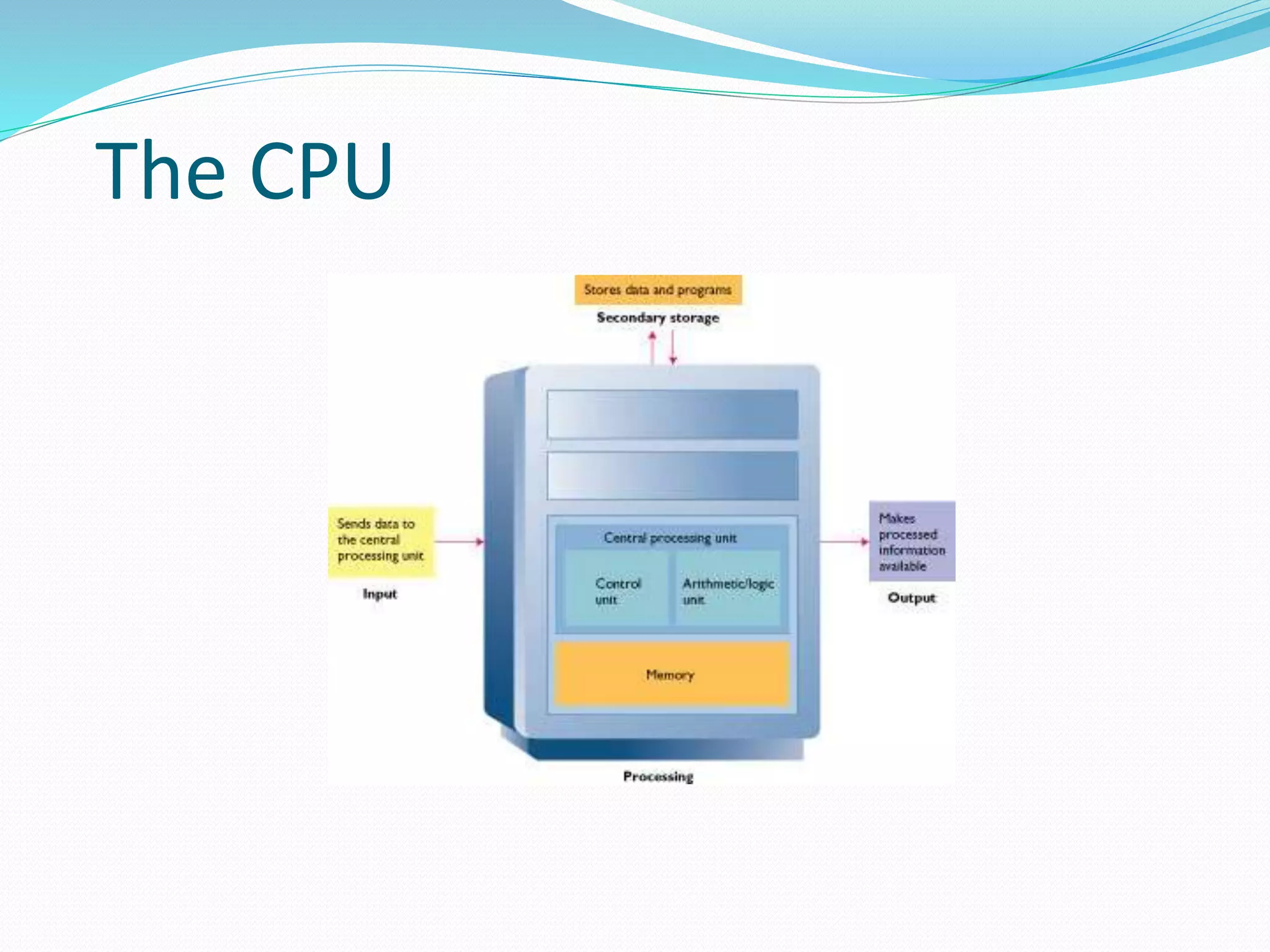
 Converts data into information
 Control center
 Set of electronic circuitry that executes stored
program instructions
 Two parts
 Control Unit (CU)
 Arithmetic Logic Unit (ALU)
Control Unit
CU
 Part of the hardware that is in-charge
 Directs the computer system to execute stored
program instructions
 Communicates with other parts of the hardware
Arithmetic Operations
Addition
Subtraction
Multiplication
Division
Logical Operations
 Evaluates conditions
 Makes comparisons
 Can compare
 Numbers
 Letters
 Special characters
Registers
Special-purpose
High-speed
Temporary storage
Located inside CPU
Instruction register
Holds instruction currently
being executed
Data register
Holds data waiting to be
processed
Holds results from processing
Types of Storage
 Secondary
 Data that will eventually be used
 Long-term
 Memory
 Data that will be used in the near future
 Temporary
 Faster access than storage
 Registers
 Data immediately related to the operation being
executed
 Faster access than memory
Measuring Storage Capacity
KB – kilobyte
• 1024 bytes
• Some diskettes
• Cache memory
MB – megabyte
• Million bytes
• RAM
GB – gigabyte
• Billion bytes
• Hard disks
• CDs and DVDs
TB – terabytes
• Trillion bytes
• Large hard disks
Memory
Many Names
Primary storage
Primary memory
Main storage
Internal storage
Main memory
Main Types of Memory
RAM
Random Access Memory
ROM
Read Only Memory
RAM
 Requires current to retain values
 Volatile
 Data and instructions can be read and modified
 Users typically refer to this type of memory
What’s in RAM?
 Operating System
 Program currently running
 Data needed by the program
 Intermediate results waiting to be output
ROM
 Non-volatile
 Instructions for booting the computer
 Data and instructions can be read, but not modified
 Instructions are typically recorded at factory
Executing Programs CU gets an instruction and places it in memory
 CU decodes the instruction
 CU notifies the appropriate part of hardware to take
action
 Control is transferred to the appropriate part of
hardware
 Task is performed
 Control is returned to the CU
Machine Cycle
I-time
 CU fetches an instruction from memory and puts
it into a register
 CU decodes the instruction and determines the
memory location of the data required
Machine Cycle
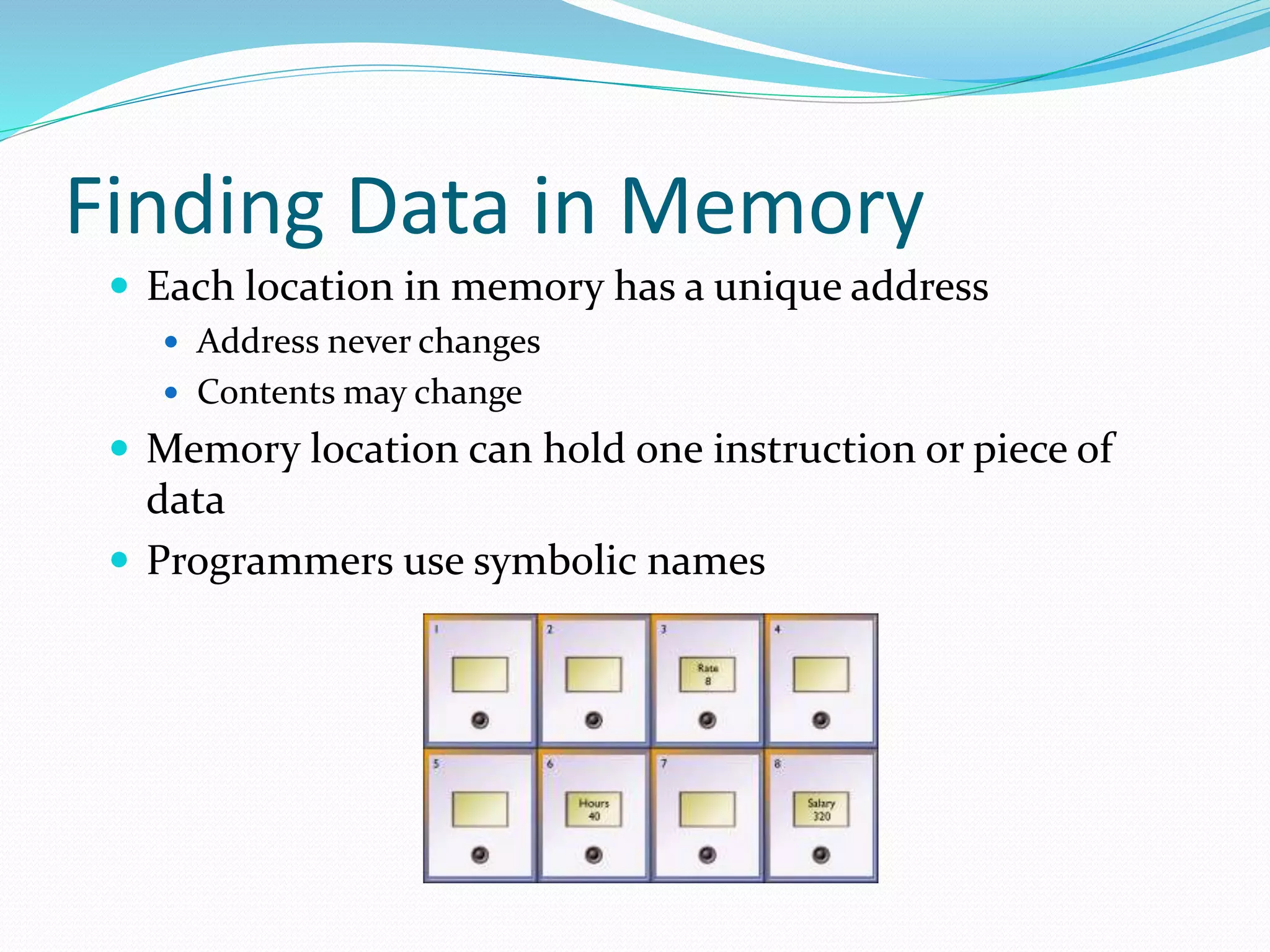
E-time
 Execution
 CU moves the data from memory to registers in the
ALU
 ALU is given control and executes the instruction
 Control returns to the CU
 CU stores the result of the operation in
memory or in a register
System Clock
 System clock produces pulses at a fixed rate
 Each pulse is one Machine Cycle
 One program instruction may actually be several
instructions to the CPU
 Each CPU instruction will take one pulse
 CPU has an instruction set – instructions that it
can understand and process
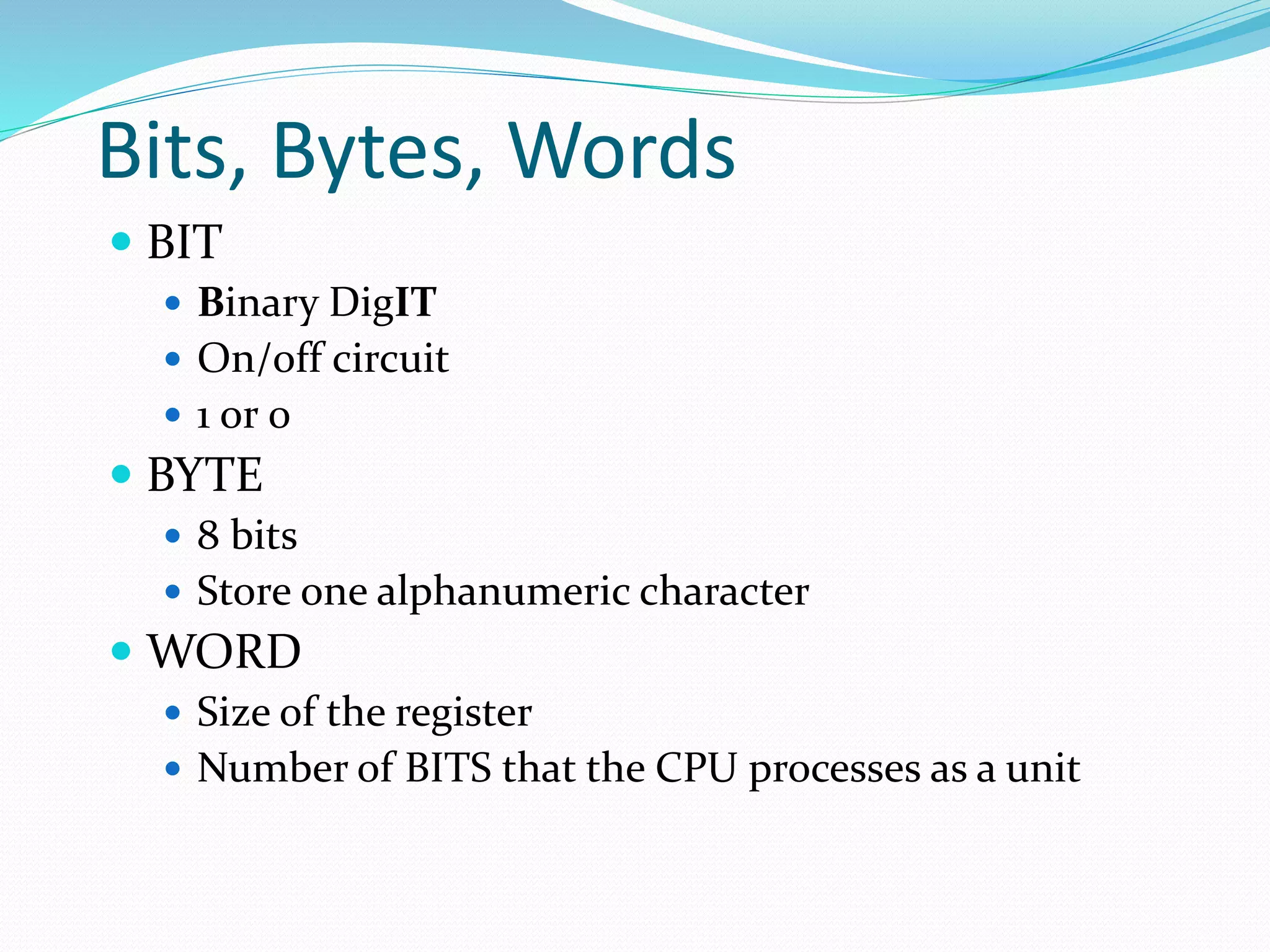
Finding Data in Memory
 Each location in memory has a unique address
 Address never changes
 Contents may change
 Memory location can hold one instruction or piece of
data
 Programmers use symbolic names
Data Representation
On/Off
Binary number system is used
to represent the state of the
circuit
Bits, Bytes, Words
 BIT
 Binary DigIT
 On/off circuit
 1 or 0
 BYTE
 8 bits
 Store one alphanumeric character
 WORD
 Size of the register
 Number of BITS that the CPU processes as a unit
02 cpu final

02 cpu final

  • 2.
  • 3.
    The CPU  Convertsdata into information  Control center  Set of electronic circuitry that executes stored program instructions  Two parts  Control Unit (CU)  Arithmetic Logic Unit (ALU)
  • 4.
    Control Unit CU  Partof the hardware that is in-charge  Directs the computer system to execute stored program instructions  Communicates with other parts of the hardware
  • 5.
  • 6.
    Logical Operations  Evaluatesconditions  Makes comparisons  Can compare  Numbers  Letters  Special characters
  • 7.
    Registers Special-purpose High-speed Temporary storage Located insideCPU Instruction register Holds instruction currently being executed Data register Holds data waiting to be processed Holds results from processing
  • 8.
    Types of Storage Secondary  Data that will eventually be used  Long-term  Memory  Data that will be used in the near future  Temporary  Faster access than storage  Registers  Data immediately related to the operation being executed  Faster access than memory
  • 9.
    Measuring Storage Capacity KB– kilobyte • 1024 bytes • Some diskettes • Cache memory MB – megabyte • Million bytes • RAM GB – gigabyte • Billion bytes • Hard disks • CDs and DVDs TB – terabytes • Trillion bytes • Large hard disks
  • 10.
    Memory Many Names Primary storage Primarymemory Main storage Internal storage Main memory
  • 11.
    Main Types ofMemory RAM Random Access Memory ROM Read Only Memory
  • 12.
    RAM  Requires currentto retain values  Volatile  Data and instructions can be read and modified  Users typically refer to this type of memory
  • 13.
    What’s in RAM? Operating System  Program currently running  Data needed by the program  Intermediate results waiting to be output
  • 14.
    ROM  Non-volatile  Instructionsfor booting the computer  Data and instructions can be read, but not modified  Instructions are typically recorded at factory
  • 15.
    Executing Programs CUgets an instruction and places it in memory  CU decodes the instruction  CU notifies the appropriate part of hardware to take action  Control is transferred to the appropriate part of hardware  Task is performed  Control is returned to the CU
  • 16.
    Machine Cycle I-time  CUfetches an instruction from memory and puts it into a register  CU decodes the instruction and determines the memory location of the data required
  • 17.
    Machine Cycle E-time  Execution CU moves the data from memory to registers in the ALU  ALU is given control and executes the instruction  Control returns to the CU  CU stores the result of the operation in memory or in a register
  • 18.
    System Clock  Systemclock produces pulses at a fixed rate  Each pulse is one Machine Cycle  One program instruction may actually be several instructions to the CPU  Each CPU instruction will take one pulse  CPU has an instruction set – instructions that it can understand and process
  • 19.
    Finding Data inMemory  Each location in memory has a unique address  Address never changes  Contents may change  Memory location can hold one instruction or piece of data  Programmers use symbolic names
  • 20.
    Data Representation On/Off Binary numbersystem is used to represent the state of the circuit
  • 21.
    Bits, Bytes, Words BIT  Binary DigIT  On/off circuit  1 or 0  BYTE  8 bits  Store one alphanumeric character  WORD  Size of the register  Number of BITS that the CPU processes as a unit