Lecture no : 7
Introduction to Computer/ Computer
Education
Mr. Muhammad Moazzam
MPhil Public Health
BSc BioMedical
University of the Lahore
Content
• Components of Computer System
Computer Components
A computer is a device that accept data and
processes it for some result based on a sequence
of instructions. The sequence of instruction given
to computer for manipulating data is known as
program
Components of Computer System
They are two basic components of a computer
system
• Computer Hardware
• Computer Software
Computer Hardware
The physical parts of the computer system
that you can touch and feel are known as
Computer Hardware.
Computer hardware divided into following
hardware parts
• Input Unit
• Output Unit
• System Unit
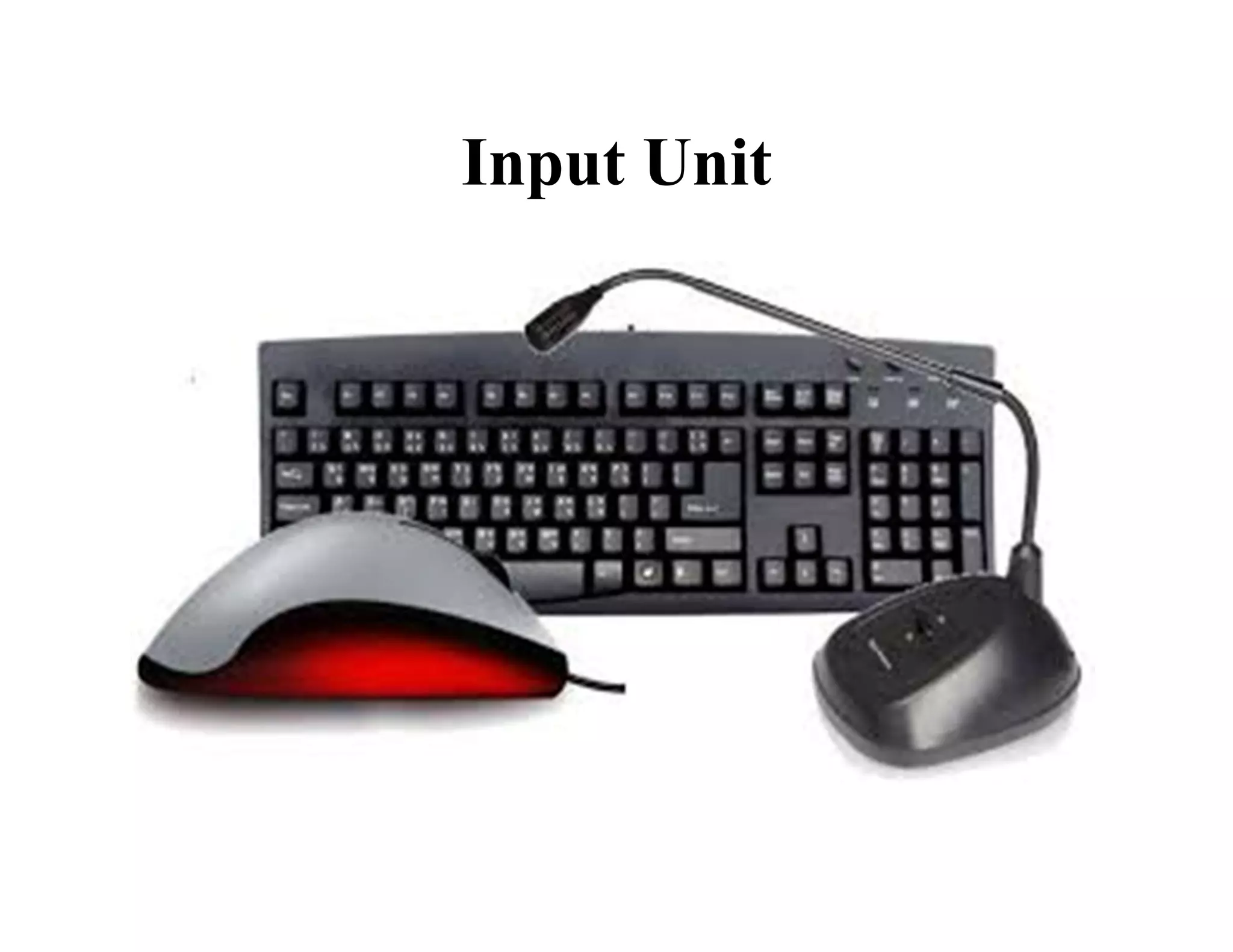
Input Unit
Input unit of a system consists of input devices.
Different type of input devices use to input data
in different forms e.g.
• Keyboard is used to entre textual data
• Mouse is used as a pointing device and to
trigger different commands in different
application
• Microphone is used to entre voice data
Input Unit
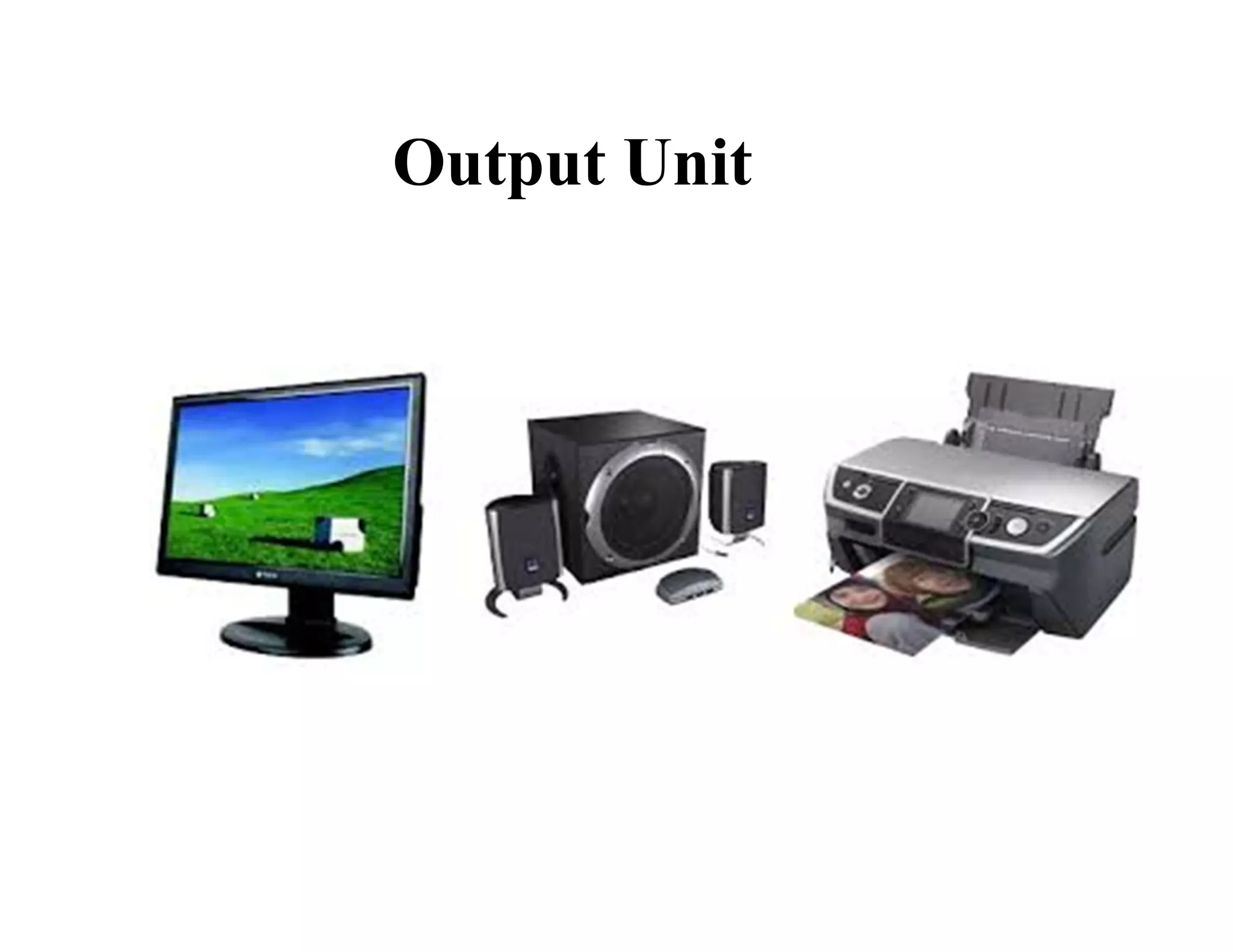
Output Unit
Output unit of a computer system consist of
output devices. As data presented to the user in
different forms, therefore different output devices
are needed e.g.
• Monitor is used to display text and image on a
screen
• Printer is used to get output on paper
• Speaker is used to receive voice output
Output Unit
System unit
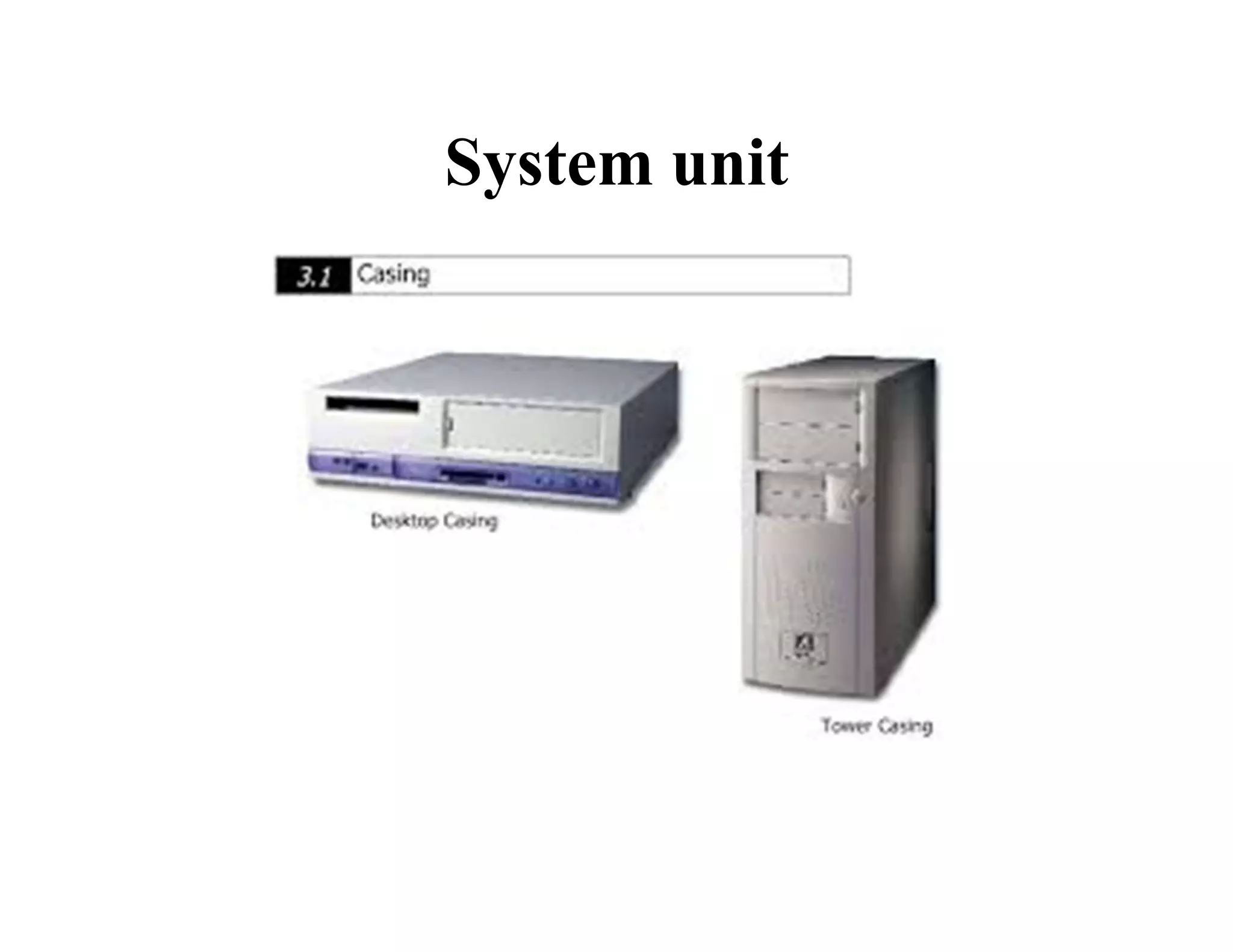
System unit contains a number of other
components which are enclosed in a casting.
Casting available into two form :
• Vertical shape (tower casing)
• Horizontal shape (desktop casing)
System unit have motherboard, RAM, hard
disk drive ,floppy disk, microprocessor etc
System unit
Computer Software
Computer software or program is a term
used for organized collections of computer data
and instructions. It is a set of instructions given
to the computer to solve a particular problem.
It divided into two major types
• System software
• Application software
System software
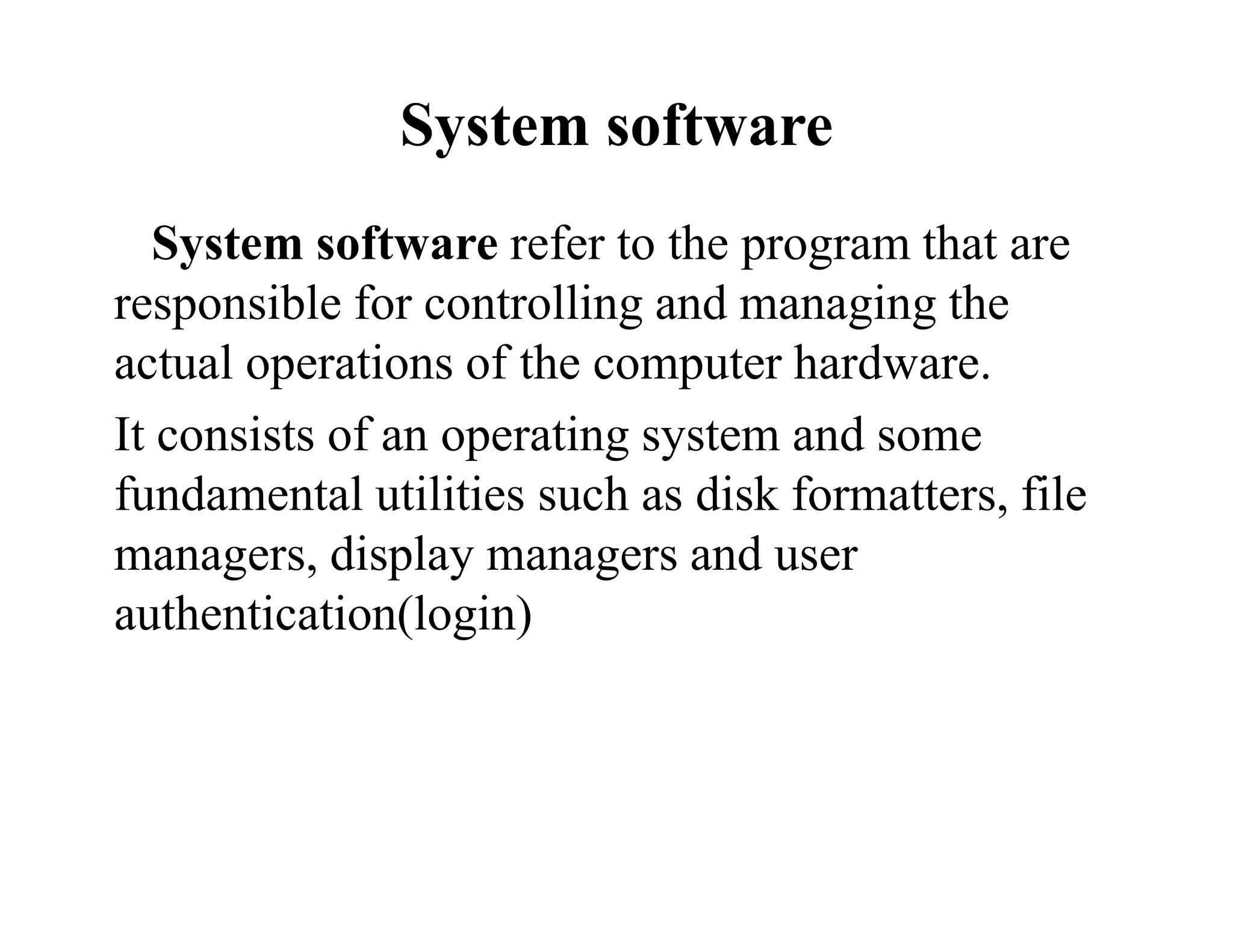
System software refer to the program that are
responsible for controlling and managing the
actual operations of the computer hardware.
It consists of an operating system and some
fundamental utilities such as disk formatters, file
managers, display managers and user
authentication(login)
System software
Application Software
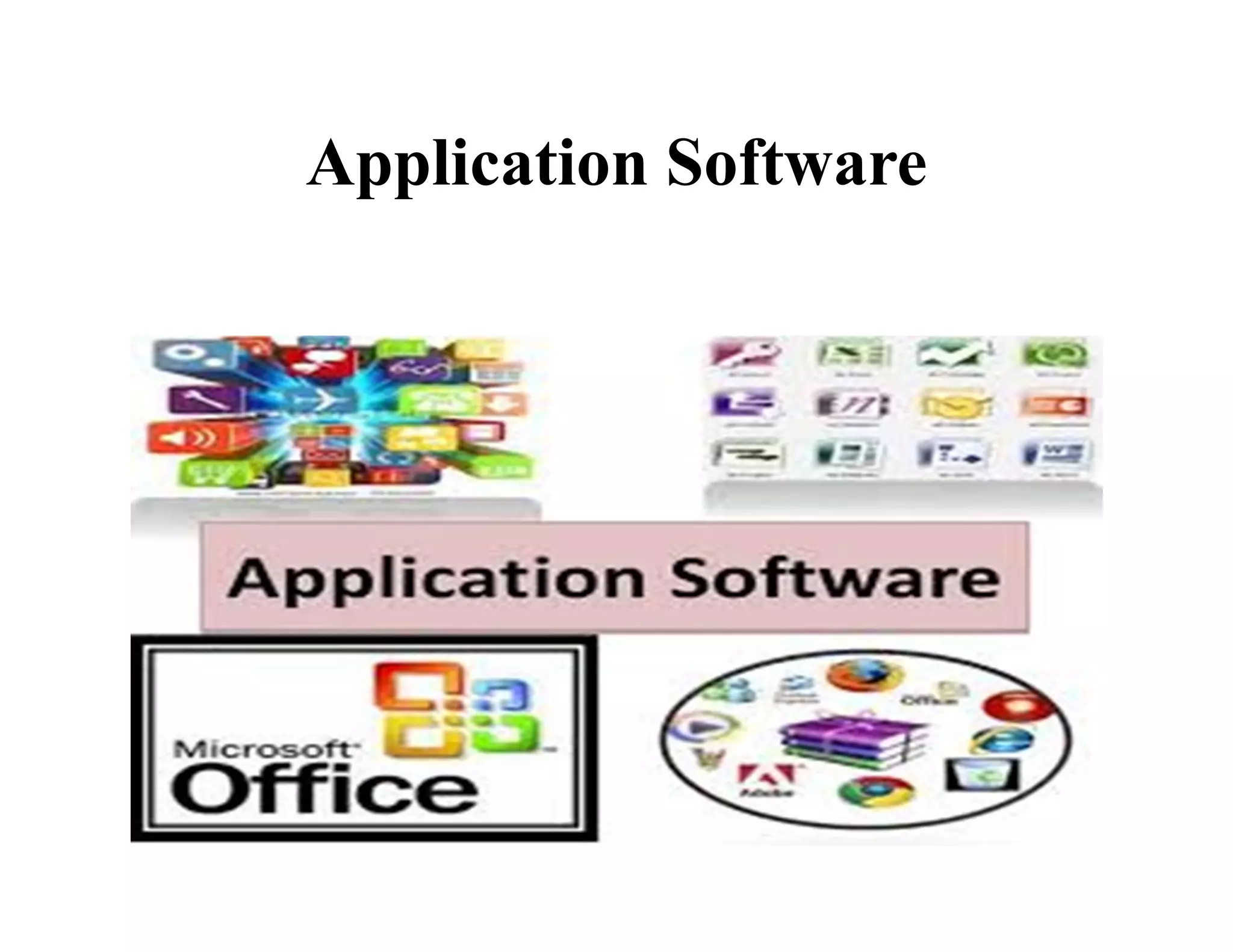
Application software is used to perform tasks
specified by the user.
Application software consist of a single
program, such as an image viewer or a collection
of programs(called software package) that work
together to perform a task .e.g. word
processor,spreadsheet,database etc
Application Software
Difference between System Software and
Application Software
System Software and Application Software
• System software is used for operating
computer hardware. Application software is
used by user to perform specific task.
• System software are installed on the computer
when operating system is installed. Application
software are installed according to user’s
requirements.
System Software and Application
Software
• In general, the user does not interact with
system software because it works in the
background. In general, the user interacts with
application software.
• System software can run independently. It
provides platform for running application
software. Application software can’t run
independently. They can’t run without the
presence of system software.
Organization of Computer
A computer performs following five major
functions:
• Accept data
• Stores data
• Process data as required by the user
• Gives results in the form of output
• Controls all operations inside a computer
Organization of Computer
To perform following operations; the
computer is divided into three units. These are
• Central processing unit(CPU)
• Memory unit
• Input/output Unit
Central Processing Unit(CPU)
The central processing unit is generally
referred to as the brain of the computer.
The primary work of CPU is to convert data
from input, process the data and output in useful
information that can be used by either user or
other computer programs.
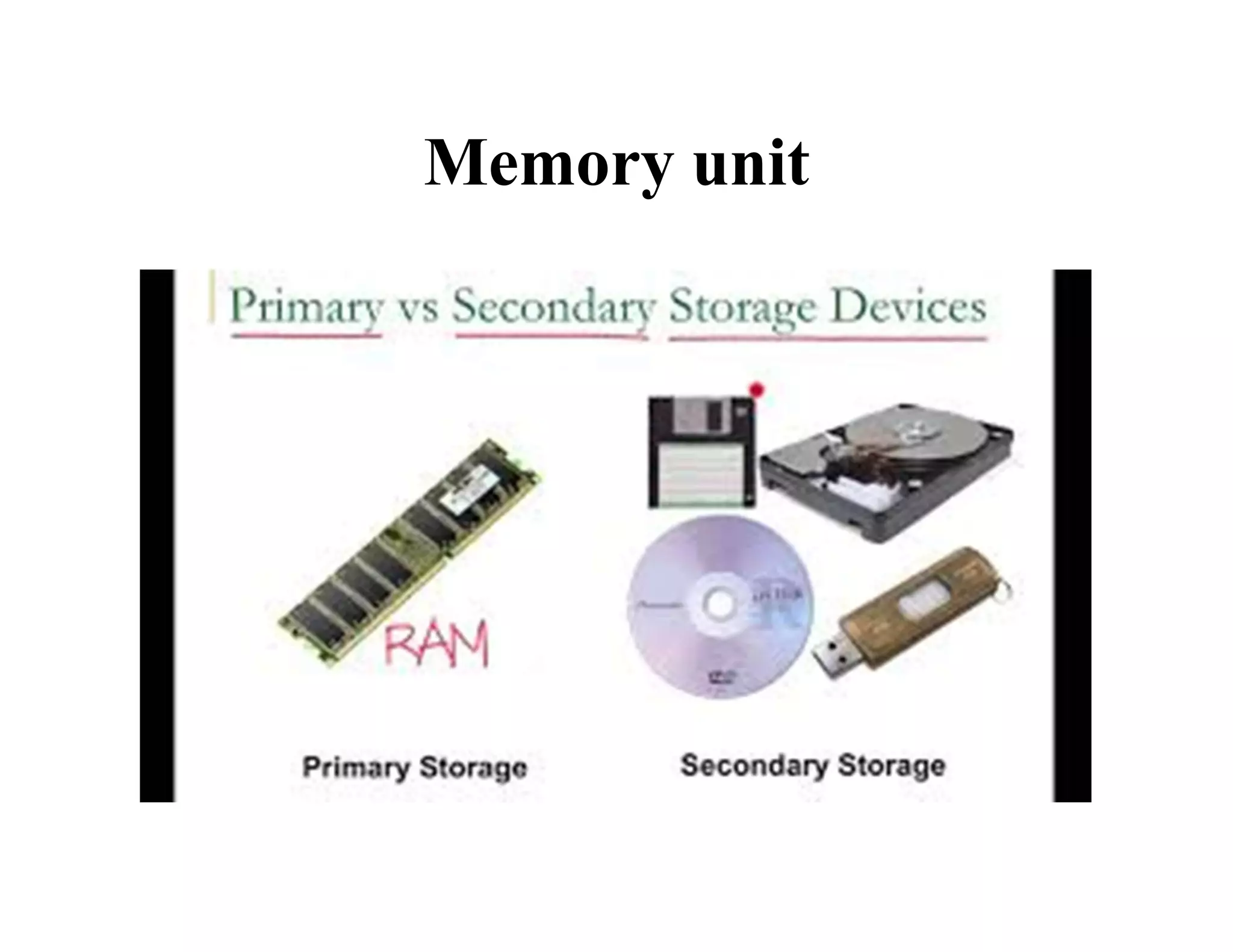
Memory unit
Memory unit is also referred to as Computer
memory. It used to store programs and data.
They are two types:
• Main storage or primary memory
• Secondary storage
Memory unit
Main storage:
Primary Memory also called as volatile memory
because the memory can’t store the data permanently.
Primary memory select any part of memory when user
want to save the data in memory but that may not be
store permanently on that location. It also has another
name i.e. RAM.
Memory unit
Secondary storage:
Secondary memory is external and
permanent memory that is useful to store the
external storage media such as floppy disk,
magnetic disks, magnetic tapes and USB etc
Memory unit
Input/output Devices
When feed data and instructions through some
devices to the computer are called Input
devices. After processing data and instructions,
give output through some devices called Output
devices.
Components of Computer System

Components of Computer System

  • 1.
    Lecture no :7 Introduction to Computer/ Computer Education Mr. Muhammad Moazzam MPhil Public Health BSc BioMedical University of the Lahore
  • 2.
  • 3.
    Computer Components A computeris a device that accept data and processes it for some result based on a sequence of instructions. The sequence of instruction given to computer for manipulating data is known as program
  • 4.
    Components of ComputerSystem They are two basic components of a computer system • Computer Hardware • Computer Software
  • 5.
    Computer Hardware The physicalparts of the computer system that you can touch and feel are known as Computer Hardware. Computer hardware divided into following hardware parts • Input Unit • Output Unit • System Unit
  • 6.
    Input Unit Input unitof a system consists of input devices. Different type of input devices use to input data in different forms e.g. • Keyboard is used to entre textual data • Mouse is used as a pointing device and to trigger different commands in different application • Microphone is used to entre voice data
  • 7.
  • 8.
    Output Unit Output unitof a computer system consist of output devices. As data presented to the user in different forms, therefore different output devices are needed e.g. • Monitor is used to display text and image on a screen • Printer is used to get output on paper • Speaker is used to receive voice output
  • 9.
  • 10.
    System unit System unitcontains a number of other components which are enclosed in a casting. Casting available into two form : • Vertical shape (tower casing) • Horizontal shape (desktop casing) System unit have motherboard, RAM, hard disk drive ,floppy disk, microprocessor etc
  • 11.
  • 12.
    Computer Software Computer softwareor program is a term used for organized collections of computer data and instructions. It is a set of instructions given to the computer to solve a particular problem. It divided into two major types • System software • Application software
  • 13.
    System software System softwarerefer to the program that are responsible for controlling and managing the actual operations of the computer hardware. It consists of an operating system and some fundamental utilities such as disk formatters, file managers, display managers and user authentication(login)
  • 14.
  • 15.
    Application Software Application softwareis used to perform tasks specified by the user. Application software consist of a single program, such as an image viewer or a collection of programs(called software package) that work together to perform a task .e.g. word processor,spreadsheet,database etc
  • 16.
  • 17.
    Difference between SystemSoftware and Application Software System Software and Application Software • System software is used for operating computer hardware. Application software is used by user to perform specific task. • System software are installed on the computer when operating system is installed. Application software are installed according to user’s requirements.
  • 18.
    System Software andApplication Software • In general, the user does not interact with system software because it works in the background. In general, the user interacts with application software. • System software can run independently. It provides platform for running application software. Application software can’t run independently. They can’t run without the presence of system software.
  • 19.
    Organization of Computer Acomputer performs following five major functions: • Accept data • Stores data • Process data as required by the user • Gives results in the form of output • Controls all operations inside a computer
  • 20.
    Organization of Computer Toperform following operations; the computer is divided into three units. These are • Central processing unit(CPU) • Memory unit • Input/output Unit
  • 21.
    Central Processing Unit(CPU) Thecentral processing unit is generally referred to as the brain of the computer. The primary work of CPU is to convert data from input, process the data and output in useful information that can be used by either user or other computer programs.
  • 22.
    Memory unit Memory unitis also referred to as Computer memory. It used to store programs and data. They are two types: • Main storage or primary memory • Secondary storage
  • 23.
    Memory unit Main storage: PrimaryMemory also called as volatile memory because the memory can’t store the data permanently. Primary memory select any part of memory when user want to save the data in memory but that may not be store permanently on that location. It also has another name i.e. RAM.
  • 24.
    Memory unit Secondary storage: Secondarymemory is external and permanent memory that is useful to store the external storage media such as floppy disk, magnetic disks, magnetic tapes and USB etc
  • 25.
  • 26.
    Input/output Devices When feeddata and instructions through some devices to the computer are called Input devices. After processing data and instructions, give output through some devices called Output devices.