Types, Characteristics, Barriers,
Assistive Tech, and UX Design
Physical
Disabilities
A11Y AND INCLUSIVE DESIGN SERIES
@ALENAHUANG
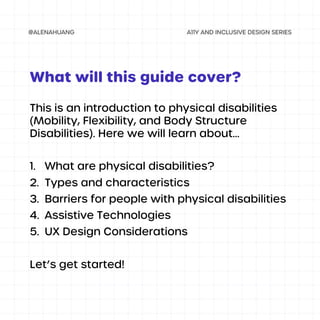
This is an introduction to physical disabilities
(Mobility, Flexibility, and Body Structure
Disabilities). Here we will learn about...
1. What are physical disabilities?
2. Types and characteristics
3. Barriers for people with physical disabilities
4. Assistive Technologies
5. UX Design Considerations
Let’s get started!
What will this guide cover?
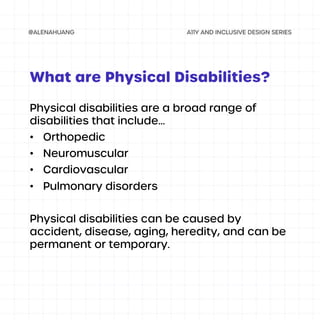
Physical disabilities are a broad range of
disabilities that include...
• Orthopedic
• Neuromuscular
• Cardiovascular
• Pulmonary disorders
Physical disabilities can be caused by
accident, disease, aging, heredity, and can be
permanent or temporary.
What are Physical Disabilities?
Types and
Characteristics
Physical Disabilities
There are two main categories for physical
disabilities:
• Traumatic injuries
• Disease and congenital conditions
They are characterized by difficulty
controlling, moving, and/or coordinating body
movements.
Characteristics
TYPES OF PHYSICAL DISABILITIES
• Quadriplegia
• Paraplegia
• Cerebral palsy
• Muscular dystrophy
• Muscular sclerosis
• Amputation
Examples of Physical Disabilities
TYPES OF PHYSICAL DISABILITIES
• Lou Gehrig’s Disease
• Parkinson's Disease
• Arthritis
• Muscle Fatigue
• Body Size or Shape
• Fractures
Mutism (No Speech)
TYPES OF PHYSICAL DISABILITIES
Examples of
Barriers
Physical Disabilities
Appliances or technologies that
are out of reach and require
touch to utilize them
BARRIER EXAMPLE #1
Steps and other obstacles that
prevent entry into a space
BARRIER EXAMPLE #2
Websites or apps that require to
hold multiple keys to complete
one task
BARRIER EXAMPLE #3
Examples of
Assistive Tech
Physical Disabilities
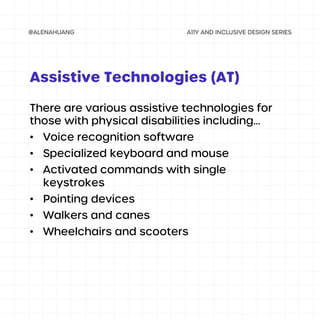
There are various assistive technologies for
those with physical disabilities including...
• Voice recognition software
• Specialized keyboard and mouse
• Activated commands with single
keystrokes
• Pointing devices
• Walkers and canes
• Wheelchairs and scooters
Assistive Technologies (AT)
UX Design
Considerations
Physical Disabilities
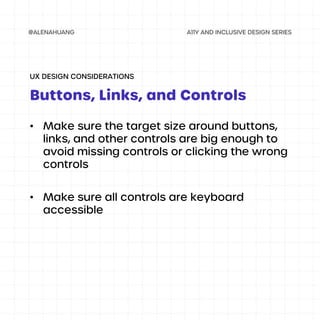
• Make sure the target size around buttons,
links, and other controls are big enough to
avoid missing controls or clicking the wrong
controls
• Make sure all controls are keyboard
accessible
Buttons, Links, and Controls
UX DESIGN CONSIDERATIONS
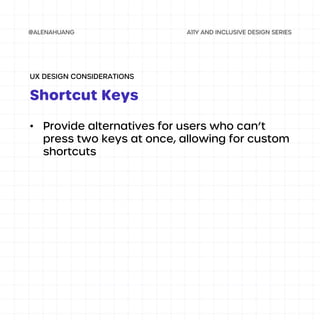
• Provide alternatives for users who can’t
press two keys at once, allowing for custom
shortcuts
Shortcut Keys
UX DESIGN CONSIDERATIONS

Physical Disabilities

  • 1.
    Types, Characteristics, Barriers, AssistiveTech, and UX Design Physical Disabilities A11Y AND INCLUSIVE DESIGN SERIES @ALENAHUANG
  • 2.
    This is anintroduction to physical disabilities (Mobility, Flexibility, and Body Structure Disabilities). Here we will learn about... 1. What are physical disabilities? 2. Types and characteristics 3. Barriers for people with physical disabilities 4. Assistive Technologies 5. UX Design Considerations Let’s get started! What will this guide cover?
  • 3.
    Physical disabilities area broad range of disabilities that include... • Orthopedic • Neuromuscular • Cardiovascular • Pulmonary disorders Physical disabilities can be caused by accident, disease, aging, heredity, and can be permanent or temporary. What are Physical Disabilities?
  • 4.
  • 5.
    There are twomain categories for physical disabilities: • Traumatic injuries • Disease and congenital conditions They are characterized by difficulty controlling, moving, and/or coordinating body movements. Characteristics TYPES OF PHYSICAL DISABILITIES
  • 6.
    • Quadriplegia • Paraplegia •Cerebral palsy • Muscular dystrophy • Muscular sclerosis • Amputation Examples of Physical Disabilities TYPES OF PHYSICAL DISABILITIES
  • 7.
    • Lou Gehrig’sDisease • Parkinson's Disease • Arthritis • Muscle Fatigue • Body Size or Shape • Fractures Mutism (No Speech) TYPES OF PHYSICAL DISABILITIES
  • 8.
  • 9.
    Appliances or technologiesthat are out of reach and require touch to utilize them BARRIER EXAMPLE #1
  • 10.
    Steps and otherobstacles that prevent entry into a space BARRIER EXAMPLE #2
  • 11.
    Websites or appsthat require to hold multiple keys to complete one task BARRIER EXAMPLE #3
  • 12.
  • 13.
    There are variousassistive technologies for those with physical disabilities including... • Voice recognition software • Specialized keyboard and mouse • Activated commands with single keystrokes • Pointing devices • Walkers and canes • Wheelchairs and scooters Assistive Technologies (AT)
  • 14.
  • 15.
    • Make surethe target size around buttons, links, and other controls are big enough to avoid missing controls or clicking the wrong controls • Make sure all controls are keyboard accessible Buttons, Links, and Controls UX DESIGN CONSIDERATIONS
  • 16.
    • Provide alternativesfor users who can’t press two keys at once, allowing for custom shortcuts Shortcut Keys UX DESIGN CONSIDERATIONS