Cytoscape Tutorial Session 1 at UT-KBRIN Bioinformatics Summit 2014 (4/11/2014)
This document outlines a tutorial on biological data analysis and visualization using Cytoscape. The tutorial covers basic concepts like networks and tables in Cytoscape, data import, network analysis features, and visualization techniques. It discusses loading sample network data, calculating network statistics, filtering networks, basic search functionality, and applying visual styles. The tutorial is intended to provide a practical introduction to Cytoscape's core features through examples and demos.
Introduction to the tutorial on Biological Data Analysis using Cytoscape, covering basic concepts, core features, and advanced topics.
Discusses basic concepts and core features of Cytoscape, including network data browsing, visualization, and data integration.
Tips on preparing data for analysis in Cytoscape, focusing on file types and using concrete ID sets.
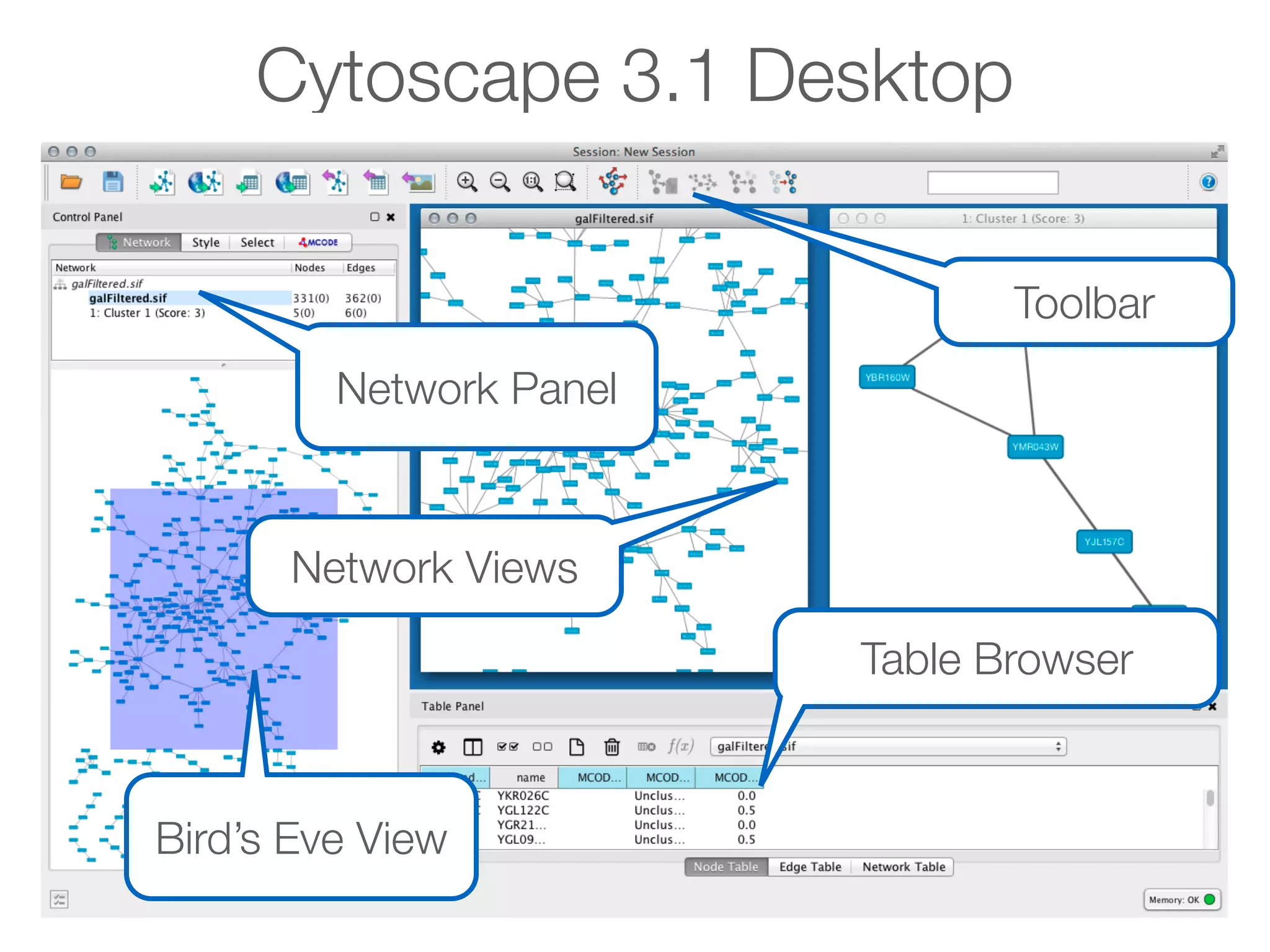
Guides on navigating the Cytoscape interface, including the toolbar, network panel, and table browser.
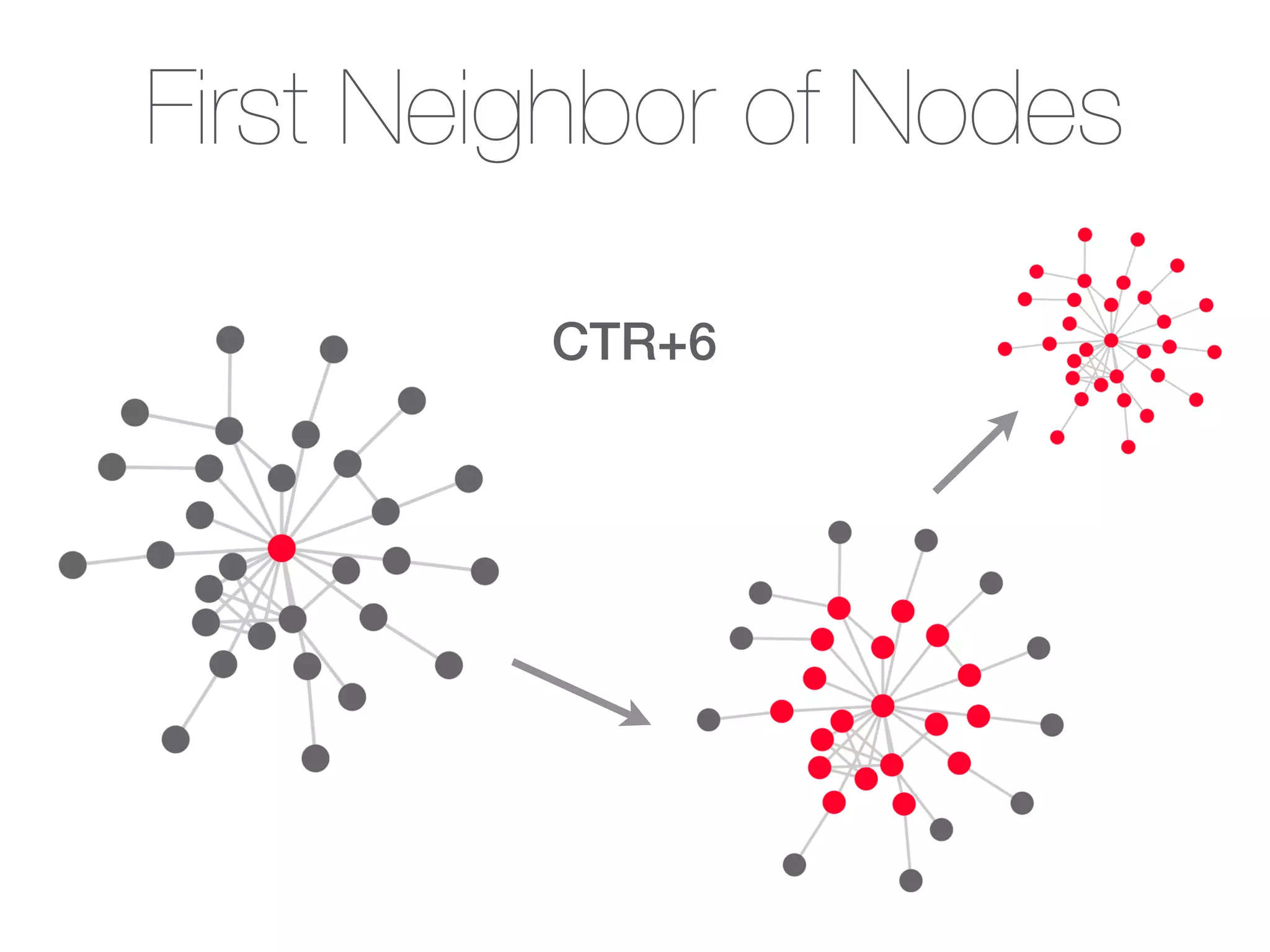
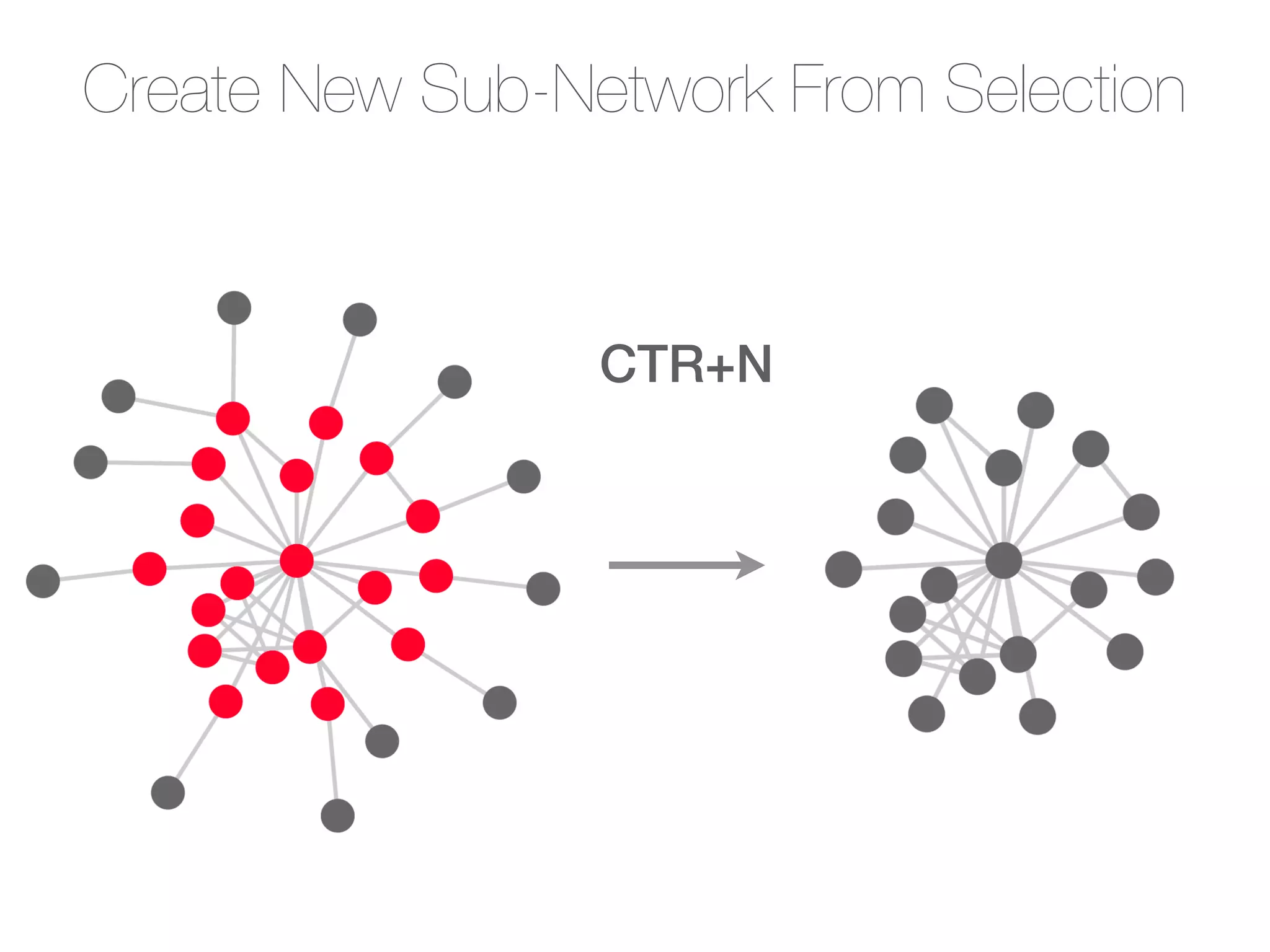
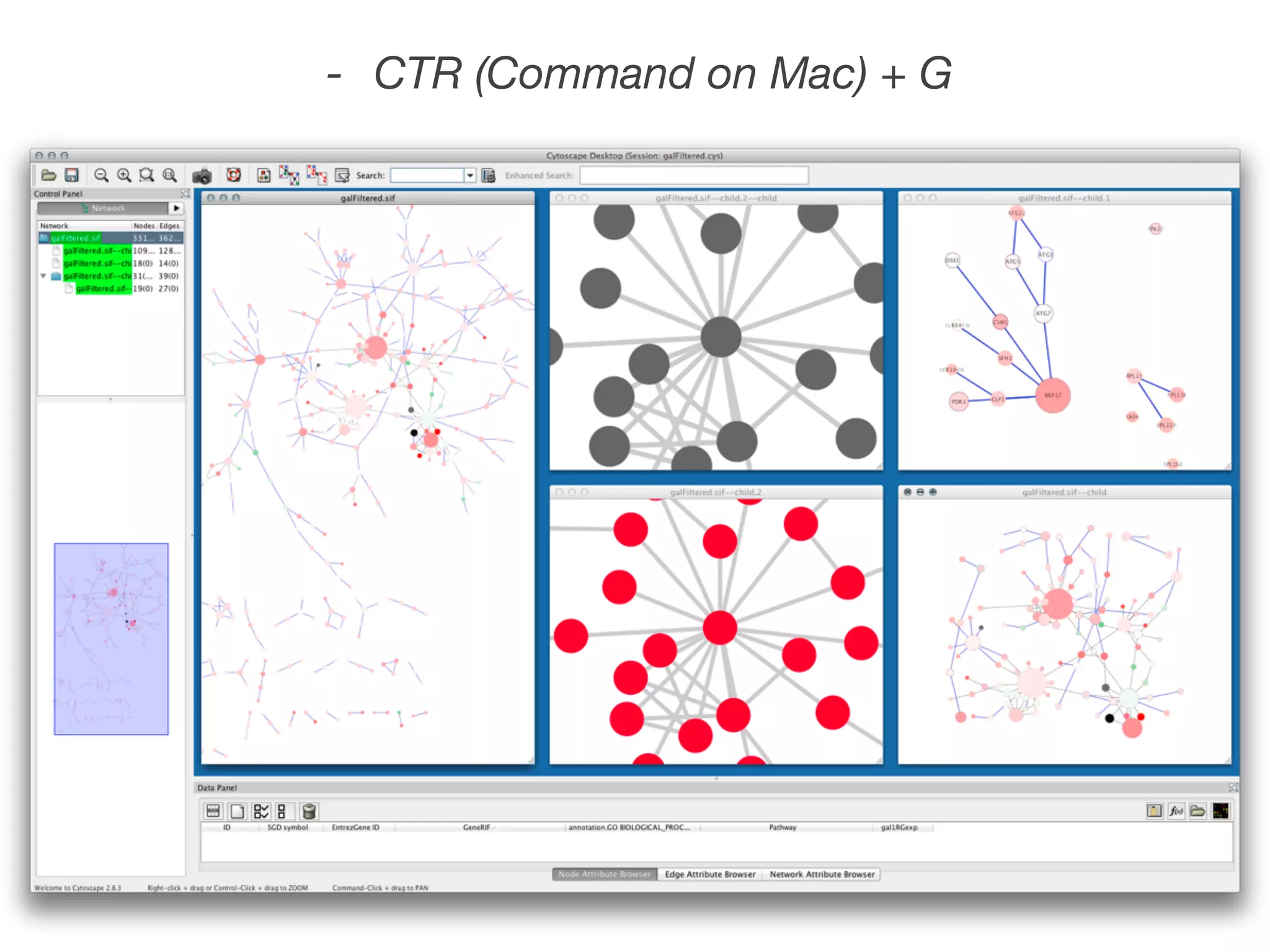
Details on session file management, workspace snapshots, navigation techniques, and creating subnetworks.
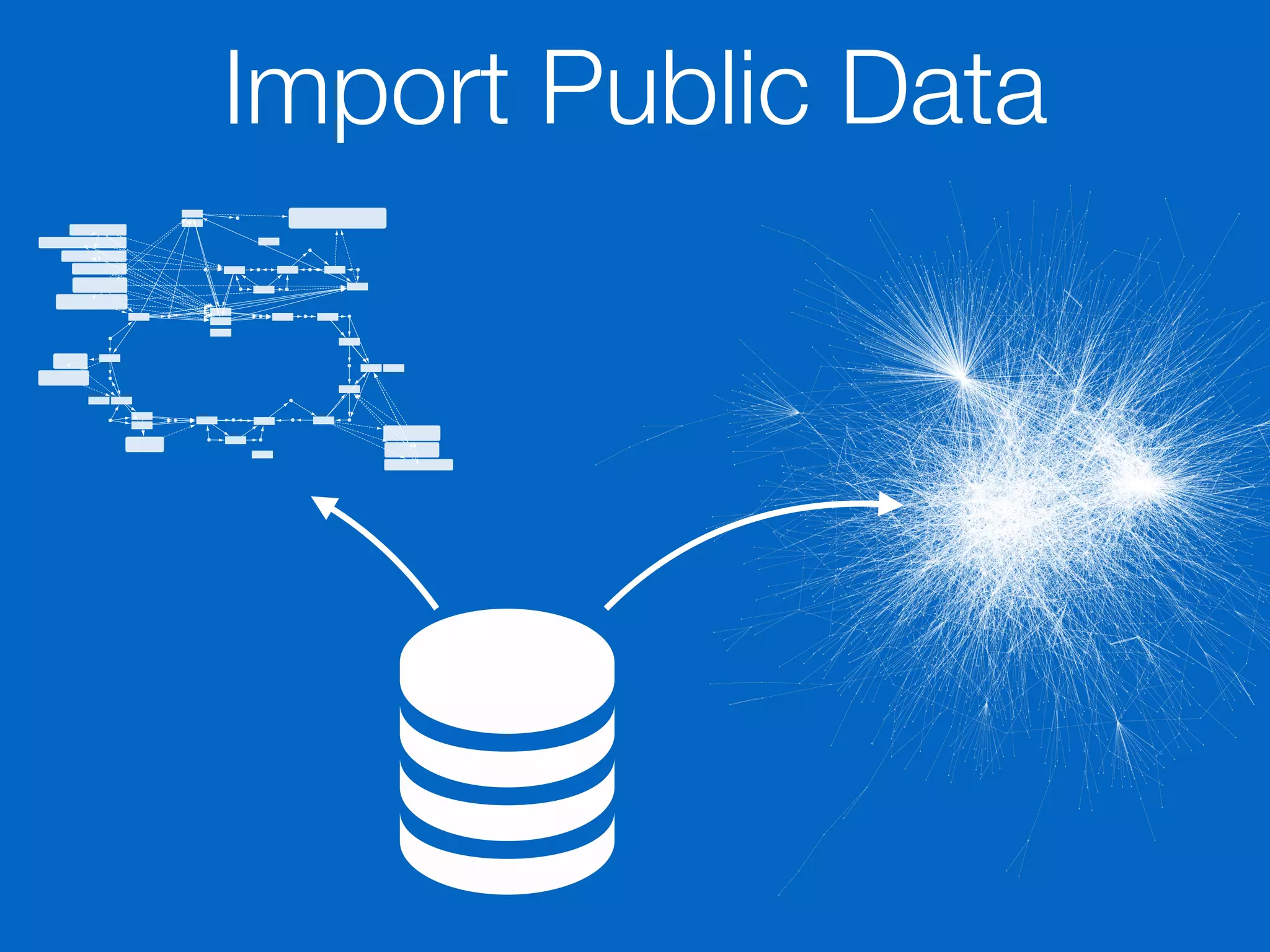
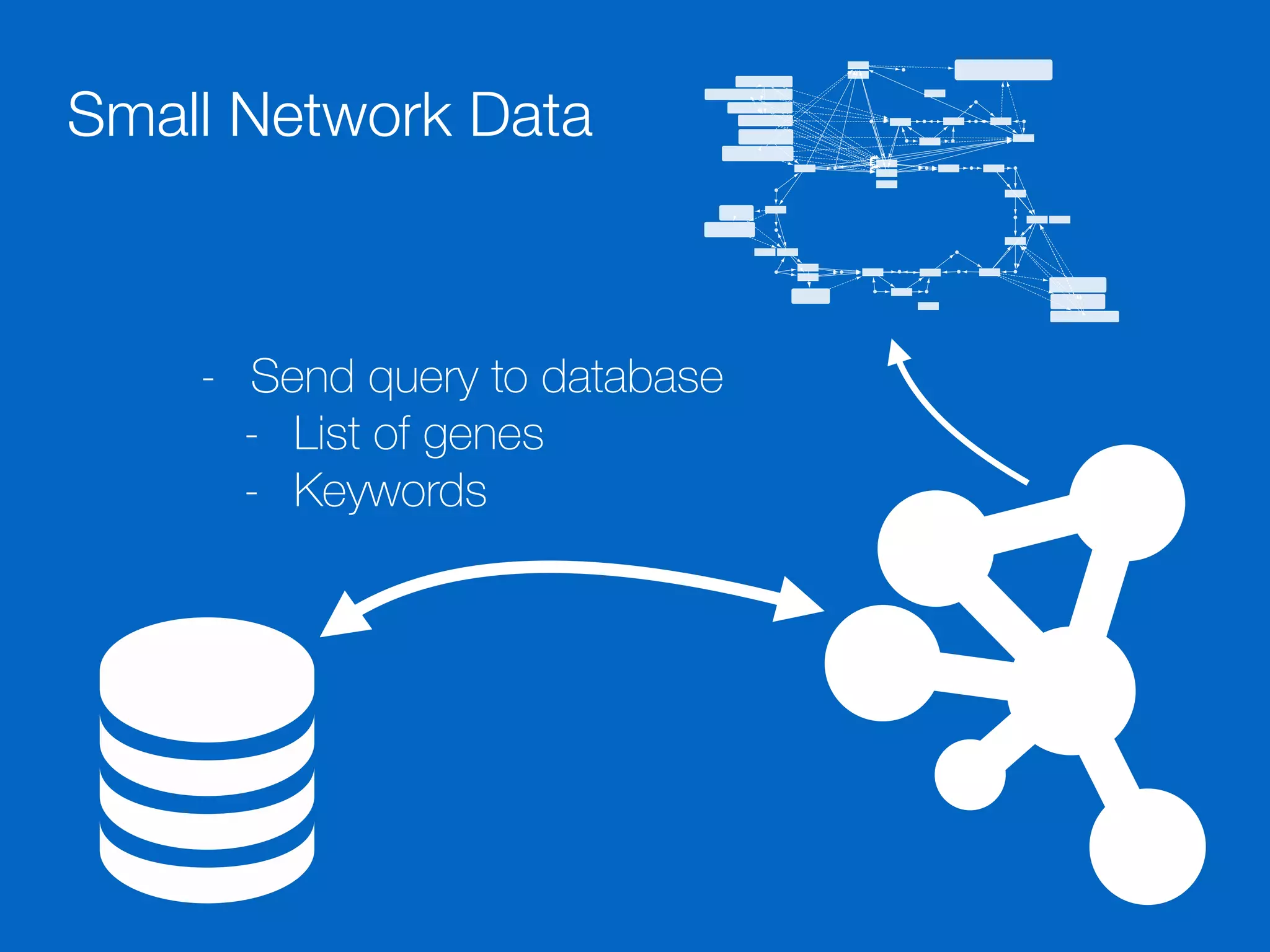
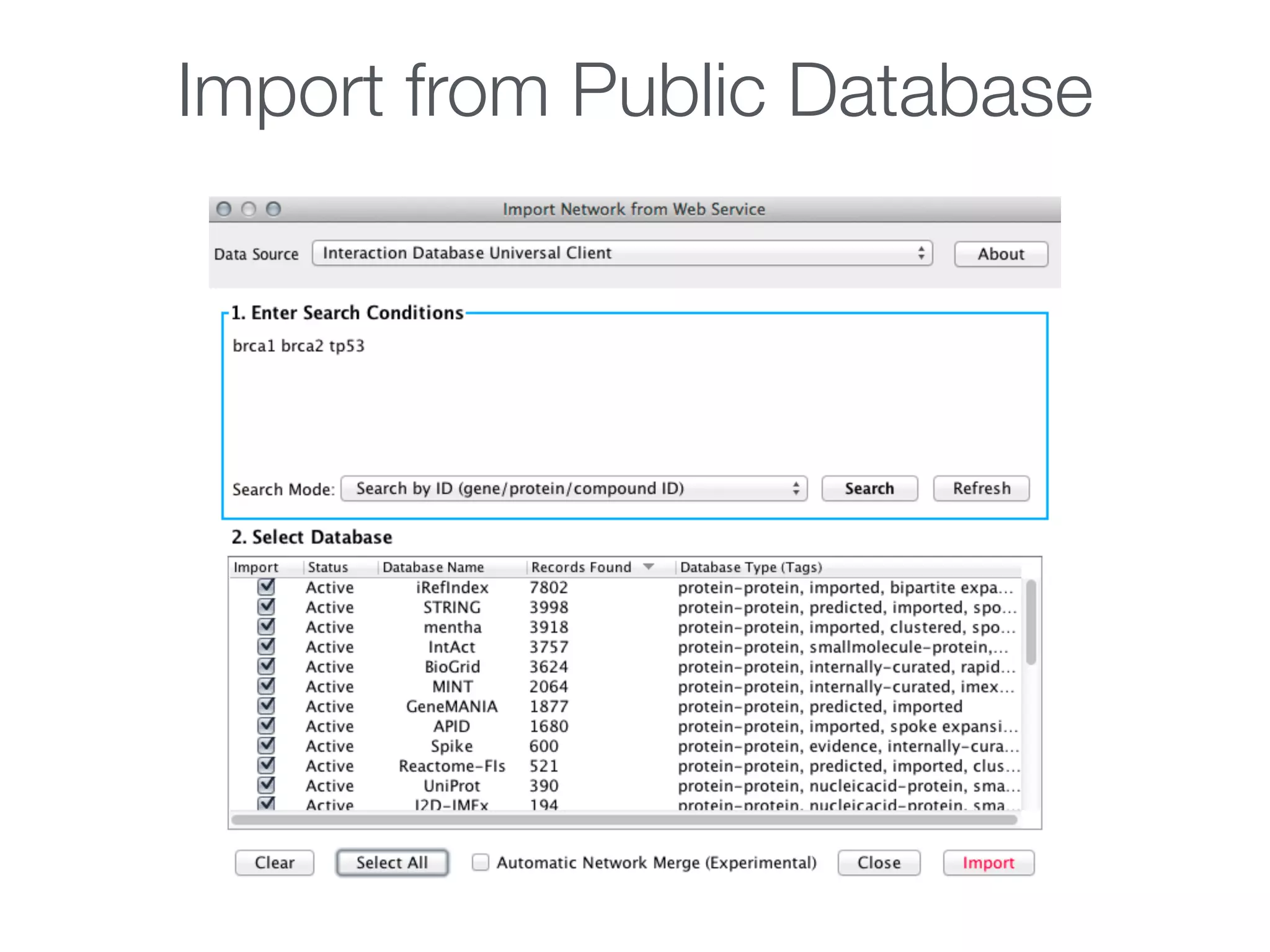
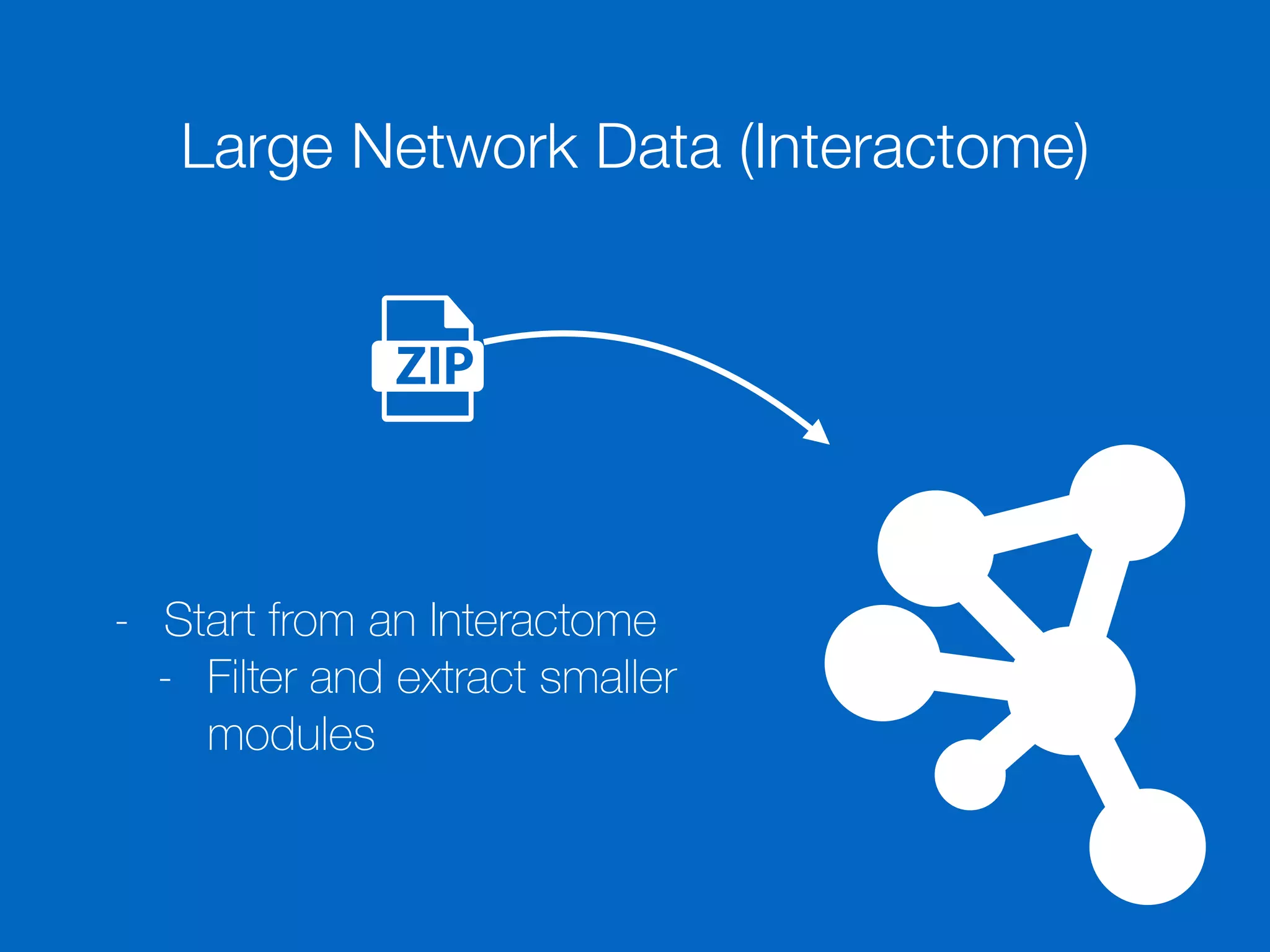
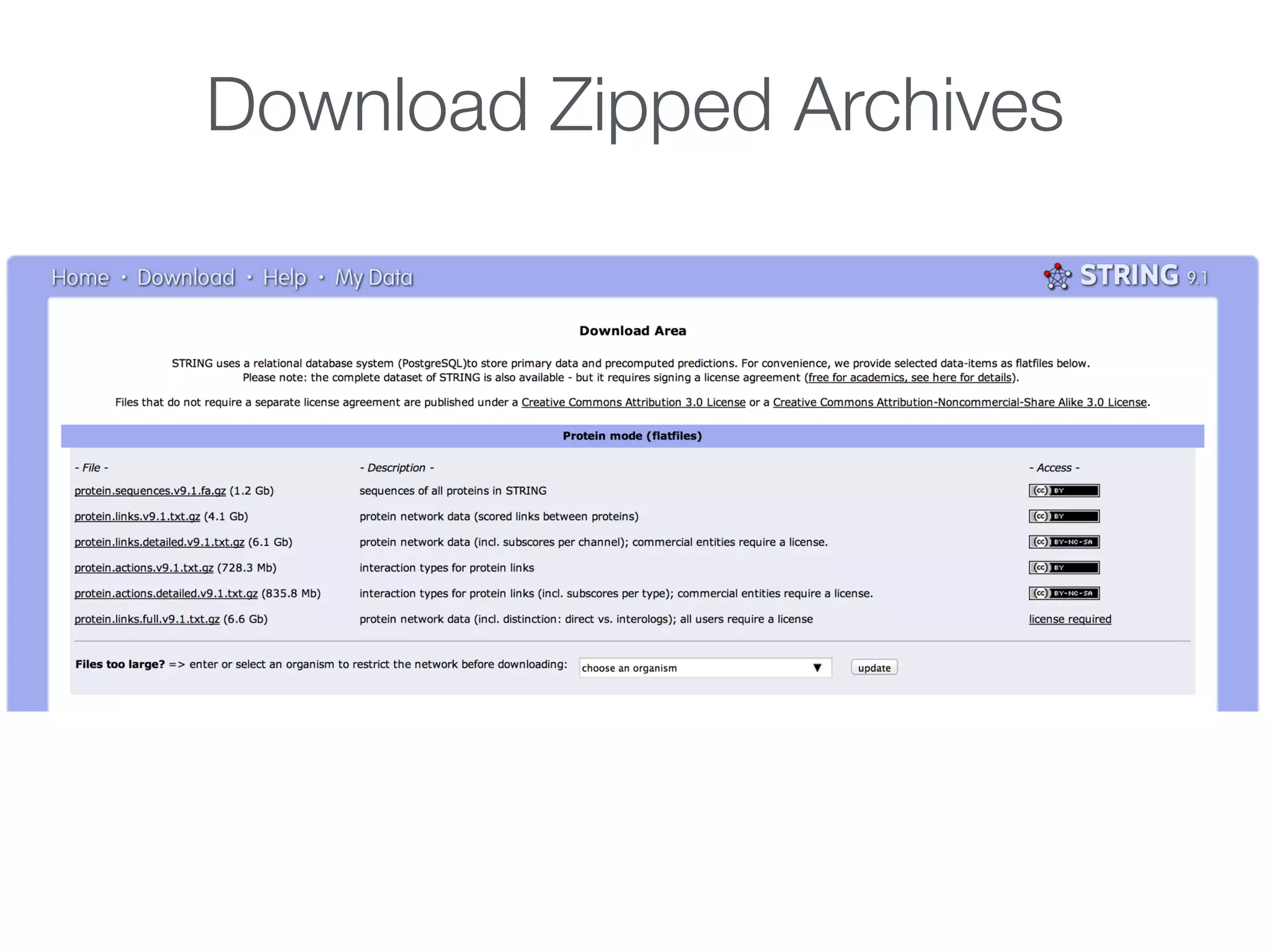
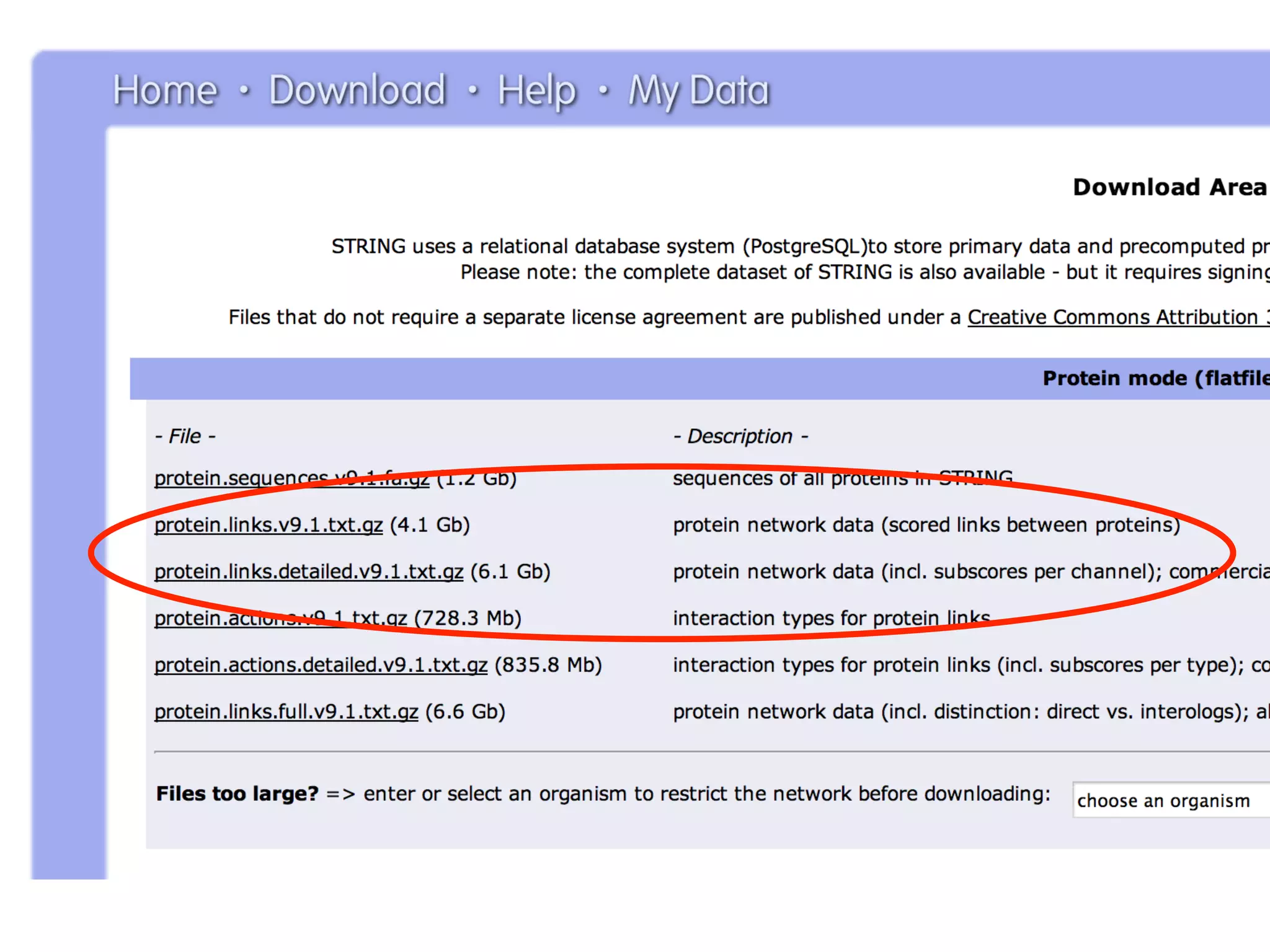
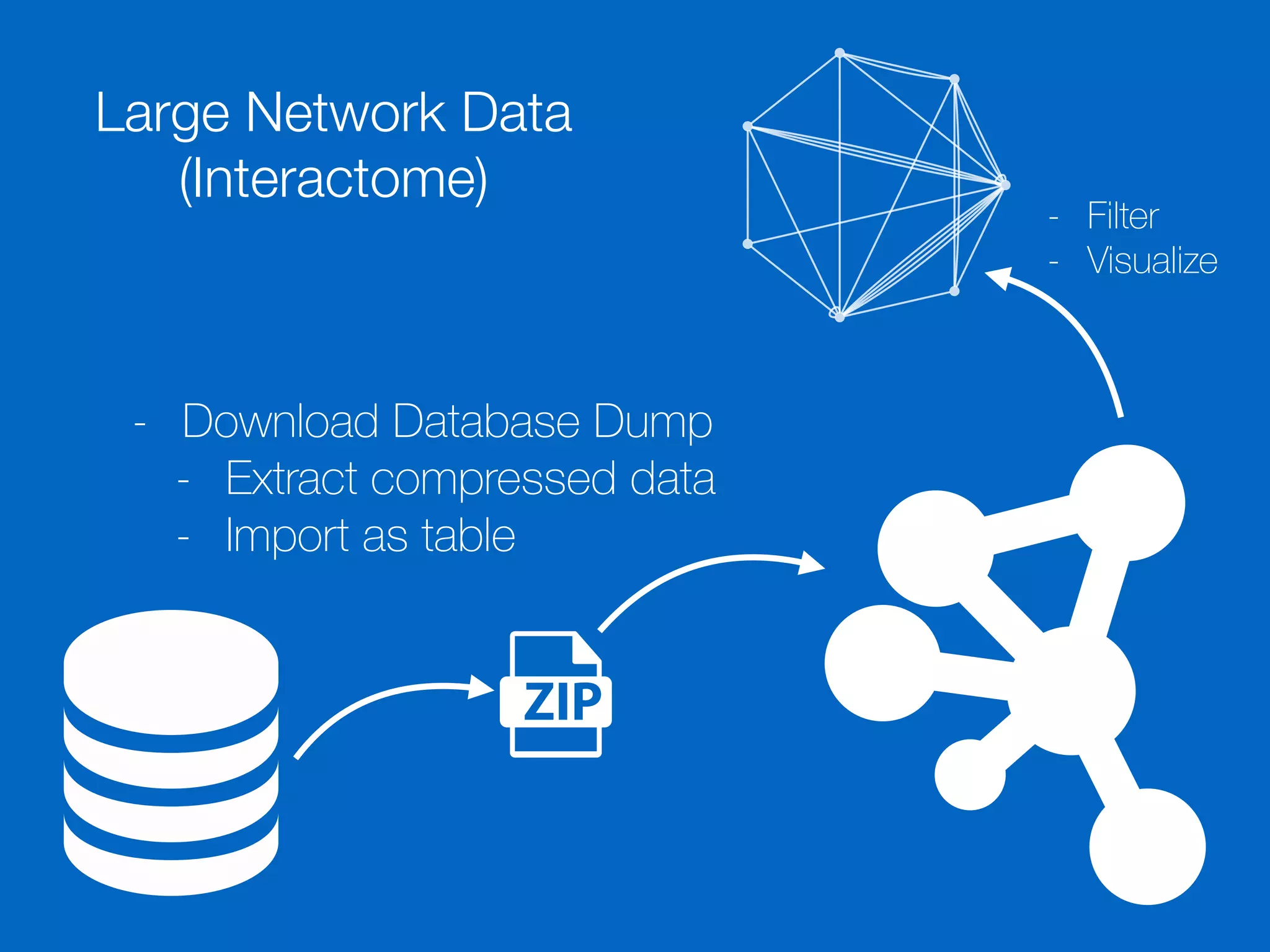
Methods for importing data into Cytoscape, including network data formats and importance of data preparation.
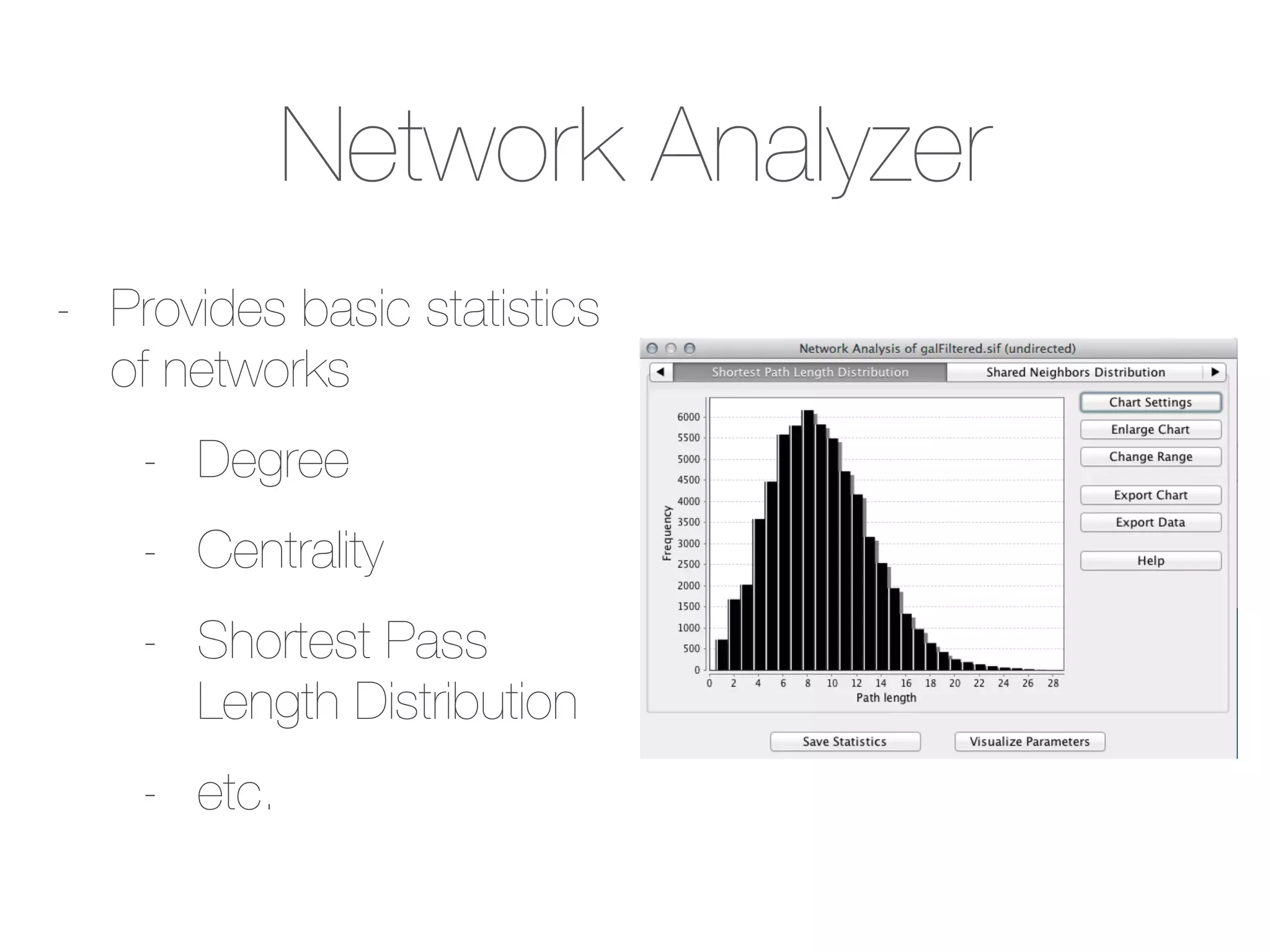
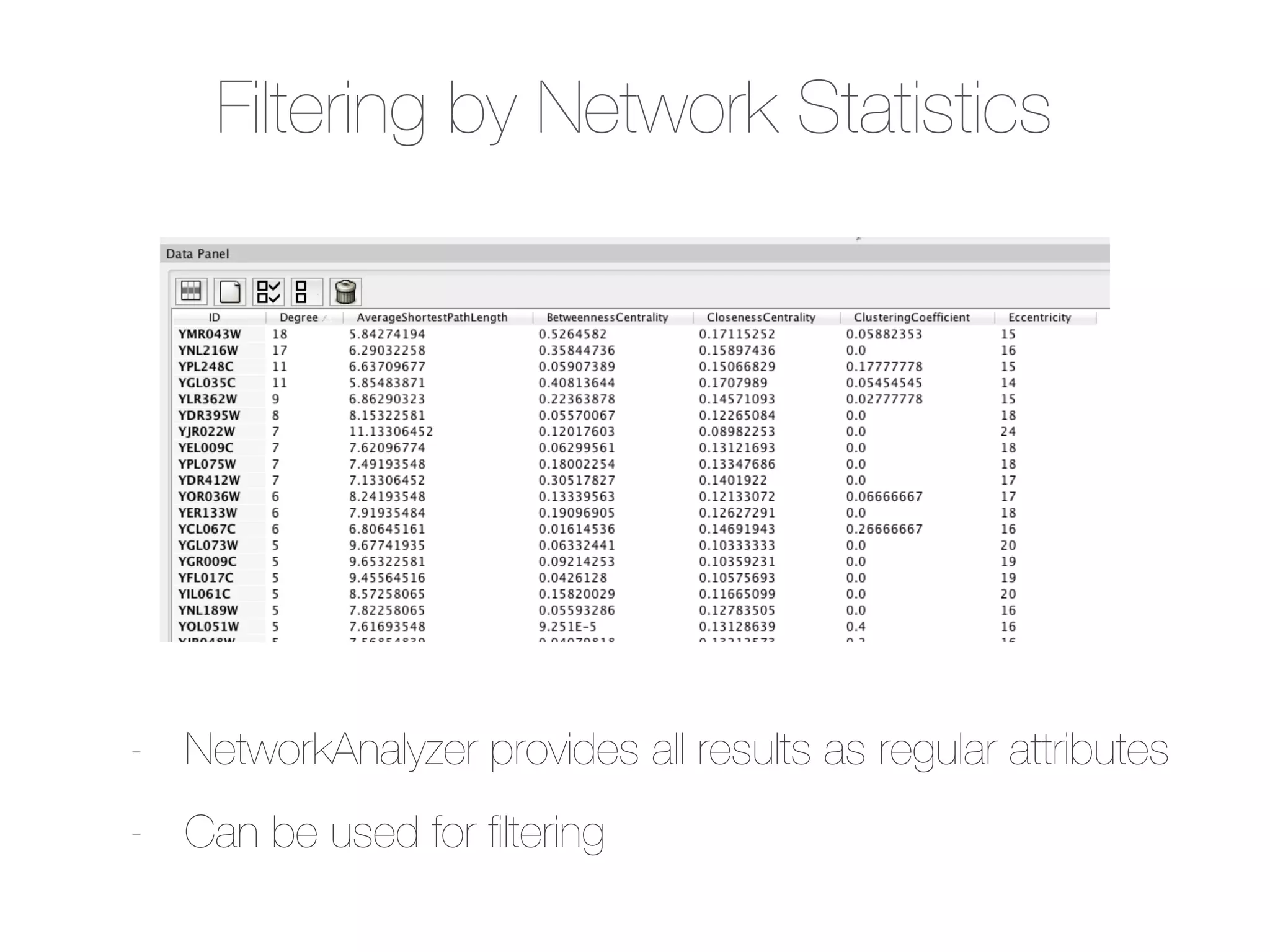
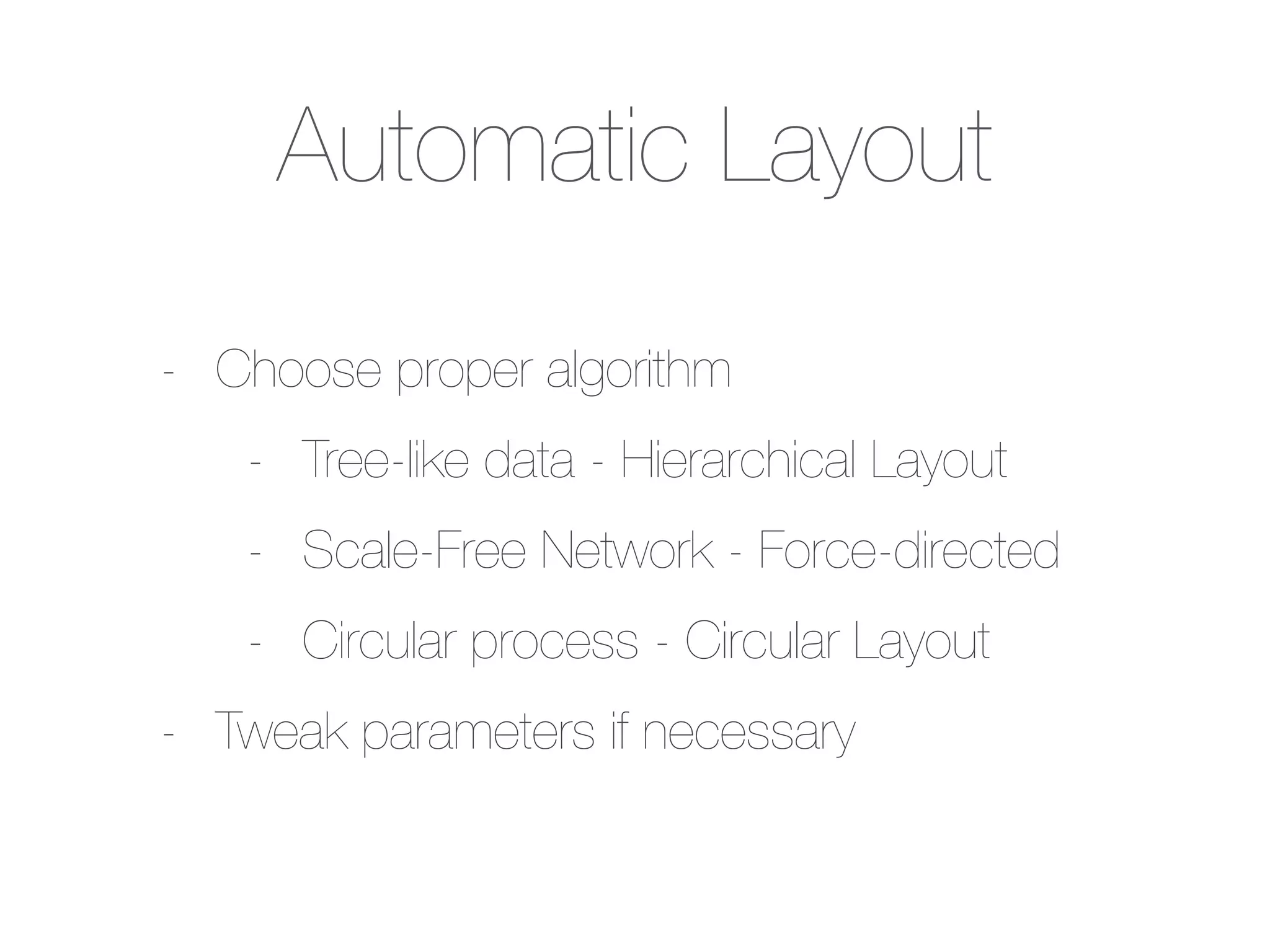
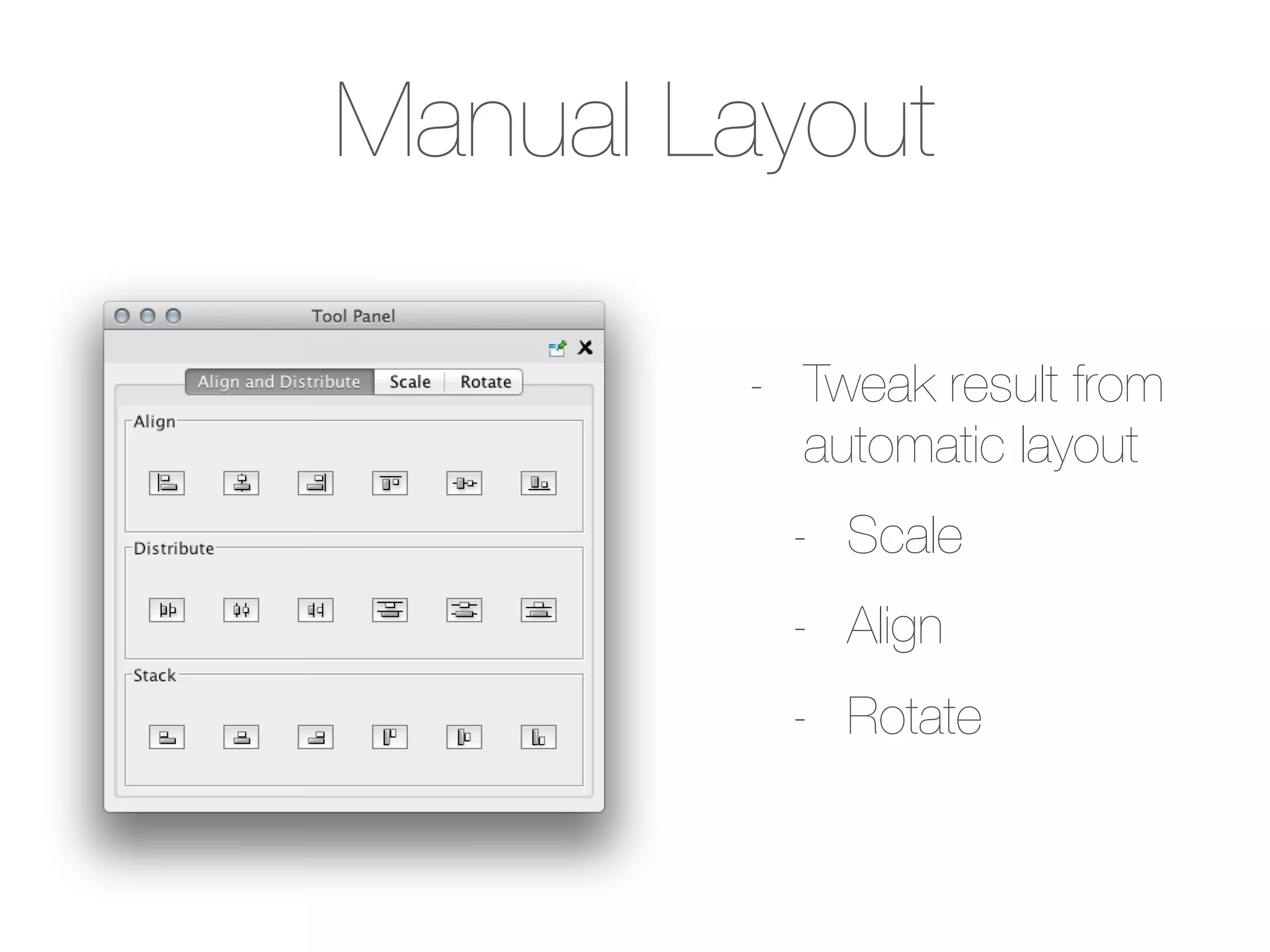
Introduction to basic analysis features, including network statistics and filtering using the Network Analyzer.Overview of visualization methods, including layout options, visual styles, and application of visualization techniques.
Discusses how to extend Cytoscape's capabilities using apps, including installation and available features.
References for additional reading on network biology, Cytoscape apps, and tutorials for further learning.
Cytoscape Tutorial Session 1 at UT-KBRIN Bioinformatics Summit 2014 (4/11/2014)
1.
Keiichiro Ono
UC, SanDiego
Bioinformatics
Summit 2014
4/11/2014
Cytoscape
Tutorial 1: Introduction to Biological Data
Analysis and Visualization with Cytoscape
Part 1: Agenda
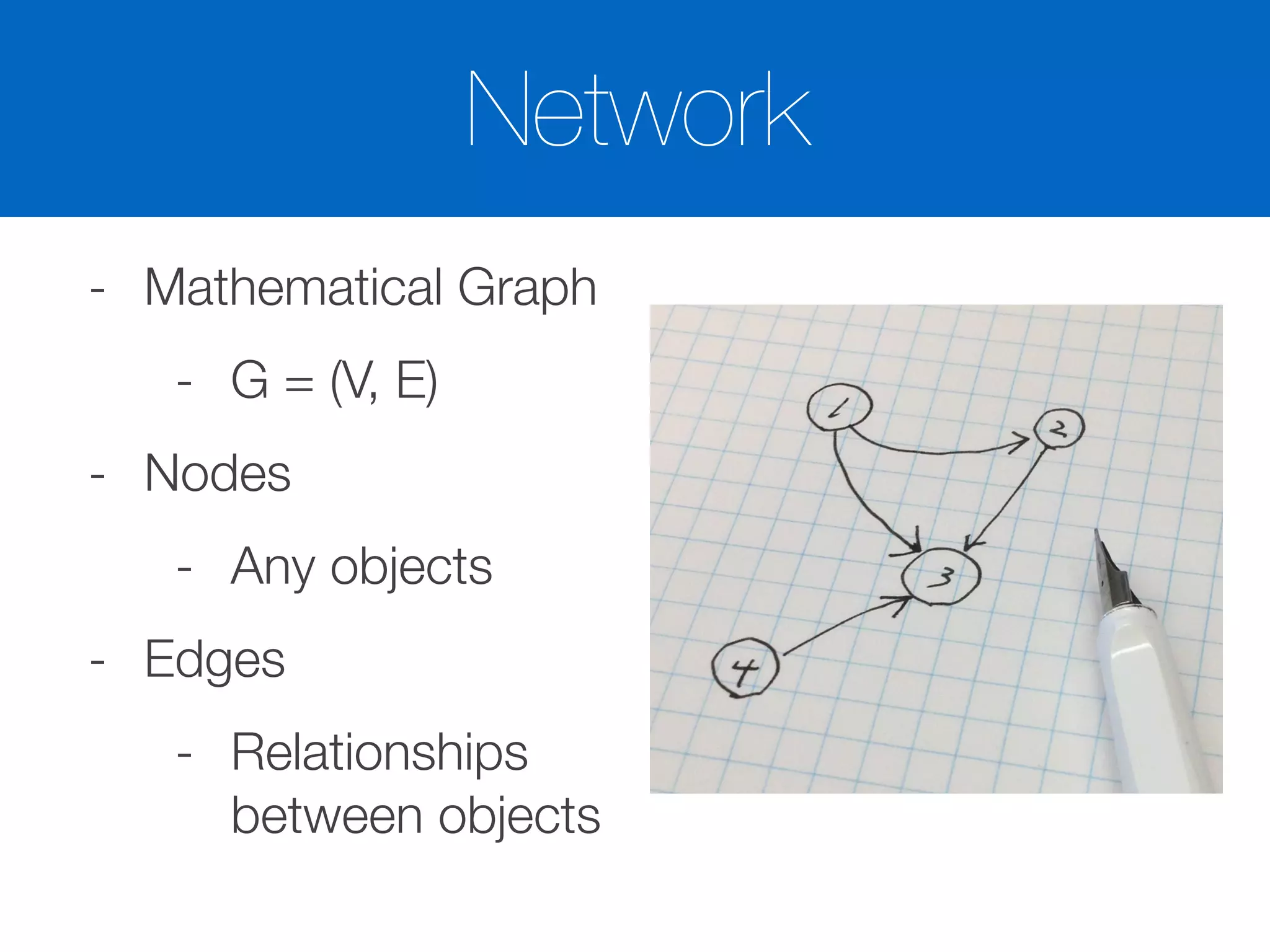
-Basic Concepts
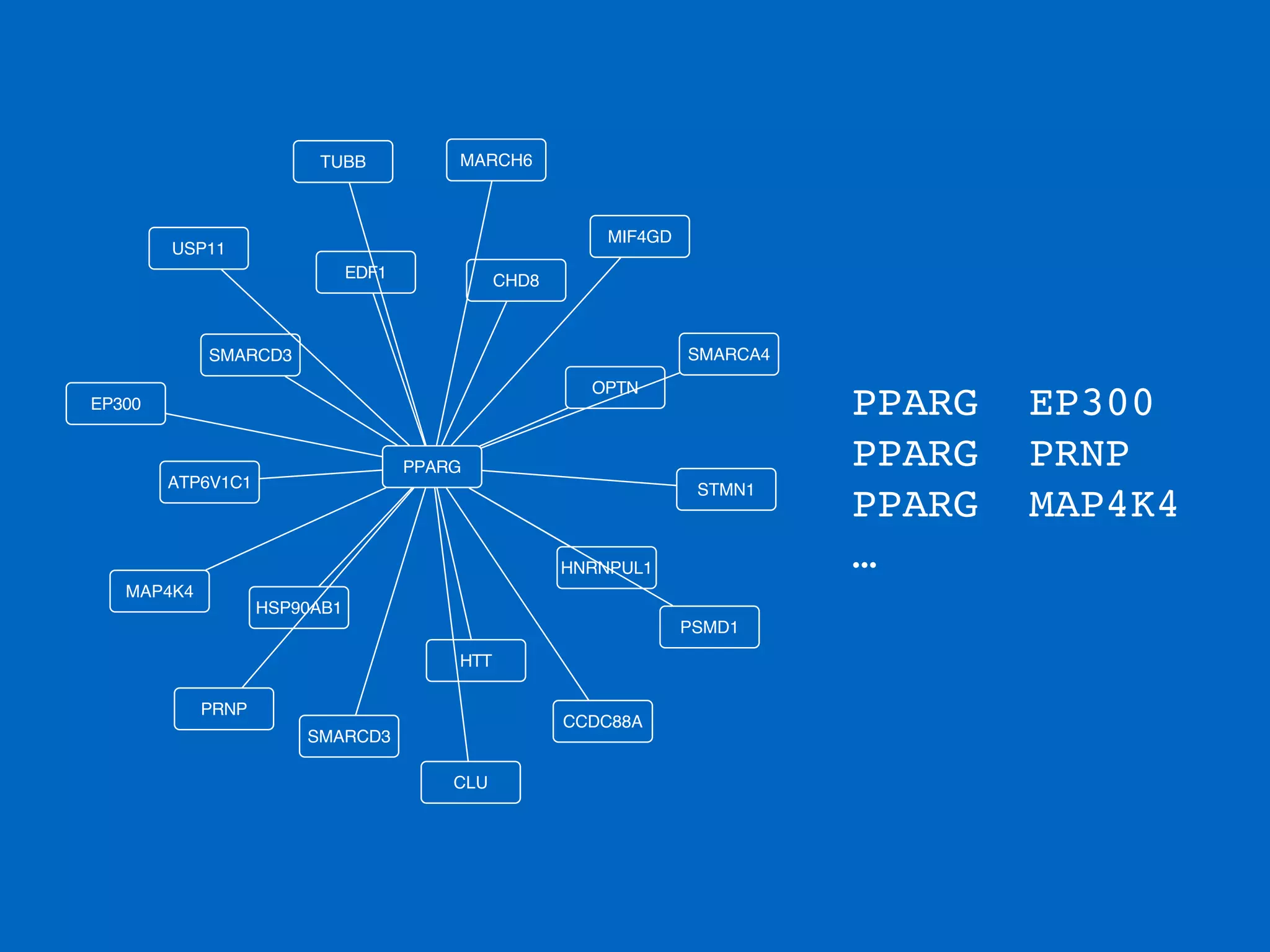
- Browsing Network Data
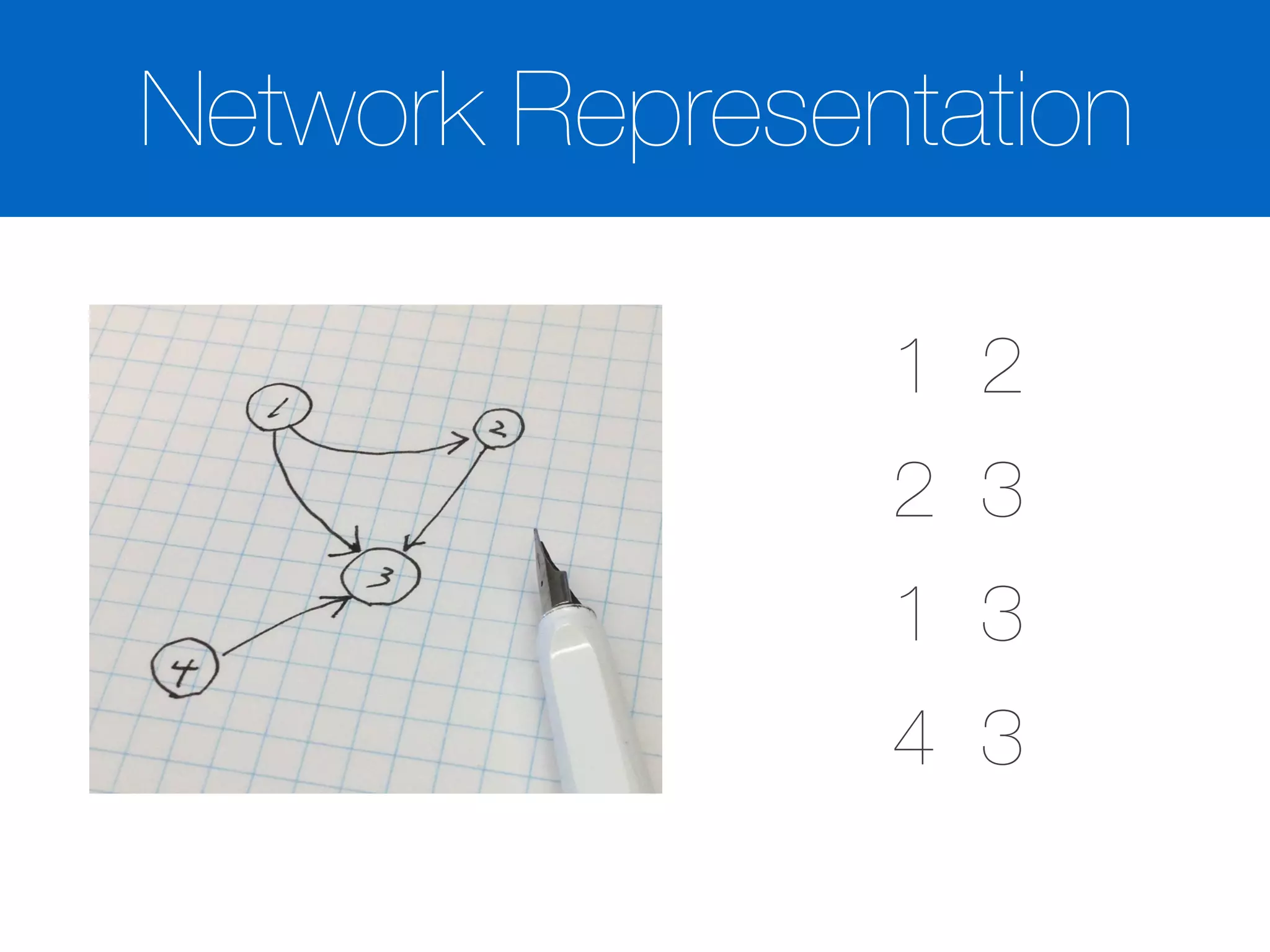
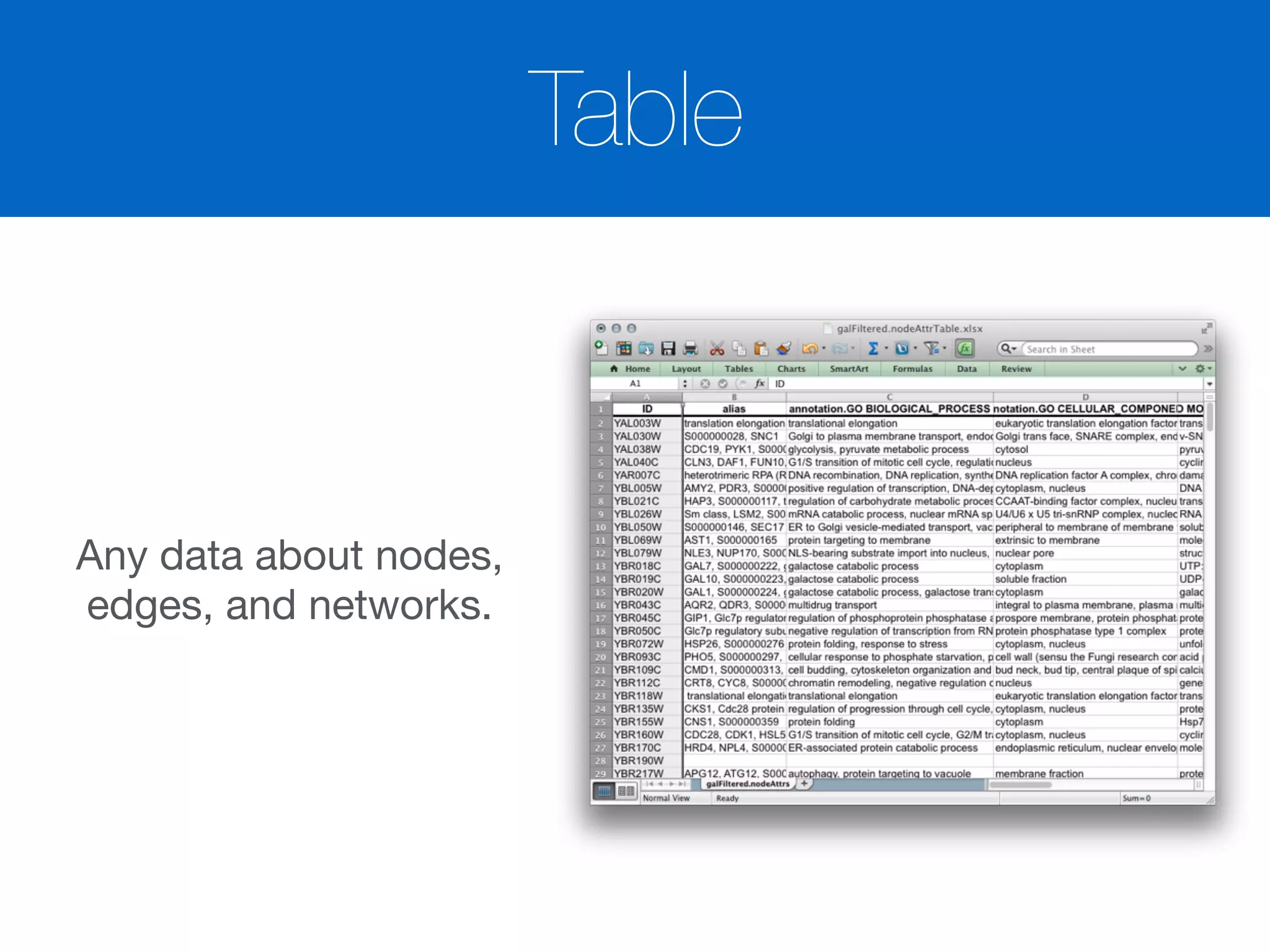
- Networks and Tables
- Visualization
- Basic Analysis
5.
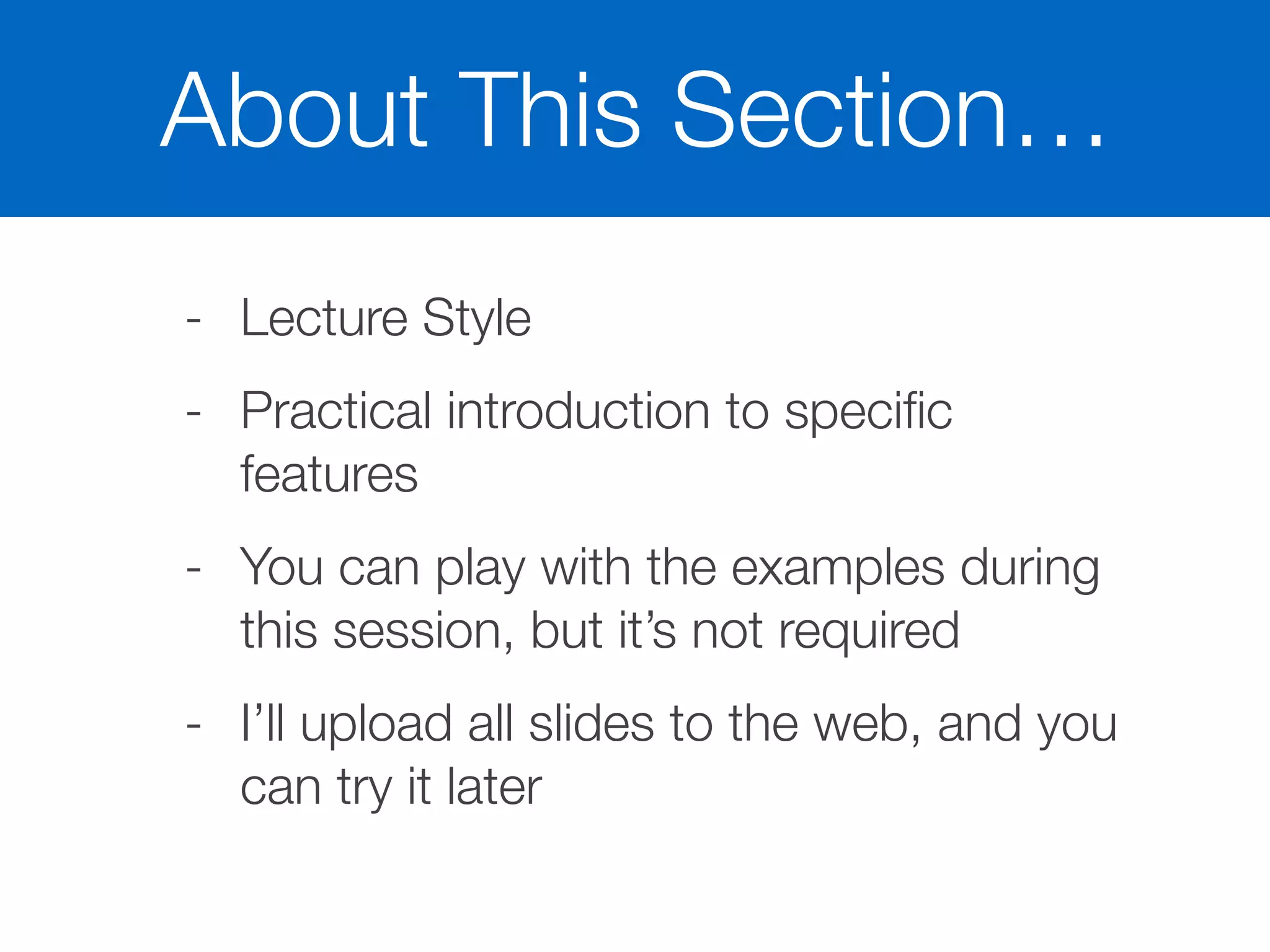
About This Section…
-Lecture Style
- Practical introduction to specific
features
- You can play with the examples during
this session, but it’s not required
- I’ll upload all slides to the web, and you
can try it later
Summary
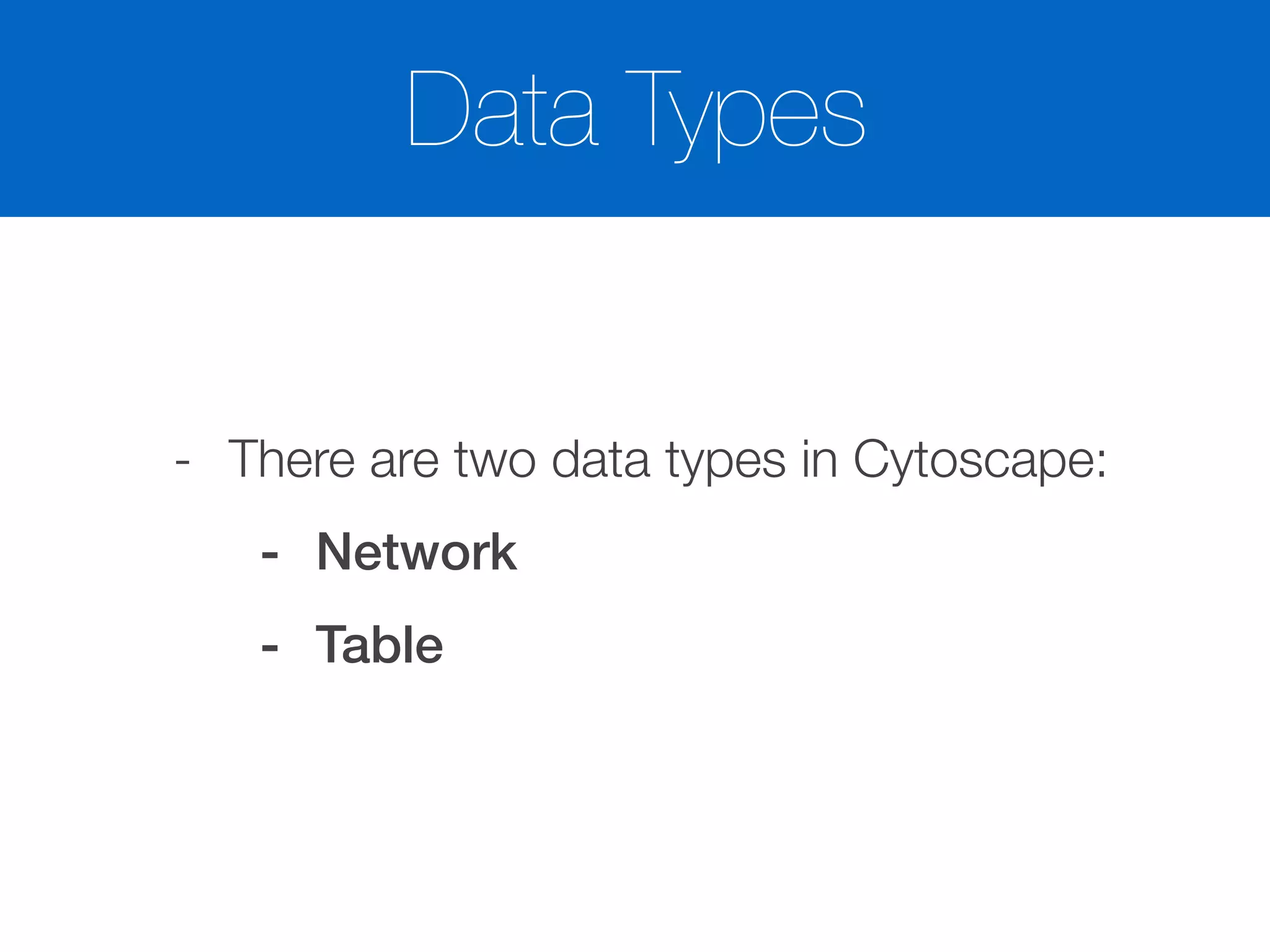
- There aretwo types of data
- Networks
- Attributes
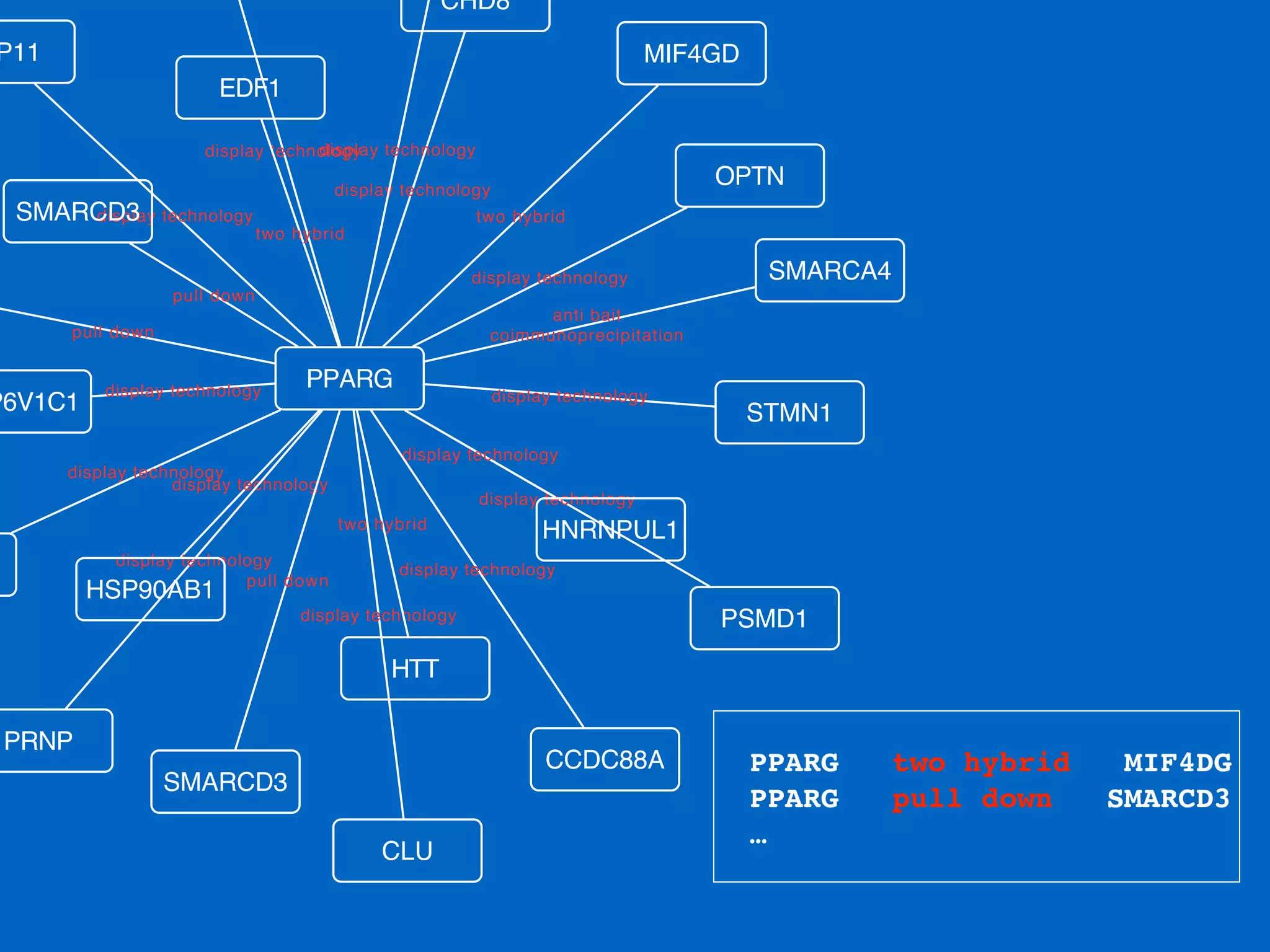
- You need integrated, or annotated, network
before analyze / visualize your data
16.
Before actual dataanalysis…
- There is no silver bullet!
- You cannot do everything with a single program
- Understand Cytoscape Core Features
- Research available Apps
- Data pre-processing/post-processing may be
required
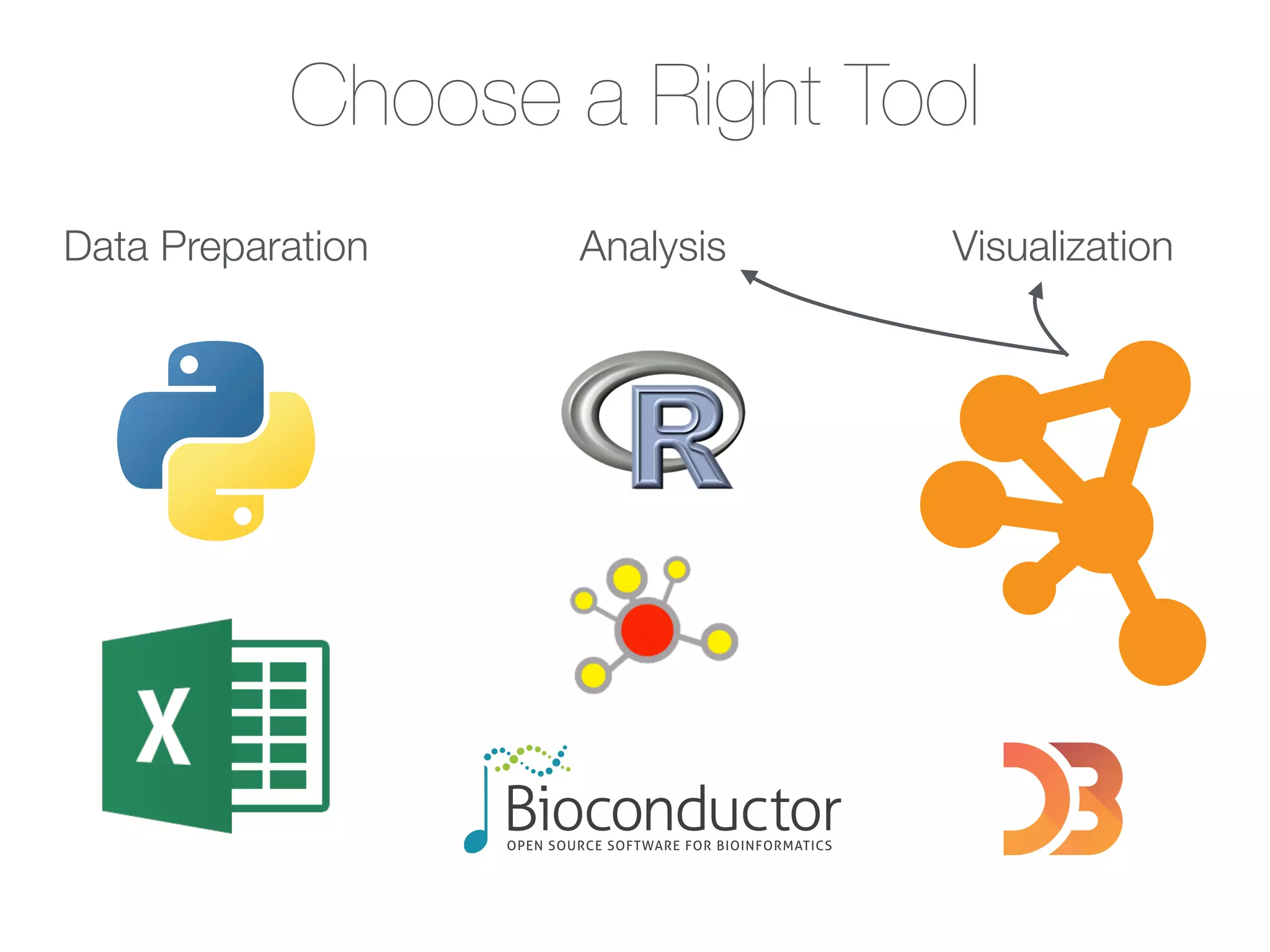
- Excel, R / Bioconductor, Scripts, Web Tools
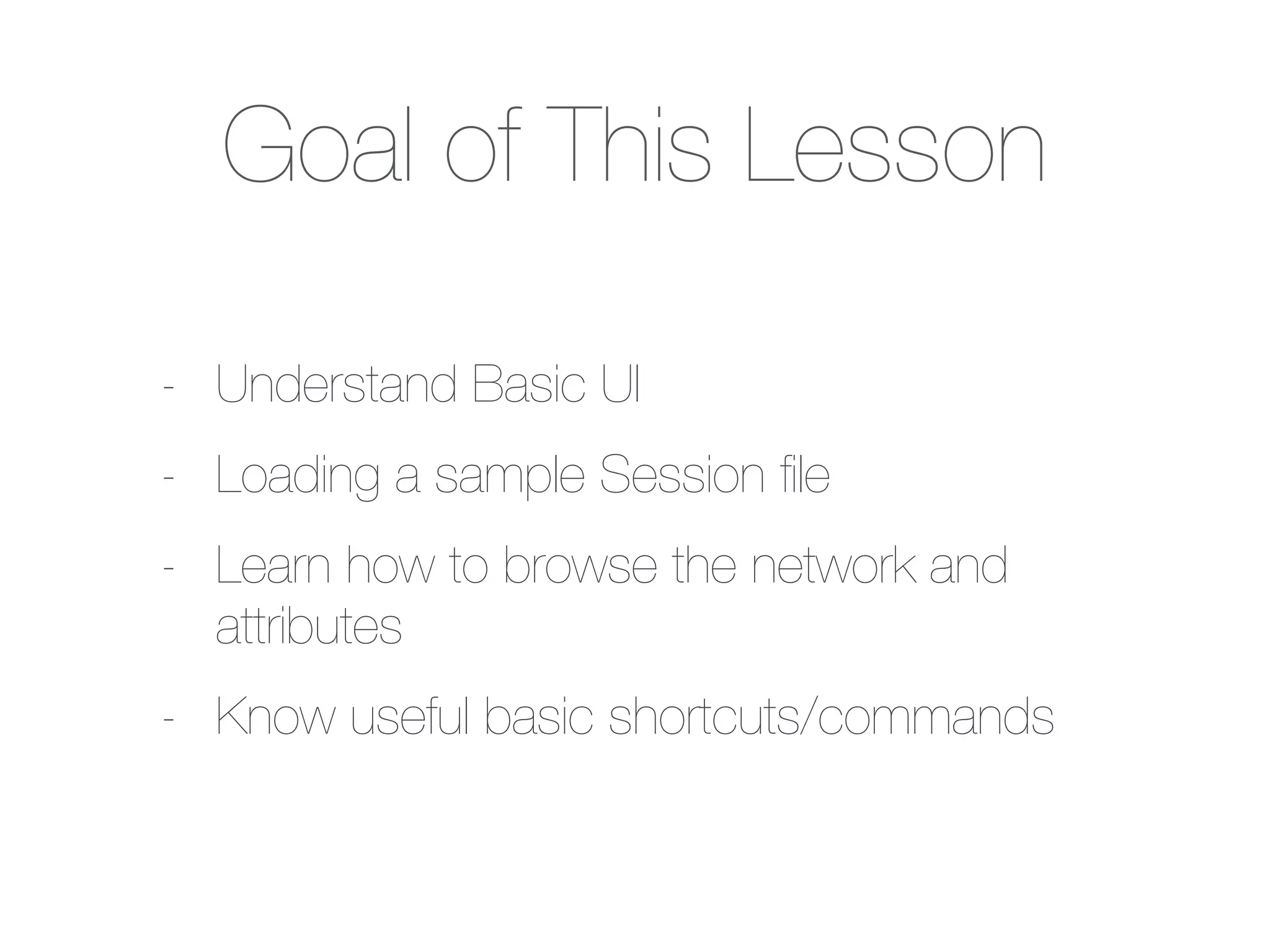
Goal of ThisLesson
- Understand Basic UI
- Loading a sample Session file
- Learn how to browse the network and
attributes
- Know useful basic shortcuts/commands
Session File
- Snapshotof your workspace
- Networks
- Attributes
- Visual Styles
- System Properties
26.
Saving & Opening
-In Cytoscape, Save means saving your
workspace states into a Session File
- Open means loading a Session file
- You can open only one session at a time
- Merge Session feature will be
implemented in the future version of
Cytoscape 3.x
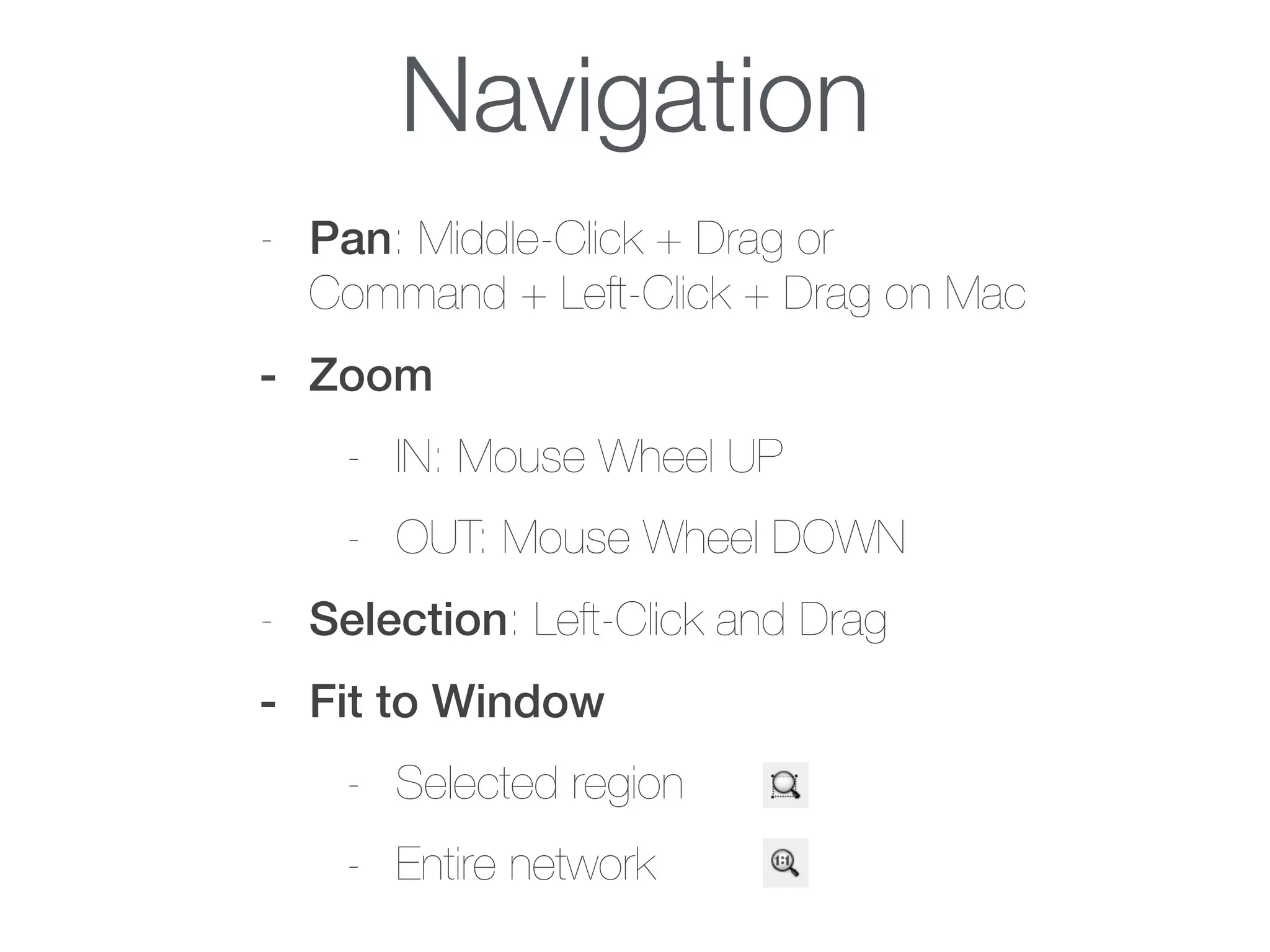
Navigation
- Pan: Middle-Click+ Drag or
Command + Left-Click + Drag on Mac
- Zoom
- IN: Mouse Wheel UP
- OUT: Mouse Wheel DOWN
- Selection: Left-Click and Drag
- Fit to Window
- Selected region
- Entire network
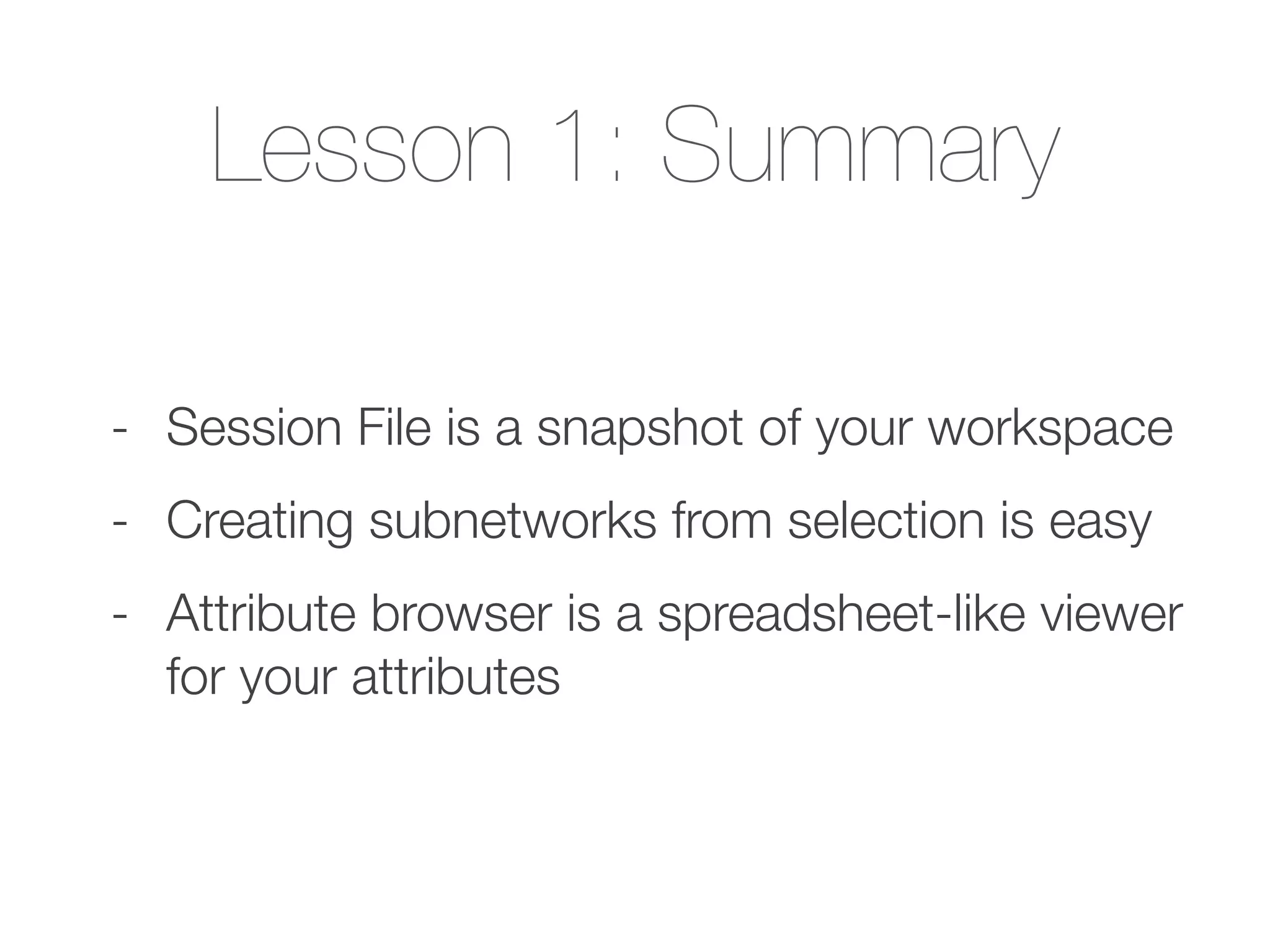
Lesson 1: Summary
-Session File is a snapshot of your workspace
- Creating subnetworks from selection is easy
- Attribute browser is a spreadsheet-like viewer
for your attributes
Data Integration
- Loadingnetworks and mapping attributes
onto them
- Cytoscape provides:
- Data import from files
- Direct access to remote data sources
37.
Import & Export
-Import
- Load any type of data
- Network, Attributes, Visual Styles, etc.
- Export
- as network files, tables, or images
38.
Network Import
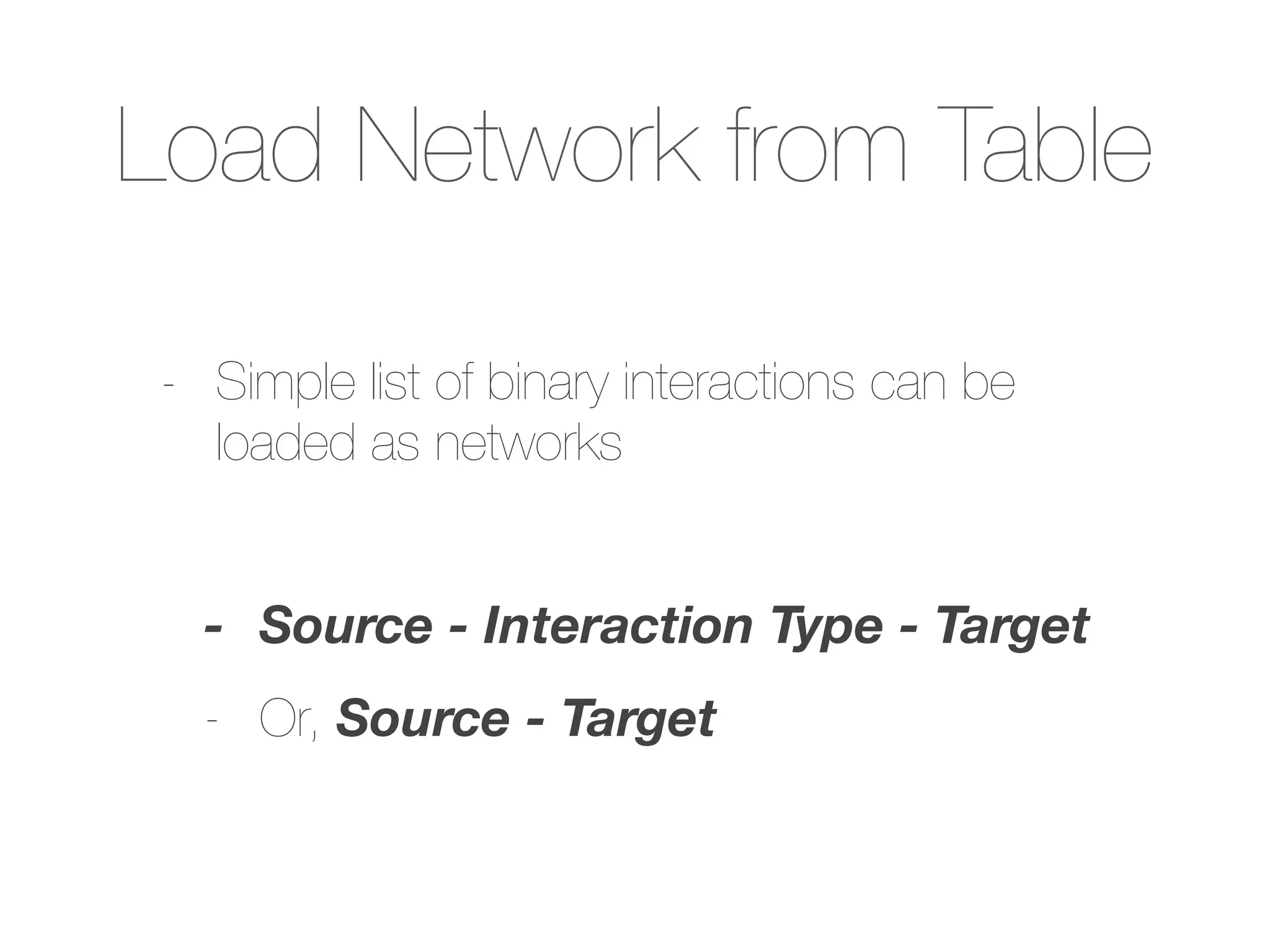
- Usually,imported from pre-formatted data file
- Or, use Table Import feature to select
columns to be used as edges
Lesson 2: Summary
-Cytoscape supports many standard
network data formats
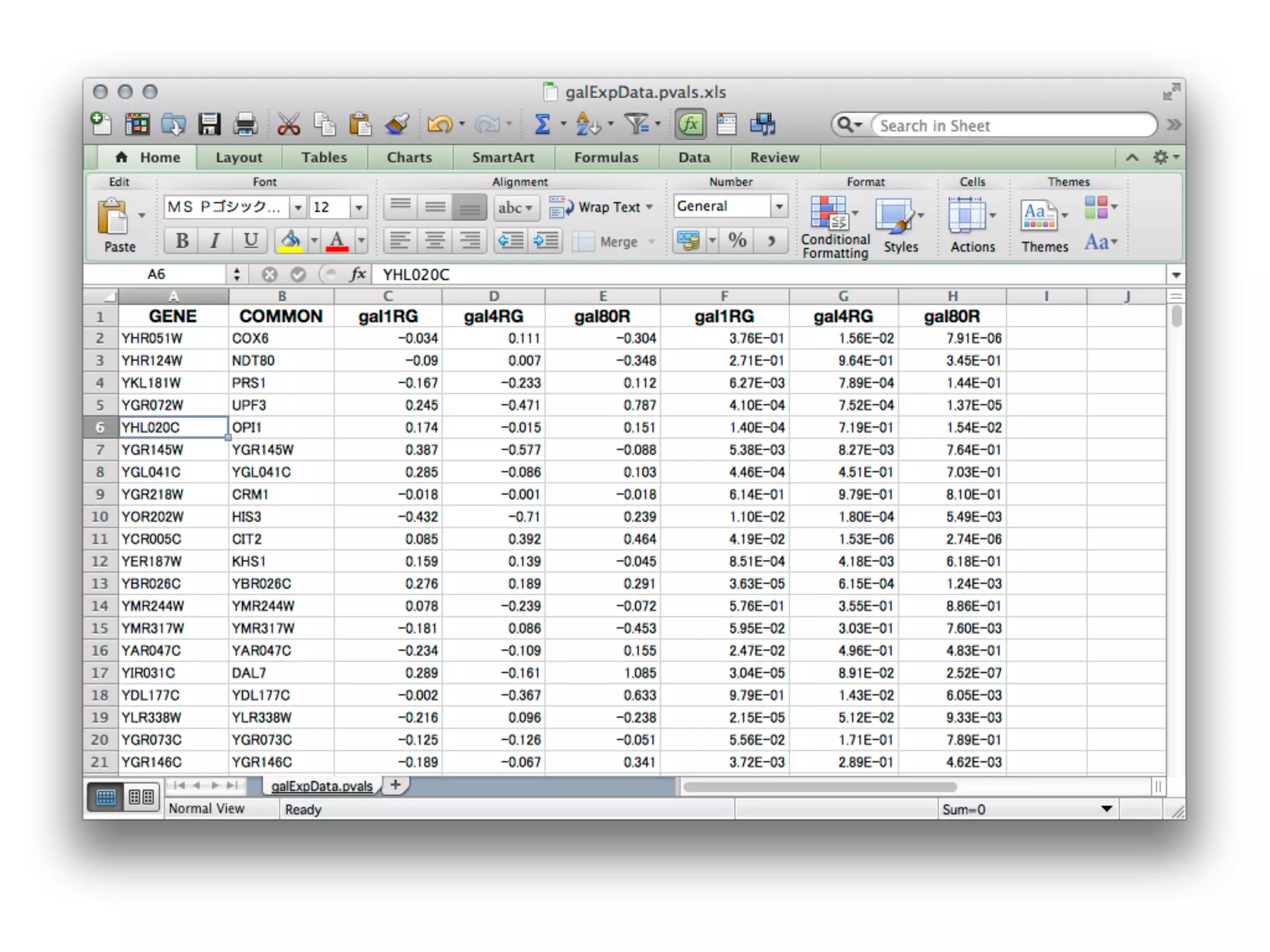
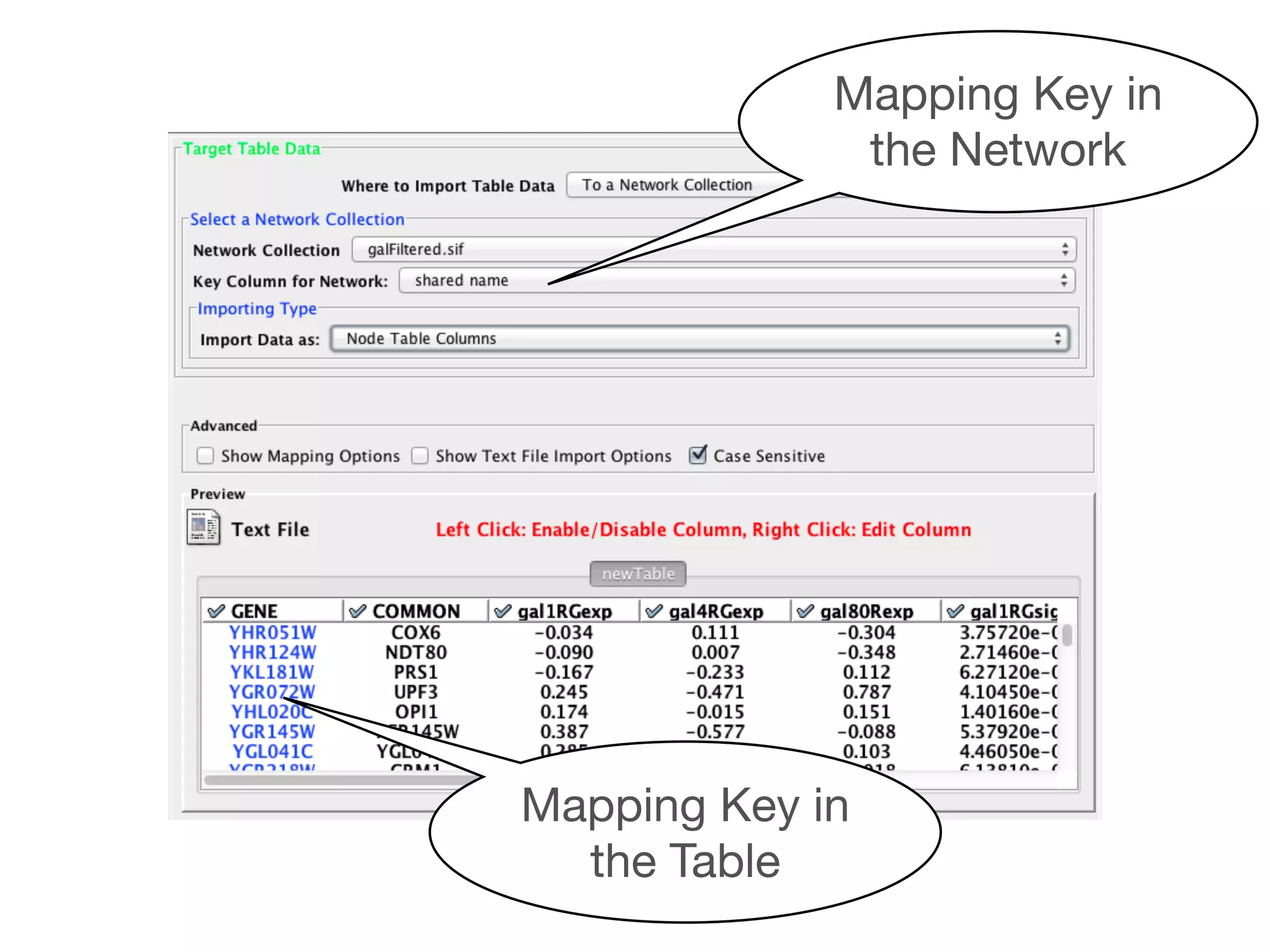
- Any table data can be imported to
Cytoscape by Table Import function
- Preparing your table data with widely-used
ID is important for easy mapping
Goal of ThisSection
- Calculate network statistics by Network
Analyzer
- Filtering based on statistics
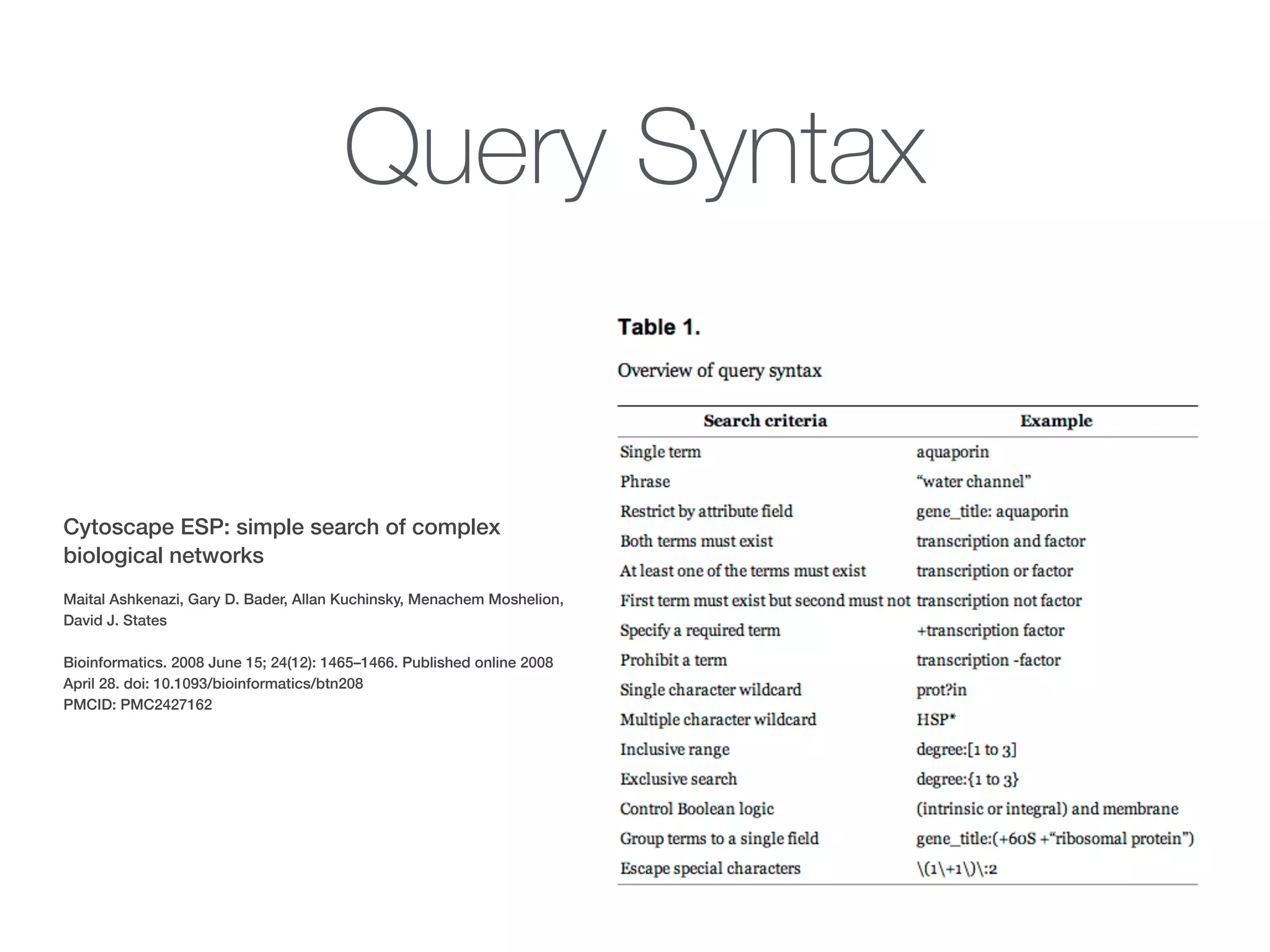
- Basic search by EnhancedSearch Plugin
- Try some more realistic example (requires
faster machine!)
Query Syntax
Cytoscape ESP:simple search of complex
biological networks
!
Maital Ashkenazi, Gary D. Bader, Allan Kuchinsky, Menachem Moshelion,
David J. States
!
Bioinformatics. 2008 June 15; 24(12): 1465–1466. Published online 2008
April 28. doi: 10.1093/bioinformatics/btn208
PMCID: PMC2427162
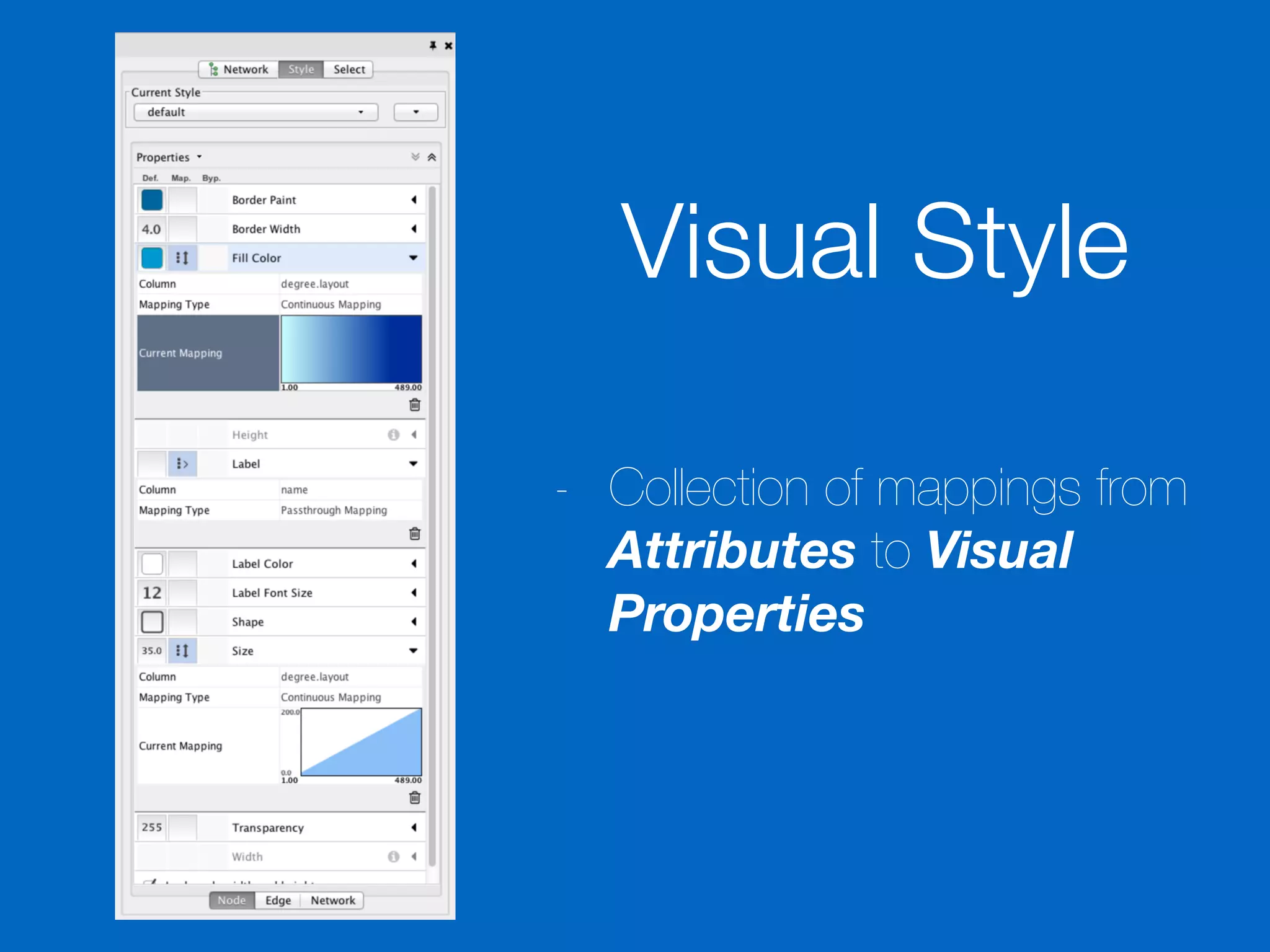
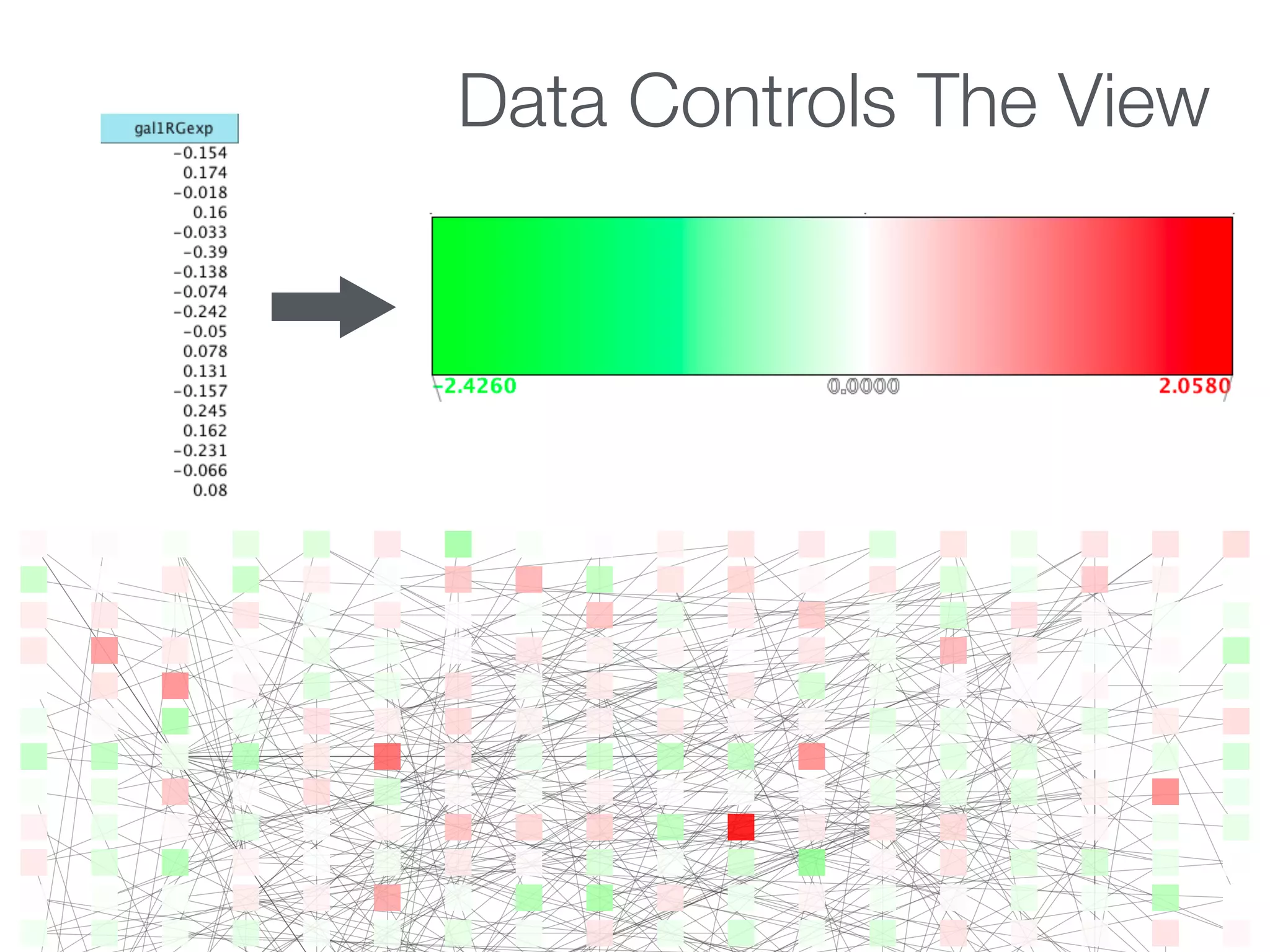
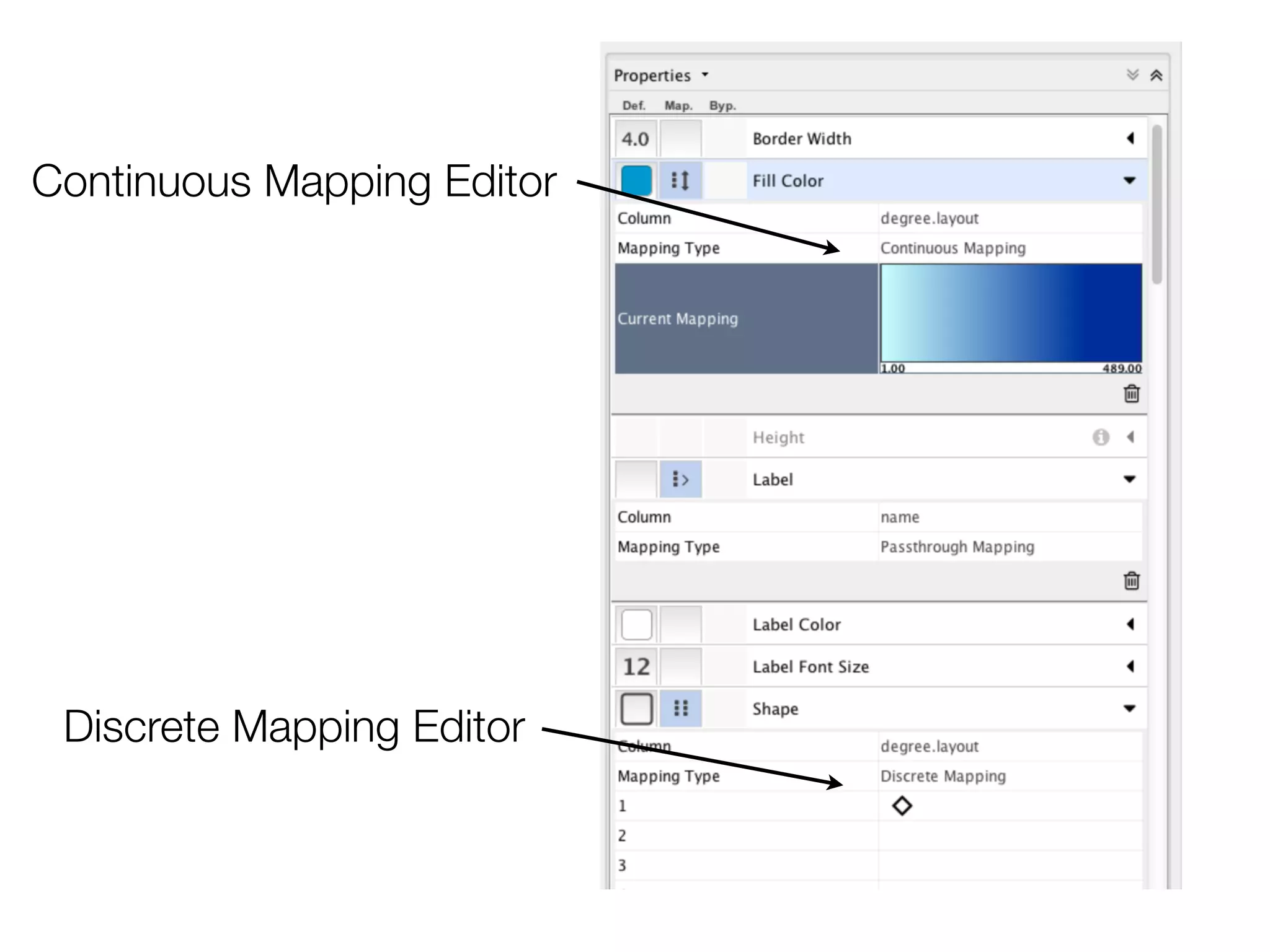
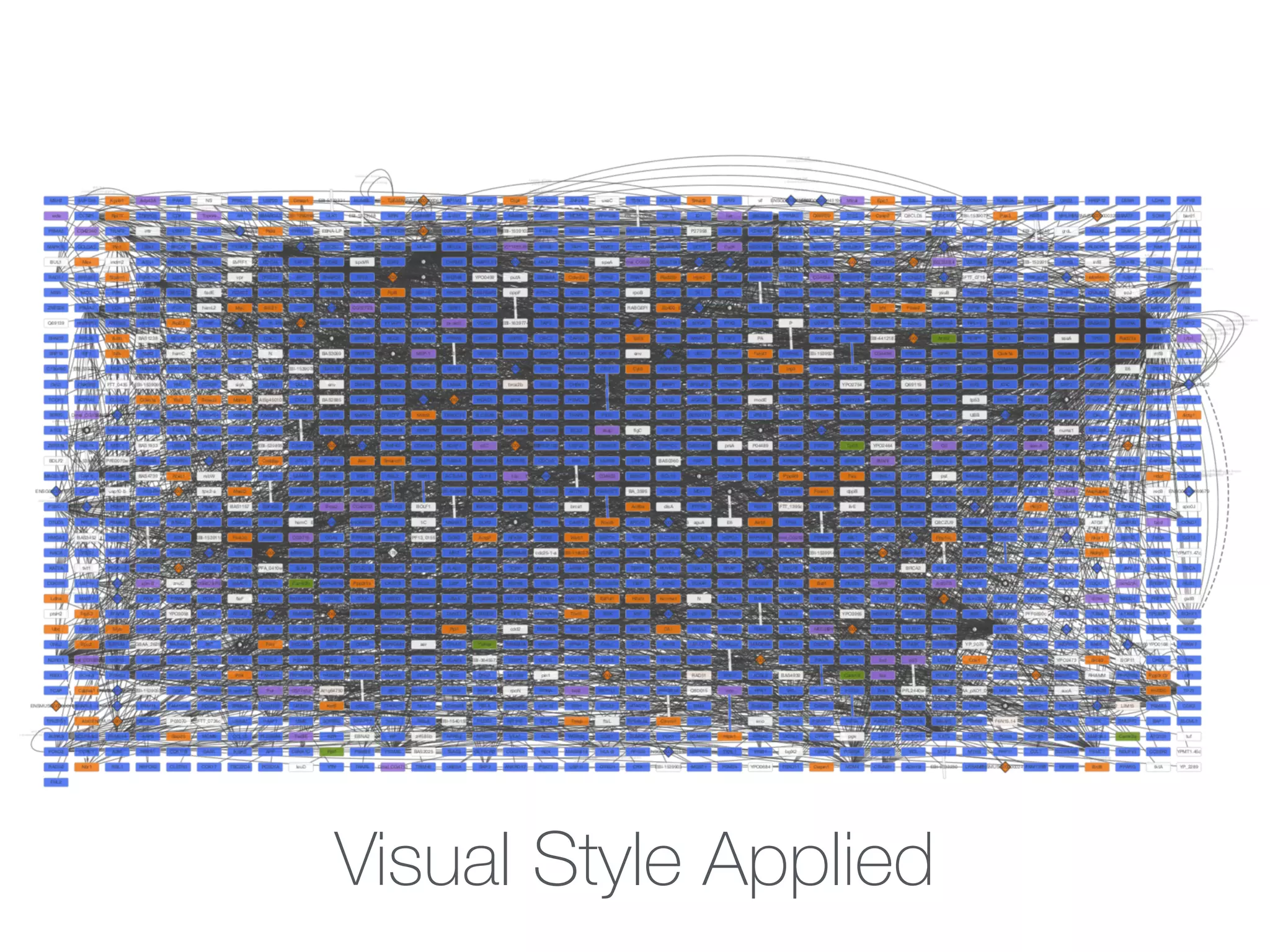
Visual Styles
- Defaults+ Mappings
- Expression values to node color
- Gene function to node shape
- Interaction detection method to edge line
type
- Confidence score to edge width
Further Readings 1
-Introduction to Network Biology
- Deciphering Protein–Protein Interactions. Part I. Experimental
Techniques and Databases
Shoemaker BA, Panchenko AR (2007) Deciphering Protein–Protein
Interactions. Part I. Experimental Techniques and Databases. PLoS
Comput Biol 3(3): e42.doi:10.1371/journal.pcbi.0030042
- Deciphering Protein–Protein Interactions. Part II. Computational
Methods to Predict Protein and Domain Interaction Partners
Shoemaker BA, Panchenko AR (2007) Deciphering Protein–Protein
Interactions. Part II. Computational Methods to Predict Protein and
Domain Interaction Partners. PLoS Comput Biol 3(4): e43. doi:10.1371/
journal.pcbi.0030043
81.
Further Readings 2
-Overview of Cytoscape Apps (Plugins)
- A travel guide to Cytoscape plugins
Rintaro Saito, Michael E Smoot, Keiichiro Ono, Johannes Ruscheinski,
Peng-Liang Wang, Samad Lotia, Alexander R Pico, Gary D Bader, Trey
Ideker (2012) Nature Methods 9 (11) p. 1069-1076
- Sample Protocol (based on 2.x)
− Integration of biological networks and gene expression data using
Cytoscape
Cline, et al. Nature Protocols, 2, 2366-2382 (2007).
82.
Further Readings 3
-Cytoscape Tutorial Booklet:
Analysis and Visualization of Biological Networks with Cytoscape
- http://www.rbvi.ucsf.edu/Outreach/Workshops/ISMBTutorial.pdf
!