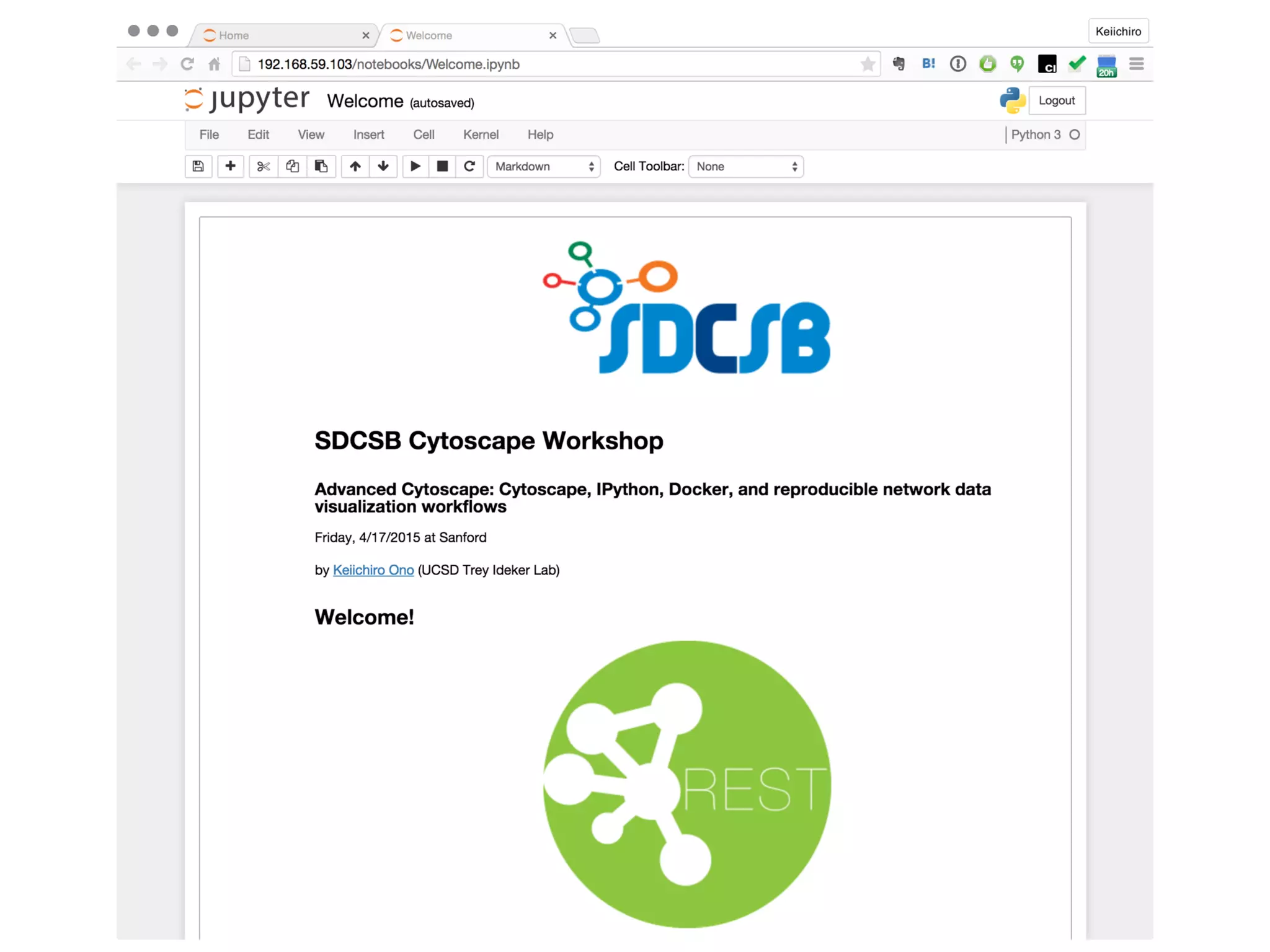
SDCSB Advanced
Cytoscape Tutorial
4/17/2015 @Sanford
Keiichiro Ono
UCSD Trey Ideker Lab
Cytoscape Core Team
Building Reproducible Network
Data Visualization Workflows with
Cytoscape and IPython Notebook
Thanks for Attending!
You are about to learn modern tools boosting your productivity!
REST
Keiichiro Ono
Keiic
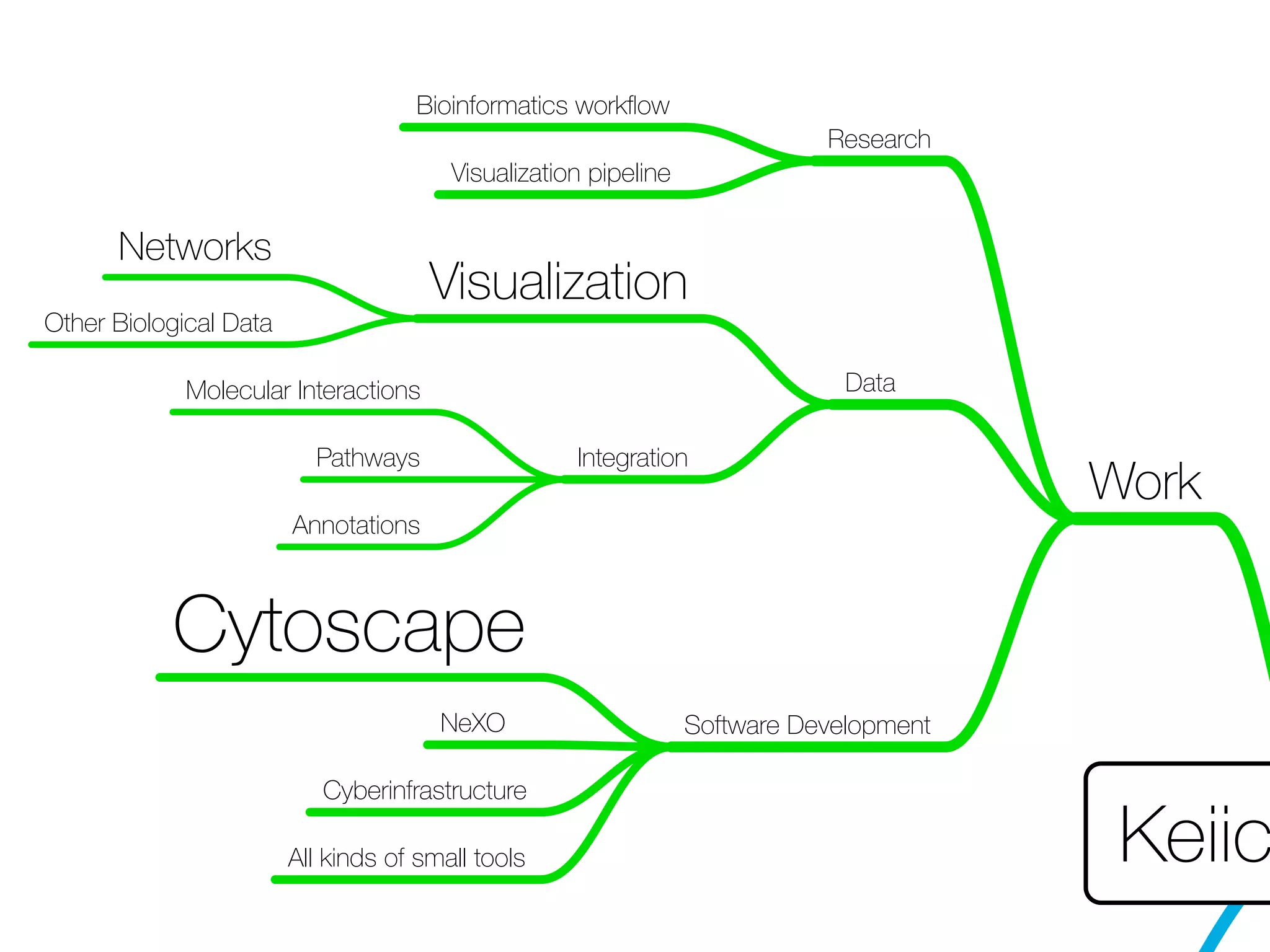
Work
Research
Bioinformatics workflow
Visualization pipeline
Data
Visualization
Networks
Other Biological Data
Integration
Molecular Interactions
Pathways
Annotations
Software Development
Cytoscape
NeXO
Cyberinfrastructure
All kinds of small tools
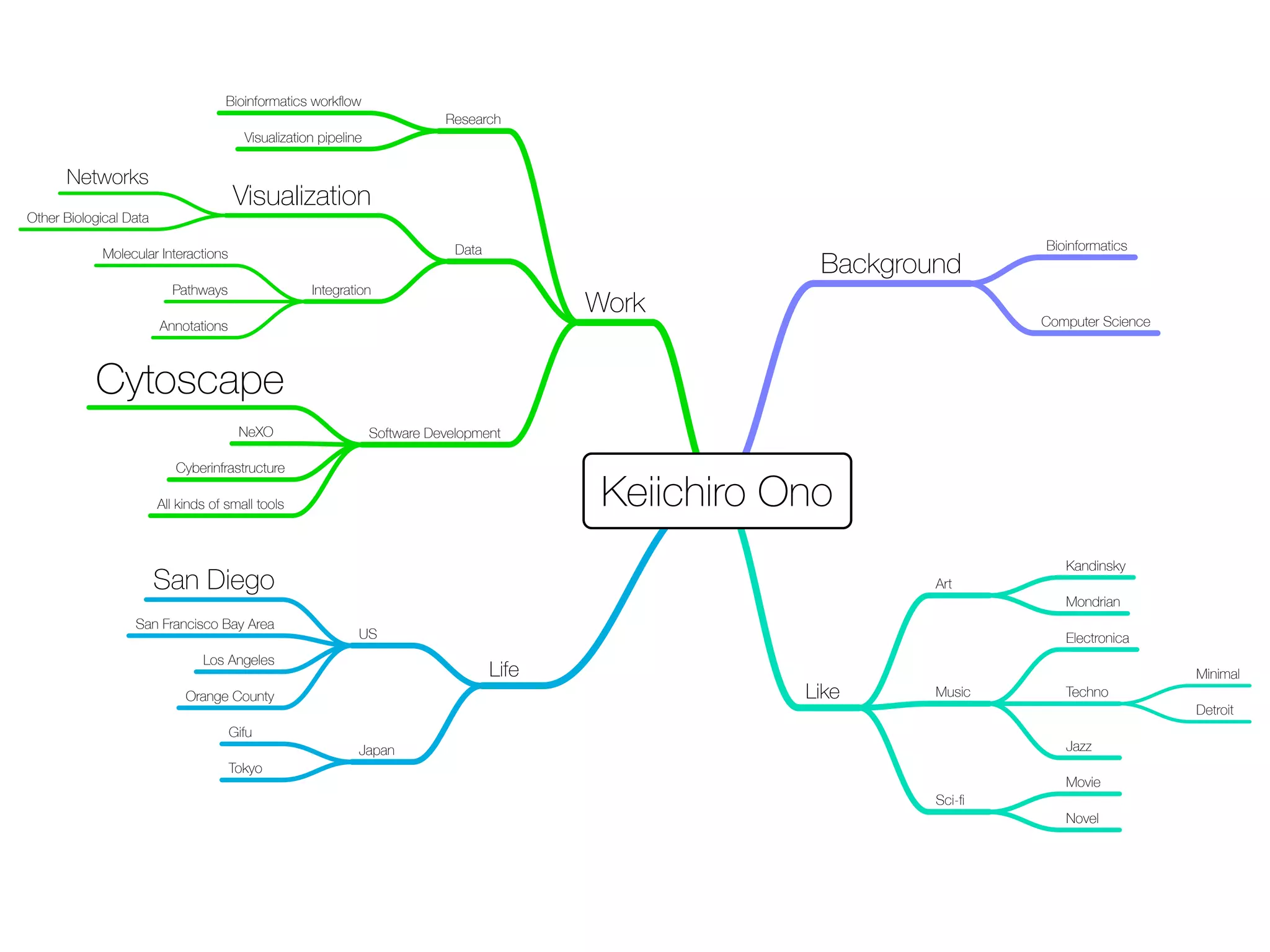
Keiichiro Ono
Background
Bioinformatics
Computer Science
Work
Research
Bioinformatics workflow
Visualization pipeline
Data
Visualization
Networks
Other Biological Data
Integration
Molecular Interactions
Pathways
Annotations
Software Development
Cytoscape
NeXO
Cyberinfrastructure
All kinds of small tools
Like
Art
Kandinsky
Mondrian
Music
Electronica
Techno
Minimal
Detroit
Jazz
Sci-fi
Movie
Novel
Life
US
San Diego
San Francisco Bay Area
Los Angeles
Orange County
Japan
Gifu
Tokyo
Computer Science Biology
Cytoscape and IPython
Notebook for Reproducible
Data Visualization Workflow
Review:
Basic Data Visualization
Workflow with Cytoscape
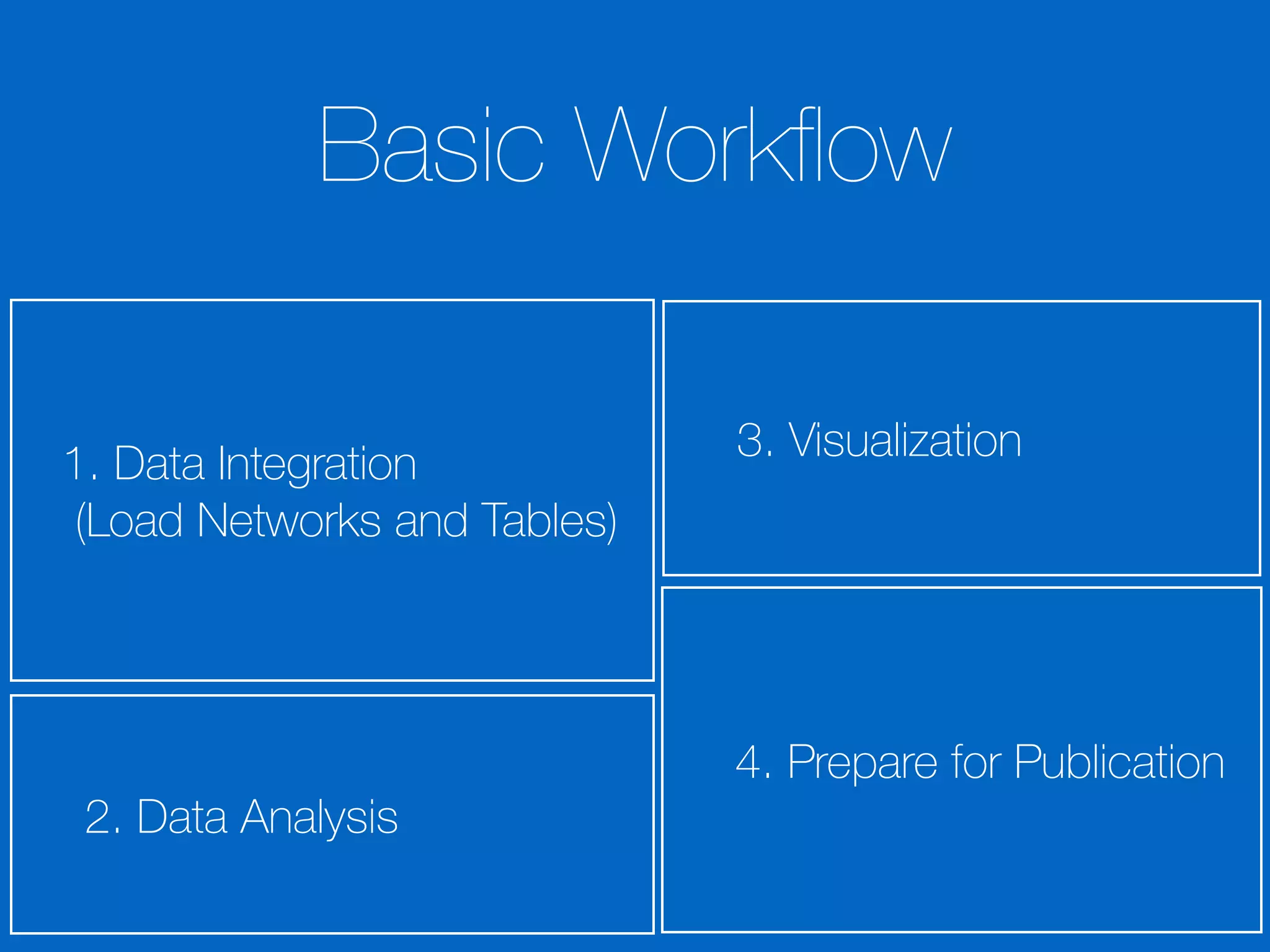
1. Data Integration

(Load Networks and Tables)
2. Data Analysis
3. Visualization
Basic Workflow
4. Prepare for Publication
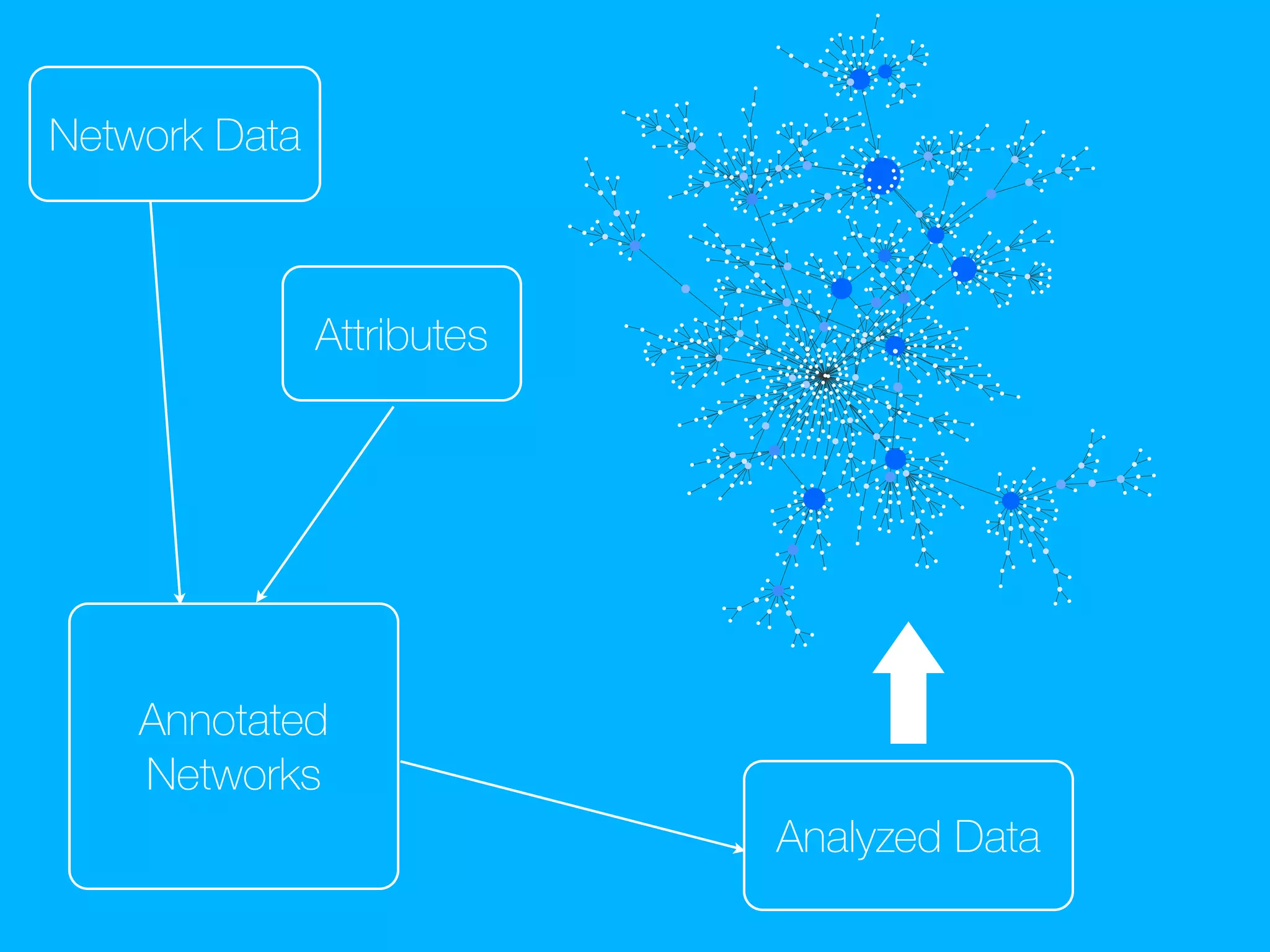
Network Data
Annotated
Networks
Attributes
Analyzed Data
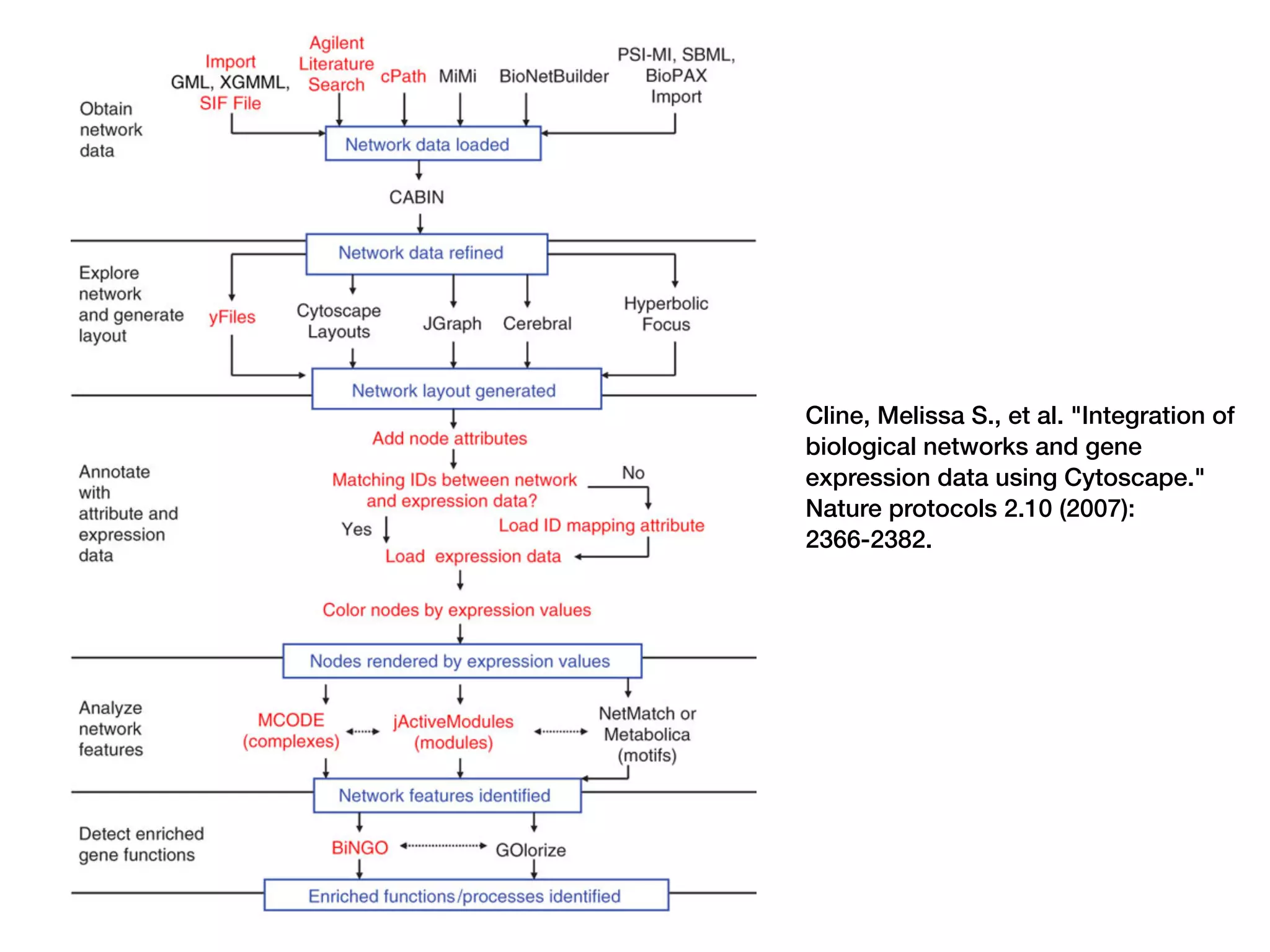
Cline, Melissa S., et al. "Integration of
biological networks and gene expression
data using Cytoscape." Nature protocols
2.10 (2007): 2366-2382.
Cline, Melissa S., et al. "Integration of
biological networks and gene
expression data using Cytoscape."
Nature protocols 2.10 (2007):
2366-2382.
Results
Sharing Results
😐
Sharing Results and Process
😃
Point & Click
Operation is Easy, but
not Reproducible…
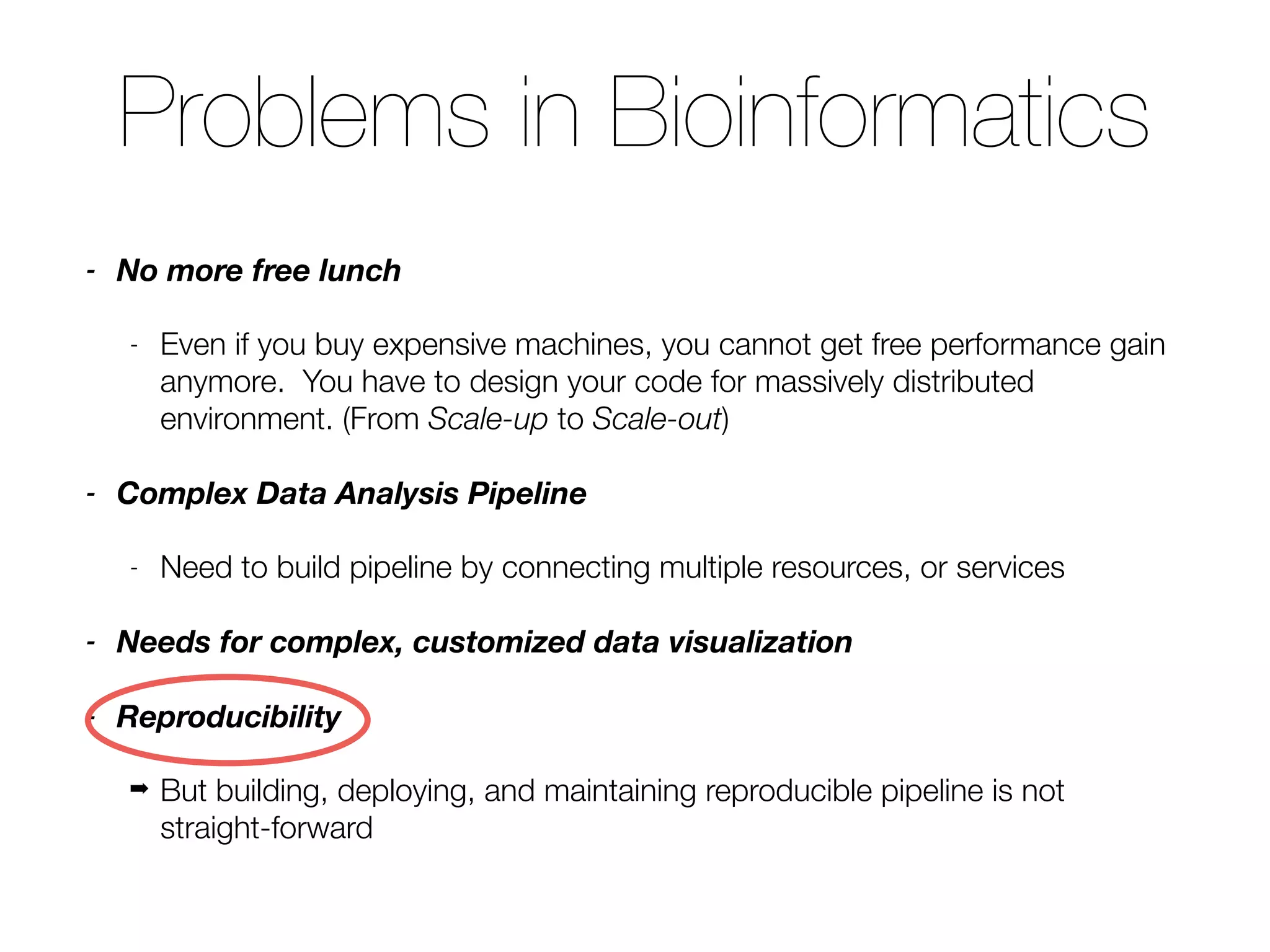
Problems in Bioinformatics
- No more free lunch
- Even if you buy expensive machines, you cannot get free performance gain
anymore. You have to design your code for massively distributed
environment. (From Scale-up to Scale-out)
- Complex Data Analysis Pipeline
- Need to build pipeline by connecting multiple resources, or services
- Needs for complex, customized data visualization
- Reproducibility
➡ But building, deploying, and maintaining reproducible pipeline is not
straight-forward
Goal:
Reproducible Science
Goal: Reproducible Science
REST
Tools You Need
REST
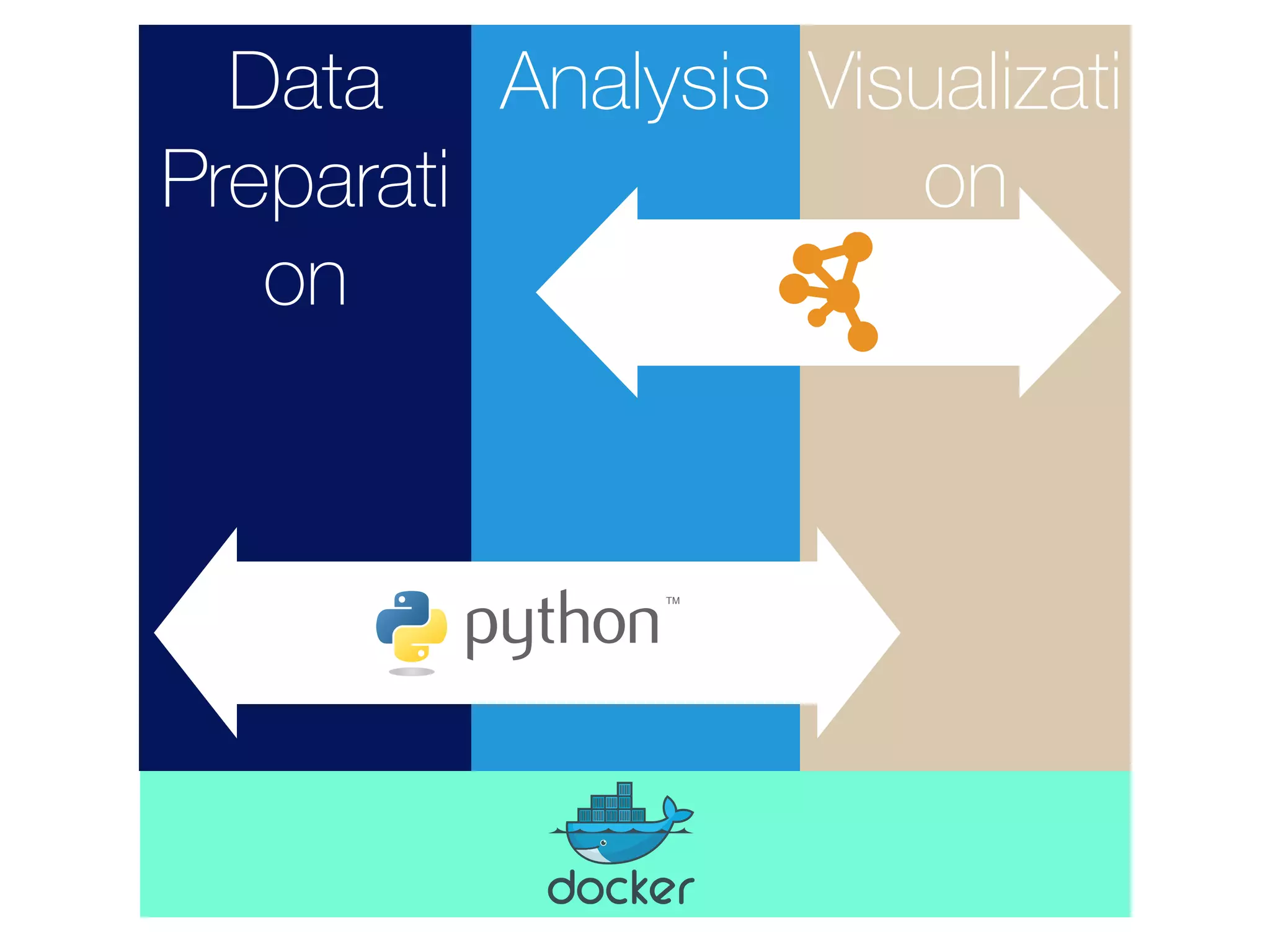
- Docker
- Data analysis environment in a portable
container
- GitHub
- For source code sharing
- IPython Notebook
- Your electronic lab notebook
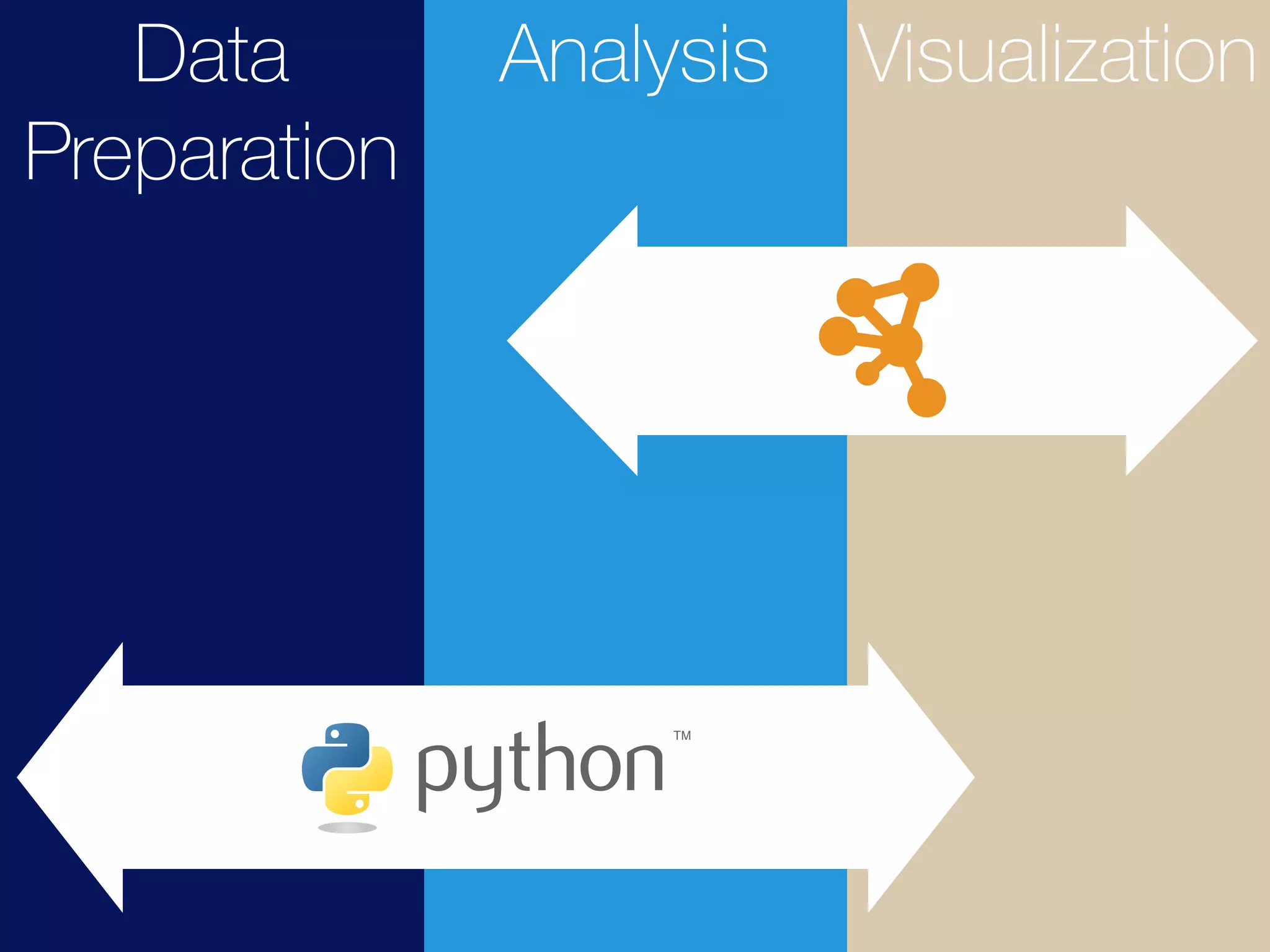
- cyREST
- RESTful API module for Cytoscape
Why ?
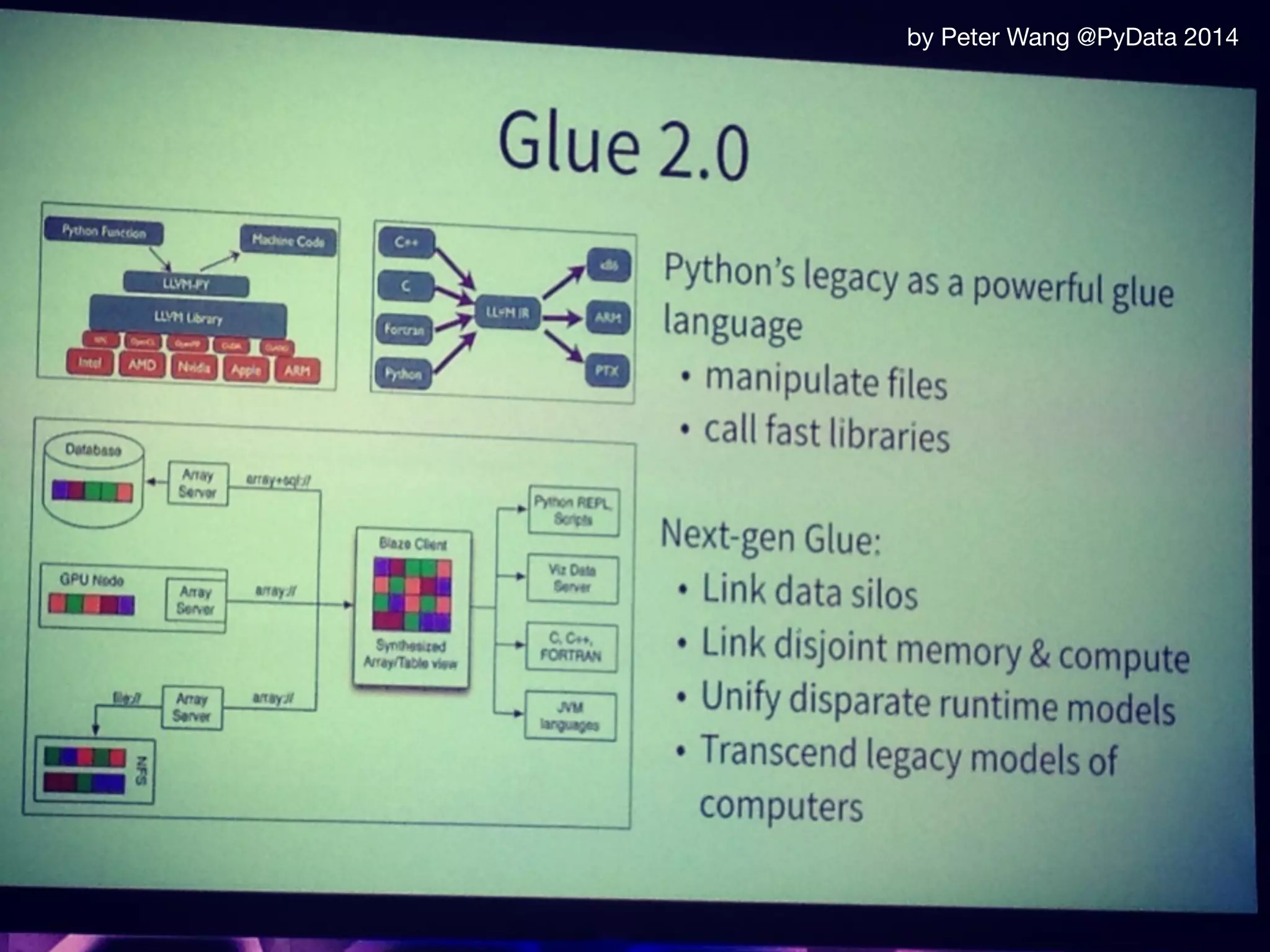
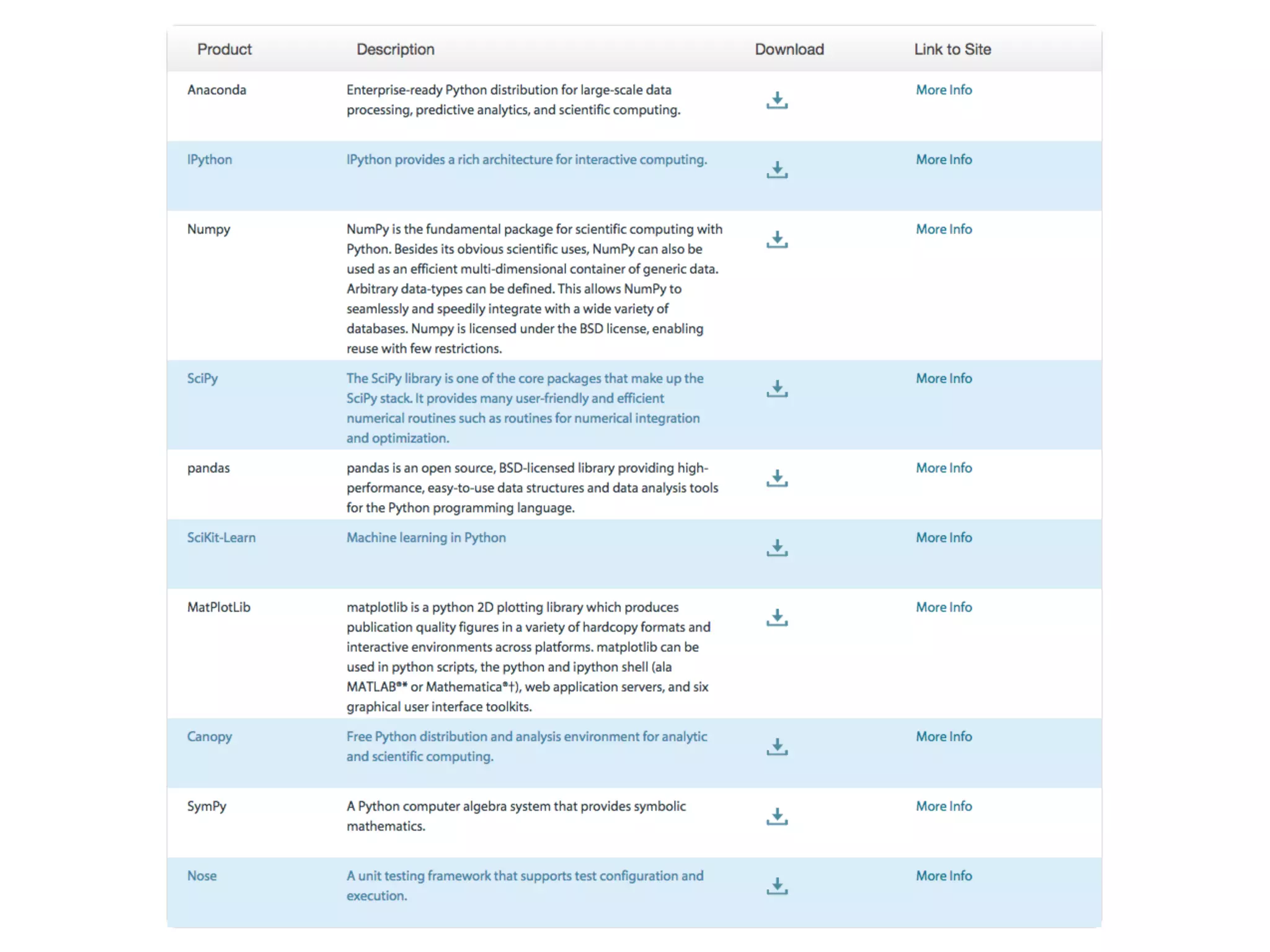
- Full-stack
- Data preparation to web application
- Easy to learn
- Strong support from data science community
- Tons of high-performance libraries
A community for developers and users of Python data tools
pydata.org
by Peter Wang @PyData 2014
But most of the tools are language-agnostic!
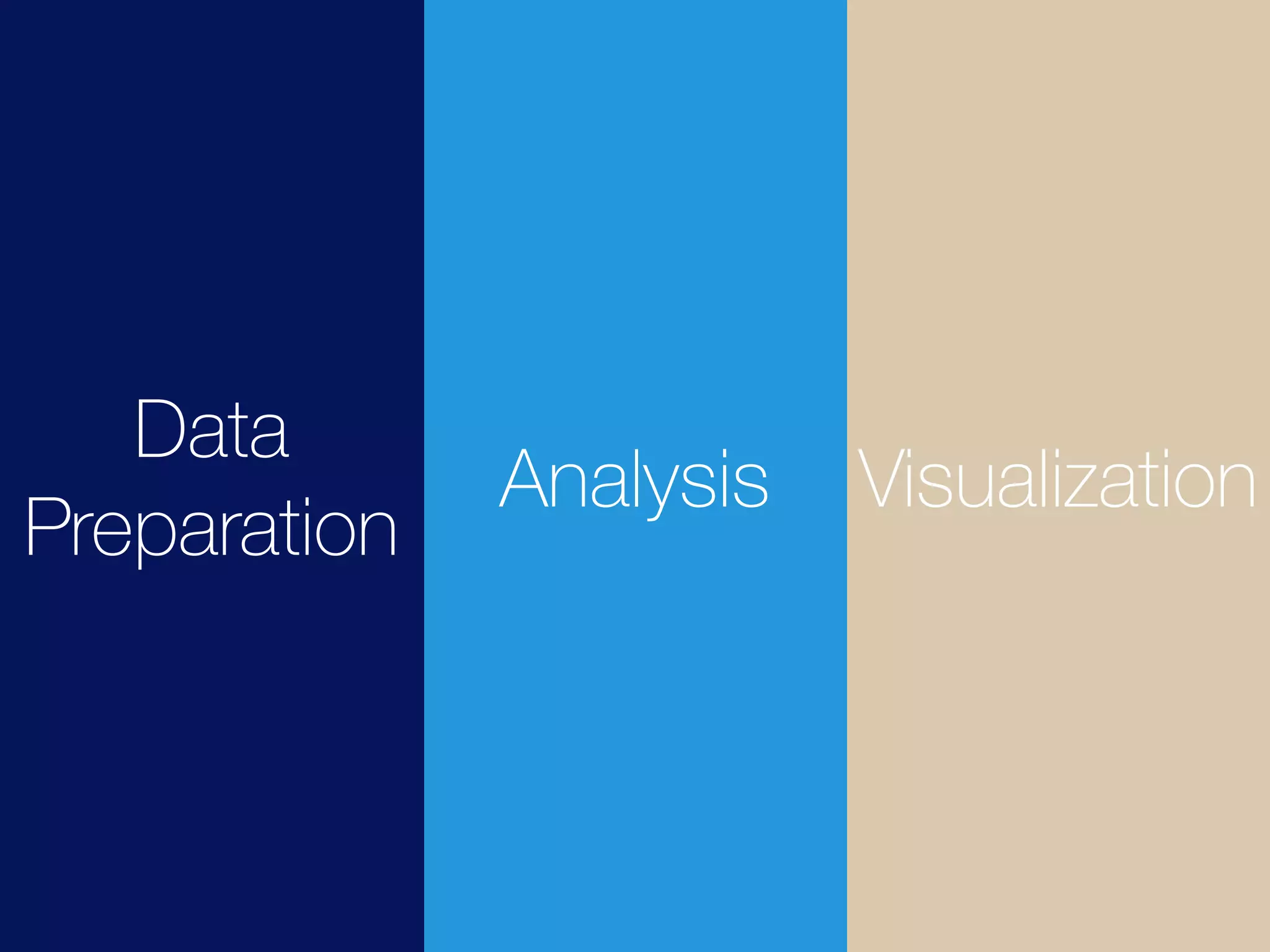
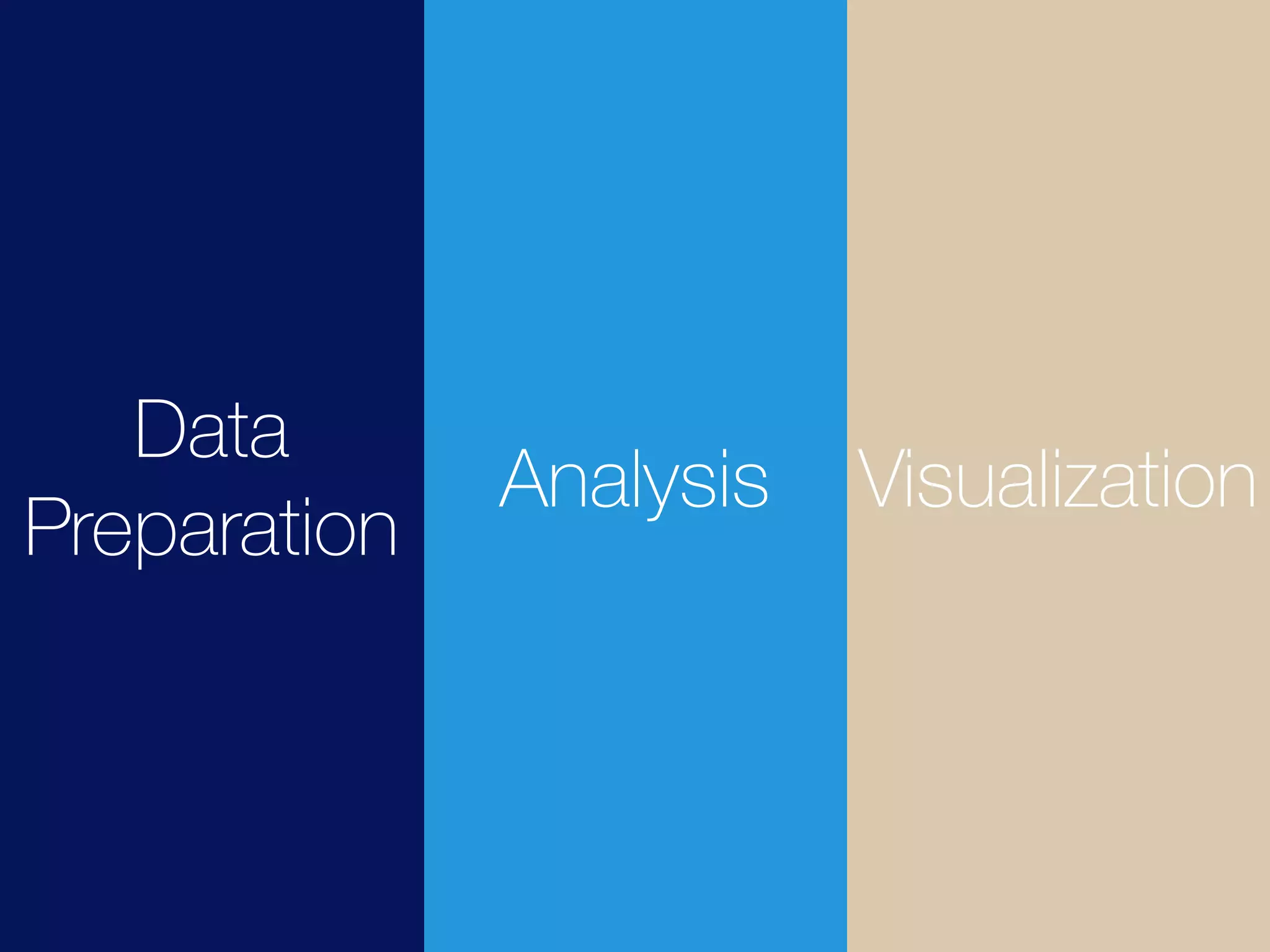
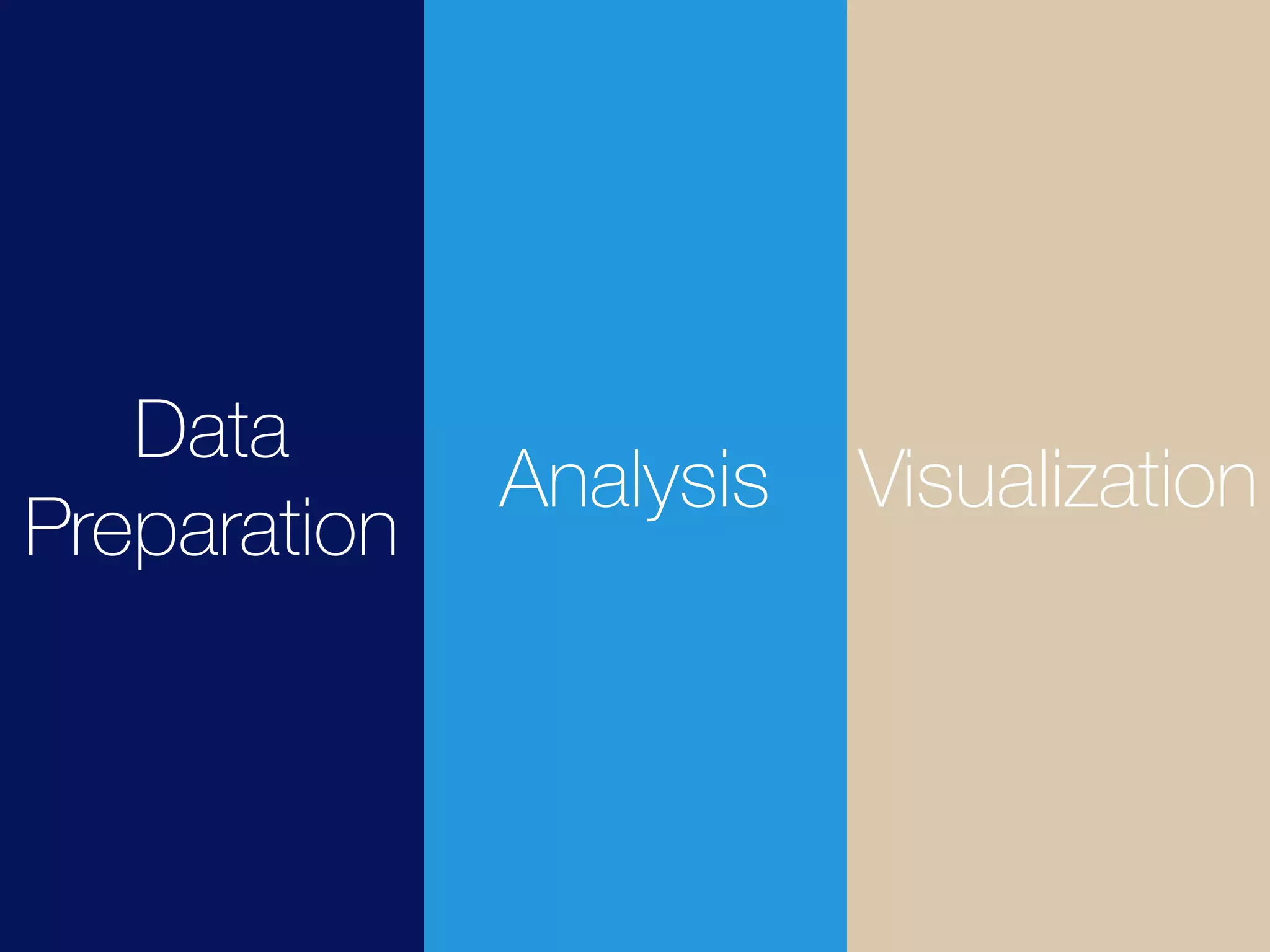
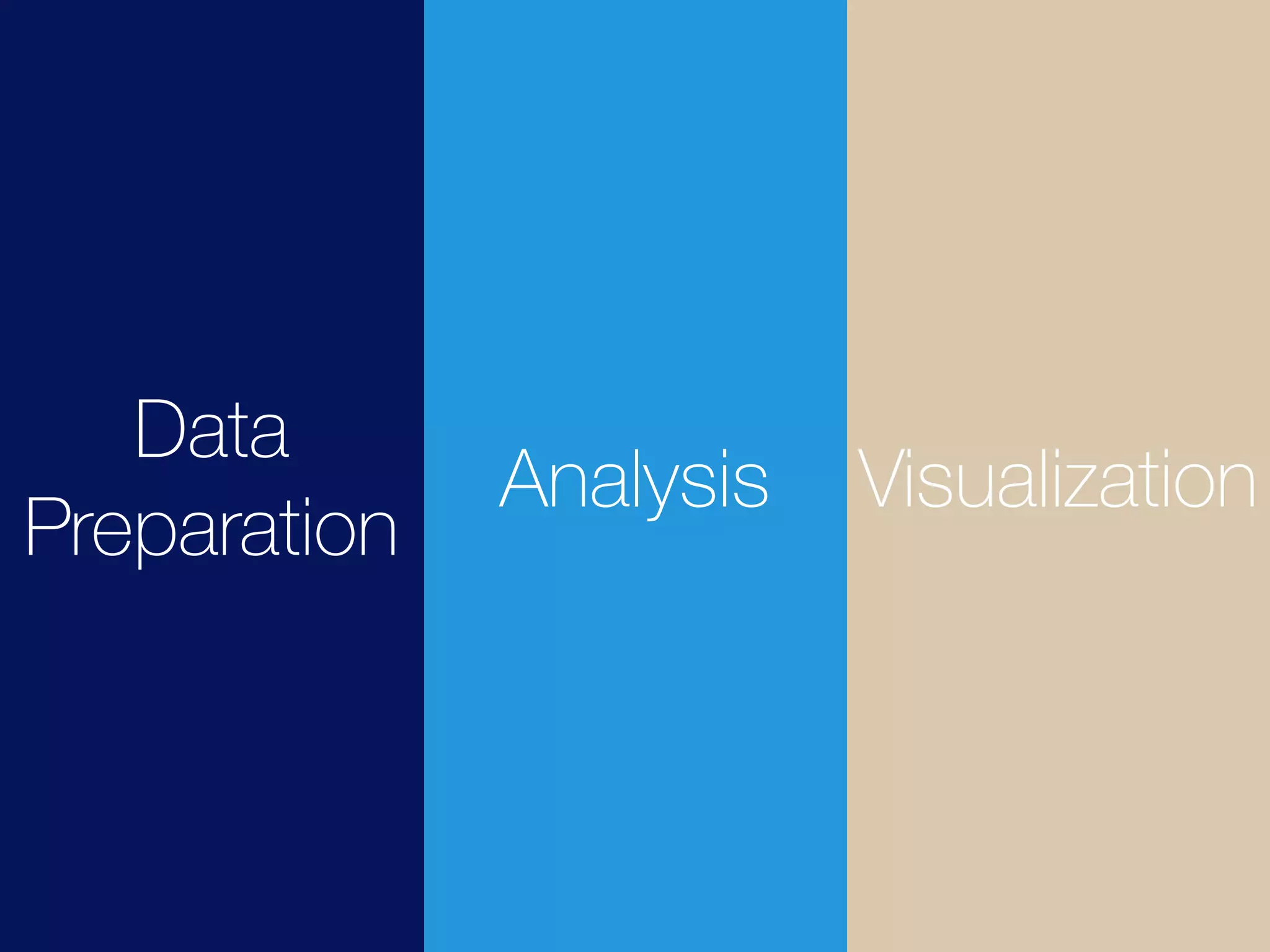
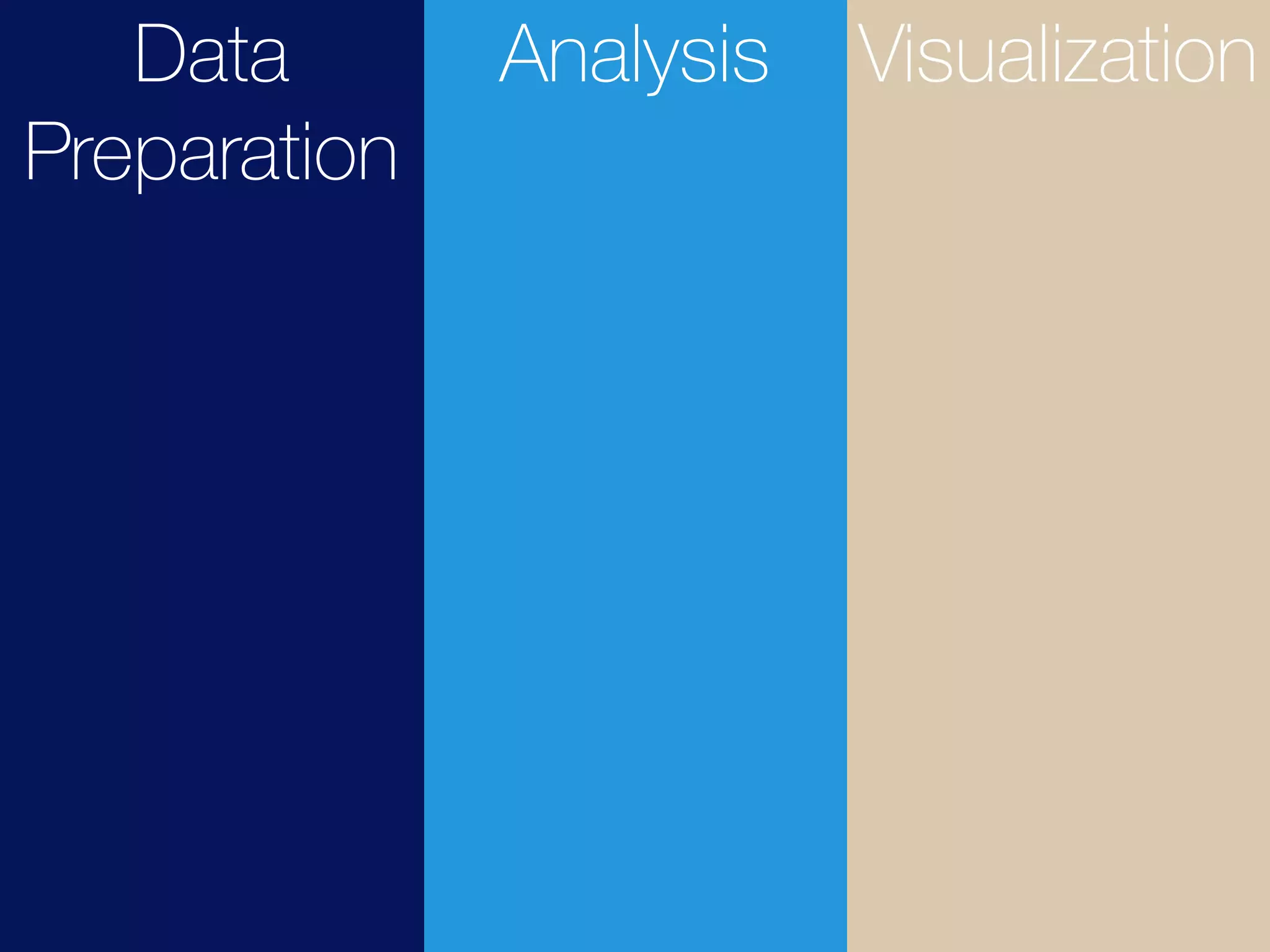
Basic Data
Visualization Workflow
Data
Preparation
Analysis Visualization
Data Preparation
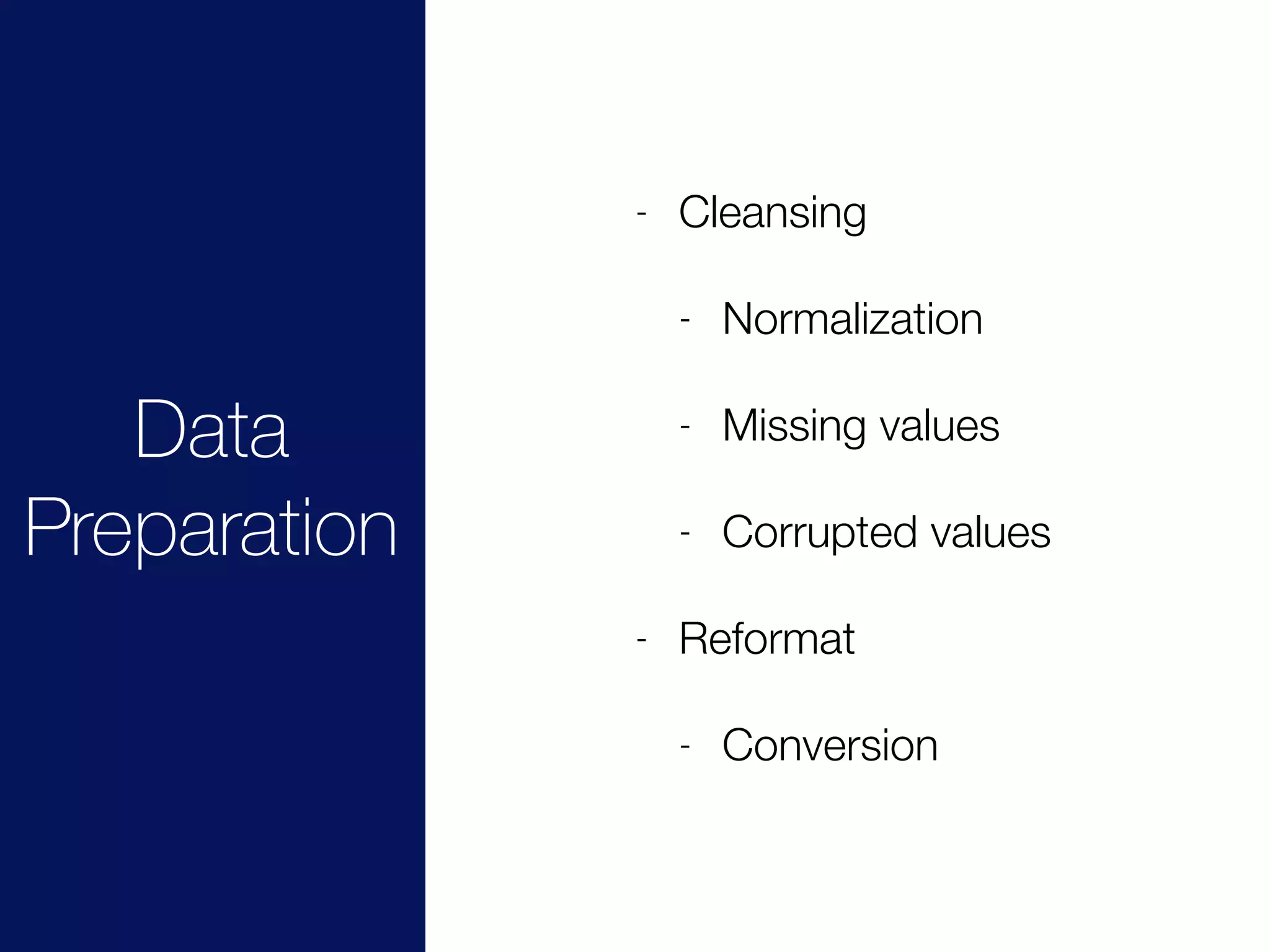
Data
Preparation
- Cleansing
- Normalization
- Missing values
- Corrupted values
- Reformat
- Conversion
Data
Preparation
Analysis Visualization
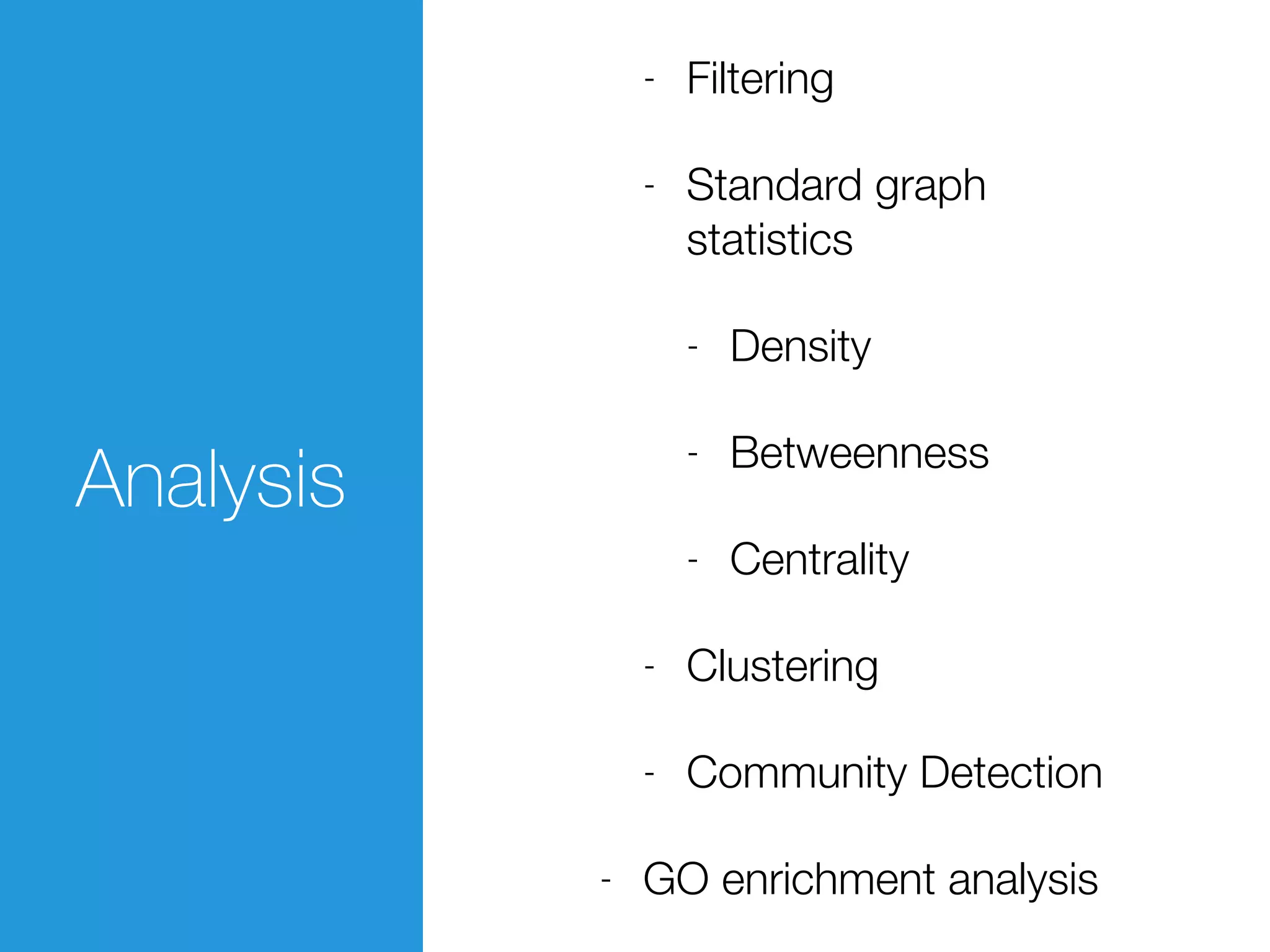
Analysis
Analysis
- Filtering
- Standard graph
statistics
- Density
- Betweenness
- Centrality
- Clustering
- Community Detection
- GO enrichment analysis
Data
Preparation
Analysis Visualization
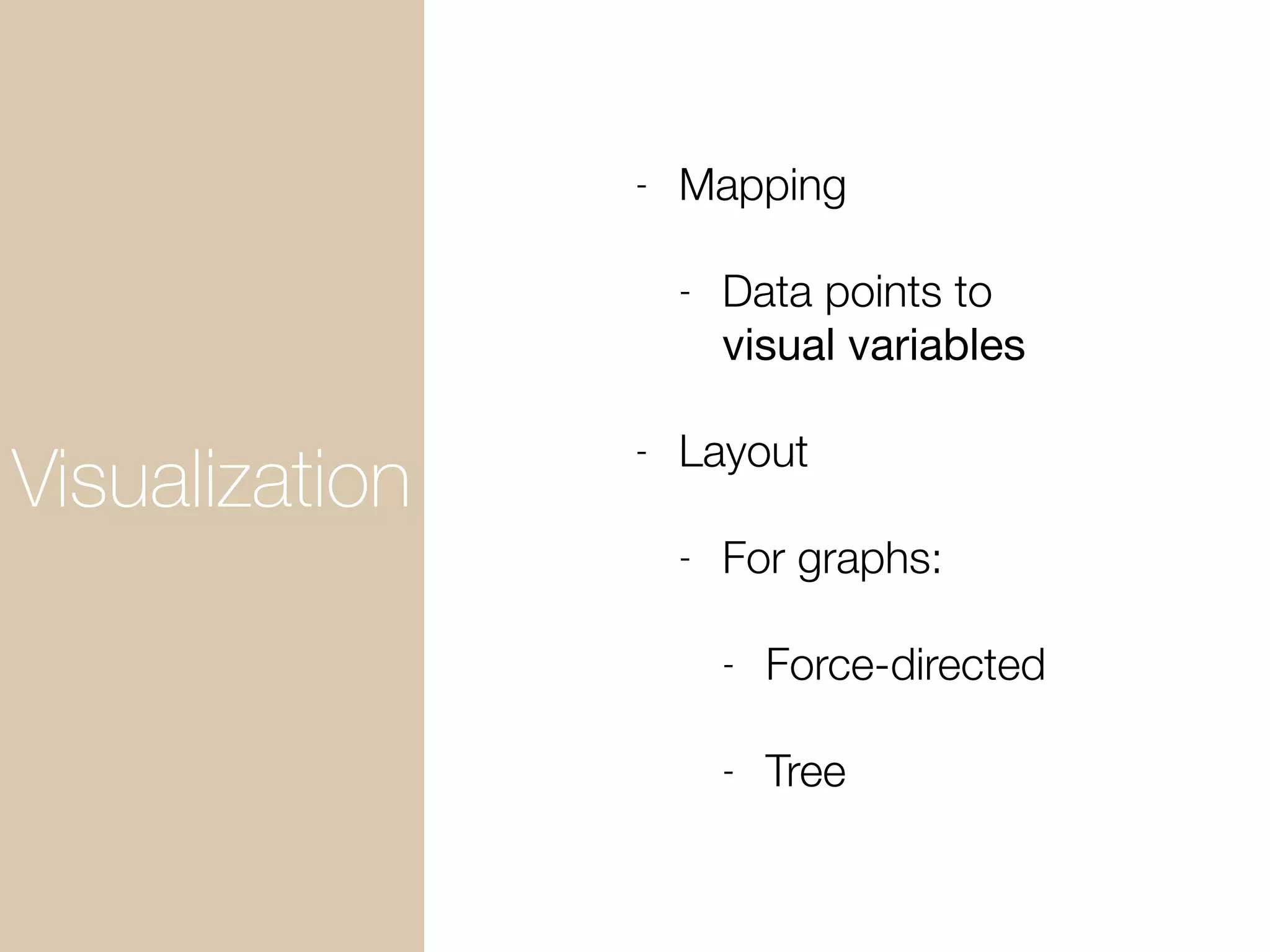
Visualization
Visualization
- Mapping
- Data points to
visual variables
- Layout
- For graphs:
- Force-directed
- Tree
Data
Preparation
Analysis Visualization
Data
Preparation
Analysis Visualization
Data
Preparation
Analysis Visualization
Data
Preparati
on
Analysis Visualizati
on
REST
Git/GitHub For Sharing Code/Notebooks
- Git - Distributed Source Code Management
System
- GitHub - (Public) Remote repository + great user
interface for working with OSS code
- Create a new repository from existing one
- Complete copy of the original + your full access
- Pull Request
Forking
Exercise:
Fork Repository
Fork My Repo.
bit.ly/1aBiRuf
Prepare Environment to
Run Notebooks
Docker as Portable Data Analysis Environment
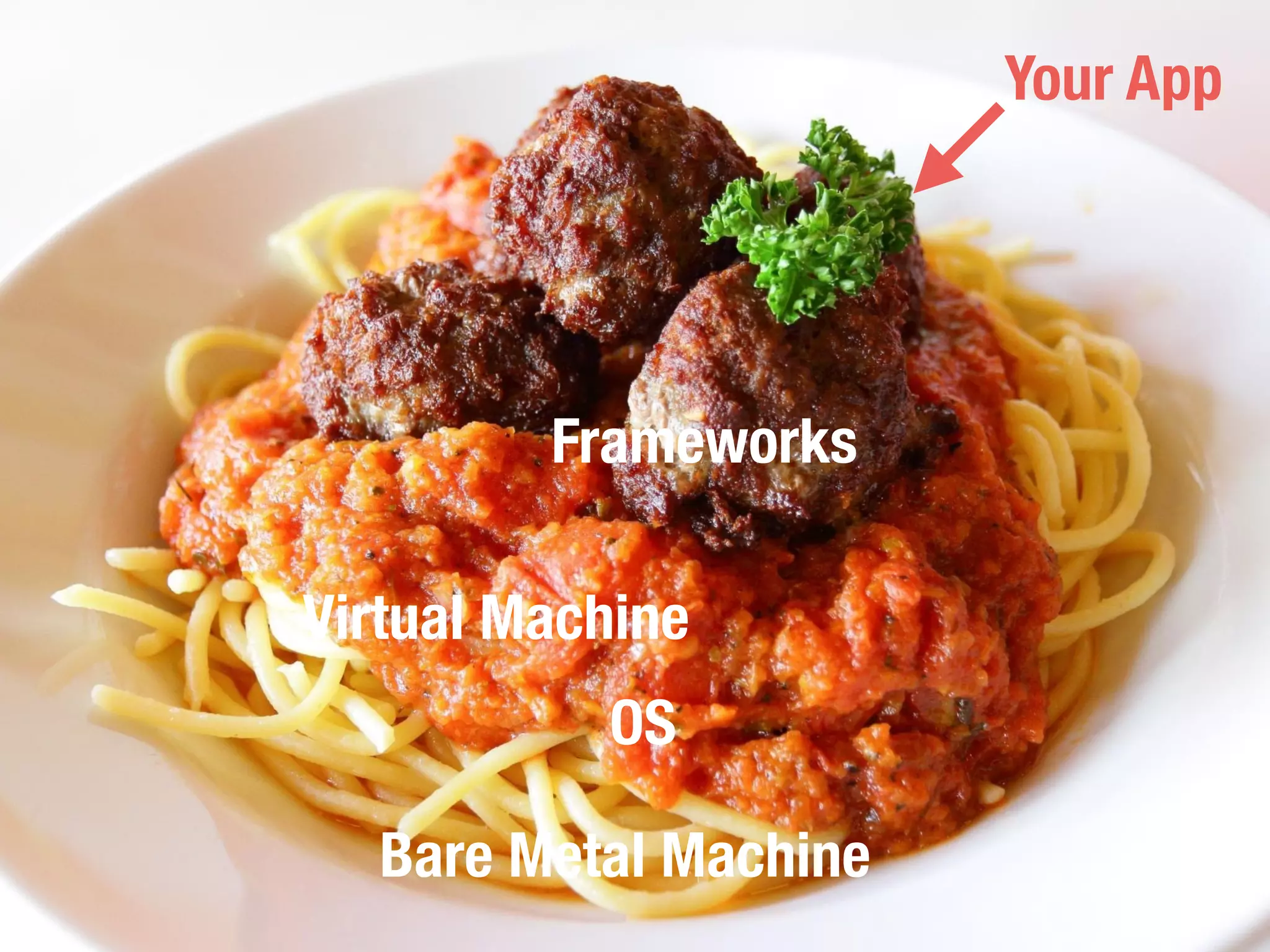
Bare Metal Machine
OS
Virtual Machine
Frameworks
Your App
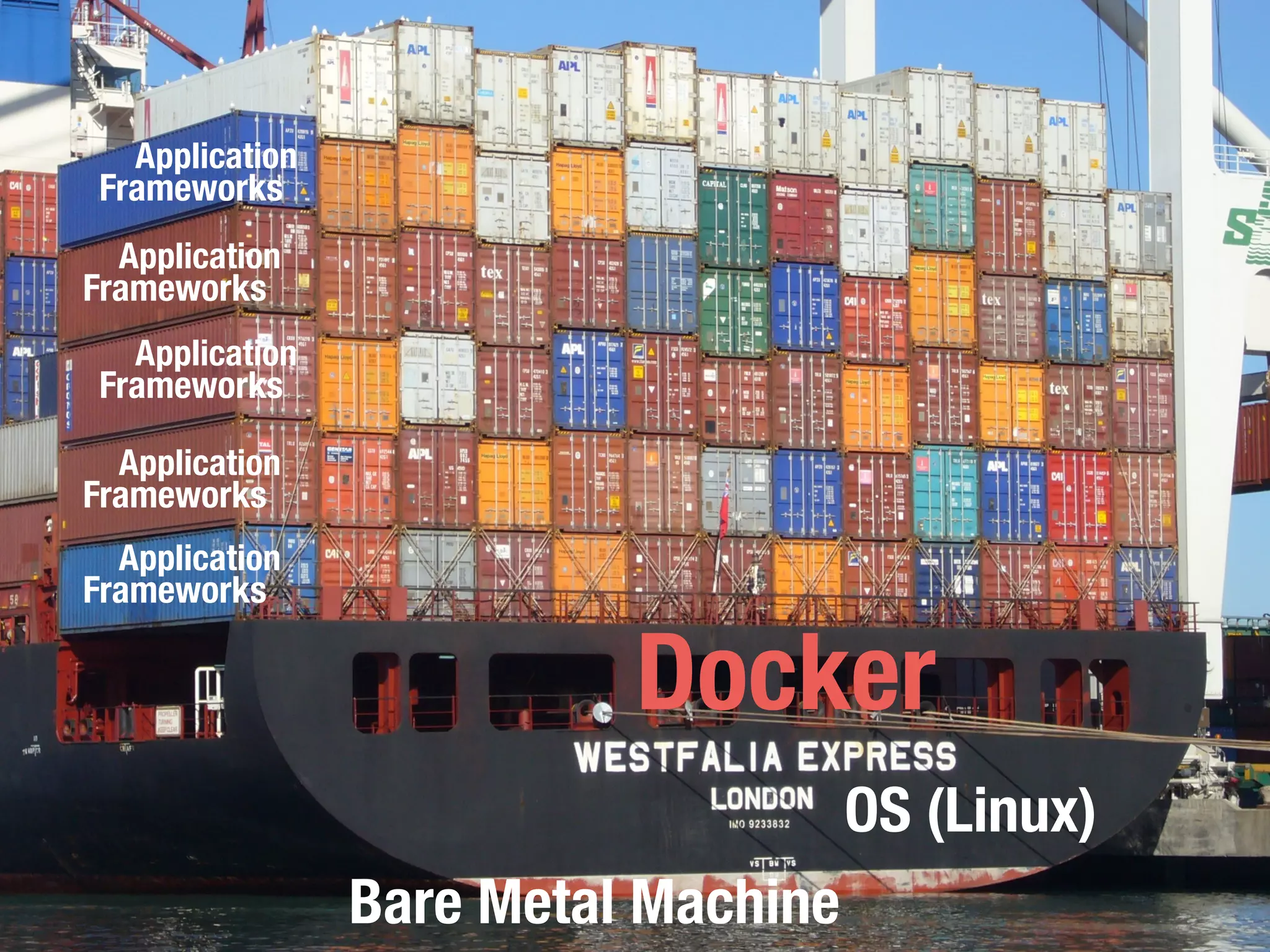
Bare Metal Machine
OS (Linux)
Docker
Frameworks
Application
Frameworks
Application
Frameworks
Application
Frameworks
Application
Frameworks
Application
What is Docker?
- Container to run applications in an isolated
environment
- Application = Layer of images
- Sharable Environments
- Environments as code
Docker Hub
- Sharing environments as code!
- Dockerfile - Definition of your container
- “GitHub of Images”
Image B
Image C
Image A
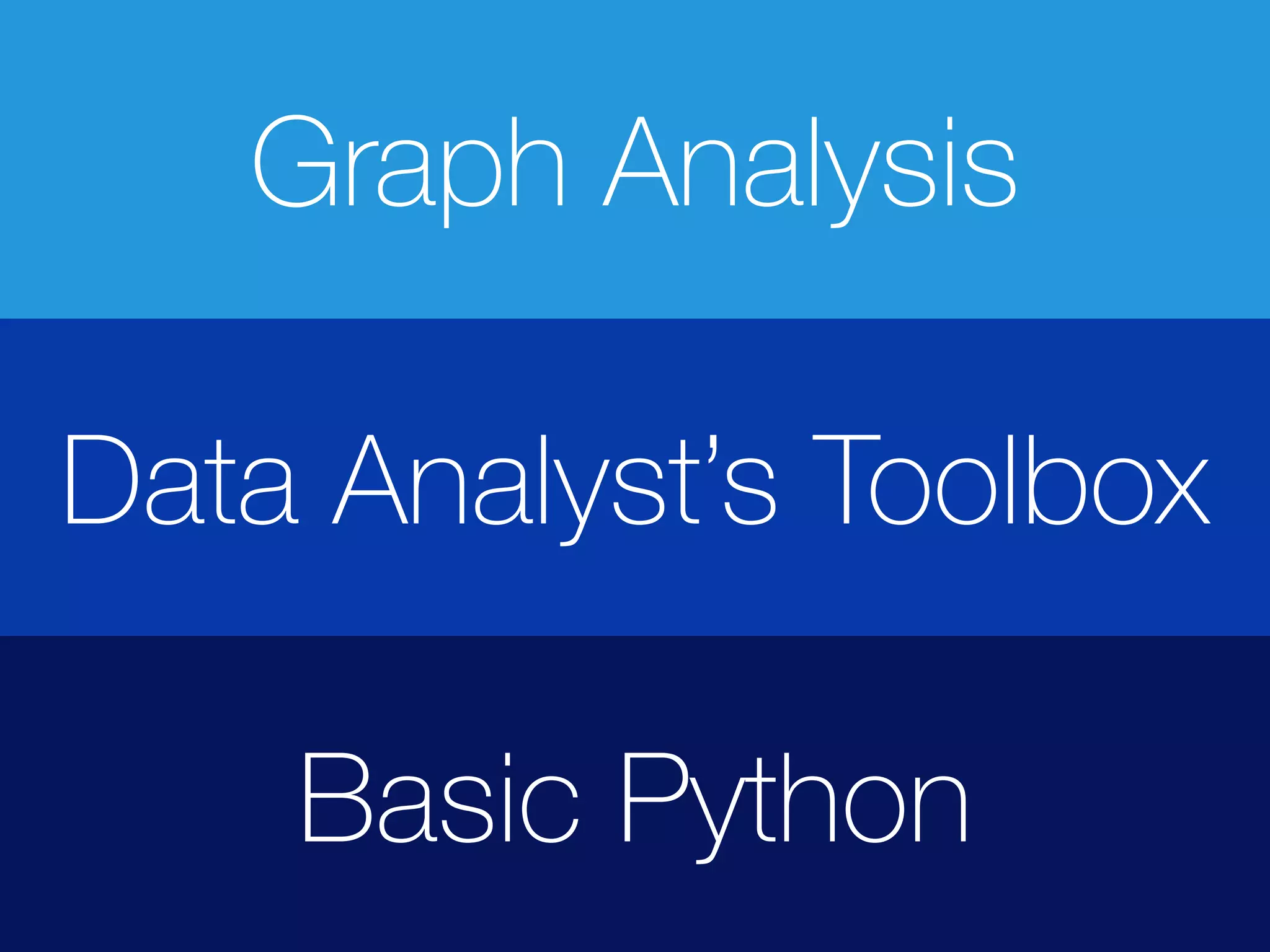
Data Analyst’s Toolbox
Basic Python
Graph Analysis
Run a Container
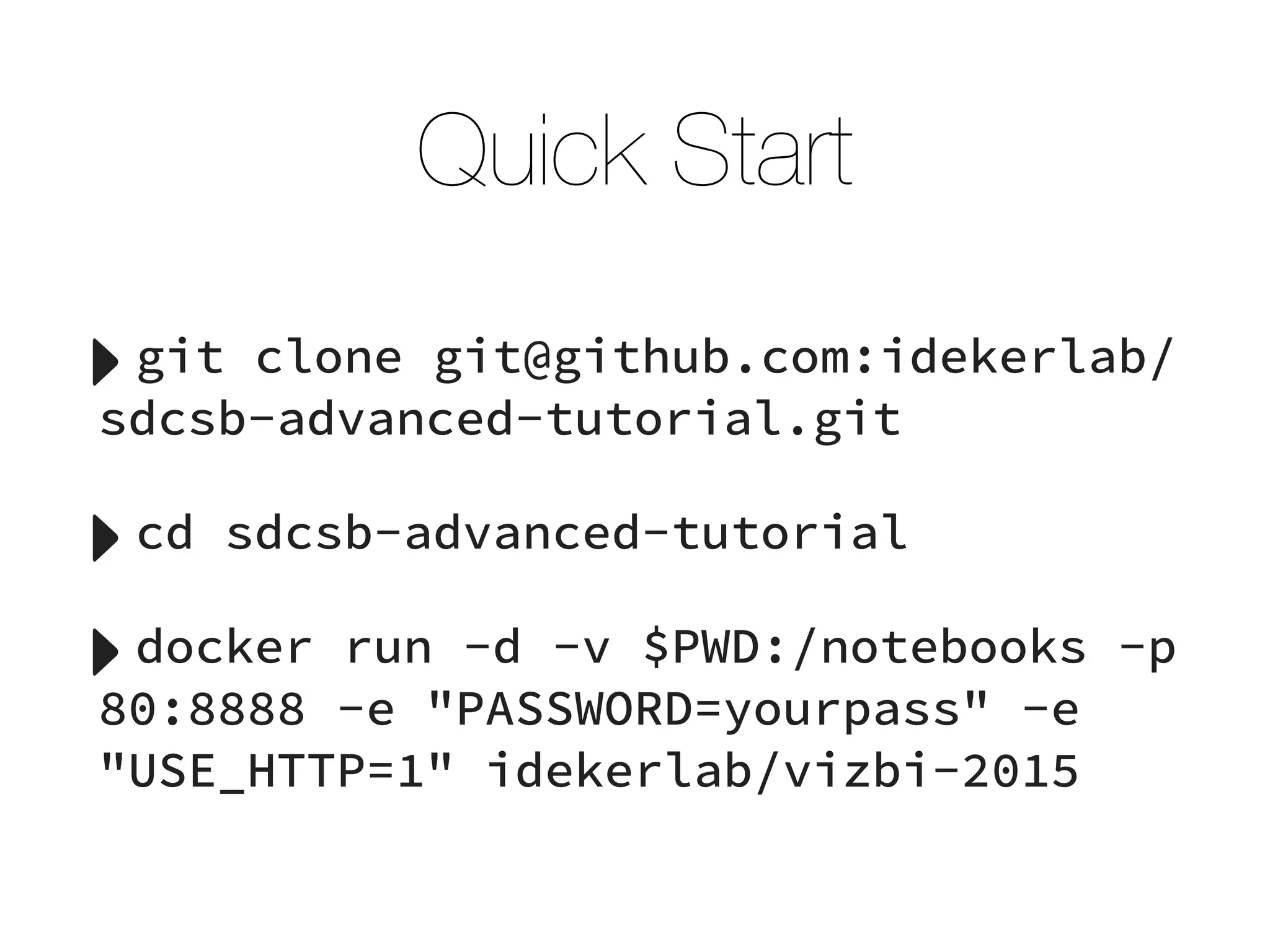
Quick Start
‣git clone git@github.com:idekerlab/
sdcsb-advanced-tutorial.git
‣cd sdcsb-advanced-tutorial
‣docker run -d -v $PWD:/notebooks -p
80:8888 -e "PASSWORD=yourpass" -e
"USE_HTTP=1" idekerlab/vizbi-2015
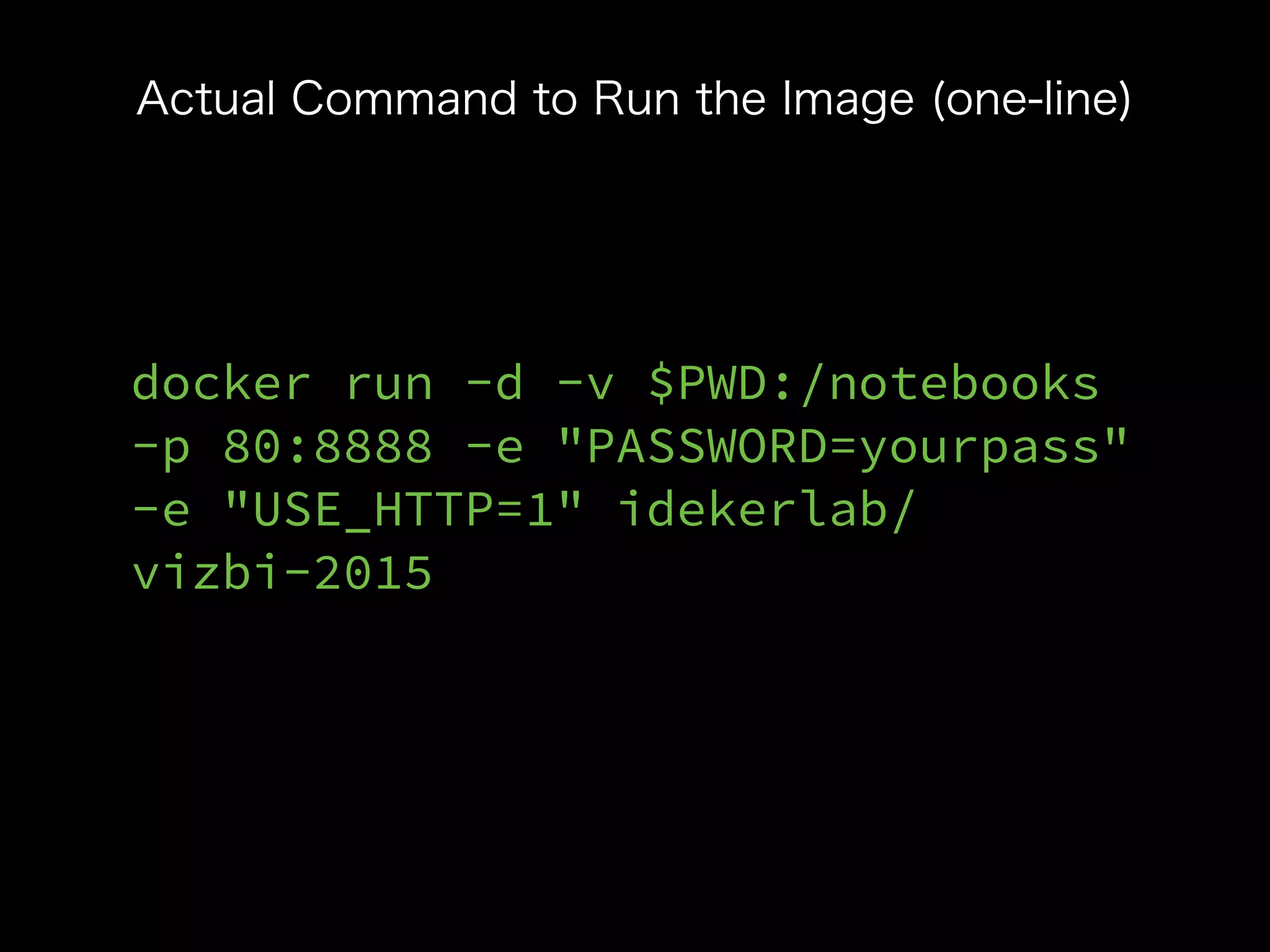
docker run -d -v $PWD:/notebooks
-p 80:8888 -e "PASSWORD=yourpass"
-e "USE_HTTP=1" idekerlab/
vizbi-2015
Actual Command to Run the Image (one-line)
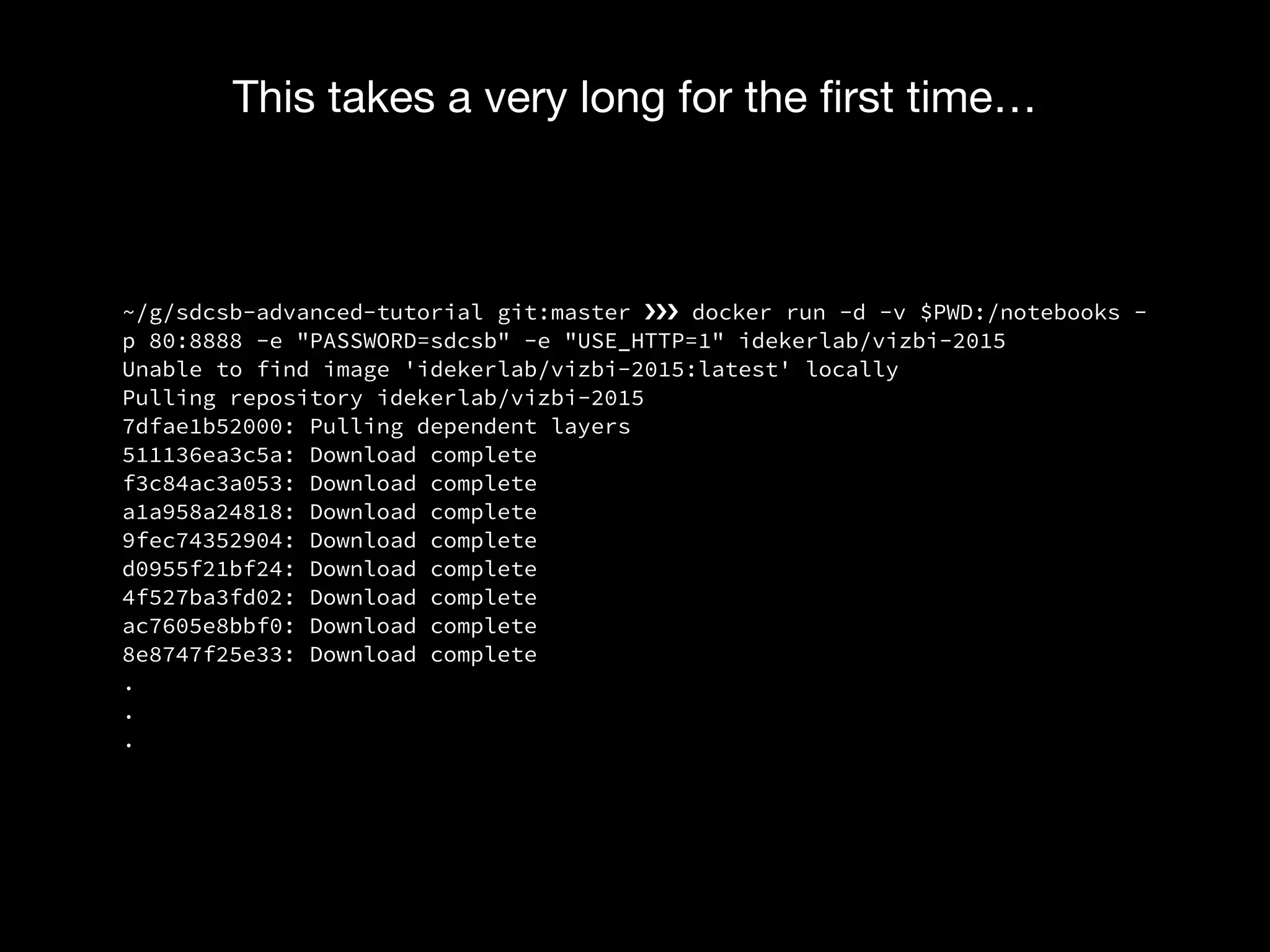
~/g/sdcsb-advanced-tutorial git:master ›❯›❯›❯ docker run -d -v $PWD:/notebooks -
p 80:8888 -e "PASSWORD=sdcsb" -e "USE_HTTP=1" idekerlab/vizbi-2015
Unable to find image 'idekerlab/vizbi-2015:latest' locally
Pulling repository idekerlab/vizbi-2015
7dfae1b52000: Pulling dependent layers
511136ea3c5a: Download complete
f3c84ac3a053: Download complete
a1a958a24818: Download complete
9fec74352904: Download complete
d0955f21bf24: Download complete
4f527ba3fd02: Download complete
ac7605e8bbf0: Download complete
8e8747f25e33: Download complete
.
.
.
This takes a very long for the first time…
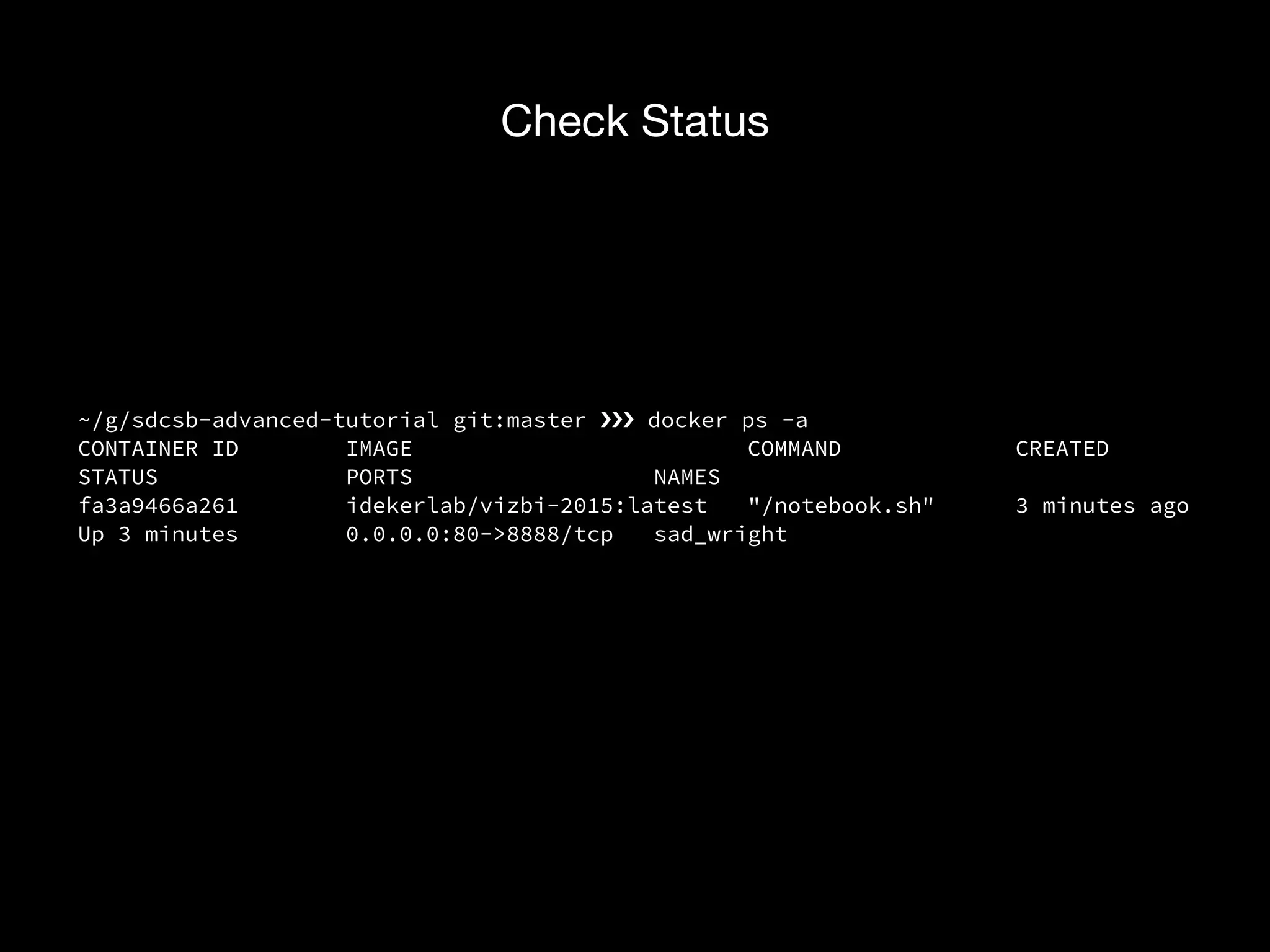
~/g/sdcsb-advanced-tutorial git:master ›❯›❯›❯ docker ps -a
CONTAINER ID IMAGE COMMAND CREATED
STATUS PORTS NAMES
fa3a9466a261 idekerlab/vizbi-2015:latest "/notebook.sh" 3 minutes ago
Up 3 minutes 0.0.0.0:80->8888/tcp sad_wright
Check Status
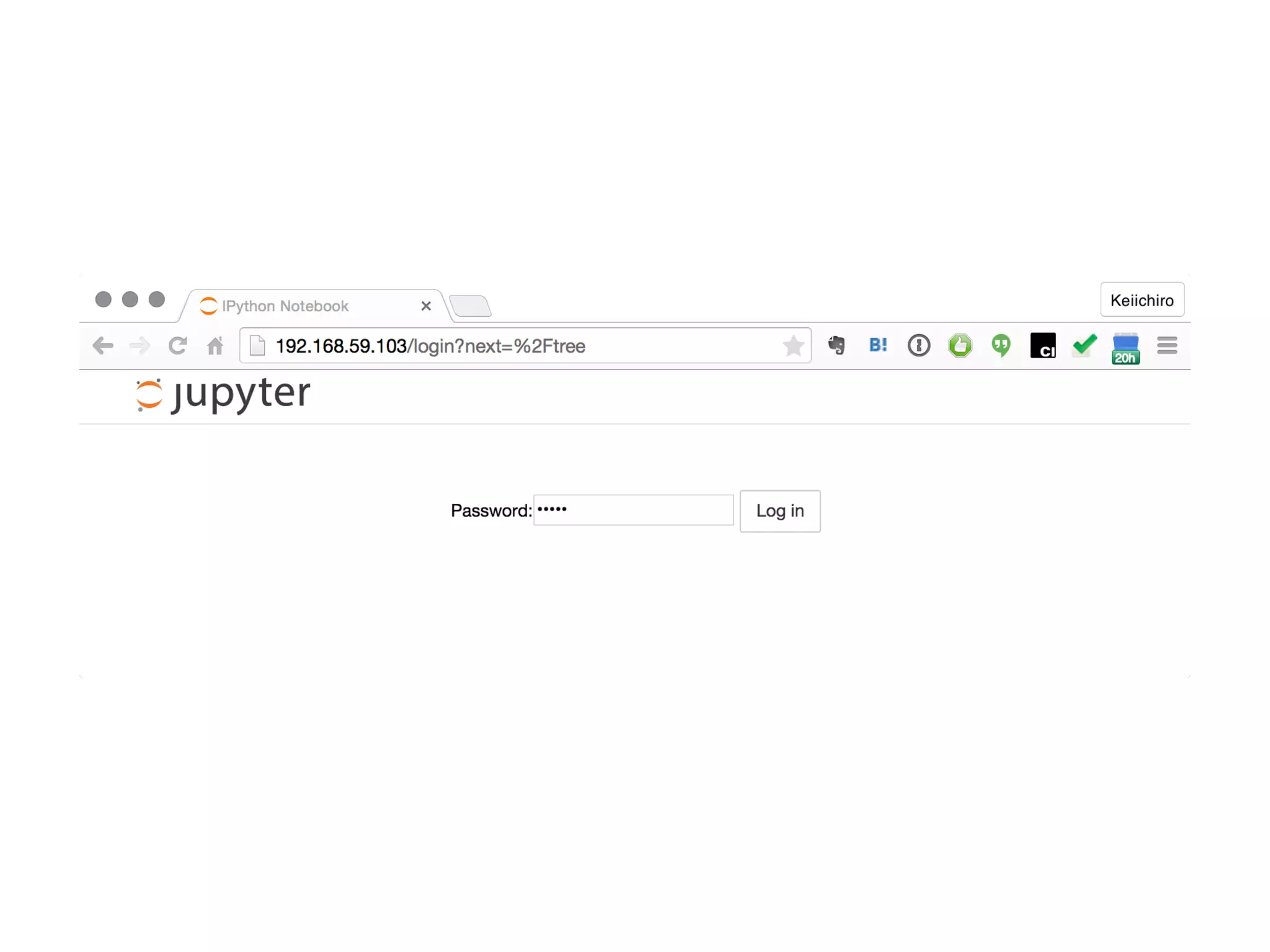
IPython Notebook as your electronic lab notebook
Jupyter as a Lab Notebook for Dry Experiments
Interactive Command-Line
+
Markdown-based Documents
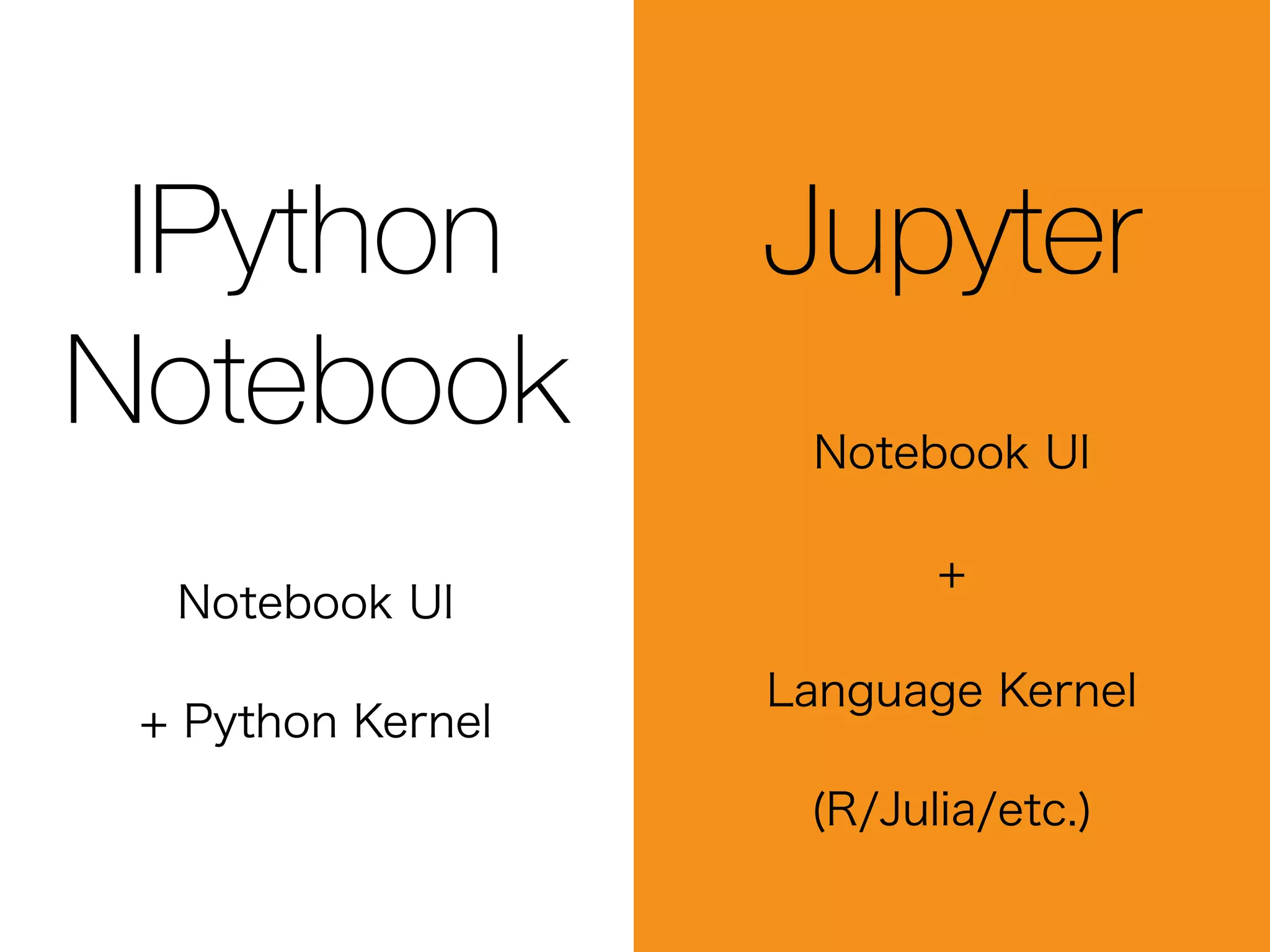
IPython Notebook?
Jupyter?
IPython
Notebook
Notebook UI
+ Python Kernel
Jupyter
Notebook UI
+
Language Kernel
(R/Julia/etc.)
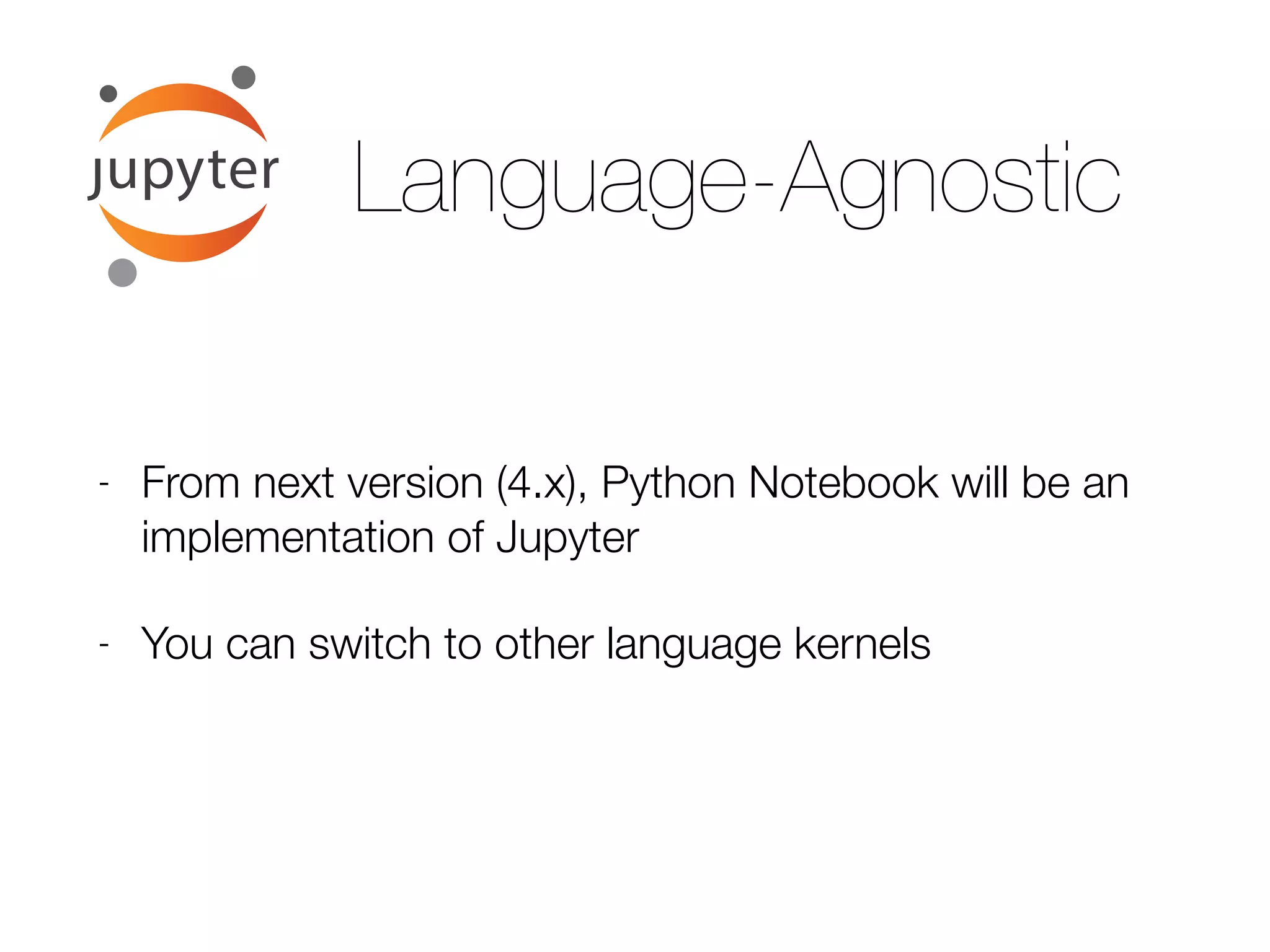
Language-Agnostic
- From next version (4.x), Python Notebook will be an
implementation of Jupyter
- You can switch to other language kernels
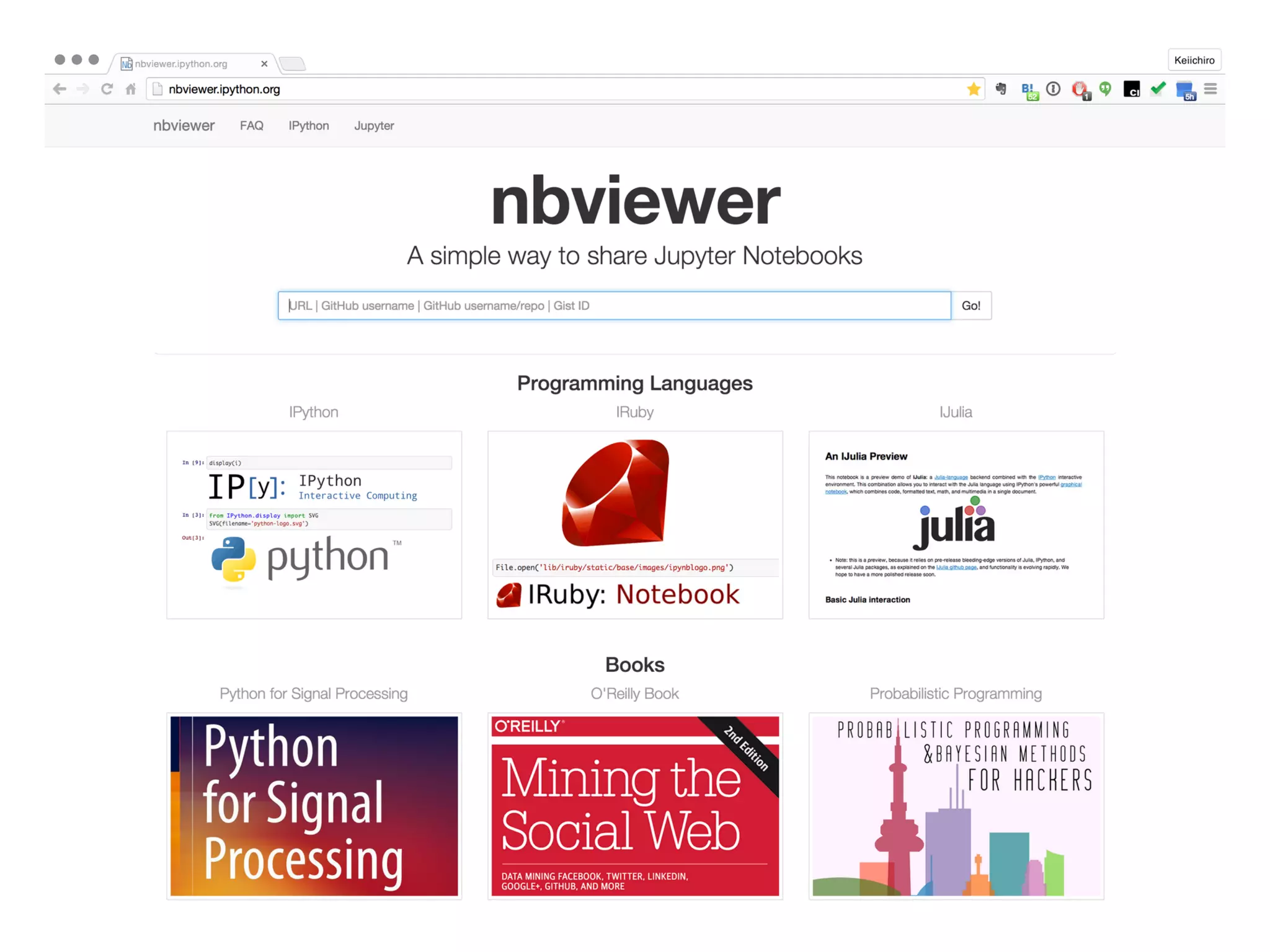
bit.ly/1HxZIqm
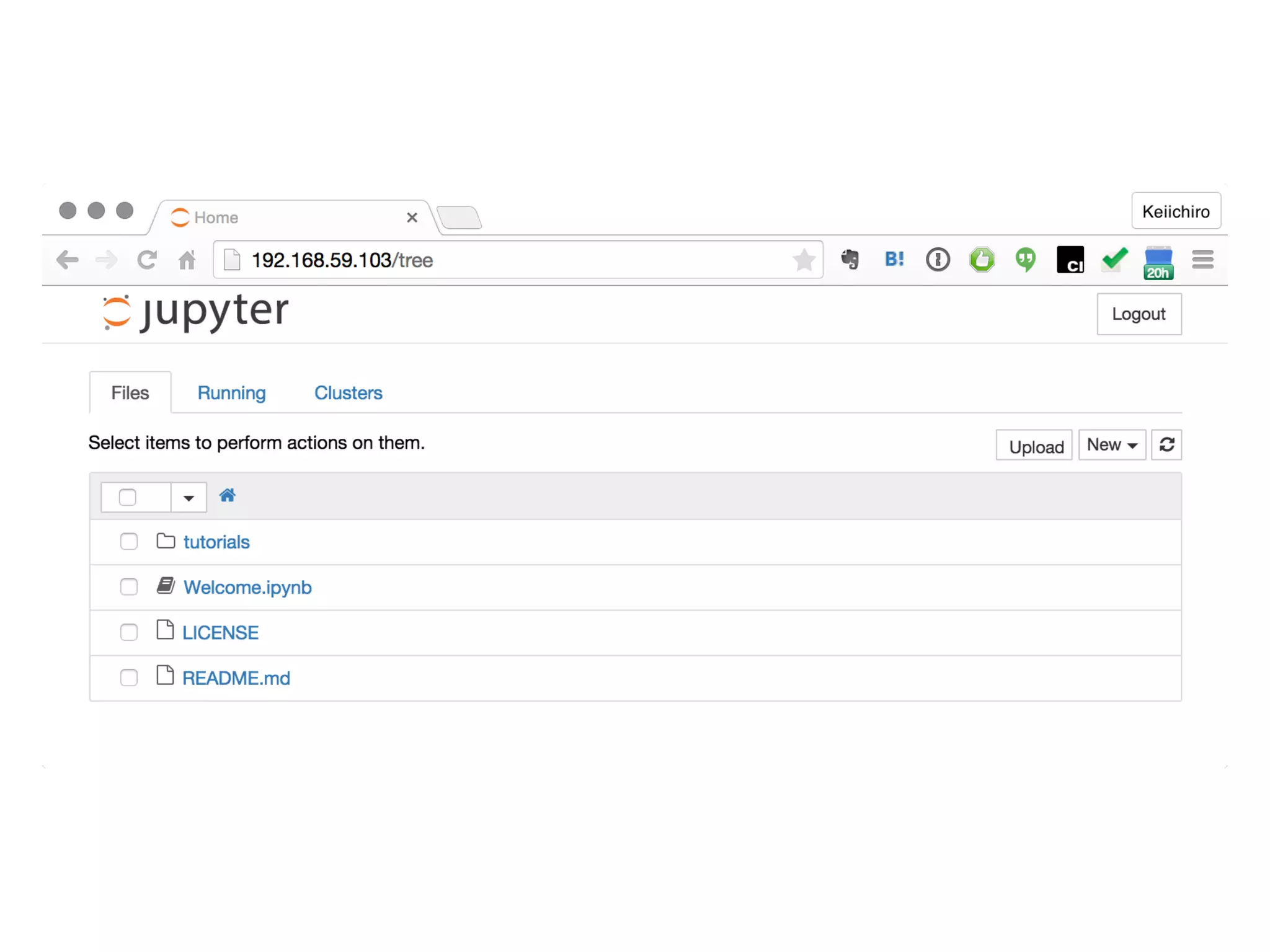
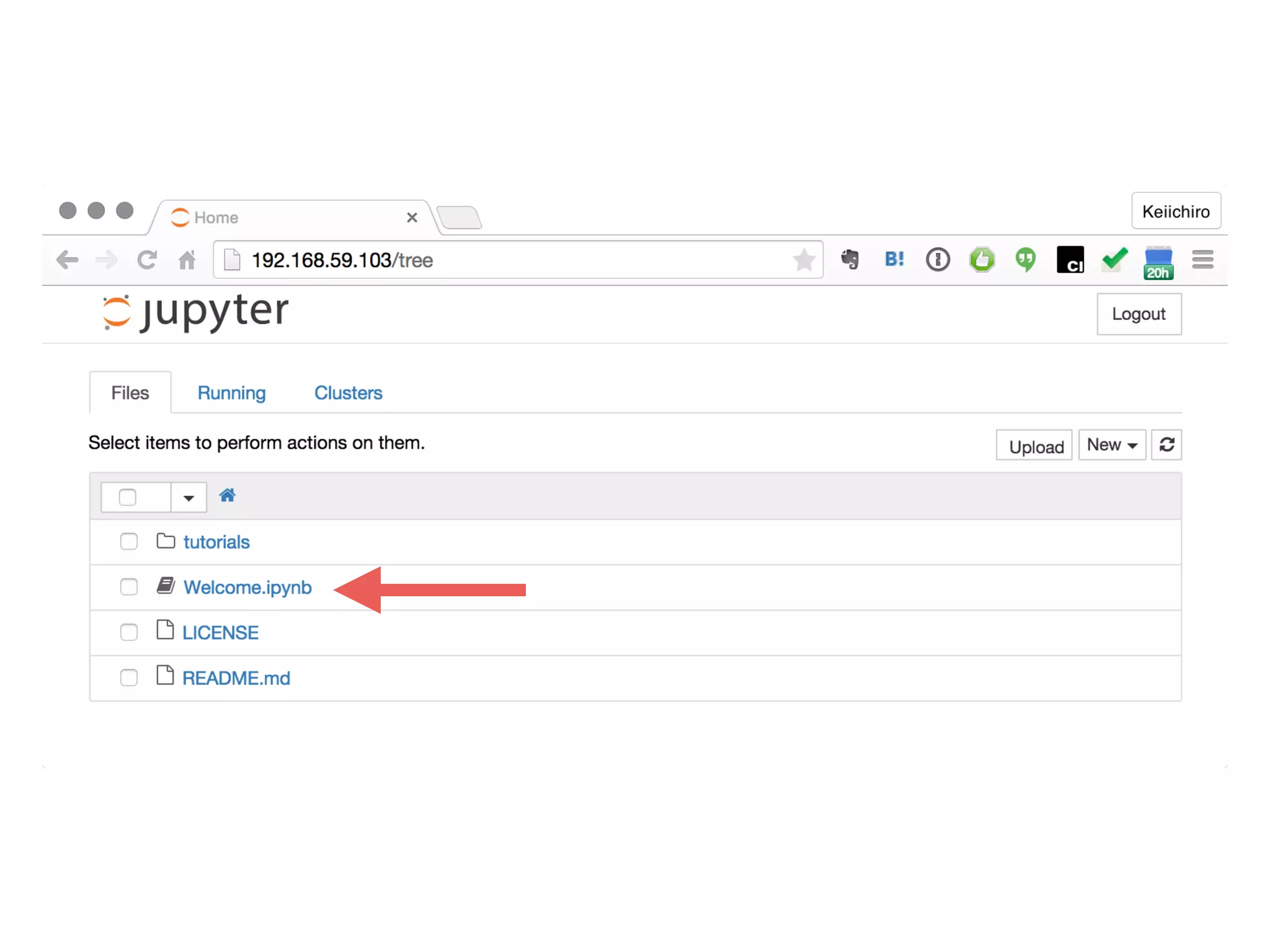
Link to Welcome notebook on nbviewer
Let’s start: Lesson 0
2015 Keiichiro Ono
kono@ucsd.edu
• https://flic.kr/p/bFZpyg
• https://flic.kr/p/bmXUz1
Photo Credits
• https://www.flickr.com/photos/23629083@N03/15409436041/in/photolist-ptFotK-9uS2gj-hypkSp-hypk9F-hypjha-99c472-9Xkuuc-huNmqB-7NMxMz-rg2Xh2-qYABcA-qjnGoB-rg2WVF-
rdQYMf-qjaxy7-rg5Aoo-rg2Wre-qYAAt1-rg2Wev-qYAAaA-rg2W1V-rdQXT1-qjawtS-rg9ePH-rg5zb3-qjnEtV-qYHAvc-qYBA9d-rg2V7F-qYHAeF-qYAySA-rg5ys9-rg9dLF-rg2Utg-rg9drH-qYAyew-
rg9dmc-rg5xP5-rg5xDA-qYAxV5-rg2TLe-rg5xp7-rg5xfQ-aq32tC-hba7em-hbafzE-gbeABq-gck7Dv-7PoYg1-fkisQL
• https://www.flickr.com/photos/nebulux/10000066526/in/photolist-geEXo7-58r1VP-6GioJH-9juEda-53HFiR-4sq7n3-4gyg7e-8ag9VV-8uqK43-4E89Gc-
iWDeiJ-9G47M4-9G71KC-9waYuP-5FWSrX-87Mhxi-9G71XY-7Ai8hs-48vd2B-7B7o6n-6D9uWd-6hffXv-gYExNx-7defC1-66ygvB-4LsWSN-6D5n5k-6hfg5z-eucXAh-8uyuuG-
aAY6cH-76QCEX-7f6mdp-RntfW-eFuVBC-5nY8Vc-7utTA2-brdj8F-92k6n3-5KdCfh-83uVKy-8unxG8-3d3zxi-cdz8S7-4HT5qQ-99SwEn-7Akbcb-8y7ds9-fvo9zH-9zZky3
• https://www.flickr.com/photos/stratman2/8613731520/in/photolist-e8aChq-7LLUoQ-8s8eBL-6uGRmE-77wKJF-
dqo6ar-6hffGK-7rykRT-6fG8WV-8unyFa-8AeF8A-93Xpo2-9XLXCj-7GVMym-5Tu3dJ-7v58RC-5K9nBF-2MbvpL-2M77nV-et54Ce-6hfgvr-6hffQa-67wNj5-9FDGTz-49NmoE-eFXB7u-76QB7H-
brdbSP-brcYHT-22zYYv-6fFZoM-ckuXNC-a8UZ3D-dzGXYU-6nf4MN-4j7TzA-47fYur-2kutoV-56catX-apUJgr-cSJHkG-88w1ie-6Nbj1a-8MYxve-6xL3SF-6fL87j-4G6x71-
dUL16b-7auq8Q-6hwbVB
• https://www.flickr.com/photos/gcwest/281385801/in/photolist-5mFJtX-4o3Ria-hD9E92-qSbck-9abnoA-7hsWoU-ntEmgy-oSAQtv-nx5Chg-iuZJCa-j7eWKk-hD7JTZ-4iECHX-j8M2r7-bSrWHc-
prpFcX-db7xd-jLmzoF-75mqRx-pnSzL-6gVcao-9F5bop-j77HEs-73Umq1-5kRyNp-hD9cR2-mTvNB8-gyXWaf-Lkro7-idQBY4-fRYu1-5eR2cn-3EK4k-nnxH8u-9uDMLx-4NY3Yi-kDQagt-
ioGRSb-75qid1-82RzYt-5qQuwt-n8hvL6-ifemz5-3iYUQG-aJnNiX-mzirX2-23rDNy-qx3KEd-h5UnGW-hD7Jqz

SDCSB Advanced Tutorial: Reproducible Data Visualization Workflow with Cytoscape and IPython Notebook