Protecting Your Gold
Will Schroeder, Specter Ops
Standard Image Analysis With PowerShell
Agenda
• PowerUp
• Common Privesc Primitives
• Service (Binary) Permissions
• %PATH% hijacking
• Processes, Threads, and User Rights
• Autoruns
• Provisioning Leftovers/Grab Bag
• “Rotten Potato“
• Custom Software Analysis
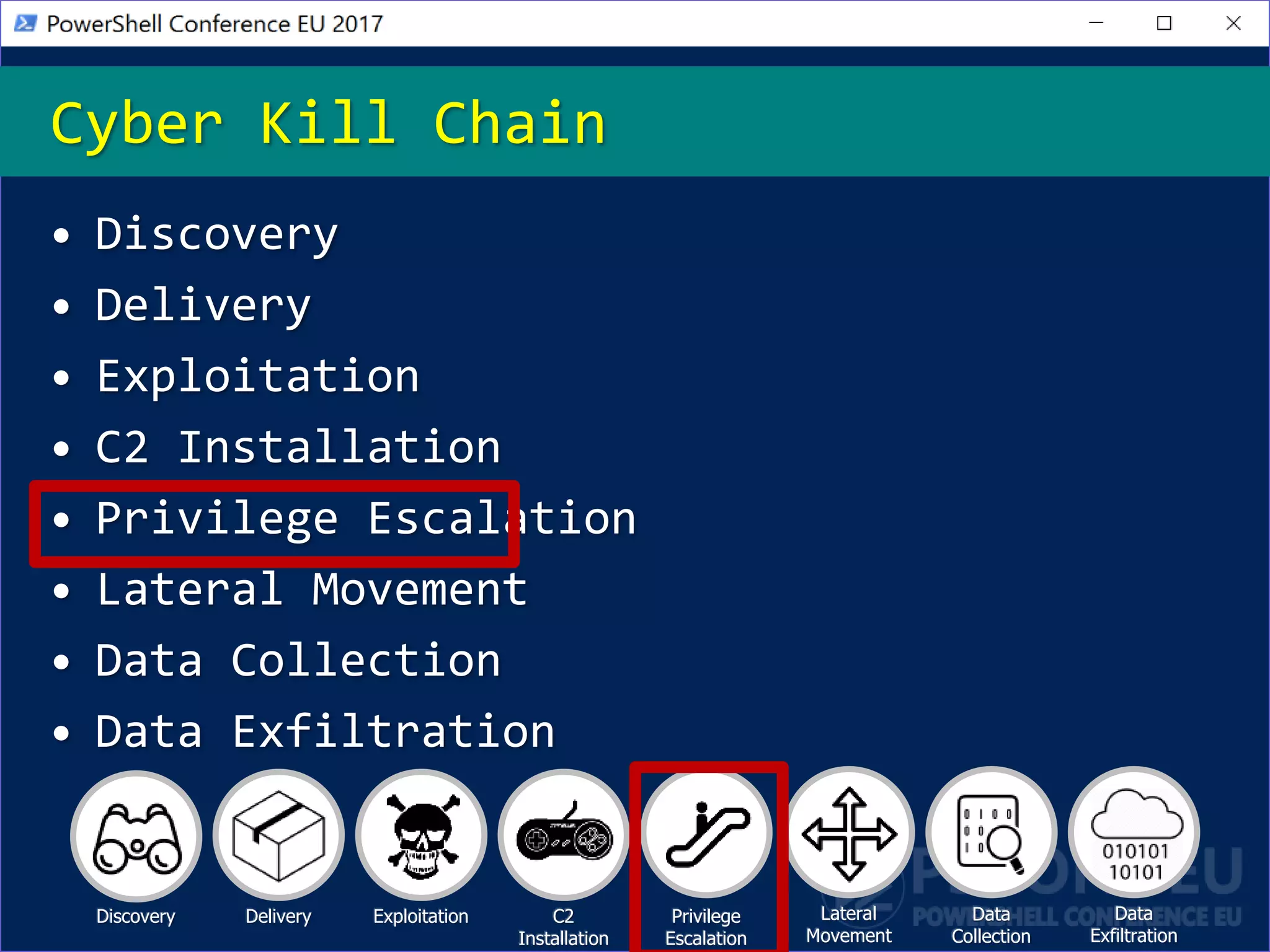
• Discovery
• Delivery
• Exploitation
• C2 Installation
• Privilege Escalation
• Lateral Movement
• Data Collection
• Data Exfiltration
Cyber Kill Chain
Discovery Delivery Exploitation C2
Installation
Privilege
Escalation
Lateral
Movement
Data
Exfiltration
Data
Collection
Privilege Escalation
• Most attackers (and us) try to find a way
to escalate privileges to local
administrator/SYSTEM after initial access
is gained
• Everyone isn’t a local admin any more!
• The two main approaches tend to be
0day/exploits and the abuse of
misconfigurations
• You should examine your gold base system
images every time there’s a major change!
• A self-
contained
PowerShell
tool that
automates the
audit and
exploitation
of a number of
common
privilege
escalation
PowerUp
• Now part of PowerSploit
(.PrivescPowerUp.ps1)
• Strict Version 2 compatibility
• (Now) doesn’t start any additional
processes, nor does it depend on any
external binaries
• I.E. uses ChangeServiceConfig() instead of
“set Svc binPath= malicious command”
• Uses PSReflect for Win32 API access
PowerUp’s Approach
• Services are a defined Windows securable
object
• So we can use QueryServiceObjectSecurity()
• Services themselves sometimes have
misconfigured permissions (rare, but it
happens)
• More common are misconfigured permissions
on the binary associated with the service
• If an unprivileged user can replace the
binary for a service, they can gain code
execution when the service/machine restarts
• PowerUp:
Vulnerable Services
• When a Windows application tries to load
a particular .DLL, it searches specific
locations in a predefined order
1. The directory from which the application is
loaded
2. The 32-bit system directory
(C:WindowsSystem32)
3. The 16-bit system directory
(C:WindowsSystem)
4. The Windows directory (C:Windows)
5. The current working directory
6. Any directories that are listed in the PATH
environment variable
Sidenote: DLL Load Order
• When a process tries to load a DLL, there
is a predefined search order for the DLL
location
• The last search location is any folder in
%PATH%
• One service on Windows 7 (IKEEXT) tries
to load a DLL that doesn’t exist
(wlbsctrl.dll)
• Translation: if we can write to any
folder in %PATH% on a Windows 7 machine
(like C:Python27) we can escalate
%PATH% Hijacking
• Processes and threads are securable
objects as well
• Something we’re going to look more heavily
heavily into this year
• User Rights include specific privileges
Processes, Threads, and User
Rights
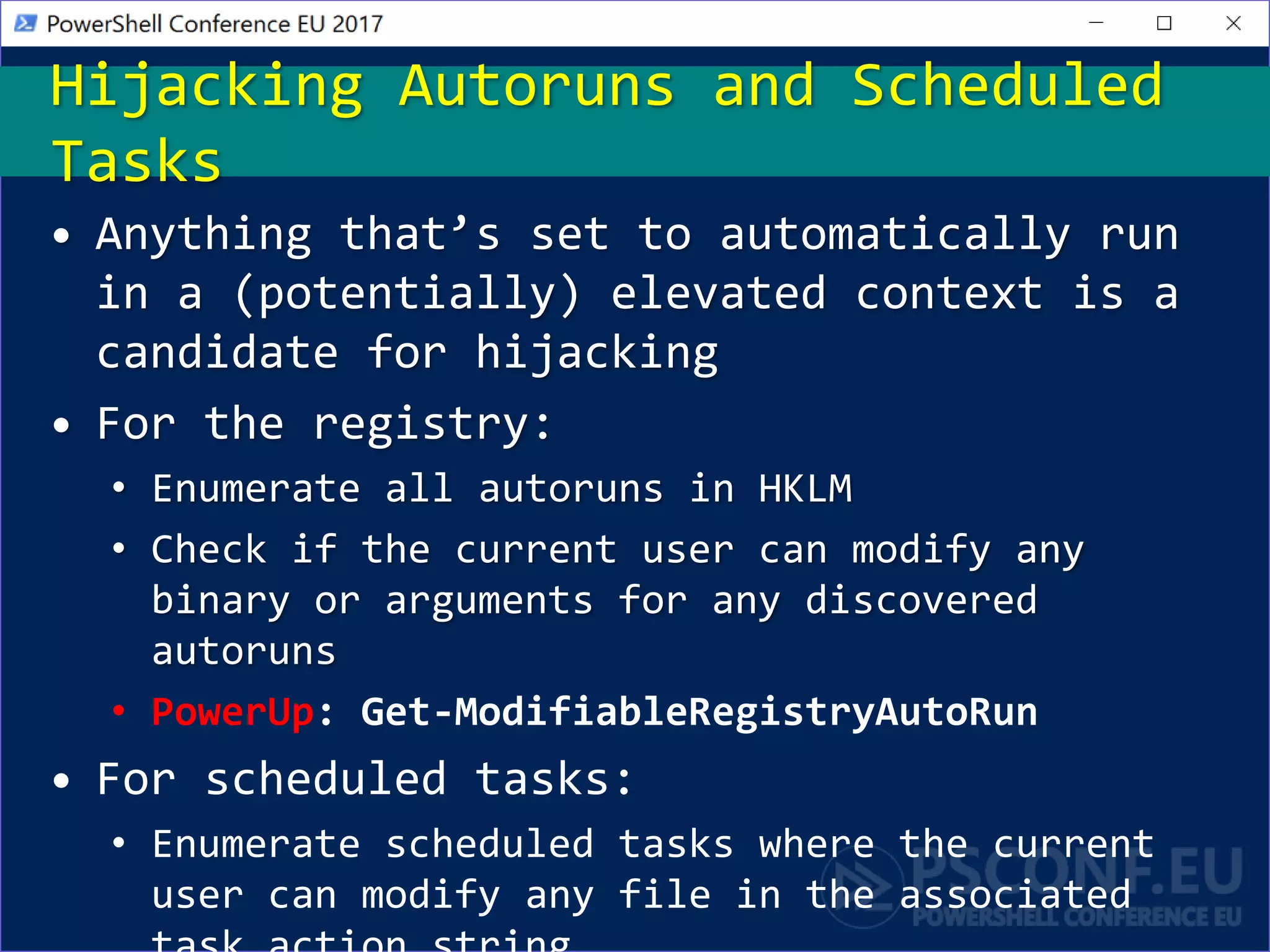
• Anything that’s set to automatically run
in a (potentially) elevated context is a
candidate for hijacking
• For the registry:
• Enumerate all autoruns in HKLM
• Check if the current user can modify any
binary or arguments for any discovered
autoruns
• PowerUp: Get-ModifiableRegistryAutoRun
• For scheduled tasks:
• Enumerate scheduled tasks where the current
user can modify any file in the associated
Hijacking Autoruns and Scheduled
Tasks
• We occasionally find left over
Unattended.xml answer files that have
passwords set for local account
provisioning
• PowerUp: Get-UnattendedInstallFile
• Some Group Policy Preference files
contain a decryptable cpassword attribute
(Get-GPPPassword…)
• These GPOs are sometimes cached on the host
• PowerUp: Get-CachedGPPPassword
Provisioning Leftovers
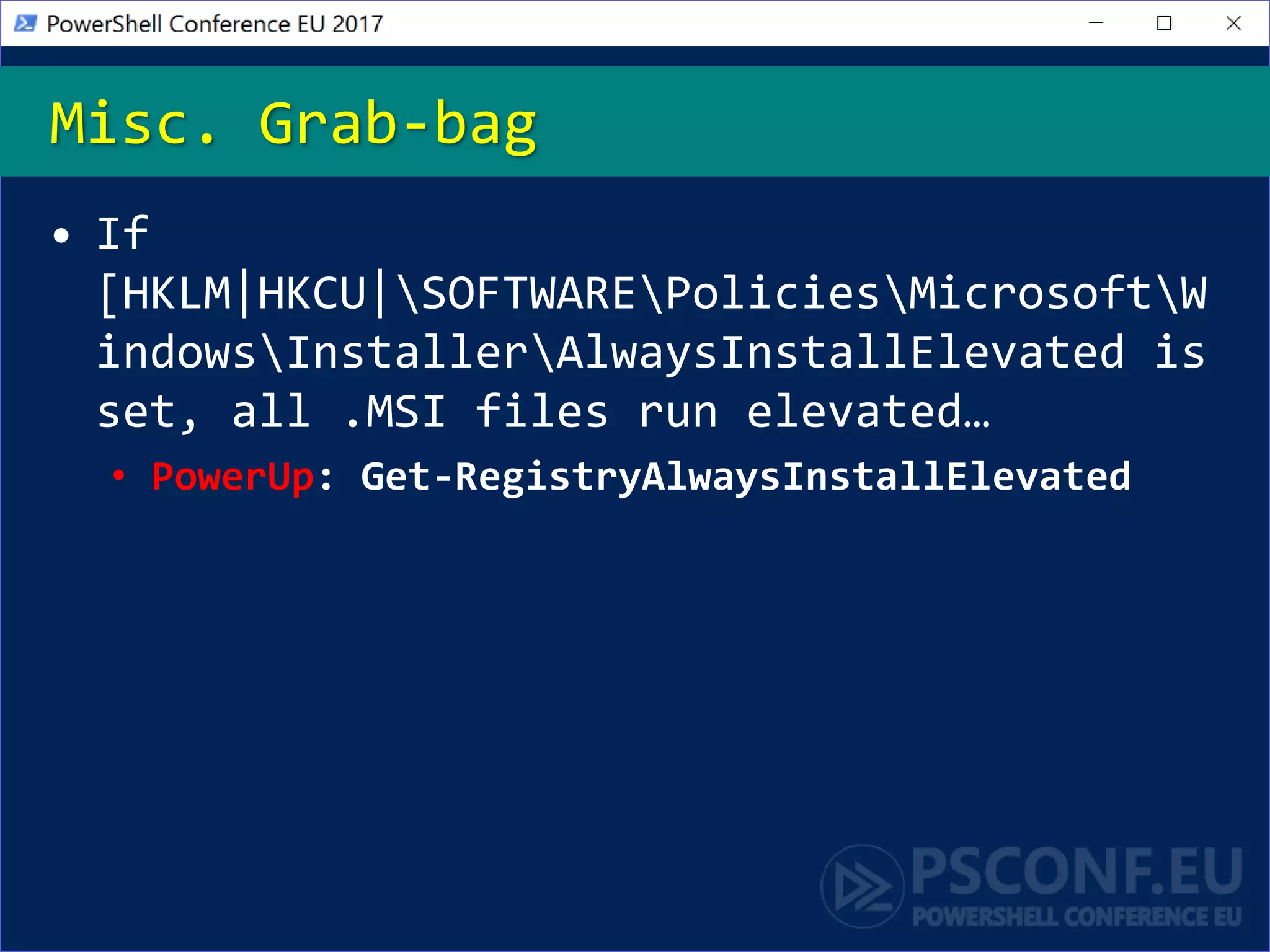
• If
[HKLM|HKCU|SOFTWAREPoliciesMicrosoftW
indowsInstallerAlwaysInstallElevated is
set, all .MSI files run elevated…
• PowerUp: Get-RegistryAlwaysInstallElevated
Misc. Grab-bag
• In late 2016, researchers from FoxGlove
Security released an attack called
“Rotten Potato”
• This allows you to escalate from a
service account (or any account with
SeImpersonatePrivilege) to SYSTEM
• It does this by abusing a bug class disclosed
by James Forshaw
• DCOM/RPC is tricked into authenticating with
NTLM to the same endpoint, and the resulting
token is impersonated from an account with
impersonation privileges
Rotten Potato
• Custom internal development is the most
common root cause of escalation vectors
we find
• Why? Security is hard! Same with a SDL!
• Part of our standard process is to search
for any custom/internally developed
software on any machines we gain initial
access to
• Bonus points if it’s C#!
• This is actually very similar to dynamic
malware analysis!
Custom Software Analysis
Analysis Demo
Summary
• Privilege escalation is sometime that most
actors attempt during their attack chain
• You should examine your gold image whenever
there’s a major modification!
• Misconfigurations are often unintentionally
introduced due to custom development or third-
party applications
• PowerUp automates the checks for most of
these misconfigurations
• You can analyze any custom-developed
software pretty easily using existing
malware dynamic analysis techniques!
• Now: 15 min break
• Grab a coffee
• Stay here to enjoy next presentation
• Change track and switch to another room
• Ask me questions or meet me in a breakout
session room afterwards
Next Steps...
Questions?
• Will Schroeder (@harmj0y)
• http://blog.harmj0y.net | will [at]
harmj0y.net
• Red teamer and offensive engineer for
Specter Ops
• Co-founder:
• Veil-Framework | Empire/EmPyre | BloodHound
• Developer of:
• PowerView | PowerUp | current PowerSploit
developer
• Microsoft CDM/PowerShell MVP
• Veteran trainer
About_Author

Defending Your "Gold"

  • 1.
    Protecting Your Gold WillSchroeder, Specter Ops Standard Image Analysis With PowerShell
  • 2.
    Agenda • PowerUp • CommonPrivesc Primitives • Service (Binary) Permissions • %PATH% hijacking • Processes, Threads, and User Rights • Autoruns • Provisioning Leftovers/Grab Bag • “Rotten Potato“ • Custom Software Analysis
  • 3.
    • Discovery • Delivery •Exploitation • C2 Installation • Privilege Escalation • Lateral Movement • Data Collection • Data Exfiltration Cyber Kill Chain Discovery Delivery Exploitation C2 Installation Privilege Escalation Lateral Movement Data Exfiltration Data Collection
  • 4.
    Privilege Escalation • Mostattackers (and us) try to find a way to escalate privileges to local administrator/SYSTEM after initial access is gained • Everyone isn’t a local admin any more! • The two main approaches tend to be 0day/exploits and the abuse of misconfigurations • You should examine your gold base system images every time there’s a major change!
  • 5.
    • A self- contained PowerShell toolthat automates the audit and exploitation of a number of common privilege escalation PowerUp
  • 6.
    • Now partof PowerSploit (.PrivescPowerUp.ps1) • Strict Version 2 compatibility • (Now) doesn’t start any additional processes, nor does it depend on any external binaries • I.E. uses ChangeServiceConfig() instead of “set Svc binPath= malicious command” • Uses PSReflect for Win32 API access PowerUp’s Approach
  • 7.
    • Services area defined Windows securable object • So we can use QueryServiceObjectSecurity() • Services themselves sometimes have misconfigured permissions (rare, but it happens) • More common are misconfigured permissions on the binary associated with the service • If an unprivileged user can replace the binary for a service, they can gain code execution when the service/machine restarts • PowerUp: Vulnerable Services
  • 8.
    • When aWindows application tries to load a particular .DLL, it searches specific locations in a predefined order 1. The directory from which the application is loaded 2. The 32-bit system directory (C:WindowsSystem32) 3. The 16-bit system directory (C:WindowsSystem) 4. The Windows directory (C:Windows) 5. The current working directory 6. Any directories that are listed in the PATH environment variable Sidenote: DLL Load Order
  • 9.
    • When aprocess tries to load a DLL, there is a predefined search order for the DLL location • The last search location is any folder in %PATH% • One service on Windows 7 (IKEEXT) tries to load a DLL that doesn’t exist (wlbsctrl.dll) • Translation: if we can write to any folder in %PATH% on a Windows 7 machine (like C:Python27) we can escalate %PATH% Hijacking
  • 10.
    • Processes andthreads are securable objects as well • Something we’re going to look more heavily heavily into this year • User Rights include specific privileges Processes, Threads, and User Rights
  • 11.
    • Anything that’sset to automatically run in a (potentially) elevated context is a candidate for hijacking • For the registry: • Enumerate all autoruns in HKLM • Check if the current user can modify any binary or arguments for any discovered autoruns • PowerUp: Get-ModifiableRegistryAutoRun • For scheduled tasks: • Enumerate scheduled tasks where the current user can modify any file in the associated Hijacking Autoruns and Scheduled Tasks
  • 12.
    • We occasionallyfind left over Unattended.xml answer files that have passwords set for local account provisioning • PowerUp: Get-UnattendedInstallFile • Some Group Policy Preference files contain a decryptable cpassword attribute (Get-GPPPassword…) • These GPOs are sometimes cached on the host • PowerUp: Get-CachedGPPPassword Provisioning Leftovers
  • 13.
    • If [HKLM|HKCU|SOFTWAREPoliciesMicrosoftW indowsInstallerAlwaysInstallElevated is set,all .MSI files run elevated… • PowerUp: Get-RegistryAlwaysInstallElevated Misc. Grab-bag
  • 14.
    • In late2016, researchers from FoxGlove Security released an attack called “Rotten Potato” • This allows you to escalate from a service account (or any account with SeImpersonatePrivilege) to SYSTEM • It does this by abusing a bug class disclosed by James Forshaw • DCOM/RPC is tricked into authenticating with NTLM to the same endpoint, and the resulting token is impersonated from an account with impersonation privileges Rotten Potato
  • 15.
    • Custom internaldevelopment is the most common root cause of escalation vectors we find • Why? Security is hard! Same with a SDL! • Part of our standard process is to search for any custom/internally developed software on any machines we gain initial access to • Bonus points if it’s C#! • This is actually very similar to dynamic malware analysis! Custom Software Analysis
  • 16.
  • 17.
    Summary • Privilege escalationis sometime that most actors attempt during their attack chain • You should examine your gold image whenever there’s a major modification! • Misconfigurations are often unintentionally introduced due to custom development or third- party applications • PowerUp automates the checks for most of these misconfigurations • You can analyze any custom-developed software pretty easily using existing malware dynamic analysis techniques!
  • 18.
    • Now: 15min break • Grab a coffee • Stay here to enjoy next presentation • Change track and switch to another room • Ask me questions or meet me in a breakout session room afterwards Next Steps...
  • 19.
  • 20.
    • Will Schroeder(@harmj0y) • http://blog.harmj0y.net | will [at] harmj0y.net • Red teamer and offensive engineer for Specter Ops • Co-founder: • Veil-Framework | Empire/EmPyre | BloodHound • Developer of: • PowerView | PowerUp | current PowerSploit developer • Microsoft CDM/PowerShell MVP • Veteran trainer About_Author

Editor's Notes

  • #3 Not talking about UAC (not a security boundary : )
  • #4 Privileged == assume local administrator/SYSTEM Unprivileged == non-local admin
  • #5 Is your gold image infected?? Since I’ve been testing, there haven’t been any stock misconfigurations in Windows host images We don’t use 0days because of cost, complexity, and short lifetime
  • #6 One of the first scripts I ended up writing
  • #7 One of the first scripts I ended up writing
  • #8 Explain what a securable object is – can have ACLs applied to them Swap over and show code for vuln services
  • #10 IKEEXT – “IKE and AuthIP IPsec Keying Modules” service Also – as Matt mentioned, if you can replace python.exe or any other type of binary, can hijack execution if a prived user uses it Demo
  • #11 Demo
  • #12 Demo
  • #14 Demo
  • #15 SQL!
  • #16 Explain why we love C# Malware analysis type approaches-> Sysinternals (Procmon/Sysmon), Regshot, etc.
  • #17 -Show listing of C:\Temp\, show file that points to service -Enumerate service binary location, move over to dnSpy -Show clicking through to find alg, and porting alg to PS -Show PS generating password, and do a runas
  • #18 We use this on assessments all the time!