

Managing IT as a ServiceSIM307Raymond Chou (MVP SCOM)Principal ConsultantInfront Consulting GroupLai YoongSeng (MVP VM)Technical ConsultantRedynamics Asia System Management
Session Objectives and TakeawaysObjectives:You understand the capabilities required to Manage IT as a ServiceYou hear us explain how System Center delivers you integrated MonitoringYou have fun, learn something and see lot’s of Demo!Key Takeaways:Operations Manager is THE monitor for your whole IT infrastructure Service Manager is all about Standardization, Self-Service and ComplianceOrchestrator is all about Integration, Orchestration and AutomationUpcoming versions and how they contribute
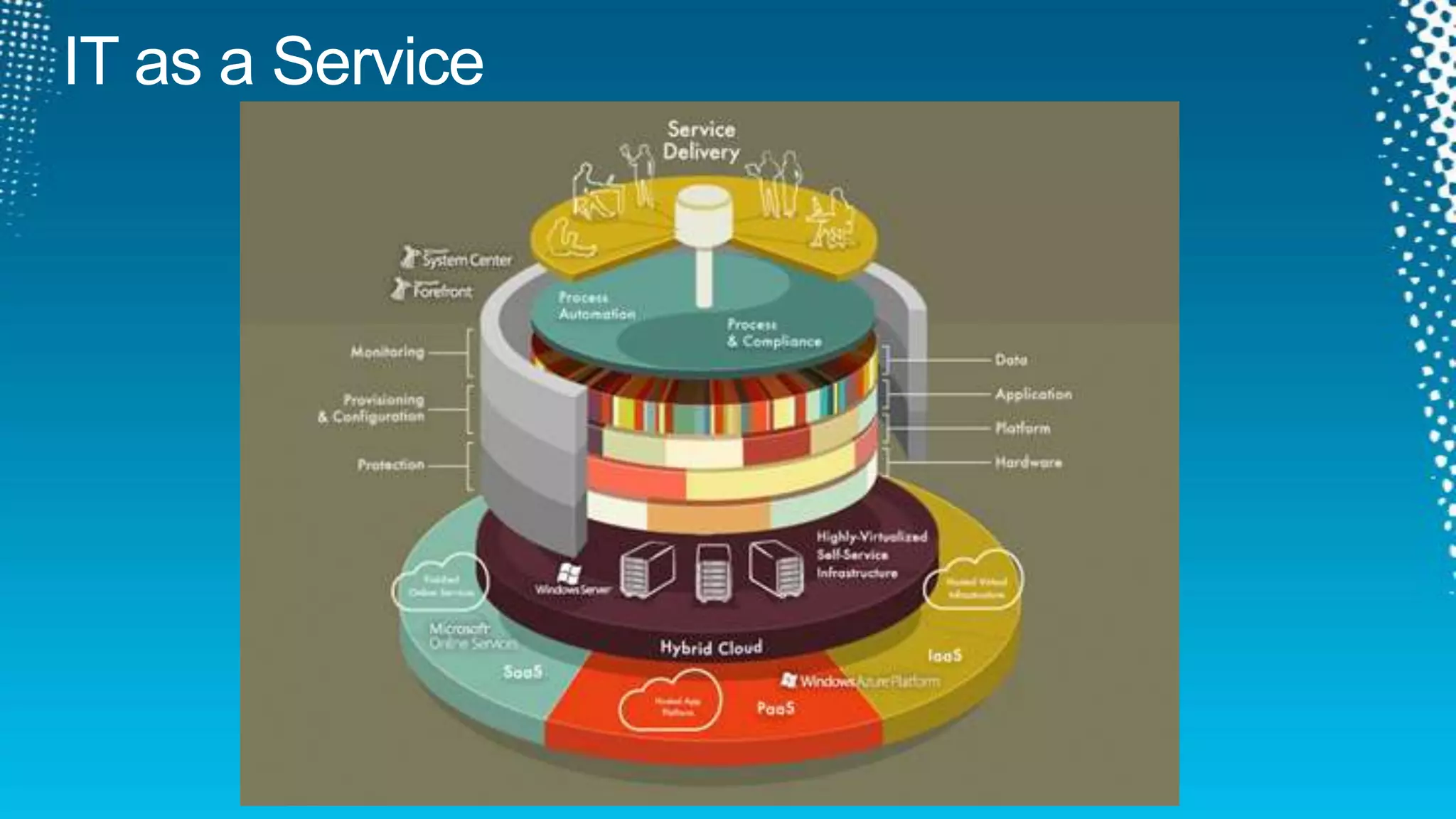
IT as a Service
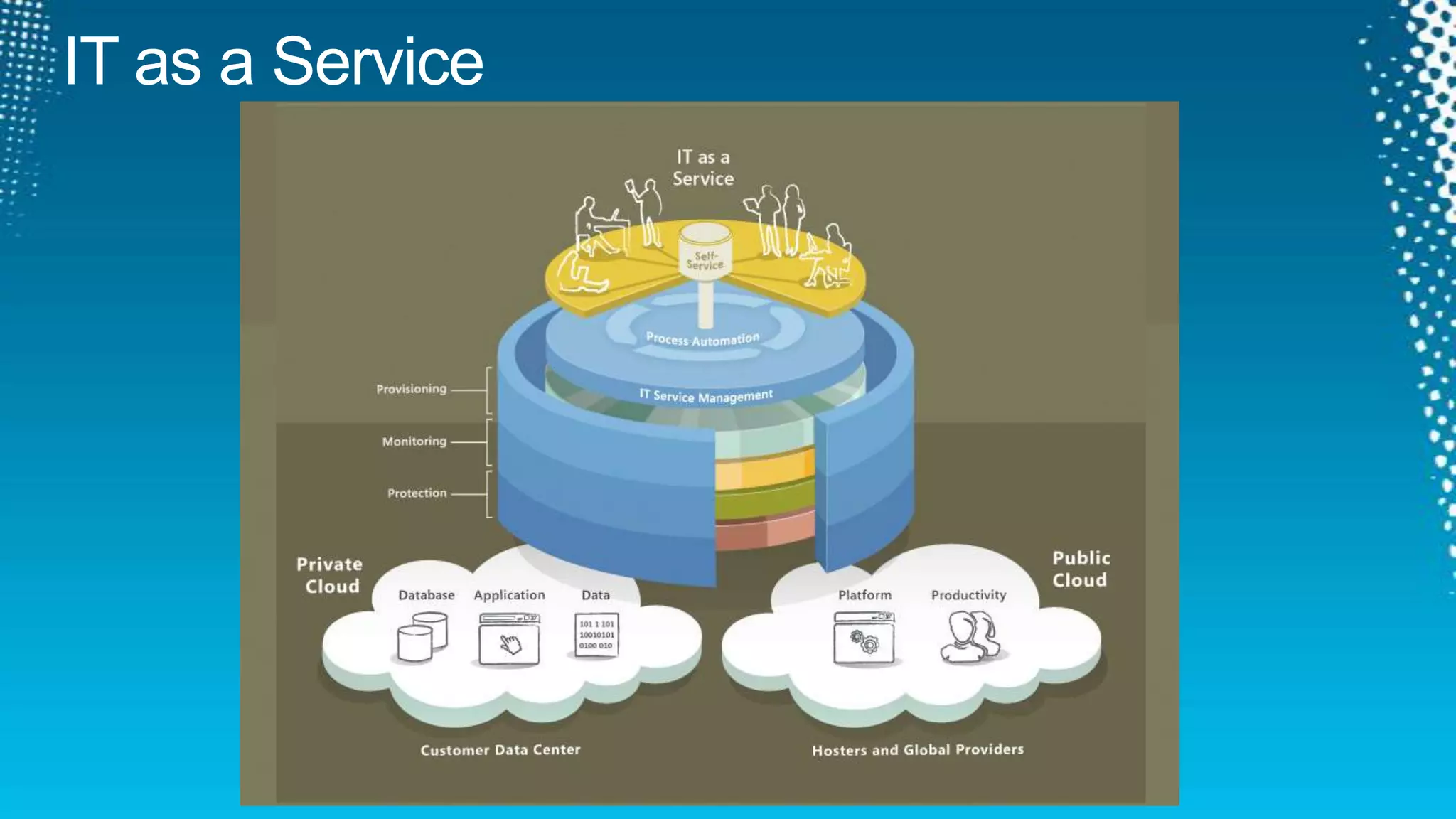
IT as a Service
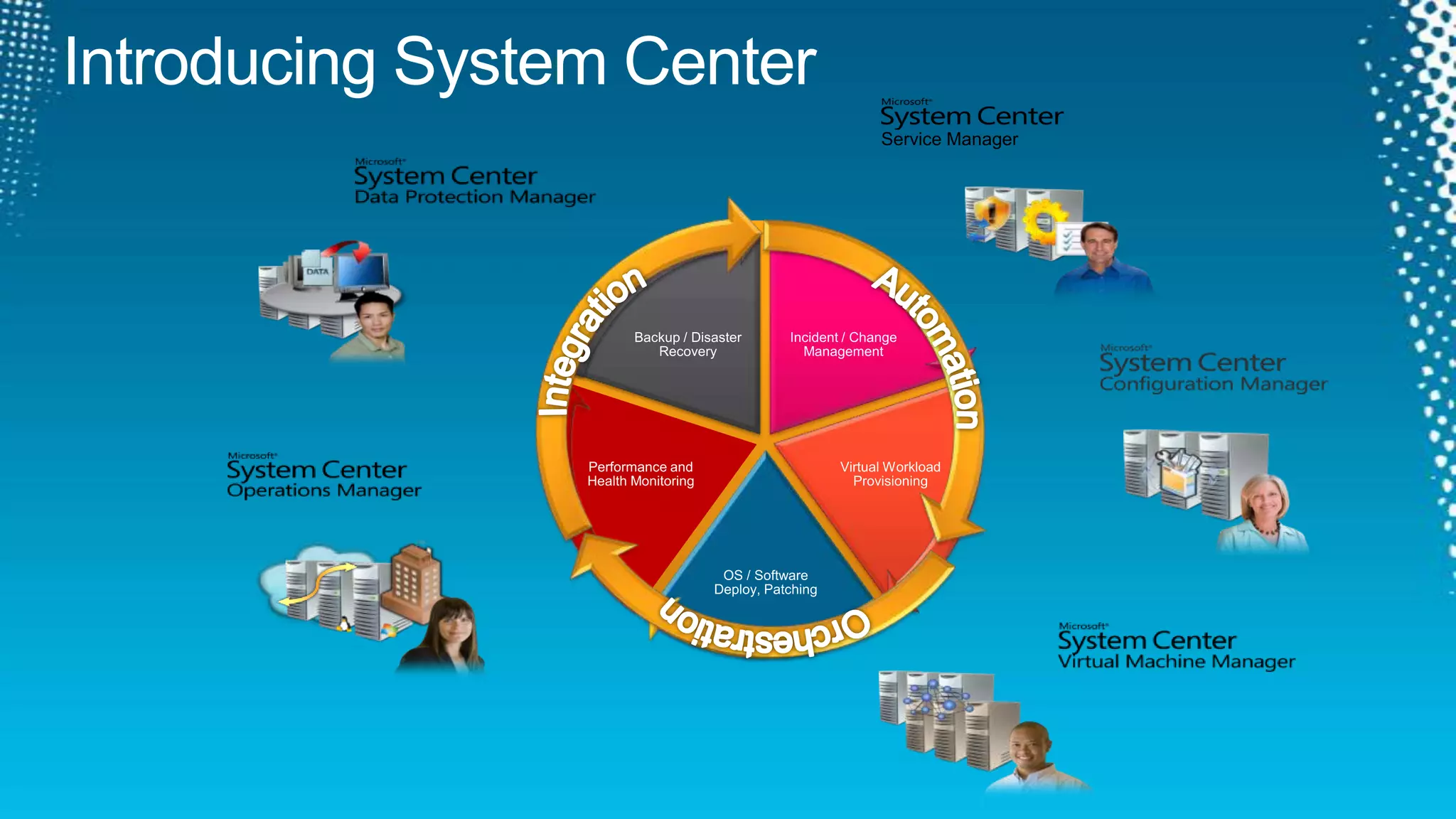
Service ManagerIntegrationAutomation.OrchestrationIntroducing System Center
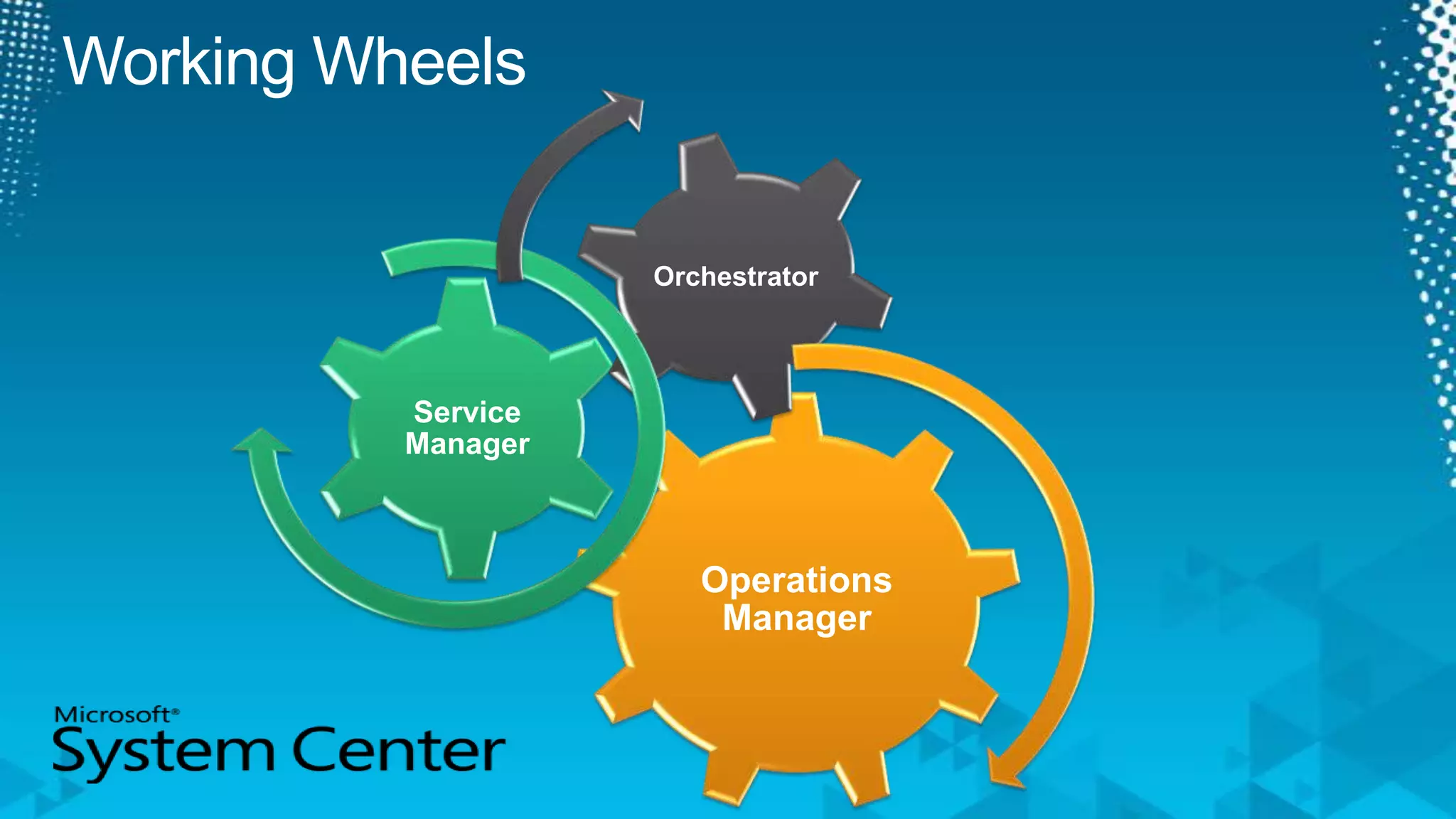
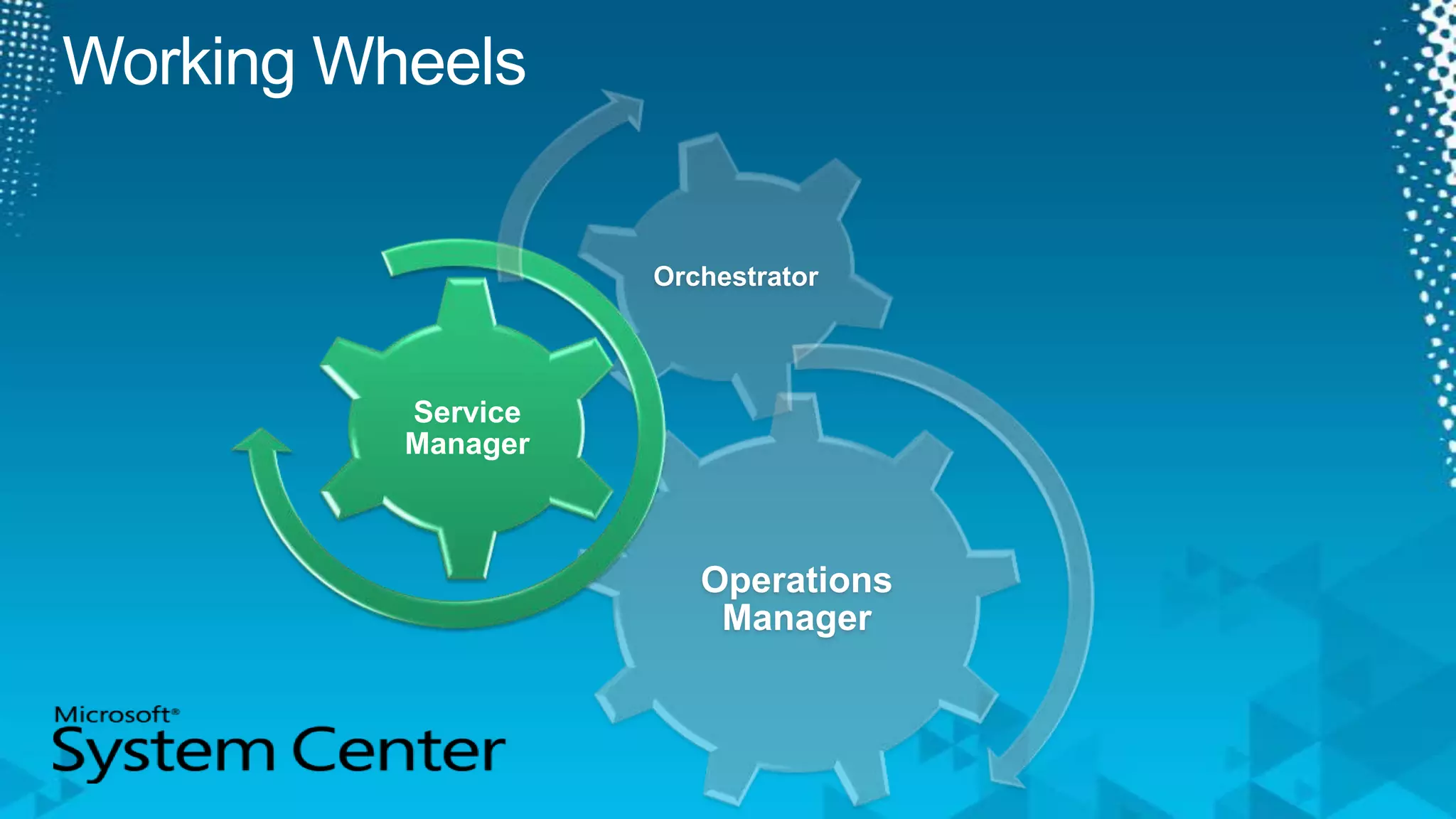
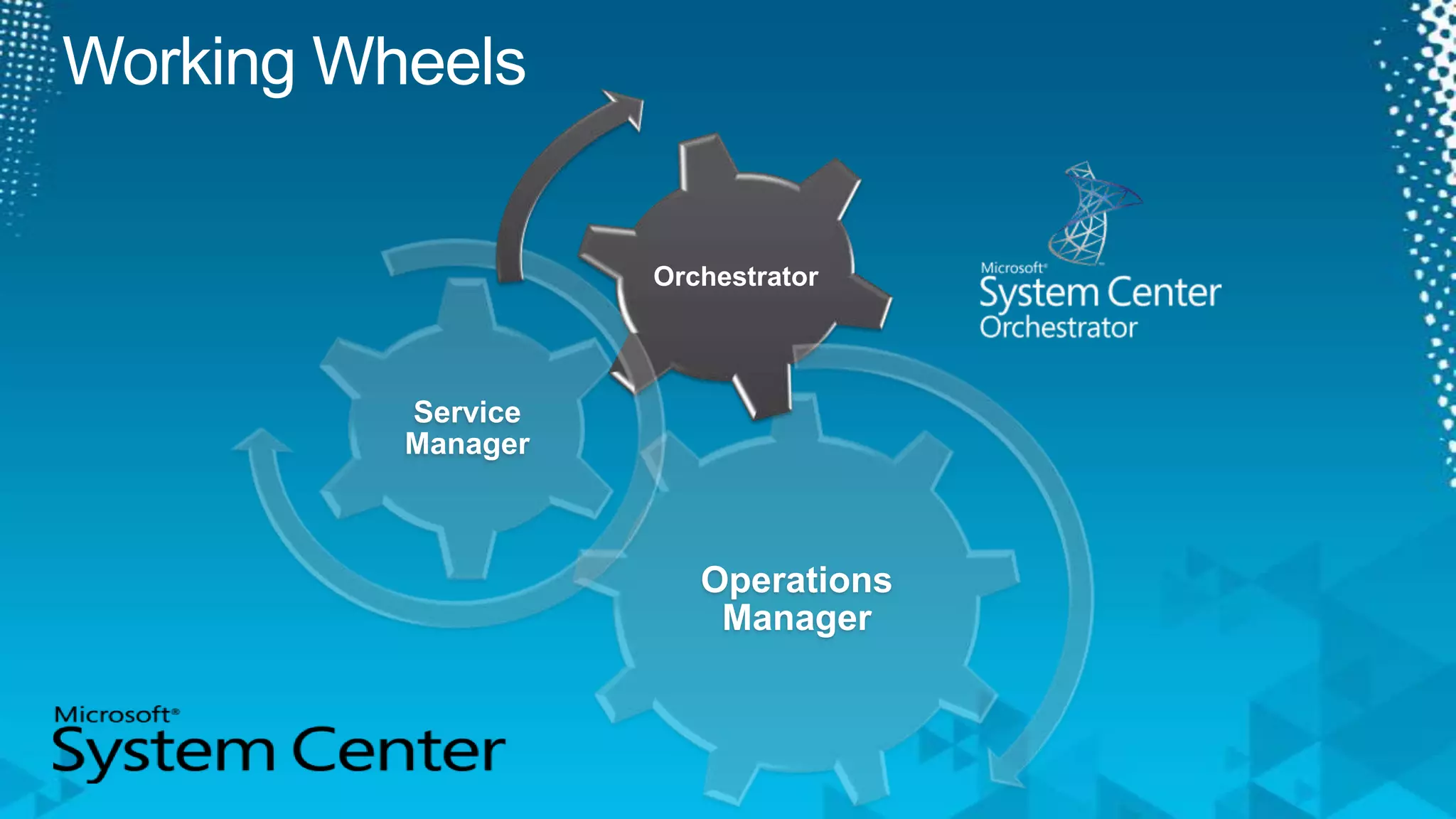
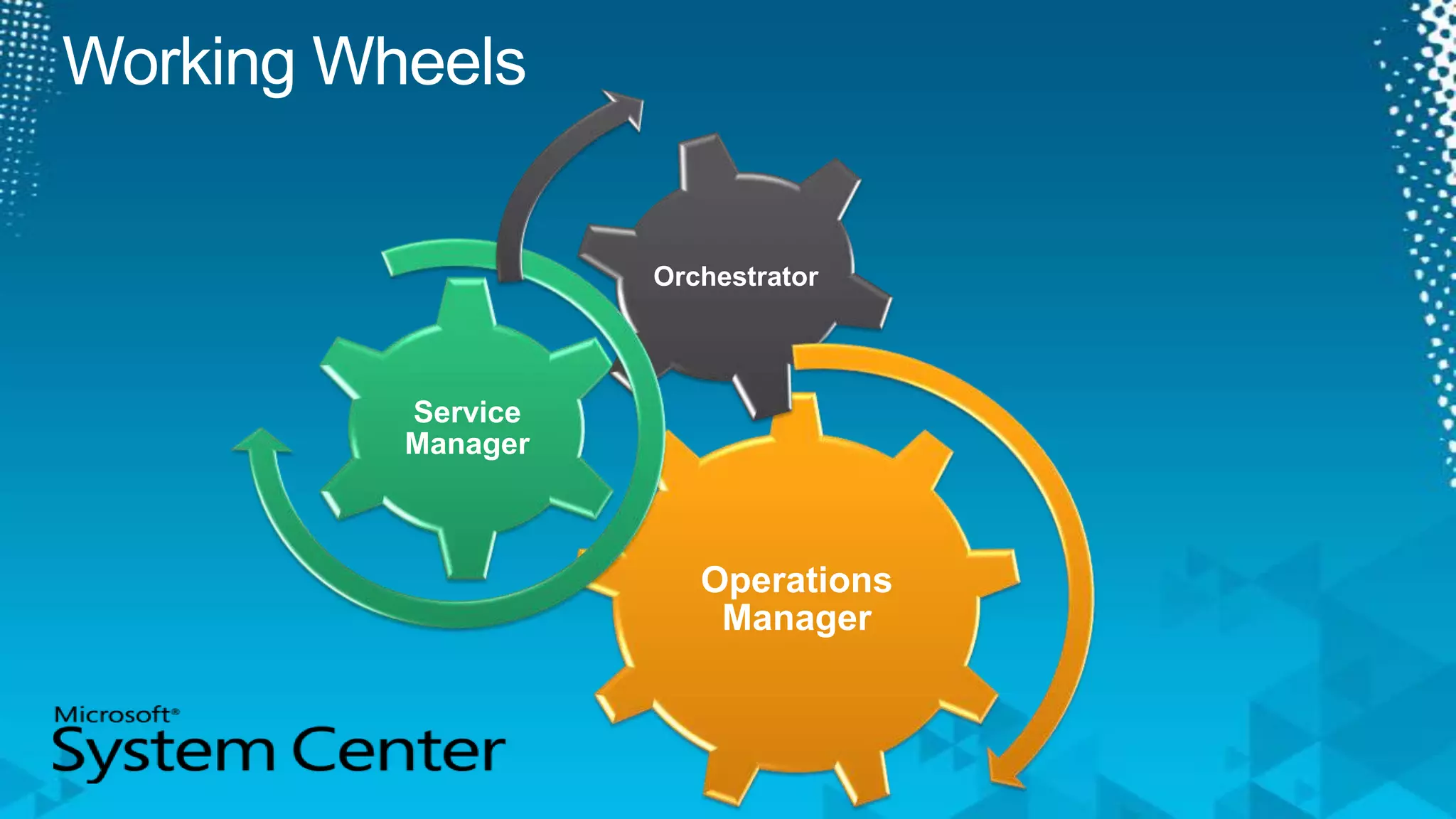
Working Wheels
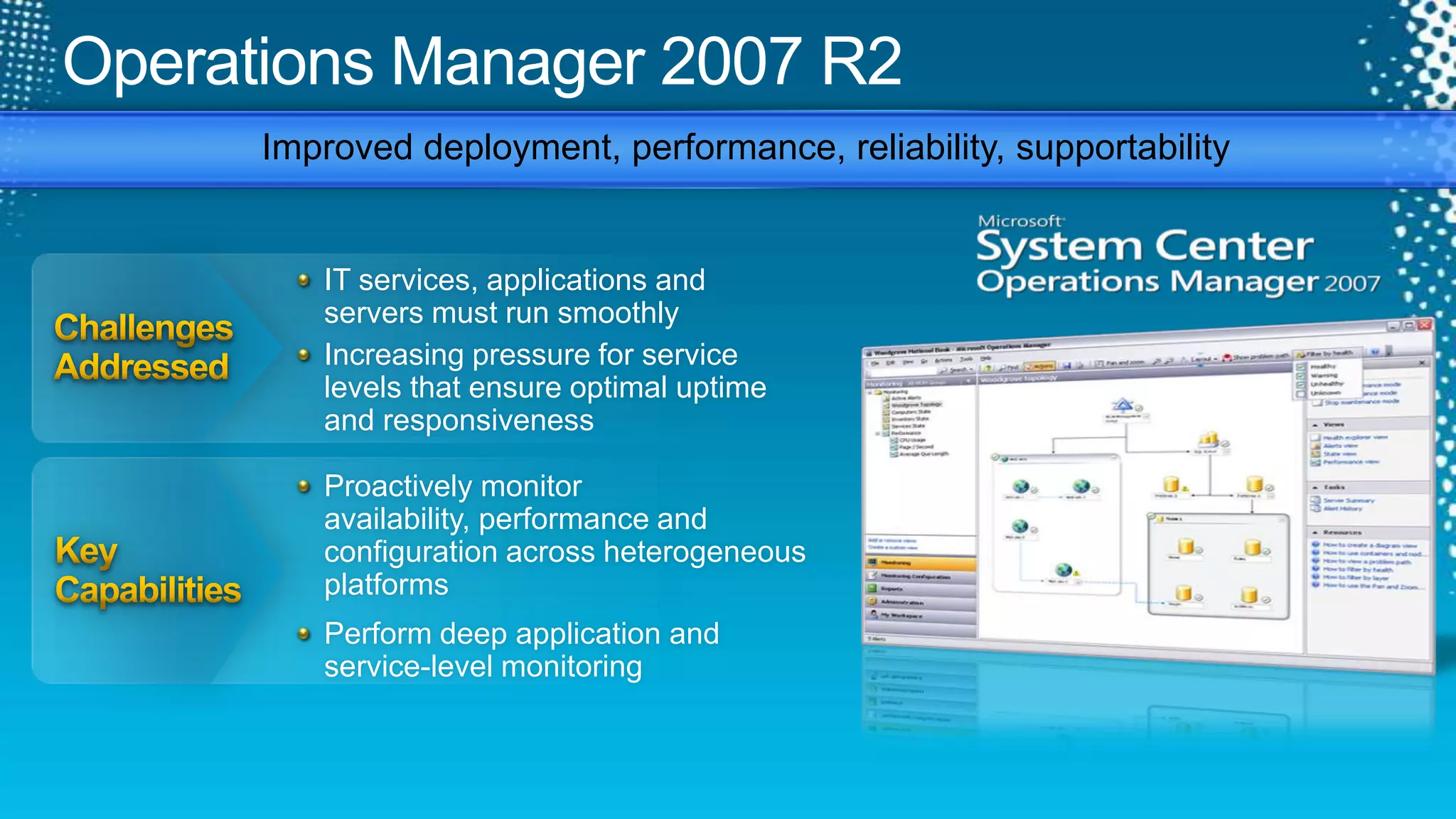
Operations Manager 2007 R2Improved deployment, performance, reliability, supportabilityChallenges AddressedIT services, applications and servers must run smoothlyIncreasing pressure for service levels that ensure optimal uptime and responsivenessKey CapabilitiesProactively monitor availability, performance and configuration across heterogeneous platformsPerform deep application and  service-level monitoring
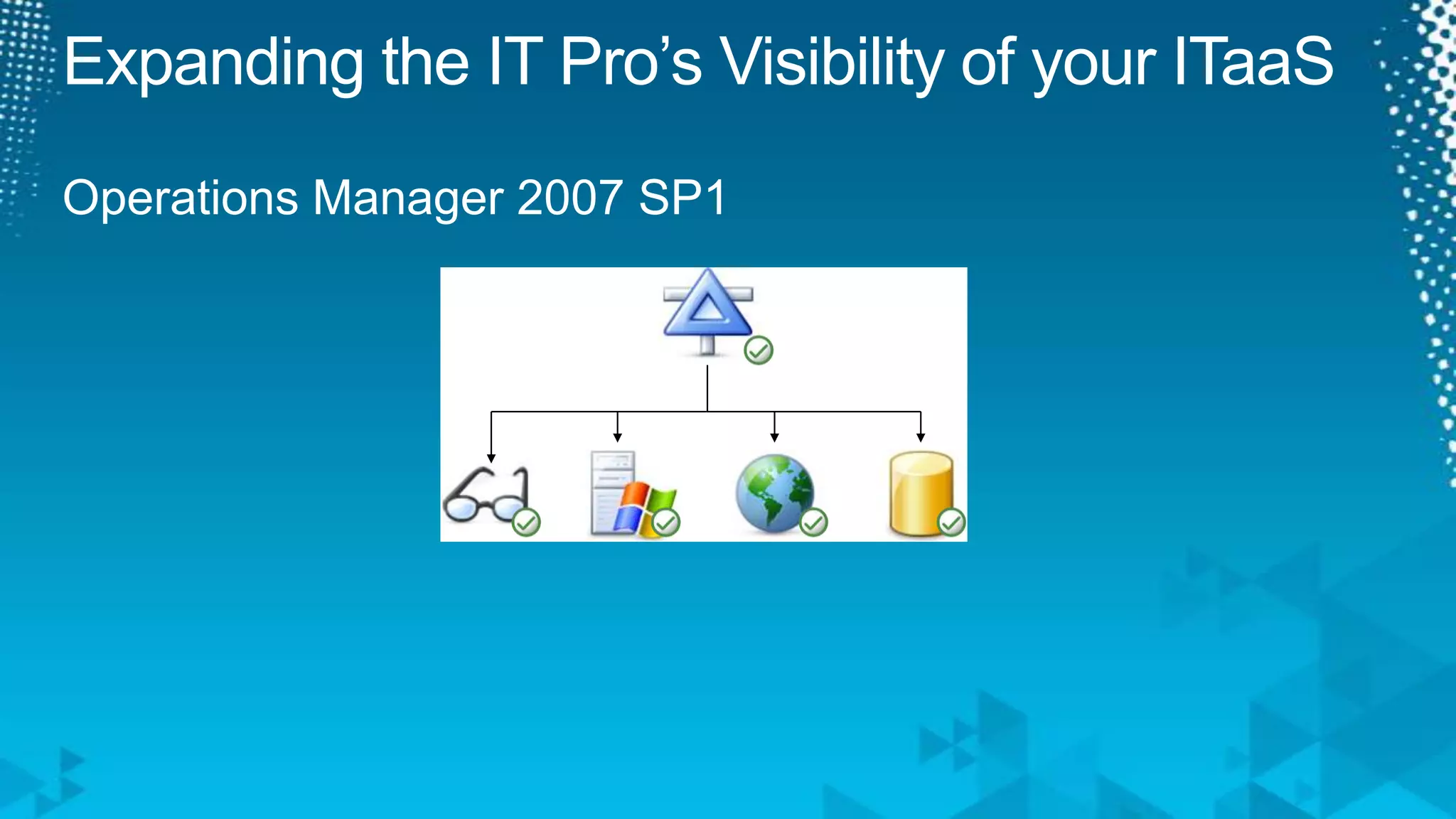
Expanding the IT Pro’s Visibility of your ITaaSOperations Manager 2007 SP1
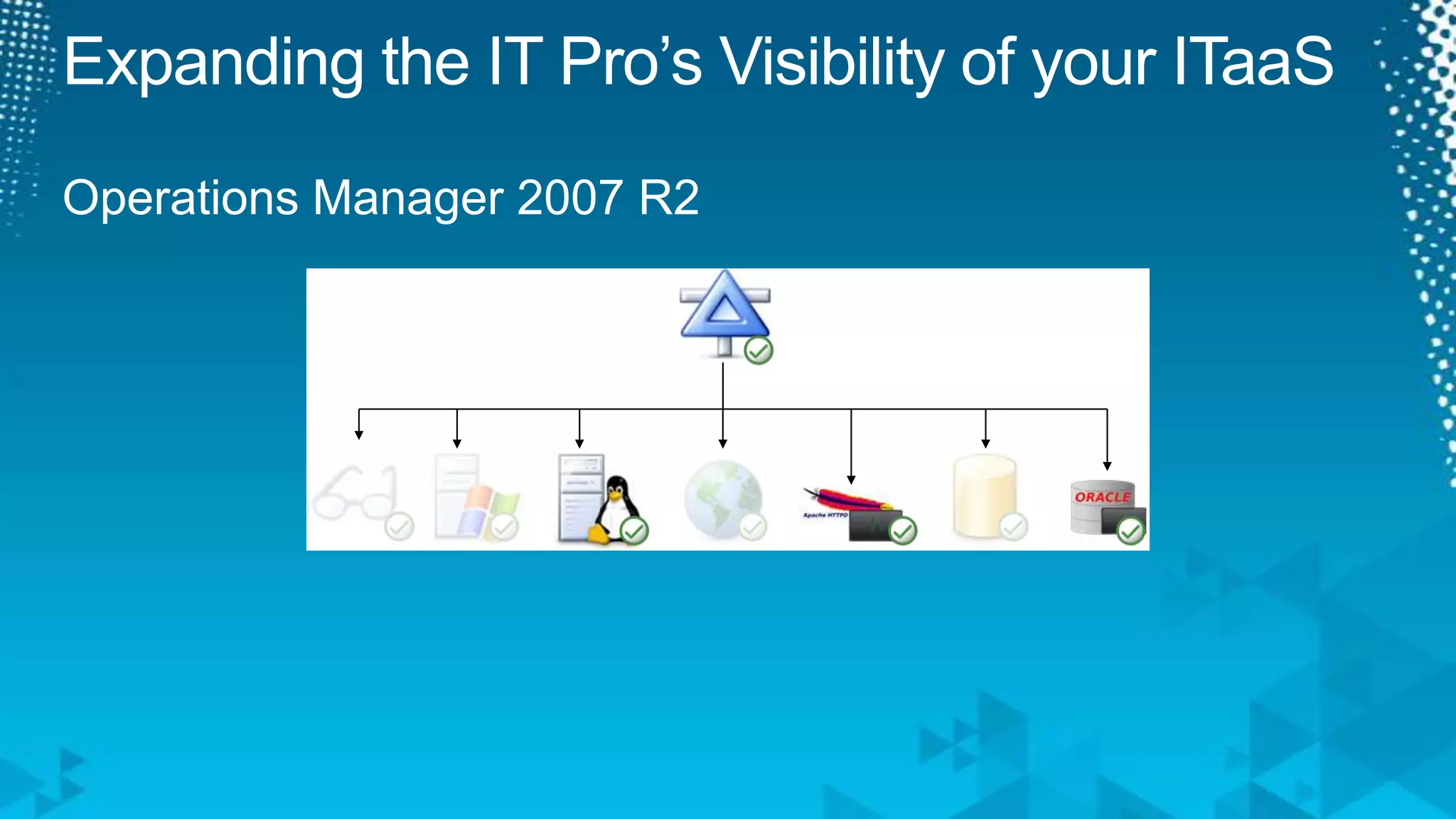
Expanding the IT Pro’s Visibility of your ITaaSOperations Manager 2007 R2
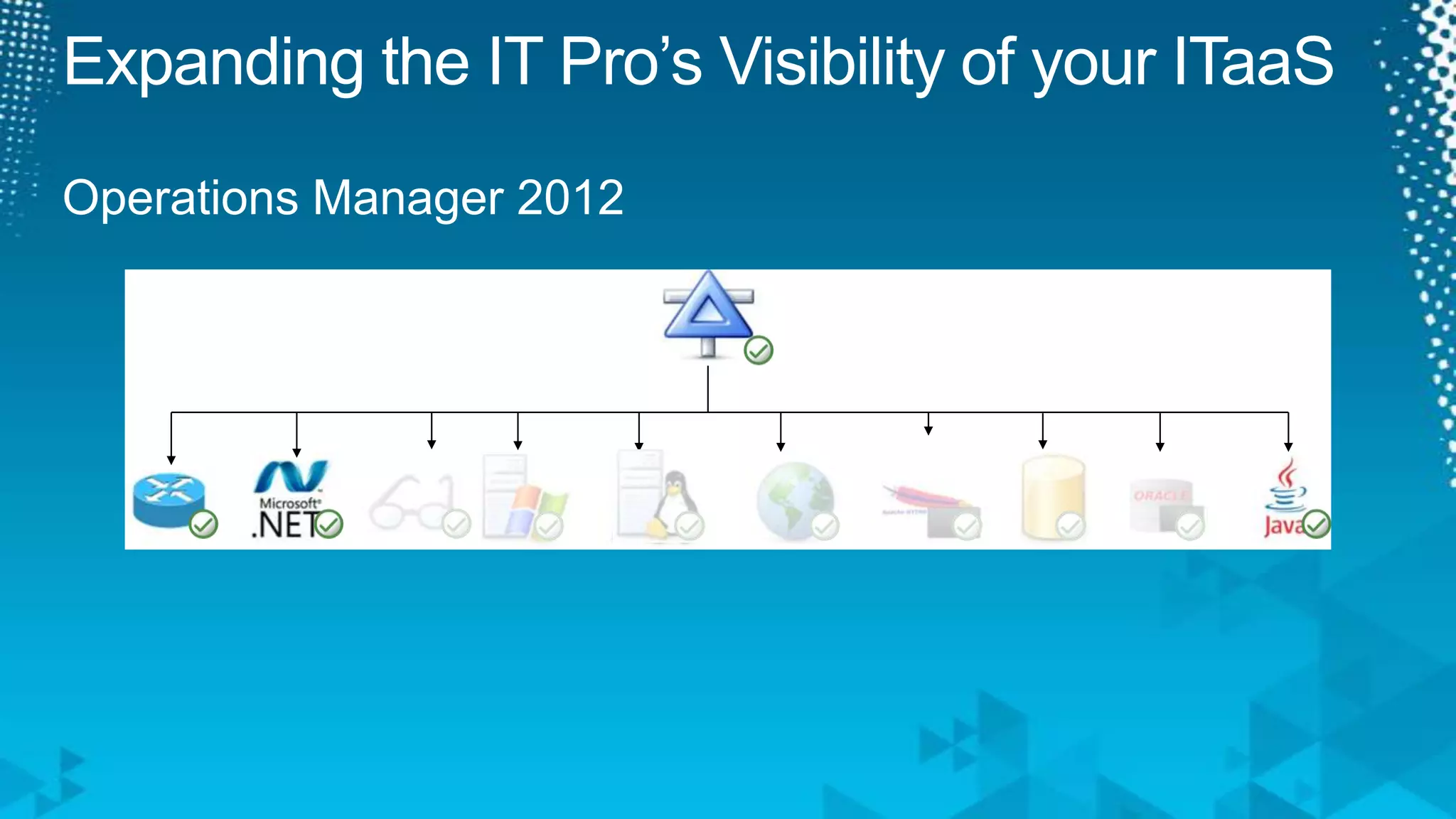
Expanding the IT Pro’s Visibility of your ITaaSOperations Manager 2012
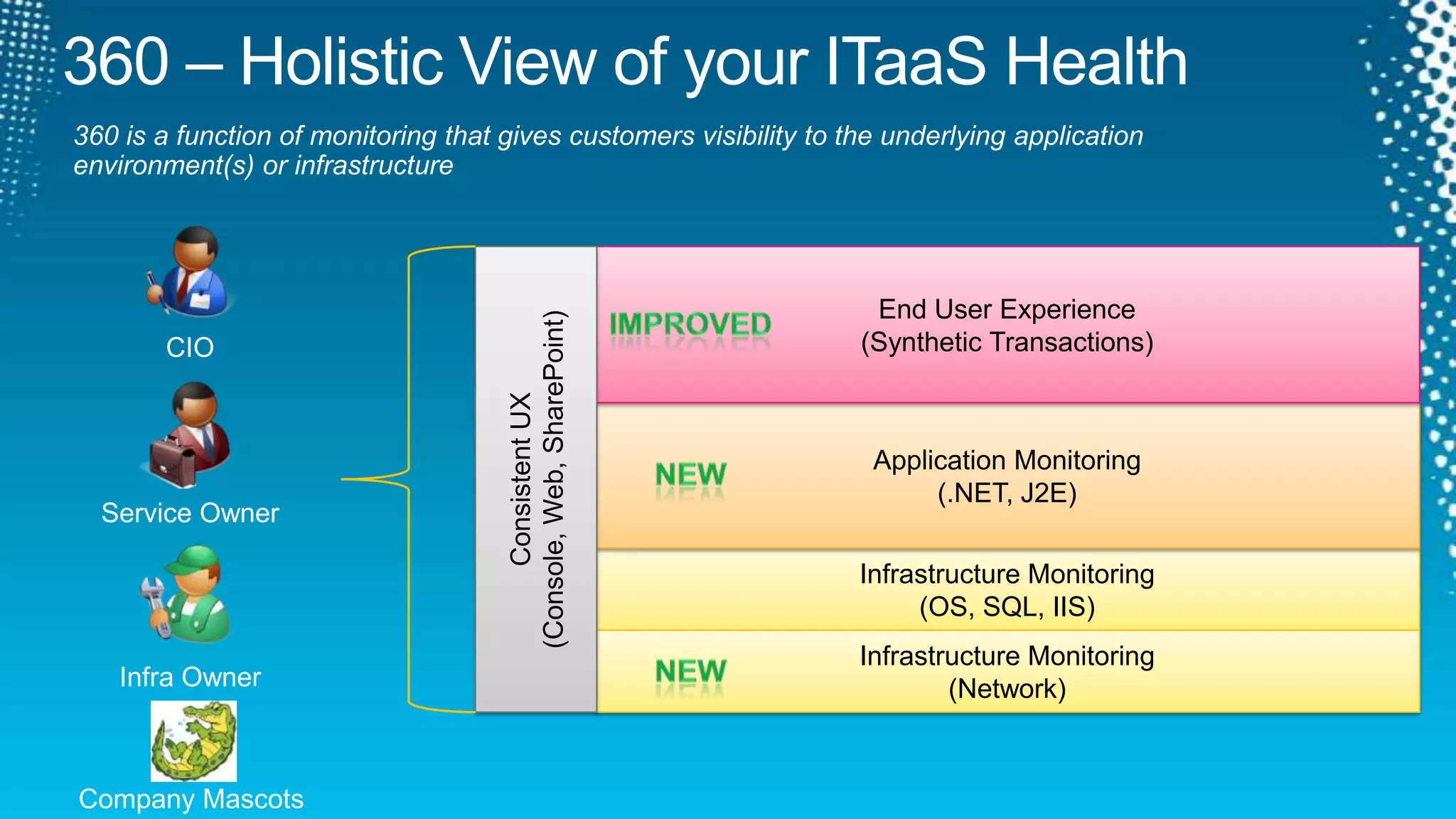
360 – Holistic View of your ITaaS Health360 is a function of monitoring that gives customers visibility to the underlying application environment(s) or infrastructureConsistent UX(Console, Web, SharePoint) End User Experience(Synthetic Transactions)ImprovedCIOApplication Monitoring(.NET, J2E)NewService OwnerInfrastructure Monitoring(OS, SQL, IIS)Infrastructure Monitoring(Network)NewInfra OwnerCompany Mascots
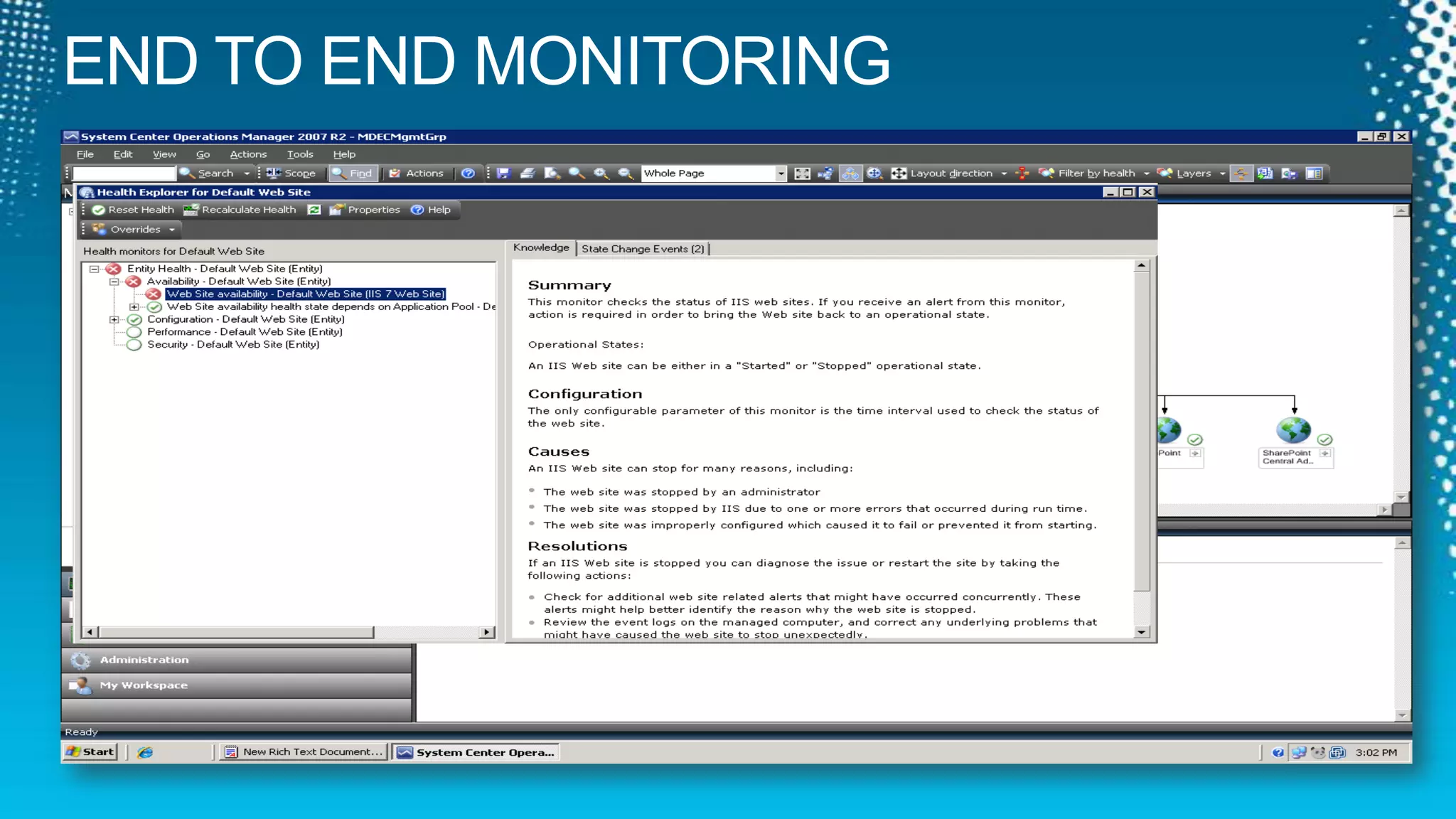
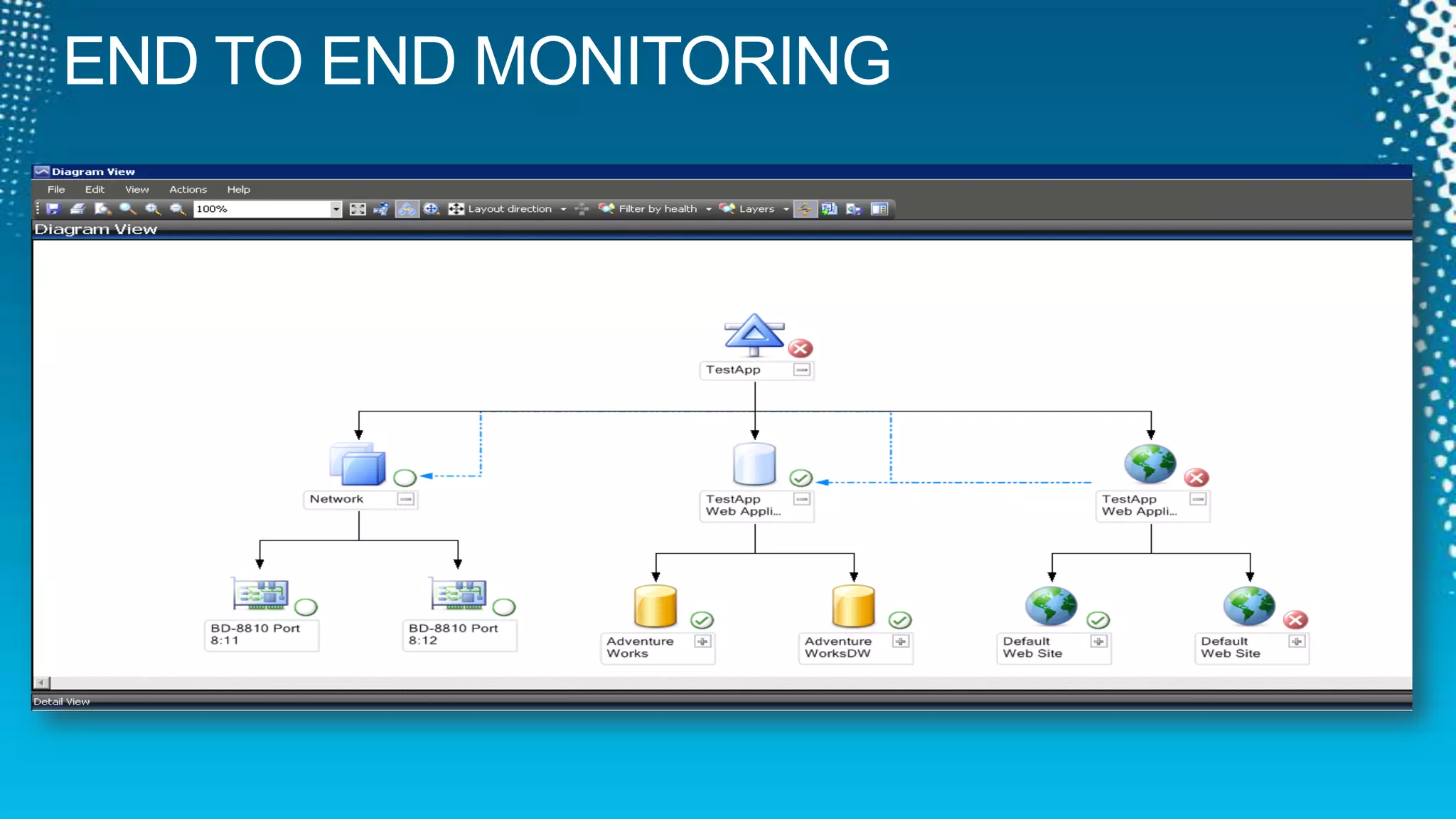
END TO END MONITORING
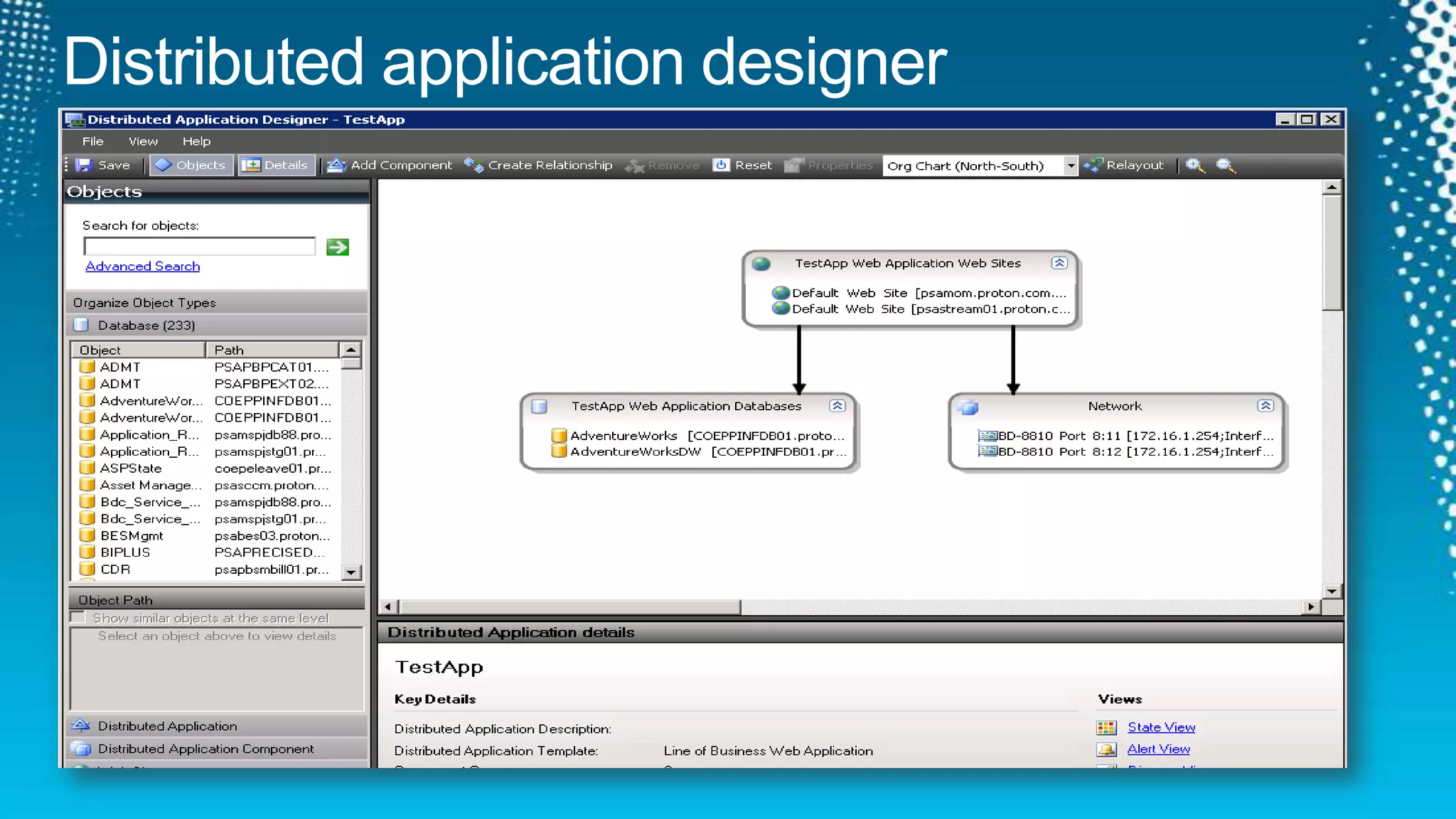
Distributed application designer
END TO END MONITORING
demoMonitoring Services through the IT InfrastructureSystem Center Operations Manager 2007 R2
Operations Manager20062004200520072009201120102008OpsMgr 2007R2 – CU1, CU2, CU3, CU4MOM 2005 RTMMOM 2005 SP1OpsMgr 2007 RTMOpsMgr 2007 SP1OpsMgr 2007R2OpsMgr 2012
Working Wheels
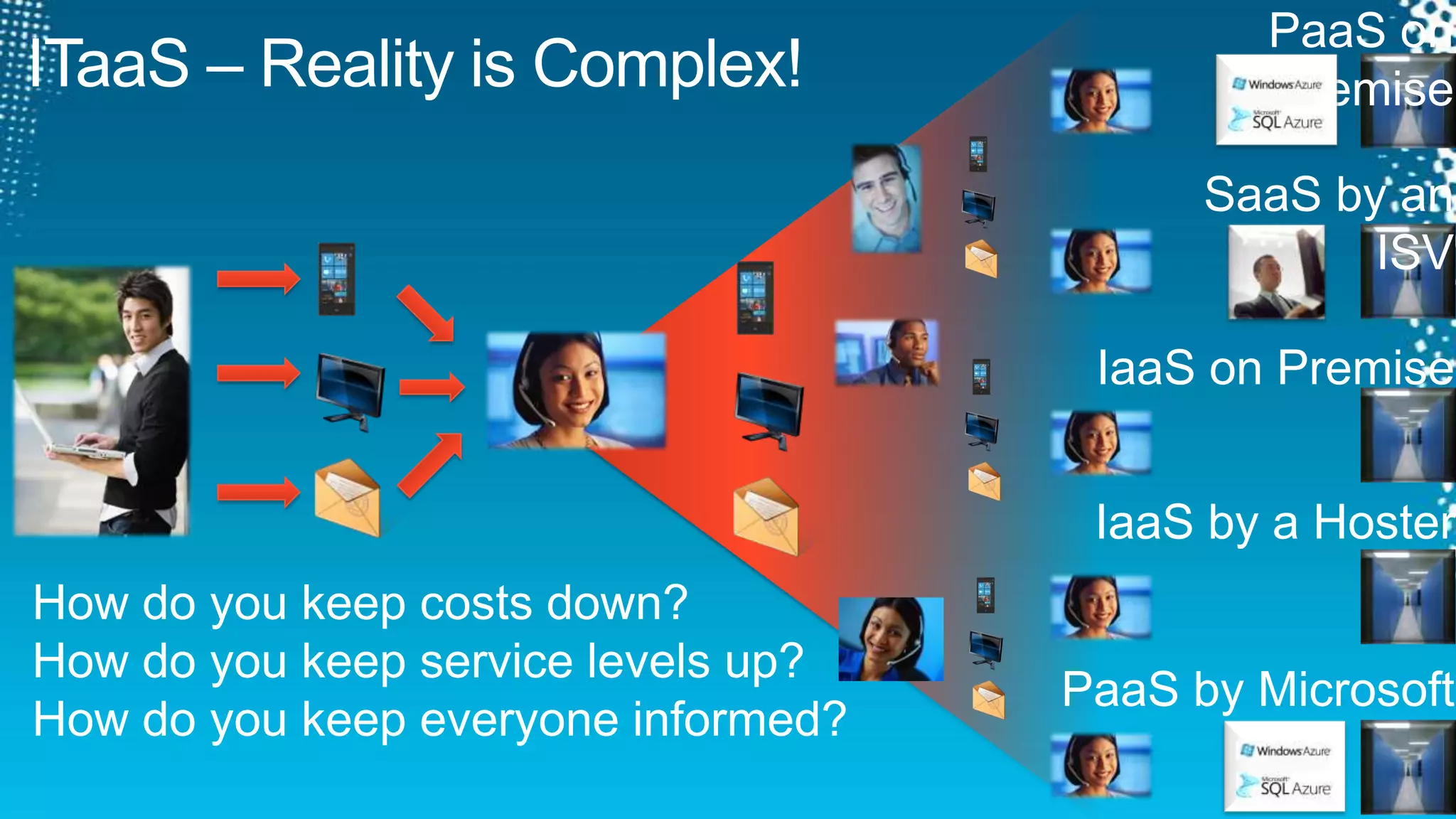
PaaS on PremiseITaaS – Reality is Complex!SaaS by an ISVIaaS on PremiseIaaS by a HosterHow do you keep costs down?How do you keep service levels up?How do you keep everyone informed?PaaS by Microsoft
Achieving ITaaS ObjectivesMOF®ITaaS ObjectivesAutomationReduce CostsIncrease Service LevelsFaster Time to DeliveryProvide More DataMore TransparencyComplianceStandardization ITIL®Self-serviceCOBIT®ComplianceProcess DesignImplementation
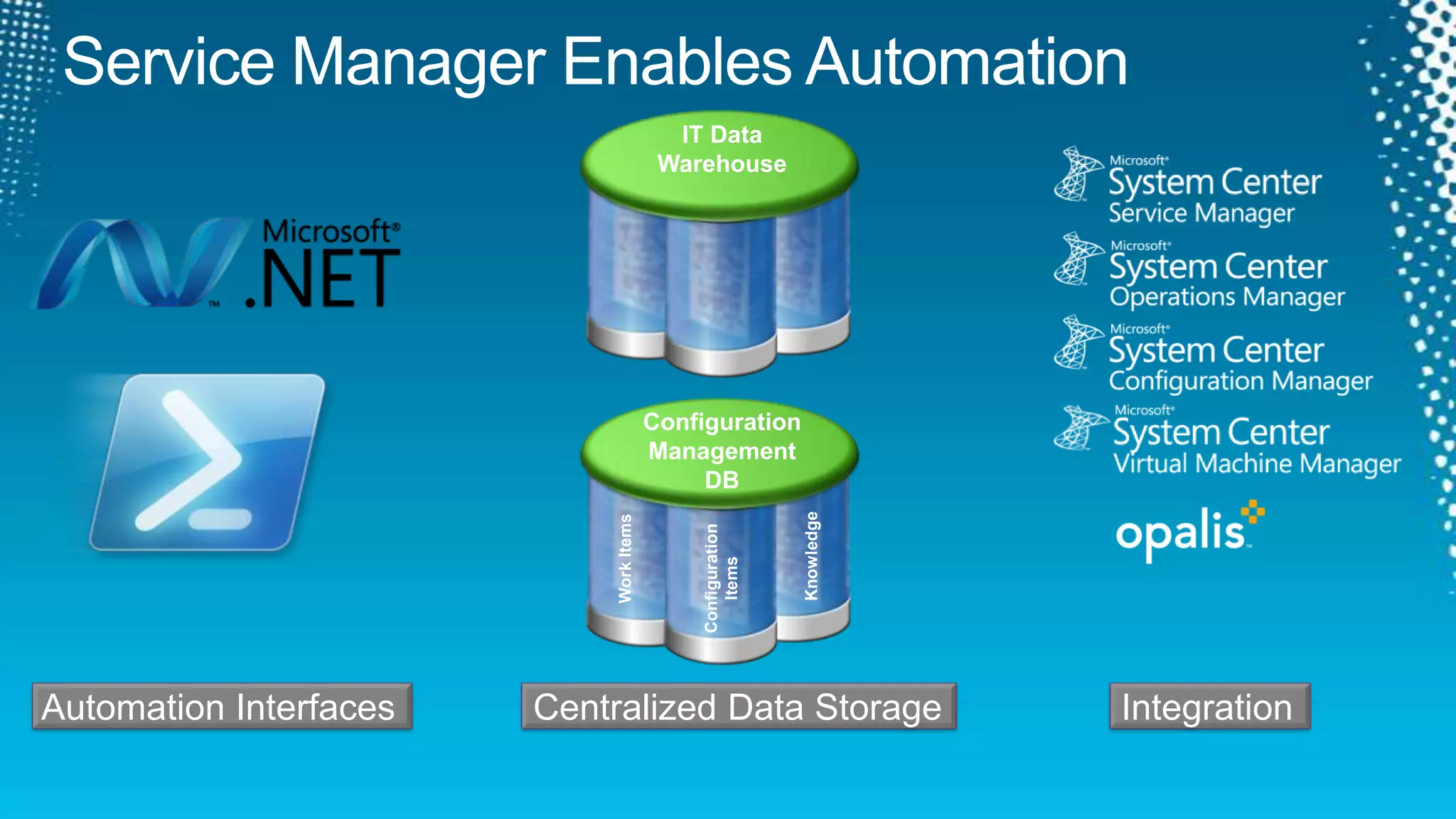
Service Manager Enables AutomationConfiguration Management DBIT DataWarehouseKnowledgeWork ItemsConfiguration Items Integration  Centralized Data Storage  Automation Interfaces
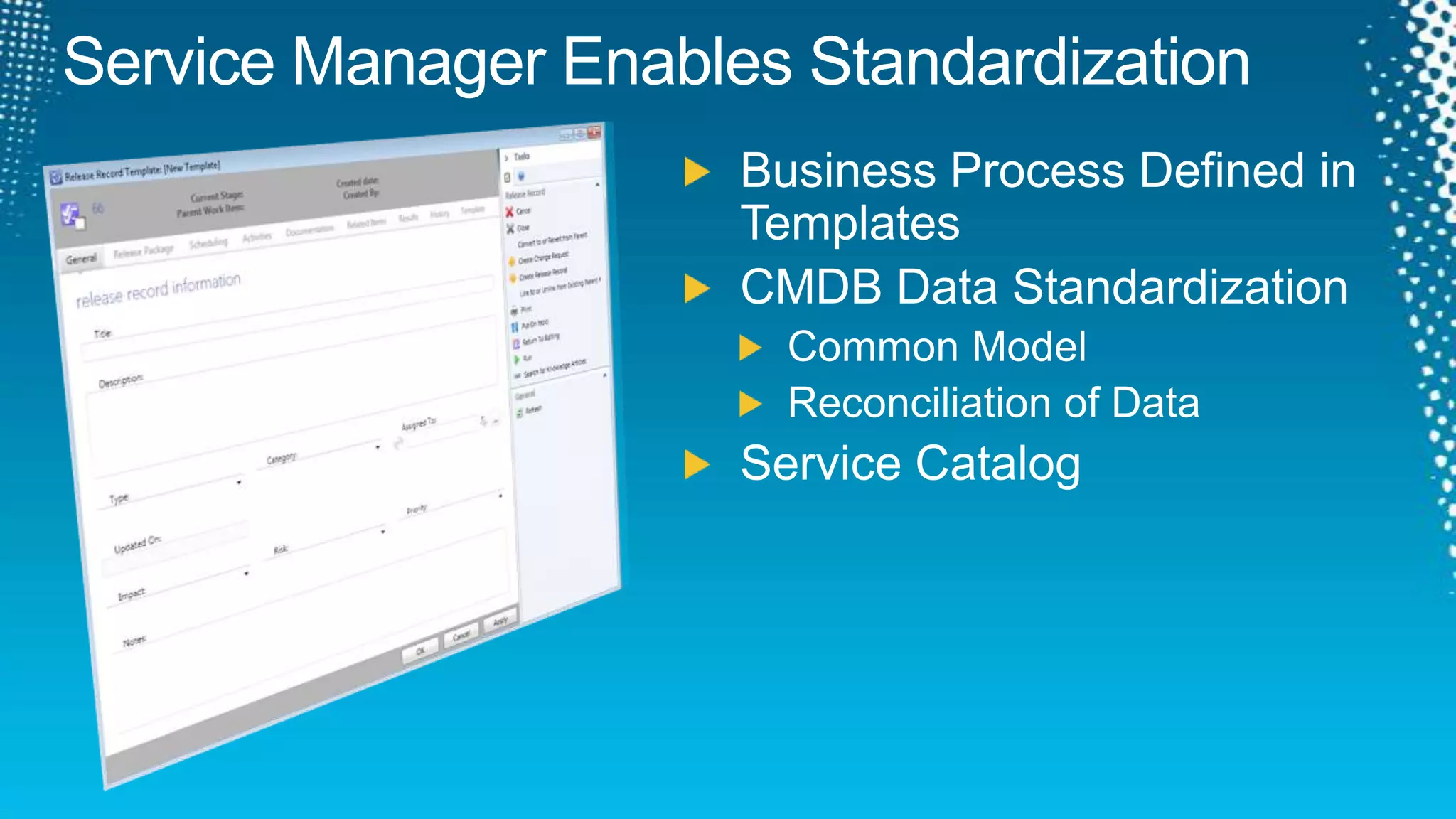
Service Manager Enables StandardizationBusiness Process Defined in TemplatesCMDB Data StandardizationCommon ModelReconciliation of DataService Catalog
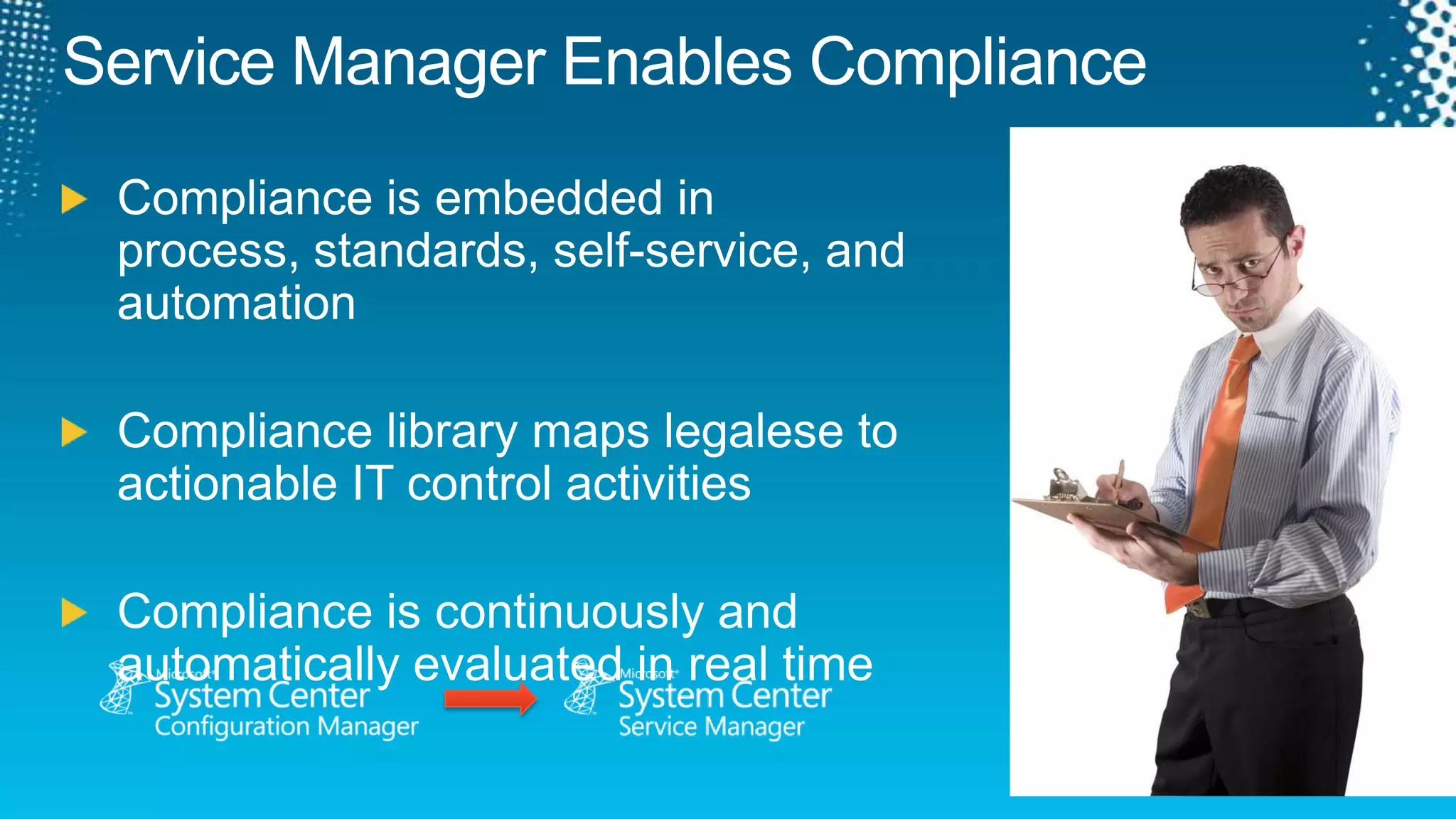
Service Manager Enables ComplianceCompliance is embedded in process, standards, self-service, and automationCompliance library maps legalese to actionable IT control activitiesCompliance is continuously and automatically evaluated in real time
Service Manager & ITaaSMOF®AutomationResponse & Remediation in line with criticality of Business Services.
Consistent view of Services & Infrastructure
Consistent delivery of services offeredStandardization ITIL®Self-serviceChoice & Control with FlexibilityCOBIT®ComplianceEmbedded in the every day.Process DesignImplementation
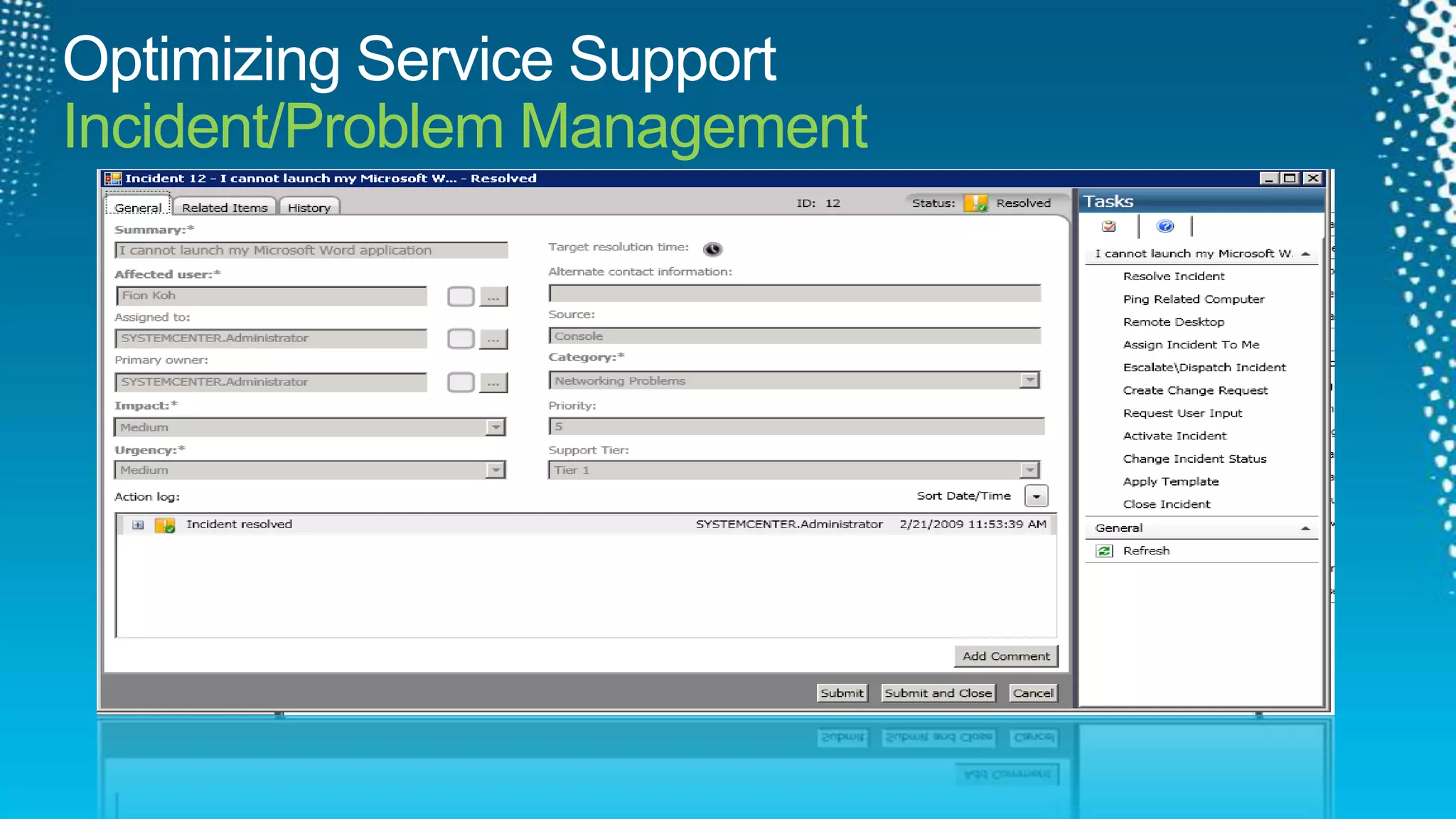
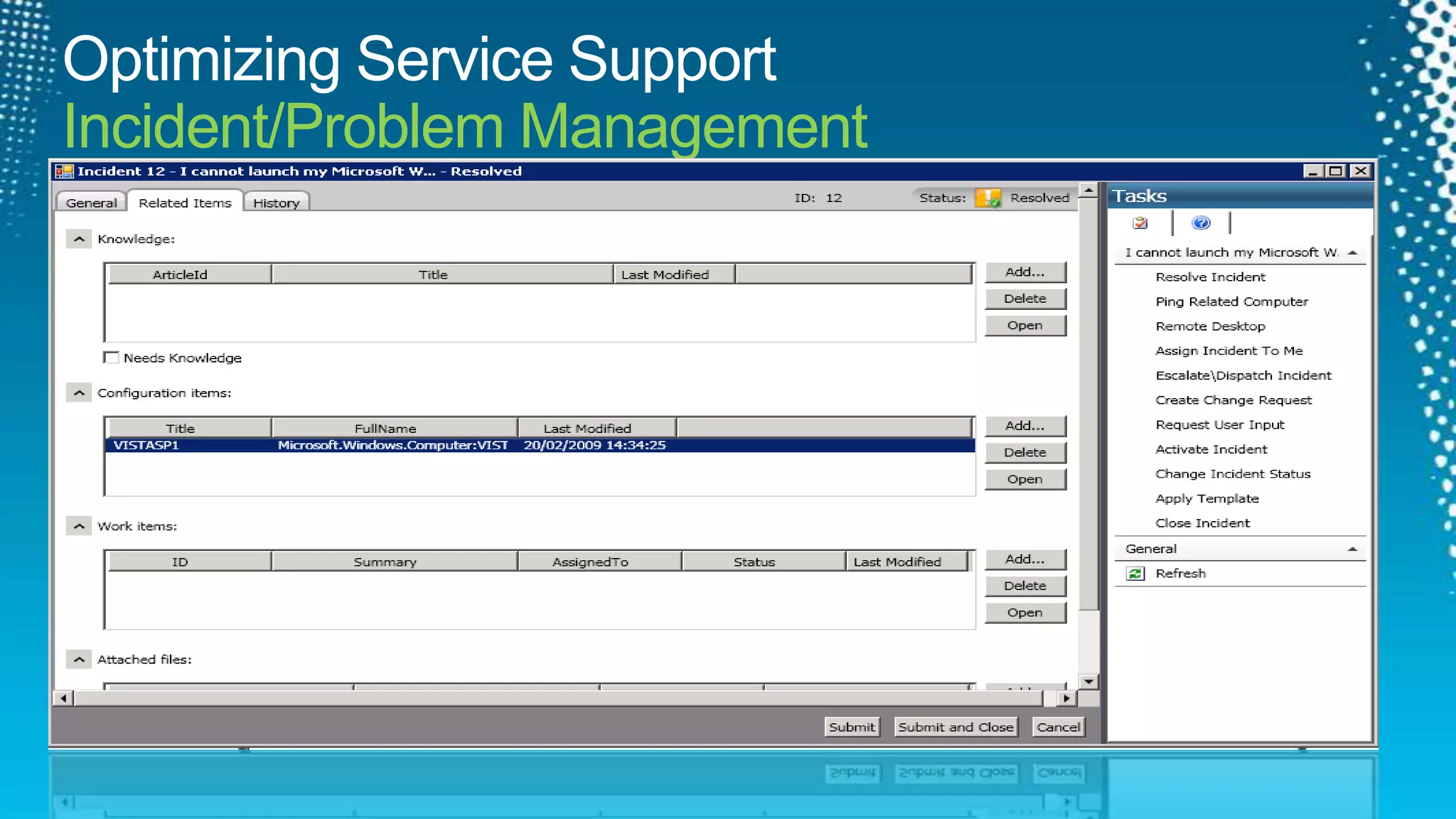
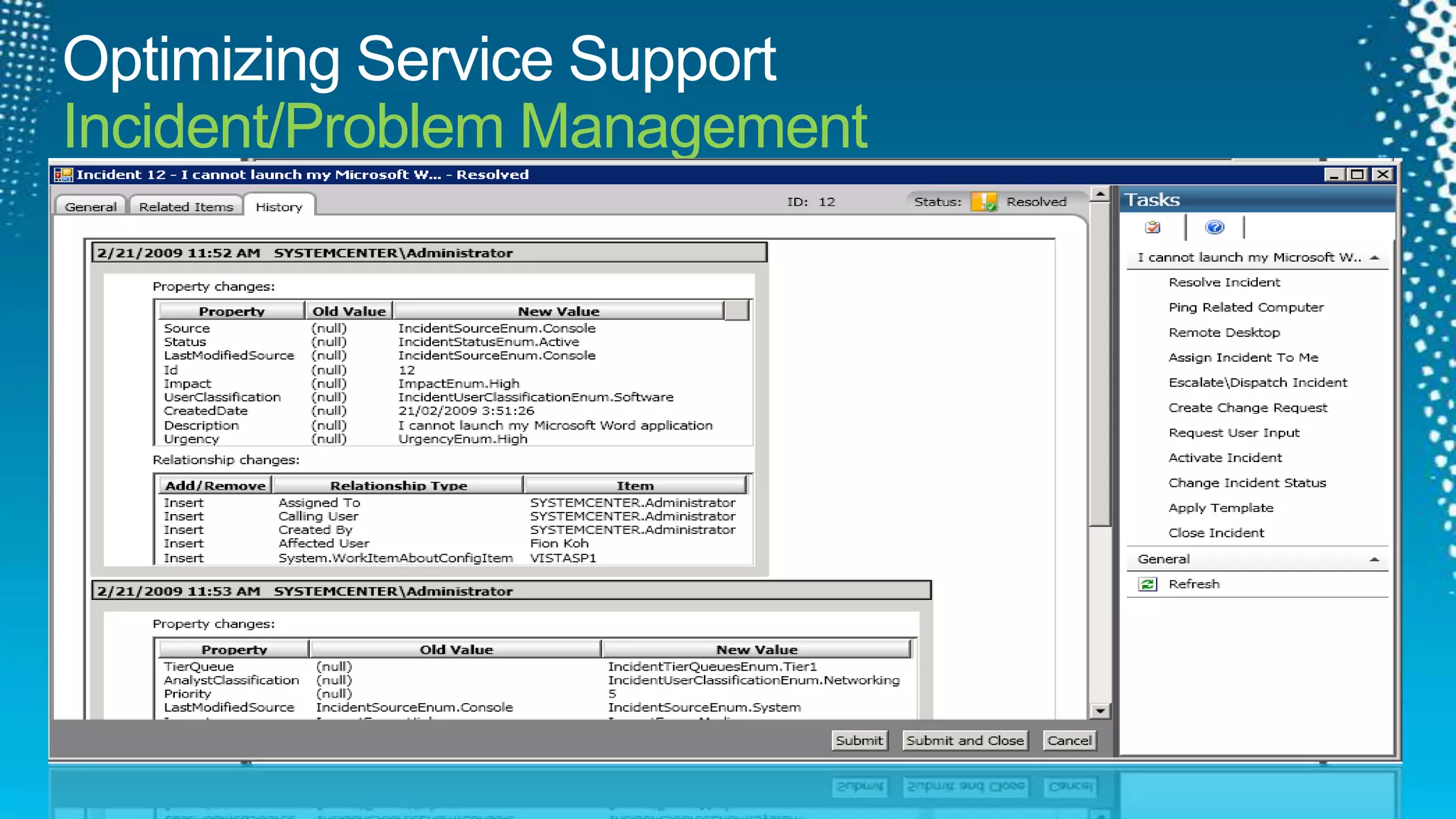
Optimizing Service SupportIncident/Problem Management
Working Wheels
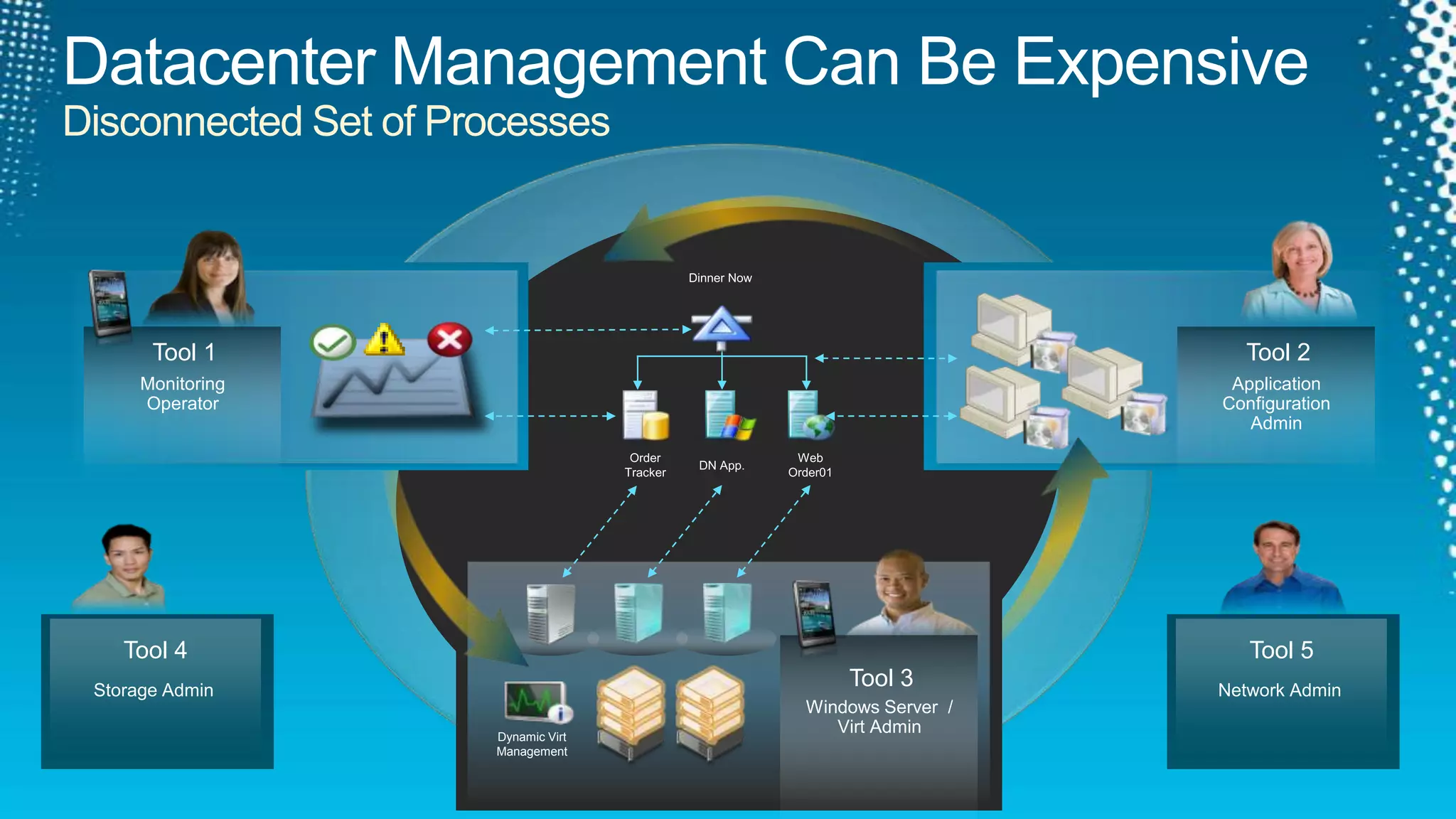
Datacenter Management Can Be ExpensiveDisconnected Set of ProcessesDinner NowTool 2Tool 1Monitoring OperatorApplicationConfigurationAdminWebOrder01OrderTrackerDN App.Tool 4Tool 5Dynamic VirtManagementStorage AdminNetwork AdminTool 3Windows Server  / Virt Admin
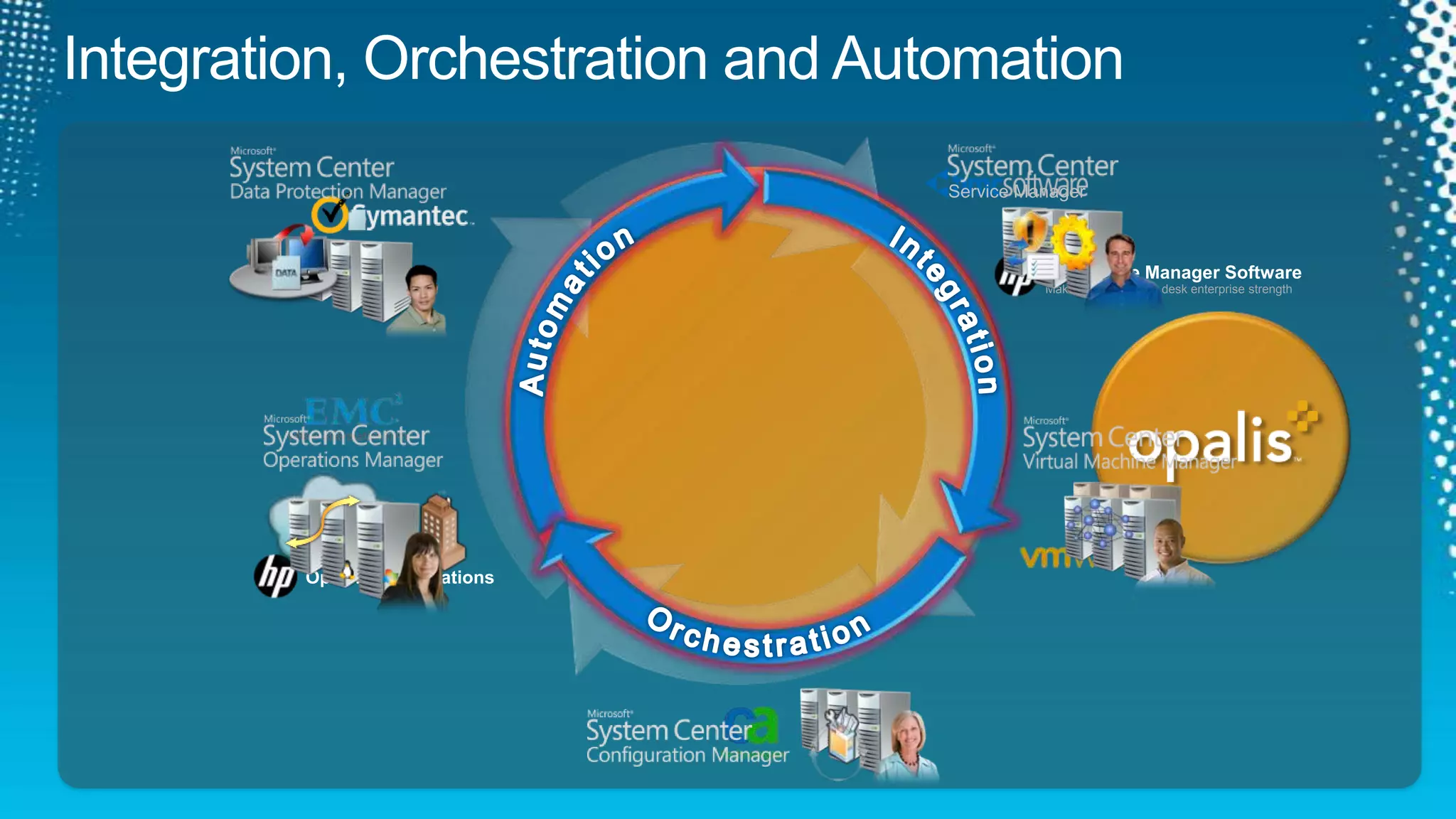
Integration, Orchestration and AutomationService ManagerAutomationIntegration.HP Service Manager SoftwareMake your IT service desk enterprise strengthOrchestrationOpenView Operations
Authoring made easy Get CloneRequestsClone VMsAdd StorageTo EachCreateAdvertisementProtect VMsOpalisDatabus
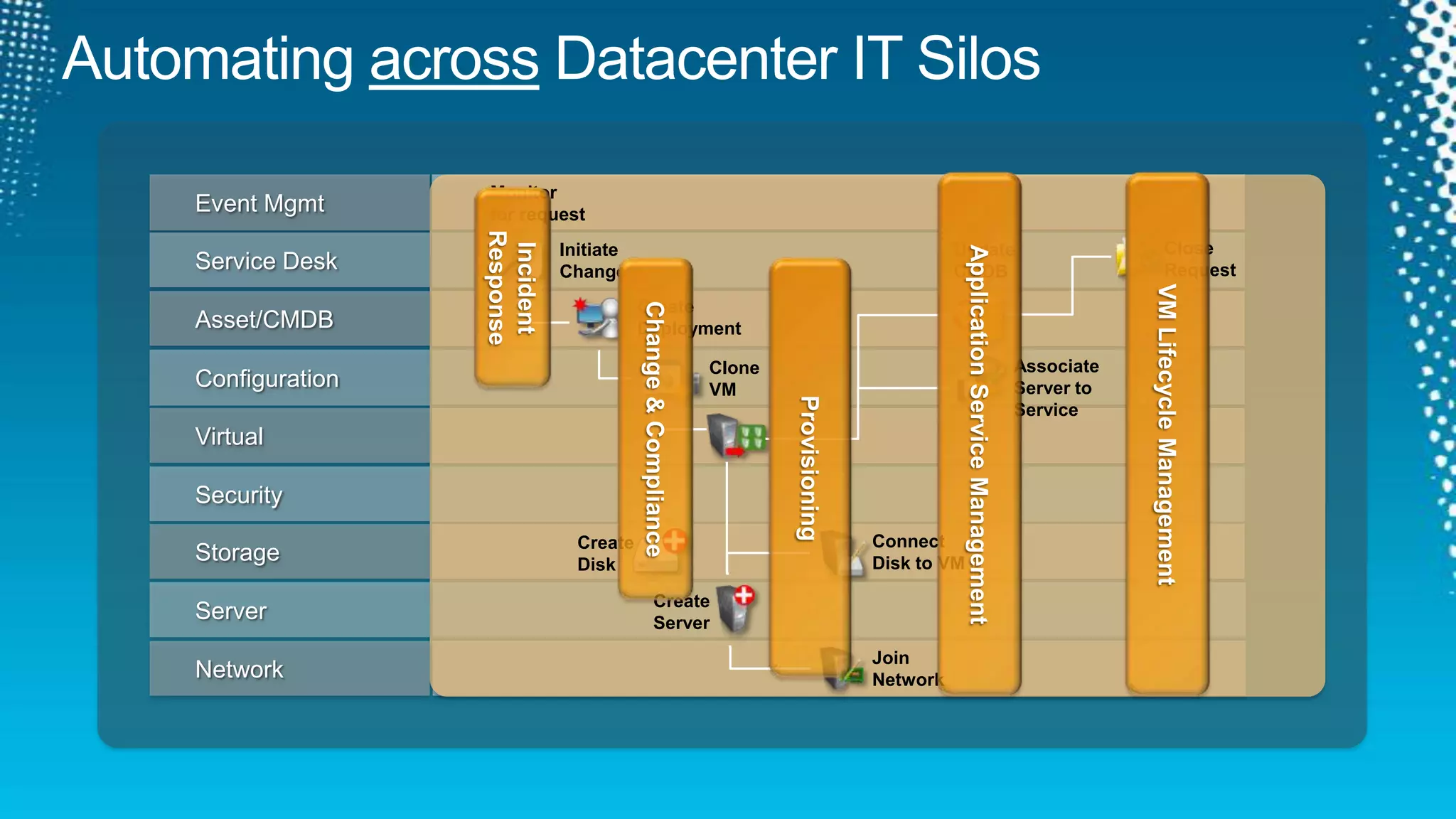
Automating across Datacenter IT SilosVM Lifecycle ManagementApplication Service ManagementEvent MgmtMonitor for requestIncidentResponseService DeskCloseRequestUpdateCMDBInitiateChangeChange & ComplianceProvisioningAsset/CMDBCreateDeploymentConfigurationAssociateServer to ServiceCloneVMVirtualSecurityStorageConnectDisk to VMCreateDiskServerCreateServerNetworkJoinNetwork
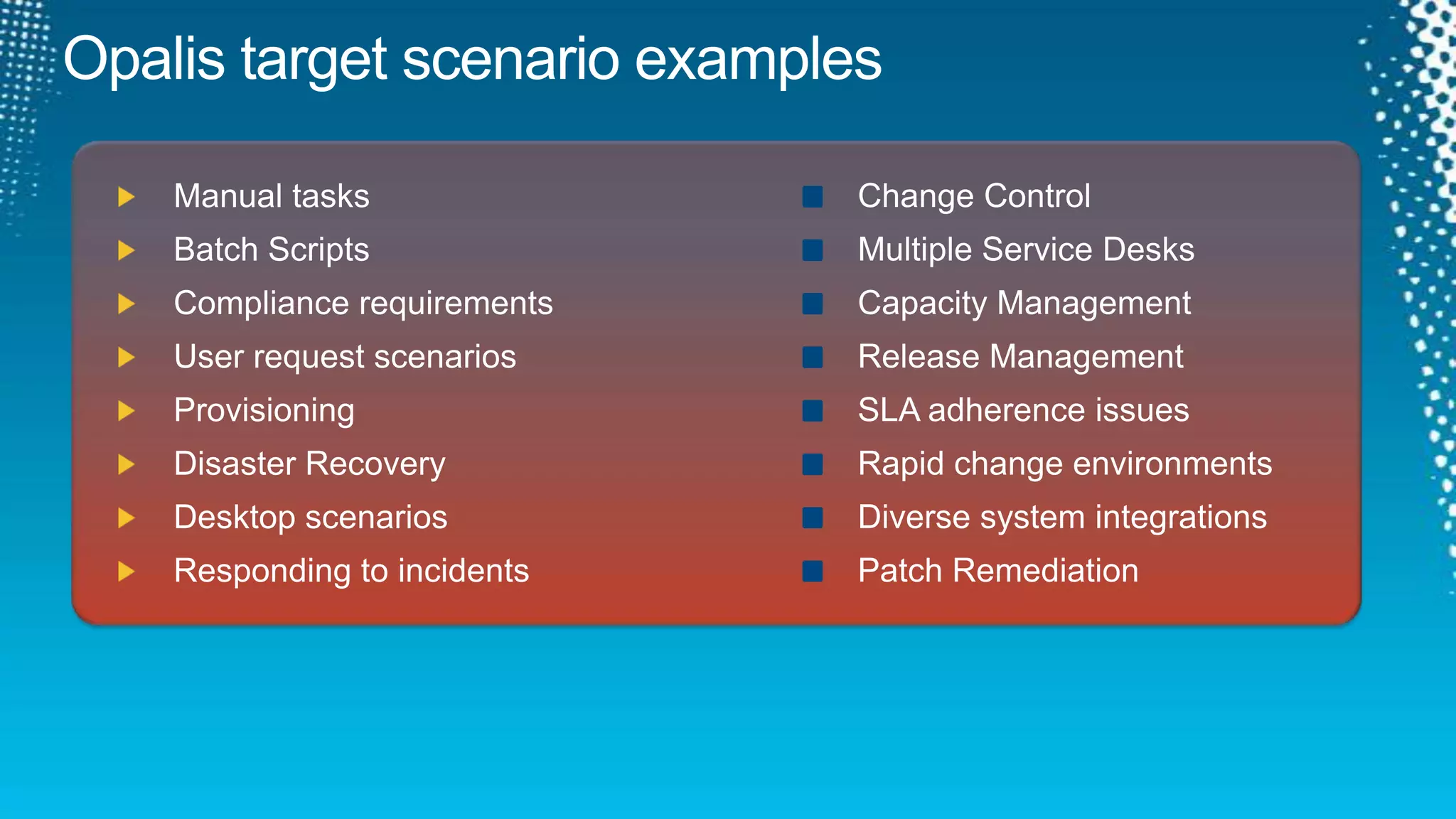
Opalis target scenario examplesChange Control Multiple Service Desks Capacity ManagementRelease ManagementSLA adherence issuesRapid change environmentsDiverse system integrationsPatch RemediationManual tasksBatch ScriptsCompliance requirementsUser request scenarios Provisioning Disaster RecoveryDesktop scenariosResponding to incidents
Performing Service RemediationSystem Center Opalisdemo
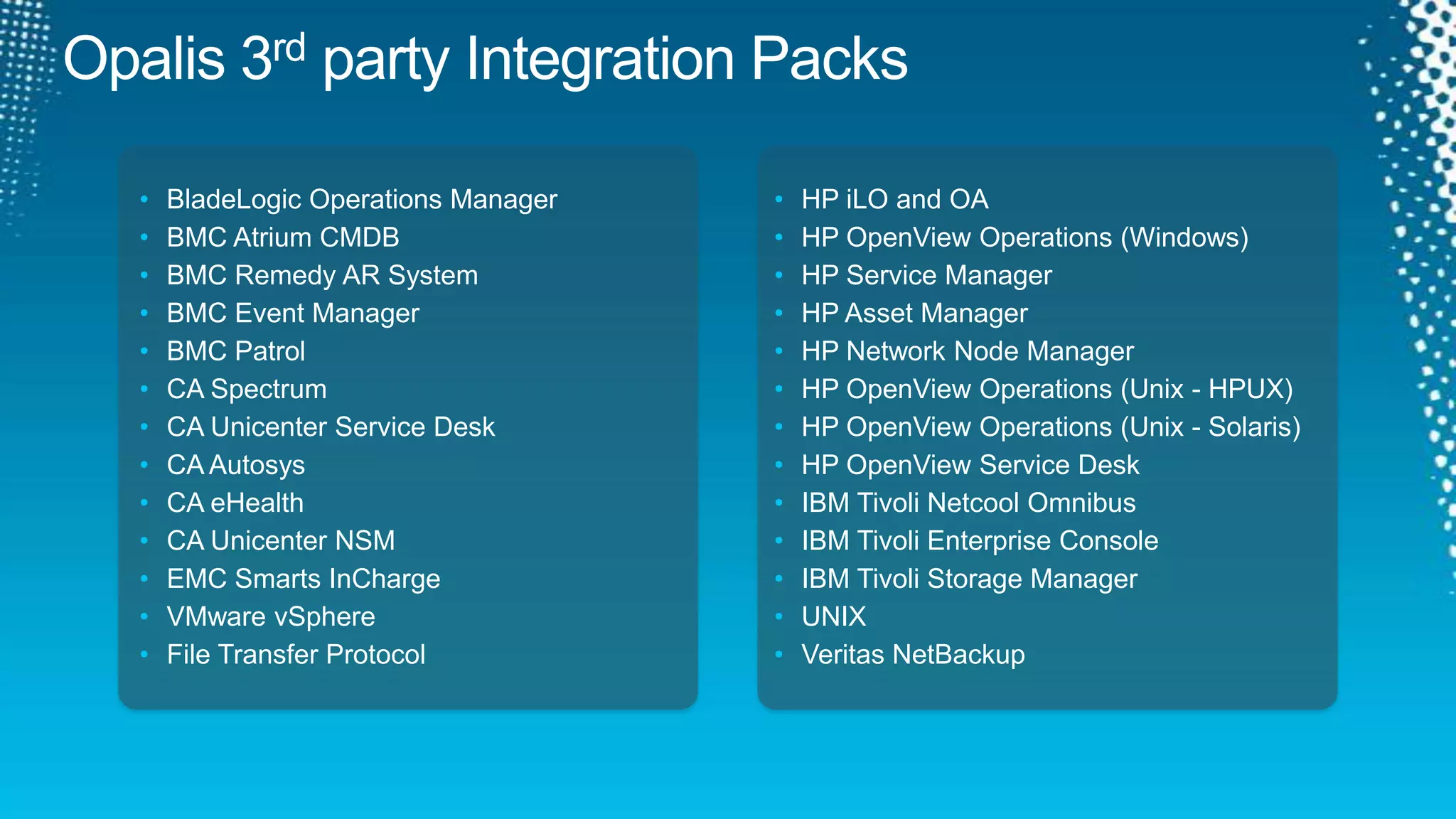
Opalis 3rd party Integration PacksHP iLO and OA
HP OpenView Operations (Windows)
HP Service Manager
HP Asset Manager
HP Network Node Manager
HP OpenView Operations (Unix - HPUX)
HP OpenView Operations (Unix - Solaris)
HP OpenView Service Desk
IBM Tivoli Netcool Omnibus
IBM Tivoli Enterprise Console
IBM Tivoli Storage Manager
UNIX

Managing IT as A Service with System Center

  • 1.
    Managing IT asa ServiceSIM307Raymond Chou (MVP SCOM)Principal ConsultantInfront Consulting GroupLai YoongSeng (MVP VM)Technical ConsultantRedynamics Asia System Management
  • 2.
    Session Objectives andTakeawaysObjectives:You understand the capabilities required to Manage IT as a ServiceYou hear us explain how System Center delivers you integrated MonitoringYou have fun, learn something and see lot’s of Demo!Key Takeaways:Operations Manager is THE monitor for your whole IT infrastructure Service Manager is all about Standardization, Self-Service and ComplianceOrchestrator is all about Integration, Orchestration and AutomationUpcoming versions and how they contribute
  • 3.
    IT as aService
  • 4.
    IT as aService
  • 5.
  • 6.
  • 7.
    Operations Manager 2007R2Improved deployment, performance, reliability, supportabilityChallenges AddressedIT services, applications and servers must run smoothlyIncreasing pressure for service levels that ensure optimal uptime and responsivenessKey CapabilitiesProactively monitor availability, performance and configuration across heterogeneous platformsPerform deep application and service-level monitoring
  • 8.
    Expanding the ITPro’s Visibility of your ITaaSOperations Manager 2007 SP1
  • 9.
    Expanding the ITPro’s Visibility of your ITaaSOperations Manager 2007 R2
  • 10.
    Expanding the ITPro’s Visibility of your ITaaSOperations Manager 2012
  • 11.
    360 – HolisticView of your ITaaS Health360 is a function of monitoring that gives customers visibility to the underlying application environment(s) or infrastructureConsistent UX(Console, Web, SharePoint) End User Experience(Synthetic Transactions)ImprovedCIOApplication Monitoring(.NET, J2E)NewService OwnerInfrastructure Monitoring(OS, SQL, IIS)Infrastructure Monitoring(Network)NewInfra OwnerCompany Mascots
  • 12.
    END TO ENDMONITORING
  • 13.
  • 14.
    END TO ENDMONITORING
  • 15.
    demoMonitoring Services throughthe IT InfrastructureSystem Center Operations Manager 2007 R2
  • 16.
    Operations Manager20062004200520072009201120102008OpsMgr 2007R2– CU1, CU2, CU3, CU4MOM 2005 RTMMOM 2005 SP1OpsMgr 2007 RTMOpsMgr 2007 SP1OpsMgr 2007R2OpsMgr 2012
  • 17.
  • 18.
    PaaS on PremiseITaaS– Reality is Complex!SaaS by an ISVIaaS on PremiseIaaS by a HosterHow do you keep costs down?How do you keep service levels up?How do you keep everyone informed?PaaS by Microsoft
  • 19.
    Achieving ITaaS ObjectivesMOF®ITaaSObjectivesAutomationReduce CostsIncrease Service LevelsFaster Time to DeliveryProvide More DataMore TransparencyComplianceStandardization ITIL®Self-serviceCOBIT®ComplianceProcess DesignImplementation
  • 20.
    Service Manager EnablesAutomationConfiguration Management DBIT DataWarehouseKnowledgeWork ItemsConfiguration Items Integration Centralized Data Storage Automation Interfaces
  • 21.
    Service Manager EnablesStandardizationBusiness Process Defined in TemplatesCMDB Data StandardizationCommon ModelReconciliation of DataService Catalog
  • 22.
    Service Manager EnablesComplianceCompliance is embedded in process, standards, self-service, and automationCompliance library maps legalese to actionable IT control activitiesCompliance is continuously and automatically evaluated in real time
  • 23.
    Service Manager &ITaaSMOF®AutomationResponse & Remediation in line with criticality of Business Services.
  • 24.
    Consistent view ofServices & Infrastructure
  • 25.
    Consistent delivery ofservices offeredStandardization ITIL®Self-serviceChoice & Control with FlexibilityCOBIT®ComplianceEmbedded in the every day.Process DesignImplementation
  • 26.
  • 27.
  • 28.
  • 29.
  • 30.
    Datacenter Management CanBe ExpensiveDisconnected Set of ProcessesDinner NowTool 2Tool 1Monitoring OperatorApplicationConfigurationAdminWebOrder01OrderTrackerDN App.Tool 4Tool 5Dynamic VirtManagementStorage AdminNetwork AdminTool 3Windows Server / Virt Admin
  • 31.
    Integration, Orchestration andAutomationService ManagerAutomationIntegration.HP Service Manager SoftwareMake your IT service desk enterprise strengthOrchestrationOpenView Operations
  • 32.
    Authoring made easyGet CloneRequestsClone VMsAdd StorageTo EachCreateAdvertisementProtect VMsOpalisDatabus
  • 33.
    Automating across DatacenterIT SilosVM Lifecycle ManagementApplication Service ManagementEvent MgmtMonitor for requestIncidentResponseService DeskCloseRequestUpdateCMDBInitiateChangeChange & ComplianceProvisioningAsset/CMDBCreateDeploymentConfigurationAssociateServer to ServiceCloneVMVirtualSecurityStorageConnectDisk to VMCreateDiskServerCreateServerNetworkJoinNetwork
  • 34.
    Opalis target scenarioexamplesChange Control Multiple Service Desks Capacity ManagementRelease ManagementSLA adherence issuesRapid change environmentsDiverse system integrationsPatch RemediationManual tasksBatch ScriptsCompliance requirementsUser request scenarios Provisioning Disaster RecoveryDesktop scenariosResponding to incidents
  • 35.
  • 36.
    Opalis 3rd partyIntegration PacksHP iLO and OA
  • 37.
  • 38.
  • 39.
  • 40.
  • 41.
  • 42.
    HP OpenView Operations(Unix - Solaris)
  • 43.
  • 44.
  • 45.
  • 46.
  • 47.
  • 48.
  • 49.
  • 50.
  • 51.
  • 52.
  • 53.
  • 54.
  • 55.
  • 56.
  • 57.
  • 58.
  • 59.
  • 60.
  • 61.
    File Transfer ProtocolNoIP? No Problem!QIK is a Software Development Kit (SDK)Programming Interface for Microsoft .NET 2.0 (C#, VB)Programming Interface for Java SE5+API documentation, C# examples, FAQsIntegration Packs for running QIK objectsWizard for packaging Integration PacksWizard for creating integrations with command line based solutionsQuickly Develop IntegrationsSimple APIs that are easy to learn and useIntegration details are encapsulated Easy wizard-driven approach to building integrations with data center tools that provide a command-line interface
  • 62.
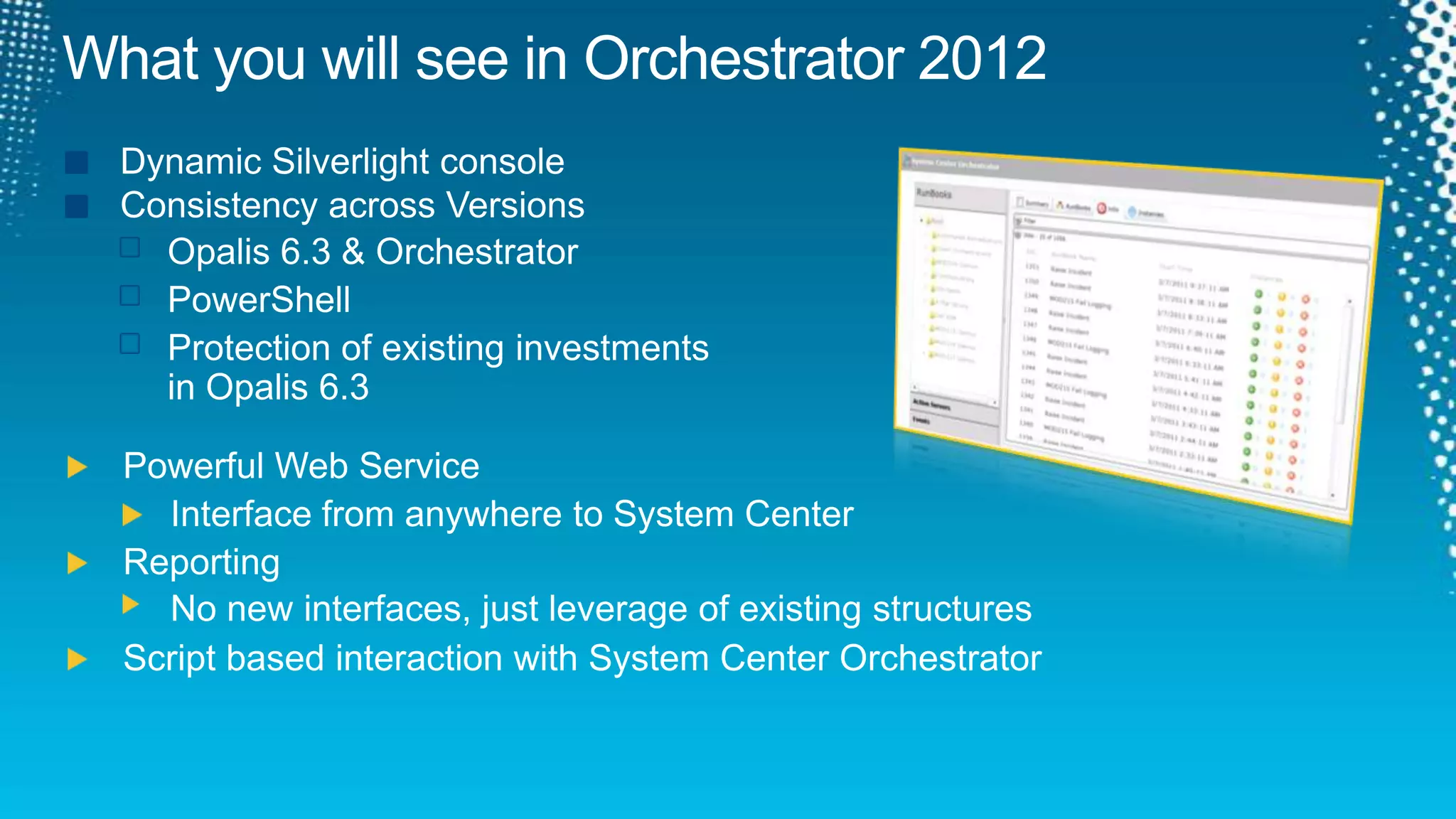
    What you willsee in Orchestrator 2012Dynamic Silverlight consoleConsistency across Versions Opalis 6.3 & OrchestratorPowerShellProtection of existing investments in Opalis6.3Powerful Web ServiceInterface from anywhere to System CenterReportingNo new interfaces, just leverage of existing structuresScript based interaction with System Center Orchestrator
  • 63.
  • 64.
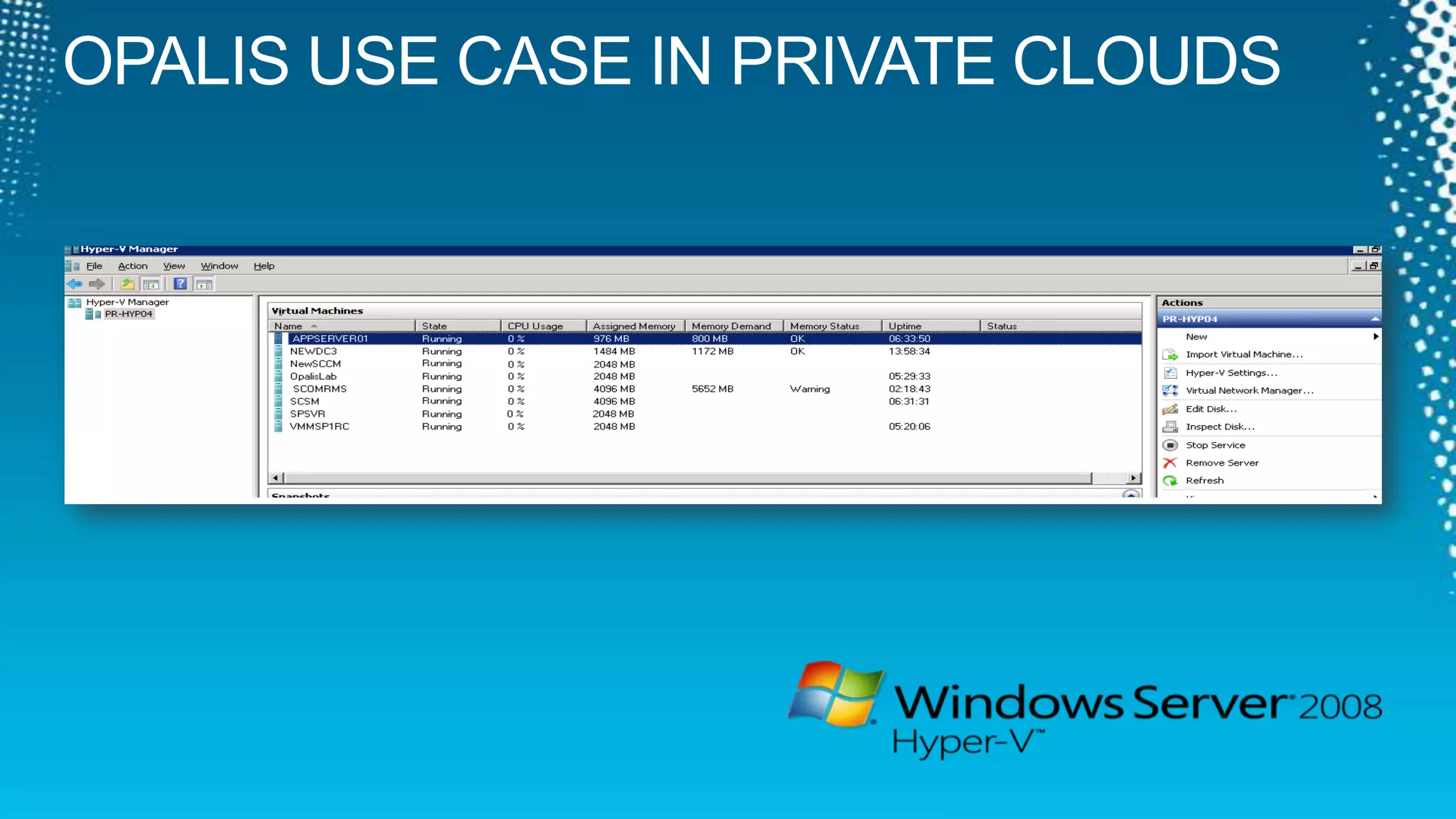
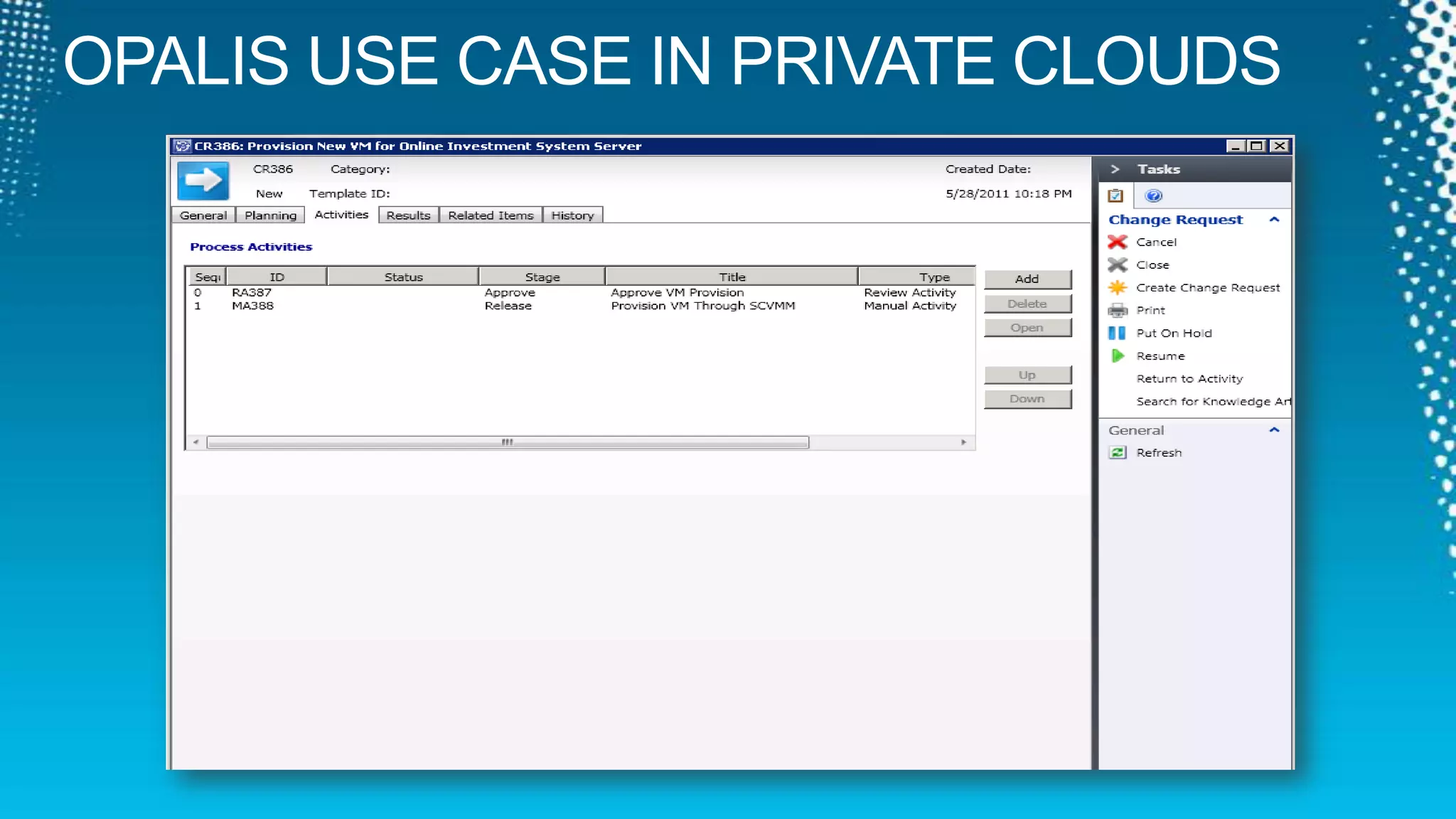
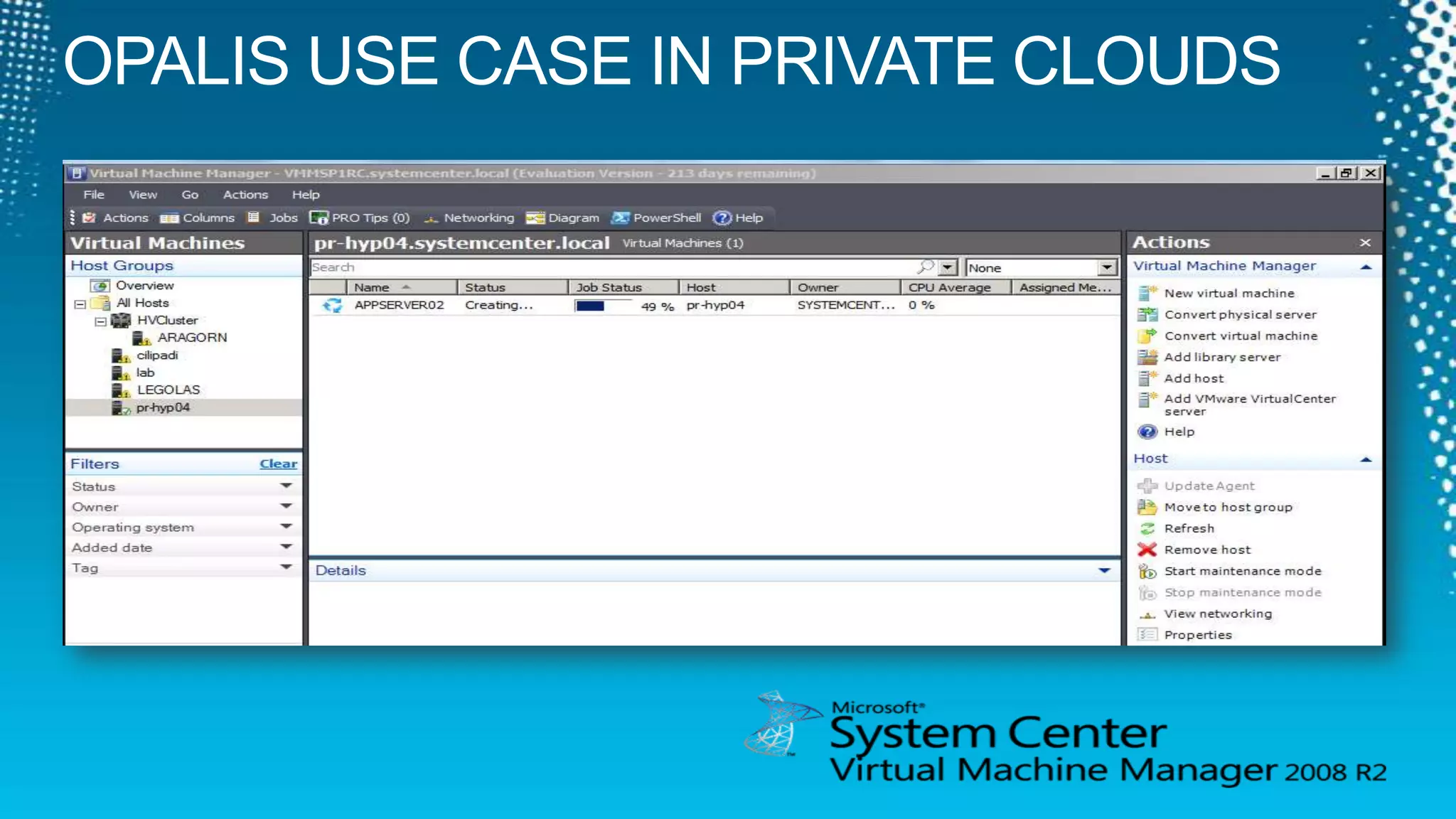
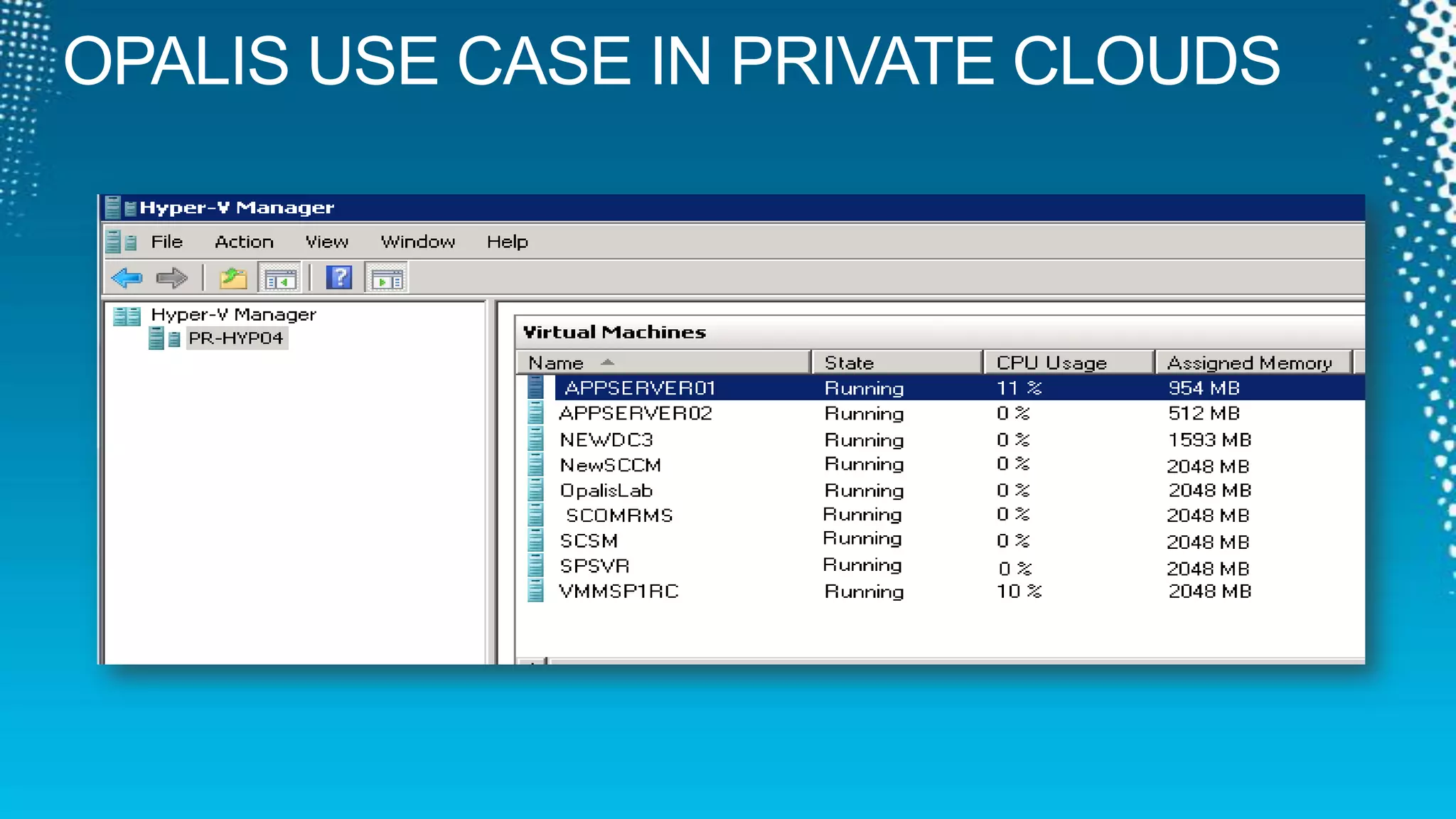
    OPALIS USE CASEIN PRIVATE CLOUDS
  • 65.
    OPALIS USE CASEIN PRIVATE CLOUDS
  • 66.
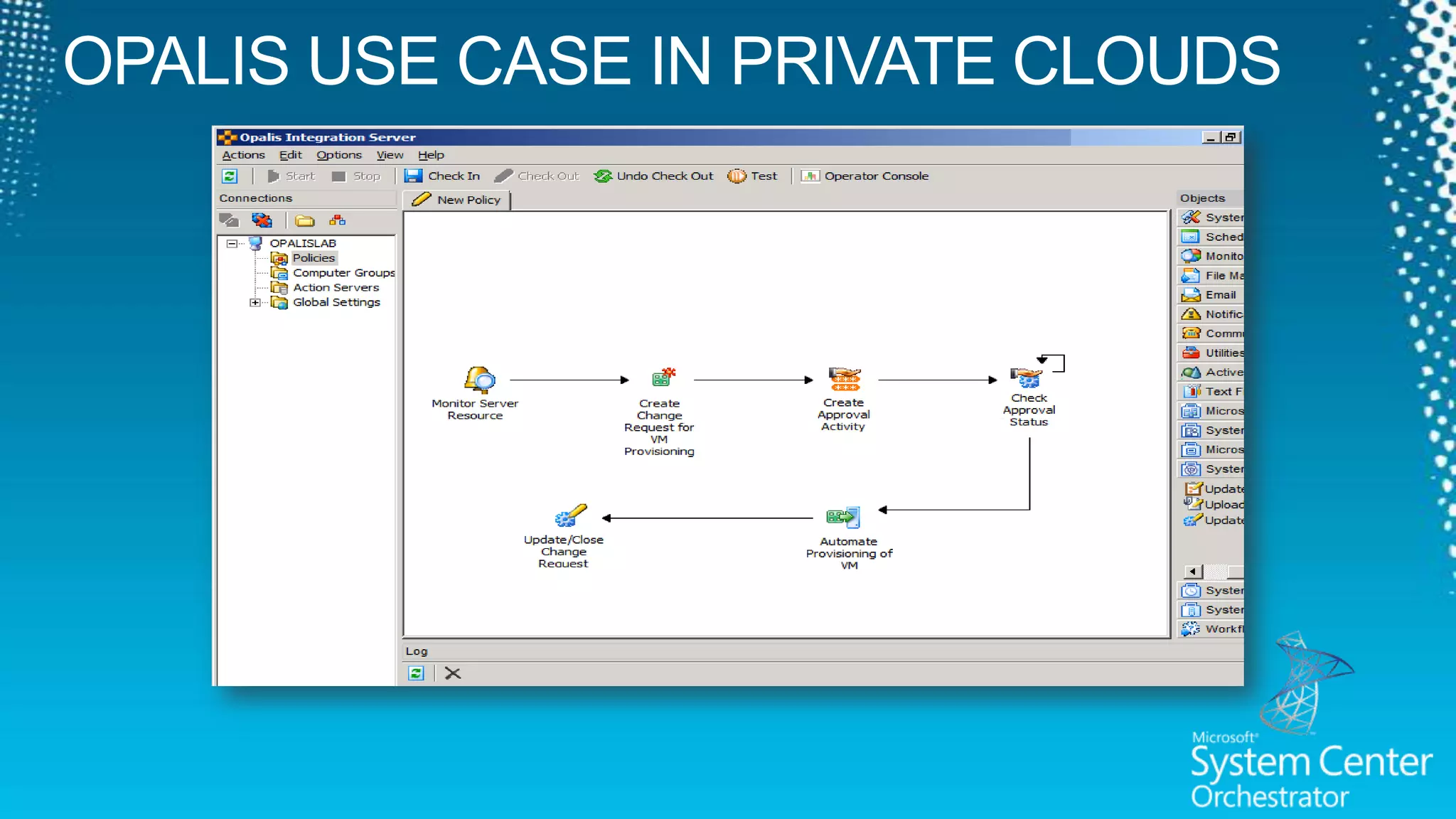
    OPALIS USE CASEIN PRIVATE CLOUDS
  • 67.
    OPALIS USE CASEIN PRIVATE CLOUDS
  • 68.
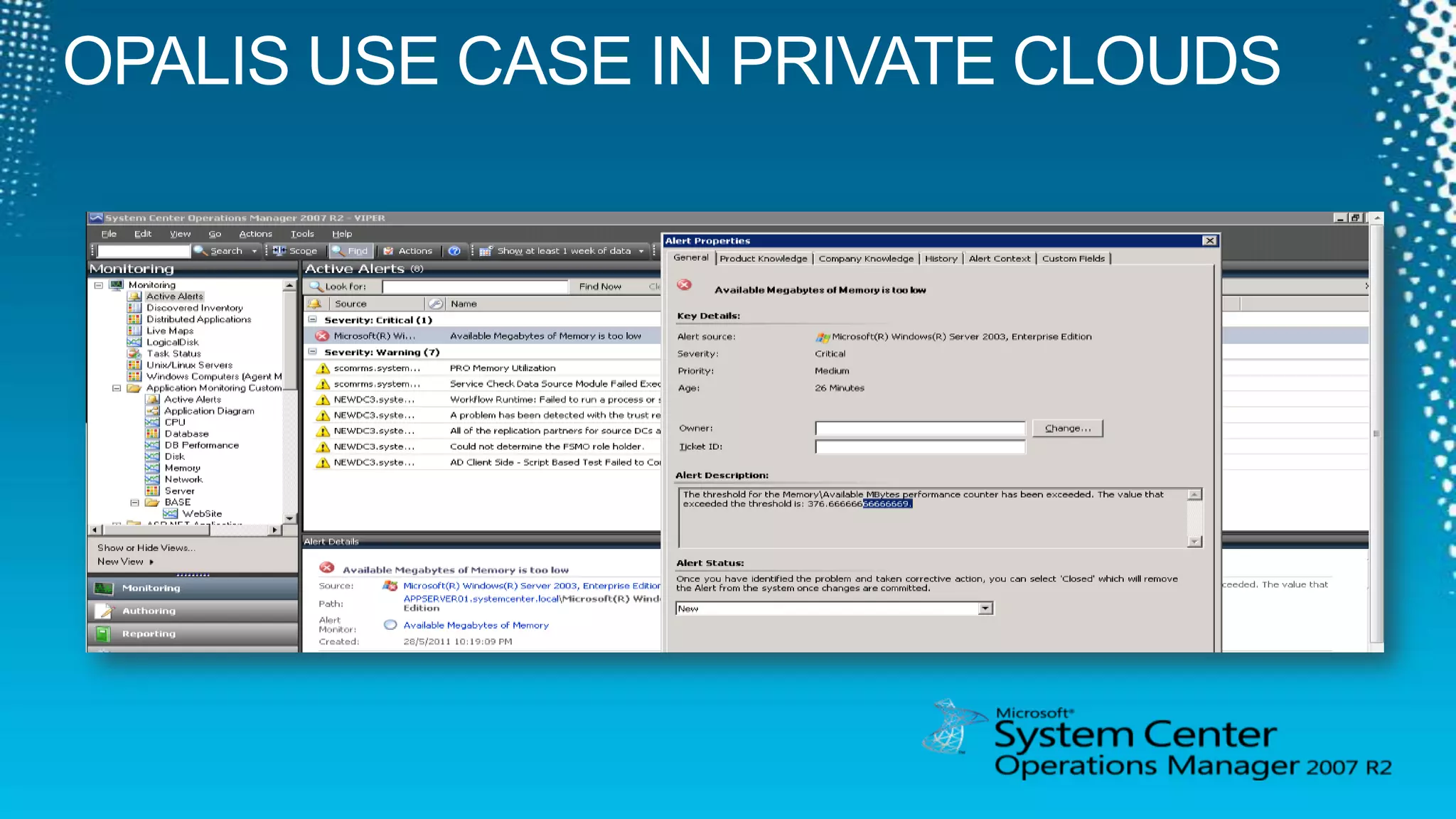
    OPALIS USE CASEIN PRIVATE CLOUDS
  • 69.
    OPALIS USE CASEIN PRIVATE CLOUDS
  • 70.
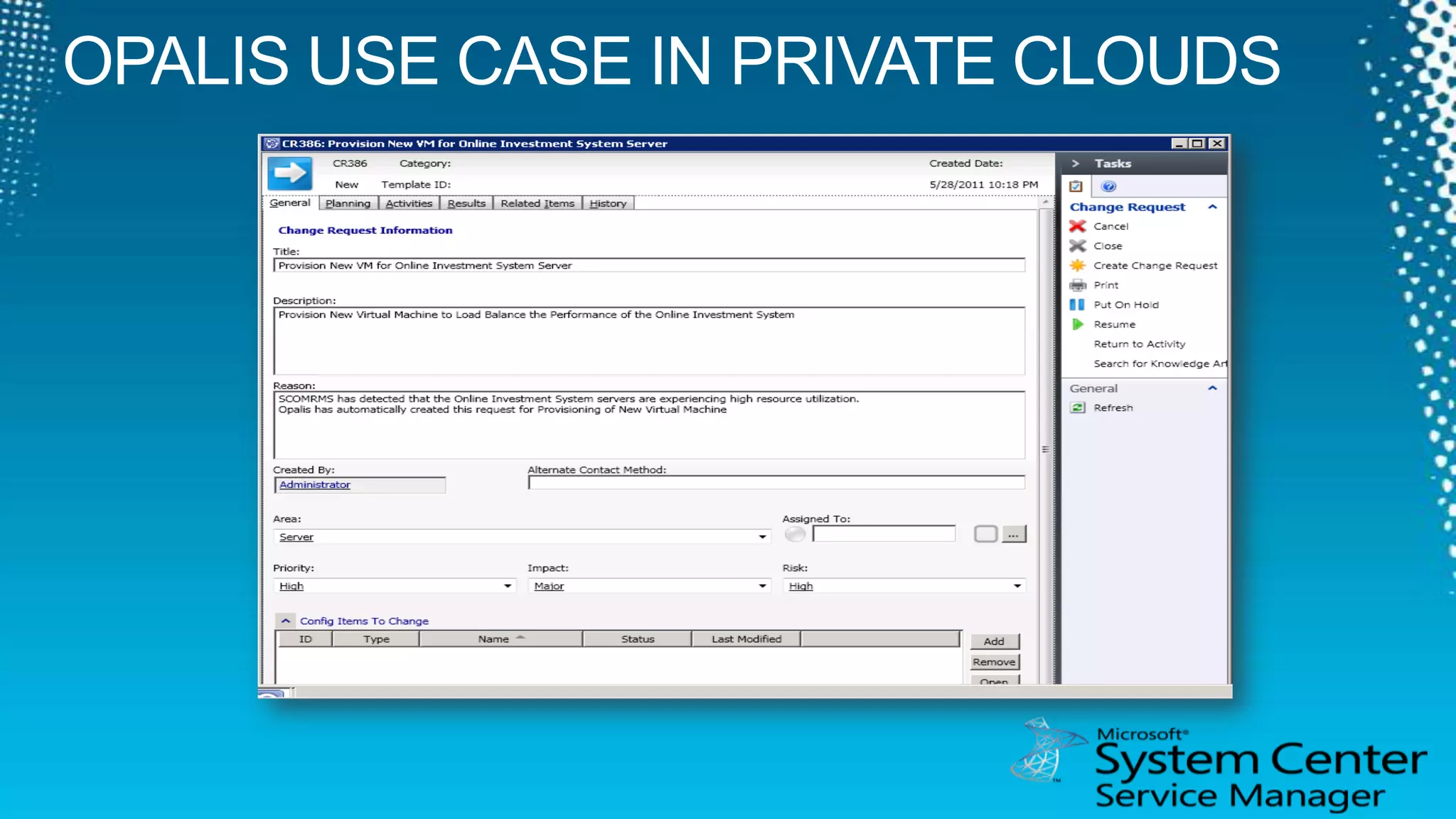
    OPALIS USE CASEIN PRIVATE CLOUDS
  • 71.
  • 72.
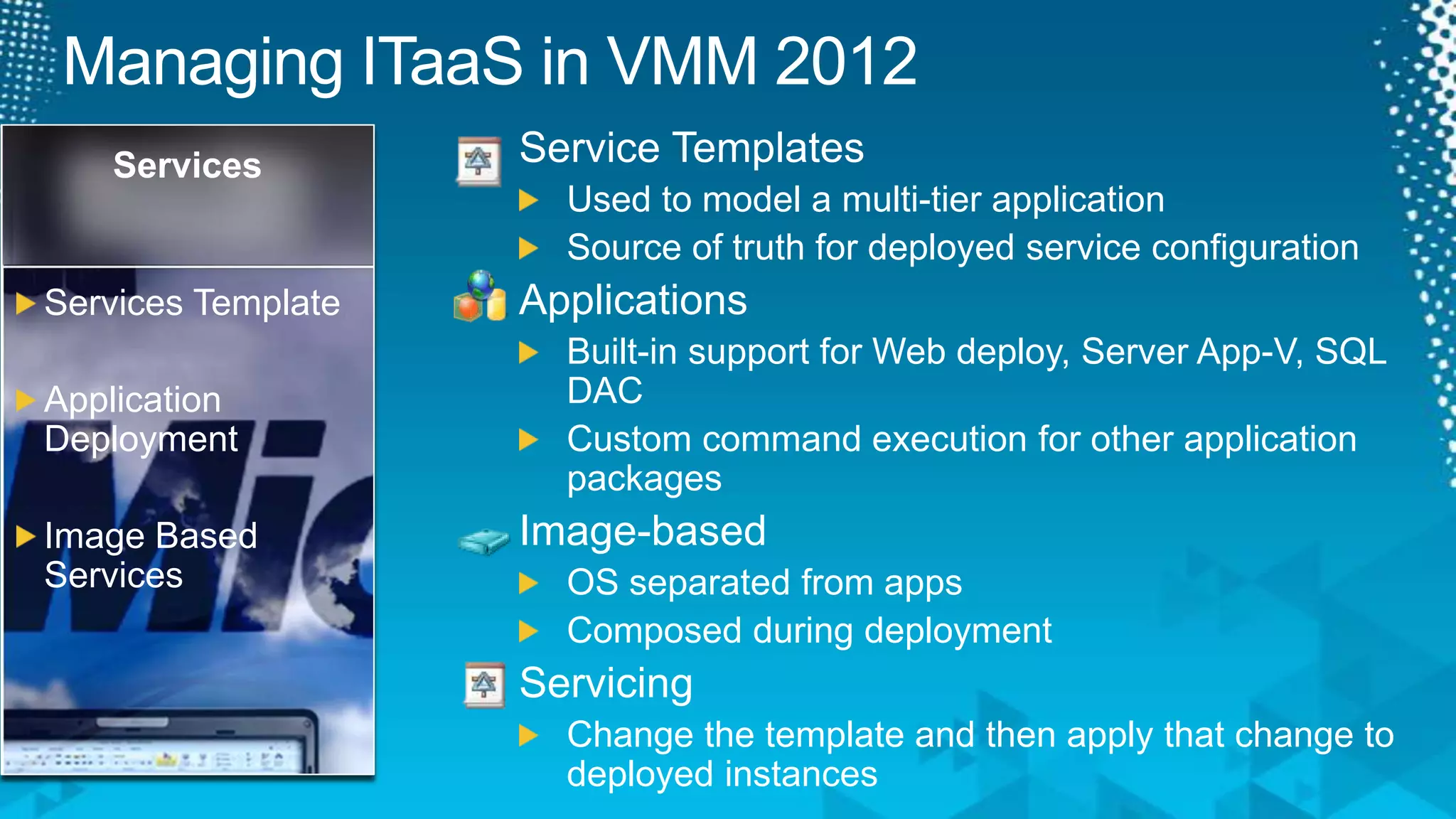
    Managing ITaaS inVMM 2012Service TemplatesUsed to model a multi-tier applicationSource of truth for deployed service configurationApplicationsBuilt-in support for Web deploy, Server App-V, SQL DACCustom command execution for other application packagesImage-basedOS separated from appsComposed during deploymentServicingChange the template and then apply that change to deployed instancesServicesServices TemplateApplication DeploymentImage Based Services
  • 73.
  • 74.
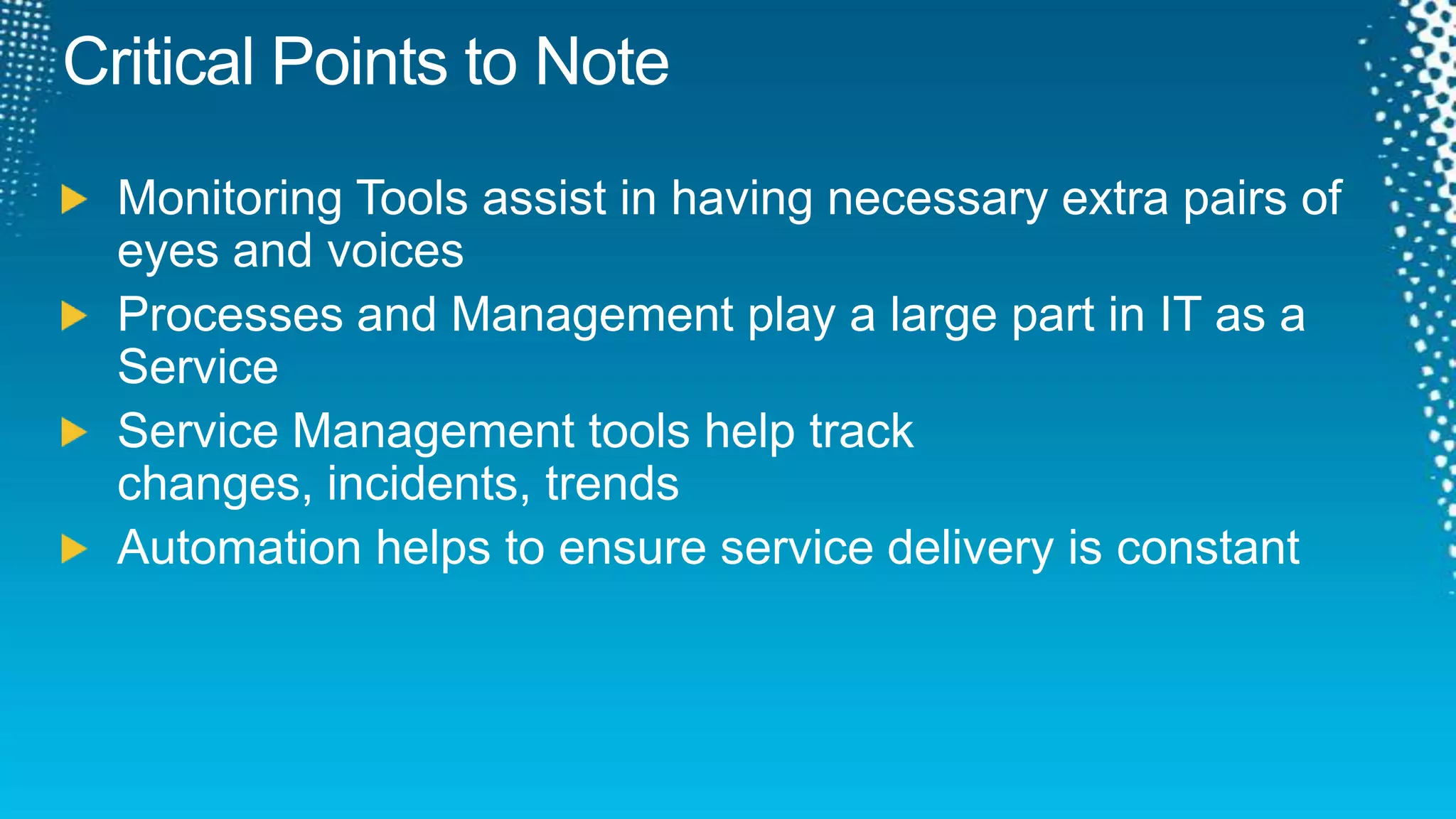
    Critical Points toNoteMonitoring Tools assist in having necessary extra pairs of eyes and voicesProcesses and Management play a large part in IT as a ServiceService Management tools help track changes, incidents, trendsAutomation helps to ensure service delivery is constant
  • 75.
    Track ResourcesRequired SlideTrack PMs will supply the content for this slide, which will be inserted during the final scrub. System Center Operations Manager 2007 R2 Infohttp://www.microsoft.com/systemcenter/en/us/operations-manager.aspxSystem Center Service Manager 2010 Infohttp://www.microsoft.com/systemcenter/en/us/service-manager.aspxSystem Center Opalis Infohttp://www.microsoft.com/systemcenter/en/us/opalis.aspxRaymond Chou Blog - http://mymomexperience.blogspot.com/Lai Blog – http://www.ms4u.info
  • 76.
    ResourcesLearningMicrosoft Certification &Training ResourcesConnect. Share. Discuss.http://newzealand.msteched.comwww.microsoft.com/learningResources for IT ProfessionalsResources for Developershttp://microsoft.com/msdnhttp://microsoft.com/technet
  • 77.
    Evaluate your sessionsonCommNet and go inthe draw to win instantprizes
  • 78.
    © 2011 MicrosoftCorporation. All rights reserved. Microsoft, Windows, Windows Vista and other product names are or may be registered trademarks and/or trademarks in the U.S. and/or other countries.The information herein is for informational purposes only and represents the current view of Microsoft Corporation as of the date of this presentation. Because Microsoft must respond to changing market conditions, it should not be interpreted to be a commitment on the part of Microsoft, and Microsoft cannot guarantee the accuracy of any information provided after the date of this presentation. MICROSOFT MAKES NO WARRANTIES, EXPRESS, IMPLIED OR STATUTORY, AS TO THE INFORMATION IN THIS PRESENTATION.