HOW TO PRESENT A SEMINAR  DR.S.YUVARAJAN,M.B.B.S(GOLD MEDALIST) RESIDENT , DEPT OF PULMONARY MEDICINE GMCH, NAGPUR
Presentation Skills
Presentation Challenges Content Organization Delivery Fear
CONTENT Relevant material for audience’s knowledge level Acknowledgement of audience’s wants and needs Sufficient depth in support material Interesting examples for audience Appropriate visual aids
ORGANIZATION Introduction DEFINITION OF TOPIC DESCRIPTION OF THAT IN LUCID  WAY DESCRIPTION OF THAT  TOPIC TO DEPTH RELEVENT EXAMPLES AND MATERIALS FROM TEXTS , JOURNALS , RECENT ARTICLES ABOUT THE TOPIC TRY TO USE MORE FLOW CHARTS  FOR BETTER UNDERSTANDING
RELEVENT EXPLANATION OF BASIC SCIENCES TO THAT TOPIC CONCLUSION AND SUMMARY REFERENCES
DELIVERY Moves comfortably and gestures naturally Looks at each member of the audience Speaks conversationally and enthusiastically Handles visual aids effectively
Fear (Being afraid!] Biggest problem when speaking to groups is  fear Largely fear   of the   unknown   Reduce fear by reducing the unknown
1) First, Do Your Homework What: Situation Who: Audience Why: Objectives How: Methodology
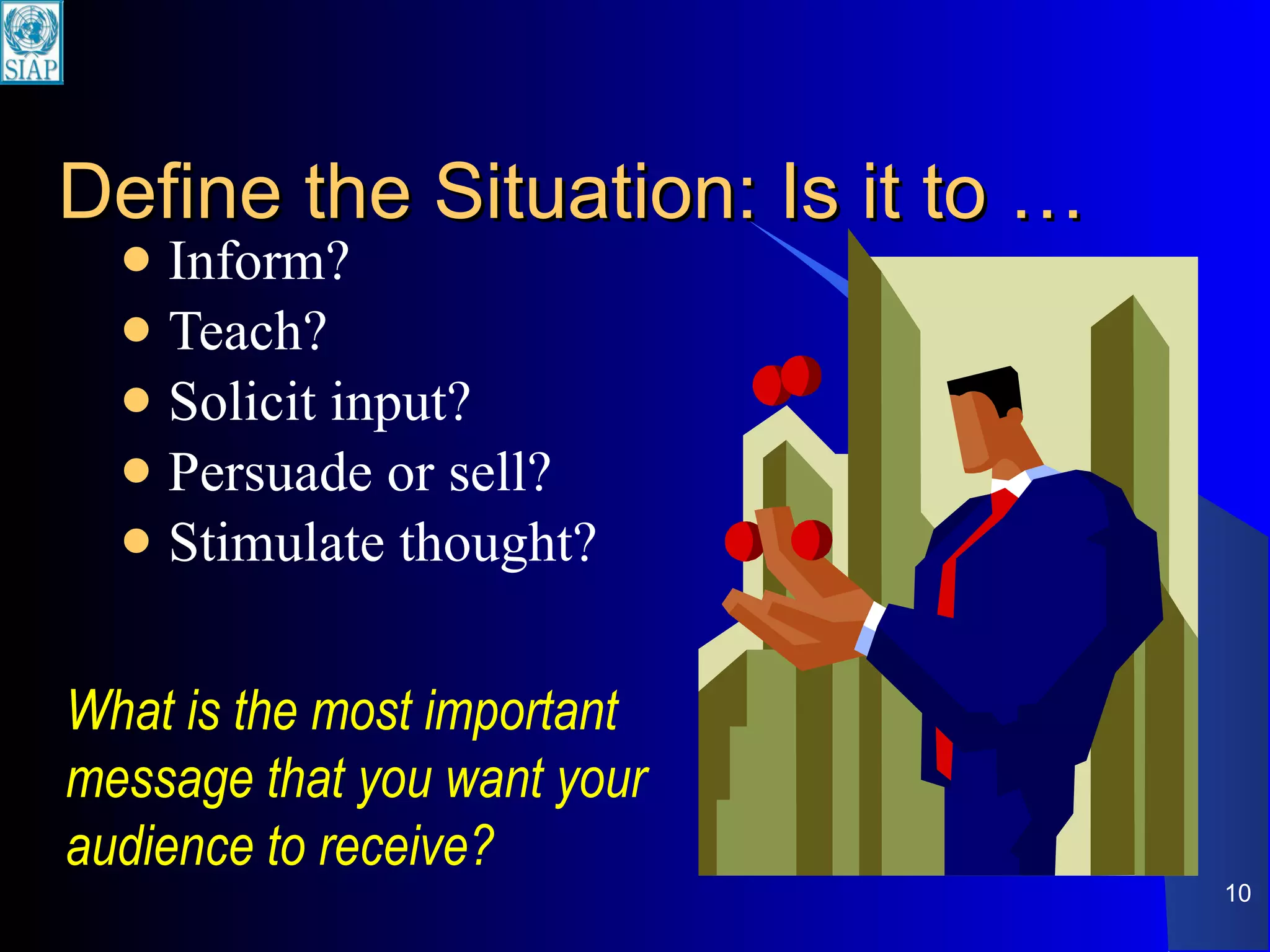
Define the Situation: Is it to … Inform? Teach? Solicit input? Persuade or sell? Stimulate thought? What is the most important message that you want your audience to receive?
The Answers Will … Determine the material you will use Guide your approach to the presentation situation Pitch your presentation to the ‘right level’ of the audience.
Define Your Objectives Gives you a goal to hit, a goal to attain as a result of your presentation Do not include anything (data, visuals, examples, etc.) in your presentation that doesn’t help you achieve the objectives
2) Get the Words in Order Introduction Body Conclusion
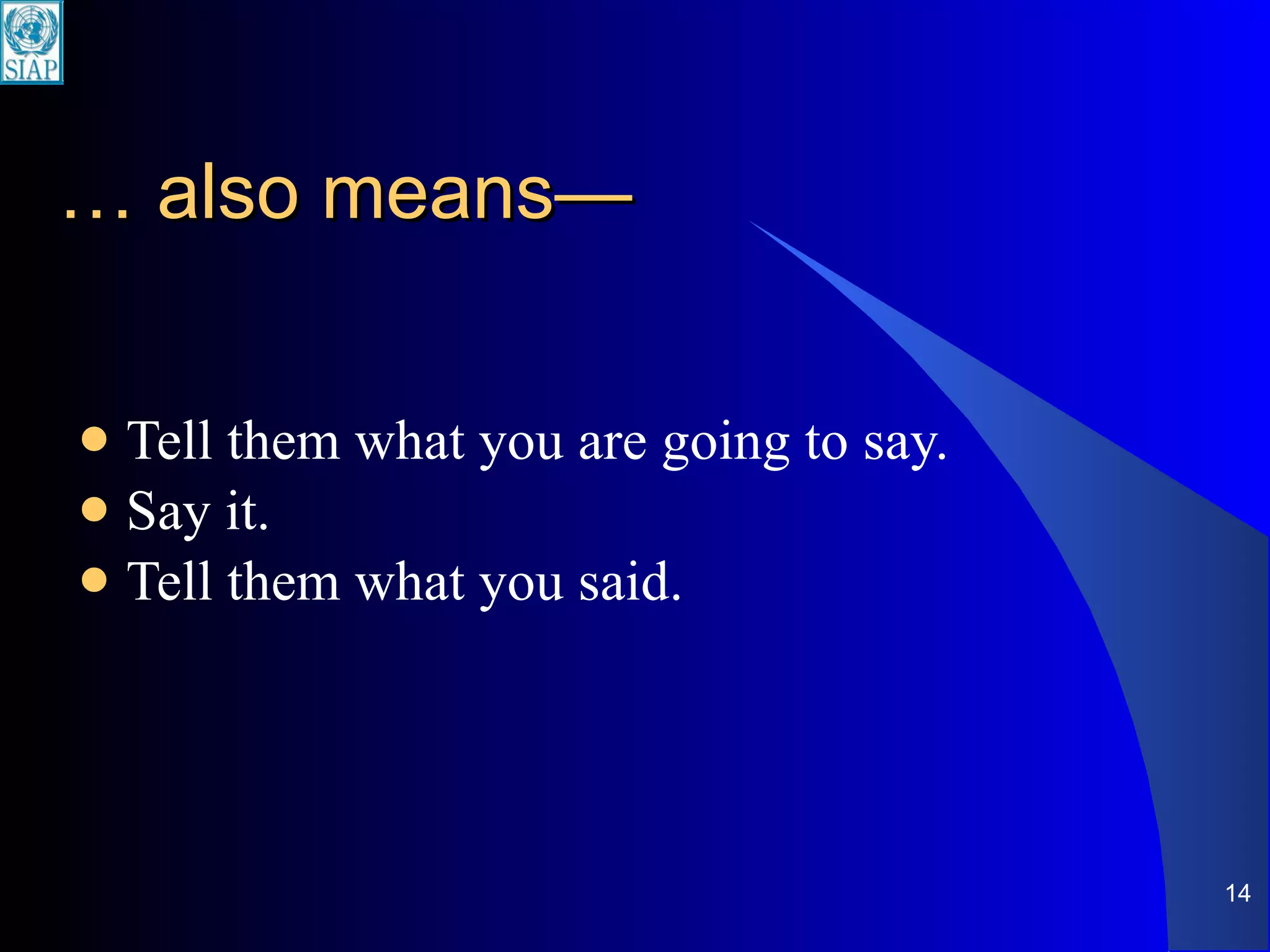
…  also means— Tell them what you are going to say. Say it. Tell them what you said.
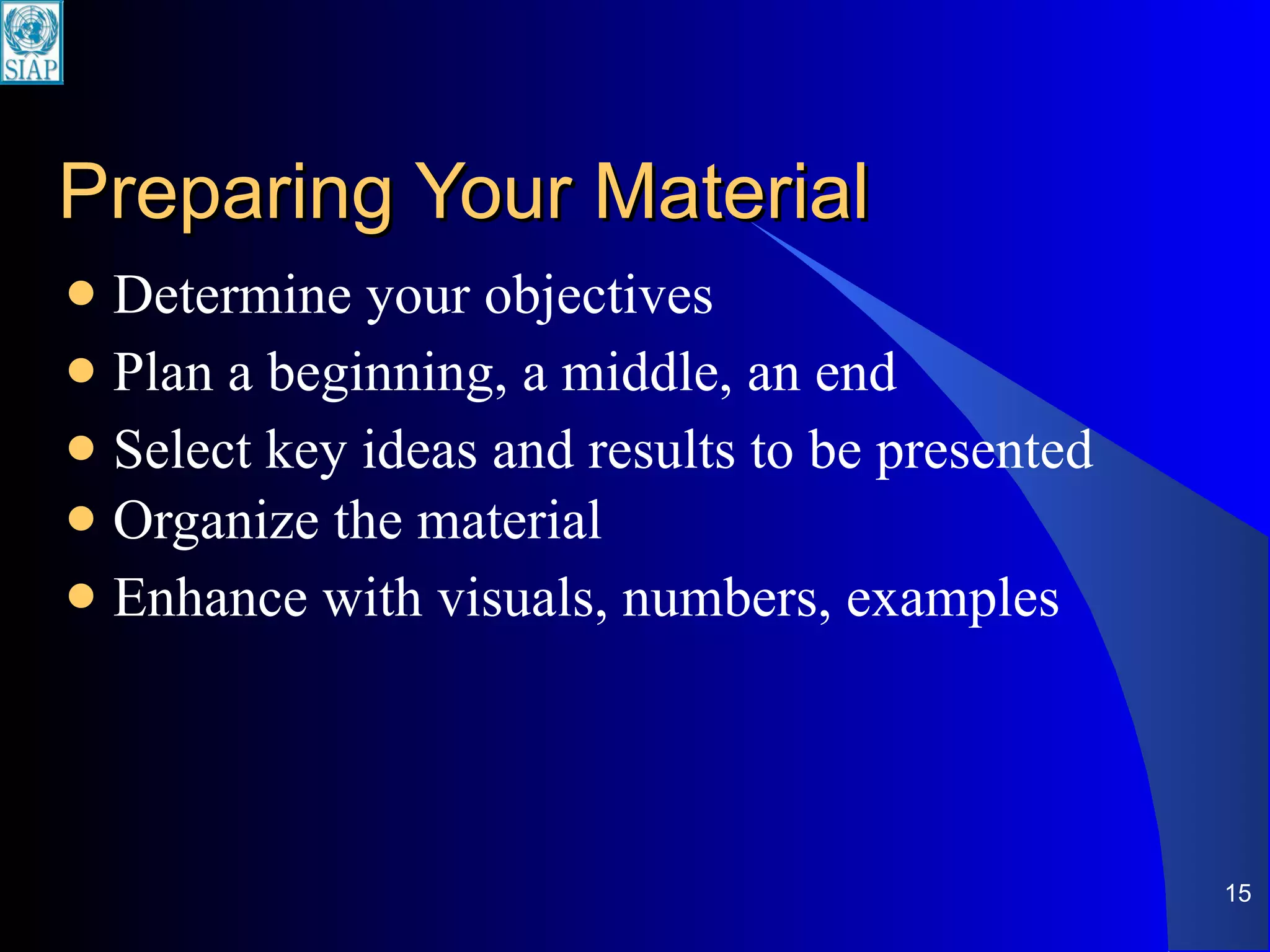
Preparing Your Material  Determine your objectives Plan a beginning, a middle, an end Select key ideas and results to be presented Organize the material Enhance with visuals, numbers, examples
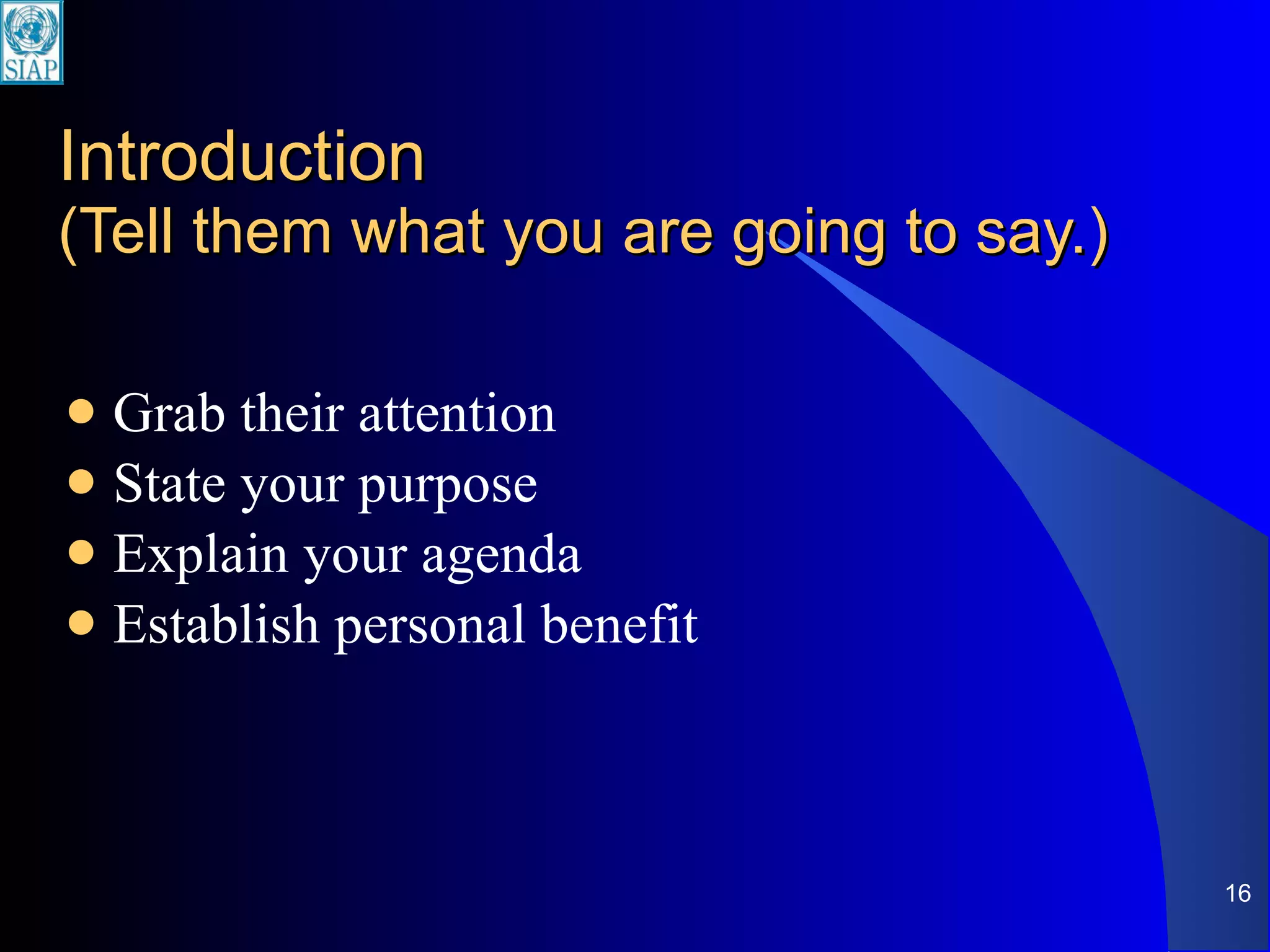
Introduction (Tell them what you are going to say.) Grab their attention State your purpose Explain your agenda Establish personal benefit
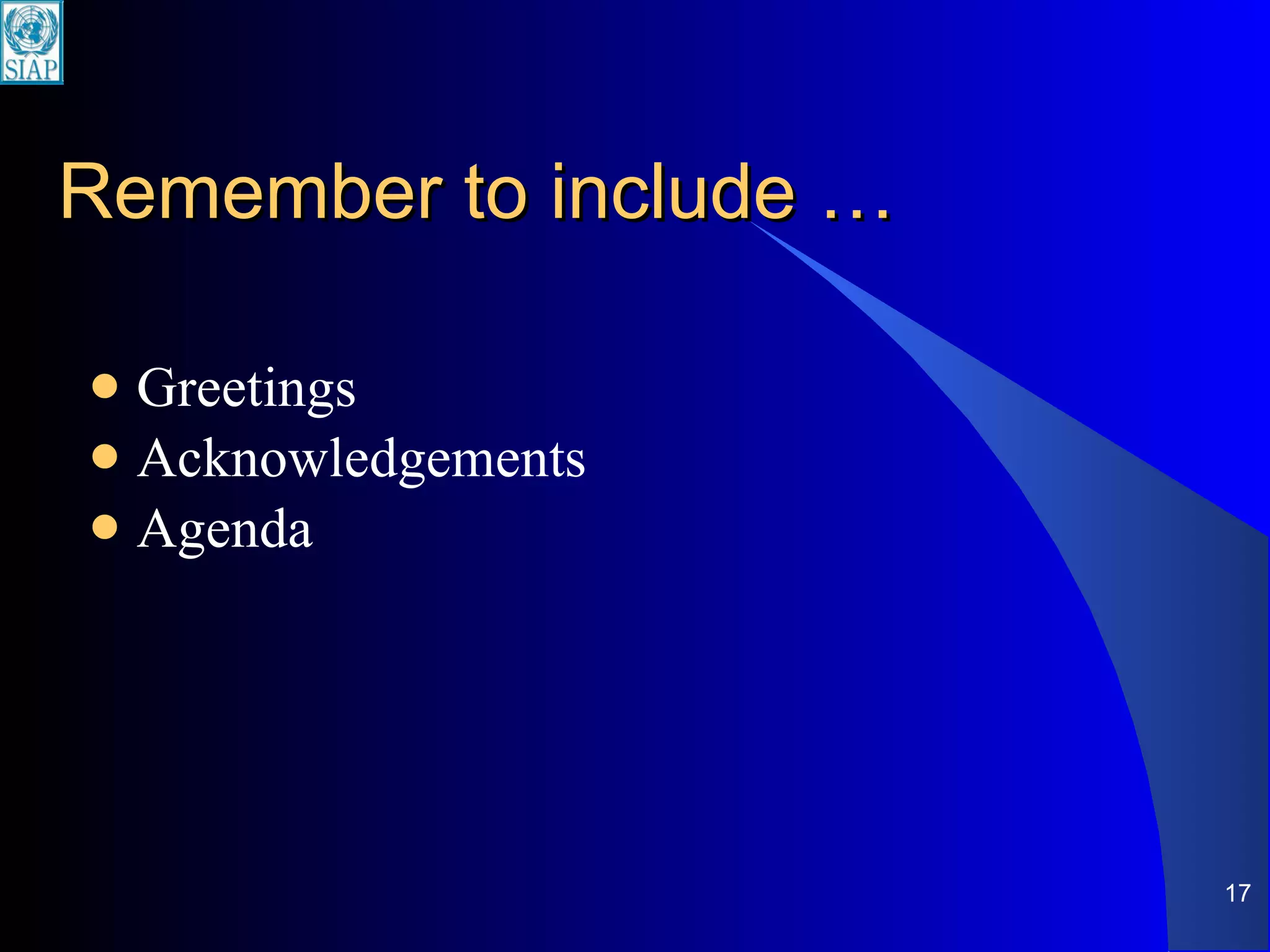
Remember to include … Greetings Acknowledgements Agenda
Body (Say it.) Help the audience get the greatest amount of information with the least amount of mental effort. Main points (maximum of 7)
Conclusion  (Tell them what you said.) Summarize main points Ask for specific action Make last words  memorable Not ‘any questions?’ (“Question and answer” BEFORE the final statement) Not just ‘thank you’ (Do this in the introduction)
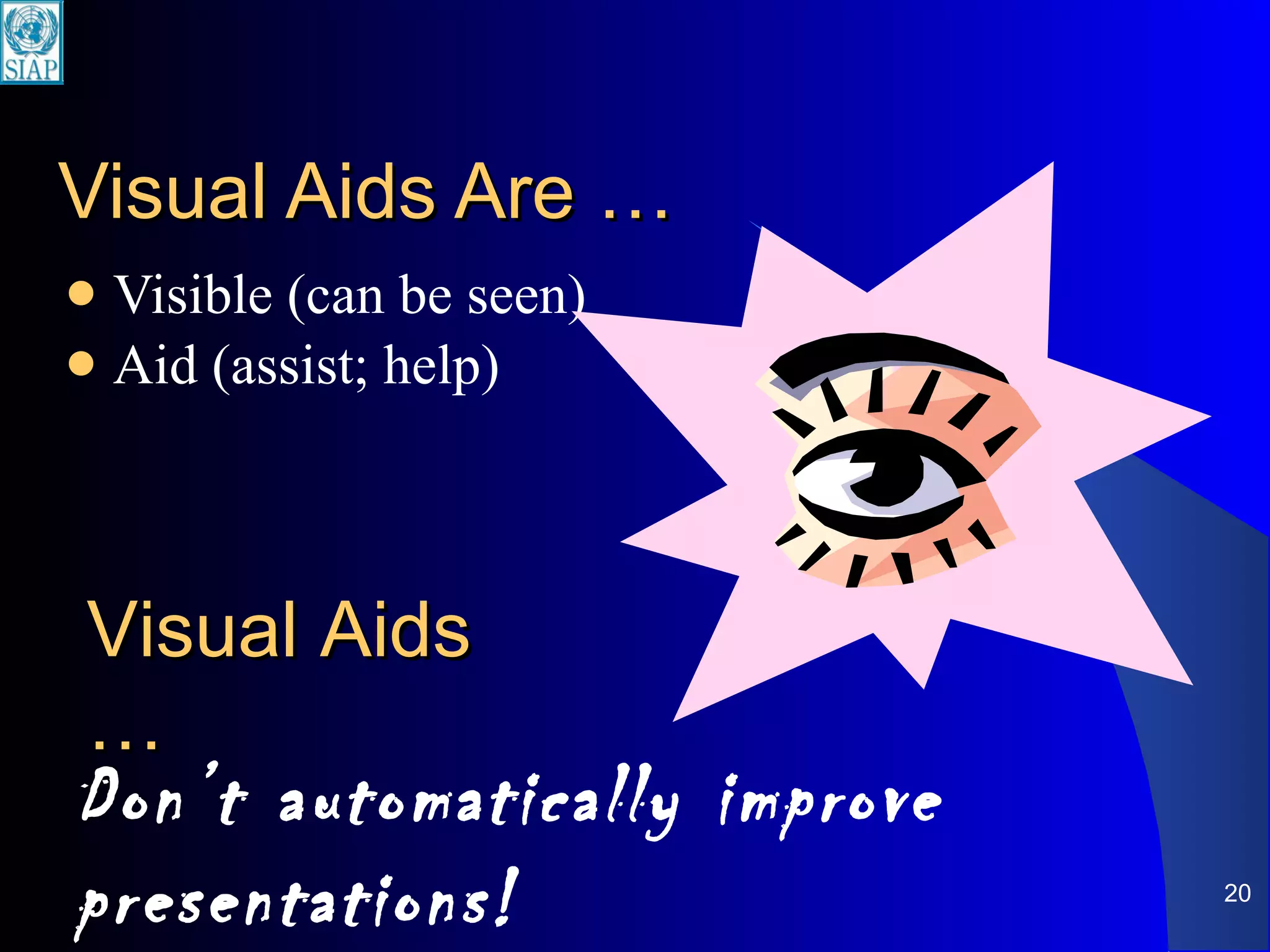
Visual Aids Are … Visible (can be seen) Aid (assist; help) Don’t automatically improve presentations! Visual Aids …
Visual aids play supporting role. Who plays the major role?
You You! are the expert You are the one who was asked to speak
Do use visuals to … Focus the audience’s attention Reinforce your verbal message Stimulate interest and add impact Illustrate factors that are hard to visualize
Don’t  use visuals to … Impress your audience with detail and animation Avoid interaction with audience Make more than one point per slide Present simple ideas that are easily stated verbally
Provide outline for audience Provide outline for you Support verbal message with visual images to increase retention Support words with numbers and graphics to increase understanding Visuals
If yes, what visuals do I need? A visual must be necessary.
Preparing Good Visual Aids Appropriate Clear Consistent Dynamic
Appropriate (Who is your audience?) Type of visual aid Choice of overall design (‘template’) Choice of graphics/pictures/charts
Present one key point per slide …  because more than one idea in a slide Distracts the audience Lessens the focus and impact of the message
Make visuals big enough to see Up to the last row of seats Should be easy to see …  including the labels on charts and tables Highlight areas of a complex diagram or flowchart or organizational chart
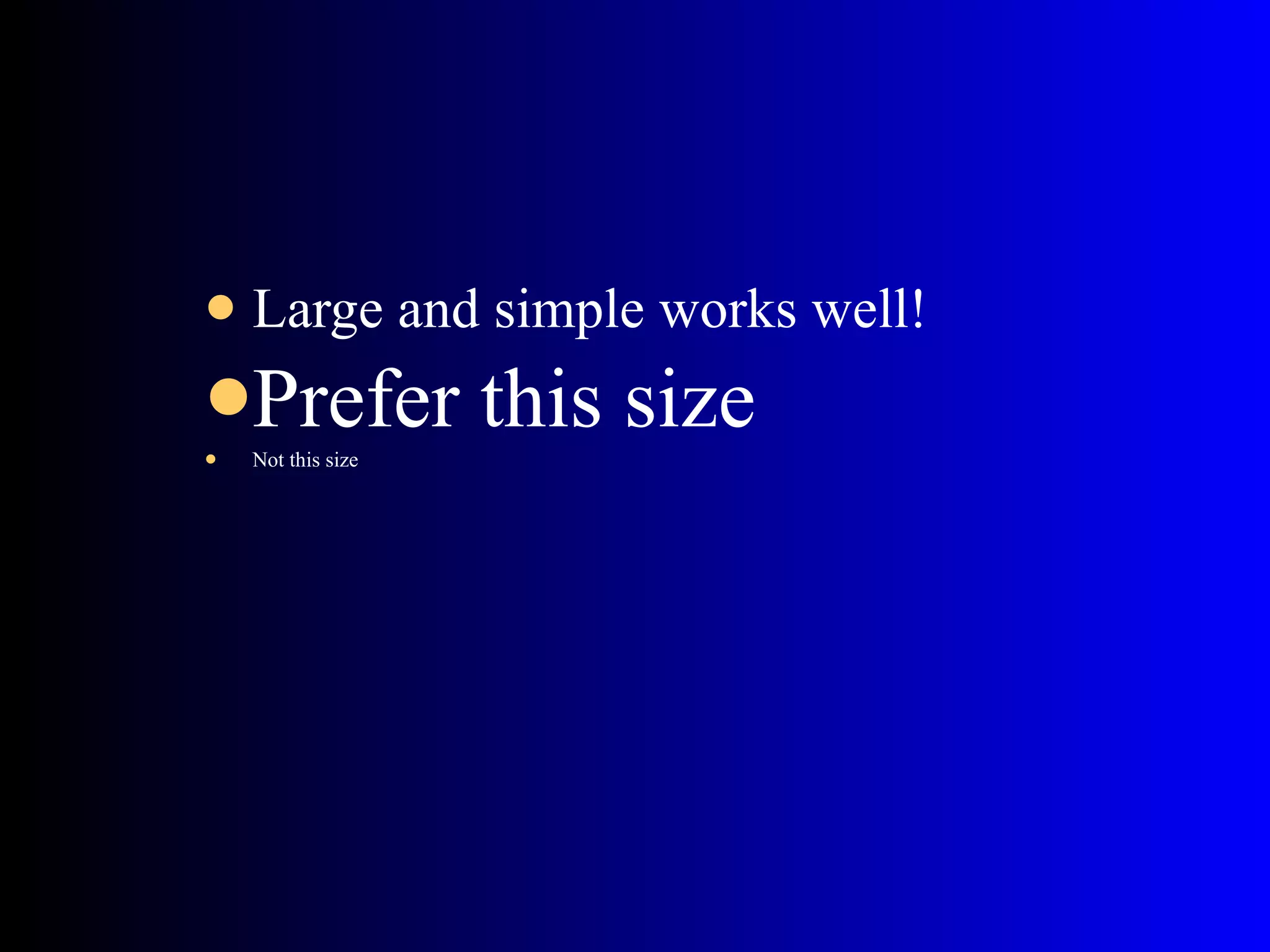
Large and simple works well! Prefer this size Not this size
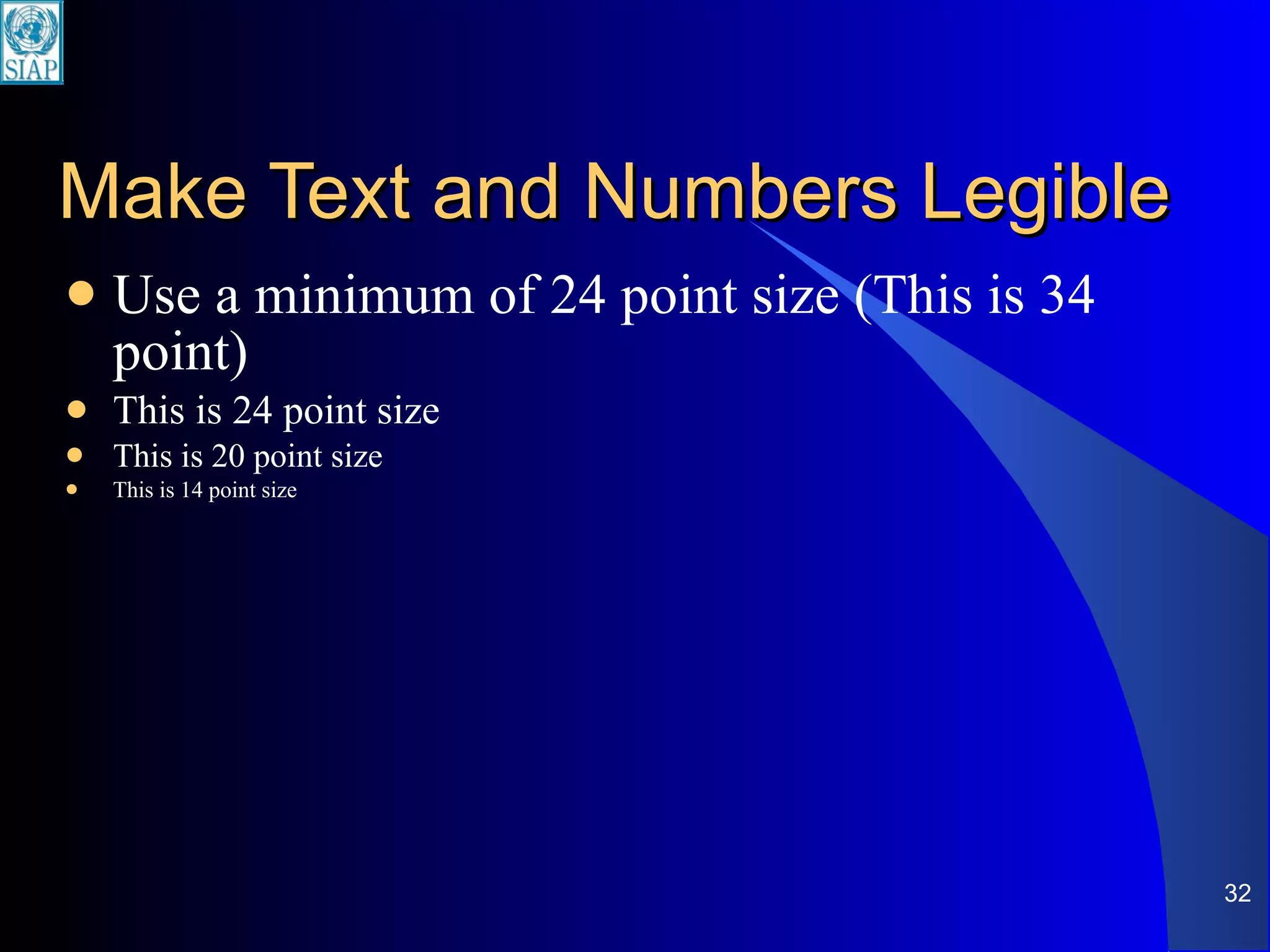
Make Text and Numbers Legible Use a minimum of 24 point size (This is 34 point) This is 24 point size This is 20 point size This is 14 point size
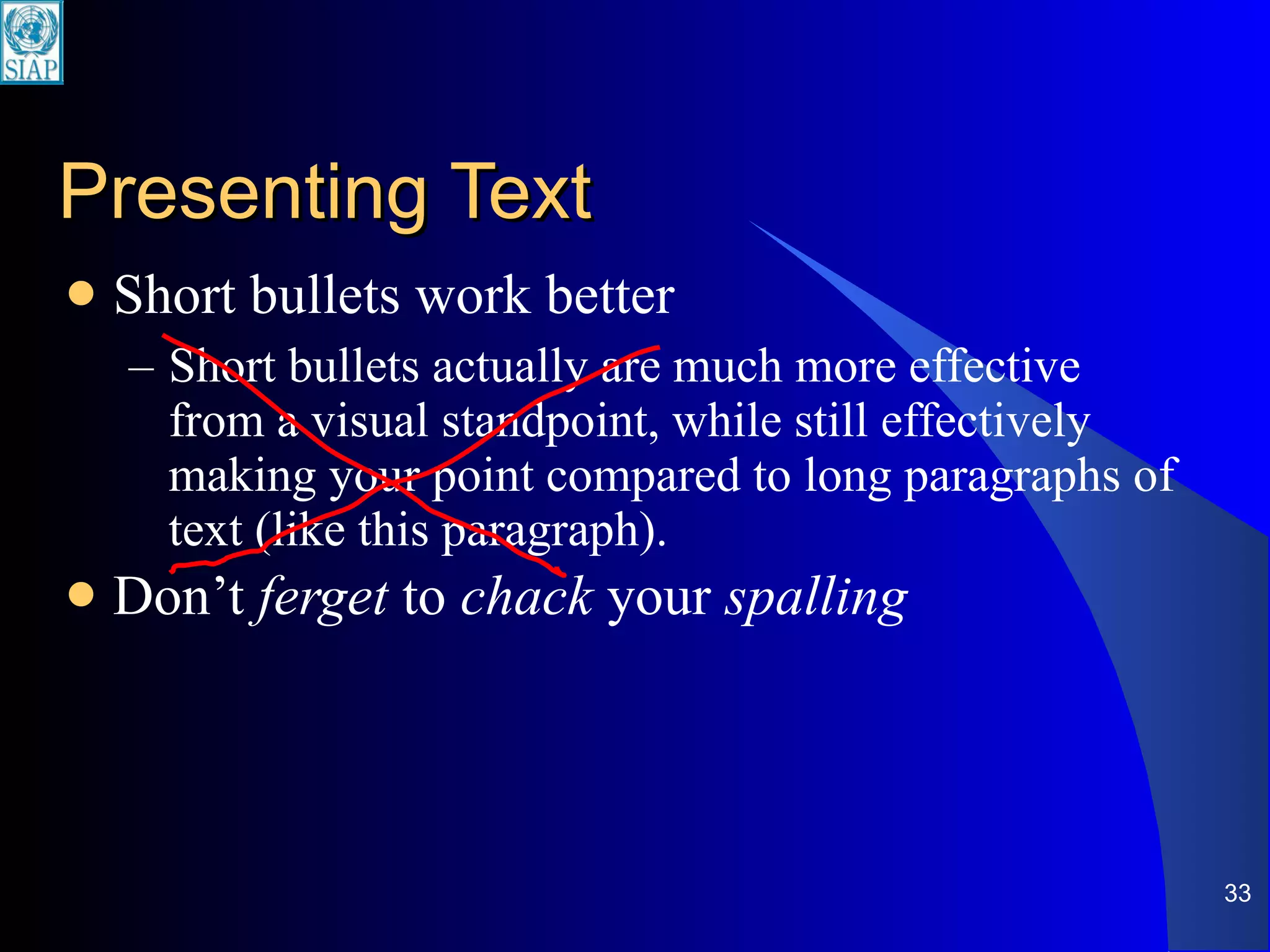
Presenting Text Short bullets work better Short bullets actually are much more effective from a visual standpoint, while still effectively making your point compared to long paragraphs of text (like this paragraph). Don’t  ferget  to  chack  your  spalling
‘ 5 x 5’ Guideline Maximum of 5 bullet points Maximum of 5 words per bullet
When presenting numbers … Maximum of 10 – 15 numbers in a slide Round to whole numbers Prefer graphs over tables of numbers
Consistent Background Font Structure Capitalization Spacing Illustrations Colors Start with Design Templates in PowerPoint
Use Color Carefully Keep consistent theme or template No more than three or four colors per slide Contrasting colors provides maximum visibility Dark colors for background Light color for text
Capital Letters … Only for first letter of first word in bullet point ALL CAPS (LIKE THIS) ARE MORE DIFFICULT TO READ
Images preferred over text Lists into tables Numbers into graphs Wordy descriptions into diagrams
Transitions & Animations Movement Multimedia Sight and sound Stages and steps ‘ Builds’ Create interest Guide eye Simplify Organize
Using builds and animations Helps explain flow of  complex  process Keeps audience attention But, too much interferes with the message …  so use sparingly. Avoid mixing different slide transition effects
How to Use Visuals Some Do’s and Don’ts
Talk about what’s on the slide.
Give the audience time to see the slide.
Enough time … Don’t put too much on a slide!
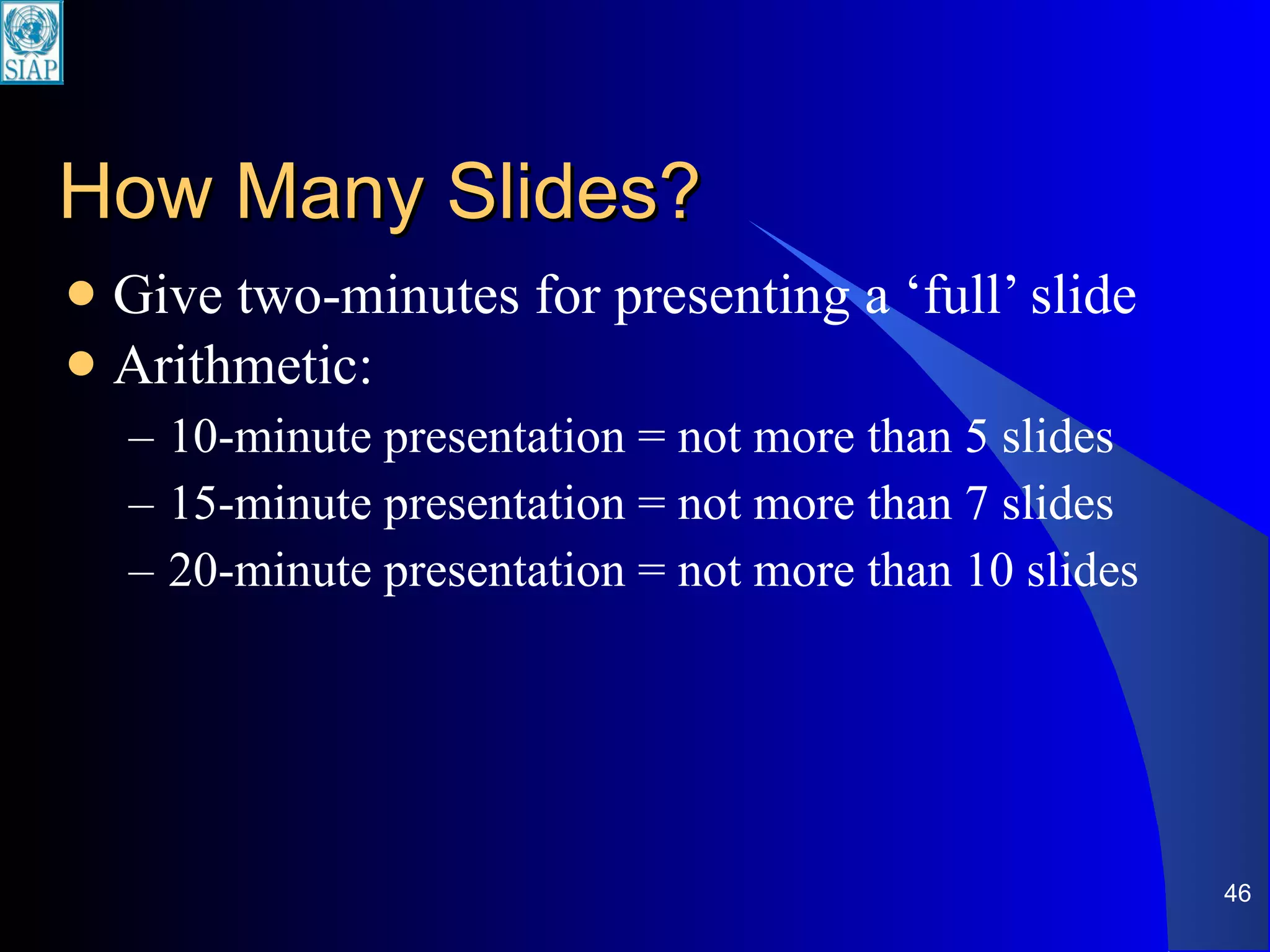
How Many Slides? Give two-minutes for presenting a ‘full’ slide Arithmetic: 10-minute presentation = not more than 5 slides 15-minute presentation = not more than 7 slides 20-minute presentation = not more than 10 slides
Important  Don’ts Do not read text on slides word for word Do not face the screen and turn your back to the audience when pointing to slides Do not rely on slides completely What do you do when there is no electrical power or when bulb of projector unexpectedly burns out?
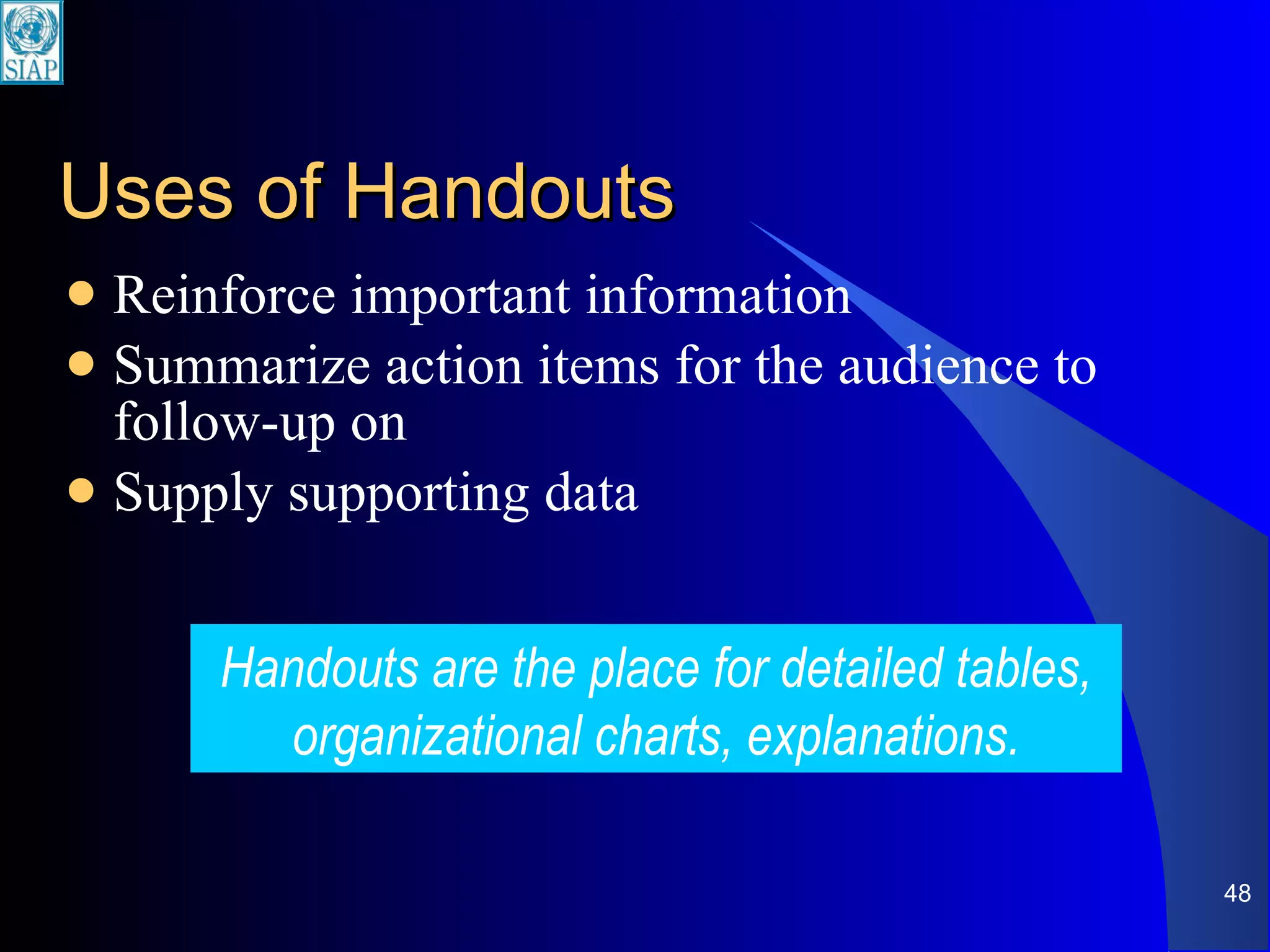
Uses of Handouts Reinforce important information Summarize action items for the audience to follow-up on Supply supporting data Handouts are the place for detailed tables, organizational charts, explanations.
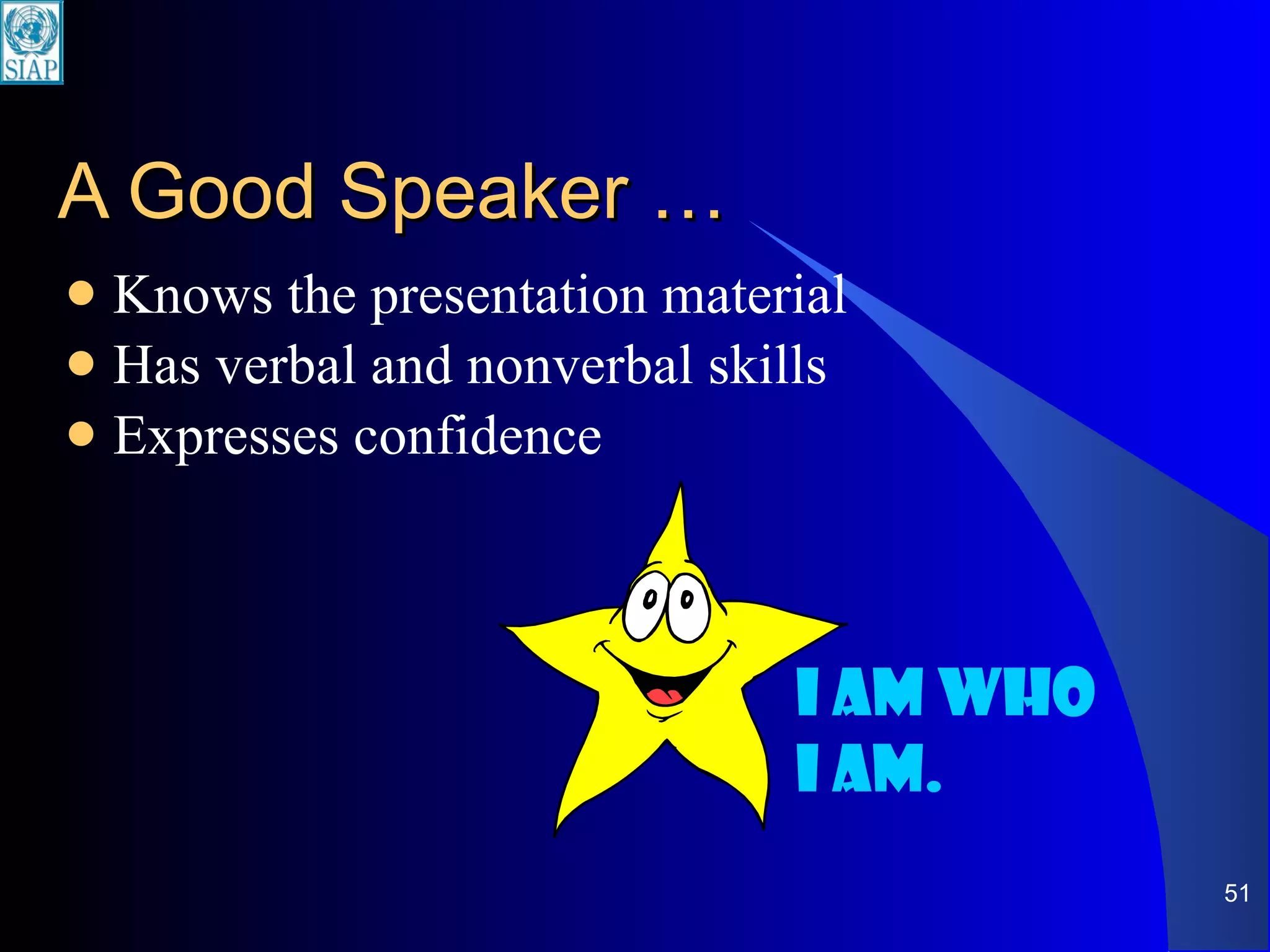
A Good Speaker … Knows the presentation material Has verbal and nonverbal skills Expresses confidence I am who I am.
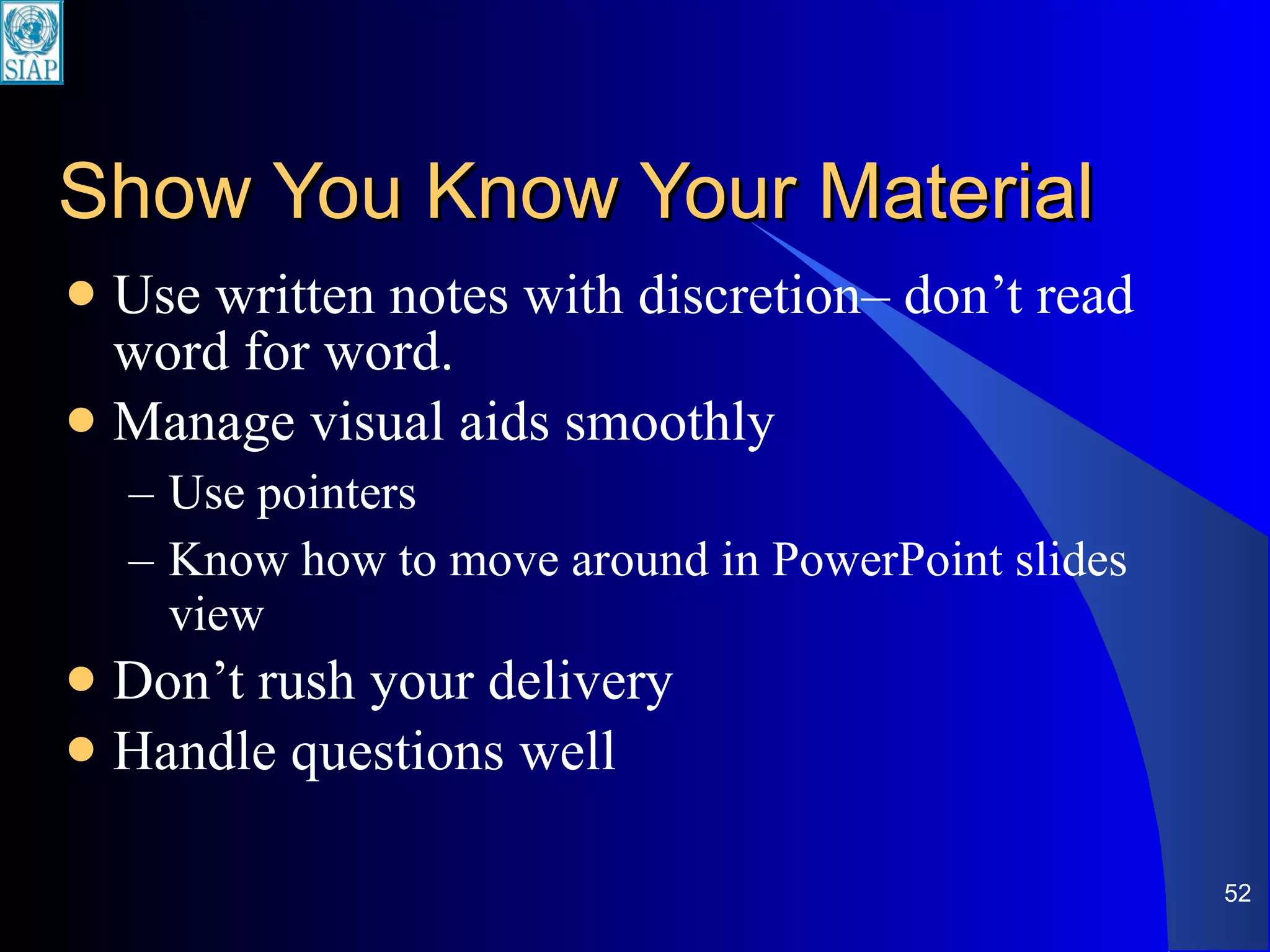
Show You Know Your Material Use written notes with discretion– don’t read word for word. Manage visual aids smoothly Use pointers Know how to move around in PowerPoint slides view Don’t rush your delivery Handle questions well
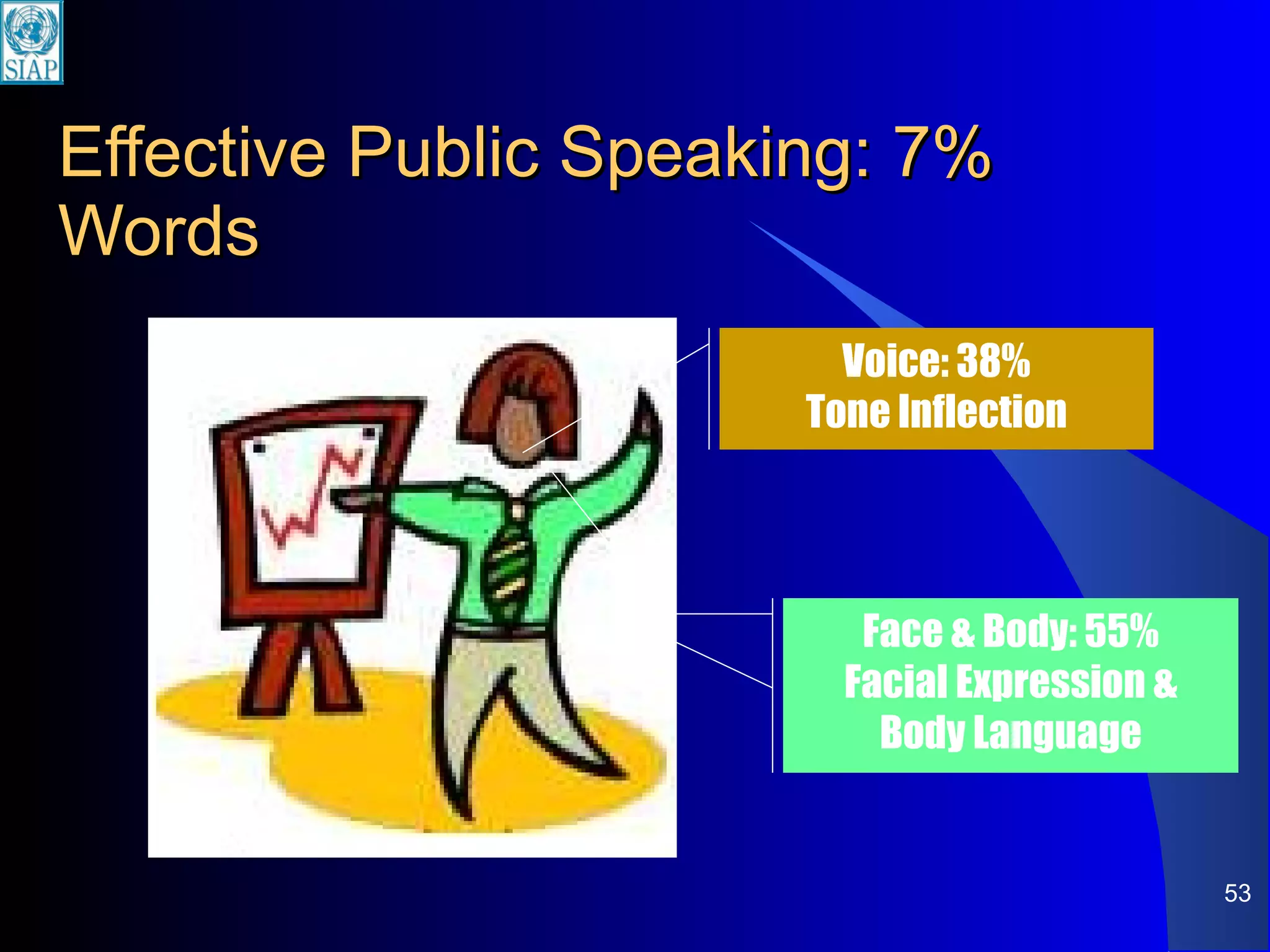
Effective Public Speaking: 7% Words Voice: 38% Tone Inflection Face & Body: 55% Facial Expression & Body Language
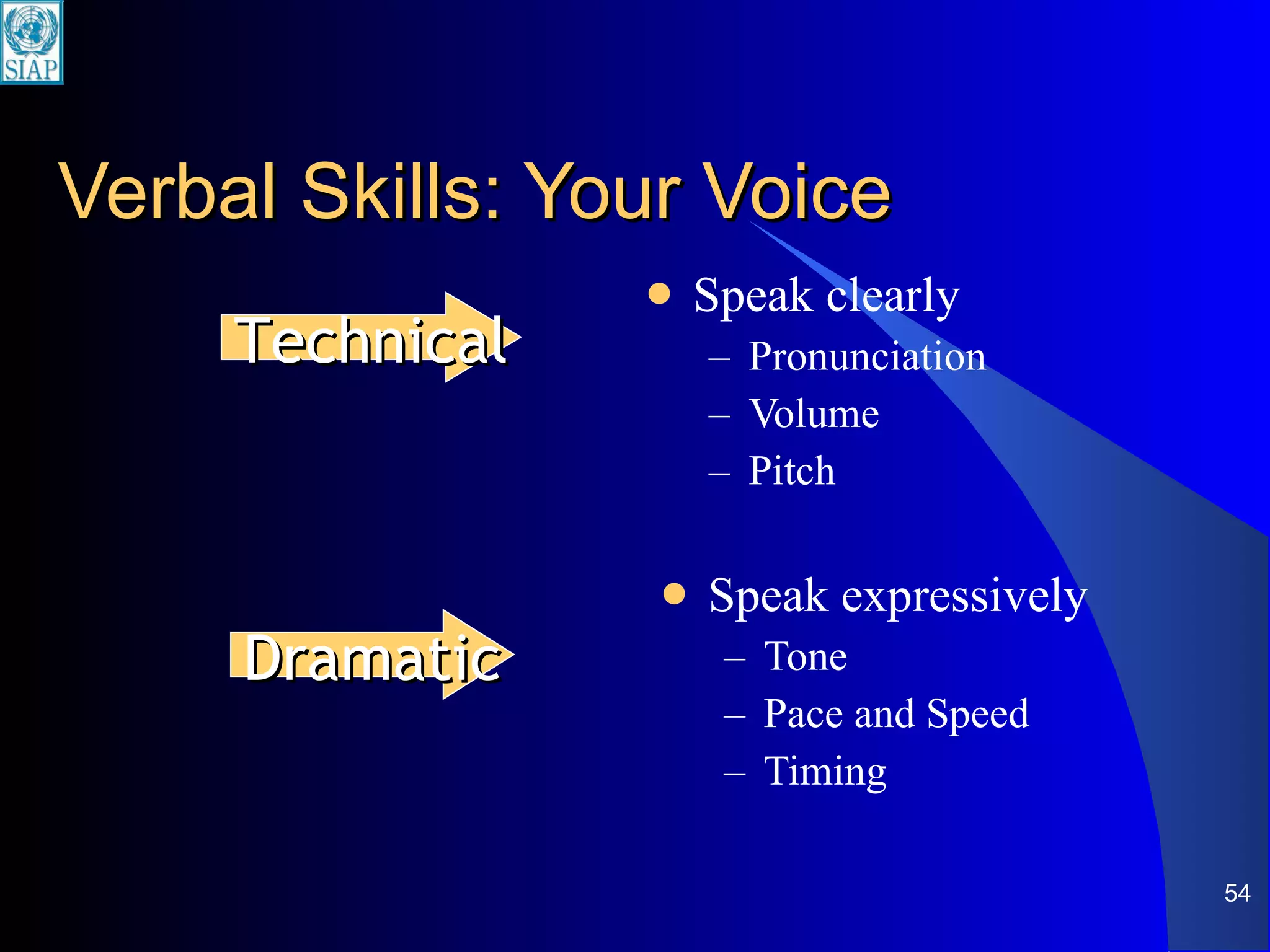
Verbal Skills: Your Voice Speak clearly Pronunciation Volume Pitch Speak expressively Tone Pace and Speed Timing Technical Dramatic
Volume Project your voice to be heard— Aim for back of the room Gain maximum attention Say some words  louder
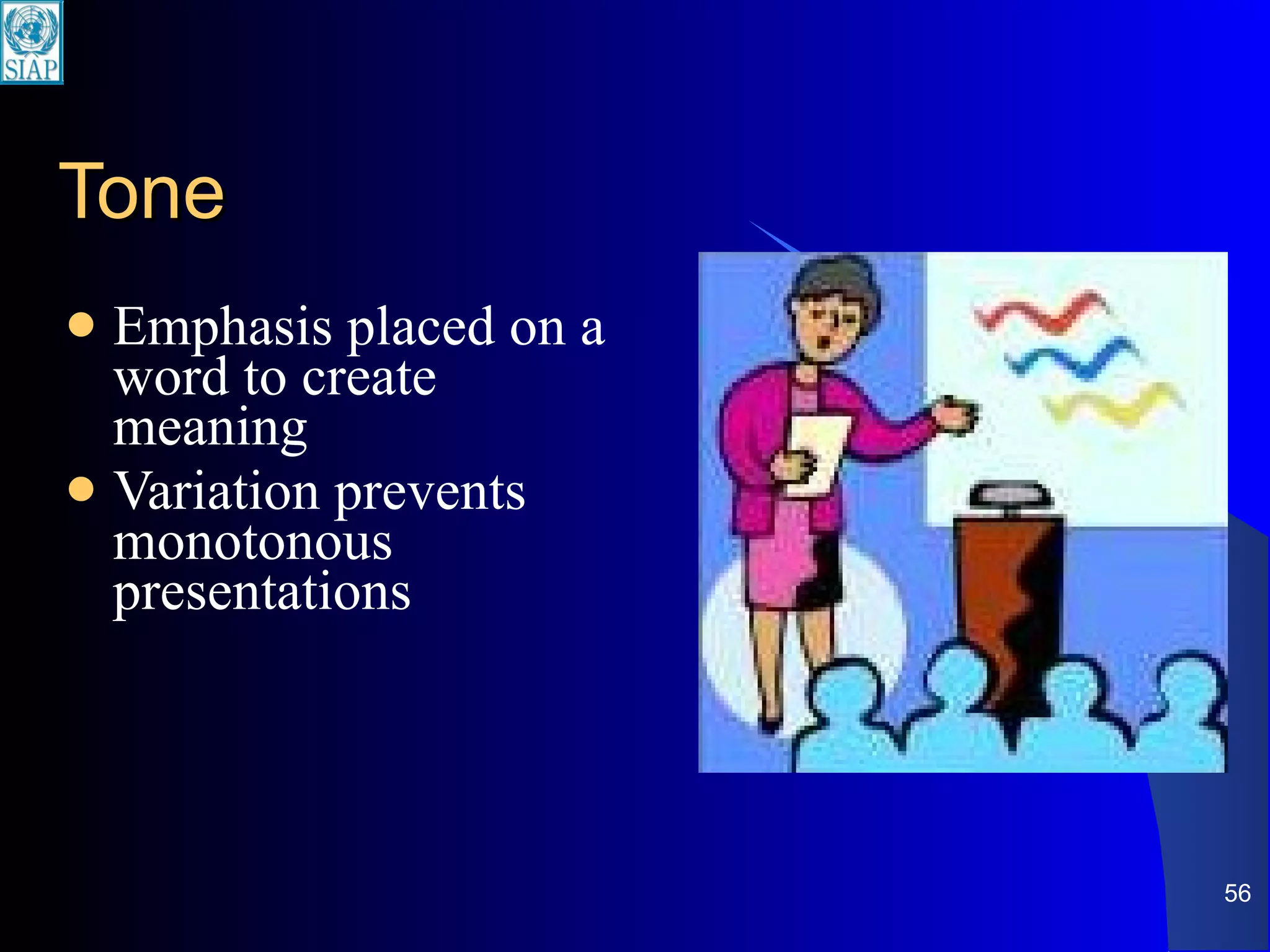
Tone Emphasis placed on a word to create meaning Variation prevents monotonous presentations
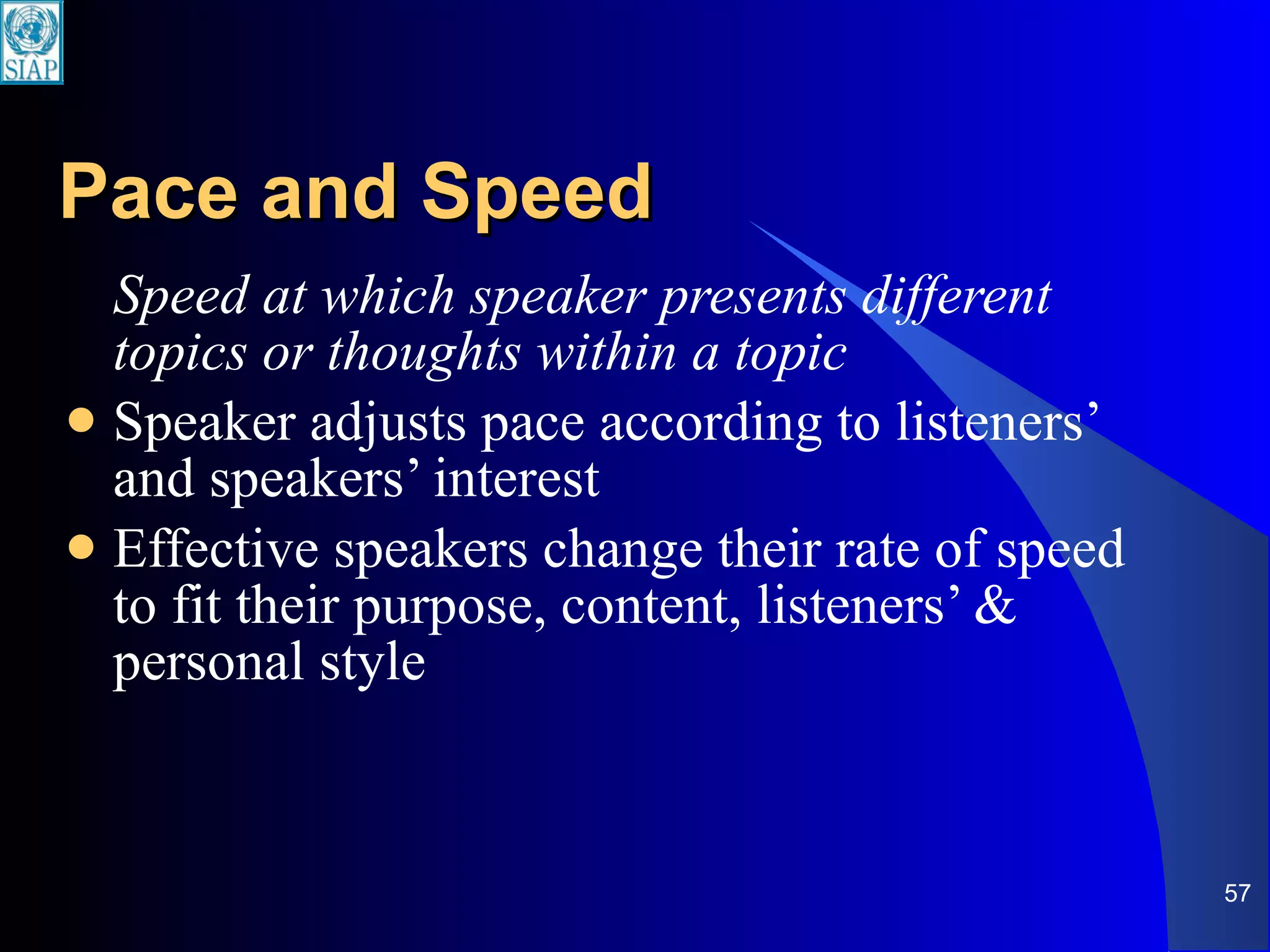
Pace and Speed Speed at which speaker presents different topics or thoughts within a topic Speaker adjusts pace according to listeners’ and speakers’ interest  Effective speakers change their rate of speed to fit their purpose, content, listeners’ & personal style
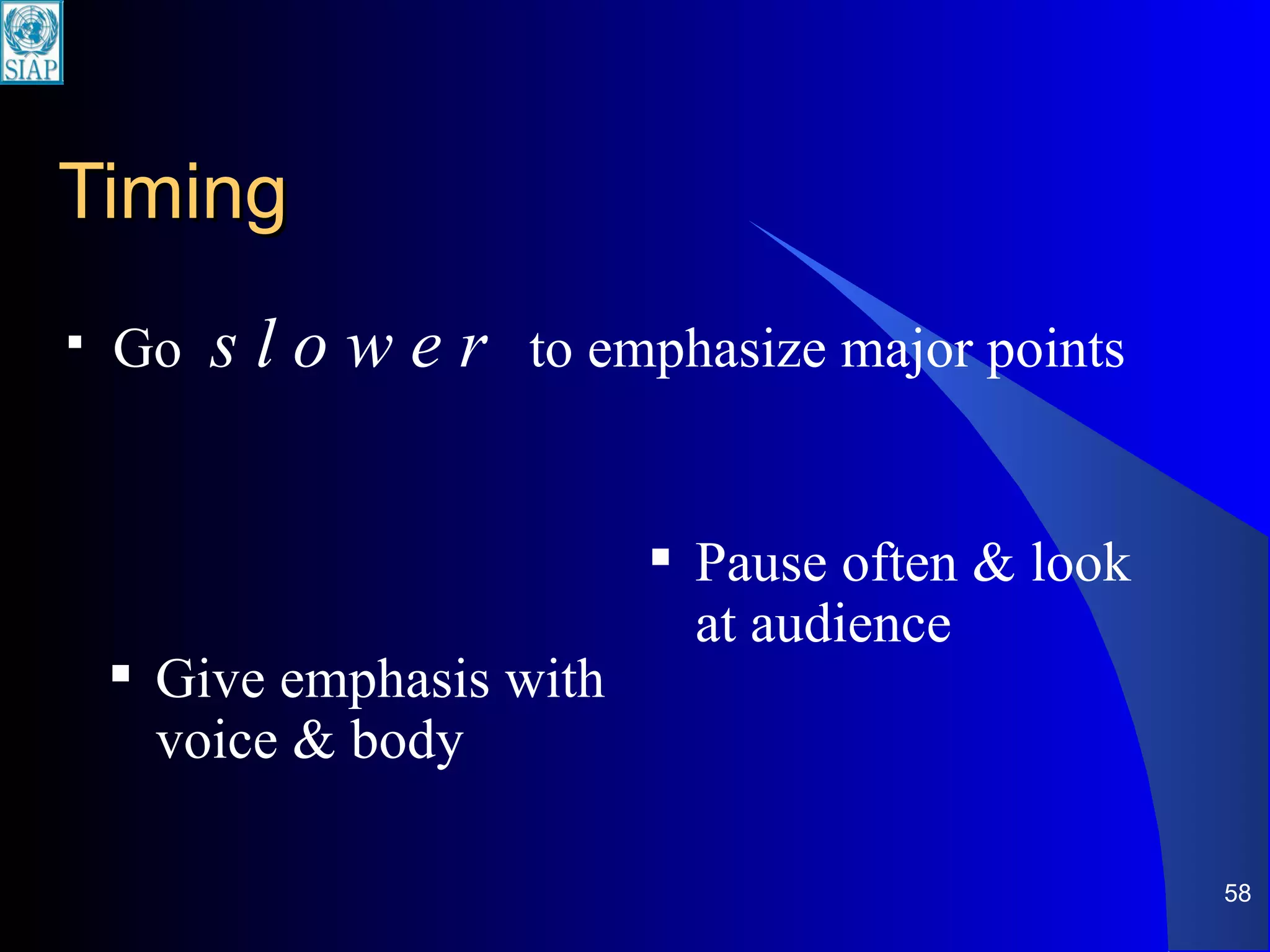
Timing Go  s l o w e r   to emphasize major points Pause often & look at audience Give emphasis with voice & body
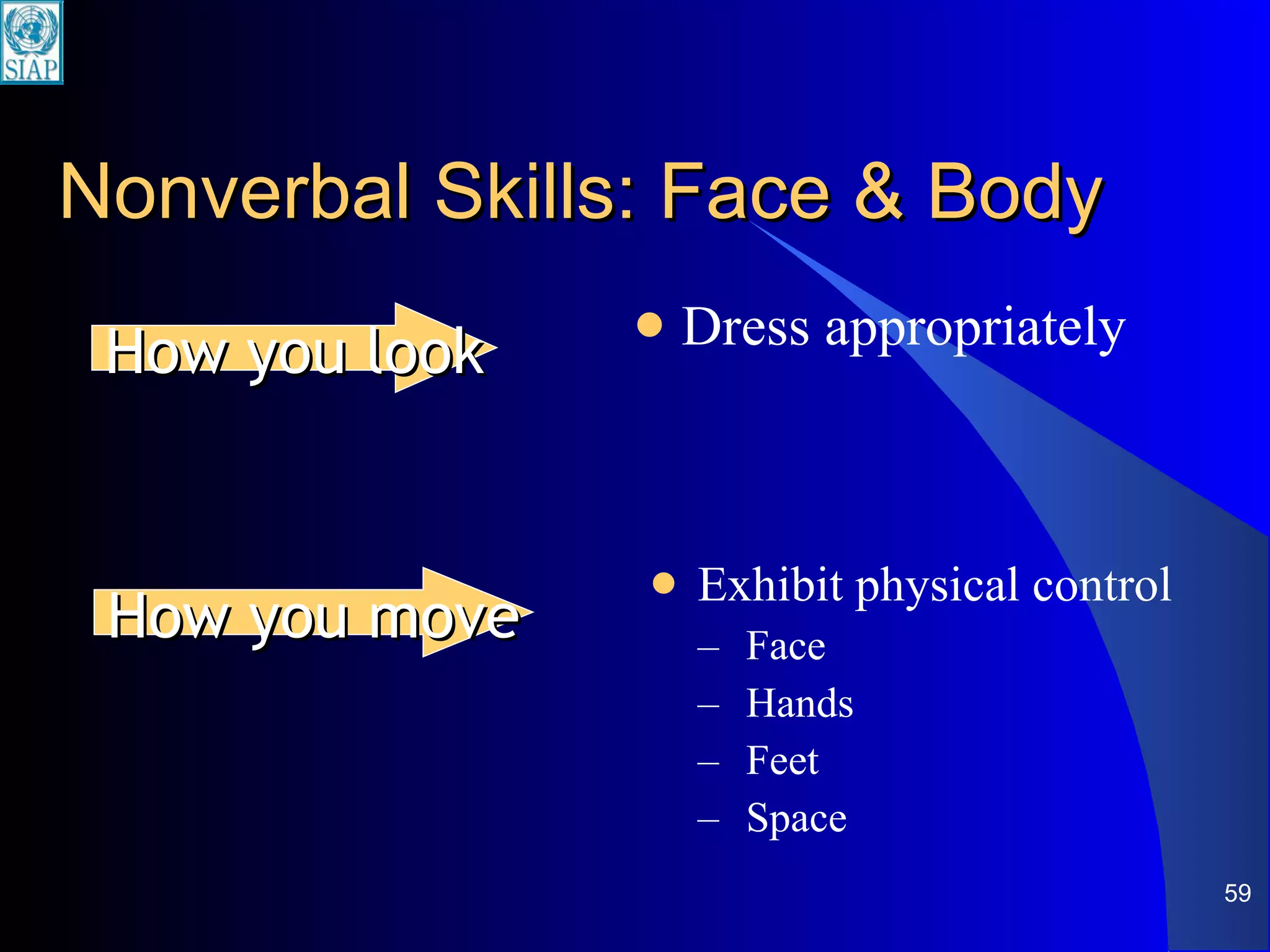
Nonverbal Skills: Face & Body Exhibit physical control Face Hands Feet Space Dress appropriately How you look How you move
Body Language: Messages You Send Thru-- Facial expressions Posture Gesture
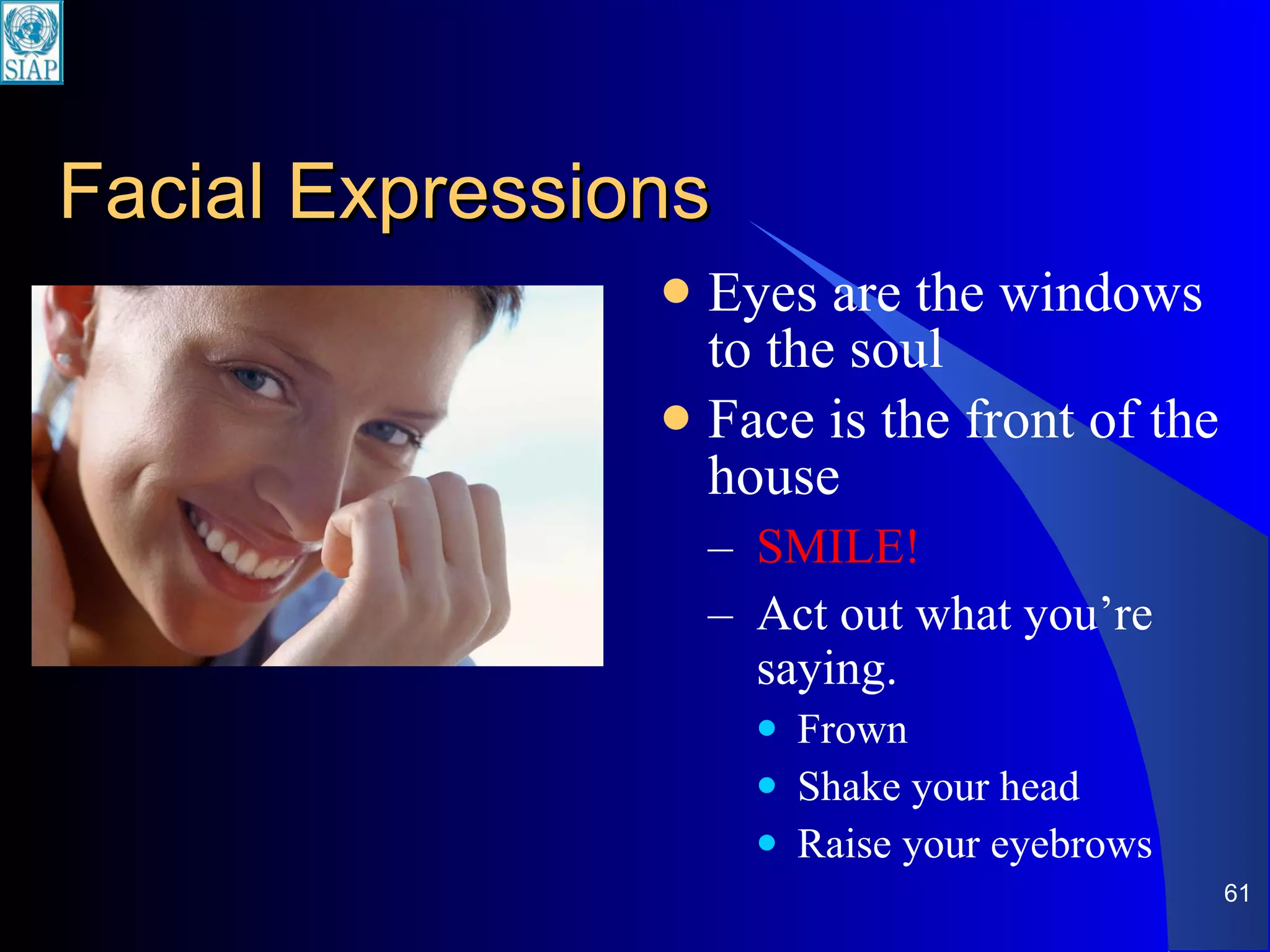
Facial Expressions Eyes are the windows to the soul Face is the front of the house SMILE! Act out what you’re saying. Frown Shake your head Raise your eyebrows
Posture ‘Do’ Stand up straight.
Posture Don’ts Lean on the podium Stand with hands on hips Sway back and forth Stand with arms folded across chest Arms behind back Bury hands in pockets
Gestures What to do with hands?
Eye Contact Using your eyes
Use Your Eyes to … Look at individuals Not one but many Establish eye contact at the end of a thought
Eye Contact– Don’t: Look out the window, at ceiling, at wall, at floor Look at one spot Forget to look at the back row Let notes get in the way of eye contact Look over the heads of the audience
Image Appropriate attire enhances credibility Your attire is part of your message Wear comfortable clothes
Basics of Q&A Anticipate questions Listen to the question Repeat the question Make sure everyone heard the question Make sure you heard the question correctly Don’t guess Keep your answer brief
Express Confidence! Smile. Stand up straight. Look your listeners in the eyes. Be yourself.
Practice, practice, practice.
When Silence Is Golden Wise men think without talking; fools reverse the process. Half of wisdom is being silent when you have nothing to say. We were given two ears and one mouth, so we ought to listen twice as much as we speak.

Yuva ppt how to presnt

  • 1.
    HOW TO PRESENTA SEMINAR DR.S.YUVARAJAN,M.B.B.S(GOLD MEDALIST) RESIDENT , DEPT OF PULMONARY MEDICINE GMCH, NAGPUR
  • 2.
  • 3.
    Presentation Challenges ContentOrganization Delivery Fear
  • 4.
    CONTENT Relevant materialfor audience’s knowledge level Acknowledgement of audience’s wants and needs Sufficient depth in support material Interesting examples for audience Appropriate visual aids
  • 5.
    ORGANIZATION Introduction DEFINITIONOF TOPIC DESCRIPTION OF THAT IN LUCID WAY DESCRIPTION OF THAT TOPIC TO DEPTH RELEVENT EXAMPLES AND MATERIALS FROM TEXTS , JOURNALS , RECENT ARTICLES ABOUT THE TOPIC TRY TO USE MORE FLOW CHARTS FOR BETTER UNDERSTANDING
  • 6.
    RELEVENT EXPLANATION OFBASIC SCIENCES TO THAT TOPIC CONCLUSION AND SUMMARY REFERENCES
  • 7.
    DELIVERY Moves comfortablyand gestures naturally Looks at each member of the audience Speaks conversationally and enthusiastically Handles visual aids effectively
  • 8.
    Fear (Being afraid!]Biggest problem when speaking to groups is fear Largely fear of the unknown Reduce fear by reducing the unknown
  • 9.
    1) First, DoYour Homework What: Situation Who: Audience Why: Objectives How: Methodology
  • 10.
    Define the Situation:Is it to … Inform? Teach? Solicit input? Persuade or sell? Stimulate thought? What is the most important message that you want your audience to receive?
  • 11.
    The Answers Will… Determine the material you will use Guide your approach to the presentation situation Pitch your presentation to the ‘right level’ of the audience.
  • 12.
    Define Your ObjectivesGives you a goal to hit, a goal to attain as a result of your presentation Do not include anything (data, visuals, examples, etc.) in your presentation that doesn’t help you achieve the objectives
  • 13.
    2) Get theWords in Order Introduction Body Conclusion
  • 14.
    … alsomeans— Tell them what you are going to say. Say it. Tell them what you said.
  • 15.
    Preparing Your Material Determine your objectives Plan a beginning, a middle, an end Select key ideas and results to be presented Organize the material Enhance with visuals, numbers, examples
  • 16.
    Introduction (Tell themwhat you are going to say.) Grab their attention State your purpose Explain your agenda Establish personal benefit
  • 17.
    Remember to include… Greetings Acknowledgements Agenda
  • 18.
    Body (Say it.)Help the audience get the greatest amount of information with the least amount of mental effort. Main points (maximum of 7)
  • 19.
    Conclusion (Tellthem what you said.) Summarize main points Ask for specific action Make last words memorable Not ‘any questions?’ (“Question and answer” BEFORE the final statement) Not just ‘thank you’ (Do this in the introduction)
  • 20.
    Visual Aids Are… Visible (can be seen) Aid (assist; help) Don’t automatically improve presentations! Visual Aids …
  • 21.
    Visual aids playsupporting role. Who plays the major role?
  • 22.
    You You! arethe expert You are the one who was asked to speak
  • 23.
    Do use visualsto … Focus the audience’s attention Reinforce your verbal message Stimulate interest and add impact Illustrate factors that are hard to visualize
  • 24.
    Don’t usevisuals to … Impress your audience with detail and animation Avoid interaction with audience Make more than one point per slide Present simple ideas that are easily stated verbally
  • 25.
    Provide outline foraudience Provide outline for you Support verbal message with visual images to increase retention Support words with numbers and graphics to increase understanding Visuals
  • 26.
    If yes, whatvisuals do I need? A visual must be necessary.
  • 27.
    Preparing Good VisualAids Appropriate Clear Consistent Dynamic
  • 28.
    Appropriate (Who isyour audience?) Type of visual aid Choice of overall design (‘template’) Choice of graphics/pictures/charts
  • 29.
    Present one keypoint per slide … because more than one idea in a slide Distracts the audience Lessens the focus and impact of the message
  • 30.
    Make visuals bigenough to see Up to the last row of seats Should be easy to see … including the labels on charts and tables Highlight areas of a complex diagram or flowchart or organizational chart
  • 31.
    Large and simpleworks well! Prefer this size Not this size
  • 32.
    Make Text andNumbers Legible Use a minimum of 24 point size (This is 34 point) This is 24 point size This is 20 point size This is 14 point size
  • 33.
    Presenting Text Shortbullets work better Short bullets actually are much more effective from a visual standpoint, while still effectively making your point compared to long paragraphs of text (like this paragraph). Don’t ferget to chack your spalling
  • 34.
    ‘ 5 x5’ Guideline Maximum of 5 bullet points Maximum of 5 words per bullet
  • 35.
    When presenting numbers… Maximum of 10 – 15 numbers in a slide Round to whole numbers Prefer graphs over tables of numbers
  • 36.
    Consistent Background FontStructure Capitalization Spacing Illustrations Colors Start with Design Templates in PowerPoint
  • 37.
    Use Color CarefullyKeep consistent theme or template No more than three or four colors per slide Contrasting colors provides maximum visibility Dark colors for background Light color for text
  • 38.
    Capital Letters …Only for first letter of first word in bullet point ALL CAPS (LIKE THIS) ARE MORE DIFFICULT TO READ
  • 39.
    Images preferred overtext Lists into tables Numbers into graphs Wordy descriptions into diagrams
  • 40.
    Transitions & AnimationsMovement Multimedia Sight and sound Stages and steps ‘ Builds’ Create interest Guide eye Simplify Organize
  • 41.
    Using builds andanimations Helps explain flow of complex process Keeps audience attention But, too much interferes with the message … so use sparingly. Avoid mixing different slide transition effects
  • 42.
    How to UseVisuals Some Do’s and Don’ts
  • 43.
    Talk about what’son the slide.
  • 44.
    Give the audiencetime to see the slide.
  • 45.
    Enough time …Don’t put too much on a slide!
  • 46.
    How Many Slides?Give two-minutes for presenting a ‘full’ slide Arithmetic: 10-minute presentation = not more than 5 slides 15-minute presentation = not more than 7 slides 20-minute presentation = not more than 10 slides
  • 47.
    Important Don’tsDo not read text on slides word for word Do not face the screen and turn your back to the audience when pointing to slides Do not rely on slides completely What do you do when there is no electrical power or when bulb of projector unexpectedly burns out?
  • 48.
    Uses of HandoutsReinforce important information Summarize action items for the audience to follow-up on Supply supporting data Handouts are the place for detailed tables, organizational charts, explanations.
  • 51.
    A Good Speaker… Knows the presentation material Has verbal and nonverbal skills Expresses confidence I am who I am.
  • 52.
    Show You KnowYour Material Use written notes with discretion– don’t read word for word. Manage visual aids smoothly Use pointers Know how to move around in PowerPoint slides view Don’t rush your delivery Handle questions well
  • 53.
    Effective Public Speaking:7% Words Voice: 38% Tone Inflection Face & Body: 55% Facial Expression & Body Language
  • 54.
    Verbal Skills: YourVoice Speak clearly Pronunciation Volume Pitch Speak expressively Tone Pace and Speed Timing Technical Dramatic
  • 55.
    Volume Project yourvoice to be heard— Aim for back of the room Gain maximum attention Say some words louder
  • 56.
    Tone Emphasis placedon a word to create meaning Variation prevents monotonous presentations
  • 57.
    Pace and SpeedSpeed at which speaker presents different topics or thoughts within a topic Speaker adjusts pace according to listeners’ and speakers’ interest Effective speakers change their rate of speed to fit their purpose, content, listeners’ & personal style
  • 58.
    Timing Go s l o w e r to emphasize major points Pause often & look at audience Give emphasis with voice & body
  • 59.
    Nonverbal Skills: Face& Body Exhibit physical control Face Hands Feet Space Dress appropriately How you look How you move
  • 60.
    Body Language: MessagesYou Send Thru-- Facial expressions Posture Gesture
  • 61.
    Facial Expressions Eyesare the windows to the soul Face is the front of the house SMILE! Act out what you’re saying. Frown Shake your head Raise your eyebrows
  • 62.
  • 63.
    Posture Don’ts Leanon the podium Stand with hands on hips Sway back and forth Stand with arms folded across chest Arms behind back Bury hands in pockets
  • 64.
    Gestures What todo with hands?
  • 65.
  • 66.
    Use Your Eyesto … Look at individuals Not one but many Establish eye contact at the end of a thought
  • 67.
    Eye Contact– Don’t:Look out the window, at ceiling, at wall, at floor Look at one spot Forget to look at the back row Let notes get in the way of eye contact Look over the heads of the audience
  • 68.
    Image Appropriate attireenhances credibility Your attire is part of your message Wear comfortable clothes
  • 69.
    Basics of Q&AAnticipate questions Listen to the question Repeat the question Make sure everyone heard the question Make sure you heard the question correctly Don’t guess Keep your answer brief
  • 70.
    Express Confidence! Smile.Stand up straight. Look your listeners in the eyes. Be yourself.
  • 71.
  • 73.
    When Silence IsGolden Wise men think without talking; fools reverse the process. Half of wisdom is being silent when you have nothing to say. We were given two ears and one mouth, so we ought to listen twice as much as we speak.

Editor's Notes

  • #56 Volume – can be heard comfortably at back of room Variety – of volume and tone Vocabulary – never swear Don’t let your voice trail off at the end of a statement / question
  • #57 attention to mixed messages (up implies question; down implies conviction & strength) There is a good evolutionary reason for this. It is possible that man first communicated by sung tones, rather than words. Still tone is over four times more important in communication than content.