An Introduction to Protocol Analysis
INTRODUCTIONS
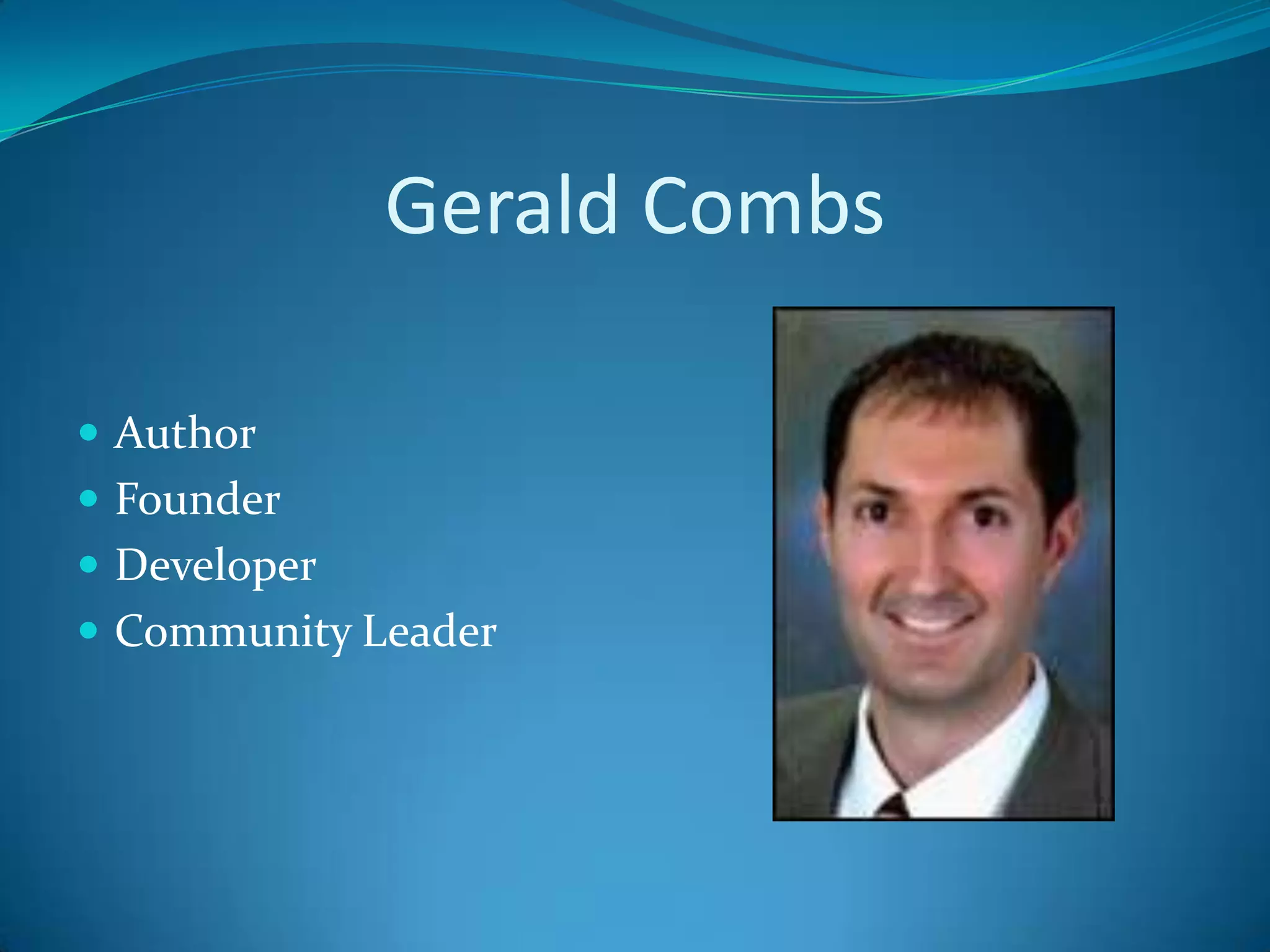
Gerald Combs

 Author
 Founder
 Developer
 Community Leader
Cace Technologies
 Where Gerald Works (for now)
 Home of AirPcap
    For wireless captures of 802.11 frames
 TurboCap
 Wireshark Appliances
 Pilot Reporting Software
PILOT
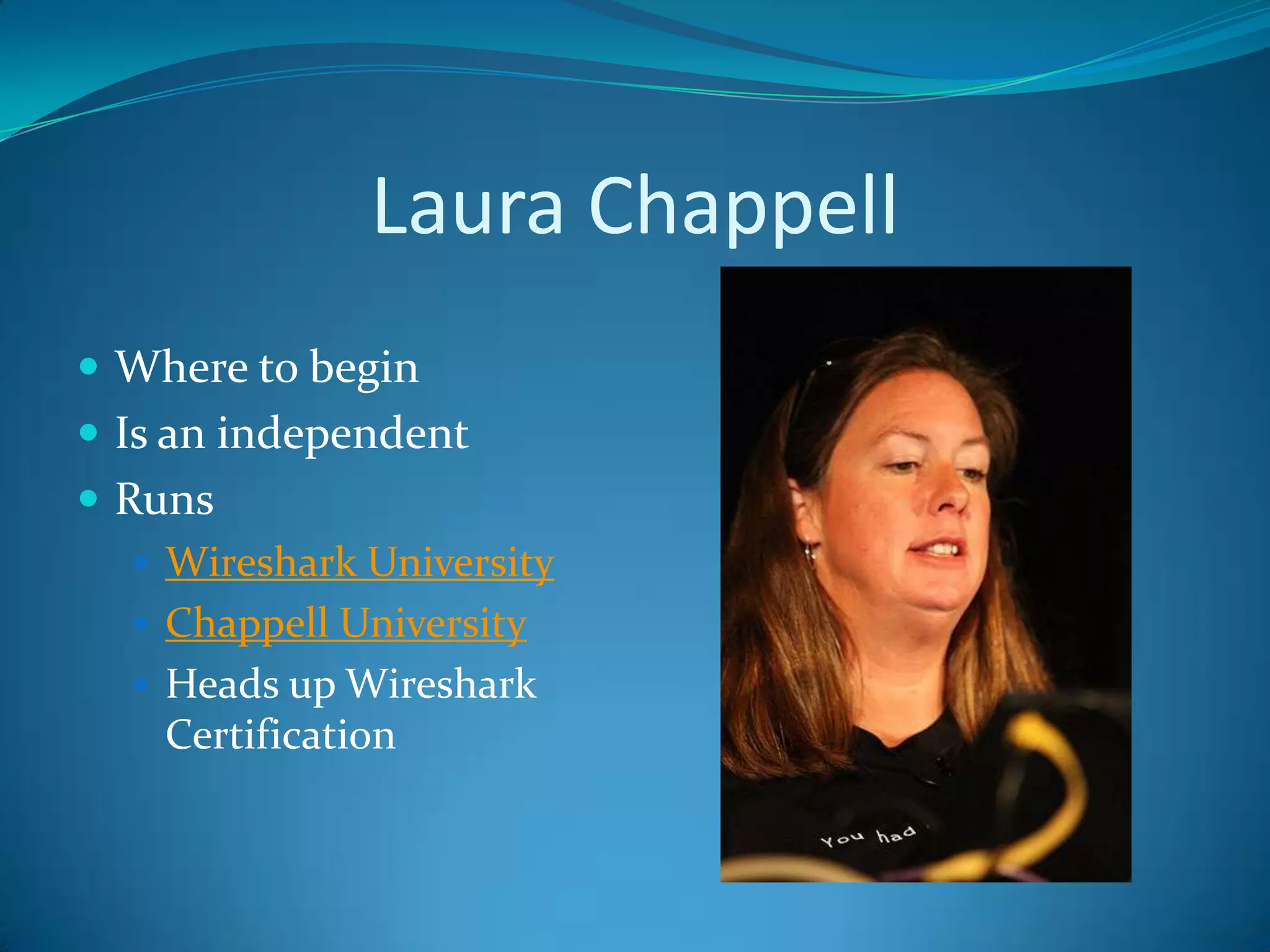
Laura Chappell
 Where to begin
 Is an independent
 Runs
    Wireshark University
    Chappell University
    Heads up Wireshark
     Certification
Wireshark University
 Training Materials
 Videos
 Captures
 Books
 CD/DVD
Other Tools
 T Shark                       TCPDump
    Included with wireshark       Native to *nix
 Netmonitor                       Windows version
 Capsa                         Snoop
 Cain                             Sun Microsystems

 Windump                       Ettercap
                                Dsniff
                                Ngrep
OVERVIEW
Purpose
 Troubleshooting
    Slow Networks
    Application Problems
    DNS Issues
    Web Servers
    DHCP Issues
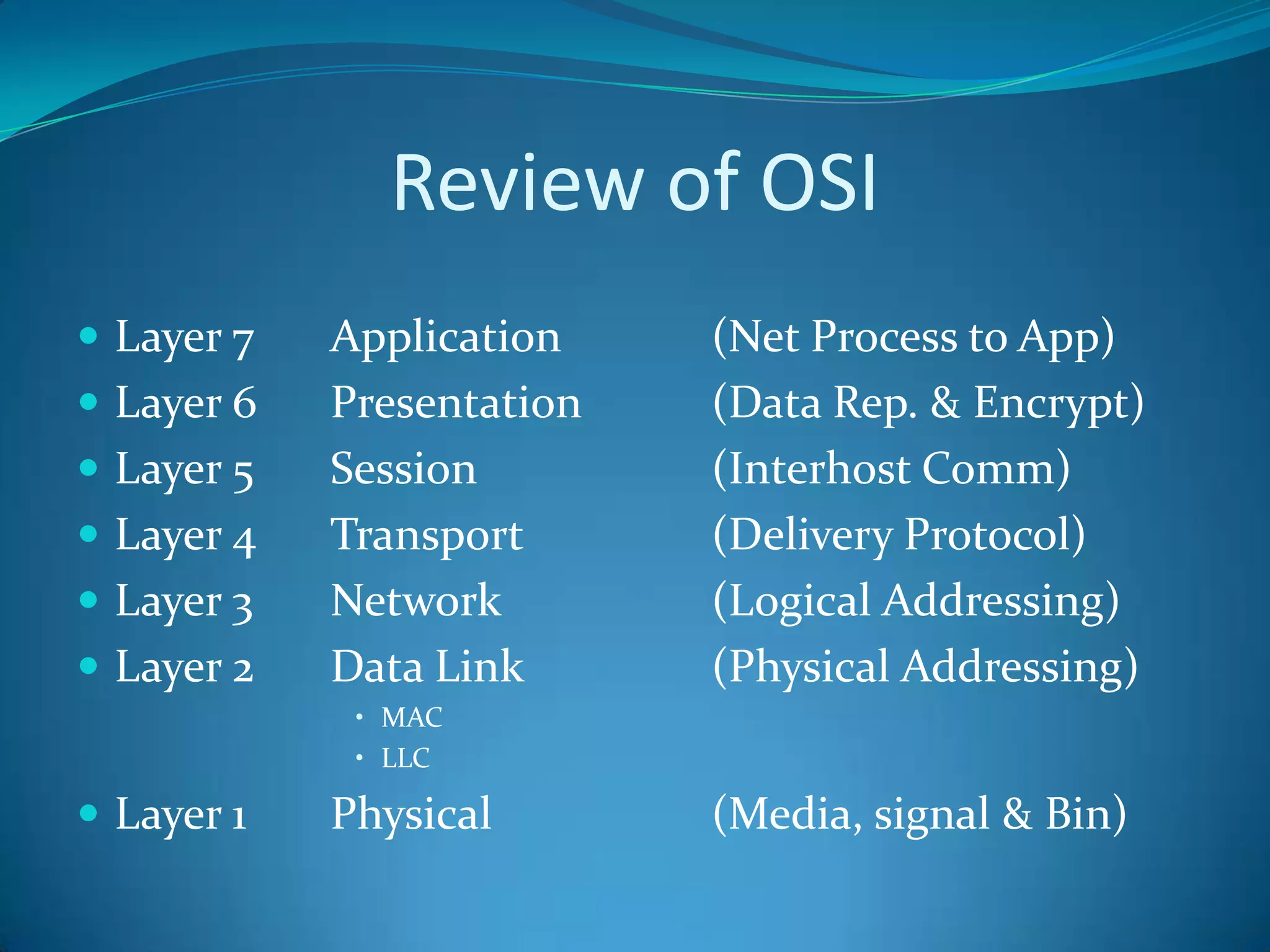
Review of OSI
 Layer 7   Application    (Net Process to App)
 Layer 6   Presentation   (Data Rep. & Encrypt)
 Layer 5   Session        (Interhost Comm)
 Layer 4   Transport      (Delivery Protocol)
 Layer 3   Network        (Logical Addressing)
 Layer 2   Data Link      (Physical Addressing)
             • MAC
             • LLC

 Layer 1   Physical       (Media, signal & Bin)
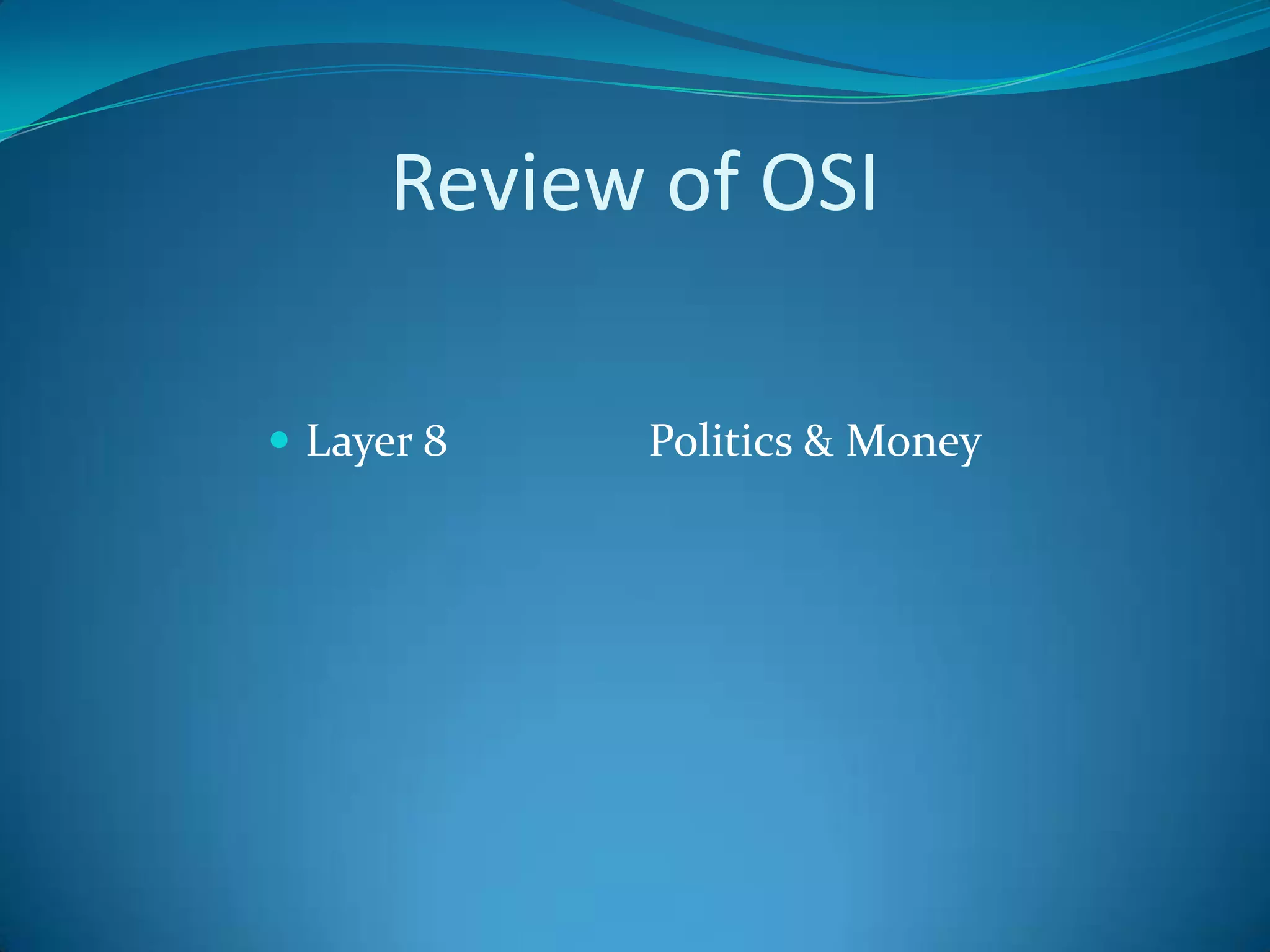
Review of OSI

 Layer 8   Politics & Money
Review of Ethernet
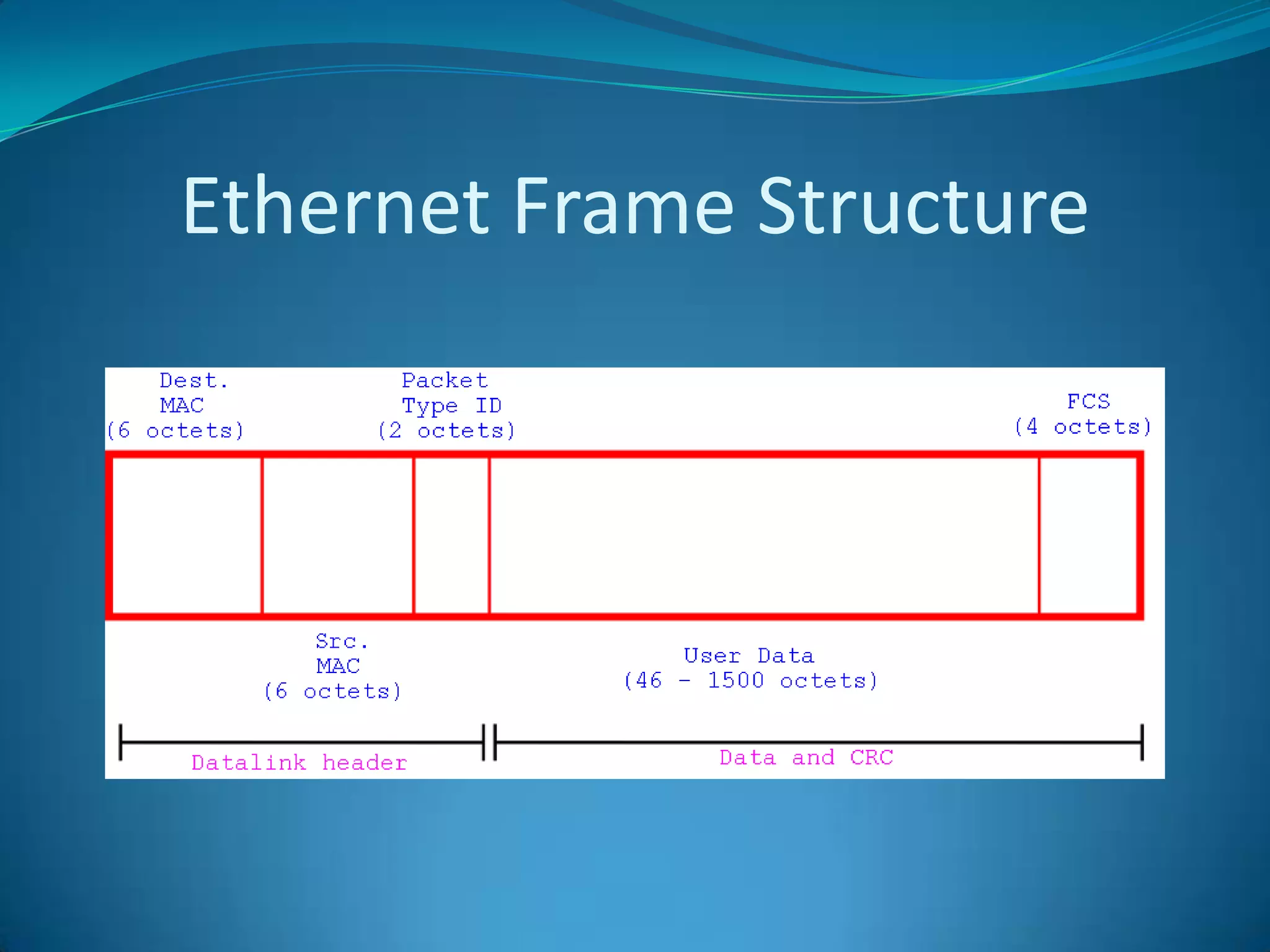
Ethernet Frame Structure
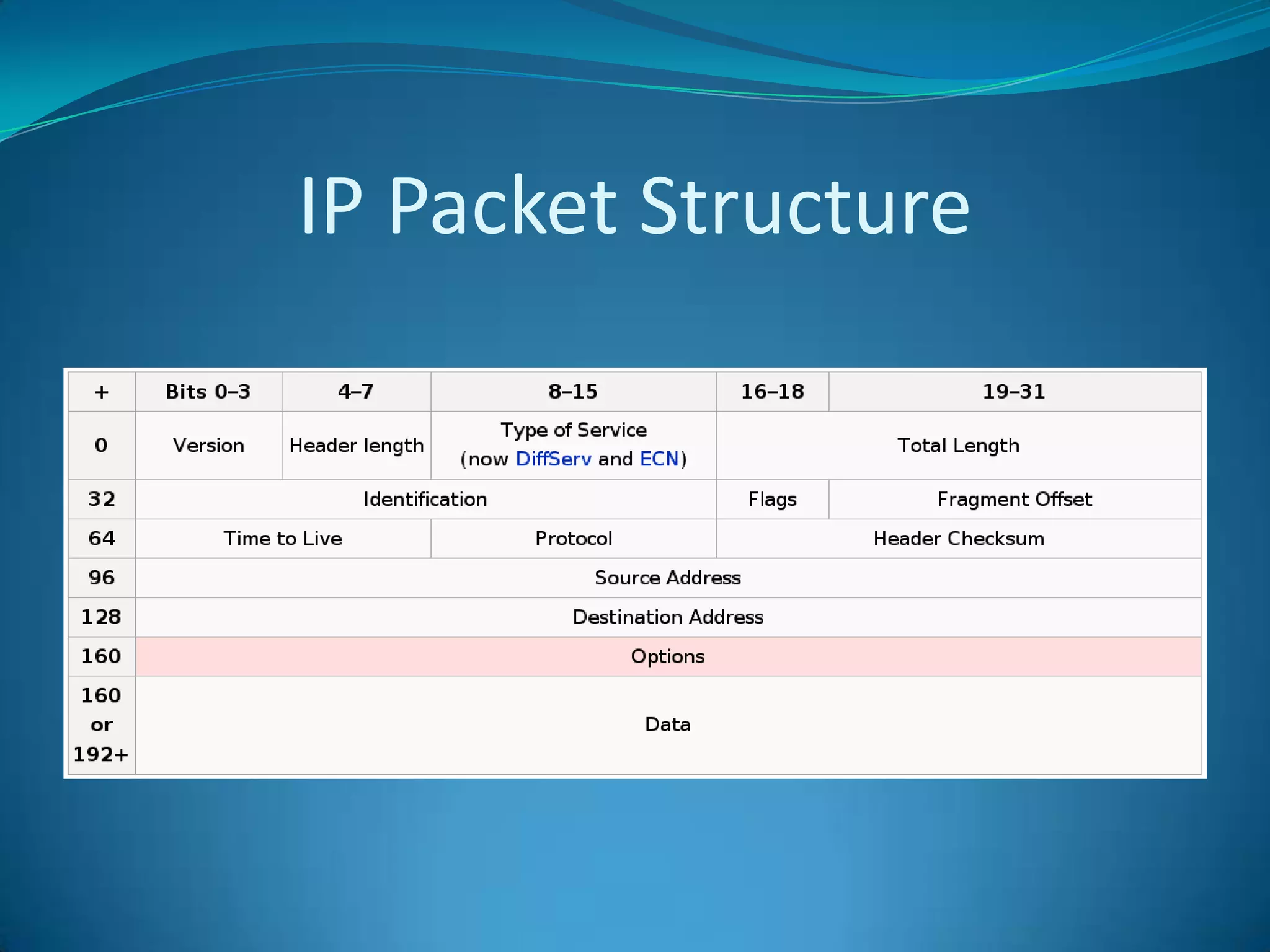
Review of IP
IP Packet Structure
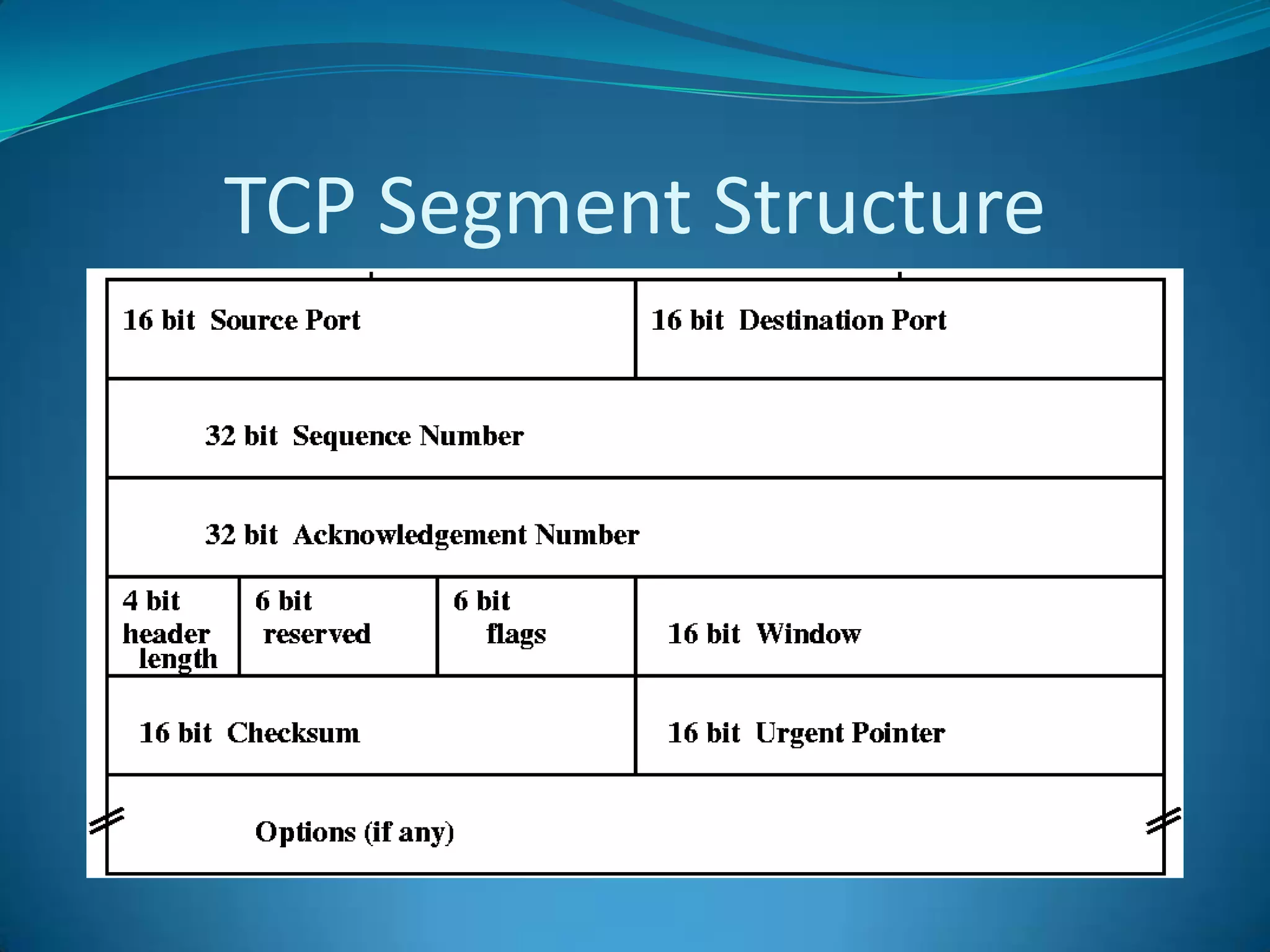
Review of TCP
TCP Segment Structure
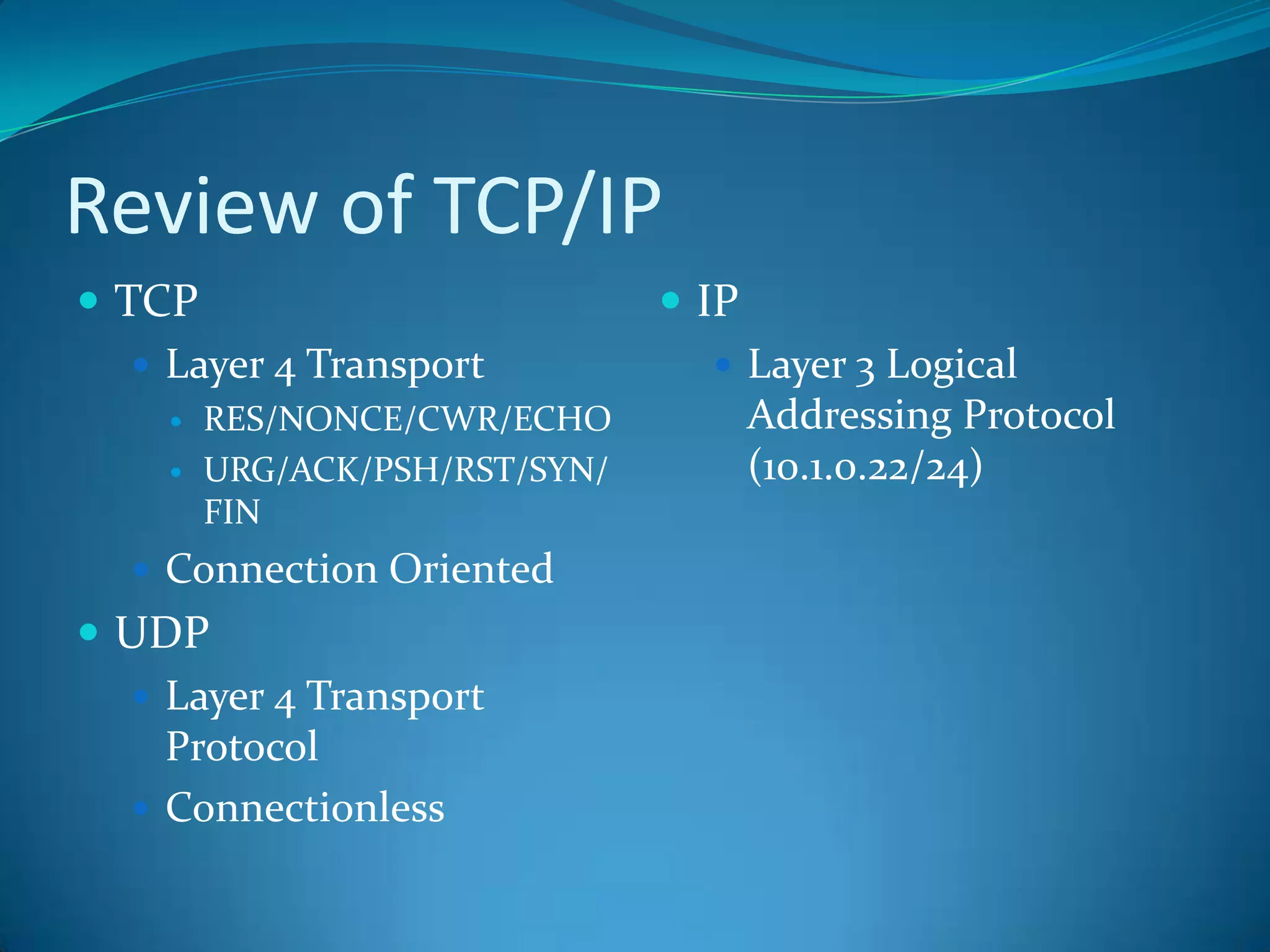
Review of TCP/IP
 TCP                           IP
    Layer 4 Transport            Layer 3 Logical
       RES/NONCE/CWR/ECHO            Addressing Protocol
       URG/ACK/PSH/RST/SYN/          (10.1.0.22/24)
        FIN
   Connection Oriented
 UDP
   Layer 4 Transport
    Protocol
   Connectionless
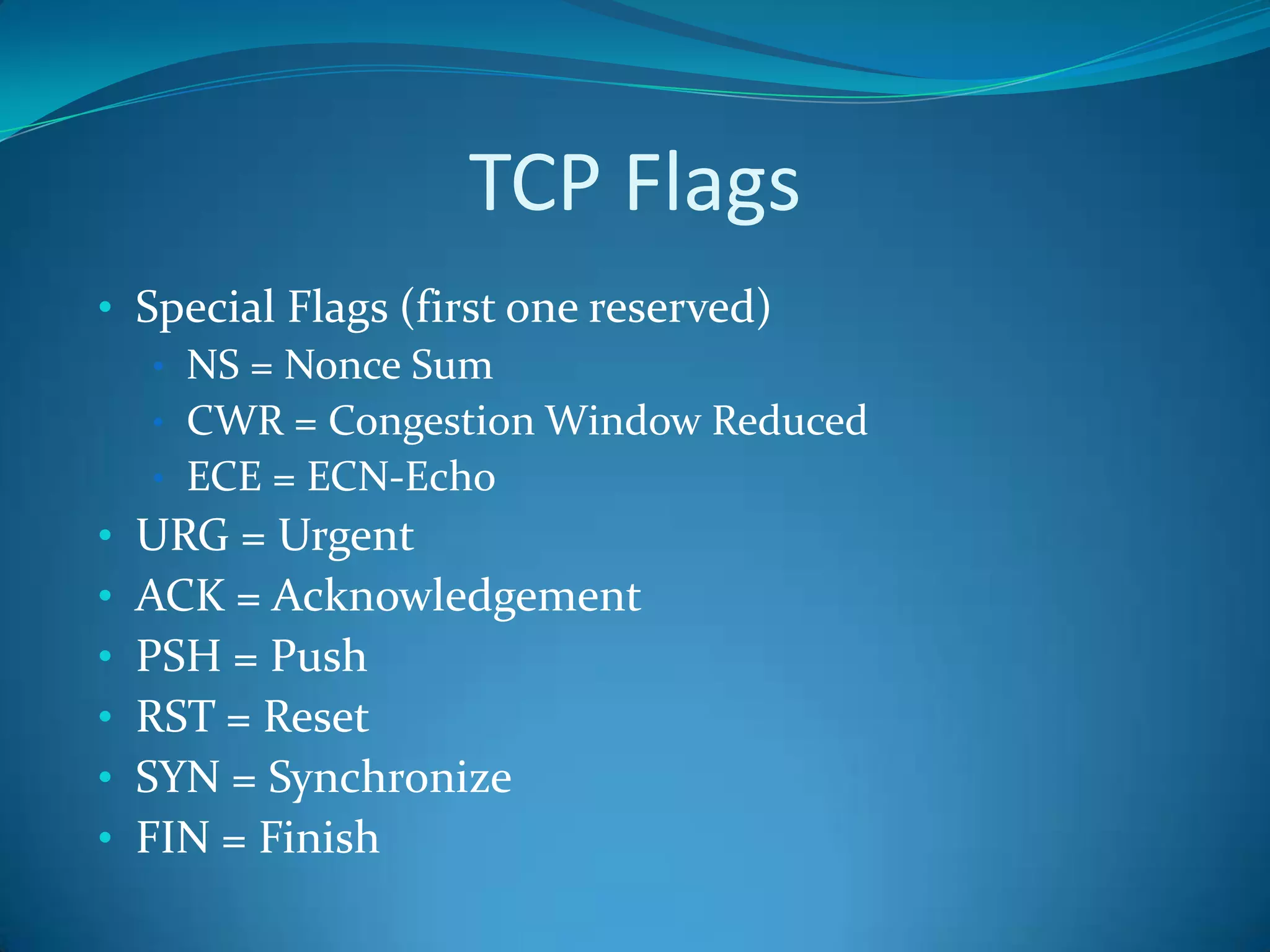
TCP Flags
• Special Flags (first one reserved)
   • NS = Nonce Sum
   • CWR = Congestion Window Reduced
   • ECE = ECN-Echo
• URG = Urgent
• ACK = Acknowledgement
• PSH = Push
• RST = Reset
• SYN = Synchronize
• FIN = Finish
See Appendix A
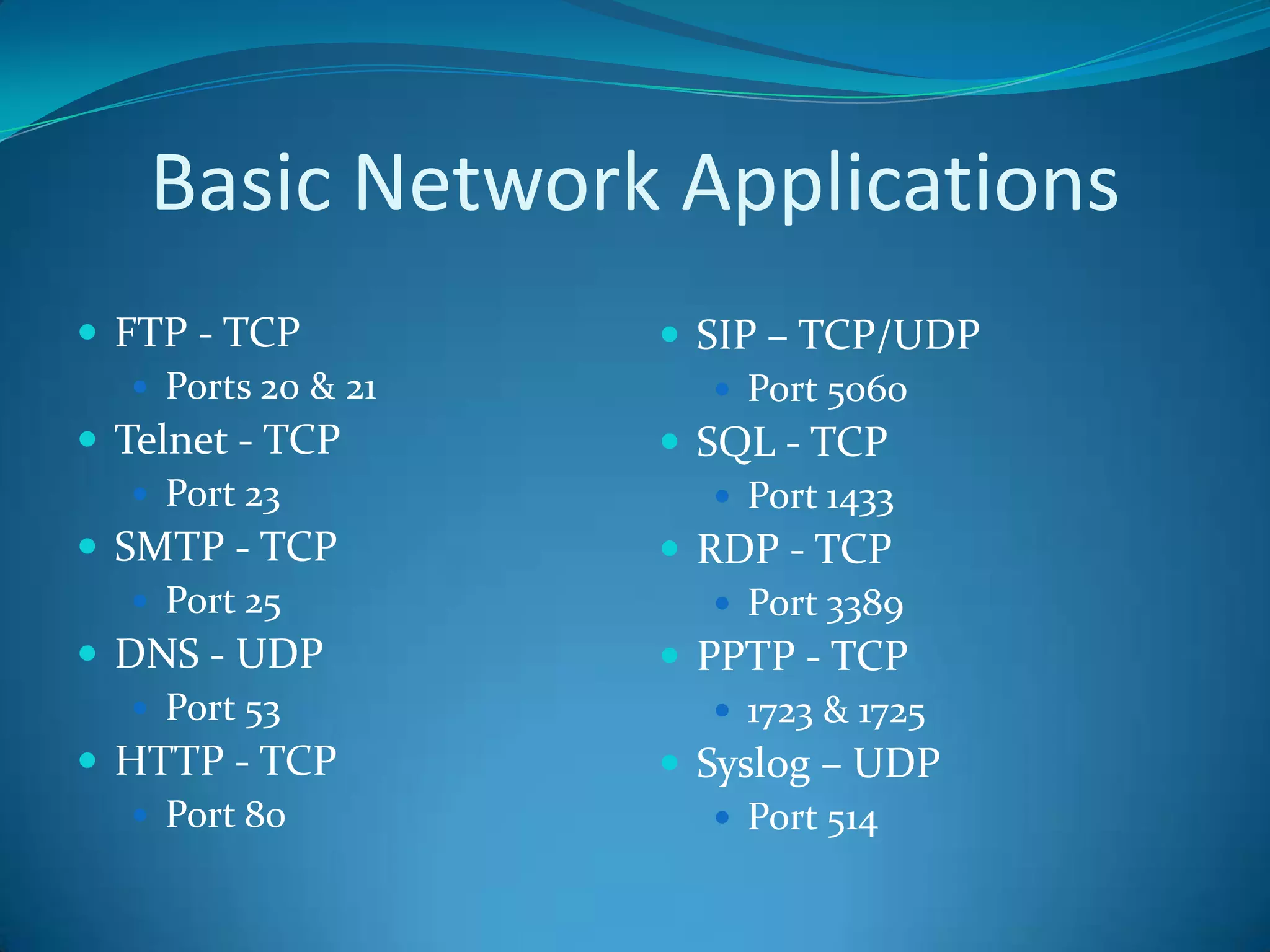
Basic Network Applications
 FTP - TCP           SIP – TCP/UDP
    Ports 20 & 21       Port 5060
 Telnet - TCP        SQL - TCP
    Port 23             Port 1433
 SMTP - TCP          RDP - TCP
    Port 25             Port 3389
 DNS - UDP           PPTP - TCP
    Port 53             1723 & 1725
 HTTP - TCP          Syslog – UDP
    Port 80             Port 514
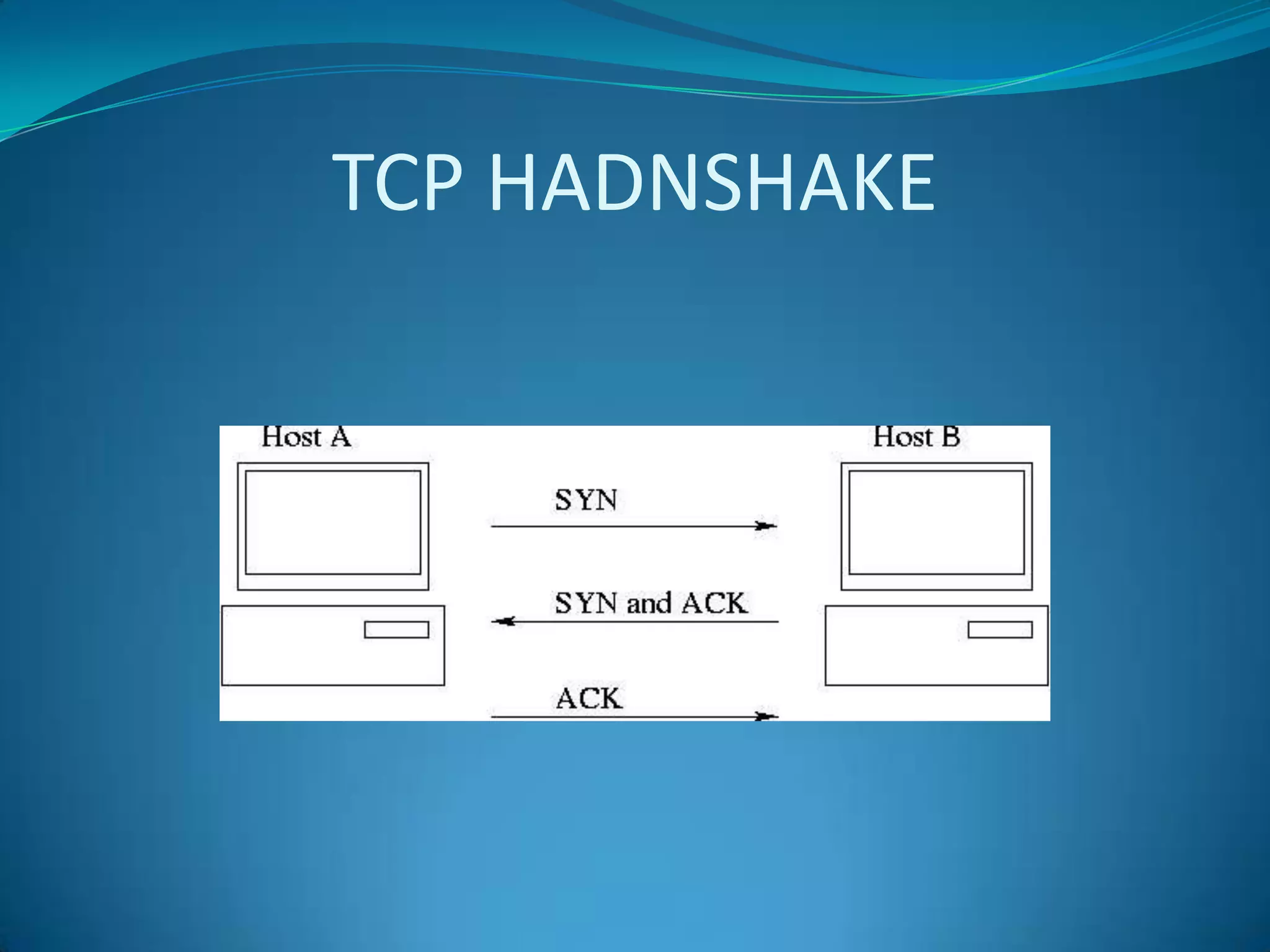
TCP HADNSHAKE
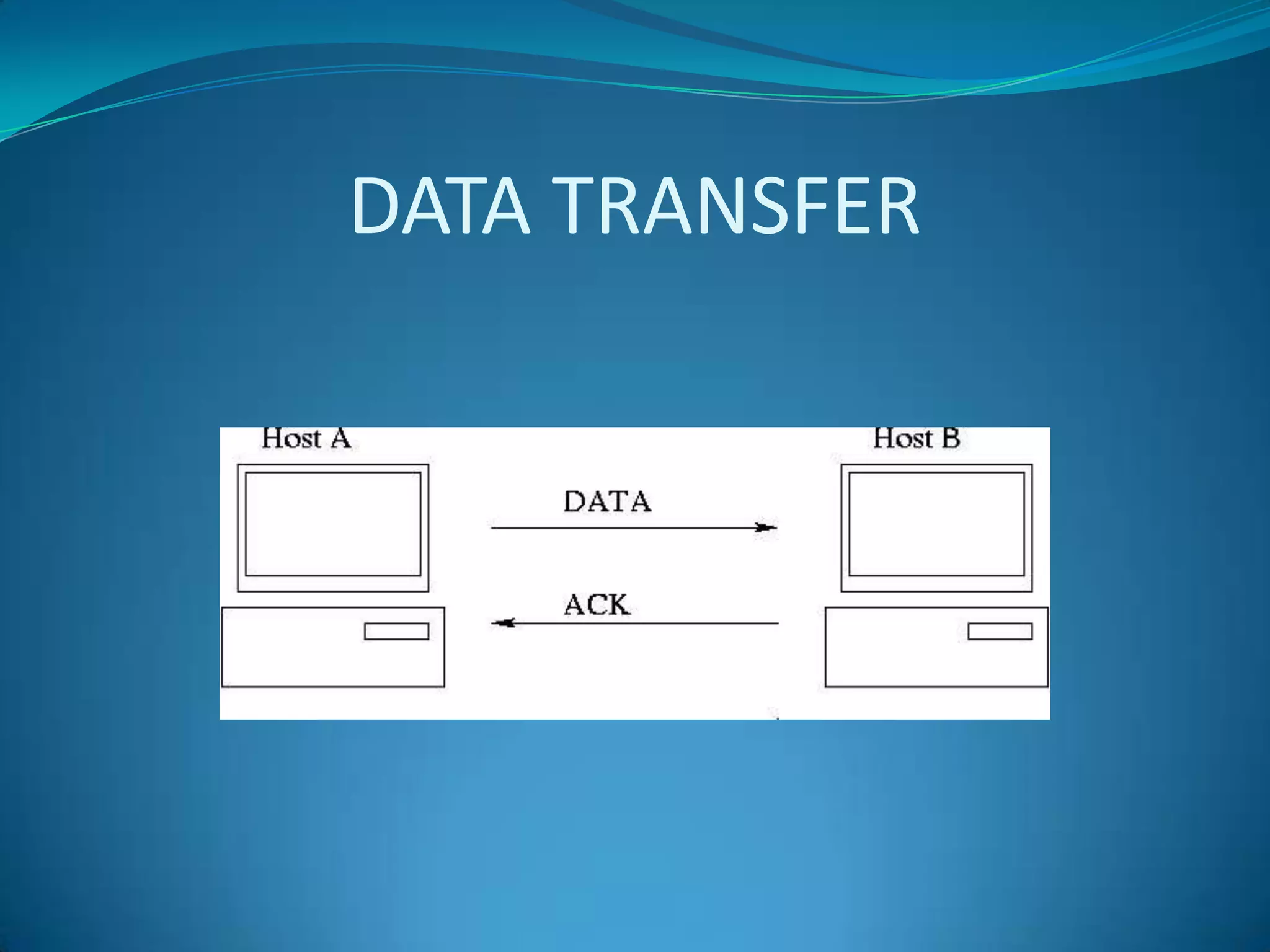
DATA TRANSFER
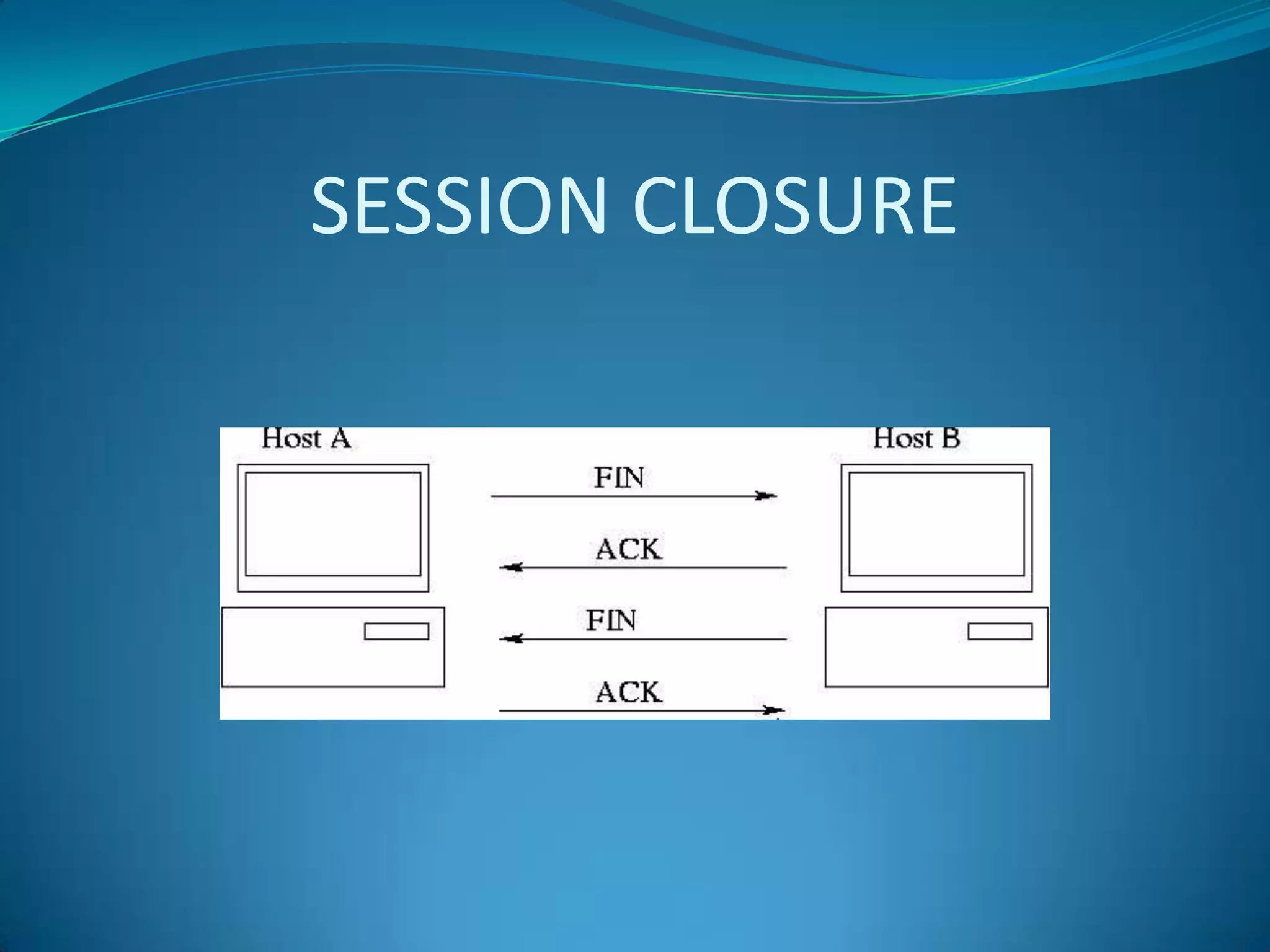
SESSION CLOSURE
LAB/BREAK
A Guided Tour
Profiles
Preferences
DIRECTORY STRUCTURE
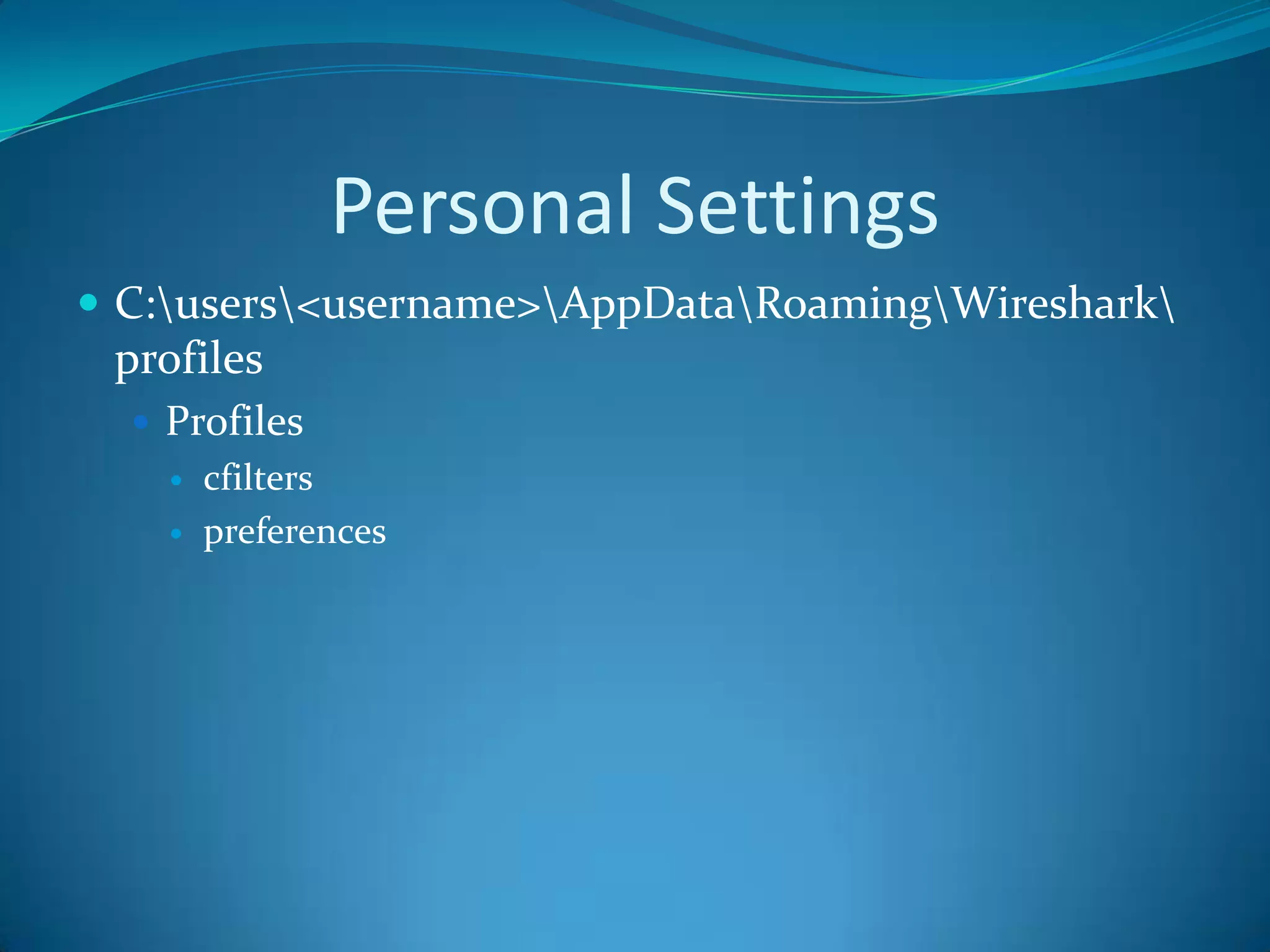
Personal Settings
 C:users<username>AppDataRoamingWireshark
 profiles
   Profiles
       cfilters
       preferences
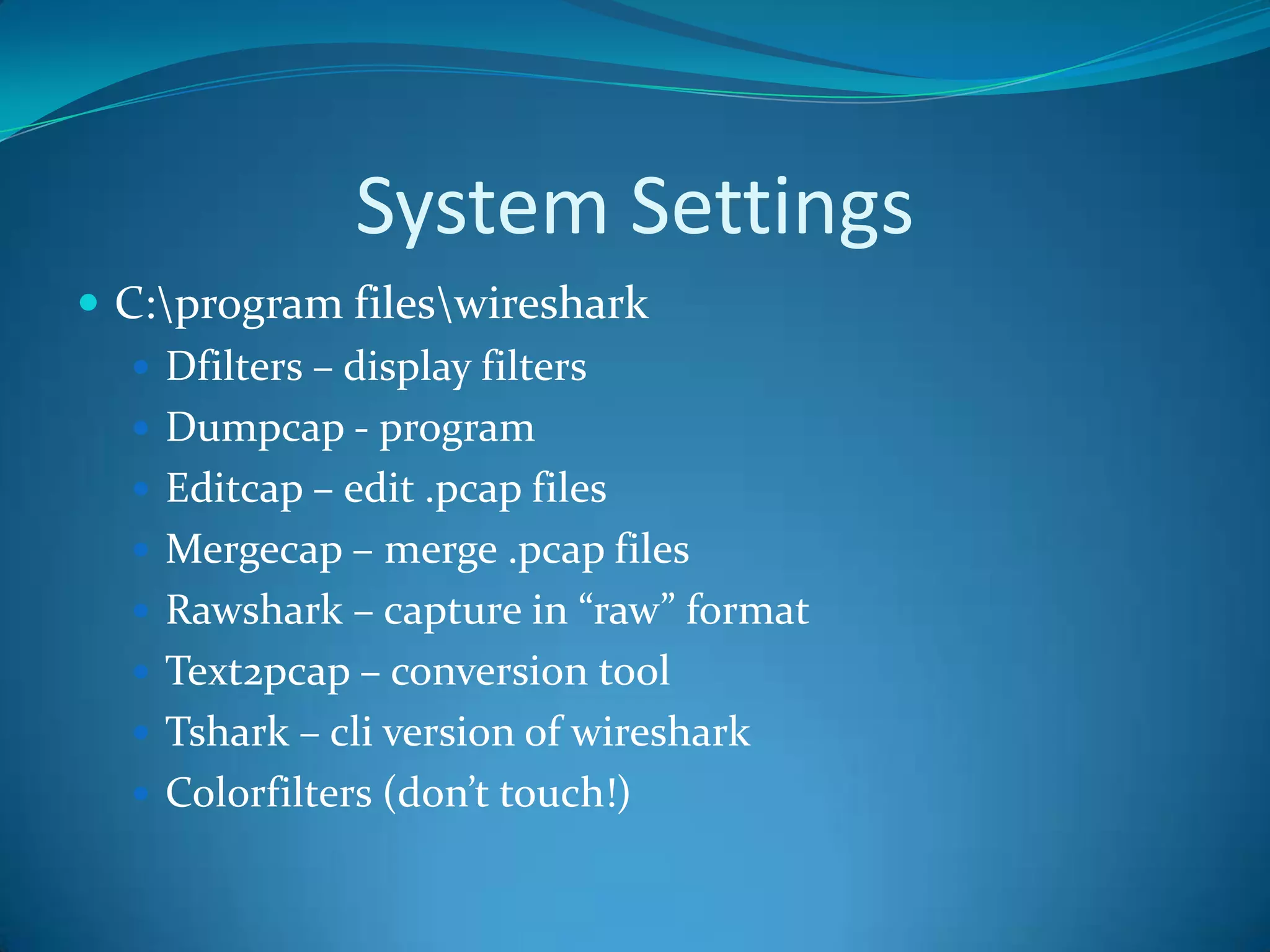
System Settings
 C:program fileswireshark
    Dfilters – display filters
    Dumpcap - program
    Editcap – edit .pcap files
    Mergecap – merge .pcap files
    Rawshark – capture in “raw” format
    Text2pcap – conversion tool
    Tshark – cli version of wireshark
    Colorfilters (don’t touch!)
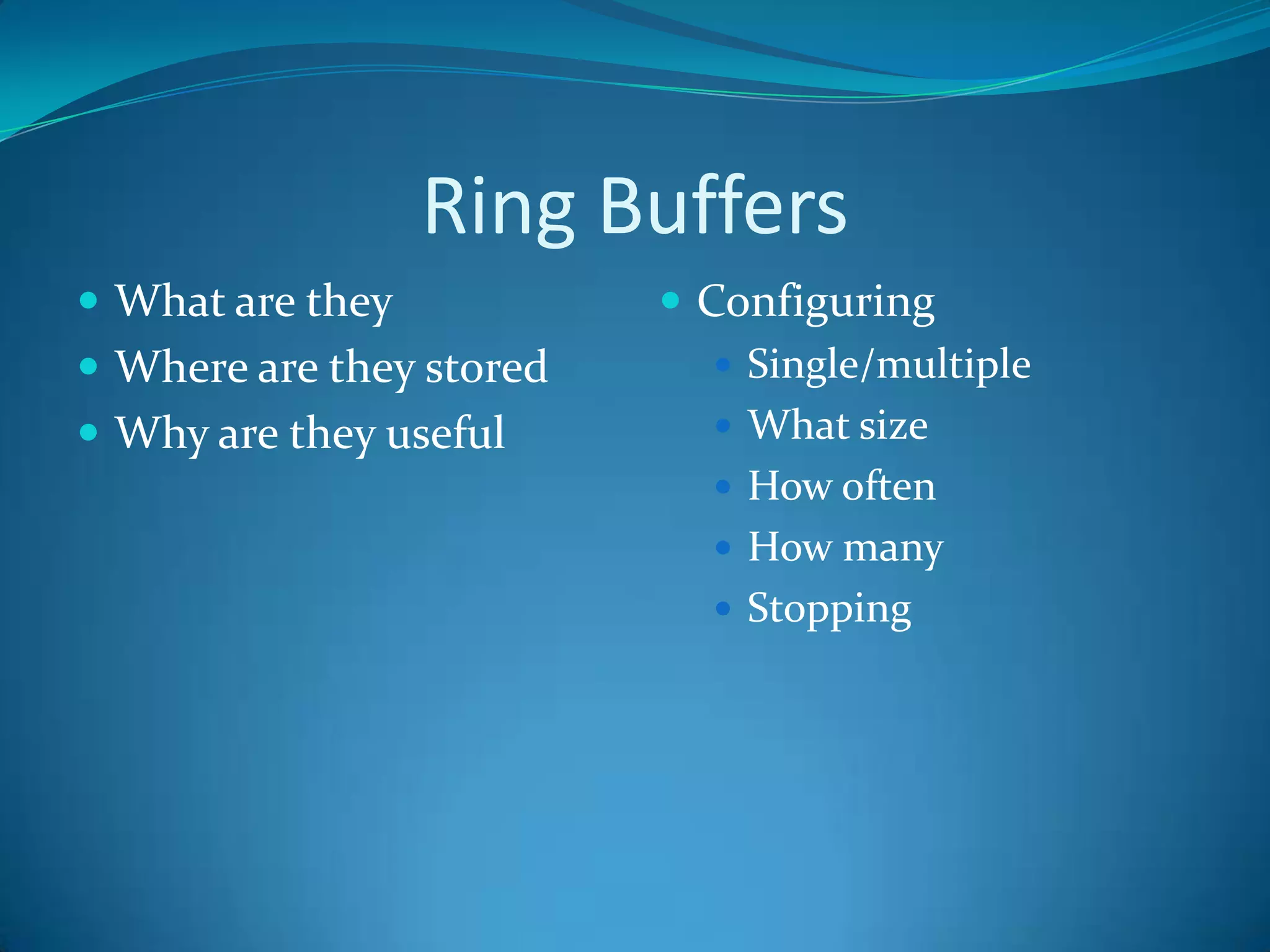
Ring Buffers
 What are they            Configuring
 Where are they stored       Single/multiple
 Why are they useful         What size
                              How often
                              How many
                              Stopping
Selecting an Interface
 Preferences       Manually
Saving Files
 Where?
 How big?
 How many?
 What format?
 Speed to disk
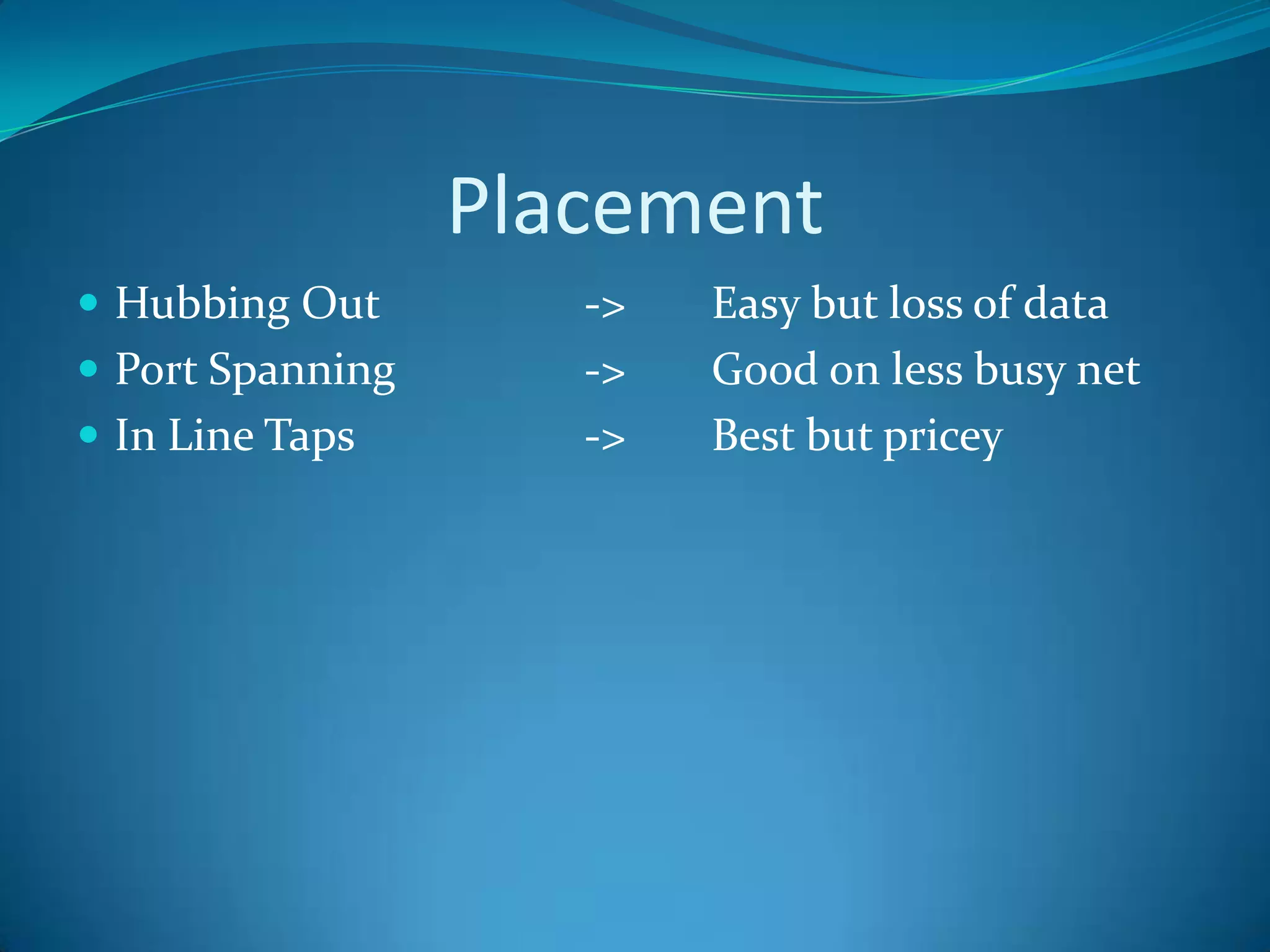
Placement
 Hubbing Out        ->   Easy but loss of data
 Port Spanning      ->   Good on less busy net
 In Line Taps       ->   Best but pricey
CAPTURES


Get as close as possible!
Captures
 Where to store them
 How much space do they
  take up
 How to store them
Display Filters
 Not my MAC
Capture Filters
 Not my MAC
Colorizing
 Built in scheme
 Change on the fly
LAB 1
LAB 2
LAB 3
LAB 4
LAB 5
Statistics and Reporting
 Statistics                  Advanced Statistics
    Conversations               Conversation lists
    Endpoints
    IP Addresses
    IP Endpoints
    IP Protocol Types
    UDP Multicast Streams
     WLAN Traffic
RESOURCES
 www.wireshark.org         Wireshark
 www.cacetech.com          Wireshark Certification
 www.chappellseminars.c    Guide
  om                       Wireshark Certification
 www.wiresharkuniversity   Exm Prep Guide
  .com
STAY SECURE!

Wireshark

Editor's Notes

  • #2 Add some slides here but hide them when not needed.
  • #3 GusBrian
  • #4 Orignial Author and Developer
  • #5 Mention Turbocap,Airpcap, and Pilot
  • #7 Where to begin
  • #9 Get some more information on commercial tools available.
  • #10 Explain the outline of the day. 45 minute hours with 10 minute or longer labs and potty and snack breaks builtin.
  • #11 Show off slides of other sniffersIntroduce tcpdump and tshark and let them know we will provide more info in the advanced section after lunchTalk about how you discuss the transmission medium – wire v fiber v air
  • #12 Hide when not needed for advanced users.
  • #15 Check your NIC to see if TCP Checksum offload is available and/or turned on or off. If on it will cause your frames to be 4 bytes smaller than normal because you will not see the FCS at the end of the frame.
  • #16 Packet structureICMPAD netbiosnmap scan DirbusterSnoopNmap ||parserCpan
  • #20 Perhaps a more detailed explanation of each of these. Maybe attach and appendix with more detailed info.Mention window size and why it is importantRunts and giantsTcp flagintrduction
  • #21 See if Gus can give more on NS, CWR and ECE
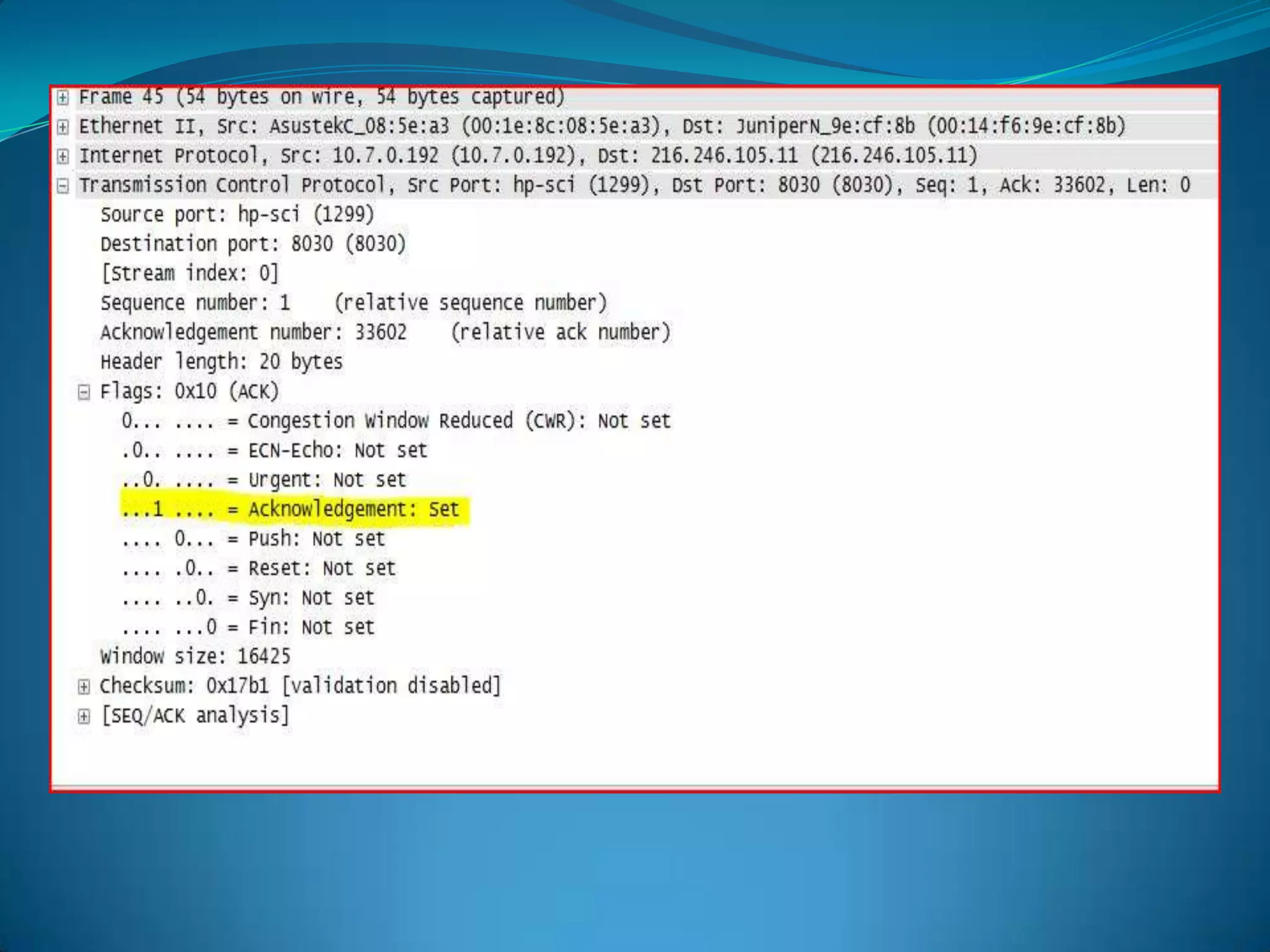
  • #23 Just an example of an ACK segment
  • #28 Go to http://www.wireshark.org and download and reinstall the latest 64 bit version on your system.Install wireless USB nics.Let them do some will packet captures is they want to just mess around as we will go over the application in the next session.
  • #30 Explain
  • #31 Explain
  • #38 HubsSwtichesIn line taps
  • #44 Colorizing LabReviewthe captures provided.Explore your preferences.Create different profiles for situations like Wlan v Lan v WAN captures.Create profiles for preferred networks.Explore your directory structures.Create at least two coloring rules.Create at least two new capture filters to be applied to a capture file.Create at least two display filters to be applied to a capture file.
  • #45 Display Filter labCreate a capture of at least 2 meg that consists of 2 1 meg files.Attempt to user mergecap to combine the two files.Download windump, run and attempt to open your saved capture with Wiresharkwindump –i &lt;interface name&gt; &gt; &lt;filename&gt;
  • #46 Capture filter labDisplay Filter labCreate a capture of at least 2 meg that consists of 2 1 meg files.Attempt to user mergecap to combine the two files.Download windump, run and attempt to open your saved capture with Wiresharkwindump –i &lt;interface name&gt; &gt; &lt;filename&gt;
  • #47 Merge lab
  • #48 Tshark lab