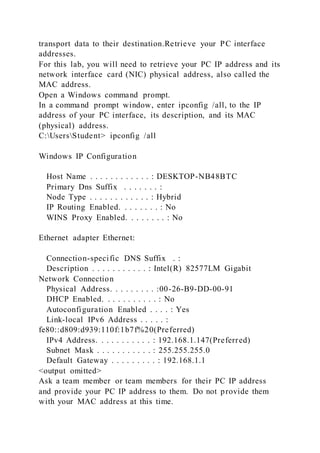
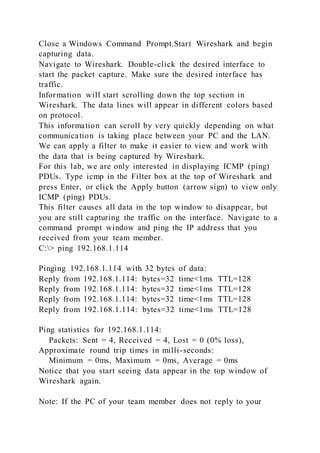
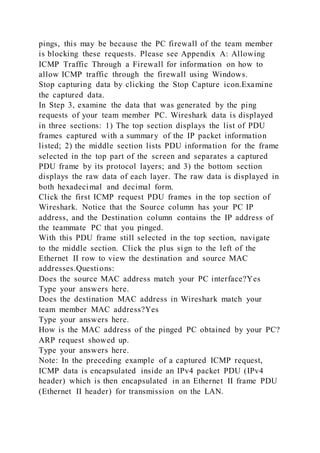
This document describes a lab activity using Wireshark to capture and analyze network traffic. Students will use Wireshark to capture ICMP data from pings to local and remote IP addresses. For the local analysis, students will ping another PC on their LAN and examine the captured frames in Wireshark to identify the source and destination IP addresses and MAC addresses. For the remote analysis, students will ping an external address and again examine the captured frames. The goals are to understand how packet headers transport data and to gain experience using Wireshark for network analysis and troubleshooting.