

Microsoft
Rights Management Services (RMS)
What’s New?
A presentation by SECUDE
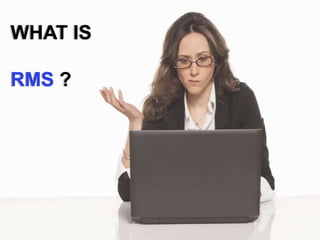
WHAT IS
RMS ?
Rights Management Services (RMS) are
offerings from Microsoft that help keep an
organizations information…
SECURE
Rights Management Services (RMS) are
offerings from Microsoft that help keep an
organizations information
Data-centric protection
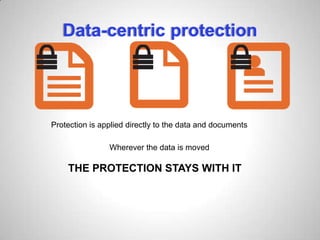
Protection is applied directly to the data and documents
Data-centric protection
Protection is applied directly to the data and documents
Data-centric protection
Protection is applied directly to the data and documents
Wherever the data is moved
Data-centric protection
Protection is applied directly to the data and documents
Wherever the data is moved
THE PROTECTION STAYS WITH IT
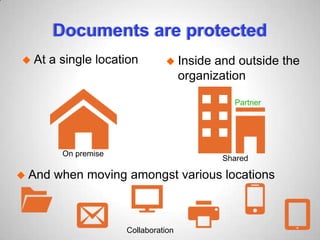
Documents are protected
 At a single location
On premise
Documents are protected
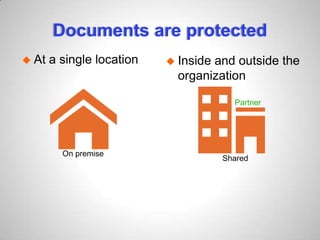
 Inside and outside the
organization
 At a single location
Partner
On premise
Shared
Documents are protected
 Inside and outside the
organization
 At a single location
 And when moving amongst various locations
Partner
On premise
Shared
Collaboration
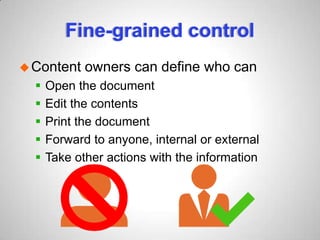
Fine-grained control
Content owners can define who can
Fine-grained control
Content owners can define who can
 Open the document
Fine-grained control
Content owners can define who can
 Open the document
 Edit the contents
Fine-grained control
Content owners can define who can
 Open the document
 Edit the contents
 Print the document
Fine-grained control
Content owners can define who can
 Open the document
 Edit the contents
 Print the document
 Forward to anyone, internal or external
Fine-grained control
Content owners can define who can
 Open the document
 Edit the contents
 Print the document
 Forward to anyone, internal or external
 Take other actions with the information
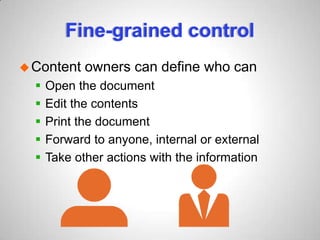
Fine-grained control
Content owners can define who can
 Open the document
 Edit the contents
 Print the document
 Forward to anyone, internal or external
 Take other actions with the information
Fine-grained control
Content owners can define who can
 Open the document
 Edit the contents
 Print the document
 Forward to anyone, internal or external
 Take other actions with the information
Windows Azure RMS provides
A secure collaboration platform
Windows Azure RMS provides
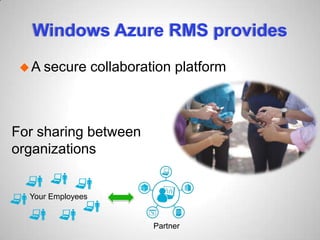
A secure collaboration platform
For sharing between
organizations
Your Employees
Partner
SO WHAT’S
NEW ?
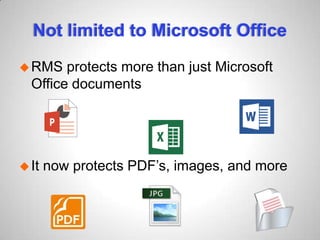
Not limited to Microsoft Office
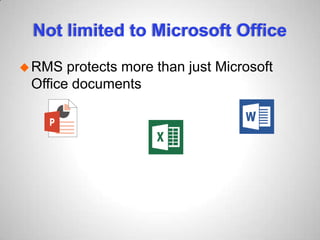
RMS protects more than just Microsoft
Office documents
Not limited to Microsoft Office
RMS protects more than just Microsoft
Office documents
It now protects PDF’s, images, and more
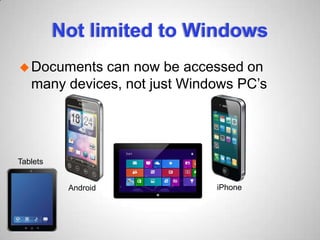
Not limited to Windows
Documents can now be accessed on
many devices, not just Windows PC’s
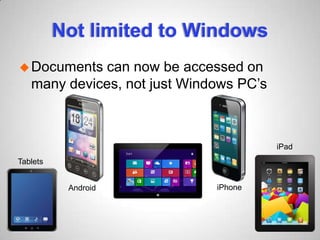
Not limited to Windows
Documents can now be accessed on
many devices, not just Windows PC’s
Tablets
Not limited to Windows
Documents can now be accessed on
many devices, not just Windows PC’s
Android
Tablets
Not limited to Windows
Documents can now be accessed on
many devices, not just Windows PC’s
Android
Tablets
iPhone
Not limited to Windows
Documents can now be accessed on
many devices, not just Windows PC’s
Android
iPad
Tablets
iPhone
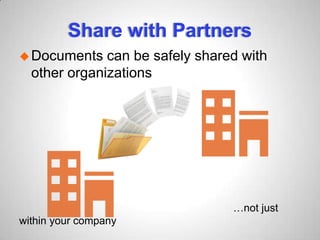
Share with Partners
Documents can be safely shared with
other organizations
…not just
within your company
Summary
With the new Rights Management
Services, users can:
 Sign up for RMS for free if you don’t already
have it
 Protect any file type
 Consume protected files on any device
 Share files with anyone
DIG DEEPER
Data is not exposed
Azure RMS never actually sees customer
data
Data is not exposed
Azure RMS never actually sees customer
data
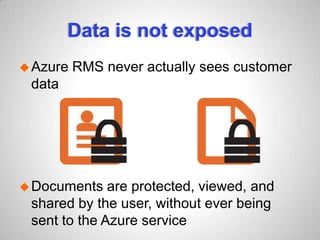
Documents are protected, viewed, and
shared by the user, without ever being
sent to the Azure service
IT Dept. has control
IT departments can:
 keep data on premise and not move anything
to the cloud (their choice)
 be aware of how protected data is being
treated, viewed, and used
 control RMS tenant key on-premise
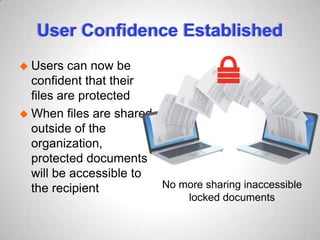
User Confidence Established
 Users can now be
confident that their
files are protected
 When files are shared
outside of the
organization,
protected documents
will be accessible to
the recipient No more sharing inaccessible
locked documents
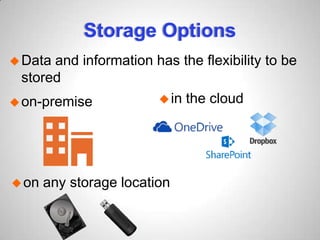
Storage Options
Data and information has the flexibility to be
stored
Storage Options
Data and information has the flexibility to be
stored
on-premise
Storage Options
Data and information has the flexibility to be
stored
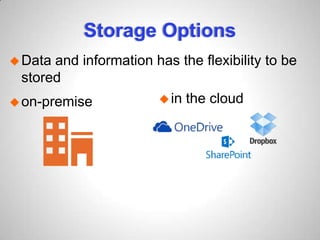
on-premise in the cloud
Storage Options
Data and information has the flexibility to be
stored
on-premise in the cloud
on any storage location
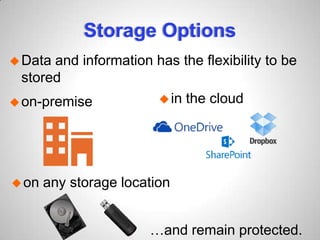
Storage Options
Data and information has the flexibility to be
stored
on-premise in the cloud
on any storage location
…and remain protected.
RMS & CLOUD READY
ORGANIZATIONS
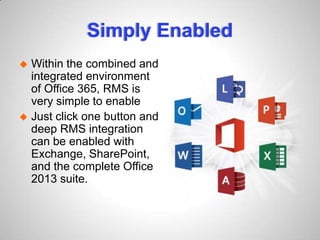
Simply Enabled
 Within the combined and
integrated environment
of Office 365, RMS is
very simple to enable
 Just click one button and
deep RMS integration
can be enabled with
Exchange, SharePoint,
and the complete Office
2013 suite.
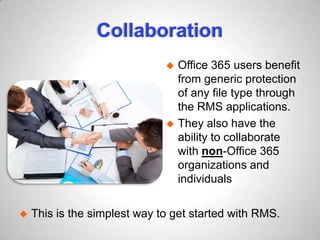
Collaboration
 This is the simplest way to get started with RMS.
 Office 365 users benefit
from generic protection
of any file type through
the RMS applications.
 They also have the
ability to collaborate
with non-Office 365
organizations and
individuals
BREAKDOWN OF FEATURES
Azure RMS
Microsoft Rights Management Services is
hosted in Azure and handles all service
duties.
The Azure RMS service relies on
Windows Azure Active Directory and
associated services (Directory Sync and
Federation).
High Value Tenant Keys
 Azure RMS requires storage for the high
value tenant keys at the core of RMS.
 The key management service (KMS) stores
RMS tenant keys securely
 The KMS also offers the Bring-Your-Own-
Key capability where CISO’s can generate a
key on premise, using tools of their choice, in
compliance with their own policies.
Rights Management Connector
The ‘connector’ pretends to be an AD
RMS server for the on-premise Exchange
and SharePoint workloads.
All requests are then relayed to the Azure-
hosted RMS service.
On Premise Email – within your
company
Most users have an Outlook Exchange
deployment with no form of information
protection.
Adding the Microsoft Rights Management
connector to Exchange deployments will
leave the Exchange fully RMS-capable.
The data never leaves the cloud but can
be protected.
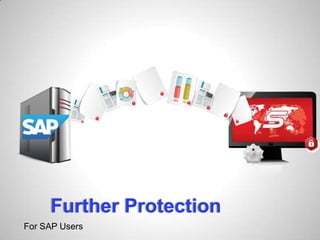
Further Protection
For SAP Users
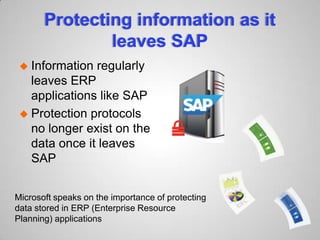
Protecting information as it
leaves SAP
 Information regularly
leaves ERP
applications like SAP
Protecting information as it
leaves SAP
 Information regularly
leaves ERP
applications like SAP
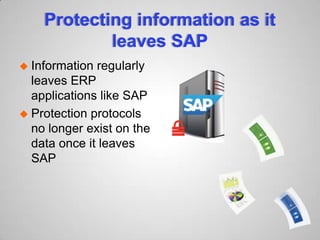
 Protection protocols
no longer exist on the
data once it leaves
SAP
Protecting information as it
leaves SAP
 Information regularly
leaves ERP
applications like SAP
 Protection protocols
no longer exist on the
data once it leaves
SAP
Microsoft speaks on the importance of protecting
data stored in ERP (Enterprise Resource
Planning) applications
FOR MORE INFORMATION
Read Now Microsoft RMS is now limiting SAP
data leakage with the help of SECUDE
Audit Data Movement
Monitor the activities surrounding the
information
 Track, record and classify data movement
 Identify who accesses it
 From where they access it (IP address &
terminal)
 Where they send it to
 Extract data for analysis
DOWNLOAD FREE AUDIT
NOW
Click HERE
PRESENTATION BY
Tweet us @secude
Contact us info@secude.com

What's New in Microsoft Rights Management Services

  • 1.
    Microsoft Rights Management Services(RMS) What’s New? A presentation by SECUDE
  • 2.
  • 3.
    Rights Management Services(RMS) are offerings from Microsoft that help keep an organizations information…
  • 4.
    SECURE Rights Management Services(RMS) are offerings from Microsoft that help keep an organizations information
  • 5.
    Data-centric protection Protection isapplied directly to the data and documents
  • 6.
    Data-centric protection Protection isapplied directly to the data and documents
  • 7.
    Data-centric protection Protection isapplied directly to the data and documents Wherever the data is moved
  • 8.
    Data-centric protection Protection isapplied directly to the data and documents Wherever the data is moved THE PROTECTION STAYS WITH IT
  • 9.
  • 10.
    Documents are protected At a single location On premise
  • 11.
    Documents are protected Inside and outside the organization  At a single location Partner On premise Shared
  • 12.
    Documents are protected Inside and outside the organization  At a single location  And when moving amongst various locations Partner On premise Shared Collaboration
  • 13.
  • 14.
    Fine-grained control Content ownerscan define who can  Open the document
  • 15.
    Fine-grained control Content ownerscan define who can  Open the document  Edit the contents
  • 16.
    Fine-grained control Content ownerscan define who can  Open the document  Edit the contents  Print the document
  • 17.
    Fine-grained control Content ownerscan define who can  Open the document  Edit the contents  Print the document  Forward to anyone, internal or external
  • 18.
    Fine-grained control Content ownerscan define who can  Open the document  Edit the contents  Print the document  Forward to anyone, internal or external  Take other actions with the information
  • 19.
    Fine-grained control Content ownerscan define who can  Open the document  Edit the contents  Print the document  Forward to anyone, internal or external  Take other actions with the information
  • 20.
    Fine-grained control Content ownerscan define who can  Open the document  Edit the contents  Print the document  Forward to anyone, internal or external  Take other actions with the information
  • 21.
    Windows Azure RMSprovides A secure collaboration platform
  • 22.
    Windows Azure RMSprovides A secure collaboration platform For sharing between organizations Your Employees Partner
  • 23.
  • 24.
    Not limited toMicrosoft Office RMS protects more than just Microsoft Office documents
  • 25.
    Not limited toMicrosoft Office RMS protects more than just Microsoft Office documents It now protects PDF’s, images, and more
  • 26.
    Not limited toWindows Documents can now be accessed on many devices, not just Windows PC’s
  • 27.
    Not limited toWindows Documents can now be accessed on many devices, not just Windows PC’s Tablets
  • 28.
    Not limited toWindows Documents can now be accessed on many devices, not just Windows PC’s Android Tablets
  • 29.
    Not limited toWindows Documents can now be accessed on many devices, not just Windows PC’s Android Tablets iPhone
  • 30.
    Not limited toWindows Documents can now be accessed on many devices, not just Windows PC’s Android iPad Tablets iPhone
  • 31.
    Share with Partners Documentscan be safely shared with other organizations …not just within your company
  • 32.
    Summary With the newRights Management Services, users can:  Sign up for RMS for free if you don’t already have it  Protect any file type  Consume protected files on any device  Share files with anyone
  • 33.
  • 34.
    Data is notexposed Azure RMS never actually sees customer data
  • 35.
    Data is notexposed Azure RMS never actually sees customer data Documents are protected, viewed, and shared by the user, without ever being sent to the Azure service
  • 36.
    IT Dept. hascontrol IT departments can:  keep data on premise and not move anything to the cloud (their choice)  be aware of how protected data is being treated, viewed, and used  control RMS tenant key on-premise
  • 37.
    User Confidence Established Users can now be confident that their files are protected  When files are shared outside of the organization, protected documents will be accessible to the recipient No more sharing inaccessible locked documents
  • 38.
    Storage Options Data andinformation has the flexibility to be stored
  • 39.
    Storage Options Data andinformation has the flexibility to be stored on-premise
  • 40.
    Storage Options Data andinformation has the flexibility to be stored on-premise in the cloud
  • 41.
    Storage Options Data andinformation has the flexibility to be stored on-premise in the cloud on any storage location
  • 42.
    Storage Options Data andinformation has the flexibility to be stored on-premise in the cloud on any storage location …and remain protected.
  • 43.
    RMS & CLOUDREADY ORGANIZATIONS
  • 44.
    Simply Enabled  Withinthe combined and integrated environment of Office 365, RMS is very simple to enable  Just click one button and deep RMS integration can be enabled with Exchange, SharePoint, and the complete Office 2013 suite.
  • 45.
    Collaboration  This isthe simplest way to get started with RMS.  Office 365 users benefit from generic protection of any file type through the RMS applications.  They also have the ability to collaborate with non-Office 365 organizations and individuals
  • 46.
  • 47.
    Azure RMS Microsoft RightsManagement Services is hosted in Azure and handles all service duties. The Azure RMS service relies on Windows Azure Active Directory and associated services (Directory Sync and Federation).
  • 48.
    High Value TenantKeys  Azure RMS requires storage for the high value tenant keys at the core of RMS.  The key management service (KMS) stores RMS tenant keys securely  The KMS also offers the Bring-Your-Own- Key capability where CISO’s can generate a key on premise, using tools of their choice, in compliance with their own policies.
  • 49.
    Rights Management Connector The‘connector’ pretends to be an AD RMS server for the on-premise Exchange and SharePoint workloads. All requests are then relayed to the Azure- hosted RMS service.
  • 50.
    On Premise Email– within your company Most users have an Outlook Exchange deployment with no form of information protection. Adding the Microsoft Rights Management connector to Exchange deployments will leave the Exchange fully RMS-capable. The data never leaves the cloud but can be protected.
  • 51.
  • 52.
    Protecting information asit leaves SAP  Information regularly leaves ERP applications like SAP
  • 53.
    Protecting information asit leaves SAP  Information regularly leaves ERP applications like SAP  Protection protocols no longer exist on the data once it leaves SAP
  • 54.
    Protecting information asit leaves SAP  Information regularly leaves ERP applications like SAP  Protection protocols no longer exist on the data once it leaves SAP Microsoft speaks on the importance of protecting data stored in ERP (Enterprise Resource Planning) applications
  • 55.
    FOR MORE INFORMATION ReadNow Microsoft RMS is now limiting SAP data leakage with the help of SECUDE
  • 56.
    Audit Data Movement Monitorthe activities surrounding the information  Track, record and classify data movement  Identify who accesses it  From where they access it (IP address & terminal)  Where they send it to  Extract data for analysis
  • 57.
  • 58.
    PRESENTATION BY Tweet us@secude Contact us info@secude.com