Elements and AttributesCIS-189
Complies with rules Rules allow easy transfer and read of data independent of platform, applicationA Parserreads XML fileParsers typically run as a service to another applicationA file that doesn’t comply with rules has afatal error,and the parsercannot continueBy definition, a file that isn’t well formed has a fatal errorAny violation of rules is an errorWell-Formed XML
Start tag must have an end tag or be self-closingTags cannot overlapMust have one – and only one – root elementElement names obey naming rulesXML is case-sensitiveWhitespace is maintained in PCDATAWhitespace isn’t stripped out or ignored“PCDATA” = plain character data or parsed character dataWell Formed XML
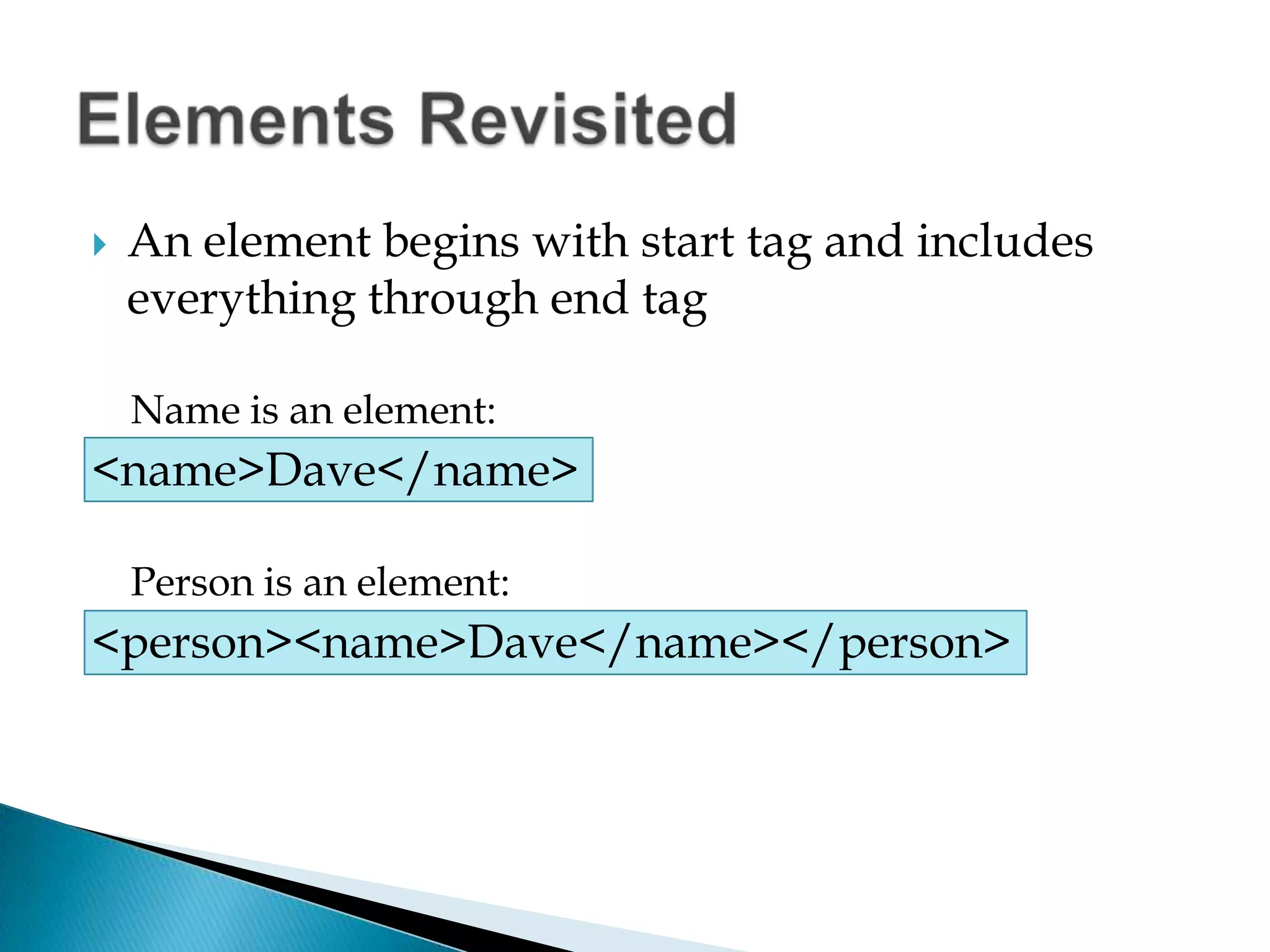
An element begins with start tag and includes everything through end tagName is an element:<name>Dave</name>Person is an element:<person><name>Dave</name></person>Elements Revisited
Element name can include a space after the nameElement cannot have a space at beginning of start tagElement name must begin with letters or dashAfter the first character, numbers, hyphens, periods are acceptableCannot use spaces or: (colon) in namesColon is reserved for special usesXML cannot be used as the first 3 letters of a name (Upper, lower or mixed case)Naming Elements
CDATA refers to character dataValues that are treated as those charactersPCDATA refers to parsed character dataValues that are translated for a specific meaning or purposeWhitespace is treated differently than HTMLMaintainedCarriage return and linefeed characters are both treated as single linefeed by parserWorking with Data
Provide another way to represent valuesDefined within the start tag of an elementWork in a name/value pairMust include both a name and value for a valid statement (an empty string is a valid value)Value must be enclosed in single or double quotesOpening quote must be same as closing (can’t pair a single quote and double quote)Be consistent for ease of coding, reading, and maintenance, using all single or all double quotesAttributes
Attribute names must conform to same rules as element namesStart with letter or dashCan use numbers, hyphens, periods after the first characterName of each attribute must be unique within an elementAttribute Names
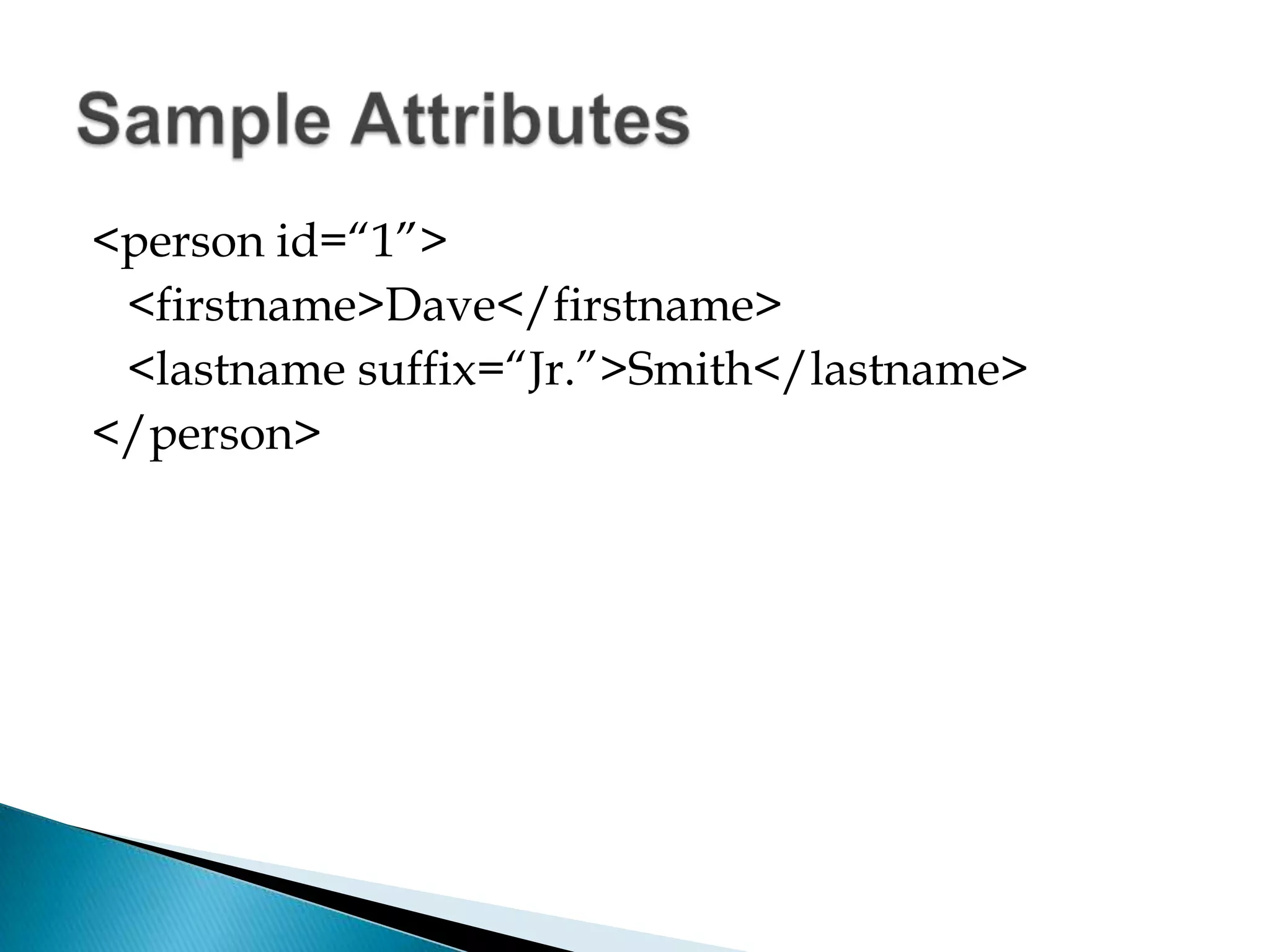
<person id=“1”>	<firstname>Dave</firstname>	<lastname suffix=“Jr.”>Smith</lastname></person>Sample Attributes
Elements can be more complexCan include child elements if neededAttributes are about a single valueAttributes can simplify logicCan avoid or reduce nestingCan simplify logicChoice of element or attribute most often simply a design choice, preferenceUsing Attributes and Elements
Comments are used to documentSimilar to HTML <!-- this is a comment -->Comments cannot exist within a tagInclude comments in your codeName, assignment/exercise, dateDescription of structure, logic, referencesComments
Provide information to aid the processing of the file<? XML version=“1.0”?>If include XML declaration must be first entryCannot have any character preceding the open tagIf include XML declaration must have at least the versionHave versions 1.0, 1.1XML Declarations
Optional settings are encoding, standaloneEncoding specifies which character set is being used (how characters are represented)Standalone tells the parser if document is complete by itself, or relies on another fileOptional XML Declarations
Processing instructions are for consuming applicationNot used by XML parserIncludes information/commands that application needs to complete some task	<? Statement ?>Processing Instructions
Some symbols have special meaningLess than (<)Greater than (>)Ampersand (&)Cannot use these characters directly unless wrapped in a CDATA sectionIf need single symbol can substitute&lt for <, &gt for >, &amp for & Special Characters

Well Formed XML

  • 1.
  • 2.
    Complies with rulesRules allow easy transfer and read of data independent of platform, applicationA Parserreads XML fileParsers typically run as a service to another applicationA file that doesn’t comply with rules has afatal error,and the parsercannot continueBy definition, a file that isn’t well formed has a fatal errorAny violation of rules is an errorWell-Formed XML
  • 3.
    Start tag musthave an end tag or be self-closingTags cannot overlapMust have one – and only one – root elementElement names obey naming rulesXML is case-sensitiveWhitespace is maintained in PCDATAWhitespace isn’t stripped out or ignored“PCDATA” = plain character data or parsed character dataWell Formed XML
  • 4.
    An element beginswith start tag and includes everything through end tagName is an element:<name>Dave</name>Person is an element:<person><name>Dave</name></person>Elements Revisited
  • 5.
    Element name caninclude a space after the nameElement cannot have a space at beginning of start tagElement name must begin with letters or dashAfter the first character, numbers, hyphens, periods are acceptableCannot use spaces or: (colon) in namesColon is reserved for special usesXML cannot be used as the first 3 letters of a name (Upper, lower or mixed case)Naming Elements
  • 6.
    CDATA refers tocharacter dataValues that are treated as those charactersPCDATA refers to parsed character dataValues that are translated for a specific meaning or purposeWhitespace is treated differently than HTMLMaintainedCarriage return and linefeed characters are both treated as single linefeed by parserWorking with Data
  • 7.
    Provide another wayto represent valuesDefined within the start tag of an elementWork in a name/value pairMust include both a name and value for a valid statement (an empty string is a valid value)Value must be enclosed in single or double quotesOpening quote must be same as closing (can’t pair a single quote and double quote)Be consistent for ease of coding, reading, and maintenance, using all single or all double quotesAttributes
  • 8.
    Attribute names mustconform to same rules as element namesStart with letter or dashCan use numbers, hyphens, periods after the first characterName of each attribute must be unique within an elementAttribute Names
  • 9.
  • 10.
    Elements can bemore complexCan include child elements if neededAttributes are about a single valueAttributes can simplify logicCan avoid or reduce nestingCan simplify logicChoice of element or attribute most often simply a design choice, preferenceUsing Attributes and Elements
  • 11.
    Comments are usedto documentSimilar to HTML <!-- this is a comment -->Comments cannot exist within a tagInclude comments in your codeName, assignment/exercise, dateDescription of structure, logic, referencesComments
  • 12.
    Provide information toaid the processing of the file<? XML version=“1.0”?>If include XML declaration must be first entryCannot have any character preceding the open tagIf include XML declaration must have at least the versionHave versions 1.0, 1.1XML Declarations
  • 13.
    Optional settings areencoding, standaloneEncoding specifies which character set is being used (how characters are represented)Standalone tells the parser if document is complete by itself, or relies on another fileOptional XML Declarations
  • 14.
    Processing instructions arefor consuming applicationNot used by XML parserIncludes information/commands that application needs to complete some task <? Statement ?>Processing Instructions
  • 15.
    Some symbols havespecial meaningLess than (<)Greater than (>)Ampersand (&)Cannot use these characters directly unless wrapped in a CDATA sectionIf need single symbol can substitute&lt for <, &gt for >, &amp for & Special Characters