XML Vahideh Z. Gavgani Department of Library & Information Science Osmania University
XML XML stands for  Extensible Markup Language.  Examples of extensible languages are: lisp, forth, XML, and C++.
Introduction The  Extensible Markup Language  ( XML ) is a general-purpose markup language. It is classified as an extensible language because it allows its users to define their own elements.  Its primary purpose is to facilitate the sharing of structured data across different information systems, particularly via the Internet.  It is used both to encode documents and serialize data.
History / Origin XML It started as a simplified subset of the  Standard Generalized Markup Language   (SGML) , and is designed to be relatively human-legible/readable. In 10. February 1998 , XML  became  a W3C Recommendation.
What is XML? XML stands for E X tensible  M arkup  L anguage  XML is a  markup language  much like HTML  XML was designed to  carry data , not to display data  XML tags are not predefined. Users must  define their own tags   XML is designed to be  self-descriptive   XML is a  W3C Recommendation   XML is fee-free open standard
Definition  a cross-platform, software- and hardware-independent tool for storing and transmitting information. OR simply: XML is a software and hardware independent tool for carrying information
The Difference Between  XML and HTML XML is  not a replacement  for HTML. XML and HTML were designed with  different goals : XML  was designed to  transport  and  store data , with focus on  what data is . HTML was designed to  display data , with focus on  how data looks . HTML is  about displaying   information , while XML is  about carrying information .
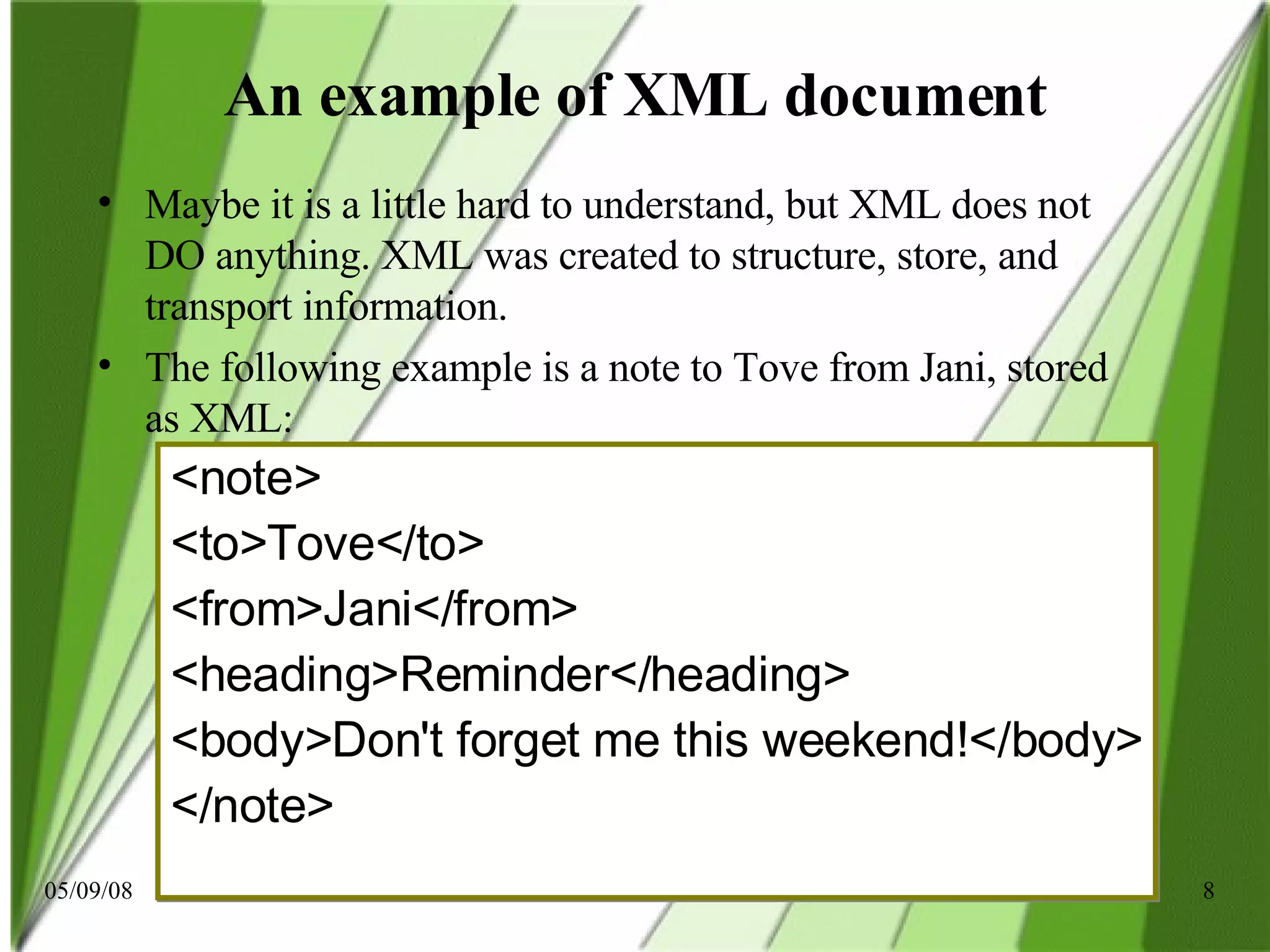
An example of XML document Maybe it is a little hard to understand, but XML does not DO anything. XML was created to structure, store, and transport information. The following example is a note to Tove from Jani, stored as XML: <note> <to>Tove</to> <from>Jani</from> <heading>Reminder</heading> <body>Don't forget me this weekend!</body> </note>
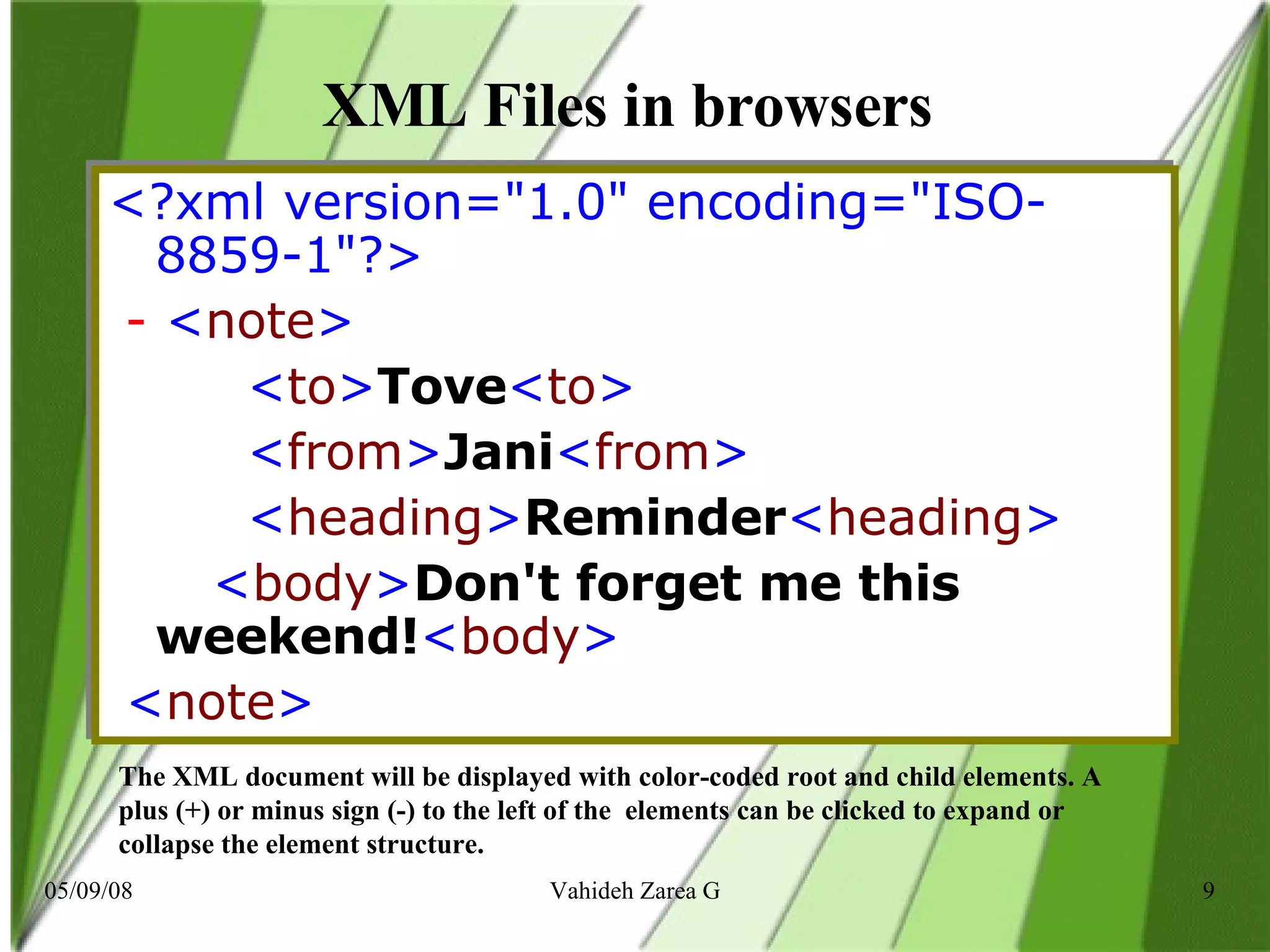
XML Files in browsers  <?xml version=&quot;1.0&quot; encoding=&quot;ISO-8859-1&quot;?>    -  < note >            < to > Tove < to >            < from > Jani < from >          < heading > Reminder < heading >      < body > Don't forget me this weekend! < body >      < note >   The XML document will be displayed with color-coded root and child elements. A plus (+) or minus sign (-) to the left of the  elements can be clicked to expand or collapse the element structure.
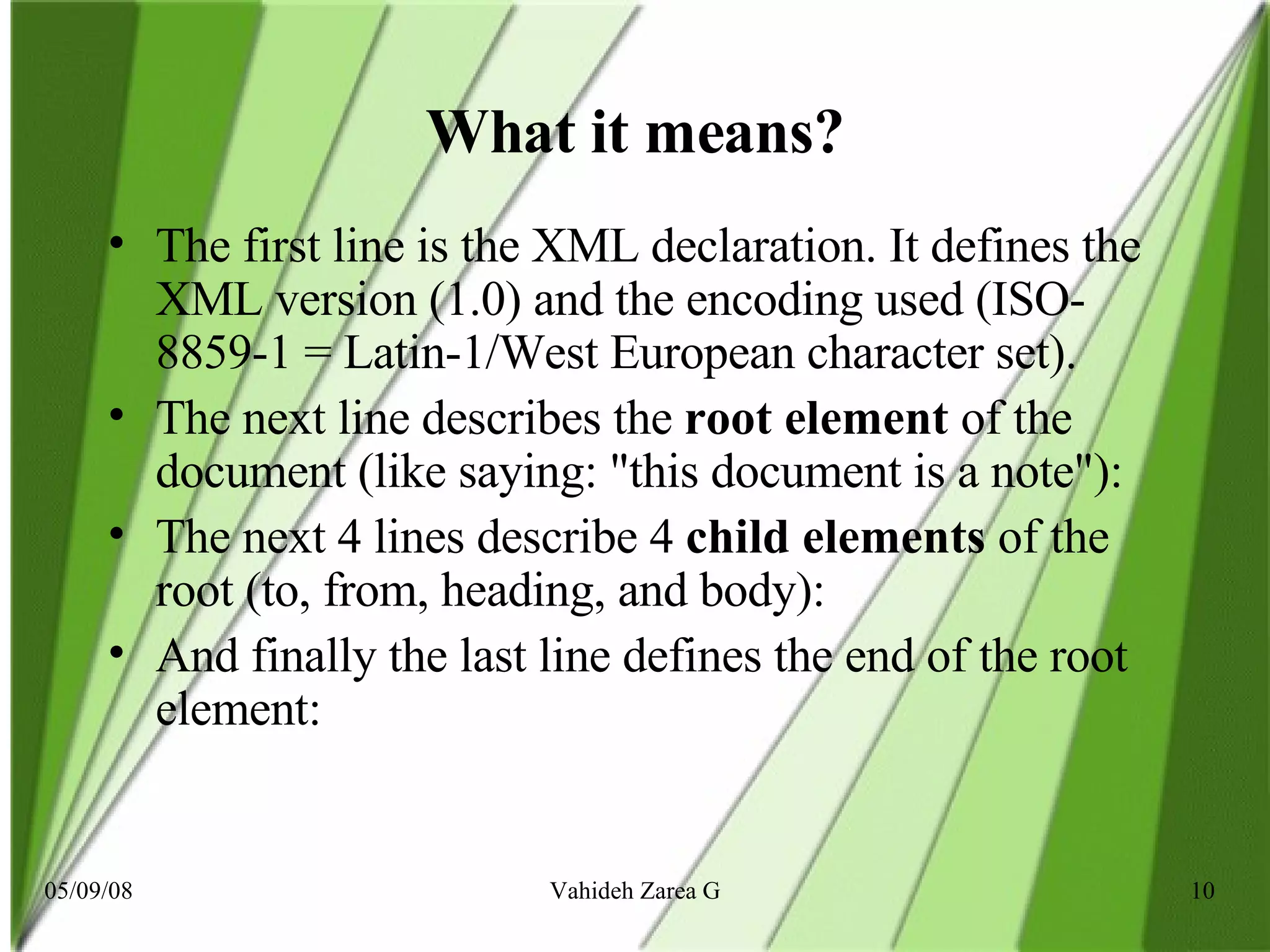
What it means? The first line is the XML declaration. It defines the XML version (1.0) and the encoding used (ISO-8859-1 = Latin-1/West European character set).  The next line describes the  root element  of the document (like saying: &quot;this document is a note&quot;):  The next 4 lines describe 4  child elements  of the root (to, from, heading, and body): And finally the last line defines the end of the root element:
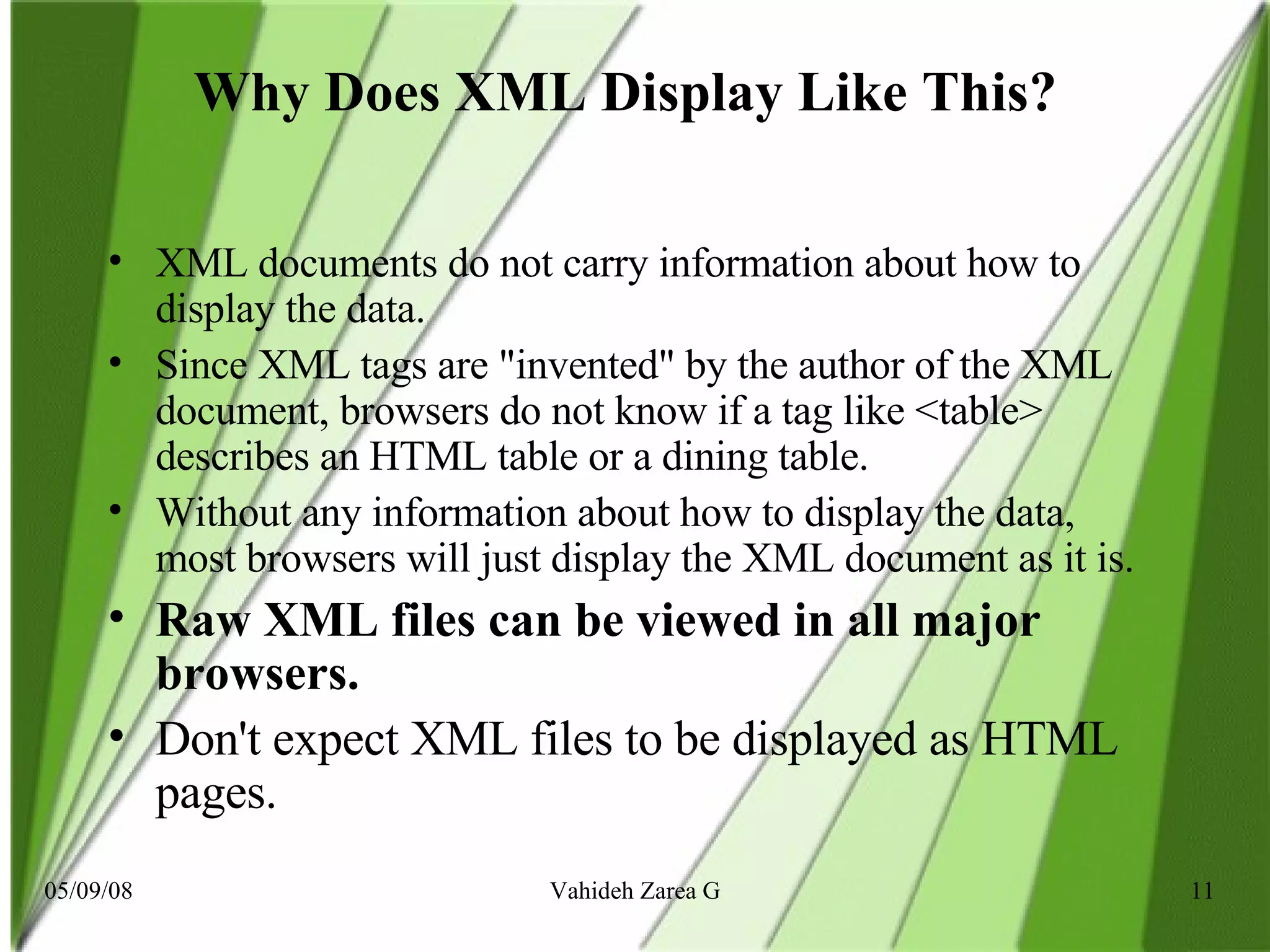
Why Does XML Display Like This?   XML documents do not carry information about how to display the data. Since XML tags are &quot;invented&quot; by the author of the XML document, browsers do not know if a tag like <table> describes an HTML table or a dining table. Without any information about how to display the data, most browsers will just display the XML document as it is. Raw XML files can be viewed in all major browsers. Don't expect XML files to be displayed as HTML pages.
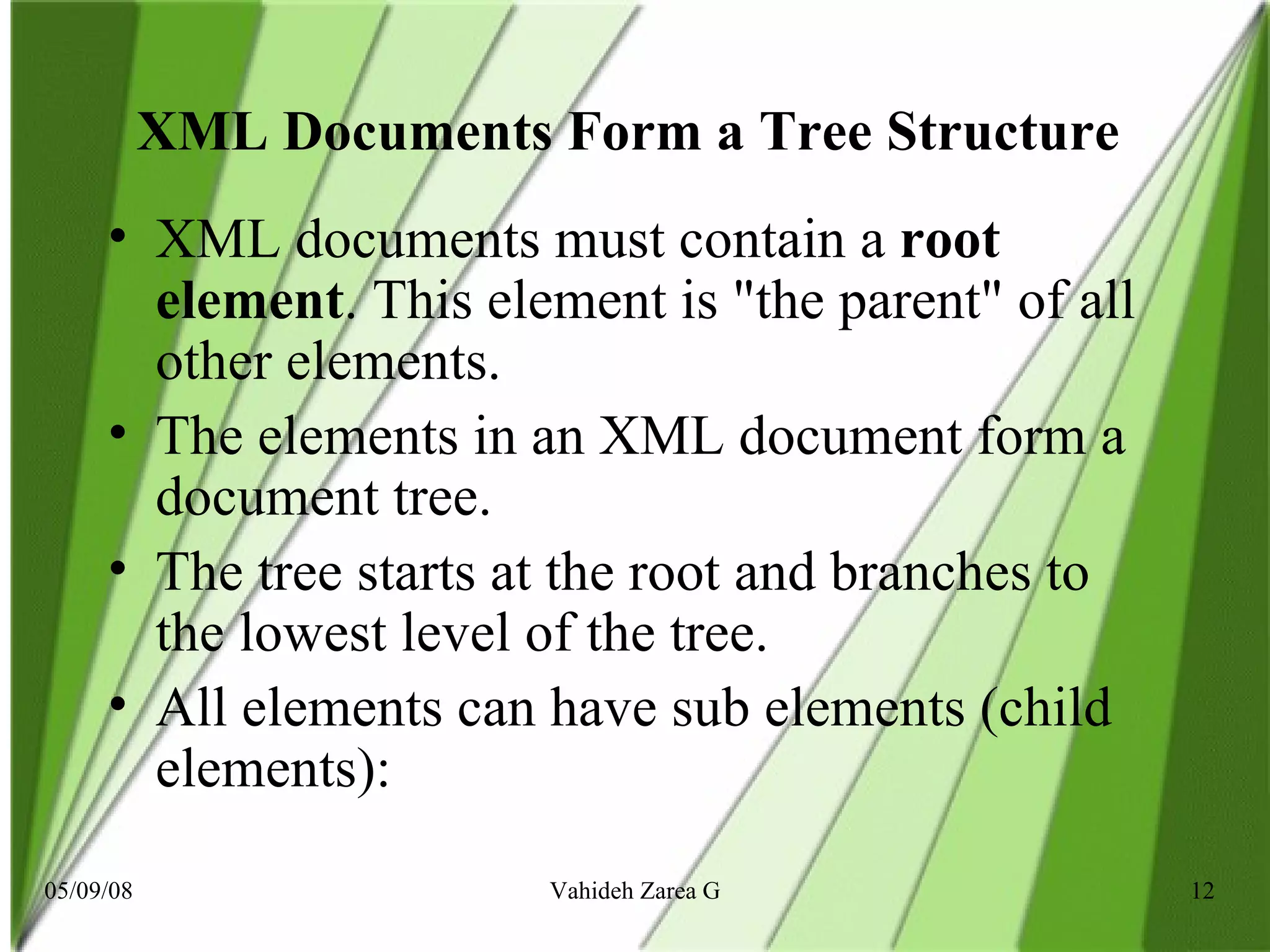
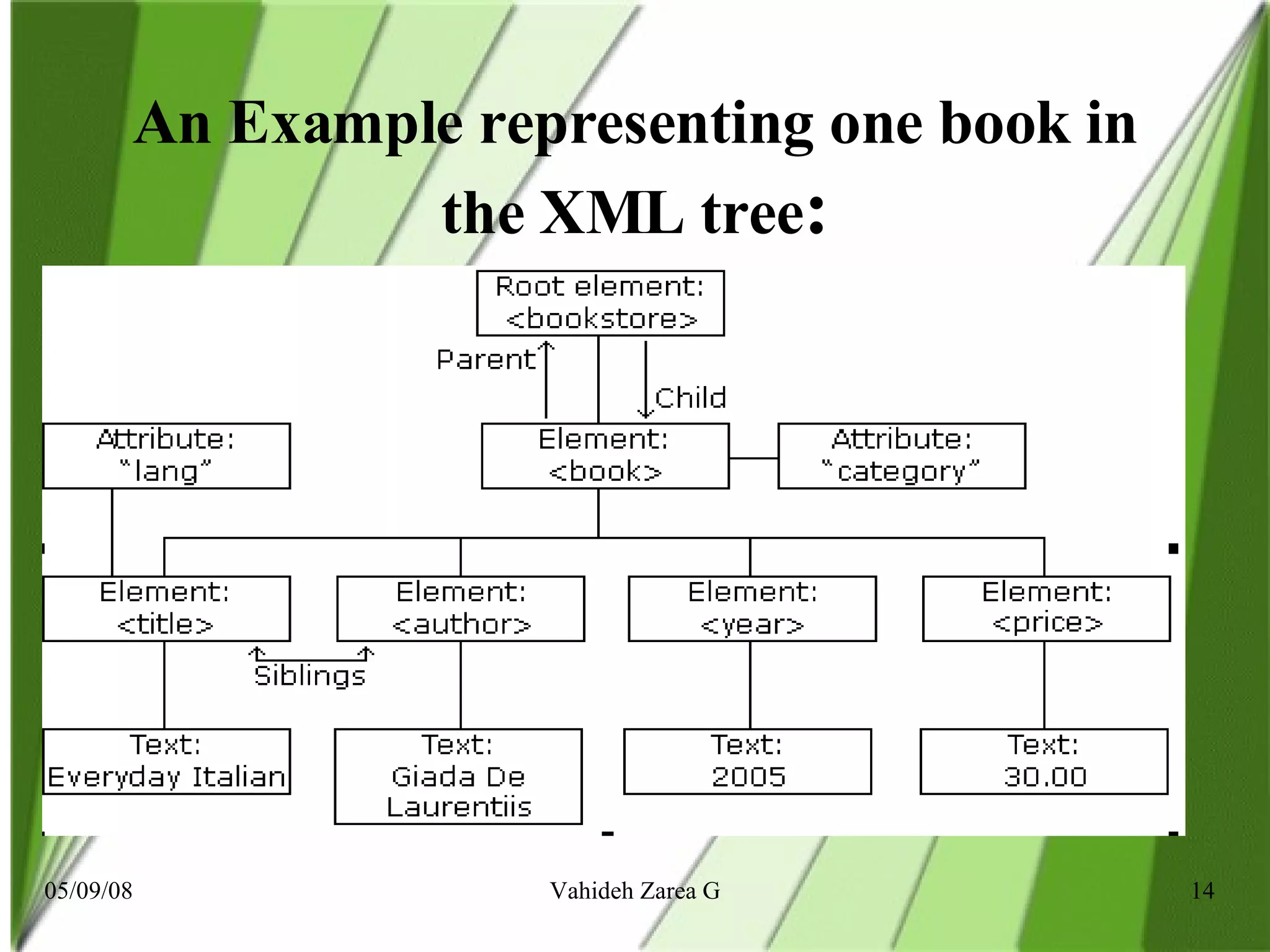
XML Documents Form a Tree Structure  XML documents must contain a  root element . This element is &quot;the parent&quot; of all other elements. The elements in an XML document form a document tree.  The tree starts at the root and branches to the lowest level of the tree.  All elements can have sub elements (child elements):
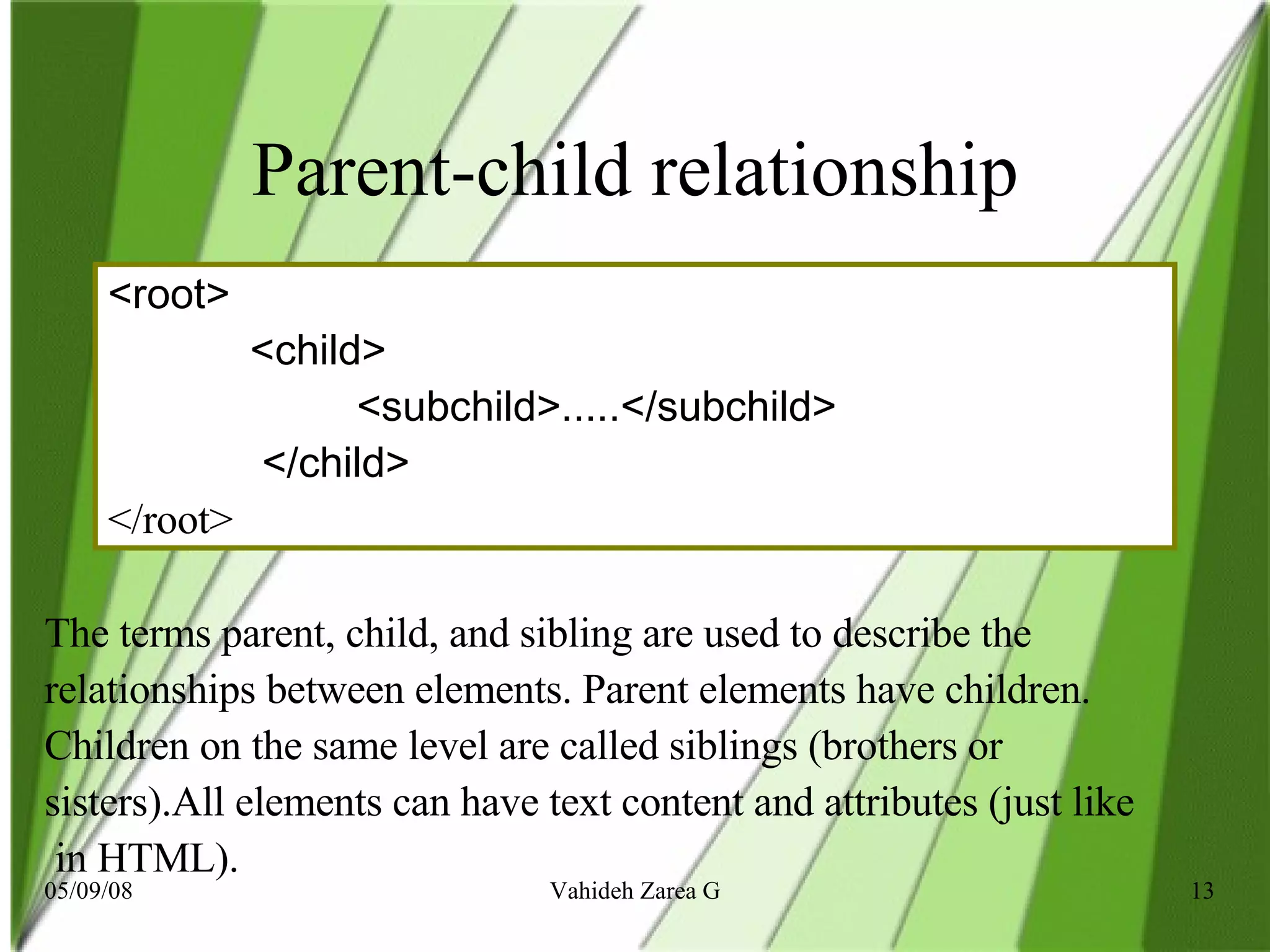
Parent-child relationship <root>  <child>  <subchild>.....</subchild>  </child> </root>  The terms parent, child, and sibling are used to describe the relationships between elements. Parent elements have children.  Children on the same level are called siblings (brothers or  sisters).All elements can have text content and attributes (just like in HTML).
An Example representing one book in the XML tree :
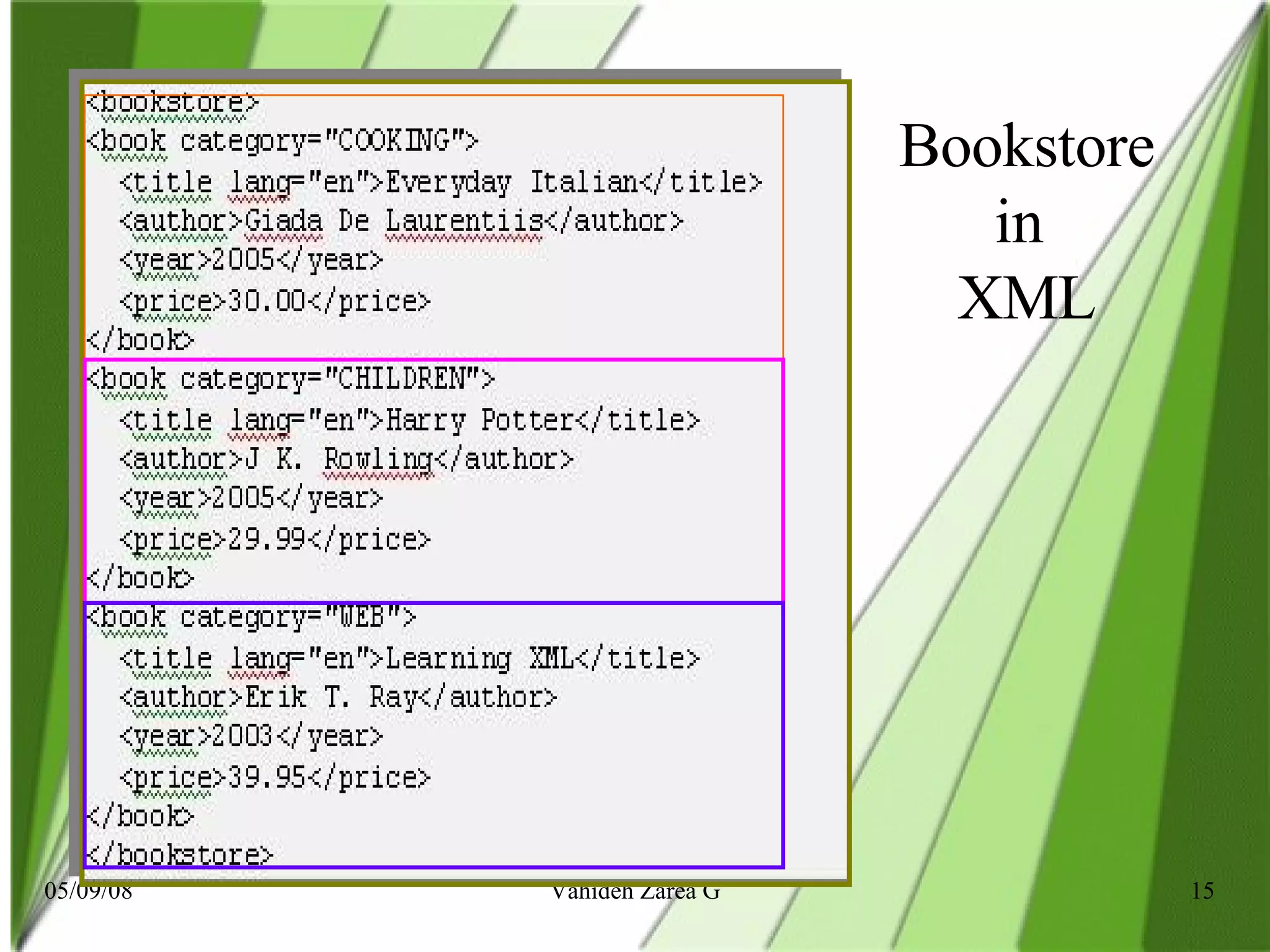
Bookstore in  XML
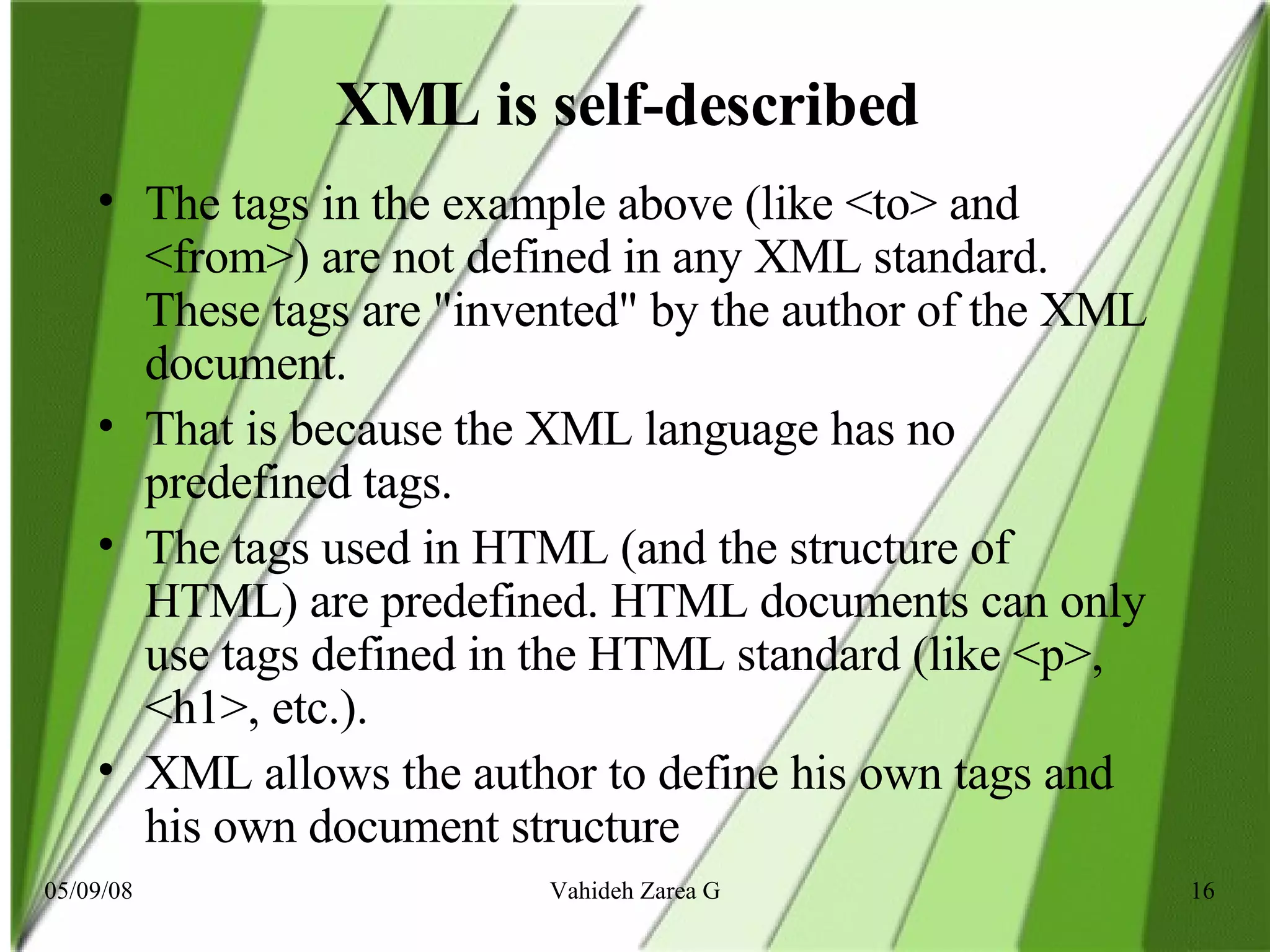
XML is self-described  The tags in the example above (like <to> and <from>) are not defined in any XML standard. These tags are &quot;invented&quot; by the author of the XML document. That is because the XML language has no predefined tags. The tags used in HTML (and the structure of HTML) are predefined. HTML documents can only use tags defined in the HTML standard (like <p>, <h1>, etc.). XML allows the author to define his own tags and his own document structure
How to use XML XML Separates Data from HTML If you need to display dynamic data in your HTML document, it will take a lot of work to edit the HTML each time the data changes. With XML, data can be stored in separate XML files. This way you can concentrate on using HTML for layout and display, and be sure that changes in the underlying data will not require any changes to the HTML. With a few lines of JavaScript, you can read an external XML file and update the data content of your HTML.
XML Simplifies Platform Changes  Upgrading to new systems (hardware or software platforms), is always very time consuming. Large amounts of data must be converted and incompatible data is often lost. XML data is stored in text format. This makes it easier to expand or upgrade to new operating systems, new applications, or new browsers, without losing data.
XML Makes Your Data More Available  Since XML is independent of hardware, software and application, XML can make your data more available and useful. Different applications can access your data, not only in HTML pages, but also from XML data sources. With XML, your data can be available to all kinds of &quot;reading machines&quot; (Handheld computers, voice machines, news feeds, etc), and make it more available for blind people, or people with other disabilities.
XML is Used to Create New  Internet Languages  Since XML is independent of hardware, software A lot of new Internet languages are created with XML. Here are some examples: XHTML  the latest version of HTML   WSDL  for describing available web services  WAP  and  WML  as markup languages for handheld devices  RSS  languages for news feeds  RDF  and  OWL  for describing resources and ontology  SMIL  for describing multimedia for the web
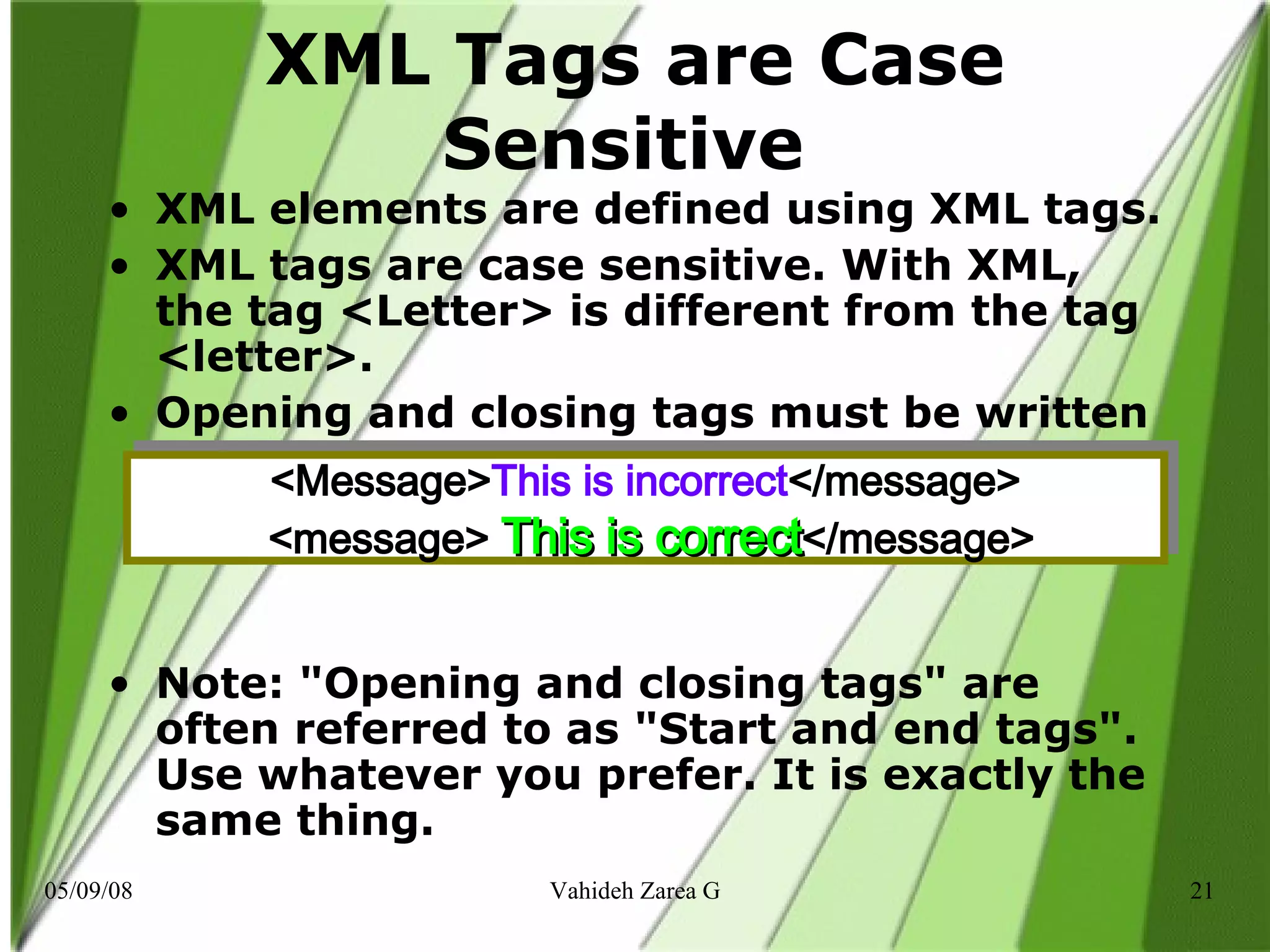
XML Tags are Case Sensitive  XML elements are defined using XML tags. XML tags are case sensitive. With XML, the tag <Letter> is different from the tag <letter>. Opening and closing tags must be written with the same case: Note: &quot;Opening and closing tags&quot; are often referred to as &quot;Start and end tags&quot;. Use whatever you prefer. It is exactly the same thing.  <Message> This is incorrect </message>   <message>  This is correct </message>
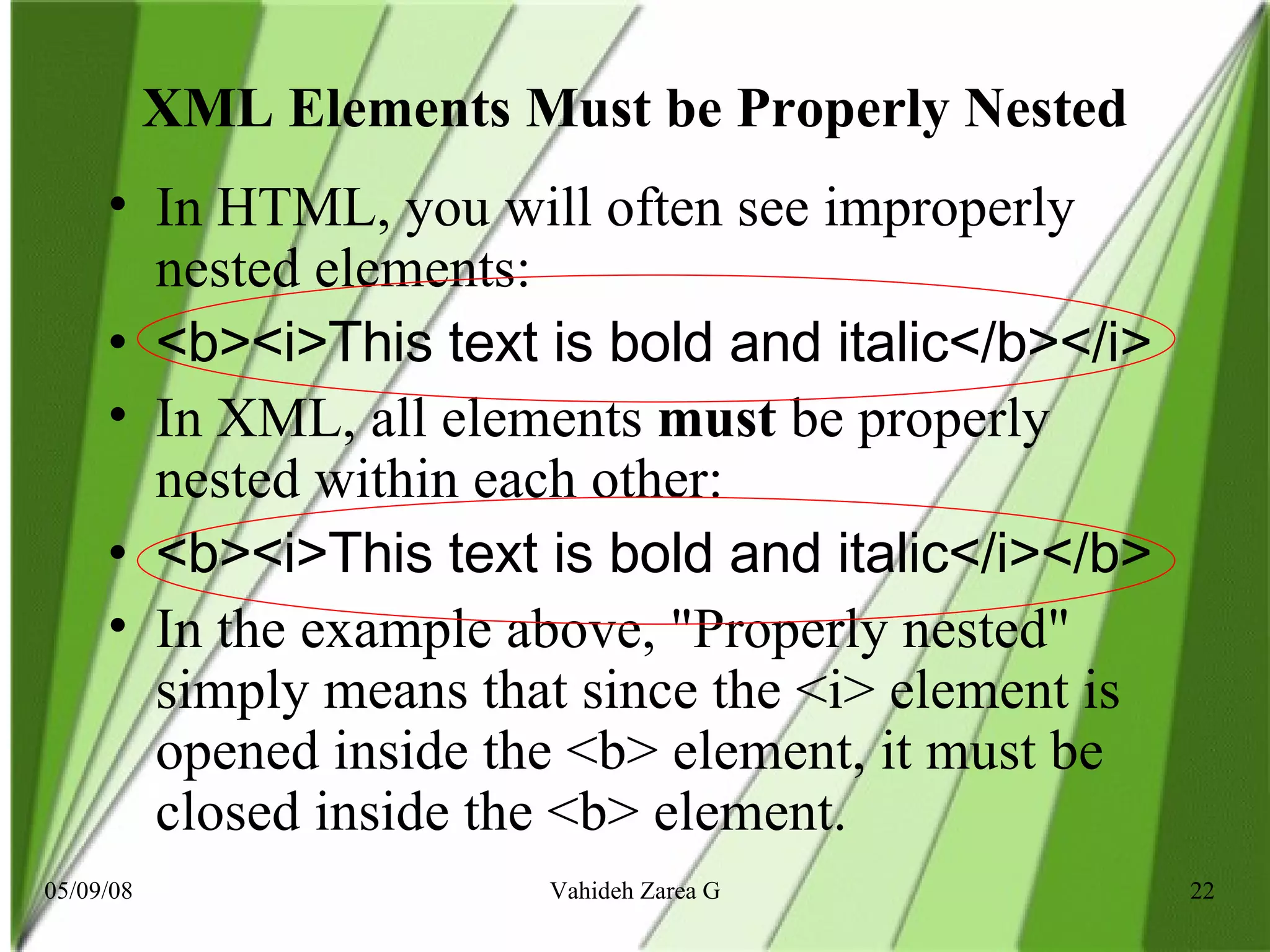
XML Elements Must be Properly Nested In HTML, you will often see improperly nested elements: <b><i>This text is bold and italic</b></i> In XML, all elements  must  be properly nested within each other: <b><i>This text is bold and italic</i></b> In the example above, &quot;Properly nested&quot; simply means that since the <i> element is opened inside the <b> element, it must be closed inside the <b> element.
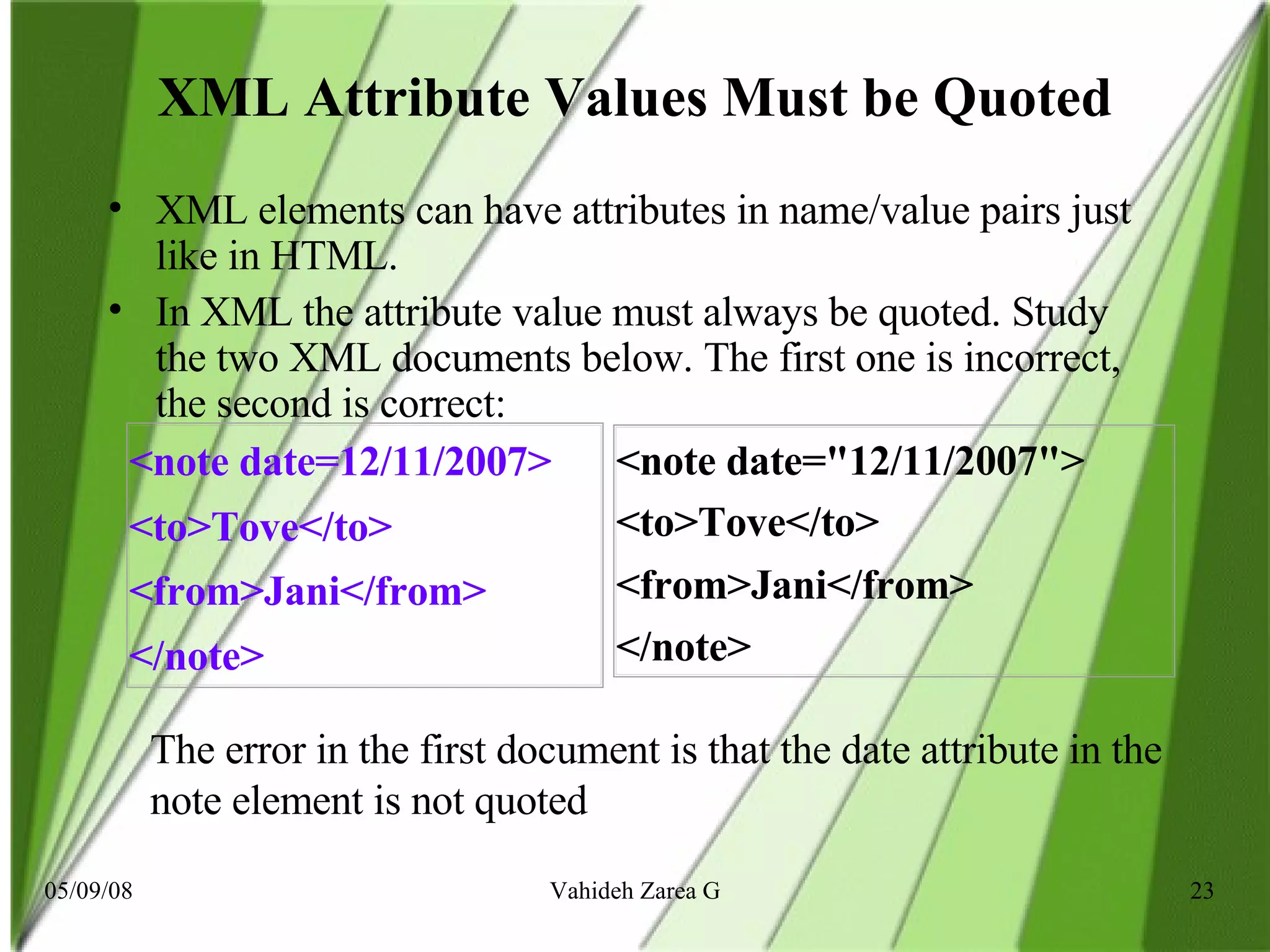
XML Attribute Values Must be Quoted XML elements can have attributes in name/value pairs just like in HTML. In XML the attribute value must always be quoted. Study the two XML documents below. The first one is incorrect, the second is correct: The error in the first document is that the date attribute in the note element is not quoted   <note date=12/11/2007> <to>Tove</to> <from>Jani</from> </note> <note date=&quot;12/11/2007&quot;> <to>Tove</to> <from>Jani</from> </note>
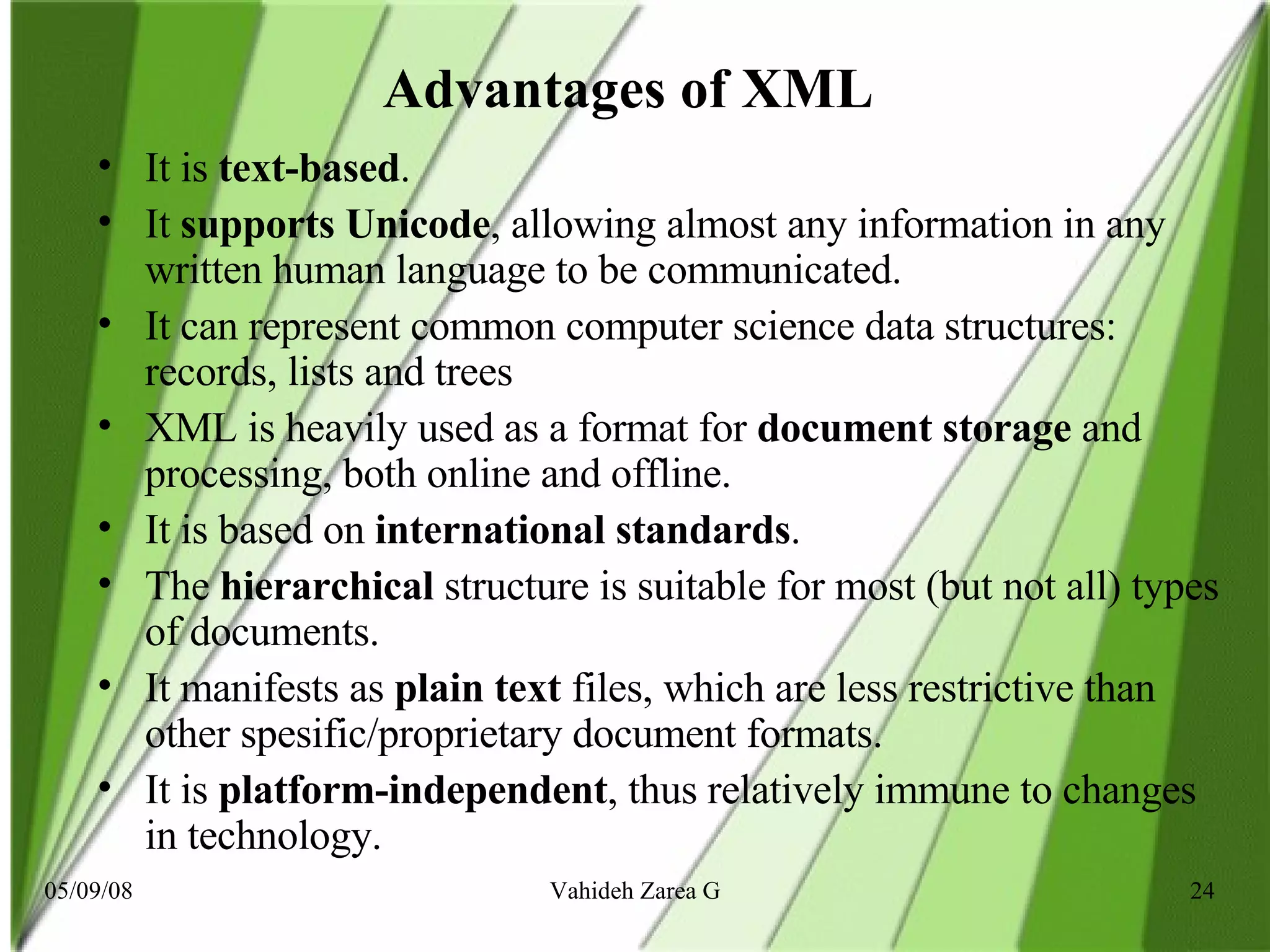
Advantages of XML   It is  text-based .  It  supports Unicode , allowing almost any information in any written human language to be communicated.  It can represent common computer science data structures: records, lists and trees   XML is heavily used as a format for  document storage  and processing, both online and offline.  It is based on  international standards .  The  hierarchical  structure is suitable for most (but not all) types of documents.  It manifests as  plain text  files, which are less restrictive than other spesific/proprietary document formats.  It is  platform-independent , thus relatively immune to changes in technology.
Disadvantages of XML   XML syntax is  redundant  or large relative to binary representations of similar data.  The  redundancy  may affect application efficiency through  higher storage, transmission and processing costs .  XML syntax  is verbose , especially for human readers, relative to other alternative 'text-based' data transmission formats.  The  distinction between content and attributes  in XML seems unnatural to some and makes designing XML data structures harder.  Linking  between XML documents requires the use of  XLink , which is complex compared to hyperlinks  It's hard to find an XML  parser  that is complete, correct, and efficient
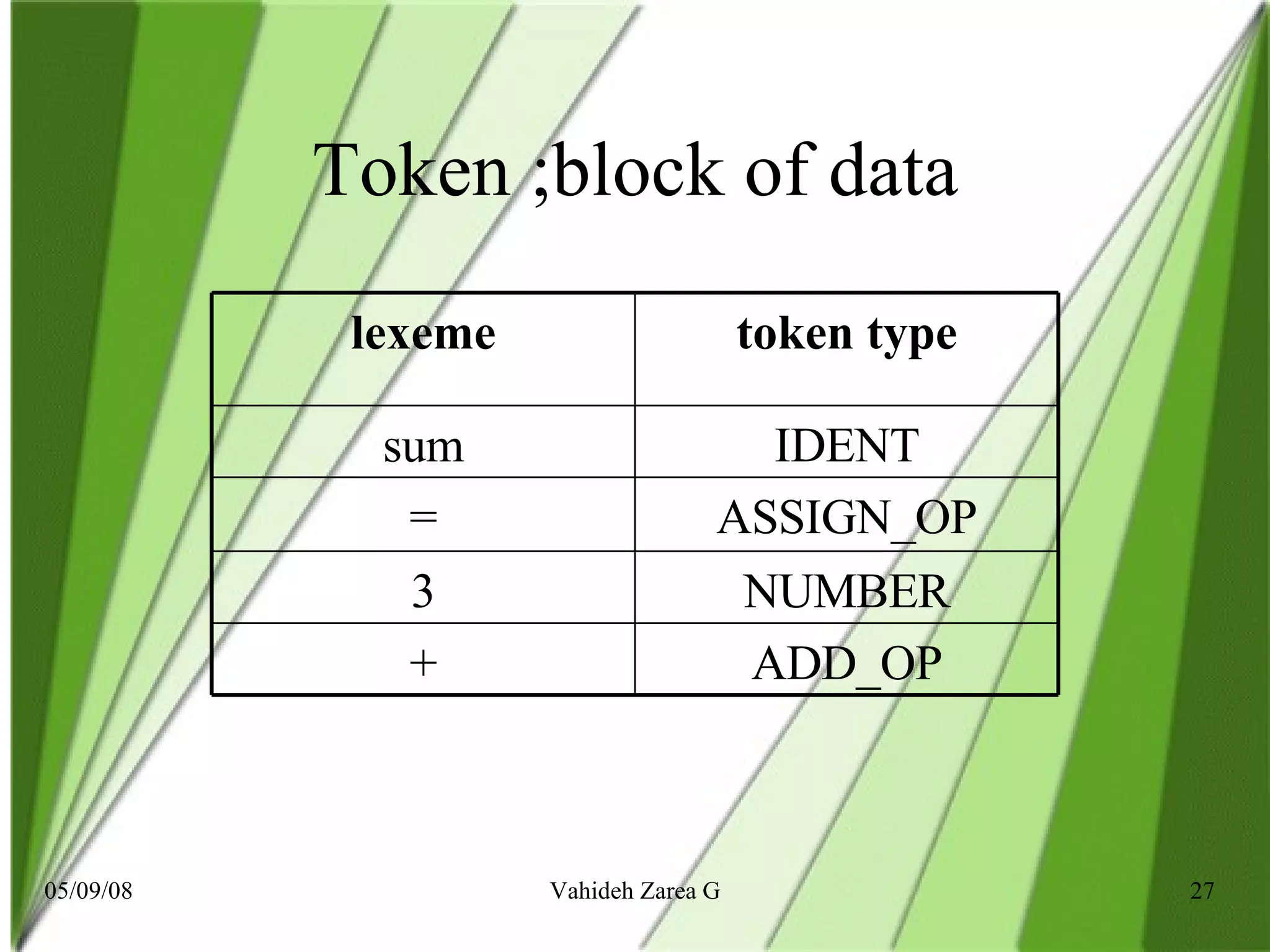
Parsing Parsing ( Parser= to analyze)  In computer science , lexical analysis  is   the process of converting a sequence of characters into a  sequence of tokens In computer science and linguistics, parsing (more formally :  syntactic analysis )  is the  process of analyzing a sequence of tokens to determine its grammatical structure with respect to a given  formal grammar . A parser is the component of a compiler that carries out this task.
Token ;block of data ADD_OP + NUMBER 3 ASSIGN_OP = IDENT sum token type lexeme
Unicode  In computing,  Unicode  is an industry standard allowing computers to consistently represent and manipulate text expressed in most of the world's writing systems. Originaly it appeared to solve the nefficiency of already existed encoding sysytem approved by ISO 8859 which allowed romance based writing systems transfer and diplayed in computer. So other languages’ wriing system such as Arabic or Hebrew, and left-to-right scripts faced with incounsistency and incompatibility proble. Unicode  using Unicode Transformation format UTF schem erised to allow multilingual characters transform, and munipoulated in various systems
Serialization  In computer science, in the context of data storage and transmission,  serialization  is the process of saving an object onto a storage medium (such as a file, or a memory buffer) or to transmit it across a network connection link in binary form. The series of bytes or the format can be used to re-create an object that is identical in its internal state to the original object (actually, a clone). This process of serializing an object is also called  deflating  or  marshalling  an object. The opposite operation, extracting a data structure from a series of bytes, is  deserialization  (which is also called  inflating  or  unmarshalling ).

XML

  • 1.
    XML Vahideh Z.Gavgani Department of Library & Information Science Osmania University
  • 2.
    XML XML standsfor Extensible Markup Language. Examples of extensible languages are: lisp, forth, XML, and C++.
  • 3.
    Introduction The Extensible Markup Language ( XML ) is a general-purpose markup language. It is classified as an extensible language because it allows its users to define their own elements. Its primary purpose is to facilitate the sharing of structured data across different information systems, particularly via the Internet. It is used both to encode documents and serialize data.
  • 4.
    History / OriginXML It started as a simplified subset of the Standard Generalized Markup Language (SGML) , and is designed to be relatively human-legible/readable. In 10. February 1998 , XML became a W3C Recommendation.
  • 5.
    What is XML?XML stands for E X tensible M arkup L anguage XML is a markup language much like HTML XML was designed to carry data , not to display data XML tags are not predefined. Users must define their own tags XML is designed to be self-descriptive XML is a W3C Recommendation XML is fee-free open standard
  • 6.
    Definition across-platform, software- and hardware-independent tool for storing and transmitting information. OR simply: XML is a software and hardware independent tool for carrying information
  • 7.
    The Difference Between XML and HTML XML is not a replacement for HTML. XML and HTML were designed with different goals : XML was designed to transport and store data , with focus on what data is . HTML was designed to display data , with focus on how data looks . HTML is about displaying information , while XML is about carrying information .
  • 8.
    An example ofXML document Maybe it is a little hard to understand, but XML does not DO anything. XML was created to structure, store, and transport information. The following example is a note to Tove from Jani, stored as XML: <note> <to>Tove</to> <from>Jani</from> <heading>Reminder</heading> <body>Don't forget me this weekend!</body> </note>
  • 9.
    XML Files inbrowsers <?xml version=&quot;1.0&quot; encoding=&quot;ISO-8859-1&quot;?>   - < note >         < to > Tove < to >         < from > Jani < from >        < heading > Reminder < heading >   < body > Don't forget me this weekend! < body >     < note > The XML document will be displayed with color-coded root and child elements. A plus (+) or minus sign (-) to the left of the elements can be clicked to expand or collapse the element structure.
  • 10.
    What it means?The first line is the XML declaration. It defines the XML version (1.0) and the encoding used (ISO-8859-1 = Latin-1/West European character set). The next line describes the root element of the document (like saying: &quot;this document is a note&quot;): The next 4 lines describe 4 child elements of the root (to, from, heading, and body): And finally the last line defines the end of the root element:
  • 11.
    Why Does XMLDisplay Like This? XML documents do not carry information about how to display the data. Since XML tags are &quot;invented&quot; by the author of the XML document, browsers do not know if a tag like <table> describes an HTML table or a dining table. Without any information about how to display the data, most browsers will just display the XML document as it is. Raw XML files can be viewed in all major browsers. Don't expect XML files to be displayed as HTML pages.
  • 12.
    XML Documents Forma Tree Structure XML documents must contain a root element . This element is &quot;the parent&quot; of all other elements. The elements in an XML document form a document tree. The tree starts at the root and branches to the lowest level of the tree. All elements can have sub elements (child elements):
  • 13.
    Parent-child relationship <root> <child> <subchild>.....</subchild> </child> </root> The terms parent, child, and sibling are used to describe the relationships between elements. Parent elements have children. Children on the same level are called siblings (brothers or sisters).All elements can have text content and attributes (just like in HTML).
  • 14.
    An Example representingone book in the XML tree :
  • 15.
  • 16.
    XML is self-described The tags in the example above (like <to> and <from>) are not defined in any XML standard. These tags are &quot;invented&quot; by the author of the XML document. That is because the XML language has no predefined tags. The tags used in HTML (and the structure of HTML) are predefined. HTML documents can only use tags defined in the HTML standard (like <p>, <h1>, etc.). XML allows the author to define his own tags and his own document structure
  • 17.
    How to useXML XML Separates Data from HTML If you need to display dynamic data in your HTML document, it will take a lot of work to edit the HTML each time the data changes. With XML, data can be stored in separate XML files. This way you can concentrate on using HTML for layout and display, and be sure that changes in the underlying data will not require any changes to the HTML. With a few lines of JavaScript, you can read an external XML file and update the data content of your HTML.
  • 18.
    XML Simplifies PlatformChanges Upgrading to new systems (hardware or software platforms), is always very time consuming. Large amounts of data must be converted and incompatible data is often lost. XML data is stored in text format. This makes it easier to expand or upgrade to new operating systems, new applications, or new browsers, without losing data.
  • 19.
    XML Makes YourData More Available Since XML is independent of hardware, software and application, XML can make your data more available and useful. Different applications can access your data, not only in HTML pages, but also from XML data sources. With XML, your data can be available to all kinds of &quot;reading machines&quot; (Handheld computers, voice machines, news feeds, etc), and make it more available for blind people, or people with other disabilities.
  • 20.
    XML is Usedto Create New Internet Languages Since XML is independent of hardware, software A lot of new Internet languages are created with XML. Here are some examples: XHTML the latest version of HTML  WSDL for describing available web services WAP and WML as markup languages for handheld devices RSS languages for news feeds RDF and OWL for describing resources and ontology SMIL for describing multimedia for the web
  • 21.
    XML Tags areCase Sensitive XML elements are defined using XML tags. XML tags are case sensitive. With XML, the tag <Letter> is different from the tag <letter>. Opening and closing tags must be written with the same case: Note: &quot;Opening and closing tags&quot; are often referred to as &quot;Start and end tags&quot;. Use whatever you prefer. It is exactly the same thing. <Message> This is incorrect </message>   <message> This is correct </message>
  • 22.
    XML Elements Mustbe Properly Nested In HTML, you will often see improperly nested elements: <b><i>This text is bold and italic</b></i> In XML, all elements must be properly nested within each other: <b><i>This text is bold and italic</i></b> In the example above, &quot;Properly nested&quot; simply means that since the <i> element is opened inside the <b> element, it must be closed inside the <b> element.
  • 23.
    XML Attribute ValuesMust be Quoted XML elements can have attributes in name/value pairs just like in HTML. In XML the attribute value must always be quoted. Study the two XML documents below. The first one is incorrect, the second is correct: The error in the first document is that the date attribute in the note element is not quoted <note date=12/11/2007> <to>Tove</to> <from>Jani</from> </note> <note date=&quot;12/11/2007&quot;> <to>Tove</to> <from>Jani</from> </note>
  • 24.
    Advantages of XML It is text-based . It supports Unicode , allowing almost any information in any written human language to be communicated. It can represent common computer science data structures: records, lists and trees XML is heavily used as a format for document storage and processing, both online and offline. It is based on international standards . The hierarchical structure is suitable for most (but not all) types of documents. It manifests as plain text files, which are less restrictive than other spesific/proprietary document formats. It is platform-independent , thus relatively immune to changes in technology.
  • 25.
    Disadvantages of XML XML syntax is redundant or large relative to binary representations of similar data. The redundancy may affect application efficiency through higher storage, transmission and processing costs . XML syntax is verbose , especially for human readers, relative to other alternative 'text-based' data transmission formats. The distinction between content and attributes in XML seems unnatural to some and makes designing XML data structures harder. Linking between XML documents requires the use of XLink , which is complex compared to hyperlinks It's hard to find an XML parser that is complete, correct, and efficient
  • 26.
    Parsing Parsing (Parser= to analyze) In computer science , lexical analysis is the process of converting a sequence of characters into a sequence of tokens In computer science and linguistics, parsing (more formally : syntactic analysis ) is the process of analyzing a sequence of tokens to determine its grammatical structure with respect to a given formal grammar . A parser is the component of a compiler that carries out this task.
  • 27.
    Token ;block ofdata ADD_OP + NUMBER 3 ASSIGN_OP = IDENT sum token type lexeme
  • 28.
    Unicode Incomputing, Unicode is an industry standard allowing computers to consistently represent and manipulate text expressed in most of the world's writing systems. Originaly it appeared to solve the nefficiency of already existed encoding sysytem approved by ISO 8859 which allowed romance based writing systems transfer and diplayed in computer. So other languages’ wriing system such as Arabic or Hebrew, and left-to-right scripts faced with incounsistency and incompatibility proble. Unicode using Unicode Transformation format UTF schem erised to allow multilingual characters transform, and munipoulated in various systems
  • 29.
    Serialization Incomputer science, in the context of data storage and transmission, serialization is the process of saving an object onto a storage medium (such as a file, or a memory buffer) or to transmit it across a network connection link in binary form. The series of bytes or the format can be used to re-create an object that is identical in its internal state to the original object (actually, a clone). This process of serializing an object is also called deflating or marshalling an object. The opposite operation, extracting a data structure from a series of bytes, is deserialization (which is also called inflating or unmarshalling ).