What is XML?
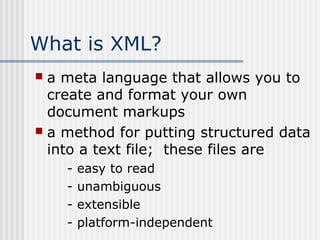
 a meta language that allows you to
create and format your own
document markups
 a method for putting structured data
into a text file; these files are
- easy to read
- unambiguous
- extensible
- platform-independent
What is XML?
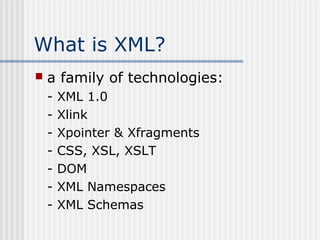
 a family of technologies:
- XML 1.0
- Xlink
- Xpointer & Xfragments
- CSS, XSL, XSLT
- DOM
- XML Namespaces
- XML Schemas
XML Facts
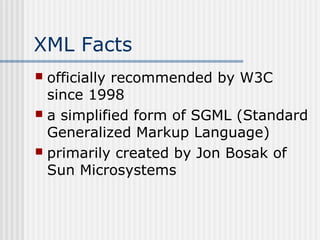
 officially recommended by W3C
since 1998
 a simplified form of SGML (Standard
Generalized Markup Language)
 primarily created by Jon Bosak of
Sun Microsystems
XML Facts
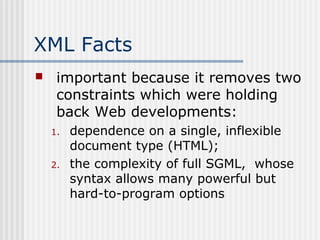
 important because it removes two
constraints which were holding
back Web developments:
1. dependence on a single, inflexible
document type (HTML);
2. the complexity of full SGML, whose
syntax allows many powerful but
hard-to-program options
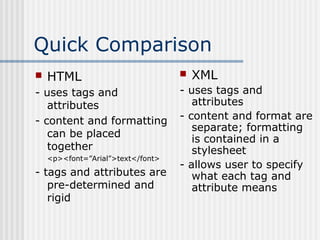
Quick Comparison
 HTML
- uses tags and
attributes
- content and formatting
can be placed
together
<p><font=”Arial”>text</font>
- tags and attributes are
pre-determined and
rigid
 XML
- uses tags and
attributes
- content and format are
separate; formatting
is contained in a
stylesheet
- allows user to specify
what each tag and
attribute means
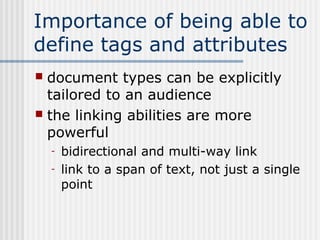
Importance of being able to
define tags and attributes
 document types can be explicitly
tailored to an audience
 the linking abilities are more
powerful
- bidirectional and multi-way link
- link to a span of text, not just a single
point
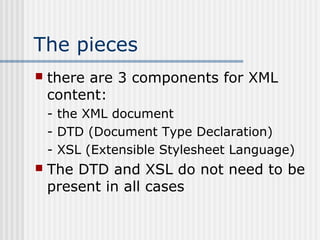
The pieces
 there are 3 components for XML
content:
- the XML document
- DTD (Document Type Declaration)
- XSL (Extensible Stylesheet Language)
 The DTD and XSL do not need to be
present in all cases
A well-formed XML
document
 elements have an open and close tag,
unless it is an empty element
 attribute values are quoted
 if a tag is an empty element, it has a
closing / before the end of the tag
 open and close tags are nested correctly
 there are no isolated mark-up characters
in the text (i.e. < > & ]]>)
 if there is no DTD, all attributes are of
type CDATA by default
A valid XML document
 has an associated DTD and complies
with the constraints in the DTD
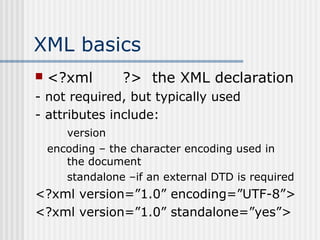
XML basics
 <?xml ?> the XML declaration
- not required, but typically used
- attributes include:
version
encoding – the character encoding used in
the document
standalone –if an external DTD is required
<?xml version=”1.0” encoding=”UTF-8”>
<?xml version=”1.0” standalone=”yes”>
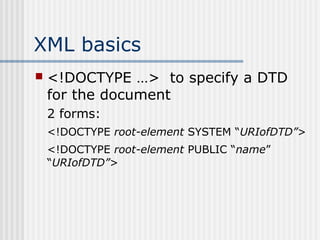
XML basics
 <!DOCTYPE …> to specify a DTD
for the document
2 forms:
<!DOCTYPE root-element SYSTEM “URIofDTD”>
<!DOCTYPE root-element PUBLIC “name”
“URIofDTD”>
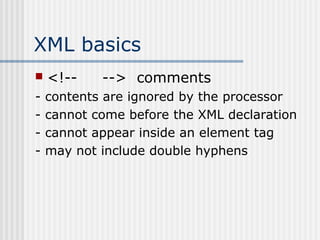
XML basics
 <!-- --> comments
- contents are ignored by the processor
- cannot come before the XML declaration
- cannot appear inside an element tag
- may not include double hyphens
XML basics
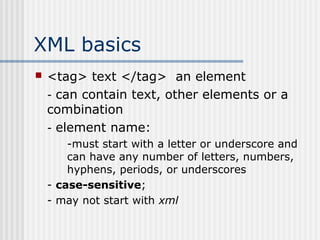
 <tag> text </tag> an element
- can contain text, other elements or a
combination
- element name:
-must start with a letter or underscore and
can have any number of letters, numbers,
hyphens, periods, or underscores
- case-sensitive;
- may not start with xml
XML basics
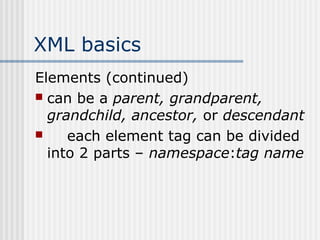
Elements (continued)
 can be a parent, grandparent,
grandchild, ancestor, or descendant
 each element tag can be divided
into 2 parts – namespace:tag name
XML basics
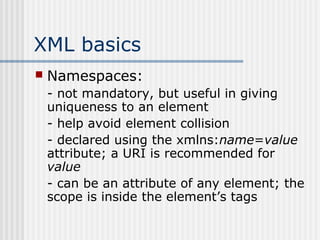
 Namespaces:
- not mandatory, but useful in giving
uniqueness to an element
- help avoid element collision
- declared using the xmlns:name=value
attribute; a URI is recommended for
value
- can be an attribute of any element; the
scope is inside the element’s tags
XML basics
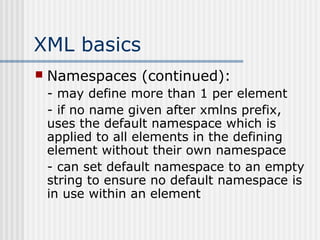
 Namespaces (continued):
- may define more than 1 per element
- if no name given after xmlns prefix,
uses the default namespace which is
applied to all elements in the defining
element without their own namespace
- can set default namespace to an empty
string to ensure no default namespace is
in use within an element
XML basics
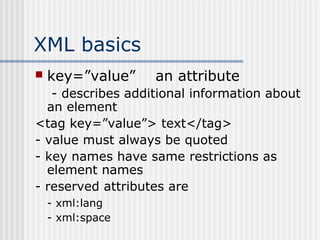
 key=”value” an attribute
- describes additional information about
an element
<tag key=”value”> text</tag>
- value must always be quoted
- key names have same restrictions as
element names
- reserved attributes are
- xml:lang
- xml:space
XML basics
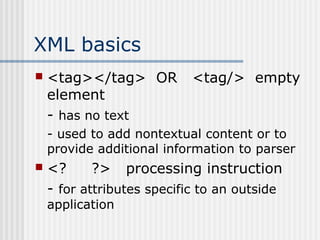
 <tag></tag> OR <tag/> empty
element
- has no text
- used to add nontextual content or to
provide additional information to parser
 <? ?> processing instruction
- for attributes specific to an outside
application
XML basics
 <![CDATA[ ]]>
- to define special sections of character
data which the processor does not
interpret as markup
- anything inside is treated as plain text

Xml Presentation-3

  • 1.
    What is XML? a meta language that allows you to create and format your own document markups  a method for putting structured data into a text file; these files are - easy to read - unambiguous - extensible - platform-independent
  • 2.
    What is XML? a family of technologies: - XML 1.0 - Xlink - Xpointer & Xfragments - CSS, XSL, XSLT - DOM - XML Namespaces - XML Schemas
  • 3.
    XML Facts  officiallyrecommended by W3C since 1998  a simplified form of SGML (Standard Generalized Markup Language)  primarily created by Jon Bosak of Sun Microsystems
  • 4.
    XML Facts  importantbecause it removes two constraints which were holding back Web developments: 1. dependence on a single, inflexible document type (HTML); 2. the complexity of full SGML, whose syntax allows many powerful but hard-to-program options
  • 5.
    Quick Comparison  HTML -uses tags and attributes - content and formatting can be placed together <p><font=”Arial”>text</font> - tags and attributes are pre-determined and rigid  XML - uses tags and attributes - content and format are separate; formatting is contained in a stylesheet - allows user to specify what each tag and attribute means
  • 6.
    Importance of beingable to define tags and attributes  document types can be explicitly tailored to an audience  the linking abilities are more powerful - bidirectional and multi-way link - link to a span of text, not just a single point
  • 7.
    The pieces  thereare 3 components for XML content: - the XML document - DTD (Document Type Declaration) - XSL (Extensible Stylesheet Language)  The DTD and XSL do not need to be present in all cases
  • 8.
    A well-formed XML document elements have an open and close tag, unless it is an empty element  attribute values are quoted  if a tag is an empty element, it has a closing / before the end of the tag  open and close tags are nested correctly  there are no isolated mark-up characters in the text (i.e. < > & ]]>)  if there is no DTD, all attributes are of type CDATA by default
  • 9.
    A valid XMLdocument  has an associated DTD and complies with the constraints in the DTD
  • 10.
    XML basics  <?xml?> the XML declaration - not required, but typically used - attributes include: version encoding – the character encoding used in the document standalone –if an external DTD is required <?xml version=”1.0” encoding=”UTF-8”> <?xml version=”1.0” standalone=”yes”>
  • 11.
    XML basics  <!DOCTYPE…> to specify a DTD for the document 2 forms: <!DOCTYPE root-element SYSTEM “URIofDTD”> <!DOCTYPE root-element PUBLIC “name” “URIofDTD”>
  • 12.
    XML basics  <!----> comments - contents are ignored by the processor - cannot come before the XML declaration - cannot appear inside an element tag - may not include double hyphens
  • 13.
    XML basics  <tag>text </tag> an element - can contain text, other elements or a combination - element name: -must start with a letter or underscore and can have any number of letters, numbers, hyphens, periods, or underscores - case-sensitive; - may not start with xml
  • 14.
    XML basics Elements (continued) can be a parent, grandparent, grandchild, ancestor, or descendant  each element tag can be divided into 2 parts – namespace:tag name
  • 15.
    XML basics  Namespaces: -not mandatory, but useful in giving uniqueness to an element - help avoid element collision - declared using the xmlns:name=value attribute; a URI is recommended for value - can be an attribute of any element; the scope is inside the element’s tags
  • 16.
    XML basics  Namespaces(continued): - may define more than 1 per element - if no name given after xmlns prefix, uses the default namespace which is applied to all elements in the defining element without their own namespace - can set default namespace to an empty string to ensure no default namespace is in use within an element
  • 17.
    XML basics  key=”value”an attribute - describes additional information about an element <tag key=”value”> text</tag> - value must always be quoted - key names have same restrictions as element names - reserved attributes are - xml:lang - xml:space
  • 18.
    XML basics  <tag></tag>OR <tag/> empty element - has no text - used to add nontextual content or to provide additional information to parser  <? ?> processing instruction - for attributes specific to an outside application
  • 19.
    XML basics  <![CDATA[]]> - to define special sections of character data which the processor does not interpret as markup - anything inside is treated as plain text