The VLE @ GSA:
assessment tools
Today’s session:
 Overview
 Uploading assessments
 Using the grade centre
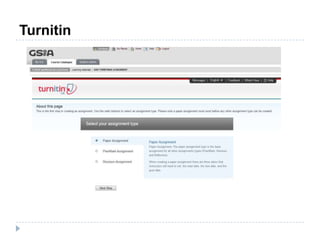
 Turnitin
2
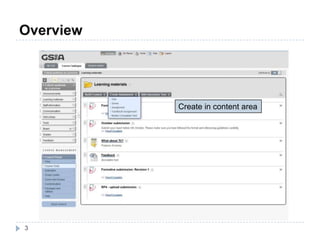
Overview
3
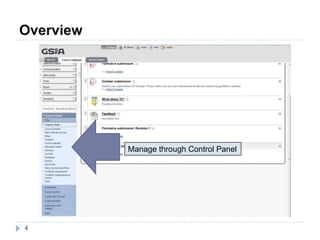
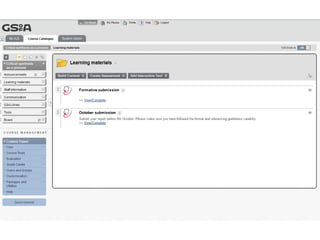
Create in content area
Overview
4
Manage through Control Panel
Assignments
5
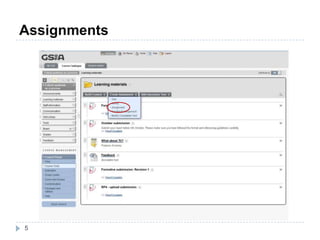
Assignments
6
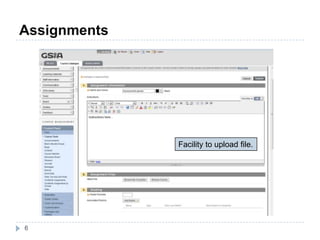
Facility to upload file.
Assignments
7
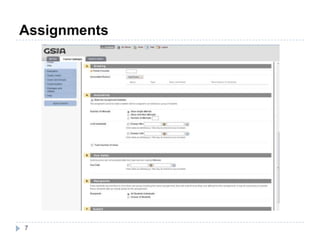
Assignments
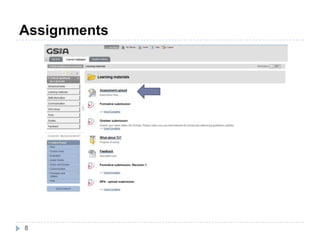
8
Assignments
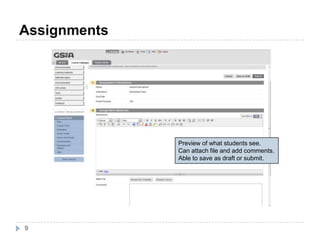
9
Preview of what students see.
Can attach file and add comments.
Able to save as draft or submit.
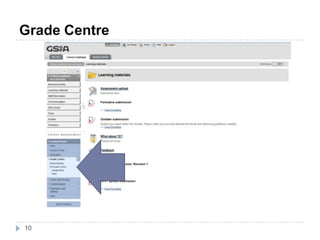
Grade Centre
10
Grade Centre
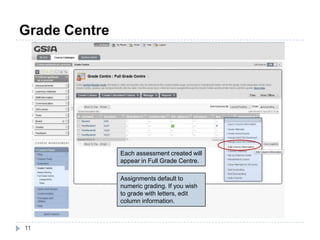
11
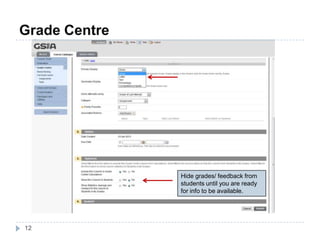
Each assessment created will
appear in Full Grade Centre.
Assignments default to
numeric grading. If you wish
to grade with letters, edit
column information.
Grade Centre
12
Hide grades/ feedback from
students until you are ready
for info to be available.
Grade Centre
13
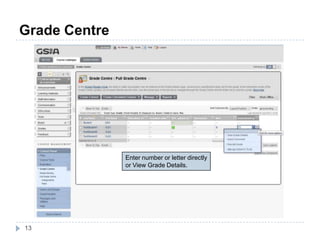
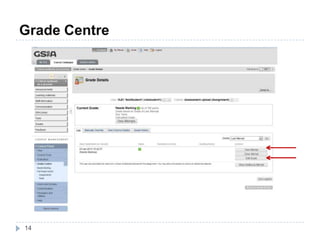
Enter number or letter directly
or View Grade Details.
Grade Centre
14
Grade Centre
15
Grade Centre
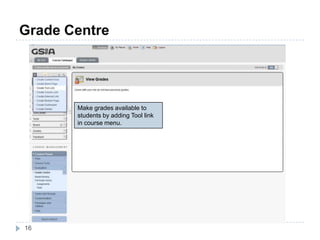
16
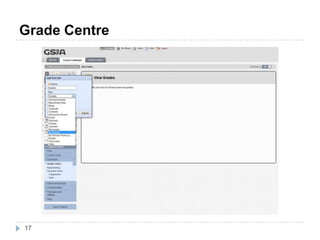
Make grades available to
students by adding Tool link
in course menu.
Grade Centre
17
Grade Centre
18
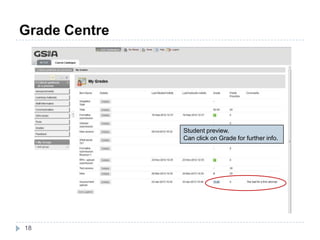
Student preview.
Can click on Grade for further info.
Turnitin
Turnitin
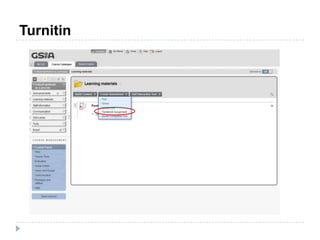
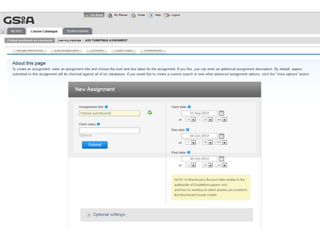
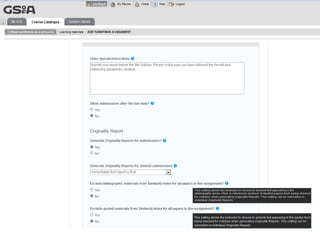
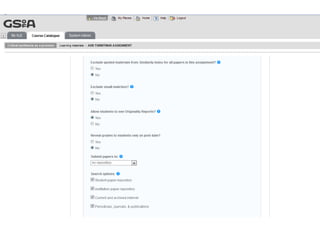
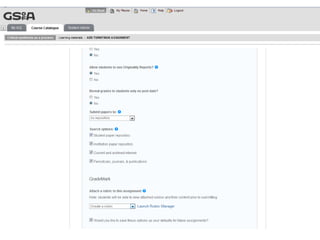
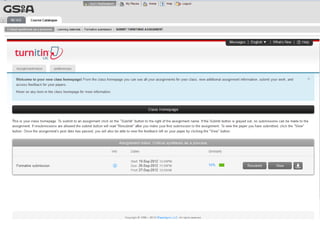
• Is submission after the due date permitted?
• Are students allowed more than one submission attempt?
• Are students permitted to see the originality report?
You can use for further information on any options
Points to consider
Turnitin
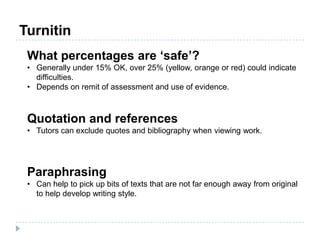
What percentages are ‘safe’?
• Generally under 15% OK, over 25% (yellow, orange or red) could indicate
difficulties.
• Depends on remit of assessment and use of evidence.
Quotation and references
• Tutors can exclude quotes and bibliography when viewing work.
Paraphrasing
• Can help to pick up bits of texts that are not far enough away from original
to help develop writing style.
Turnitin
Turnitin
Summary
36
 Lots of different ways to assess in the VLE – consider
which one may work best for you.
 Think about what the purpose of the assessment is, and
how that might affect which route you use.
 Give students clear instructions about the assessment.
 Lots of resources in VLE Help course or please contact
me: v.boyd@gsa.ac.uk
The VLE @ GSA:
assessment tools

VLE assessment tools

Editor's Notes

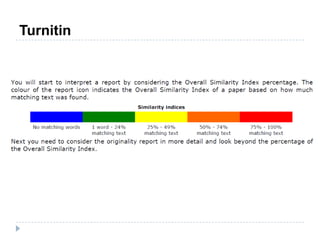
  • #33 ...and you’ll see the similarity match for your submission. The green bar is a good indicator that everything is OK, but you need to be able to interpret the originality report to get the full benefit.
  • #34 Read first point –Of course, you’re using widely published evidence, so of course there will be matches. It’s how those matches are incorporated that matters.
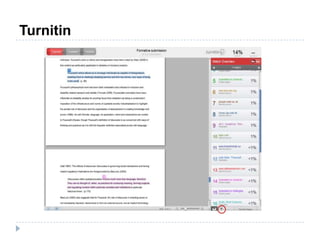
  • #36 In my example, the match was 14%. That’s based on a number of small matches, as you can see, many of which are quotations. The good thing is, it’s not picked up any of the chunks of text that I’ve written, so it looks as though I’ve managed to use the evidence in my own words sufficiently, and used defined quotes to highlight salient points.