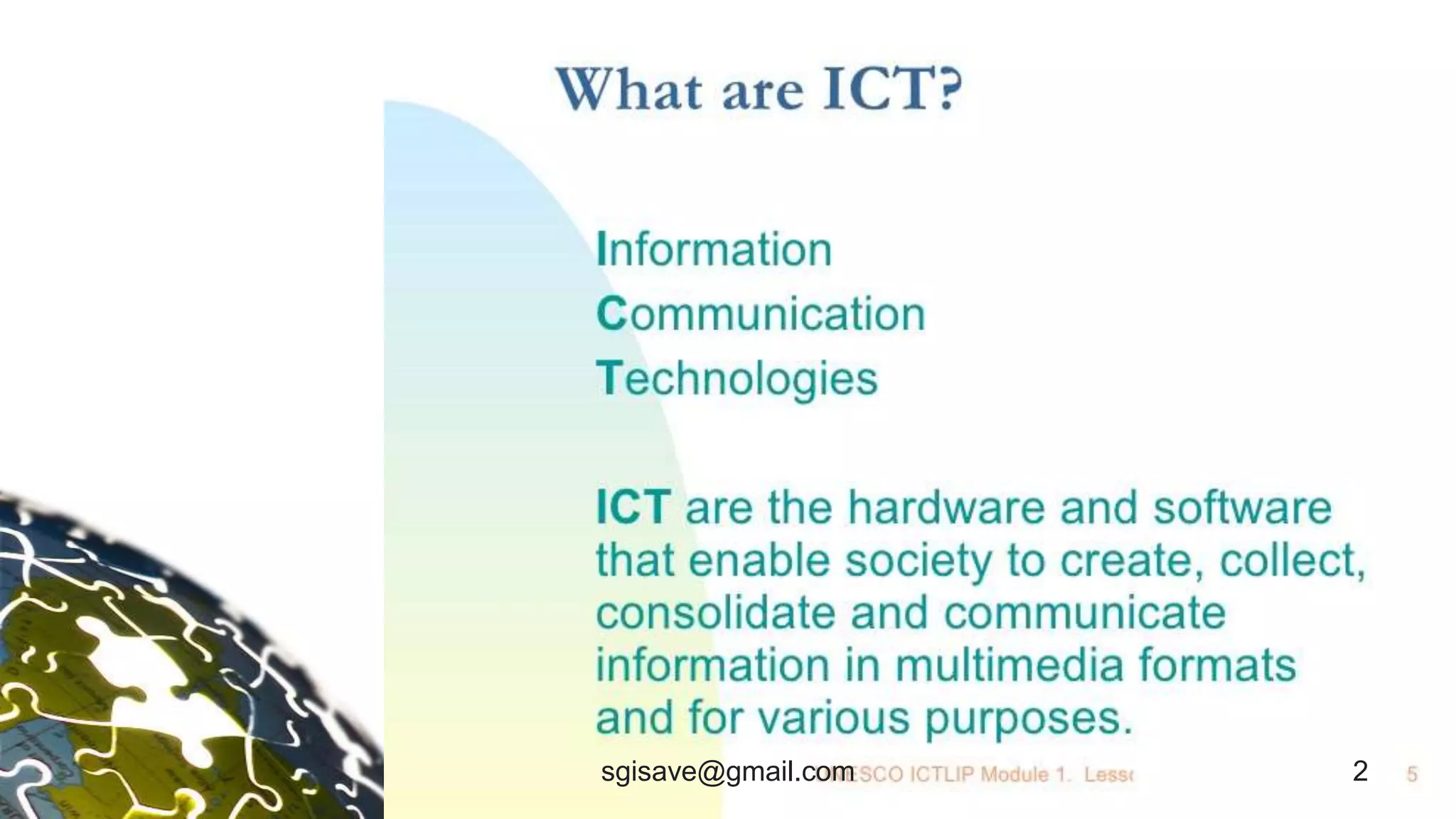
2sgisave@gmail.com
What is ICT
• The technology which
Process on data and
produce information in
the expected form.
• The technology which
communicates the data
and information on the
network. 3sgisave@gmail.com
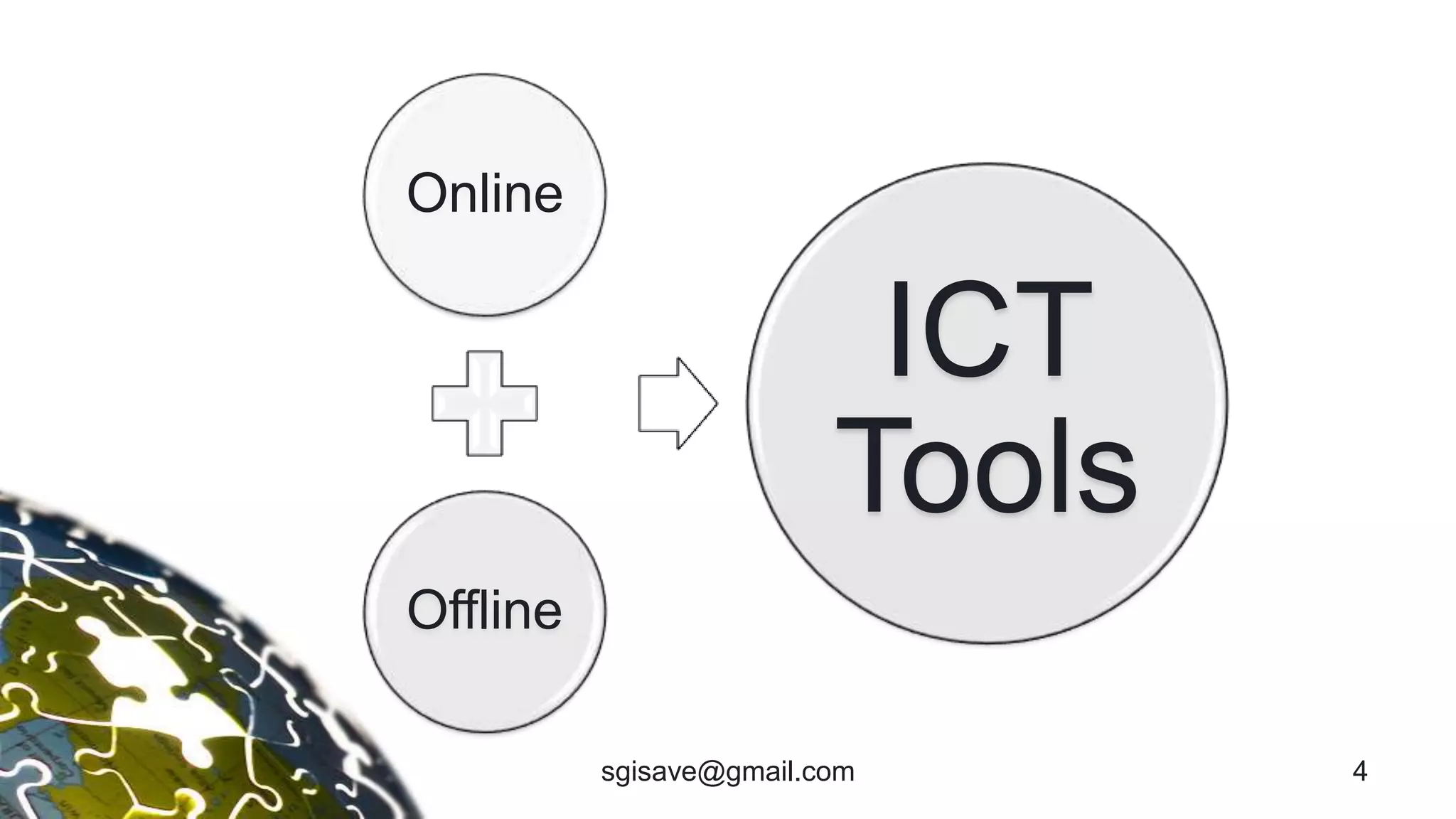
Online
Offline
ICT
Tools
4sgisave@gmail.com
Purpose of ICT Tools
• To make subject more interesting
• To search the information about
the subject
• To collect data
• To save info
• To share information
5sgisave@gmail.com
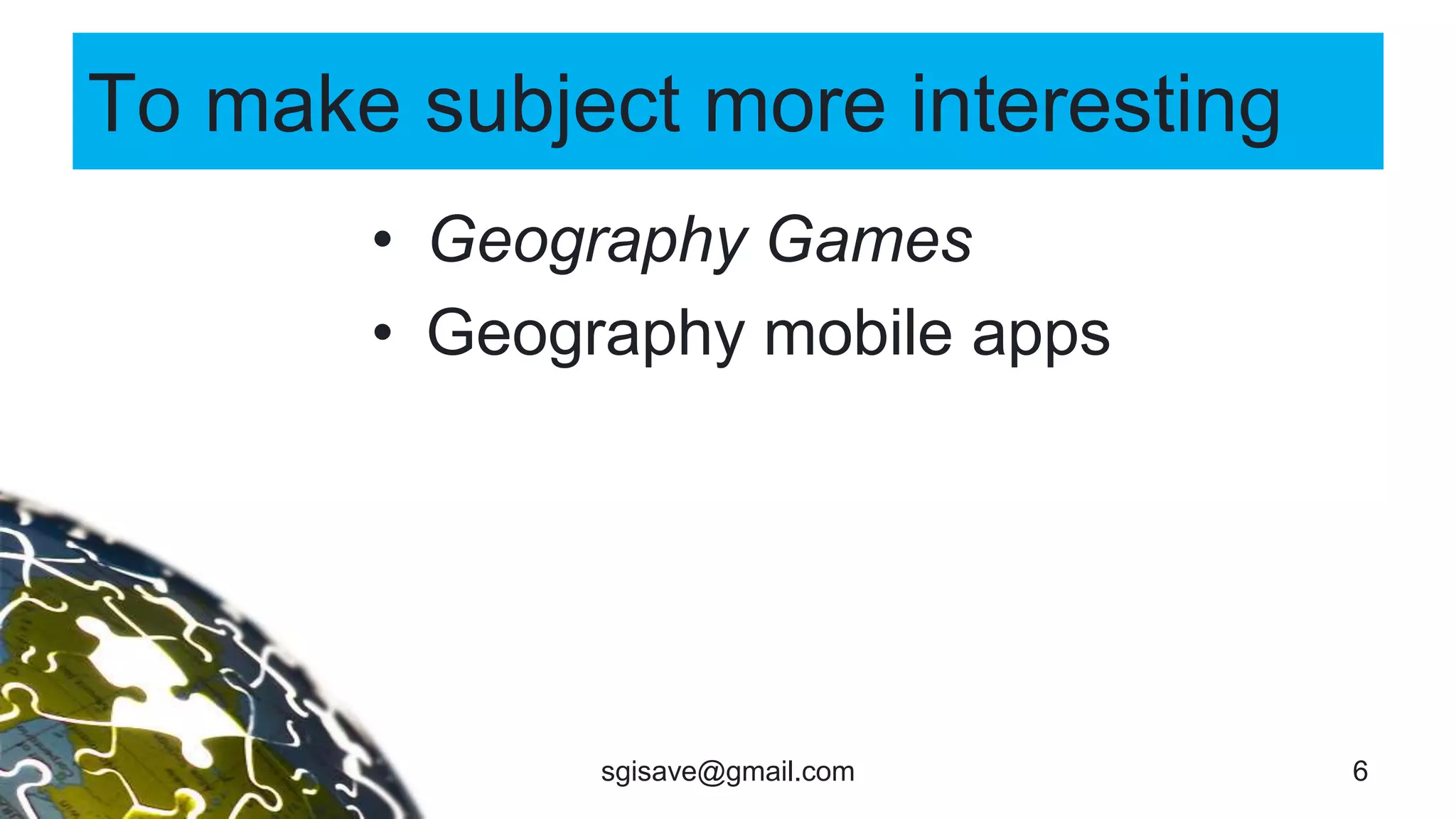
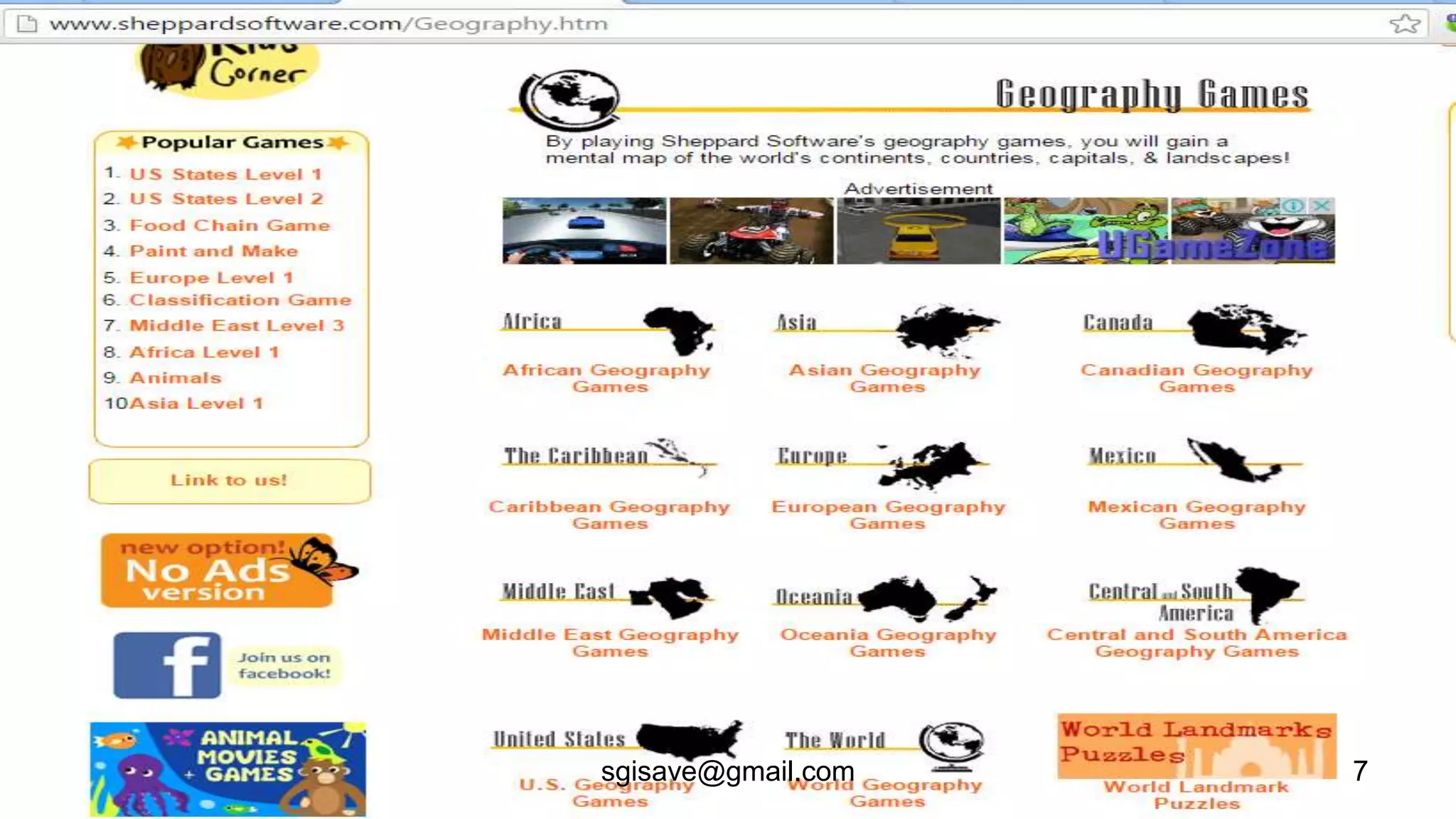
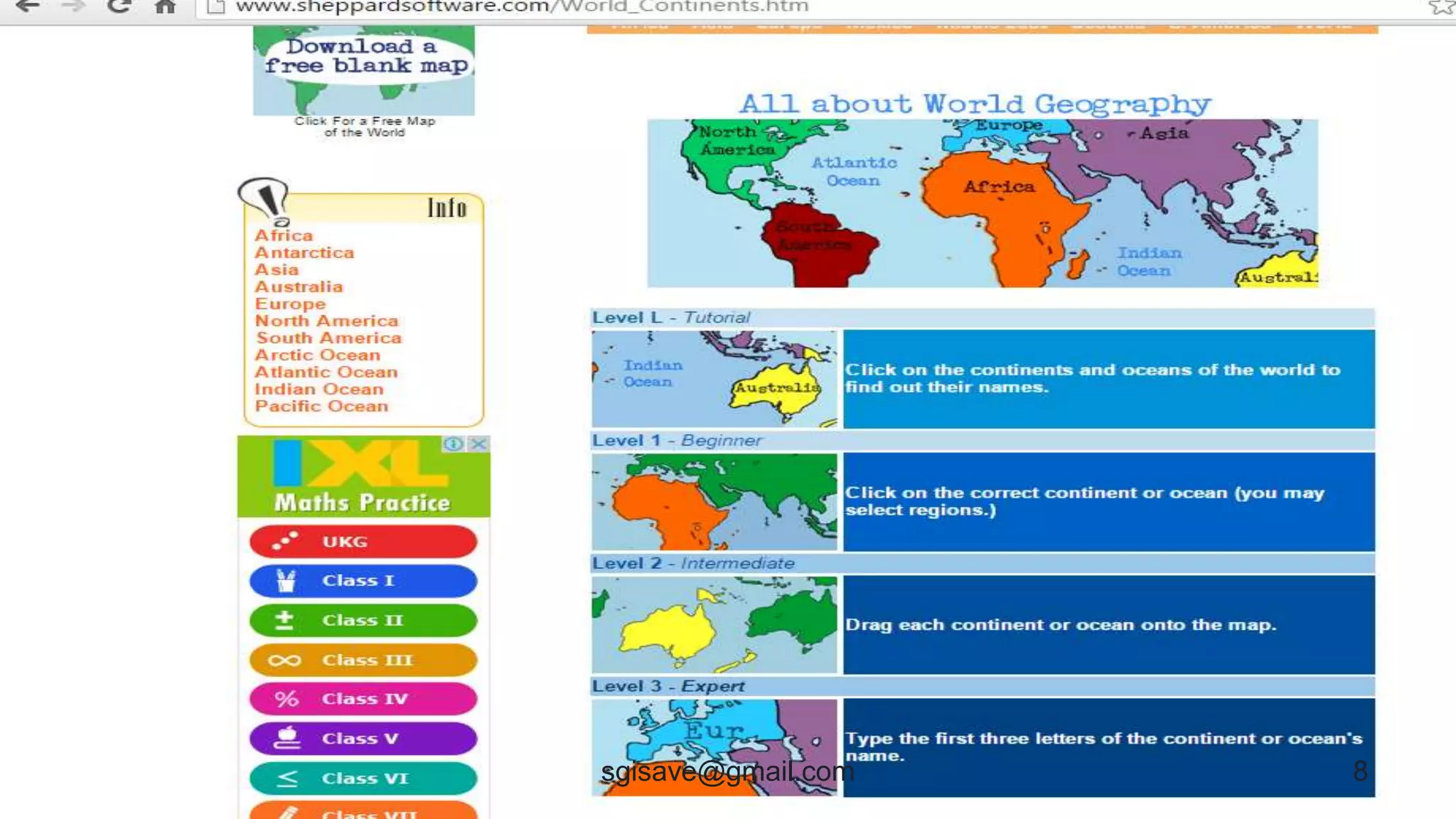
To make subject more interesting
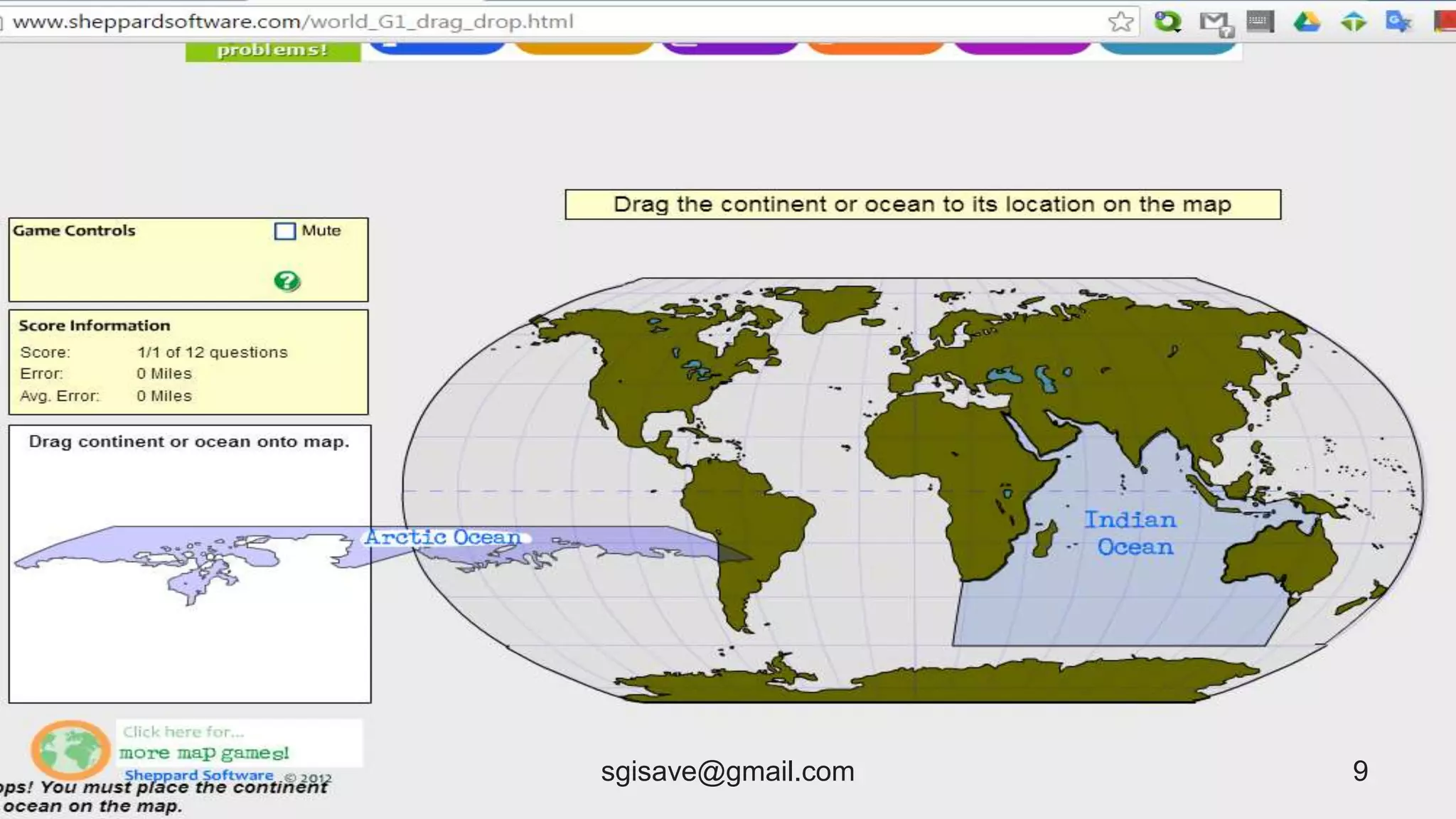
• Geography Games
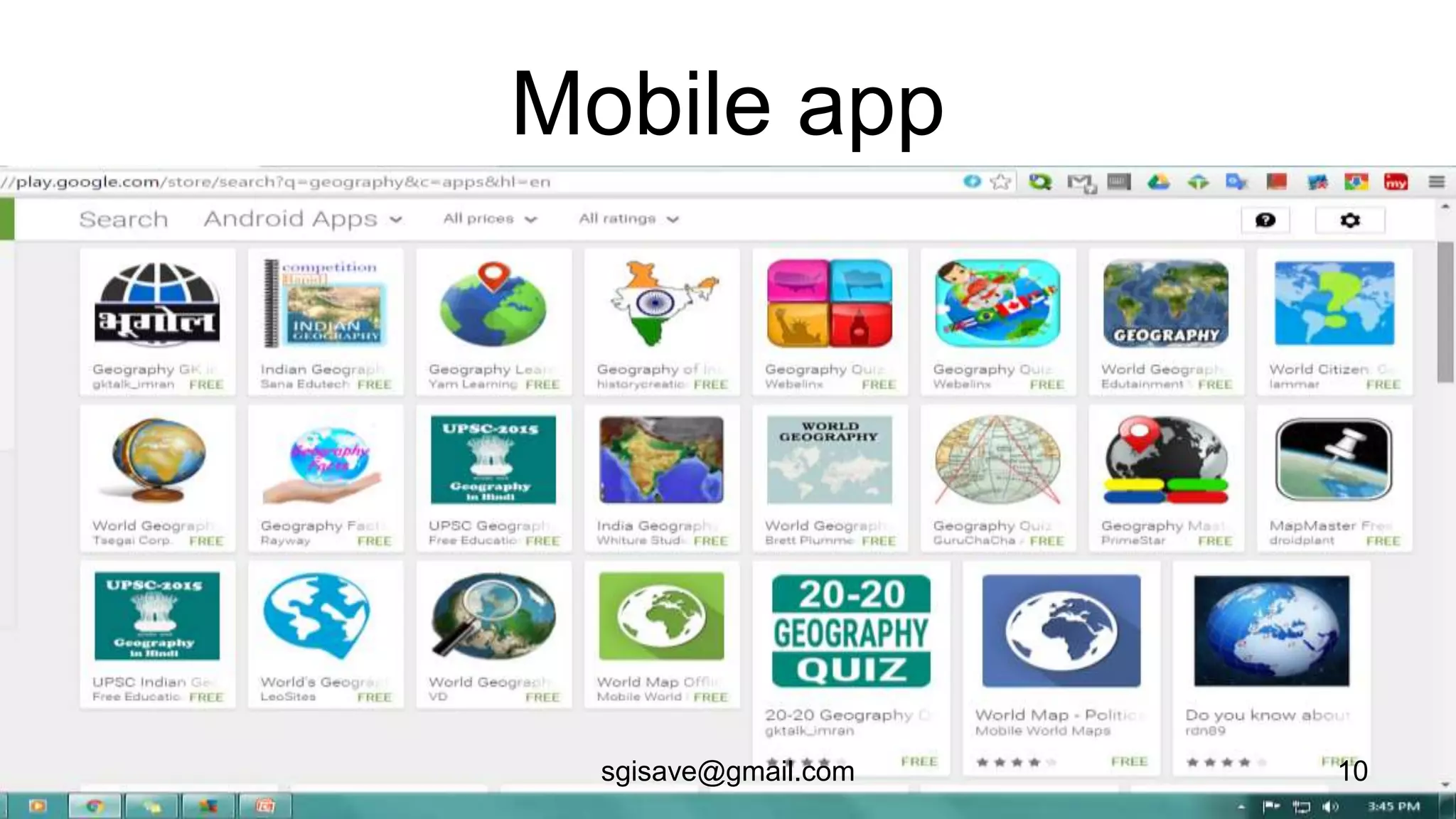
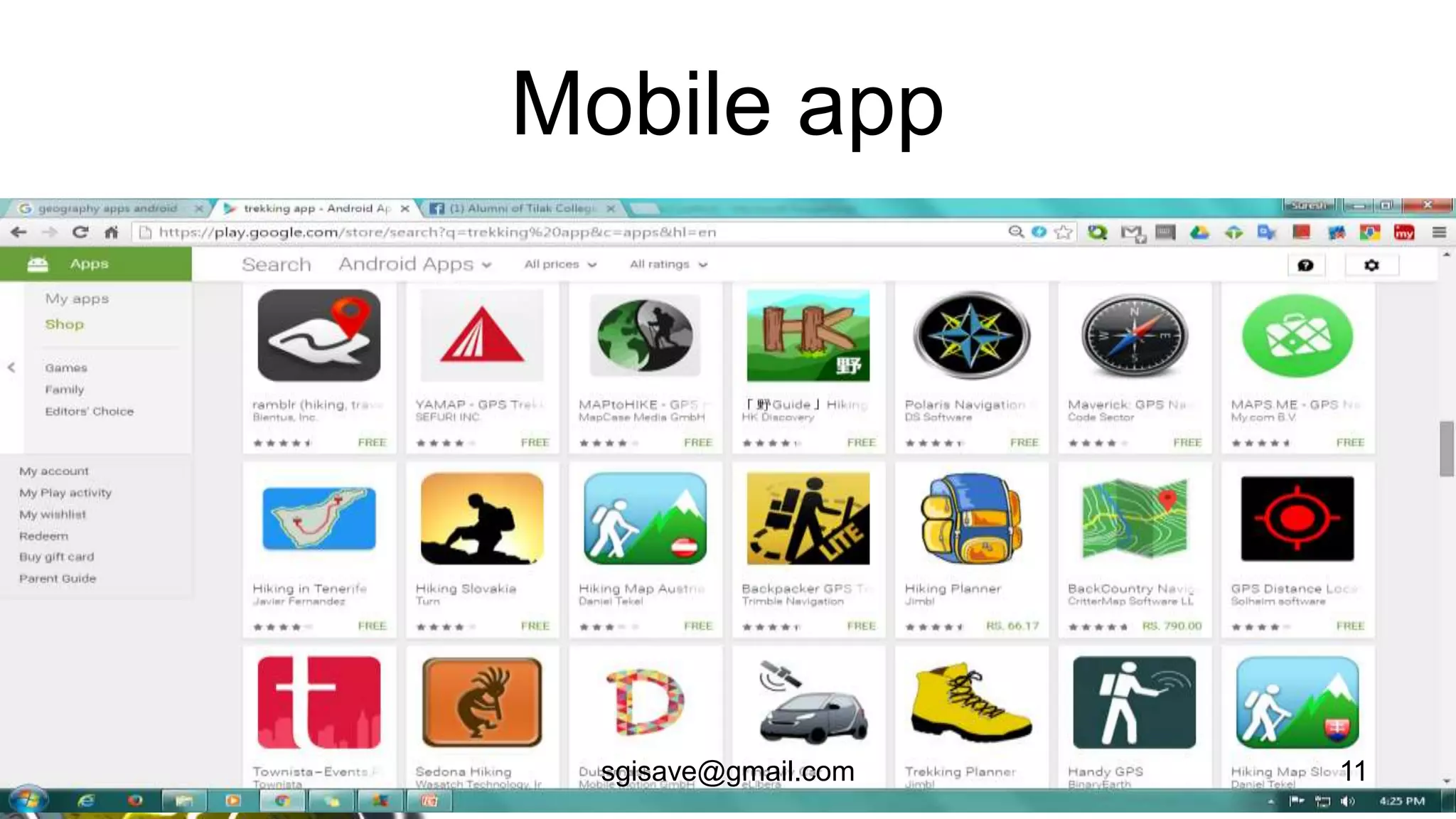
• Geography mobile apps
6sgisave@gmail.com
7sgisave@gmail.com
8sgisave@gmail.com
9sgisave@gmail.com
Mobile app
10sgisave@gmail.com
Mobile app
11sgisave@gmail.com
To search the information about the Geography
• Smart Search– image, graph, video, map,
news, pdf, ppt and doc,
• Web, Blog and Wiki etc.
12sgisave@gmail.com
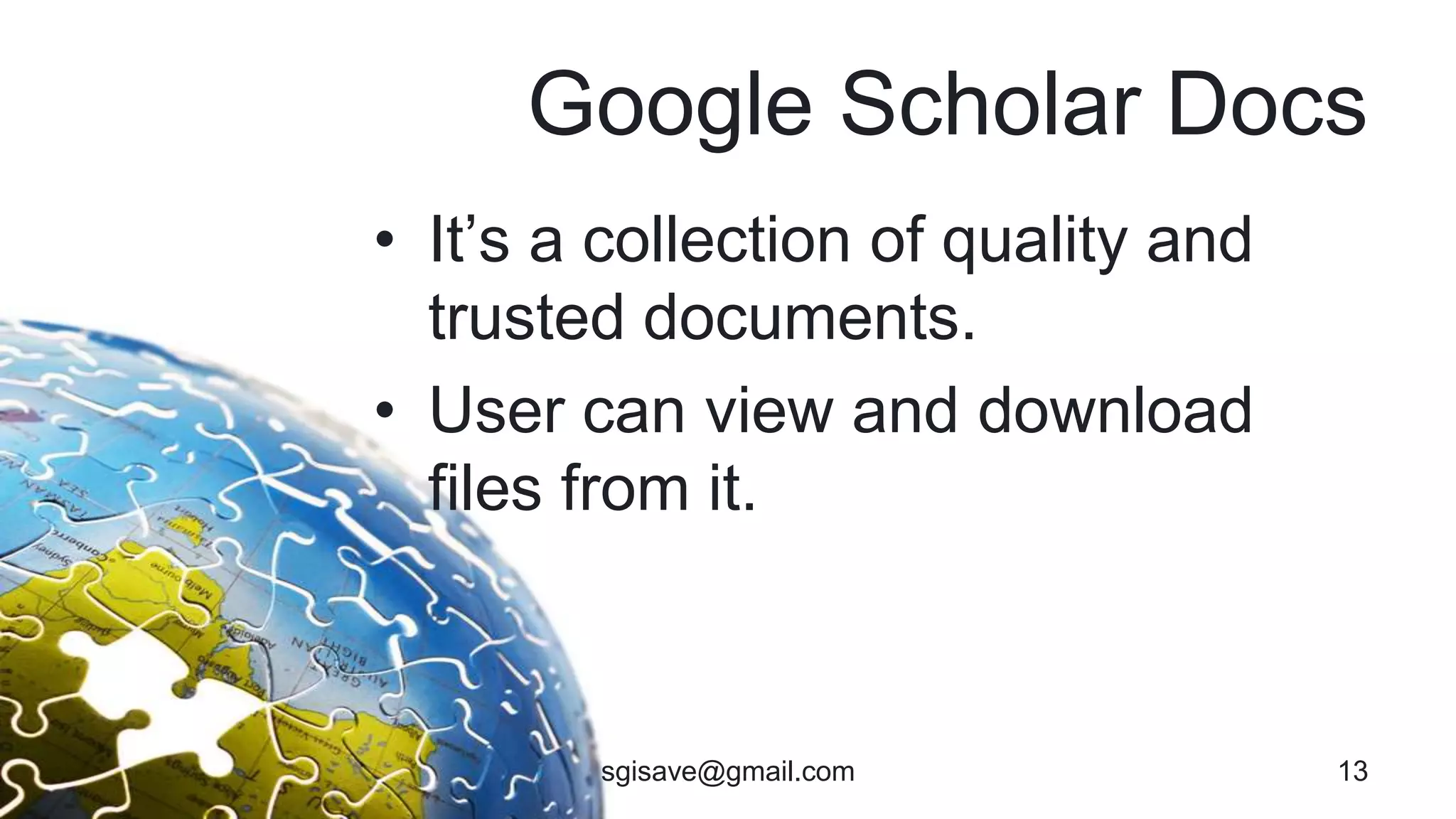
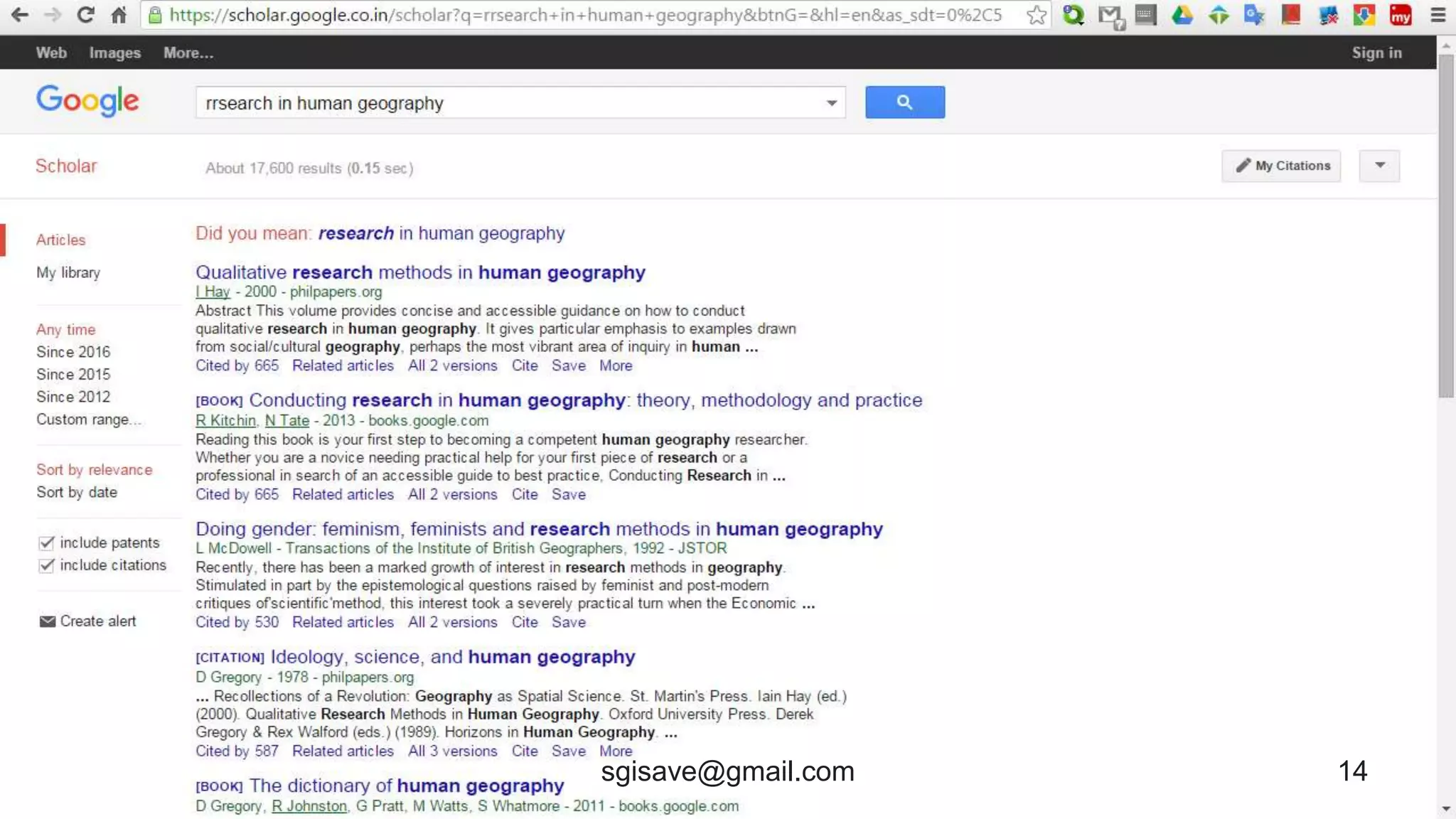
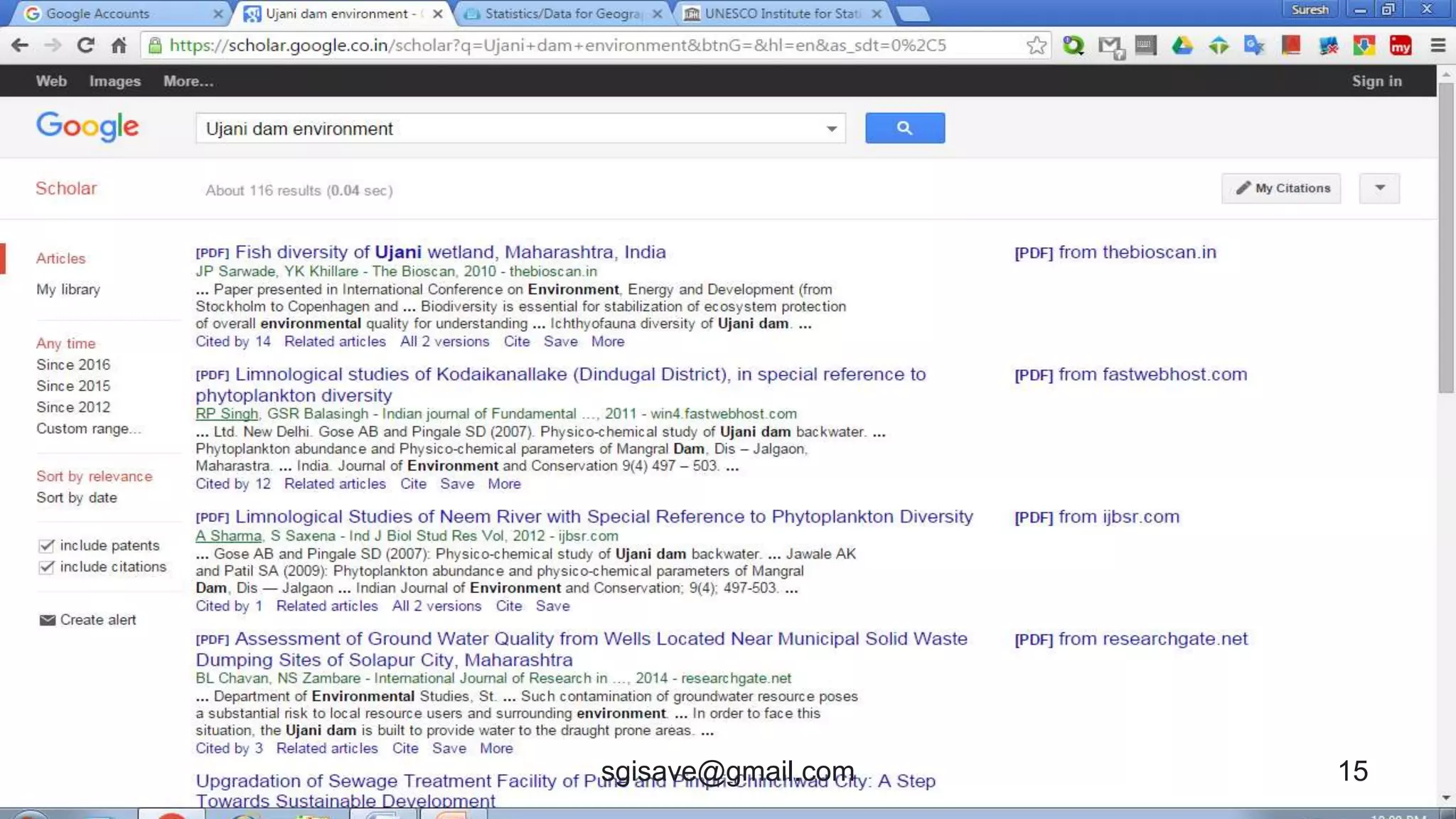
Google Scholar Docs
• It’s a collection of quality and
trusted documents.
• User can view and download
files from it.
13sgisave@gmail.com
14sgisave@gmail.com
15sgisave@gmail.com
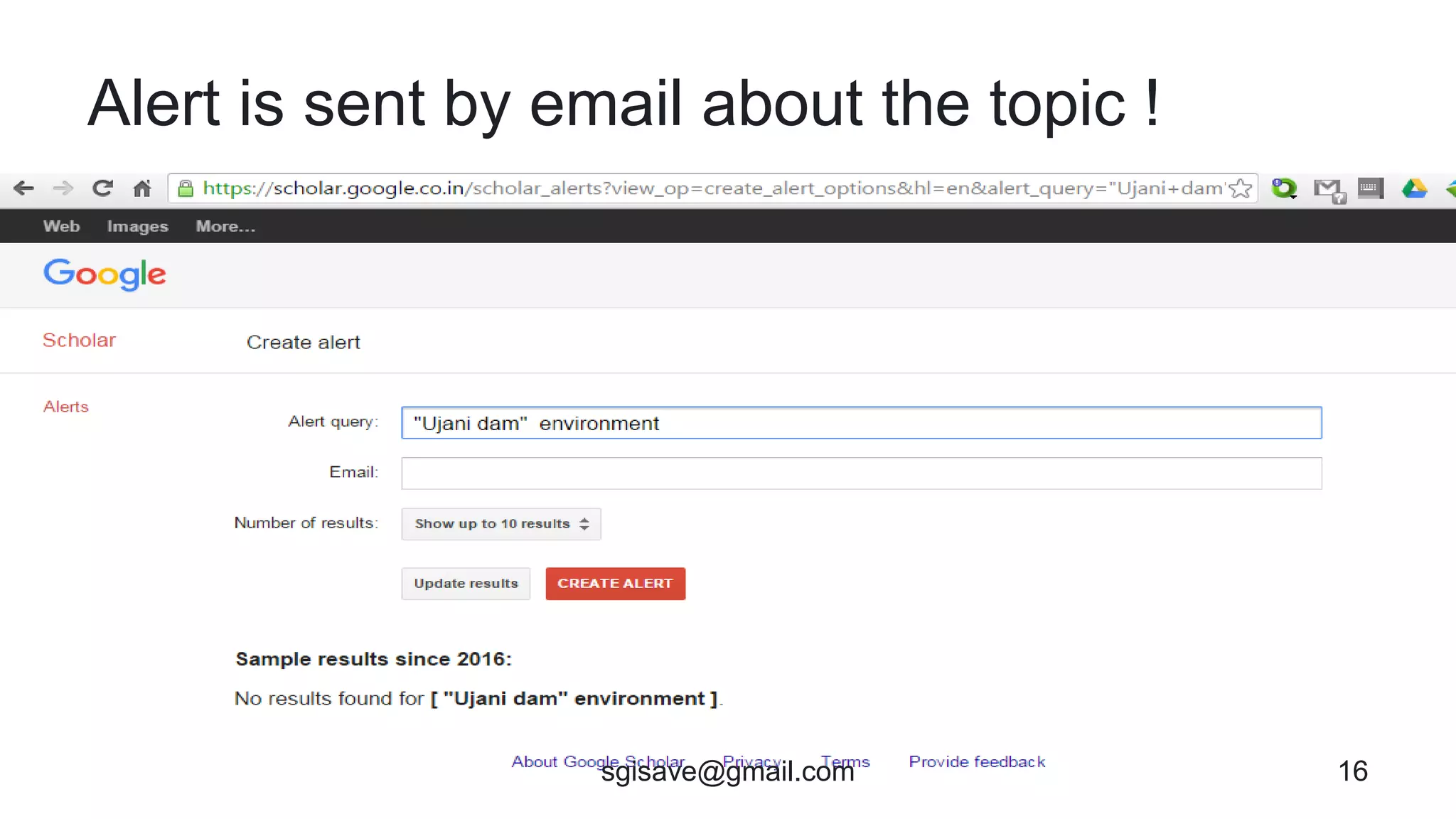
Alert is sent by email about the topic !
16sgisave@gmail.com
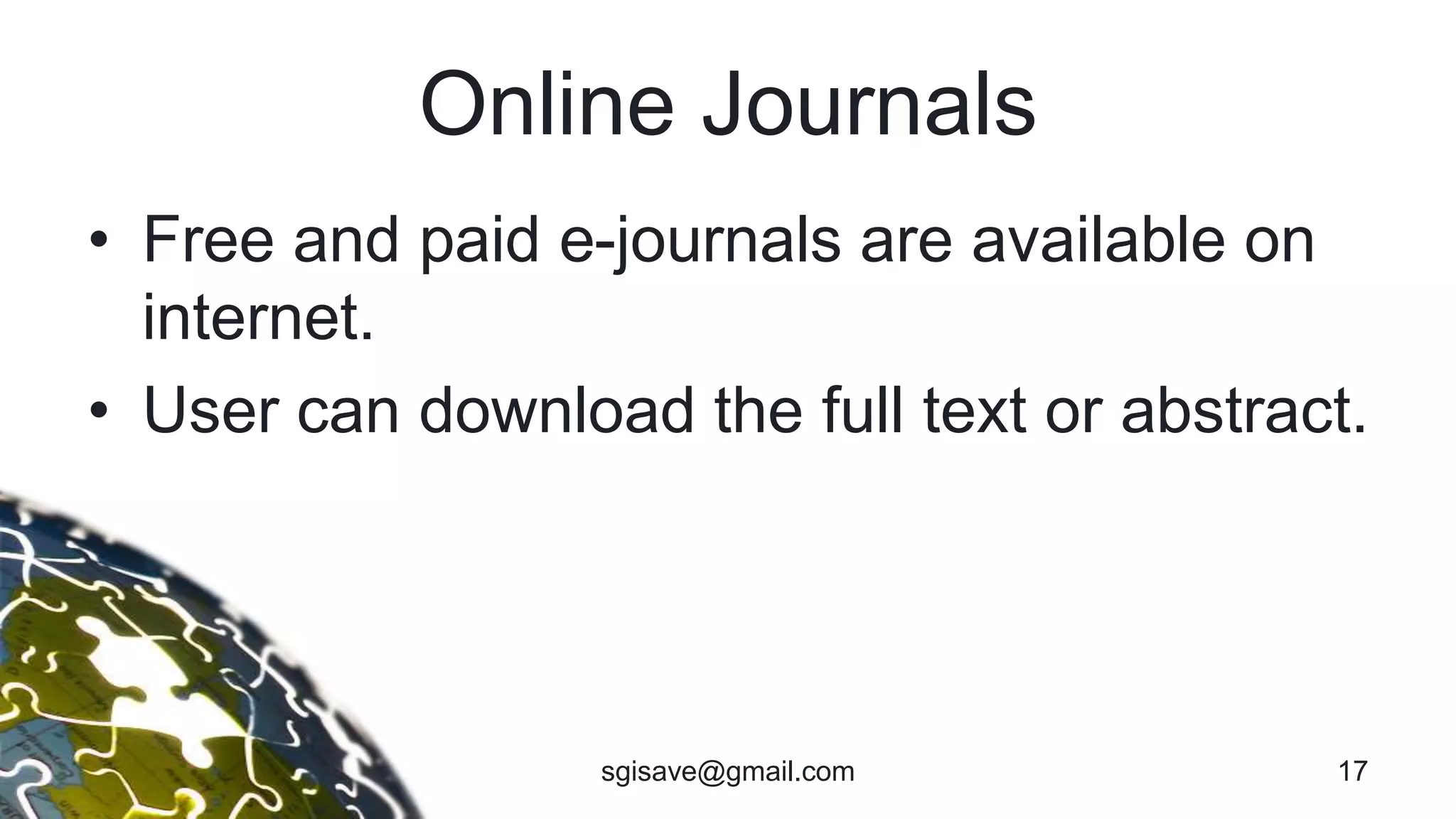
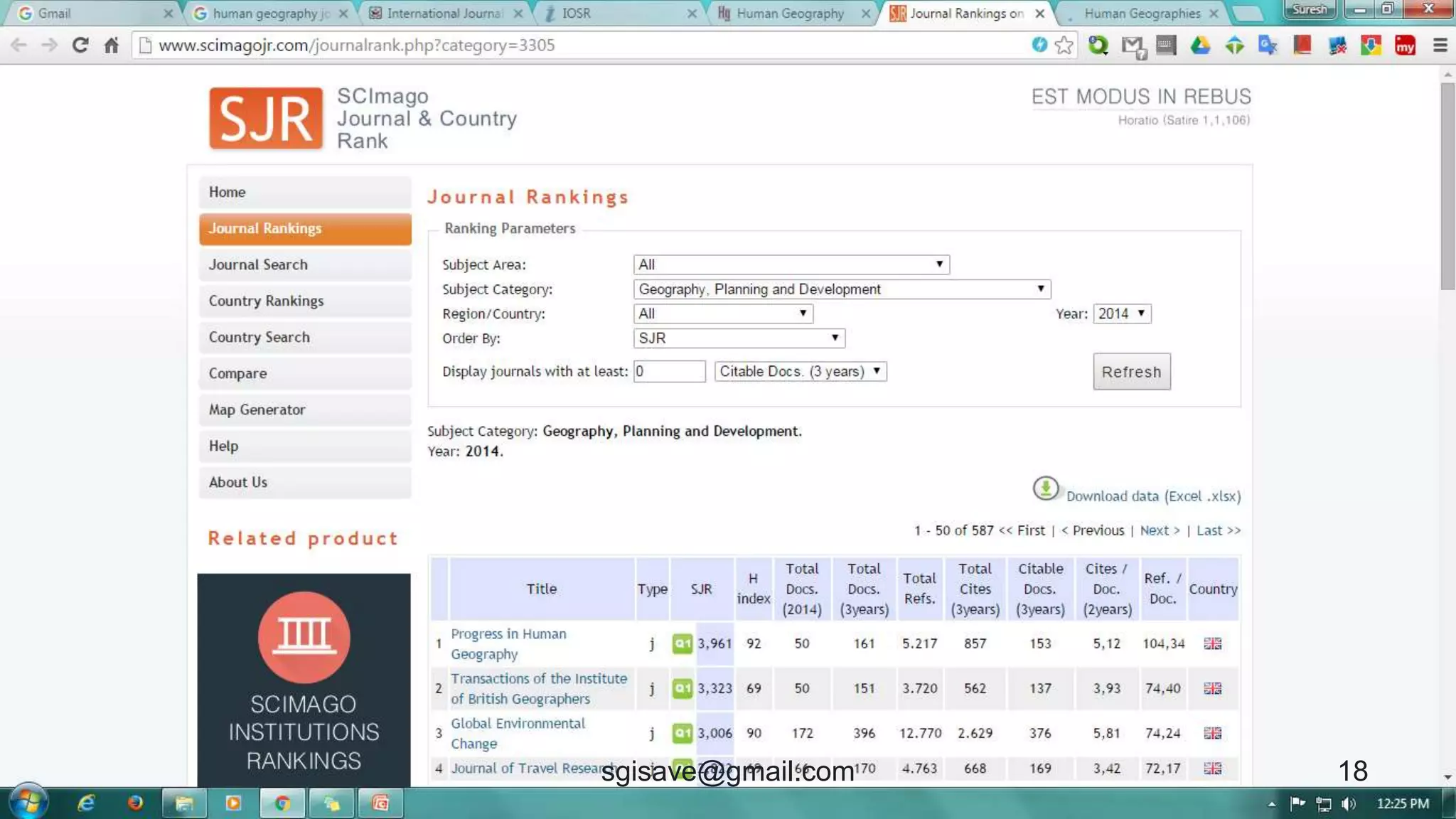
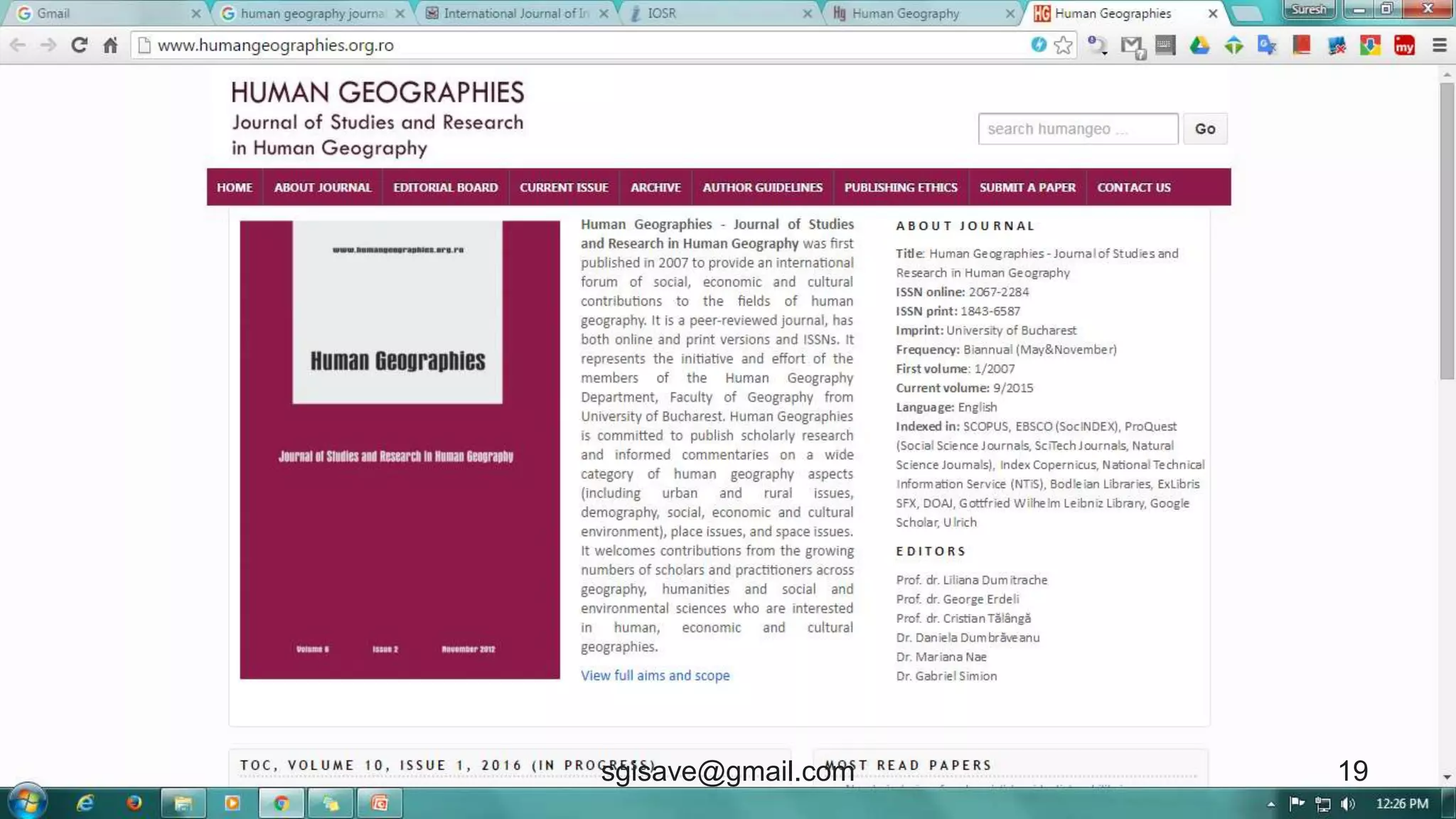
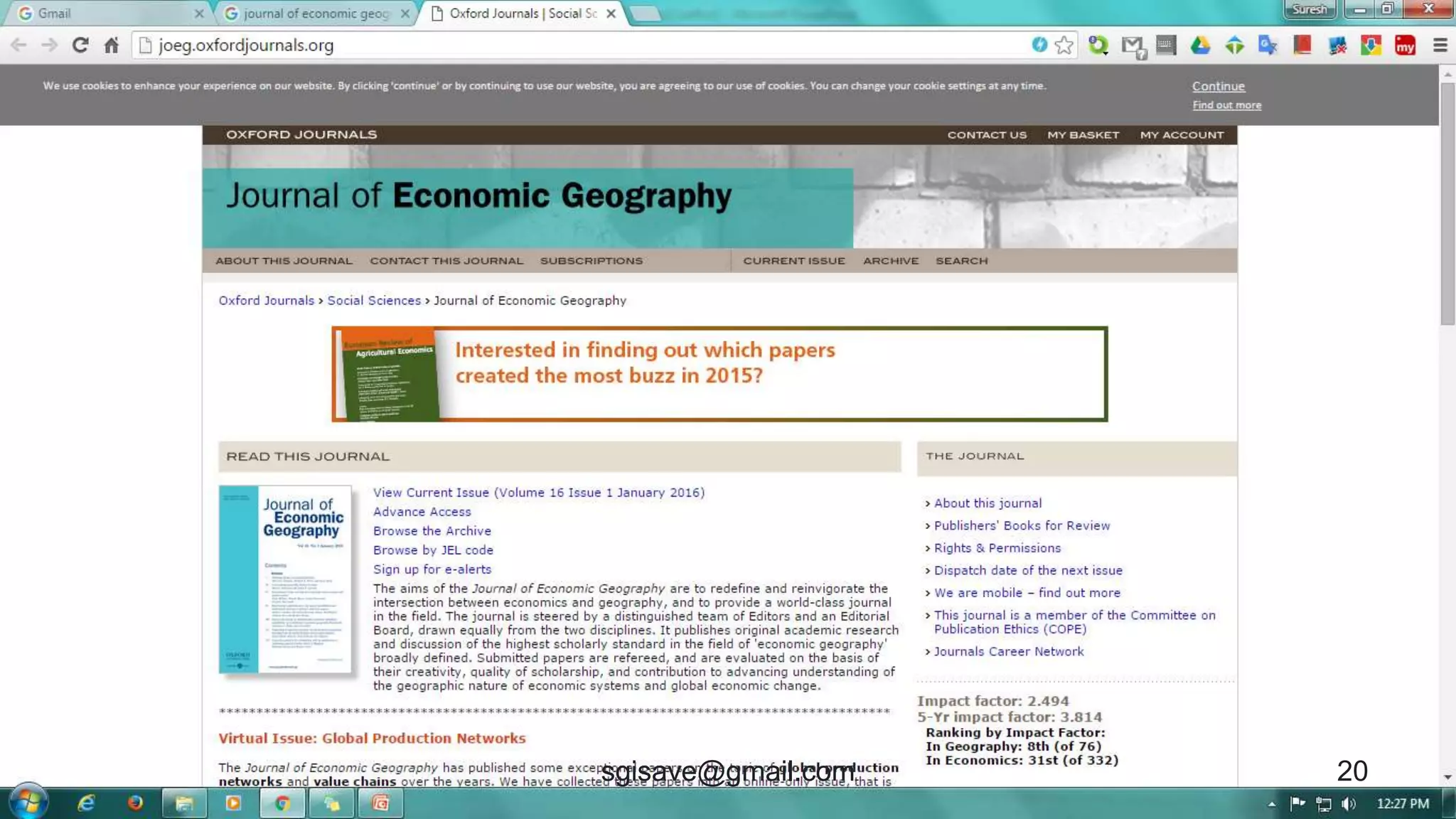
Online Journals
• Free and paid e-journals are available on
internet.
• User can download the full text or abstract.
17sgisave@gmail.com
18sgisave@gmail.com
19sgisave@gmail.com
20sgisave@gmail.com
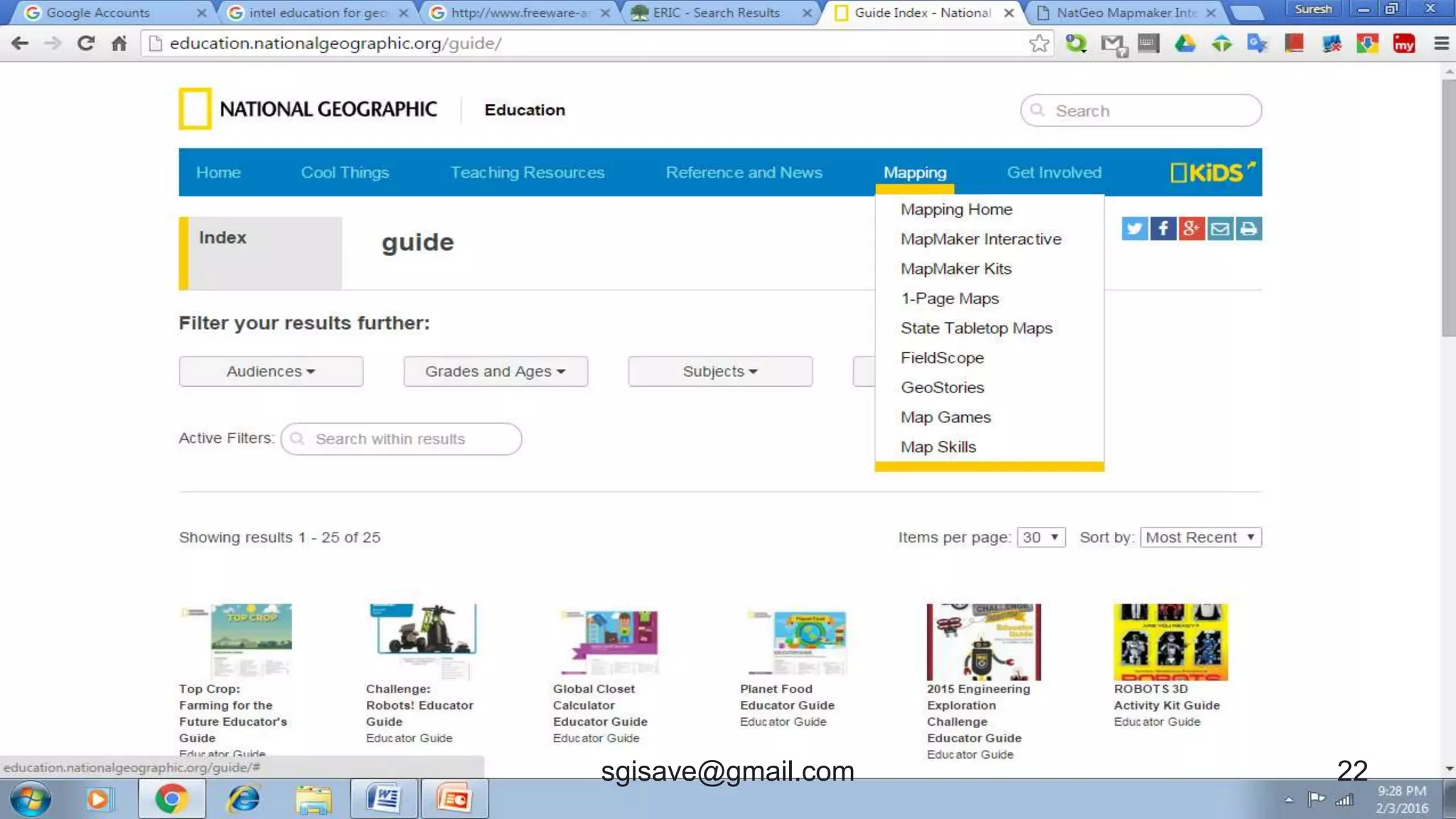
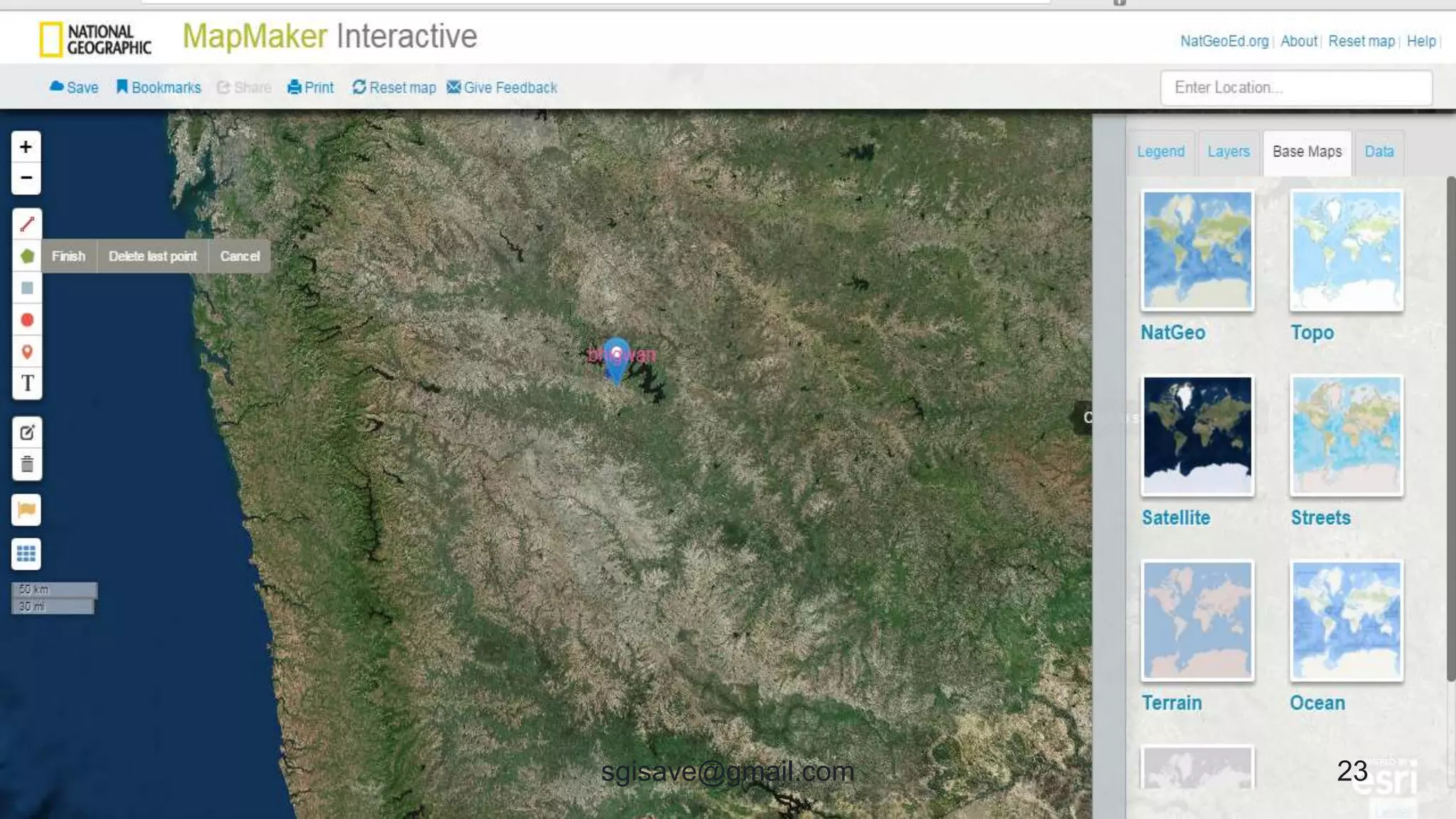
Nat Geo Education
• Provides many educational application
including Geography.
21sgisave@gmail.com
22sgisave@gmail.com
23sgisave@gmail.com
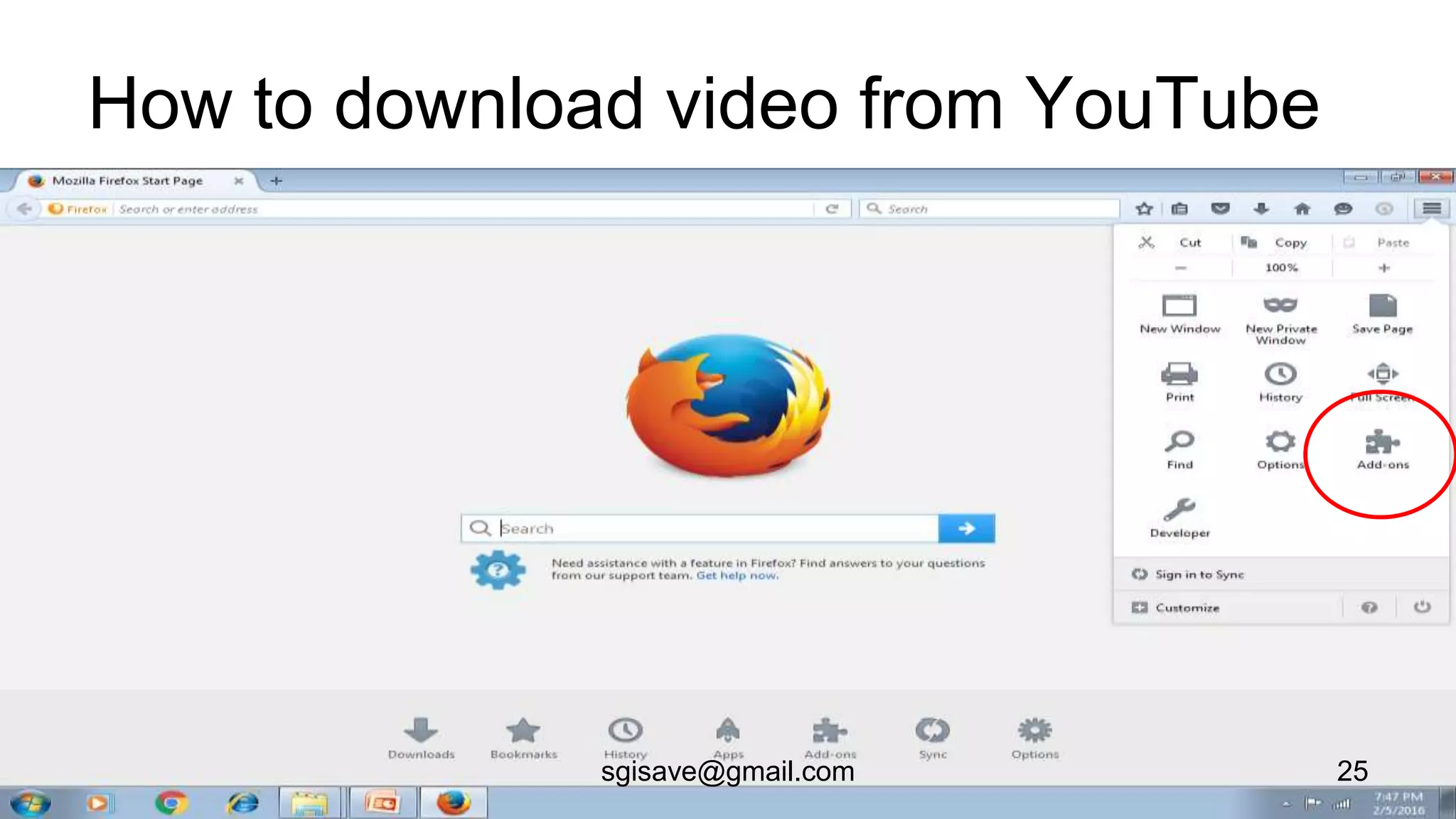
You tube
• It’s a video sharing sites.
• User can view, upload videos.
• Treasure of videos and animations related
to Geography.
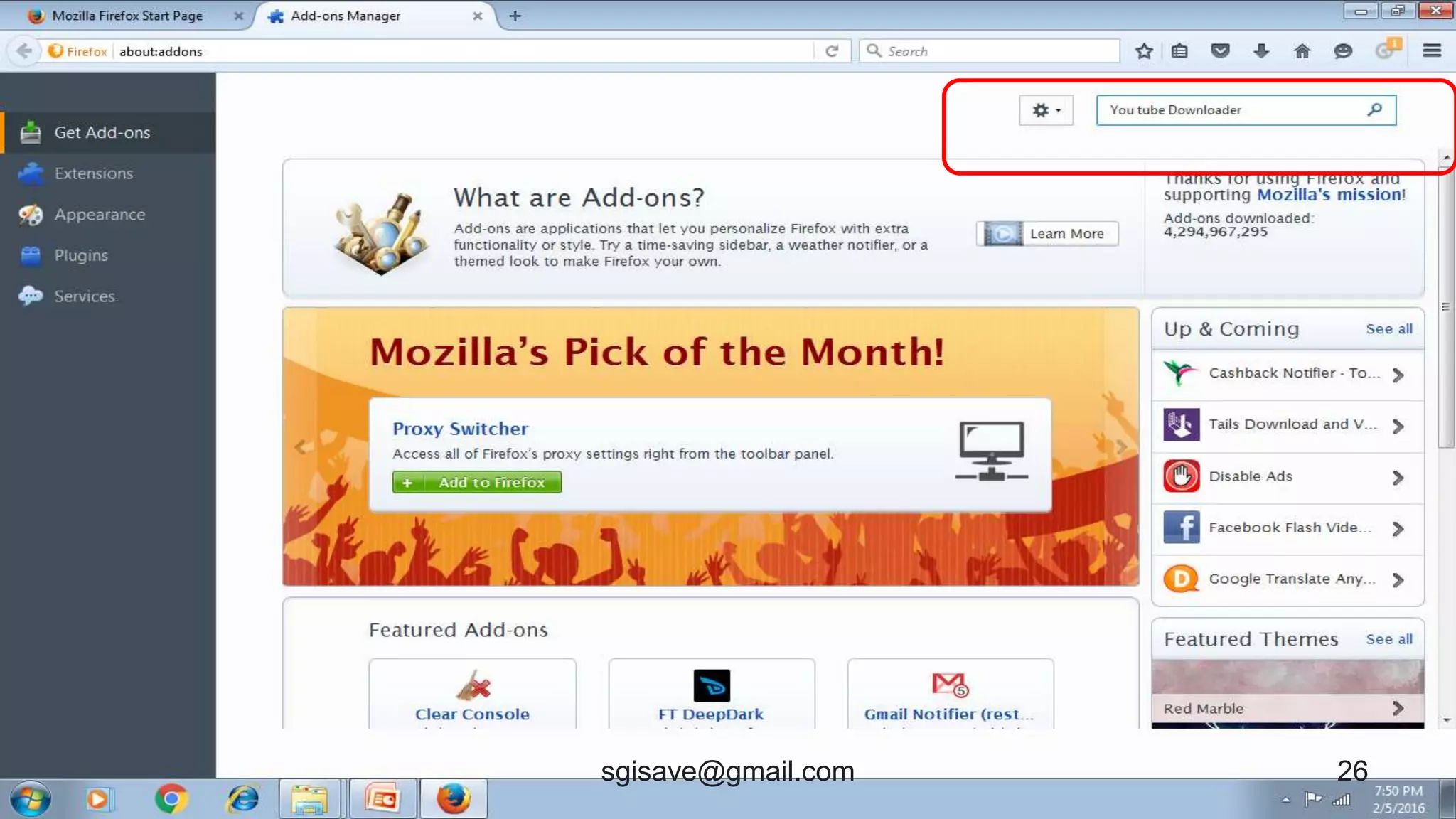
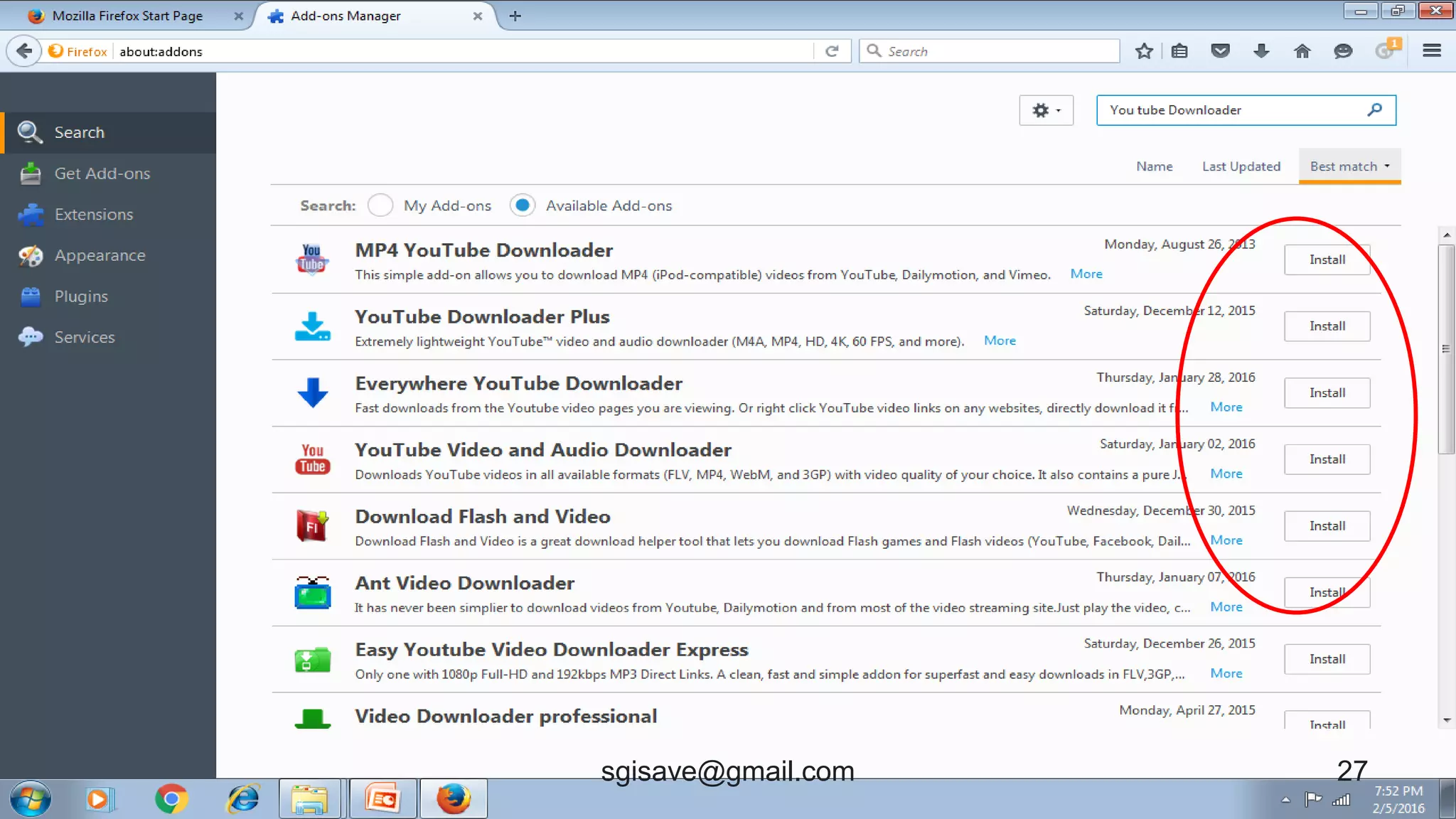
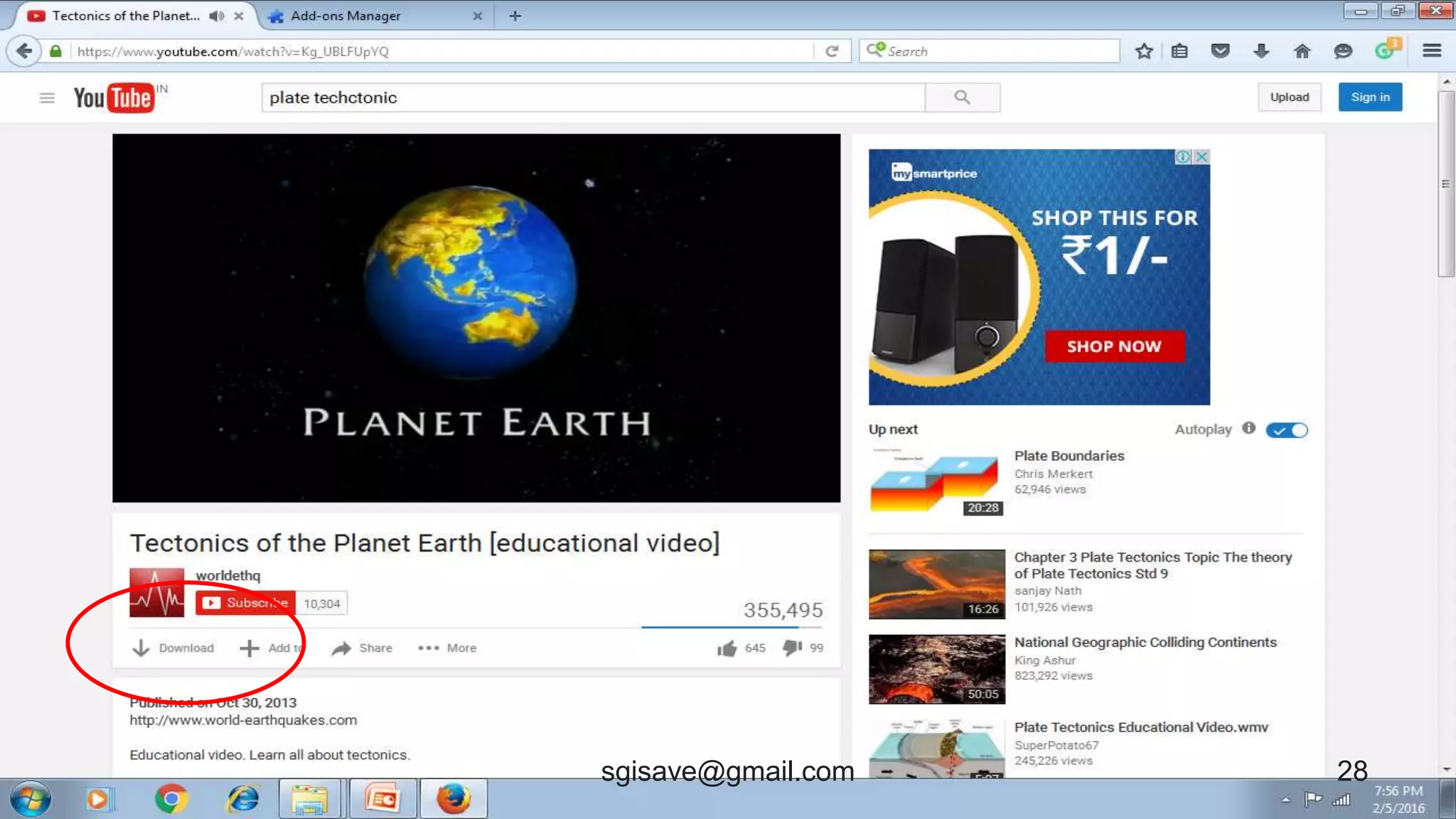
• Videos can be downloaded by add
• on of browser.
24sgisave@gmail.com
How to download video from YouTube
25sgisave@gmail.com
26sgisave@gmail.com
27sgisave@gmail.com
28sgisave@gmail.com
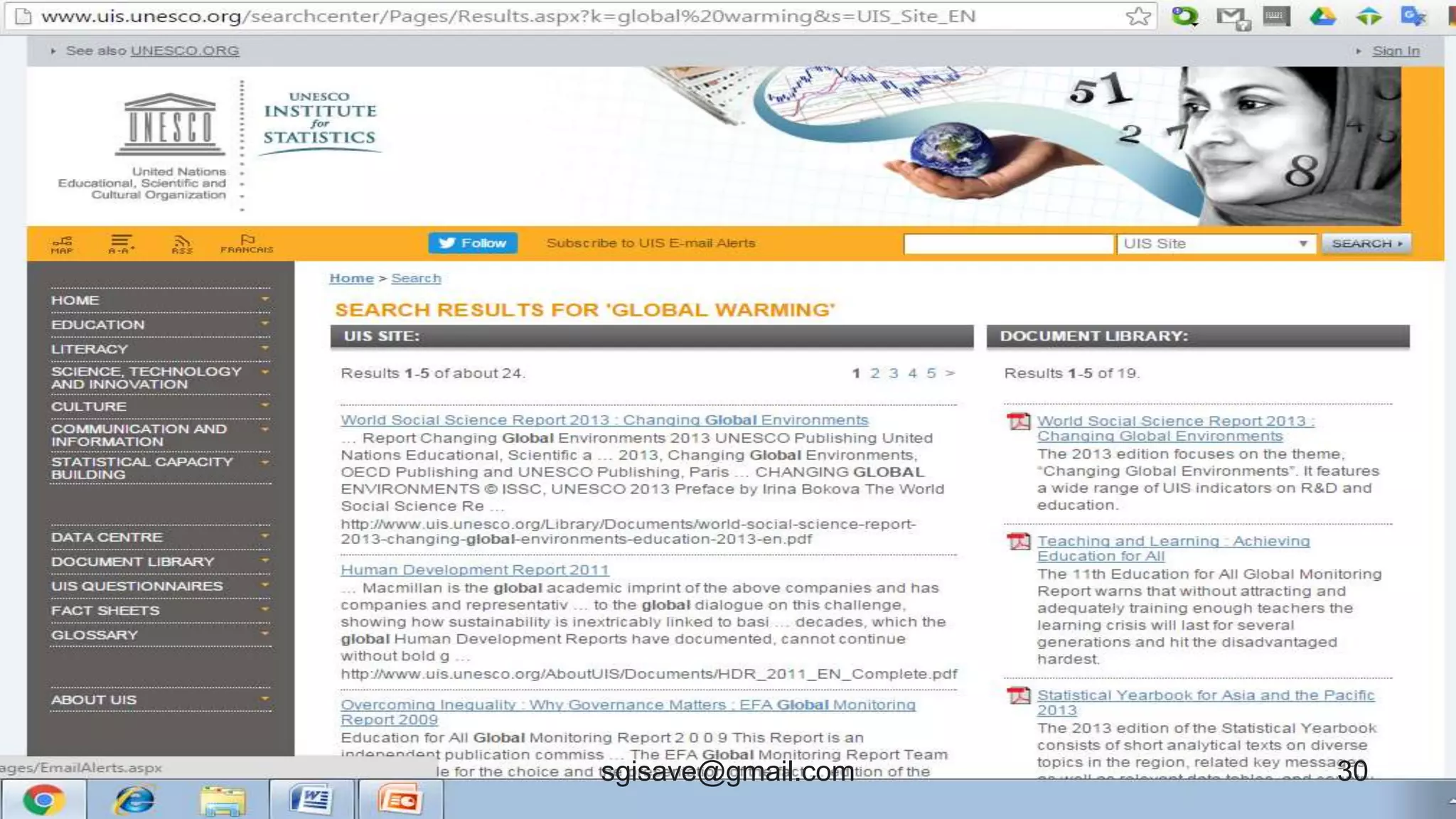
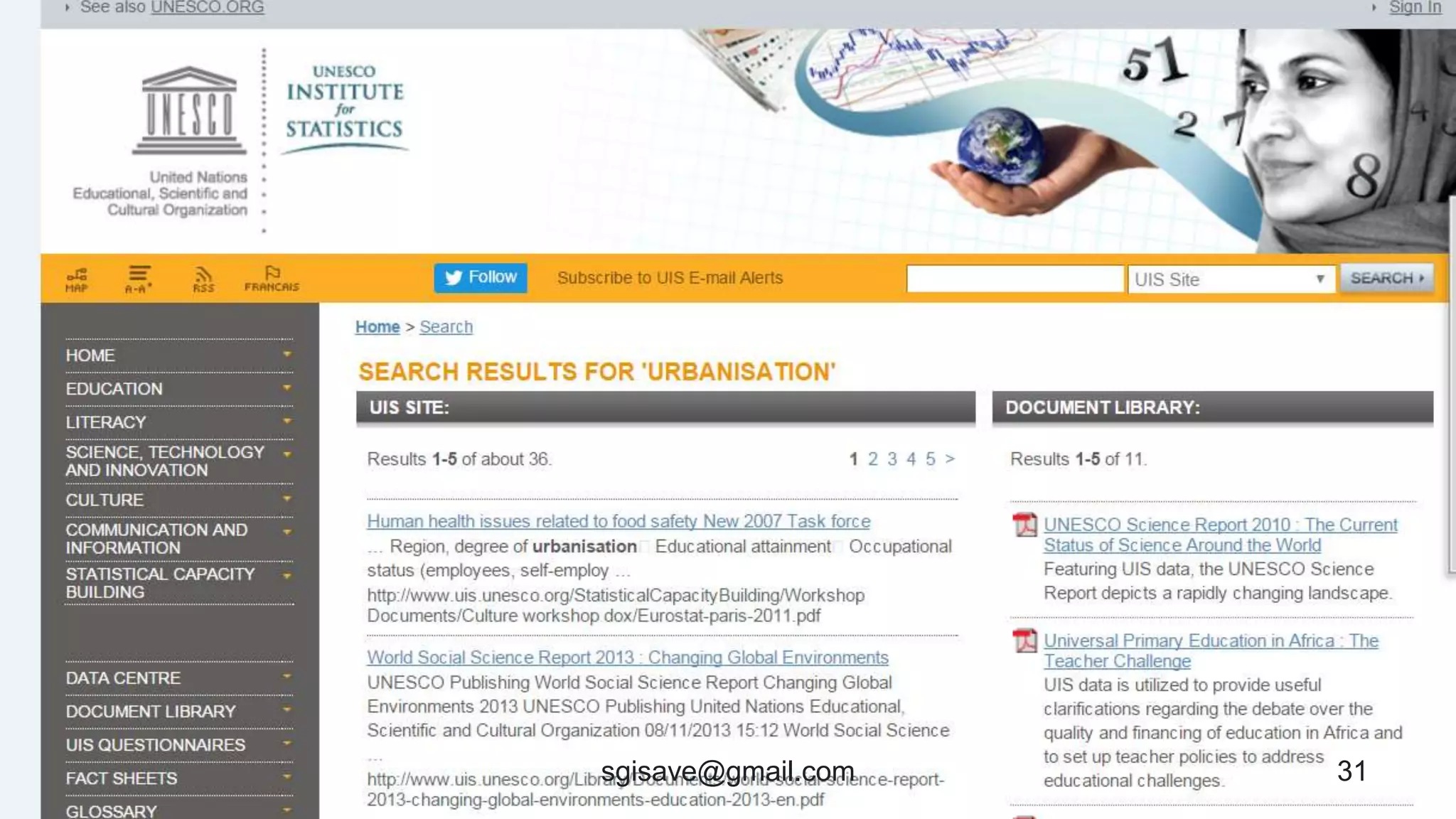
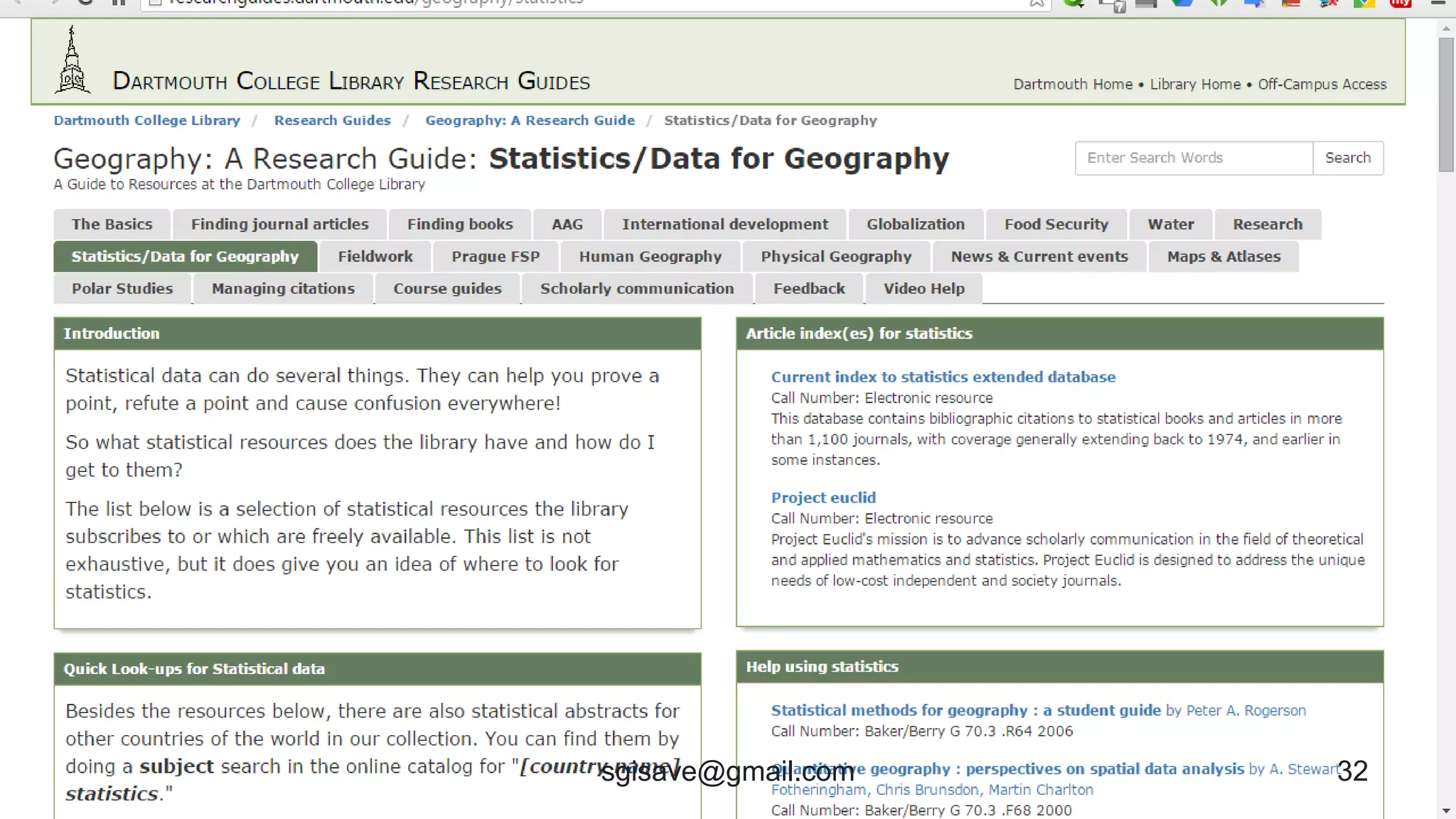
Standard Database Sites
• Trusted and authentic sites should be
used to collect Geographical data i.e.-
Govt., UNESCO,EU, NASA, NatGeo,
ISRO, Science, unicef etc.
• Many amateur and mischievous users make fun
• by sharing false info. (Whatsapp posts of
• two moons, darkness in December)
29sgisave@gmail.com
30sgisave@gmail.com
31sgisave@gmail.com
32sgisave@gmail.com
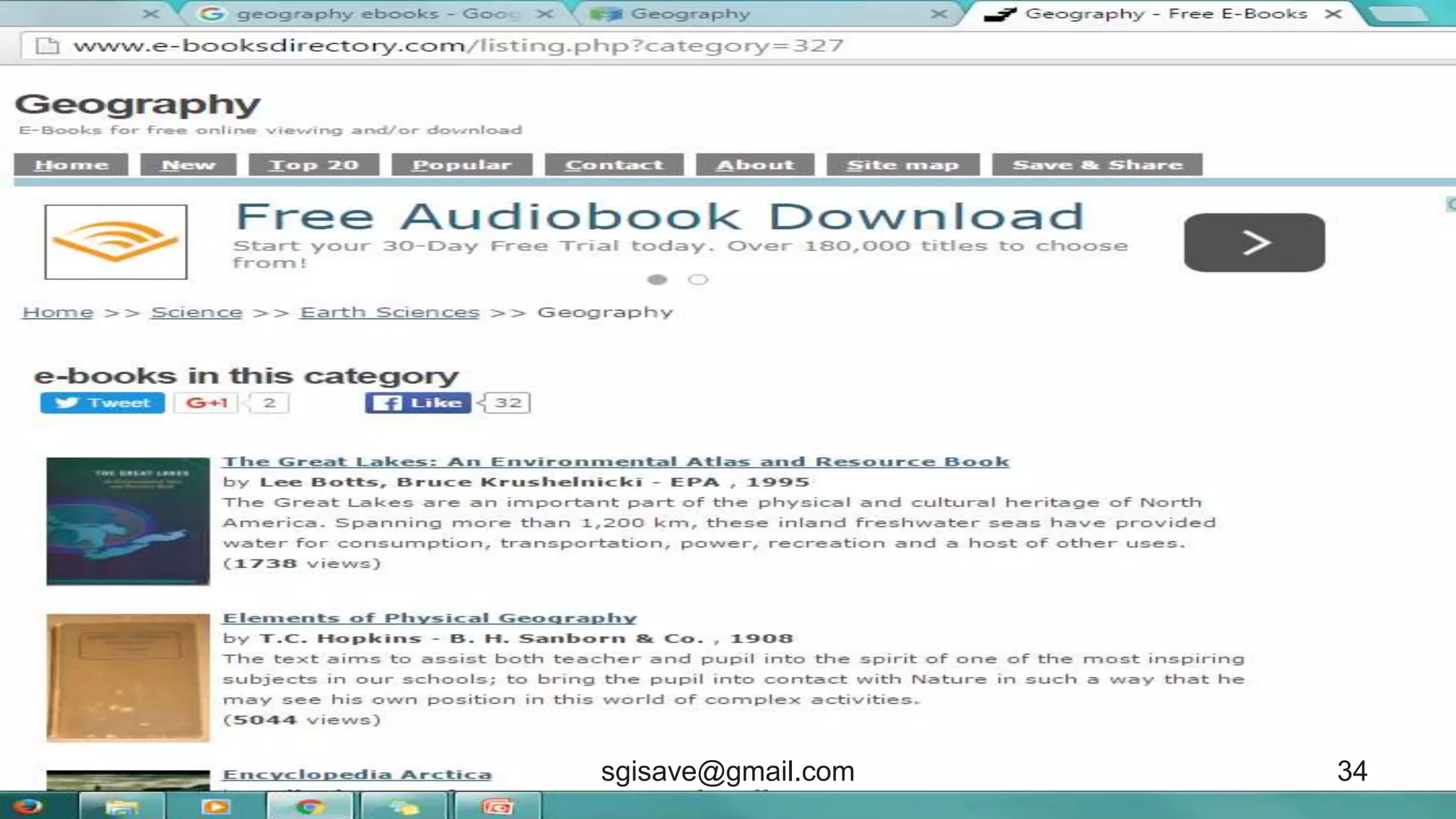
E-books
• Ample of Geography e-books are available
freely on internet.
• Books are in audio, video and text form.
• Download only from trusted and verified
• site.
• Be aware of Virus.
33sgisave@gmail.com
34sgisave@gmail.com
35sgisave@gmail.com
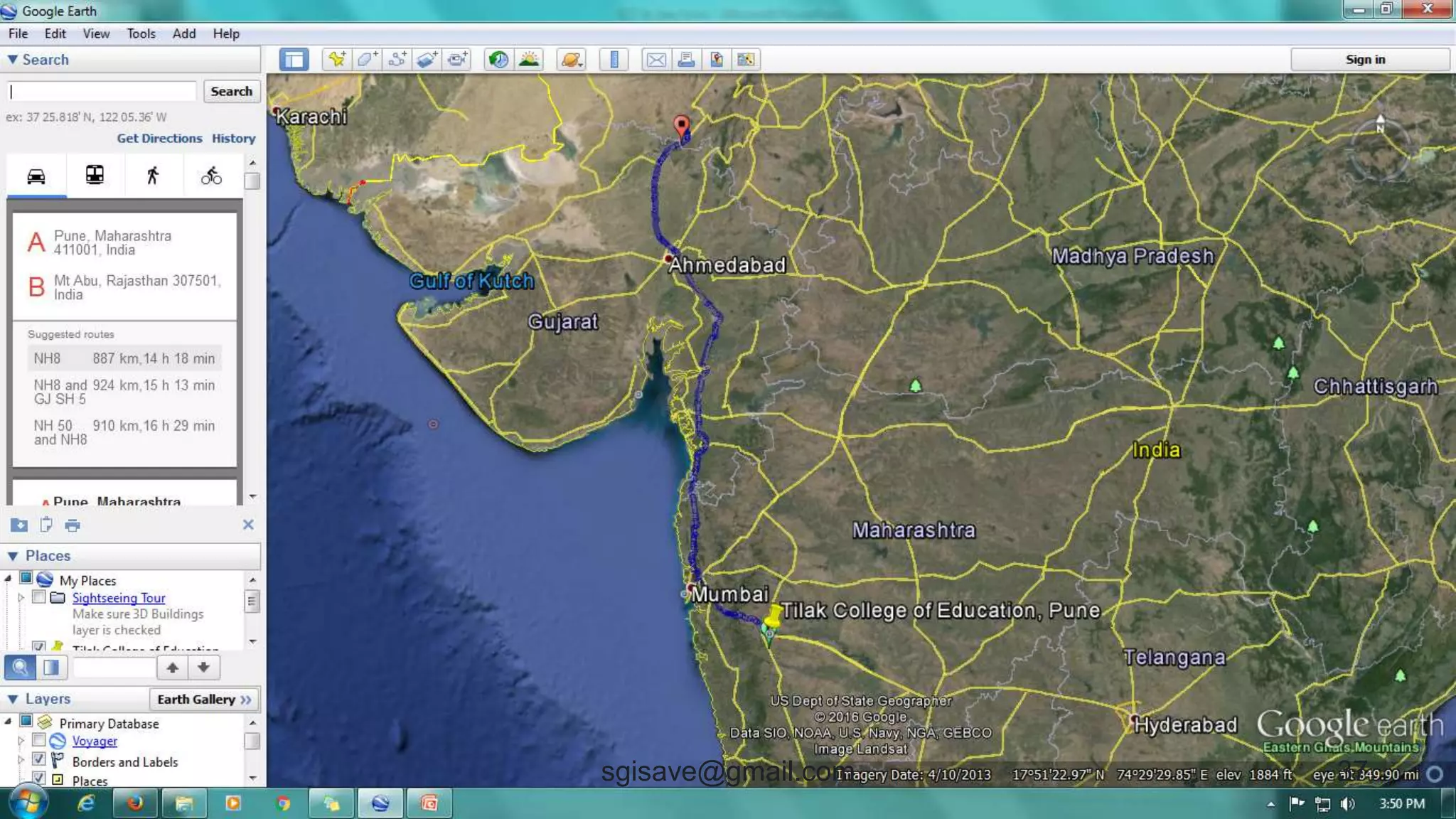
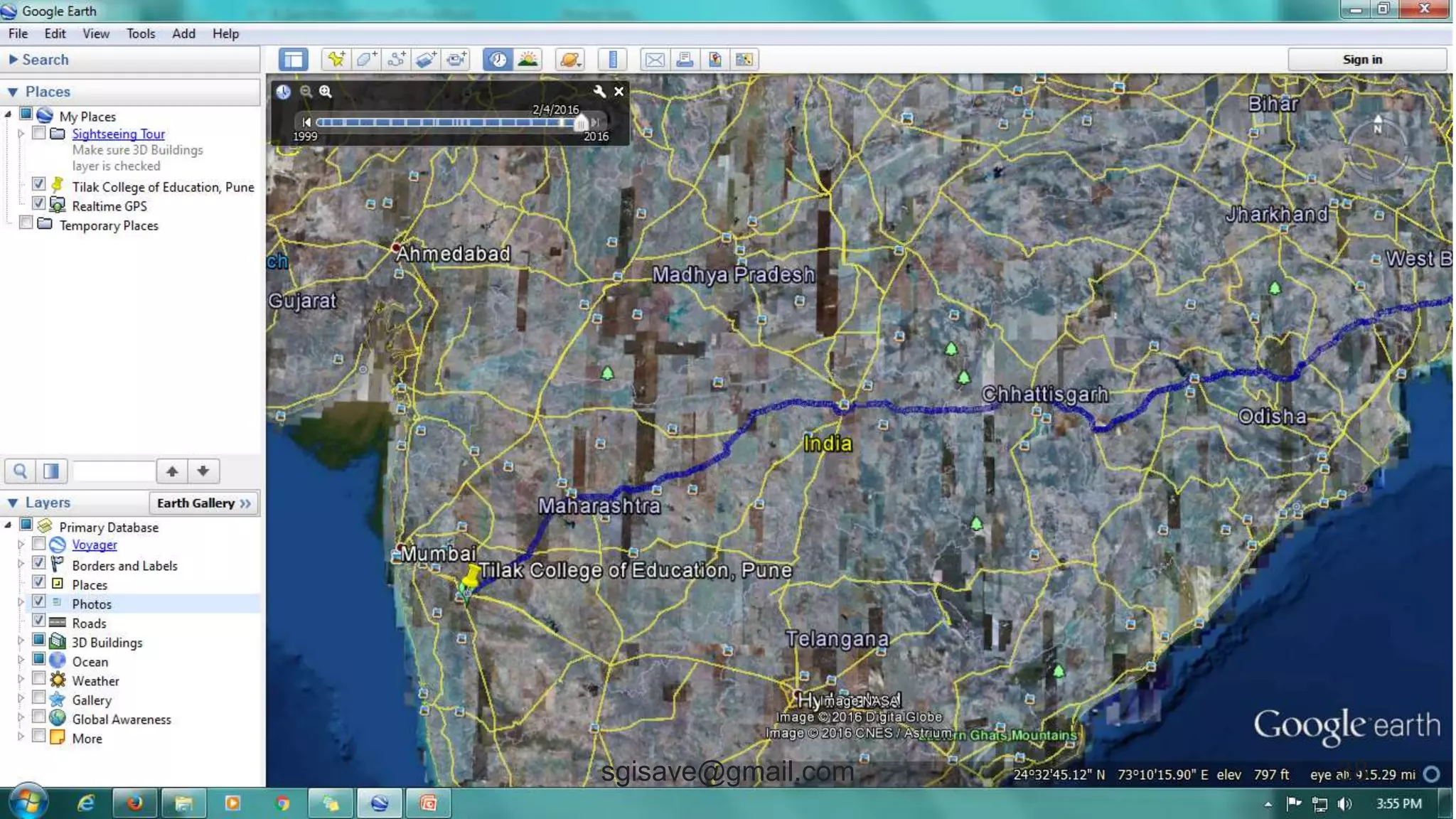
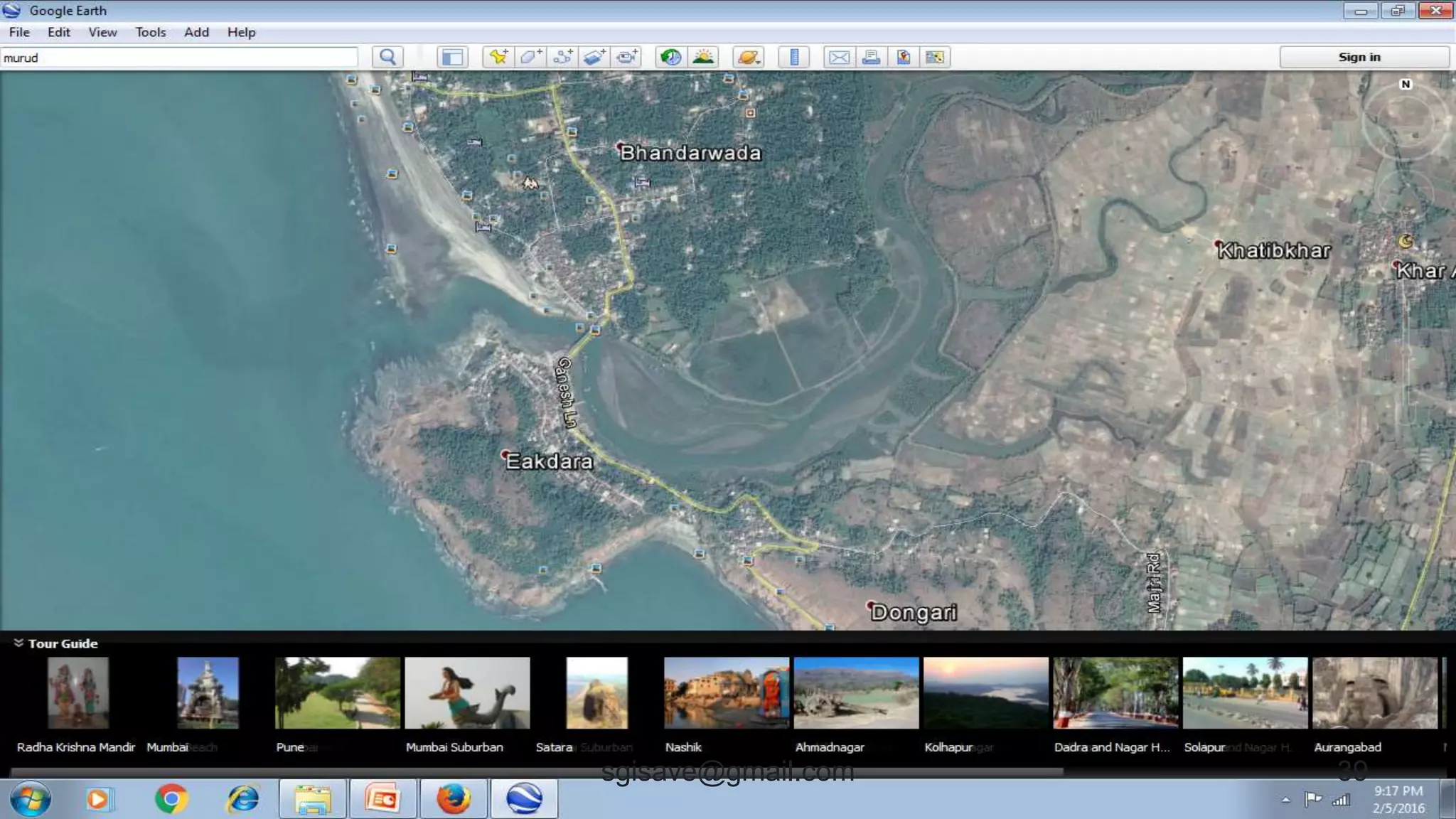
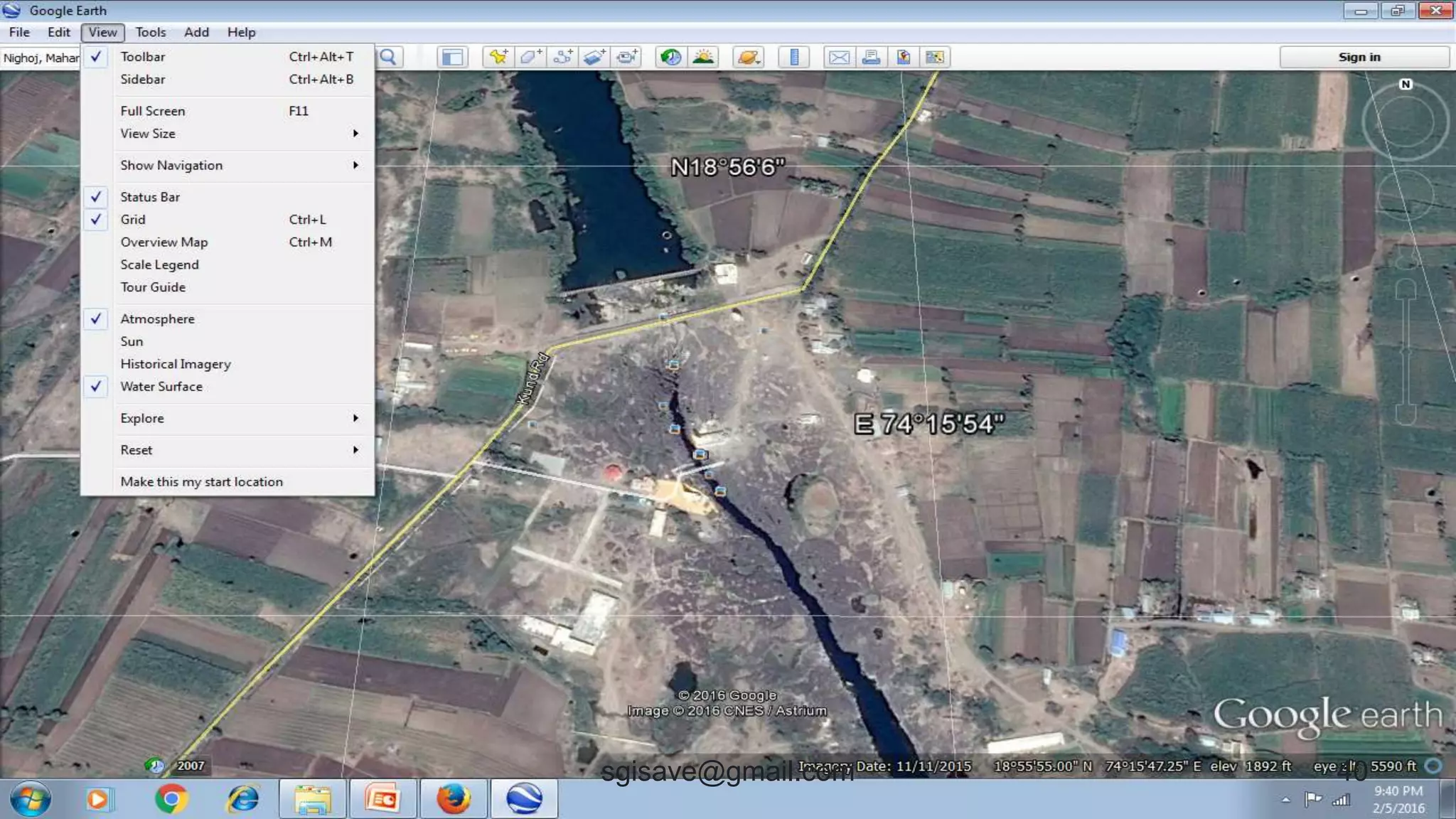
Google Earth
• It’s a wonderful earth 3D model.
• It’s a virtual earth with real data
useful to plan tours.
• Features - Country, boundaries,
landforms, elevations, coordinates,
• roads, human settlements, water bodies,
• Maps, Distance, timeline, Photos etc
36sgisave@gmail.com
37sgisave@gmail.com
38sgisave@gmail.com
39sgisave@gmail.com
40sgisave@gmail.com
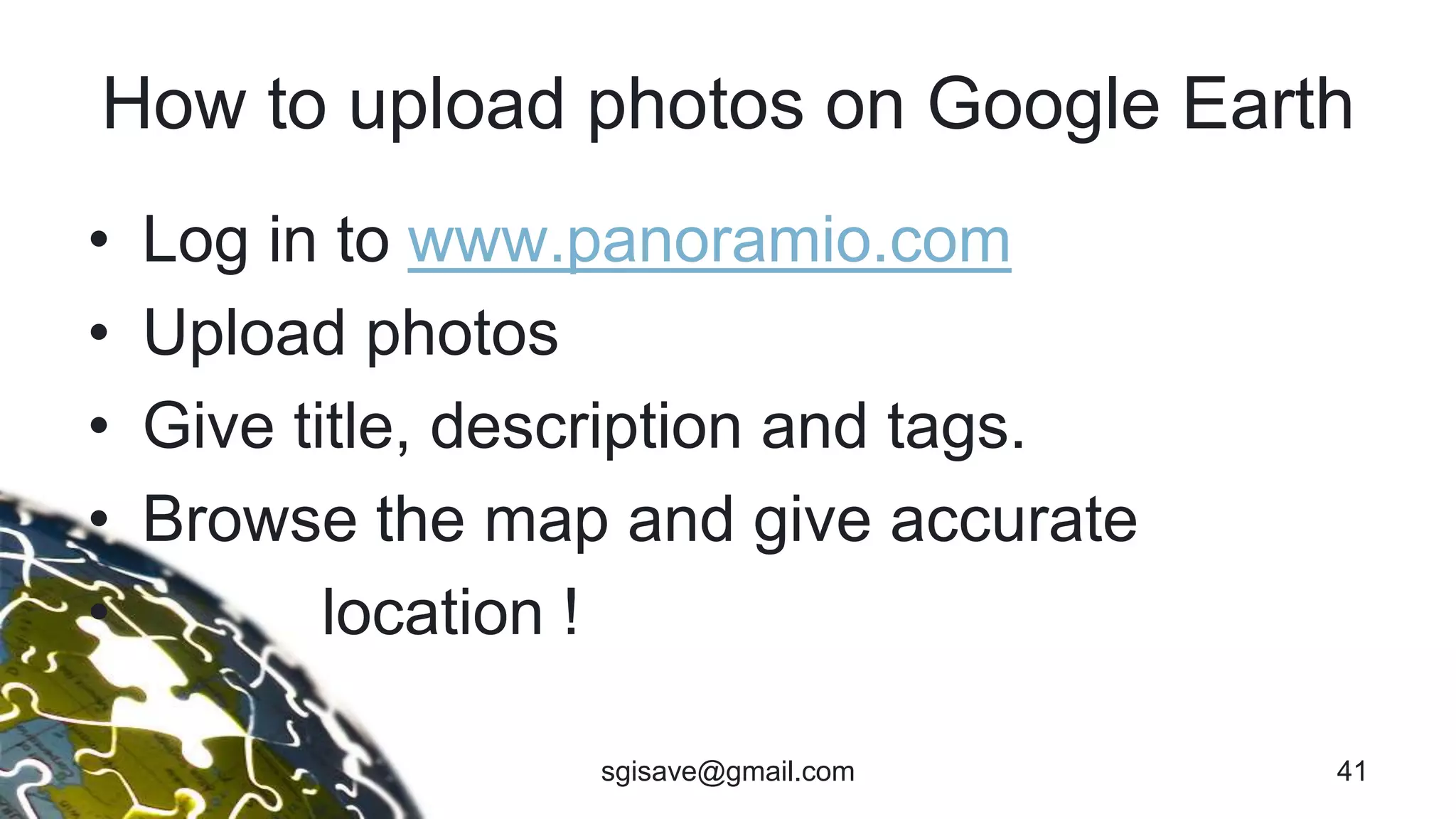
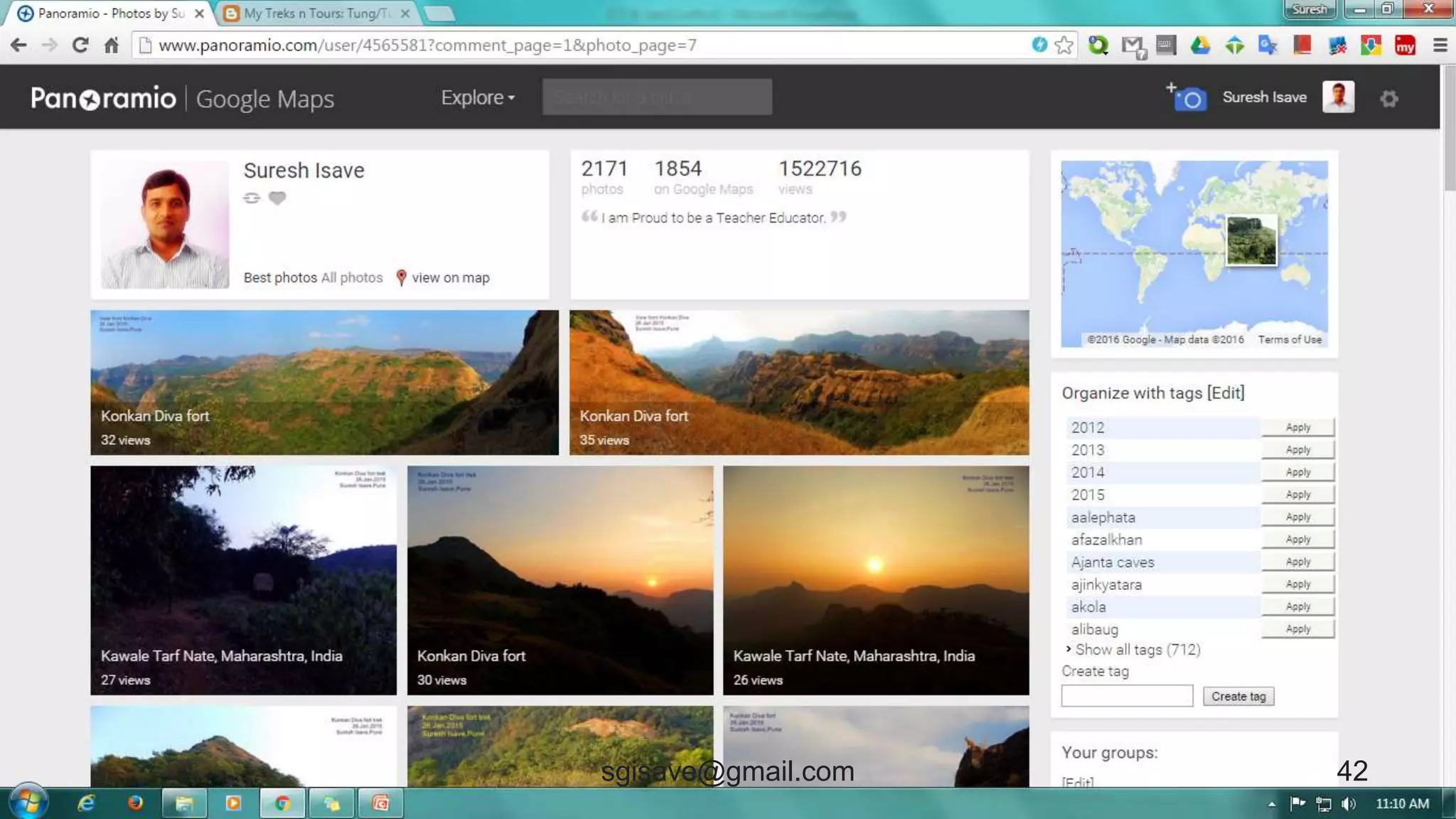
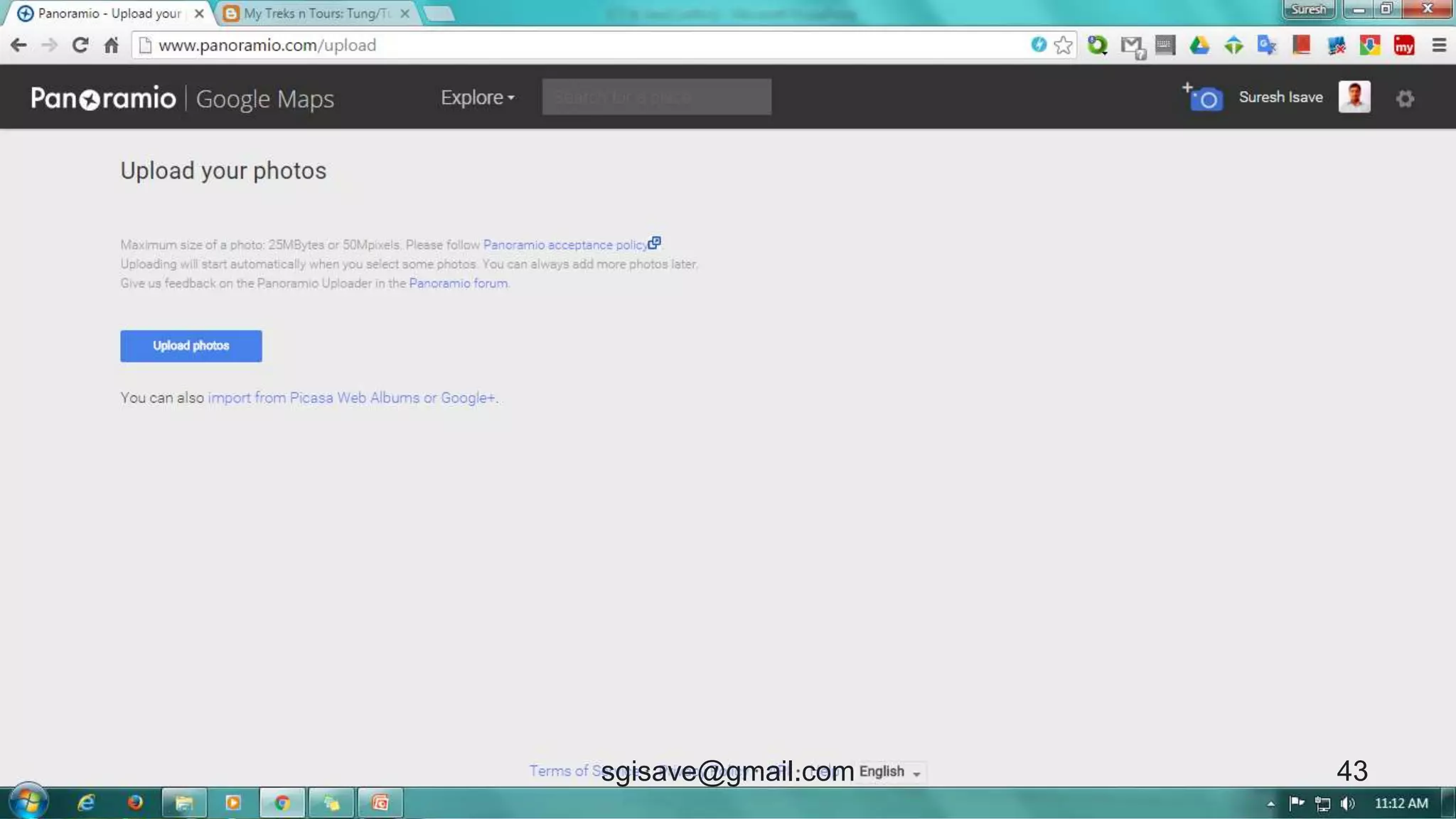
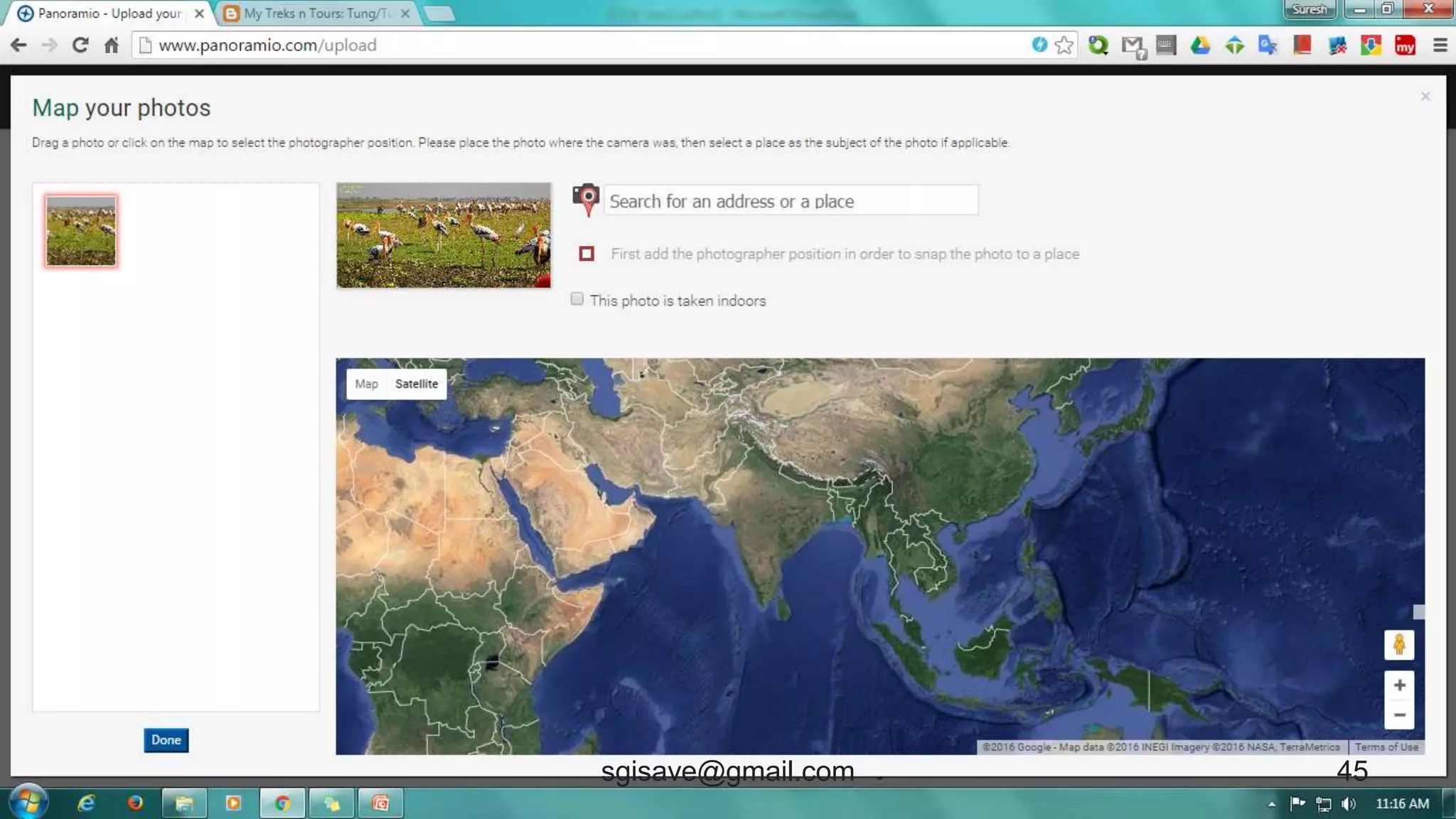
How to upload photos on Google Earth
• Log in to www.panoramio.com
• Upload photos
• Give title, description and tags.
• Browse the map and give accurate
• location !
41sgisave@gmail.com
42sgisave@gmail.com
43sgisave@gmail.com
44sgisave@gmail.com
45sgisave@gmail.com
46sgisave@gmail.com
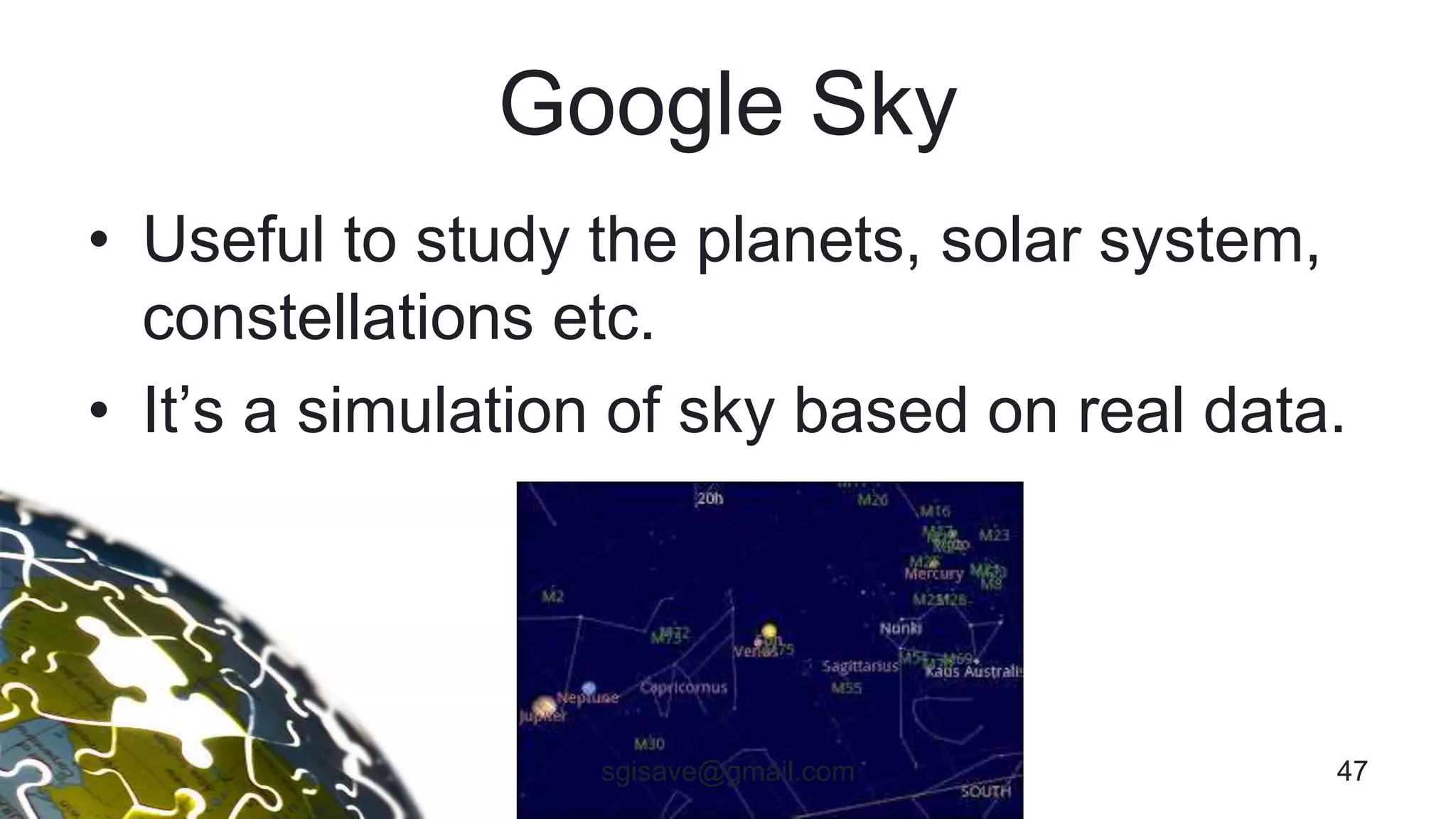
Google Sky
• Useful to study the planets, solar system,
constellations etc.
• It’s a simulation of sky based on real data.
47sgisave@gmail.com
To Collect Data
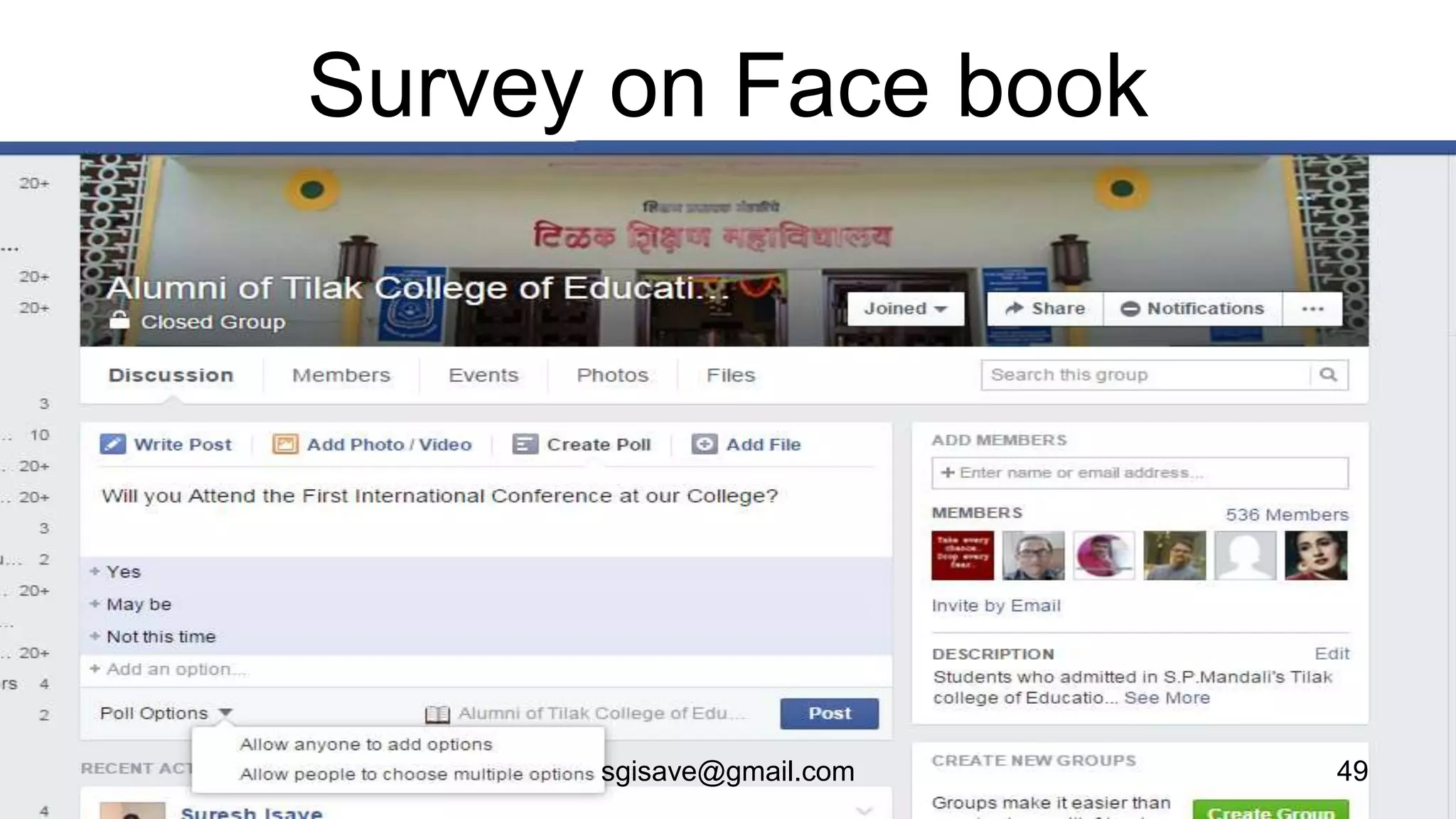
• Online survey
• Blog Survey
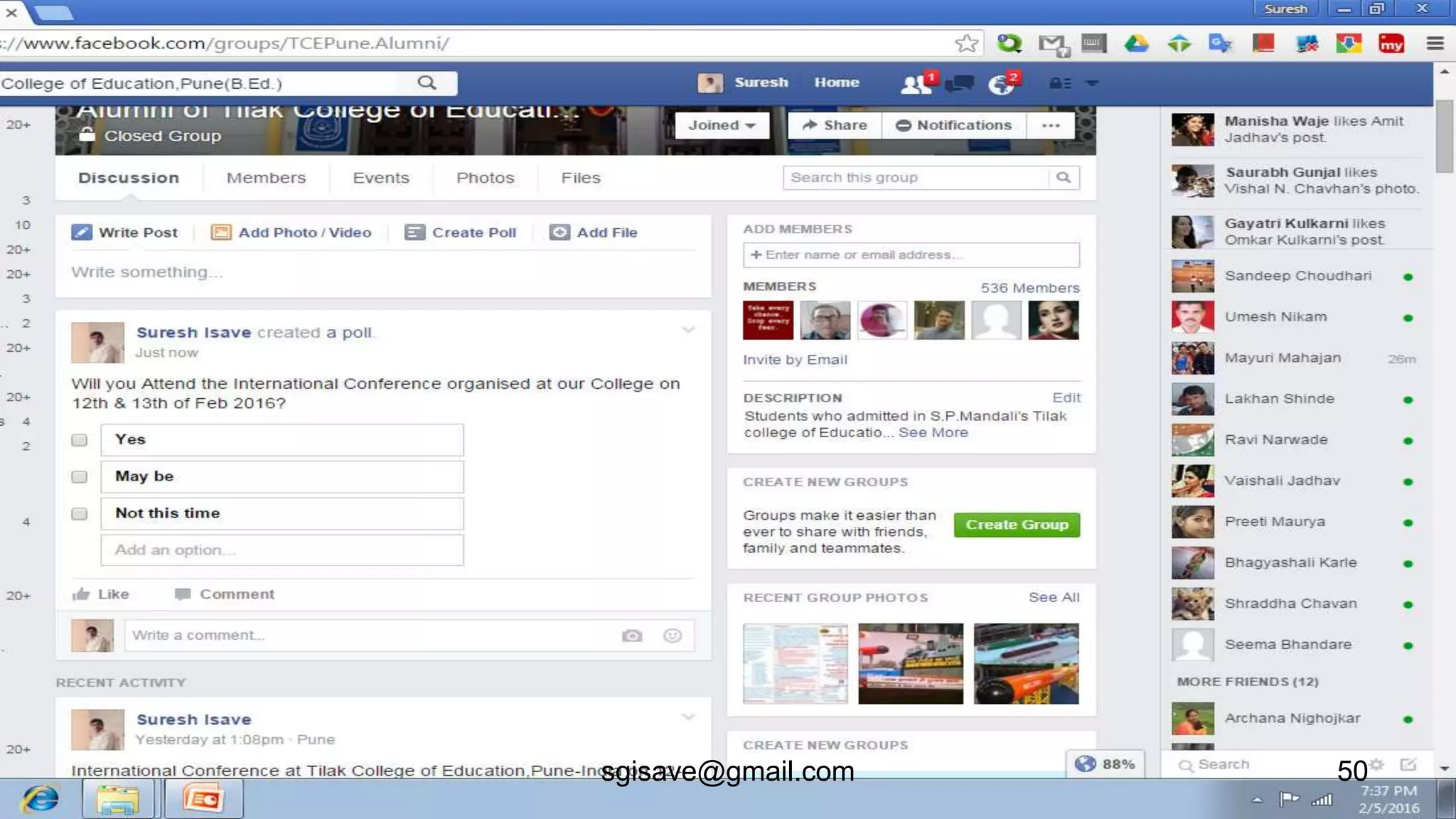
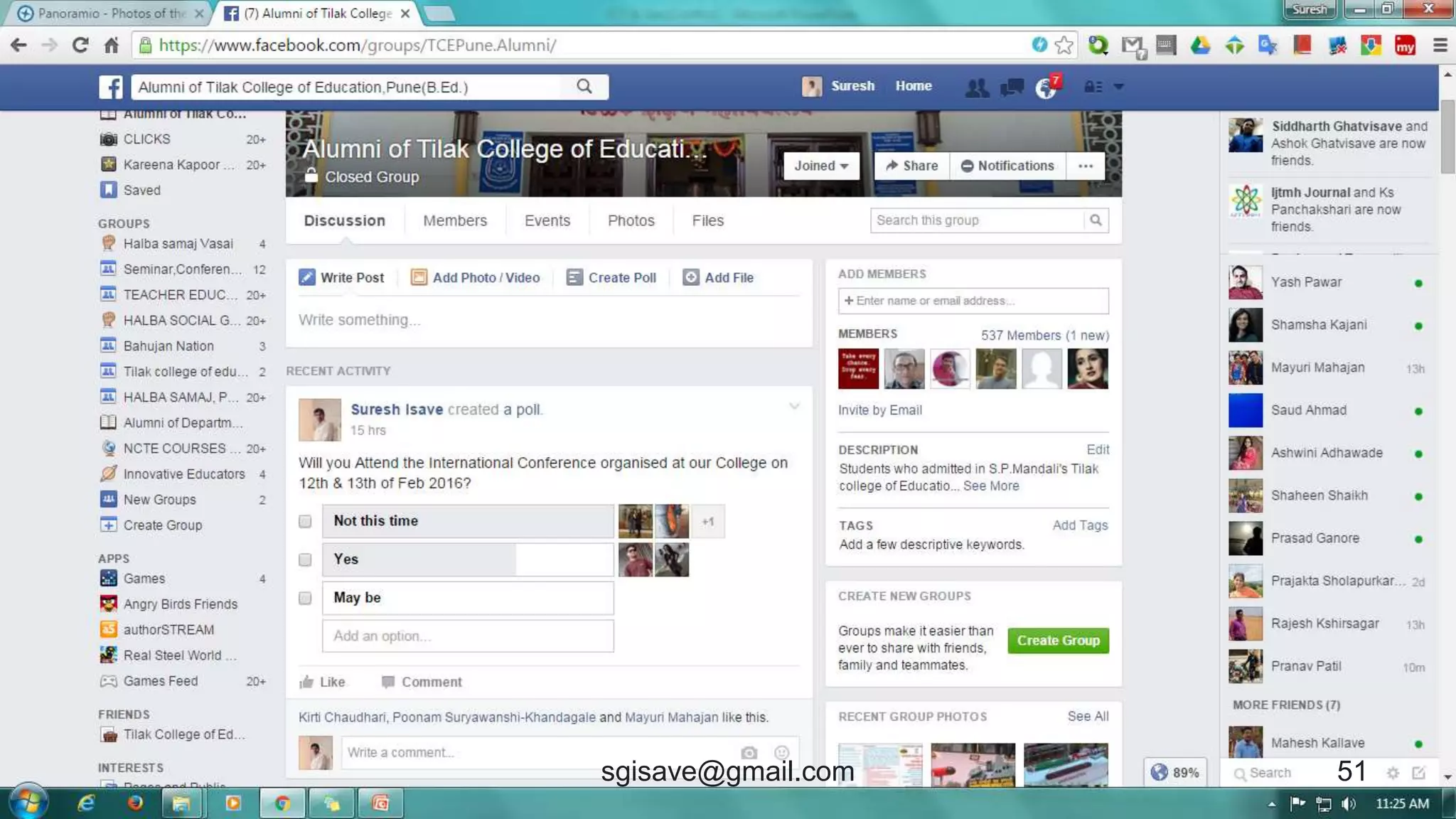
• Social networking Survey
48sgisave@gmail.com
Survey on Face book
49sgisave@gmail.com
50sgisave@gmail.com
51sgisave@gmail.com
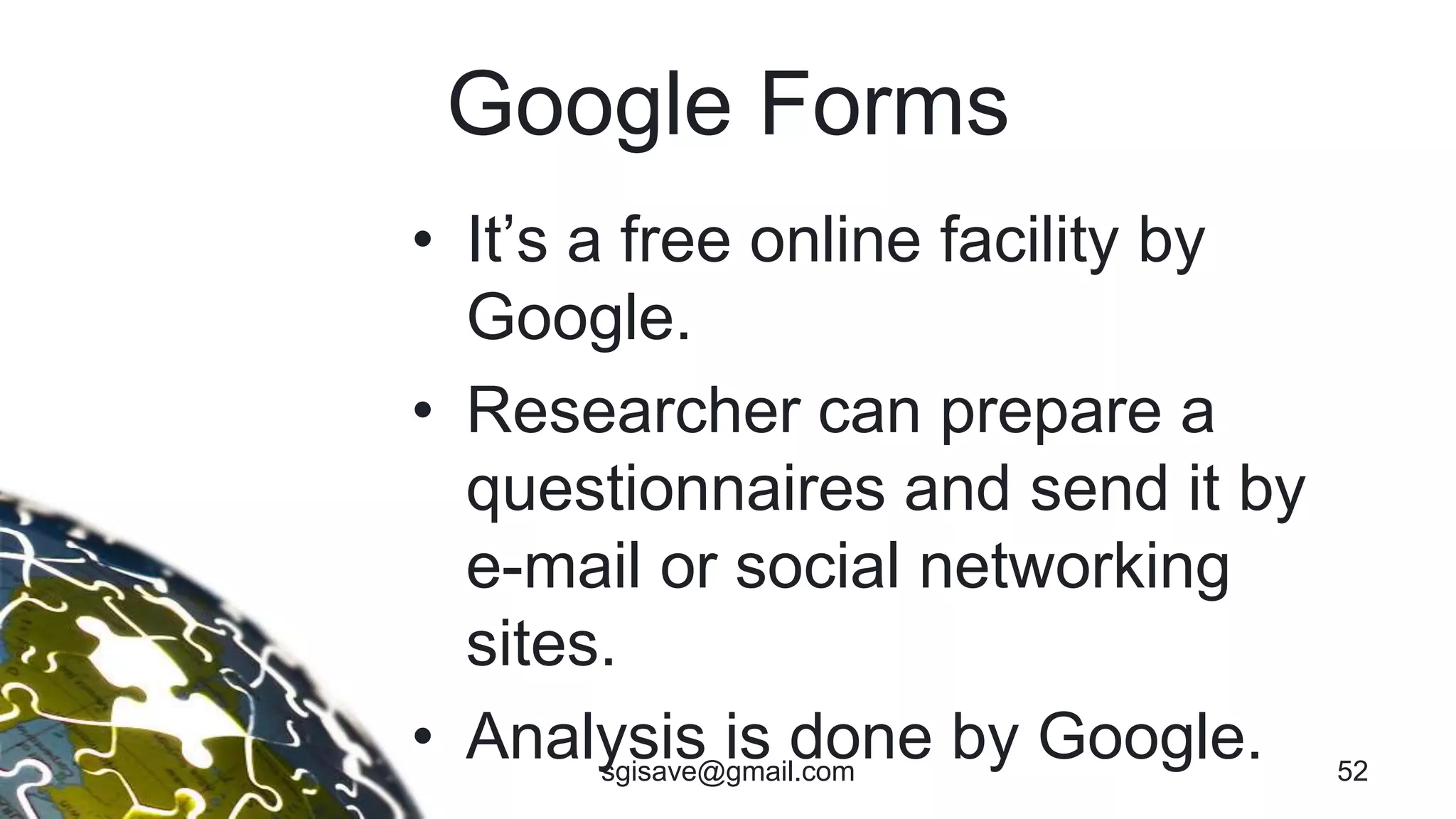
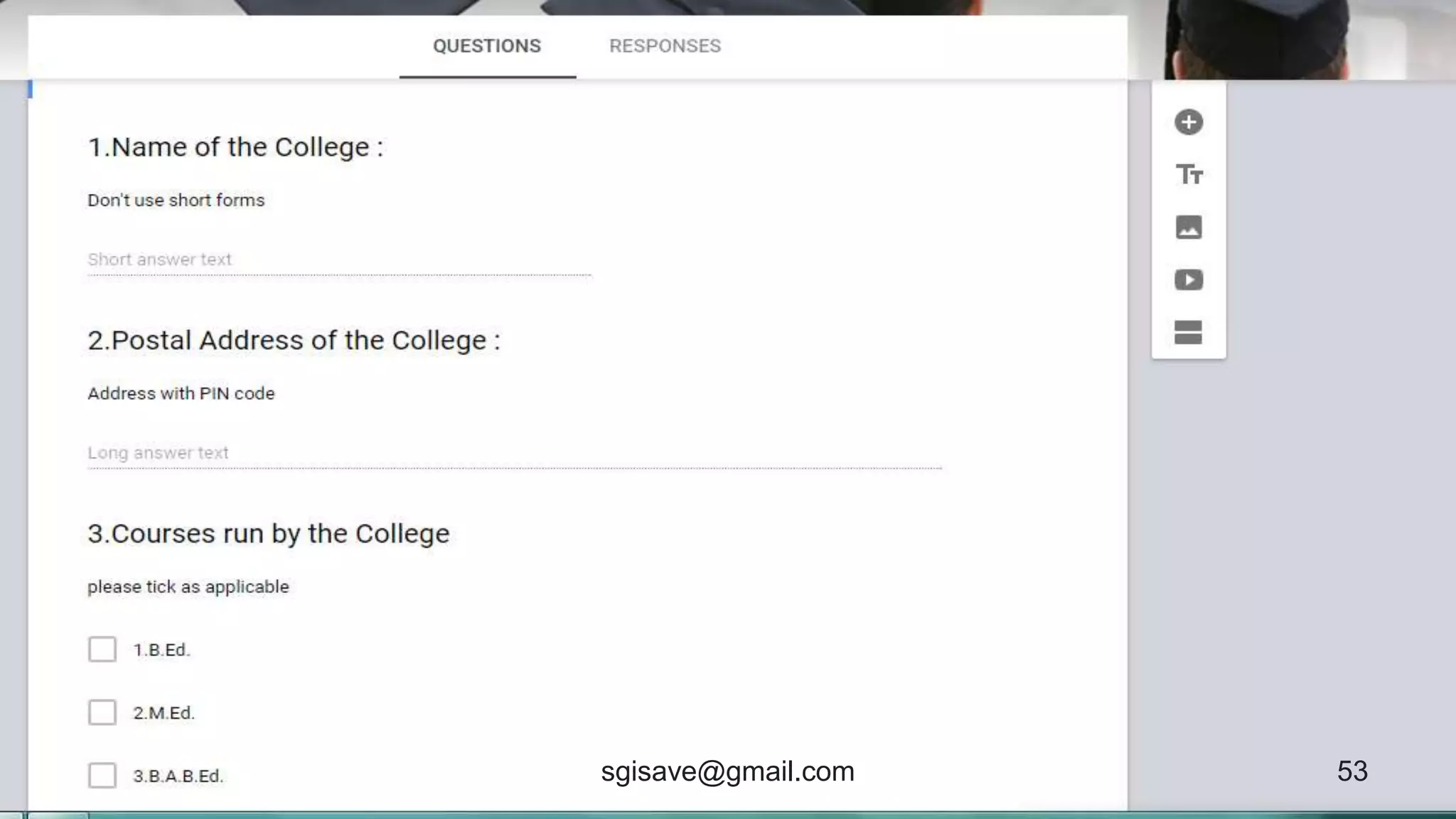
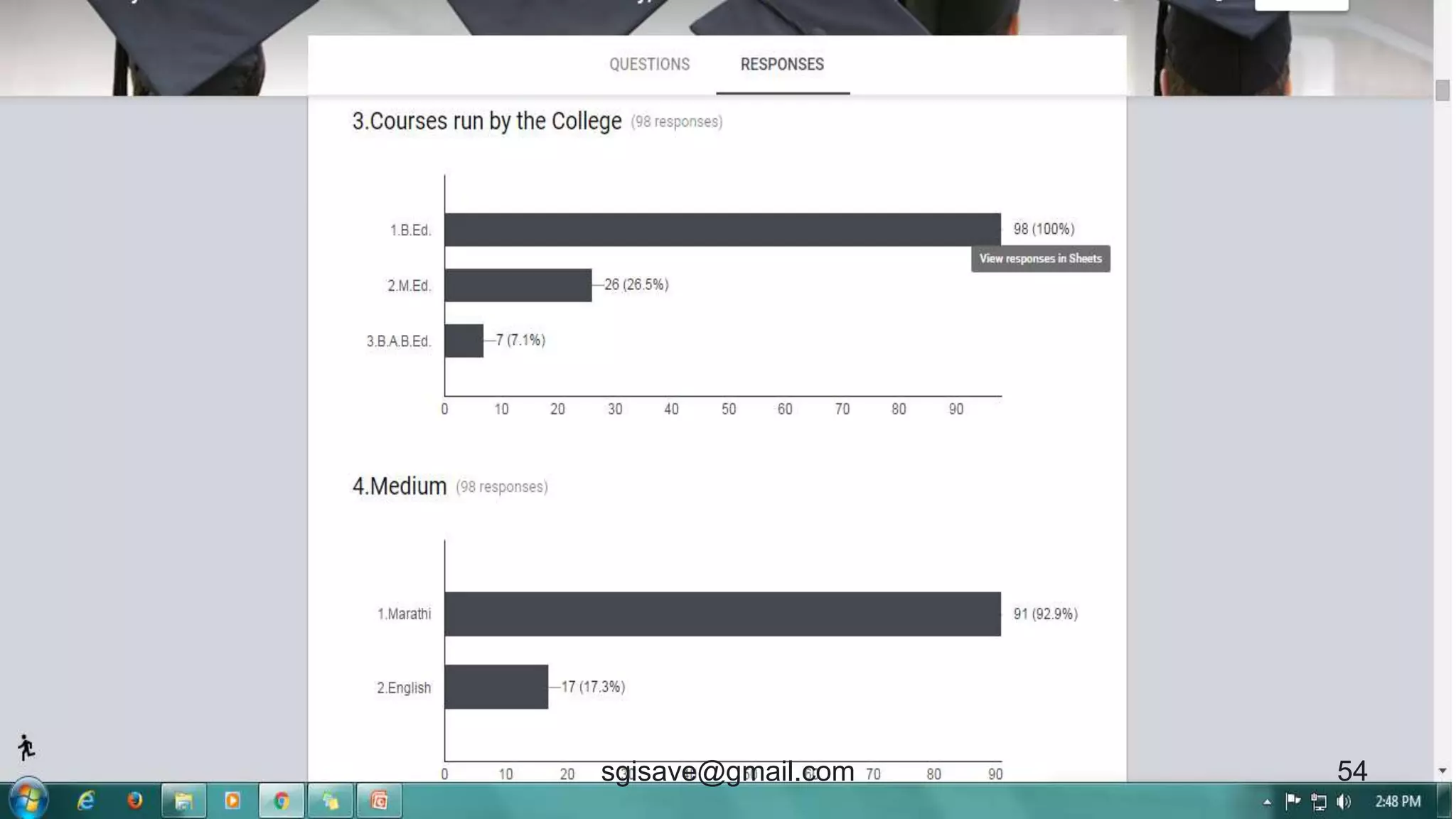
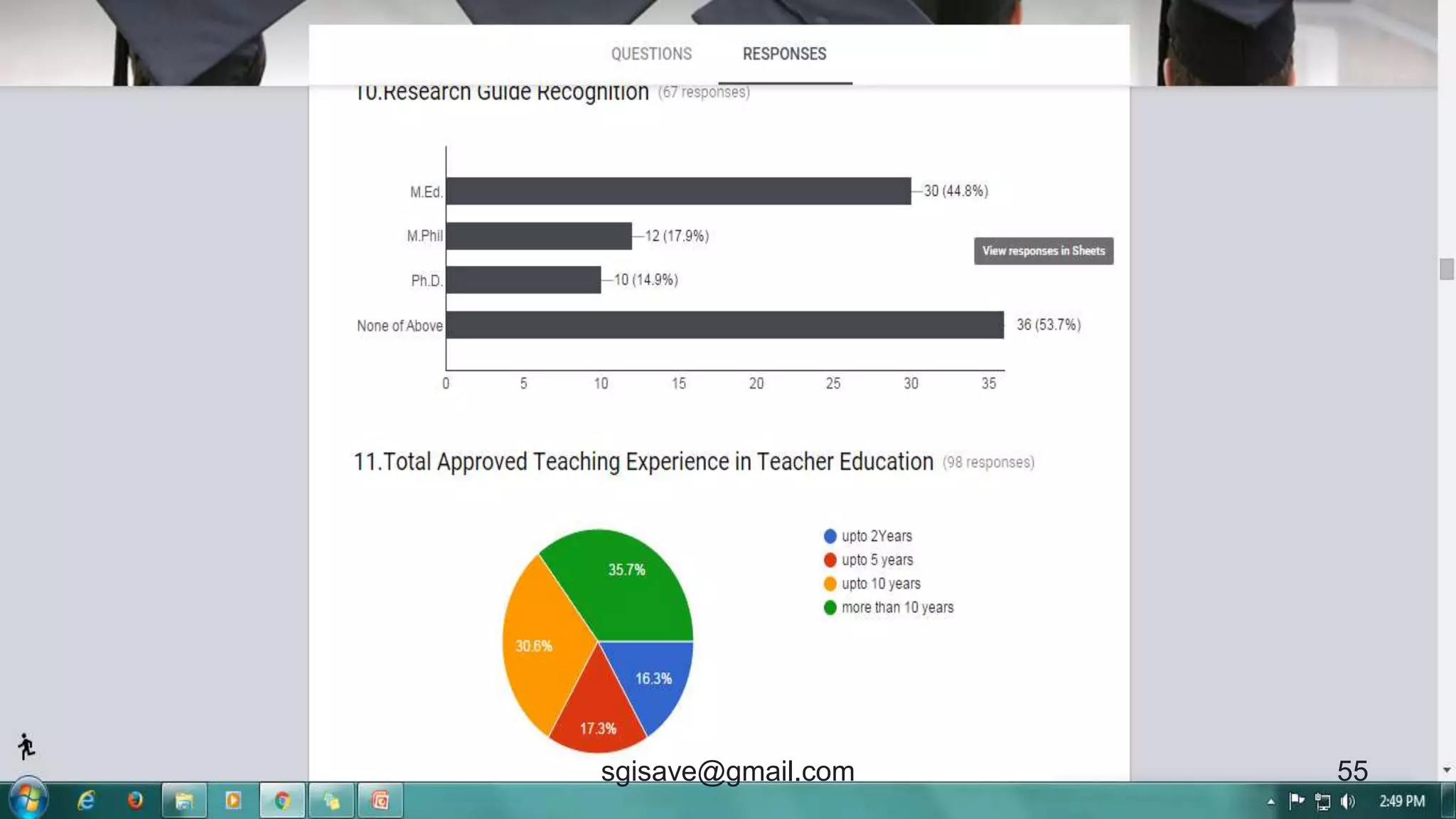
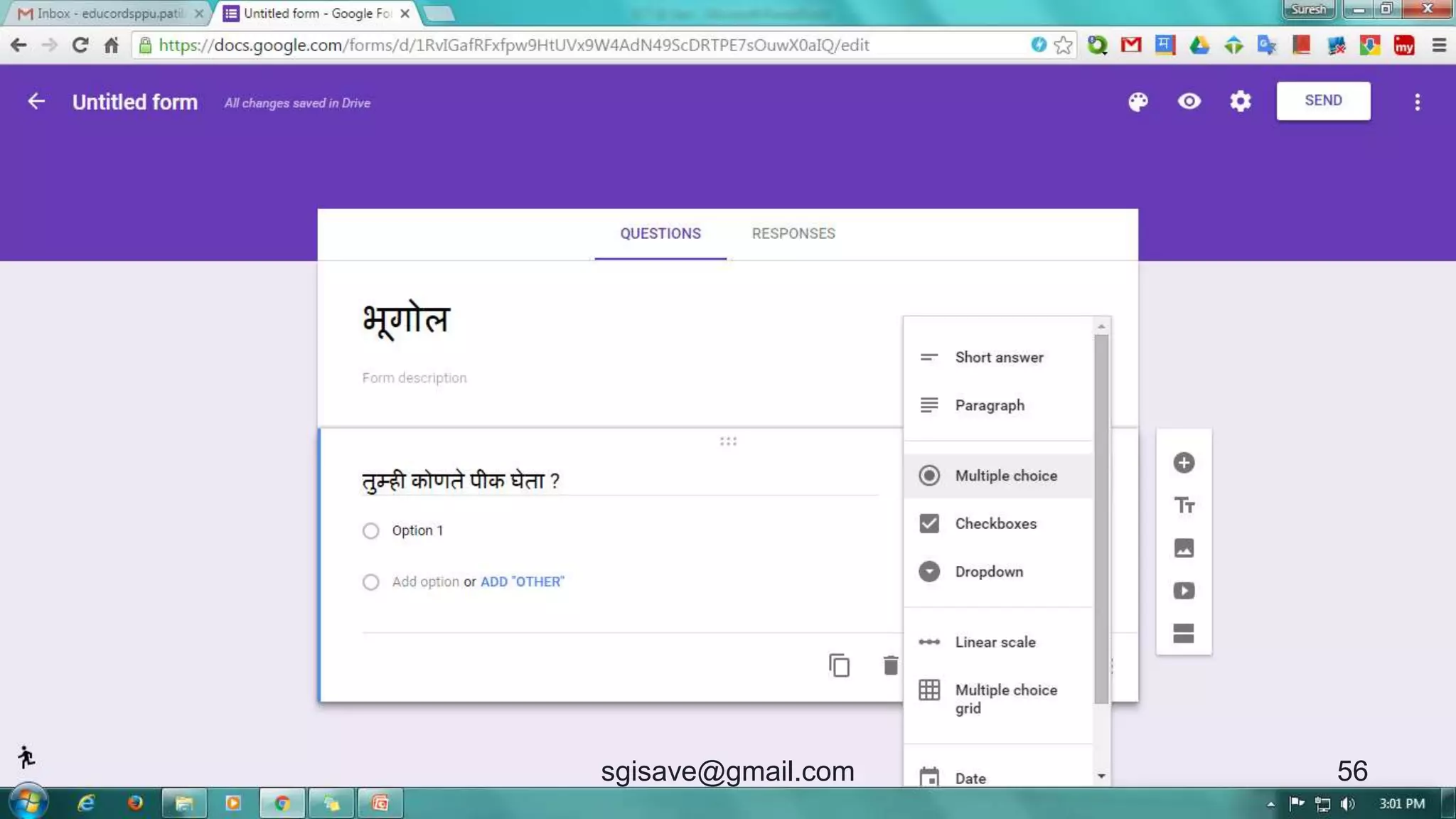
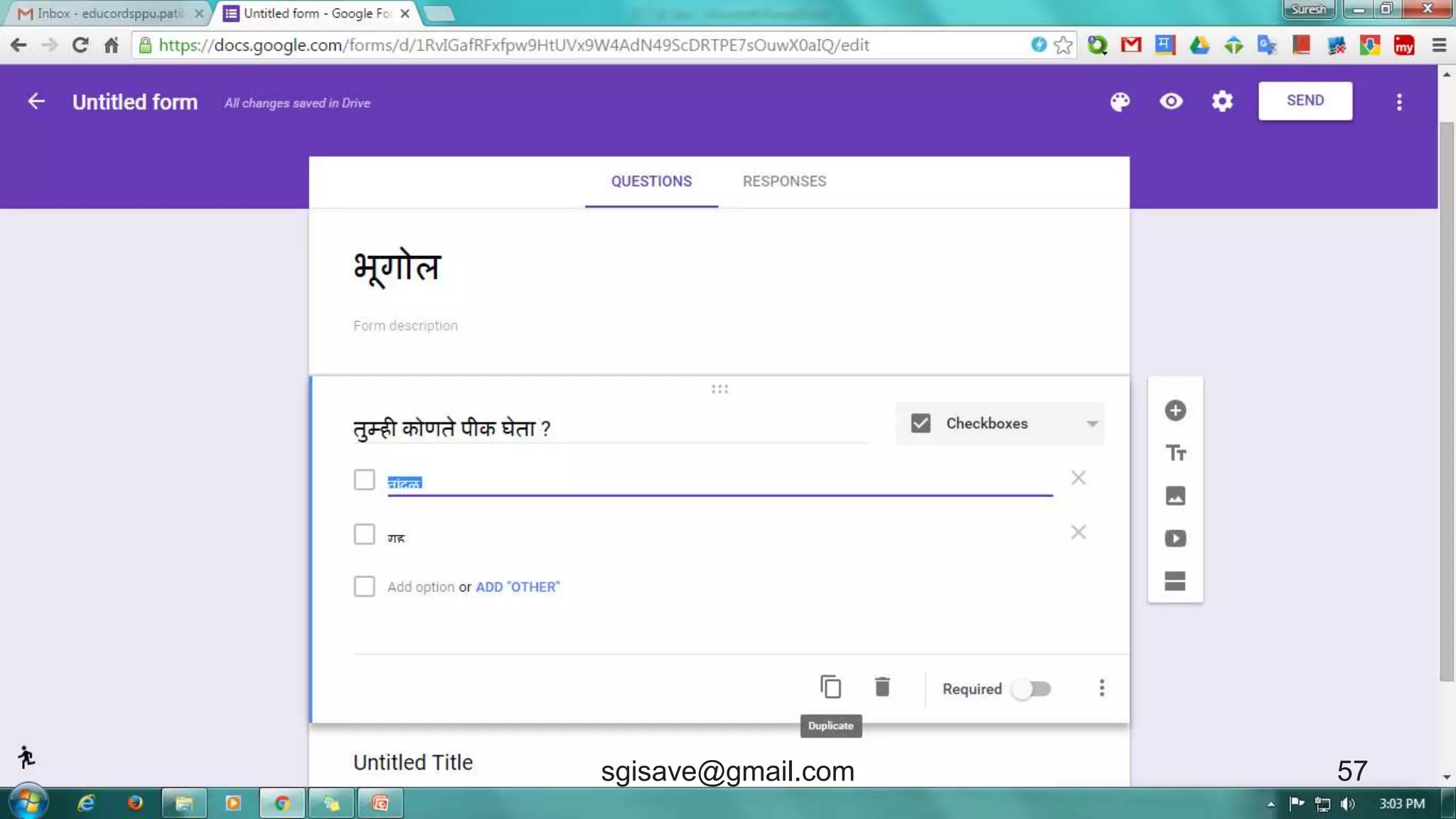
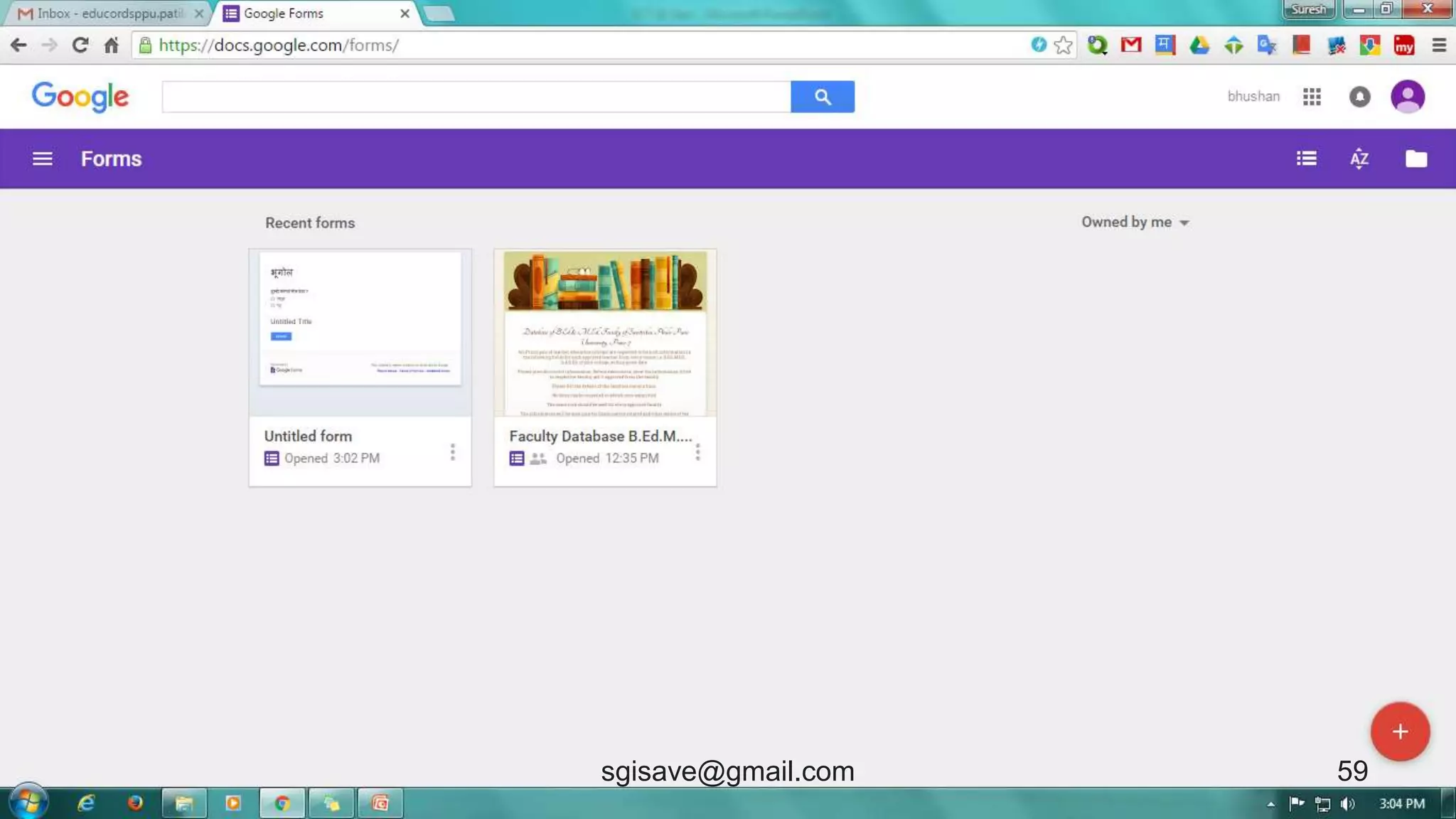
Google Forms
• It’s a free online facility by
Google.
• Researcher can prepare a
questionnaires and send it by
e-mail or social networking
sites.
• Analysis is done by Google. 52sgisave@gmail.com
53sgisave@gmail.com
54sgisave@gmail.com
55sgisave@gmail.com
56sgisave@gmail.com
57sgisave@gmail.com
58sgisave@gmail.com
59sgisave@gmail.com
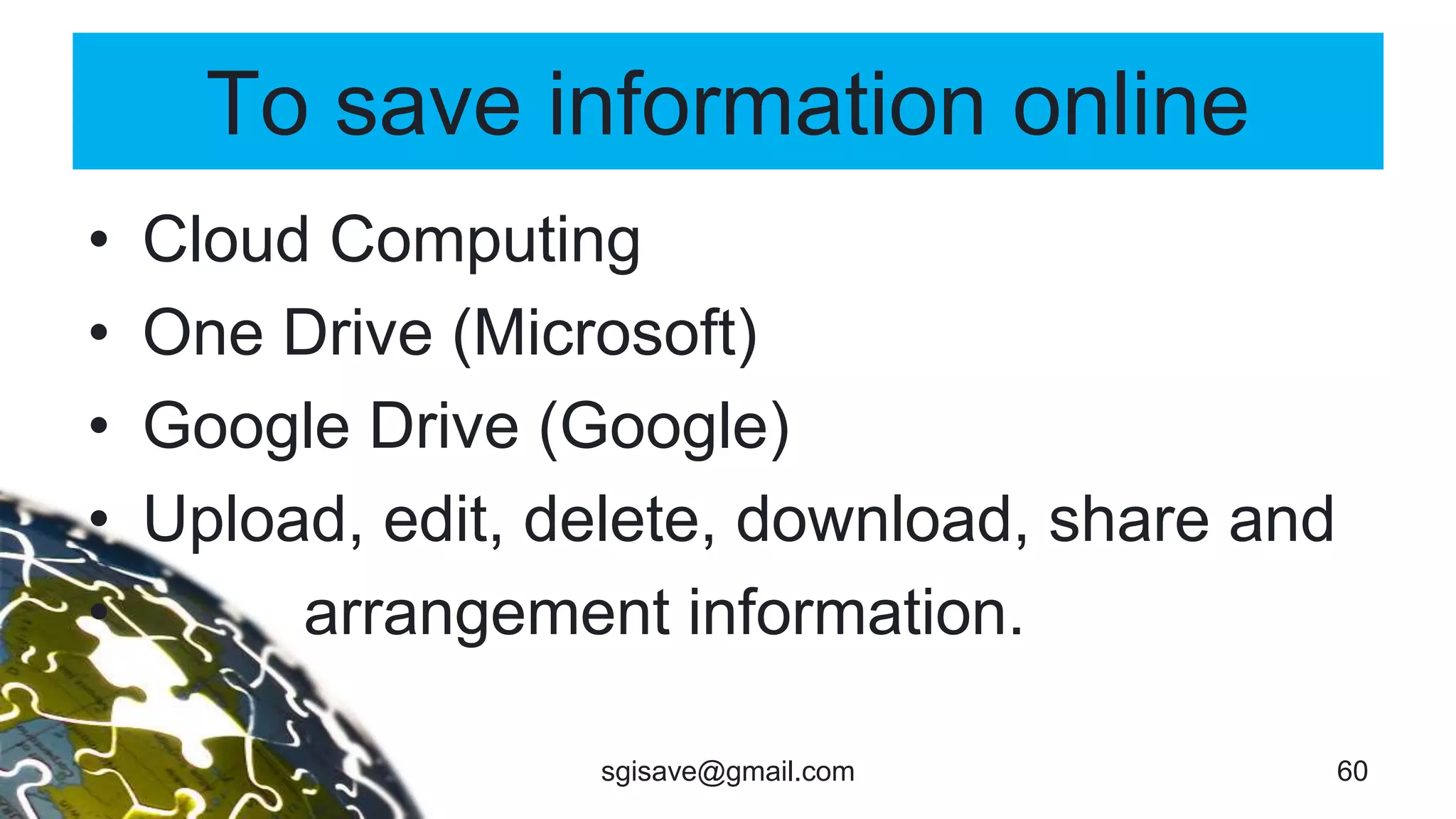
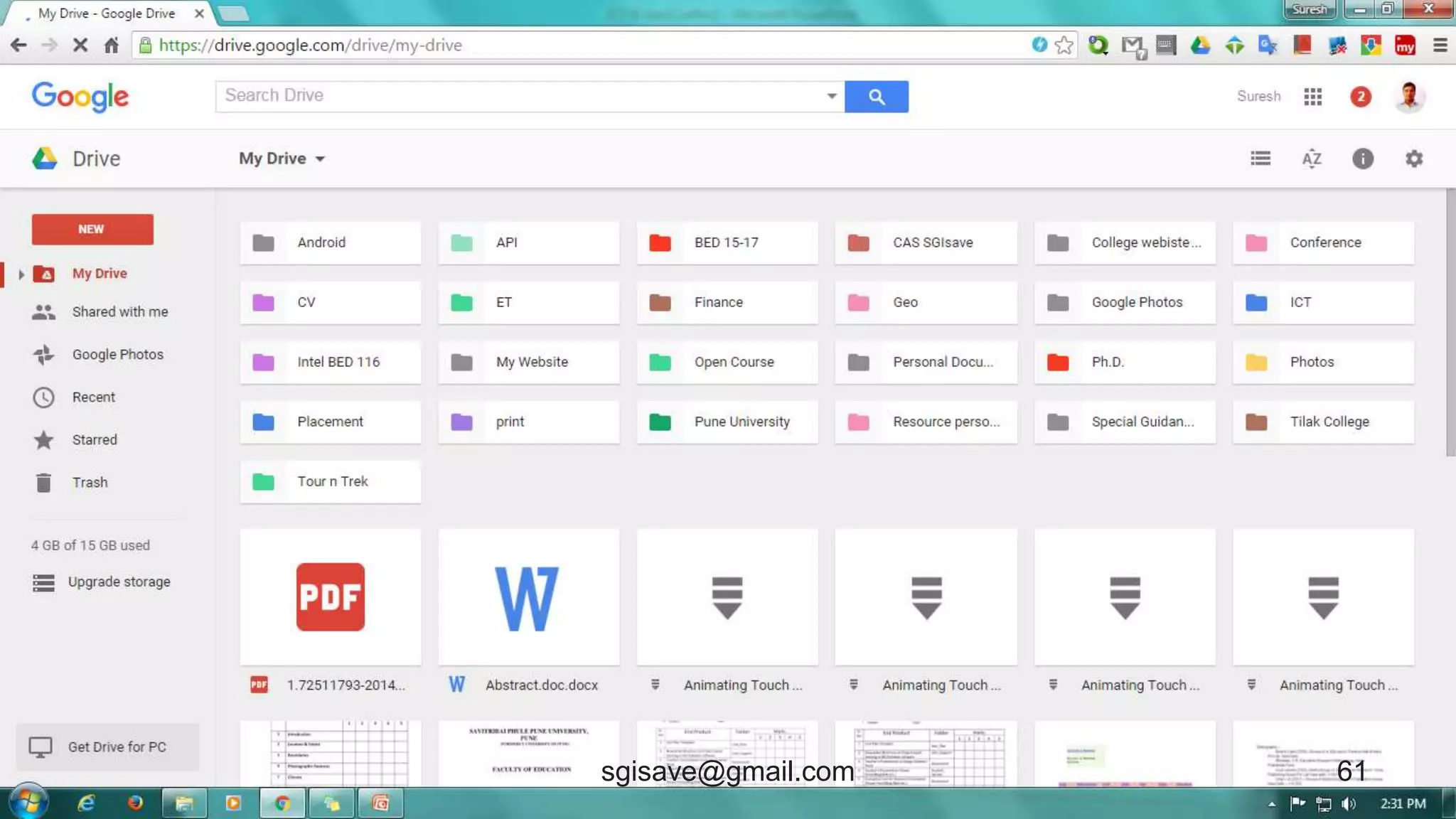
To save information online
• Cloud Computing
• One Drive (Microsoft)
• Google Drive (Google)
• Upload, edit, delete, download, share and
• arrangement information.
60sgisave@gmail.com
61sgisave@gmail.com
To Share information
• Blog
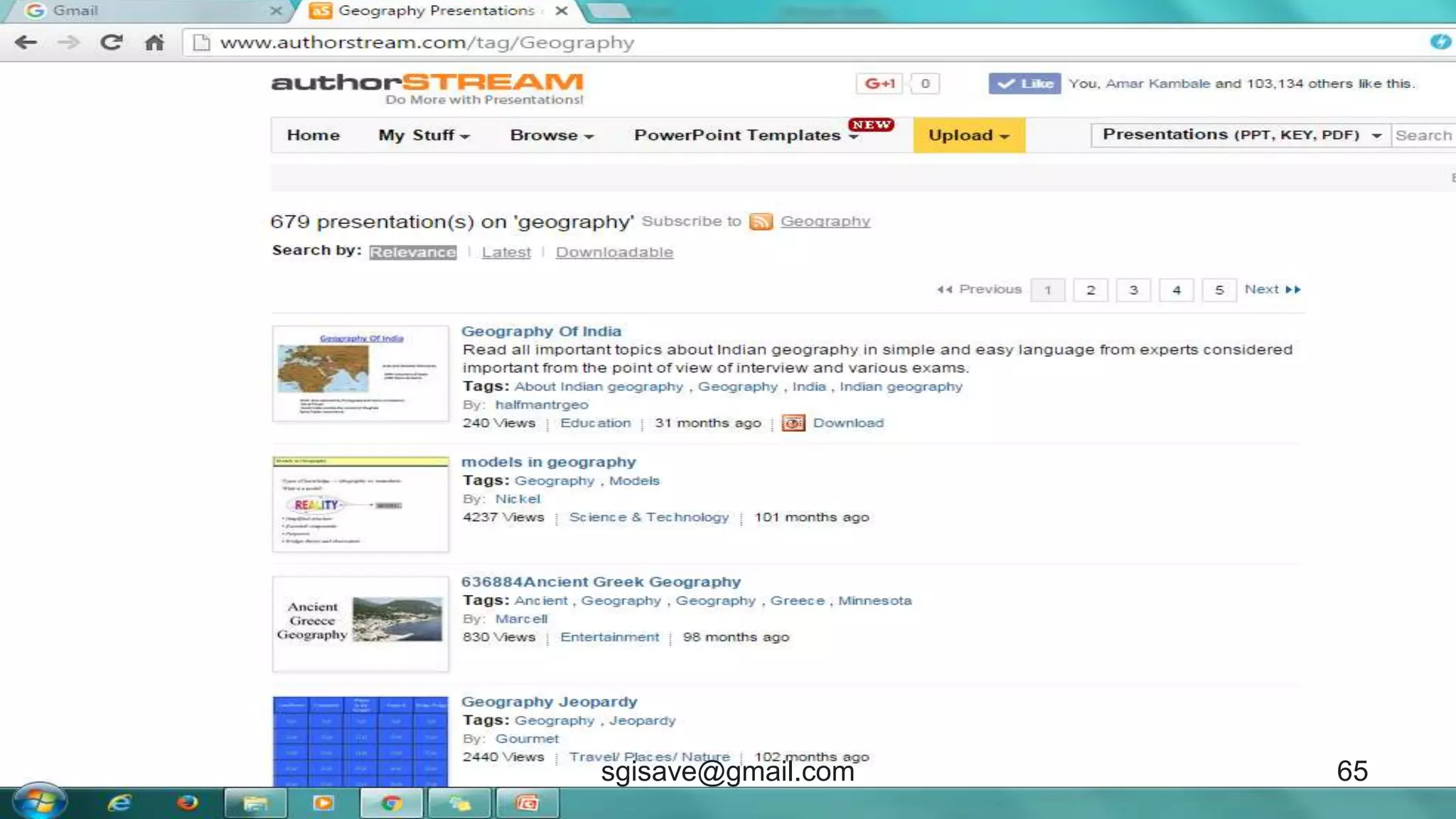
• Presentation Sharing
• Google Scholar Doc
• Online Journals
62sgisave@gmail.com
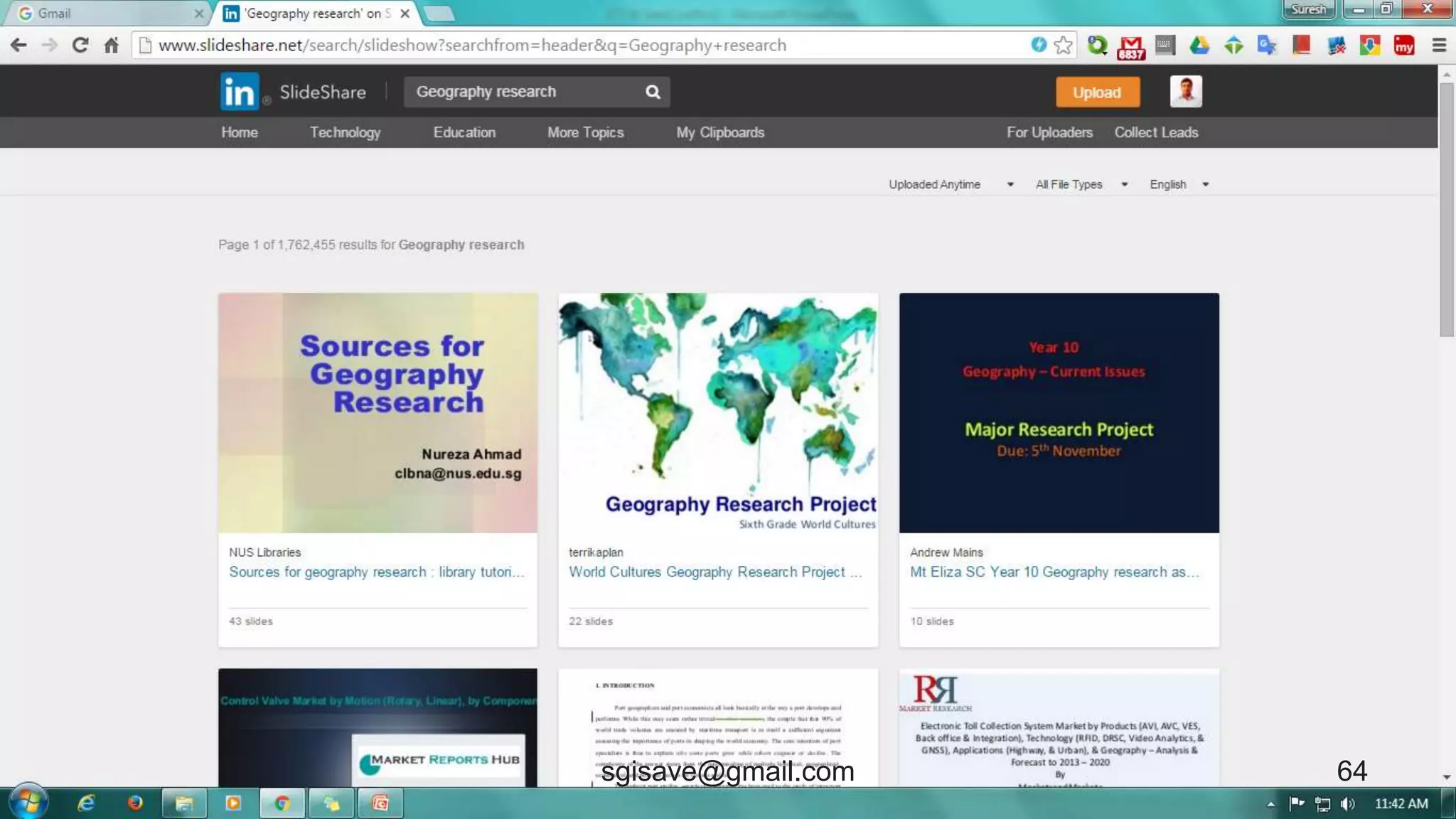
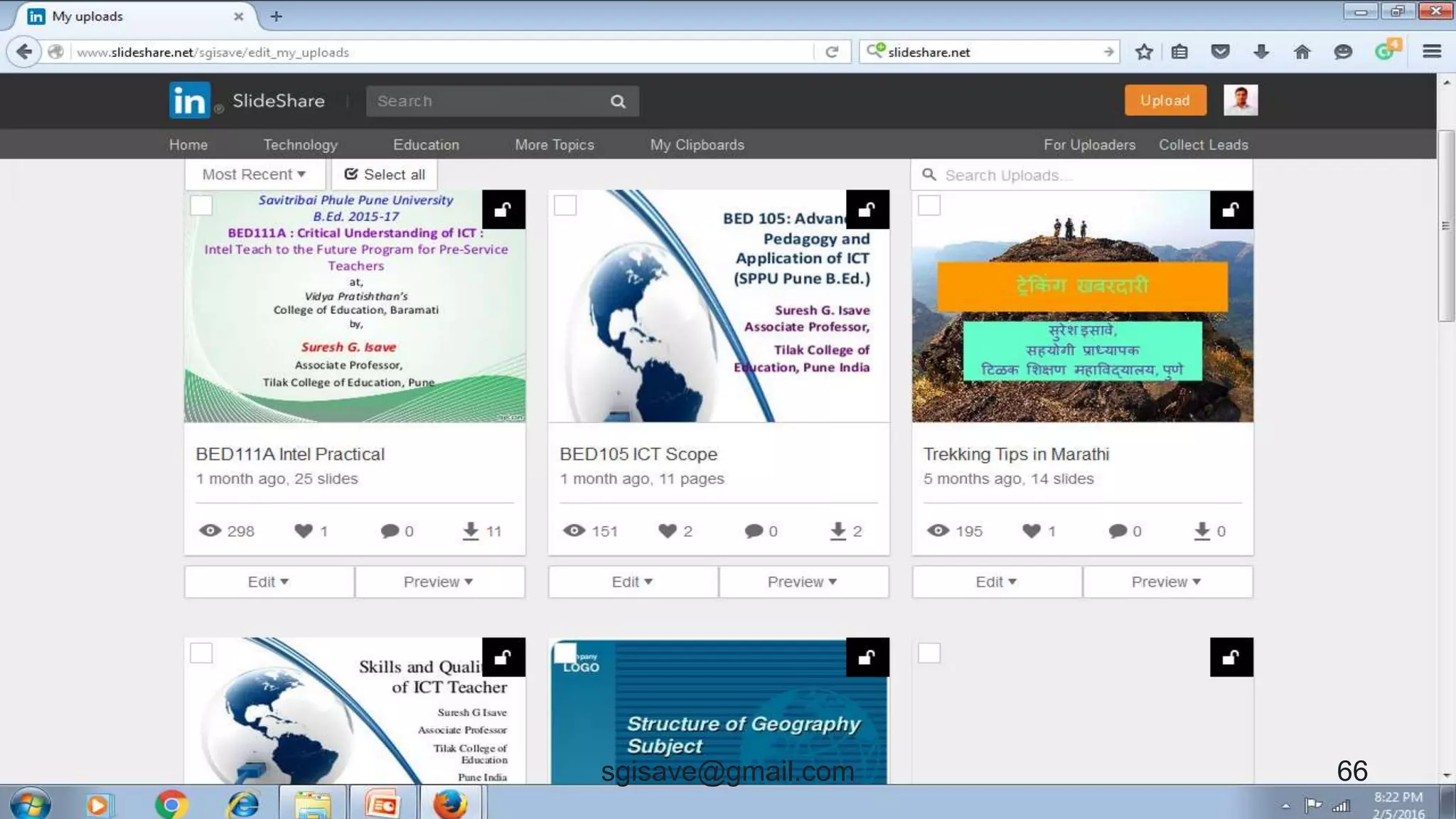
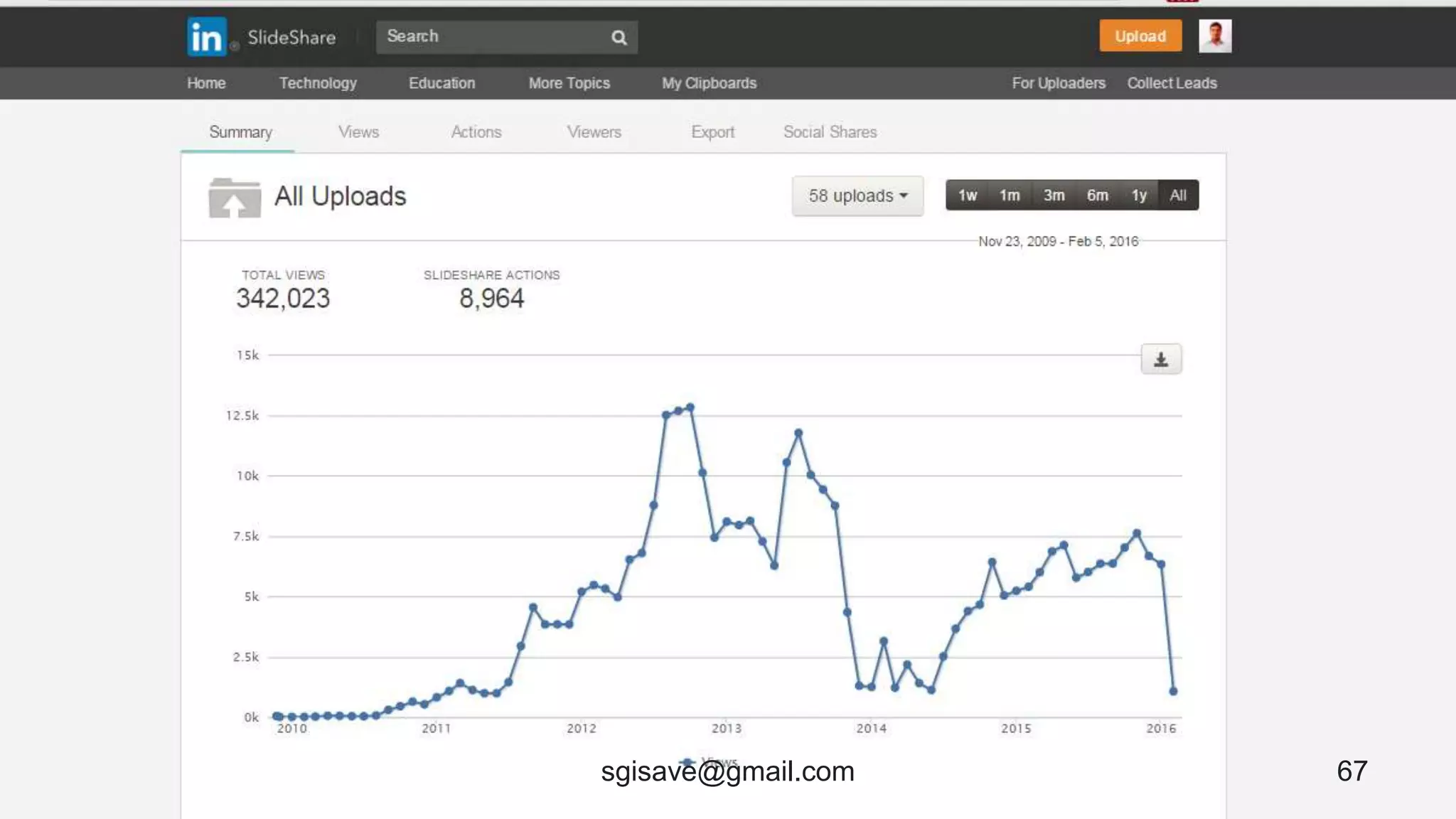
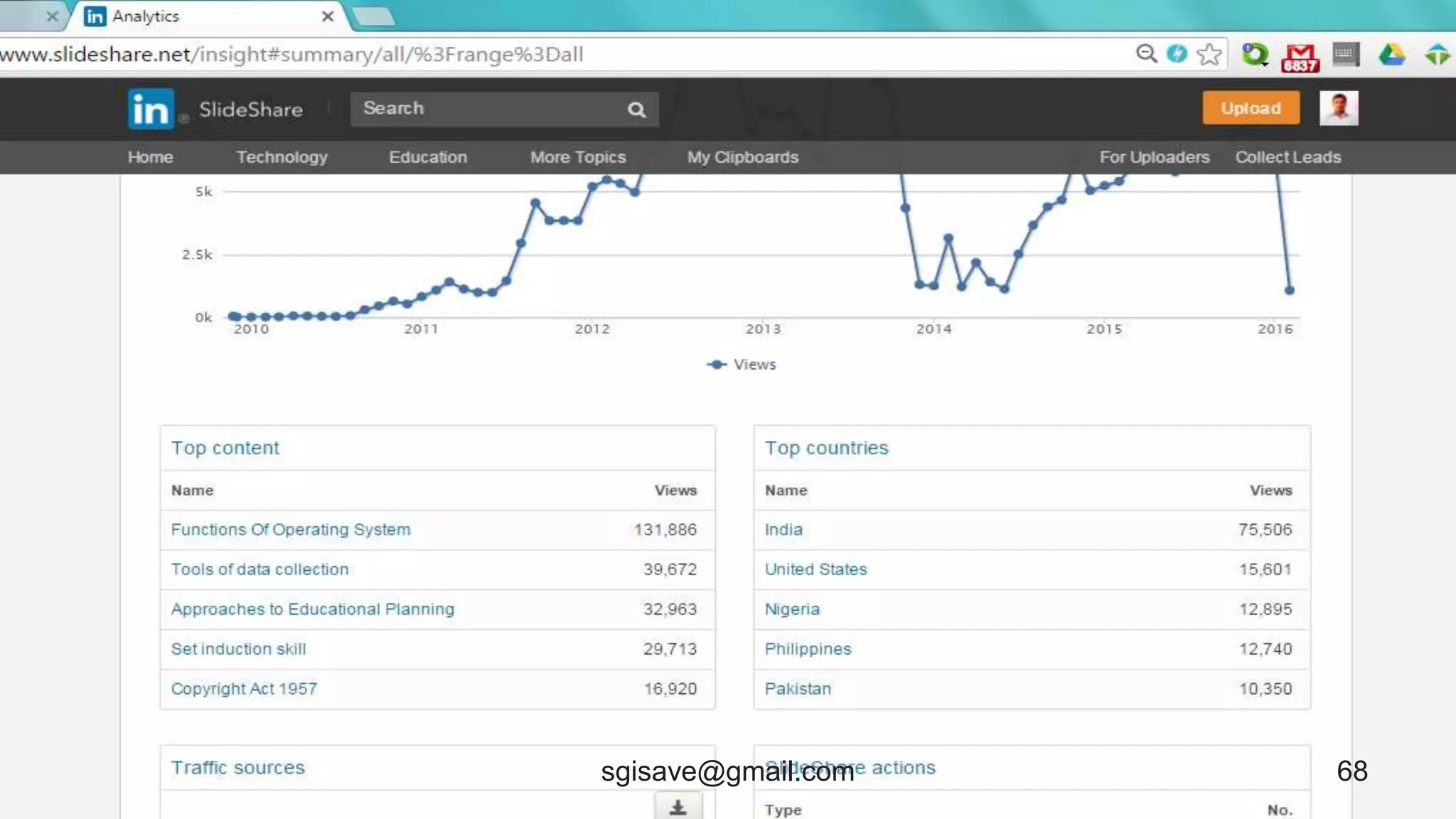
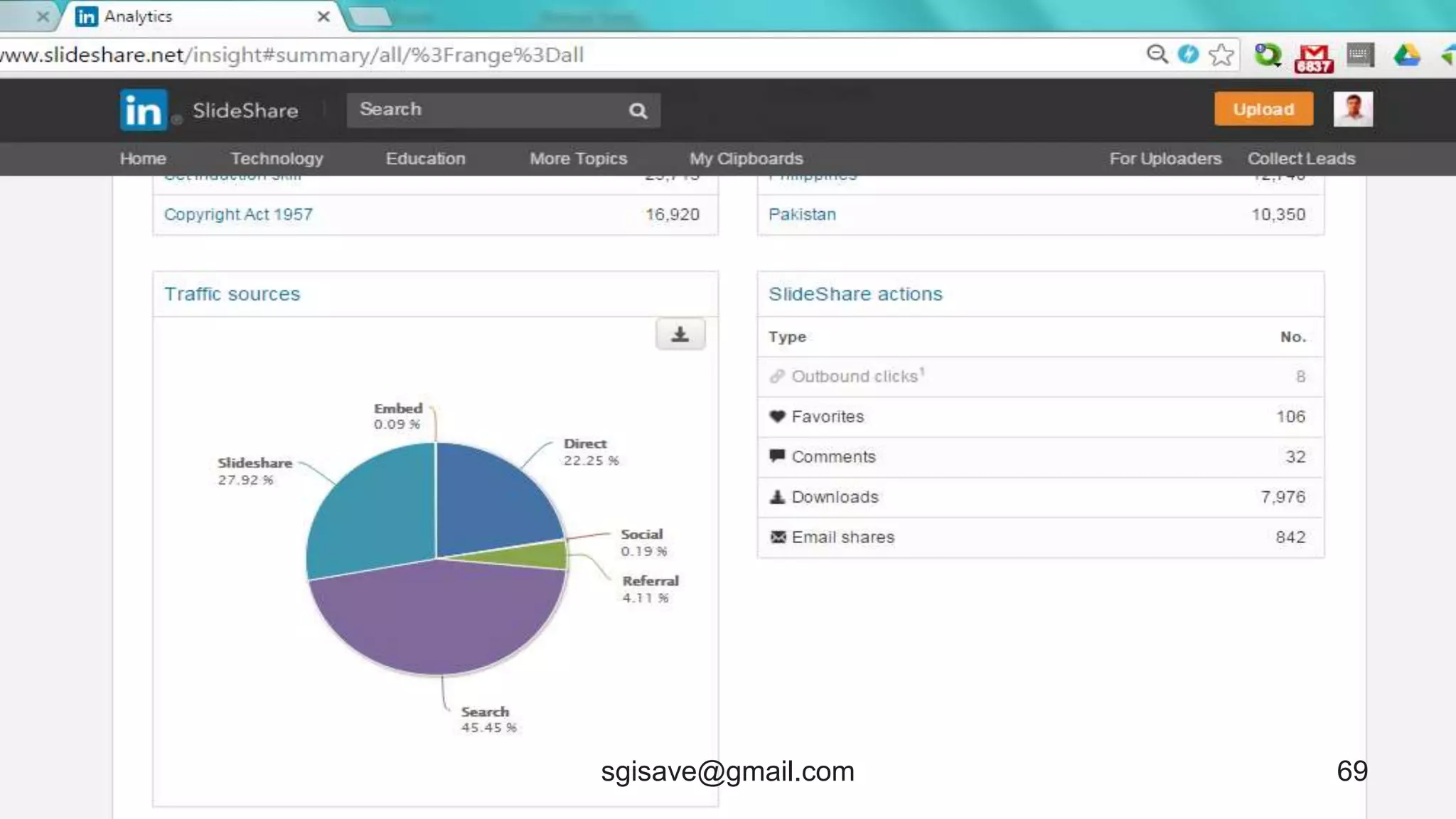
Slideshare
• www.slideshare.net/
• Slideshare is a collection of slide shows.
• User can upload, download and share
presentations.
63sgisave@gmail.com
64sgisave@gmail.com
65sgisave@gmail.com
66sgisave@gmail.com
67sgisave@gmail.com
68sgisave@gmail.com
69sgisave@gmail.com
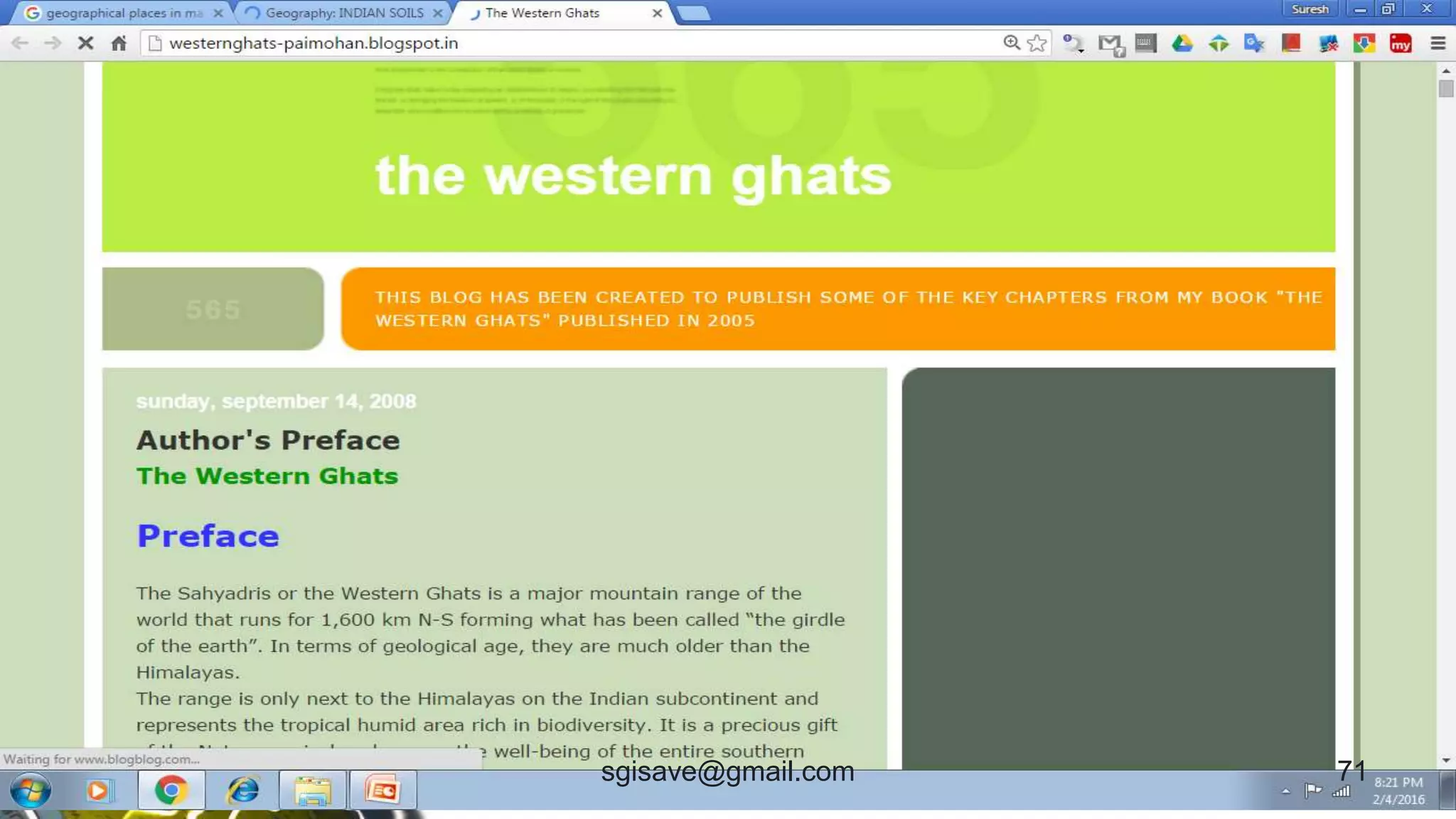
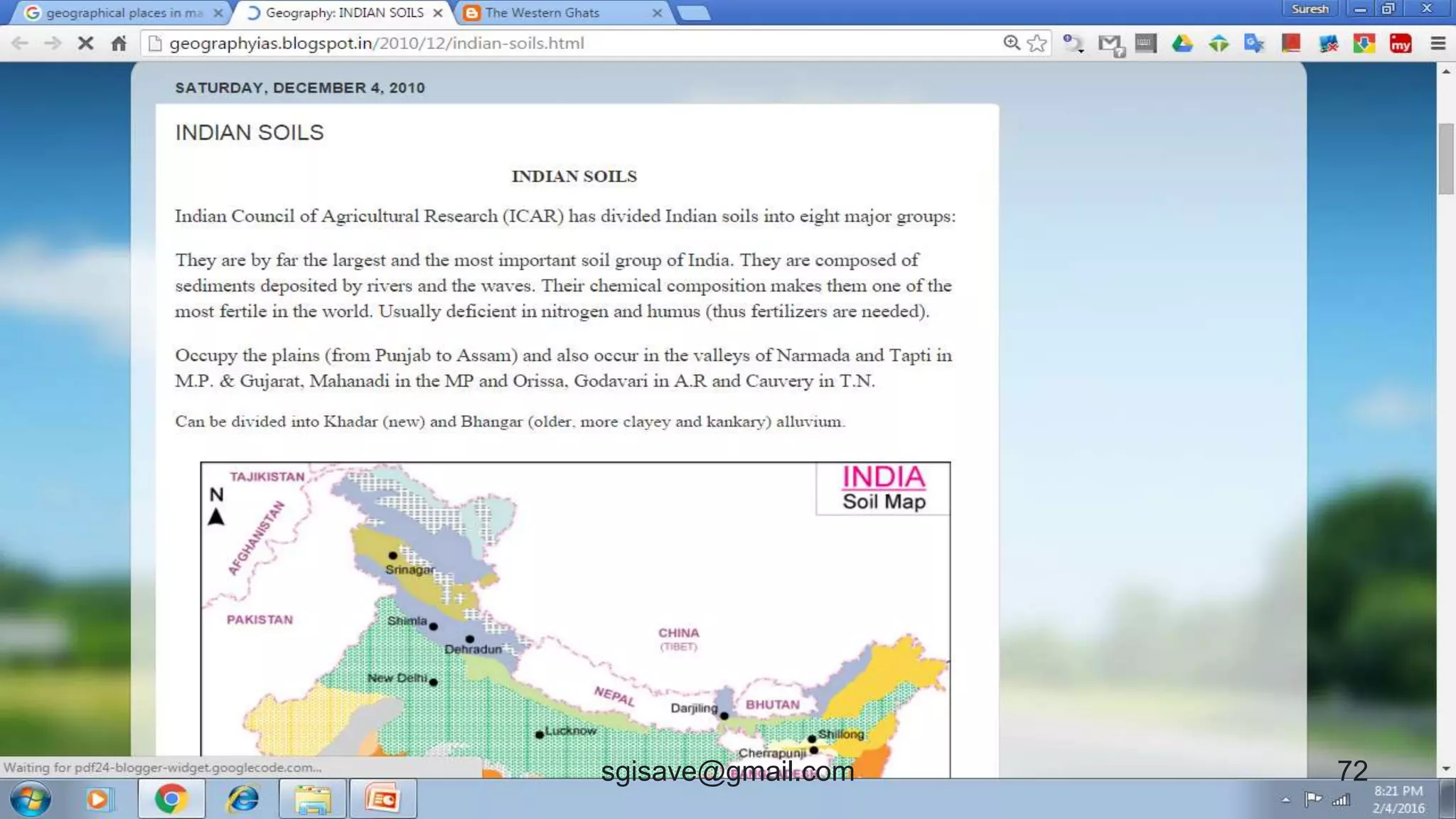
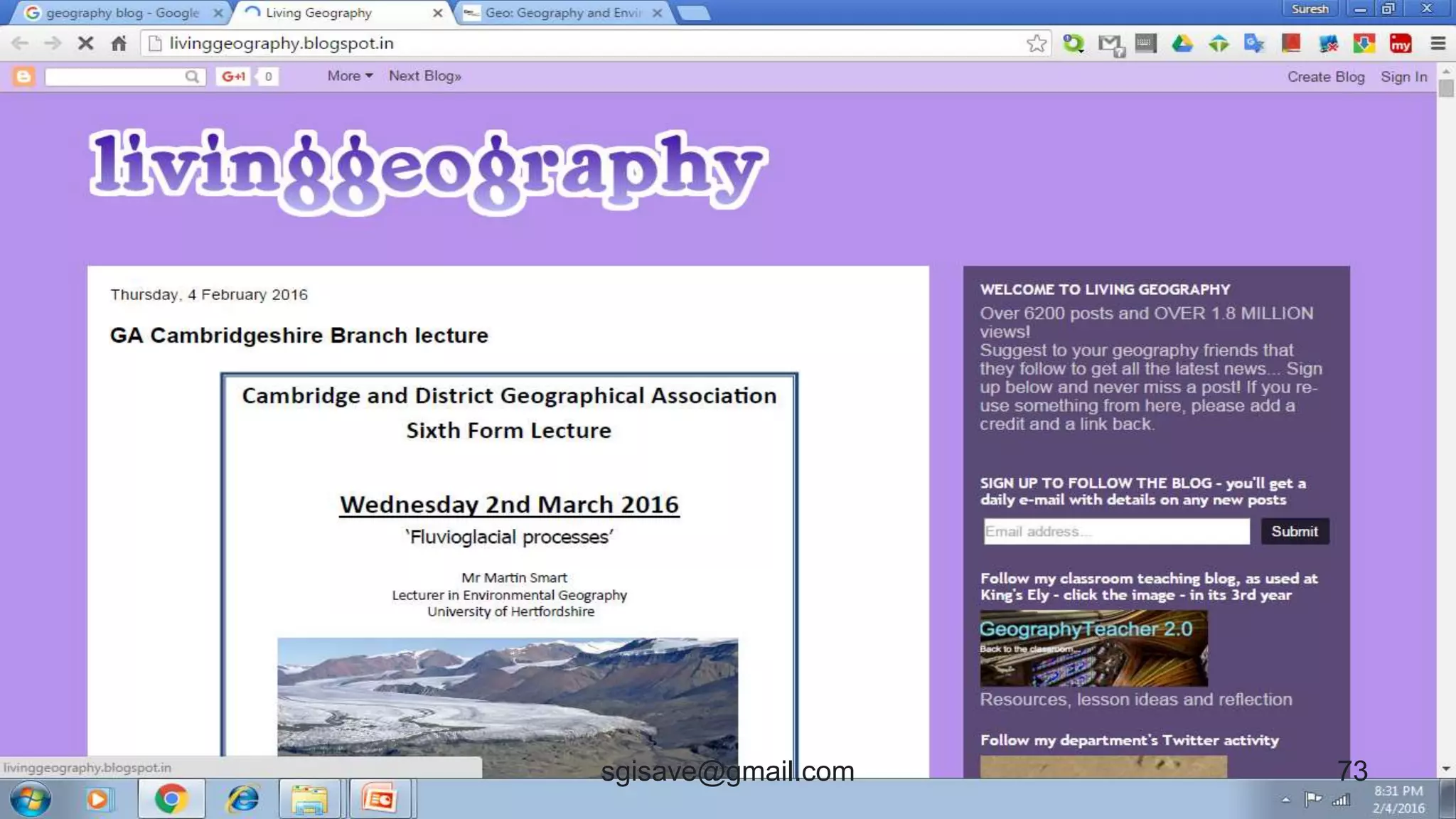
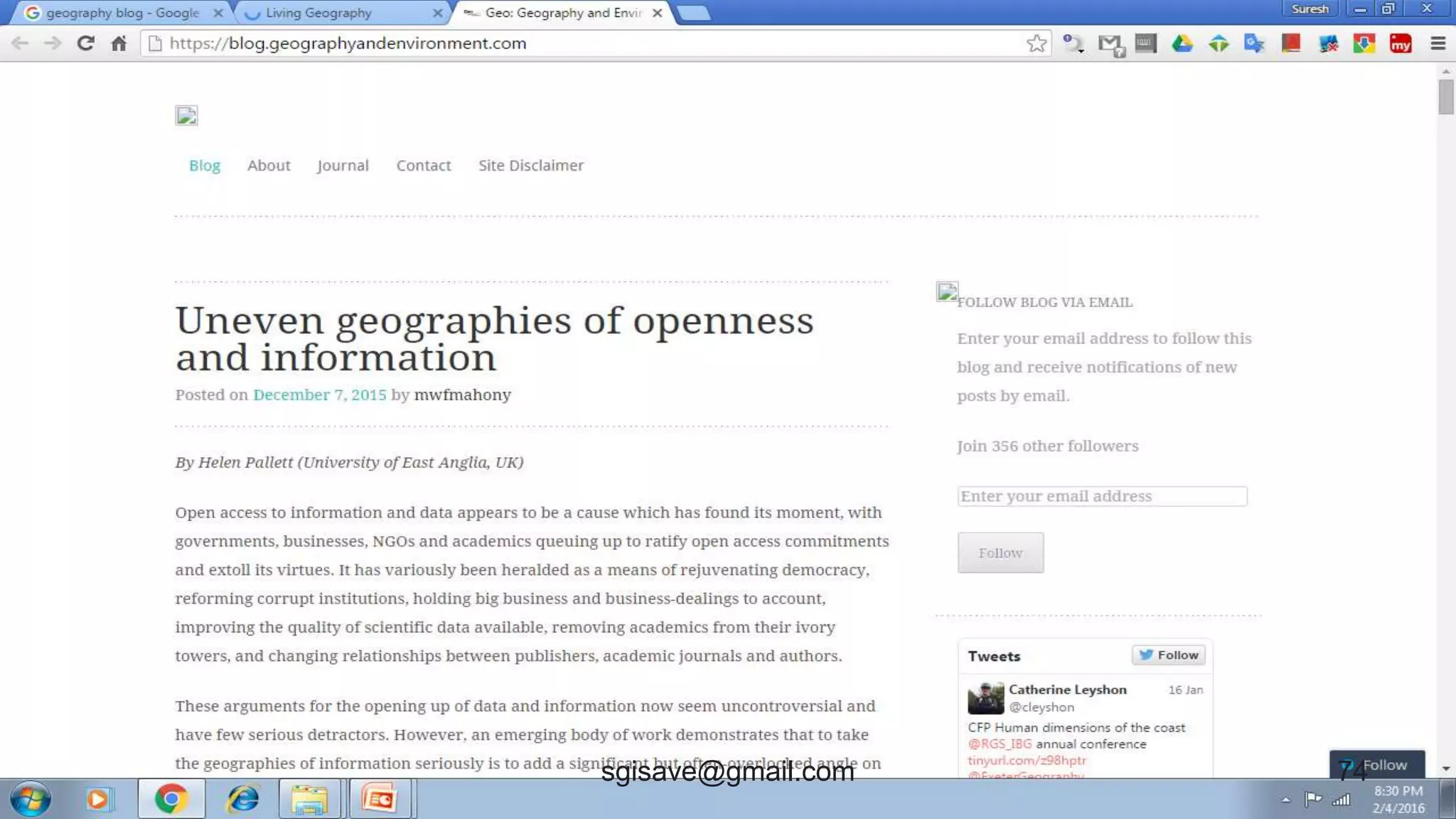
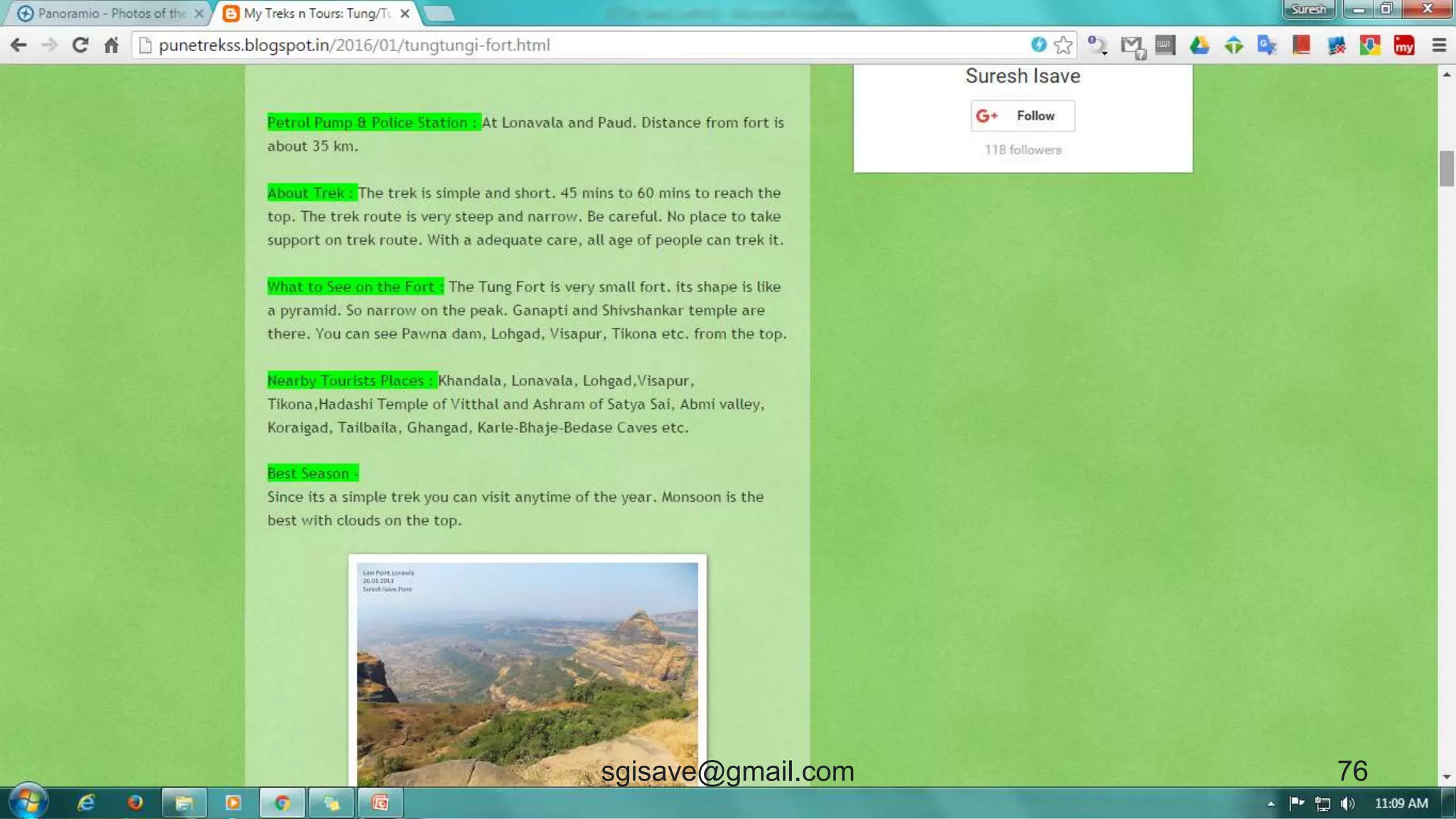
Blog
 It requires internet service.
 Web + log = Blog
 Like a personal web site.
 Online Publication tool.
 Sharing views/articles/images
with internet users.
70sgisave@gmail.com
71sgisave@gmail.com
72sgisave@gmail.com
73sgisave@gmail.com
74sgisave@gmail.com
75sgisave@gmail.com
76sgisave@gmail.com
Blog
• Blogs typically include
features such as comments
and links to increase user
interactivity.
• Blogs are created using
specific publishing
software.
sgisave@gmail.com 77
Why blog should be used ?
• There are limitations to publish an article or
paper in print media like newspapers,
journals and books.
• e.g.- many articles reached to print media,
so you need to wait for your turn for
publication.
• Quality, authenticity, utility, ideology etc. of
your material may be questioned.
sgisave@gmail.com 78
Why blog should be used ?
• Financial issues may be
headache in book publishing.
• Circulation and selling needs
rigorous efforts.
• Geographical limitations for print
publishing.
sgisave@gmail.com 79
Why blog should be used ?
• Blog is hassle free tool for
publication where you can
publish material without
anyone's permission.
• You can modify/remove your
article anytime.
• Your views will reach globally.
sgisave@gmail.com 80
Social Networking
81sgisave@gmail.com
Face book
• You can create Groups, Page,
Event, survey etc. related to
Geography study.
82sgisave@gmail.com
83sgisave@gmail.com
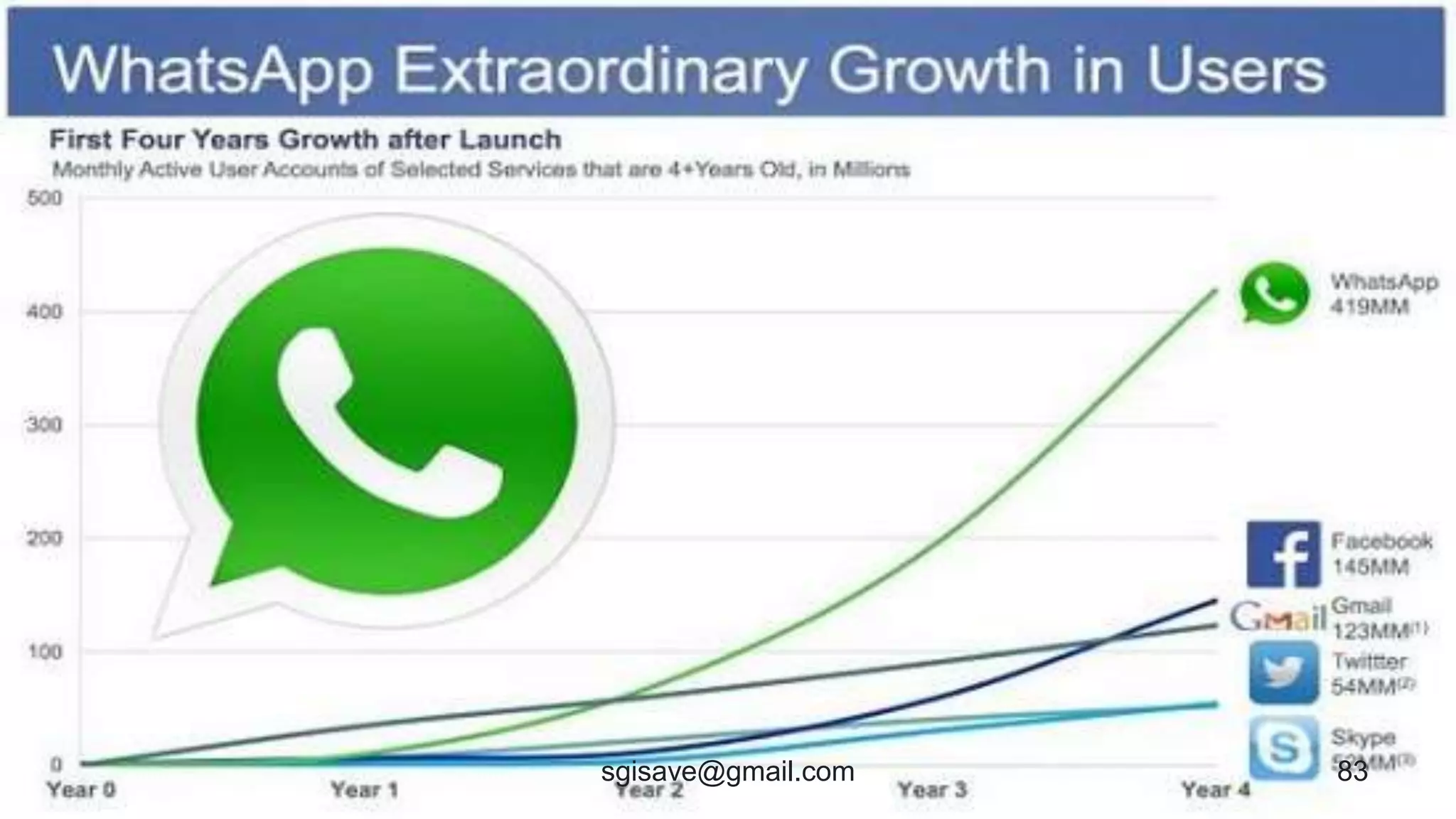
Whatspp
• Geography groups
• Share Geo events
• Prepare Geo Flyers
• Spread awareness about Geo
84sgisave@gmail.com
Conclusion
• ICT and Geography both are firmly
associated with daily life !
• ICT and Geography should be used
integrated way !
85sgisave@gmail.com
Thanks !
86sgisave@gmail.com

Use of ICT for Geography