RedHat Enterprise Linux Essential
     Unit 7: Text Processing Tools
Objectives
Upon completion of this unit, you should be able to:

 Use tools for extracting, analyzing and manipulating
  text data
Tools for Extracting Text

 File Contents: less and cat

 File Excerpts: head and tail

 Extract by Column: cut

 Extract by Keyword: grep
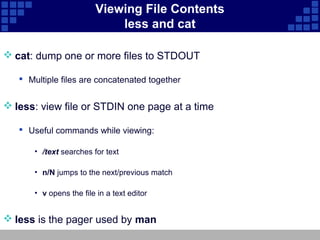
Viewing File Contents
                             less and cat

 cat: dump one or more files to STDOUT

    Multiple files are concatenated together


 less: view file or STDIN one page at a time

    Useful commands while viewing:

       • /text searches for text

       • n/N jumps to the next/previous match

       • v opens the file in a text editor


 less is the pager used by man
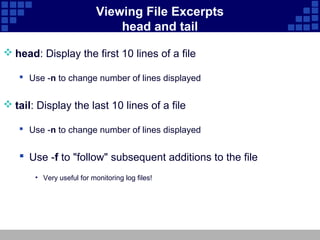
Viewing File Excerpts
                               head and tail

 head: Display the first 10 lines of a file

    Use -n to change number of lines displayed


 tail: Display the last 10 lines of a file

    Use -n to change number of lines displayed


    Use -f to "follow" subsequent additions to the file
       • Very useful for monitoring log files!
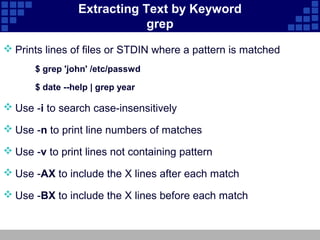
Extracting Text by Keyword
                             grep
 Prints lines of files or STDIN where a pattern is matched
       $ grep 'john' /etc/passwd

       $ date --help | grep year

 Use -i to search case-insensitively

 Use -n to print line numbers of matches

 Use -v to print lines not containing pattern

 Use -AX to include the X lines after each match

 Use -BX to include the X lines before each match
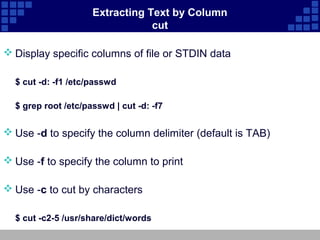
Extracting Text by Column
                                 cut

 Display specific columns of file or STDIN data

  $ cut -d: -f1 /etc/passwd

  $ grep root /etc/passwd | cut -d: -f7


 Use -d to specify the column delimiter (default is TAB)

 Use -f to specify the column to print

 Use -c to cut by characters

  $ cut -c2-5 /usr/share/dict/words
Tools for Analyzing Text

 Text Stats: wc

 Sorting Text: sort

 Comparing Files: diff and patch

 Spell Check: aspell
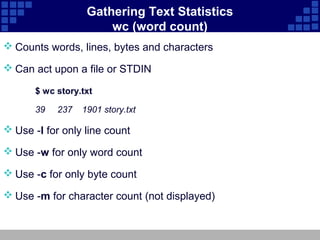
Gathering Text Statistics
                       wc (word count)
 Counts words, lines, bytes and characters

 Can act upon a file or STDIN

       $ wc story.txt

       39   237   1901 story.txt

 Use -l for only line count

 Use -w for only word count

 Use -c for only byte count

 Use -m for character count (not displayed)
Sorting Text sort

 Sorts text to STDOUT - original file unchanged

       $ sort [options] file(s)
 Common options
    -r performs a reverse (descending) sort

    -n performs a numeric sort

    -f ignores (folds) case of characters in strings

    -u (unique) removes duplicate lines in output

    -t c uses c as a field separator

    -k X sorts by c-delimited field X
       • Can be used multiple times
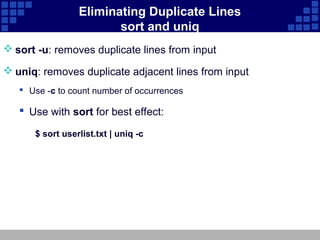
Eliminating Duplicate Lines
                        sort and uniq
 sort -u: removes duplicate lines from input

 uniq: removes duplicate adjacent lines from input
    Use -c to count number of occurrences

    Use with sort for best effect:

      $ sort userlist.txt | uniq -c
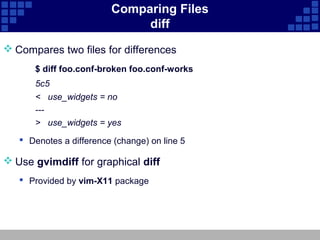
Comparing Files
                              diff
 Compares two files for differences
      $ diff foo.conf-broken foo.conf-works
      5c5
      < use_widgets = no
      ---
      > use_widgets = yes
    Denotes a difference (change) on line 5

 Use gvimdiff for graphical diff
    Provided by vim-X11 package
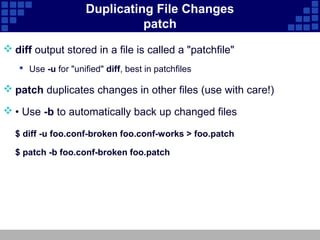
Duplicating File Changes
                               patch
 diff output stored in a file is called a "patchfile"
    Use -u for "unified" diff, best in patchfiles

 patch duplicates changes in other files (use with care!)

 • Use -b to automatically back up changed files

  $ diff -u foo.conf-broken foo.conf-works > foo.patch

  $ patch -b foo.conf-broken foo.patch
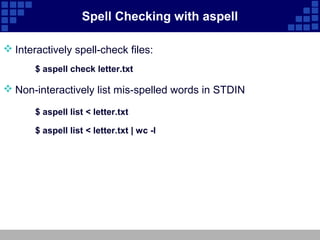
Spell Checking with aspell

 Interactively spell-check files:
       $ aspell check letter.txt

 Non-interactively list mis-spelled words in STDIN

       $ aspell list < letter.txt

       $ aspell list < letter.txt | wc -l
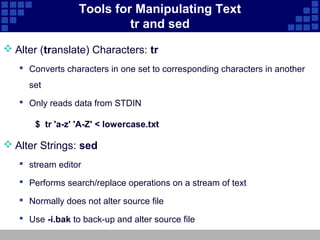
Tools for Manipulating Text
                           tr and sed
 Alter (translate) Characters: tr
    Converts characters in one set to corresponding characters in another
     set
    Only reads data from STDIN

       $ tr 'a-z' 'A-Z' < lowercase.txt

 Alter Strings: sed
    stream editor

    Performs search/replace operations on a stream of text

    Normally does not alter source file

    Use -i.bak to back-up and alter source file
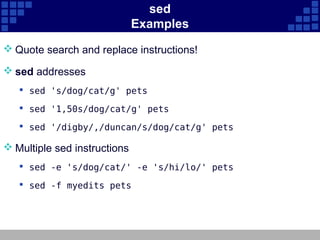
sed
                              Examples
 Quote search and replace instructions!

 sed addresses
    sed 's/dog/cat/g' pets

    sed '1,50s/dog/cat/g' pets

    sed '/digby/,/duncan/s/dog/cat/g' pets

 Multiple sed instructions
    sed -e 's/dog/cat/' -e 's/hi/lo/' pets

    sed -f myedits pets
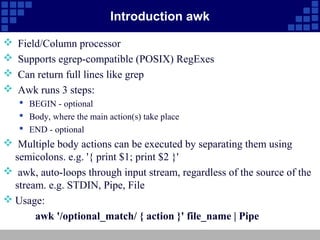
Introduction awk

   Field/Column processor
   Supports egrep-compatible (POSIX) RegExes
   Can return full lines like grep
   Awk runs 3 steps:
     BEGIN - optional
     Body, where the main action(s) take place
     END - optional
 Multiple body actions can be executed by separating them using
  semicolons. e.g. '{ print $1; print $2 }'
 awk, auto-loops through input stream, regardless of the source of the
  stream. e.g. STDIN, Pipe, File
 Usage:
       awk '/optional_match/ { action }' file_name | Pipe
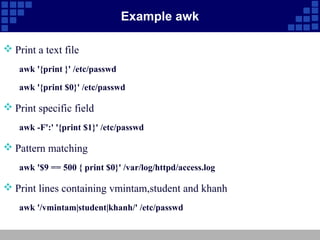
Example awk

 Print a text file
    awk '{print }' /etc/passwd

    awk '{print $0}' /etc/passwd

 Print specific field
    awk -F':' '{print $1}' /etc/passwd

 Pattern matching
    awk '$9 == 500 { print $0}' /var/log/httpd/access.log

 Print lines containing vmintam,student and khanh
    awk '/vmintam|student|khanh/' /etc/passwd
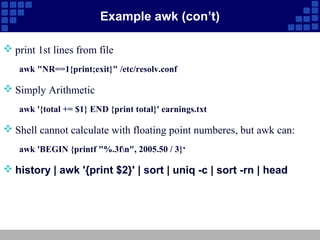
Example awk (con’t)

 print 1st lines from file
   awk "NR==1{print;exit}" /etc/resolv.conf

 Simply Arithmetic
   awk '{total += $1} END {print total}' earnings.txt

 Shell cannot calculate with floating point numberes, but awk can:
   awk 'BEGIN {printf "%.3fn", 2005.50 / 3}‘

 history | awk '{print $2}' | sort | uniq -c | sort -rn | head
Special Characters for Complex Searches
                 Regular Expressions
 ^ represents beginning of line

 $ represents end of line

 Character classes as in bash:
    [abc], [^abc]

    [[:upper:]], [^[:upper:]]

 Used by:
    grep, sed, less, others
Unit 8 text processing tools

Unit 8 text processing tools

  • 1.
    RedHat Enterprise LinuxEssential Unit 7: Text Processing Tools
  • 2.
    Objectives Upon completion ofthis unit, you should be able to:  Use tools for extracting, analyzing and manipulating text data
  • 3.
    Tools for ExtractingText  File Contents: less and cat  File Excerpts: head and tail  Extract by Column: cut  Extract by Keyword: grep
  • 4.
    Viewing File Contents less and cat  cat: dump one or more files to STDOUT  Multiple files are concatenated together  less: view file or STDIN one page at a time  Useful commands while viewing: • /text searches for text • n/N jumps to the next/previous match • v opens the file in a text editor  less is the pager used by man
  • 5.
    Viewing File Excerpts head and tail  head: Display the first 10 lines of a file  Use -n to change number of lines displayed  tail: Display the last 10 lines of a file  Use -n to change number of lines displayed  Use -f to "follow" subsequent additions to the file • Very useful for monitoring log files!
  • 6.
    Extracting Text byKeyword grep  Prints lines of files or STDIN where a pattern is matched $ grep 'john' /etc/passwd $ date --help | grep year  Use -i to search case-insensitively  Use -n to print line numbers of matches  Use -v to print lines not containing pattern  Use -AX to include the X lines after each match  Use -BX to include the X lines before each match
  • 7.
    Extracting Text byColumn cut  Display specific columns of file or STDIN data $ cut -d: -f1 /etc/passwd $ grep root /etc/passwd | cut -d: -f7  Use -d to specify the column delimiter (default is TAB)  Use -f to specify the column to print  Use -c to cut by characters $ cut -c2-5 /usr/share/dict/words
  • 8.
    Tools for AnalyzingText  Text Stats: wc  Sorting Text: sort  Comparing Files: diff and patch  Spell Check: aspell
  • 9.
    Gathering Text Statistics wc (word count)  Counts words, lines, bytes and characters  Can act upon a file or STDIN $ wc story.txt 39 237 1901 story.txt  Use -l for only line count  Use -w for only word count  Use -c for only byte count  Use -m for character count (not displayed)
  • 10.
    Sorting Text sort Sorts text to STDOUT - original file unchanged $ sort [options] file(s)  Common options  -r performs a reverse (descending) sort  -n performs a numeric sort  -f ignores (folds) case of characters in strings  -u (unique) removes duplicate lines in output  -t c uses c as a field separator  -k X sorts by c-delimited field X • Can be used multiple times
  • 11.
    Eliminating Duplicate Lines sort and uniq  sort -u: removes duplicate lines from input  uniq: removes duplicate adjacent lines from input  Use -c to count number of occurrences  Use with sort for best effect: $ sort userlist.txt | uniq -c
  • 12.
    Comparing Files diff  Compares two files for differences $ diff foo.conf-broken foo.conf-works 5c5 < use_widgets = no --- > use_widgets = yes  Denotes a difference (change) on line 5  Use gvimdiff for graphical diff  Provided by vim-X11 package
  • 13.
    Duplicating File Changes patch  diff output stored in a file is called a "patchfile"  Use -u for "unified" diff, best in patchfiles  patch duplicates changes in other files (use with care!)  • Use -b to automatically back up changed files $ diff -u foo.conf-broken foo.conf-works > foo.patch $ patch -b foo.conf-broken foo.patch
  • 14.
    Spell Checking withaspell  Interactively spell-check files: $ aspell check letter.txt  Non-interactively list mis-spelled words in STDIN $ aspell list < letter.txt $ aspell list < letter.txt | wc -l
  • 15.
    Tools for ManipulatingText tr and sed  Alter (translate) Characters: tr  Converts characters in one set to corresponding characters in another set  Only reads data from STDIN $ tr 'a-z' 'A-Z' < lowercase.txt  Alter Strings: sed  stream editor  Performs search/replace operations on a stream of text  Normally does not alter source file  Use -i.bak to back-up and alter source file
  • 16.
    sed Examples  Quote search and replace instructions!  sed addresses  sed 's/dog/cat/g' pets  sed '1,50s/dog/cat/g' pets  sed '/digby/,/duncan/s/dog/cat/g' pets  Multiple sed instructions  sed -e 's/dog/cat/' -e 's/hi/lo/' pets  sed -f myedits pets
  • 17.
    Introduction awk  Field/Column processor  Supports egrep-compatible (POSIX) RegExes  Can return full lines like grep  Awk runs 3 steps:  BEGIN - optional  Body, where the main action(s) take place  END - optional  Multiple body actions can be executed by separating them using semicolons. e.g. '{ print $1; print $2 }'  awk, auto-loops through input stream, regardless of the source of the stream. e.g. STDIN, Pipe, File  Usage: awk '/optional_match/ { action }' file_name | Pipe
  • 18.
    Example awk  Printa text file awk '{print }' /etc/passwd awk '{print $0}' /etc/passwd  Print specific field awk -F':' '{print $1}' /etc/passwd  Pattern matching awk '$9 == 500 { print $0}' /var/log/httpd/access.log  Print lines containing vmintam,student and khanh awk '/vmintam|student|khanh/' /etc/passwd
  • 19.
    Example awk (con’t) print 1st lines from file awk "NR==1{print;exit}" /etc/resolv.conf  Simply Arithmetic awk '{total += $1} END {print total}' earnings.txt  Shell cannot calculate with floating point numberes, but awk can: awk 'BEGIN {printf "%.3fn", 2005.50 / 3}‘  history | awk '{print $2}' | sort | uniq -c | sort -rn | head
  • 20.
    Special Characters forComplex Searches Regular Expressions  ^ represents beginning of line  $ represents end of line  Character classes as in bash:  [abc], [^abc]  [[:upper:]], [^[:upper:]]  Used by:  grep, sed, less, others