The document summarizes the key features and procedures for handling mail in an office mail room. It discusses the types of mail as incoming, outgoing, and internal. It outlines the standard equipment used like date stamps and staplers. It also covers the advantages of electronic communications like email and fax machines over traditional mail, as well as some potential disadvantages. Procedures are provided for processing incoming and outgoing mail, email, and faxes.
Introduction to the concept of a Mail Handling Unit and its significance.
Discusses the features of a mail room, types of mail, and essential equipment like date stamps, letter openers, and staplers.
Introduction to upgraded equipment in Caledonian Health & Fitness mail room, including franking machines and voicemail systems for efficient mail processing.
Educational activities and assessment tasks aimed at understanding mail handling processes and technology applications.
Details procedures for incoming, outgoing, and internal mail management, emphasizing sorting, categorizing, and urgent mail handling.
Educational activities and assessment tasks aimed at understanding mail handling processes and technology applications.
Explains technology advancements in communication, highlighting email and fax's role in modern offices, along with their advantages and disadvantages.
Educational activities and assessment tasks aimed at understanding mail handling processes and technology applications.
Learning Outcomes Featuresof a Mail room Caledonian Health & Fitness Mail room Equipment Types of Mail Incoming Mail Outgoing Mail Internal Mail Electronic Communications E-Mail Fax Advantages and Disadvantages of electronic Communications
3.
Features of aMail Room The Mail room is essential in every modern office as it is responsible for ensuring that information is processed as quickly and efficiently as possible The equipment that is now available to organisations is more advanced and as a result mail rooms are a lot more efficient
4.
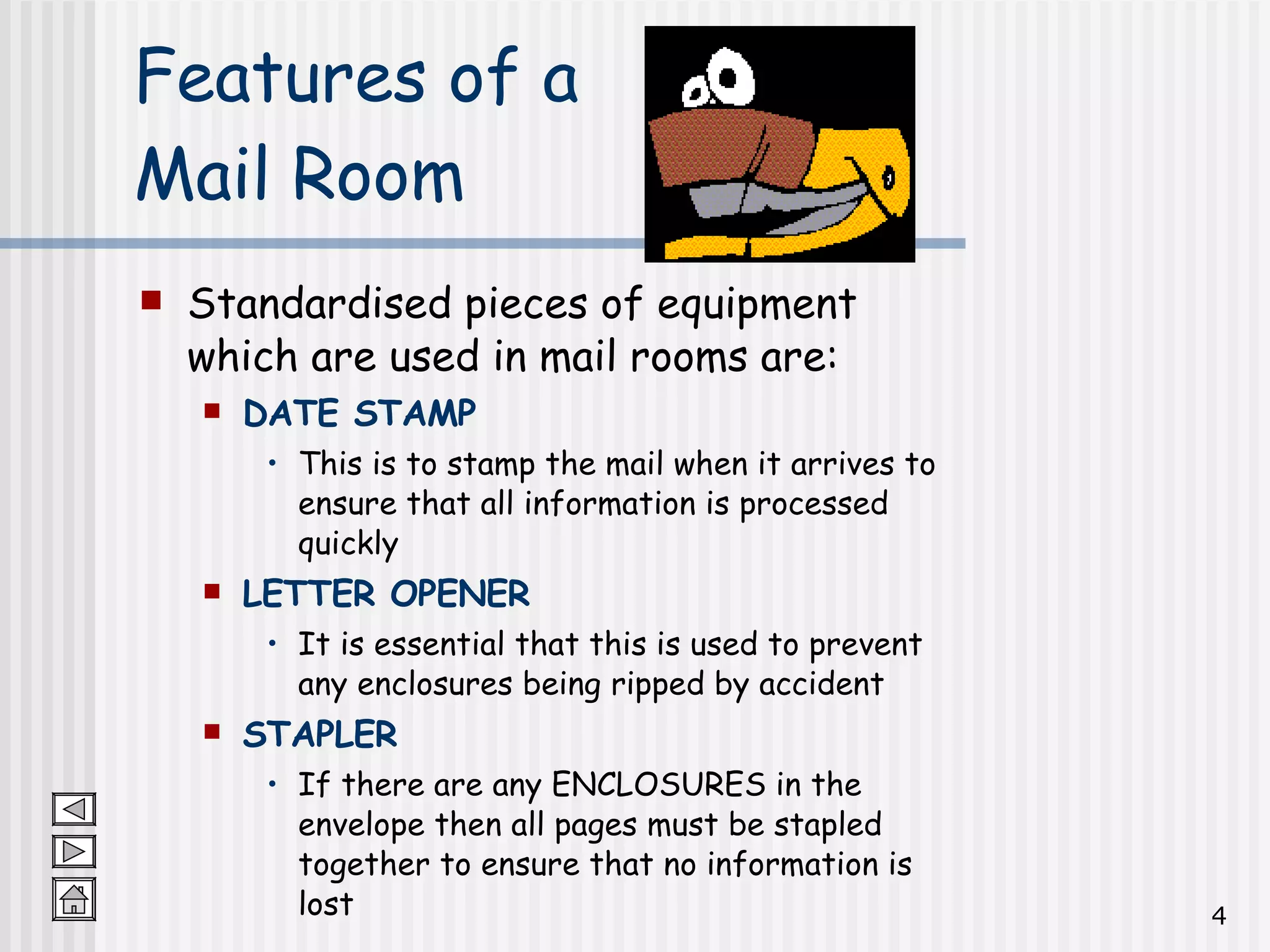
Features of a Mail Room Standardised pieces of equipment which are used in mail rooms are: DATE STAMP This is to stamp the mail when it arrives to ensure that all information is processed quickly LETTER OPENER It is essential that this is used to prevent any enclosures being ripped by accident STAPLER If there are any ENCLOSURES in the envelope then all pages must be stapled together to ensure that no information is lost
5.
Caledonian Health &Fitness Mr Nichols introduces Mr Burns to the newly refurbished mail room and describes to him why the NEW equipment is more effective than the old equipment
6.
Mail Room EquipmentMr Nichols has recently bought the following equipment: FRANKING MACHINE This is used to date and stamp the mail The company’s log can also be affixed to the package which means that the receiver is able to easily identify who it is from This is a more suitable method when dealing with large amounts of mail as beforehand the Mail Room Assistant would have to lick and apply stamps individually
7.
Mail Room EquipmentVoicemail Messages are able to be left out with normal office hours Staff can be trained to record messages and deliver them to the appropriate employee This is more suitable than relying on a written message as they can be easily lost and can only be delivered when there are employees present Fax and E-mail BOTH METHODS ARE DISCUSSED IN GREATER DETAIL LATER ON IN THE PRESENTATION
8.
Group Activity Askpermission from your teacher first!!! In what ways are mail delivered to your school? How is the mail sorted? Whose responsibility is it to deliver the mail? How is mail sent out with your school? Create a report using Microsoft Word on how effective the Mail room is in your school and identify ways in which you would improve the current methods used
9.
Activities Complete thefollowing tasks in your Activities booklet: Question 1: Mail room equipment Question 2: Fax Machine Question 3: New Mail room – Cellular Office?
10.
At Caledonian Health& Fitness information is communicated in a variety of ways. There are 3 main ways in which mail is processed: INCOMING Mail This mail is RECEIVED by the organisation OUTGOING Mail This mail is SENT OUTWITH the organisation INTERNAL Mail This mail is SENT WITHIN the organisation Types of Mail
11.
Mr Millar hasset up the following procedure to deal with INCOMING mail: Open the mail carefully – there may be ENCLOSURES inside eg cheques; certificates etc Record any REMITTANCES in the REMITTANCES BOOK – this is where money has been sent into the organisation Check and sort mail into DEPARTMENTS and DATE STAMP all mail Give a CODE to each piece of mail – this helps the mail to be delivered to the correct department quickly Place in Department/Employee’s pigeon hole in the mail room Deliver to correct Department/Employee INCOMING Mail
12.
Mr Millar hasset up the following procedure to deal with OUTGOING mail: COLLECT mail from all Departments SORT mail into the correct categories eg First Class; Second Class; Recorded Delivery WEIGH the mail Affix the correct STAMP to the mail or use the FRANKING MACHINE Deliver the mail to the POST OFFICE OUTGOING Mail
13.
Mr Millar isresponsible for ensuring that all internal mail between the 5 functional areas is processed efficiently. He has set up the following procedure to deal with INTERNAL mail: Collect mail from employees’ OUT trays URGENT MAIL should be delivered immediately Make sure that the mail is labelled correctly ie that it says who it is FROM and who it is GOING TO Make sure that PRIVATE / PERSONAL / CONFIDENTIAL mail is sealed in an envelope If the mail is going to MORE THAN 1 person photocopy the document and attach a CIRCULATION SLIP INTERNAL Mail
14.
Activities Complete thefollowing tasks in your Activities booklet: Question 4: Main types of mail Question 5: Incoming mail Question 6: Create procedure for Outgoing mail Question 7: Internal mail
15.
Technology is constantlychanging and improving. The increase in technology has led to a significant improvement in communications in modern offices. The electronic forms of communications which have revolutionised the way in which people work are the following: E-Mail Fax machine ELECTRONIC COMMUNICATION
16.
E-MAIL is avery popular method of sending mail both internally and externally. In fact ALL businesses today feel that without e-mail they would be at a huge disadvantage as it is a very fast and efficient method of communicating. INTERNAL E-MAIL The organisation’s own computer network is known as an INTRANET. Messages are sent from from one computer to another using e-mail software and the Intranet EXTERNAL E-MAIL Messages are sent from one computer to another using e-mail software and the INTERNET The Internet is a global network – it means you can communicate with anyone in the whole world! E- Mail
17.
Mr Millar mustinform all employees to carry out the following procedure: Check mail box ( INBOX ) at regular intervals Deal with URGENT mail straight away – urgent e-mail is indicated by having a red exclamation mark next to it If the e-mail is to be read by more than one person make sure that all names are copied on to the address A DISTRIBUTION LIST can be created if you contact the same group of people on a regular basis. For example your teacher could create a distribution list for your class and e-mail tasks or homework to you all! What Procedure will Mr Millar use for INCOMING E-Mail?
18.
Mr Millar mustinform all employees to carry out the following procedure: Check that the correct address is entered into the e-mail message Make sure that all attachments have been added (if appropriate) Identify the nature of the message ie if it is urgent affix the red flag so that the recipient knows to deal with the message immediately If you are using a distribution list make sure that ALL members are added to ensure no-one is left out What Procedure will Mr Millar use for OUTGOING E-Mail?
19.
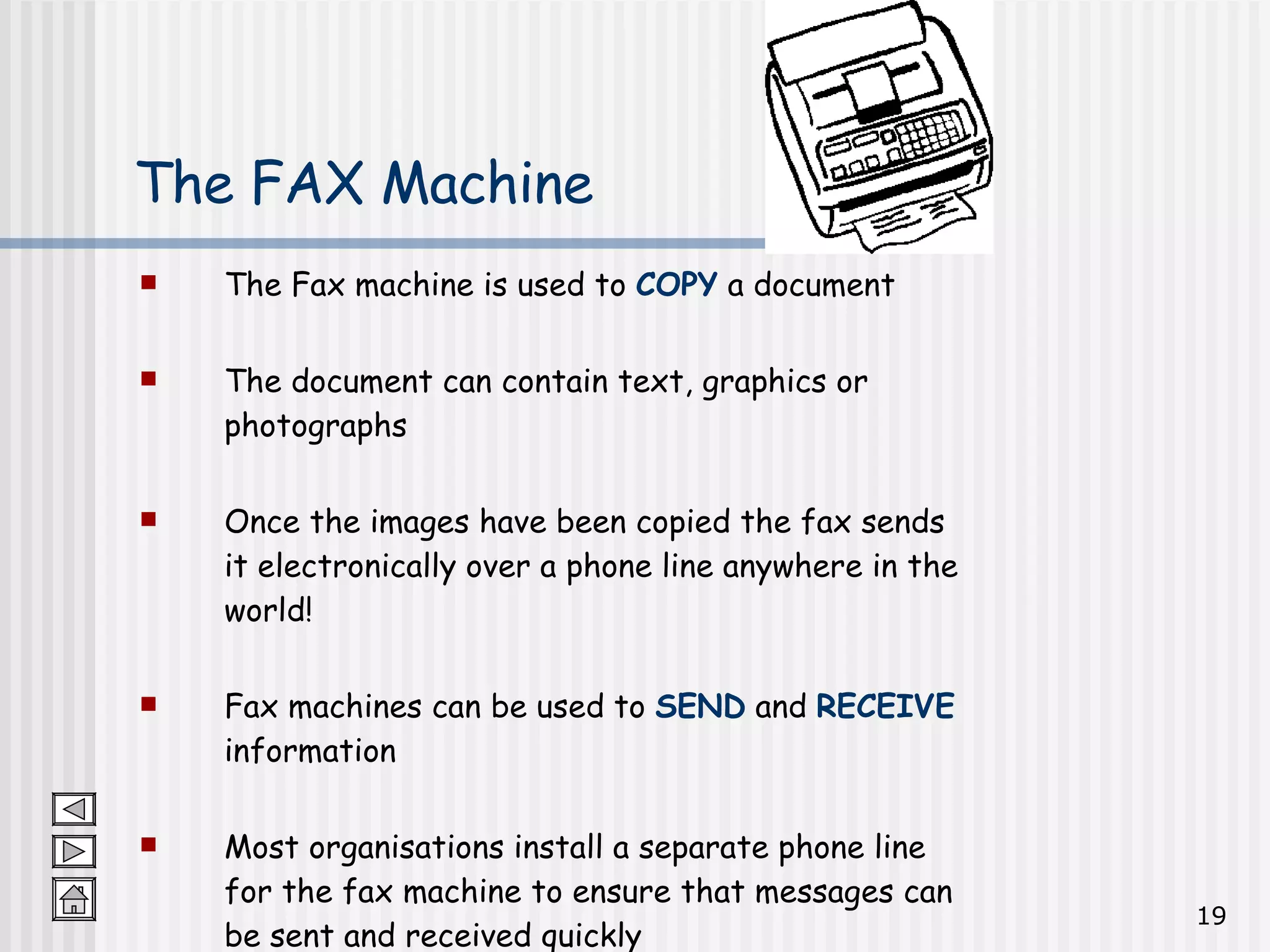
The Fax machineis used to COPY a document The document can contain text, graphics or photographs Once the images have been copied the fax sends it electronically over a phone line anywhere in the world! Fax machines can be used to SEND and RECEIVE information Most organisations install a separate phone line for the fax machine to ensure that messages can be sent and received quickly The FAX Machine
20.
Mr Millar mustinform all employees to carry out the following procedure for OUTGOING faxes: Make sure that the sender’s name, organisation, fax and phone number, and number of pages being sent is clearly shown on the fax cover letter Collect the TRANSMISSION REPORT to confirm that all the information has been sent What Procedure will Mr Millar use for dealing with OUTGOING FAXES?
21.
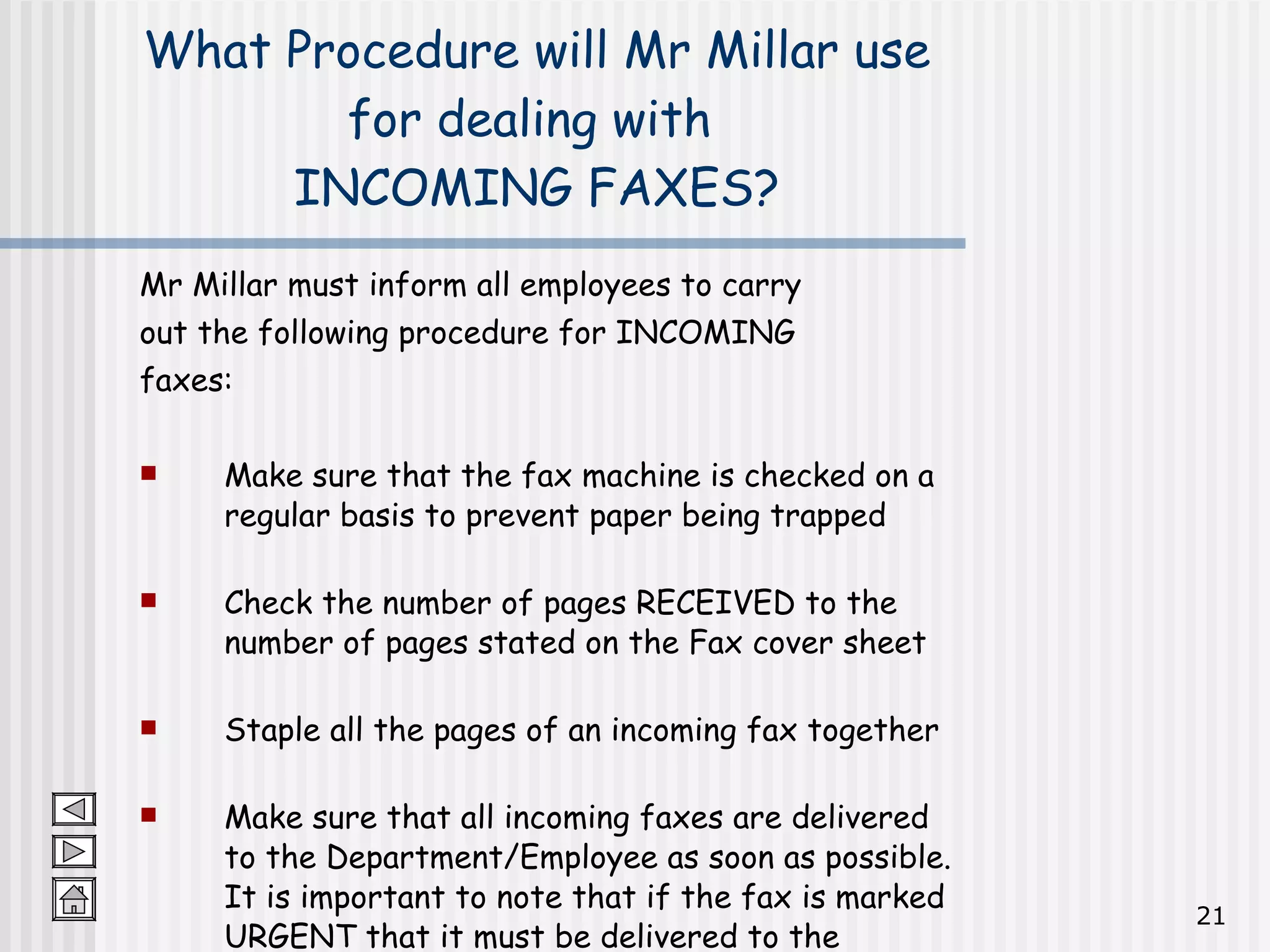
Mr Millar mustinform all employees to carry out the following procedure for INCOMING faxes: Make sure that the fax machine is checked on a regular basis to prevent paper being trapped Check the number of pages RECEIVED to the number of pages stated on the Fax cover sheet Staple all the pages of an incoming fax together Make sure that all incoming faxes are delivered to the Department/Employee as soon as possible. It is important to note that if the fax is marked URGENT that it must be delivered to the employee immediately What Procedure will Mr Millar use for dealing with INCOMING FAXES?
22.
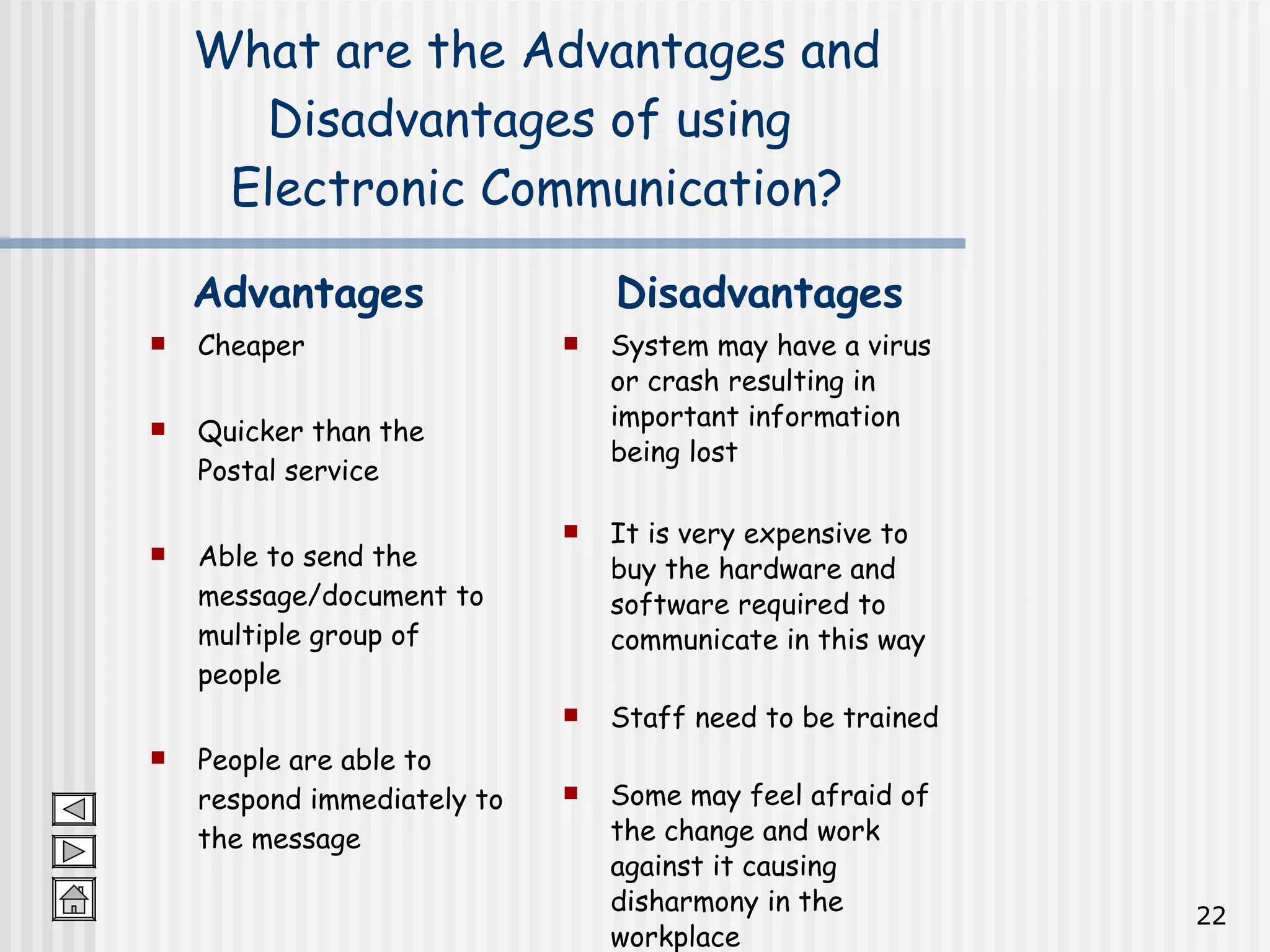
What are theAdvantages and Disadvantages of using Electronic Communication? Cheaper Quicker than the Postal service Able to send the message/document to multiple group of people People are able to respond immediately to the message System may have a virus or crash resulting in important information being lost It is very expensive to buy the hardware and software required to communicate in this way Staff need to be trained Some may feel afraid of the change and work against it causing disharmony in the workplace Advantages Disadvantages
23.
Activities Complete thefollowing tasks in your Activities booklet: Question 8: E-mail Question 9: Fax machine Question 10: Use of advanced technology